
7 Enforcement Sergeant - Training and Compliance Cover Letter Templates with Example
This practical guide helps you write an Enforcement Sergeant - Training and Compliance cover letter, with one example presented in seven layouts.
What Makes a Great Enforcement Sergeant - Training and Compliance Cover Letter in 2026
A strong letter connects field supervision and transportation enforcement to the role’s training and compliance duties. It makes your interest and fit clear from the opening.
Use specific evidence, such as coordinating certification records, setting training goals, or guiding enforcement work. Link that evidence to the agency’s needs in a direct, professional tone.
The featured example moves from role interest to training evidence, enforcement experience, and a focused close. Adapt that progression while choosing a presentation that suits the employer and the communication context.
#1 Simple One Column Format Cover Letter Example
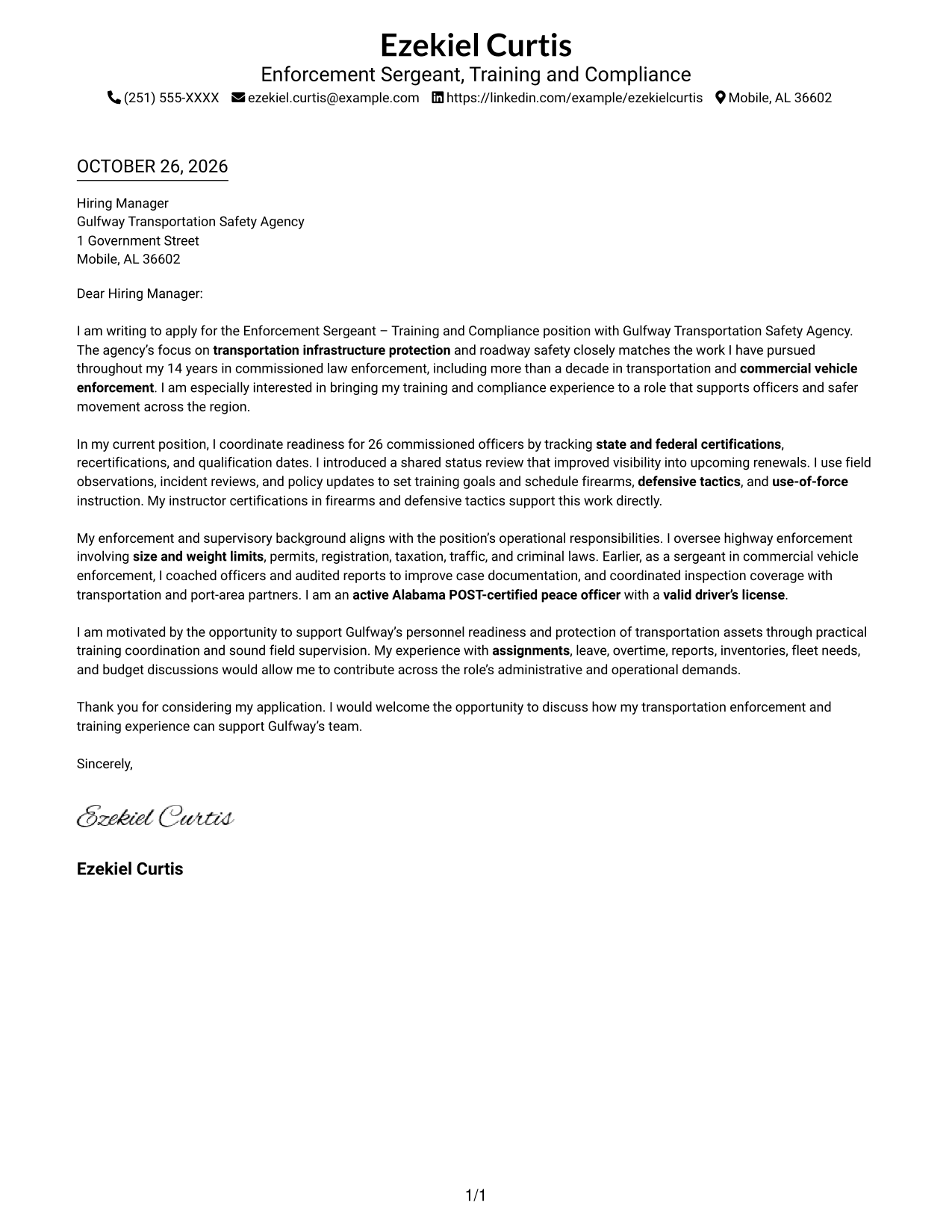
A single vertical column defines Simple One Column Format, keeping sender details in the header and the letter body together in a straightforward reading path.
Why This Format Works
- Sender details remain in the header, apart from the letter's persuasive paragraphs.
- The single vertical body lets motivation, evidence, and closing unfold in order.
- A photo-free page suits readers who want the written case without a portrait.
Best For
- Single-column letter reading
- Header-based contact details
- Motivation-to-closing narrative
- Photo-free correspondence
- Letters with several supporting points
#2 Two Column Format Cover Letter Example
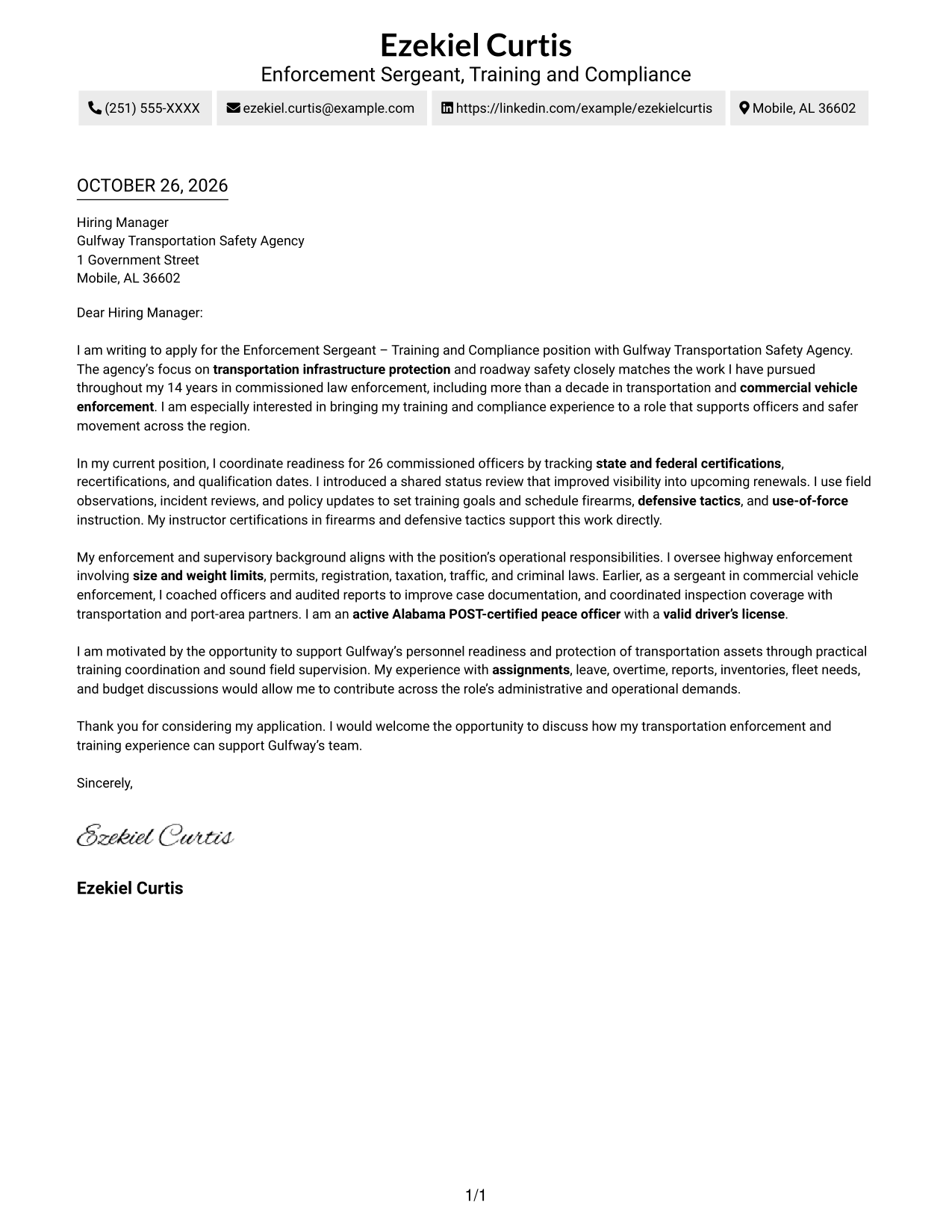
With contact details in a sidebar and the letter beside them, Two Column Format separates reference information from the continuous message.
Why This Format Works
- The sidebar keeps sender details separate from the letter's message.
- One body column carries motivation, evidence, and closing in a single sequence.
- A photo-free layout suits applications centered on written communication.
Best For
- Sidebar contact reference
- Continuous persuasive paragraphs
- Photo-free agency correspondence
- Applications requiring role alignment
- Letters with a distinct closing
#3 Photo Header Two Column Format Cover Letter Example
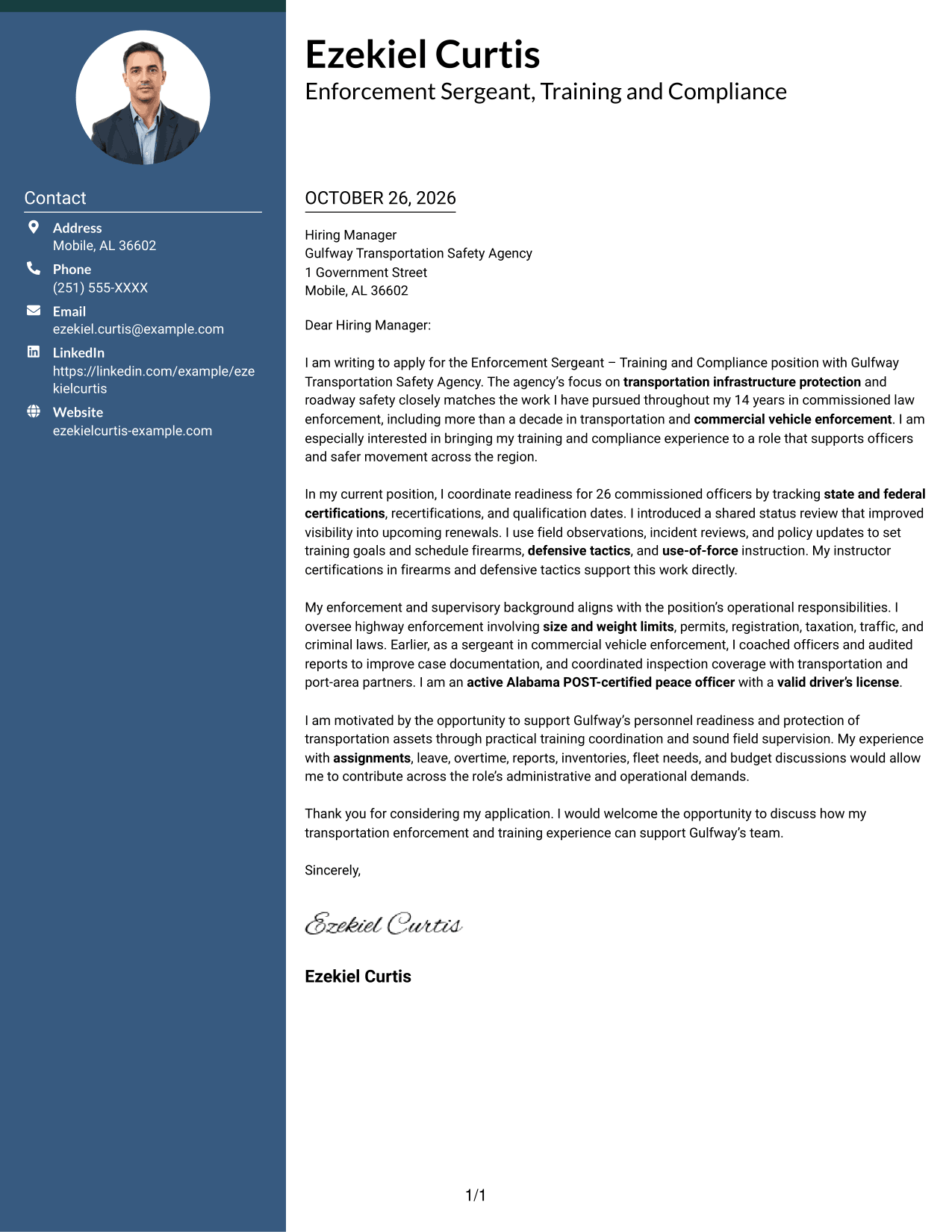
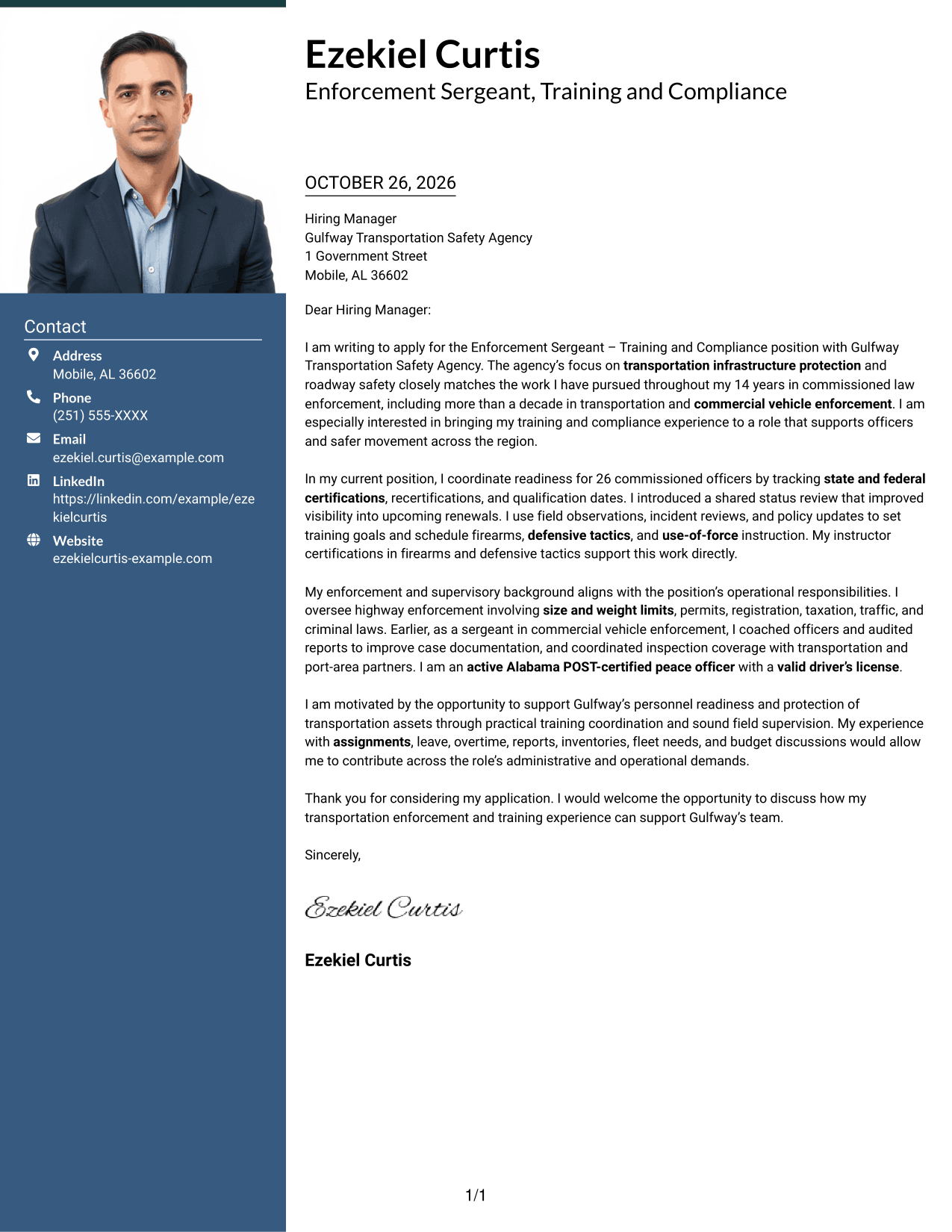
A portrait in the header distinguishes Photo Header Two Column Format, while a contact sidebar sits beside the continuous letter body.
Why This Format Works
- The header portrait adds a personal visual element without dividing the letter body.
- A contact sidebar keeps sender information apart from the persuasive paragraphs.
- The body remains continuous, so the case develops from opening through closing.
Best For
- Header portrait presentation
- Separate contact reference
- Continuous application argument
- Agency-specific motivation letters
- Letters linking evidence to role needs
#4 One Column Format with Photo Cover Letter Example
One Column Format with Photo pairs a portrait with a single-column letter body, giving the message one clear reading path.
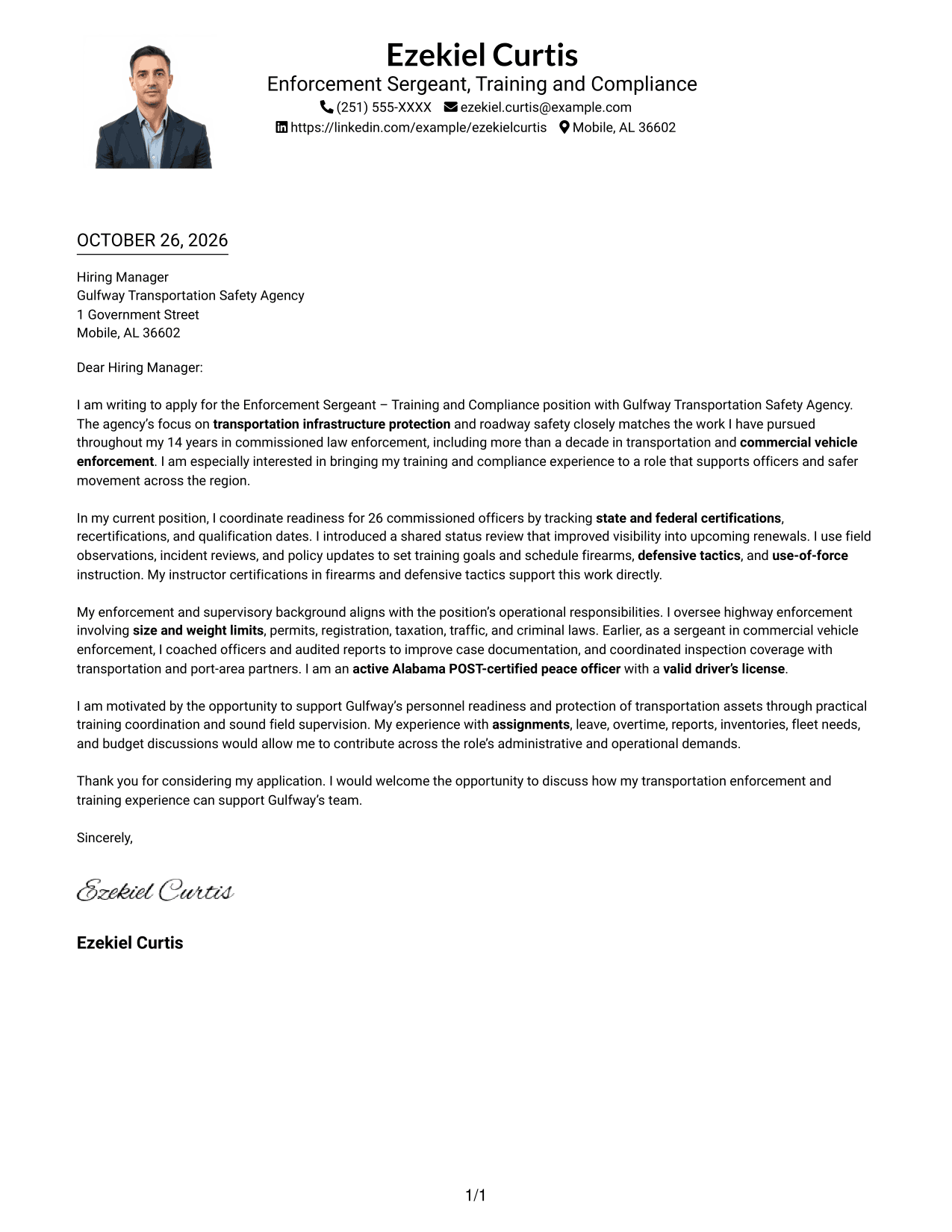
Why This Format Works
- The portrait adds a clear visual element while the letter stays in one column.
- A single body path keeps the opening, supporting case, and closing in sequence.
- Sender details remain in the header, separate from the persuasive paragraphs.
Best For
- Single-path letter reading
- Portrait-inclusive correspondence
- Header contact information
- Motivation-led applications
- Letters with several evidence paragraphs
#5 Simple Two Column Format Cover Letter Example
Simple Two Column Format places contact details in a sidebar and keeps all letter paragraphs together in the adjacent body.
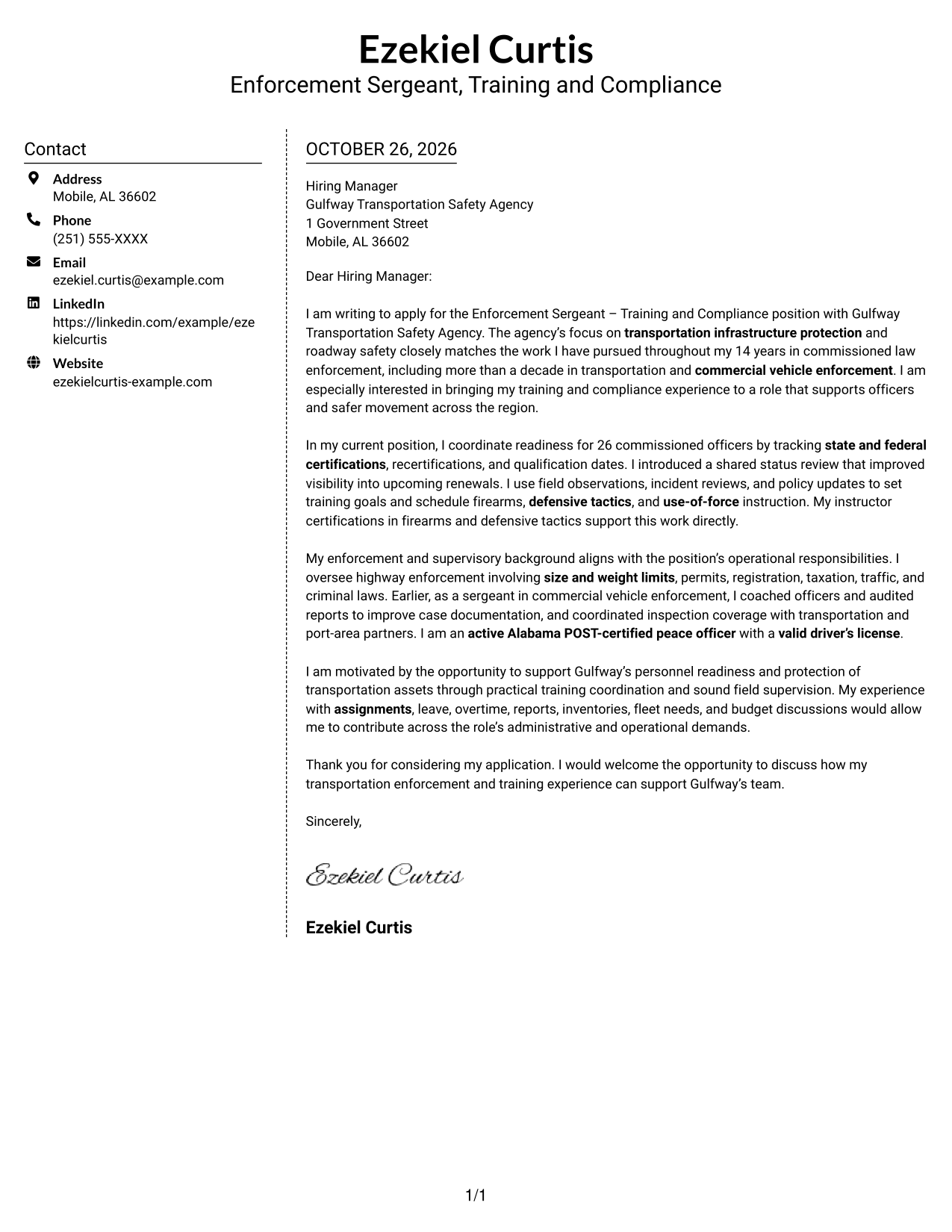
Why This Format Works
- The sidebar gives contact details a separate place beside the letter.
- All argument paragraphs remain together, preserving the letter's natural progression.
- Without a portrait, the format keeps its visual focus on written correspondence.
Best For
- Sidebar contact details
- Formal agency applications
- Detailed role-fit explanations
- Photo-free correspondence
- Letters with a clear closing paragraph
#6 Modern Icon Format Cover Letter Example
Modern Icon Format uses icons as contact cues, while the body remains one continuous letter beside the contact sidebar.
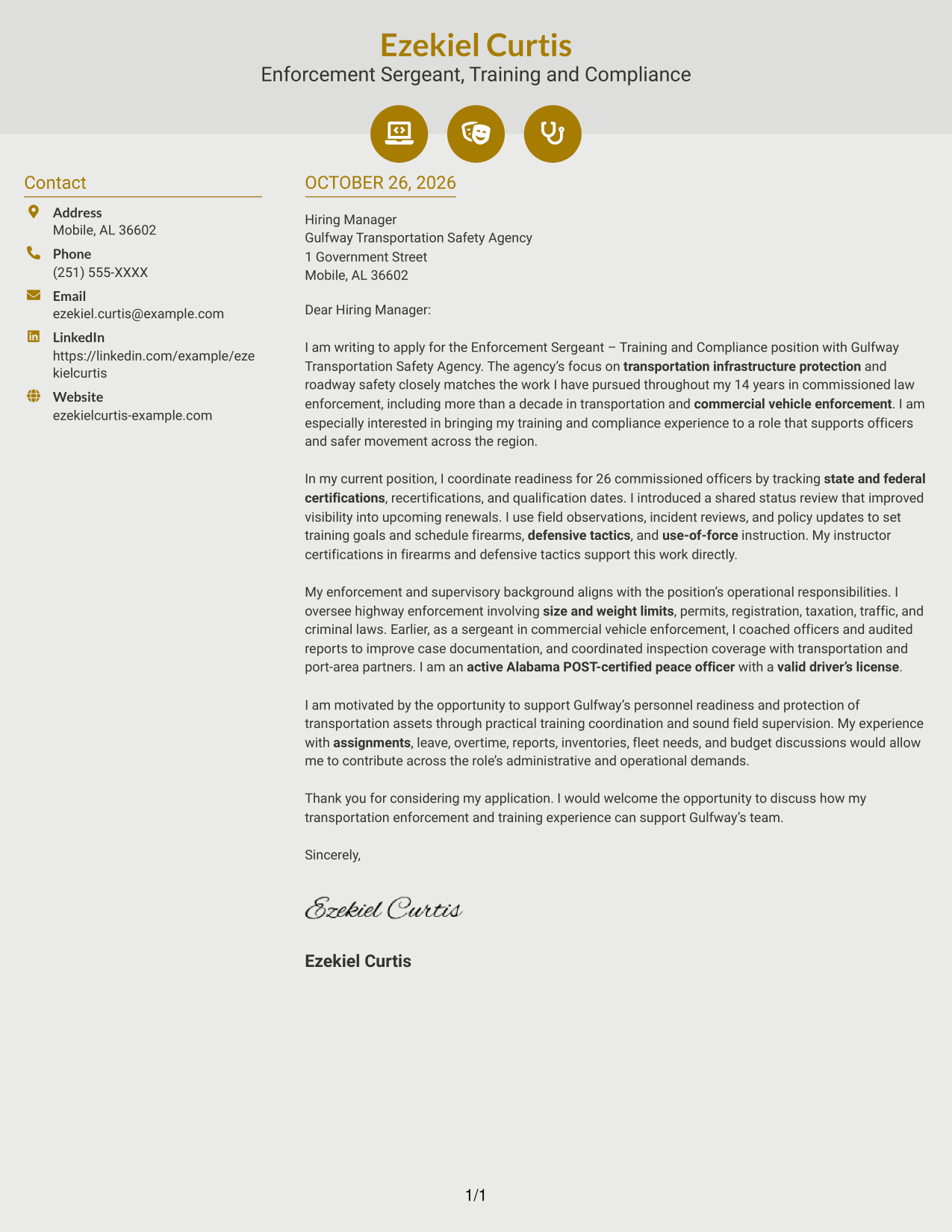
Why This Format Works
- Contact icons give sender details quick visual cues without marking argument stages.
- The sidebar and letter body remain distinct, so contact details are easy to locate.
- One continuous body keeps motivation, evidence, and closing in reading order.
Best For
- Icon-guided contact details
- Continuous persuasive prose
- Agency application letters
- Photo-free correspondence
- Letters with a motivation-led opening
#7 Creative Two Tone Format Cover Letter Example
Creative Two Tone Format places contact information in a sidebar beside one continuous letter body, keeping the message together.
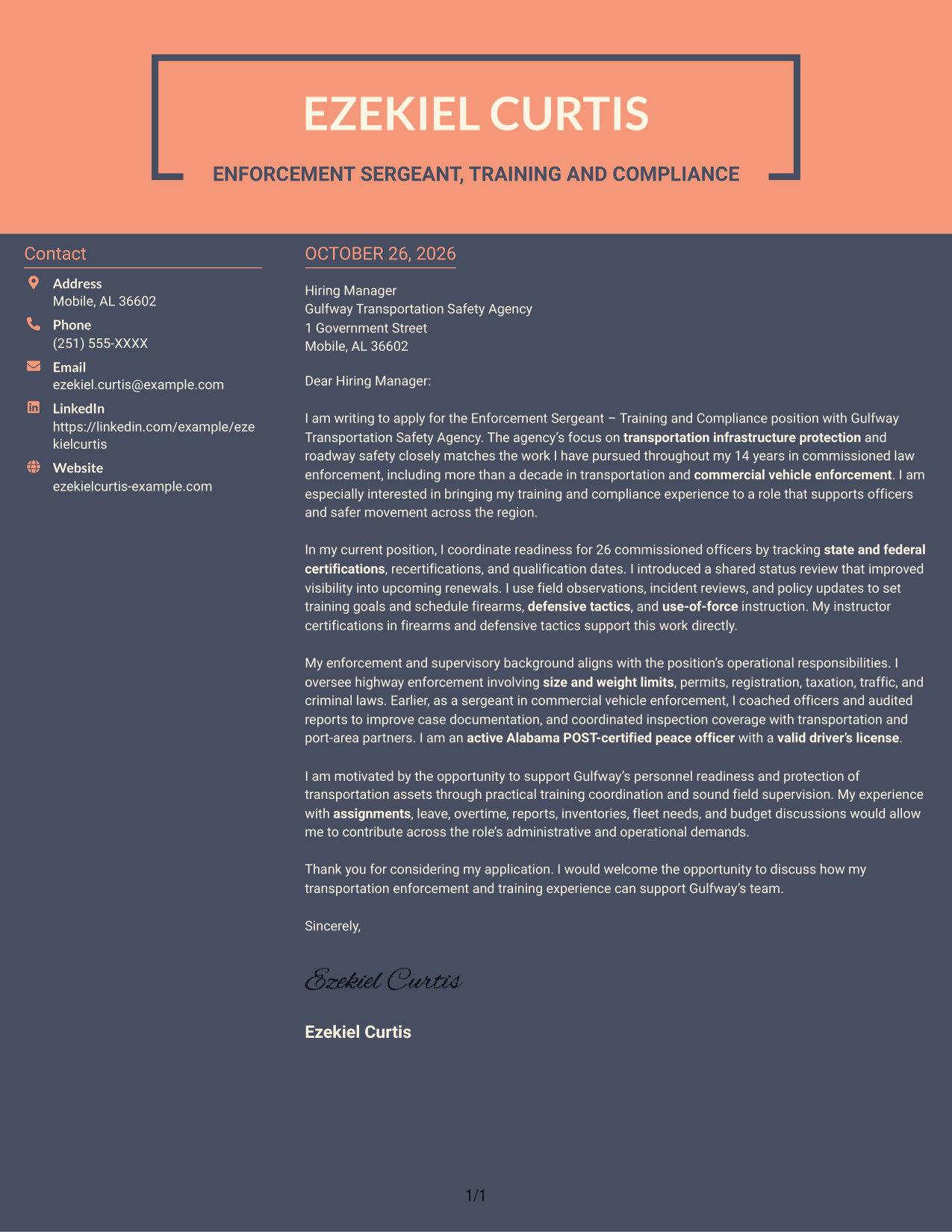
Why This Format Works
- A separate contact sidebar keeps reference details apart from the letter's argument.
- The continuous body lets readers follow the case without switching between columns.
- No portrait keeps the presentation focused on contact information and written content.
Best For
- Contact details apart from prose
- Continuous cover letter argument
- No-portrait correspondence
- Letters explaining agency interest
- Applications with multiple supporting points
Why Use ResumeInMinutes for an Enforcement Sergeant - Training and Compliance Cover Letter
Compare cover letter image previews and open an example in the editor to shape a clear message around training readiness, field supervision, and transportation safety.
- PNG cover letter previews
- Examples available in the editor
- Role-focused letter guidance
- Clear opening, body, and closing
- Layouts for different communication needs
- Cover letter customization
Build your message around supported details, such as certification tracking, officer instruction, commercial vehicle enforcement, and administrative readiness. Keep the focus on why your experience fits this position.
See Also
- 7 Enforcement Sergeant - Training and Compliance Resume Templates with Example
- 7 Airport Police Sergeant Resume Templates with Example
- 33 Animal Control Officer - Field Animal Enforcement Resume Templates with Example 2026 (ATS-Optimized)
- 7 Chief of Parking Enforcement Operations Resume Templates with Example
- 33 Constable Deputy - Civil Process Enforcement Resume Templates with Example 2026 (ATS-Optimized)
- 7 Police Officer 3 - Campus Law Enforcement Resume Templates with Example
- 7 Senior Solutions Architect - RFID and Vision Resume Templates with Example
- 7 Attorney - Constitutional and Government Litigation Resume Templates with Example
- 7 Airport Police Sergeant Cover Letter Templates with Example
- 7 Chief of Parking Enforcement Operations Cover Letter Templates with Example
Frequently Asked Questions
What should an Enforcement Sergeant - Training and Compliance cover letter emphasize?
Connect training coordination and personnel supervision with transportation enforcement and roadway safety. Use a clear example to show how you manage readiness or guide field work.
How can I show training and compliance experience in the letter?
Describe the records and requirements you manage, the training needs you assess, and how you set goals. The featured example explains coordination of readiness for 26 commissioned officers and tracking of required certifications and renewals.
How should I explain my fit for the enforcement duties?
Give specific examples related to vehicle size and weight, permits, registration, taxation, traffic, or criminal law enforcement. Show how your decisions support safe operations and protect transportation infrastructure.
What is a clear structure for this cover letter?
Open with your interest and connection to the agency’s work. Use the body to show relevant training and enforcement evidence, then close by stating how you can contribute.
How can I compare the cover letter examples?
Review the PNG previews to compare presentation, then open an example in the editor to customize your letter. Choose a clear style that fits the employer and the way you need to communicate.




