
7 Engineering Intern - Hydraulic Product Development Cover Letter Templates with Example
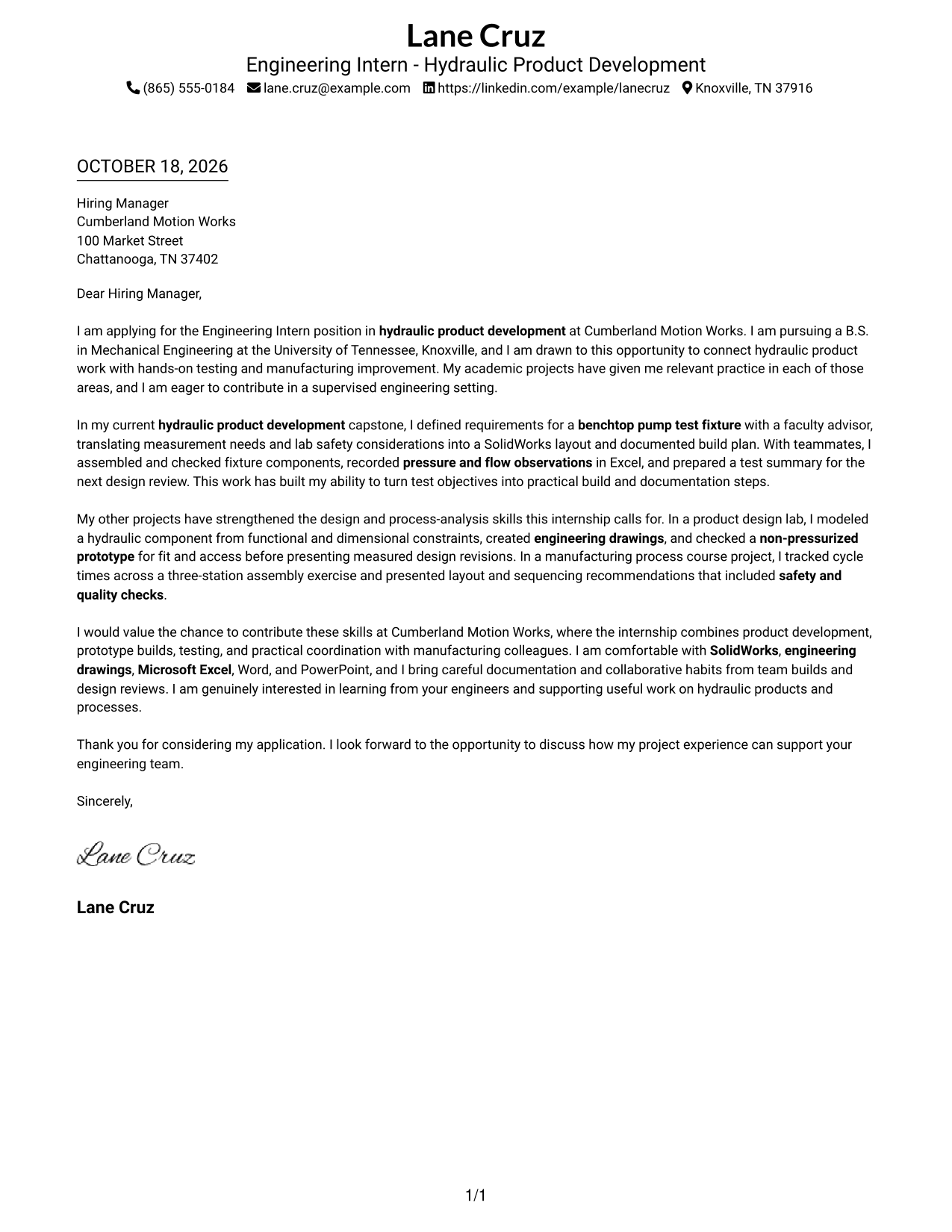
This practical guide to an Engineering Intern - Hydraulic Product Development cover letter shows how to present relevant interest and evidence in a clear letter across seven layouts.
What Makes a Great Engineering Intern - Hydraulic Product Development Cover Letter in 2026
A strong letter explains your interest in hydraulic product development and connects it to testing, prototype work, or manufacturing process improvement. Keep the opening focused on the role and the value you hope to bring.
Use clear examples, such as defining test fixture needs, recording pressure and flow observations, or reviewing a prototype. Show how your approach to safety, measured results, and teamwork fits the employer’s needs.
The featured Engineering Intern - Hydraulic Product Development example moves from role interest to specific project evidence and a clear closing. Adapt that progression to your own experience, and choose a presentation that suits the employer and the communication context.
#1 Simple One Column Format Cover Letter Example
The Simple One Column Format places sender details in the header above a continuous letter body, a practical choice for a straightforward reading path.
Why This Format Works
- Sender contact details stay in the header, apart from the letter's message.
- The opening, project evidence, and closing follow one continuous paragraph sequence.
- The photo-free presentation suits readers who prefer a letter without a portrait.
Best For
- Single-column reading preference
- Header-based contact details
- Multi-paragraph project evidence
- Photo-free application materials
- Traditional letter presentation
#2 Two Column Format Cover Letter Example
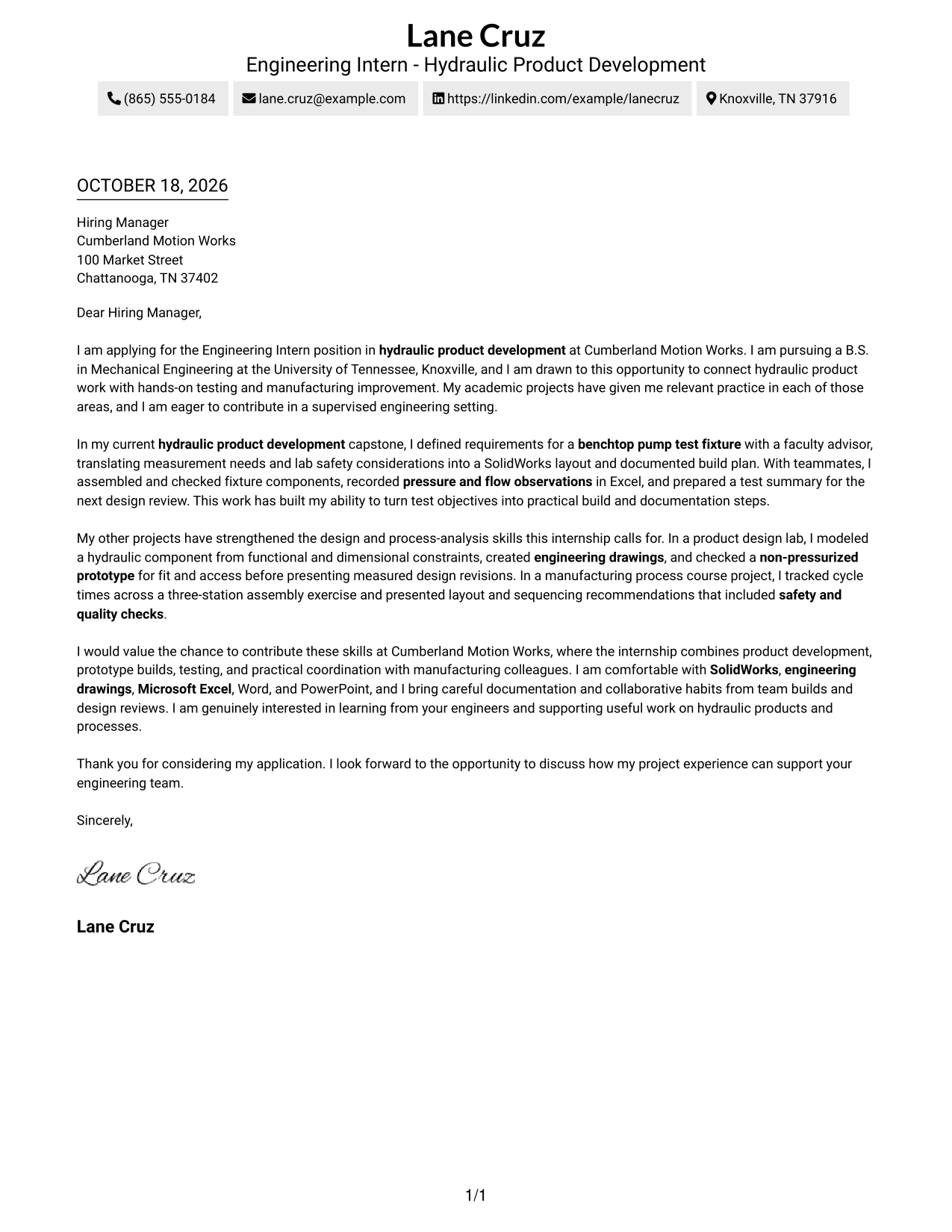
The Two Column Format sets a contact sidebar beside a single letter body, helping readers find contact information without dividing the message.
Why This Format Works
- Contact details sit apart from the message, making sender information easy to locate.
- The letter remains one continuous body rather than parallel argument columns.
- The portrait-free layout suits applications where a photo is not wanted.
Best For
- Separate contact and message areas
- One-column letter bodies
- Letters with several supporting examples
- Photo-free application materials
- Sidebar contact access
#3 Photo Header Two Column Format Cover Letter Example
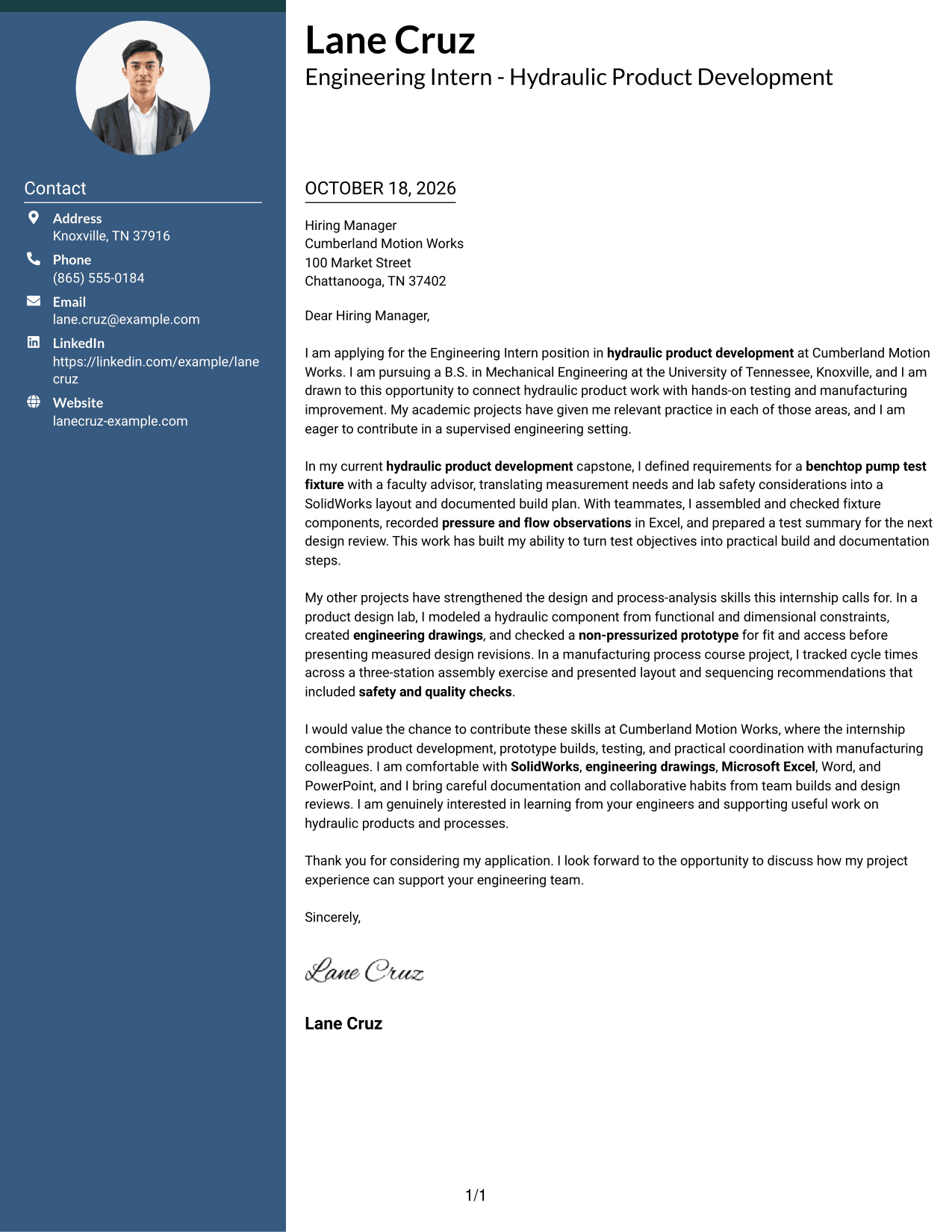
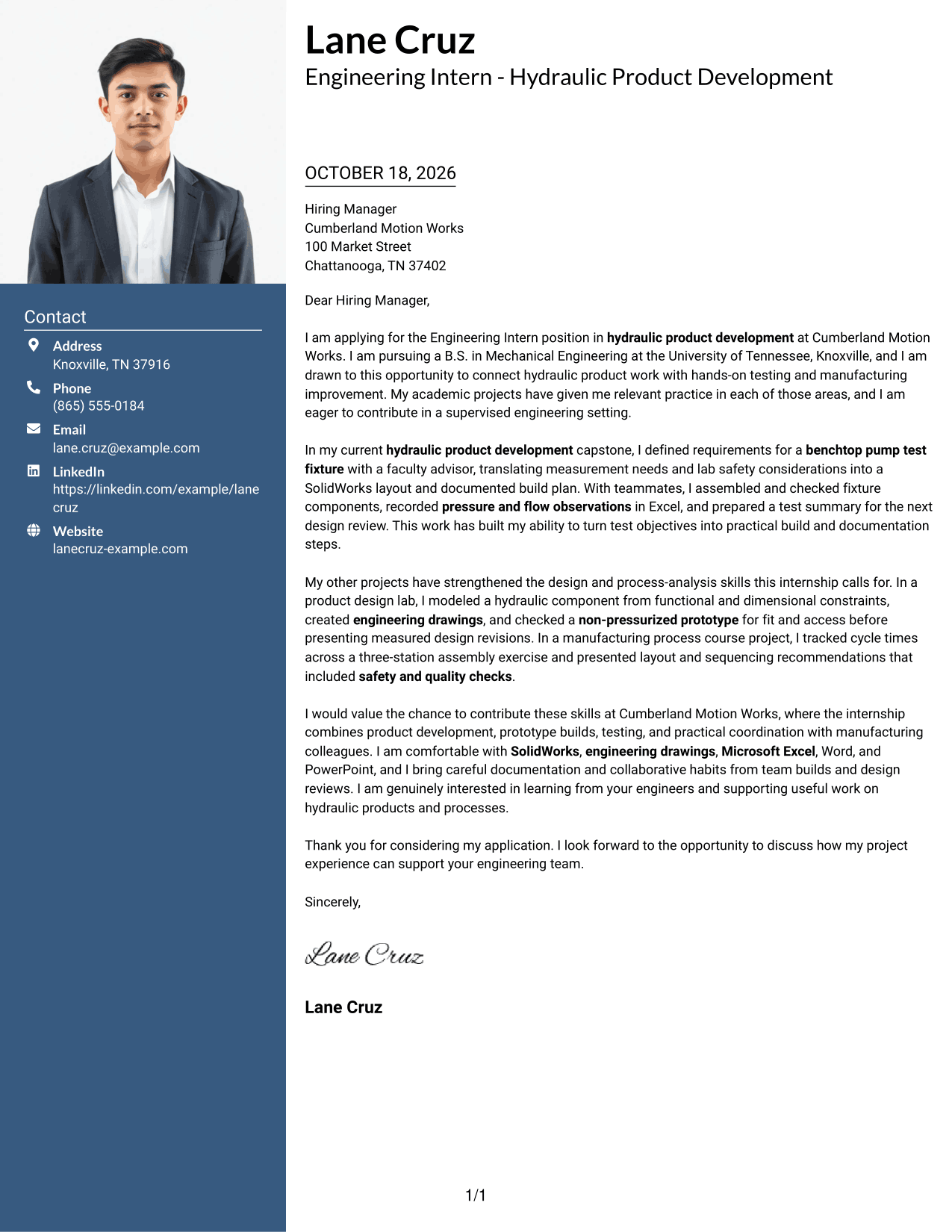
The Photo Header Two Column Format pairs a portrait with a contact sidebar while keeping the letter in one continuous body.
Why This Format Works
- Contact details occupy a sidebar, while the letter remains one continuous body.
- A header portrait adds a personal visual element without dividing the message.
- The single letter-body column keeps the argument in a direct reading order.
Best For
- Portrait-led header preference
- Separate contact sidebar
- One-column letter argument
- Multi-paragraph project evidence
- Photo-inclusive application materials
#4 One Column Format with Photo Cover Letter Example
The One Column Format with Photo keeps the portrait and sender details in the header above one continuous letter body.
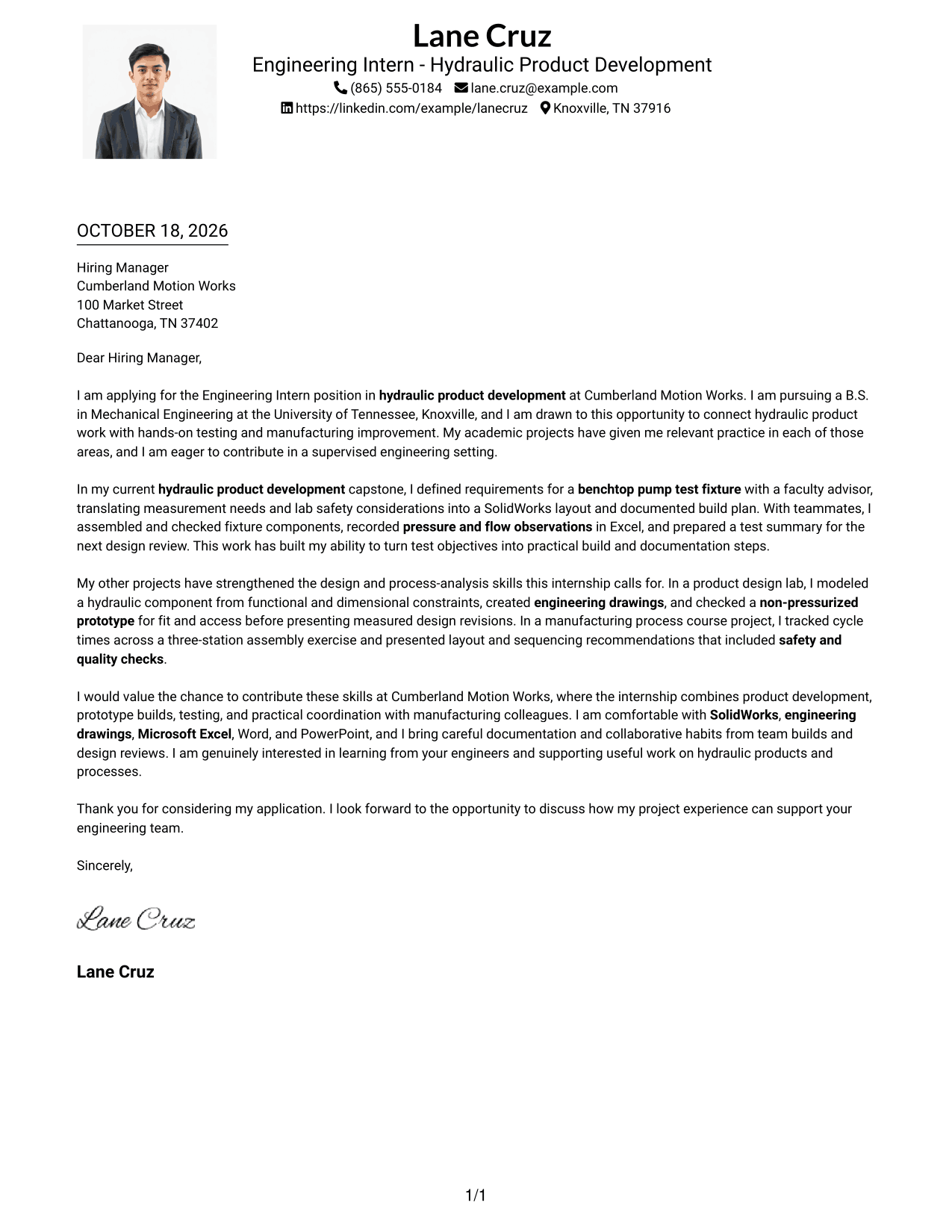
Why This Format Works
- One column keeps sender details in the header and the letter body together.
- A portrait in the header adds a visual point of identification.
- Opening, evidence, and closing paragraphs remain in one reading sequence.
Best For
- Single-column letter preference
- Header portrait presentation
- Multi-paragraph project evidence
- Applications that welcome a portrait
- Direct opening-to-closing flow
#5 Simple Two Column Format Cover Letter Example
The Simple Two Column Format gives contact information its own sidebar and leaves the letter message in a single body column.
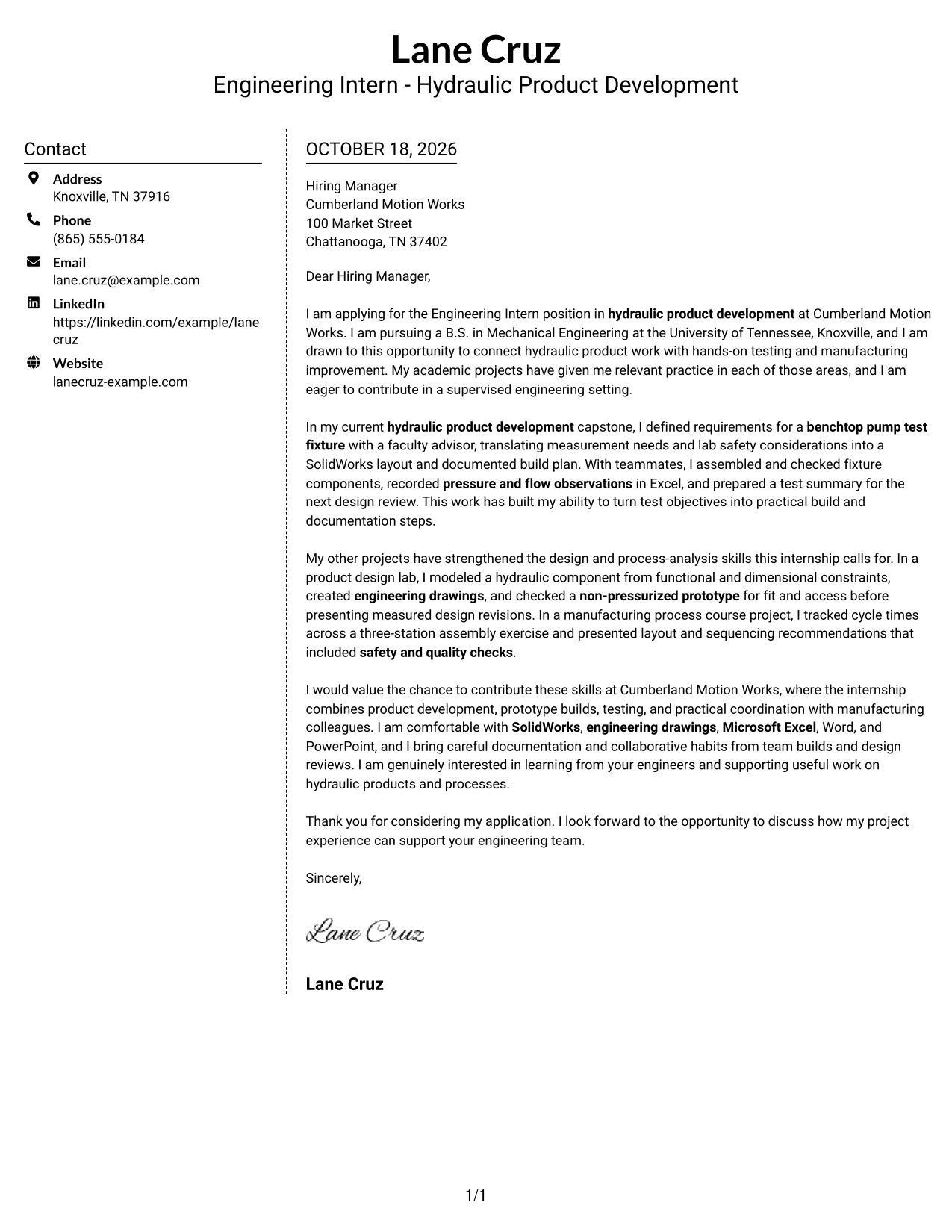
Why This Format Works
- Contact details have their own sidebar, separate from the letter's message.
- The body stays in one column, so the argument is not split across columns.
- The portrait-free design suits readers who want a written introduction without a photo.
Best For
- Sidebar contact information
- Single-column message preference
- Letters with several evidence paragraphs
- Photo-free written introductions
- Clearly separated sender details
#6 Modern Icon Format Cover Letter Example
The Modern Icon Format uses two columns, with contact cues in the sidebar and the full letter in a continuous body.
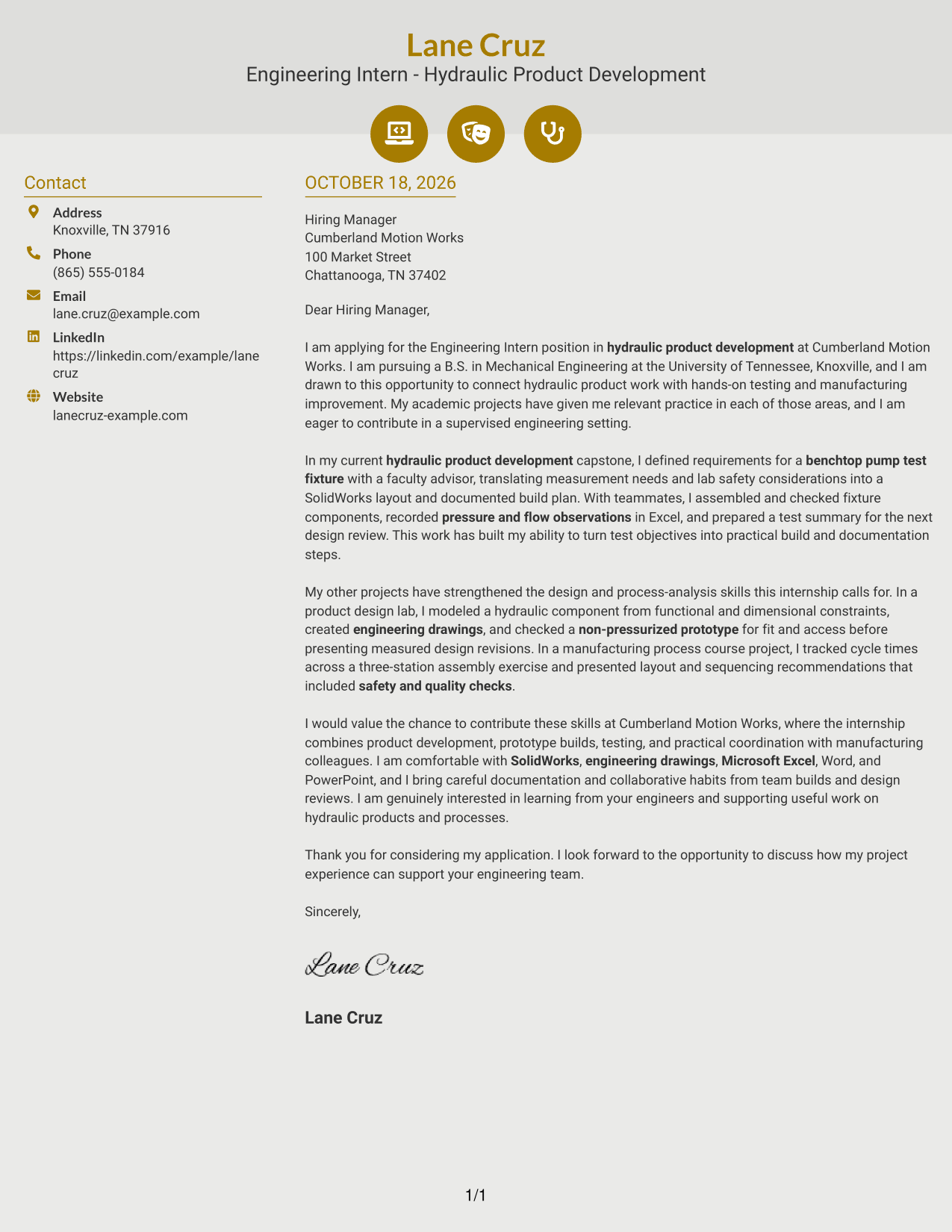
Why This Format Works
- Contact icons give sender details visual cues in the sidebar, not argument labels.
- One continuous letter body keeps the opening, evidence, and closing together.
- Decorative header accents add a visual cue while the letter stays paragraph-led.
Best For
- Icon-supported contact details
- Two-column page organization
- Continuous multi-paragraph letters
- Photo-free application documents
- Visual header accents
#7 Creative Two Tone Format Cover Letter Example
The Creative Two Tone Format places the contact sidebar beside the letter, keeping the full message together in one column.
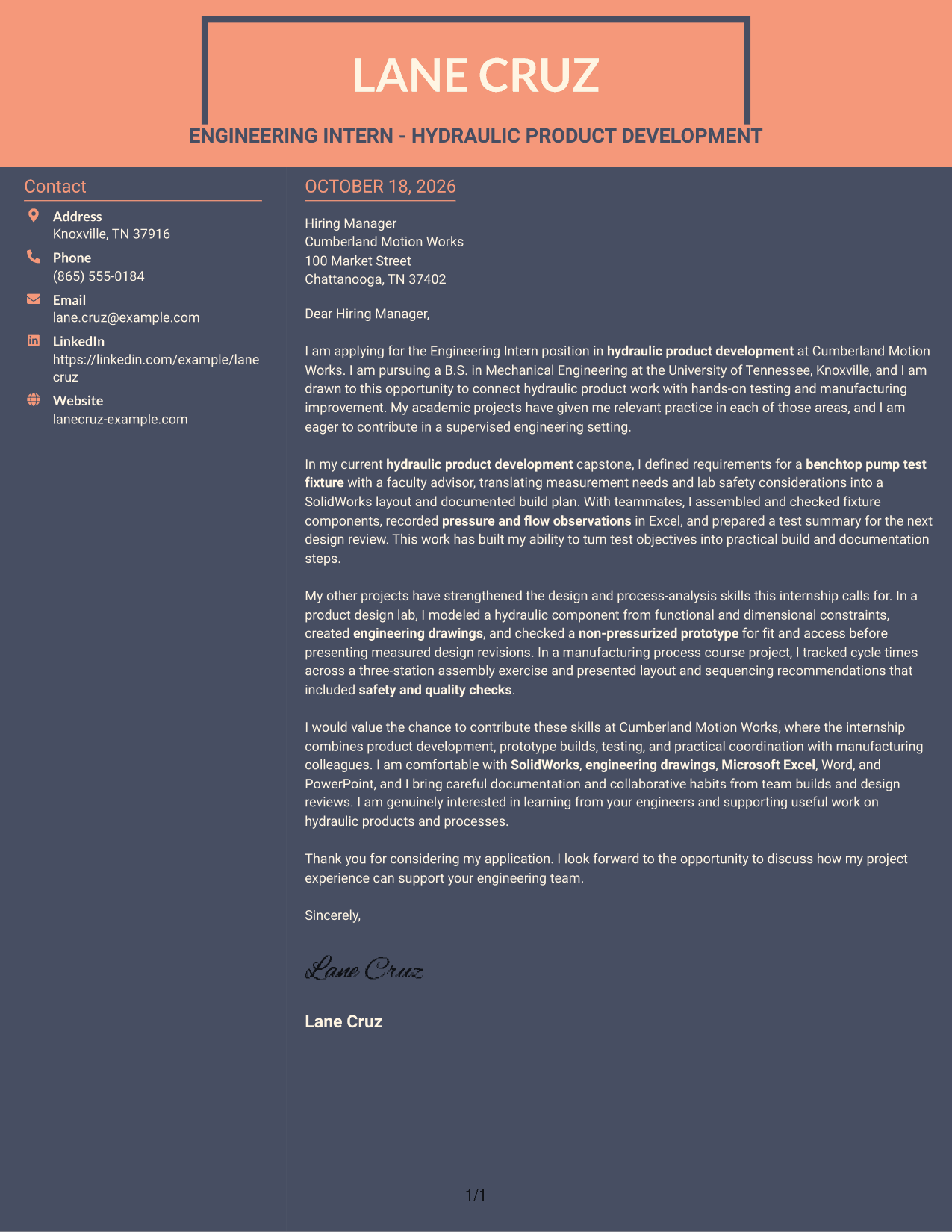
Why This Format Works
- The sidebar keeps contact information distinct from the paragraphs of the letter.
- A single body column lets the opening, evidence, and closing read in order.
- The portrait-free layout fits readers who prefer a written introduction without a photo.
Best For
- Distinct contact and message areas
- One-column letter-body preference
- Letters with a clear evidence sequence
- Photo-free application materials
- Two-column layout preference
See Also
- 7 Engineering Intern - Hydraulic Product Development Resume Templates with Example
- 7 Engineering Product Development Manager - Advanced Machine Technology Resume Templates with Example
- 7 Intern Engineering Product Development Resume Templates with Example
- 33 AI and Software Development Engineering Intern Resume Templates with Example 2026 (ATS-Optimized)
- 33 Civil Engineering Intern - Land Development Resume Templates with Example 2026 (ATS-Optimized)
- 7 Engineering Project Team Lead - Machine Development Resume Templates with Example
- 33 Intern-Engineering (Firmware Development) Resume Templates with Example 2026 (ATS-Optimized)
- 33 GenAI Product Engineering Lead Resume Templates with Example 2026 (ATS-Optimized)
- 30+ AI and Software Development Engineering Intern Cover Letter Templates with Example 2026
- 30+ Civil Engineering Intern - Land Development Cover Letter Templates with Example 2026
Frequently Asked Questions
What should an Engineering Intern - Hydraulic Product Development cover letter emphasize?
Show why you are interested in hydraulic product work, then connect relevant experience to testing, design, prototype builds, or manufacturing improvement. Use specific evidence and explain what you learned or contributed.
How can I show practical experience in my letter?
Describe a relevant task and your part in it. For example, you could explain how you planned a test, checked a prototype, recorded measurements, or shared findings with a team, if those details match your experience.
How should I connect my skills to the employer’s needs?
Choose skills that relate directly to the role, such as SolidWorks, engineering drawings, Microsoft Office, test documentation, or data analysis. Link each skill to a specific example rather than presenting a list alone.
Can academic work support an engineering internship cover letter?
Yes. Coursework and team projects can provide useful examples of design, testing, safety, communication, and problem solving. State your own contribution clearly and keep claims accurate.
How can I compare the cover letter styles?
Review the image previews to compare the page layouts and visual style. Open an example in the editor to view or customize it for your letter.




