
7 Enterprise Sales Development Representative Cover Letter Templates with Example
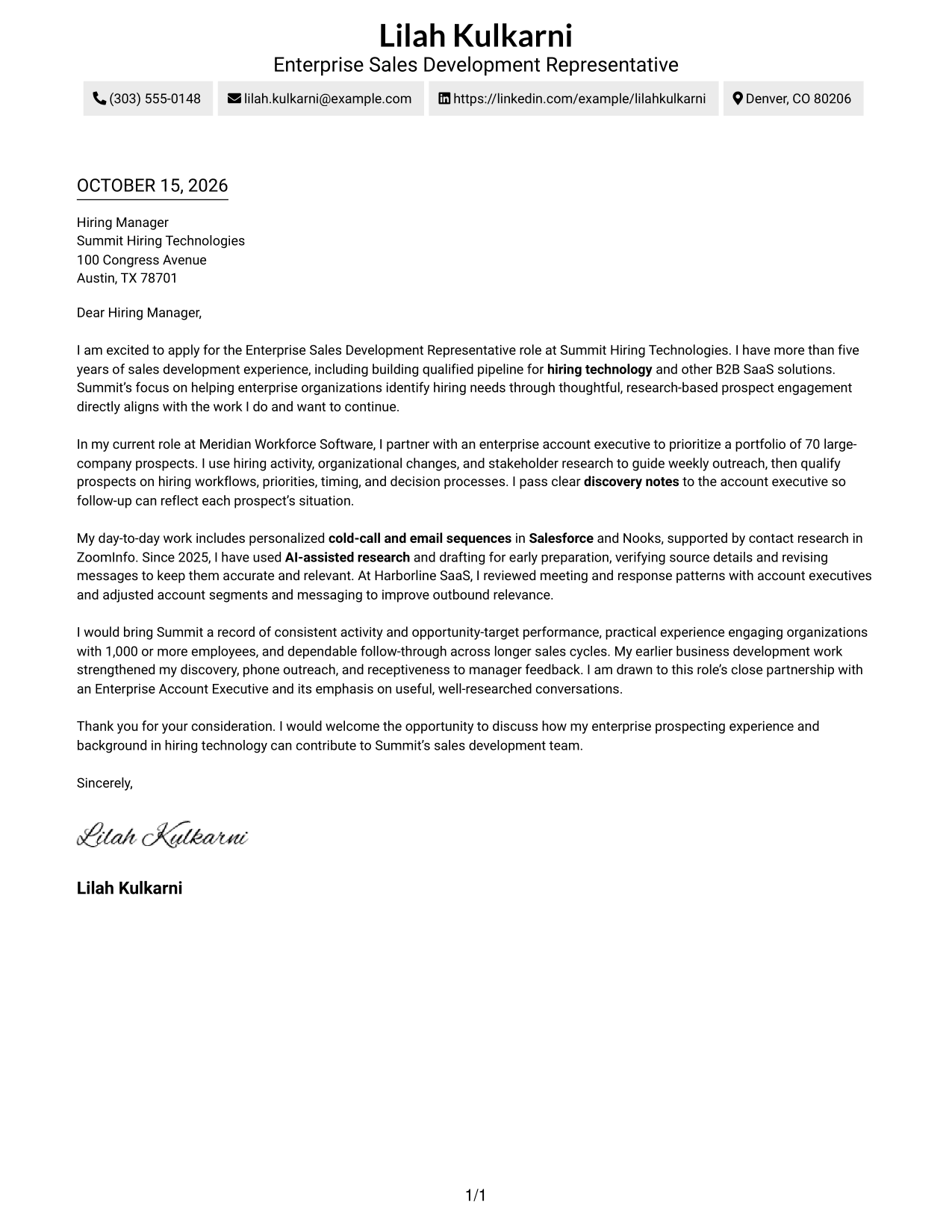
This practical guide to an Enterprise Sales Development Representative cover letter shows how seven layouts can help you present your role fit clearly.
What Makes a Great Enterprise Sales Development Representative Cover Letter in 2026
A strong letter links your interest in enterprise sales development to clear examples of account research, personalized outreach, and thoughtful prospect conversations.
Show how you qualify needs, work with an enterprise account executive, and follow through over a longer sales cycle. Connect that evidence to the employer’s focus and the work described in the role.
The featured Summit Hiring Technologies example moves from interest in the role to evidence from enterprise prospecting, personalized outreach, and account executive partnership, then closes with a clear statement of contribution. Adapt this progression to your own evidence and choose a presentation that suits the employer and communication context.
#1 Simple One Column Format Cover Letter Example
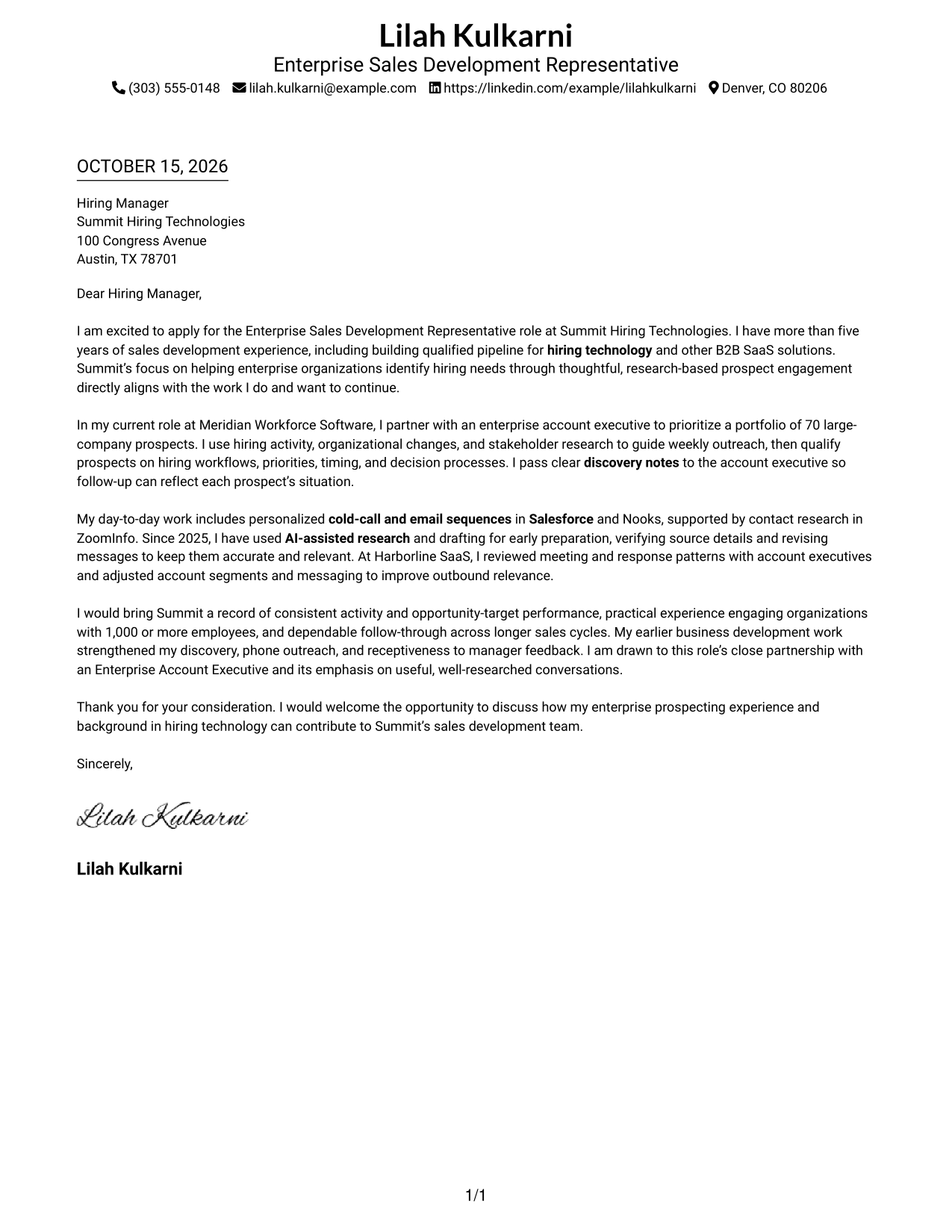
Simple One Column Format keeps the sender details in the header and the letter in one continuous column, a direct choice for readers who prefer one clear reading path.
Why This Format Works
- Sender details in the header keep contact information easy to locate.
- One column lets reviewers follow motivation, evidence, and closing in sequence.
- The letter gives its paragraphs the full body width, without a sidebar.
Best For
- Single-column reading preference
- Header-based contact details
- Continuous letter paragraphs
- A full-width letter body
- Direct contact-to-message flow
#2 Two Column Format Cover Letter Example
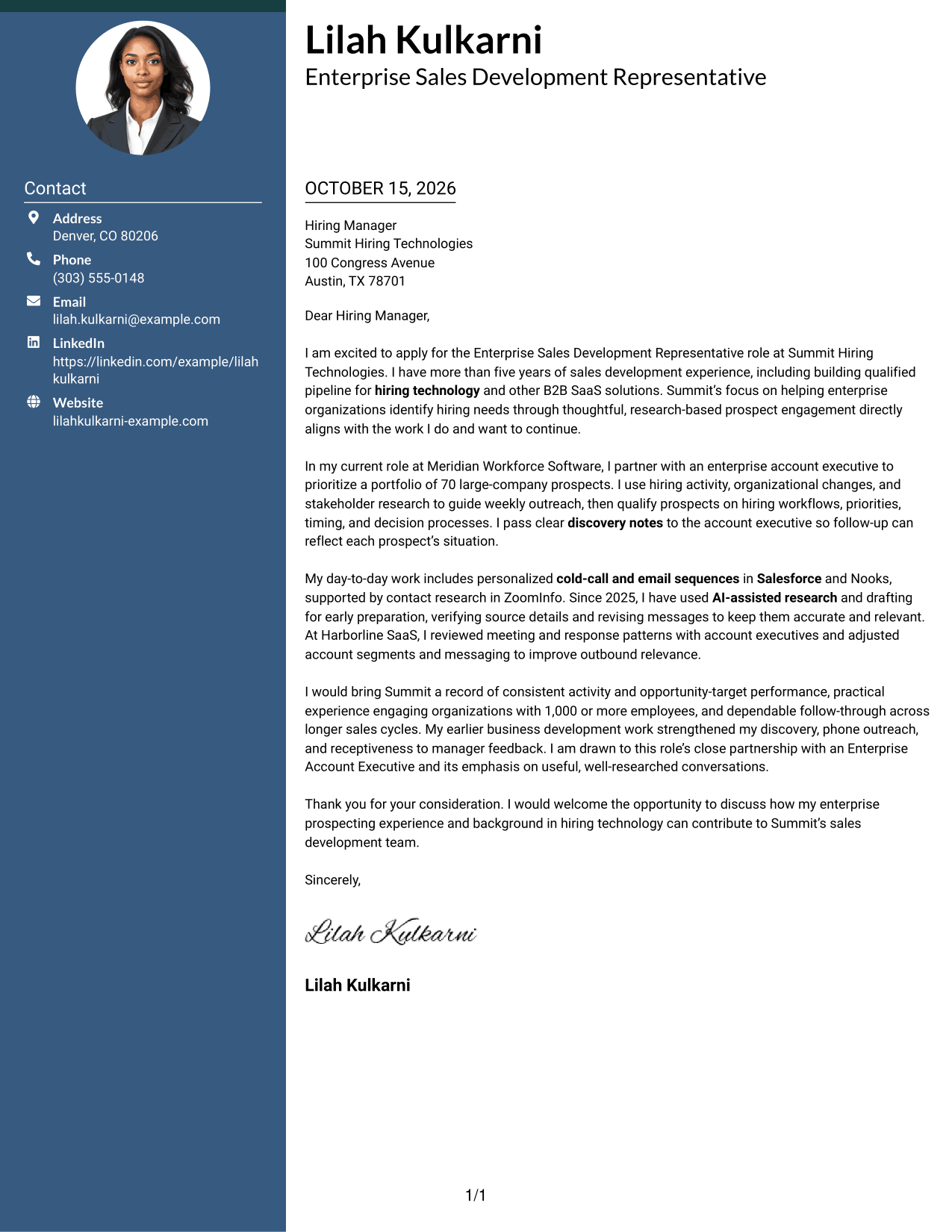
Two Column Format places a contact sidebar beside the continuous letter body, a useful arrangement when readers want the sender details apart from the message.
Why This Format Works
- The sidebar gives sender contact details a distinct place beside the letter.
- A single body column keeps the message in its natural paragraph order.
- The letter stays whole instead of splitting its paragraphs between columns.
Best For
- Contact sidebar preference
- Letters with several body paragraphs
- Side-by-side page organization
- A single-column letter body
- Separate sender and message areas
#3 Photo Header Two Column Format Cover Letter Example
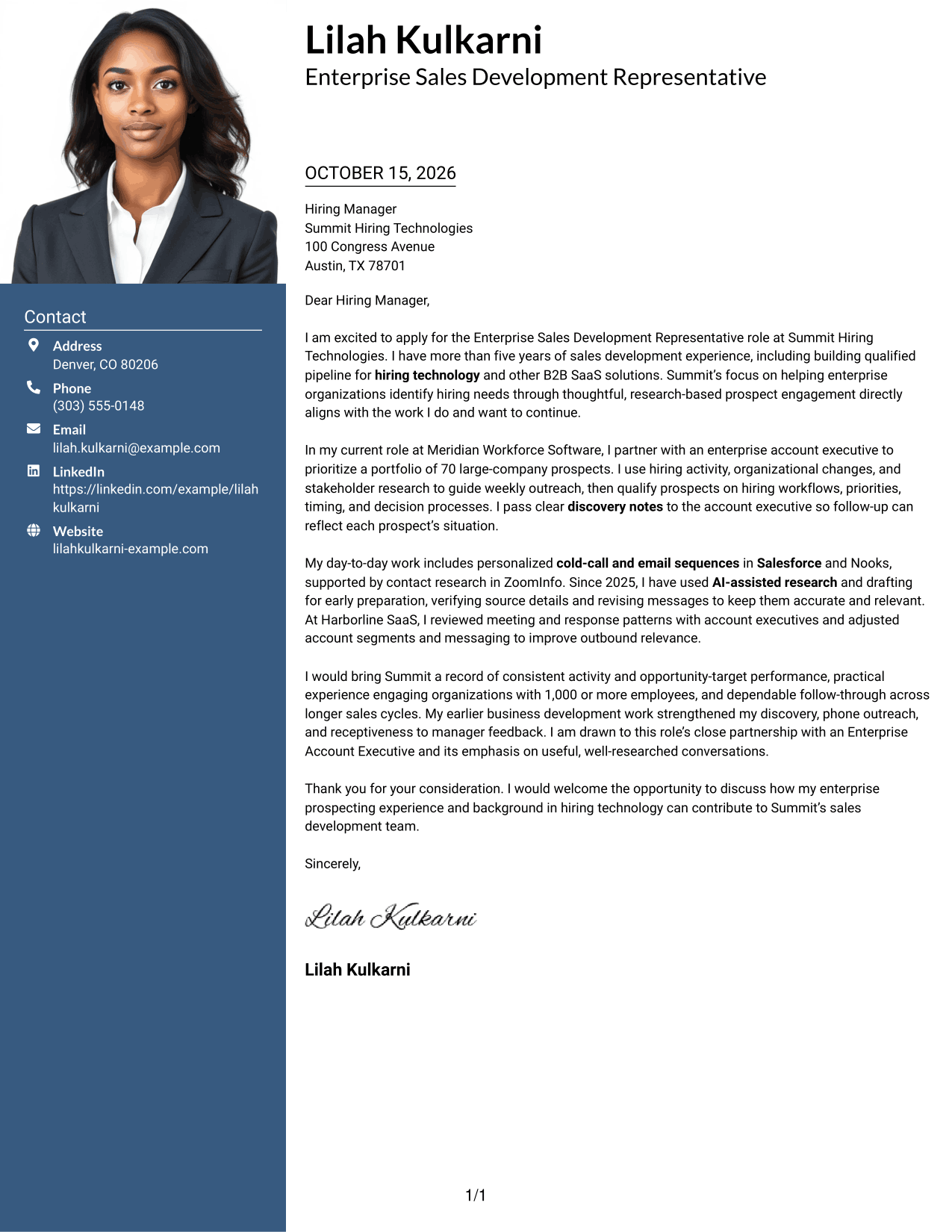
Photo Header Two Column Format includes a photo with a contact sidebar beside the continuous letter body, making it suitable for readers who want both a portrait and a separate contact area.
Why This Format Works
- The sidebar keeps sender details distinct from the letter's message.
- The continuous body lets reviewers read the full argument in paragraph order.
- Including a photo suits applicants who prefer a portrait in the document.
Best For
- Portrait-included letters
- Contact sidebar preference
- Multi-paragraph letter messages
- Separate contact and message areas
- Readers who favor a photo
#4 One Column Format with Photo Cover Letter Example
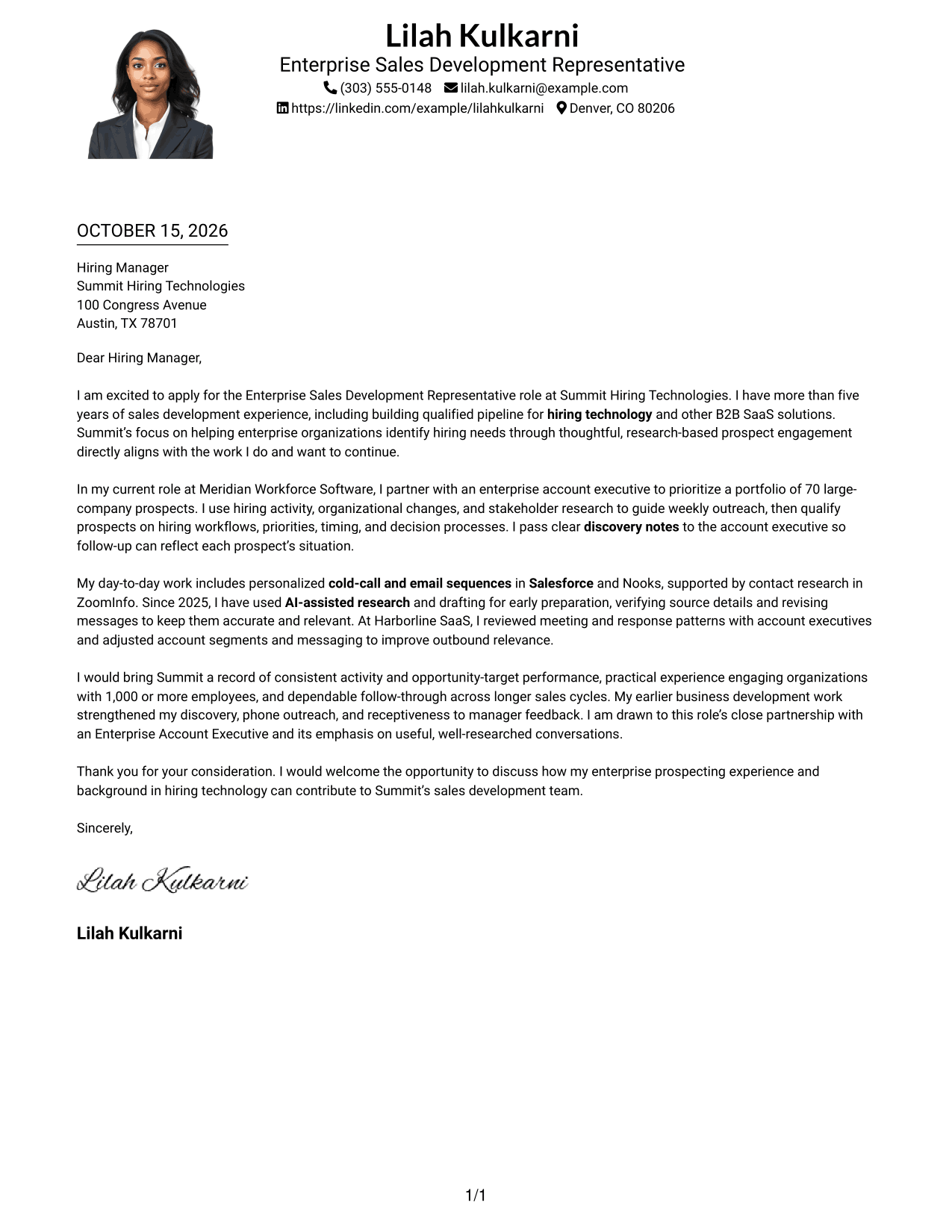
One Column Format with Photo combines a photo and a continuous letter body, while sender details remain in the header, for readers who prefer a portrait with a single-column page.
Why This Format Works
- Header-based sender details keep contact information separate from the body.
- One column gives the opening, supporting paragraphs, and closing a shared reading path.
- The photo offers a visual option without dividing the letter text.
Best For
- Portrait-included letters
- Single-column page preference
- Header-based contact details
- Continuous letter paragraphs
- A photo with an undivided message
#5 Simple Two Column Format Cover Letter Example
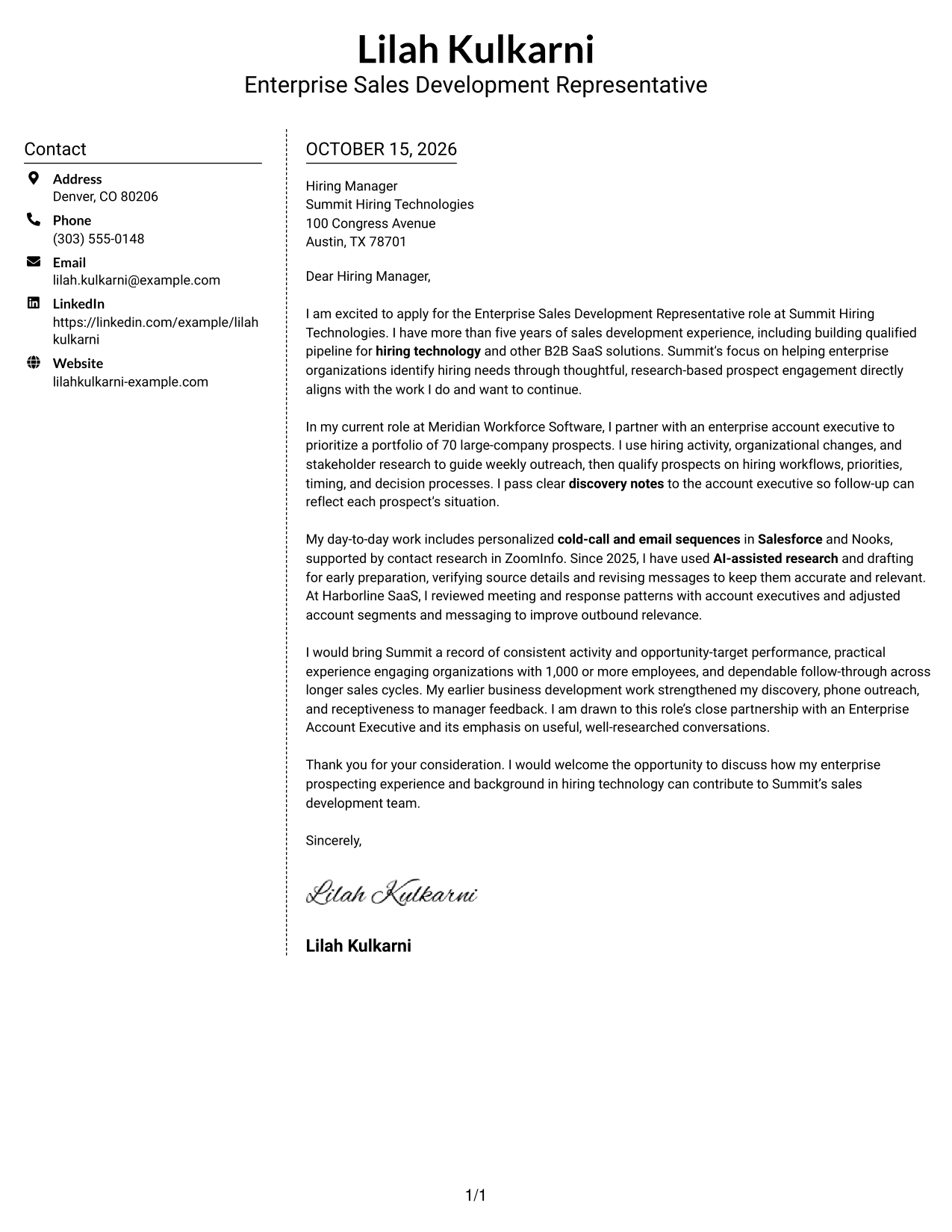
Simple Two Column Format sets a contact sidebar beside one continuous letter body, a practical choice for keeping contact details visible without dividing the message.
Why This Format Works
- Contact details occupy their own sidebar beside the letter body.
- The message remains one continuous set of paragraphs for a clear reading sequence.
- The two areas make the sender information easy to distinguish from the letter.
Best For
- Side-by-side page organization
- Contact details kept apart
- A single-column letter message
- Letters with several paragraphs
- Readers who prefer a sidebar
#6 Modern Icon Format Cover Letter Example
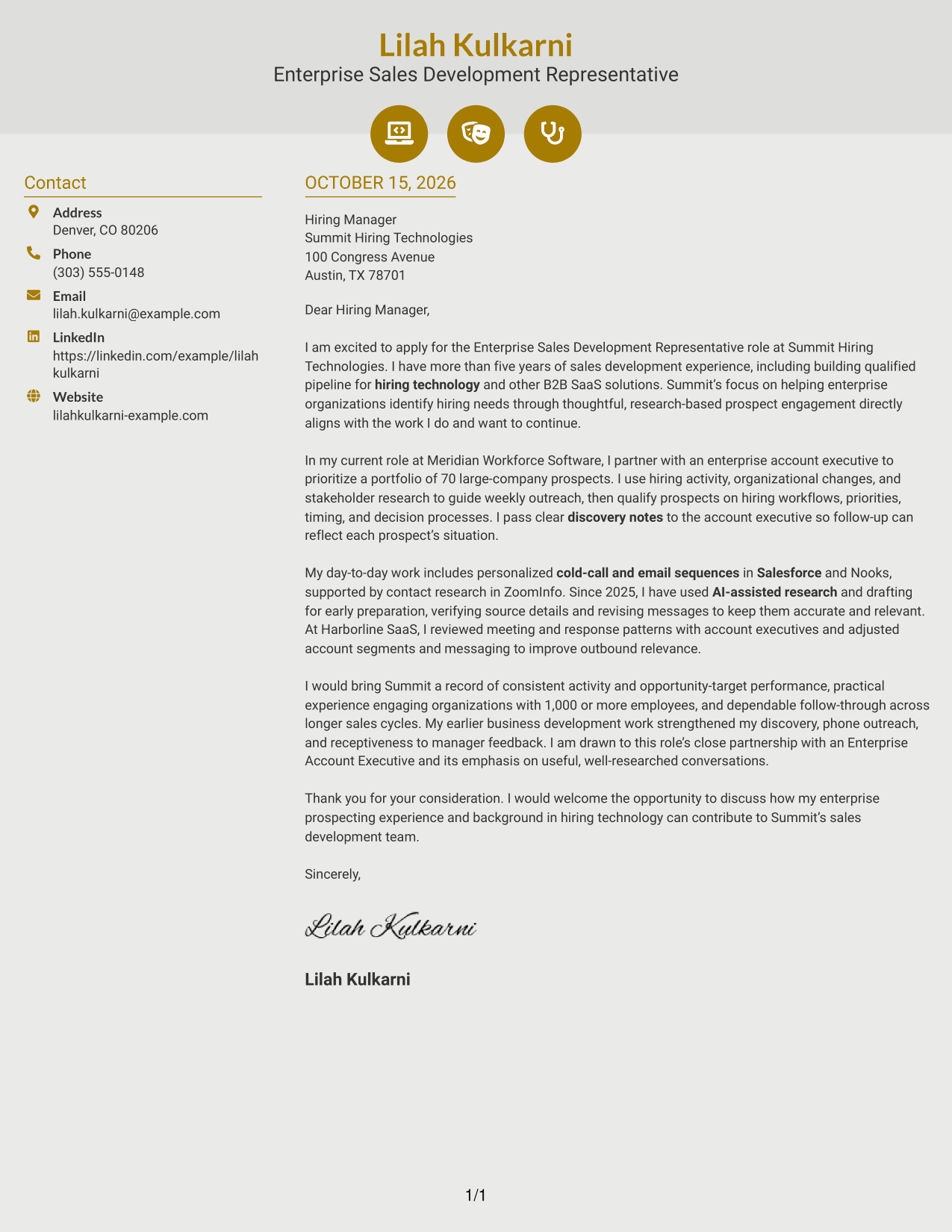
Modern Icon Format pairs contact-detail cues with a sidebar beside the continuous letter body, helping readers distinguish contact information from the message.
Why This Format Works
- Contact icons act as cues for sender details, not for letter arguments.
- A separate sidebar keeps contact information apart from the message.
- The body stays continuous, so the opening and closing remain in paragraph order.
Best For
- Icon cues for contact details
- A distinct contact sidebar
- Continuous letter paragraphs
- Single-column message text
- Readers who prefer visual contact cues
#7 Creative Two Tone Format Cover Letter Example
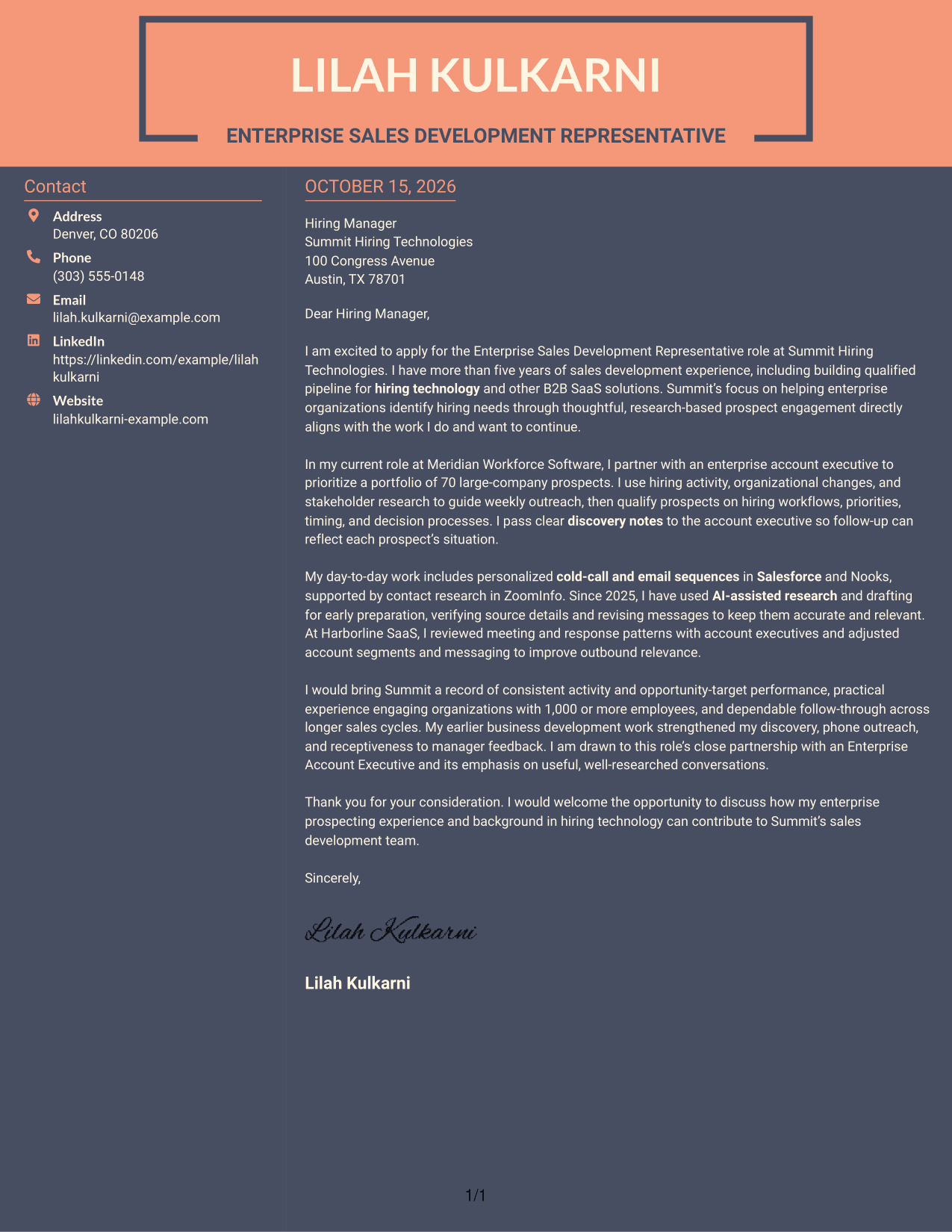
Creative Two Tone Format places a contact sidebar beside one continuous letter body, keeping sender details apart from the message for readers who prefer a two-area page.
Why This Format Works
- The contact sidebar separates sender details from the letter's main text.
- One continuous body preserves the sequence from opening through closing.
- The two areas let readers distinguish contact information from the letter at a glance.
Best For
- Two-area page organization
- Contact details beside the message
- One-column letter body
- Letters with multiple paragraphs
- Readers who prefer a contact sidebar
See Also
- 7 Enterprise Sales Development Representative Resume Templates with Example
- 33 Sales Development Representative Resume Templates with Example 2026 (ATS-Optimized)
- 7 Entry-Level Digital Marketing Business Development Representative Resume Templates with Example
- 33 Advanced Worker – Area Sales Representative Resume Templates with Example 2026 (ATS-Optimized)
- 7 Clinical Sales Representative - Monarch Resume Templates with Example
- 33 Emergency Services Sales Representative Resume Templates with Example 2026 (ATS-Optimized)
- 33 Entry Level Sales Representative Resume Templates with Example 2026 (ATS-Optimized)
- 33 Inbound Sales Representative Resume Templates with Example 2026 (ATS-Optimized)
- 30+ Emergency Services Sales Representative Cover Letter Templates with Example 2026
- 30+ Inbound Sales Representative Cover Letter Templates with Example 2026
Frequently Asked Questions
What should an Enterprise Sales Development Representative cover letter emphasize?
Explain how you research large organizations, start relevant conversations, qualify business needs, and support an account executive. Use a specific example to show how you keep outreach helpful and follow up reliably.
How can I show that my experience fits an enterprise sales role?
Describe the type of organizations you have engaged and how you identify useful contacts and hiring needs. Include clear details about your part in outreach, discovery, and handoff.
Should I name sales tools in my cover letter?
Name tools such as Salesforce, Nooks, or ZoomInfo when you have used them and they matter to the role. Briefly explain how they support your account research, outreach, or follow-up.
How do I explain my interest in a specific employer?
Connect the employer’s stated work or goals to the kind of sales development work you want to do. Use verified details and explain why that connection matters to you.
What is a good way to close an enterprise sales cover letter?
Briefly restate the value you would bring, then thank the reader and express interest in discussing the role. Keep the closing confident, direct, and professional.




