
7 Enterprise Solution Architect - Application Modernization Cover Letter Templates with Example
This practical guide helps you write an Enterprise Solution Architect - Application Modernization cover letter and compare its presentation across seven layouts.
What Makes a Great Enterprise Solution Architect - Application Modernization Cover Letter in 2026
A strong letter links business goals to secure, practical architecture decisions and shows clear interest in modernization work.
Use specific evidence, such as planning a phased .NET library migration to Java and Python, to explain how you assess dependencies, trade-offs, and delivery needs. Connect that example to the employer’s priorities.
The featured application moves from role interest to a detailed migration example, broader architecture alignment, and a clear close. Adapt that focused progression while choosing a presentation that fits the employer and communication context.
#1 Simple One Column Format Cover Letter Example
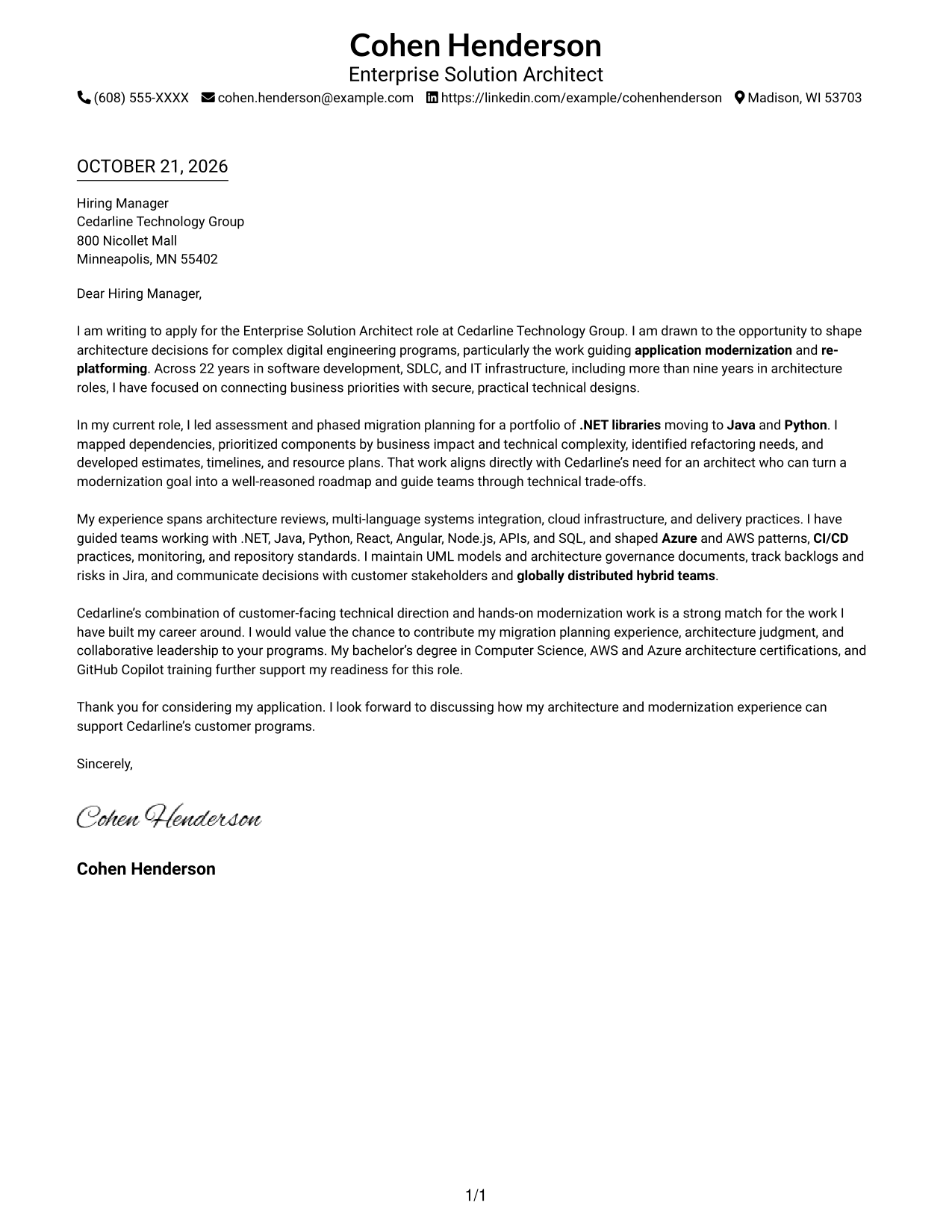
With contact details in the header and one column for the letter, this format keeps the application modernization message in a direct reading path.
Why This Format Works
- Header contact details remain easy to locate before the letter begins.
- One text column lets the opening, evidence, and closing read in sequence.
- Without a photo, visual attention stays on the written application.
Best For
- Single-column letter reading
- Header-based contact details
- Uninterrupted persuasive prose
- Text-led applications
- No-photo submissions
#2 Two Column Format Cover Letter Example
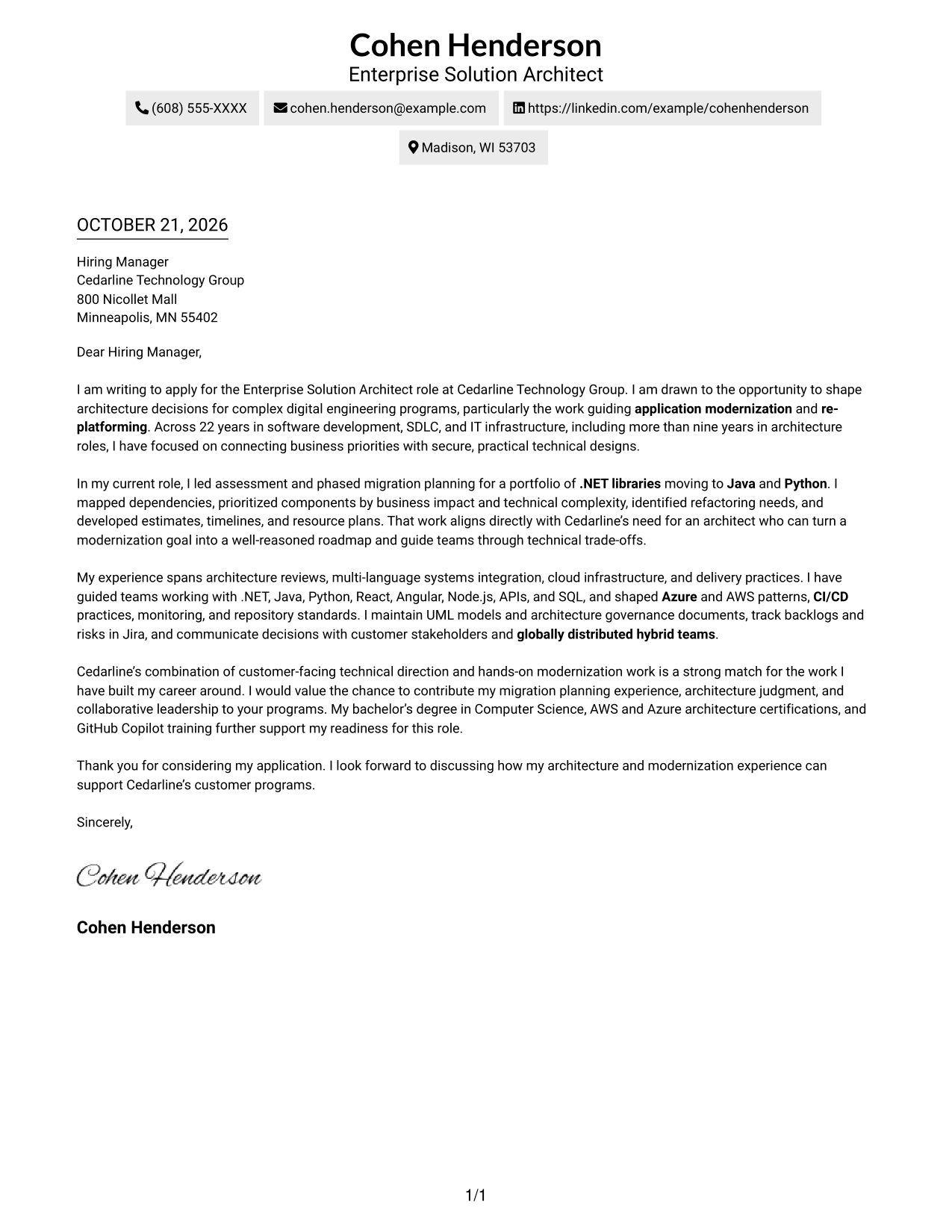
A contact sidebar beside one continuous letter body gives this two-column format a clear division between contact information and the case for application modernization.
Why This Format Works
- Contact information sits apart from the letter, making sender details easy to find.
- One continuous body lets the motivation and supporting points develop together.
- Without a portrait, the page keeps its visual focus on the written case.
Best For
- Contact sidebar preference
- Continuous letter paragraphs
- Two-column page organization
- No-portrait submissions
- Prose-focused applications
#3 Photo Header Two Column Format Cover Letter Example
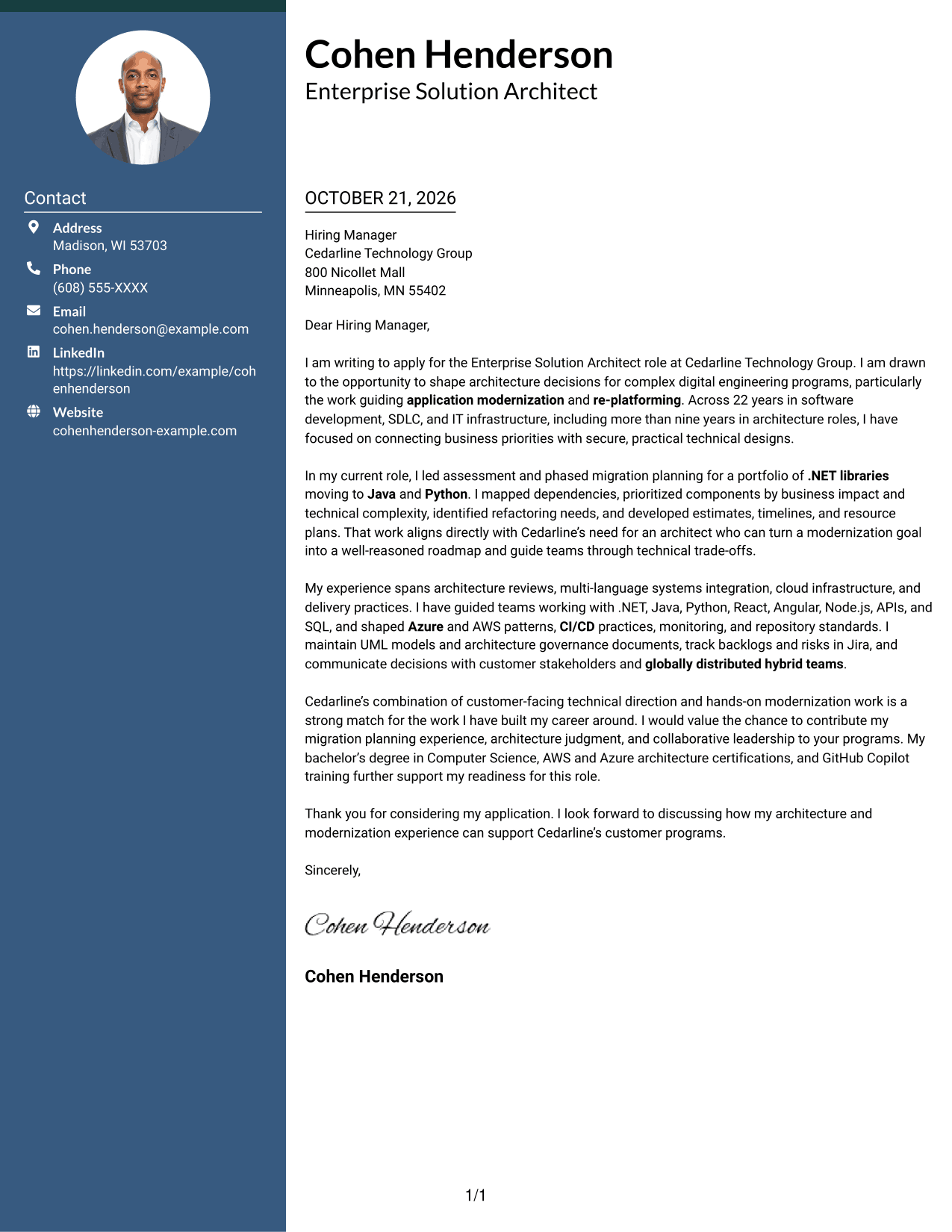
The photo-led header and contact sidebar frame one continuous letter body, offering a portrait with a personal visual introduction to the application modernization message.
Why This Format Works
- The photo-led header offers a clear portrait choice without dividing the letter body.
- Contact details occupy their own sidebar, apart from the message itself.
- Continuous paragraphs preserve a natural path from the opening through the close.
Best For
- Portrait-inclusive applications
- Contact sidebar layouts
- Continuous letter paragraphs
- Two-column page preference
- Letter-focused correspondence
#4 One Column Format with Photo Cover Letter Example
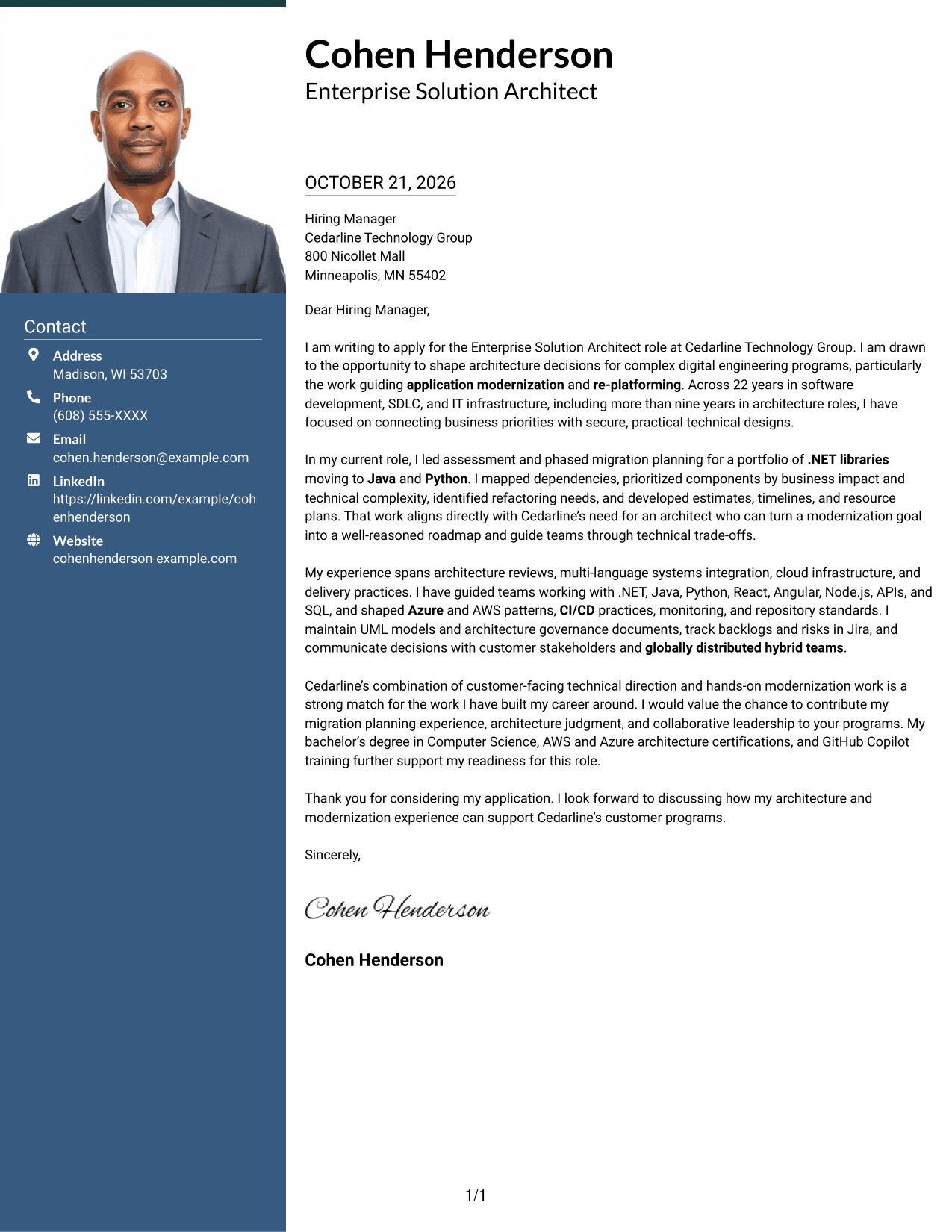
A portrait accompanies the one-column letter, keeping the application modernization message in a single, uninterrupted reading path.
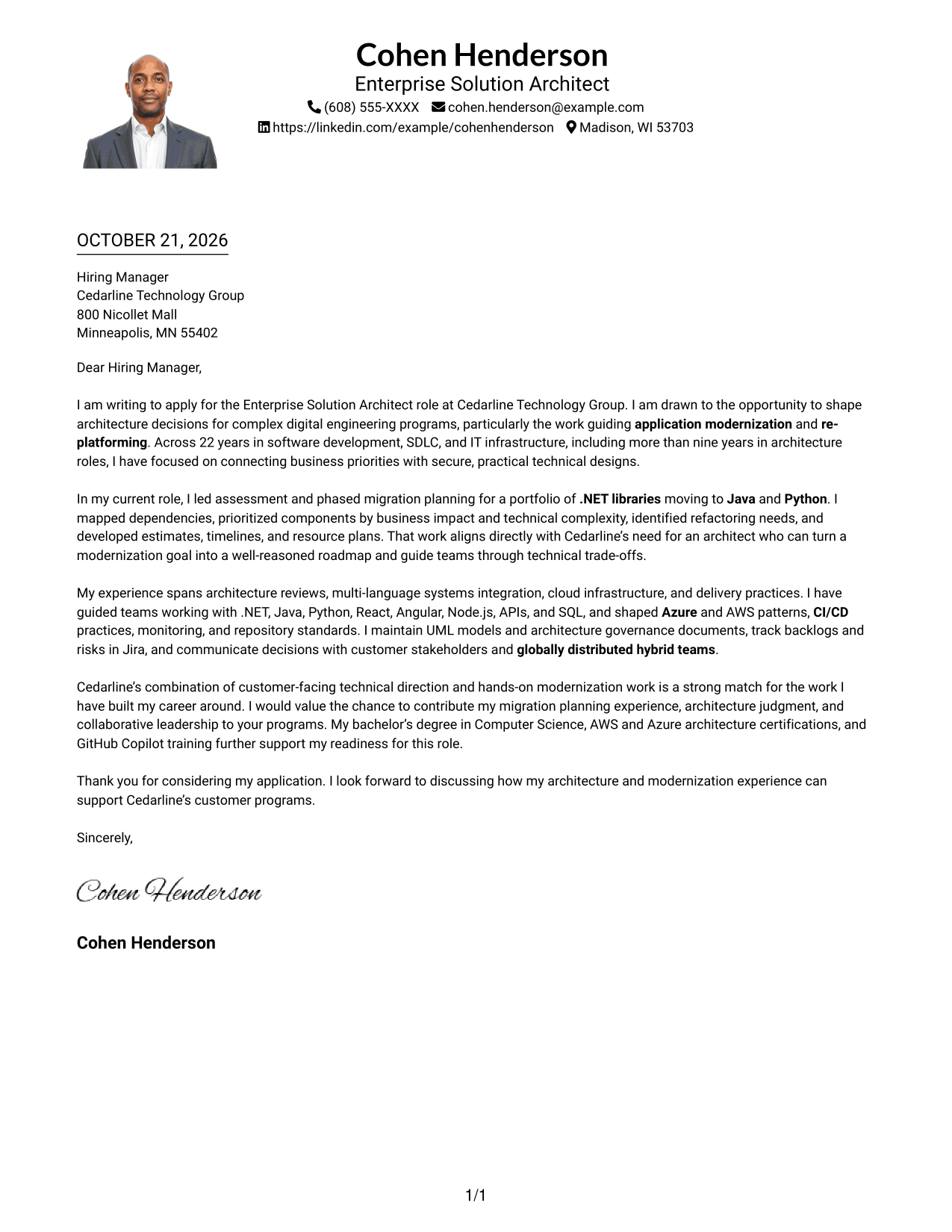
Why This Format Works
- The portrait adds a visible personal element while leaving the letter in one column.
- Opening, evidence, and closing stay aligned in a single text flow.
- Sender details remain within the header rather than a separate sidebar.
Best For
- Photo-inclusive submissions
- Single-column letters
- Continuous persuasive paragraphs
- Header contact details
- Text-led application messages
#5 Simple Two Column Format Cover Letter Example
Its two-column arrangement places contact details beside one continuous letter, keeping the modernization case together while separating sender information.
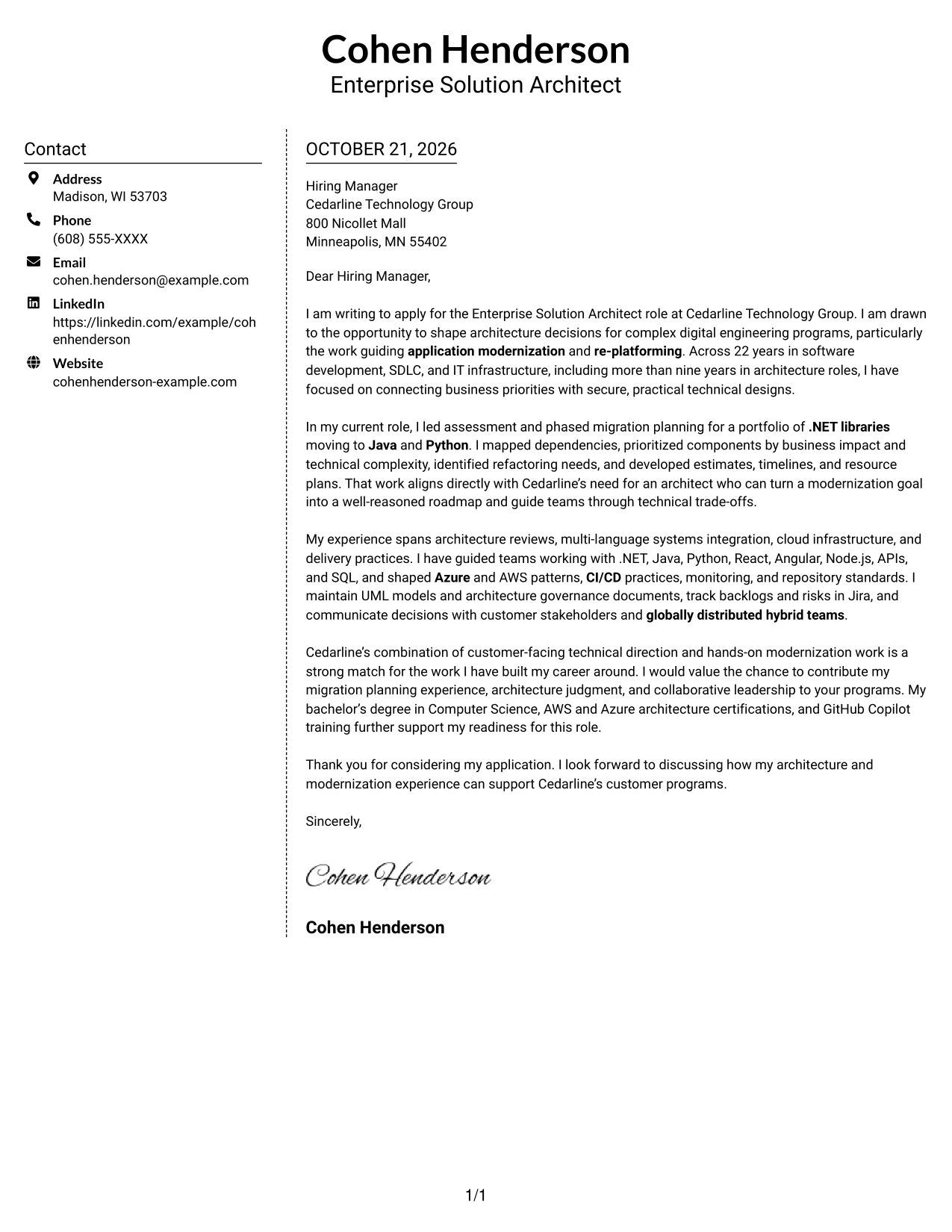
Why This Format Works
- Contact details sit beside the letter instead of interrupting its paragraphs.
- The message remains one continuous sequence, supporting a clear persuasive progression.
- No portrait keeps the visual treatment focused on text and contact information.
Best For
- Contact sidebar preference
- Single-threaded letter arguments
- Two-column page layouts
- Photo-free submissions
- Prose-focused correspondence
#6 Modern Icon Format Cover Letter Example
Contact icons add visual cues beside the single letter body, helping distinguish contact details within this two-column format.
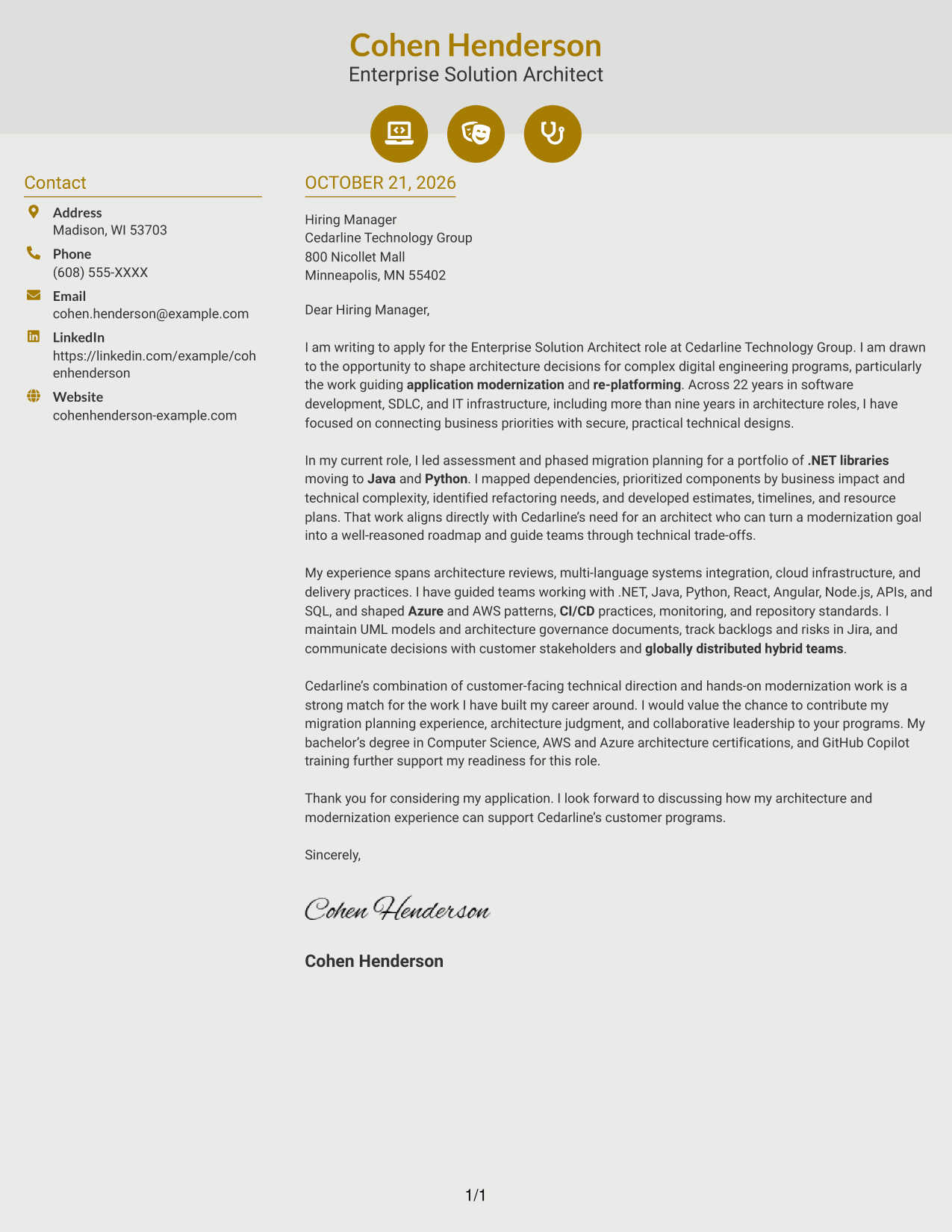
Why This Format Works
- Contact icons act as quick cues, not labels for the letter's argument.
- The sidebar separates sender information while the letter remains one continuous body.
- Without a portrait, the contact cues and letter remain the main visual elements.
Best For
- Icon-marked contact details
- Sidebar contact layouts
- One-body letter structure
- Two-column reading preference
- No-photo application pages
#7 Creative Two Tone Format Cover Letter Example
A two-column layout sets contact details apart from the uninterrupted letter, a practical choice when the application message should remain the focus.
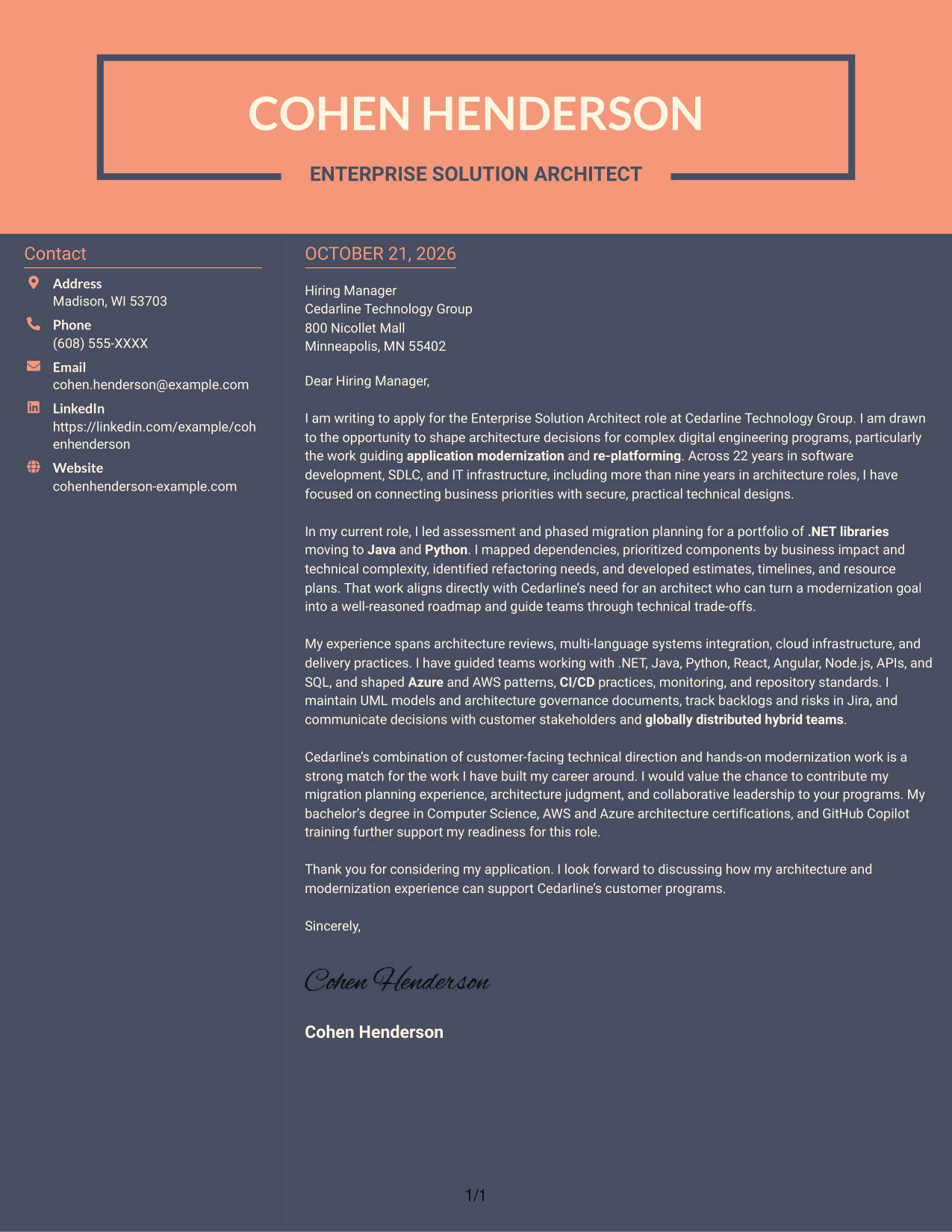
Why This Format Works
- Contact details have a separate sidebar, leaving the letter's paragraphs together.
- One uninterrupted body carries the message from opening through closing.
- No portrait keeps the presentation centered on contact details and letter text.
Best For
- Contact details outside the letter body
- Uninterrupted application letters
- Two-column page preference
- No-photo submissions
- Text-forward correspondence
Why Use ResumeInMinutes for an Enterprise Solution Architect - Application Modernization Cover Letter
ResumeInMinutes lets you compare cover letter image previews and open an example in the editor. Use the example to shape a clear message about your role fit, technical judgment, and interest in the work.
- Clear opening, body, and closing
- Professional letter presentations
- Guidance for role-specific writing
- Examples of focused communication
- Space to explain relevant evidence
- Editor access to view or customize an example
Build a direct, thoughtful letter that explains how your architecture decisions, migration planning, and customer communication relate to the position.
See Also
- 7 Enterprise Solution Architect - Application Modernization Resume Templates with Example
- 7 Associate AI Solution Architect - Enterprise GenAI Resume Templates with Example
- 7 Senior Solutions Architect - Enterprise Cloud Resume Templates with Example
- 7 Technical Solution Architect - Enterprise Integration Resume Templates with Example
- 7 AI Application Solutions Architect - Generative AI Resume Templates with Example
- 7 Lead Enterprise Data Engineering/Data Platform Architect Resume Templates with Example
- 7 Agentic Solution Architect Resume Templates with Example
- 7 AI Engineering Solutions Architect Resume Templates with Example
- 7 Associate AI Solution Architect - Enterprise GenAI Cover Letter Templates with Example
- 7 Senior Solutions Architect - Enterprise Cloud Cover Letter Templates with Example
Frequently Asked Questions
What should an Enterprise Solution Architect - Application Modernization cover letter emphasize?
Show how you connect business needs with architecture choices. Give a specific example of modernization or re-platforming work, and explain how you handled planning, risks, and technical trade-offs.
Does this page show one letter in different presentations?
Yes. The examples present the same cover letter in different visual styles, so you can compare the preview images and open a version in the editor.
How can I explain a .NET migration example clearly?
Briefly describe the starting point, the destination technologies, and your part in the assessment. Mention relevant steps such as dependency review, component priorities, refactoring needs, estimates, and the resulting roadmap.
How should I show interest in the employer?
Refer to the work described in the role and explain why it matches your professional focus. Keep the reason specific and genuine, rather than relying on broad praise of the organization.
Should I use a photo on my cover letter?
Use a photo only when it is expected in your region or field. For many U.S. applications, a clear text-based presentation is a suitable choice.




