
7 Entry-Level Accountant - Bookkeeping, Tax, and Audit Cover Letter Templates with Example
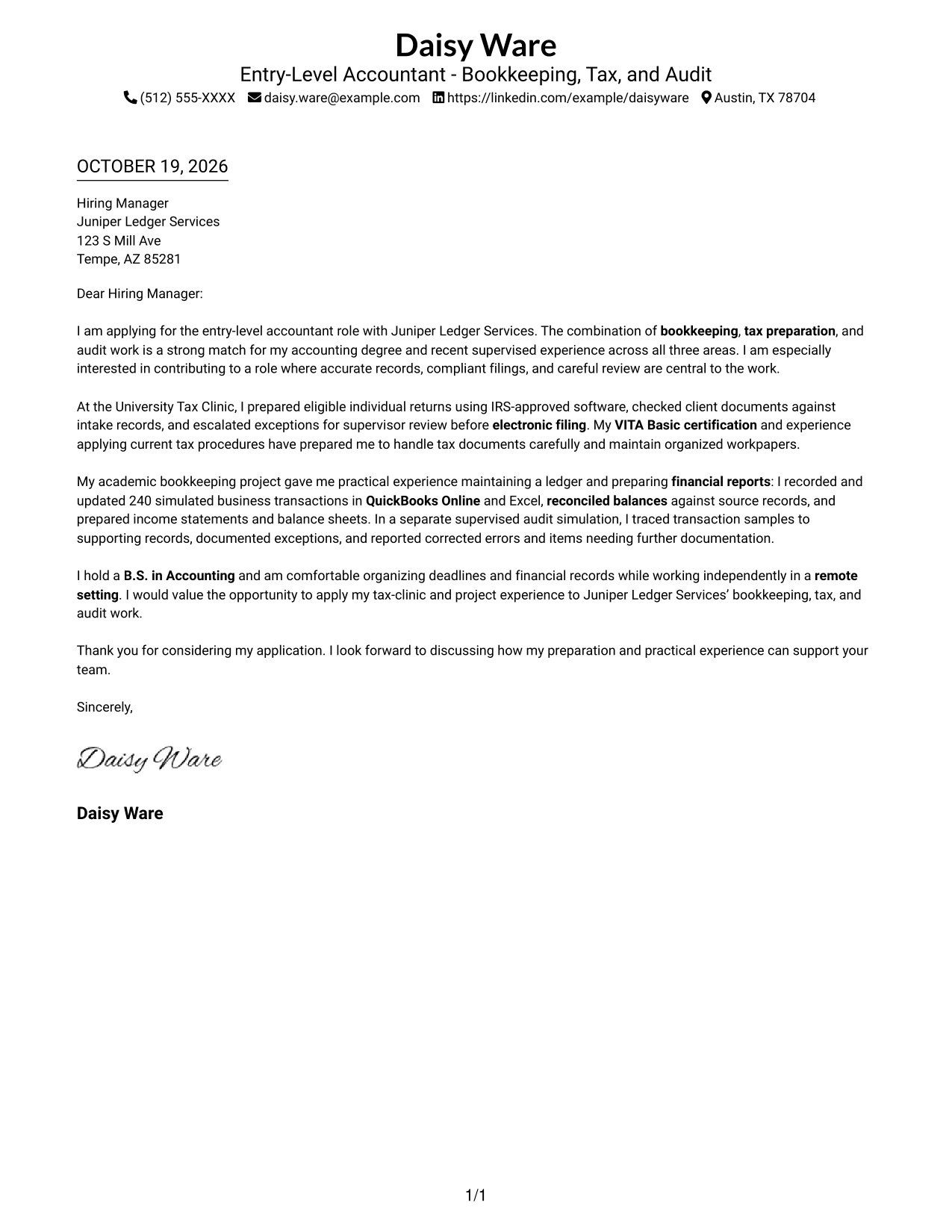
This practical guide helps you write an Entry-Level Accountant - Bookkeeping, Tax, and Audit cover letter and compare seven layouts in image previews.
What Makes a Strong Entry-Level Accountant - Bookkeeping, Tax, and Audit Cover Letter in 2026
A strong letter connects your interest in bookkeeping, tax preparation, and audit work to the needs of the role. Use a clear opening and show why accurate records and careful review matter to you.
Support your fit with specific examples, such as checking tax documents, reconciling account balances, or tracing audit samples to records. Then connect those examples to the employer’s focus on reliable financial work and clear documentation.
The featured example moves from role-specific interest to tax, bookkeeping, and audit evidence, then closes with a clear next step. Adapt that focused progression while choosing a presentation that suits the employer and the communication context.
#1 Simple One Column Format Cover Letter Example
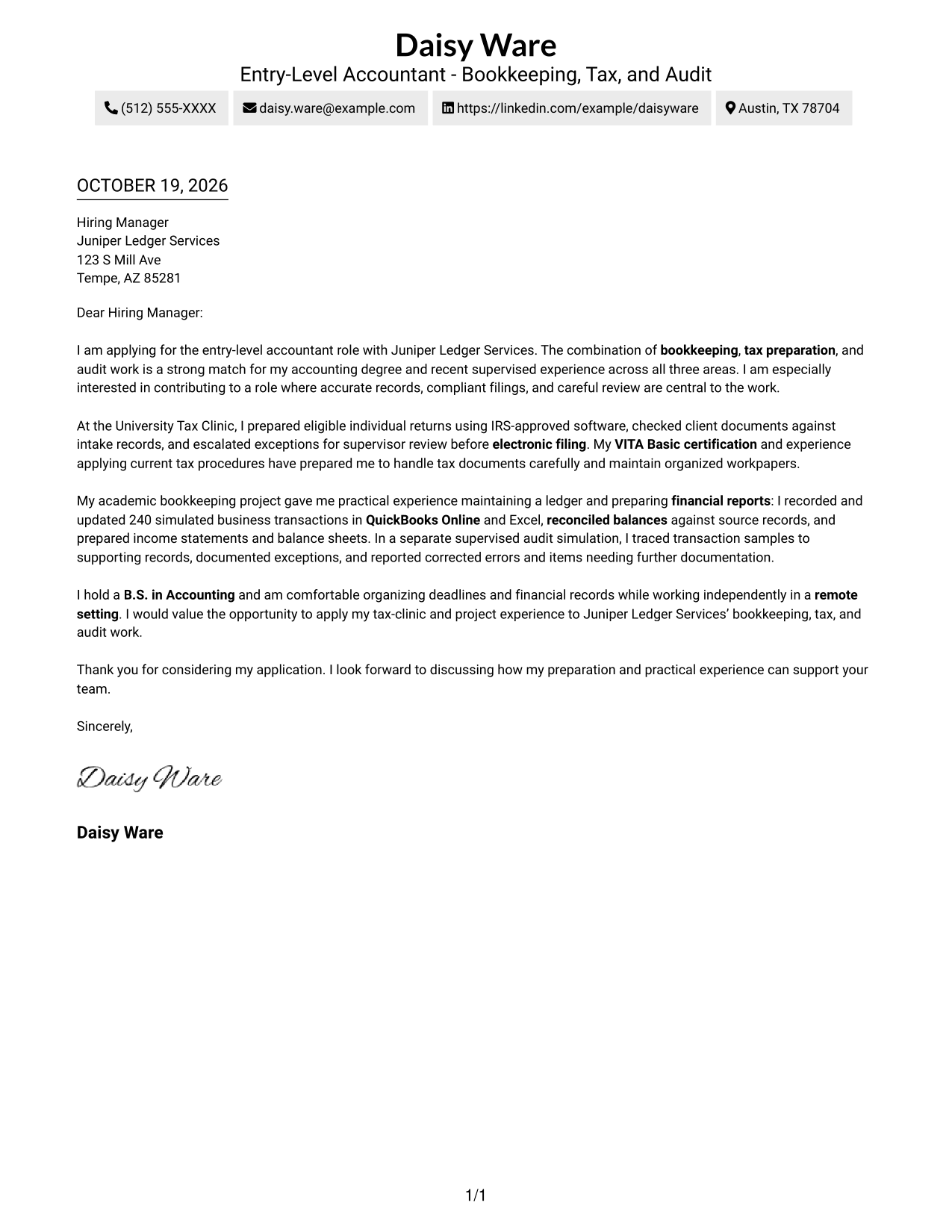
The Simple One Column Format keeps sender details in the header and the letter body on one direct reading path.
Why This Format Works
- Sender details in the header stay apart from the main letter text.
- The single-column body carries interest, evidence, and the close in reading order.
- Without a photo, the page keeps visual attention on the written message.
Best For
- Single-column reading preference
- Header-based contact details
- Photo-free correspondence
- Paragraph-led application letters
- Letters with connected supporting examples
#2 Two Column Format Cover Letter Example
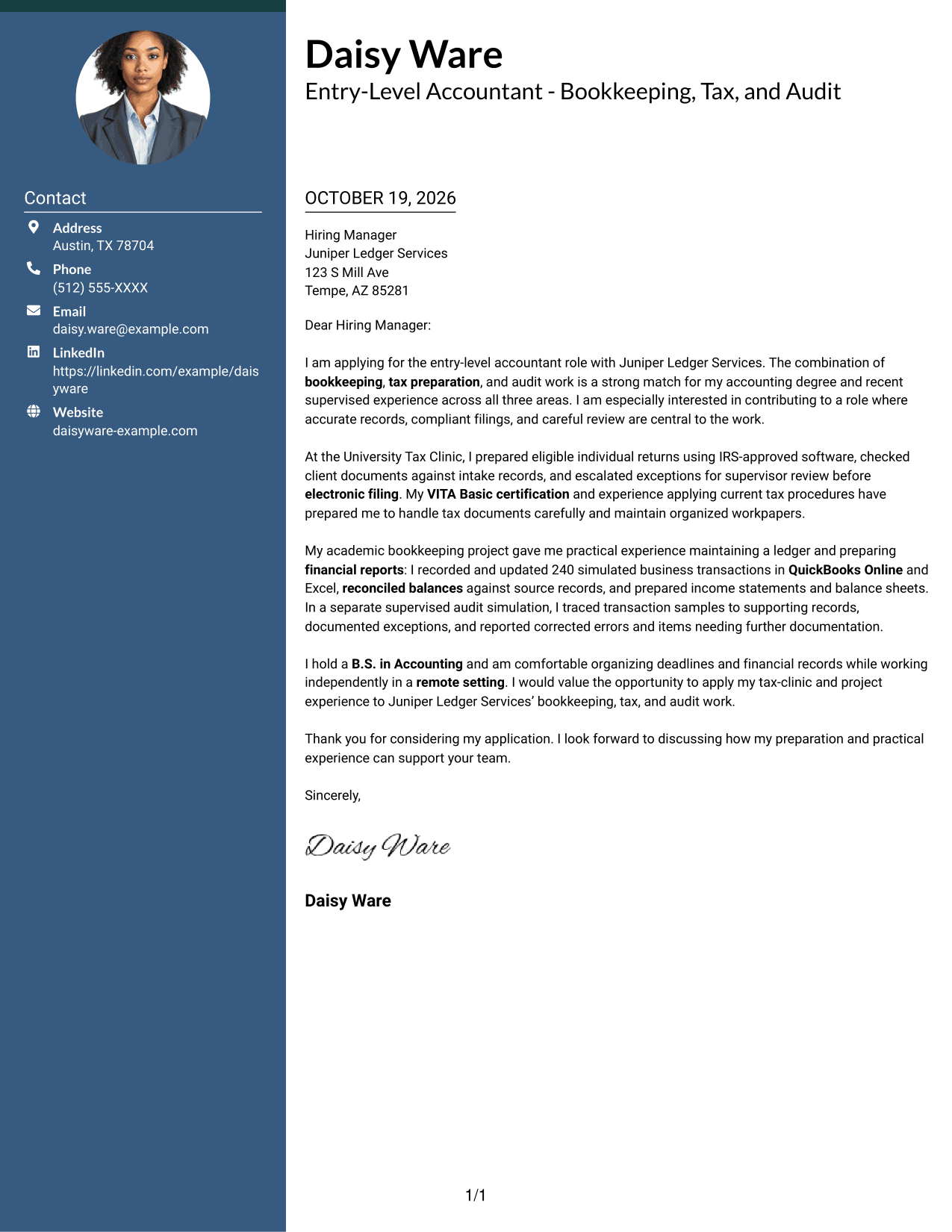
The Two Column Format places a contact sidebar beside one continuous letter body, keeping contact details separate from the message.
Why This Format Works
- A contact sidebar gives sender details a distinct place beside the letter.
- The body stays in one column, so each paragraph follows the last.
- The photo-free treatment keeps the visual focus on written correspondence.
Best For
- Sidebar-based contact presentation
- Continuous letter arguments
- Two-area reading preference
- Photo-free two-column correspondence
- Applications with several supporting examples
#3 Photo Header Two Column Format Cover Letter Example
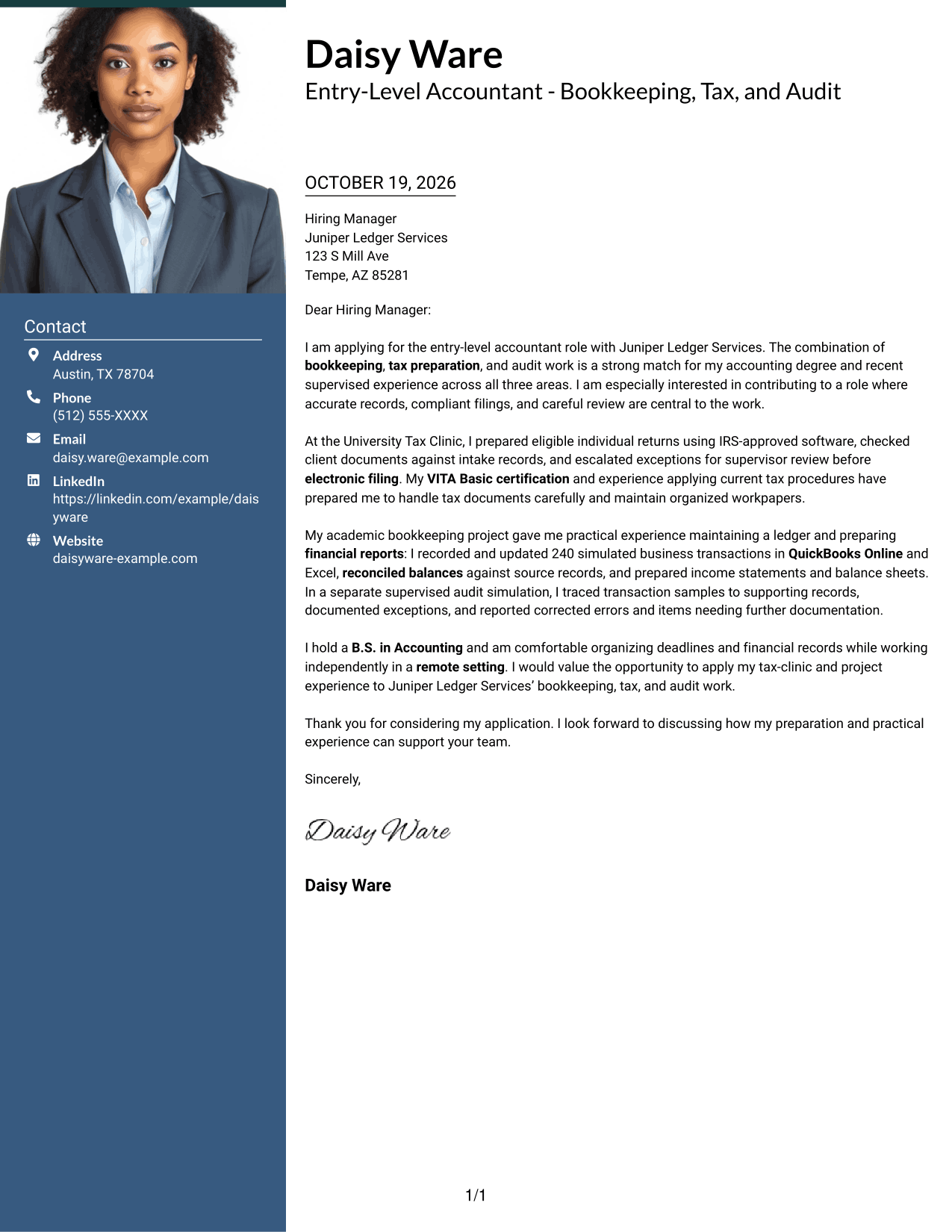
The Photo Header Two Column Format pairs a portrait in the header with a contact sidebar beside the continuous letter body.
Why This Format Works
- The contact sidebar keeps sender details apart from the letter's argument.
- One continuous body carries the message from opening through evidence and close.
- The portrait offers a personal visual choice for formal correspondence.
Best For
- Portrait-inclusive correspondence
- Contact details in a sidebar
- Continuous letter-body reading
- Multi-paragraph application messages
- Two-area page organization
#4 One Column Format with Photo Cover Letter Example
The One Column Format with Photo includes a photo, keeps sender details in the header, and gives the letter one direct reading path.
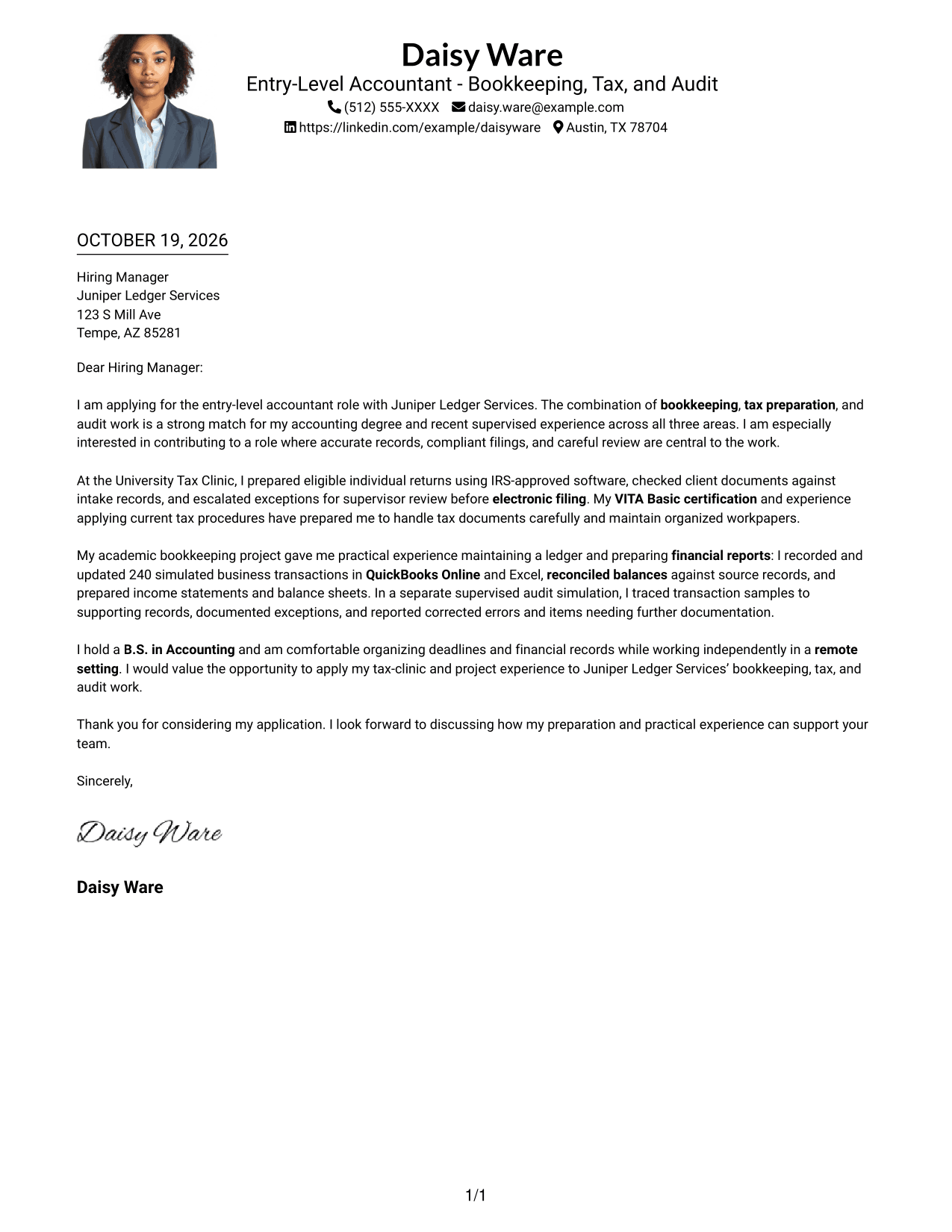
Why This Format Works
- Header contact details remain distinct from the letter's main paragraphs.
- The single body column keeps the opening, examples, and close in sequence.
- A photo adds a personal visual element for readers who prefer one.
Best For
- Single-column letter reading
- Photo-inclusive correspondence
- Header-based sender details
- Multi-paragraph application letters
- Personal visual presentation
#5 Simple Two Column Format Cover Letter Example
The Simple Two Column Format sets contact details in a sidebar beside a single continuous letter body.
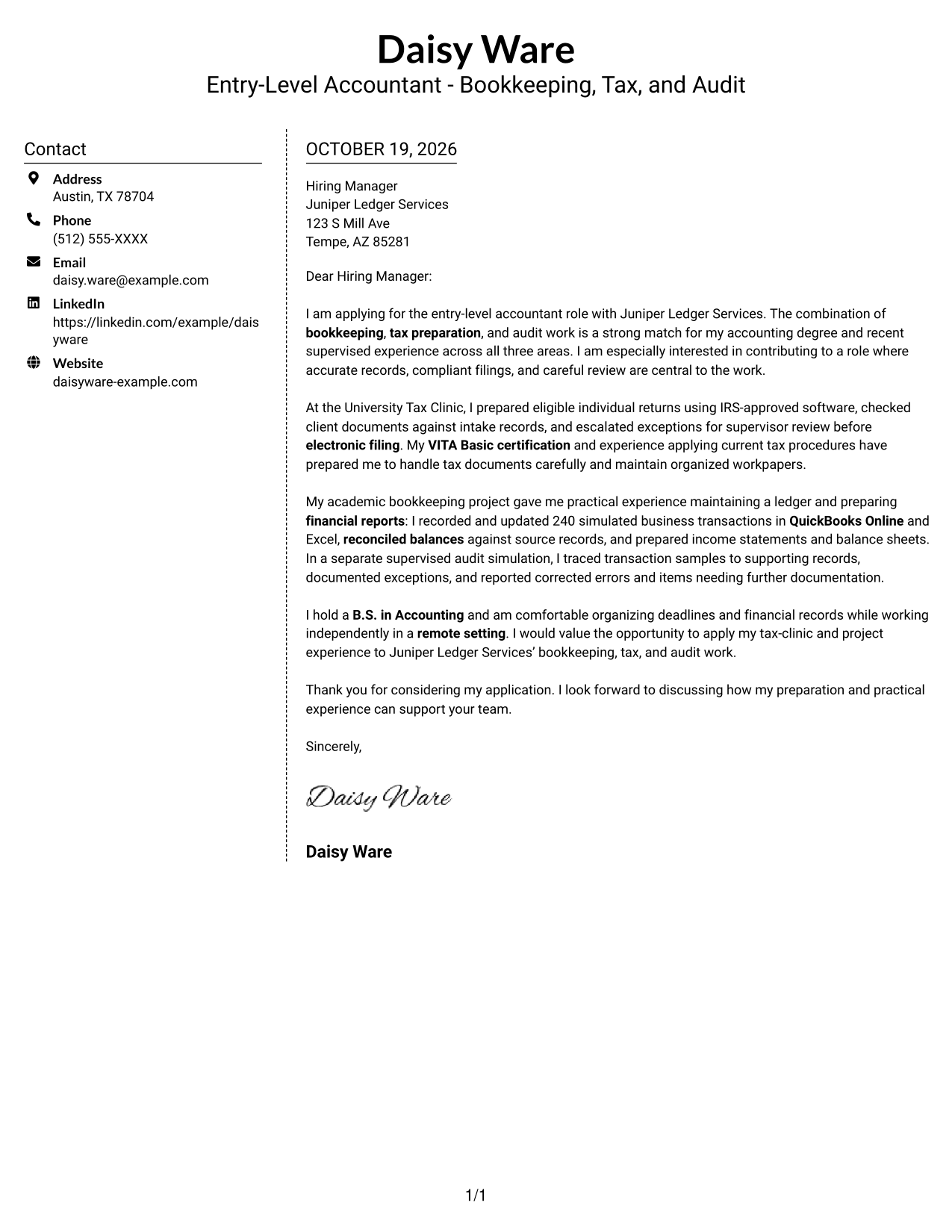
Why This Format Works
- The sidebar gives contact information a separate place beside the message.
- A continuous letter body lets the argument develop without parallel text columns.
- With no photo, the presentation stays focused on the written application.
Best For
- Separate contact and message areas
- One continuous letter body
- Photo-free correspondence
- Letters with several evidence paragraphs
- Two-column reading preference
#6 Modern Icon Format Cover Letter Example
The Modern Icon Format uses icons as contact cues in a two-column layout, with a contact sidebar beside the continuous letter body.
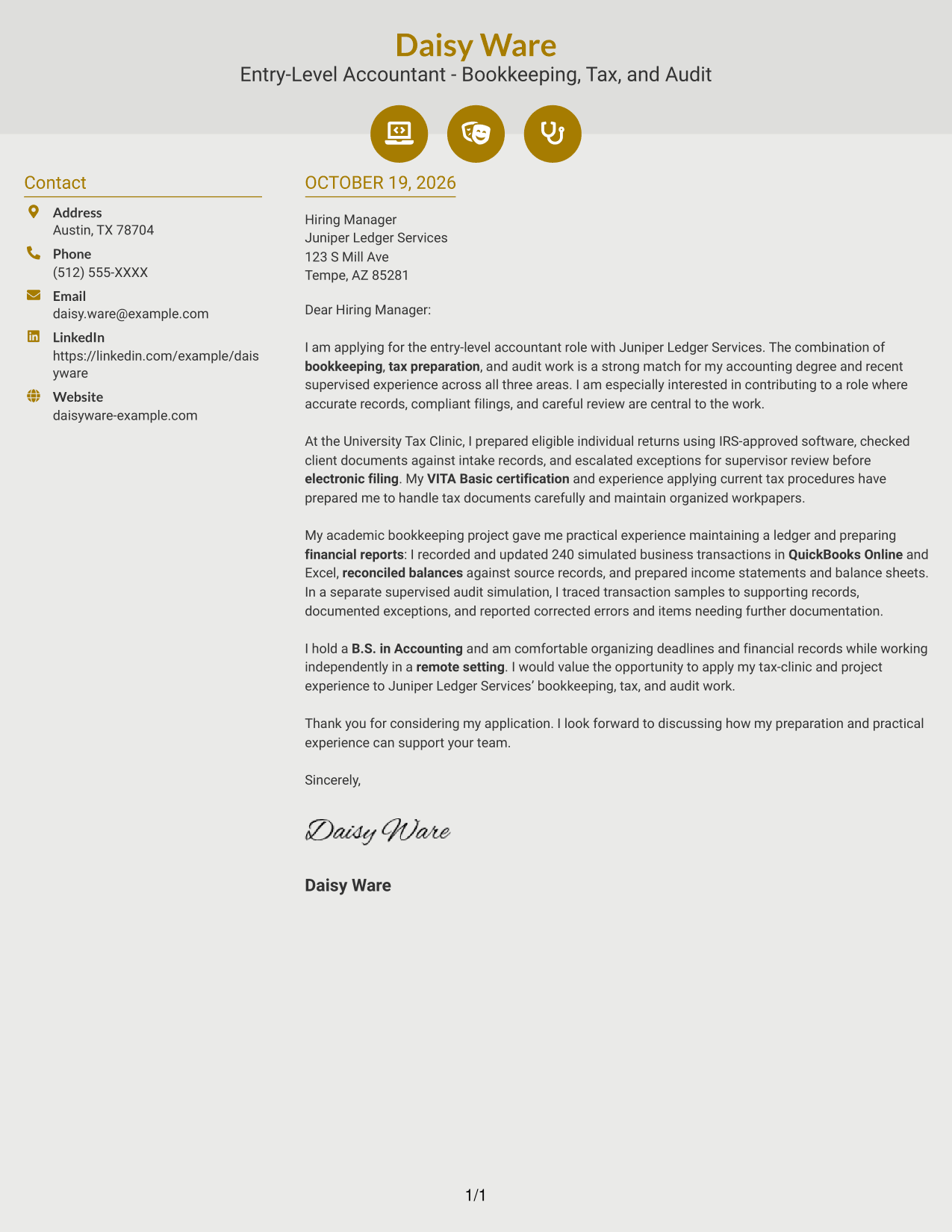
Why This Format Works
- Icons act as visual cues for contact details, not letter argument stages.
- The sidebar keeps contact information apart from the continuous message.
- One body column preserves the order of the opening, examples, and close.
Best For
- Icon-marked contact details
- Two-column reading preference
- Continuous letter arguments
- Photo-free correspondence
- Applications with several supporting examples
#7 Creative Two Tone Format Cover Letter Example
The Creative Two Tone Format places a contact sidebar beside one continuous letter body, giving contact details and the message separate areas.
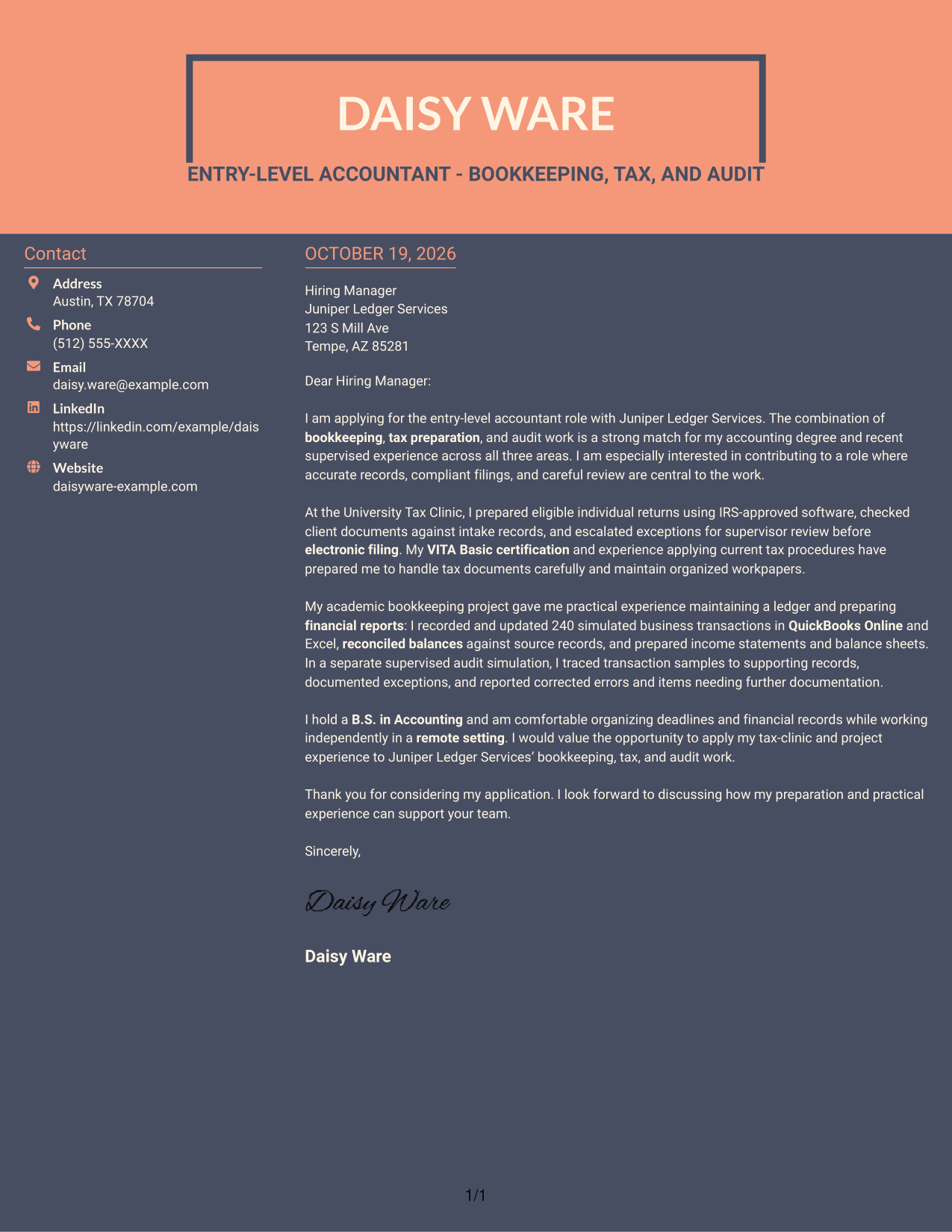
Why This Format Works
- The sidebar makes sender details easy to locate without entering the letter text.
- A single body column keeps the message's paragraphs in a clear sequence.
- The photo-free layout suits readers who prefer written correspondence without a portrait.
Best For
- Sidebar contact details
- Paragraph-based messages
- Letters with a clear opening and close
- Photo-free correspondence
- Applications with connected supporting examples
Why Use ResumeInMinutes for an Accountant Cover Letter
Compare image previews to see how different layouts present a cover letter, then open an example in the editor to customize its wording for the bookkeeping, tax, and audit work you are seeking.
- Clear cover letter layouts
- Examples to view in the editor
- Support for role-specific wording
- Focused opening and closing guidance
- Readable presentation choices
- Examples for accounting work
Use the example as a starting point, then make your interest and supporting evidence clear for the employer’s accounting work.
See Also
- 7 Entry-Level Accountant - Bookkeeping, Tax, and Audit Resume Templates with Example
- 33 Certified Public Accountant - Tax & Wealth Management Resume Templates with Example 2026
- 33 Senior Income Tax Accountant Resume Templates with Example 2026 (ATS-Optimized)
- 7 Accountant - Billing Operations Resume Templates with Example
- 7 Accountant - Fixed Assets Accounting Resume Templates with Example
- 7 Accountant II - Billing Operations Resume Templates with Example
- 33 Accounts Receivable Junior Accountant Resume Templates with Example 2026 (ATS-Optimized)
- 33 Bookkeeper/Office Accountant Resume Templates with Example 2026 (ATS-Optimized)
- 30+ Certified Public Accountant - Tax & Wealth Management Cover Letter Templates with Example 2026
- 30+ Senior Income Tax Accountant Cover Letter Templates with Example 2026
Frequently Asked Questions
What should an accountant cover letter emphasize for bookkeeping, tax, and audit work?
Show how your experience or training relates to accurate records, tax document preparation, and careful review. Give clear examples, such as reconciling balances or documenting audit findings, when they match your background.
How can I make my opening paragraph specific to this accountant role?
Name the role and explain why its combination of bookkeeping, tax, and audit work interests you. Keep the opening direct, then use the body to support your fit with relevant examples.
How should I describe tax preparation experience?
Explain the kind of tax work you completed, how you checked documents, and how you handled review or filing steps. Mention VITA Basic certification if it applies to your background.
How can I show that I am prepared for audit support?
Describe relevant work such as tracing transaction samples to source records, checking calculations, or documenting exceptions. Be clear about whether the example came from supervised or academic practice.
How can I show that I can work well in a remote accounting role?
Give a brief example of how you organized deadlines, tracked documents, or completed detailed work independently. Focus on the habits that help you keep financial records complete and ready for review.
How can I compare the cover letter examples?
Review the image previews to compare each presentation, then open an example in the editor to view or customize it. Choose a layout that is easy to read and fits the employer and communication context.




