
7 Entry-Level Accounting Specialist - Cash and Tax Operations Cover Letter Templates with Example
This practical guide helps you write an Entry-Level Accounting Specialist - Cash and Tax Operations cover letter through seven layouts.
What Makes a Great Entry-Level Accounting Specialist - Cash and Tax Operations Cover Letter in 2026
A strong letter connects your interest in cash and tax operations to the role's accounting and reporting needs. Use a clear opening, focused body, and direct closing.
Support your fit with relevant evidence, such as cash balance reporting, Excel reconciliations, or tax filing support. Explain how your careful work and communication can meet the employer's needs.
The featured example moves from role interest to relevant evidence and a clear close, giving you a focused progression to adapt while choosing a presentation that suits the employer and communication context.
#1 Simple One Column Format Cover Letter Example
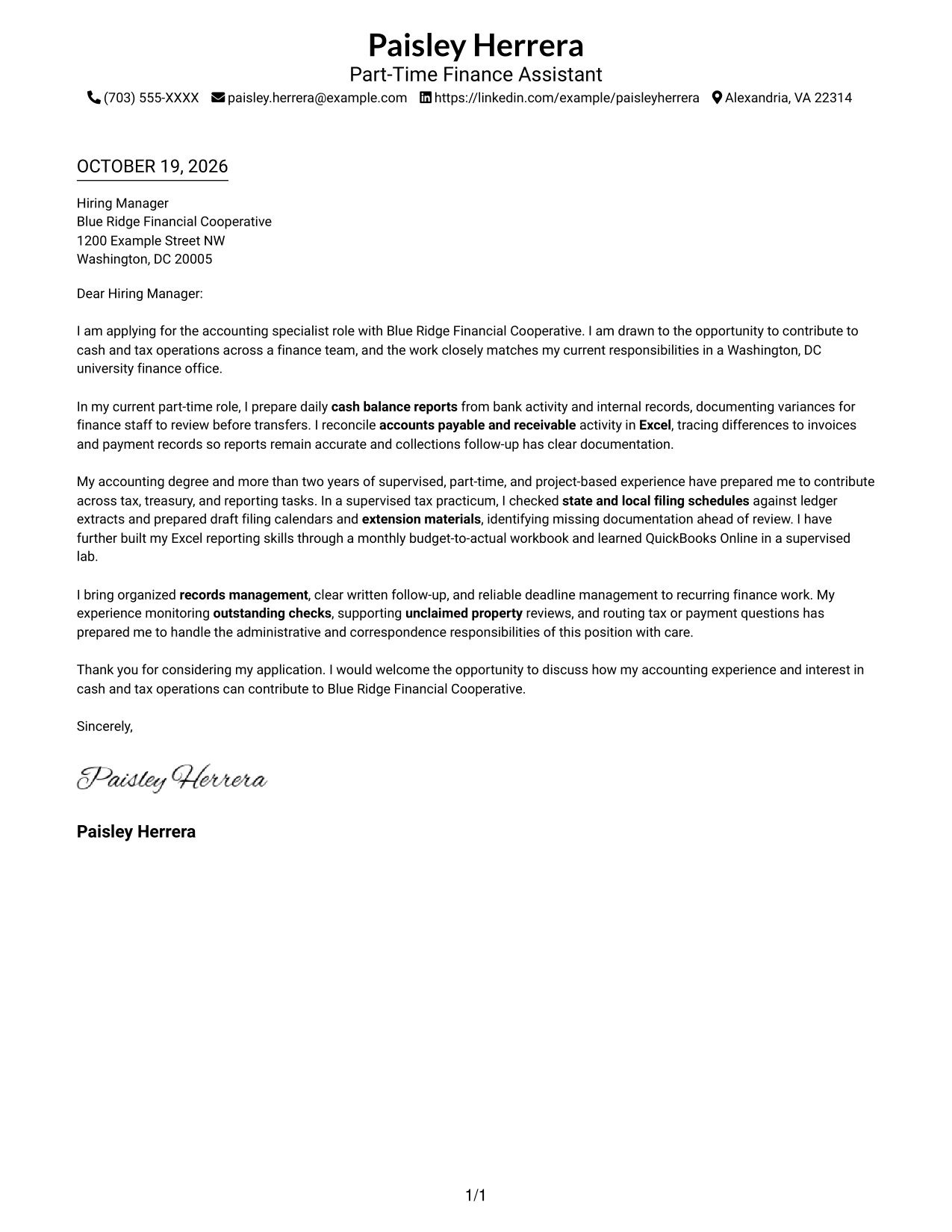
A single-column page keeps sender details in the header and the full letter body together for a direct reading path.
Why This Format Works
- Sender details remain in the header, apart from the letter's main message.
- One continuous body carries the opening, supporting points, and closing in order.
- No section headings let paragraph transitions carry the letter's reasoning.
Best For
- Traditional business correspondence
- Complete sender contact details
- Continuous written persuasion
- Photo-free submission preferences
- Text-focused application materials
#2 Two Column Format Cover Letter Example
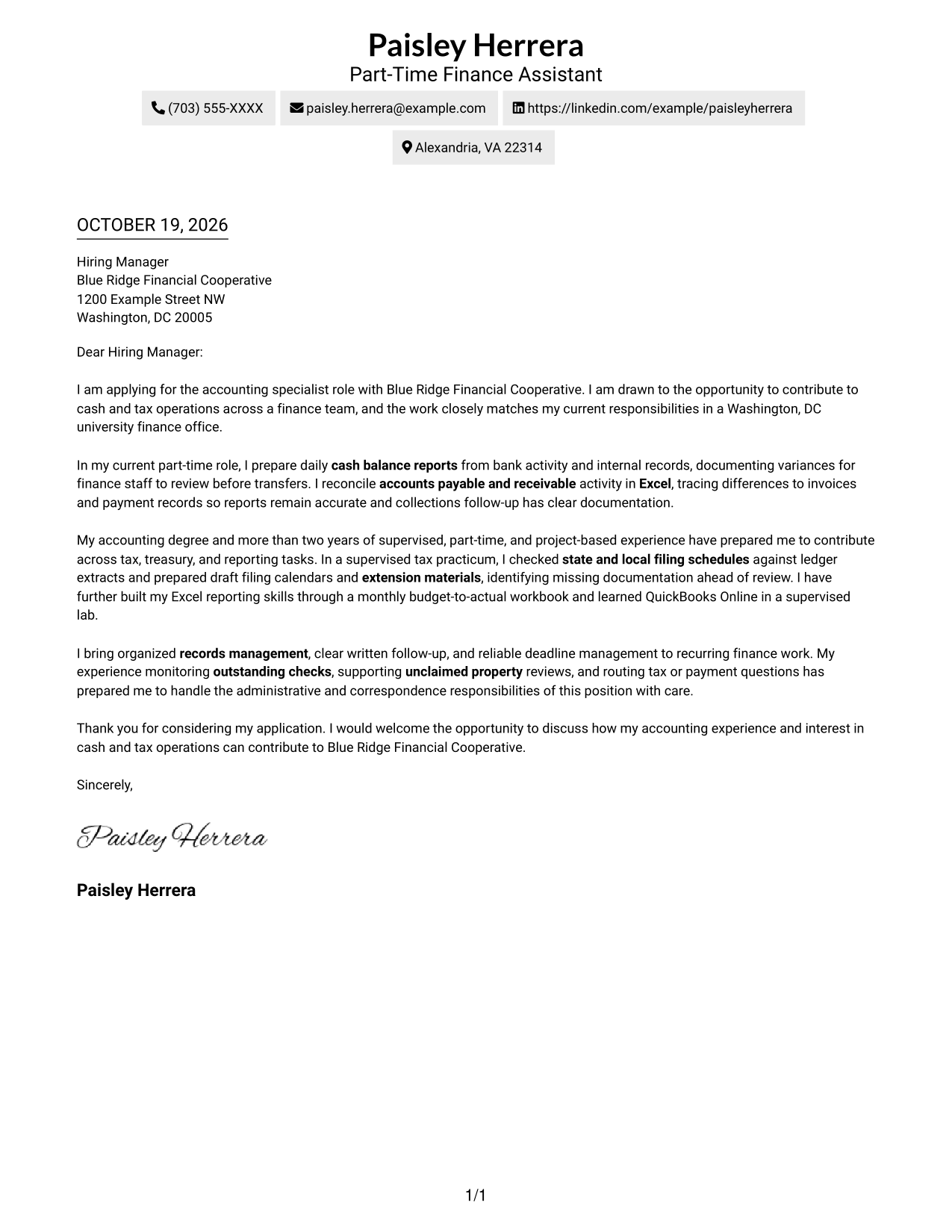
A contact sidebar sits beside the continuous letter body, keeping correspondence details separate from the message.
Why This Format Works
- Contact details occupy a sidebar, distinct from the letter's continuous body.
- Keeping the message together prevents its paragraphs from being split across columns.
- Without argument headings, paragraph transitions guide readers through the message.
Best For
- Side-by-side contact access
- Full sender information
- Paragraph-led applications
- Photo-free correspondence
- Distinct contact and message areas
#3 Photo Header Two Column Format Cover Letter Example
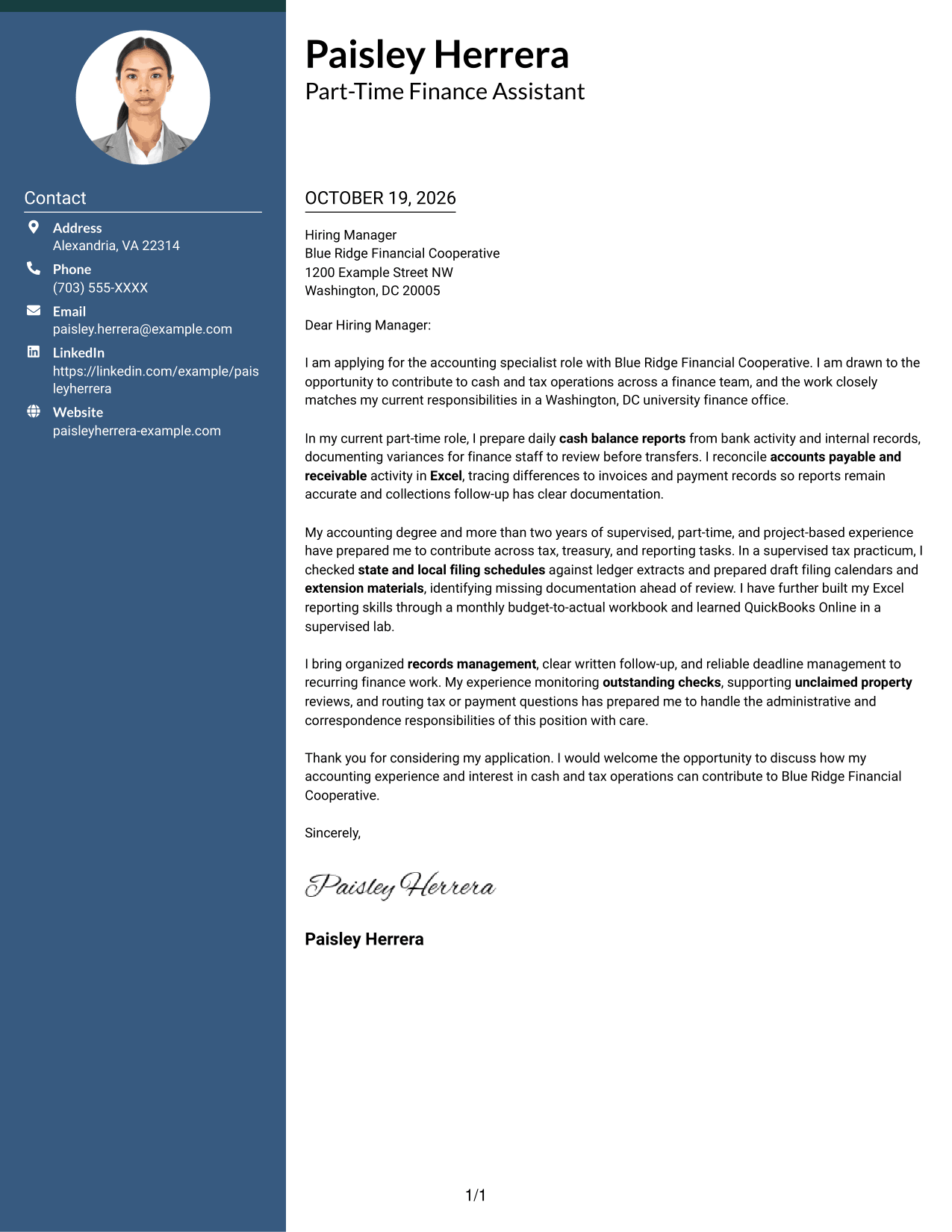
A contact sidebar and photo accompany the continuous letter body, offering a portrait-inclusive visual choice.
Why This Format Works
- A contact sidebar keeps correspondence details apart from the letter's main message.
- The continuous body lets readers follow the argument without column breaks.
- A photo offers a portrait-inclusive visual choice without changing the letter's structure.
Best For
- Portrait-inclusive applications
- Contact details beside the message
- Continuous letter narratives
- Photo-forward document preferences
- One connected written argument
#4 One Column Format with Photo Cover Letter Example
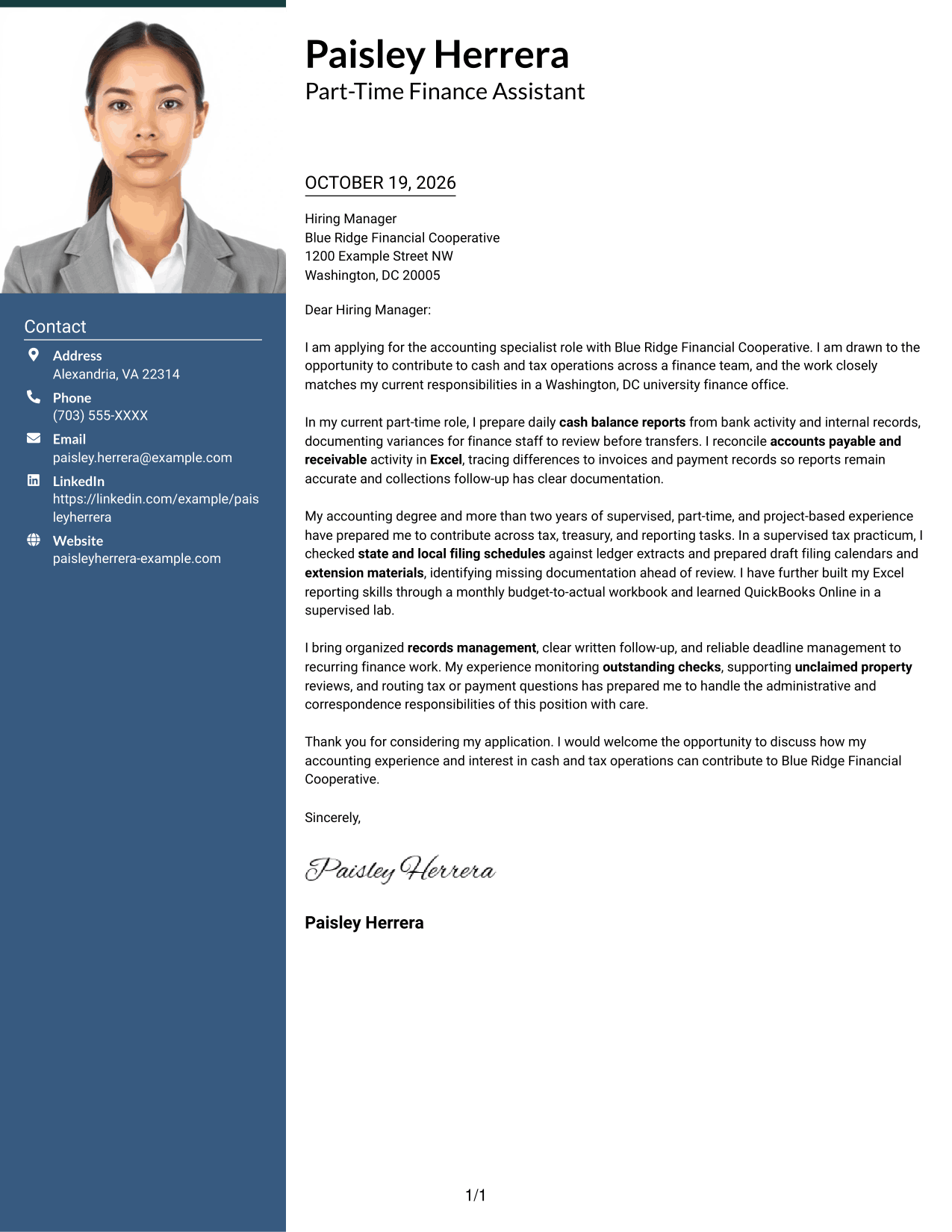
A single-column letter includes a photo while keeping sender details in the header and the message in one continuous body.
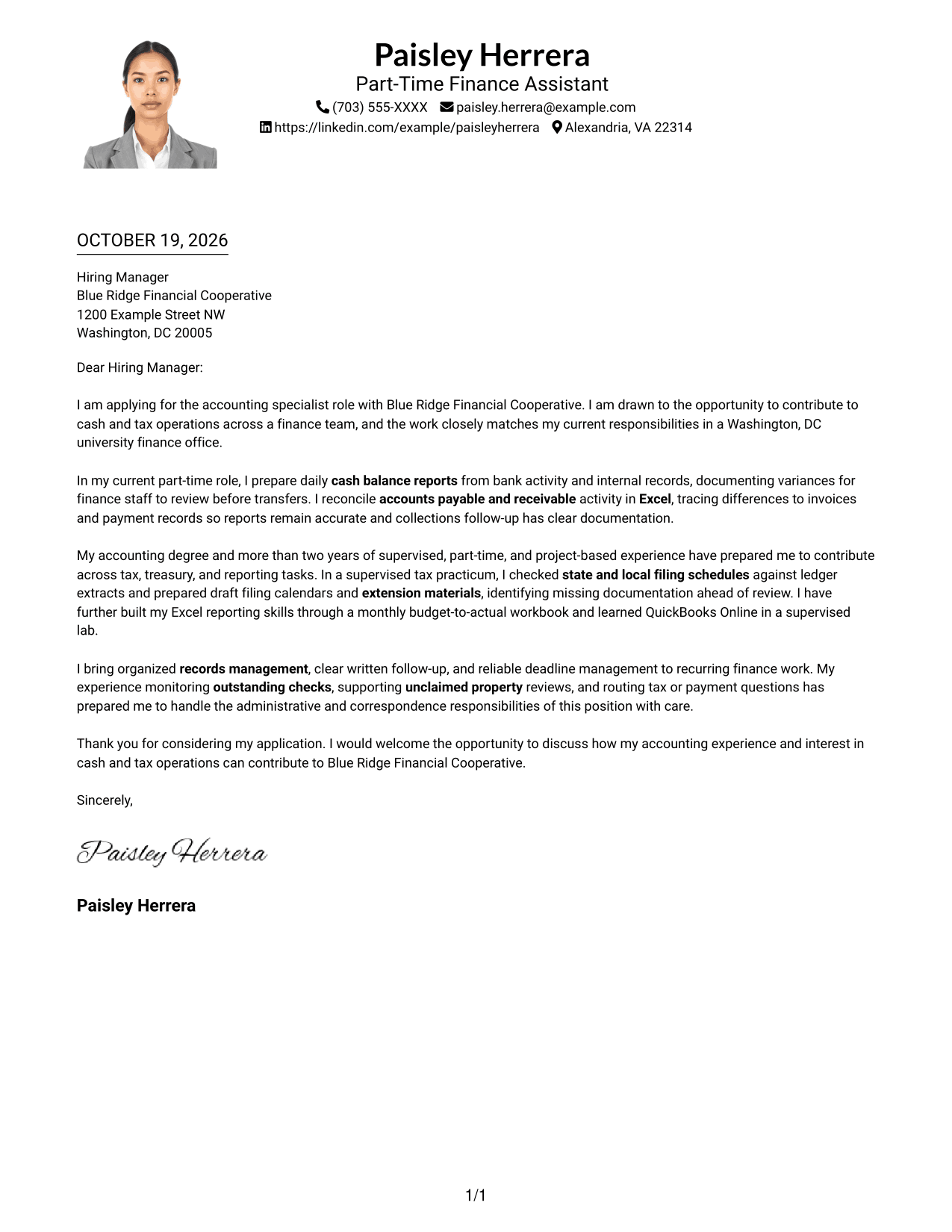
Why This Format Works
- Header-based sender details stay apart from the letter's main paragraphs.
- The single-column body gives each paragraph a direct reading order.
- A photo adds a portrait option while leaving the written argument intact.
Best For
- Portrait-inclusive correspondence
- Header-based contact details
- Direct paragraph reading
- Personal visual preference
- One-piece letter narratives
#5 Simple Two Column Format Cover Letter Example
A contact sidebar beside one continuous letter body keeps sender information distinct without dividing the message.
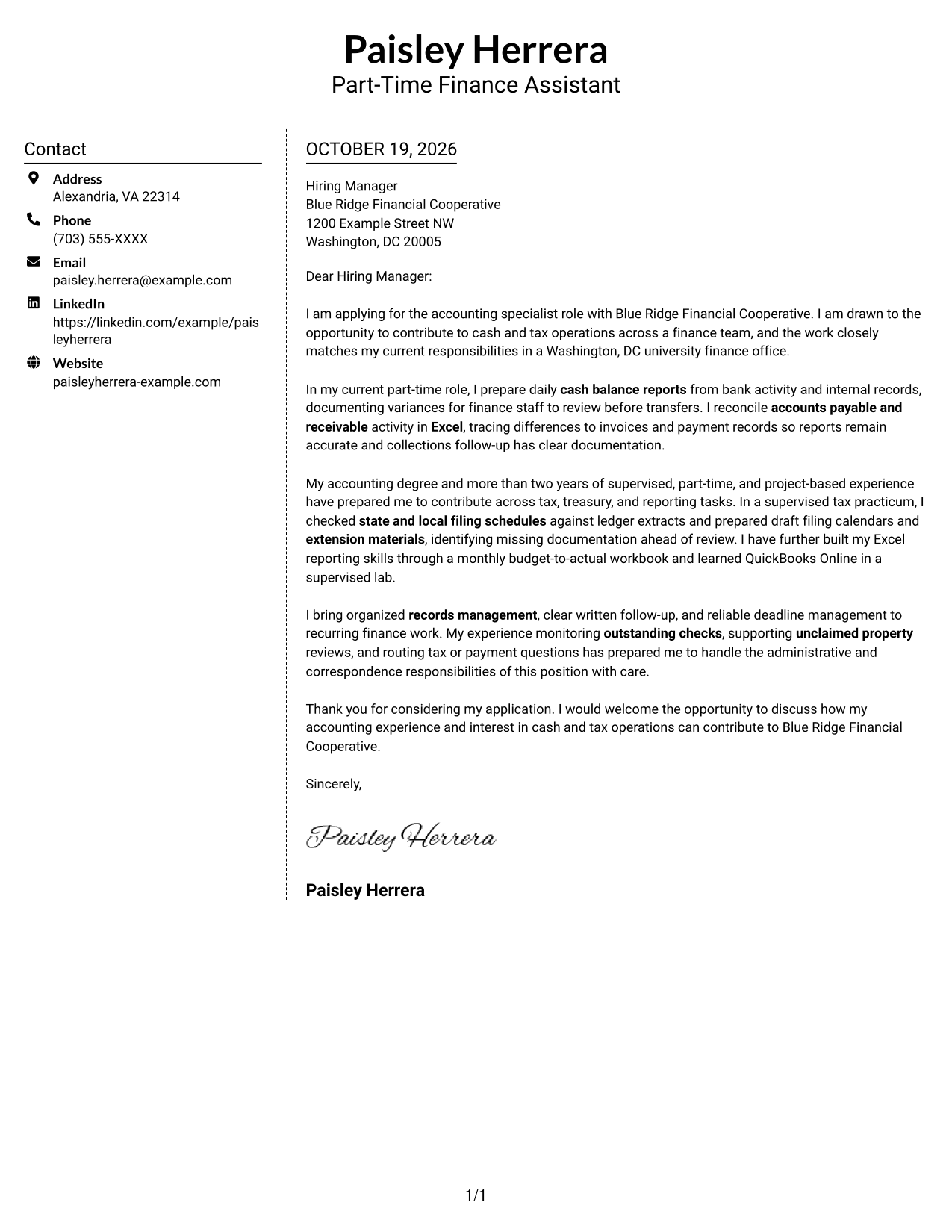
Why This Format Works
- The sidebar separates contact details from the letter's persuasive message.
- One continuous body keeps the application argument from spanning parallel columns.
- Paragraph transitions carry the letter because its body has no section headings.
Best For
- Separate sender information
- Side-by-side page organization
- Photo-free application materials
- Paragraph-based correspondence
- A connected application message
#6 Modern Icon Format Cover Letter Example
Contact icons and a sidebar sit beside the continuous letter body, giving contact details a distinct visual cue.
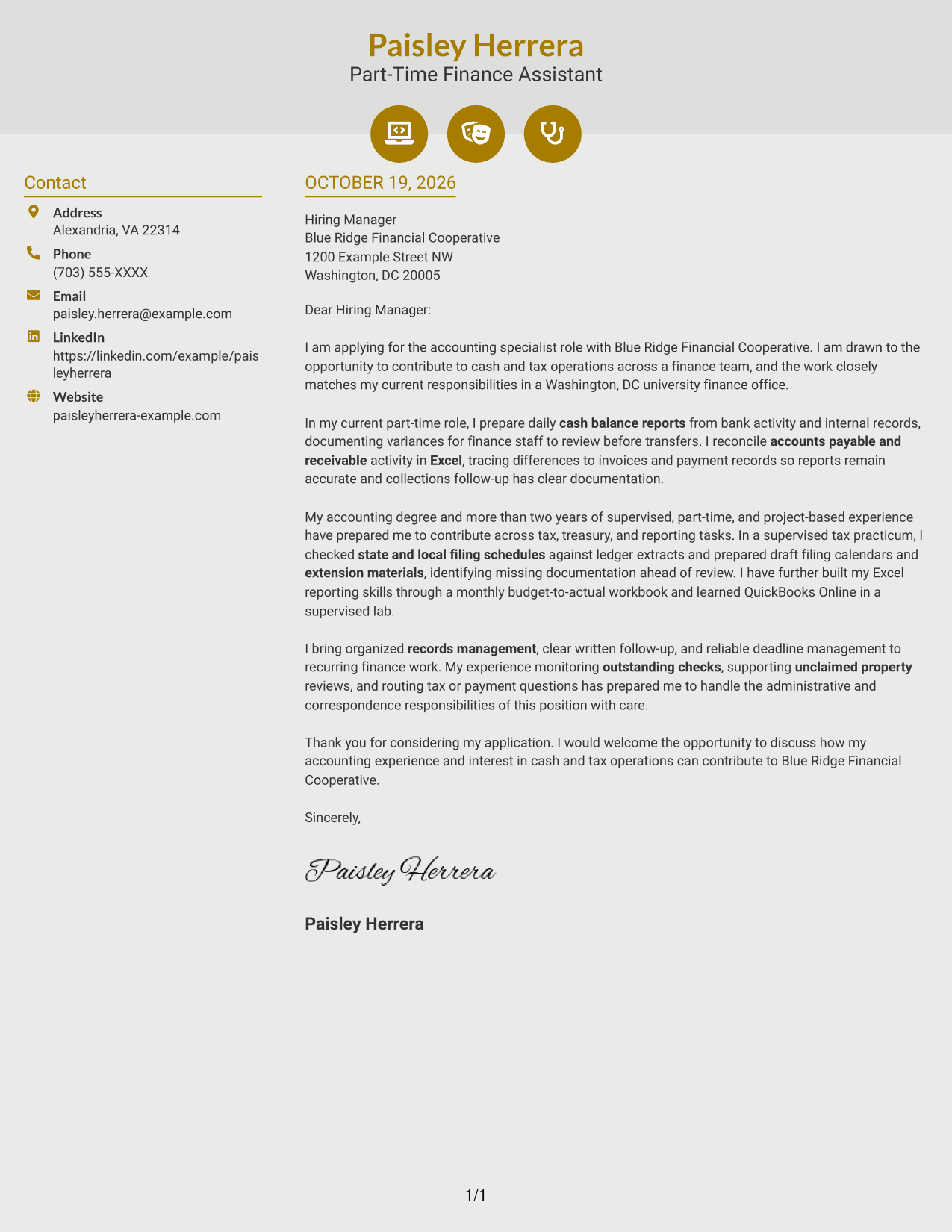
Why This Format Works
- Contact icons offer visual cues for locating sender information.
- The sidebar keeps those details separate from the continuous letter body.
- The letter's paragraphs remain together, carrying the message from opening to close.
Best For
- Icon-cued contact details
- Side-by-side letter layout
- Photo-free document preferences
- Continuous written messages
- Visually distinct sender information
#7 Creative Two Tone Format Cover Letter Example
A contact sidebar beside the continuous letter body keeps personal details apart from the application message.
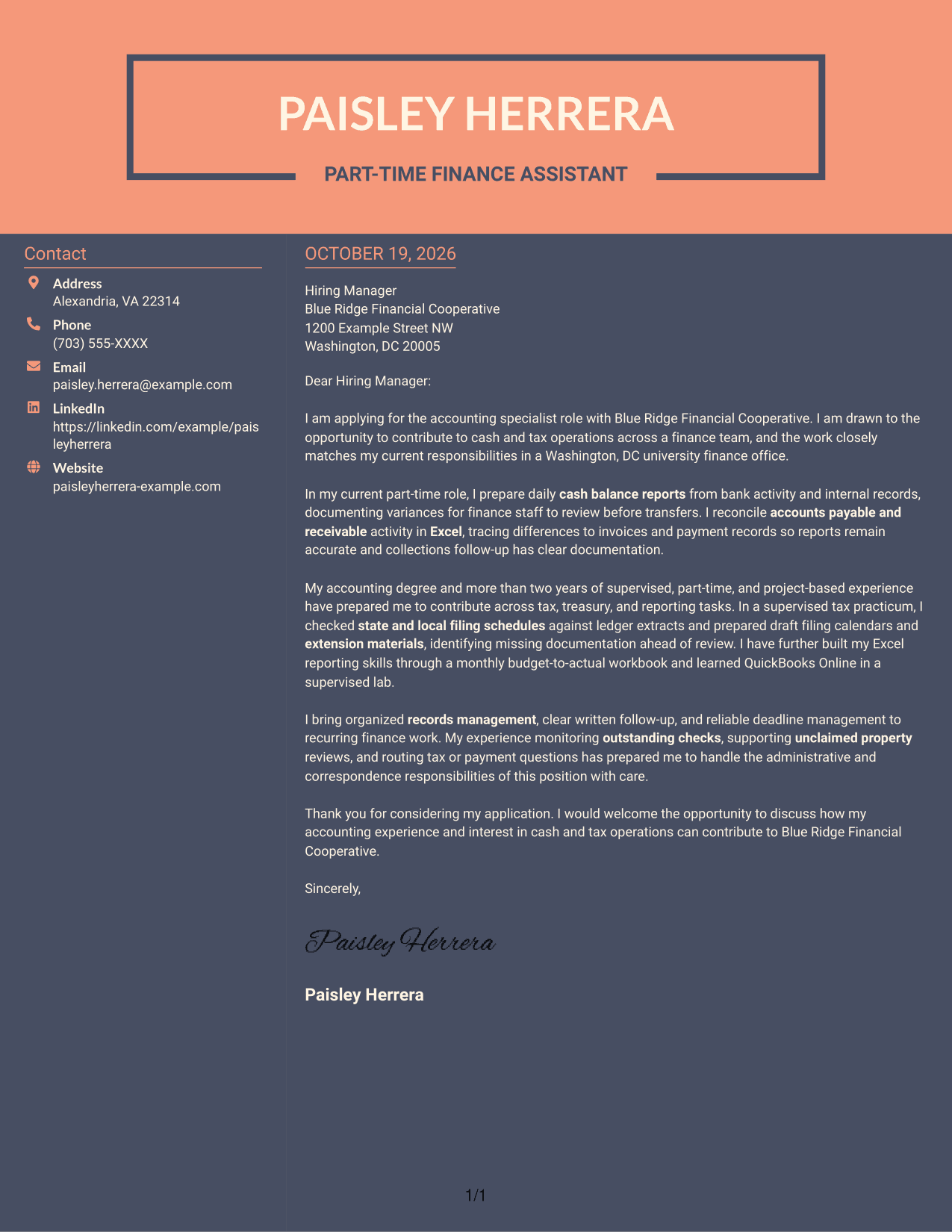
Why This Format Works
- The sidebar gives sender details a separate place beside the letter.
- A continuous body preserves the message as one connected piece of correspondence.
- Without body headings, paragraph order carries the letter's progression.
Best For
- Contact details outside the message
- Single-piece letter narratives
- Photo-free correspondence
- Clear paragraph sequence
- Separate sender information
See Also
- 7 Entry-Level Accounting Specialist - Cash and Tax Operations Resume Templates with Example
- 7 Accountant - Fixed Assets Accounting Resume Templates with Example
- 7 Accounting and Auditing Associate Resume Templates with Example
- 33 Accounting and Finance Intern Resume Templates with Example 2026 (ATS-Optimized)
- 33 Accounting Assistant Resume Templates with Example 2026 (ATS-Optimized)
- 33 Accounting / Billing Specialist Resume Templates with Example 2026 (ATS-Optimized)
- 33 Accounting Clerk Resume Templates with Example 2026 (ATS-Optimized)
- 33 Accounting Intern Resume Templates with Example 2026 (ATS-Optimized)
- 30+ Accounting and Finance Intern Cover Letter Templates with Example 2026
- 30+ Accounting Assistant Cover Letter Templates with Example 2026
Frequently Asked Questions
What should an Entry-Level Accounting Specialist - Cash and Tax Operations cover letter include?
Show why the role interests you, then connect relevant experience to cash reporting, reconciliations, tax schedules, or records management. Close with a brief statement of interest and an invitation to discuss your fit.
How can I show I am ready for cash and tax operations?
Use specific examples of accurate financial work. For example, describe how you prepared cash balance reports, checked filing schedules, traced transaction differences, or followed up on missing records, when these match your experience.
How can I connect my experience to the employer?
Refer to the responsibilities in the job description and explain how your relevant work would help with those tasks. Keep your reason for applying specific and genuine.
Which cover letter layout should I choose for this role?
Choose a clear, easy-to-read layout that gives your opening, evidence, and closing space to stand out. Compare the preview images, then open an example in the editor to review or customize it.
Should I mention Excel and accounting software in my letter?
Yes, when they relate to the role and you have used them. Briefly explain how you applied Excel to reporting or reconciliations, or how you learned a financial system such as QuickBooks Online.




