
7 Entry-Level AI Engineer - Industrial AI Applications Cover Letter Templates with Example
This practical guide to an Entry-Level AI Engineer - Industrial AI Applications cover letter shows you how to present your fit clearly across seven layouts.
What Makes a Great Entry-Level AI Engineer - Industrial AI Applications Cover Letter in 2026
A strong letter links your interest in industrial AI applications to clear evidence of building and testing useful software. Its opening should name the role and give the employer a reason to keep reading.
Use a specific example to explain how you connected data, machine learning, and an application, such as a condition-monitoring prototype. Show how your work fits the employer’s needs, and explain why this kind of practical engineering work interests you.
The featured example moves from role interest to project evidence, team experience, and a direct closing, giving you a focused progression to adapt while choosing a presentation that suits the employer and communication context.
#1 Simple One Column Format Cover Letter Example
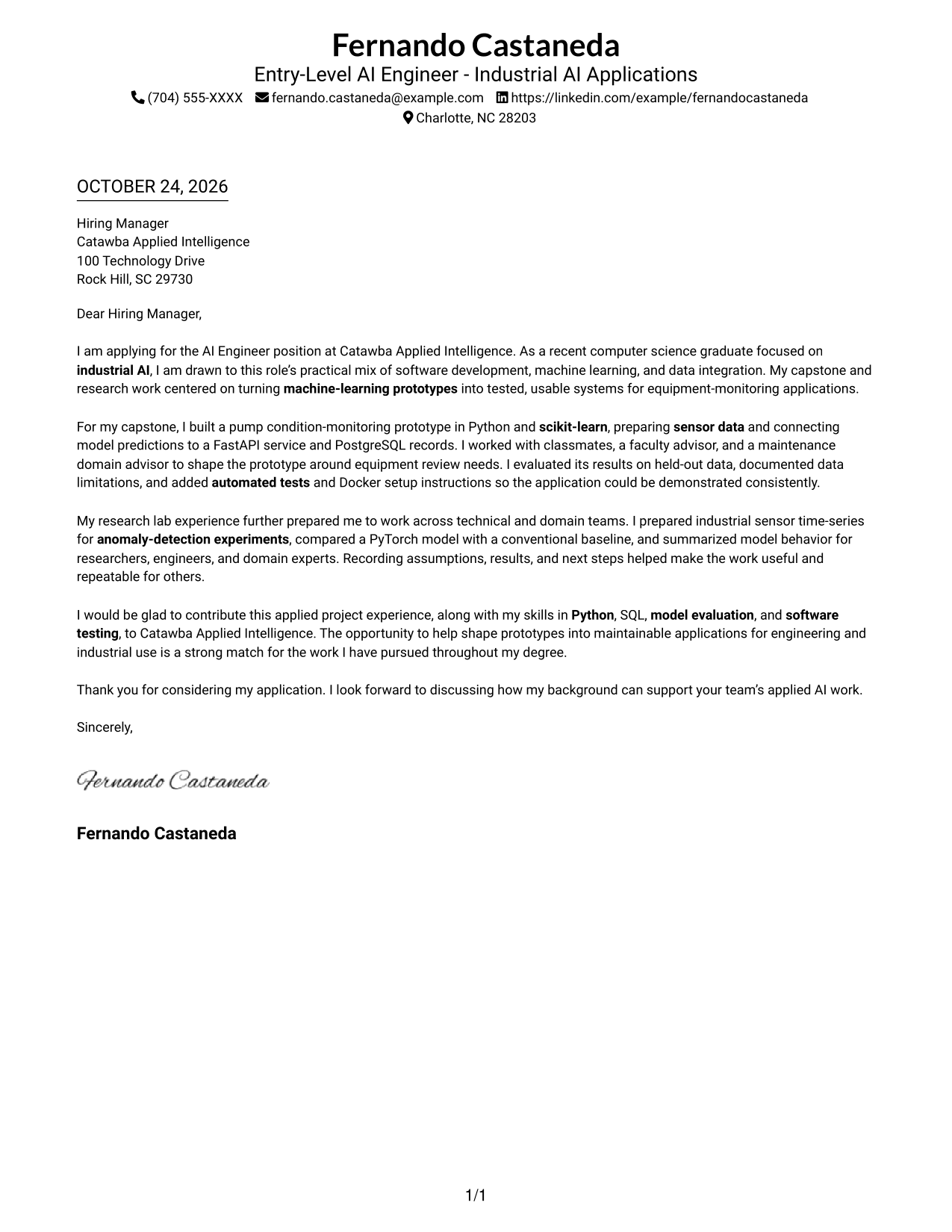
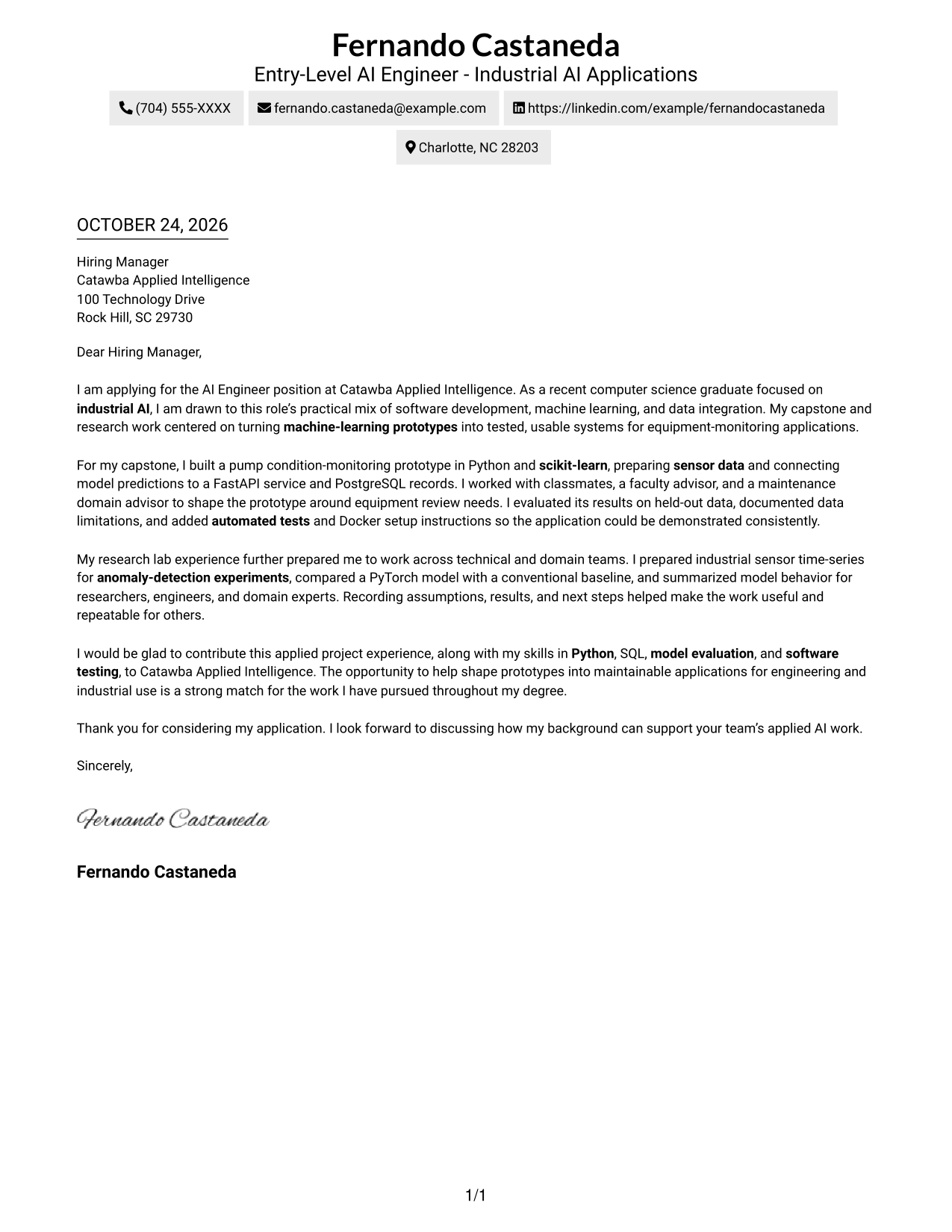
The Simple One Column Format keeps sender details in the header above a single letter body, giving the message a direct reading path.
Why This Format Works
- Sender details sit in the header, apart from the letter's main message.
- Paragraph order moves from role interest to project evidence and the closing.
- A single text column gives the letter one straightforward reading path.
Best For
- One-column letter layouts
- Header-based contact details
- Continuous paragraph arguments
- Applications with a concise message
- Readers who prefer direct reading order
#2 Two Column Format Cover Letter Example
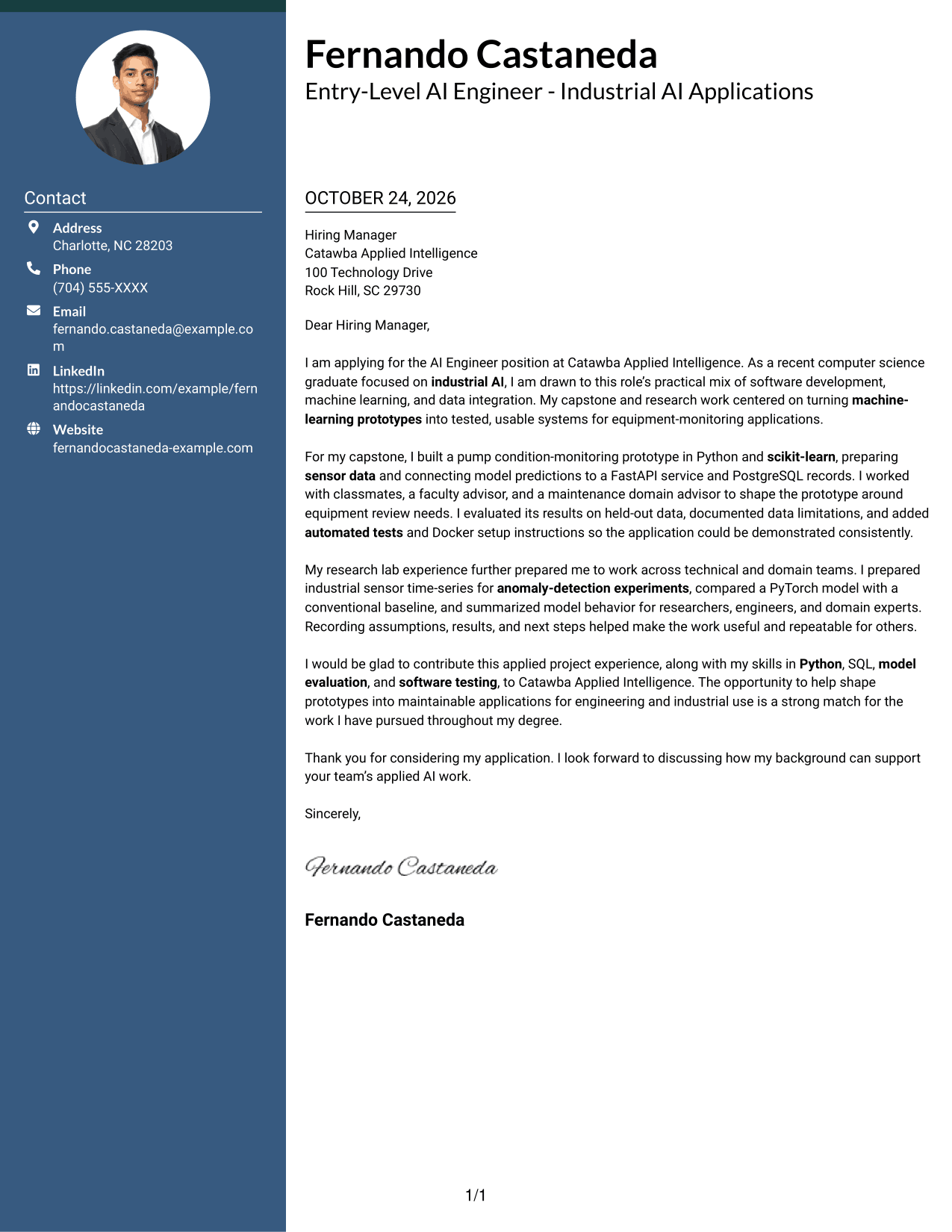
The Two Column Format places contact details in a sidebar beside the continuous letter, useful when contact information should stay apart from the message.
Why This Format Works
- The contact sidebar gives sender details a separate place beside the letter.
- One continuous body lets the reader follow the message from opening to closing.
- The distinct columns separate contact information from the letter's persuasive content.
Best For
- Contact details beside the letter
- Separate contact and message areas
- Continuous persuasive paragraphs
- Layouts with a contact sidebar
- Readers who prefer clear column separation
#3 Photo Header Two Column Format Cover Letter Example
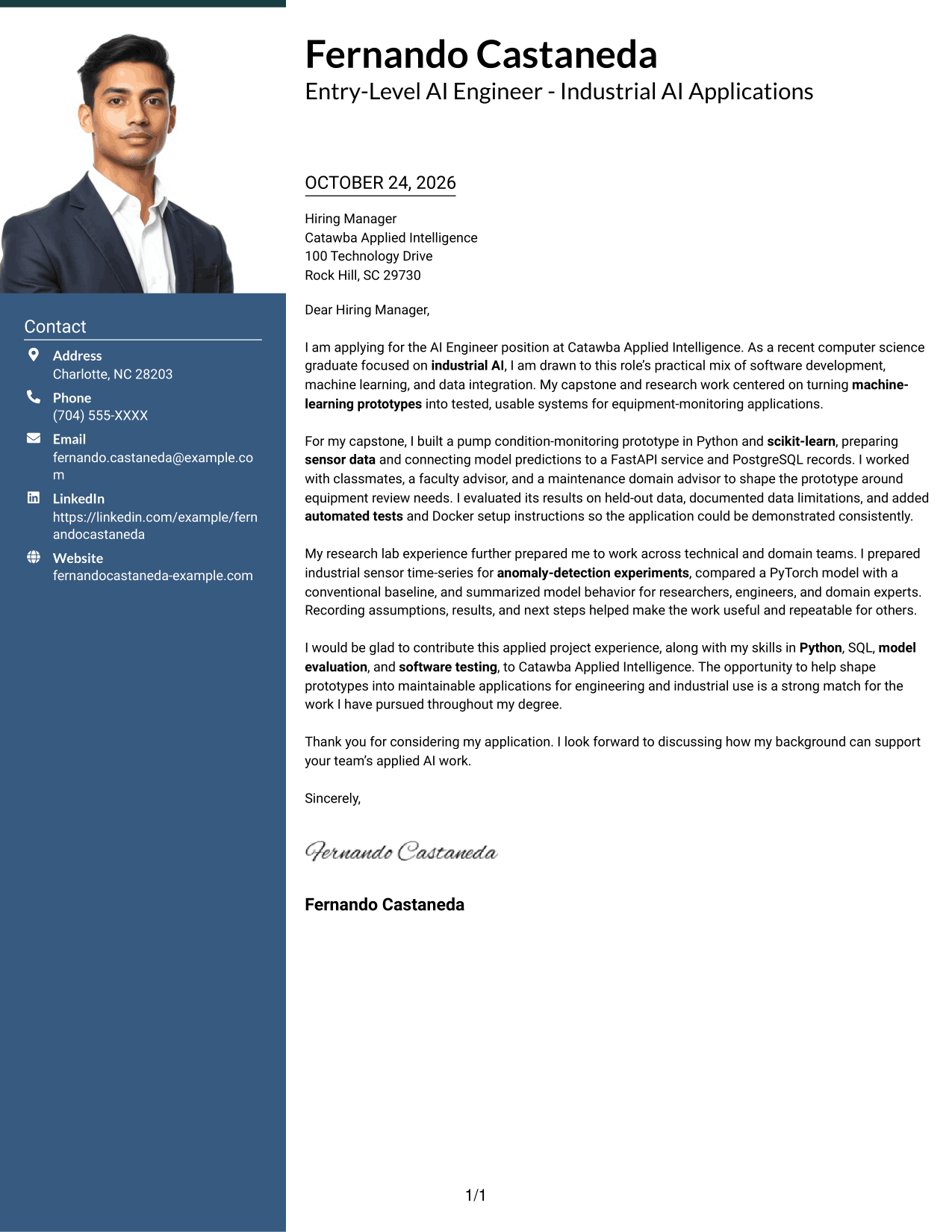
The Photo Header Two Column Format pairs a photo with a contact sidebar and one continuous letter body, for a photo-inclusive layout with clear separation.
Why This Format Works
- A photo adds a personal visual element for readers who prefer one.
- The contact sidebar keeps sender details apart from the letter's message.
- The body remains continuous, so the argument reads from opening to closing.
Best For
- Photo-inclusive letter layouts
- Contact details beside the message
- Continuous letter arguments
- A visible personal photo
- Readers who prefer distinct content areas
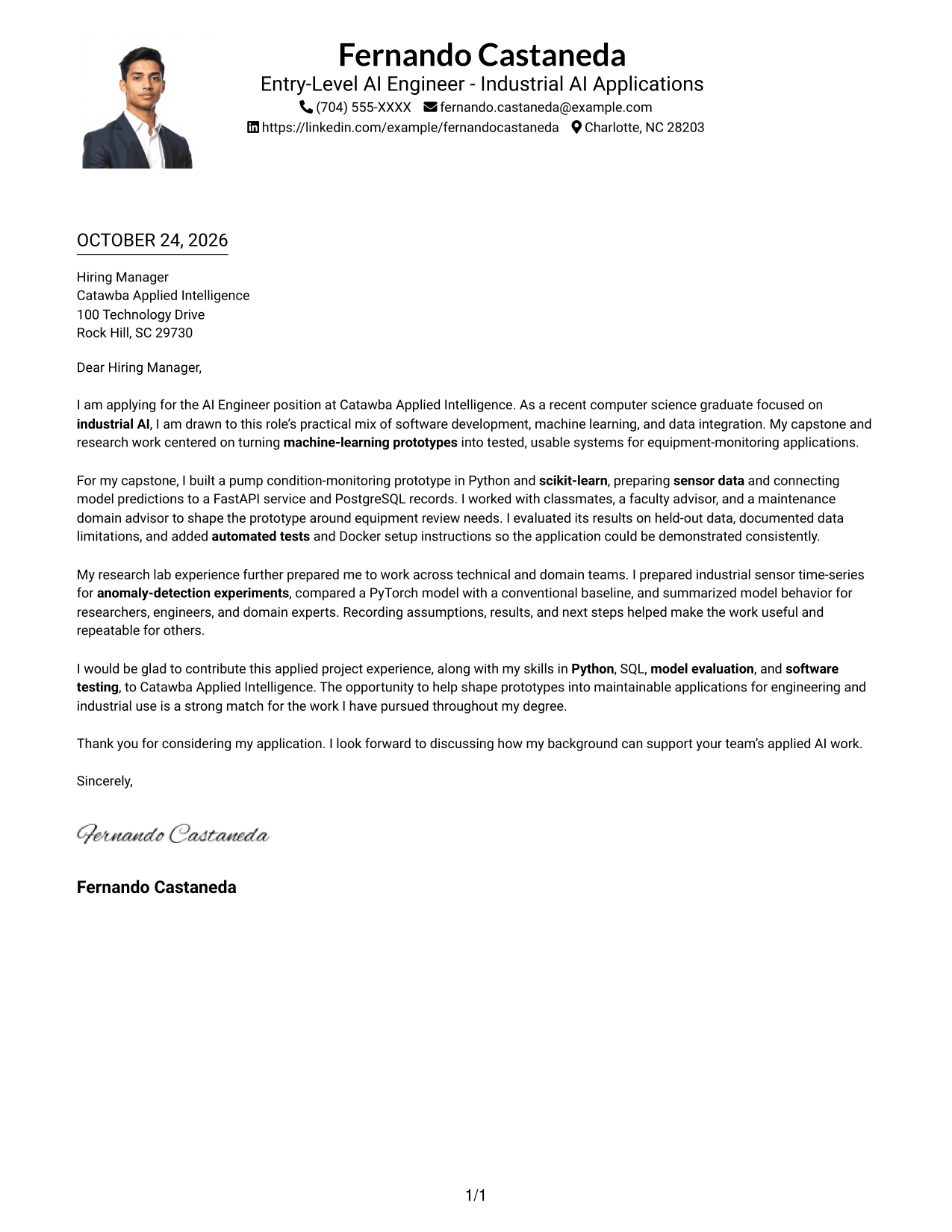
#4 One Column Format with Photo Cover Letter Example
The One Column Format with Photo keeps the letter in one column and includes a photo, balancing a direct text path with a visible personal image.
Why This Format Works
- The photo adds a visual point of personal presentation without dividing the letter.
- Sender details remain in the header, separate from the main message.
- One continuous text path lets readers follow the paragraphs in order.
Best For
- Photo-inclusive one-column layouts
- A direct letter reading path
- Header-based sender details
- Continuous message paragraphs
- Readers who prefer a visible photo
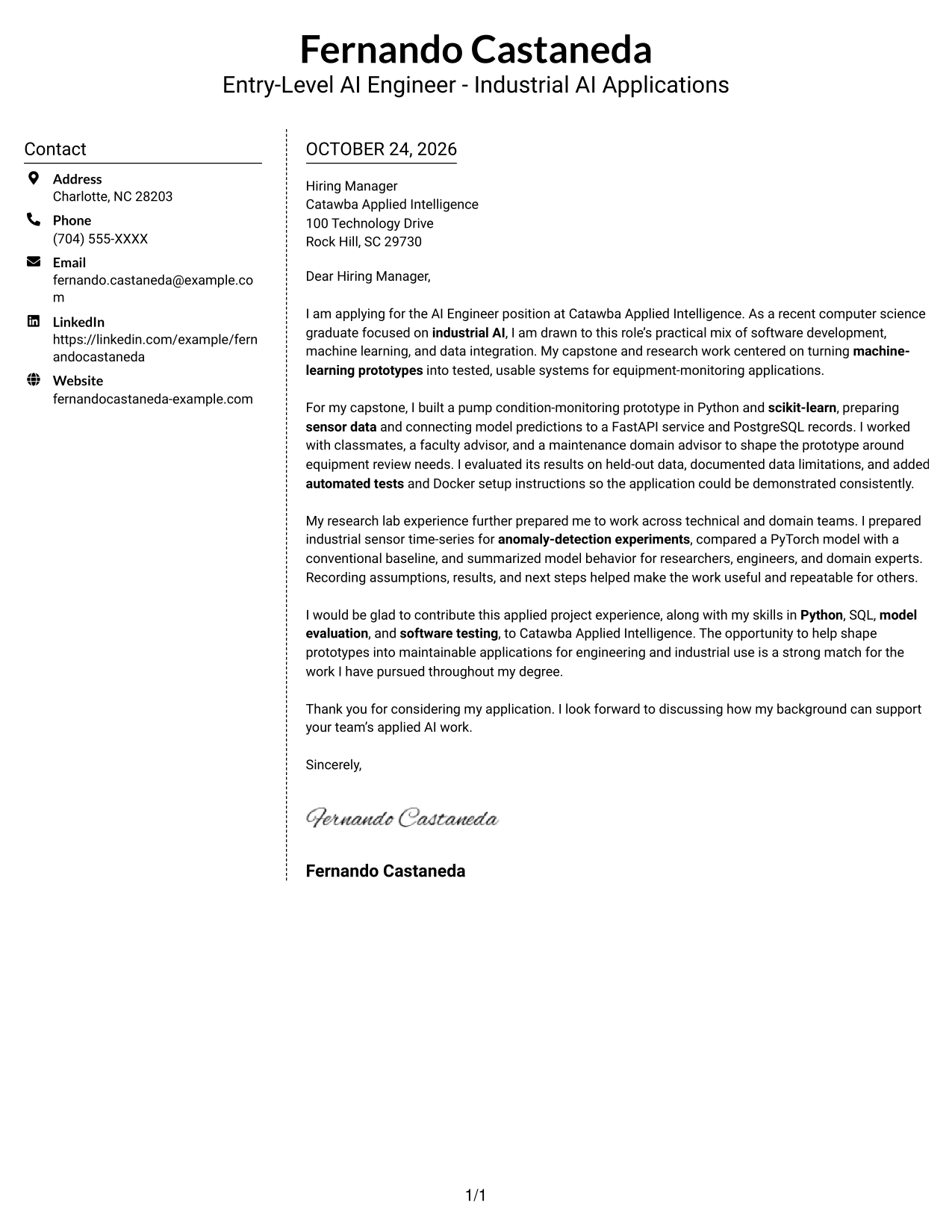
#5 Simple Two Column Format Cover Letter Example
The Simple Two Column Format sets a contact sidebar beside the continuous letter body, keeping contact details distinct from the message.
Why This Format Works
- The sidebar makes sender contact details distinct from the letter's prose.
- The message stays in one continuous body, preserving its natural sequence.
- Separate columns give contact information and the letter clear visual boundaries.
Best For
- Contact details in a sidebar
- A continuous letter body
- Separate contact and message areas
- Readers who prefer two-column layouts
- Applications with a direct message
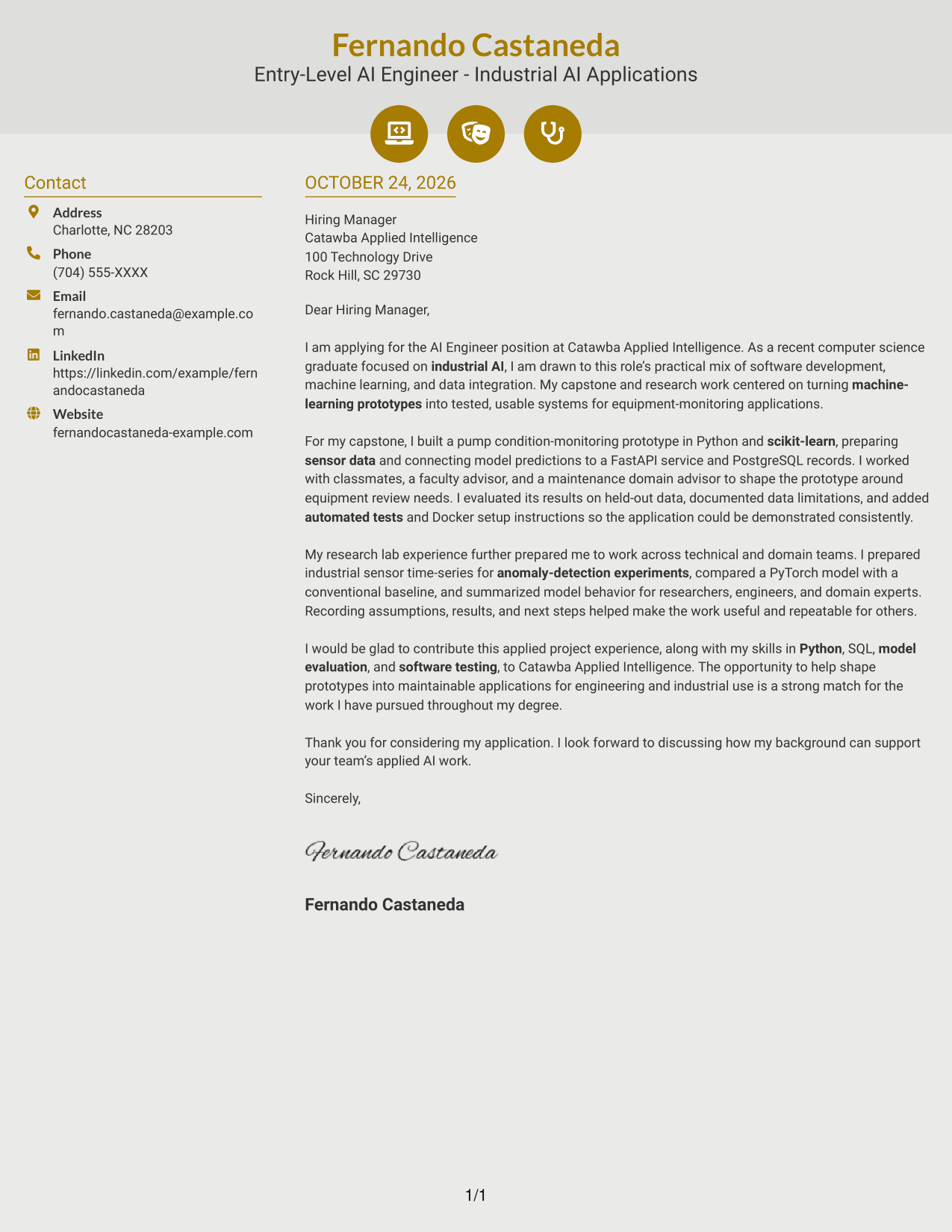
#6 Modern Icon Format Cover Letter Example
The Modern Icon Format uses two columns with contact cues and decorative header accents, while keeping the letter itself as one continuous body.
Why This Format Works
- Contact icons help readers identify sender details in the sidebar.
- Decorative header accents add visual interest without labeling letter arguments.
- The continuous body keeps motivation, evidence, and closing in one sequence.
Best For
- Icon-cued contact details
- A continuous letter argument
- Decorative header accents
- Contact details beside the message
- Readers who prefer visual contact cues
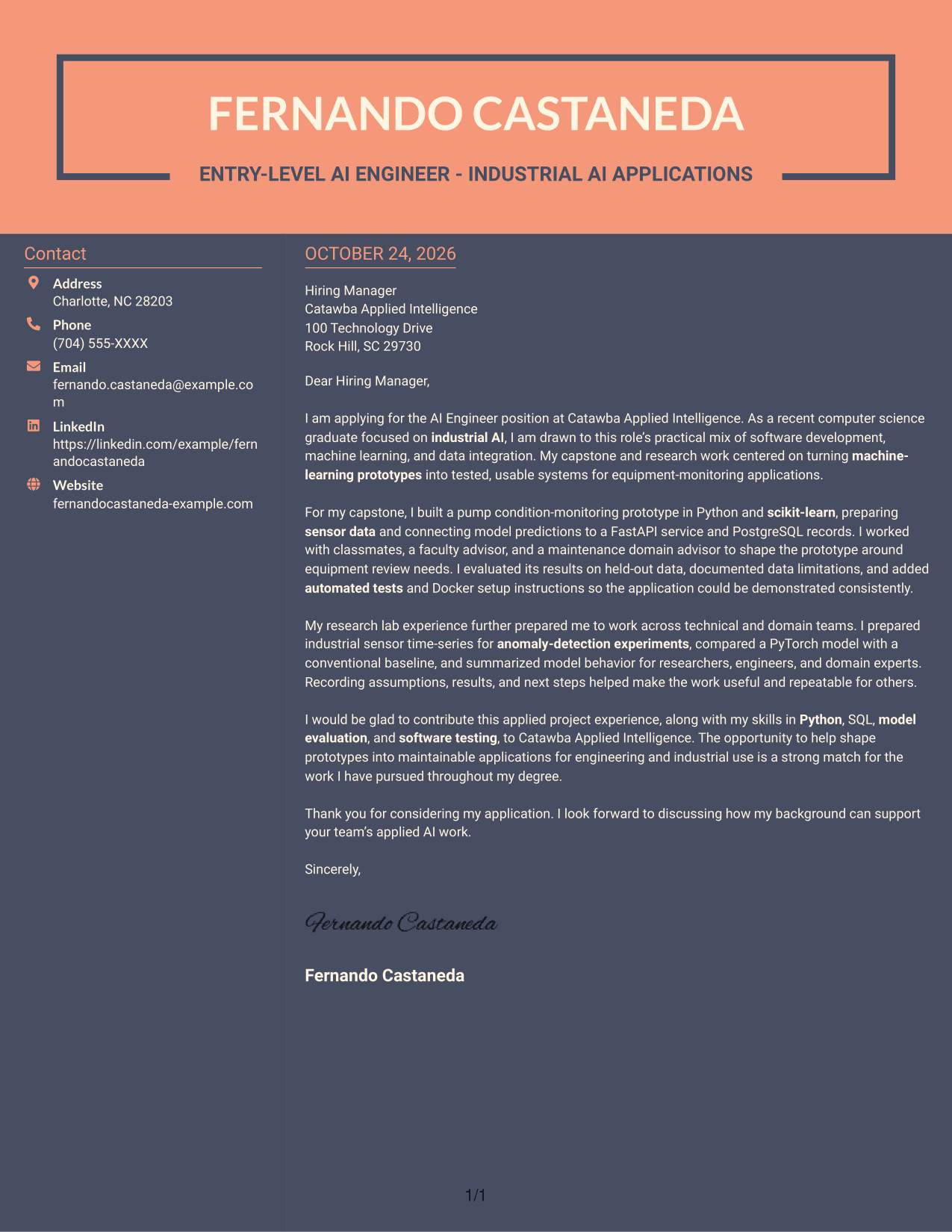
#7 Creative Two Tone Format Cover Letter Example
The Creative Two Tone Format places contact details in a sidebar beside one continuous letter body, giving each part a distinct column.
Why This Format Works
- The contact sidebar keeps sender details separate from the letter's message.
- One continuous body carries the reader through the full argument.
- The two-column arrangement makes the contact and letter areas distinct.
Best For
- A separate contact sidebar
- One continuous letter body
- Distinct contact and message areas
- Readers who prefer column-based layouts
- Applications with a direct argument
Why Use ResumeInMinutes for an Entry-Level AI Engineer - Industrial AI Applications Cover Letter
Use the PNG preview to review how the example presents role interest, technical evidence, and a professional close. Then open it in the editor to explore the presentation and adapt the letter to your own experience and the employer’s needs.
- A focused opening about the role
- Specific evidence from applied AI work
- Clear explanations of technical contributions
- Examples of teamwork and communication
- A connection to the employer’s work
- A direct, professional closing
Compare the visual preview with the example in the editor, then make sure each paragraph supports your interest and fit for this industrial AI engineering role.
See Also
- 7 Entry-Level AI Engineer - Industrial AI Applications Resume Templates with Example
- 7 Software Engineer - AI-Enabled Mission Applications Resume Templates with Example
- 33 Advisory Product Requirements Engineer, AI Orchestration Resume Templates with Example 2026 (ATS-Optimized)
- 33 Agentic AI Product Engineer Resume Templates with Example 2026 (ATS-Optimized)
- 33 AI Agent Engineer Resume Templates with Example 2026 (ATS-Optimized)
- 33 AI Automation Engineer / Full-Stack Developer Resume Templates with Example 2026 (ATS-Optimized)
- 7 AI Automation Engineer Intern Resume Templates with Example
- 33 AI Automation Engineer Resume Templates with Example 2026 (ATS-Optimized)
- 7 Software Engineer - AI-Enabled Mission Applications Cover Letter Templates with Example
- 30+ Advisory Product Requirements Engineer, AI Orchestration Cover Letter Templates with Example 2026
Frequently Asked Questions
What should an Entry-Level AI Engineer - Industrial AI Applications cover letter include?
Start with a clear reason for applying. Use the body to explain relevant work that connects software, machine learning, and data, then close by showing interest in the employer’s industrial and engineering applications.
How can I describe an industrial AI project in my letter?
Explain the practical problem, your role, and how the application worked. For example, a condition-monitoring prototype can show how sensor data, model predictions, an application service, and evaluation fit together, if those details match your experience.
How can I show that my experience fits this role?
Connect specific evidence to the work the role calls for. You might describe preparing sensor data, evaluating a model, testing an application, or working with engineers and domain experts, as long as each point is accurate for you.
How should I choose a cover letter layout?
Choose a layout that is easy to read and gives your opening, evidence, and closing enough space. Use the PNG previews to compare the options, then open an example in the editor to review its presentation.
Should I use a photo on my cover letter?
Use a photo only when it is common or expected in your country, region, or field. For applications in the United States, a cover letter without a photo is usually the safer choice.




