
7 Entry-Level AI Prompt Engineer - ERP Conversational AI Cover Letter Templates with Example
This practical guide helps you write an Entry-Level AI Prompt Engineer - ERP Conversational AI cover letter, with seven layouts to compare and guidance for showing role fit.
What Makes a Great Entry-Level AI Prompt Engineer - ERP Conversational AI Cover Letter in 2026
A strong letter connects prompt engineering to ERP tasks such as financial management, project tracking, and invoice workflows. It shows how clear communication can link natural language requests with business needs.
Use specific evidence, such as comparing GPT, Claude, and LLaMA prompts or testing assistant APIs with Java and PostgreSQL. Connect that work to the employer’s needs, including prompt safety, model testing, and practical collaboration.
The featured example moves from interest in ERP conversational AI to prompt-testing evidence, technical contributions, and a clear closing. Adapt this focused progression while choosing a presentation that suits the employer and the communication context.
#1 Simple One Column Format Cover Letter Example
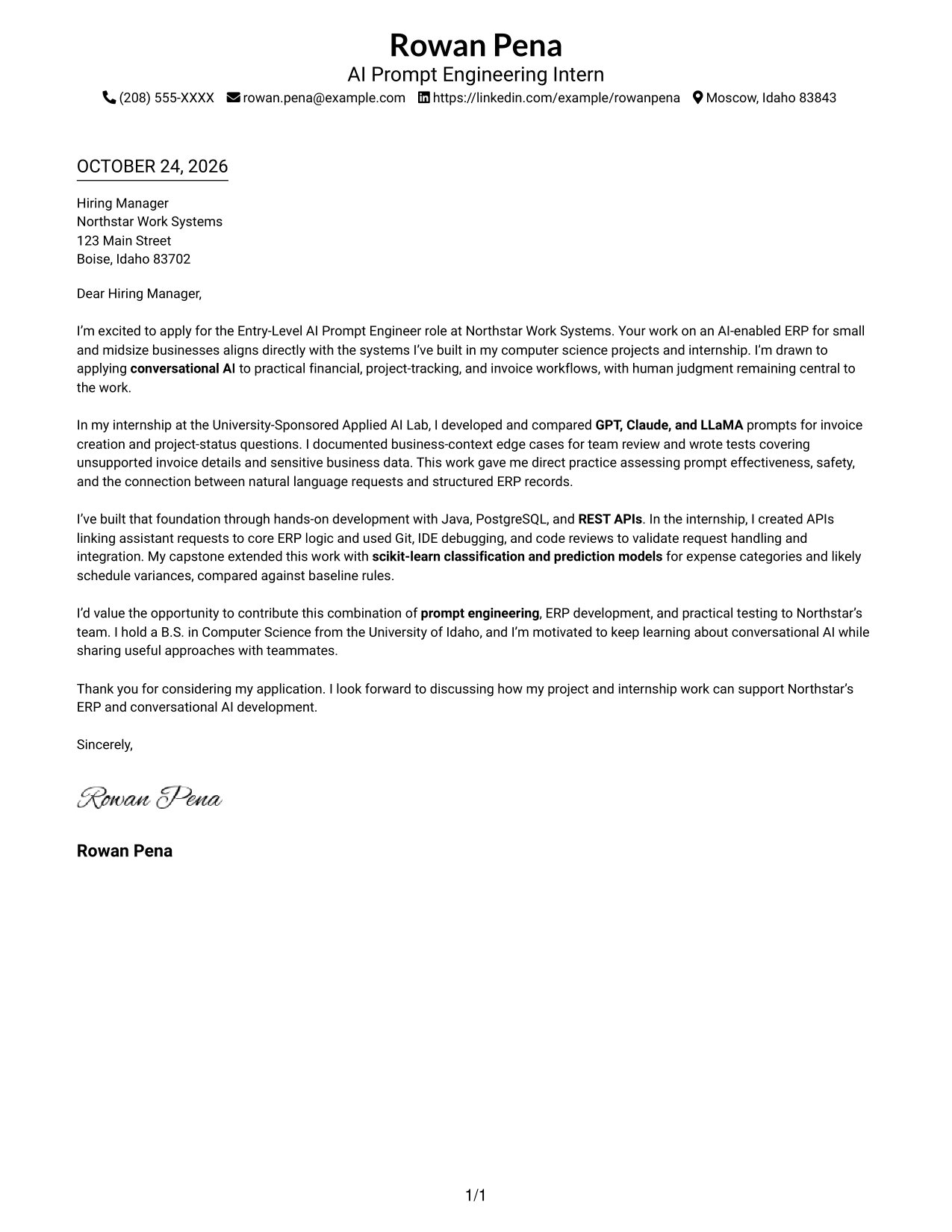
The Simple One Column Format places sender details in the header above one continuous letter body, giving the message a direct top-to-bottom reading path.
Why This Format Works
- Sender details stay in the header, apart from the letter's central message.
- A single column gives reviewers a clear path through each paragraph.
- No argument headings let motivation and evidence remain within one connected letter.
Best For
- Single-column reading
- Header-based contact details
- Continuous letter body
- Correspondence without argument headings
- Photo-free applications
#2 Two Column Format Cover Letter Example
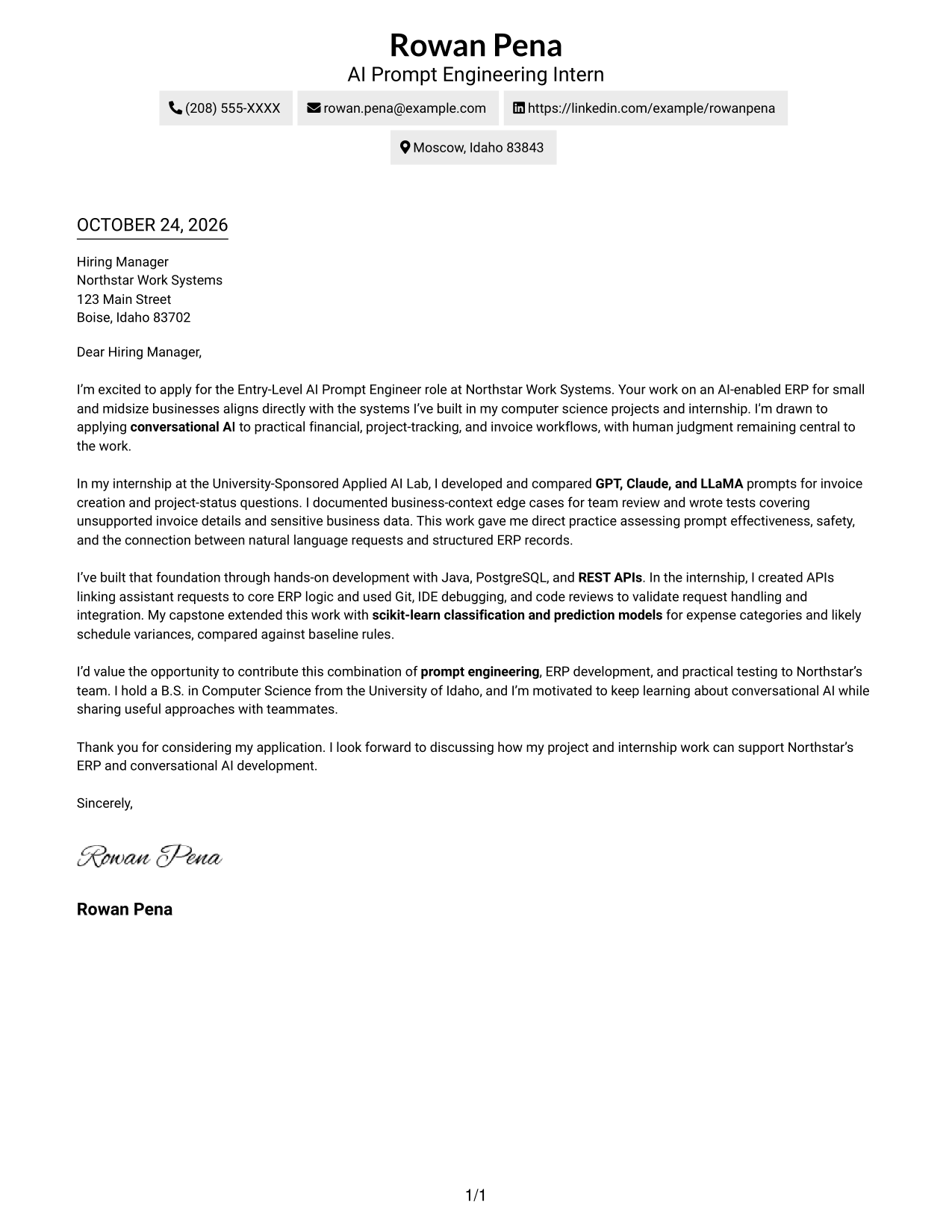
The Two Column Format places a contact sidebar beside one continuous letter body, keeping ways to reach the sender distinct from the persuasive message.
Why This Format Works
- Contact details in the sidebar remain separate from the persuasive message.
- One continuous body lets reviewers follow the letter from opening to close.
- A photo-free choice suits applications that call for text-only correspondence.
Best For
- Contact details beside the message
- One continuous letter body
- Applications listing several contact methods
- Photo-free correspondence
- Two-column document preference
#3 Photo Header Two Column Format Cover Letter Example
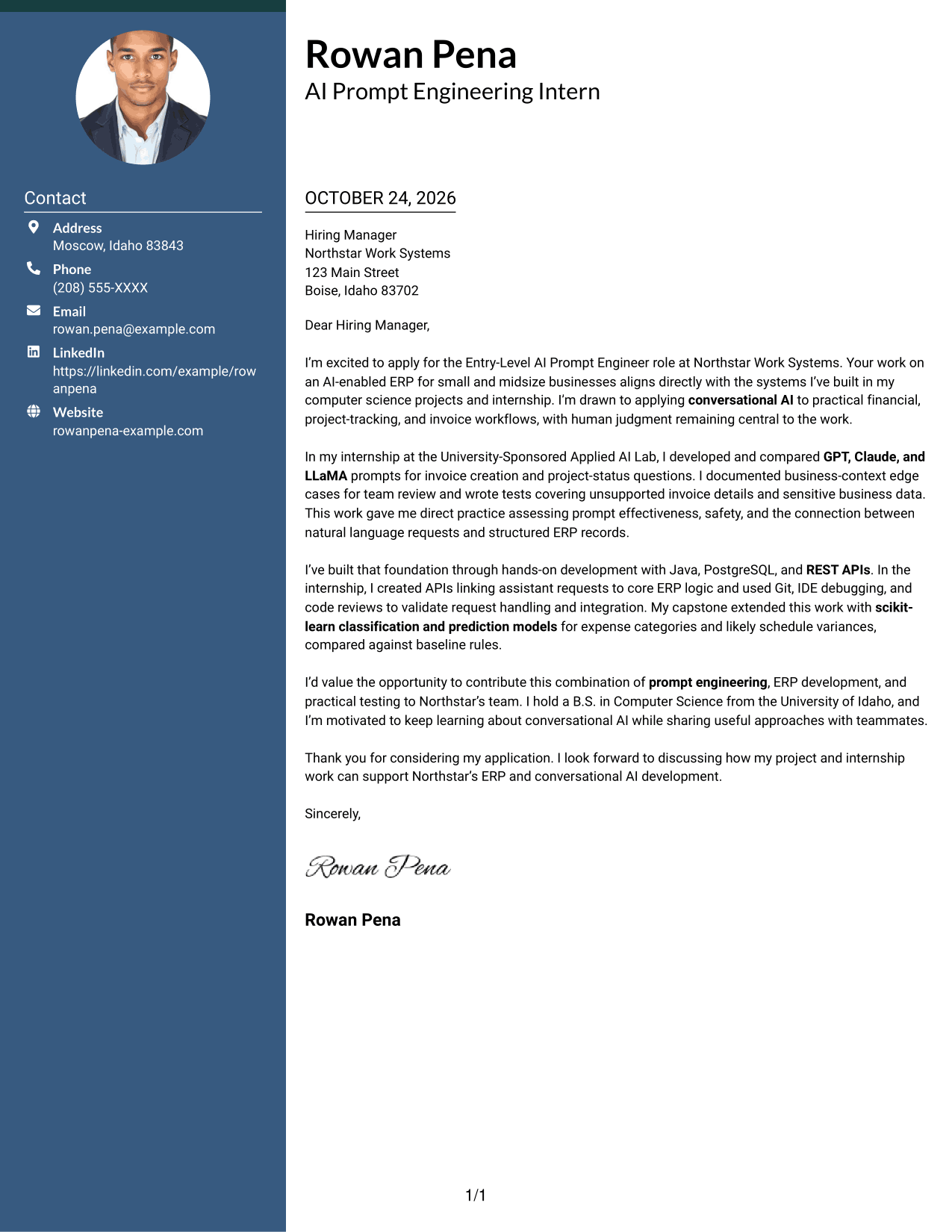
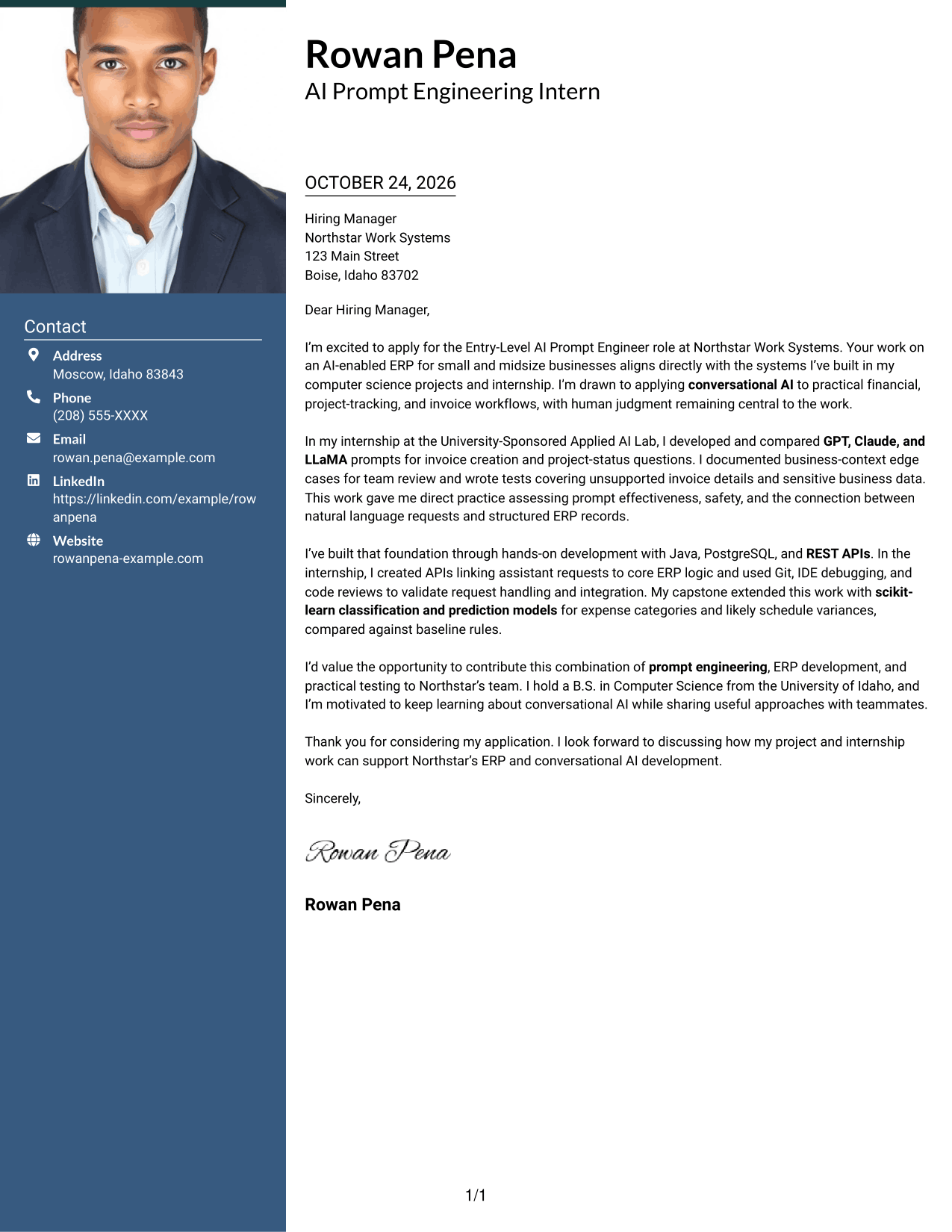
The Photo Header Two Column Format pairs a portrait and contact sidebar with one continuous letter body, adding a visual element without dividing the argument.
Why This Format Works
- A portrait gives the header a visual point of identification.
- The contact sidebar separates sender details from the letter's persuasive message.
- The uninterrupted body preserves the sequence from motivation through closing.
Best For
- Portrait-inclusive correspondence
- Contact-sidebar organization
- Continuous letter narratives
- Applications with multiple contact methods
- Side-by-side document layouts
#4 One Column Format with Photo Cover Letter Example
The One Column Format with Photo includes a portrait alongside one continuous letter body, adding a personal visual element while preserving a direct reading path.
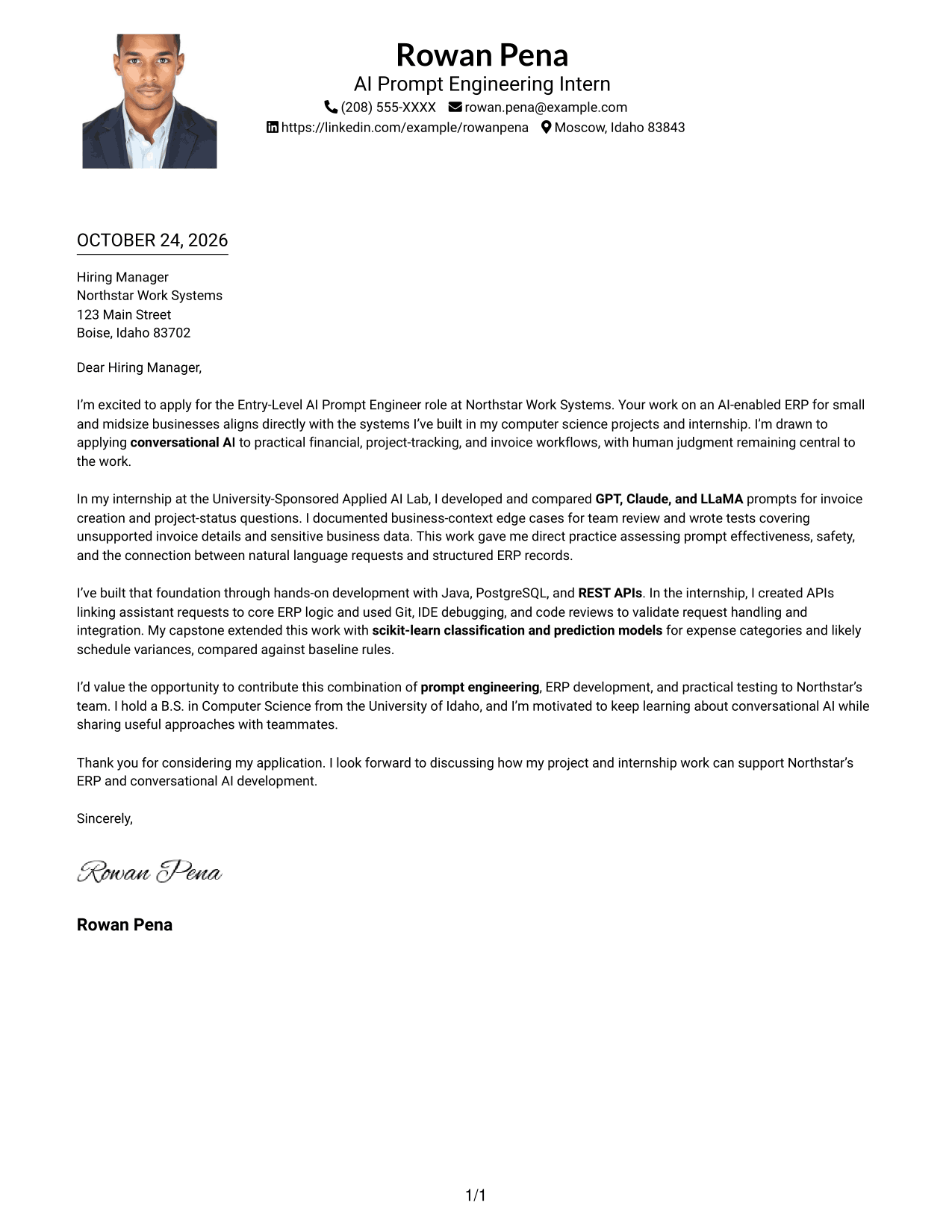
Why This Format Works
- A portrait offers a visual option for photo-inclusive correspondence.
- One-column reading keeps sender details and the letter within one path.
- Sender details remain in the header, distinct from the letter's main text.
Best For
- Photo-inclusive applications
- Single-column reading
- Header-based contact details
- Continuous letter body
- Readers who prefer a portrait
#5 Simple Two Column Format Cover Letter Example
The Simple Two Column Format sets a contact sidebar beside one continuous letter body, separating the sender's information from the written case for the role.
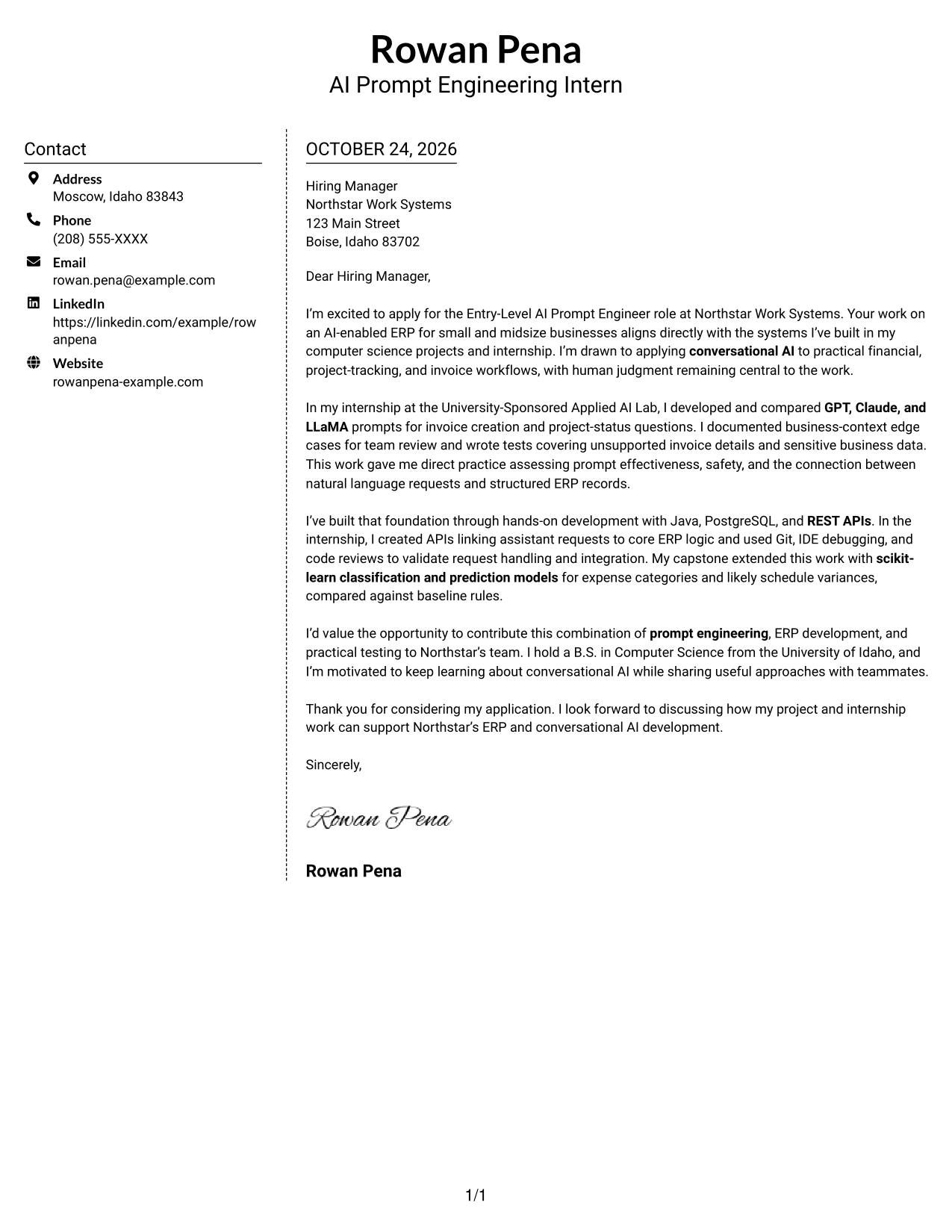
Why This Format Works
- Sidebar contact details stay apart from the letter's persuasive message.
- One continuous body carries the argument from opening through closing.
- Photo-free styling suits readers who prefer text-led correspondence.
Best For
- Contact details beside the message
- One continuous letter narrative
- Applications with several contact methods
- No-photo submissions
- Two-column document preference
#6 Modern Icon Format Cover Letter Example
The Modern Icon Format uses icons as contact cues in a sidebar beside one continuous letter body, helping distinguish contact details from the letter's argument.
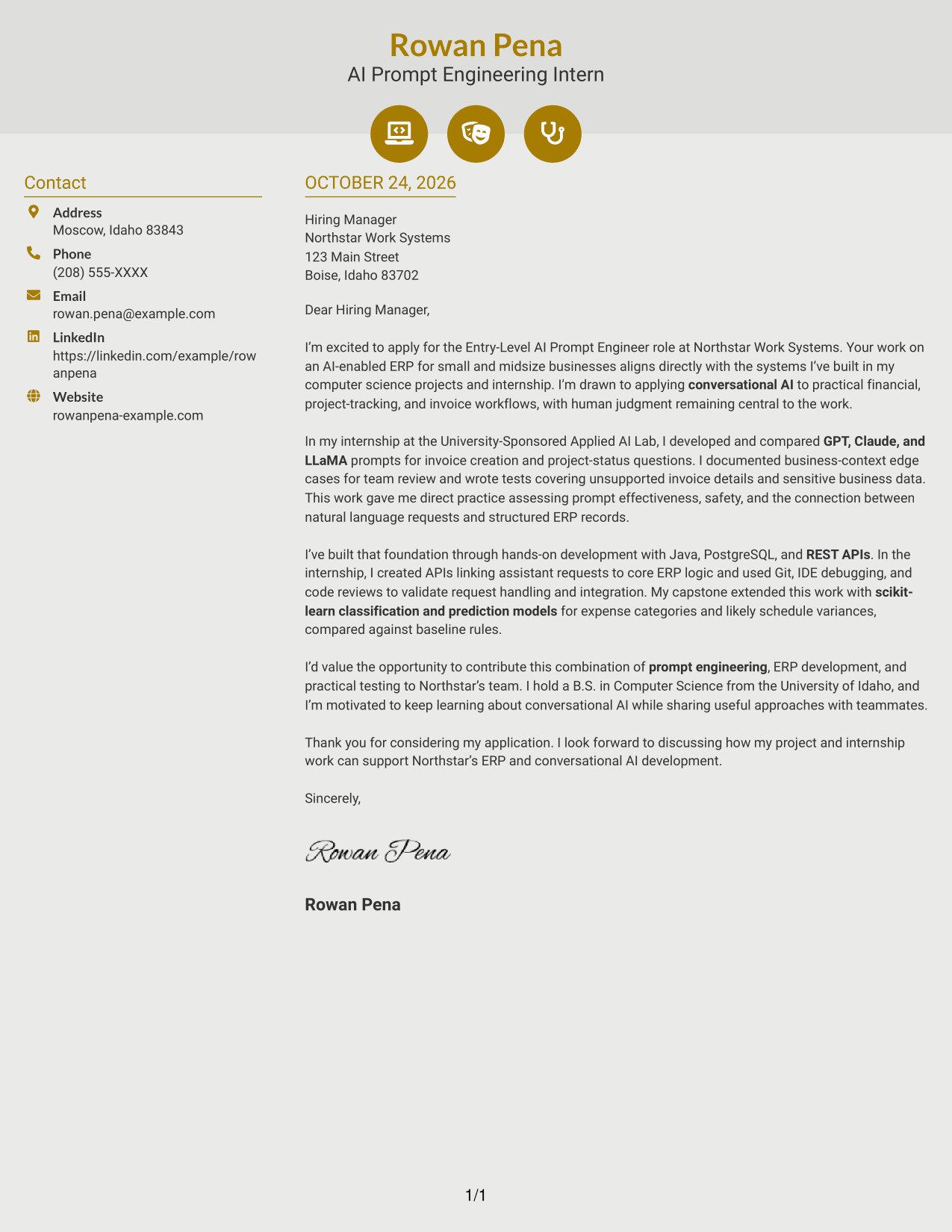
Why This Format Works
- Contact icons help distinguish ways to reach the sender.
- The sidebar keeps contact details apart from the letter's argument.
- One continuous body carries motivation, evidence, and closing in sequence.
Best For
- Icon-cued contact details
- Sidebar contact organization
- Continuous letter narratives
- Applications listing multiple contact methods
- Two-column reading preference
#7 Creative Two Tone Format Cover Letter Example
The Creative Two Tone Format pairs a contact sidebar with one continuous letter body, keeping sender information distinct while the written message stays together.
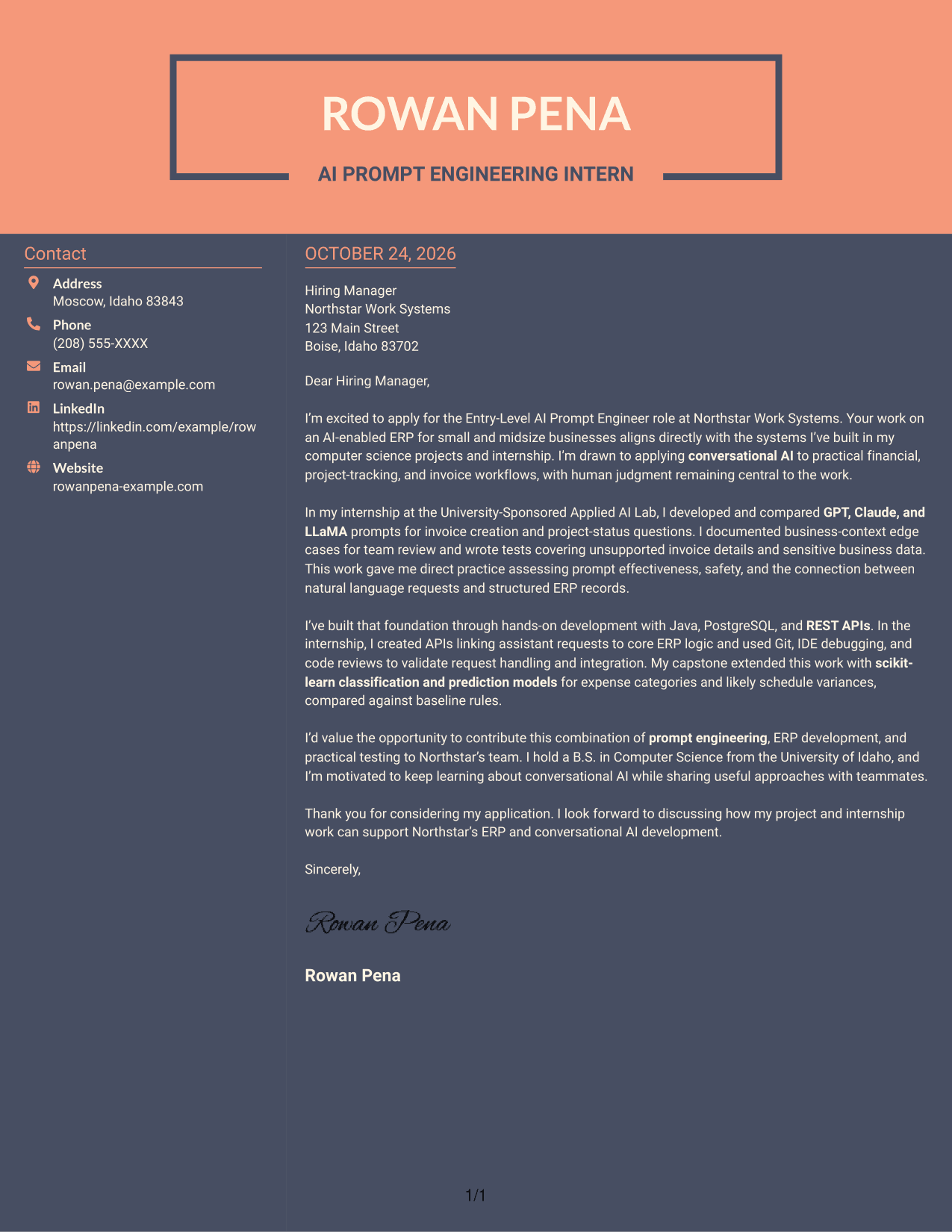
Why This Format Works
- The photo-free presentation suits readers who prefer written contact details.
- Sidebar placement gives contact information a separate, easy-to-find area.
- Reviewers can follow motivation, supporting evidence, and closing within one body.
Best For
- Contact details beside the message
- One continuous letter body
- Applications with several contact channels
- Photo-free correspondence
- Side-by-side document organization
See Also
- 7 Entry-Level AI Prompt Engineer - ERP Conversational AI Resume Templates with Example
- 33 Advisory Product Requirements Engineer, AI Orchestration Resume Templates with Example 2026 (ATS-Optimized)
- 33 Agentic AI Product Engineer Resume Templates with Example 2026 (ATS-Optimized)
- 33 AI Agent Engineer Resume Templates with Example 2026 (ATS-Optimized)
- 33 AI Automation Engineer / Full-Stack Developer Resume Templates with Example 2026 (ATS-Optimized)
- 7 AI Automation Engineer Intern Resume Templates with Example
- 33 AI Automation Engineer Resume Templates with Example 2026 (ATS-Optimized)
- 33 AI Automation Engineer, Security Resume Templates with Example 2026 (ATS-Optimized)
- 30+ Advisory Product Requirements Engineer, AI Orchestration Cover Letter Templates with Example 2026
- 30+ Agentic AI Product Engineer Cover Letter Templates with Example 2026
Frequently Asked Questions
What should an Entry-Level AI Prompt Engineer - ERP Conversational AI cover letter emphasize?
Show how your prompt work relates to real ERP workflows. Give clear evidence of testing prompts or AI responses, connecting assistant requests to business logic, and considering safety and accuracy.
How can I discuss GPT, Claude, or LLaMA in my cover letter?
Describe what you used the models for and how you compared their responses. For example, explain how prompts were tested for invoice creation or project-status questions, if that reflects your own work.
How can I show that I can connect conversational AI with ERP workflows?
Explain how a natural language request can reach structured business records or ERP logic. Relevant examples may include assistant APIs, Java services, PostgreSQL data, and tests for request handling or system integration.
How do I show interest in an employer without making unsupported claims?
Refer to verified details about the employer’s product or role, then explain why that work interests you. Connect your reason to relevant prompt engineering or ERP experience rather than making broad claims about the company.
How can I view and customize the cover letter examples?
Compare the PNG image previews to review the different presentations, then use the editor link to open an example and customize its content.




