
7 Entry Level Architect - Data Centers Cover Letter Templates with Example
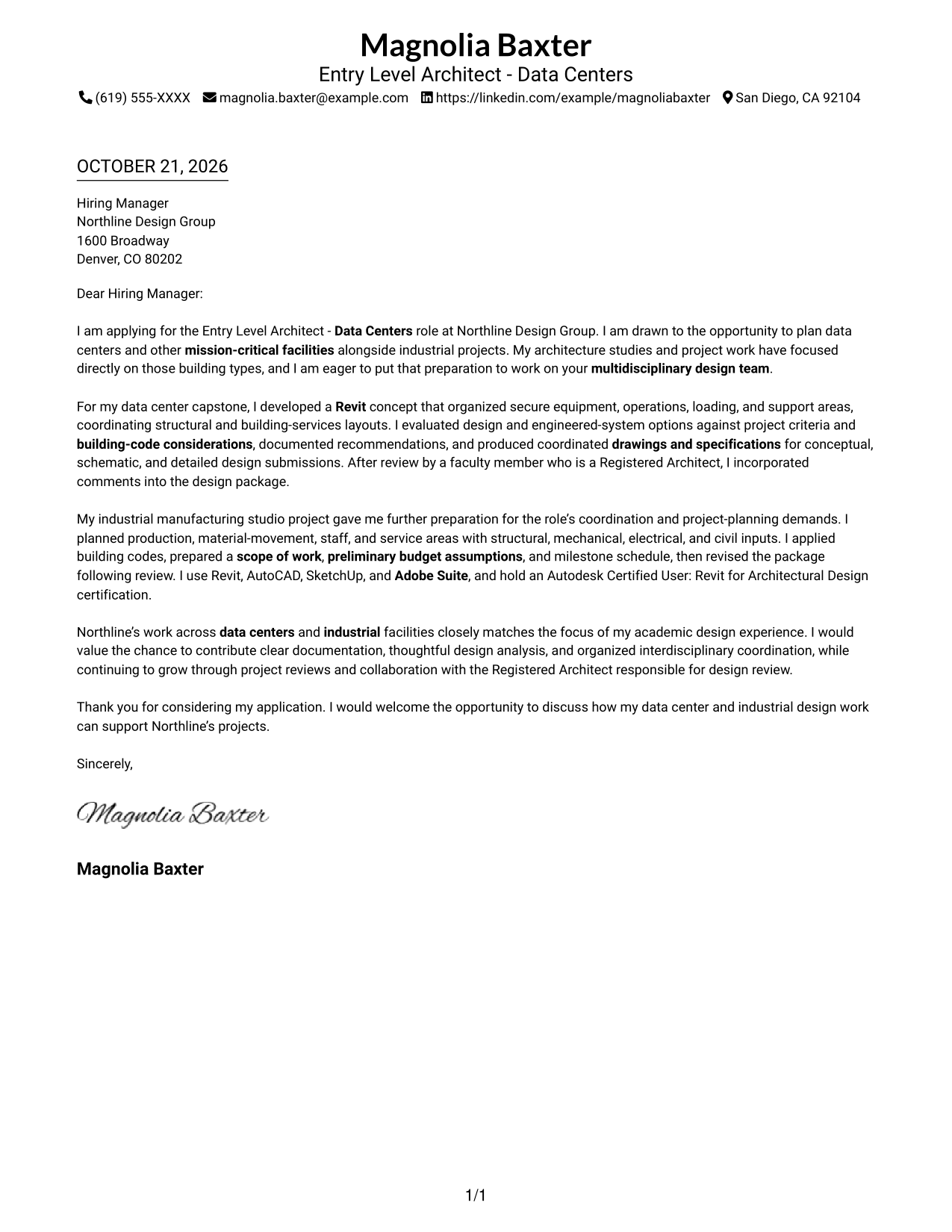
This practical guide to an Entry Level Architect - Data Centers cover letter shows how to use seven layouts to present role fit clearly.
What Makes a Great Entry Level Architect - Data Centers Cover Letter in 2026
A strong letter explains why data center design interests you and connects that interest to the role. A clear opening, focused body, and direct closing help the reader follow your message.
Use specific evidence, such as coordinating facility layouts, applying building codes, or preparing drawings and specifications. Show how your approach fits the employer’s work and the needs of a multidisciplinary design team.
The featured Entry Level Architect - Data Centers example follows a focused progression from role interest to design evidence and employer fit, which you can adapt while choosing a presentation suited to the employer and communication context.
#1 Simple One Column Format Cover Letter Example
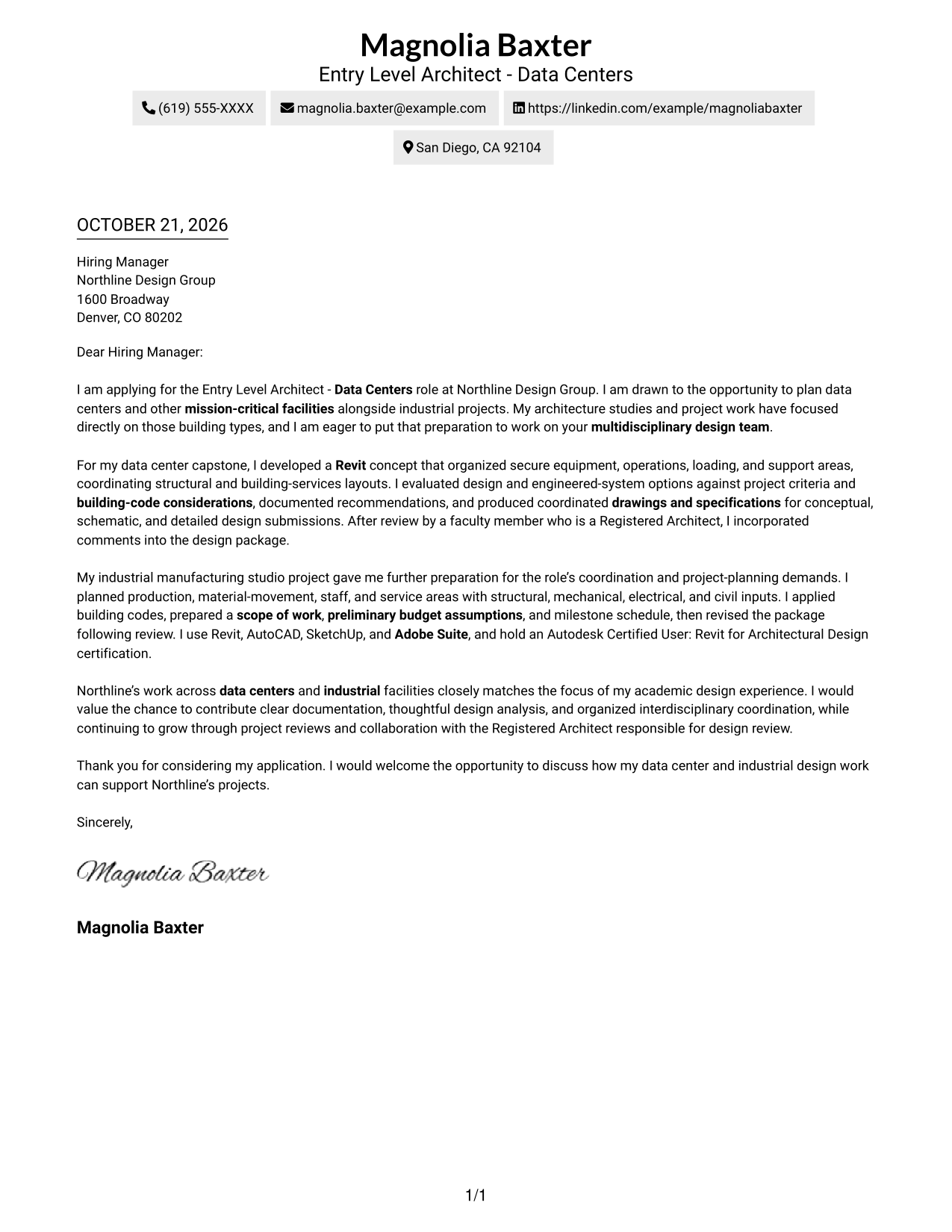
The single-column presentation places sender details in the header and keeps the letter body in one reading path, a straightforward choice for readers who prefer a direct message.
Why This Format Works
- Sender details and the letter share a single-column reading path.
- One continuous body carries motivation, supporting examples, and the closing in order.
- Without a parallel contact column, the page keeps attention on the message.
Best For
- Single-column letter layouts
- Uninterrupted paragraph reading
- Header-based sender details
- Text-first applications
- Simple contact presentation
#2 Two Column Format Cover Letter Example
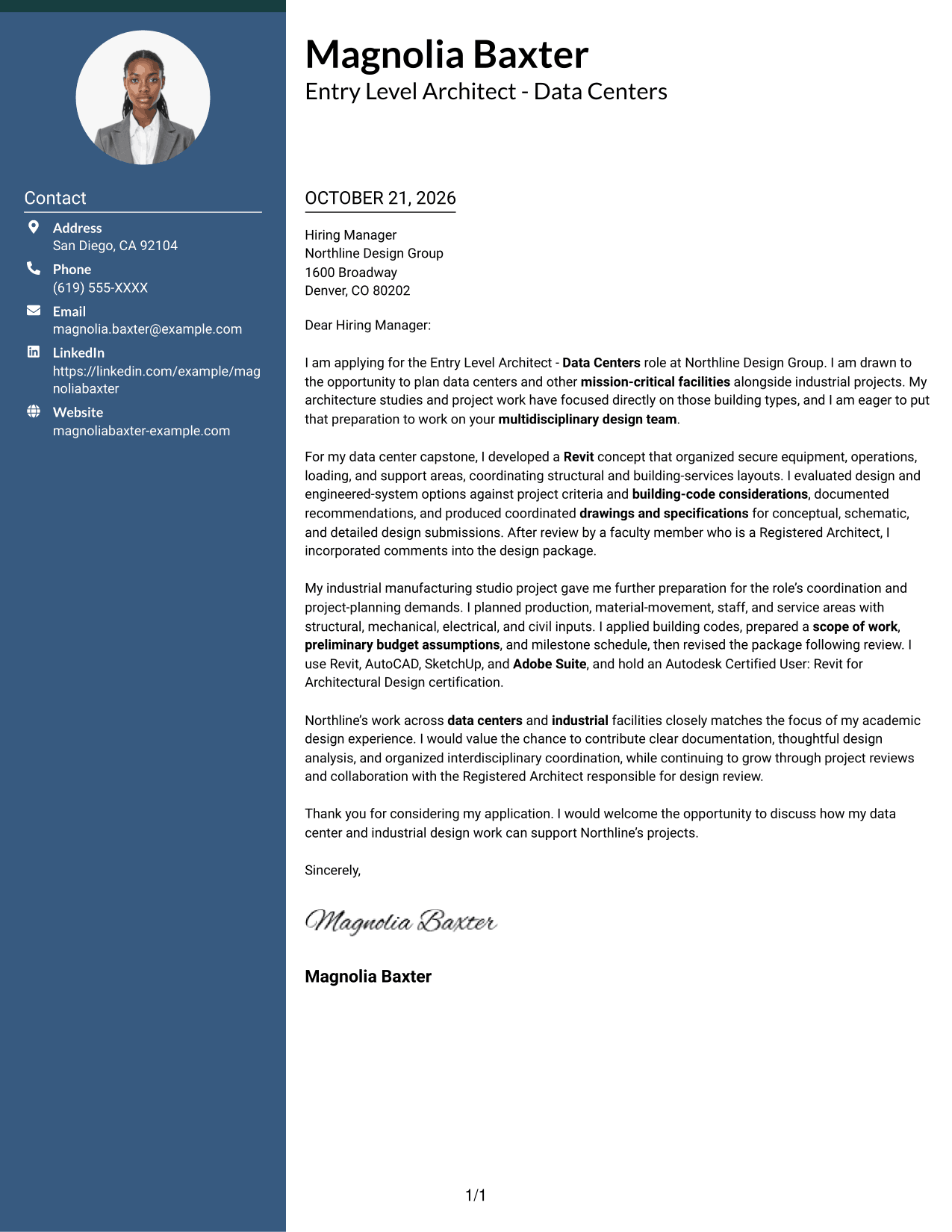
A contact sidebar sits beside a single continuous letter body, giving sender information its own place while the message stays together.
Why This Format Works
- The sender details stay apart from the letter’s persuasive paragraphs.
- One continuous body lets the opening lead into evidence and closing.
- Clear separation helps reviewers move between contact information and the message.
Best For
- Separate contact information
- Continuous letter paragraphs
- Quick access to sender details
- Two-column page organization
- Letters without a portrait
#3 Photo Header Two Column Format Cover Letter Example
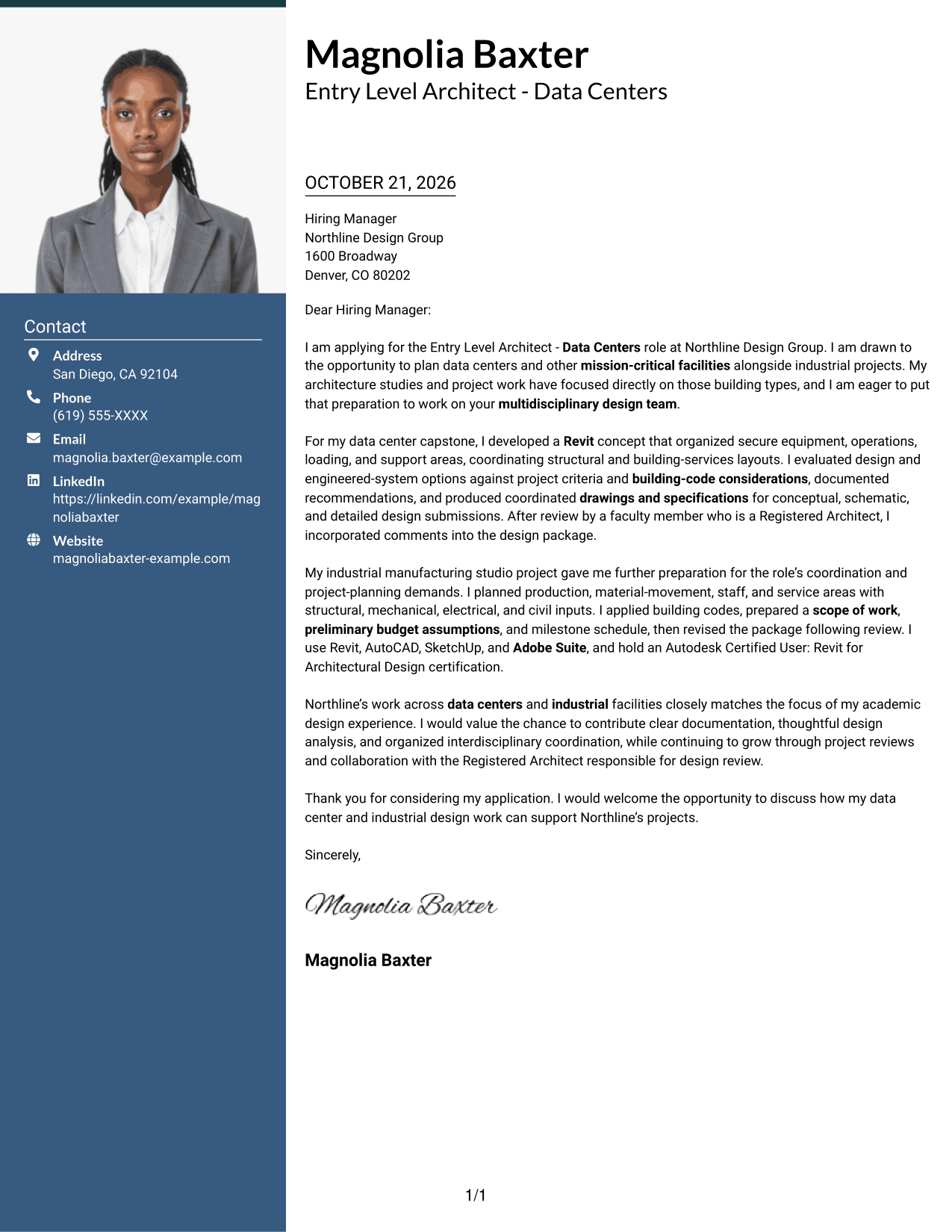
A portrait appears in the header of this two-column layout, while the contact sidebar stays separate from the continuous letter body.
Why This Format Works
- The header portrait adds a personal visual element without dividing the letter.
- A separate contact area keeps sender details distinct from the message.
- The continuous body preserves a clear path from opening through closing.
Best For
- Portrait in the header
- Contact details set apart
- Continuous letter reading
- Two-column organization
- Personal visual presentation
#4 One Column Format with Photo Cover Letter Example
This one-column letter includes a photo and keeps sender details in the header, a suitable choice when a portrait is wanted without a sidebar.
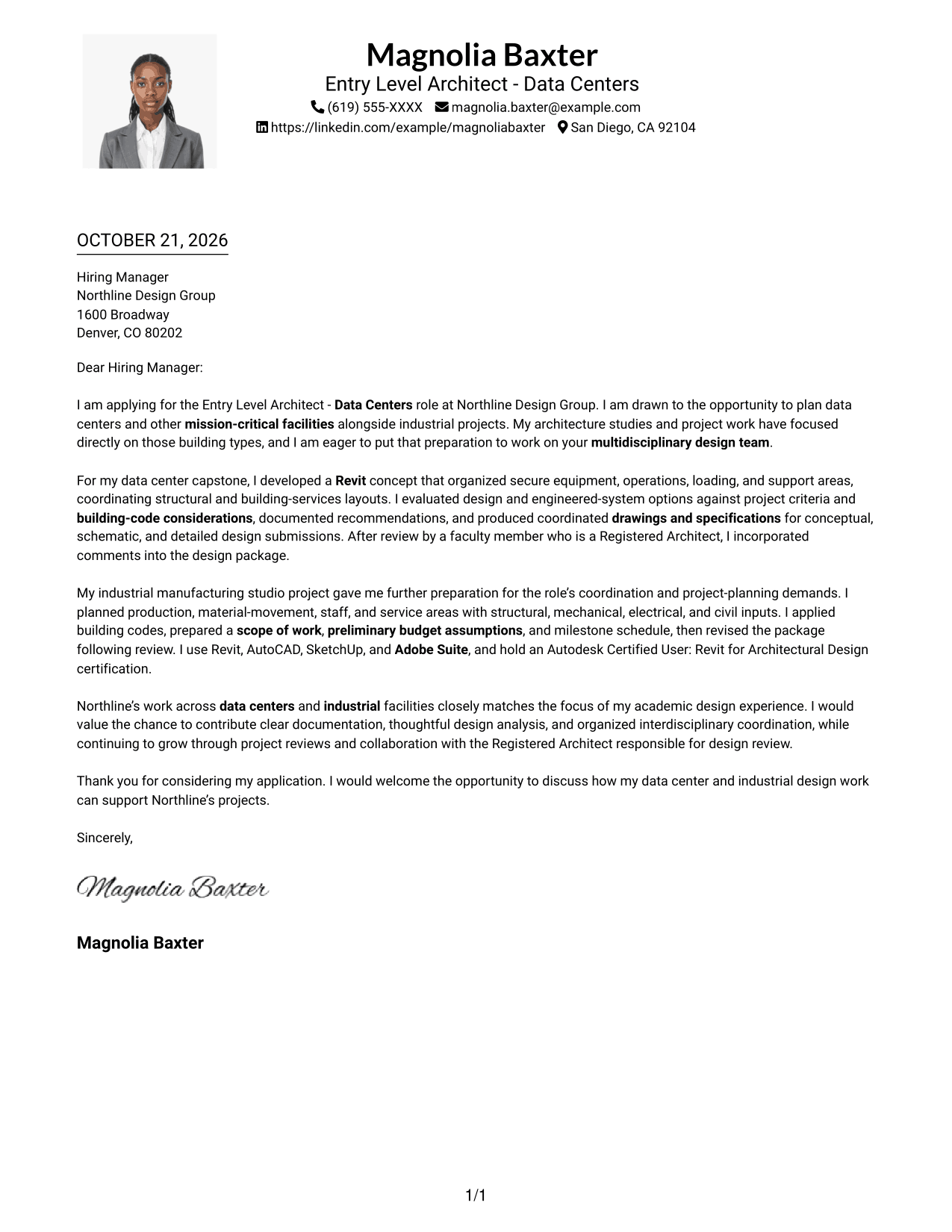
Why This Format Works
- The portrait adds a visual point of identification without splitting the letter.
- One-column reading keeps contact details and message within a shared path.
- Continuous paragraphs carry the application’s reasoning in a familiar sequence.
Best For
- One-column letter layouts
- Portrait included with the letter
- Header-based contact details
- Continuous paragraph flow
- Applications favoring a direct reading path
#5 Simple Two Column Format Cover Letter Example
A contact sidebar provides a distinct place for sender details, with the letter’s opening, supporting paragraphs, and closing kept together in one body.
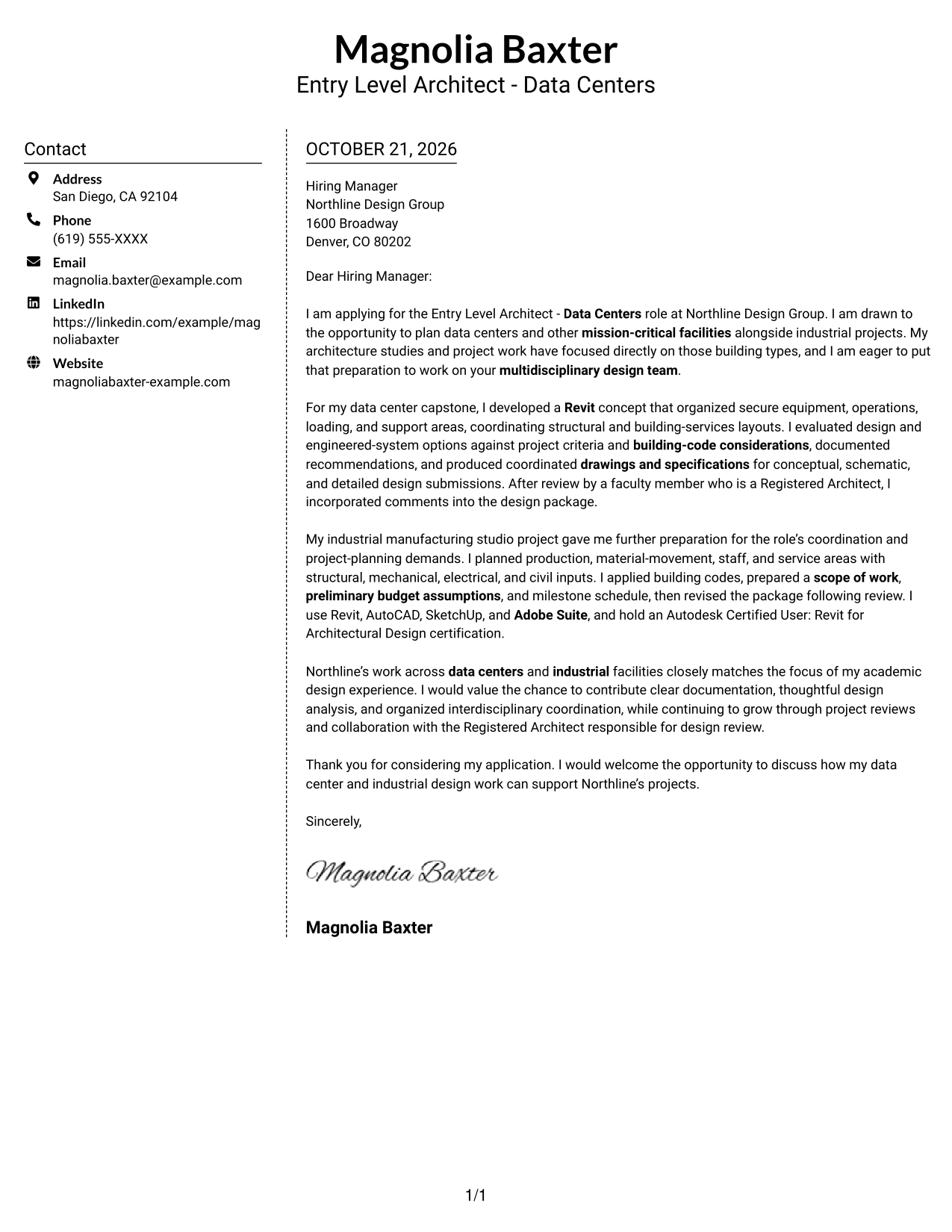
Why This Format Works
- The sidebar separates contact details from the letter’s main message.
- A single body keeps motivation and supporting evidence in the same reading sequence.
- Reviewers can return to sender information without interrupting the letter’s flow.
Best For
- Sidebar contact information
- A unified letter body
- Easy return to sender details
- Two-column reading order
- Photo-free letter layouts
#6 Modern Icon Format Cover Letter Example
This two-column format pairs a contact sidebar with one continuous letter body, while icons serve as cues for contact details rather than argument stages.
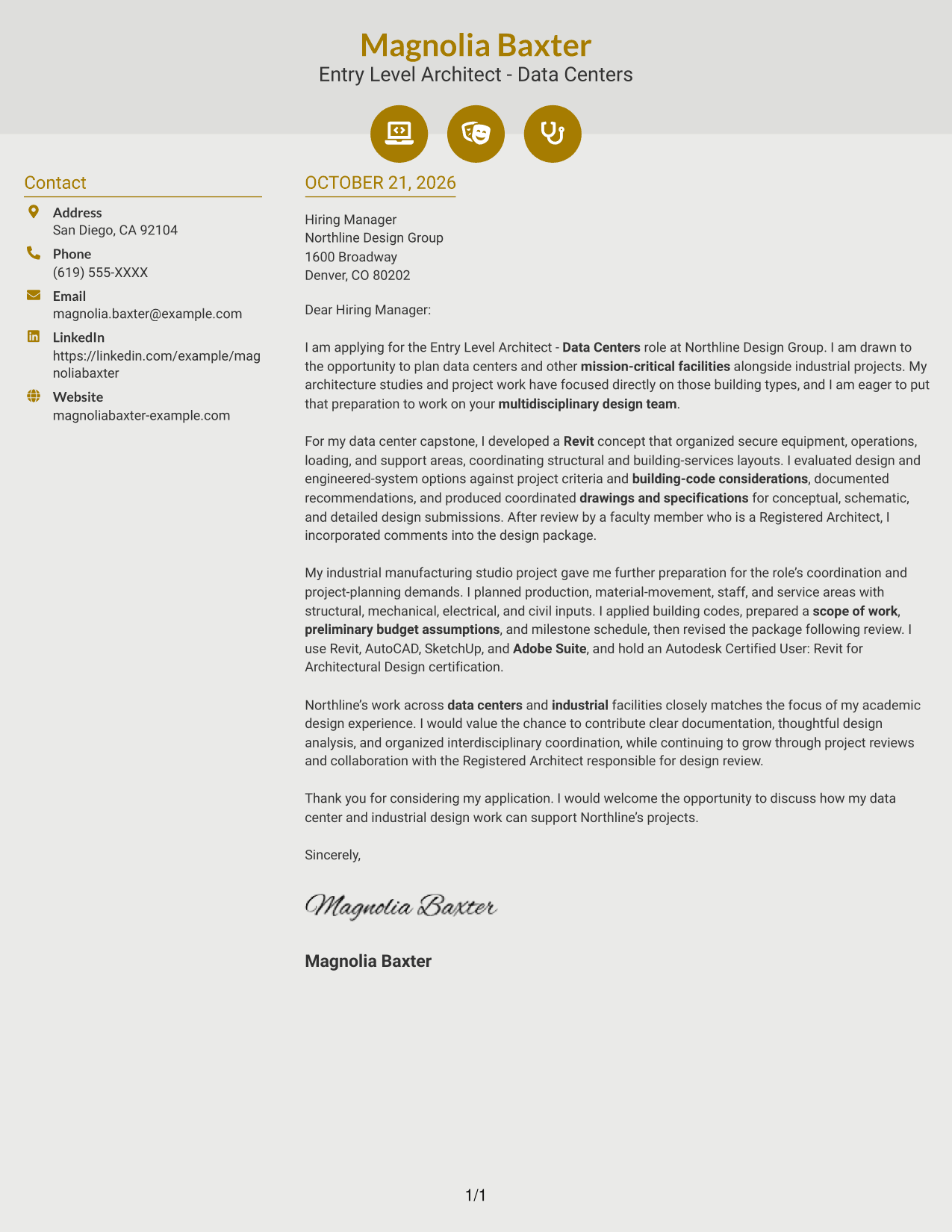
Why This Format Works
- Contact icons make sender details easier to distinguish from the letter.
- The sidebar keeps contact information separate from the continuous message.
- The body carries the opening, evidence, and closing without argument labels.
Best For
- Icon cues for contact details
- Separate contact and message areas
- Continuous letter paragraphs
- Two-column reading
- Photo-free applications
#7 Creative Two Tone Format Cover Letter Example
The two-column arrangement gives contact details a sidebar and keeps the letter’s paragraphs together, balancing separated sender information with a continuous message.
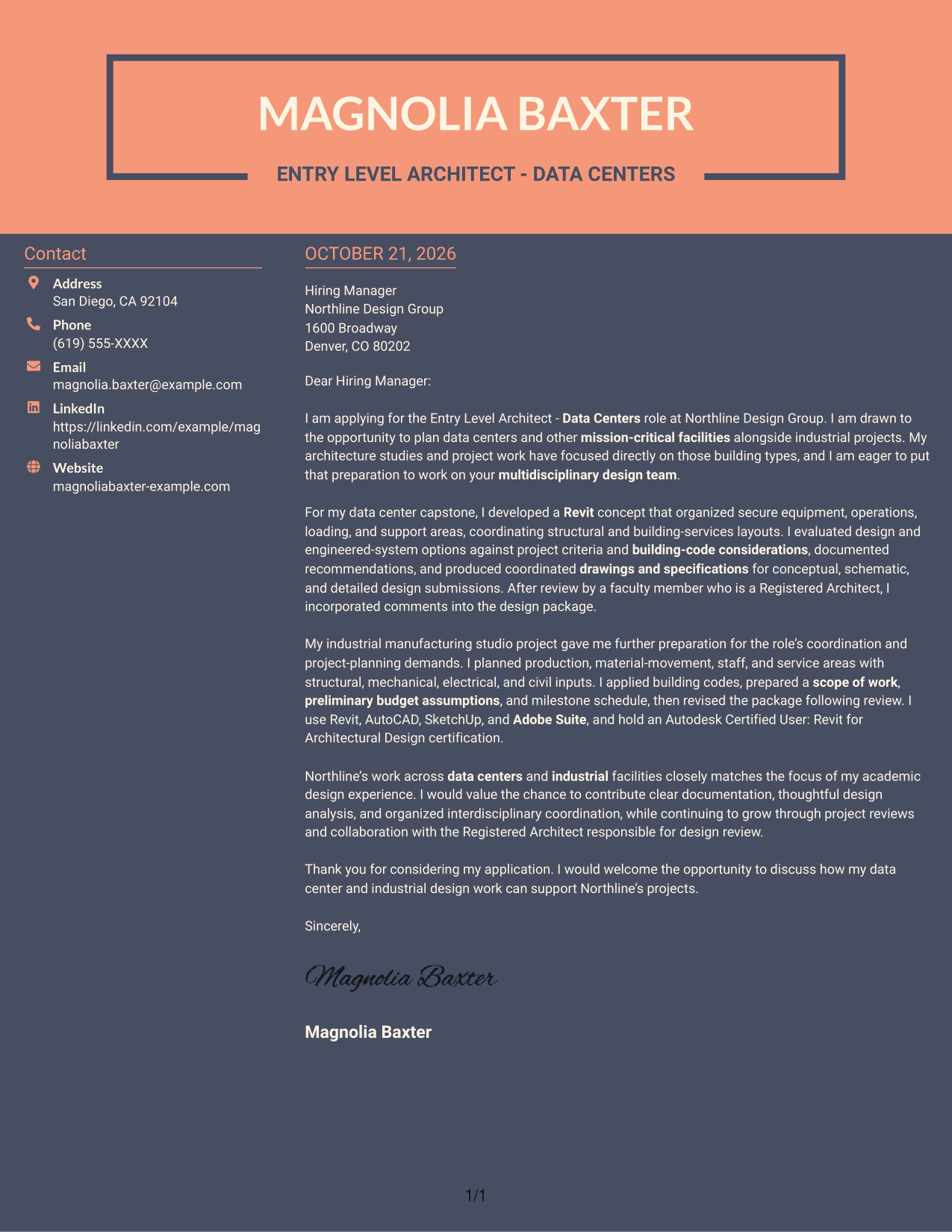
Why This Format Works
- The contact sidebar makes sender information distinct from the letter’s argument.
- A continuous body keeps motivation, evidence, and closing in a readable sequence.
- The separate areas help reviewers locate contact details without fragmenting the message.
Best For
- Distinct contact and letter areas
- Unbroken persuasive paragraphs
- Easy access to sender information
- Two-column document organization
- Letters without a photo
See Also
- 7 Architect - Data Center Design Resume Templates with Example
- 7 Entry Level Architect - Data Centers Resume Templates with Example
- 7 Senior Architect - Data Center Design Resume Templates with Example
- 7 Senior Project Architect - Data Centers Resume Templates with Example
- 33 Advisory Data Architect-Senior Manager Resume Templates with Example 2026 (ATS-Optimized)
- 33 Architect, Data Science Resume Templates with Example 2026 (ATS-Optimized)
- 33 Big Data Architect / Senior Developer Resume Templates with Example 2026 (ATS-Optimized)
- 33 Data Architect Resume Templates with Example 2026 (ATS-Optimized)
- 7 Architect - Data Center Design Cover Letter Templates with Example
- 7 Senior Architect - Data Center Design Cover Letter Templates with Example
Frequently Asked Questions
What should an Entry Level Architect - Data Centers cover letter emphasize?
Connect your interest in mission-critical facility design to relevant work. You might discuss facility planning, coordination across design disciplines, building-code analysis, or architectural drawings and specifications, as supported by your experience.
Does this guide show different cover letter designs?
It presents one Entry Level Architect - Data Centers cover letter example in several visual layouts. Compare the image previews, then open an example in the editor to view or customize it.
How can I show role fit in the body of my letter?
Choose one or two relevant examples and explain what you did and why it matters for the role. For example, describe how you organized facility areas, coordinated design inputs, or incorporated review feedback.
How should I explain my interest in an employer?
Name a real connection between the employer’s work and your architectural interests. For this role, you could explain how the employer’s data center and industrial facility work aligns with your design focus.
What is a clear way to close an architect cover letter?
Briefly thank the reader, restate the kind of contribution you hope to make, and invite a conversation. Keep the closing confident and courteous.




