
7 Entry-Level Architectural Drafter - Residential Design Cover Letter Templates with Example
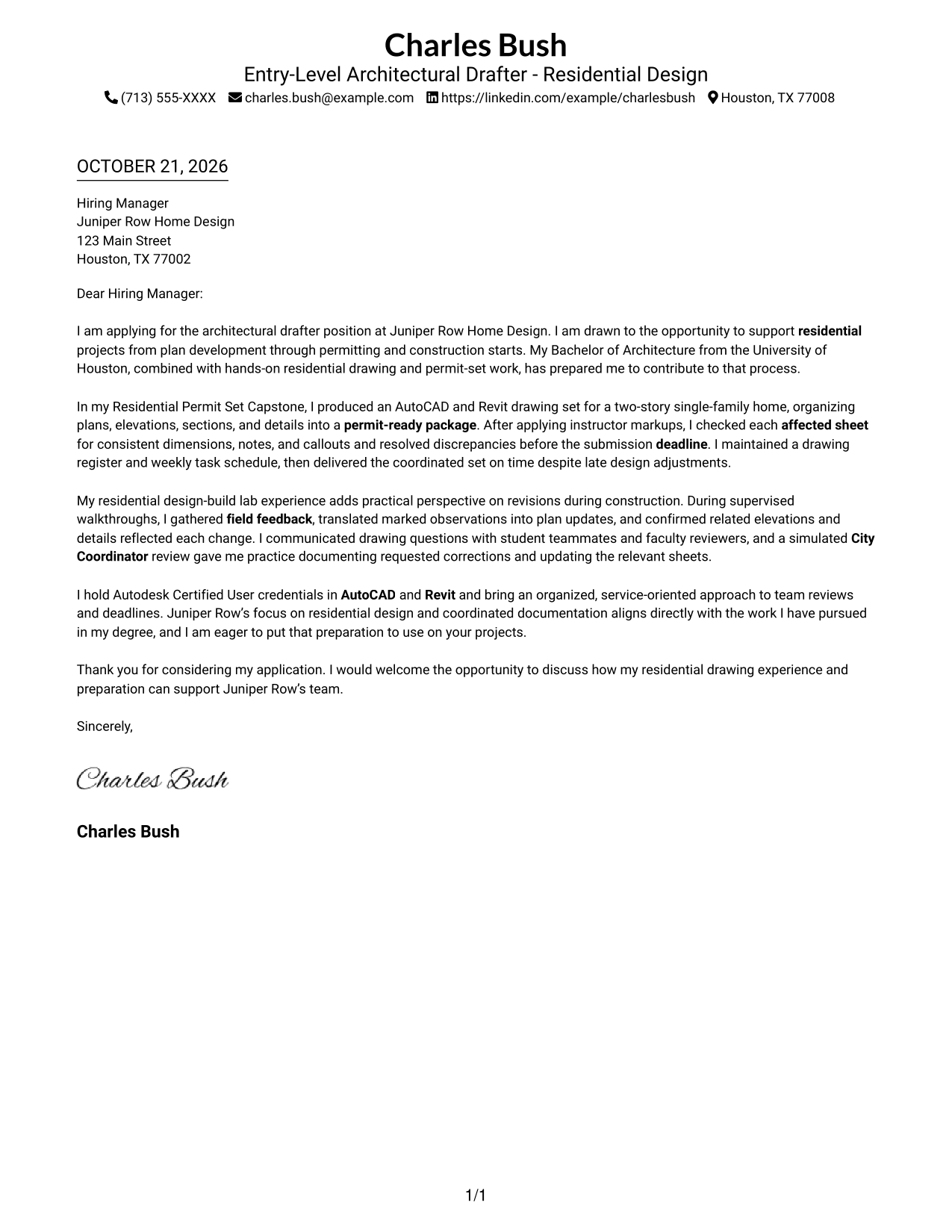
This practical guide to an Entry-Level Architectural Drafter - Residential Design cover letter presents seven layouts to help you communicate your fit for residential drafting clearly.
What Makes a Great Entry-Level Architectural Drafter - Residential Design Cover Letter in 2026
A strong letter explains your interest in residential drafting and connects your drawing and permit-set experience to the role. A clear opening helps the reader understand that fit right away.
Use specific evidence, such as checking affected sheets after revisions or delivering a coordinated drawing set on time. Then connect that experience to the employer’s residential work and explain why the role interests you.
The featured example moves from role interest to drawing-set evidence, field coordination, and a direct close. Adapt that focused progression to your own experience, choosing a presentation that suits the employer and the communication context.
#1 Simple One Column Format Cover Letter Example
Simple One Column Format places the sender details in the header and keeps the letter in one column, giving the message a direct reading path.
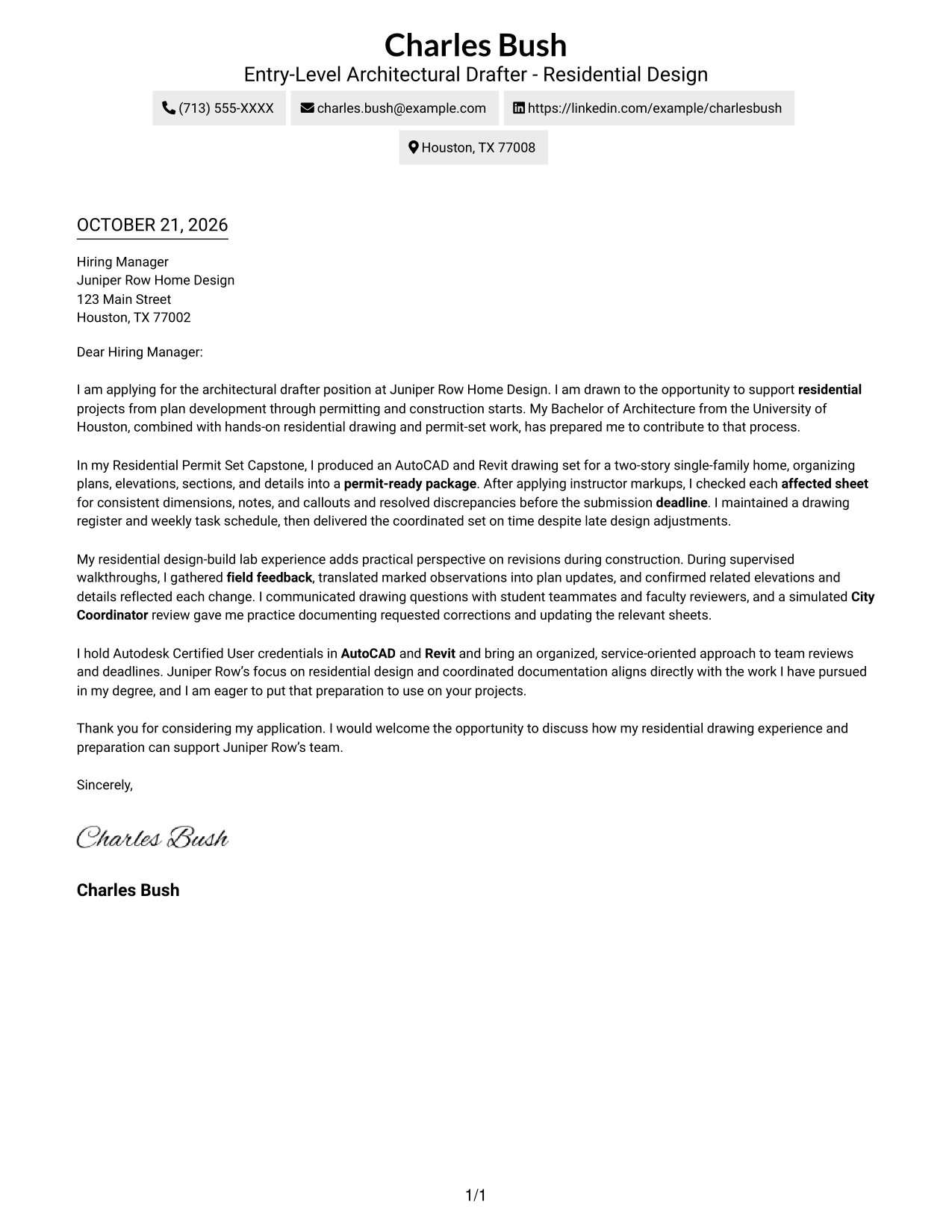
Why This Format Works
- Sender details stay in the header, apart from the letter's persuasive paragraphs.
- The continuous body lets the opening, supporting examples, and closing read as one argument.
- One column gives each paragraph a consistent place in the reading order.
Best For
- Direct, text-led correspondence
- Continuous paragraph reading
- Letters with several supporting examples
- Simple contact lookup
- Applications without a sidebar
#2 Two Column Format Cover Letter Example
Two Column Format places contact details in a sidebar beside one continuous letter body, so readers can distinguish correspondence details from the message.
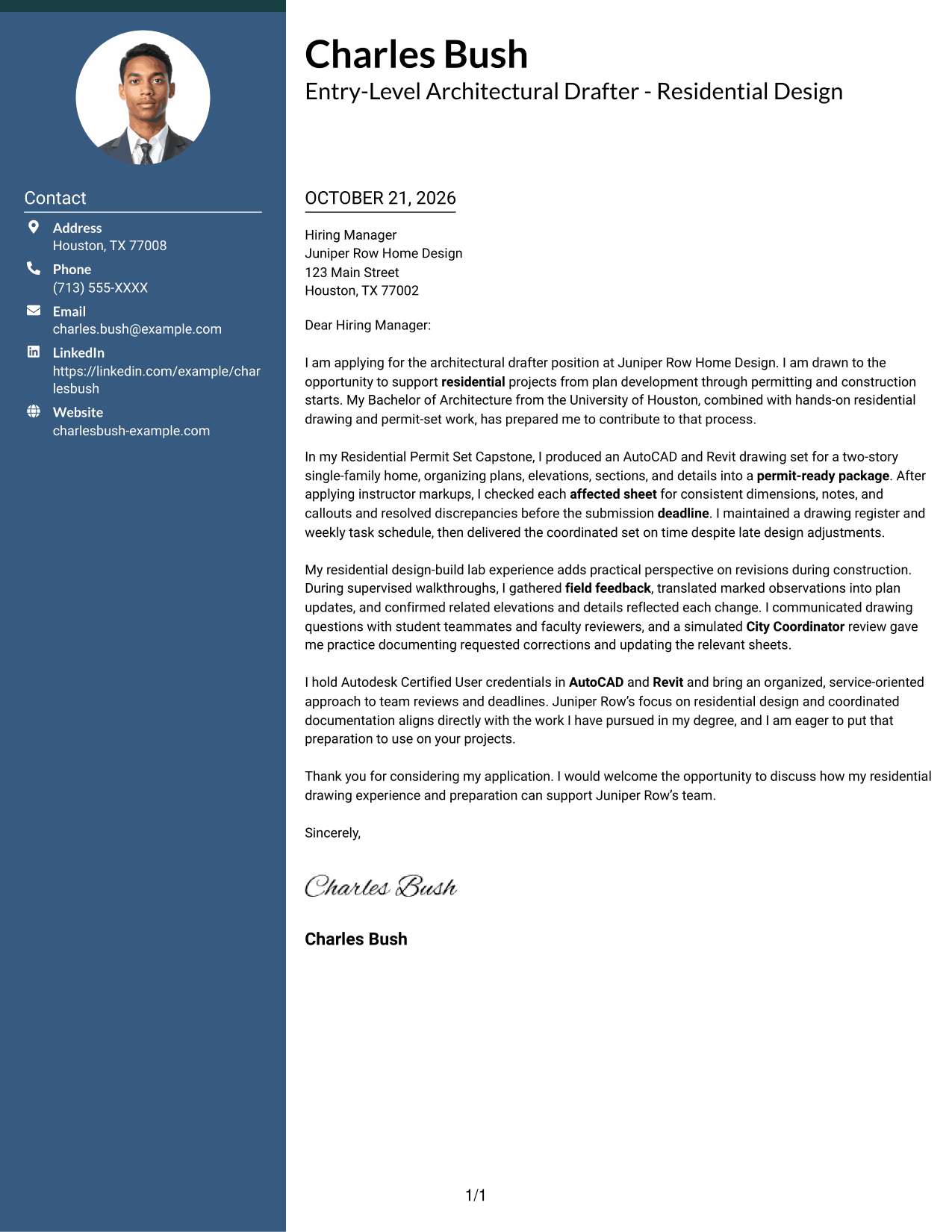
Why This Format Works
- Contact details are easy to locate without interrupting the letter's paragraph flow.
- The letter body carries motivation, evidence, and closing in one connected sequence.
- A clear boundary separates correspondence details from the message itself.
Best For
- Sidebar-based contact lookup
- Letters with detailed supporting examples
- Continuous prose preferences
- Distinct contact and message areas
- Applications with a longer narrative
#3 Photo Header Two Column Format Cover Letter Example
Photo Header Two Column Format combines a photo and contact sidebar with one continuous letter body, offering a photo-inclusive layout without splitting the message into columns.
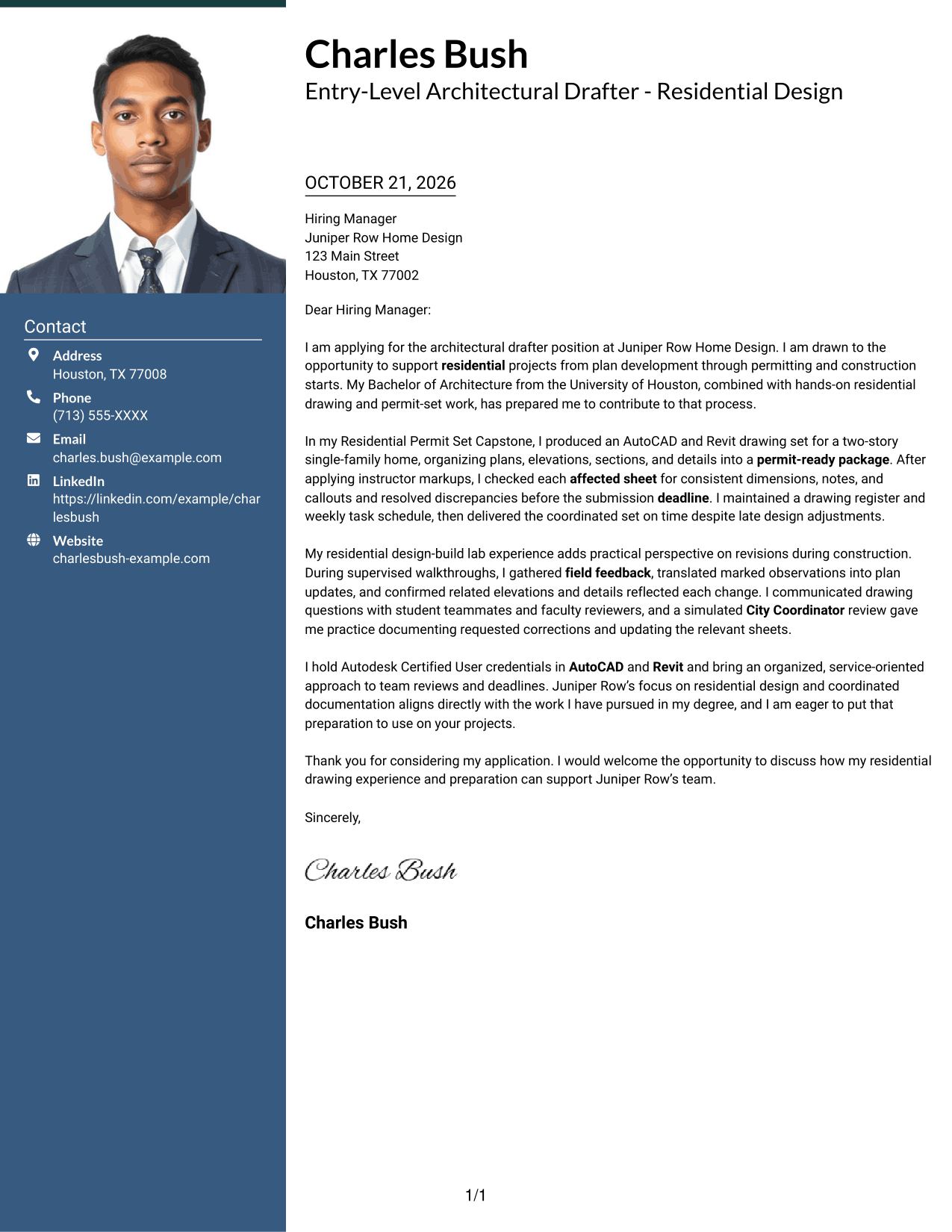
Why This Format Works
- The contact sidebar keeps sender information apart from the letter's argument.
- A single body column carries the message from its opening through the closing.
- The included photo adds a personal visual element to the page.
Best For
- Photo-inclusive application materials
- Sidebar-based contact lookup
- Letters with a connected narrative
- Visual identity preferences
- Clear separation of contact and message
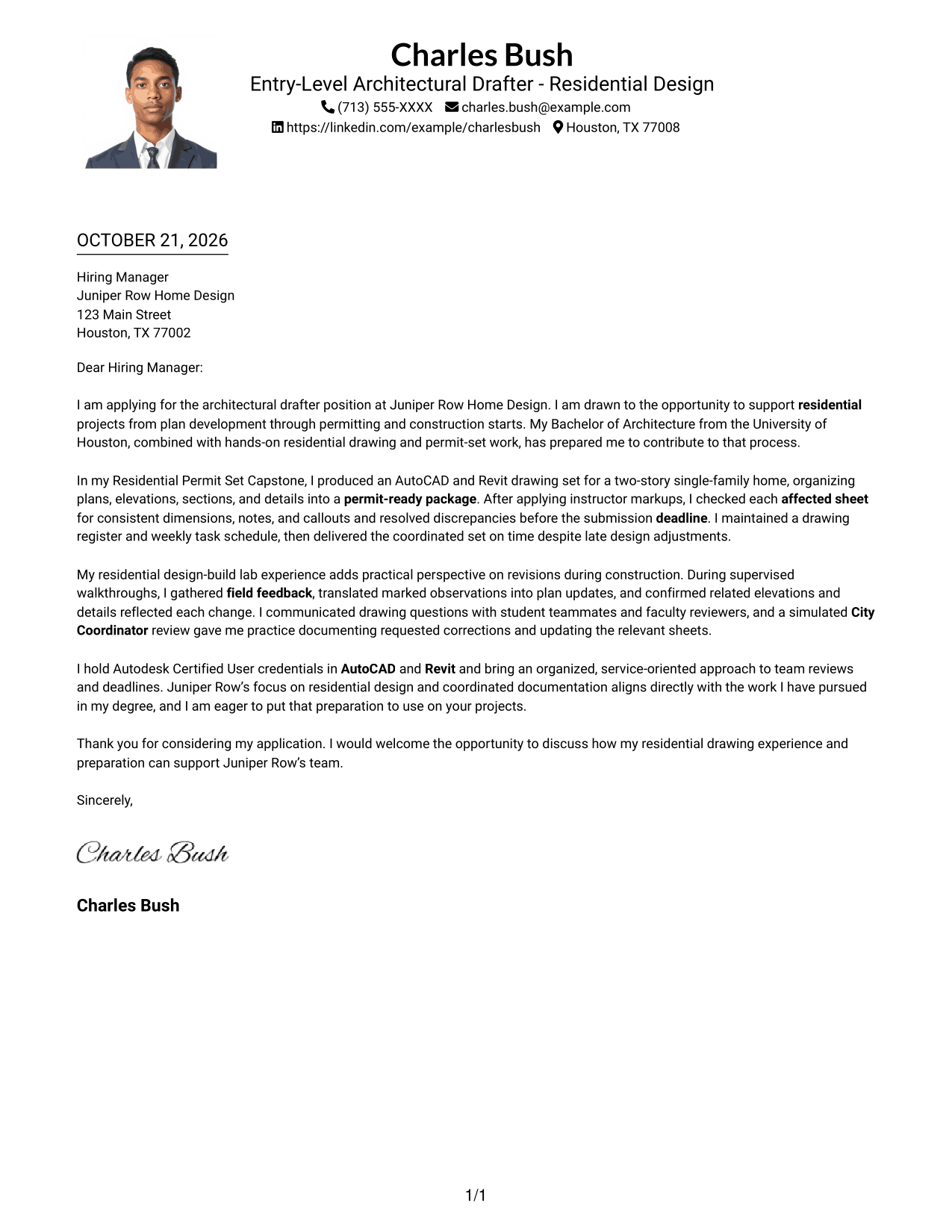
#4 One Column Format with Photo Cover Letter Example
One Column Format with Photo pairs a photo with a single-column letter, keeping the message in one reading path while adding a visual element.
Why This Format Works
- Sender details remain in the header, separate from the letter's paragraphs.
- The single-column body keeps the opening, evidence, and closing in sequence.
- A photo adds a visual point of interest without dividing the letter body.
Best For
- One-column letter reading
- Photo-inclusive correspondence
- Letters with a clear message sequence
- Header-based contact details
- Text-focused application materials
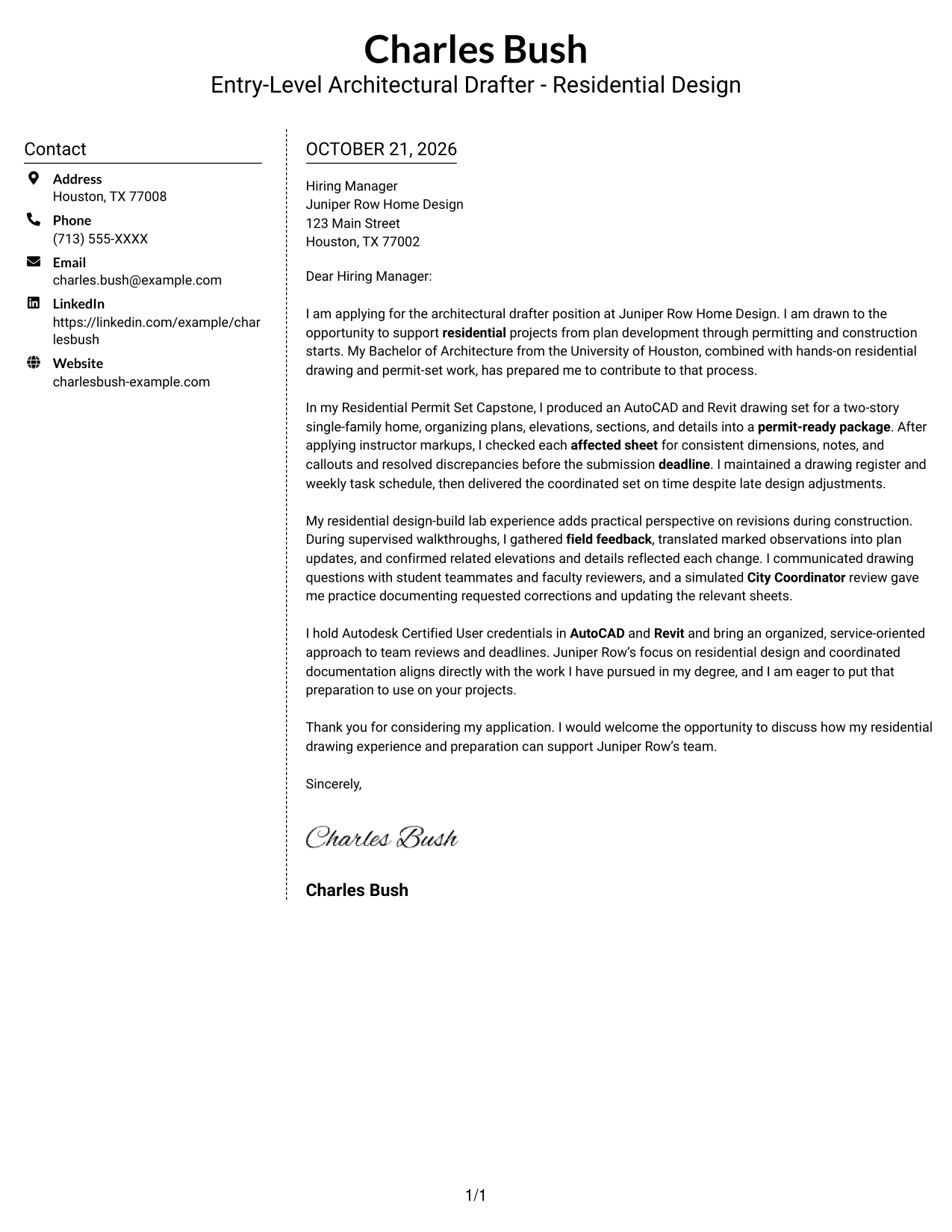
#5 Simple Two Column Format Cover Letter Example
Simple Two Column Format separates the contact sidebar from the continuous letter body, giving each part of the correspondence its own area.
Why This Format Works
- The sidebar gives contact details a distinct place beside the letter.
- Opening, evidence, and closing remain within one uninterrupted letter body.
- Readers can move from sender information to the message without switching argument columns.
Best For
- Separate contact and message areas
- Letters with a detailed case for fit
- Sidebar-based information lookup
- Continuous paragraph presentation
- Applications with concise contact details
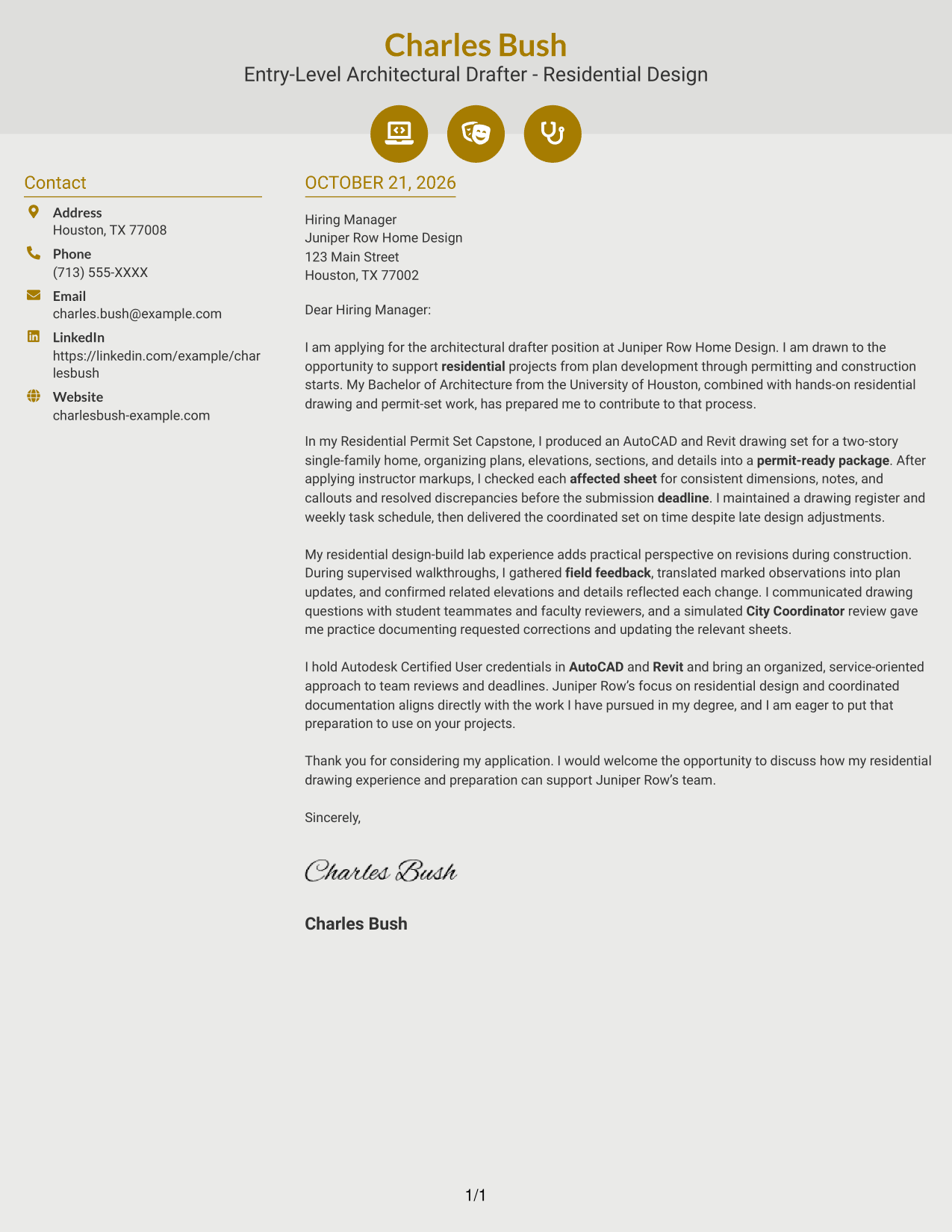
#6 Modern Icon Format Cover Letter Example
Modern Icon Format uses two columns for contact details and one continuous letter body, with icons serving as contact cues rather than argument labels.
Why This Format Works
- Contact icons help readers identify correspondence details at a glance.
- The letter's paragraphs stay together in one body column.
- Icons do not divide or label the message's opening, evidence, or closing.
Best For
- Icon-marked contact information
- Two-column correspondence layouts
- Letters with a connected narrative
- Quick contact-detail lookup
- Applications without a photo
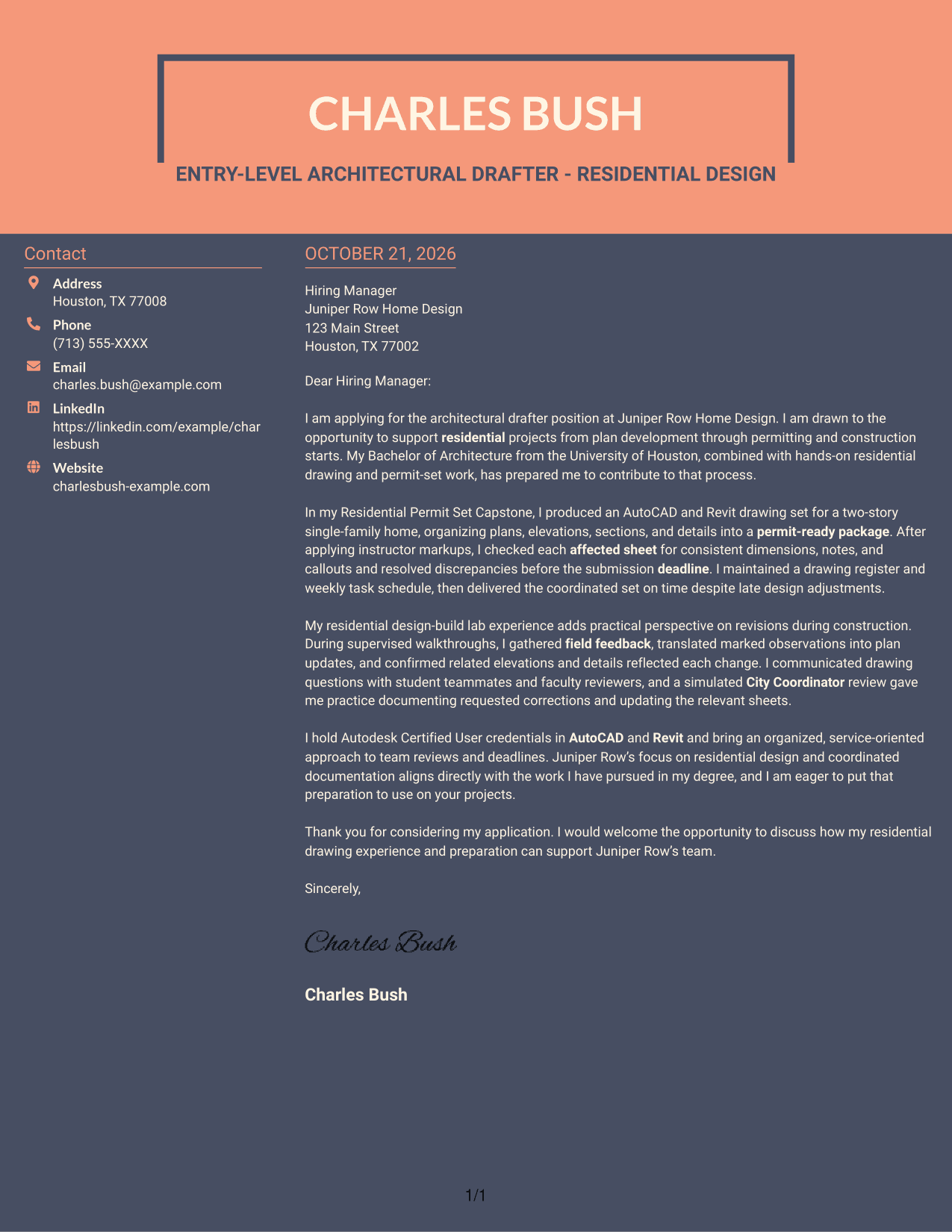
#7 Creative Two Tone Format Cover Letter Example
Creative Two Tone Format sets contact details beside a single continuous letter body, creating a clear separation between sender information and the message.
Why This Format Works
- The contact sidebar gives sender information a separate place from the letter.
- A single body column keeps the message together from opening to closing.
- Readers can distinguish correspondence details from the letter's persuasive content.
Best For
- Distinct contact and message areas
- Letters with a focused argument
- Sidebar-based contact details
- Connected paragraph reading
- Applications without a photo
Why Use ResumeInMinutes for an Entry-Level Architectural Drafter - Residential Design Cover Letter
Review the image previews to compare letter presentations, then open an example in the editor to customize it for your target role.
- Readable letter layouts
- Focused paragraph flow
- Image previews
- Examples to view in the editor
- Cover letter-specific guidance
- Options for different communication contexts
Use the opening to show your interest in residential design, the body to explain how you handle drawing revisions and coordination, and the close to invite a conversation about your fit.
See Also
- 7 Entry-Level Architectural Drafter - Residential Design Resume Templates with Example
- 7 CAD Drafter/Designer - Fiber Network Design Resume Templates with Example
- 7 Design Drafter - Mechanical CAD Resume Templates with Example
- 7 Custom Residential Architectural Designer Resume Templates with Example
- 7 Architect - Architectural Project Delivery Resume Templates with Example
- 7 Architectural Designer - Construction Documentation Resume Templates with Example
- 7 Architectural Designer / Project Architect - Commercial and Institutional Resume Templates with Example
- 7 BIM Architectural Designer Resume Templates with Example
- 7 CAD Drafter/Designer - Fiber Network Design Cover Letter Templates with Example
- 7 Design Drafter - Mechanical CAD Cover Letter Templates with Example
Frequently Asked Questions
What should an Entry-Level Architectural Drafter - Residential Design cover letter include?
Show why residential drafting interests you, then support your fit with relevant evidence. For example, you can describe preparing permit-set drawings, checking sheets after revisions, or coordinating field feedback if those details match your experience.
Does this guide show one letter in different layouts?
Yes. The examples show a consistent cover letter in different presentations. Compare the image previews and open an example in the editor to adapt its presentation and wording.
Which cover letter layout works well for residential drafting?
Choose a clear layout that makes the opening, supporting evidence, and closing easy to follow. Consider the employer’s communication style and keep the design suitable for a professional application.
How can I show experience with plan revisions and permit sets?
Describe a specific drawing task and what you did after a change, such as checking related sheets for consistent dimensions, notes, and callouts. Explain how your work helped keep the drawing package accurate and on schedule.
Should I include a photo on my cover letter?
For U.S. applications, a photo is usually unnecessary. A simple, readable presentation keeps attention on your role interest, relevant experience, and reasons for applying.




