
7 Entry-Level Automation Engineer - Manufacturing Automation Resume Templates with Example
This guide shows you how to build an Entry-Level Automation Engineer - Manufacturing Automation resume that is clear, focused, and easy to scan. You will learn how to organize relevant experience and choose a layout that presents your skills with confidence.
A strong resume connects hands-on work to clear evidence. Use focused sections and achievement bullets to show PLC programming, HMI configuration, sensor integration, equipment testing, and safe troubleshooting.
Explore one Entry-Level Automation Engineer - Manufacturing Automation resume example presented in 7 layouts. The examples and format notes show how to feature tools such as Rockwell Studio 5000, Siemens TIA Portal, FactoryTalk View, and FANUC, with free PDF downloads to preview.
What Makes a Great Entry-Level Automation Engineer - Manufacturing Automation Resume in 2026
A strong resume uses clear sections, concise bullets, and a simple layout that is easy for recruiters and ATS software to read. Show how your work supported controls, equipment testing, troubleshooting, or safe operations.
Use accurate keywords such as PLC programming, ladder logic, HMI design, sensor integration, commissioning, I/O checkout, and fault logging. Name tools and systems you have used, such as Rockwell Studio 5000, Siemens TIA Portal, FactoryTalk View, or industrial networks.
The examples shown below are intentionally detailed to demonstrate a range of experiences, skills, accomplishments and relevant keywords. We prefer detailed resumes as they provide more context to the hiring managers and also help the ATS systems identify relevant qualifications and score your resume better for a match. But the length of a resume is an individual choice. If you want a one page resume, just keep the most relevant experience and information for the job. Note: Resume examples are for educational purposes only. Use only information that accurately reflects your experience and qualifications. References to real organizations do not imply affiliation or endorsement.
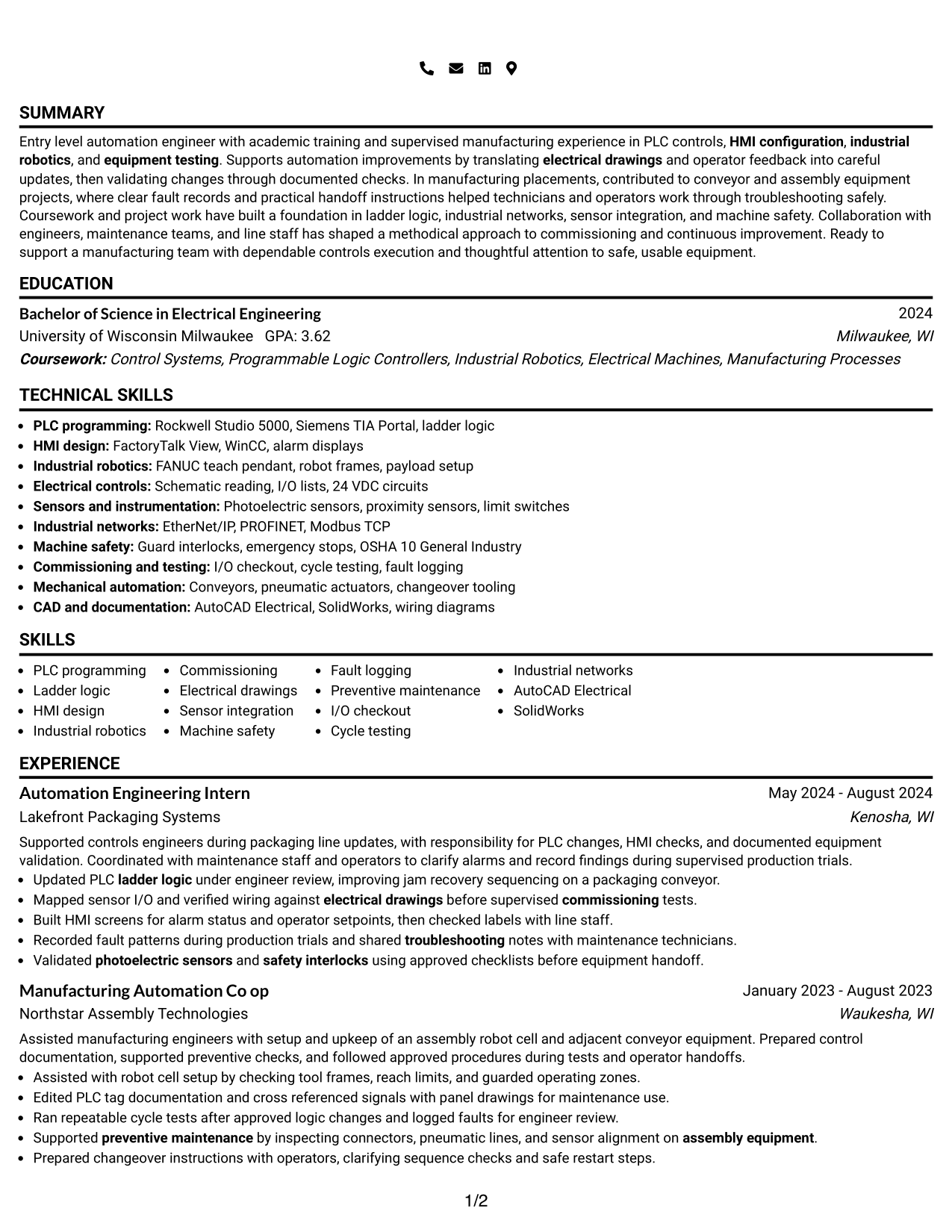
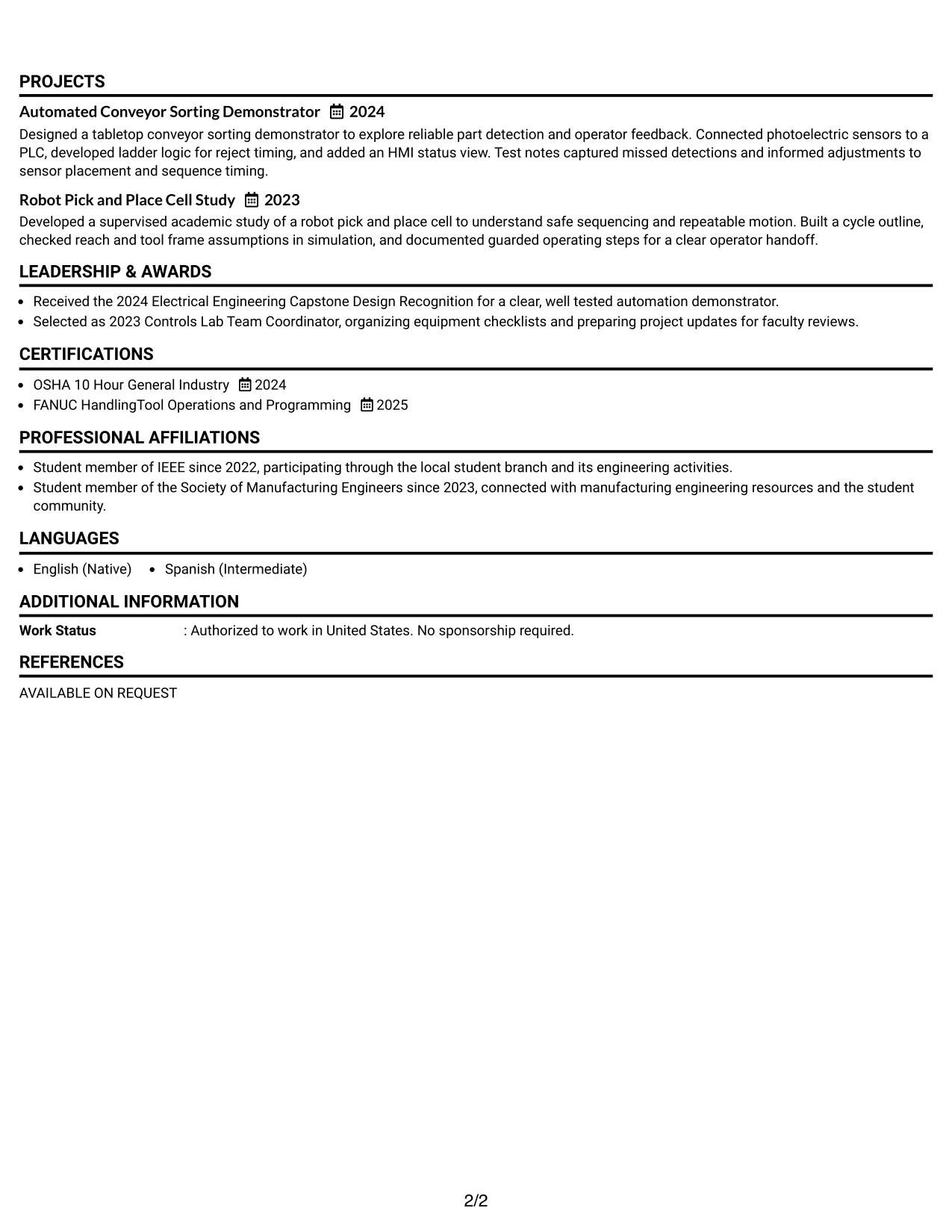
#1 Simple One Column Format Resume Example
The Simple One Column Format keeps experience, projects, education, and skills in one reading path, helping recruiters scan the resume from section to section.
Why This Format Works
- One continuous reading path helps reviewers follow experience and career progression.
- Project details stay in the same flow, making test evidence easier to trace.
- Section order helps readers locate education, credentials, and skills without column changes.
Best For
- Sequential resume review
- Continuous career history
- Project and work evidence
- Section-by-section scanning
- Technical keyword lists
Resume Keywords
- PLC programming
- Ladder logic
- HMI design
- Industrial robotics
- Commissioning
- Electrical drawings
- Sensor integration
- Machine safety
- Fault logging
- I/O checkout
- Cycle testing
- Industrial networks
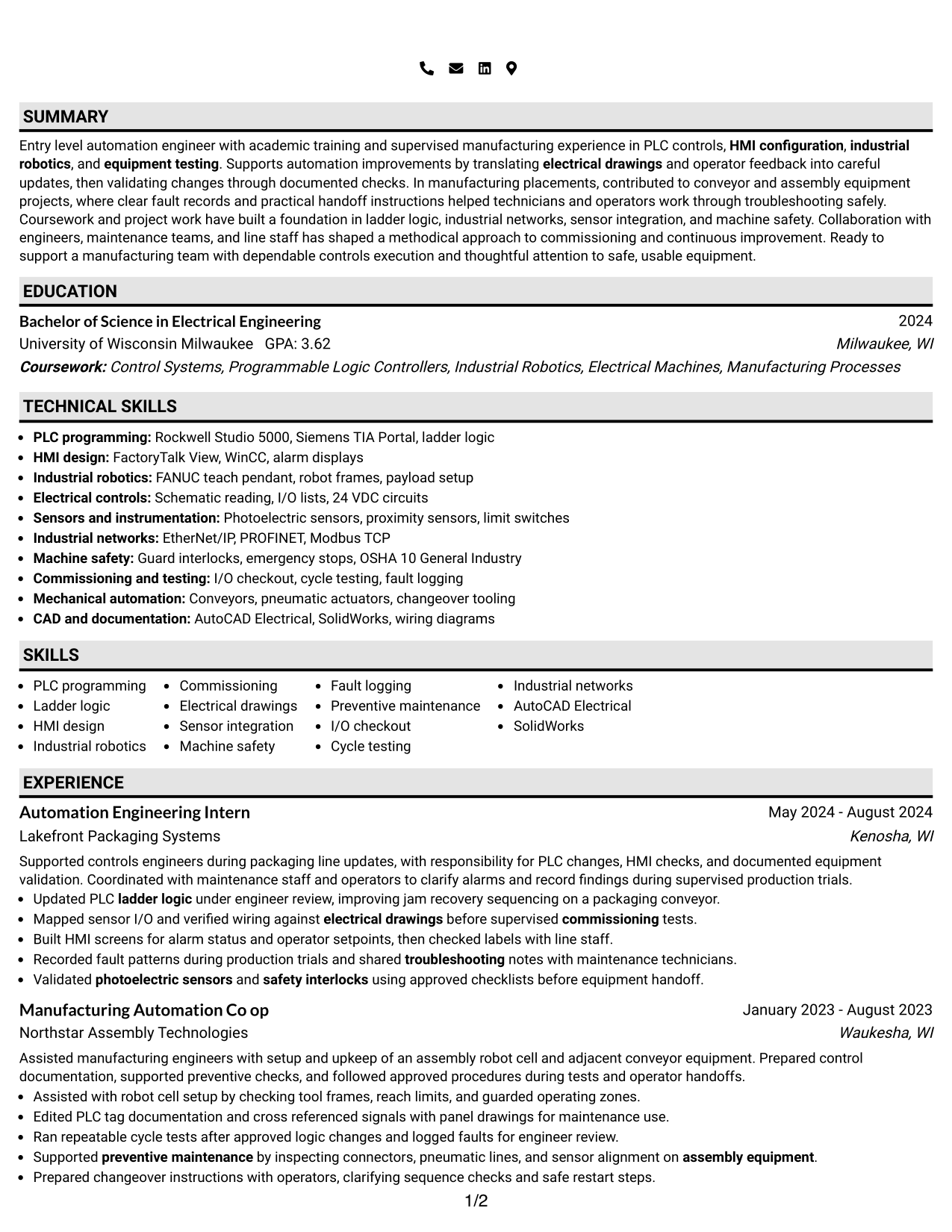
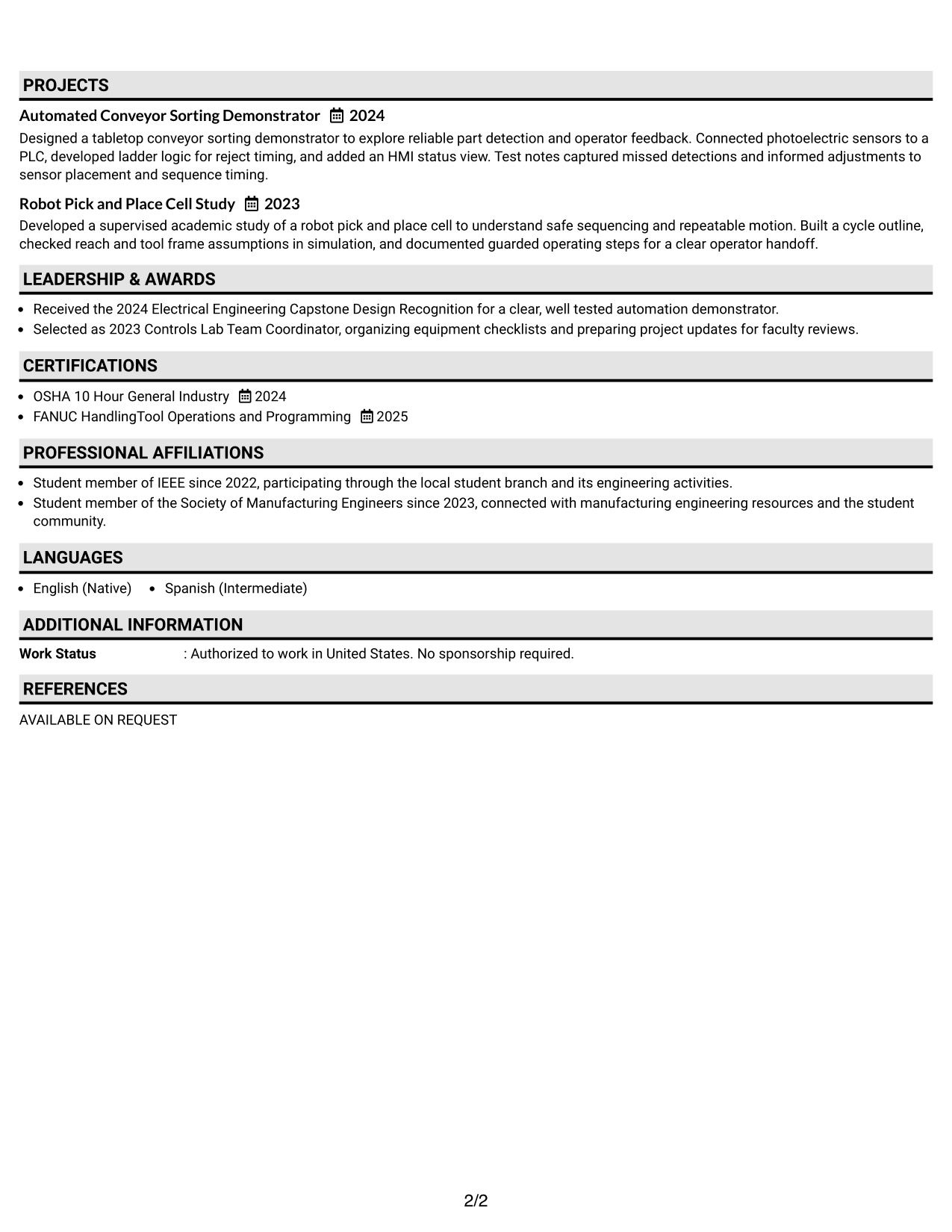
#2 Plain One Column with Shaded Labels Resume Example
The Plain One Column with Shaded Labels Format uses visible section labels to help recruiters find resume details as they read down the page.
Why This Format Works
- Shaded section labels give experience and education clear points for quick navigation.
- Distinct label areas help readers separate project evidence from work history.
- Consistent section markers make skills and credentials easier to locate in sequence.
Best For
- Clearly labeled resume sections
- Fast section-by-section navigation
- Work and project details
- Easy-to-find education records
- Readers who prefer a single reading path
#3 One Column Format with Photo Right Resume Example
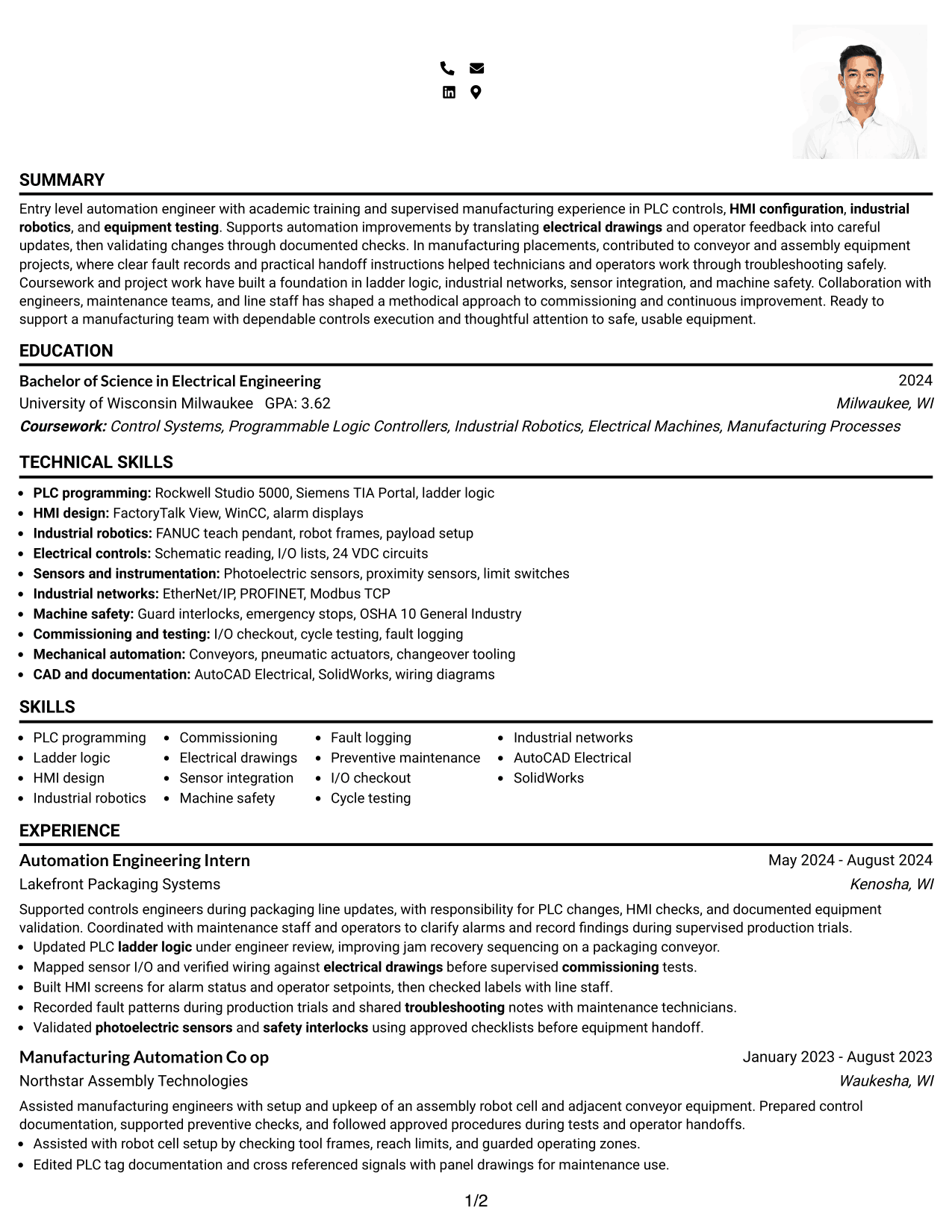
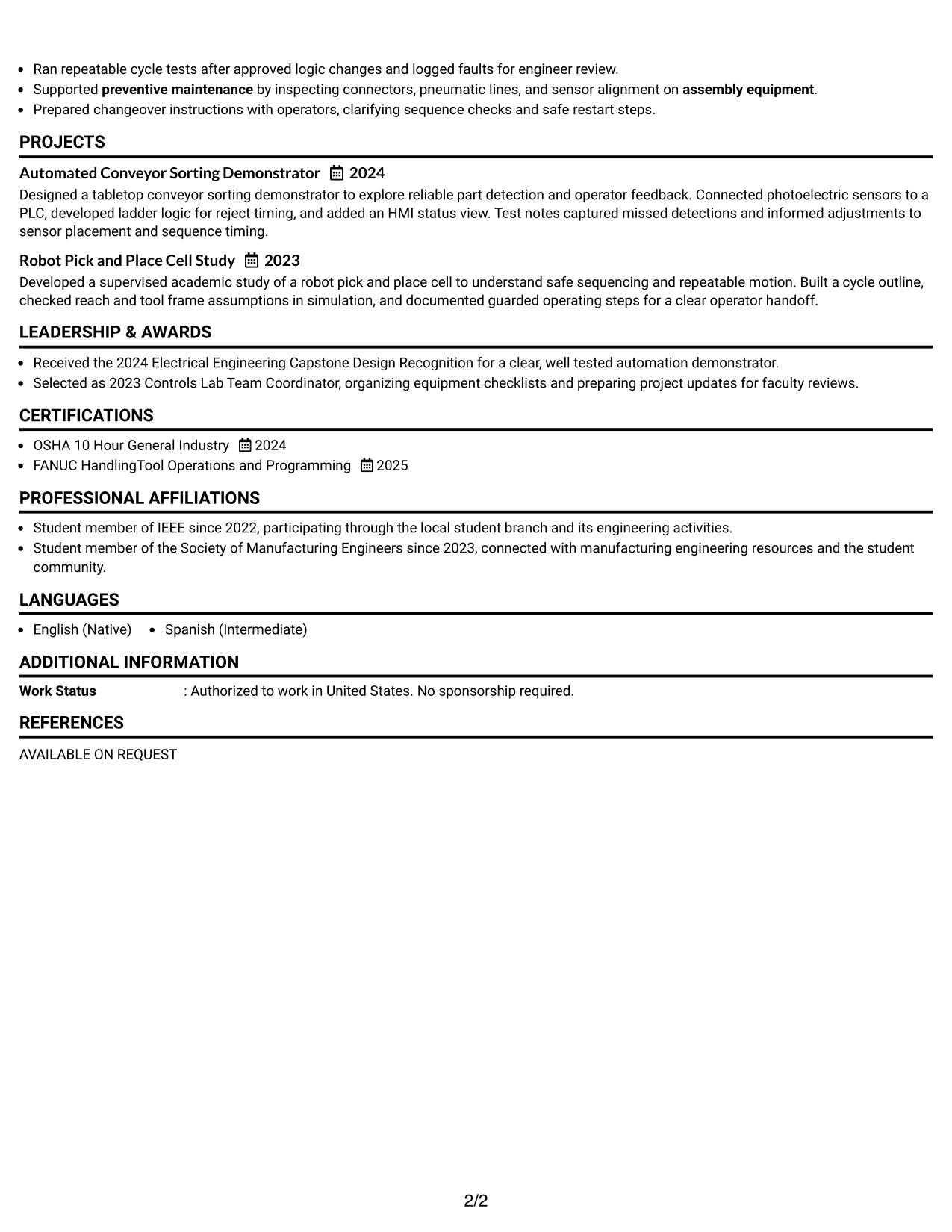
The One Column Format with Photo Right places a photo at the right of the header while keeping resume sections in a single reading flow.
Why This Format Works
- One-column flow keeps career history and project evidence in a clear sequence.
- Separate section areas help reviewers scan education and credentials without column switching.
- A single reading path makes skills easier to find among the resume sections.
Best For
- Photo-based presentation where appropriate
- Single-column resume review
- Sequential work history
- Project details alongside experience
- Readers who value clear section order
#4 Clean Two Column Sidebar Format Resume Example
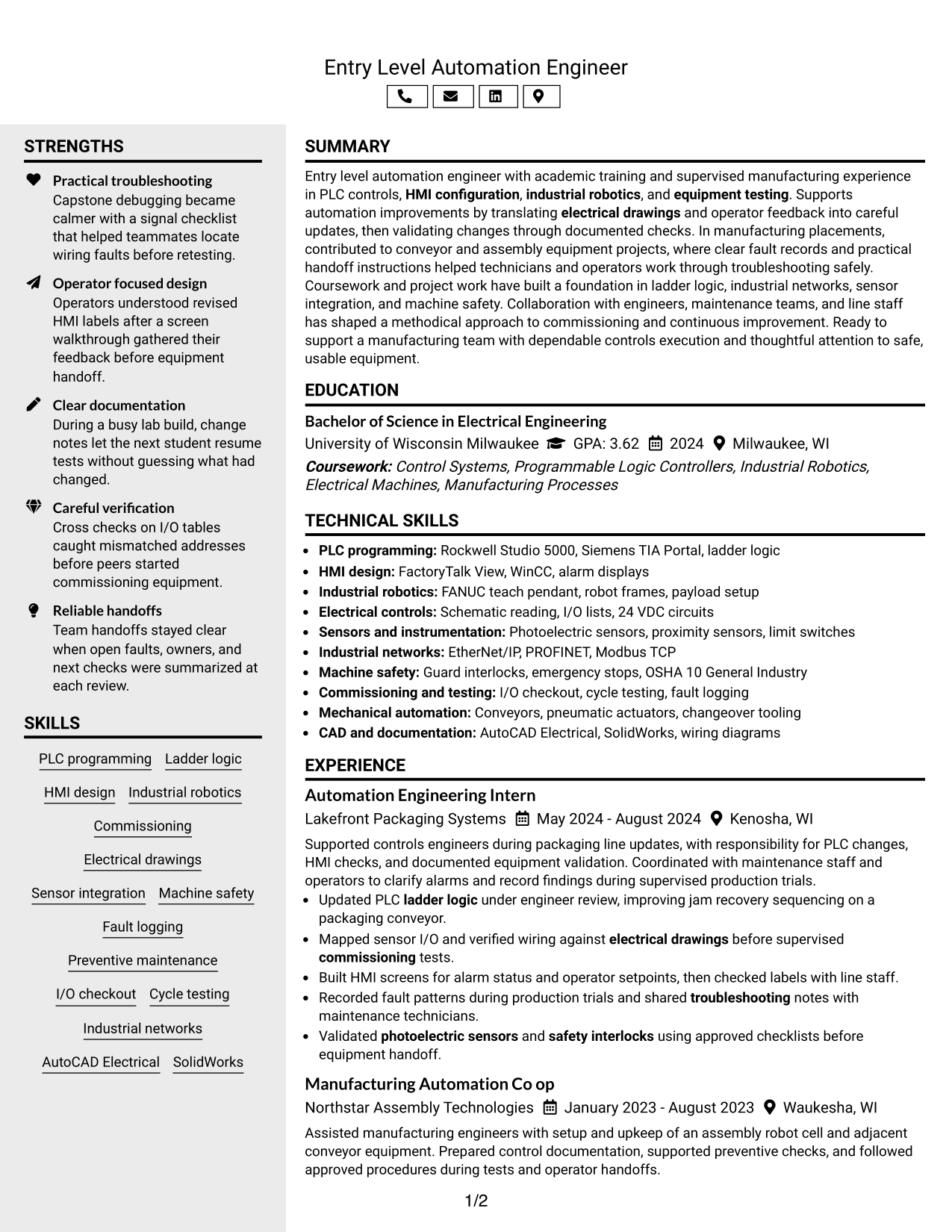
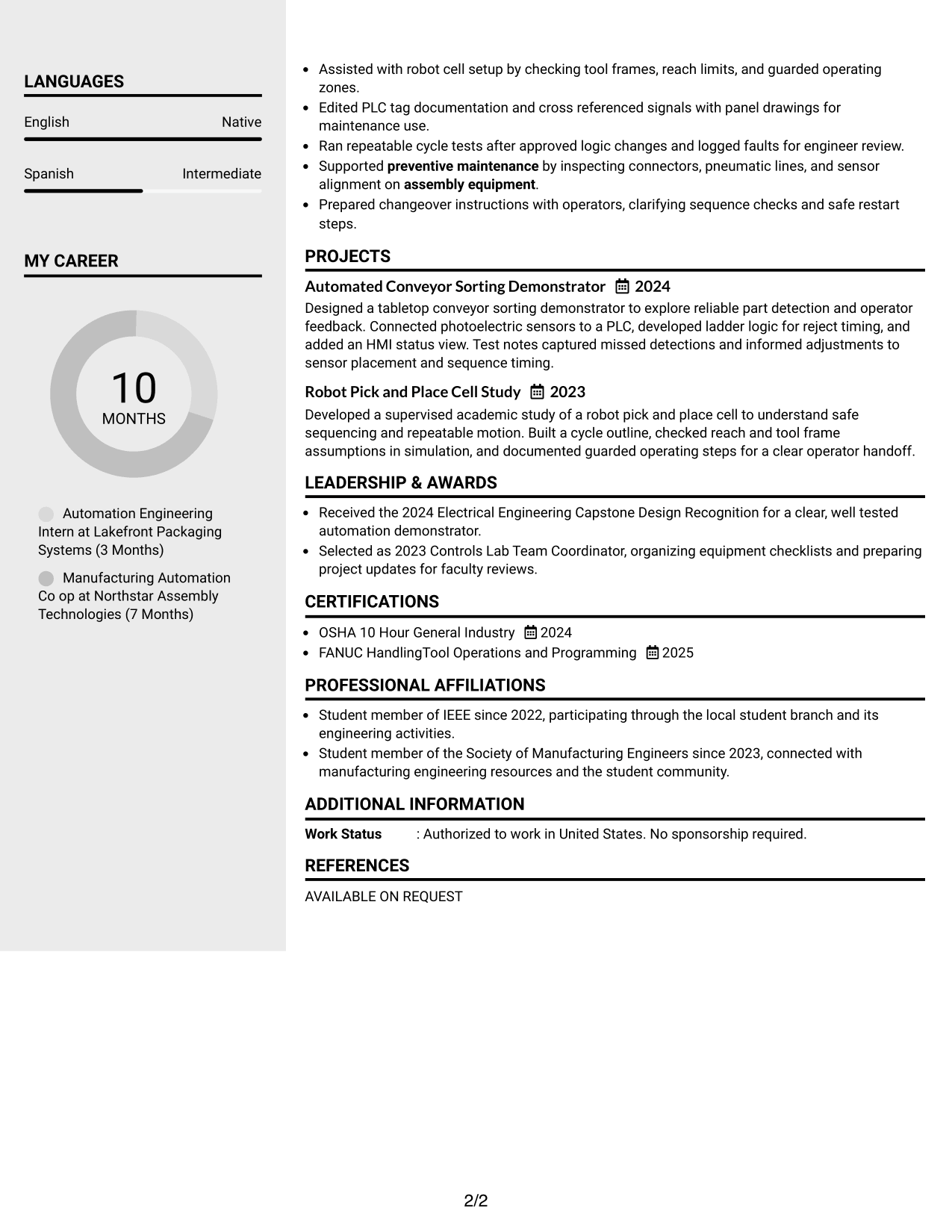
The Clean Two Column Sidebar Format gives resume content two reading areas, helping recruiters move between main details and sidebar information.
Why This Format Works
- Sidebar space can make concise skills and credentials easy to find beside main content.
- The main reading area gives experience entries room to retain their full sequence.
- Separate content areas help reviewers distinguish project evidence from career history.
Best For
- Side-by-side resume information
- Concise skills and credentials
- Detailed experience entries
- Distinct project and work sections
- Readers who scan by content area
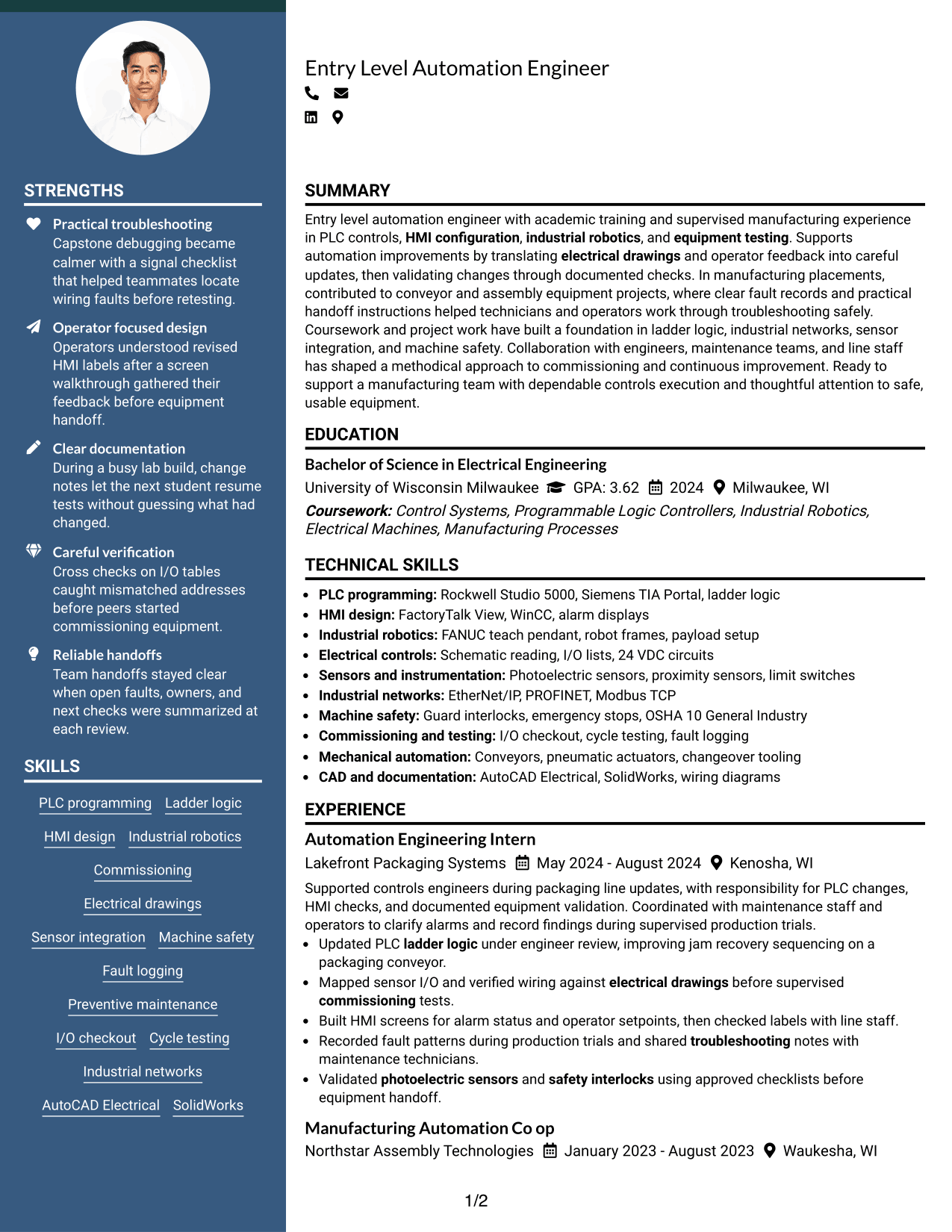
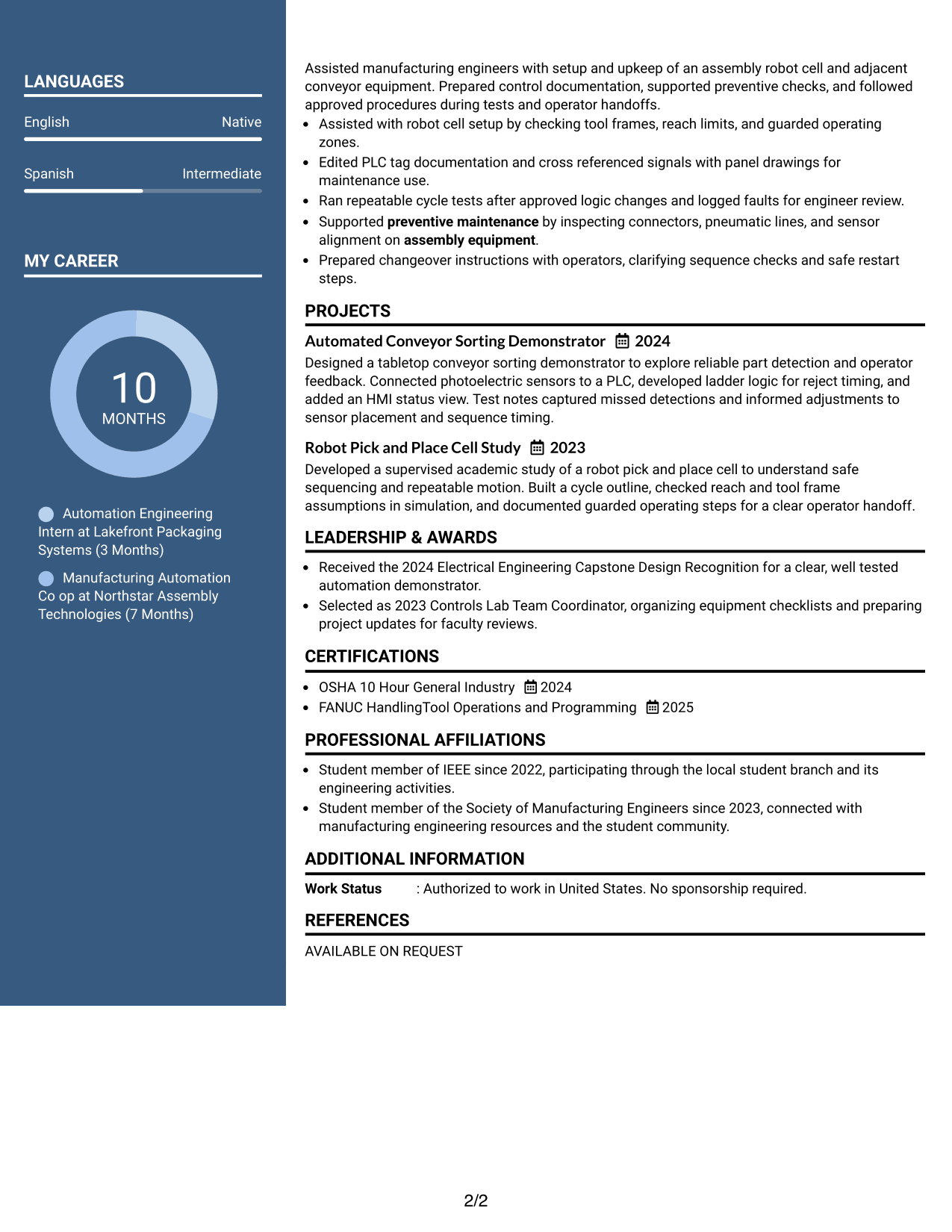
#5 Two Column Format Resume Example
The Two Column Format places resume content in parallel columns, giving recruiters a way to scan separate information areas without following one long sequence.
Why This Format Works
- Parallel columns give experience and education distinct areas within one scan.
- Side-by-side organization lets reviewers compare skills with project and work evidence.
- Column separation keeps credentials easy to locate while career history remains visible.
Best For
- Parallel content areas
- Resume sections reviewed side by side
- Skills across multiple areas
- Experience with supporting project evidence
- Readers comparing section groups
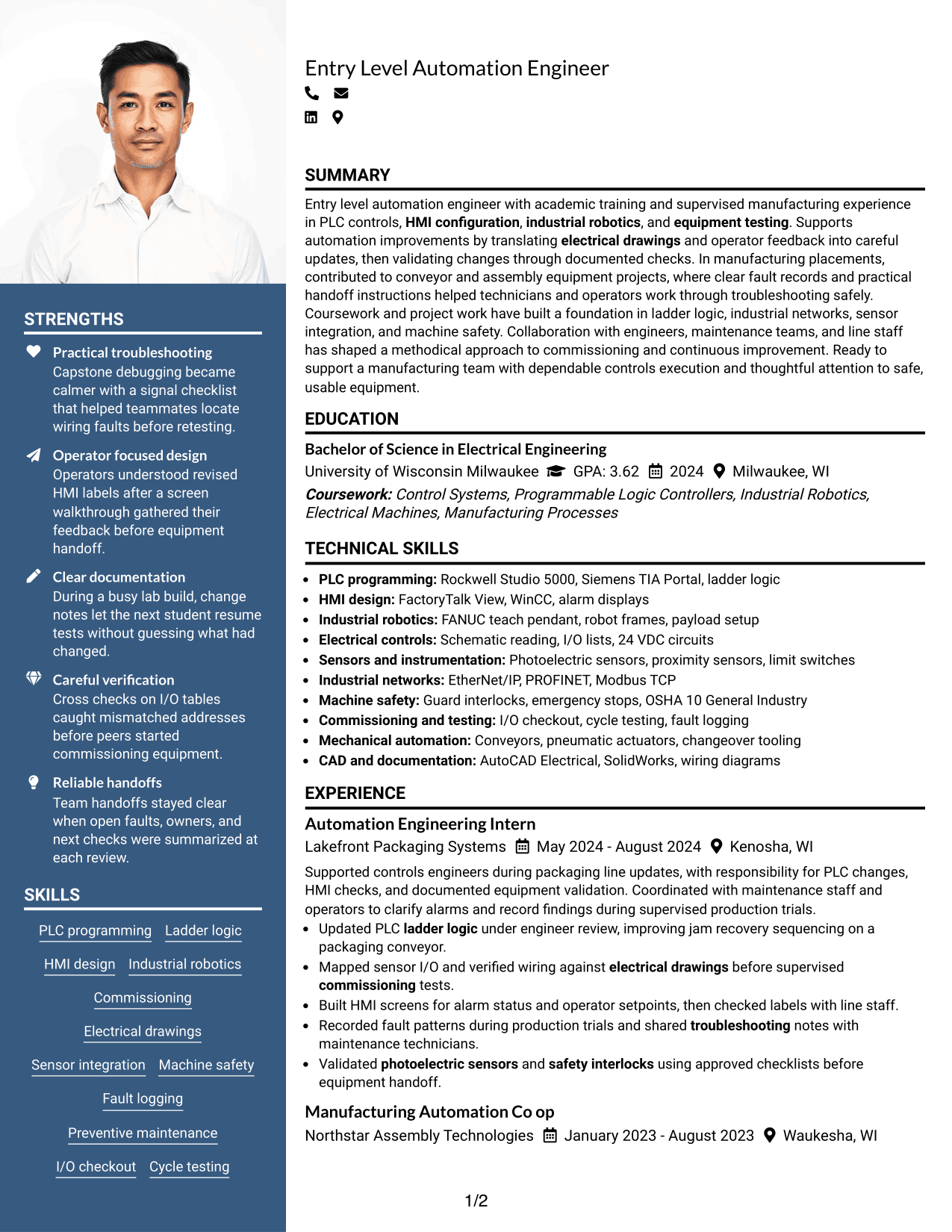
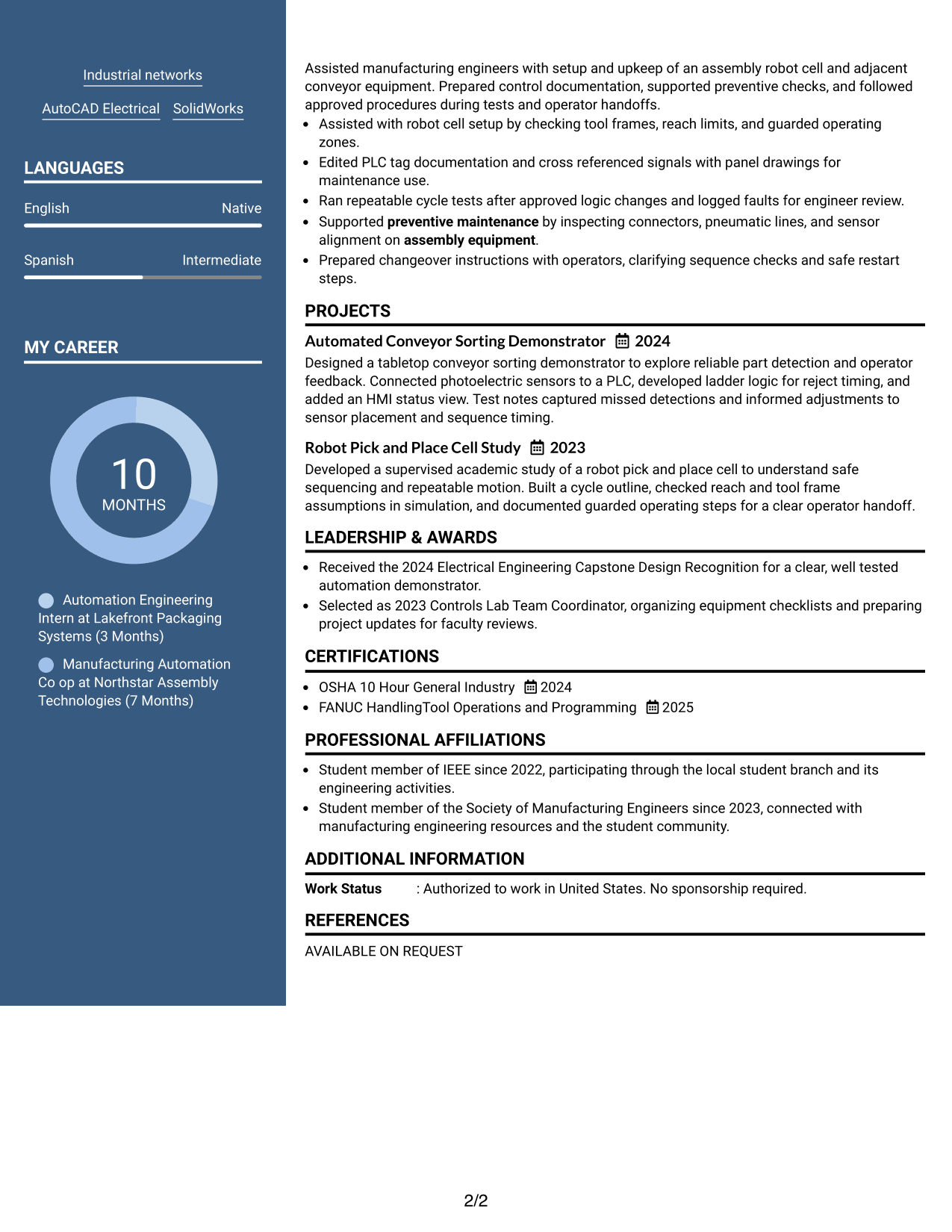
#6 Photo Header Two Column Format Resume Example
The Photo Header Two Column Format pairs a photo header with a two-column body, giving recruiters distinct areas to scan across the resume.
Why This Format Works
- Two-column body areas help reviewers move between experience and skills without losing place.
- Separate columns let education and credentials remain distinct from project evidence.
- The body’s reading zones give career history and projects separate areas.
Best For
- Photo header where appropriate
- Two-column resume review
- Separate career and project details
- Skills and education in distinct areas
- Readers scanning across content groups
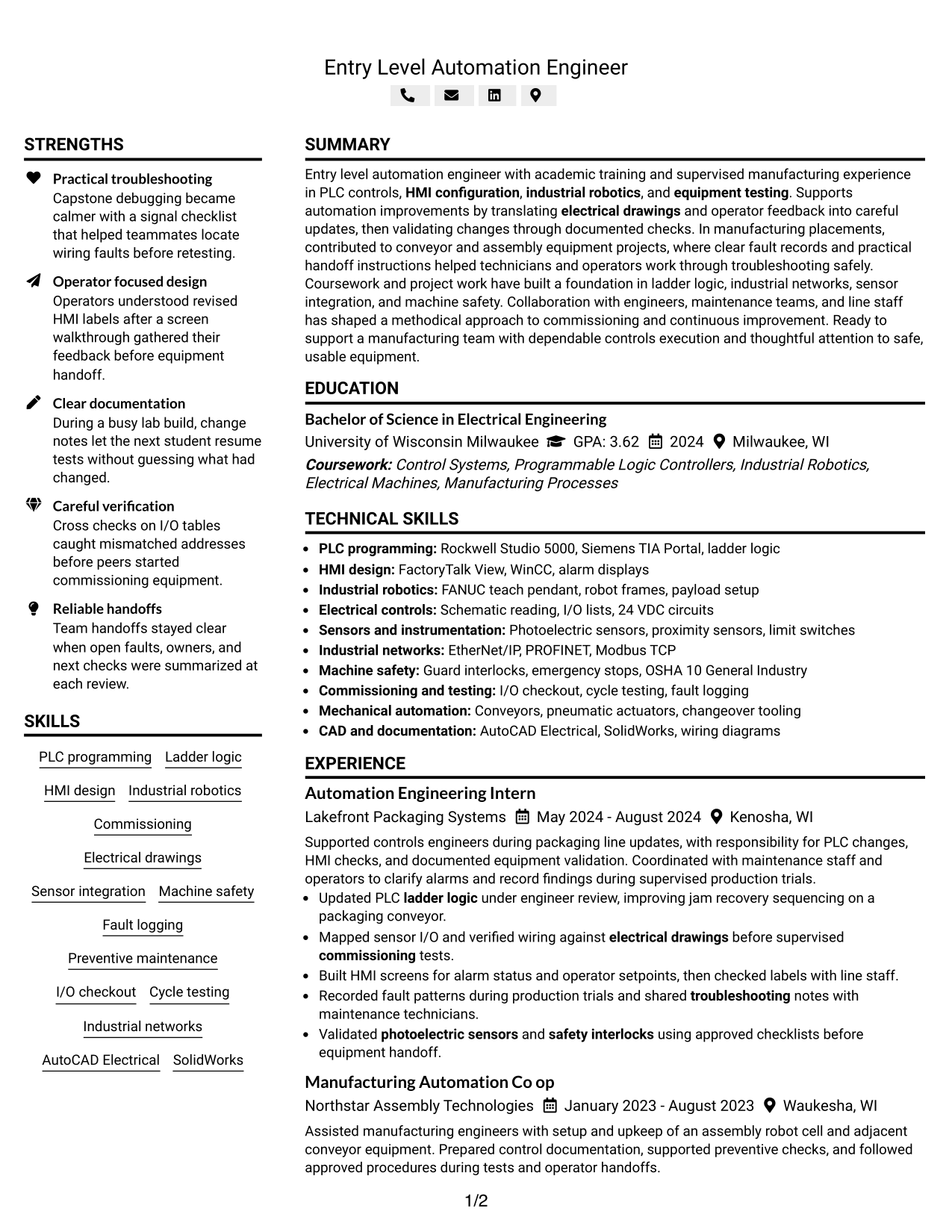
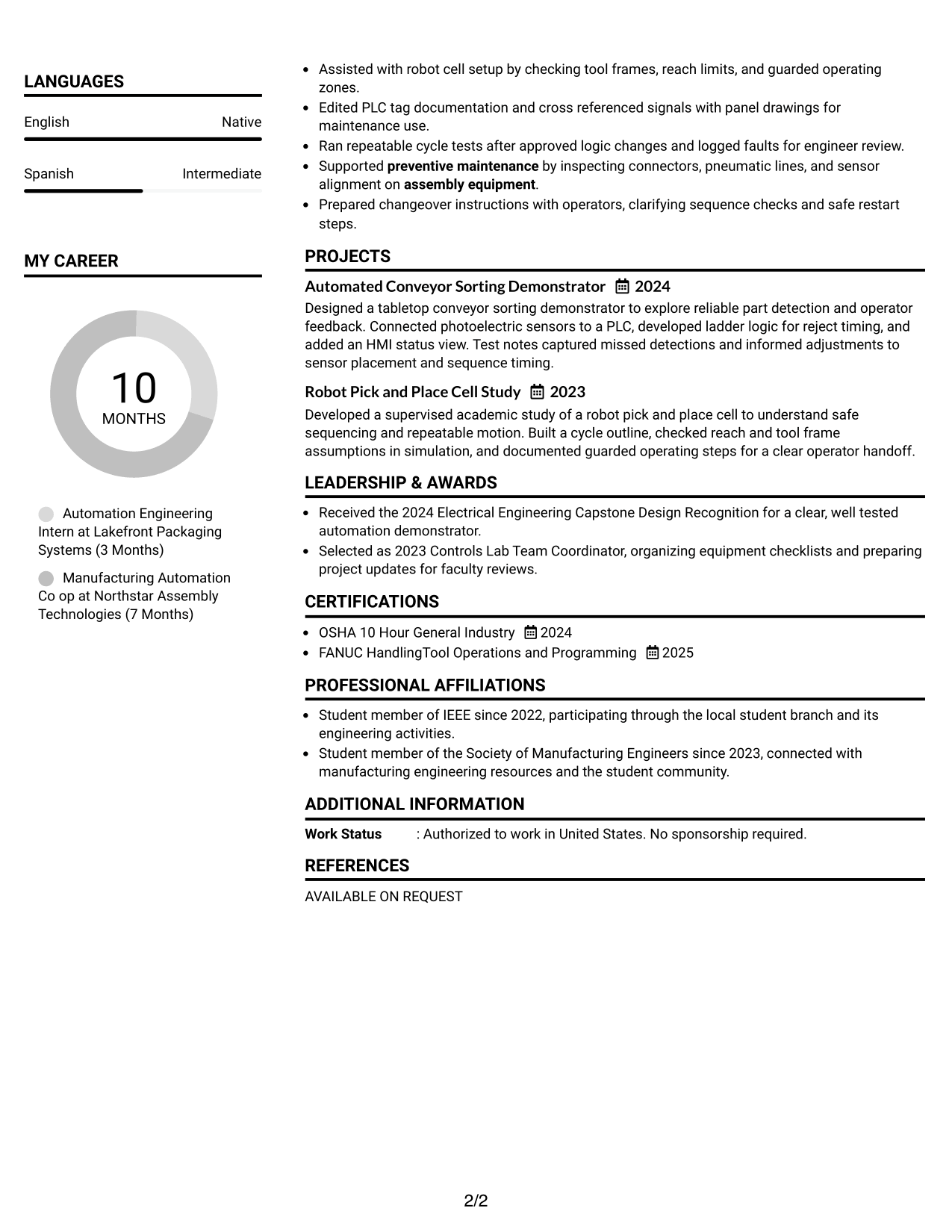
#7 Simple Two Column Format Resume Example
The Simple Two Column Format organizes resume details in two clear areas, so recruiters can scan related sections without relying on a single long flow.
Why This Format Works
- Two-column reading areas help reviewers scan experience and projects as distinct content groups.
- Skills and education are easier to find without moving through every experience detail.
- Balanced column flow lets readers review credentials alongside broader resume content.
Best For
- Simple side-by-side organization
- Separate experience and project sections
- Skills and education in view
- Resume review across content groups
- Readers seeking clear section separation
Why Build Your Entry-Level Automation Engineer - Manufacturing Automation Resume with ResumeInMinutes
ResumeInMinutes helps you organize technical experience, projects, education, and skills into a resume that is easy to scan and update. Clear sections make it easier to show how your work relates to manufacturing automation.
- ATS-friendly section structure
- Keyword-focused resume content
- Experience and project organization
- Skills and tools sections
- Free PDF resume previews
- Resume customization support
Use the format that best supports your evidence, then tailor the skills and bullet points to the exact automation work you want to highlight.
See Also
- 33 GCP Cloud Engineer / Developer - Cloud Platform Automation Resume Templates with Example 2026 (ATS-Optimized)
- 7 Advanced Software Engineer Resume Templates with Example
- 33 Associate, Frontend Software Engineer - Investment Workflow Platforms Resume Templates with Example 2026 (ATS-Optimized)
- 33 Cloud Engineer Manager - AI Platform Infrastructure Resume Templates with Example 2026 (ATS-Optimized)
- 33 Cloud Engineer Resume Templates with Example 2026 (ATS-Optimized)
- Full Stack Lead Software Engineer Resume Guide (Java, Spring Boot, AWS) (Examples + Free PDF Downloads)
- 33 Lead Software Engineer AI Driven Reliability and Support Resume Templates with Example 2026 (ATS-Optimized)
- 7 Lead Software Engineer - Application Modernization | PHP to C# / TypeScript / JavaScript | AI Resume Templates with Example
- 30+ Cloud Engineer Cover Letter Templates with Example 2026
- 30+ Lead Software Engineer AI Driven Reliability and Support Cover Letter Templates with Example 2026
Frequently Asked Questions
Are these Entry-Level Automation Engineer - Manufacturing Automation resume templates ATS-friendly?
They use clear headings and readable sections to support ATS scanning. Include relevant terms such as PLC programming, HMI configuration, sensor integration, equipment testing, and troubleshooting when they match your experience.
Does this guide show one resume example in different layouts?
Yes. It presents one Entry-Level Automation Engineer - Manufacturing Automation resume example in several visual formats so you can compare how the same information looks in each layout.
What should an Entry-Level Automation Engineer - Manufacturing Automation resume include?
Include a focused summary, education, relevant experience, projects, technical skills, and certifications. Use concise bullets to show your role in PLC or HMI work, testing, troubleshooting, documentation, and safety procedures.
Can I download the resume templates as PDFs?
Yes. Free PDF downloads let you preview the resume formats and decide which layout presents your information most clearly.
Which resume style works well for manufacturing automation?
A simple one-column layout is easy to scan and can help ATS software read your content. A clean two-column design can also work if it keeps key skills and experience clear.
How can I show automation skills if much of my experience comes from projects or lab work?
Describe the task, the tools or equipment you used, and how you tested the result. Project and lab bullets can show PLC logic, HMI work, sensor checks, fault testing, and technical records when these reflect your actual experience.
Should I include a photo on my resume?
For U.S. applications, a resume without a photo is generally the safer choice. Follow local norms if you are applying in another region.
Can I customize these resume templates?
Yes. You can edit the resume content, layout, and design, then download a PDF that presents your qualifications for the target role.




