
7 Entry-Level Bookkeeper / Payroll Administrator Cover Letter Templates with Example
This practical guide helps you create an Entry-Level Bookkeeper / Payroll Administrator cover letter through one example presented in seven layouts.
What Makes a Great Entry-Level Bookkeeper / Payroll Administrator Cover Letter in 2026
A strong letter links your interest in the role to careful payroll support, accurate bookkeeping, and clear communication. It should quickly show why your approach fits the work.
Use specific evidence, such as reviewing timecards, checking hours, entering invoice details, or reconciling records. Connect that evidence to the employer’s needs and show that you will handle confidential information with care.
The featured example moves from interest in the role to specific payroll evidence, then bookkeeping strengths and a concise close; adapt that focused progression and choose a presentation suited to the employer and communication context.
#1 Simple One Column Format Cover Letter Example
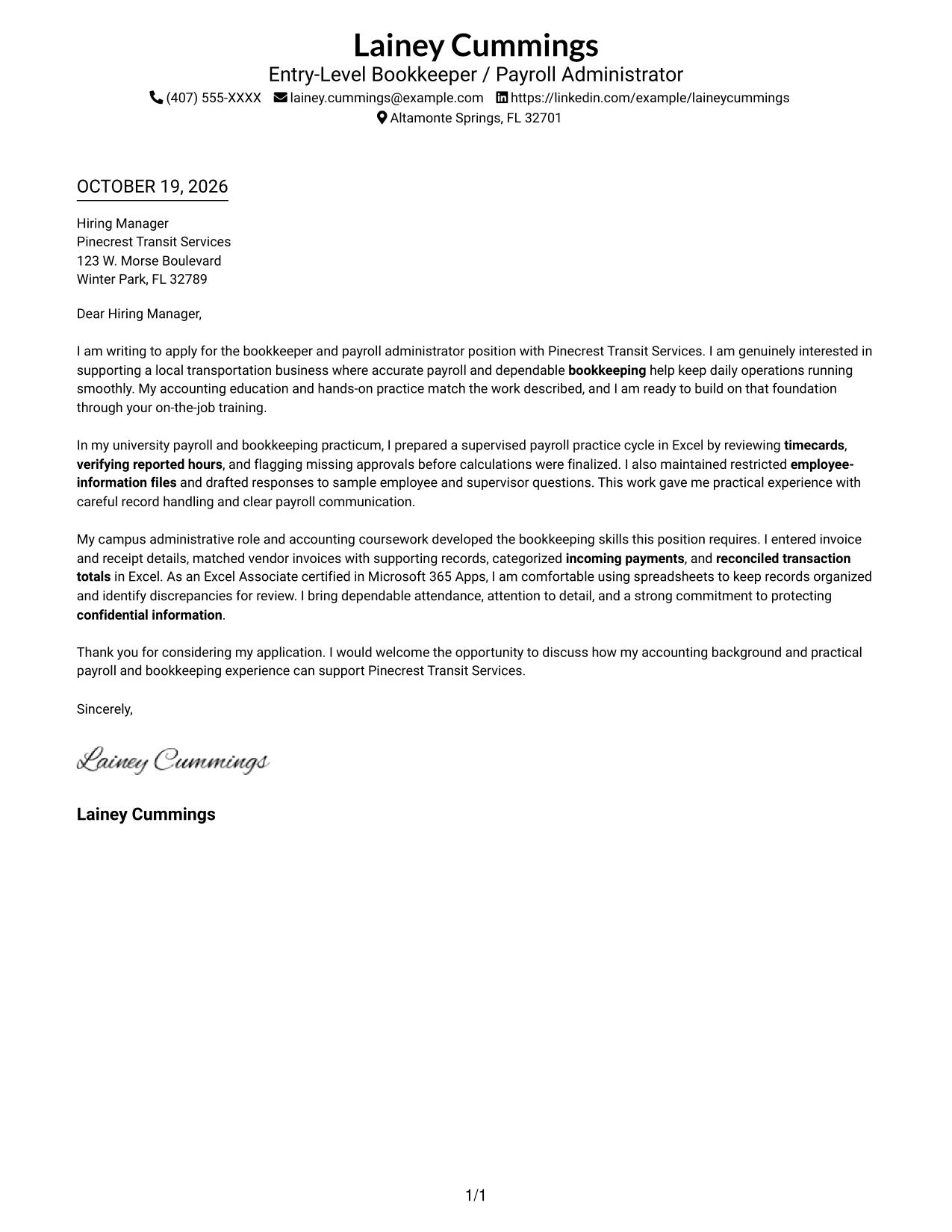
Simple One Column Format places sender details above one continuous letter body, giving the message a direct reading path.
Why This Format Works
- Sender details in the header give the reviewer a clear starting point.
- One continuous body keeps the opening, supporting points, and closing together.
- A single reading column avoids switching between parallel text areas.
Best For
- Single-column correspondence
- Header-based contact details
- Continuous letter paragraphs
- Photo-free document preference
- Familiar business-letter reading order
#2 Two Column Format Cover Letter Example
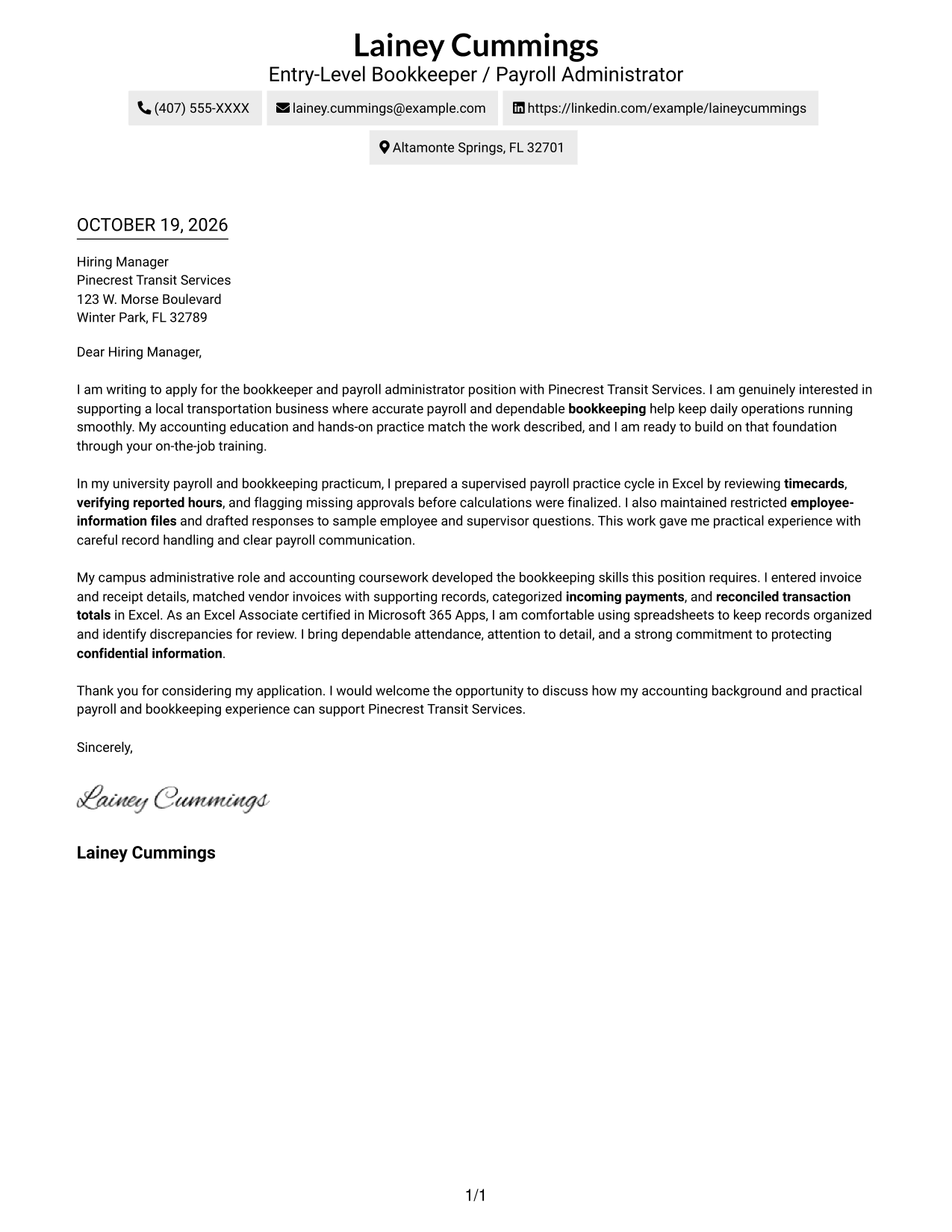
Two Column Format places a contact sidebar beside the continuous letter body, keeping reference details apart from the message.
Why This Format Works
- The contact sidebar makes sender information easy to locate without interrupting the letter.
- The continuous body lets the opening, supporting points, and closing read together.
- Its photo-free presentation suits applications where a portrait is not wanted.
Best For
- Contact details outside the letter body
- One continuous persuasive letter
- Quick access to sender information
- Photo-free correspondence
- Sidebar-based contact reference
#3 Photo Header Two Column Format Cover Letter Example
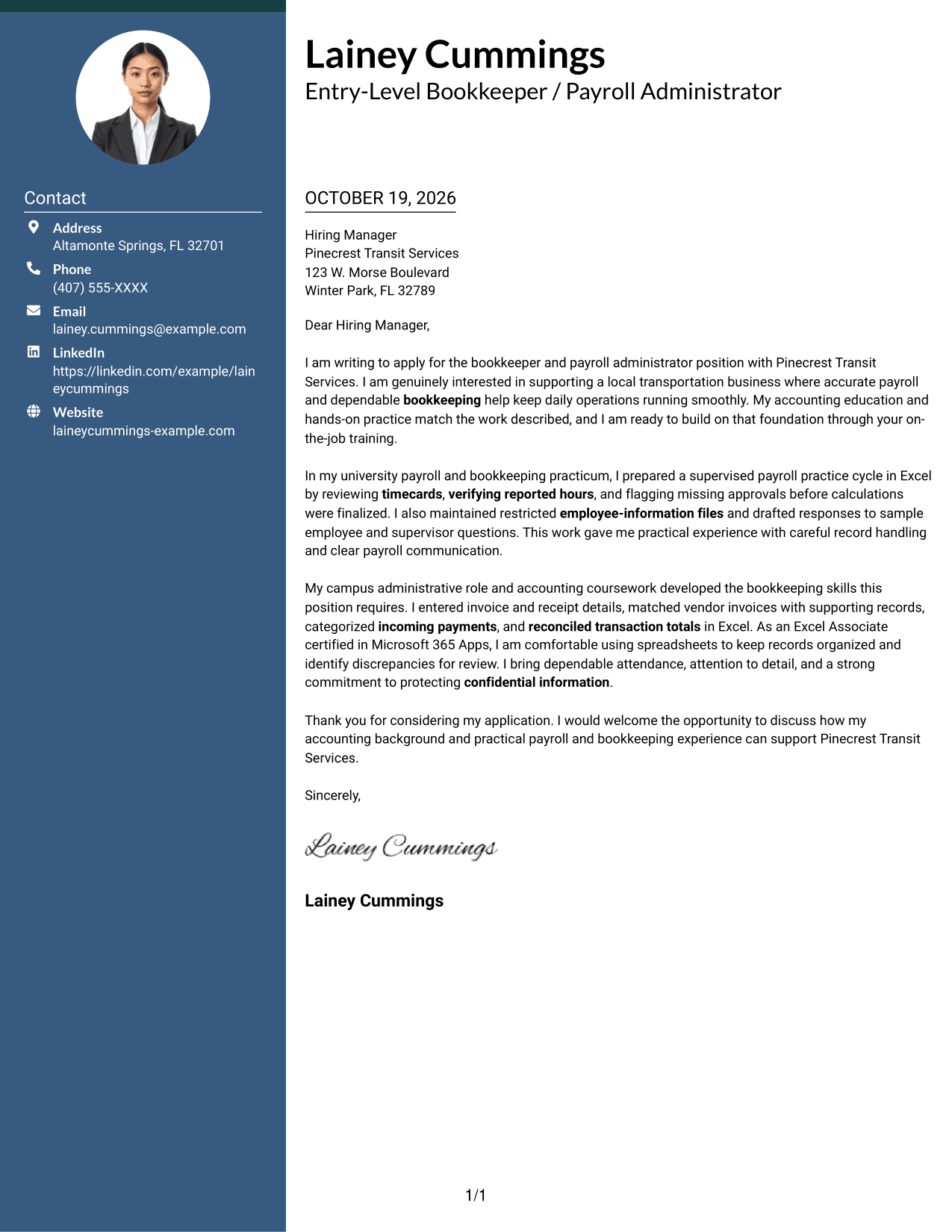
Photo Header Two Column Format combines a photo header and contact sidebar with one continuous letter body.
Why This Format Works
- A photo in the header offers a visible portrait for applications that call for one.
- The contact sidebar keeps sender details apart from the letter's main message.
- The continuous body preserves a clear sequence from opening through closing.
Best For
- Applications with a portrait preference
- Contact details beside the message
- Continuous paragraph-based letters
- Two-column document layouts
- Photo-led header presentation
#4 One Column Format with Photo Cover Letter Example
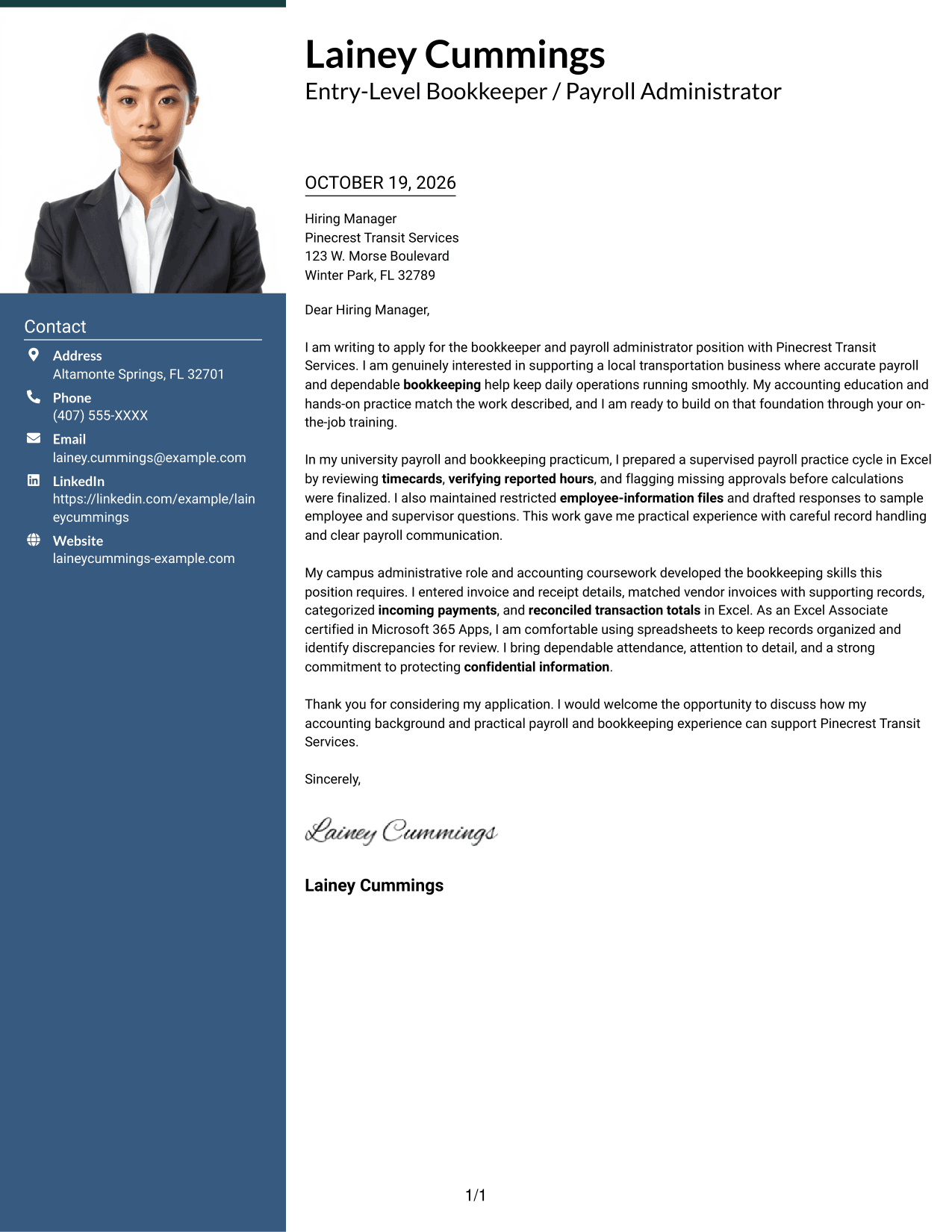
One Column Format with Photo places a portrait in the header above a single continuous letter body.
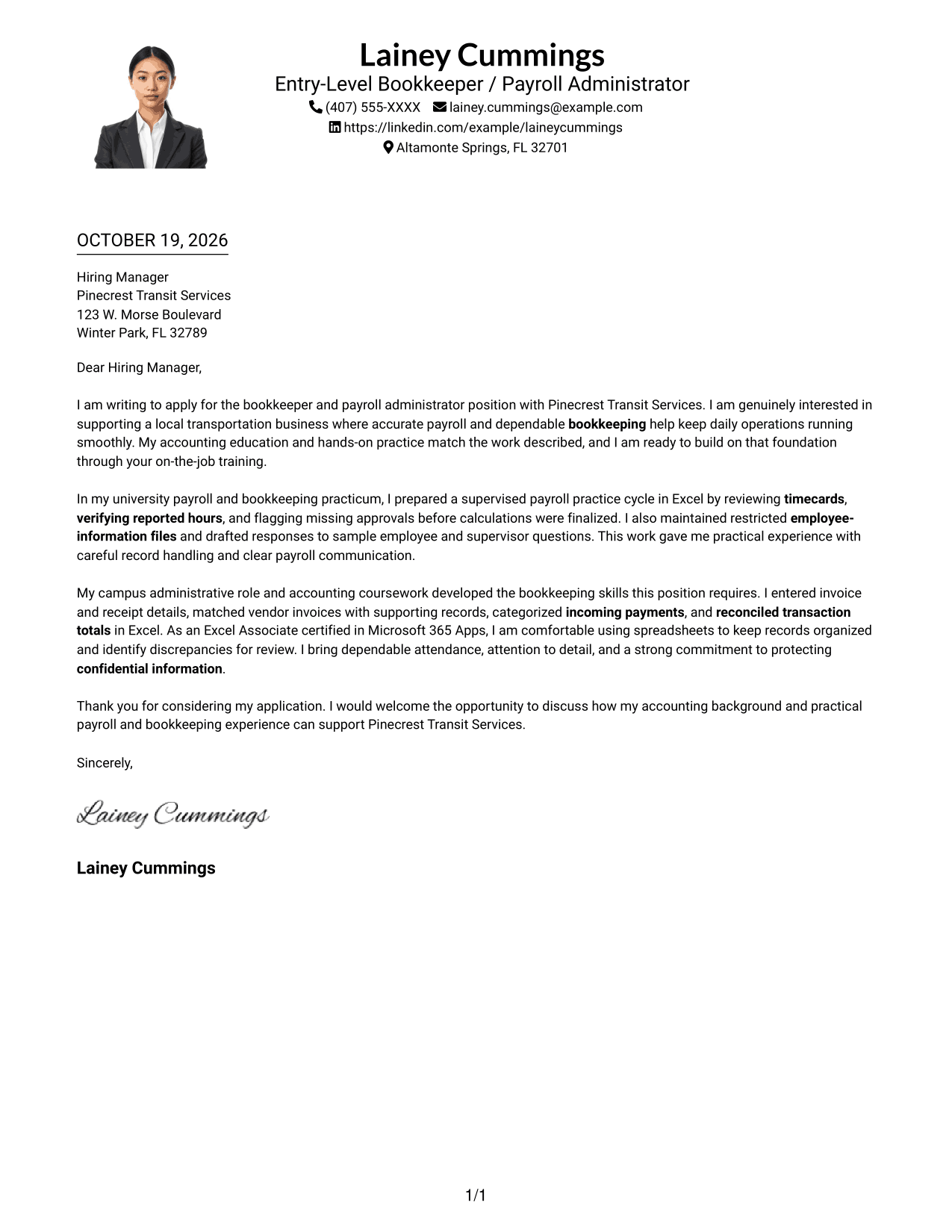
Why This Format Works
- The portrait gives the header a visible personal element without dividing the letter.
- Sender details and letter paragraphs follow one straightforward reading sequence.
- The continuous body keeps the message together from its opening to its close.
Best For
- One-column letter layouts
- Portrait in the sender header
- Continuous paragraph flow
- Photo-inclusive applications
- Straightforward reading order
#5 Simple Two Column Format Cover Letter Example
Simple Two Column Format keeps contact information in a sidebar and the letter itself in one continuous body.
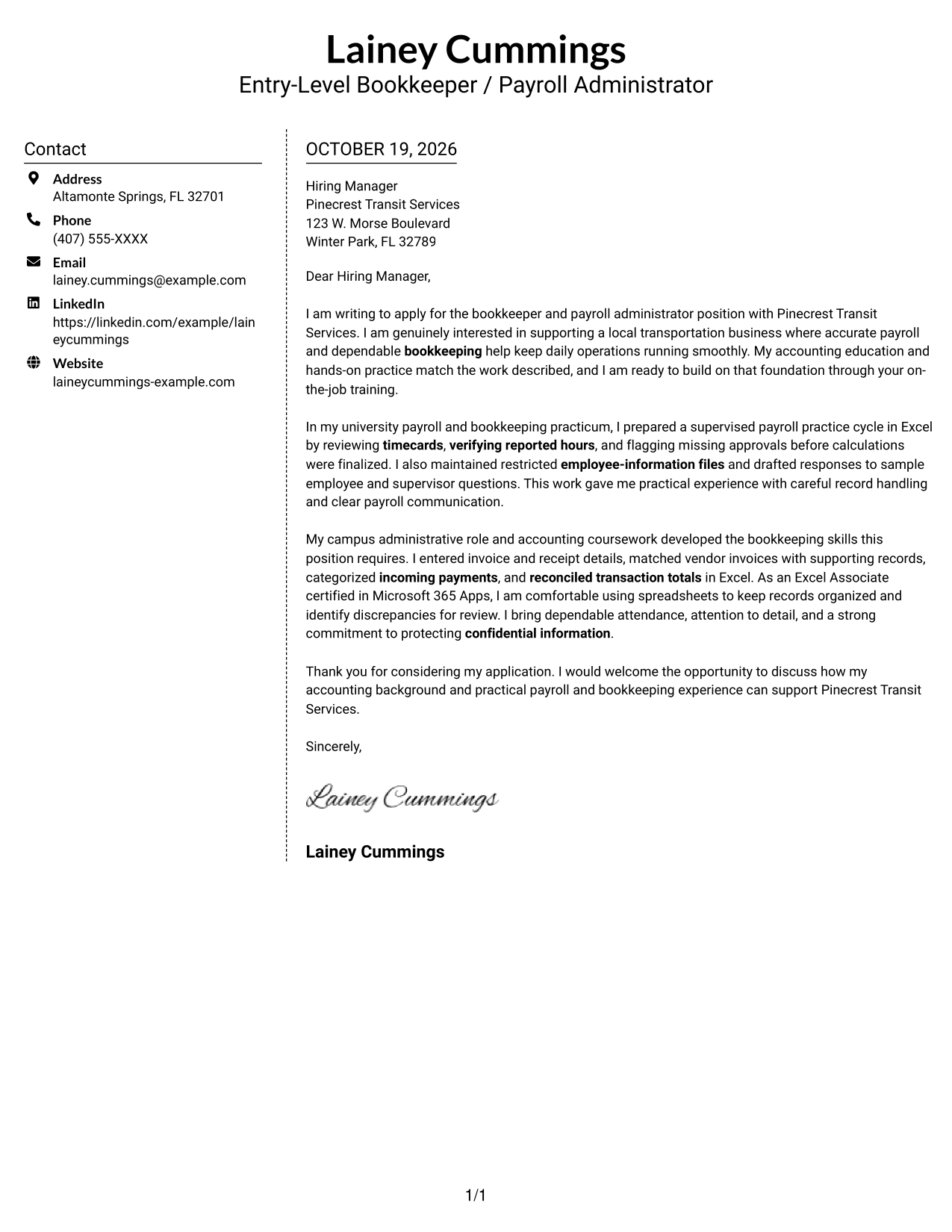
Why This Format Works
- The sidebar gives contact details a separate place beside the letter body.
- A single body column keeps the message in a natural paragraph sequence.
- Its photo-free layout suits readers who prefer contact details without a portrait.
Best For
- Sidebar contact information
- One-body letter correspondence
- Photo-free application documents
- Separate contact and message areas
- Paragraph-based business letters
#6 Modern Icon Format Cover Letter Example
Modern Icon Format uses two columns, with contact cues in the sidebar and the letter in one continuous body.
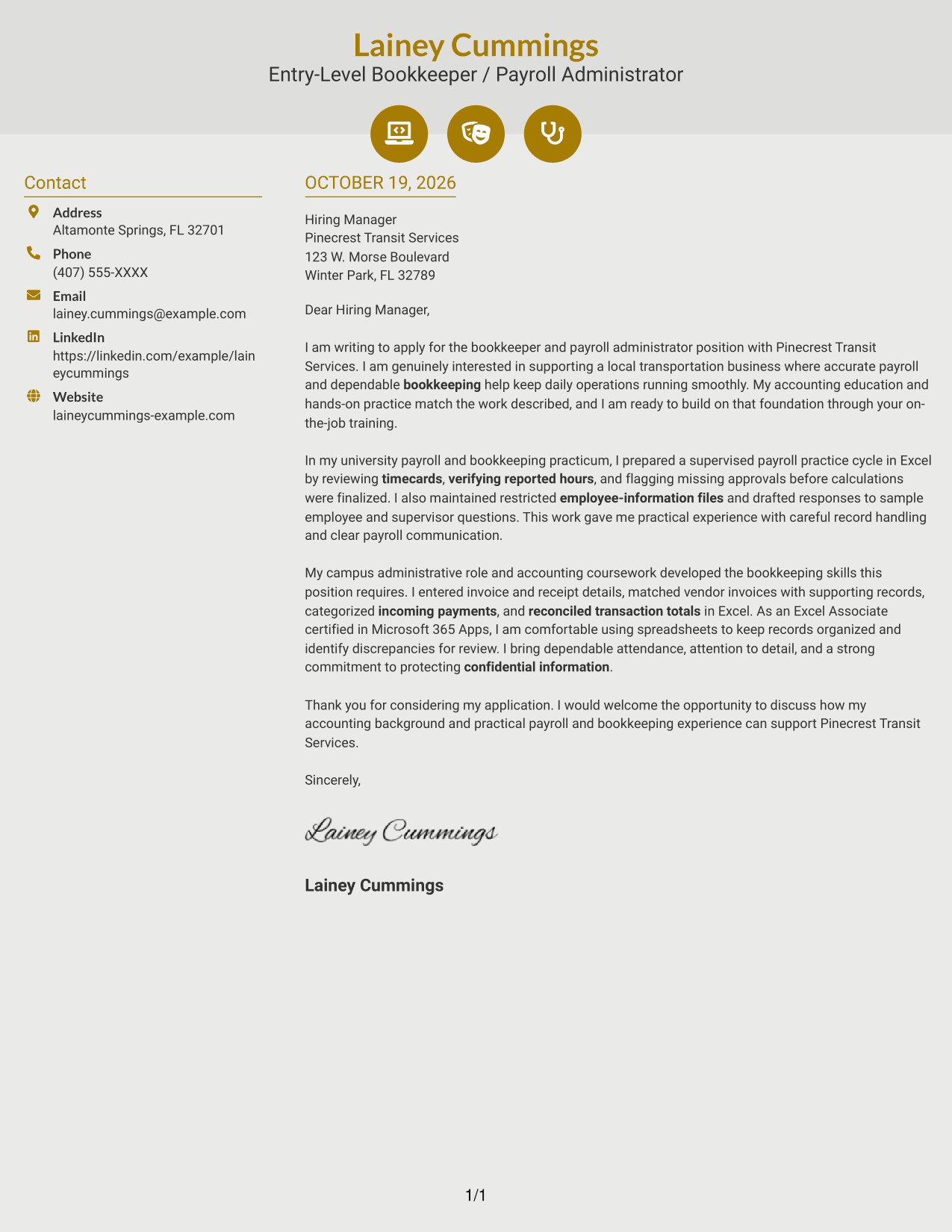
Why This Format Works
- Contact icons help identify reference details without labeling parts of the letter argument.
- The sidebar and body make contact information distinct from the message.
- The continuous letter text carries the reader from opening to closing.
Best For
- Icon-led contact details
- Sidebar contact reference
- Continuous letter paragraphs
- Photo-free document preference
- Two-column correspondence
#7 Creative Two Tone Format Cover Letter Example
Creative Two Tone Format sets the contact sidebar beside a single continuous letter body, separating reference details from the message.
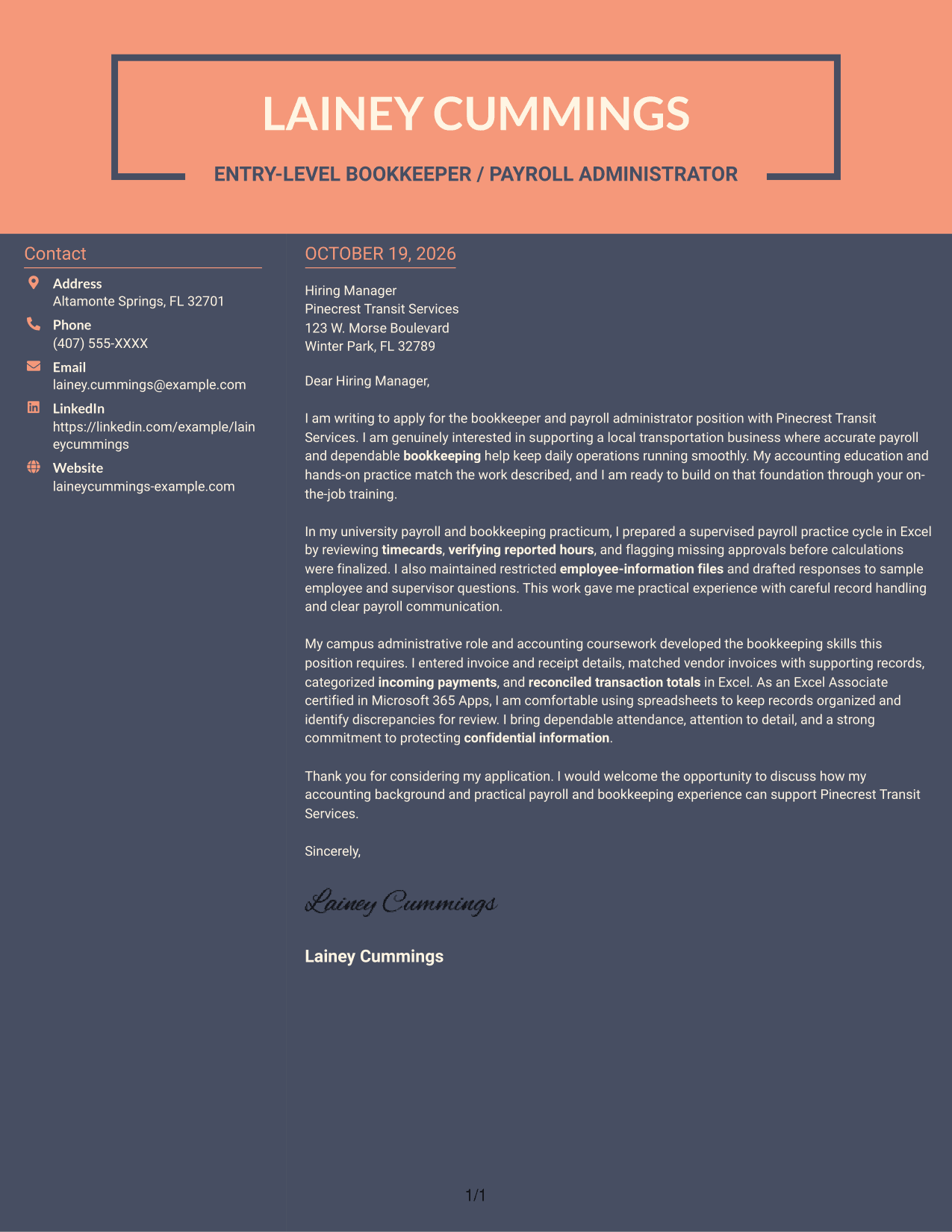
Why This Format Works
- The sidebar keeps contact information distinct from the letter's persuasive content.
- One continuous body lets the opening, supporting points, and closing remain connected.
- Two columns give sender details and the letter separate reading areas.
Best For
- Contact sidebar reference
- Single-body application letters
- Distinct contact and message areas
- Continuous persuasive correspondence
- Two-column reading preference
Why Use ResumeInMinutes for an Entry-Level Bookkeeper / Payroll Administrator Cover Letter
ResumeInMinutes offers image previews and editor links to help you review a cover letter example, then customize its presentation for the position.
- PNG example previews
- Cover letter templates
- Editor customization
- Clear paragraph guidance
- Role-focused examples
- Employer alignment tips
Use the example to organize your opening, payroll and bookkeeping evidence, and closing. Keep the details accurate, and explain how your careful record handling and communication can support the employer’s daily operations.
See Also
- 7 Entry-Level Bookkeeper / Payroll Administrator Resume Templates with Example
- 7 Bookkeeper / Office Administrator - Construction Office Operations Resume Templates with Example
- 7 Payroll Program Manager - Payroll Systems and Transformation Resume Templates with Example
- 7 Payroll Specialist Resume Templates with Example
- 7 Payroll Technician - Public Sector Payroll Resume Templates with Example
- 7 Senior IT Analyst - Administrative Systems Management (HR/Payroll) Resume Templates with Example
- 7 Workday Payroll Systems Analyst Resume Templates with Example
- 7 Workday US Payroll Lead Resume Templates with Example
- 7 Bookkeeper / Office Administrator - Construction Office Operations Cover Letter Templates with Example
- 7 Payroll Program Manager - Payroll Systems and Transformation Cover Letter Templates with Example
Frequently Asked Questions
What should the opening of an Entry-Level Bookkeeper / Payroll Administrator cover letter say?
Name the position and give a brief, genuine reason for your interest. Then connect that interest to accurate payroll support or dependable bookkeeping work.
What evidence is useful in this cover letter?
Share a clear example of checking timecards, confirming hours, entering invoices or receipts, or reconciling records. Explain what you did and how you handled details or questions.
How can I show I understand the employer’s needs?
Refer to duties that matter in the posting, such as payroll preparation, routine bookkeeping, accurate records, and protecting confidential employee information. Connect them to evidence you can honestly support.
Should I mention Microsoft Excel in my cover letter?
Yes, when you can describe how you use it. For example, you might explain how you used Excel to review timecards, organize transaction details, or compare totals with supporting records.
How should I close an Entry-Level Bookkeeper / Payroll Administrator cover letter?
Thank the hiring manager and express interest in discussing how your payroll and bookkeeping preparation fits the role. Keep the closing brief and professional.
Can I preview and customize the example?
Yes. Review the PNG image preview, then use the editor link to open and customize the example.




