
7 Entry-Level Business Data Analyst - Construction Cover Letter Templates with Example
This guide helps you create an Entry-Level Business Data Analyst - Construction cover letter and compare its presentation across seven layouts.
What Makes a Great Entry-Level Business Data Analyst - Construction Cover Letter in 2026
A strong letter links construction data analysis to sound project and management decisions. It states why the role interests you and makes your fit clear.
Use specific evidence, such as validating project data, explaining cost or labor trends, and sharing findings clearly. Connect that evidence to the employer’s work and needs.
The featured example moves from role interest and fit to current analytical work, a concrete prior example, and a clear close, giving you a focused progression to adapt while choosing a presentation that suits the employer and communication context.
#1 Simple One Column Format Cover Letter Example
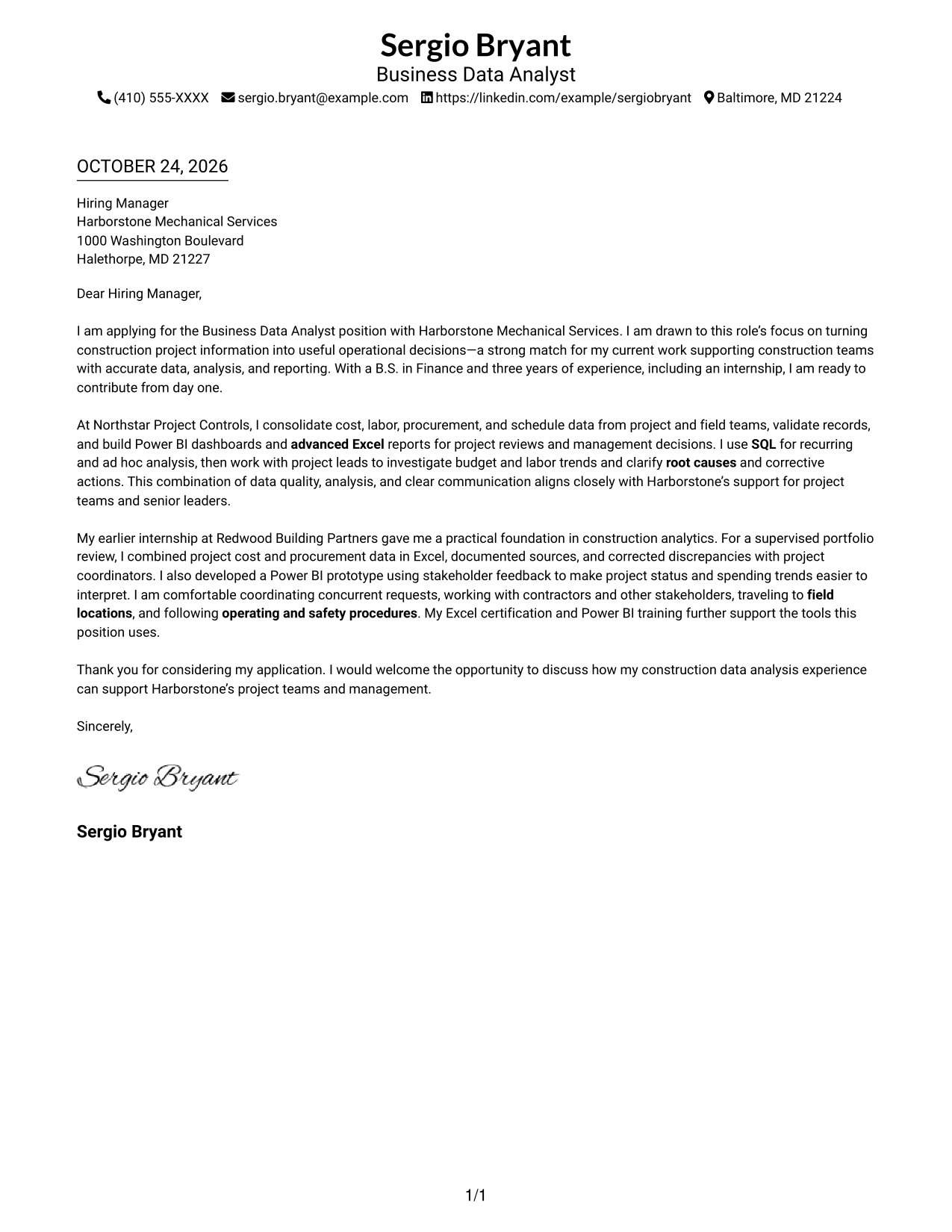
The single-column layout keeps the full letter in a familiar, direct reading path.
Why This Format Works
- Opening, supporting paragraphs, and closing remain together in one continuous sequence.
- Sender contact details stay in the header, apart from the persuasive message.
- The layout has no portrait, which suits text-only visual preferences.
Best For
- One-column correspondence
- Header contact details
- Photo-free applications
- Multi-paragraph letter bodies
- Unheaded correspondence
#2 Two Column Format Cover Letter Example
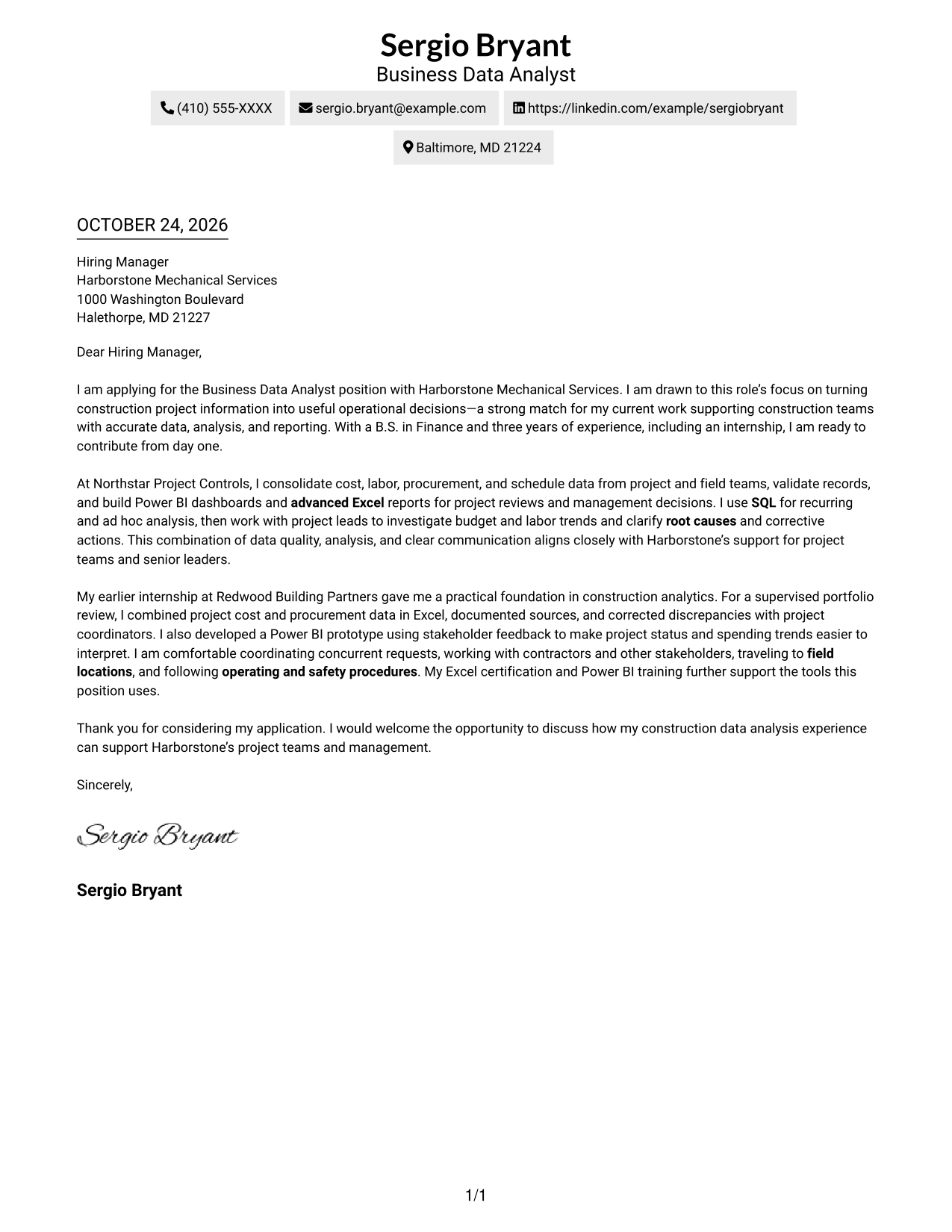
A contact sidebar sits beside the continuous letter body, keeping sender details separate from the message.
Why This Format Works
- Contact details sit apart from the message, so neither interrupts the letter's paragraphs.
- The continuous body lets opening and closing read as one complete message.
- A photo-free presentation suits readers who prefer written correspondence without a portrait.
Best For
- Contact details at a glance
- Message in one body column
- Photo-free correspondence
- Paragraph-led persuasion
- Construction data applications
#3 Photo Header Two Column Format Cover Letter Example
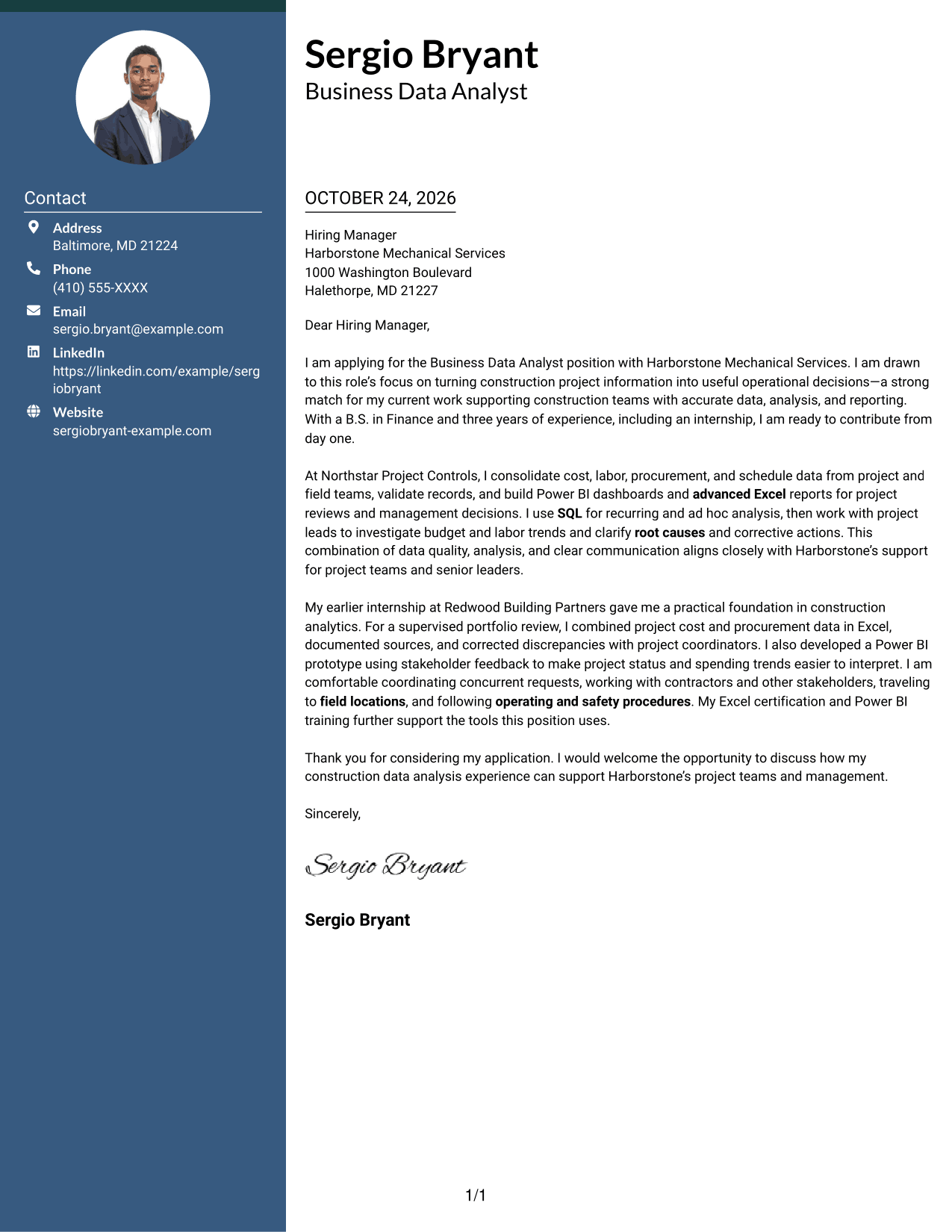
A photo in the header and a contact sidebar distinguish this two-column format while leaving the letter body continuous.
Why This Format Works
- The header portrait adds a personal visual element without changing paragraph order.
- Contact details remain separate from the main persuasive text.
- One uninterrupted body lets readers follow the message from opening through close.
Best For
- Portrait-inclusive correspondence
- Contact sidebar access
- One-column letter arguments
- Unheaded message paragraphs
- Construction analysis correspondence
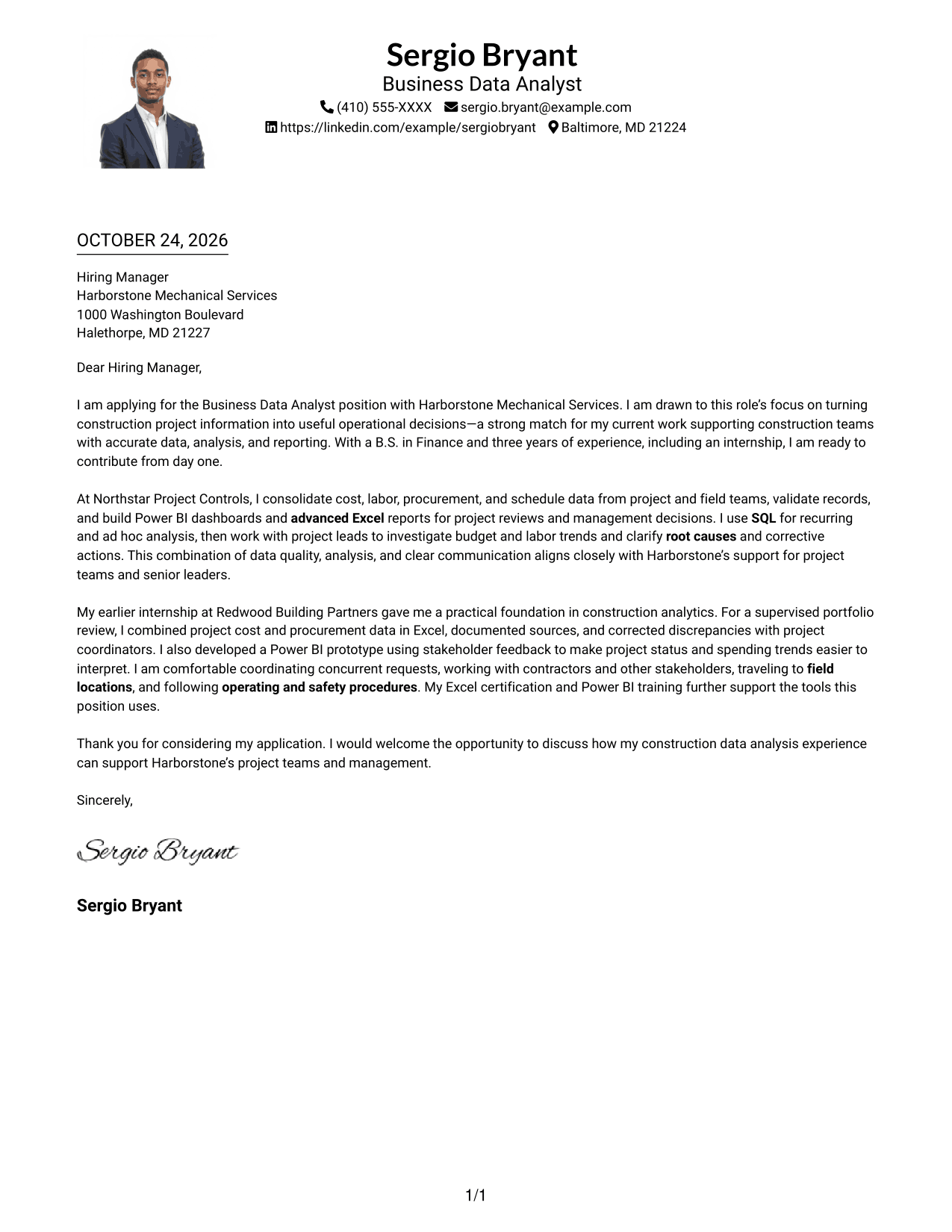
#4 One Column Format with Photo Cover Letter Example
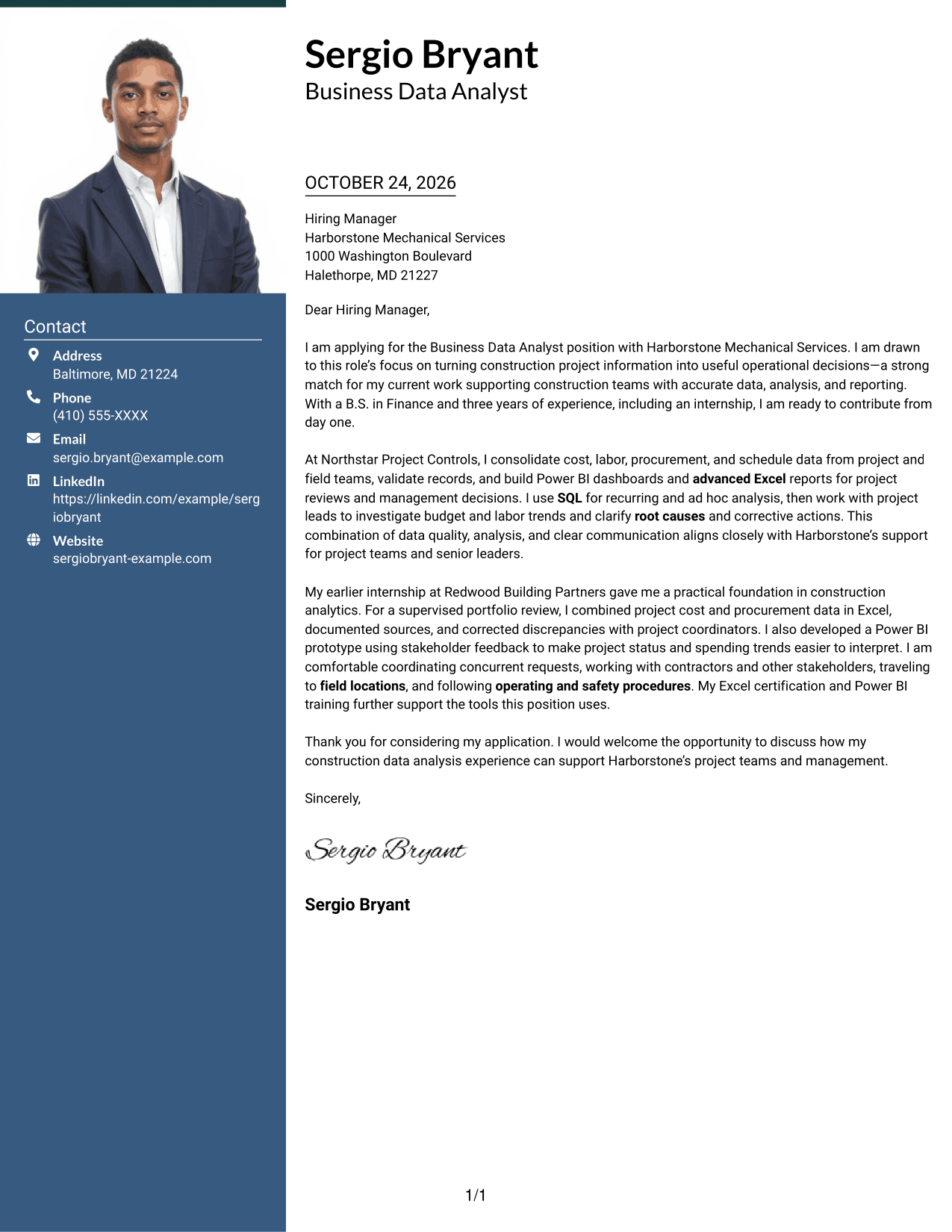
The one-column letter body keeps the message in a direct reading path, with a photo included in the format.
Why This Format Works
- A single body column keeps the opening, supporting paragraphs, and close in sequence.
- The photo adds a visual element while the written message stays in one column.
- Sender details in the header remain apart from the continuous letter body.
Best For
- One-column letter reading
- Portrait-inclusive documents
- Continuous message paragraphs
- Header-based sender details
- Construction project applications
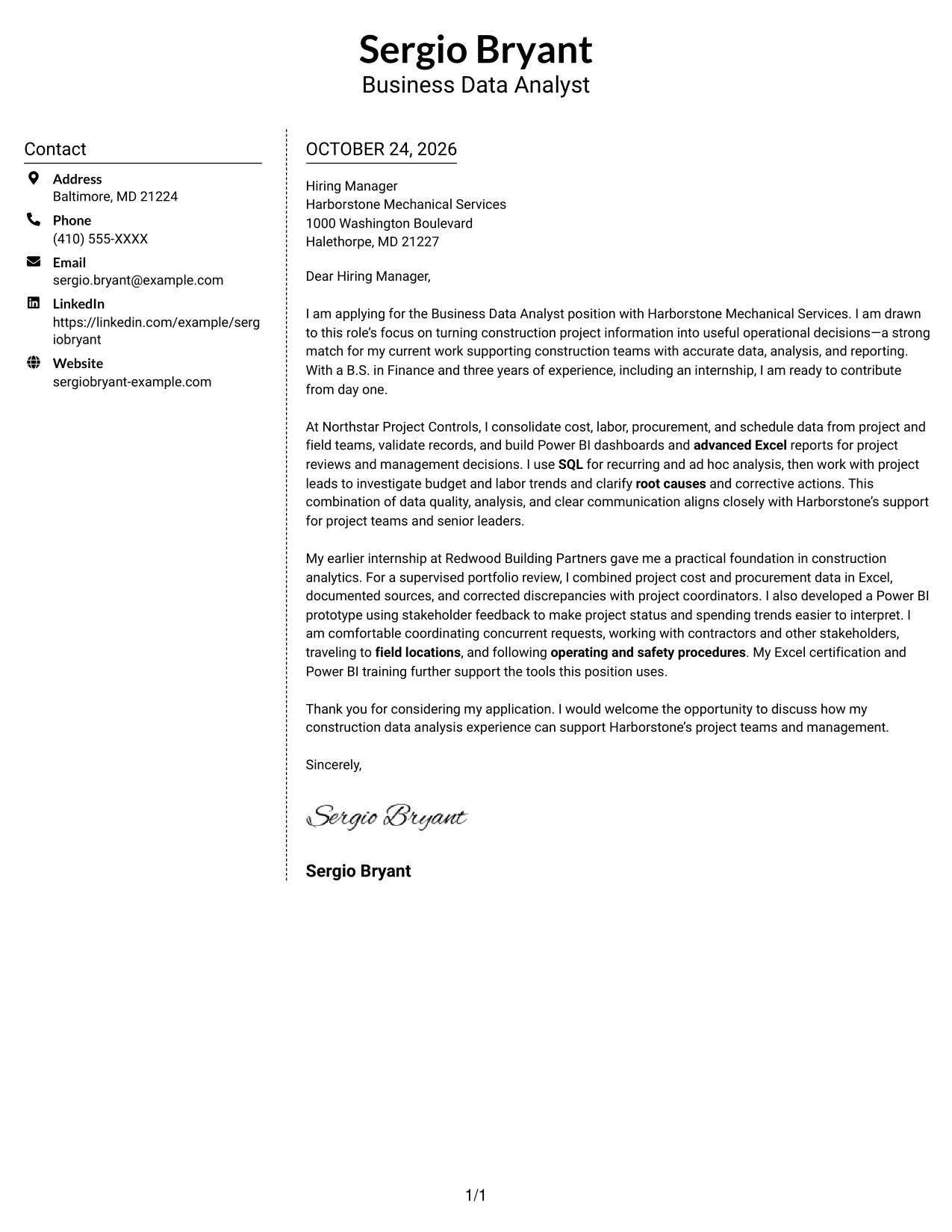
#5 Simple Two Column Format Cover Letter Example
The contact sidebar and continuous letter body create a clear two-column arrangement without a photo.
Why This Format Works
- Contact details have their own sidebar, separate from the written case.
- One continuous body preserves the order of each paragraph and closing.
- The photo-free presentation keeps the document focused on written correspondence.
Best For
- Separate contact sidebar
- Uninterrupted letter body
- No-photo preferences
- Single-column message reading
- Multi-paragraph correspondence
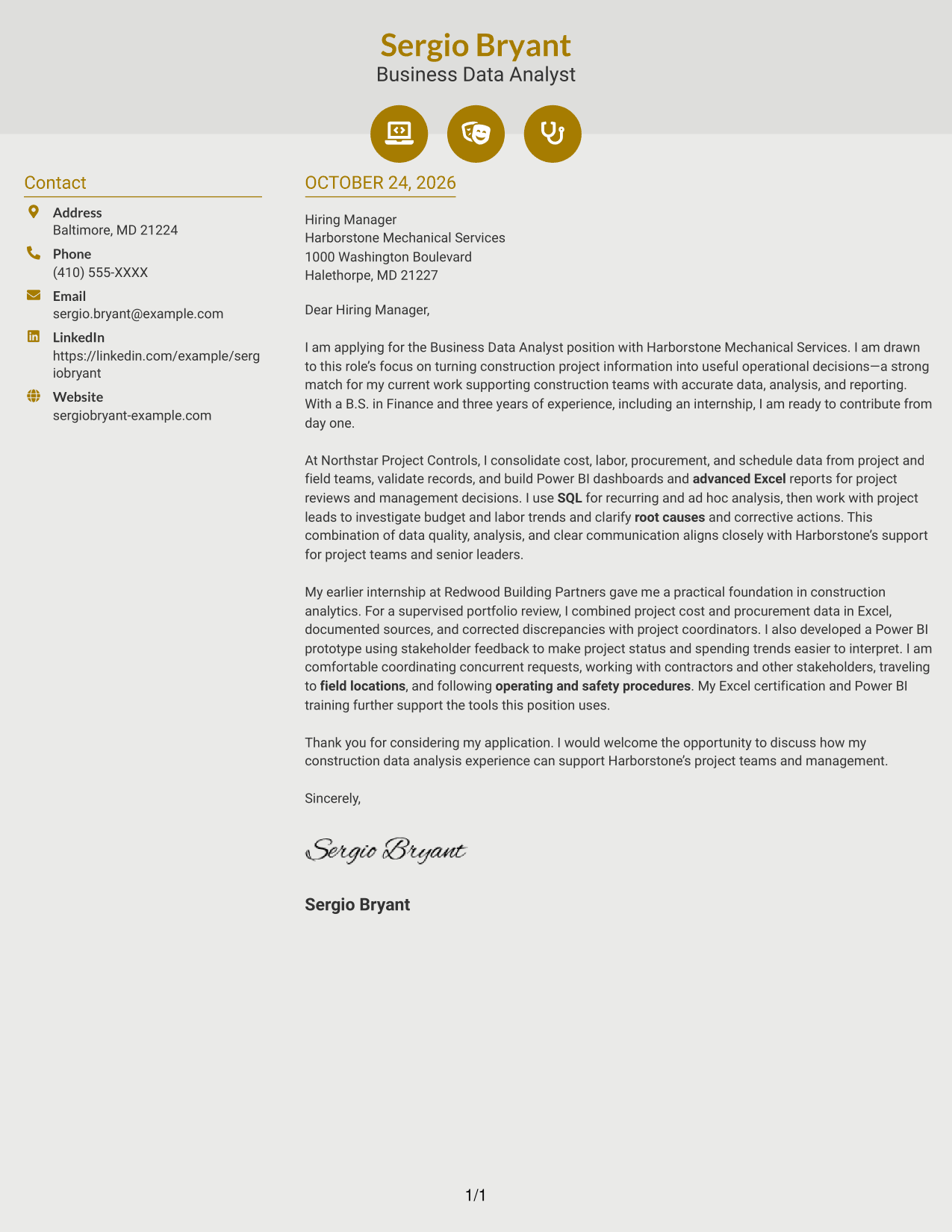
#6 Modern Icon Format Cover Letter Example
Contact icons add visual cues within the sidebar, while the letter remains one continuous body beside it.
Why This Format Works
- Contact icons mark practical details, not the letter's motivation or evidence.
- Sidebar placement keeps sender information apart from the continuous message.
- Paragraph order carries the argument from its opening to its close.
Best For
- Icon-marked contact details
- Two-column letter layouts
- Photo-free presentation
- Continuous persuasive prose
- Unheaded multi-paragraph letters
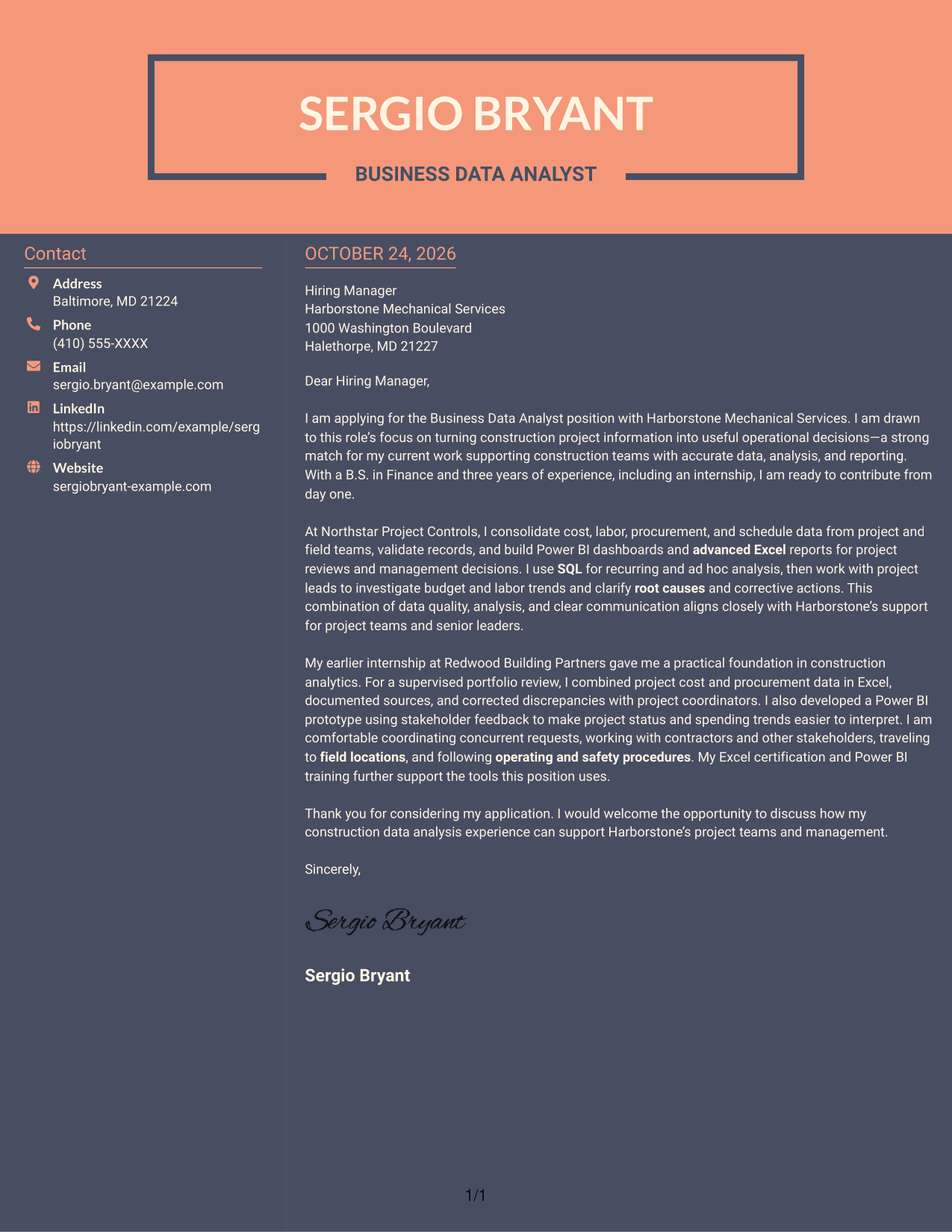
#7 Creative Two Tone Format Cover Letter Example
The two-column layout places contact details beside a single continuous letter body, keeping practical information distinct from the message.
Why This Format Works
- Separate contact placement lets readers find sender details without breaking the message.
- Opening, supporting paragraphs, and closing remain within one continuous letter body.
- The photo-free layout suits readers who prefer written correspondence without a portrait.
Best For
- Contact details beside the message
- One-body-column letters
- Photo-free correspondence choices
- Unbroken paragraph flow
- Construction analytics applications
See Also
- 7 Entry-Level Business Data Analyst - Construction Resume Templates with Example
- 33 Business Data Analyst I Resume Templates with Example 2026 (ATS-Optimized)
- 33 Business Intelligence and Data Analyst Resume Templates with Example 2026 (ATS-Optimized)
- 33 Business Intelligence Data Analyst Resume Templates with Example 2026 (ATS-Optimized)
- 33 Business Systems / Data Analyst Resume Templates with Example 2026 (ATS-Optimized)
- 7 Data Analyst Intern - Business Analytics Resume Templates with Example
- 7 Data Analyst Intern - Business Process and Reporting Resume Templates with Example
- 33 Data Architecture Business Analyst Resume Templates with Example 2026 (ATS-Optimized)
- 30+ Business Data Analyst I Cover Letter Templates with Example 2026
- 30+ Business Intelligence and Data Analyst Cover Letter Templates with Example 2026
Frequently Asked Questions
How should I open an Entry-Level Business Data Analyst - Construction cover letter?
State the role you are applying for, explain what interests you about construction data analysis, and briefly connect that interest to relevant experience or skills.
What evidence can make this cover letter more convincing?
Give a brief example of combining or checking project data, preparing a clear report, or investigating a cost or labor trend. Mention tools such as Excel, Power BI, or SQL only when they reflect your own experience.
How can I show that I understand the employer’s needs?
Refer to the role’s focus on accurate project information and operational decisions. Then explain how your approach to analysis and communication can support project teams and management.
What should the closing paragraph include?
Thank the reader, restate your interest, and invite a conversation about how your relevant skills can support the team.
Should I mention field travel in the letter?
If the role includes field visits and you are willing to travel, say so briefly. You can also note that you understand the importance of following operating and safety procedures.




