
7 Entry-Level Call Center Representative - Consumer Loan Support Cover Letter Templates with Example
This practical guide helps you write an Entry-Level Call Center Representative - Consumer Loan Support cover letter, with seven layouts to compare.
What Makes a Great Entry-Level Call Center Representative - Consumer Loan Support Cover Letter in 2026
A strong letter opens with a clear reason for pursuing consumer loan support, then connects your call handling approach to the role. A concise closing should show interest and invite a conversation.
Use specific evidence, such as explaining account steps clearly, documenting calls accurately, or completing relevant training. Connect those examples to the employer’s needs without claiming skills or results you cannot support.
The featured example moves from interest in consumer loan support to relevant call experience, training evidence, and a clear closing. Adapt this focused progression while choosing a presentation that suits the employer and the communication context.
#1 Simple One Column Format Cover Letter Example
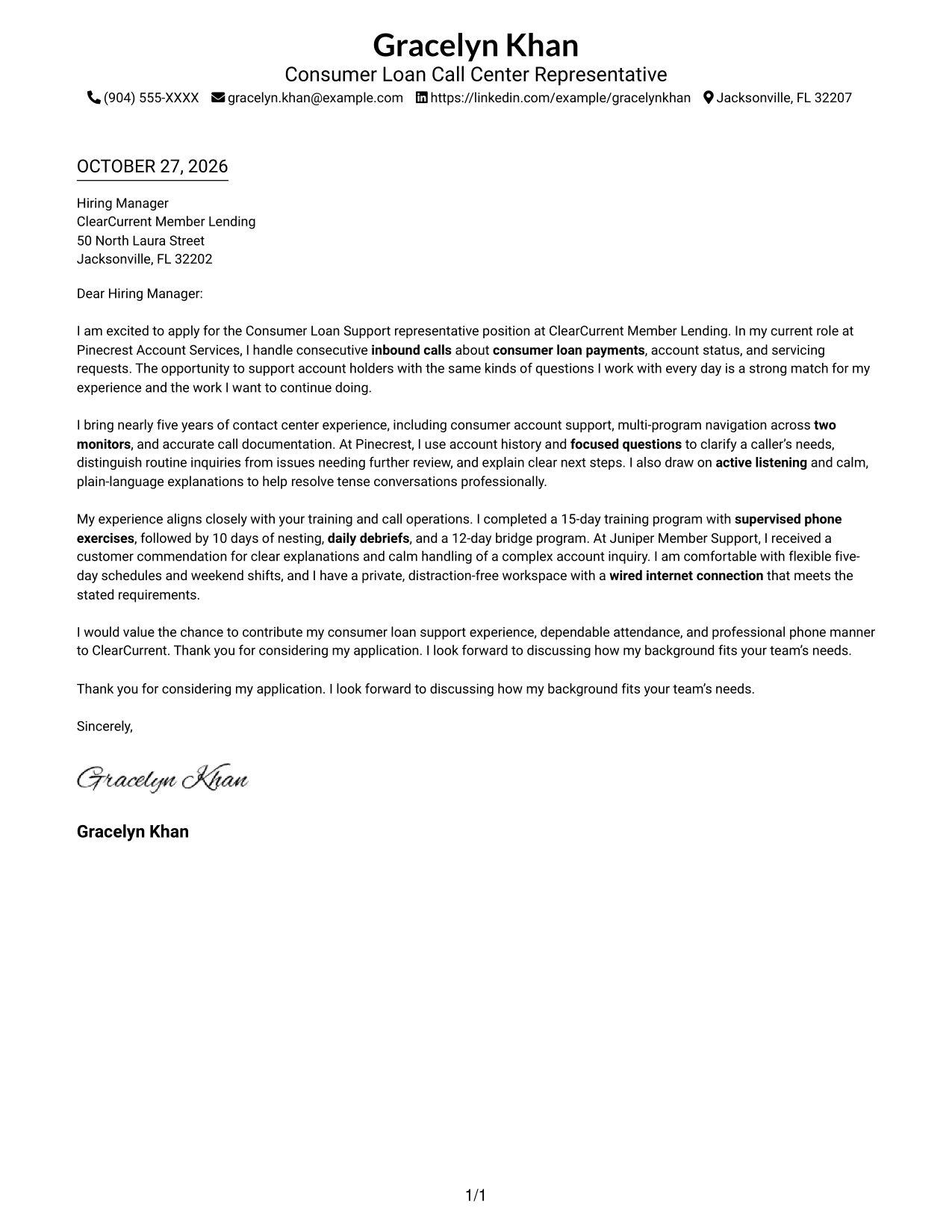
The Simple One Column Format places sender details above the letter in one familiar reading path, giving the correspondence a direct, uncluttered presentation.
Why This Format Works
- Header placement lets reviewers find sender details without searching through the message.
- One column keeps the letter's opening, supporting points, and closing in a natural order.
- Without a portrait, the layout keeps attention on the written correspondence.
Best For
- Single-column reading preference
- Header-based contact details
- Text-focused correspondence
- Photo-free letter layouts
- Paragraph-led applications
#2 Two Column Format Cover Letter Example
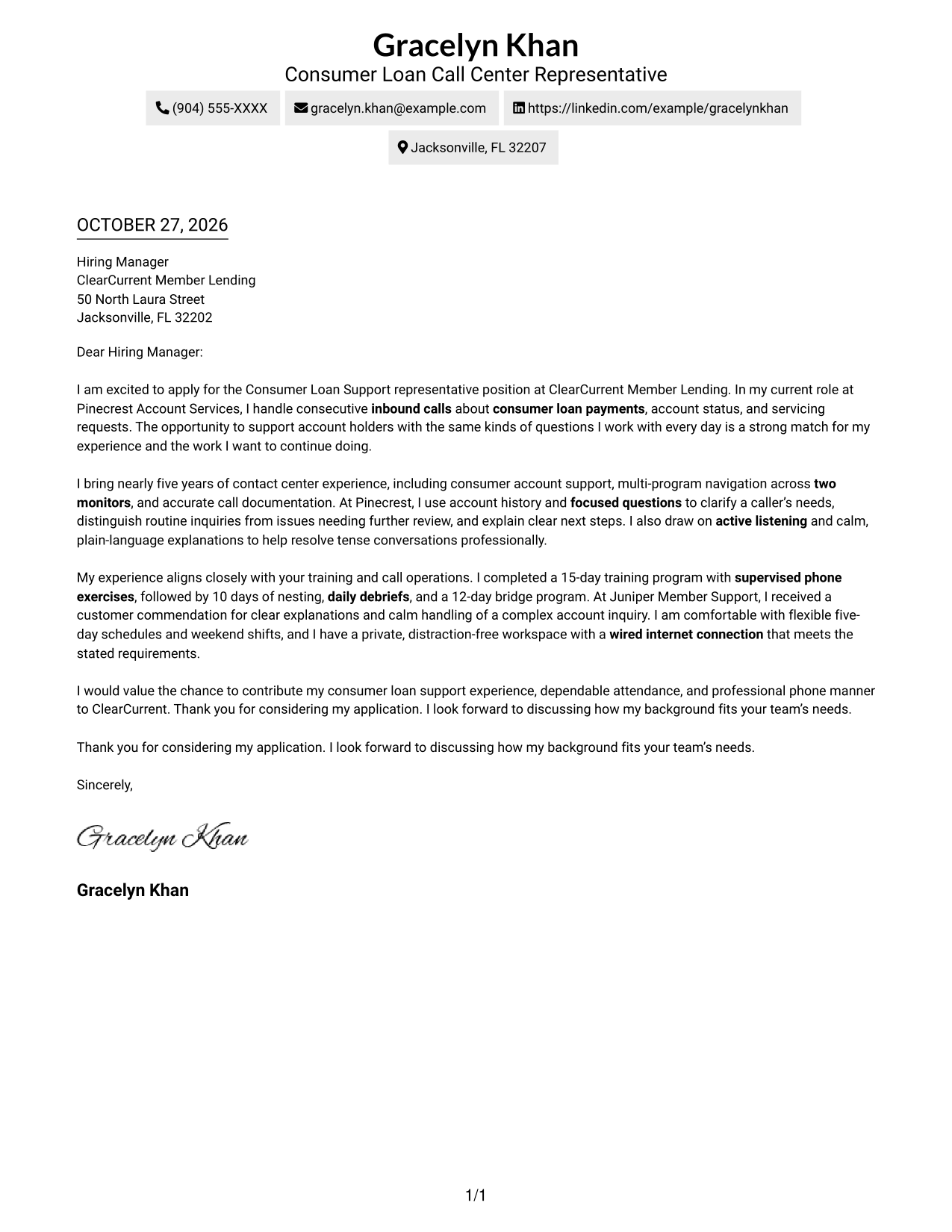
The Two Column Format sets a contact sidebar beside one continuous letter body, making sender information easy to find without splitting the message.
Why This Format Works
- The contact sidebar lets reviewers locate sender information without scanning the letter.
- Opening, motivation, supporting evidence, and closing remain together in one body column.
- A portrait-free presentation suits readers who want the page centered on written correspondence.
Best For
- Contact details beside correspondence
- Continuous paragraph letters
- No-photo presentation
- Two-column reading preference
- Consumer loan support applications
#3 Photo Header Two Column Format Cover Letter Example
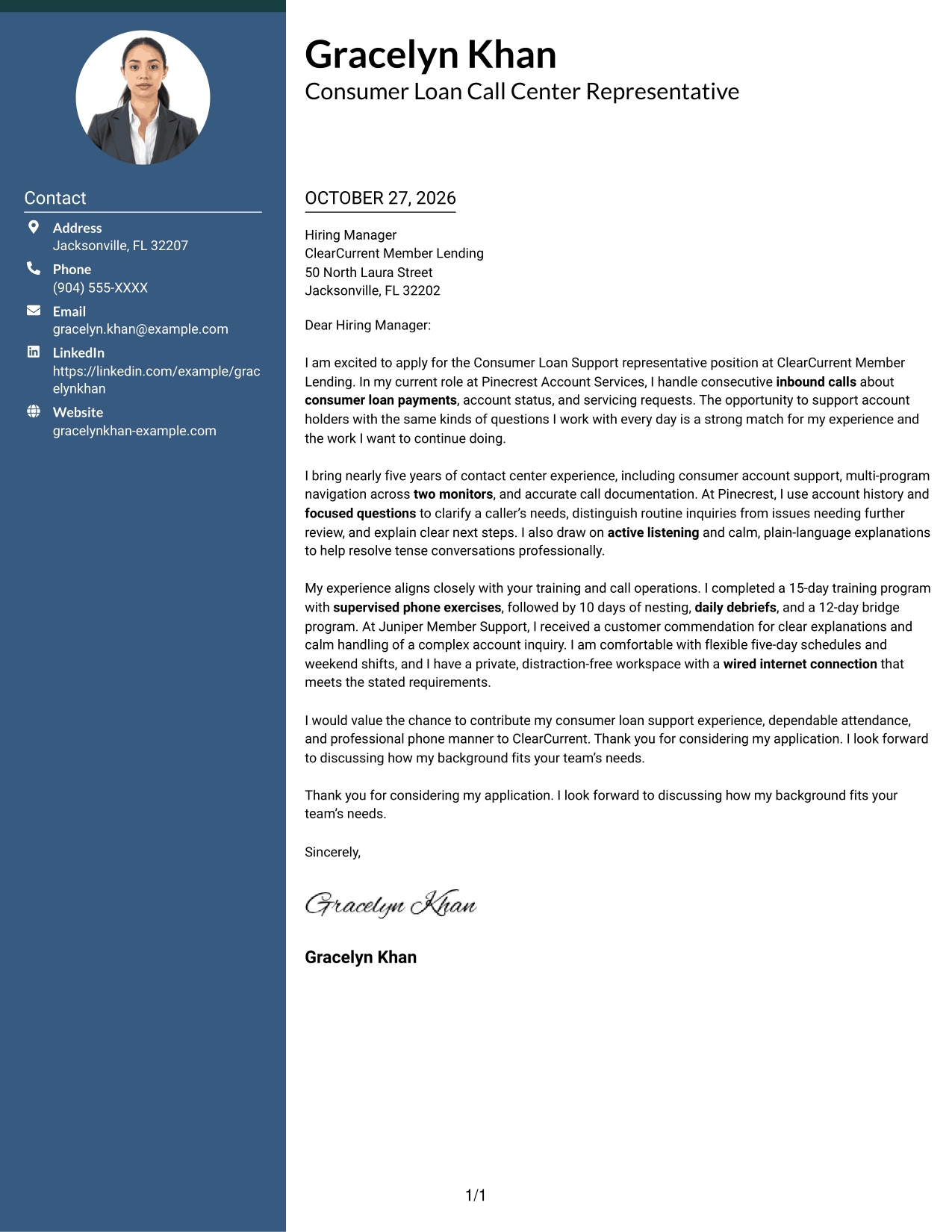
The Photo Header Two Column Format pairs a portrait with contact information beside the letter, adding a personal visual touch while keeping the message in one body column.
Why This Format Works
- The contact area helps reviewers find sender details apart from the letter's argument.
- A single body column keeps the opening, evidence, and closing in their intended order.
- The portrait adds a personal visual element without turning the letter into parallel text.
Best For
- Portrait-led header preference
- Sidebar contact information
- Continuous letter paragraphs
- Two-column page layouts
- Visual introductions with written detail
#4 One Column Format with Photo Cover Letter Example
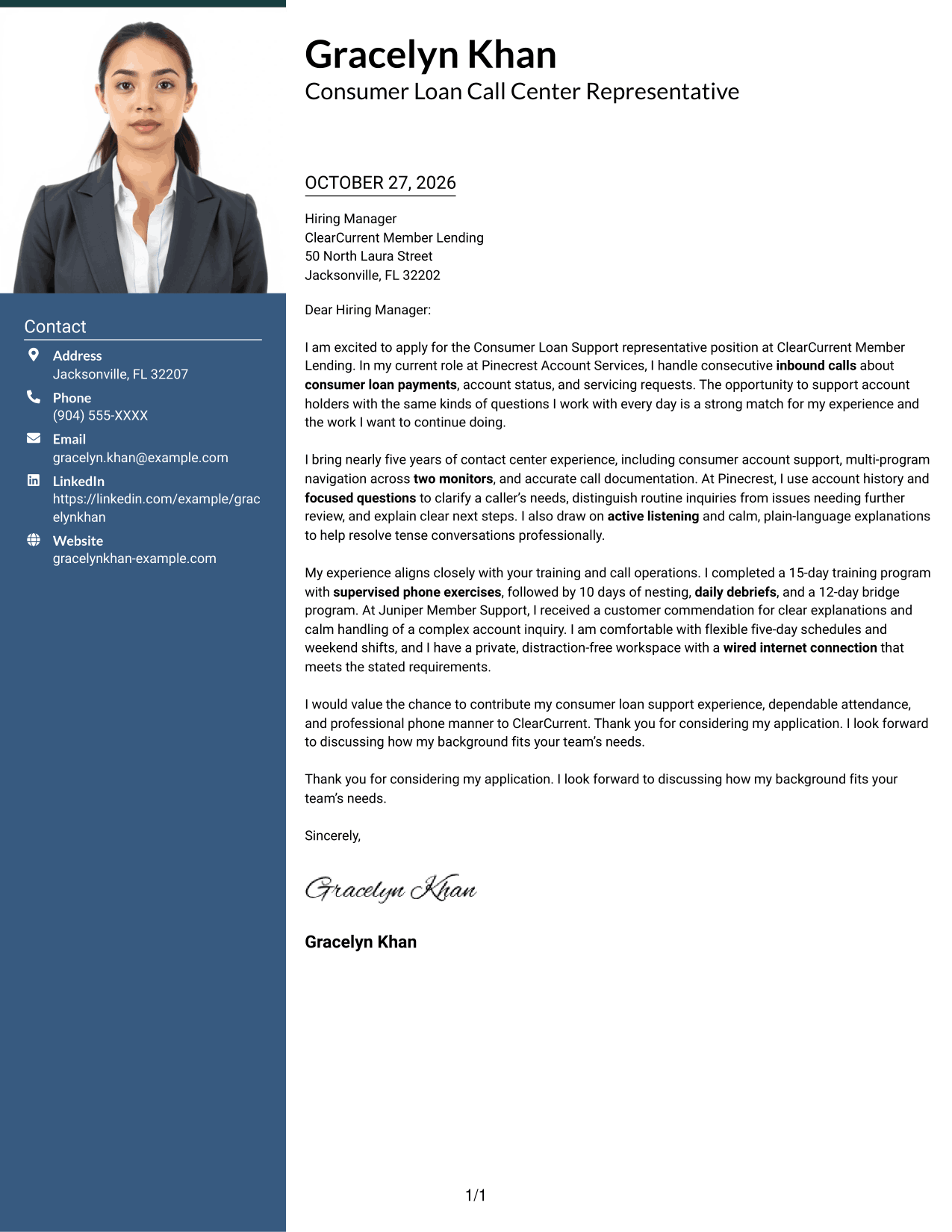
The One Column Format with Photo keeps the portrait, sender details, and continuous letter body in a single-column presentation for readers who prefer a unified page.
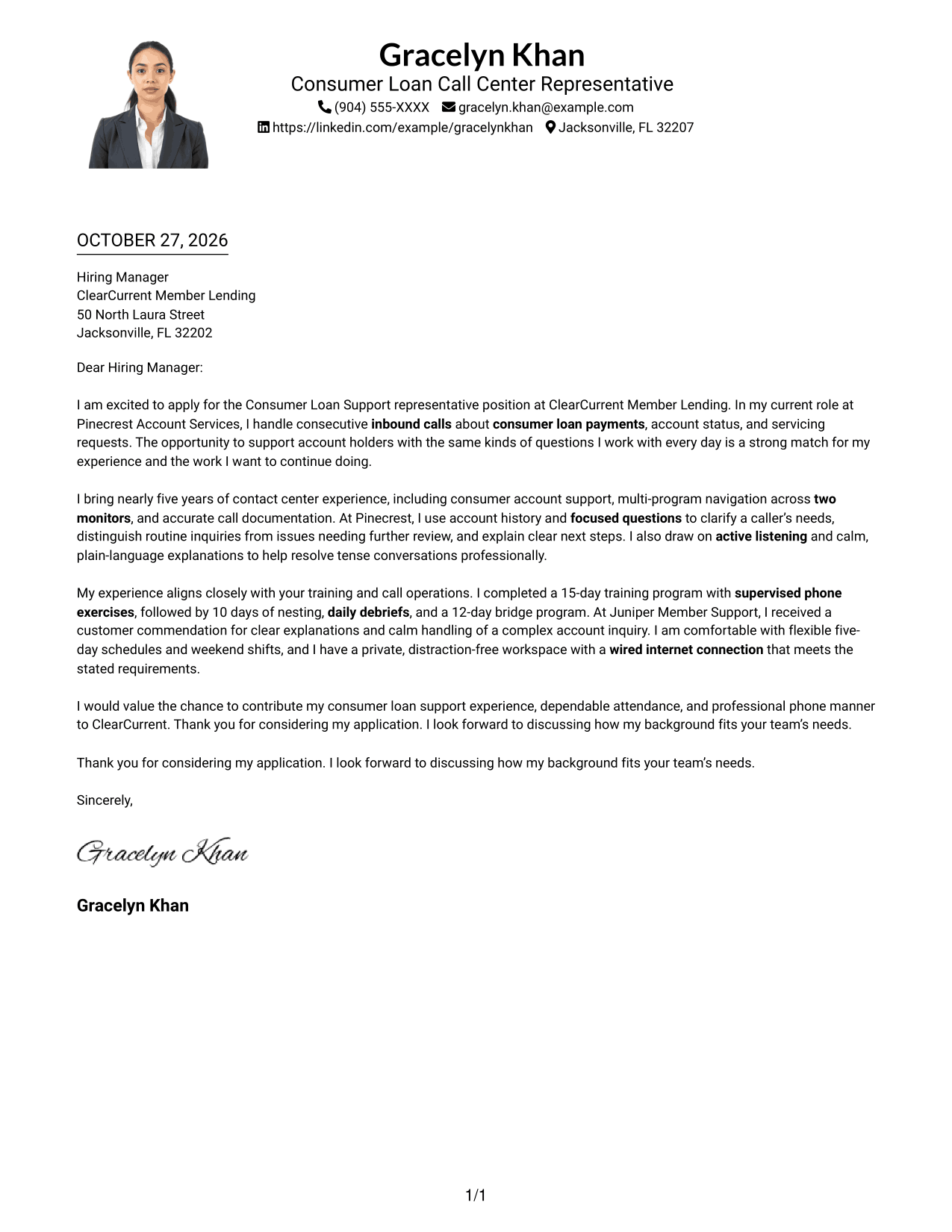
Why This Format Works
- Sender information stays in the header, apart from the letter's paragraph sequence.
- One column keeps the opening and closing connected through the supporting paragraphs.
- The portrait adds a personal visual element without dividing the message.
Best For
- Single-column letter layouts
- Portrait in the header
- Header-based contact details
- Paragraph-led arguments
- Unified page presentation
#5 Simple Two Column Format Cover Letter Example
The Simple Two Column Format places contact details in a sidebar and keeps the letter in one uninterrupted body, a clear choice when sender information should stay distinct.
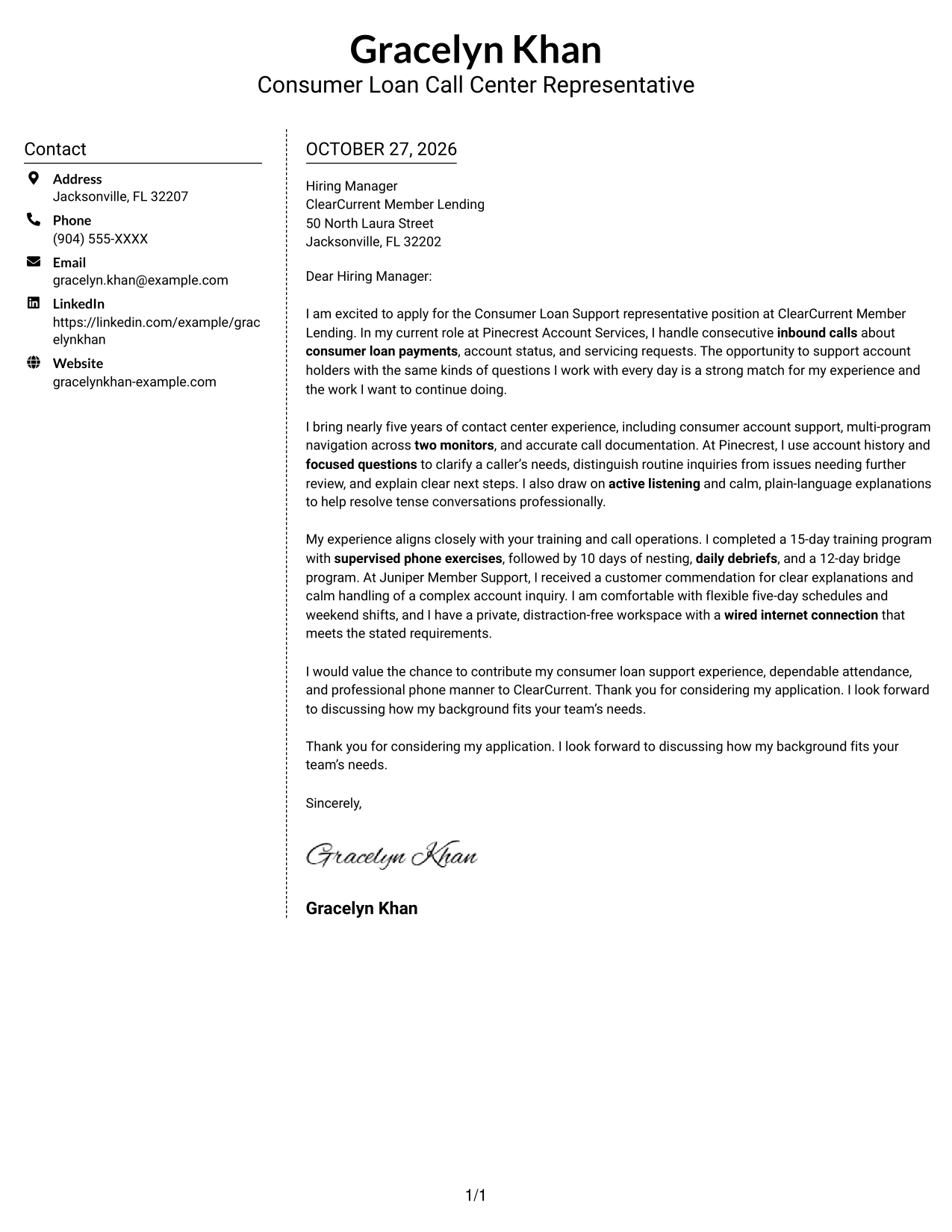
Why This Format Works
- The sidebar gives contact information a separate place from the correspondence.
- A single body column keeps motivation, evidence, and closing in sequence.
- Its photo-free presentation suits readers who prefer the focus to stay on the letter.
Best For
- Sidebar-based contact lookup
- Uninterrupted letter text
- Photo-free correspondence
- Simple two-column layouts
- Written application focus
#6 Modern Icon Format Cover Letter Example
The Modern Icon Format uses contact cues in a sidebar beside the continuous letter body, helping distinguish contact information from the correspondence.
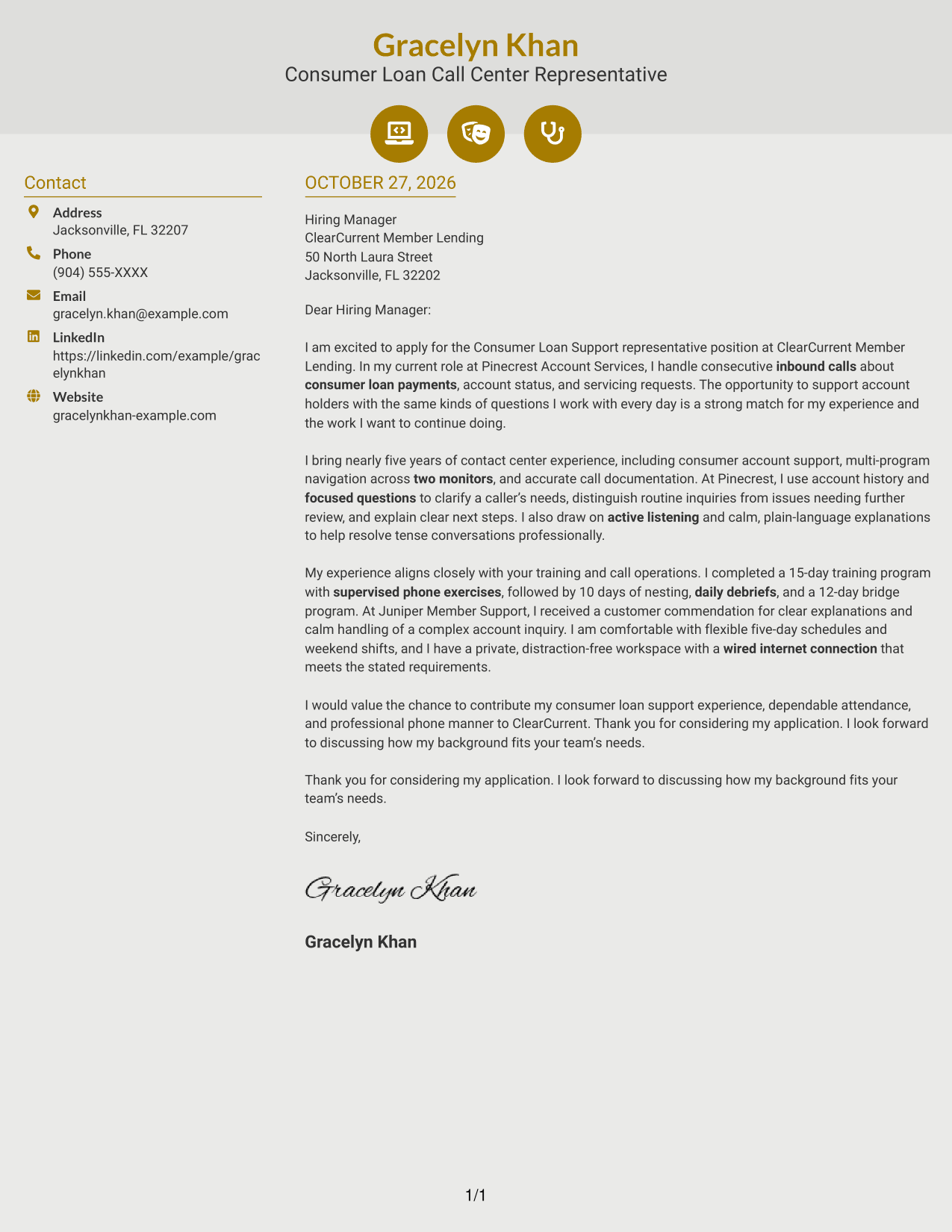
Why This Format Works
- Contact icons give sender details clear visual cues in the sidebar.
- The letter stays in one body column, so its persuasive points remain together.
- Contact information and correspondence have separate places in the two-column layout.
Best For
- Icon-assisted contact lookup
- Sidebar contact details
- Continuous paragraph correspondence
- Two-column reading preference
- Text-led applications
#7 Creative Two Tone Format Cover Letter Example
The Creative Two Tone Format places a contact sidebar beside a single continuous letter body, keeping sender information apart from the message.
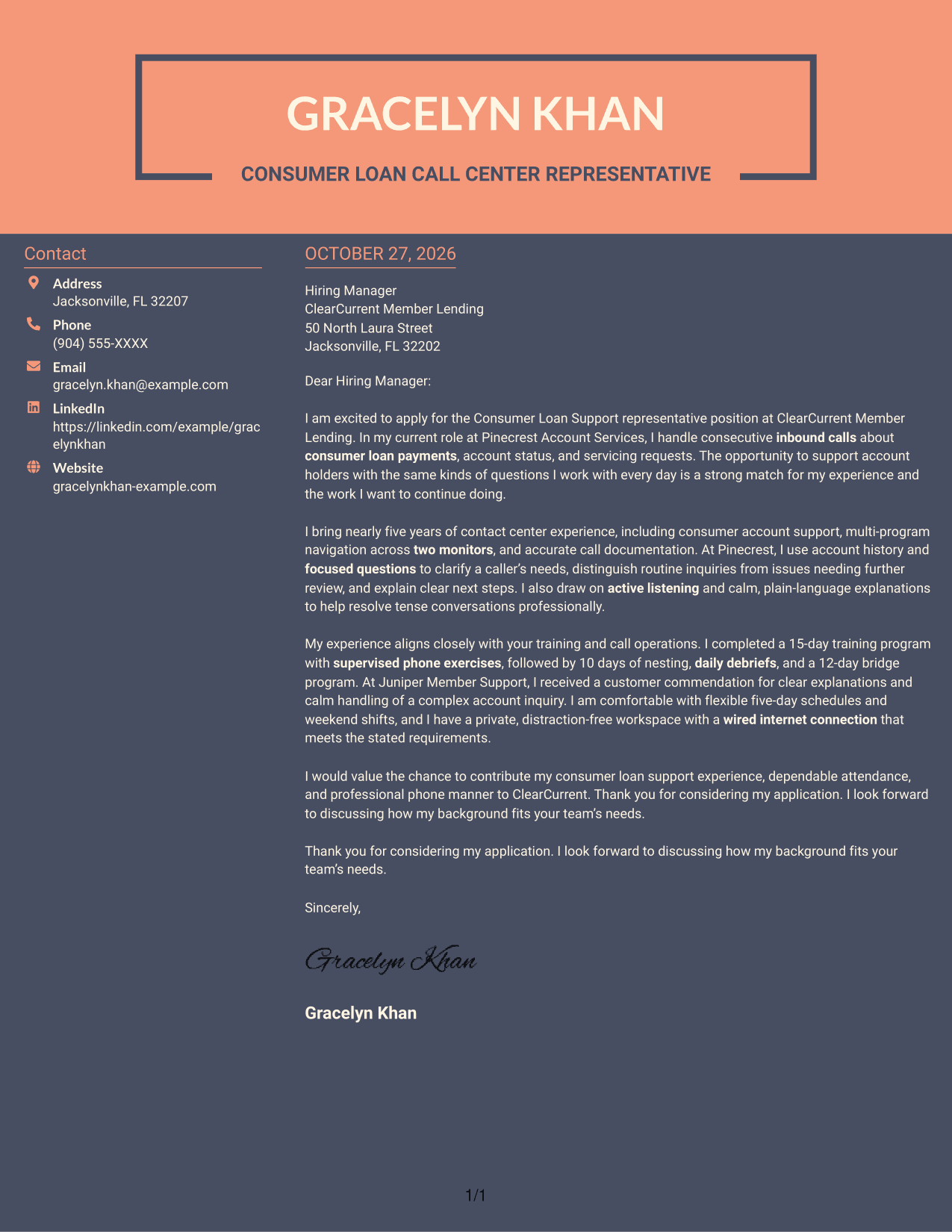
Why This Format Works
- The sidebar keeps contact information accessible without interrupting the letter's paragraphs.
- A single body column carries the opening, supporting details, and closing in order.
- Separate columns make the roles of sender details and correspondence easy to distinguish.
Best For
- Contact details beside the letter
- One-column letter-body reading
- Continuous paragraph correspondence
- No-photo format preference
- Distinct contact and message areas
See Also
- 7 Entry-Level Call Center Representative - Consumer Loan Support Resume Templates with Example
- 33 Call Center Customer Service Representative Resume Templates with Example 2026 (ATS-Optimized)
- 7 Call Center Representative - FINRA-Regulated Life Insurance Resume Templates with Example
- 33 Call Center Representative Resume Templates with Example 2026 (ATS-Optimized)
- 33 Full-Time Call Center Representative Resume Templates with Example 2026 (ATS-Optimized)
- 7 Hurricane Relief Call Center Representative Resume Templates with Example
- 33 Inbound Call Center Representative Resume Templates with Example 2026 (ATS-Optimized)
- 7 Lead Customer Service Representative - Consumer Technology Support Resume Templates with Example
- 30+ Call Center Customer Service Representative Cover Letter Templates with Example 2026
- 30+ Call Center Representative Cover Letter Templates with Example 2026
Frequently Asked Questions
What should an Entry-Level Call Center Representative - Consumer Loan Support cover letter include?
Use an opening that explains your interest in consumer loan support, a body that gives evidence of clear communication and accurate call handling, and a brief closing that asks to discuss your fit.
How can I show that I can support consumer loan account holders?
Describe relevant experience with inbound calls, account questions, focused questions, accurate notes, and calm explanations. Choose examples that show how you help callers understand their next steps.
How should I discuss training in my cover letter?
Briefly name training that relates to the role, such as supervised phone practice, supported live calls, coaching, or procedural learning. Explain what it helped you prepare to do.
How can I make my letter specific to the employer?
Connect your interest to the duties and service approach described in the job posting. Keep the reason genuine, and do not add company claims that you have not verified.
Which cover letter presentation should I choose?
Choose a clear, easy-to-read presentation that fits the employer and the way you will communicate. Compare the image previews, then open an example in the editor to review its layout.




