
7 Entry-Level Clinical Data Analyst - Clinical Trials Cover Letter Templates with Example
This practical guide to an Entry-Level Clinical Data Analyst - Clinical Trials cover letter shows how seven layouts can help you present your fit clearly.
What Makes a Great Entry-Level Clinical Data Analyst - Clinical Trials Cover Letter in 2026
A strong letter connects your interest in clinical research to the role’s focus on accurate, well-documented study data. A clear opening, focused body, and direct closing help the reader follow your case.
Use specific evidence, such as checking simulated EDC and lab data or documenting validation steps, and explain how it relates to the employer’s study support needs. Name company details only when you can make a genuine, verified connection.
The featured application moves from role interest to relevant project evidence and employer alignment, then closes with a clear next step. Adapt that focused progression while choosing a presentation that suits the employer and communication context.
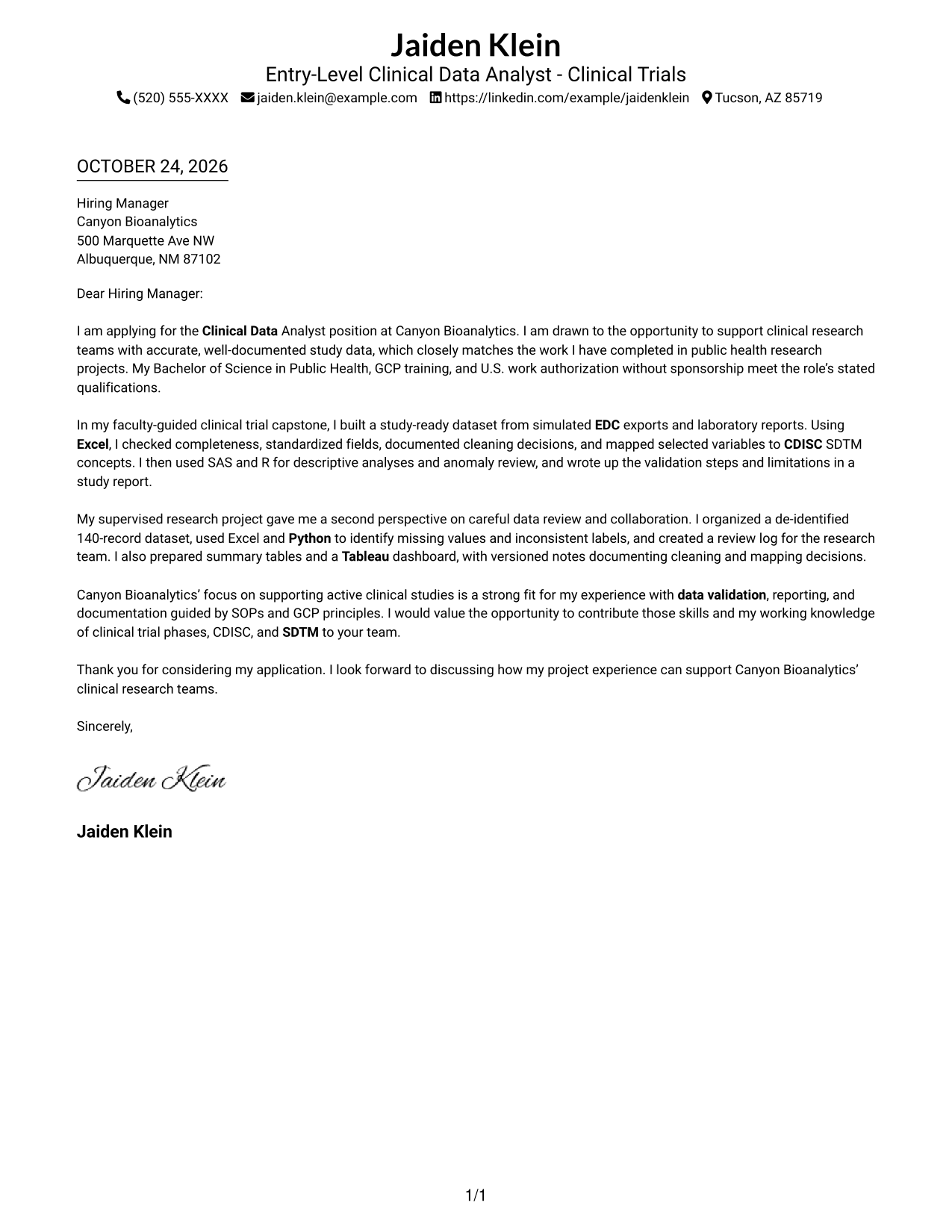
#1 Simple One Column Format Cover Letter Example
With sender details in the header and one letter column, the Simple One Column Format offers a direct, familiar reading path.
Why This Format Works
- Header contact details stay apart from the message and remain easy to find.
- Unheaded paragraphs let motivation, evidence, and closing read as one connected argument.
- The single text column gives reviewers a steady path through the letter.
Best For
- One-column letter layouts
- Header-based contact details
- Unheaded message paragraphs
- Paragraph-led applications
- Formal job application letters
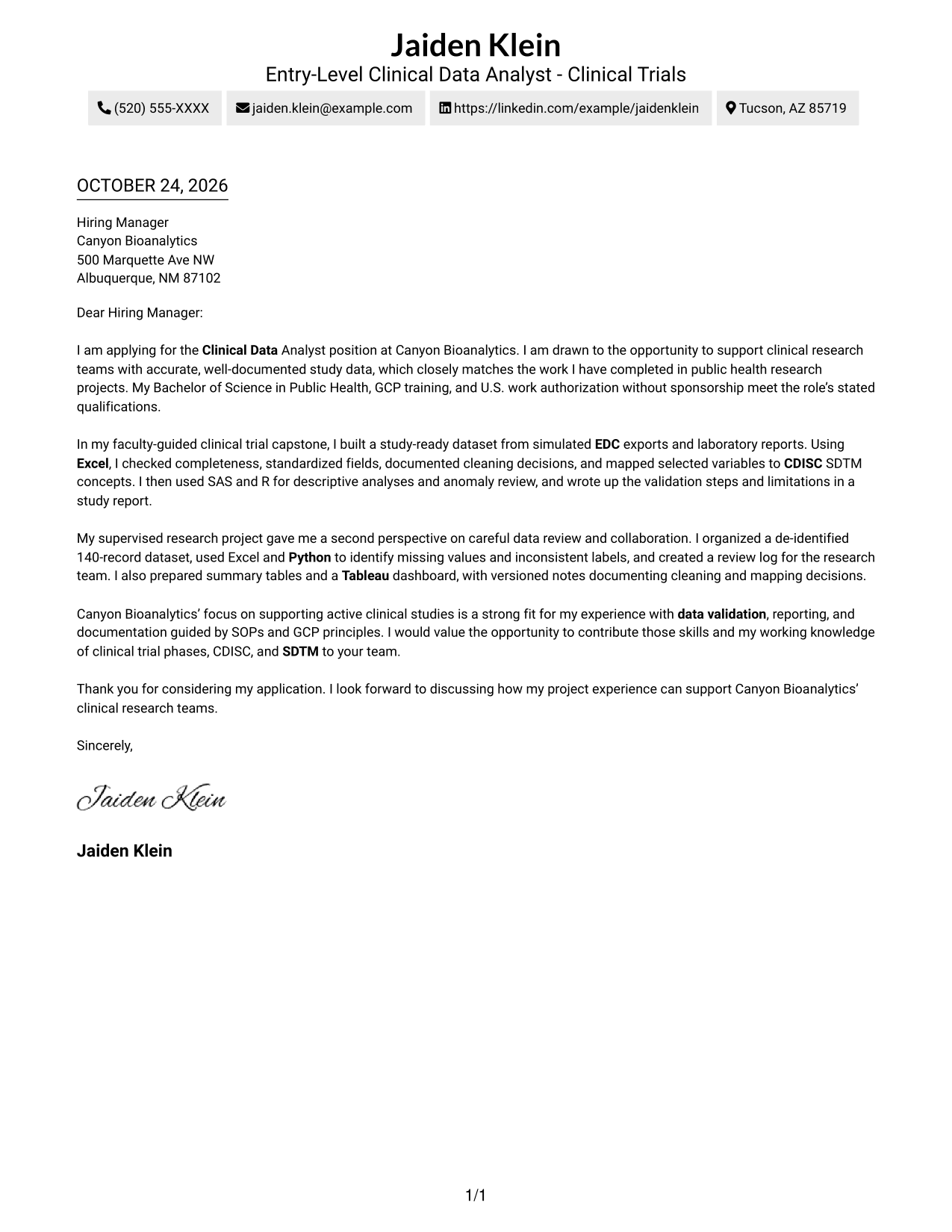
#2 Two Column Format Cover Letter Example
The Two Column Format places contact details in a sidebar beside one continuous letter body, keeping the sender's information distinct from the message.
Why This Format Works
- Contact details stay apart from the message for quick reference.
- Reviewers can follow the opening, evidence, and closing in one body column.
- Unheaded paragraphs keep the letter's argument free of artificial section breaks.
Best For
- Contact-sidebar layouts
- Single-column message bodies
- Unheaded application messages
- Evidence-led cover letters
- Formal job correspondence
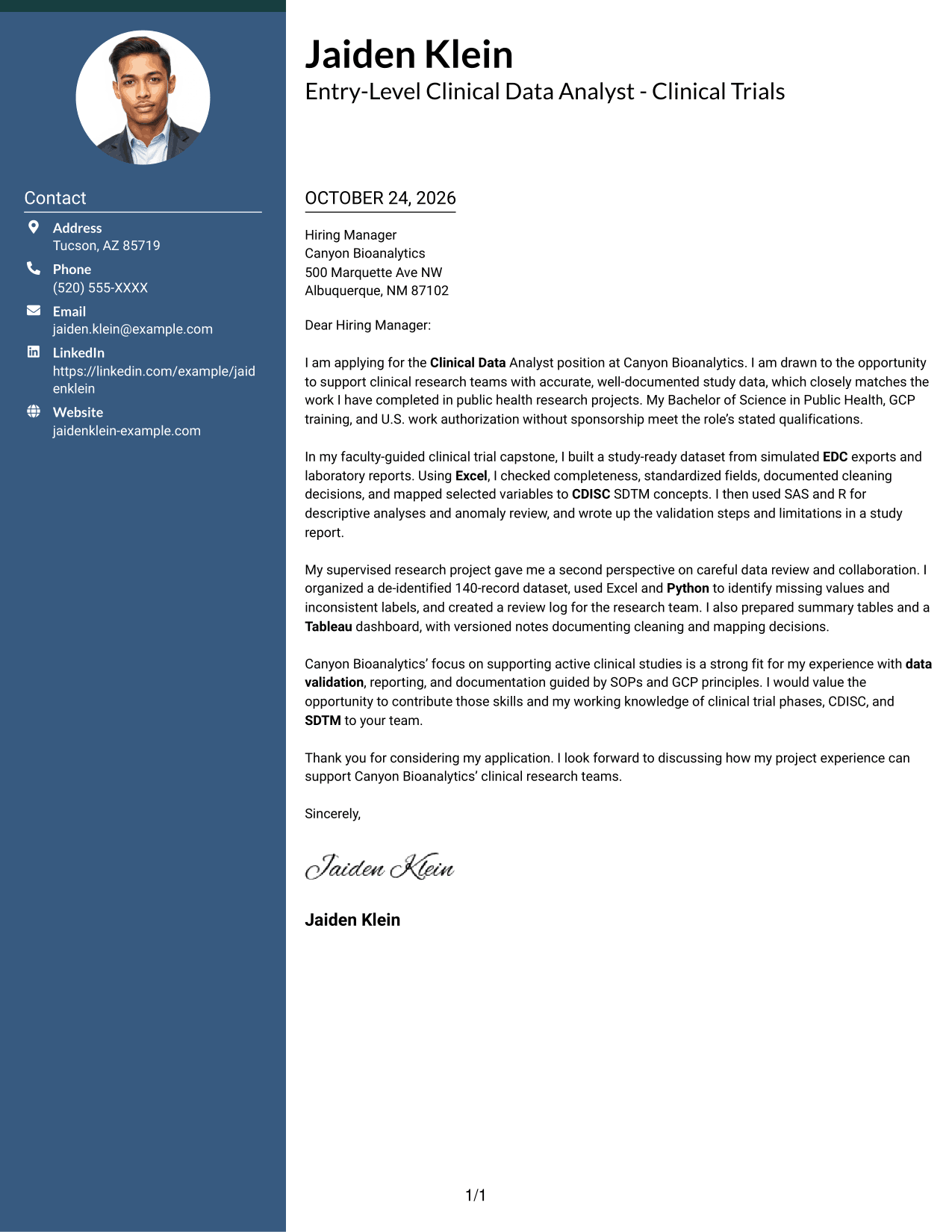
#3 Photo Header Two Column Format Cover Letter Example
The Photo Header Two Column Format pairs a photo in the header with a contact sidebar and one continuous letter body, giving the page a personal visual element.
Why This Format Works
- A header photo adds a personal visual element without interrupting the message.
- Sidebar contact details remain distinct from the letter body.
- Opening, supporting examples, and closing stay together in continuous paragraphs.
Best For
- Photo-inclusive applications
- Header photo placement
- Sidebar contact organization
- Continuous letter-body paragraphs
- Personal visual presentation
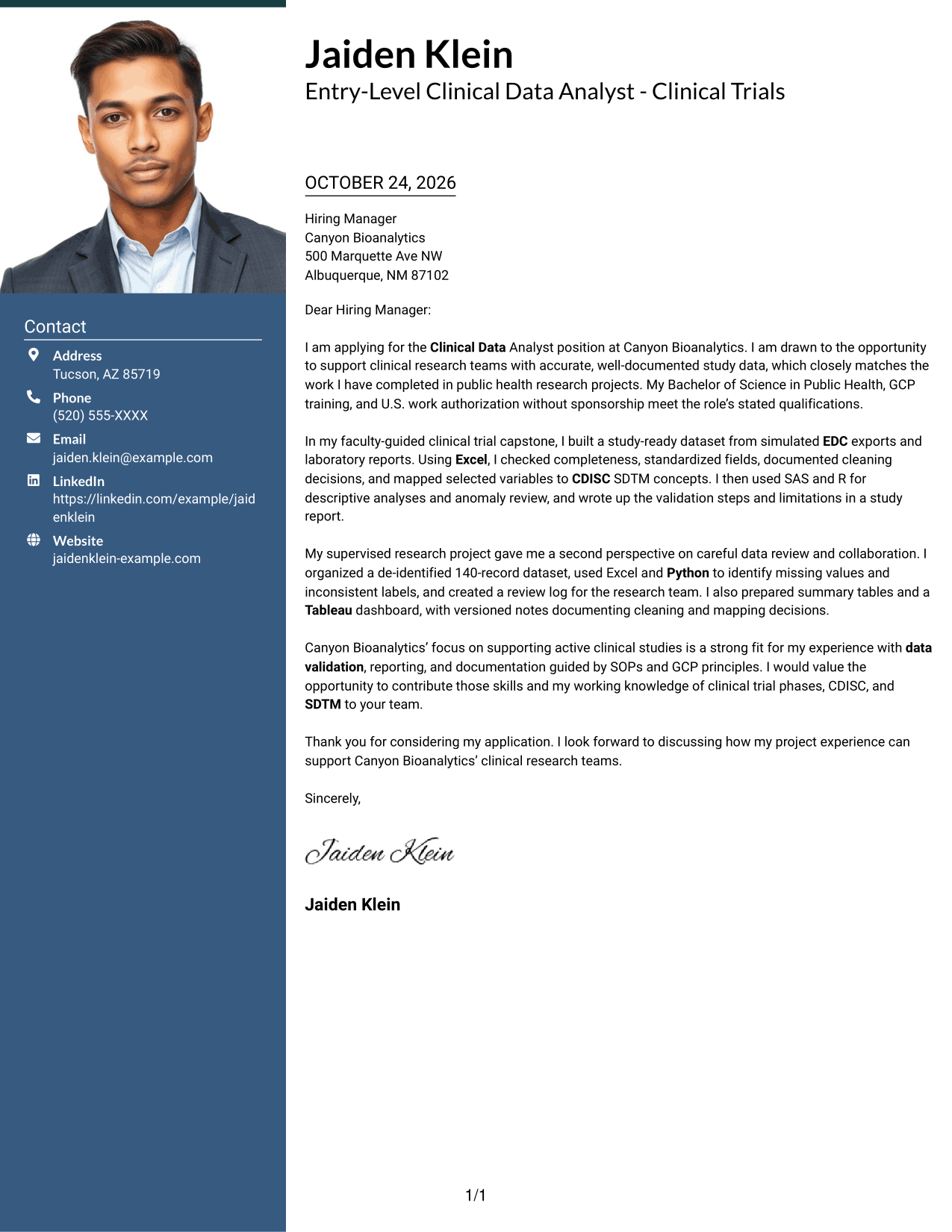
#4 One Column Format with Photo Cover Letter Example
The One Column Format with Photo places a photo in the header above a single continuous letter body, combining a personal image with a direct page structure.
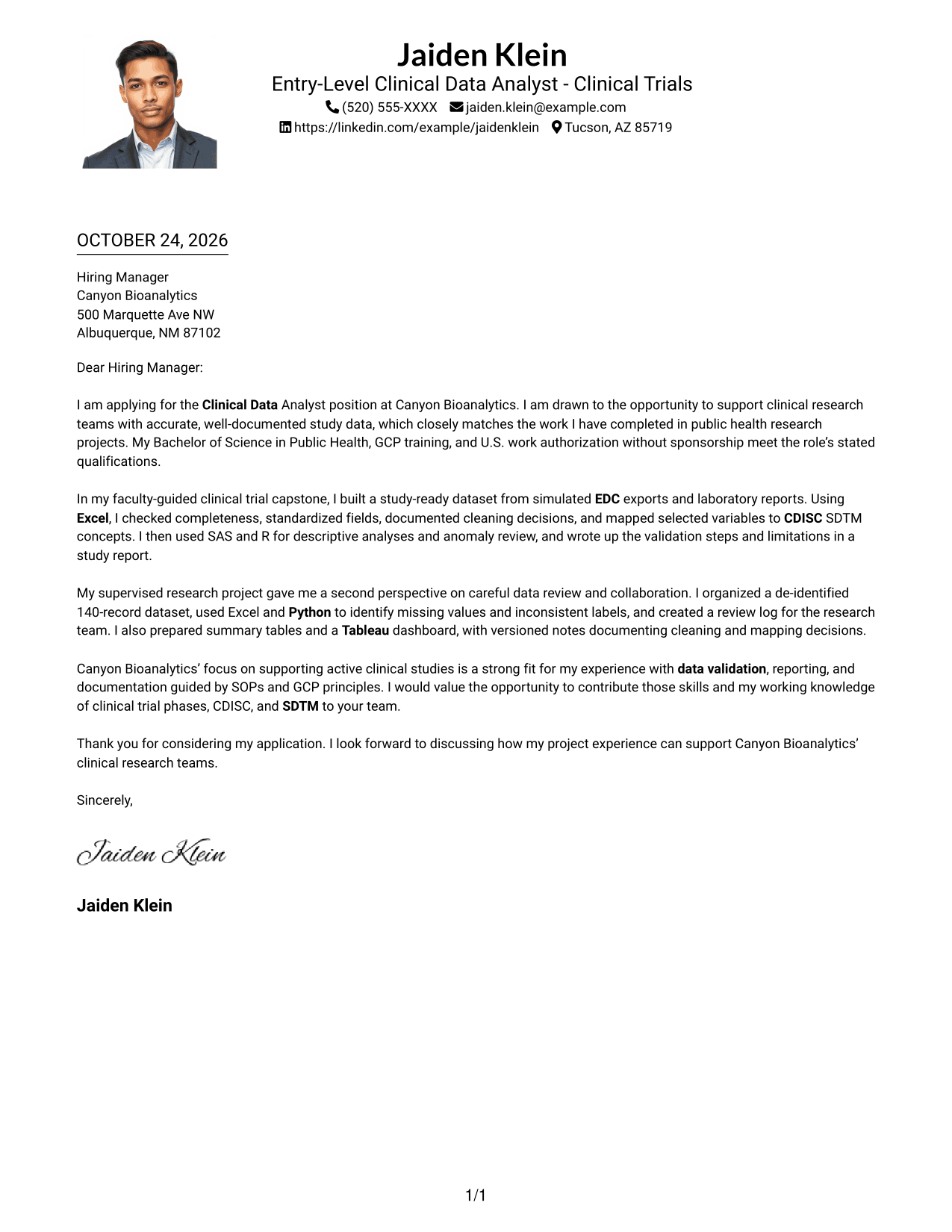
Why This Format Works
- A header photo adds a personal visual touch above the letter.
- Sender details in the header stay outside the message paragraphs.
- One text column lets reviewers follow the argument from opening to close.
Best For
- Photo-inclusive letter layouts
- Single-column letter reading
- Header-based contact information
- Unheaded message paragraphs
- Formal application correspondence
#5 Simple Two Column Format Cover Letter Example
The Simple Two Column Format sets a contact sidebar beside one continuous letter body, making it easy to distinguish contact information from the message.
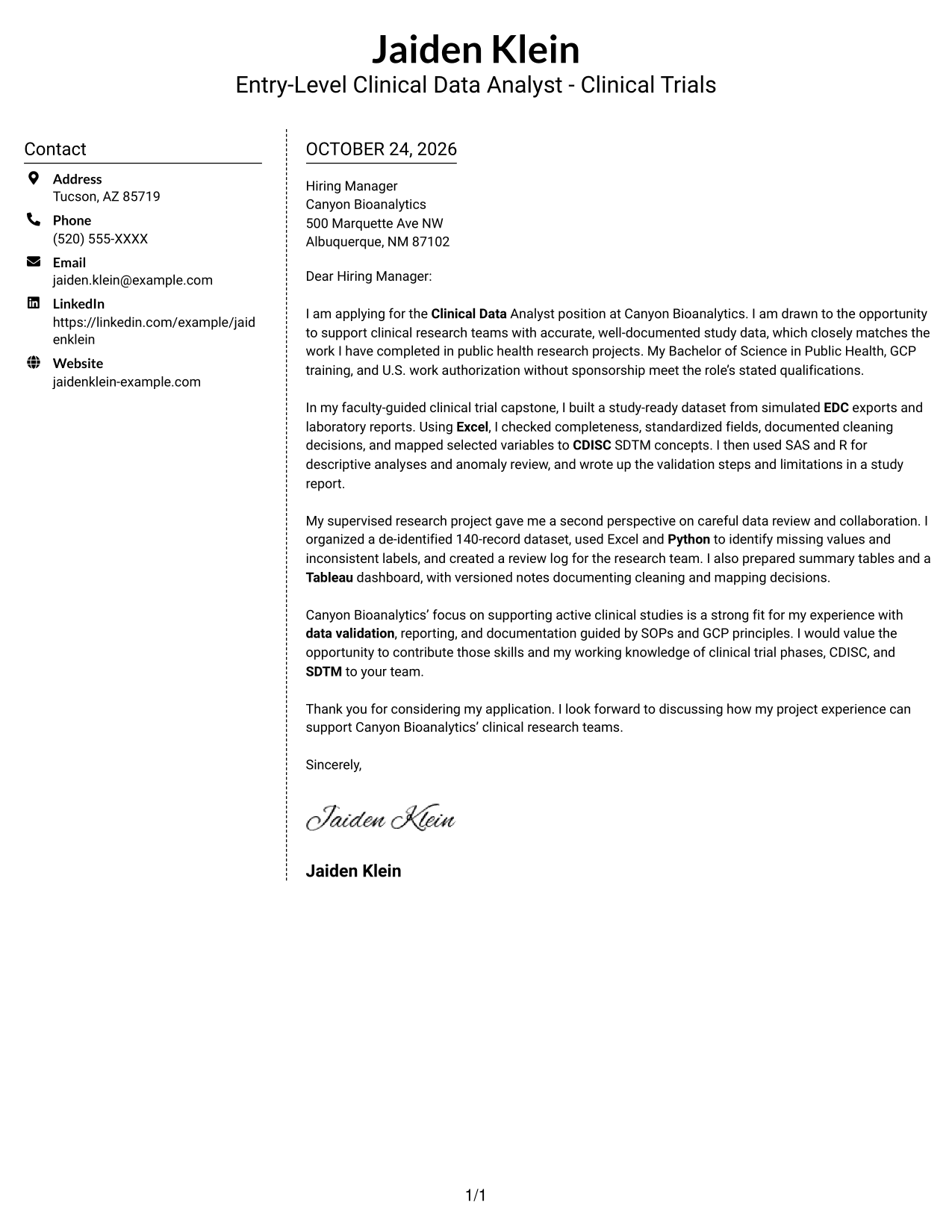
Why This Format Works
- Contact details in the sidebar stay separate from the message.
- The single body column keeps the opening, evidence, and closing in sequence.
- Paragraphs carry the case without labels dividing the letter into stages.
Best For
- Sidebar contact details
- One-column letter arguments
- Paragraph-based applications
- Letters without argument headings
- Formal employer correspondence
#6 Modern Icon Format Cover Letter Example
The Modern Icon Format uses two columns, with contact details beside one continuous letter body and icons serving as visual cues for contact information.
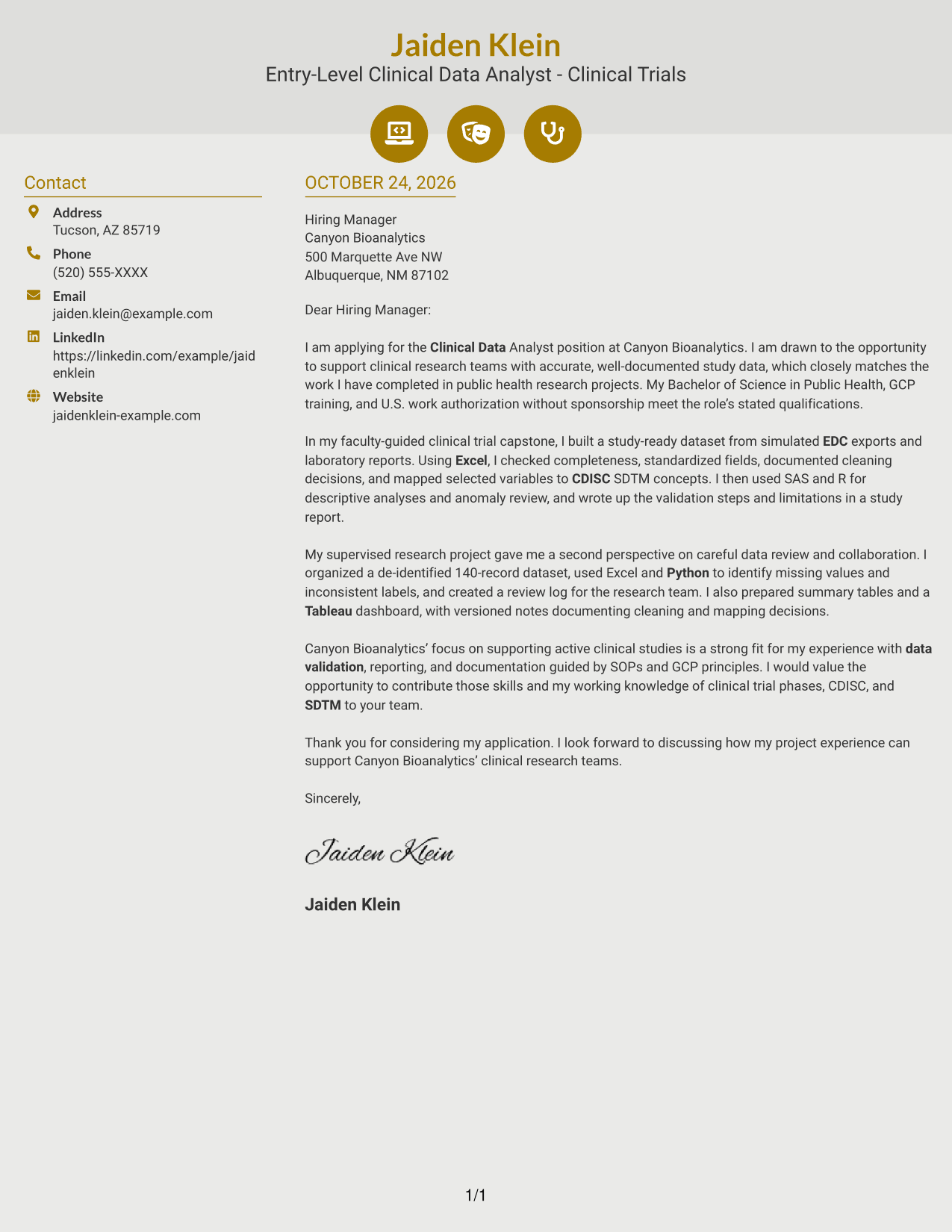
Why This Format Works
- Contact icons provide quick visual cues beside sender details in the sidebar.
- The icons do not label the argument, leaving the body as one continuous letter.
- Reviewers can read motivation and supporting examples in one body column.
Best For
- Icon-cued contact details
- Two-column letter layouts
- Continuous body paragraphs
- Unlabeled letter arguments
- Contact information at a glance
#7 Creative Two Tone Format Cover Letter Example
The Creative Two Tone Format places a contact sidebar beside a continuous letter body, separating contact information from the message while keeping the letter in one column.
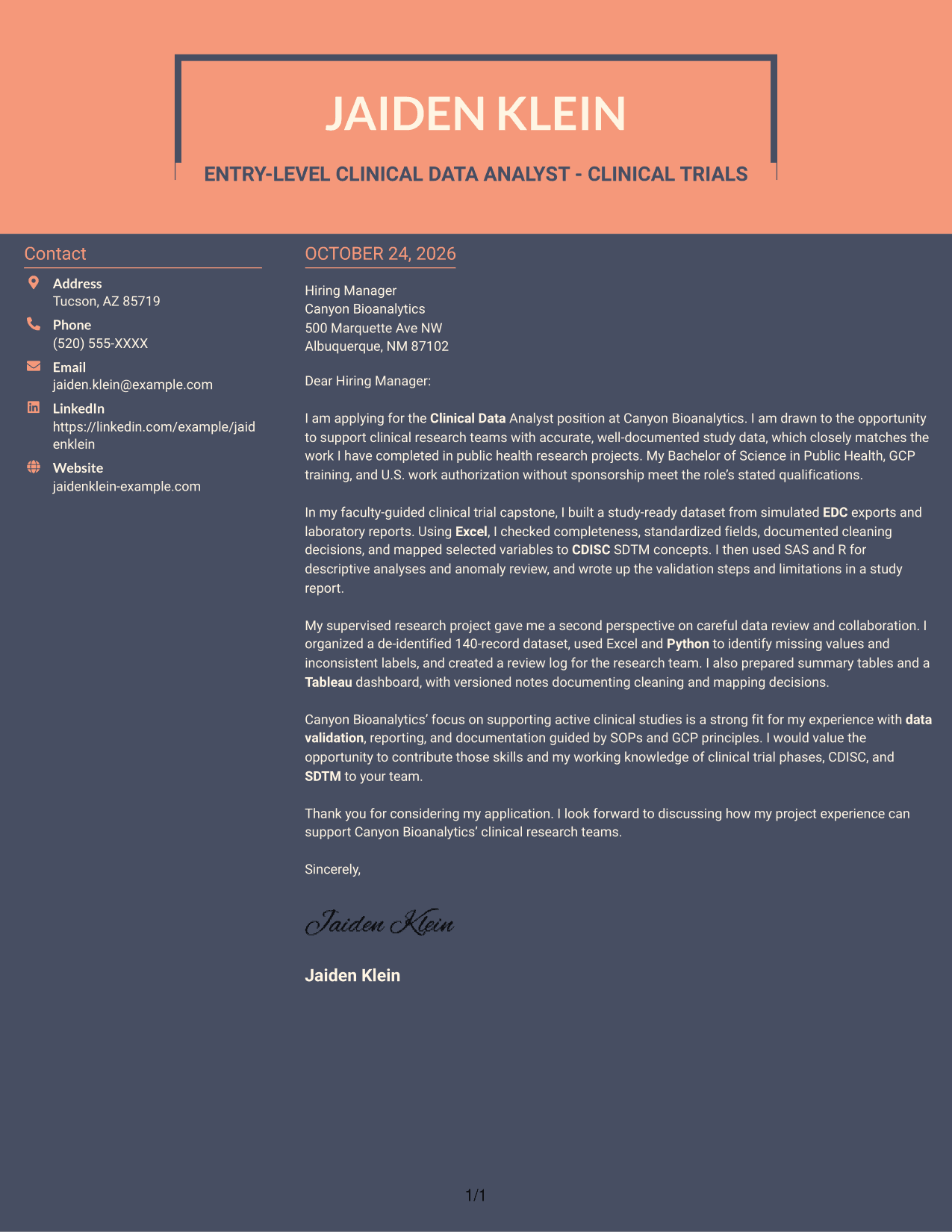
Why This Format Works
- The contact sidebar keeps sender information distinct from the letter itself.
- The opening, evidence, and closing remain in a single body column.
- Reviewers can check contact details without breaking the paragraph sequence.
Best For
- Separate contact and message areas
- Single-column letter bodies
- Continuous application messages
- Paragraph-led supporting evidence
- Sidebar-based contact details
See Also
- 7 Entry-Level Clinical Data Analyst - Clinical Trials Resume Templates with Example
- 33 Clinical Data Analyst Resume Templates with Example 2026 (ATS-Optimized)
- 33 Clinical Practice Data Analyst - Perioperative Services Resume Templates with Example 2026 (ATS-Optimized)
- 33 Clinical Practice Data Analyst Resume Templates with Example 2026 (ATS-Optimized)
- 33 Inpatient Coder - Clinical Data Analyst Resume Templates with Example 2026 (ATS-Optimized)
- 7 Analyst/Associate: Equity Research - Telecommunication, Data Center and Tower Resume Templates with Example
- 33 Analyst, Data Analytics Resume Templates with Example 2026 (ATS-Optimized)
- 33 Associate Actuarial Data Analyst, Reserving Resume Templates with Example 2026 (ATS-Optimized)
- 30+ Clinical Data Analyst Cover Letter Templates with Example 2026
- 30+ Clinical Practice Data Analyst Cover Letter Templates with Example 2026
Frequently Asked Questions
What should an Entry-Level Clinical Data Analyst - Clinical Trials cover letter include?
Connect your interest in clinical research with evidence of careful data review, documentation, and clear communication. A focused opening, one or two relevant examples, and a direct closing help keep the letter easy to follow.
How can I describe academic clinical data work accurately?
State the setting and limits of the work. For example, distinguish a simulated clinical trial dataset from real patient data, and describe the checks, documentation, or reports you completed.
How should I show fit with a clinical trials employer?
Link your experience to the role’s stated needs, such as validating EDC and laboratory data, preparing study summaries, or following SOPs and GCP principles. Add a specific reason for your interest only when it is based on verified information about the employer.
How can I compare the cover letter layouts?
Review the PNG image previews to compare how each letter presents its opening, evidence, and closing. You can open an example in the editor to view or customize it.
What tone works well for this cover letter?
Use a clear, professional tone that is confident without overstating your experience. Keep each paragraph focused on one point, and explain technical terms only when the reader may not know them.




