
7 Entry-Level Cybersecurity Engineer - AI-Enabled Security Monitoring Cover Letter Templates with Example
Use this practical guide to shape an Entry-Level Cybersecurity Engineer - AI-Enabled Security Monitoring cover letter, compare seven layouts, and choose a clear way to present your fit.
What Makes a Great Entry-Level Cybersecurity Engineer - AI-Enabled Security Monitoring Cover Letter in 2026
A strong letter connects interest in the role with clear evidence of security engineering, monitoring, and responsible use of AI.
Show relevant work configuring security tools, reviewing telemetry, or checking AI-generated findings. Link that evidence to the employer's needs with clear writing and careful attention to human review.
The featured Entry-Level Cybersecurity Engineer - AI-Enabled Security Monitoring example follows a focused progression from role interest to relevant evidence and a clear close, which you can adapt while choosing a presentation that fits the employer and communication context.
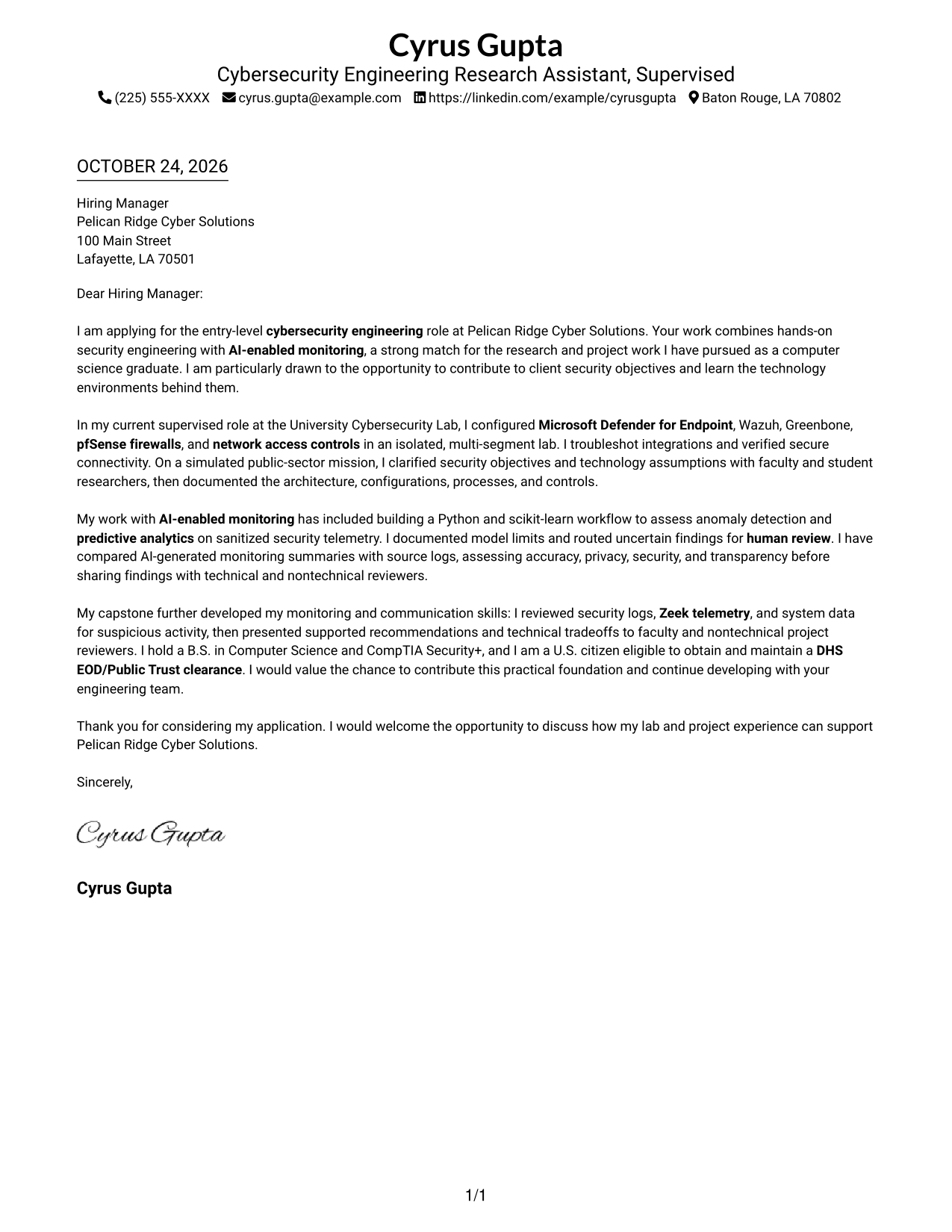
#1 Simple One Column Format Cover Letter Example
A single-column layout keeps sender details in the header and gives the letter a direct, uninterrupted reading path.
Why This Format Works
- One reading column keeps the letter's opening, evidence, and closing in a direct sequence.
- Sender details sit in the header, leaving the body for the message.
- This layout suits readers who prefer a straightforward, text-led letter page.
Best For
- Single-column letter pages
- Header-based contact details
- Text-led applications
- Direct reading order
- Letters with several evidence paragraphs
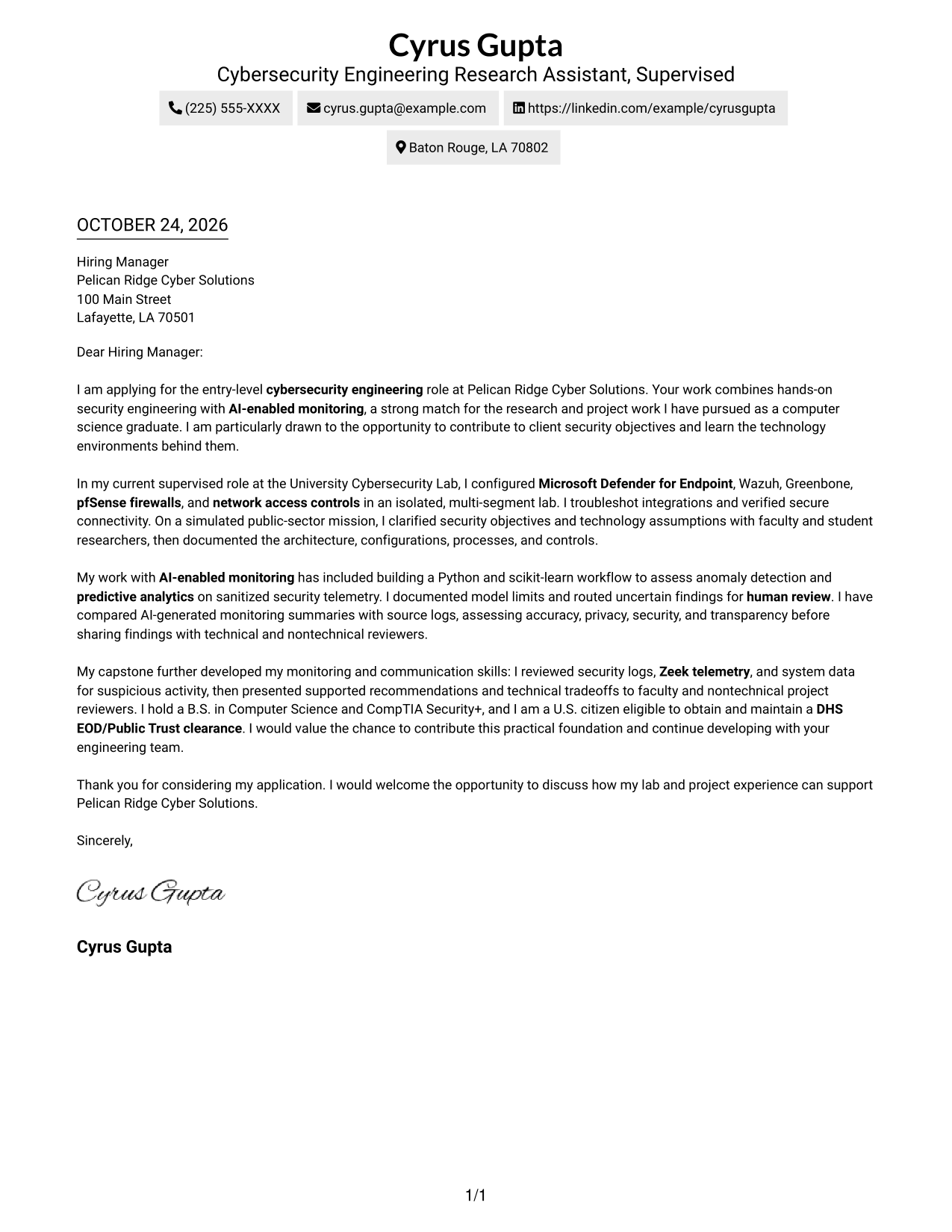
#2 Two Column Format Cover Letter Example
A contact sidebar sits beside one continuous letter body, making this layout useful when sender details should remain separate from the message.
Why This Format Works
- The contact sidebar keeps sender details distinct from the letter's persuasive paragraphs.
- One continuous body lets reviewers follow motivation, evidence, and closing in order.
- The paired layout offers a clear visual alternative for readers who prefer two areas.
Best For
- Contact details beside the message
- Continuous letter paragraphs
- Two-column page preference
- Evidence-rich application letters
- Text-focused cover letter layouts
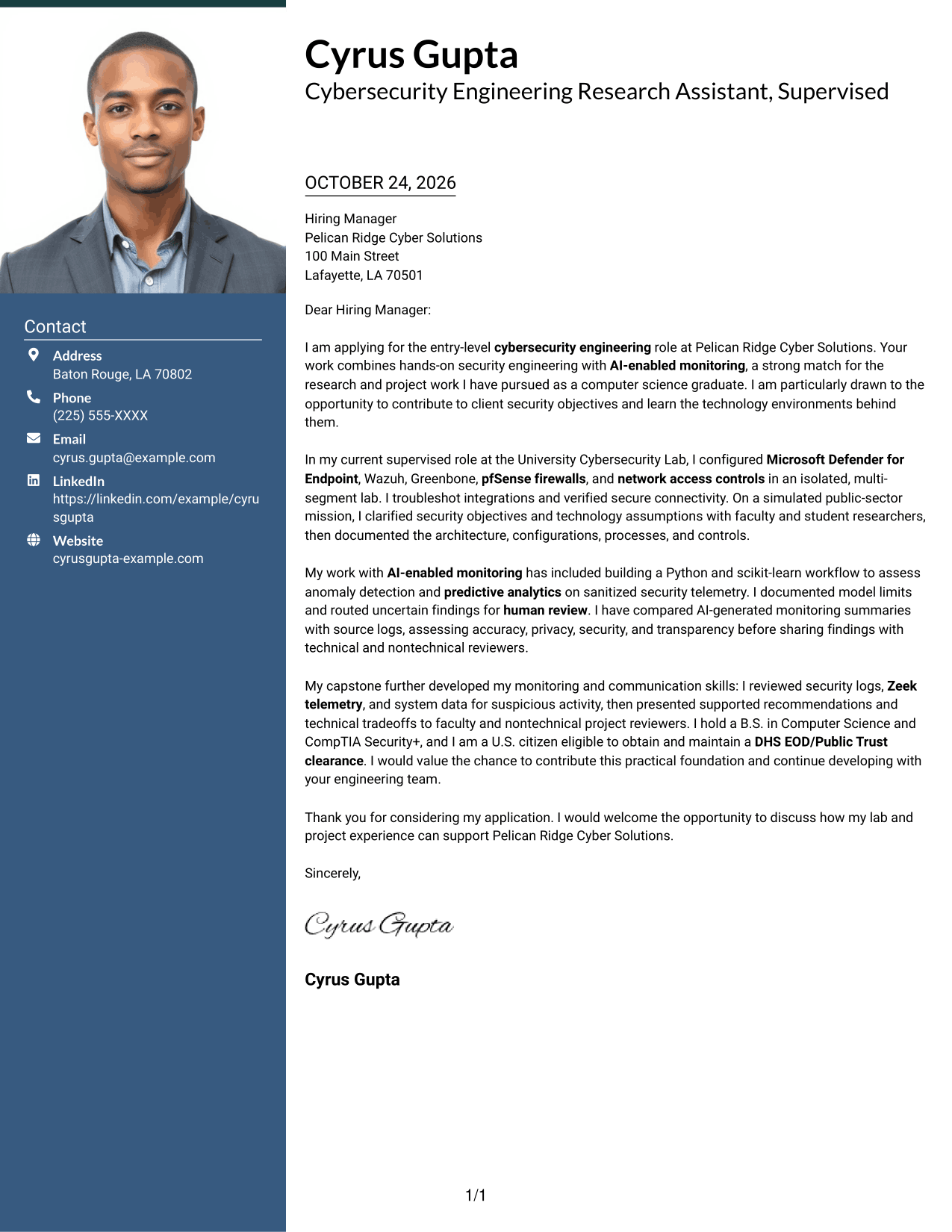
#3 Photo Header Two Column Format Cover Letter Example
A portrait joins the contact sidebar beside one continuous letter body, suiting readers who want a photo with distinct contact placement.
Why This Format Works
- Contact details sit beside, not inside, the continuous letter body.
- Reviewers can follow the message from opening through evidence to closing.
- The portrait adds a personal visual element while leaving the argument intact.
Best For
- Portrait-inclusive applications
- Sidebar contact placement
- Continuous letter paragraphs
- Two-column page preference
- Evidence-rich application letters
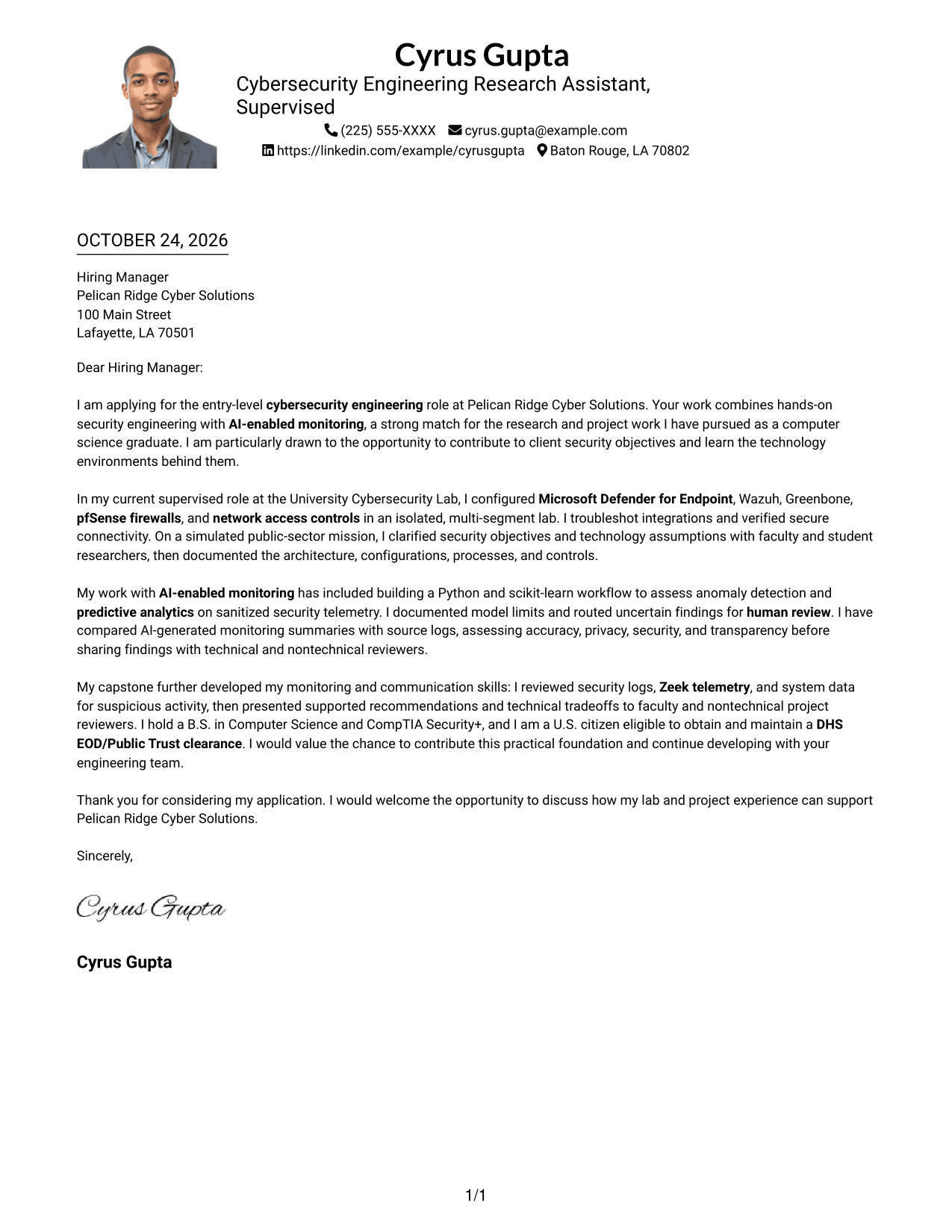
#4 One Column Format with Photo Cover Letter Example
The one-column page includes a portrait while keeping sender details in the header, a choice for readers who want a photo and direct letter flow.
Why This Format Works
- Sender details in the header keep contact information apart from the single-column message.
- One-column reading keeps opening, supporting points, and closing in a direct sequence.
- The portrait offers a visible personal touch without acting as an argument heading.
Best For
- Photo-inclusive letter pages
- Single-column reading preference
- Header-based contact details
- Continuous message paragraphs
- Evidence-rich application letters
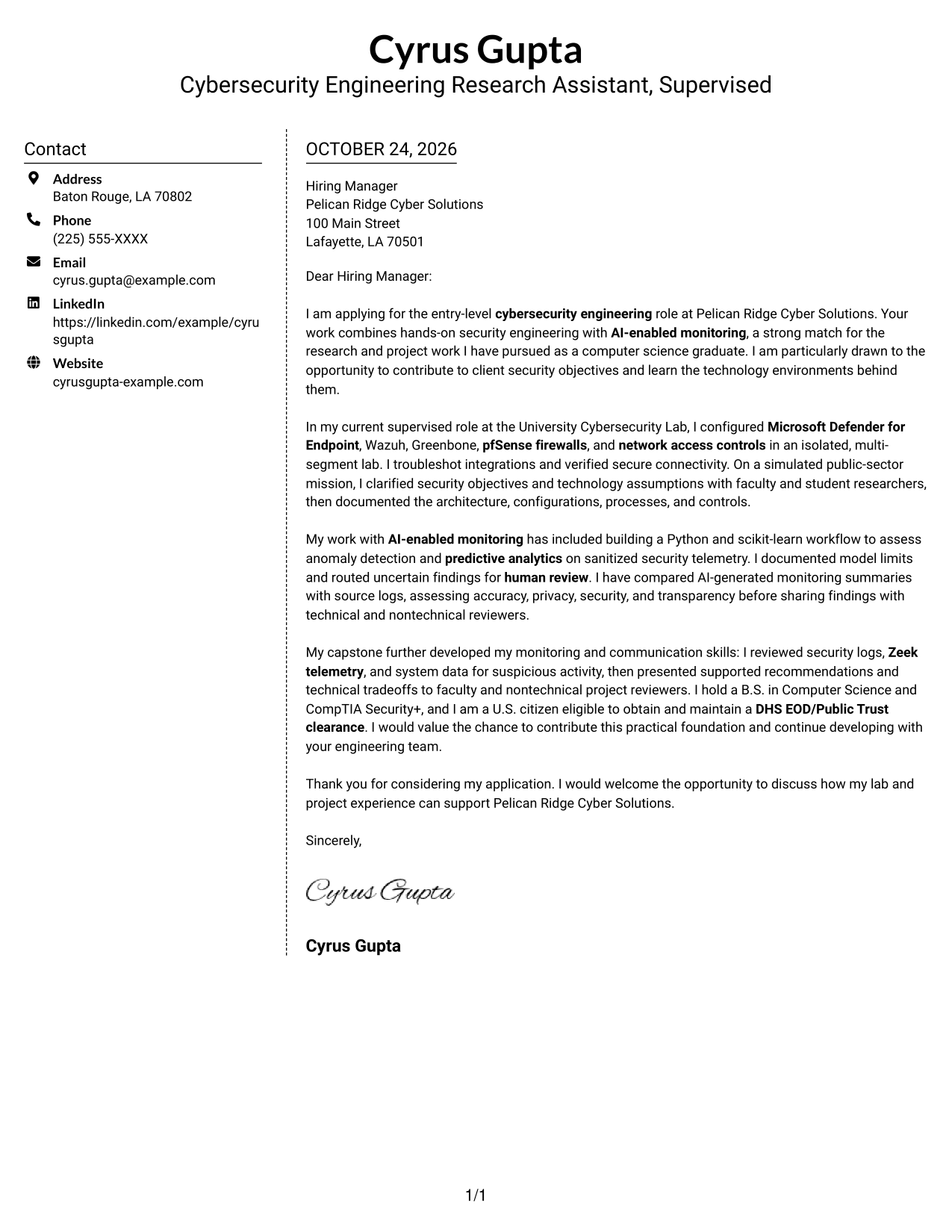
#5 Simple Two Column Format Cover Letter Example
Contact information has its own sidebar, while the letter stays in one body for readers who want both areas visible together.
Why This Format Works
- Sender information remains easy to locate beside the message in its own sidebar.
- The letter paragraphs stay together, so motivation and evidence remain part of one message.
- The two-column arrangement offers a clear visual alternative to a single-column page.
Best For
- Sidebar contact placement
- Continuous letter paragraphs
- Two-column page preference
- Evidence-rich application letters
- Text-focused application materials
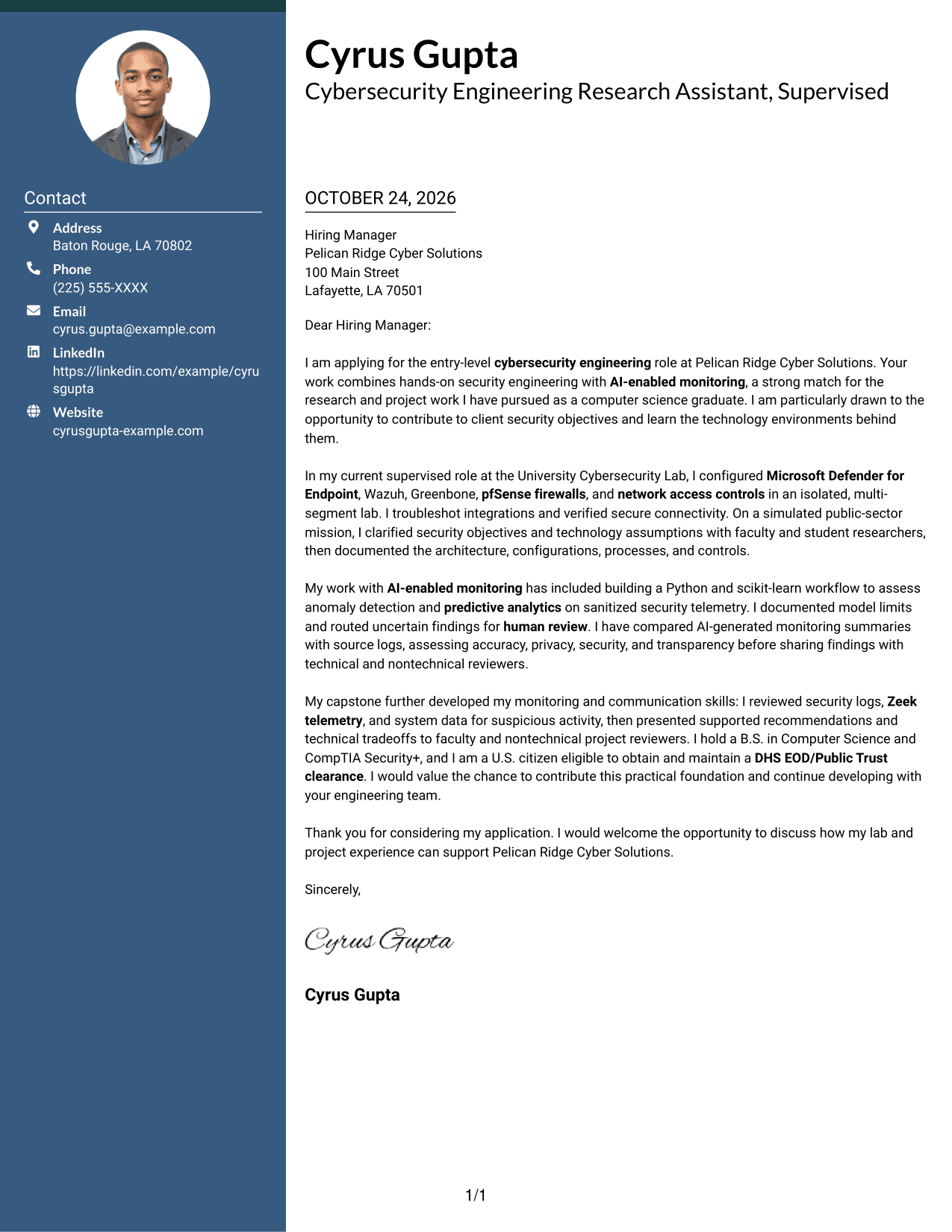
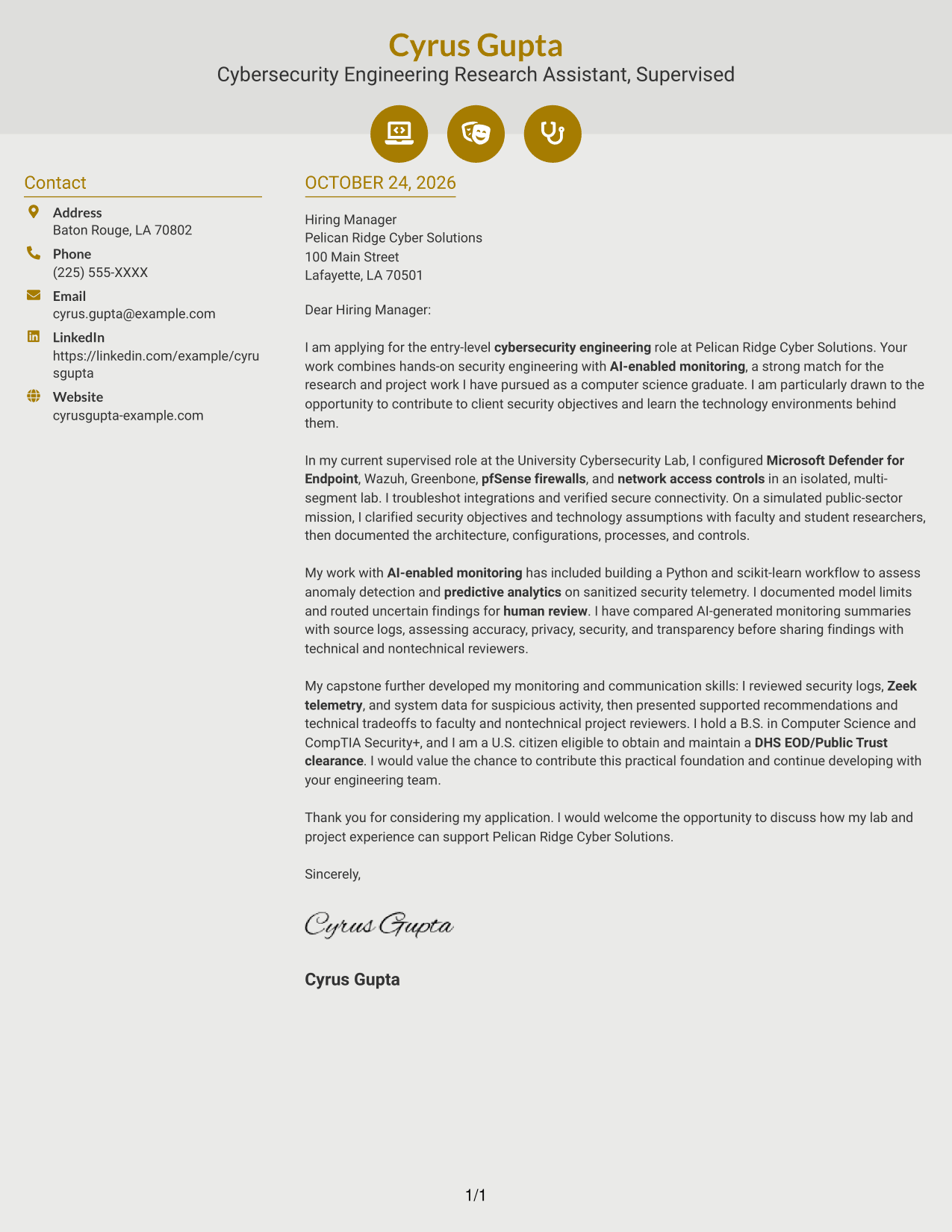
#6 Modern Icon Format Cover Letter Example
Contact icons mark sidebar details, while the letter itself remains a single continuous body.
Why This Format Works
- Contact icons make sender information easier to recognize in the sidebar.
- Header accents add visual cues without assigning labels to letter arguments.
- One continuous body lets reviewers follow the opening, evidence, and closing together.
Best For
- Icon cues for sender details
- Sidebar contact placement
- Continuous letter body
- Two-column page preference
- Evidence-rich application letters
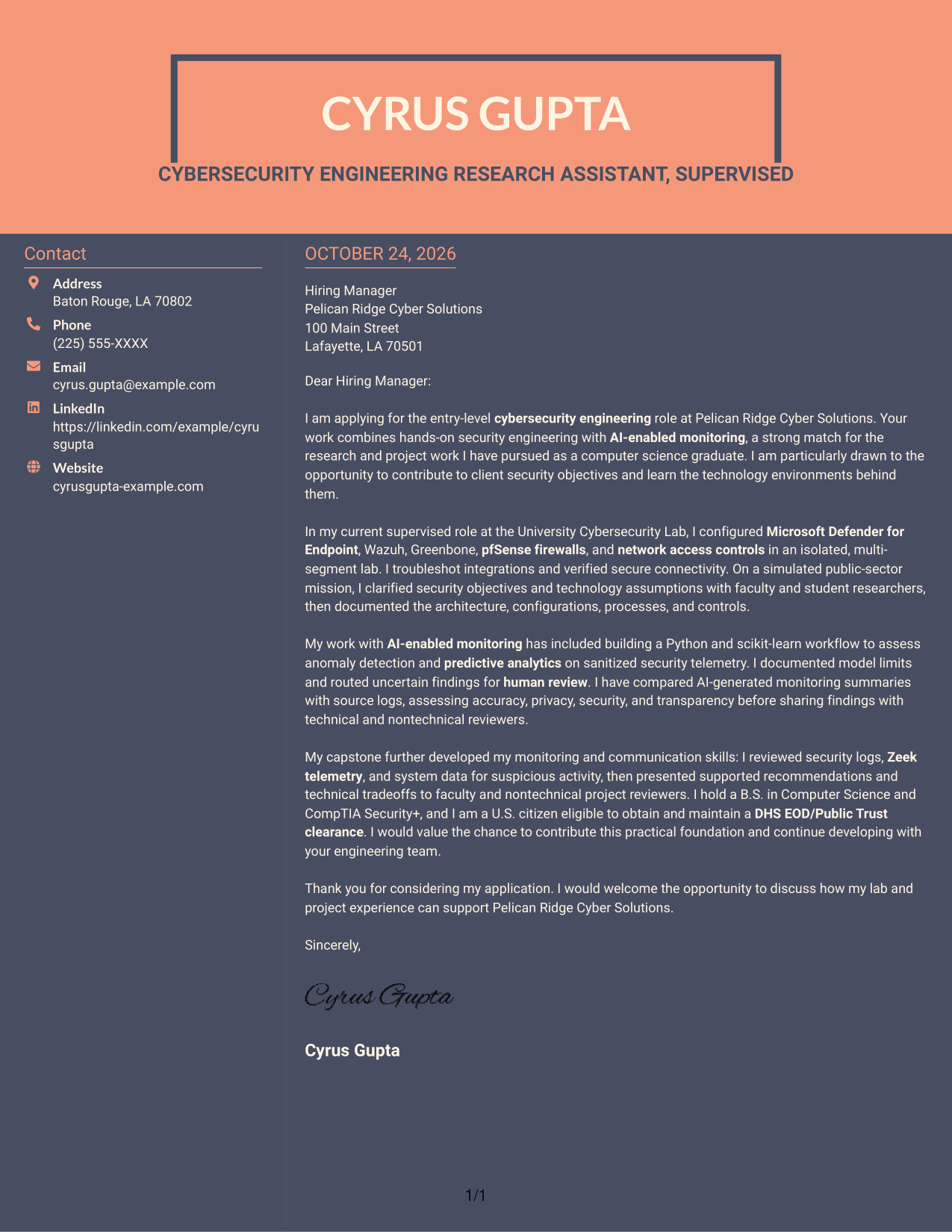
#7 Creative Two Tone Format Cover Letter Example
The two-column arrangement places contact information beside one continuous message, offering a distinct page structure without dividing the letter.
Why This Format Works
- Contact details occupy a sidebar while the letter remains one continuous body.
- That reading path keeps the message's opening, supporting evidence, and close in sequence.
- The paired columns offer a distinct page structure without turning paragraphs into sections.
Best For
- Contact details beside the message
- Continuous letter paragraphs
- Two-column page preference
- Evidence-rich application letters
- Text-focused cover letter layouts
Why Use ResumeInMinutes for an AI-Enabled Security Monitoring Cover Letter
Review the image preview, then open the example in the editor to explore its presentation and customize the letter for the role.
- Role-focused cover letter guidance
- Clear, professional presentation
- Practical example structure
- Focused opening and closing
- Support for showing relevant evidence
- Editor access to view or customize an example
Use specific evidence, such as security tool configuration, monitoring analysis, and careful validation of AI outputs, to make your interest and role fit clear.
See Also
- 7 Entry-Level Cybersecurity Engineer - AI-Enabled Security Monitoring Resume Templates with Example
- 7 Cybersecurity Engineer Intern - Product Security Resume Templates with Example
- 33 AI-Powered Cybersecurity Product Engineer Resume Templates with Example 2026 (ATS-Optimized)
- 33 Associate Cybersecurity Engineer Resume Templates with Example 2026 (ATS-Optimized)
- 7 Cyber Systems Engineer Intern - Offensive Cybersecurity and Automation Resume Templates with Example
- 33 Cybersecurity Engineer III - Governance, Risk & Compliance Resume Templates with Example 2026 (ATS-Optimized)
- 33 Cybersecurity Engineer Mid-Level Resume Templates with Example 2026 (ATS-Optimized)
- 7 Entry-Level Cybersecurity Engineer - Cloud Resume Templates with Example
- 7 Cybersecurity Engineer Intern - Product Security Cover Letter Templates with Example
- 30+ AI-Powered Cybersecurity Product Engineer Cover Letter Templates with Example 2026
Frequently Asked Questions
What should an Entry-Level Cybersecurity Engineer - AI-Enabled Security Monitoring cover letter include?
Explain your interest in the role, then connect relevant security engineering and monitoring experience to the employer's needs. Close by showing how you communicate findings and work with others.
How can I describe AI-enabled security monitoring in my letter?
Give a specific example of reviewing security telemetry or validating an AI-generated finding. Explain how you checked accuracy and handled uncertain results with appropriate human review.
How many different letters are shown in this guide?
The guide presents one cover letter example in different visual layouts. Compare the image previews and select a presentation that supports your message.
Which cover letter style works well for this cybersecurity role?
Choose a clear, readable layout that gives your opening, supporting evidence, and closing room to stand out. A simple presentation can help technical details remain easy to follow.
How should I connect my experience to an employer's needs?
Choose relevant examples, such as configuring endpoint protection or firewalls, reviewing logs and telemetry, or documenting security controls. Explain how each example relates to the role, and avoid claiming skills or results you cannot support.
Can I view or customize the cover letter example?
Yes. Review the PNG image preview, then use the editor link to view or customize the example.




