
7 Entry-Level Cybersecurity Engineer - Cloud Cover Letter Templates with Example
This practical guide to an Entry-Level Cybersecurity Engineer - Cloud cover letter presents seven layouts to help you shape a clear, role-focused application.
What Makes a Great Entry-Level Cybersecurity Engineer - Cloud Cover Letter in 2026
A strong letter links your interest in cloud security engineering to clear evidence of relevant preparation. A focused opening, specific body paragraphs, and a direct closing help the reader follow your case.
Use examples such as examining AWS access controls, documenting security findings, or testing a Java service. Connect that evidence to the employer’s stated needs, and explain your interest in the role without making unsupported claims about the company.
The featured example moves from role interest to cloud security and software evidence, then closes with a clear next step. Adapt this focused progression while choosing a presentation that suits the employer and the communication context.
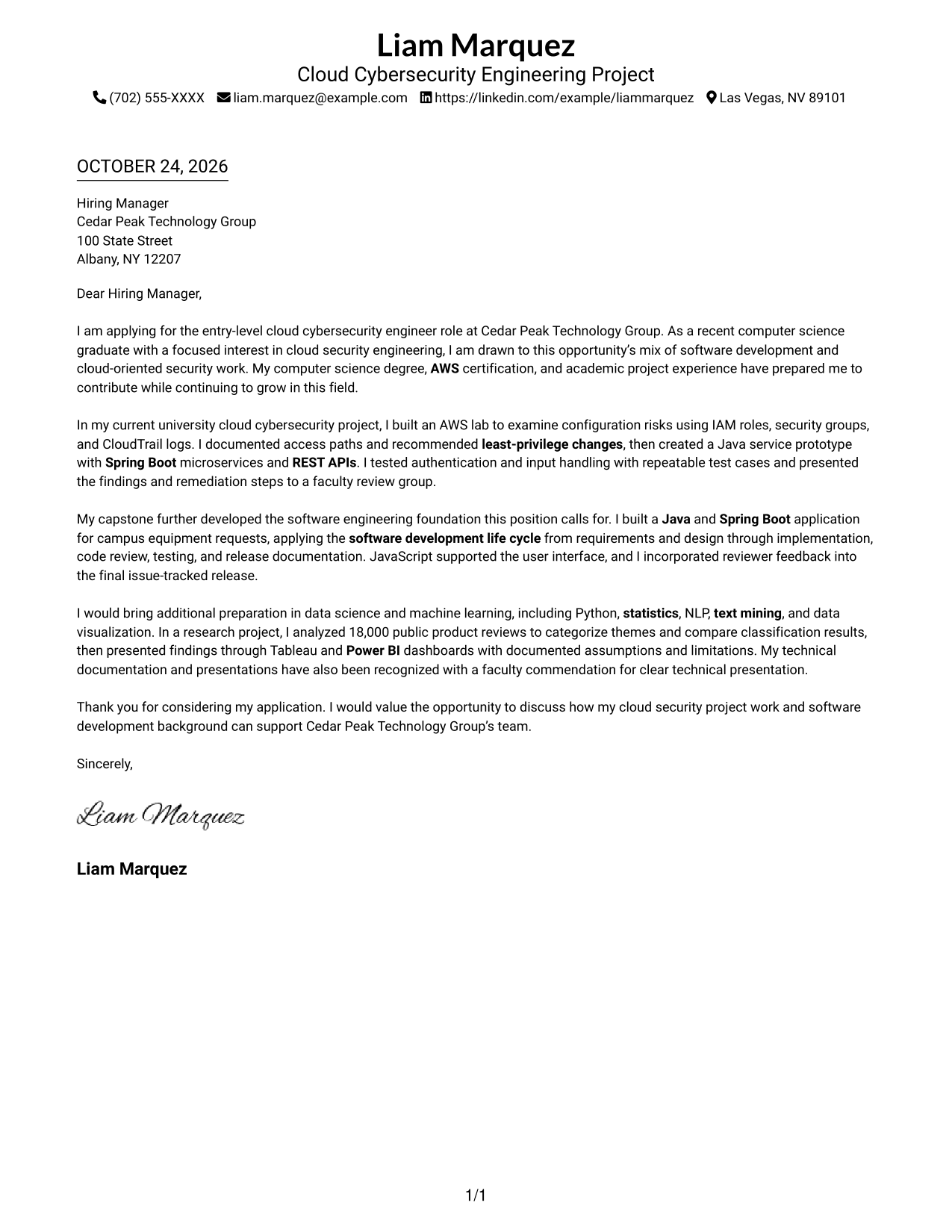
#1 Simple One Column Format Cover Letter Example
A single-column page keeps sender details in the header and the letter body in one direct reading path.
Why This Format Works
- Header-based sender details are easy to find without interrupting the letter's main message.
- A single text path lets reviewers follow motivation, evidence, and closing in order.
- Without internal headings, the letter reads as direct correspondence rather than labeled sections.
Best For
- One-column reading preference
- Header-based contact lookup
- Unheaded letter arguments
- Paragraph-led application messages
- Text-centered correspondence
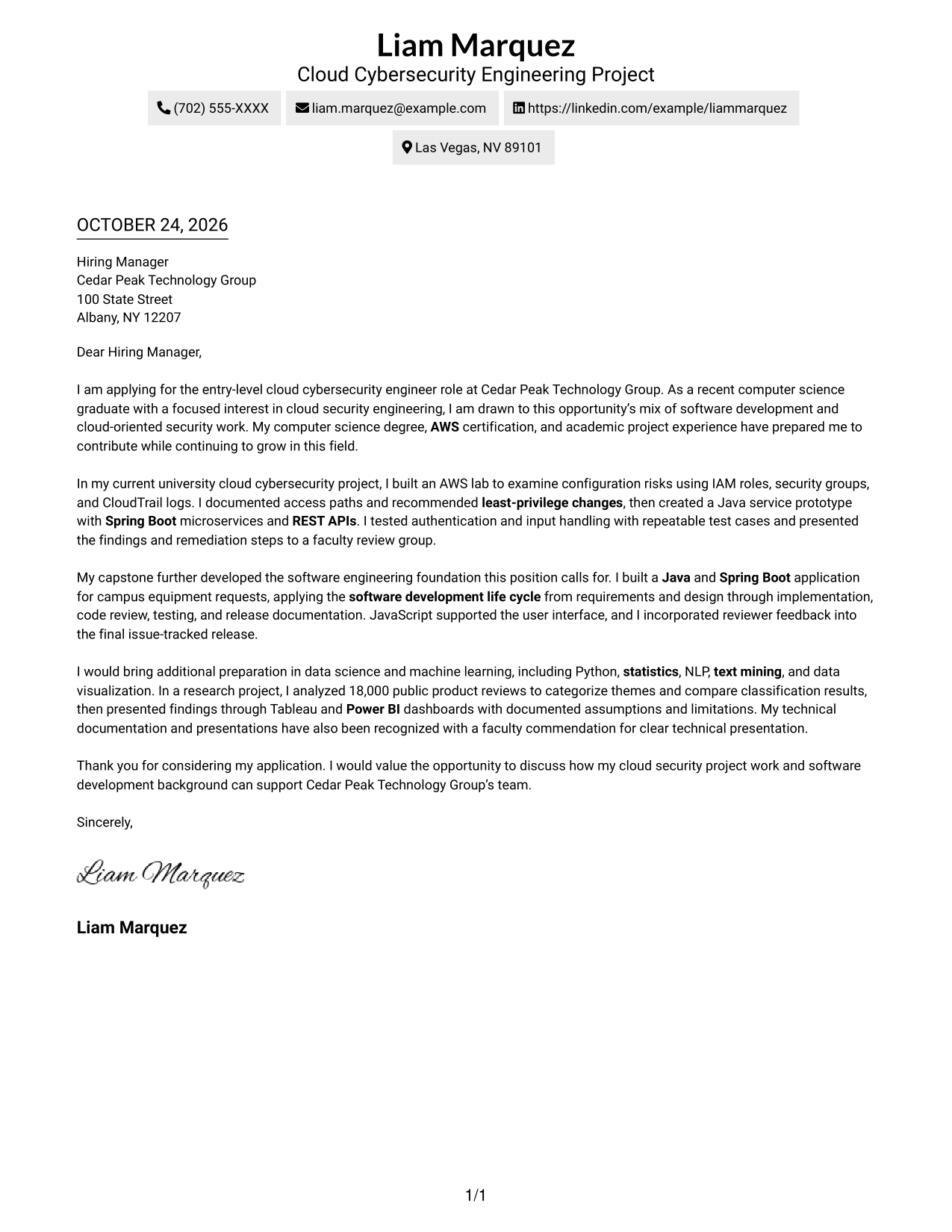
#2 Two Column Format Cover Letter Example
A contact sidebar sits beside one continuous letter body, keeping sender information separate from the application message.
Why This Format Works
- The sidebar places contact information outside the paragraphs that make the application case.
- The letter body keeps motivation and supporting examples together in a natural sequence.
- Without body headings, the letter reads as direct correspondence rather than labeled sections.
Best For
- Sidebar contact presentation
- Two-column page preference
- Unheaded letter arguments
- Paragraph-led application messages
- Cloud cybersecurity application letters
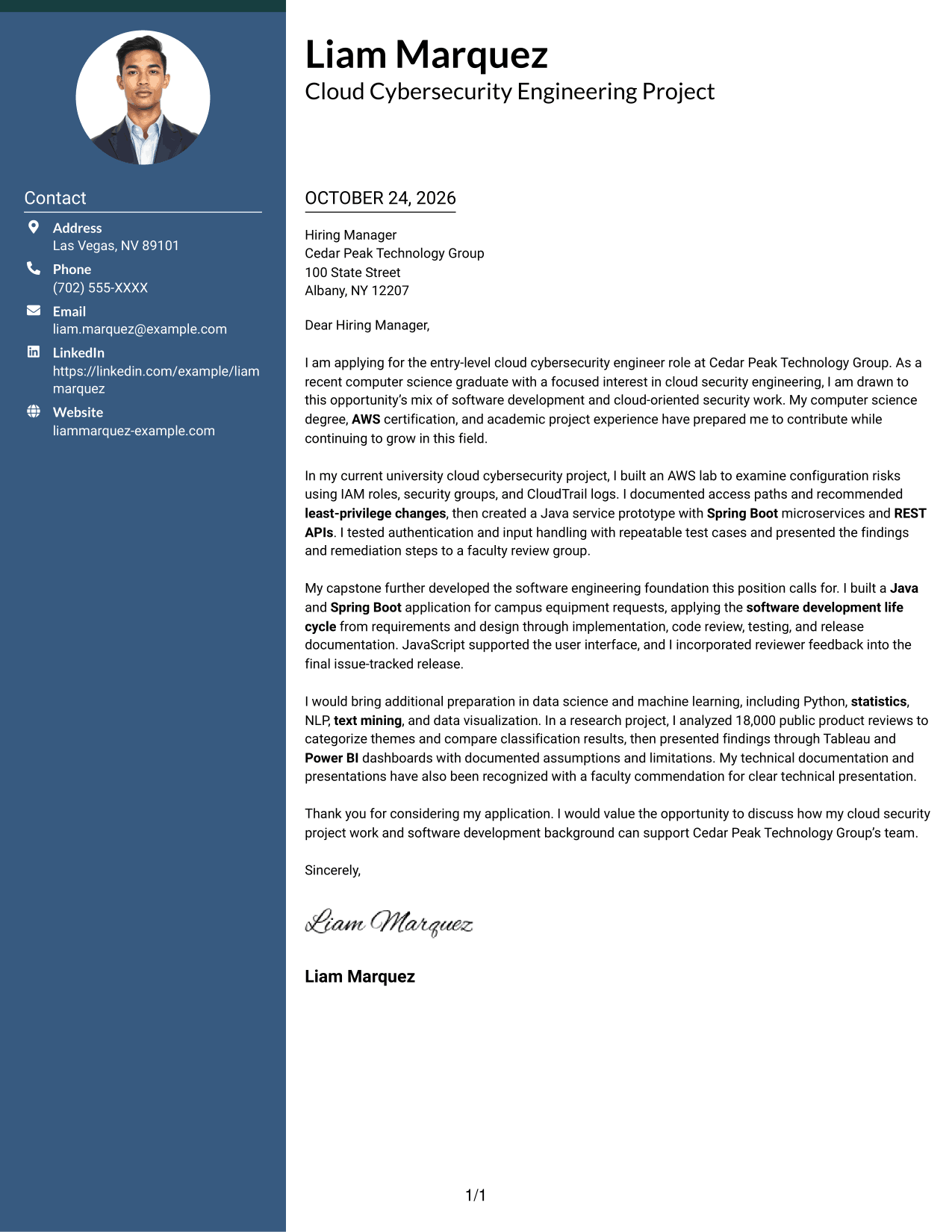
#3 Photo Header Two Column Format Cover Letter Example
The two-column layout pairs a contact sidebar with a continuous letter body and an included portrait for readers who prefer a personal image.
Why This Format Works
- The portrait adds a visible personal element without changing the letter's argument.
- The sidebar keeps sender details separate from the continuous message.
- No headings divide the body, so the paragraphs carry the full application story.
Best For
- Portrait-inclusive correspondence
- Two-column page preference
- Sidebar contact presentation
- Unheaded application letters
- Paragraph-led messages with a portrait
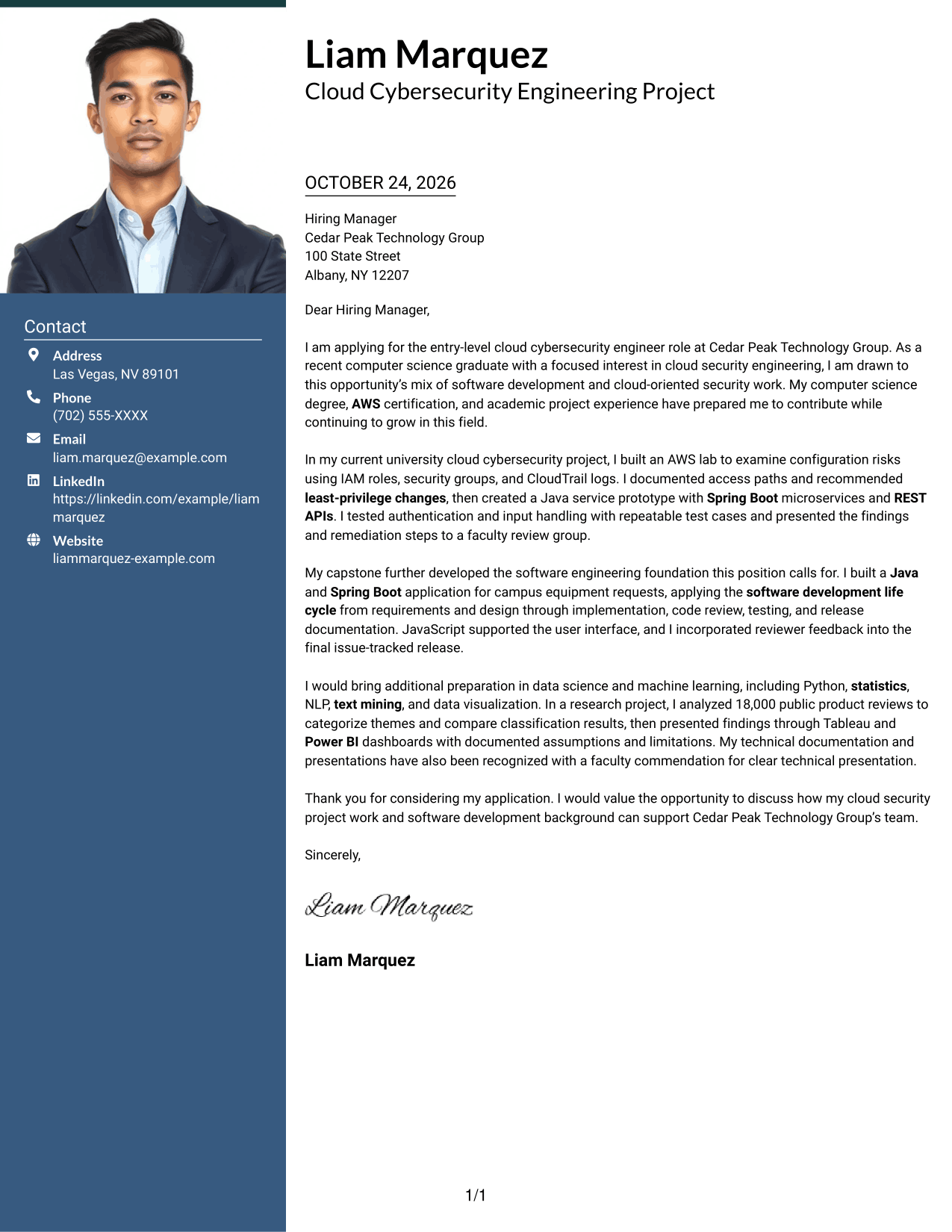
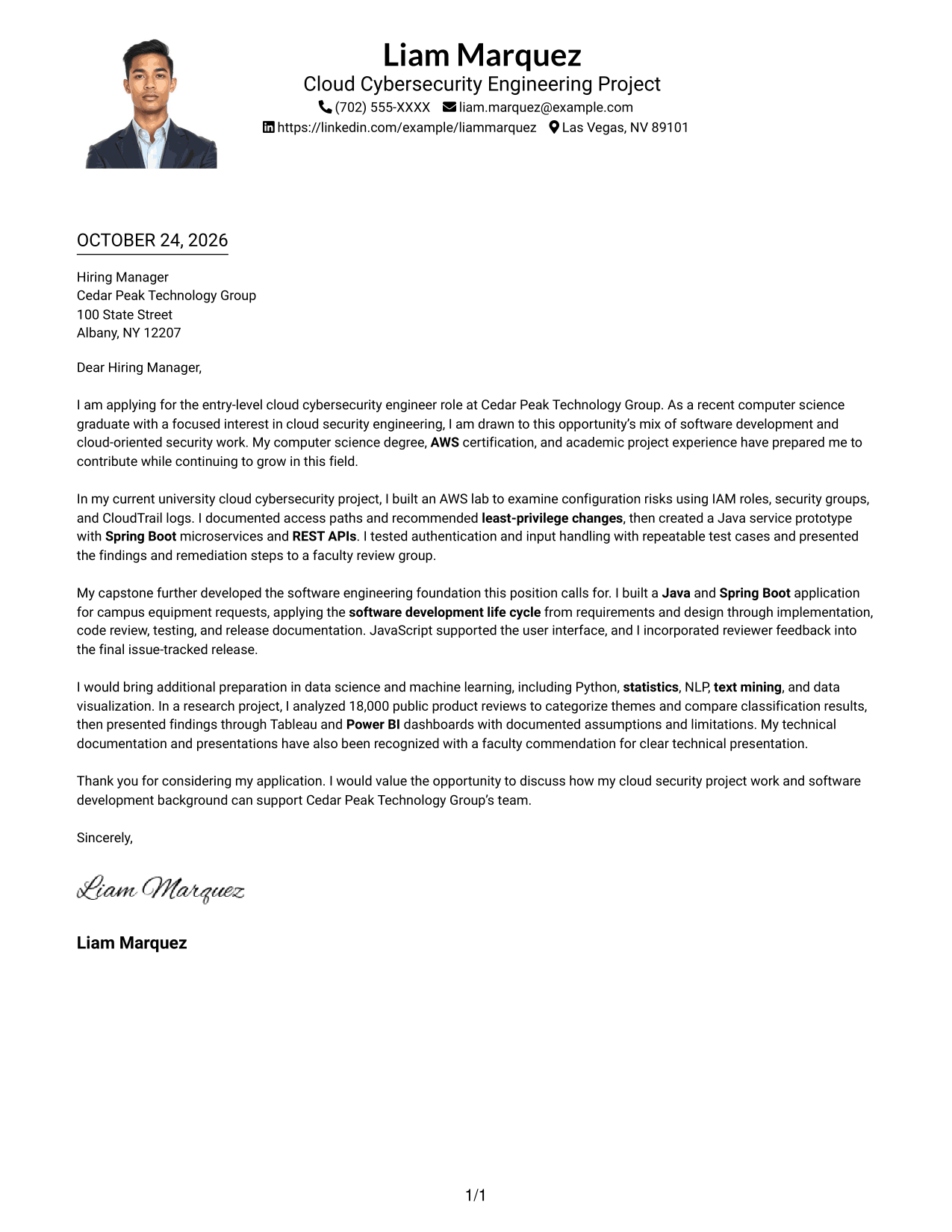
#4 One Column Format with Photo Cover Letter Example
The one-column layout includes a portrait while keeping the letter paragraphs in a single, direct reading path.
Why This Format Works
- An included portrait offers a personal visual choice alongside the single-column letter.
- One text path helps reviewers follow the opening, project examples, and closing.
- Header-based contact details stay apart from the paragraphs that explain fit.
Best For
- One-column letter reading
- Portrait-inclusive documents
- Header-based contact details
- Uninterrupted application paragraphs
- Text-centered correspondence with a portrait
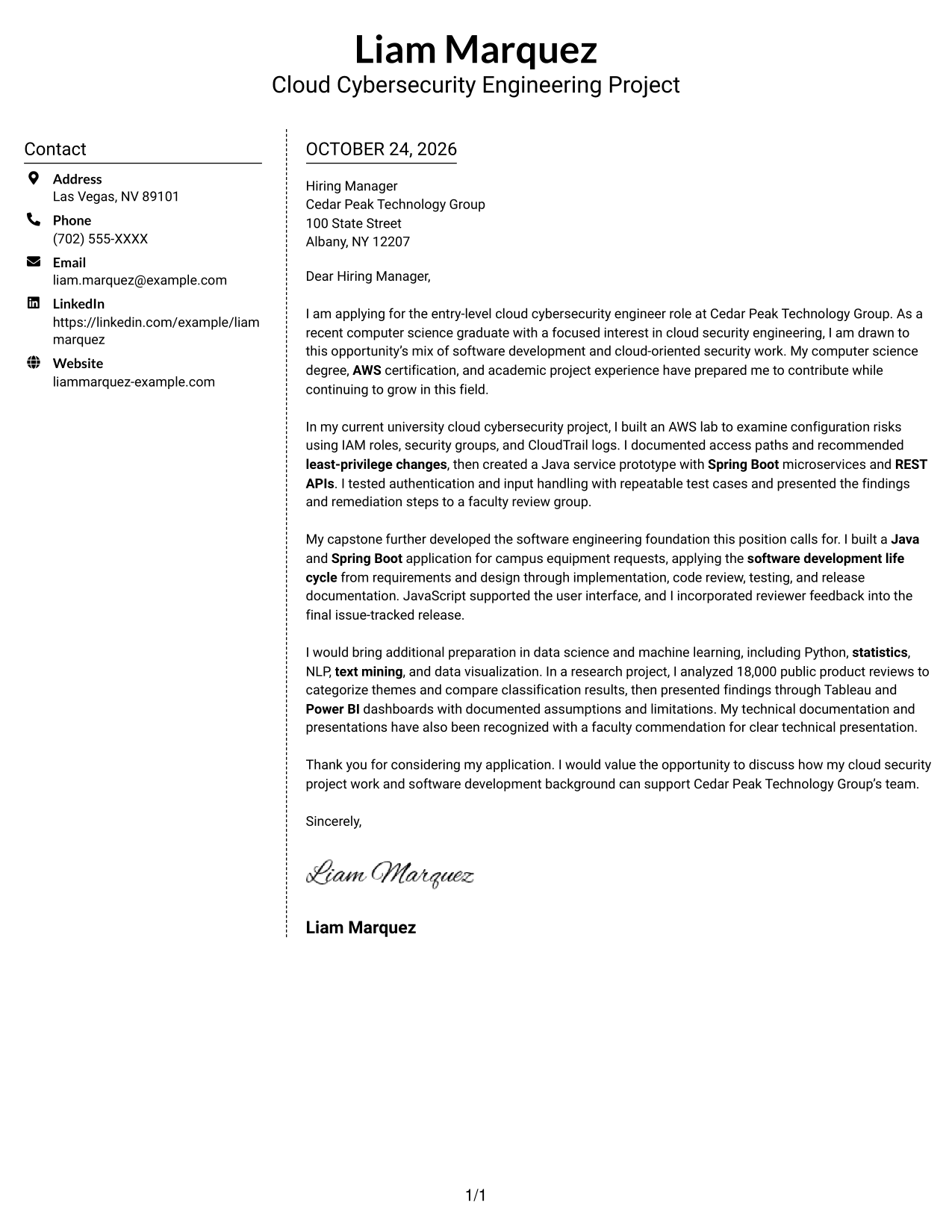
#5 Simple Two Column Format Cover Letter Example
A contact sidebar beside one continuous letter body gives sender details a distinct place without splitting the message.
Why This Format Works
- Contact details have a defined sidebar, separate from the letter's persuasive paragraphs.
- One continuous body keeps the application message in its intended reading order.
- The lack of internal headings lets each paragraph address the employer directly.
Best For
- Separate contact and message areas
- Two-column page preference
- Letters without internal headings
- Paragraph-led persuasive writing
- Side-by-side document layouts
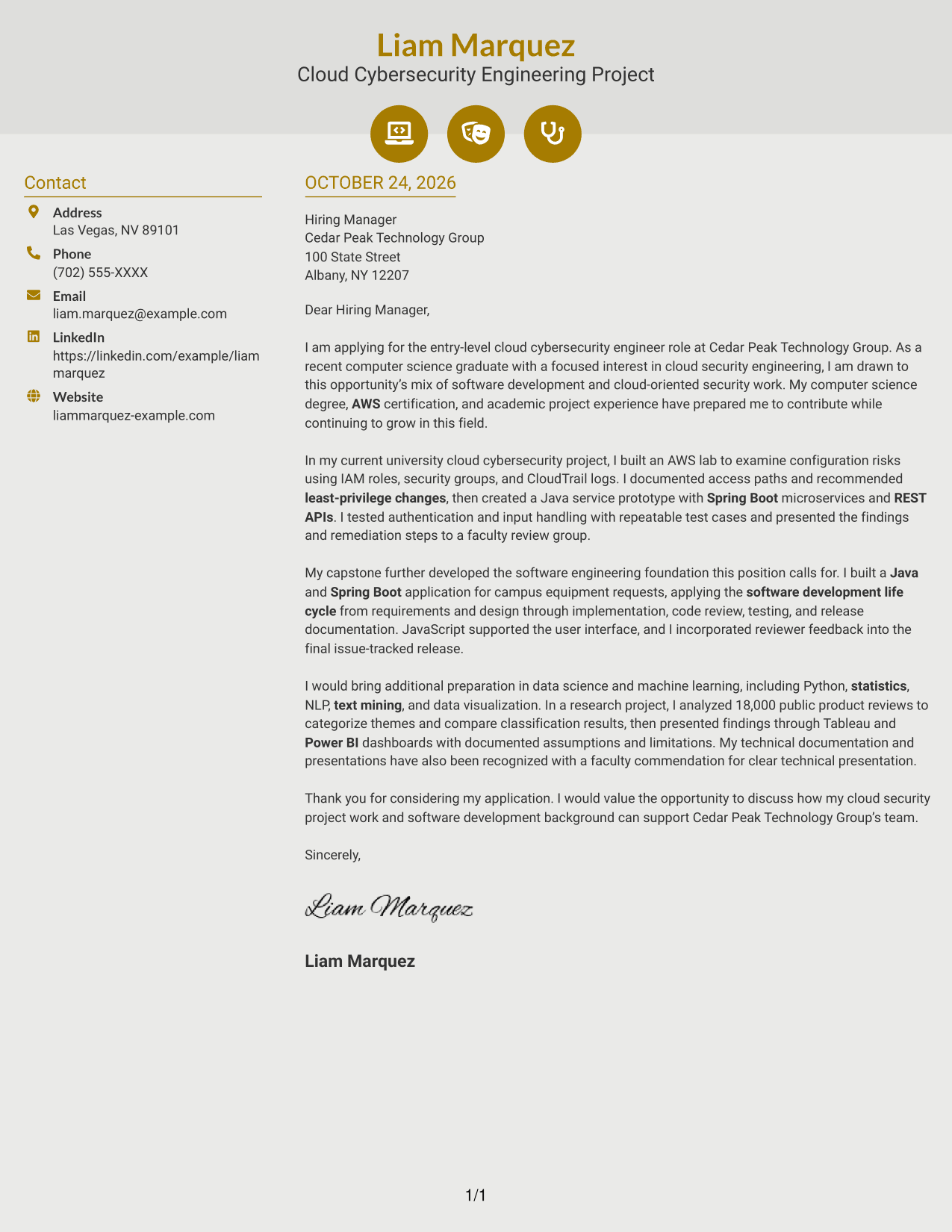
#6 Modern Icon Format Cover Letter Example
Contact icons cue the sender details in a sidebar, while the letter remains one continuous body.
Why This Format Works
- Contact icons cue sender details, not stages in the letter's argument.
- The sidebar keeps correspondence details distinct from the application message.
- One continuous body lets motivation, evidence, and thanks read as a connected message.
Best For
- Icon-cued contact details
- Two-column page preference
- Unheaded application letters
- Continuous persuasive messages
- Distinct contact and letter areas
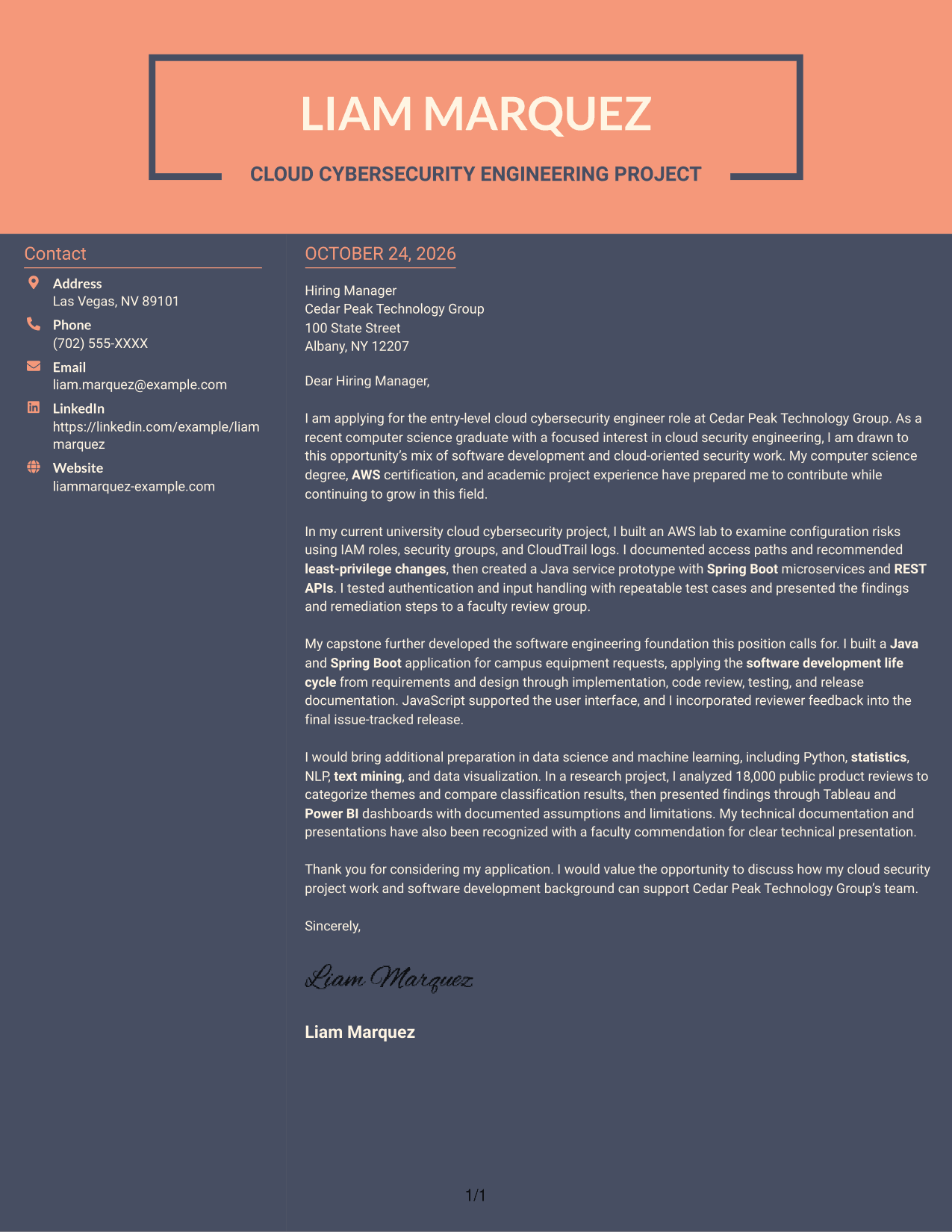
#7 Creative Two Tone Format Cover Letter Example
Readers who prefer side-by-side contact details can follow one uninterrupted letter body in this two-column layout.
Why This Format Works
- The sidebar gives sender information a separate place beside the letter's message.
- An uninterrupted body keeps the opening, evidence, and closing in one sequence.
- Without body headings, the letter's paragraphs speak directly to the reader.
Best For
- Side-by-side contact details
- Two-column page preference
- Letters without body headings
- Opening-to-closing correspondence
- Paragraph-based application messages
Why Use ResumeInMinutes for an Entry-Level Cybersecurity Engineer - Cloud Cover Letter
ResumeInMinutes offers cover letter examples and layouts to help you organize a clear, role-specific message. Compare the image previews, then open an example in the editor to customize it.
- Distinct writing styles
- Readable cover letter layouts
- Role-focused customization
- Clear opening and closing guidance
- Professional presentation options
- Cover letter examples
For this role, connect cloud security interests with supported examples of AWS, access controls, Java development, testing, and technical communication.
See Also
- 7 Entry-Level Cybersecurity Engineer - Cloud Resume Templates with Example
- 33 AI-Powered Cybersecurity Product Engineer Resume Templates with Example 2026 (ATS-Optimized)
- 33 Associate Cybersecurity Engineer Resume Templates with Example 2026 (ATS-Optimized)
- 7 Cyber Systems Engineer Intern - Offensive Cybersecurity and Automation Resume Templates with Example
- 33 Cybersecurity Engineer III - Governance, Risk & Compliance Resume Templates with Example 2026 (ATS-Optimized)
- 7 Cybersecurity Engineer Intern - Product Security Resume Templates with Example
- 33 Cybersecurity Engineer Mid-Level Resume Templates with Example 2026 (ATS-Optimized)
- 7 Entry-Level Cybersecurity Engineer - AI-Enabled Security Monitoring Resume Templates with Example
- 30+ AI-Powered Cybersecurity Product Engineer Cover Letter Templates with Example 2026
- 30+ Associate Cybersecurity Engineer Cover Letter Templates with Example 2026
Frequently Asked Questions
What should an Entry-Level Cybersecurity Engineer - Cloud cover letter include?
Use the opening to name the role and explain your interest. In the body, connect relevant preparation to the position, such as AWS security work, Java development, testing, and clear technical communication. Close by inviting a conversation.
Does this guide show one cover letter in different layouts?
Yes. The examples present the same featured cover letter in several layouts. Compare the image previews and open an example in the editor to customize its presentation.
Which cover letter style works well for a cloud cybersecurity engineering role?
A clean, readable layout keeps attention on your motivation and evidence. Choose a style that suits the employer’s communication context and makes your opening, body, and closing easy to follow.
What project evidence can I discuss in this cover letter?
You can describe relevant work you have actually completed, such as reviewing AWS IAM roles, security groups, or CloudTrail logs, documenting findings, and testing a Java service prototype. Explain what you did and how it relates to the role.
Should I use a photo on my cover letter?
Use a photo only when it is common or expected in your country, region, or field. For U.S. applications, a no-photo layout is usually the safer choice.




