
30+ Entry Level Cybersecurity Engineer Cover Letter Templates with Example 2026
This practical guide helps you create an Entry Level Cybersecurity Engineer cover letter that connects your technical preparation with the needs of a security team. You will learn how to present your fit clearly and make each paragraph useful to the reader.
A strong cover letter should open with a clear reason for applying, then use focused evidence to show how you can support security monitoring and response. For this role, useful evidence may include SIEM alert analysis, Linux hardening, Python scripting, firewall testing, network security, and supervised ethical hacking work.
In this guide, you will see an effective Entry Level Cybersecurity Engineer cover letter example, learn how to choose evidence for the opening and body paragraphs, and see how to explain motivation, employer alignment, and job-specific interest. The example is presented in 33 different layouts and themes so you can choose a professional format that suits the employer and communication context.
What Makes a Great Entry Level Cybersecurity Engineer Cover Letter in 2026
Strong cover letters for this role are specific, focused, and connected to the employer's security needs. The best letters usually cover three areas:
- Relevant technical preparation in network security, SIEM, Linux, Python, and firewalls
- Practical evidence from security labs, capstone work, or supervised vulnerability assessments
- Clear communication, careful problem-solving, and a willingness to collaborate during security tasks
Instead of repeating a resume, an effective cover letter explains:
- Why the applicant is interested in cybersecurity engineering and this specific opportunity
- How their work with alert review, log analysis, system hardening, or vulnerability assessment relates to the role
- How they communicate findings, document procedures, and support incident response
For this position, relevant language may include network security, SIEM, Linux, Python, ethical hacking, firewalls, incident response, log analysis, security metrics, cloud security fundamentals, and ISO 27001 concepts. Use these terms only when they accurately describe your preparation and the requirements of the role.
The templates below show how one focused, professional cybersecurity cover letter can be presented in different styles while keeping the message clear and persuasive.
The featured example follows a focused progression from role interest to relevant security evidence and a professional close, which readers can adapt while choosing a presentation suited to the employer and communication context.
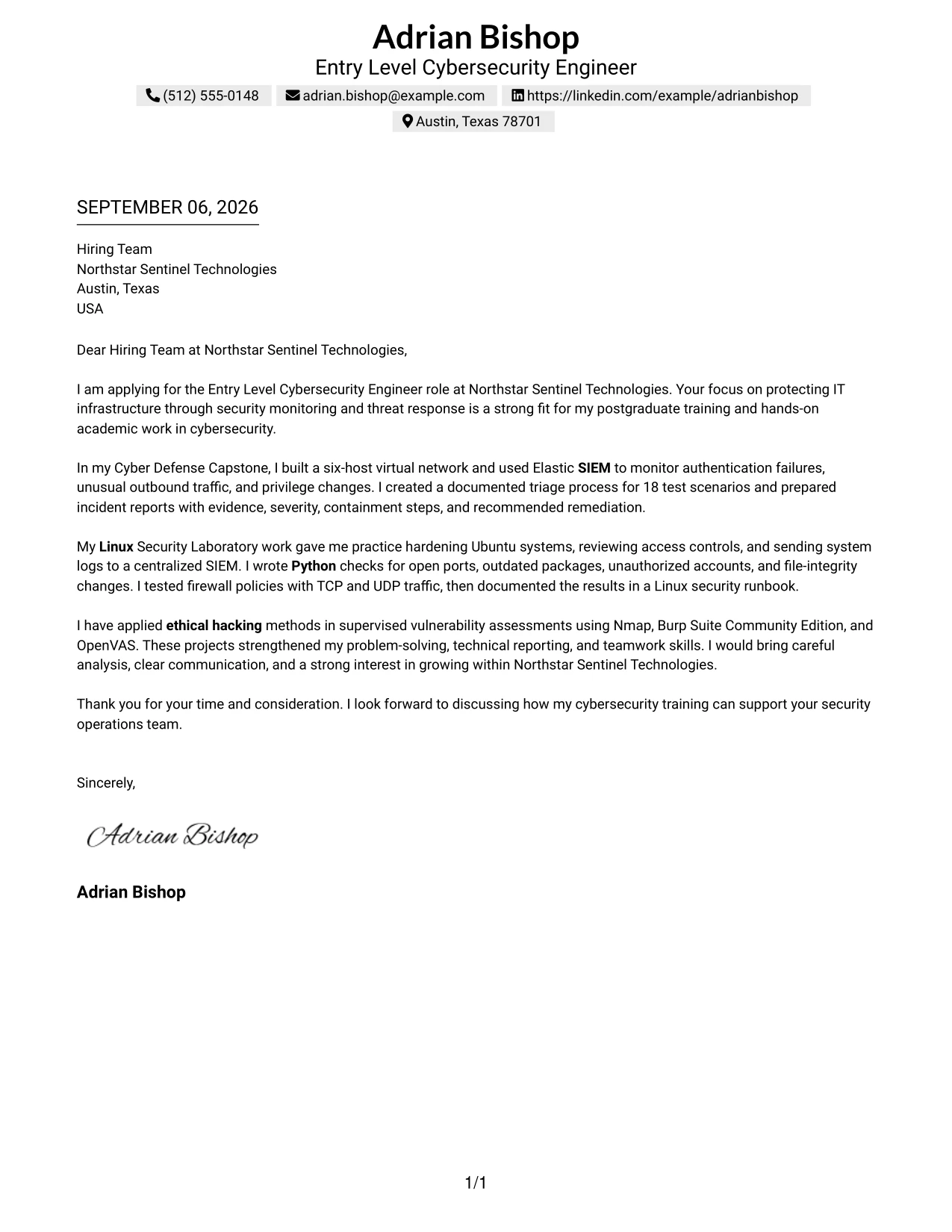
#1 Text/Fang Style Cover Letter Example
Text/Fang Style gives the cover letter a clear, centered reading path. Adrian Bishop's letter can open with interest in Northstar Sentinel Technologies, then move through SIEM monitoring, Linux security, Python checks, firewall testing, and ethical hacking evidence in a logical order.
The format supports a direct, professional message with little visual distraction. Each paragraph can connect academic work to the Entry Level Cybersecurity Engineer role, while the closing can reinforce careful analysis, clear communication, and interest in supporting security operations.
Cover Letter Snapshot
- Direct opening focused on Northstar Sentinel Technologies and security operations
- Cyber Defense Capstone evidence with Elastic SIEM and 18 test scenarios
- Linux hardening, Python checks, and firewall testing in a security laboratory
- Supervised vulnerability assessment using Nmap, Burp Suite Community Edition, and OpenVAS
Why the Text/Fang Style Works for a Cover Letter
- A centered one-column structure gives the opening and closing equal importance.
- Short paragraphs make the candidate's motivation easy to follow.
- The body can present technical evidence in a natural story rather than as disconnected claims.
- SIEM, Linux, Python, firewalls, and ethical hacking appear where they support the argument for fit.
- Specific evidence, such as 18 test scenarios, gives the letter credibility.
- The simple structure supports a respectful and focused communication style.
- The reader can move from interest to evidence to next-step interest without changing sections or columns.
Relevant Keywords
- Entry Level Cybersecurity Engineer
- Network Security
- SIEM
- Linux
- Python
- Firewalls
- Ethical Hacking
- Incident Response
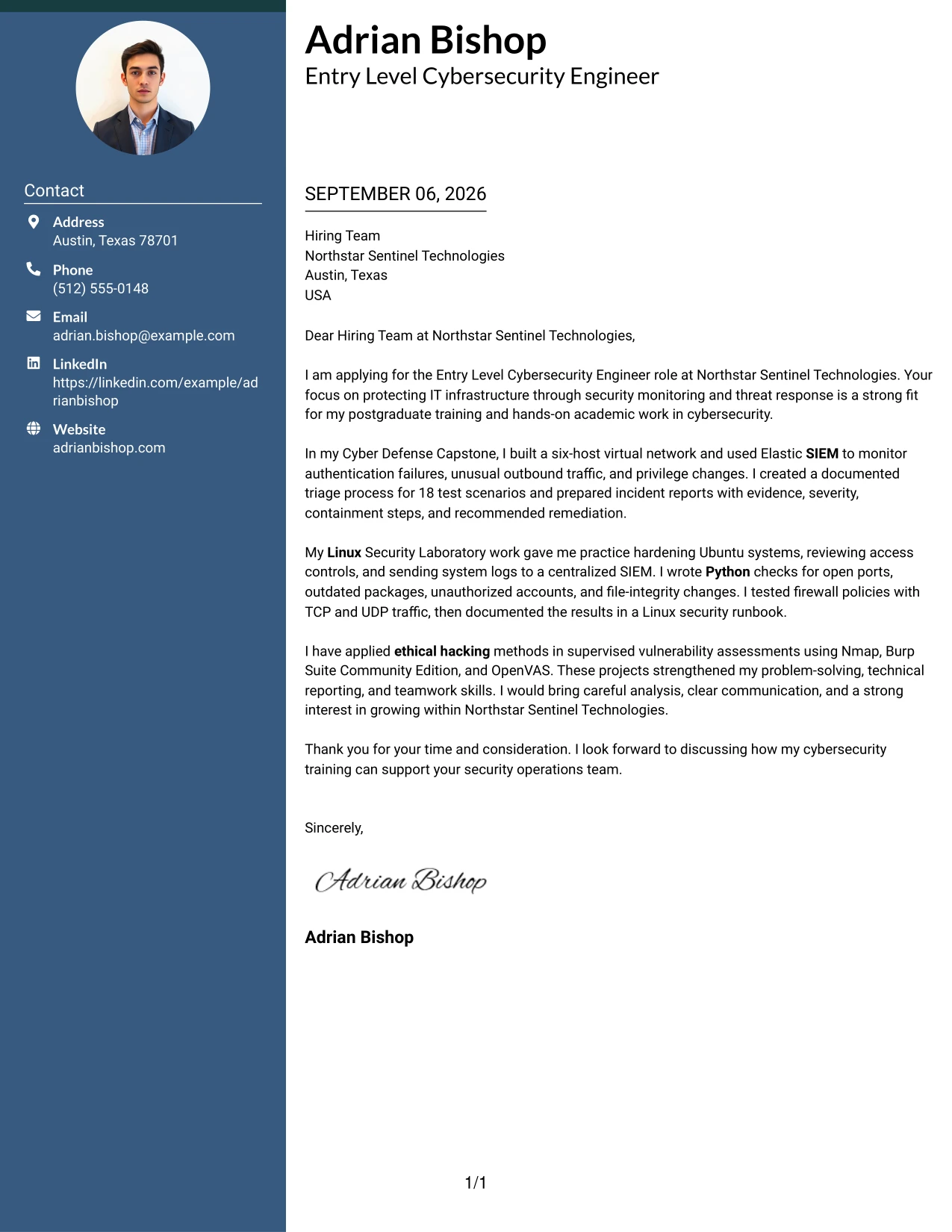
#2 Two Column Format Cover Letter Example
Readers can move quickly between the main letter and supporting contact or application details in a two-column structure. For this application, the central message can explain motivation for Northstar Sentinel Technologies, while the supporting area reinforces postgraduate cybersecurity training, relevant tools, and concise contact information.
Why the Two Column Format Works for a Cover Letter
- The main column gives motivation and role alignment enough room to develop.
- A narrower supporting column can hold contact details without interrupting the letter's argument.
- Separate areas help the reader distinguish explanation from supporting facts.
- The format can present several technical examples without making the body feel crowded.
- A focused opening can lead directly to SIEM monitoring and network security evidence.
- The closing remains visible as a clear invitation to continue the conversation.
- Two-column organization works well when the application needs both a persuasive message and a compact reference area.
Best For
- Cover letters that need a clear main message and a compact supporting area
- Applications with several relevant tools that should remain easy to locate
- Readers who prefer to scan contact details separately from the letter body
- Letters that balance motivation, technical evidence, and a brief closing
- One-page applications with moderate supporting information
- Candidates connecting postgraduate study with practical security work
- Messages that need distinct space for role fit and application details
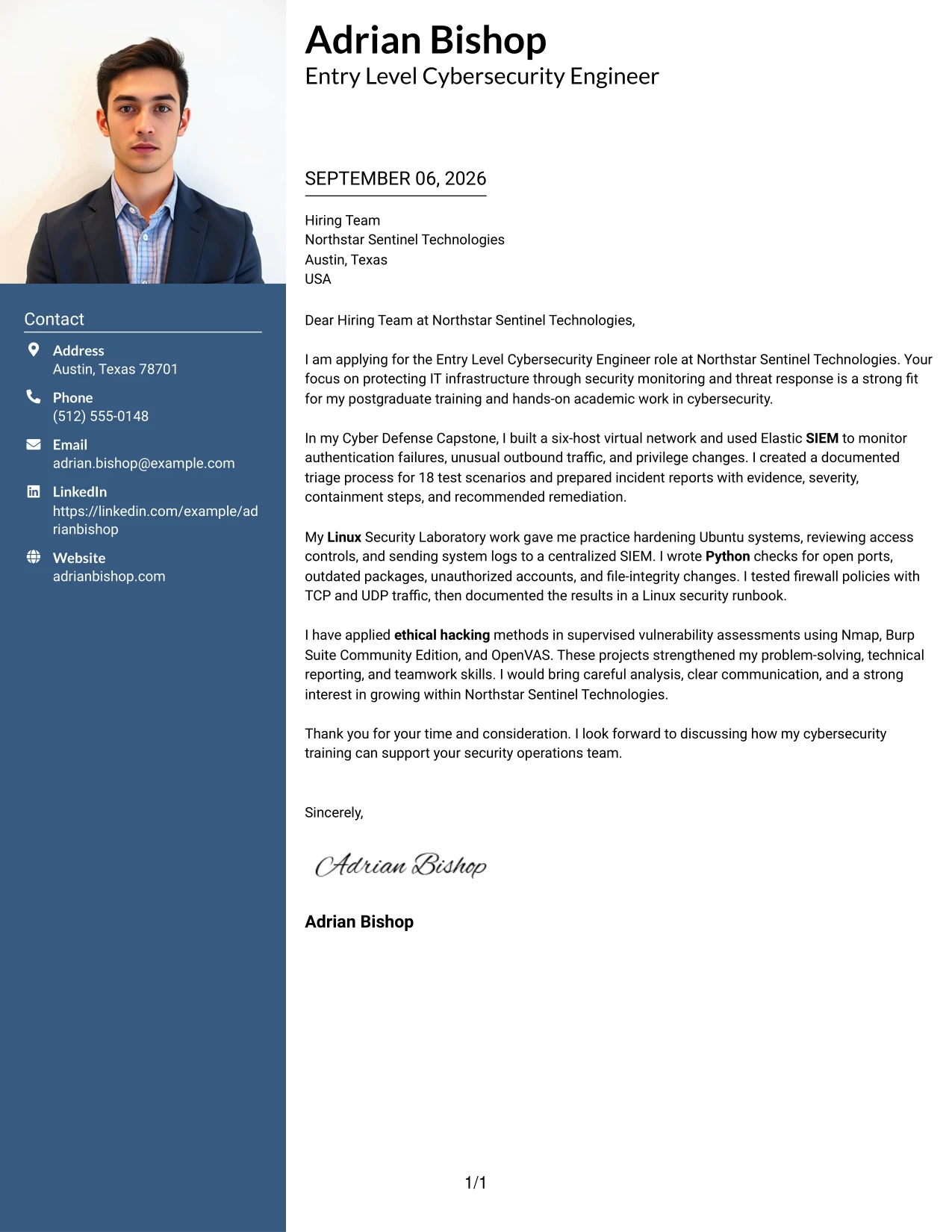
#3 Photo Header Two Column Format Cover Letter Example
Evidence receives priority before design details: the letter should first show how the candidate can support monitoring, response, and infrastructure protection. A two-column structure with a photo header can then give the reader a quick personal introduction while separating the persuasive message from supporting evidence such as SIEM work, Linux hardening, and vulnerability assessment.
Why the Photo Header Two Column Format Works for a Cover Letter
- The opening can lead with relevant evidence instead of broad personal claims.
- Two columns separate the persuasive narrative from concise supporting details.
- A photo header can create a clear personal entry point when the application context supports it.
- The body can connect Elastic SIEM work to the employer's monitoring responsibilities.
- Linux hardening and firewall testing provide practical evidence for infrastructure protection.
- Vulnerability assessment experience adds depth to the discussion of ethical hacking.
- The format gives technical details a visible place without taking over the motivation and closing.
Best For
- Applications where a personal header is appropriate to the employer and local hiring context
- Letters that need to separate a persuasive narrative from supporting facts
- Candidates with several projects that show different kinds of security evidence
- Messages combining monitoring experience with infrastructure protection examples
- Readers who benefit from a quick visual introduction before detailed content
- Applications that must present technical work without losing a human communication style
- Cover letters where project evidence should remain easy to compare
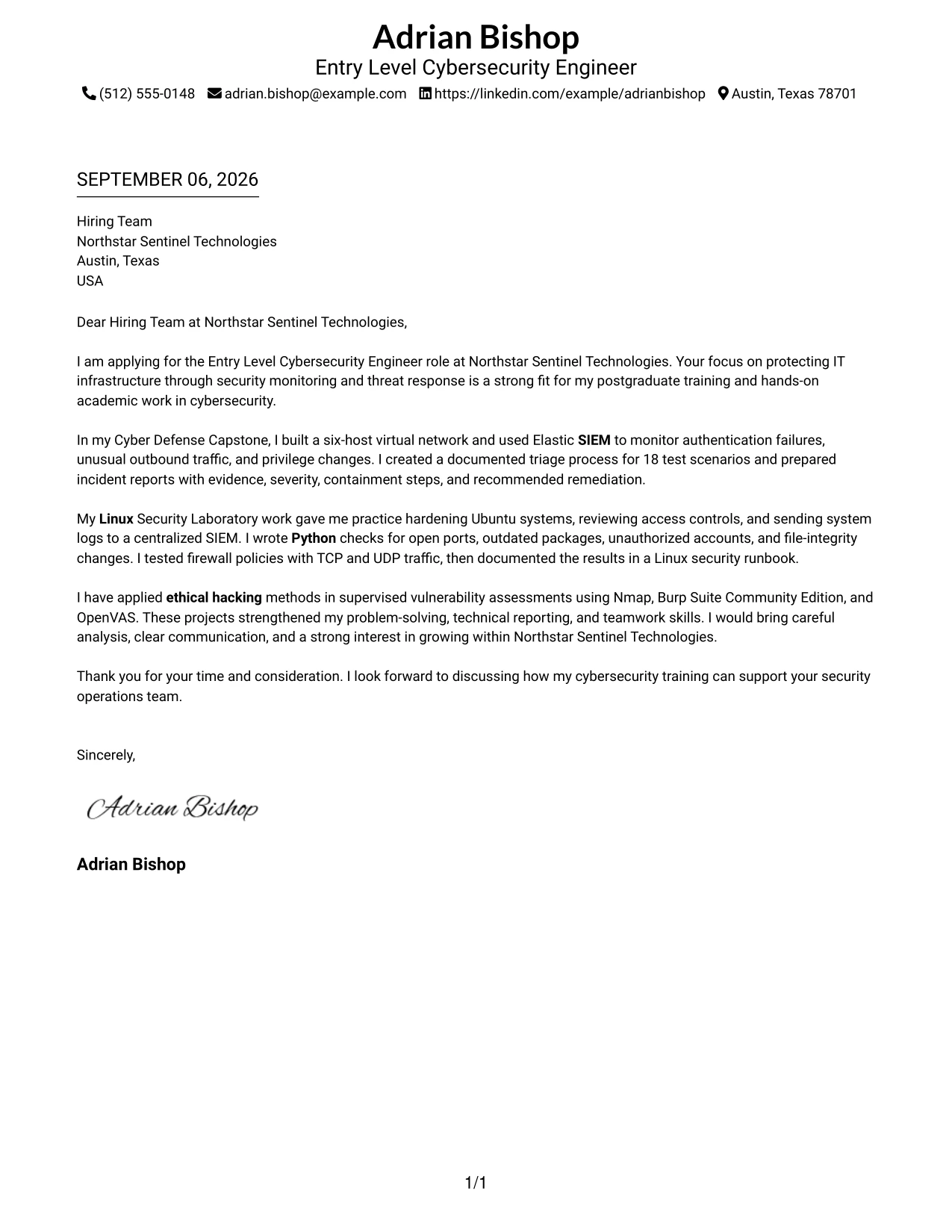
#4 Simple One Column Format Cover Letter Example
Balanced spacing helps the reader focus on one point at a time: why the candidate wants the role, what relevant work has been completed, and how that work can support the employer. A simple one-column letter keeps these steps in sequence and gives the Entry Level Cybersecurity Engineer application a calm, direct tone.
Why the Simple One Column Format Works for a Cover Letter
- A single reading path keeps motivation and evidence in the correct order.
- Open space helps important statements stand apart from surrounding text.
- The format supports a short opening tailored to Northstar Sentinel Technologies.
- Separate paragraphs can explain SIEM monitoring, Linux security, and ethical hacking without overlap.
- The letter can use clear transitions from academic work to workplace contribution.
- A simple closing makes interest in a discussion easy to notice.
- This structure suits applications where clarity matters more than visual decoration.
Best For
- Direct applications that need a calm, familiar reading experience
- Letters with three or four focused body paragraphs
- Candidates explaining how academic projects relate to workplace responsibilities
- Applications where motivation should appear before detailed technical evidence
- Readers who prefer one continuous path through the message
- One-page submissions that need comfortable spacing and clear paragraph breaks
- Cover letters built around a simple opening, evidence section, and closing request
#5 One Column Format with Photo Cover Letter Example
For an application that benefits from a personal introduction, the letter can begin with a concise statement of interest and then use one column to develop the case for fit. The photo area adds a human point of entry, while the body remains focused on cybersecurity training, project evidence, and readiness to support security operations.
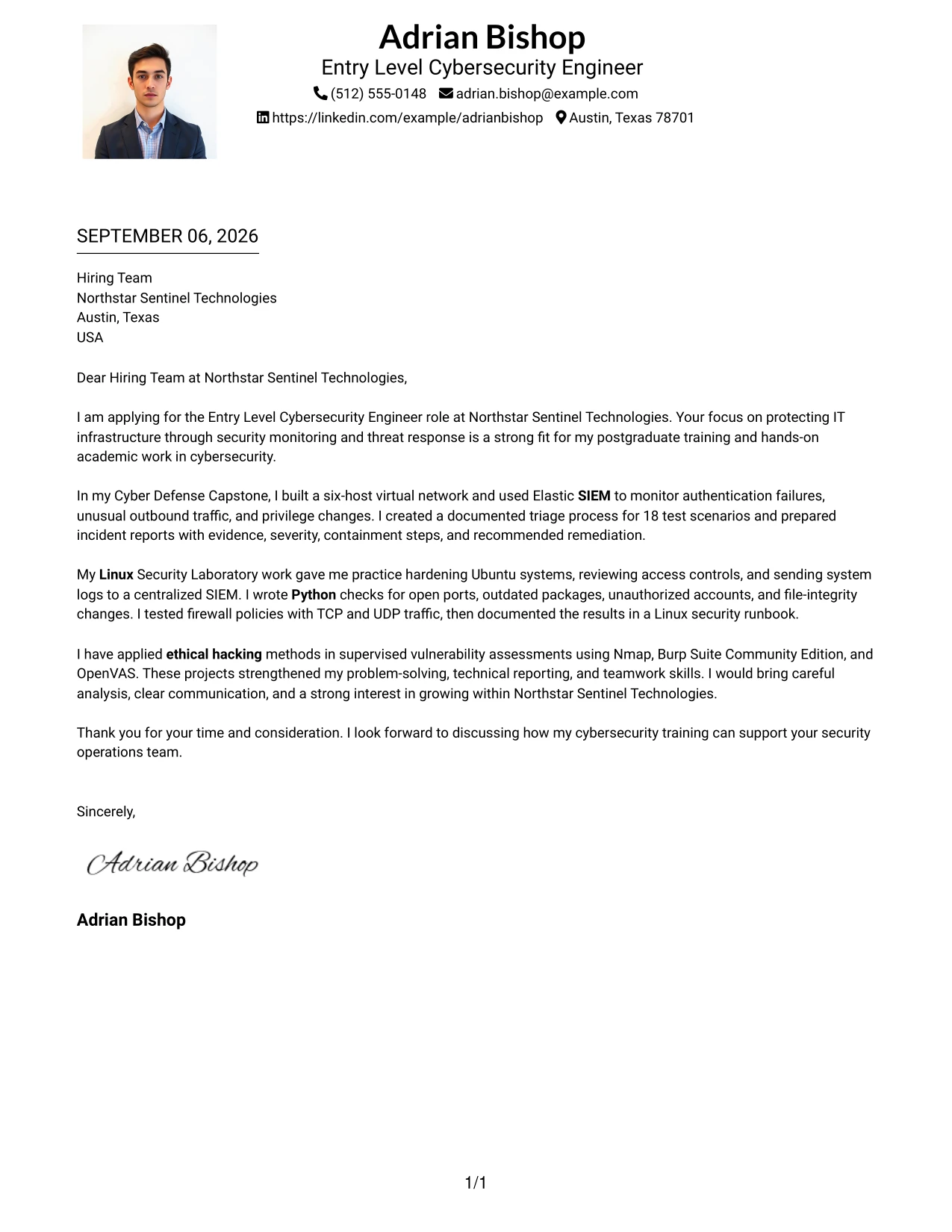
Why the One Column Format with Photo Works for a Cover Letter
- The single column keeps the persuasive message easy to follow after the header.
- A photo can support a more personal introduction when it suits the employer and application setting.
- The opening can connect the company's security mission with the candidate's training.
- One-column paragraphs allow technical evidence to be explained without side-by-side competition.
- The letter can move smoothly from SIEM and Linux work to vulnerability assessment.
- A consistent visual path helps the closing feel like a natural next step.
- The format balances personal presentation with a focused professional argument.
Best For
- Applications where a personal introduction supports the communication goal
- Letters that need one uninterrupted path from opening to closing
- Candidates presenting both academic preparation and practical security exercises
- Employer settings where a polished personal header is appropriate
- Messages that should keep technical evidence together rather than split across areas
- Readers who value a clear narrative with a visible identity cue
- One-page letters that need warmth without losing professional focus
#6 One Column Format with Photo Right Cover Letter Example
A restrained visual hierarchy keeps the written case central while the right-side photo provides a secondary introduction. The letter can therefore lead with Northstar Sentinel Technologies' security needs, explain relevant SIEM, Linux, Python, and firewall work, and close with a clear statement of interest.
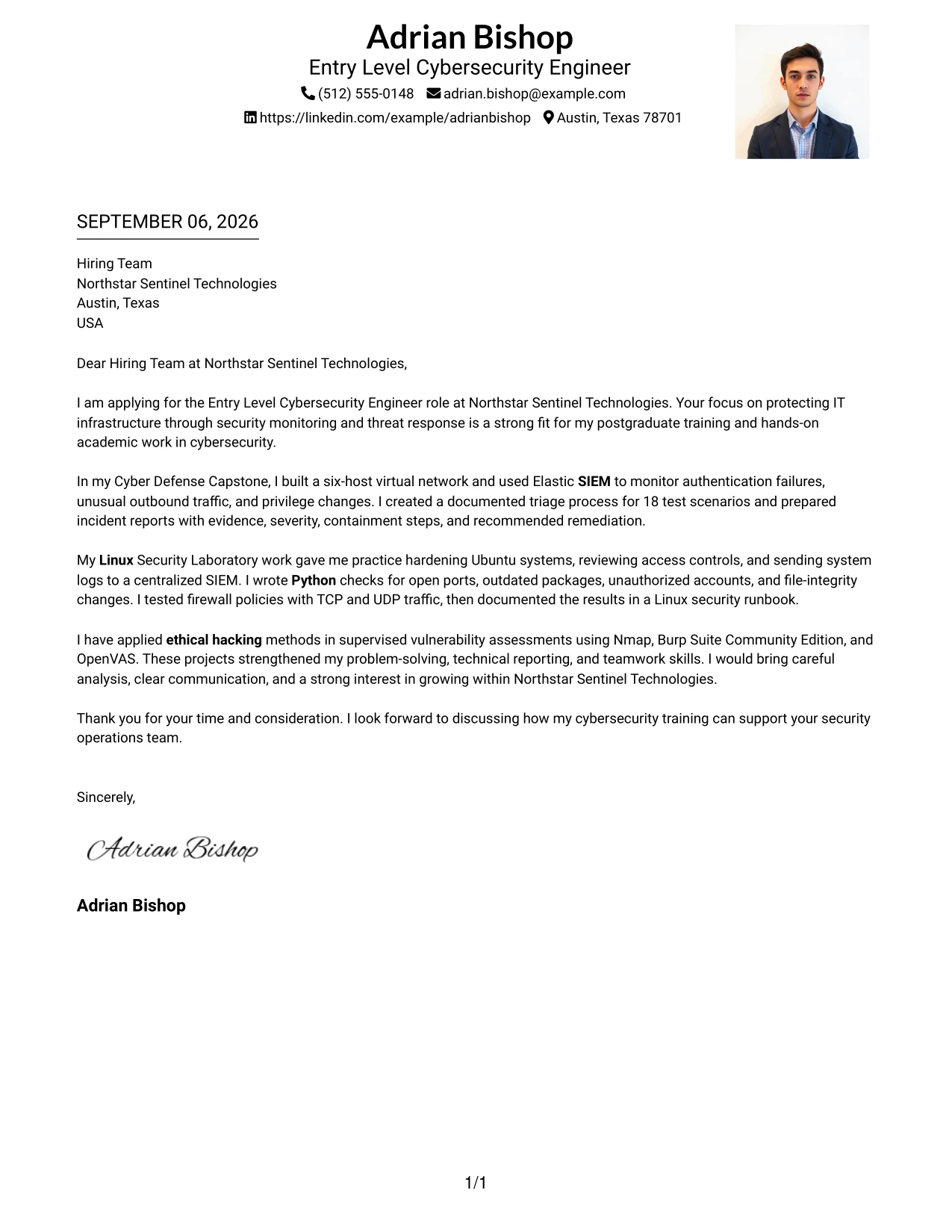
Why the One Column Format with Photo Right Works for a Cover Letter
- The written message remains the primary route through the application.
- A right-side photo can add personal context without interrupting the body sequence.
- The opening can align the candidate's interests with monitoring and threat response.
- The format supports a clear explanation of technical work in separate paragraphs.
- Python automation and firewall testing can be tied to practical security tasks.
- The closing stays connected to the main narrative rather than a separate visual panel.
- This arrangement gives role alignment priority while keeping the presentation personable.
Best For
- Applications where written role alignment should remain more prominent than personal branding
- Letters with a strong left-to-right reading order
- Candidates who need room to explain several connected technical examples
- Employer contexts that welcome a personal visual introduction
- Messages linking monitoring, scripting, and protective controls in sequence
- Readers who want the main argument clearly separated from secondary presentation details
- One-page applications that need a personable header without splitting the narrative
#7 Simple Two Column Format Cover Letter Example
Simple Two Column Format divides the letter into a main explanation and a supporting area. The main text can describe interest in the role and connect capstone, Linux laboratory, and vulnerability assessment work to Northstar Sentinel Technologies' needs, while the second area keeps selected supporting details easy to find.
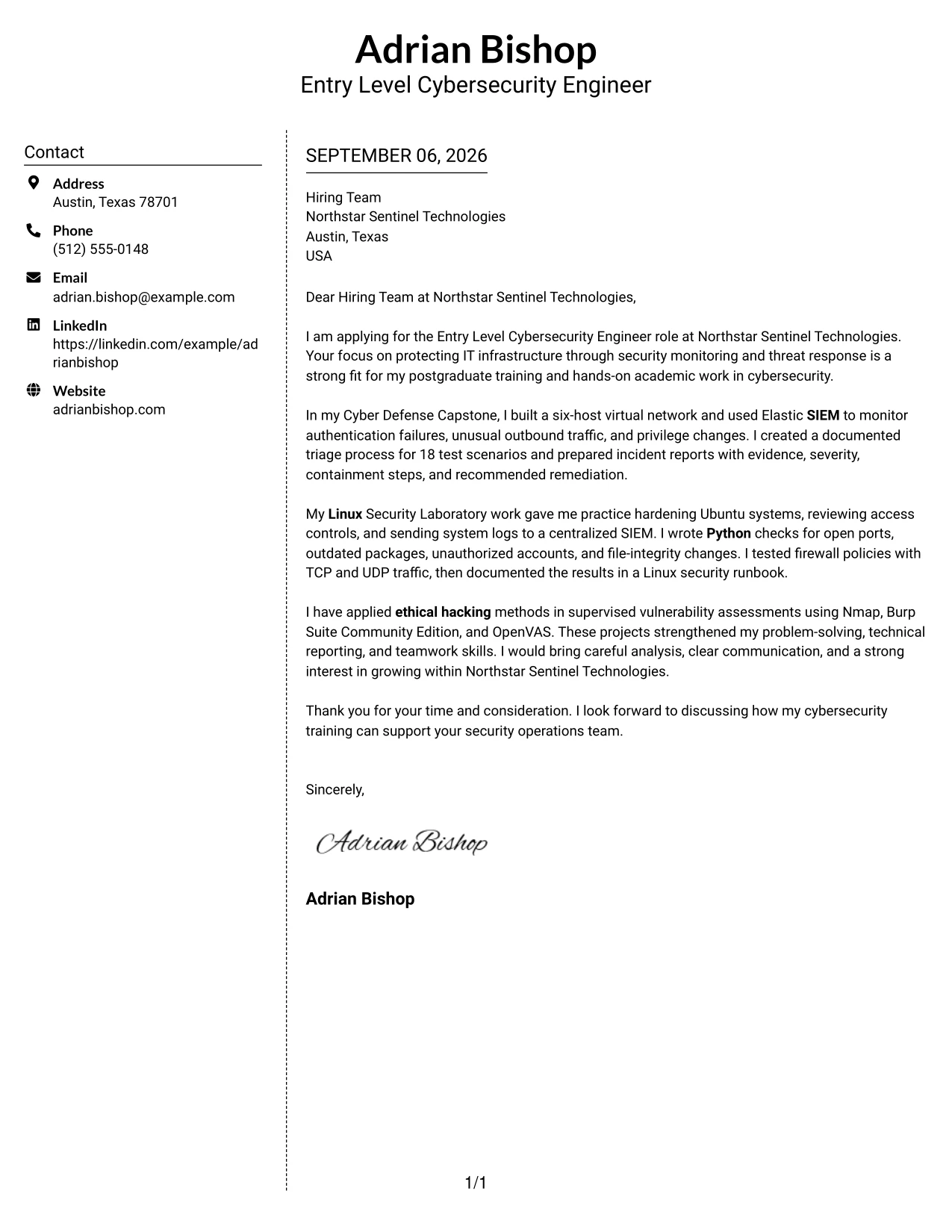
Why the Simple Two Column Format Works for a Cover Letter
- The division gives the opening and body a clear primary position.
- Supporting details can confirm tools or focus areas without interrupting the argument.
- The reader can scan role alignment before reviewing additional evidence.
- The format works well when several projects need brief but distinct treatment.
- Technical examples can stay concise while the main letter retains a natural voice.
- Clear visual separation helps prevent the closing from being lost among details.
- A simple two-column structure offers organization without making the letter feel elaborate.
Best For
- Letters that need a primary narrative plus a short evidence panel
- Applications with multiple projects that should be grouped by purpose
- Readers who scan first and read the full message second
- Candidates balancing motivation with a compact overview of technical focus
- One-page letters where supporting facts need their own visual location
- Messages that benefit from clear separation between explanation and reference details
- Applications requiring organized content without a highly decorative presentation
#8 Stylish Two Column Designer Format Cover Letter Example
Readers can first identify the main application message, then use the sidebar to review supporting facts and focus areas. This format gives the letter room to explain motivation and communication strengths while grouping technical evidence such as SIEM monitoring, Python scripting, Linux hardening, and firewall testing in a separate visual zone.
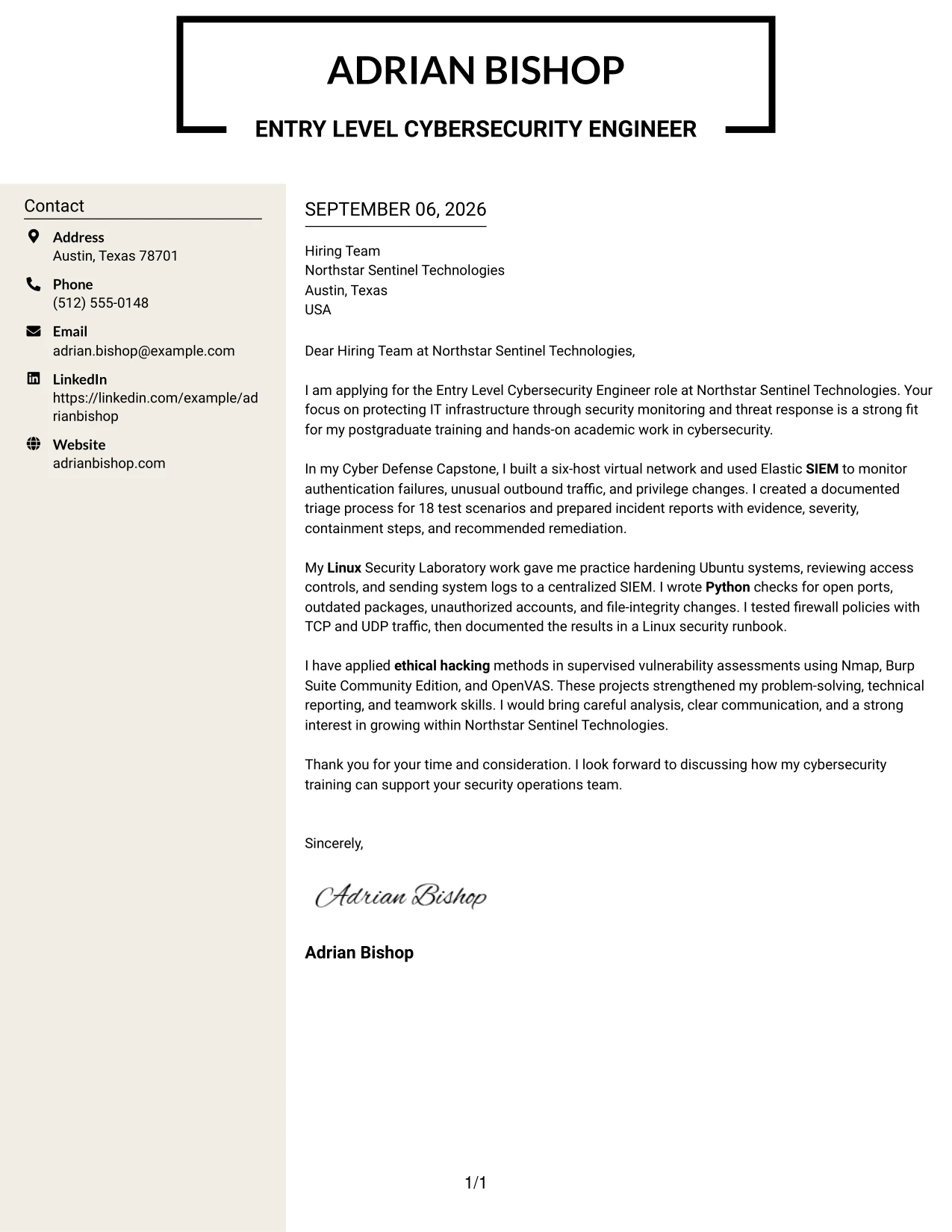
Why the Stylish Two Column Designer Format Works for a Cover Letter
- The main column protects the flow of the opening, body, and closing.
- A sidebar can hold compact supporting facts for quick review.
- The design allows several evidence types to appear without creating one dense block of text.
- Technical examples can be grouped by security purpose instead of repeated throughout the letter.
- The format supports a confident tone while leaving space for a respectful closing.
- A reader can compare motivation with practical preparation at a glance.
- The organization is useful when the application contains more supporting detail than a plain letter can comfortably hold.
Best For
- Applications with a high amount of supporting information to organize
- Letters that need a persuasive main column and a compact evidence sidebar
- Readers who review visual groups before reading each paragraph closely
- Candidates combining training, projects, tools, and communication examples
- One-page submissions that must avoid a long uninterrupted text block
- Messages where related technical evidence should be grouped for quick comparison
- Applications that call for a polished structure while keeping the written case clear
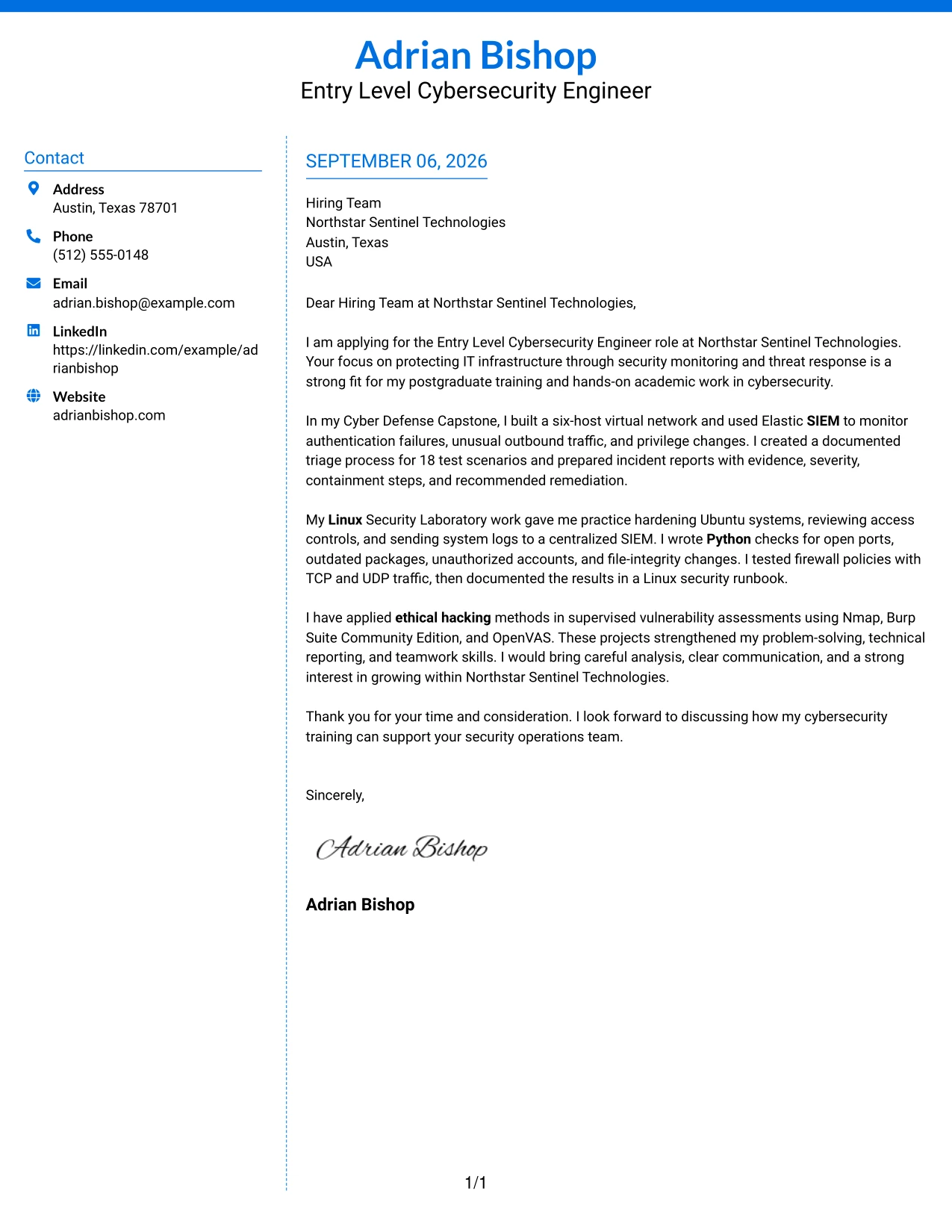
#9 Colored Two Column Format Cover Letter Example
The strongest evidence should appear first in the main reading area: the candidate's SIEM monitoring, Linux hardening, firewall testing, and supervised vulnerability assessment. A colored supporting column can then organize contact details or brief focus points, helping the reader connect each example to the employer's security responsibilities.
Why the Colored Two Column Format Works for a Cover Letter
- The main area gives high-value evidence enough space to be understood.
- A colored side area can distinguish supporting information from the central argument.
- The opening can connect project work to threat monitoring and infrastructure protection.
- The body can explain what was done, not only name technical tools.
- Separate areas make it easier to balance motivation with proof of preparation.
- The format supports concise communication for both technical and nontechnical readers.
- A visible hierarchy helps the reader return to the most relevant evidence during review.
Best For
- Letters where the strongest evidence should receive the clearest visual position
- Applications needing a supporting area for concise reference information
- Candidates with several practical examples that must be prioritized
- Readers who benefit from a visible distinction between proof and context
- Messages connecting technical work to specific employer responsibilities
- One-page applications that need emphasis without adding more paragraphs
- Cover letters that should make evidence easy to revisit during discussion
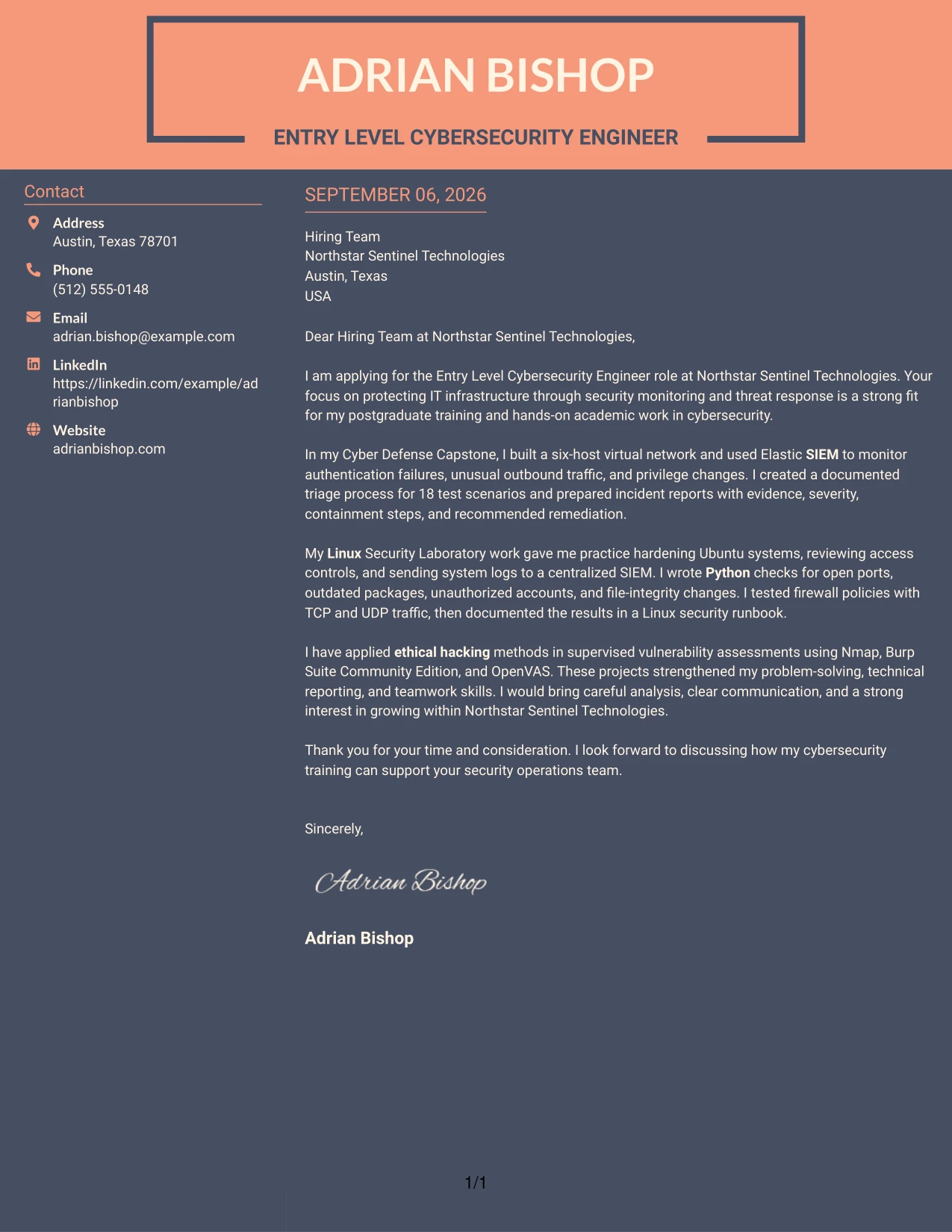
#10 Creative Two Tone Format Cover Letter Example
Good spacing and two-tone separation can make a practical application feel organized without weakening its professional message. The letter can use one visual area for motivation and role alignment, then give the body enough room to explain SIEM monitoring, Linux security, Python automation, and ethical hacking work.
Why the Creative Two Tone Format Works for a Cover Letter
- Balanced sections keep visual interest subordinate to the written argument.
- The opening can state interest in Northstar Sentinel Technologies without using excessive design language.
- A separate tone can guide the reader from motivation to supporting evidence.
- The body has room to explain project results and responsible testing methods.
- Clear spacing helps technical details remain readable for mixed audiences.
- The closing can stand apart as a confident but respectful next step.
- This format suits applications that want a distinctive presentation while preserving a professional tone.
Best For
- Applications that need a distinctive presentation with clear professional control
- Letters dividing motivation from evidence in a visually simple way
- Candidates whose project work needs explanation rather than a long list
- Readers who appreciate strong spacing and clear changes between content areas
- One-page messages that should feel memorable without becoming difficult to scan
- Applications where communication style is part of the overall impression
- Cover letters that combine technical detail with a measured, confident tone
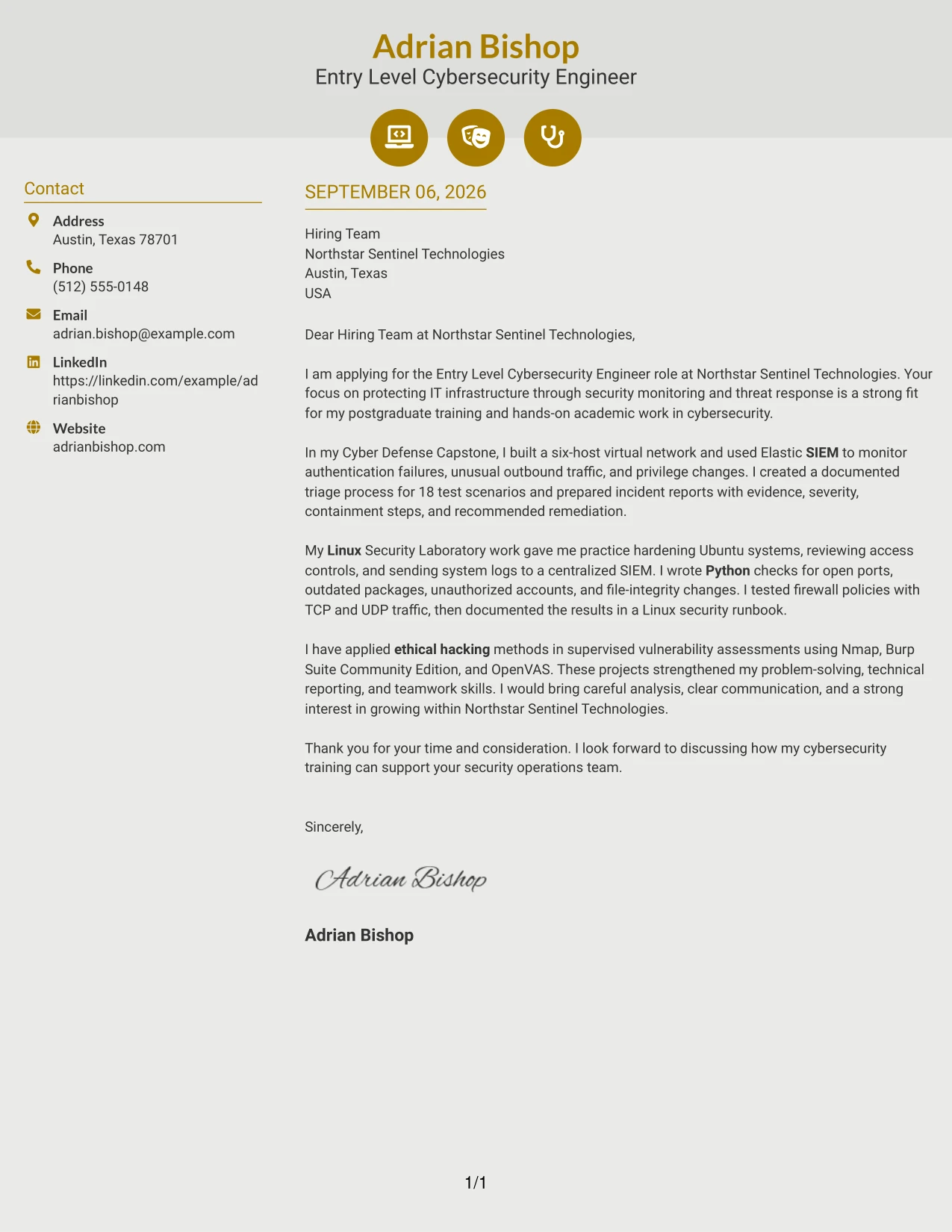
#11 Modern Icon Format Cover Letter Example
A practical application can use small visual markers to guide attention from the opening to the evidence and closing. The letter can introduce interest in Northstar Sentinel Technologies, then use clear sections to connect postgraduate cybersecurity training with SIEM monitoring, Linux hardening, Python scripting, firewall testing, and ethical hacking.
Why the Modern Icon Format Works for a Cover Letter
- Visual markers can help the reader locate the opening, evidence, and closing quickly.
- The format keeps the written message in one clear sequence.
- Each section can focus on one reason the candidate fits the security operations need.
- Icons can support navigation without replacing specific evidence or explanation.
- The letter can remain accessible to readers with both technical and nontechnical backgrounds.
- A consistent visual system helps related points feel connected.
- The structure gives a modern presentation while keeping motivation and communication at the center.
Best For
- Applications that benefit from light visual guidance between letter sections
- Readers who scan for motivation, evidence, and closing action
- Candidates presenting several related security capabilities in a clear sequence
- Letters that need modern presentation without a split-column reading path
- One-page applications where small markers can improve navigation
- Messages written for mixed audiences who need technical points explained clearly
- Cover letters that connect postgraduate preparation with practical project work
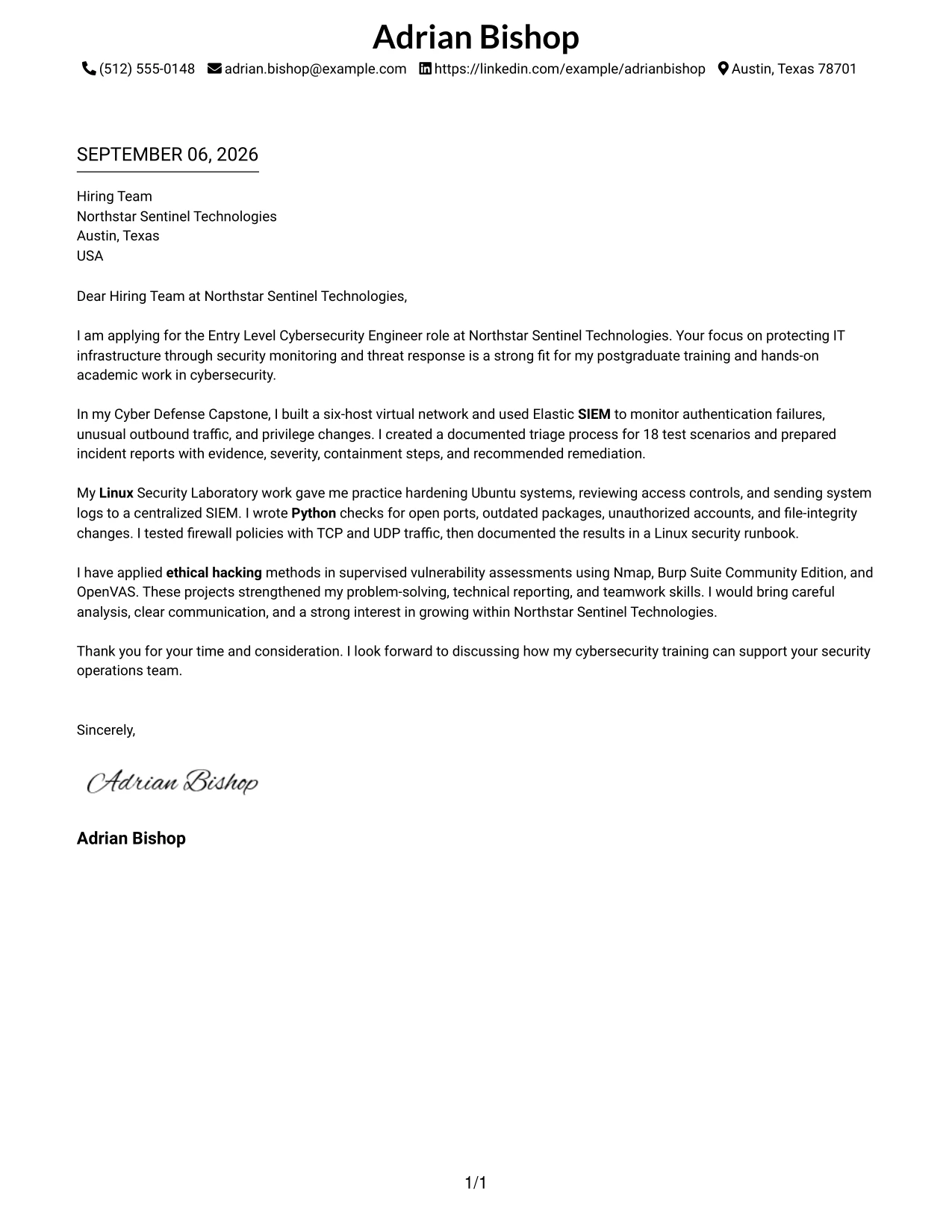
#12 Cover Letter Example: Minimal Header Format
A restrained visual hierarchy keeps attention on the letter's purpose: interest in the Entry Level Cybersecurity Engineer role, relevant postgraduate training, and direct fit with Northstar Sentinel Technologies. The short opening names the role and company, while the body connects SIEM monitoring, Linux security, Python checks, firewalls, and ethical hacking to the employer's needs. This approach makes the motivation clear without adding visual distractions.
Why This Cover Letter Works
- The opening states the exact role and company interest immediately.
- Postgraduate cybersecurity training is linked to the position's qualification requirements.
- The Cyber Defense Capstone provides concrete evidence of SIEM monitoring and incident reporting.
- Linux hardening and Python checks show practical preparation for infrastructure protection.
- Firewall testing and ethical hacking connect directly to the listed technical skills.
- The letter explains how technical findings were documented and communicated.
- The closing presents a clear interest in supporting the security operations team.
Best For
- Applicants who want the opening to establish role alignment quickly.
- Cover letters that need a calm, professional visual impression.
- Applications where a single reading path supports easy review.
- Early-career candidates presenting academic work as relevant preparation.
- Roles that value both technical evidence and clear communication.
- Letters that must connect several related security skills without feeling crowded.
- Applicants who prefer a focused format for a direct employer match.
#13 Cover Letter Example: Clean Two Column Sidebar Format
The format organizes contact details and supporting information in a sidebar while giving the letter's main argument a separate reading area. That structure helps the reader move from the application purpose to evidence of SIEM work, Linux hardening, Python automation, firewall testing, and vulnerability assessment. The result is a letter that feels orderly while still making room for a persuasive explanation of fit.
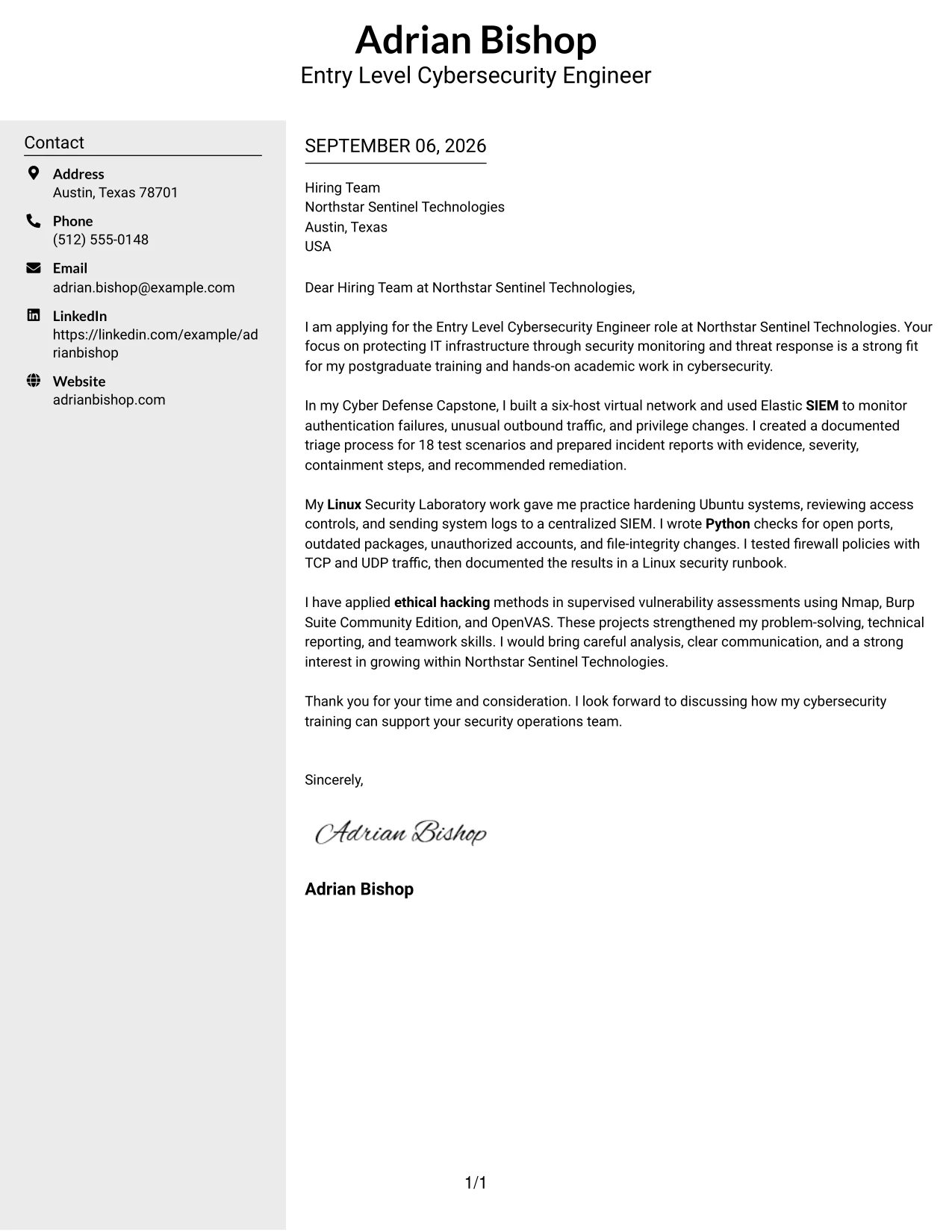
Why This Cover Letter Works
- The separated areas help the reader distinguish identity details from the main message.
- The introduction gives Northstar Sentinel Technologies a clear reason to continue reading.
- Each body paragraph supports the role with a different type of technical evidence.
- The capstone example shows monitoring, triage, and incident reporting in one connected story.
- The Linux laboratory example demonstrates system protection and repeatable security checks.
- The vulnerability assessment example adds evidence of responsible ethical hacking practice.
- The closing returns to contribution and growth instead of repeating the skills list.
Best For
- Applications that benefit from clear separation between contact details and message content.
- Readers who prefer distinct visual areas for quick navigation.
- Letters with several evidence groups that need orderly presentation.
- Applicants combining academic projects, technical preparation, and motivation.
- Professional documents where a sidebar can hold supporting details without interrupting the argument.
- Role applications reviewed by people who scan before reading closely.
- Candidates who want structure without using a dense block of text.
#14 Cover Letter Example: Plain Two Column Format
A recruiter can move through this plain two-column letter from the application purpose to the strongest supporting examples, then to the closing interest. The balanced structure gives enough room to explain the six-host network, 18 test scenarios, Linux controls, Python checks, and supervised vulnerability work. It supports a detailed case for fit while keeping the message easy to follow.
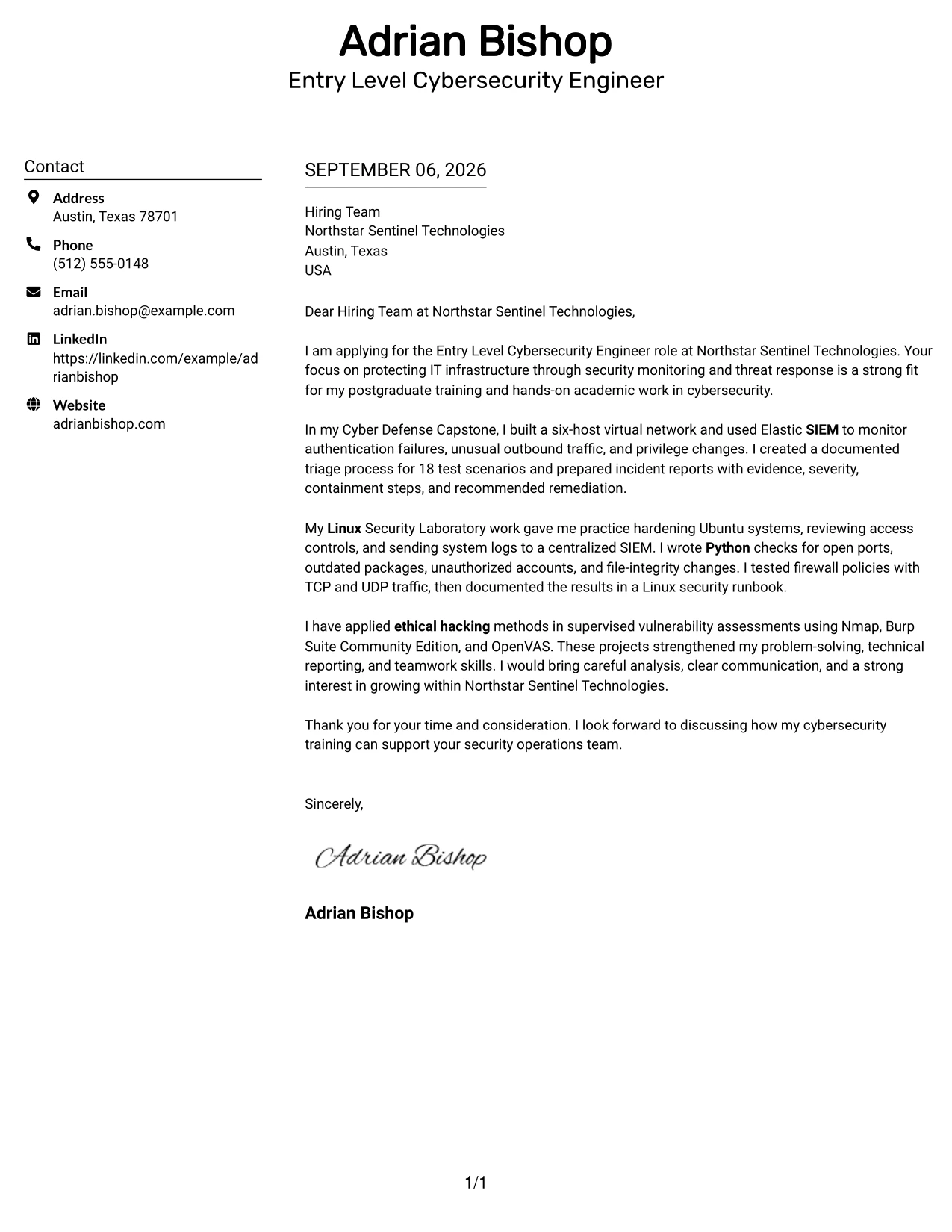
Why This Cover Letter Works
- The first paragraph establishes motivation and employer fit before technical detail begins.
- The capstone evidence shows how alerts were reviewed and turned into a triage process.
- The Linux example demonstrates access control, logging, firewall testing, and documentation.
- The vulnerability assessment paragraph shows careful work within approved testing boundaries.
- Specific counts make the project evidence more concrete and credible.
- The letter connects technical work with reporting, teamwork, and communication.
- The final sentence keeps the focus on supporting Northstar Sentinel Technologies.
Best For
- Letters that need to present several substantial project examples.
- Applicants with enough evidence to support a fuller body section.
- Review processes where plain organization matters more than decoration.
- Candidates explaining both technical work and the reasoning behind it.
- Applications that must balance detail with a predictable reading order.
- Readers comparing practical preparation across multiple security areas.
- Cover letters that need space for evidence without using long paragraphs.
#15 Cover Letter Example: Modern Full Background Two Column Format
The strongest evidence receives priority here: SIEM monitoring, Linux hardening, Python checks, firewall validation, and supervised vulnerability assessment. The two-column structure then distributes that evidence beside a direct explanation of motivation and employer fit. This gives Northstar Sentinel Technologies a quick view of preparation while preserving the human case for joining its security operations work.
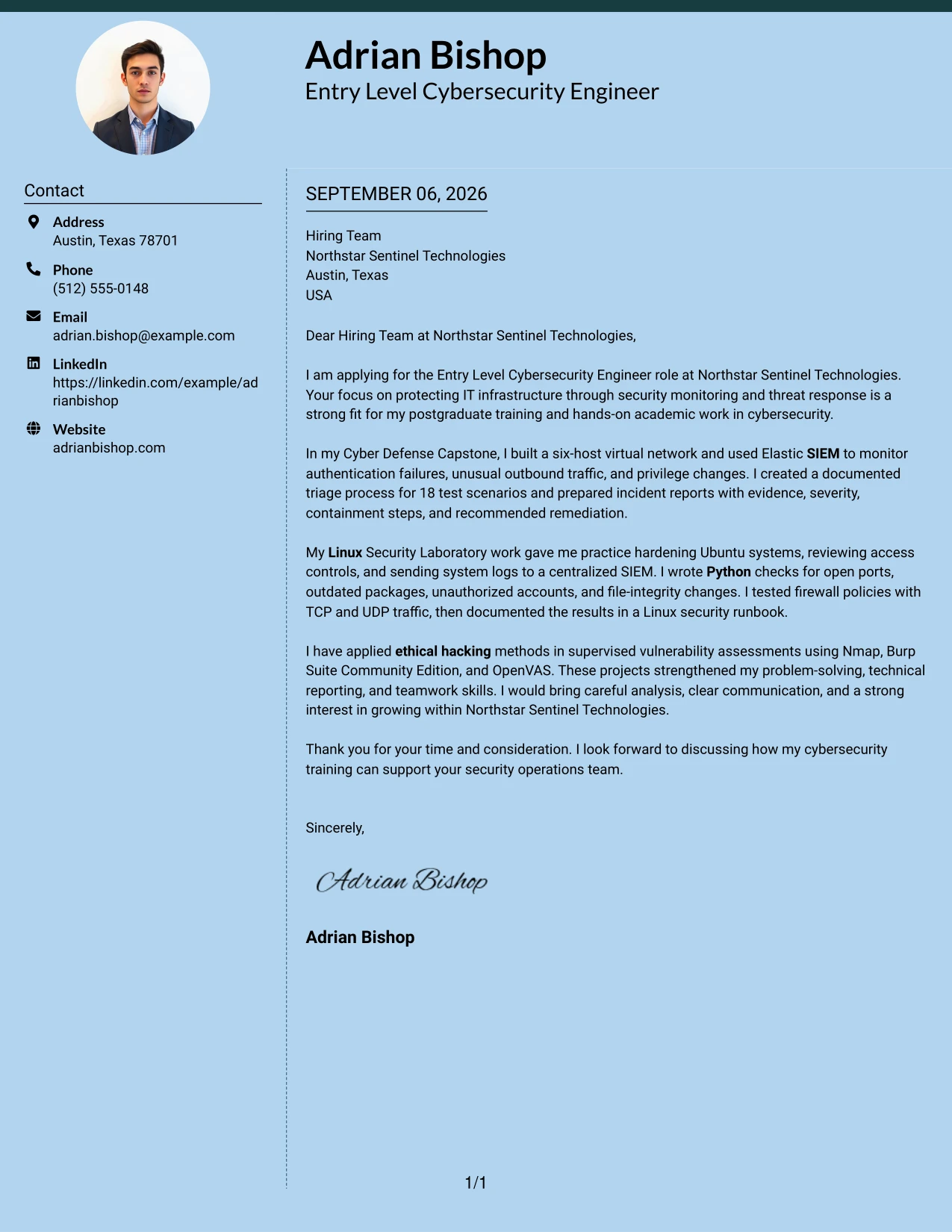
Why This Cover Letter Works
- The opening connects the employer's security mission with relevant academic preparation.
- SIEM work is supported by alert types, triage steps, and incident documentation.
- Linux experience is described through hardening, access controls, and centralized logging.
- Python checks show an ability to make security review work more repeatable.
- Firewall and network testing support the role's infrastructure protection needs.
- Ethical hacking evidence is framed as supervised and responsible vulnerability assessment.
- The letter combines technical proof with a clear statement of motivation.
Best For
- Applications where the most relevant evidence should stand out early.
- Candidates with several directly related technical projects.
- Letters that need balanced space for evidence and personal motivation.
- Security roles involving monitoring, controls, and incident communication.
- Applicants who want project results to support the central argument.
- Reviewers who need to compare practical preparation with role requirements.
- Professional applications that benefit from a structured but current presentation.
#16 Cover Letter Example: Dark Mode Two Column Format
Careful balance keeps the visual treatment from competing with the application message. One area can guide the reader through the opening and motivation, while the other supports the case with SIEM, Linux, Python, firewall, and ethical hacking evidence. The letter remains professional because the dark presentation is paired with direct language and specific examples.
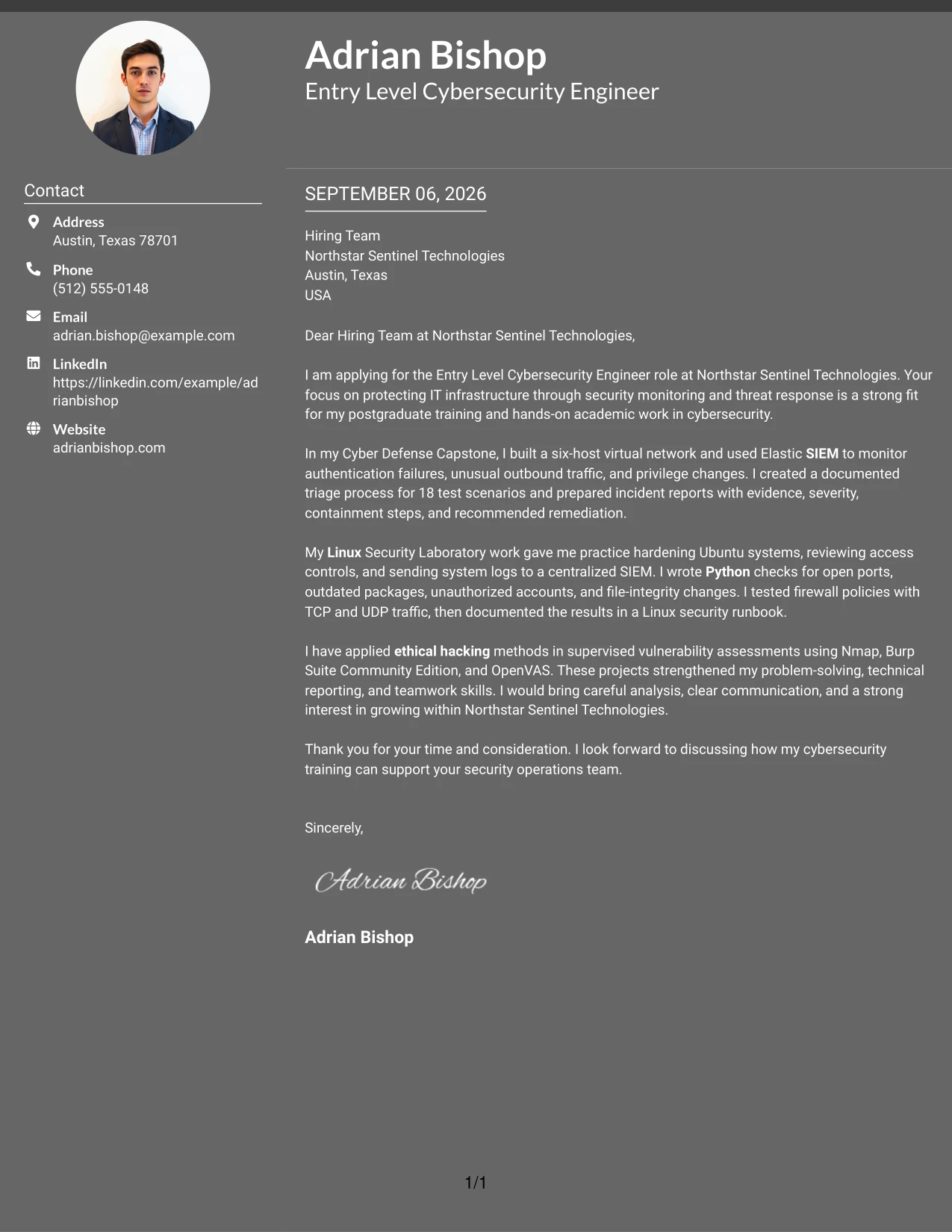
Why This Cover Letter Works
- The opening explains why the employer's monitoring and response work is relevant.
- The two-column balance prevents the technical evidence from becoming one dense block.
- The capstone example shows alert review, triage, and remediation recommendations.
- The Linux example demonstrates practical attention to access, services, and logs.
- The ethical hacking example confirms experience with authorized vulnerability assessment.
- Technical work is paired with communication through reports, presentations, and documentation.
- The closing presents a measured interest in contributing and continuing to learn.
Best For
- Applications where a distinctive presentation still needs professional restraint.
- Applicants who want technical evidence separated into clear reading areas.
- Letters reviewed both quickly and in detail.
- Candidates presenting a mix of monitoring, systems, and assessment work.
- Role applications that require a balance of confidence and careful wording.
- Documents where visual contrast helps organize, rather than replace, the message.
- Applicants seeking a modern format for a technology-focused employer.
#17 Cover Letter Example: Dark Mode Box Header Format
For a practical application, a strong boxed header can identify the role, recipient, and contact details before the reader reaches the argument. The one-column flow then moves naturally from motivation to capstone evidence, Linux security work, vulnerability assessment, and a respectful close. The darker treatment adds distinction while the writing remains focused on Northstar Sentinel Technologies' needs.
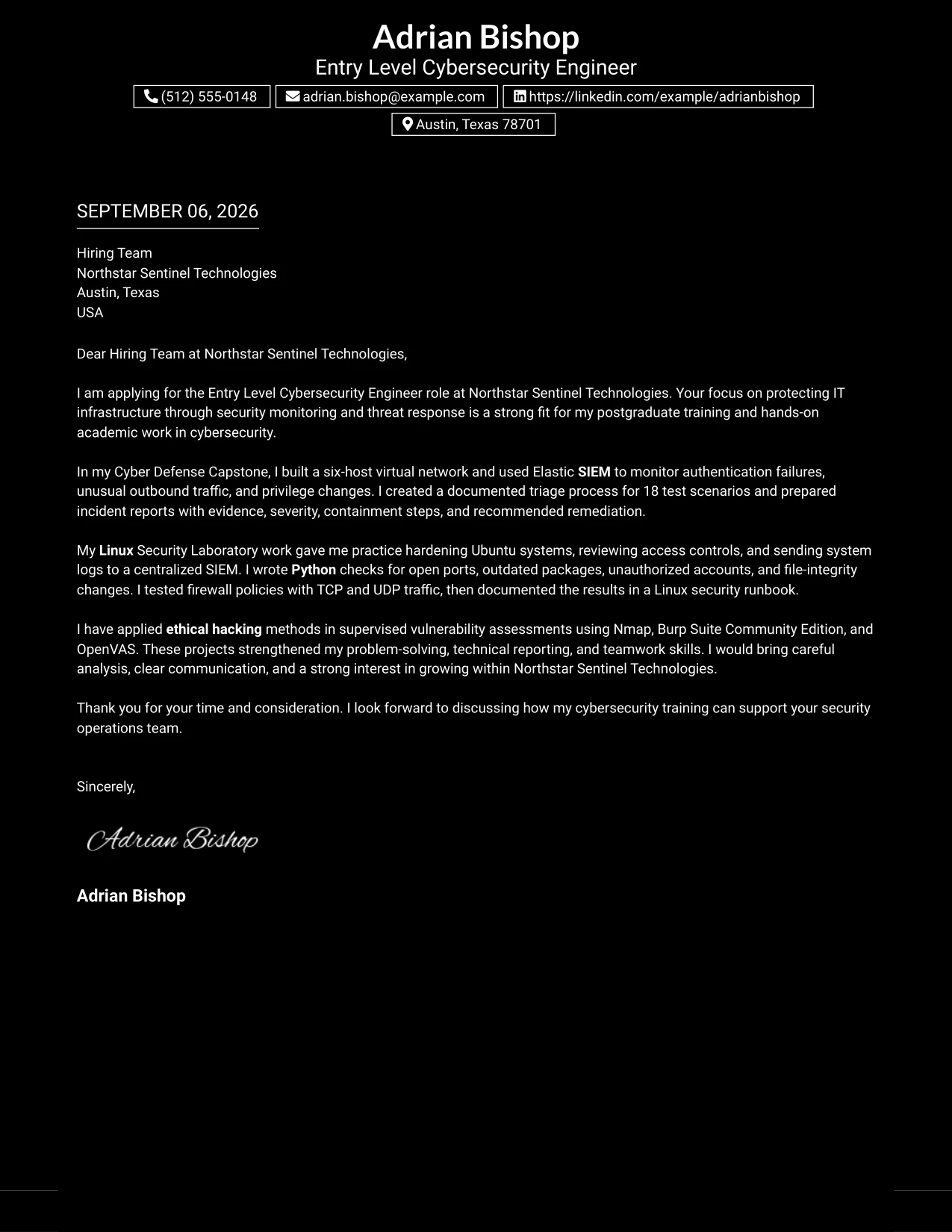
Why This Cover Letter Works
- The header gives the reader the key application context at once.
- The opening links postgraduate study and hands-on work to the advertised role.
- The capstone paragraph proves experience with SIEM alerts and documented triage.
- The Linux paragraph supports readiness for system hardening and firewall review.
- The vulnerability assessment paragraph shows ethical boundaries and technical reporting.
- The letter demonstrates communication for both technical and nontechnical audiences.
- The close makes a specific connection to the employer's security operations team.
Best For
- Applications that need the recipient and purpose to be visible immediately.
- One-column letters with a clear beginning, middle, and end.
- Applicants who want a strong header without adding multiple content areas.
- Professional technology applications that can support a modern visual treatment.
- Letters where the argument should unfold in a single controlled sequence.
- Candidates presenting evidence in three connected stages.
- Readers who value direct application context before detailed explanation.
#18 Cover Letter Example: Elegant Full Background Two Column Format
A restrained, polished hierarchy gives the letter a confident first impression while keeping the role match easy to see. The two-column arrangement lets motivation sit alongside evidence from SIEM monitoring, Linux hardening, Python scripting, firewall testing, and vulnerability assessment. The tone stays warm and practical, showing interest without overstating early-career experience.
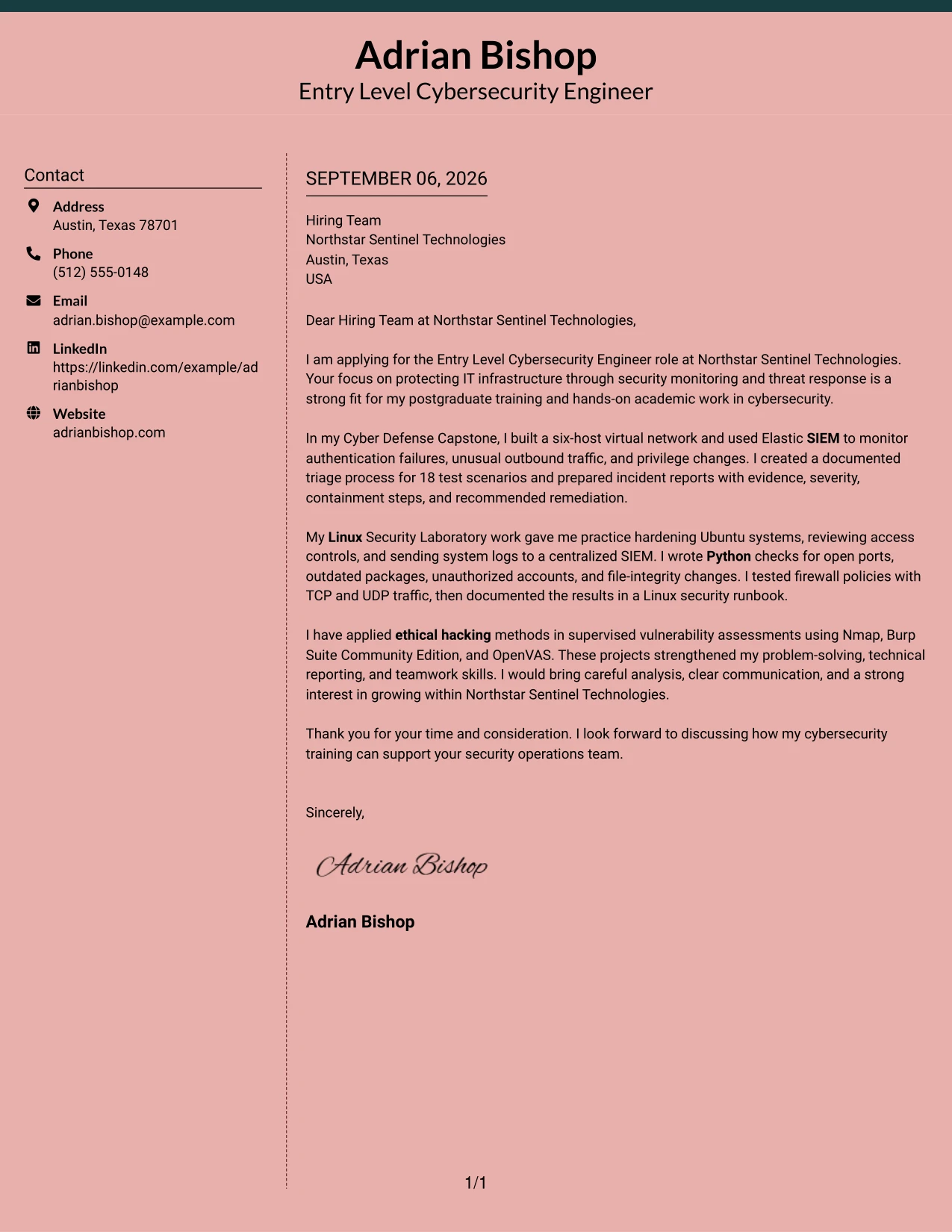
Why This Cover Letter Works
- The opening presents company interest in a direct and respectful way.
- The capstone example connects network design, alert monitoring, and incident reporting.
- The Linux example shows disciplined work with permissions, logs, services, and firewalls.
- The Python work demonstrates practical support for repeatable security checks.
- The assessment example adds evidence of careful and authorized testing.
- The letter explains technical work in language suitable for varied audiences.
- The close expresses readiness to support the team while continuing professional growth.
Best For
- Applicants who want a polished format with a calm communication style.
- Letters that must show motivation beside relevant technical evidence.
- Early-career applications where academic work needs a professional frame.
- Roles that value careful documentation as well as hands-on security work.
- Candidates combining systems protection, monitoring, and assessment examples.
- Readers who prefer two balanced areas instead of one long text column.
- Applications where confident presentation should remain measured and credible.
#19 Cover Letter Example: Plain One Column with Highlighted Date
The format creates a simple sequence: application date and context, opening motivation, supporting evidence, and closing interest. That order helps the reader follow the case without searching across the page. The letter can therefore explain SIEM monitoring, Linux hardening, Python scripting, and ethical hacking in a steady, readable progression.
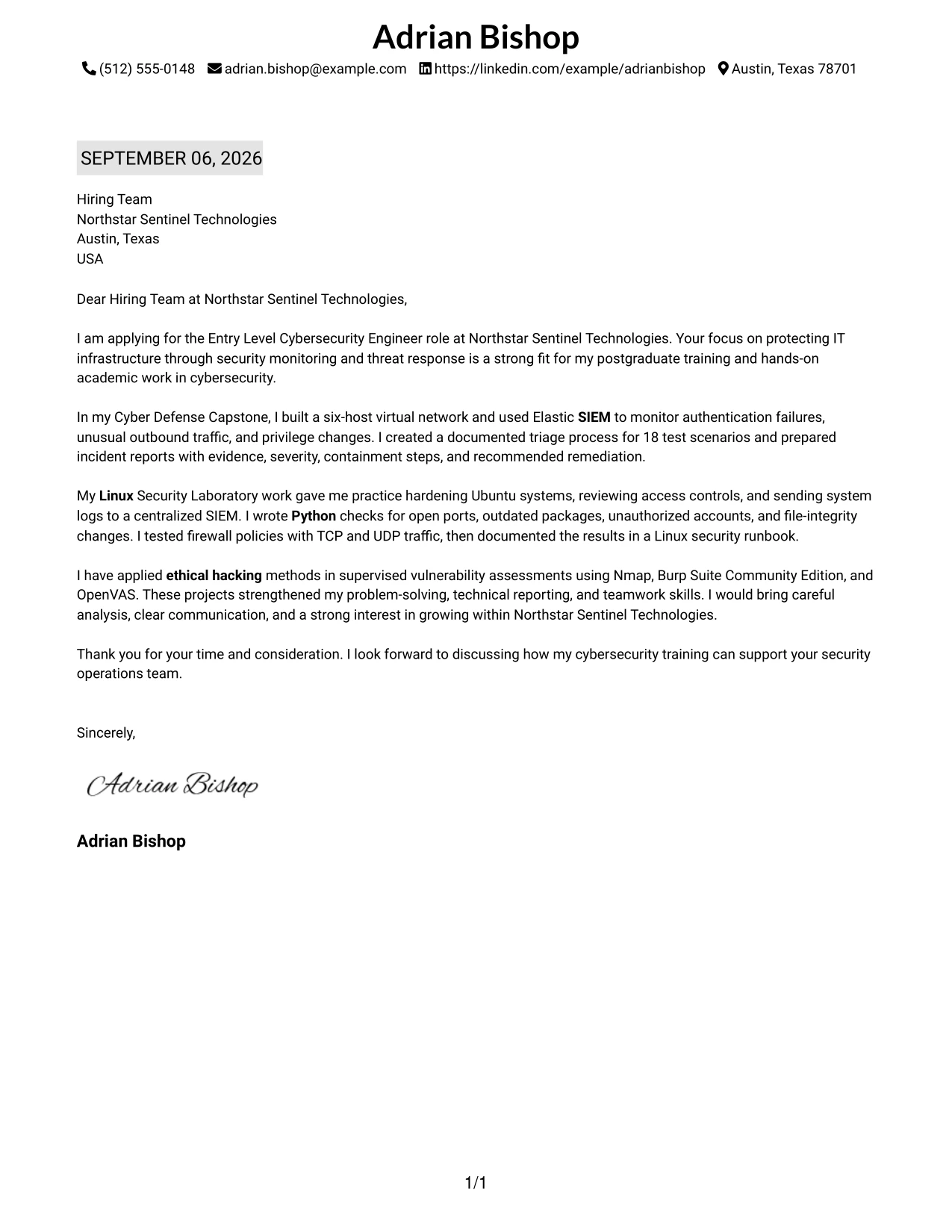
Why This Cover Letter Works
- The date and header establish a familiar business-letter structure.
- The first paragraph identifies both the role and the reason for applying.
- The capstone example gives a clear account of monitoring and incident review.
- The Linux example adds practical evidence of system security work.
- The final body paragraph shows supervised testing and responsible reporting.
- Each paragraph has a distinct purpose, reducing repetition.
- The closing keeps the conversation open with a clear statement of interest.
Best For
- Applicants who prefer a familiar business-letter sequence.
- Applications where dates and document context should be easy to locate.
- Readers who value a steady one-column reading path.
- Candidates presenting a few strong examples in separate paragraphs.
- Letters that need clear transitions from motivation to evidence to closing.
- Professional settings where simplicity supports credibility.
- Applicants who want technical detail to remain easy to scan in order.
#20 Cover Letter Example: Bold Color Header Professional Format
Readers first encounter the role, employer, and purpose, then move into the evidence that supports the application. A bold header gives that entry point strong definition, while the one-column message explains SIEM monitoring, Linux security, Python checks, firewalls, and ethical hacking in a fuller sequence. The result is professional, clear, and suitable for a detailed early-career application.
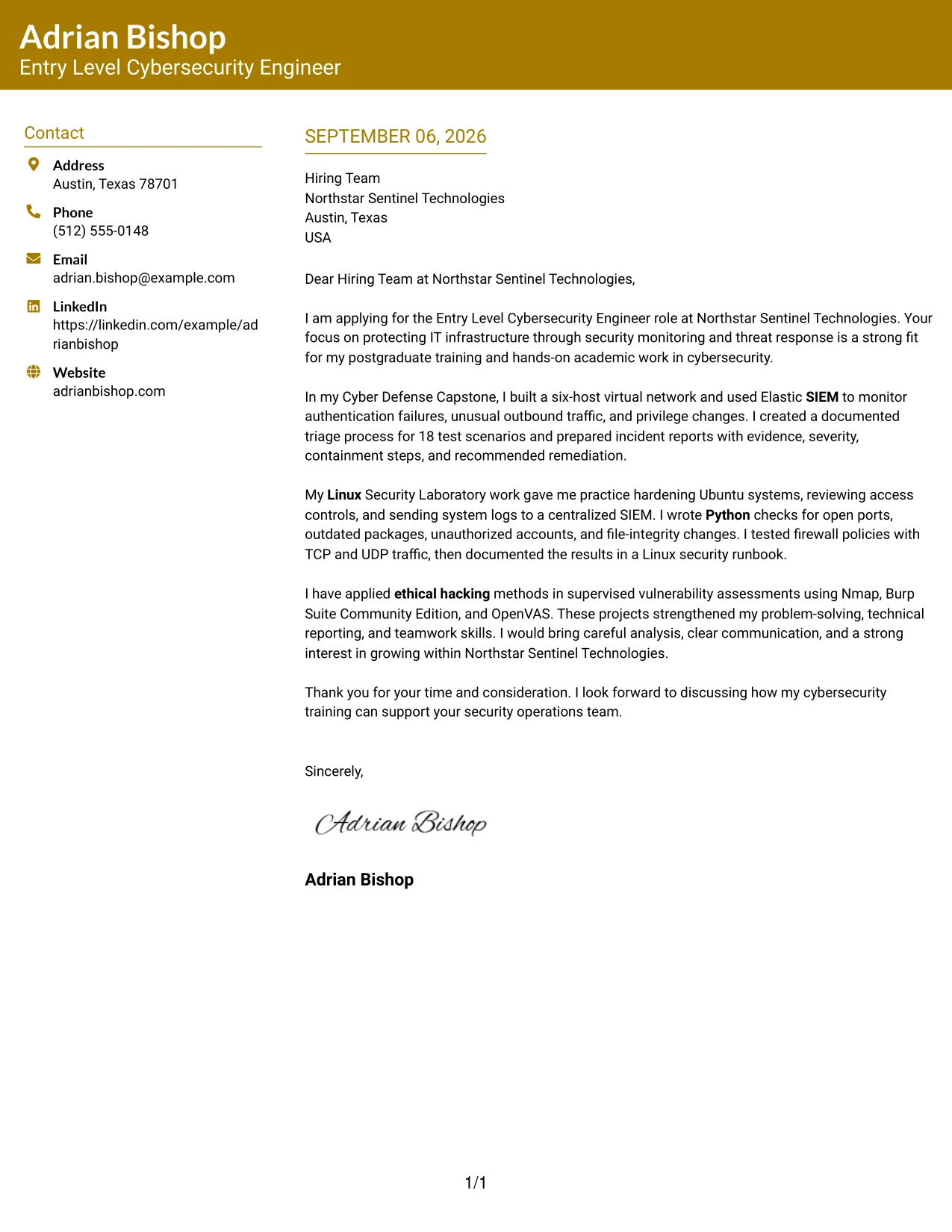
Why This Cover Letter Works
- The prominent header makes the application target clear from the beginning.
- The opening shows a direct connection between the employer's needs and postgraduate training.
- The capstone paragraph supplies evidence of alerts, triage, and incident reports.
- The Linux paragraph explains practical controls rather than naming skills without context.
- The final example demonstrates authorized vulnerability assessment and technical reporting.
- The letter gives communication and teamwork equal weight with technical preparation.
- The closing reinforces interest in contributing to the security operations team.
Best For
- Applications where the role and employer should be immediately visible.
- Letters with enough evidence to support a developed one-column argument.
- Applicants who want a strong visual entry followed by detailed explanation.
- Early-career candidates translating academic projects into workplace relevance.
- Technology roles that require both technical preparation and clear communication.
- Reviewers who read from the header through a complete evidence sequence.
- Candidates seeking a professional format with a confident first impression.
#21 Cover Letter Example: Photo Header Color Sidebar Format
The strongest evidence leads the message: SIEM monitoring, Linux hardening, Python automation, firewall testing, and vulnerability assessment. A color sidebar and professional photo can support a more personal introduction, while the letter explains why that preparation fits Northstar Sentinel Technologies. The visual elements should remain secondary to the applicant's motivation, evidence, and communication style.
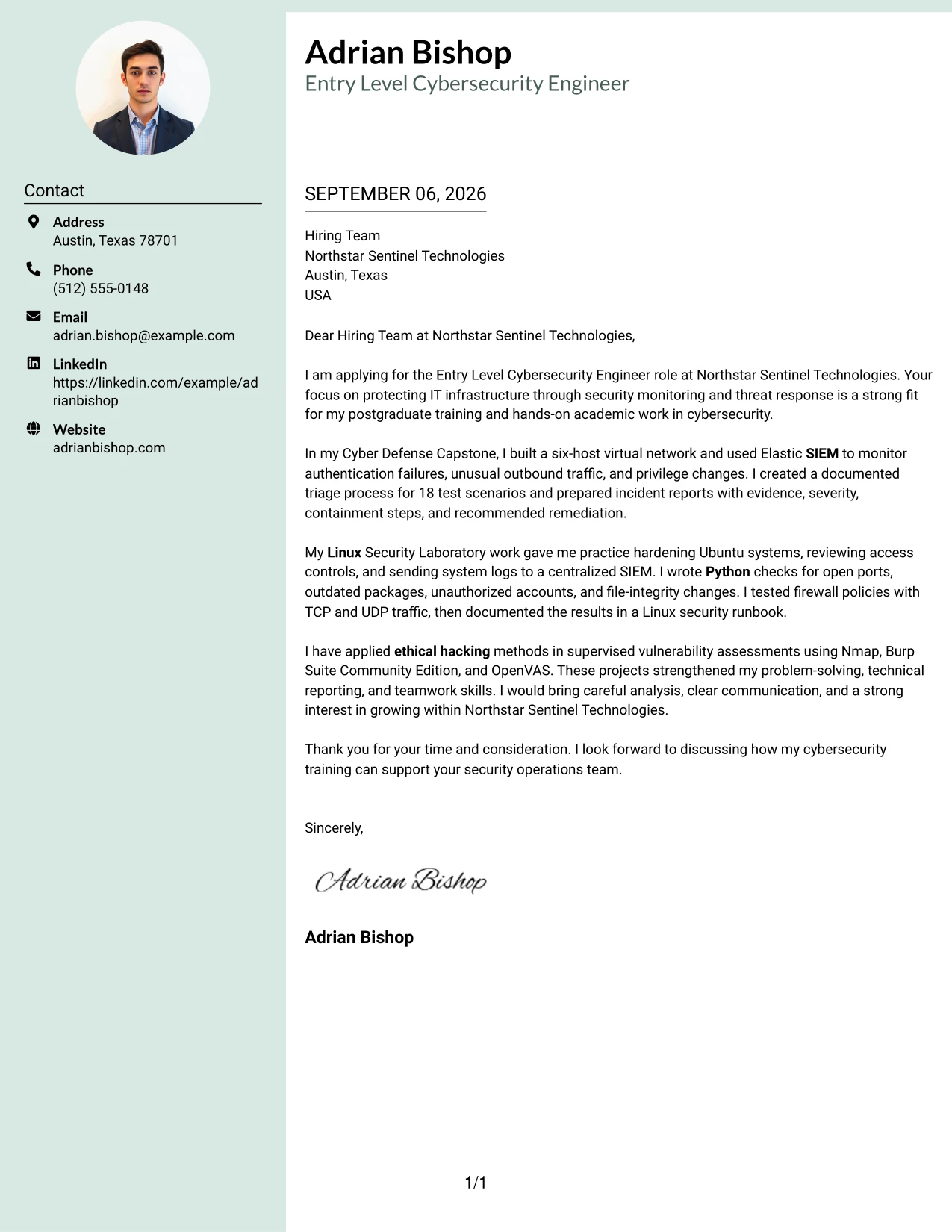
Why This Cover Letter Works
- The opening connects the employer's mission with relevant cybersecurity preparation.
- The visual header helps establish a personal and professional introduction.
- The capstone evidence shows alert monitoring, triage, and documented recommendations.
- The Linux work demonstrates attention to system controls and repeatable checks.
- The vulnerability assessment example shows responsible use of security tools.
- Reports, presentations, and runbooks support the communication case.
- The close explains how the preparation could support the security operations team.
Best For
- Applications where a professional personal introduction supports the communication goal.
- Letters that need strong technical evidence alongside a more personal presentation.
- Candidates with several project examples to organize under a clear sidebar.
- Roles where trust, careful explanation, and professional presence matter.
- Applicants who want monitoring, systems, and assessment work shown together.
- Employer reviews that consider both technical preparation and team communication.
- Formats where visual identity should support, not replace, the written argument.
#22 Cover Letter Example: Top Left Header Color Accent Format
A balanced application letter gives the header enough presence to identify the opportunity, then leaves most of the page for motivation and proof. The color accent can guide attention to the role and company while the body explains SIEM monitoring, Linux security, Python checks, firewalls, and ethical hacking. This makes the format useful when practical application context should lead into a measured case for fit.
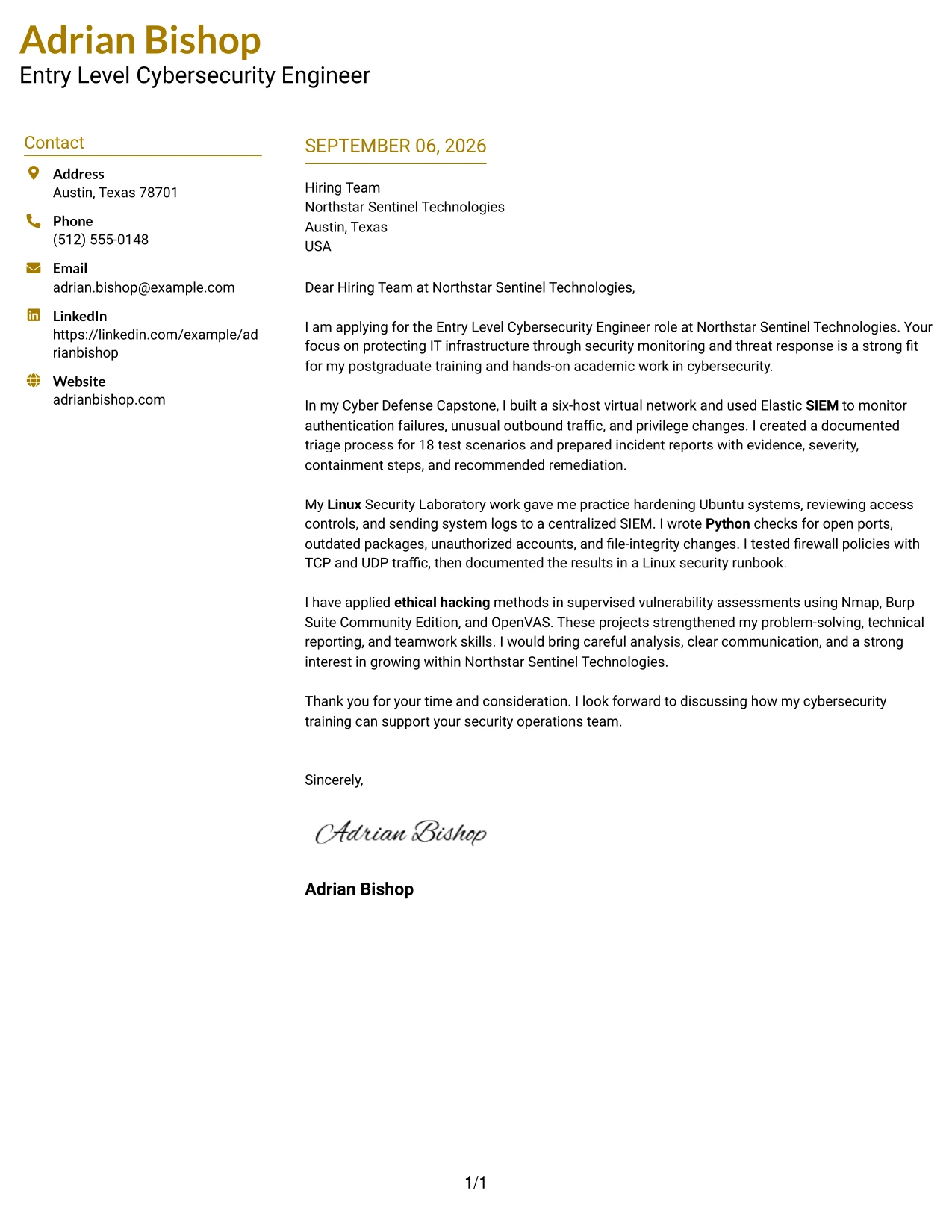
Why This Cover Letter Works
- The top-left header establishes the target role and employer without delay.
- The opening explains why the security mission is a strong match.
- The capstone paragraph turns project activity into evidence of monitoring and response.
- The Linux paragraph shows preparation for systems protection and access control.
- The final example connects ethical hacking with approved vulnerability assessment.
- The letter balances technical detail with concise, understandable communication.
- The closing points toward a useful contribution to the employer's team.
Best For
- Applications that need clear role and employer context at the top.
- Letters where the header should guide attention without dominating the page.
- Applicants presenting technical evidence in a practical, connected sequence.
- Early-career candidates who want motivation to frame project experience.
- Roles that combine monitoring, system protection, and written reporting.
- Readers who prefer balanced spacing around a focused application message.
- Candidates seeking a professional format with a restrained color accent.
#23 Centered Header Classic Two Column Format — Cover Letter Example
For an application that needs quick contact details and a clear personal message, the Centered Header Classic Two Column Format creates a balanced first impression. Its centered header identifies the sender, while the two-column structure separates contact and recipient details from the letter itself. The cover letter can then connect postgraduate cybersecurity training, SIEM monitoring, Linux security, Python scripting, firewalls, and ethical hacking work to Northstar Sentinel Technologies without crowding the page.
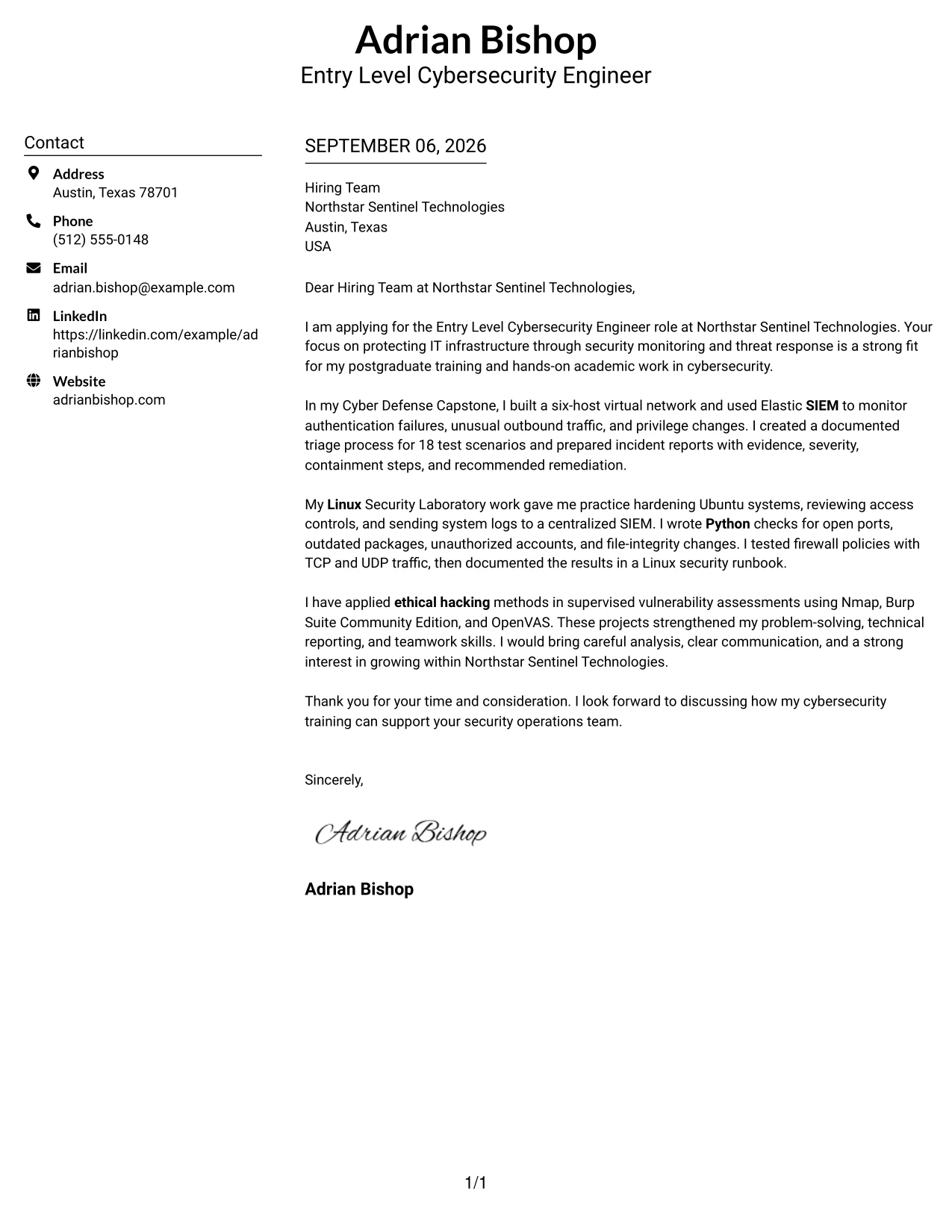
Why This Cover Letter Works
- The centered header makes the sender's contact information easy to locate.
- Two columns give the letter a clear visual path from contact details to the main message.
- The opening states the target role and connects it to the employer's security focus.
- The body uses specific evidence from a Cyber Defense Capstone instead of broad claims.
- The letter shows how SIEM monitoring, incident reporting, and firewall testing relate to the role.
- The tone is confident but suitable for an early-career application.
- The closing invites a conversation and keeps the focus on how the training can support the security operations team.
Best For
- Applicants who want contact details to stand apart from the letter body
- Applications that need a balanced layout without a crowded page
- Letters that combine a short introduction with several evidence-based body paragraphs
- Readers who benefit from clear separation between sender, recipient, and message details
- Technical applications where skills must be linked to practical academic work
- Applicants who want a formal structure with a centered visual starting point
- Cover letters that need strong readability on a two-column page
#24 Left Aligned Header Clean Two Column Format — Cover Letter Example
A restrained visual hierarchy helps a recruiter move from the sender's details to the greeting and then to the evidence. The Left Aligned Header Clean Two Column Format keeps that movement natural with a simple header and organized supporting information. In this cover letter, the clean presentation supports a direct case for the Entry Level Cybersecurity Engineer role by linking academic projects, security tools, and clear reporting to Northstar Sentinel Technologies' needs.
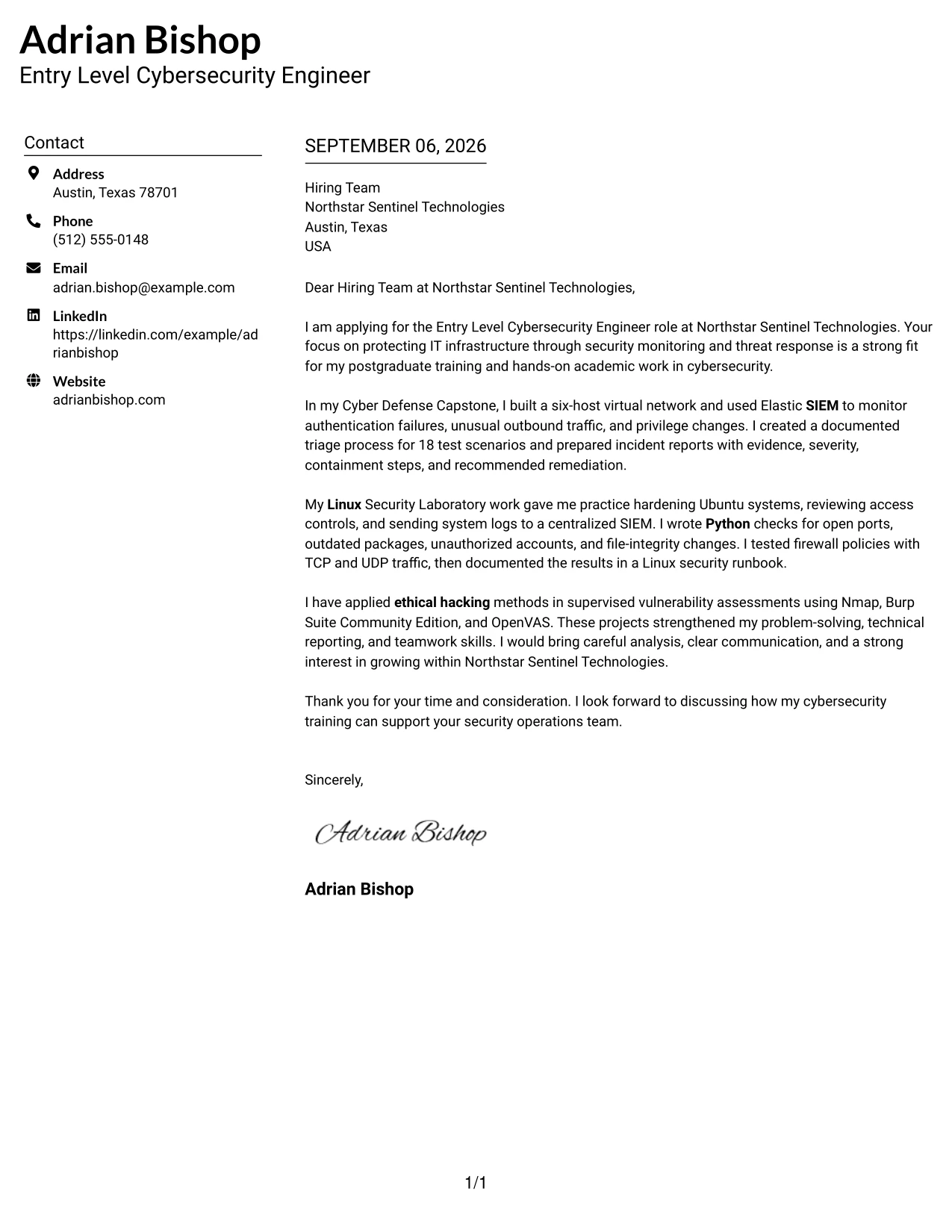
Why This Cover Letter Works
- Left alignment creates a familiar reading path for the recruiter.
- The clean header gives the application a professional and controlled appearance.
- The first paragraph explains both interest in the role and fit with the employer's work.
- The middle paragraphs show evidence from SIEM, Linux, firewall, and vulnerability assessment work.
- Technical tools appear in context rather than as an isolated list.
- The letter connects problem-solving and communication to incident response duties.
- The final paragraph expresses interest without overstating professional experience.
Best For
- Applicants who prefer a familiar left-to-right reading path
- Letters that must connect several technical areas to one target role
- Applications where a calm visual presentation supports a direct tone
- Candidates who need room for a focused opening, evidence paragraphs, and closing
- Readers reviewing applications quickly on screen
- Technical applicants who want tools explained through project outcomes
- Cover letters that should feel organized without strong decorative elements
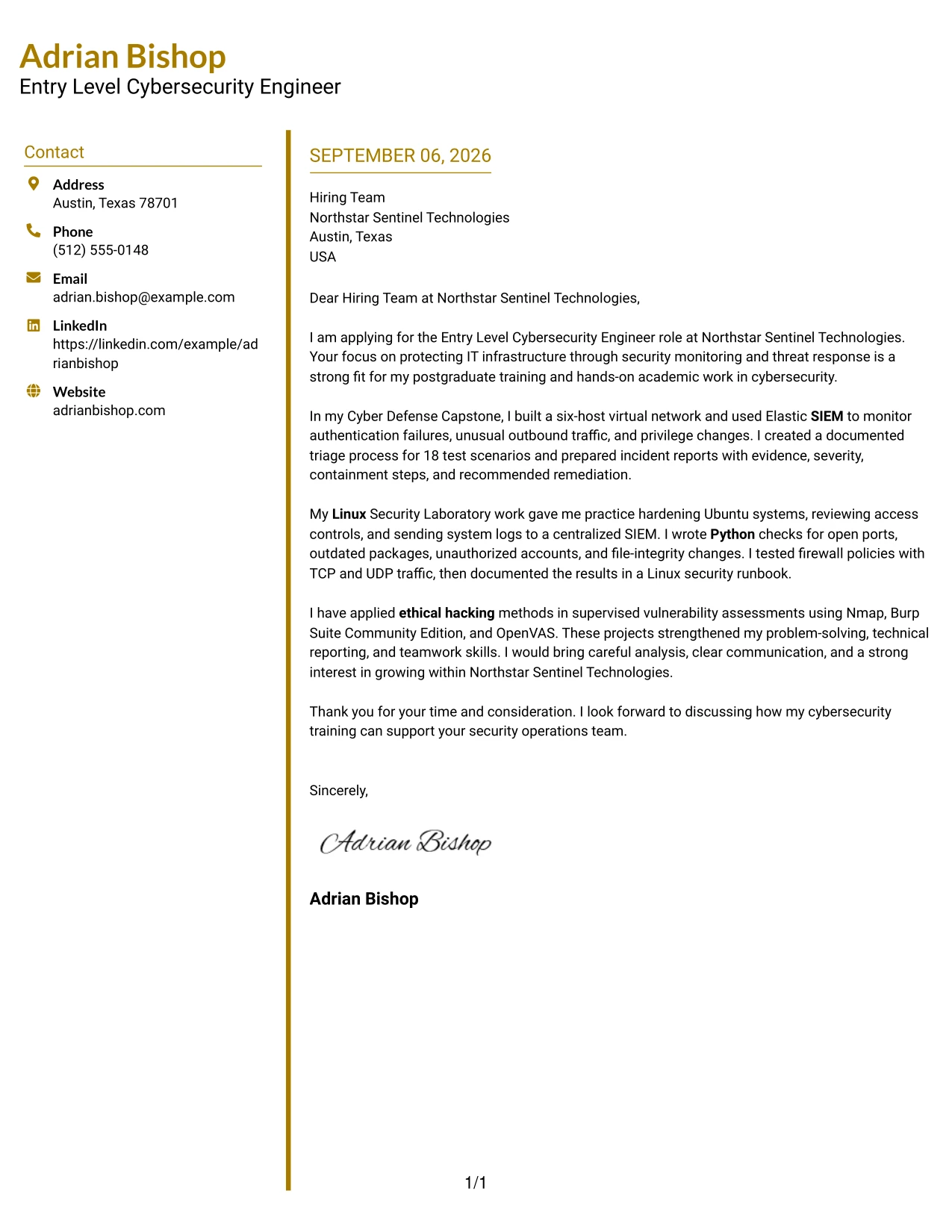
#25 Accent Divider Modern Two Column Format — Cover Letter Example
The Accent Divider Modern Two Column Format organizes the cover letter around visible transitions between contact information, recipient details, and the persuasive message. A divider can guide attention without interrupting the reading experience. That structure works well here because the letter moves in a logical sequence: interest in the role, SIEM and network evidence, Linux and firewall evidence, then ethical hacking experience and a clear request for discussion.
Why This Cover Letter Works
- The divider gives each part of the application a clear visual boundary.
- The opening establishes motivation and names the employer's security mission.
- The first evidence paragraph demonstrates monitoring and triage through a six-host virtual network.
- The next paragraph links Linux hardening, Python checks, and firewall testing to practical readiness.
- The final evidence paragraph supports credibility with supervised vulnerability assessment work.
- The modern structure keeps multiple examples from blending into one dense block.
- The closing returns to contribution and future discussion rather than repeating the introduction.
Best For
- Letters with several evidence stages that benefit from visible separation
- Applicants who want a modern structure while keeping the message formal
- Applications that move from motivation to technical evidence and then to fit
- Readers who scan for distinct sections before reading closely
- Cover letters with enough content to need clear transitions
- Technical candidates presenting academic work in a deliberate sequence
- Use cases where subtle visual structure can improve page navigation
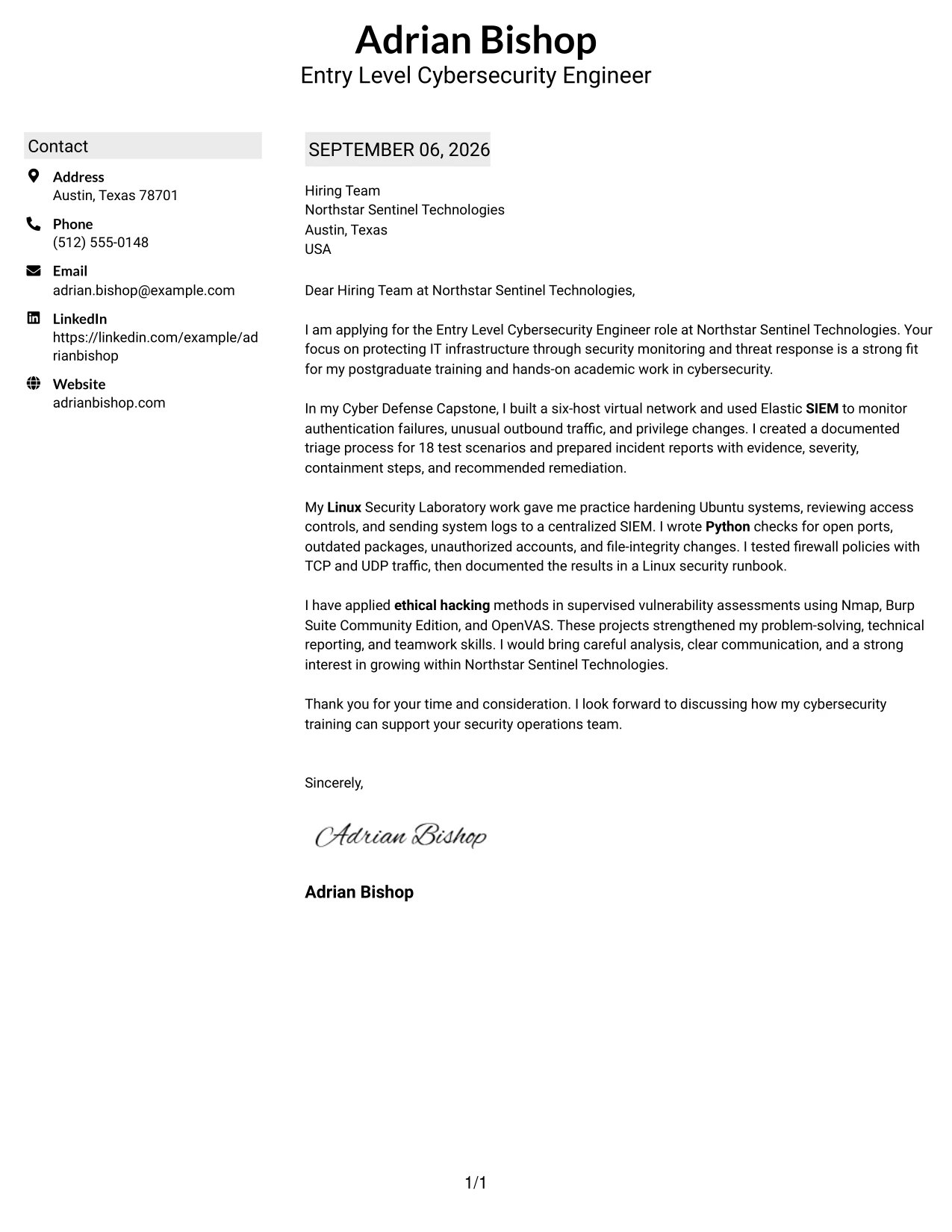
#26 Shaded Labels Clean Two Column Format — Cover Letter Example
Recruiters often move through a cover letter by locating the sender, recipient, greeting, evidence, and closing in order. The Shaded Labels Clean Two Column Format supports that review with labels and a steady two-column arrangement. It gives the message enough room to explain how postgraduate cybersecurity training, incident reports, Linux checks, and supervised ethical hacking work prepare the candidate for Northstar Sentinel Technologies.
Why This Cover Letter Works
- Labels help the reader identify important parts of the letter quickly.
- The two-column structure separates supporting details from the persuasive message.
- The opening gives a clear reason for applying instead of beginning with a generic statement.
- The body includes concrete evidence from three academic settings.
- The letter explains what the technical work involved and why it matters to security operations.
- The shaded structure adds emphasis without changing the professional tone.
- The closing is brief and gives the employer a clear next step.
Best For
- Applicants whose letters include several supporting details
- Applications reviewed by readers who need quick visual landmarks
- Cover letters that explain more than one project without losing order
- Candidates balancing technical evidence with a short motivation statement
- Readers who prefer labeled information beside a straightforward letter
- Documents that need moderate content volume and strong separation
- Applications where consistent spacing matters as much as visual style
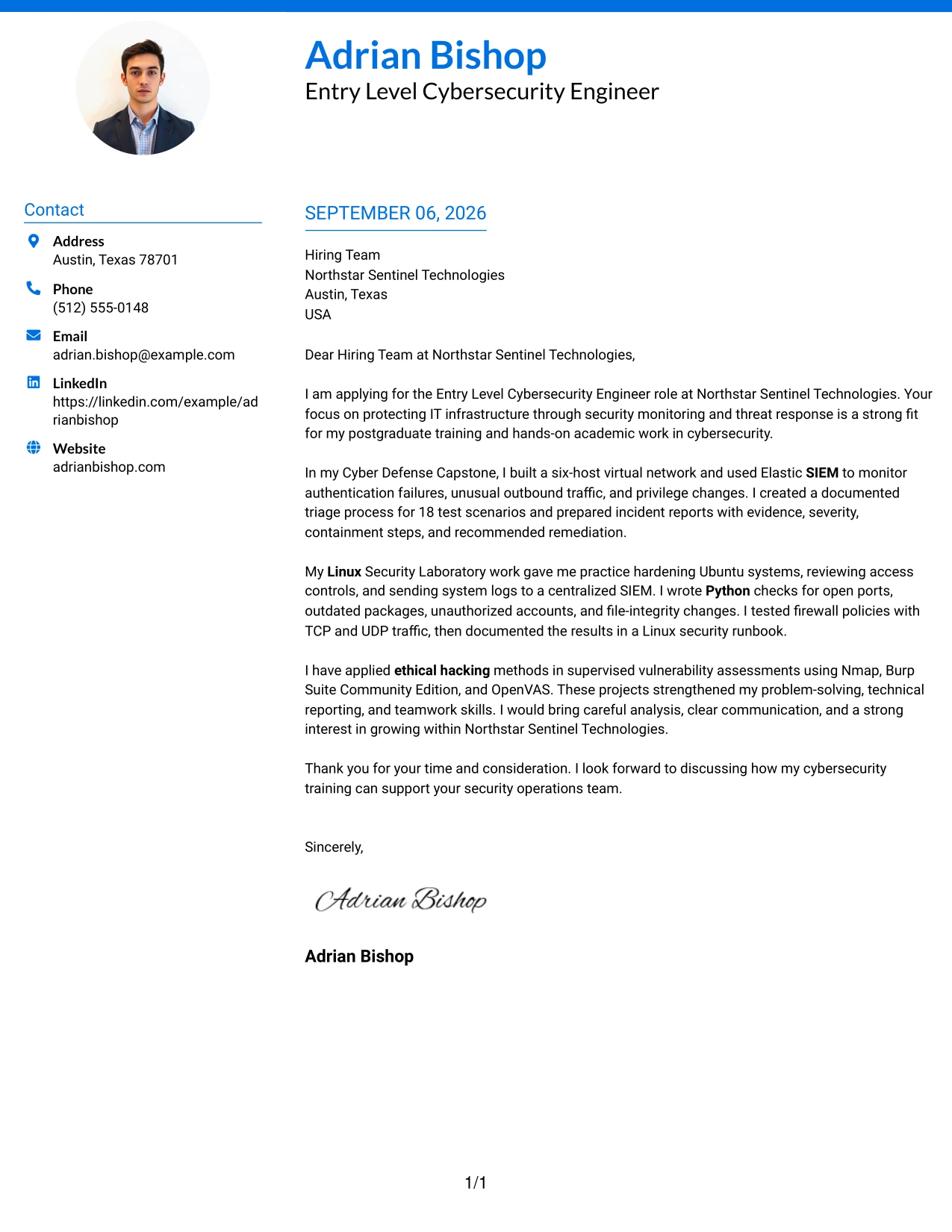
#27 Photo Header Color Accent International Format — Cover Letter Example
The strongest evidence comes first: the letter shows direct practice with SIEM monitoring, Linux hardening, Python checks, firewall testing, and supervised vulnerability assessment. The Photo Header Color Accent International Format places that evidence within a single-column letter and gives the header a personal visual identity. Used where an image is appropriate, the photo should remain secondary to the message, while the color accents guide the reader toward motivation, proof, and employer fit.
Why This Cover Letter Works
- The opening leads with relevant preparation instead of relying on visual design alone.
- A single column keeps the evidence in a natural reading order.
- The letter names specific security activities that match the role's responsibilities.
- The body explains how tools were used in controlled academic settings.
- The color accents can distinguish the opening, evidence, and closing without adding clutter.
- The personal header can support recognition when the application context welcomes a photo.
- The closing keeps attention on contribution to security operations and continued discussion.
Best For
- Applications where a personal header is accepted and useful
- Applicants who want one continuous reading path for detailed evidence
- Letters that need to present technical preparation before visual details
- International application contexts with clear expectations for a profile image
- Candidates combining project evidence with a personal statement
- Readers who value a strong evidence-first opening
- Cover letters where restrained color can mark transitions between message stages
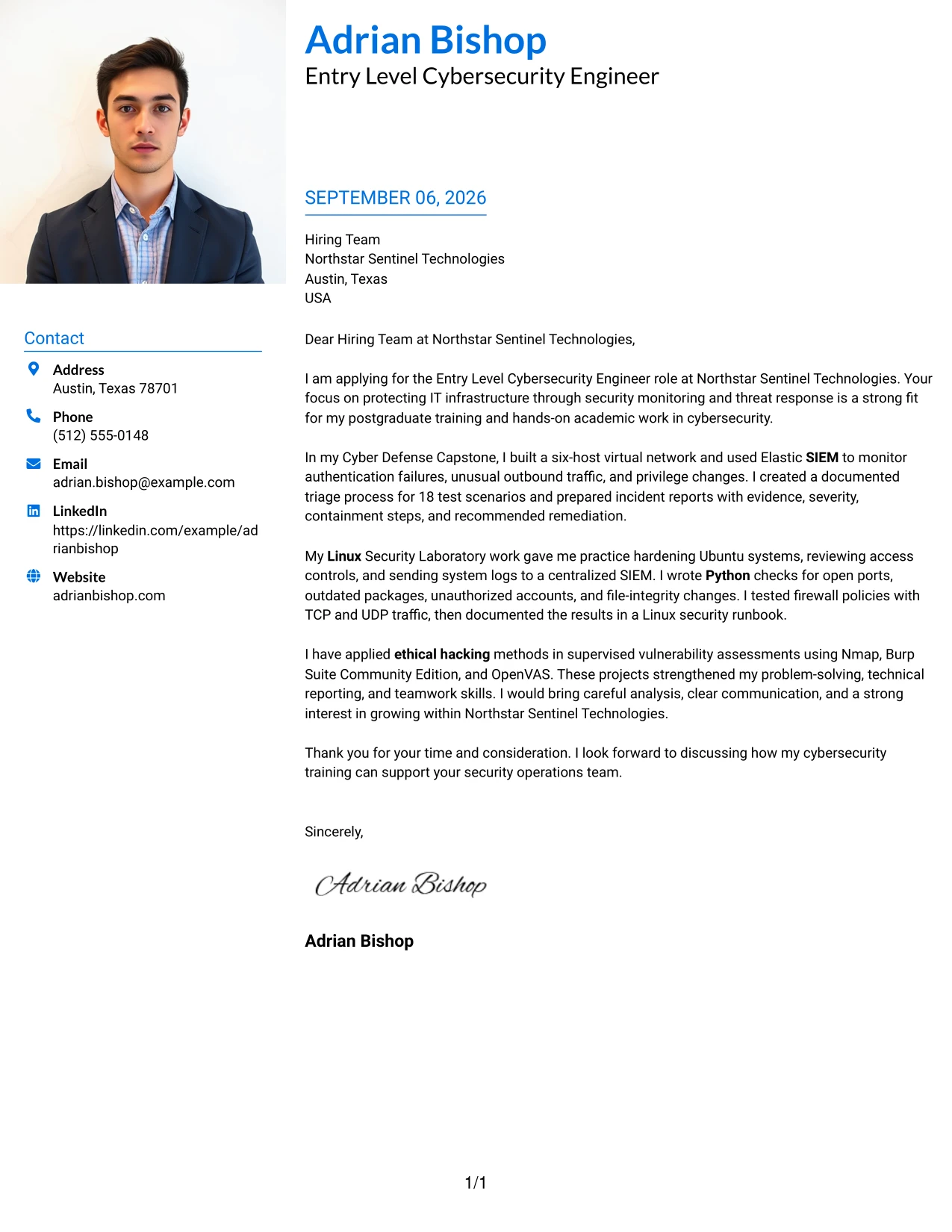
#28 Large Profile Photo International Two Column Format — Cover Letter Example
Balanced space matters when an application includes a prominent personal header and a detailed message. The Large Profile Photo International Two Column Format gives the visual identity one side and reserves the other for the letter's argument. The content can therefore explain postgraduate preparation, Elastic SIEM work, Linux security checks, firewall validation, and ethical hacking practice while keeping the application easy to follow. A large image should be used only when the application setting supports it.
Why This Cover Letter Works
- The two-column balance keeps the prominent header from taking over the message.
- The letter gives the employer a direct reason to consider the application.
- The body presents technical evidence in a sequence that is easy to follow.
- The content connects Elastic SIEM work to alert review and incident reporting.
- Linux and firewall examples show practical security foundations.
- Ethical hacking evidence demonstrates responsible, supervised testing.
- The closing shifts from proof to a clear expression of interest in discussion.
Best For
- Application settings where a large profile image is explicitly accepted
- Applicants who need visual identity beside a substantial letter message
- Letters with enough evidence to justify a two-part page structure
- Readers who prefer personal details and persuasive content in separate areas
- Candidates presenting postgraduate preparation through several focused examples
- International contexts with established expectations for profile images
- Cover letters that need balanced space for both identity and technical proof
#29 One Column Boxed Contact Header Format — Cover Letter Example
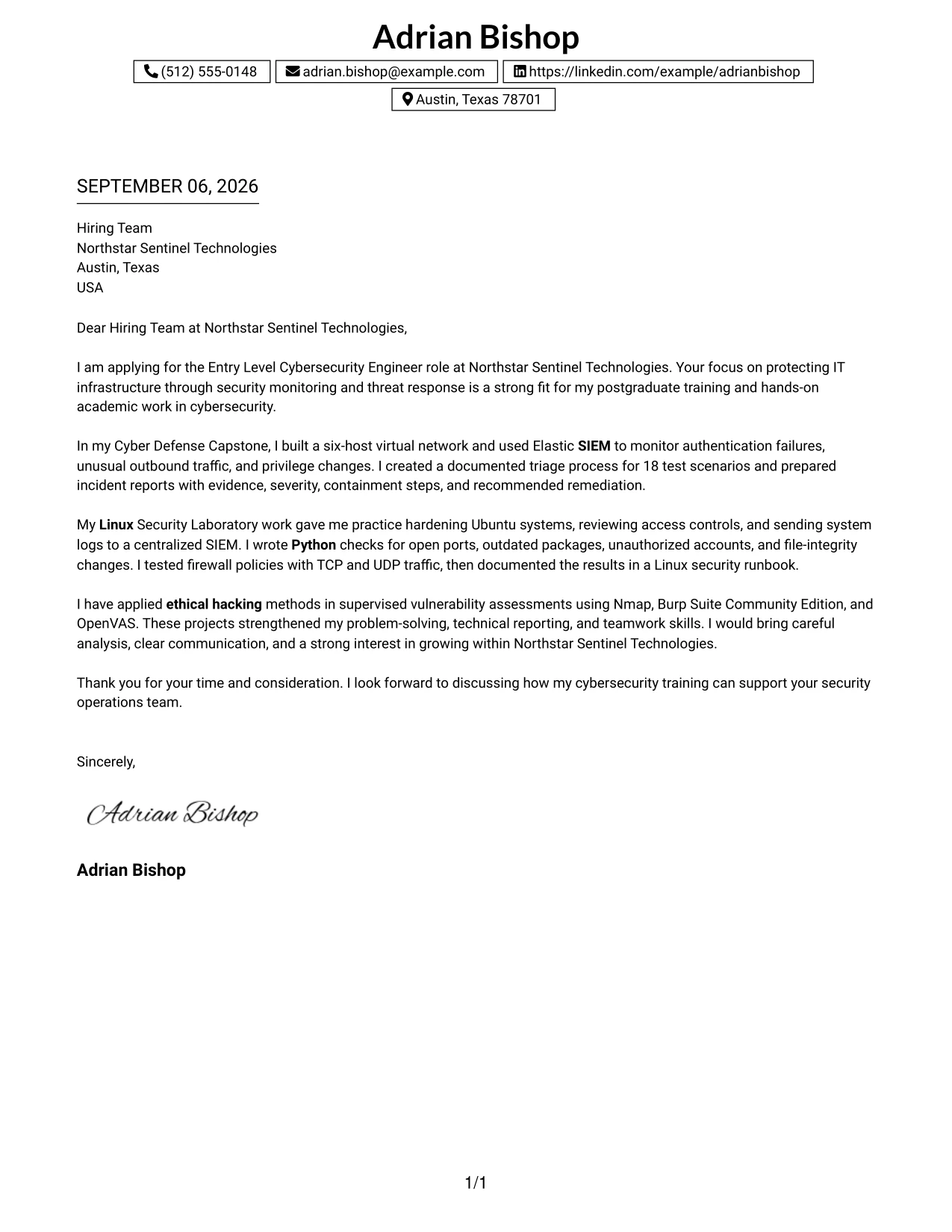
A practical application benefits from one uninterrupted message, especially when the reader needs to connect motivation, evidence, and fit without moving between columns. The One Column Boxed Contact Header Format places contact details in a defined block and lets the cover letter run from greeting to closing in a single path. This arrangement supports a focused explanation of SIEM monitoring, Linux security, Python automation, firewall testing, and Northstar Sentinel Technologies' entry-level opportunity.
Why This Cover Letter Works
- The boxed header gathers contact details before the message begins.
- One-column reading keeps the opening, evidence, and closing in a natural sequence.
- The first paragraph connects the application to the employer's stated security work.
- Each body paragraph gives a different form of proof rather than repeating one claim.
- The letter explains technical work in language suitable for both technical and nontechnical readers.
- The format works well when a clear message matters more than decorative detail.
- The closing is courteous, specific, and focused on a future conversation.
Best For
- Applicants who want a single, uninterrupted reading path
- Applications where contact details should be clearly contained at the top
- Letters built around an opening, two or three evidence paragraphs, and a closing
- Readers who review documents from top to bottom
- Candidates who need to explain technical work in plain language
- Cover letters where message clarity should lead the visual design
- Applications that benefit from a formal page with minimal visual distraction
#30 One Column Shaded Contact Header Format — Cover Letter Example
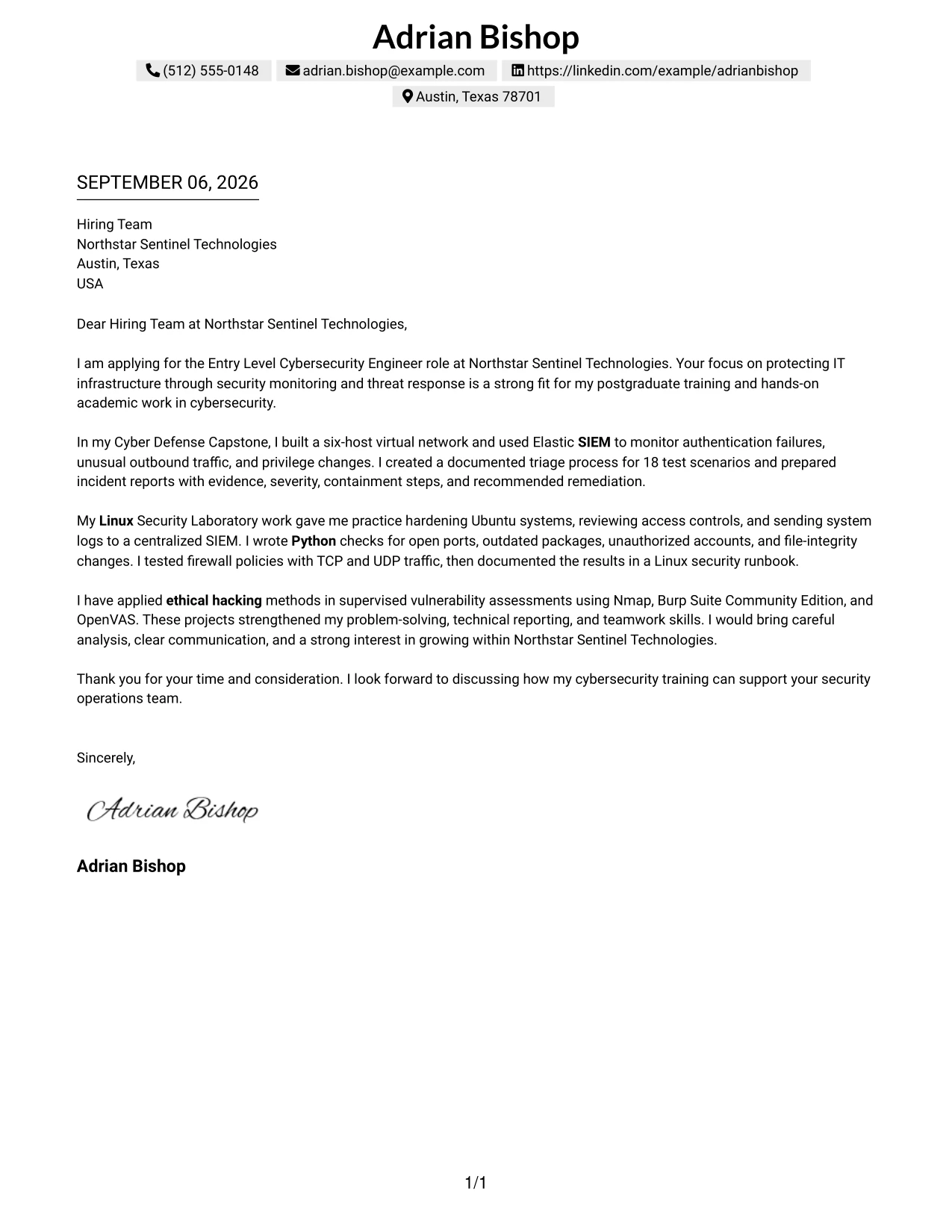
A soft, controlled visual hierarchy can make a letter feel prepared before the reader reaches the technical evidence. The One Column Shaded Contact Header Format uses a shaded contact area and a direct vertical message to align Adrian Bishop's postgraduate cybersecurity training with Northstar Sentinel Technologies' monitoring and response work. The result is a focused letter that presents motivation, project evidence, and communication ability without unnecessary visual competition.
Why This Cover Letter Works
- The shaded header gives the application a clear starting point.
- The one-column structure supports a steady, familiar reading experience.
- The opening links postgraduate study to the employer's security monitoring needs.
- The body demonstrates SIEM, Linux, Python, firewall, and ethical hacking preparation through projects.
- The letter shows communication ability through incident reports and technical presentations.
- The visual treatment adds organization while keeping the message professional.
- The closing presents interest in contributing and learning within the organization.
Best For
- Applicants who want a gentle visual distinction without a complex layout
- Letters that connect postgraduate study to a specific application
- Readers who prefer all persuasive content in one vertical stream
- Candidates presenting several related technical examples
- Applications that need a polished header and an understated body
- Cover letters where communication ability should sit beside technical preparation
- Use cases requiring a professional format that remains easy to print and review
#31 Boxed Contact Header with Job Title Format — Cover Letter Example
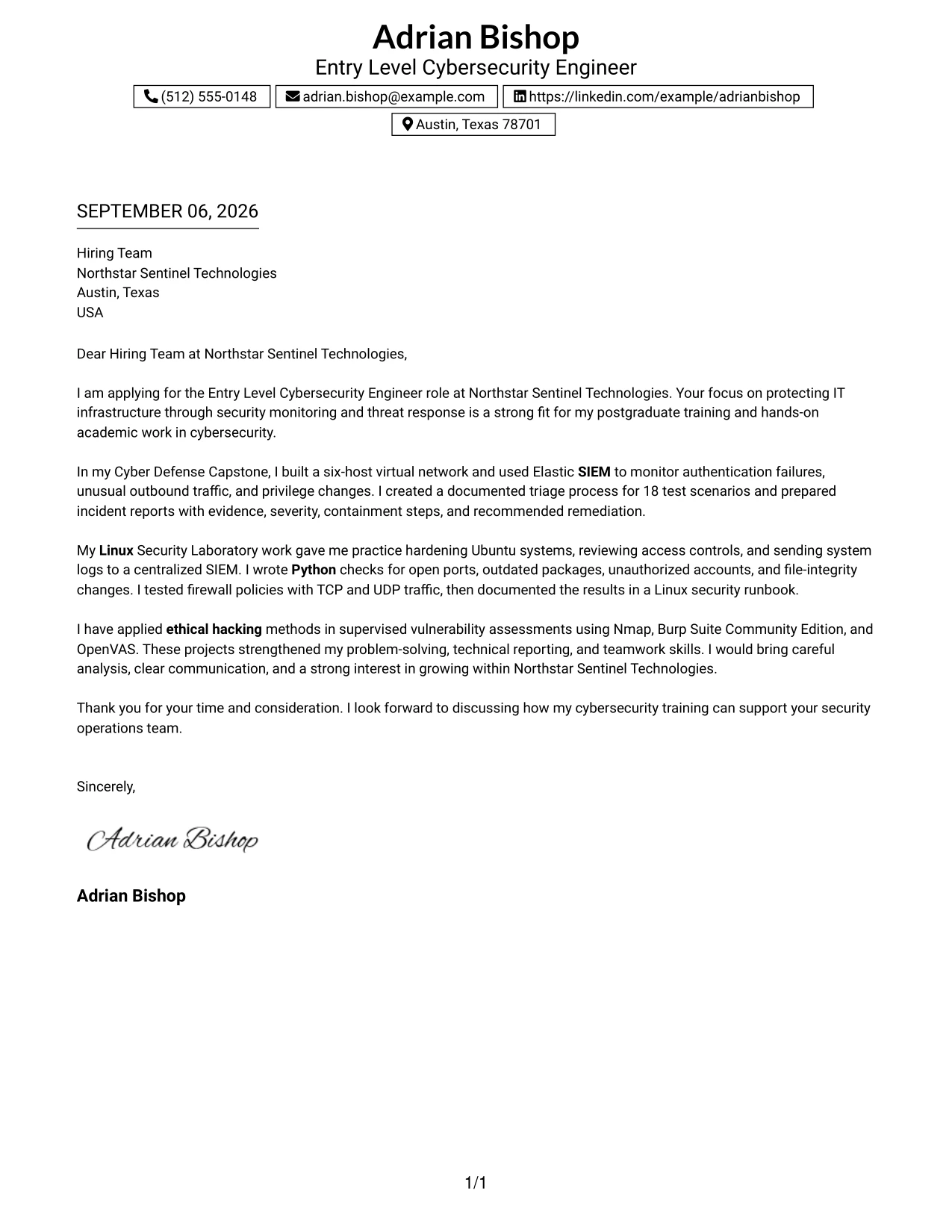
The format begins by naming the target position clearly, then places the contact details in a defined box before the letter's evidence. The Boxed Contact Header with Job Title Format makes the application context visible at once and gives the reader a stable route through the message. It is well suited to a letter that connects SIEM alert work, Linux hardening, Python checks, and vulnerability assessment to the Entry Level Cybersecurity Engineer opening.
Why This Cover Letter Works
- The job title in the header removes uncertainty about the application context.
- The contact box separates identification details from the persuasive message.
- The opening gives a direct reason for interest in Northstar Sentinel Technologies.
- The evidence paragraphs show monitoring, system hardening, automation, and controlled testing.
- The sequence helps the reader connect each example to a role responsibility.
- The boxed structure adds order without making the letter feel crowded.
- The closing reinforces readiness to discuss the contribution the candidate could make.
Best For
- Applicants who want the target position visible before the greeting
- Applications sent for one clearly defined opening
- Letters that need a strong connection between job title and supporting evidence
- Readers who scan the header before deciding where to read next
- Candidates presenting several technical examples under one role focus
- Cover letters that benefit from a defined contact area and a direct message
- Use cases where role context should remain visible throughout document review
#32 Plain Professional Layout with Job Title & Shaded Date — Cover Letter Example
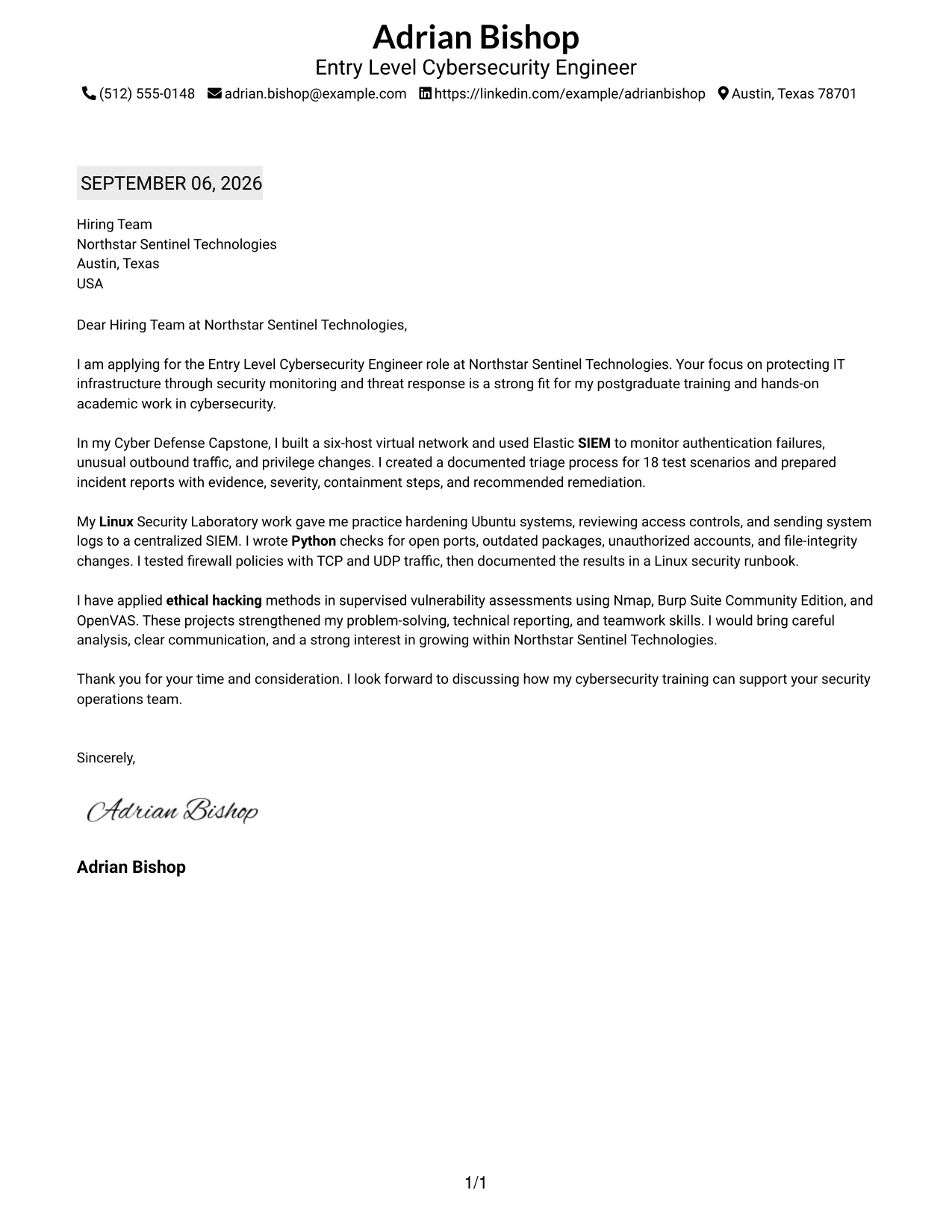
The reader can move from the shaded date and job title to the greeting, evidence, and closing without visual detours. The Plain Professional Layout with Job Title & Shaded Date gives the application a dependable business-letter order. That order leaves room for a fuller explanation of postgraduate training, SIEM triage, Linux security work, Python checks, firewall testing, and supervised vulnerability assessment.
Why This Cover Letter Works
- The date and job title establish the application context immediately.
- The plain layout supports a familiar business-letter reading pattern.
- The opening states motivation and employer fit in direct language.
- The body provides several connected examples without relying on decorative design.
- The evidence covers monitoring, hardening, scripting, firewall controls, and vulnerability work.
- The format gives the closing enough space to make a courteous request for discussion.
- The overall presentation supports a serious, careful communication style suited to security work.
Best For
- Applicants who prefer a traditional business-letter sequence
- Letters that need room for several evidence-rich paragraphs
- Applications where the date and target role should be easy to find
- Readers who value plain presentation over strong visual effects
- Candidates explaining technical preparation in a calm, detailed manner
- Cover letters reviewed in formal hiring workflows
- Documents where content volume requires dependable spacing and order
#33 Two-Line Contact Header with Underlined Date Format — Cover Letter Example
Relevant evidence should answer the employer's main question: can this applicant connect cybersecurity training to careful monitoring and response? The Two-Line Contact Header with Underlined Date Format keeps that answer prominent by using a compact header and a clear date marker before the message. The letter then moves from motivation to Elastic SIEM alerts, Linux hardening, Python log checks, firewall validation, and responsible vulnerability assessment.
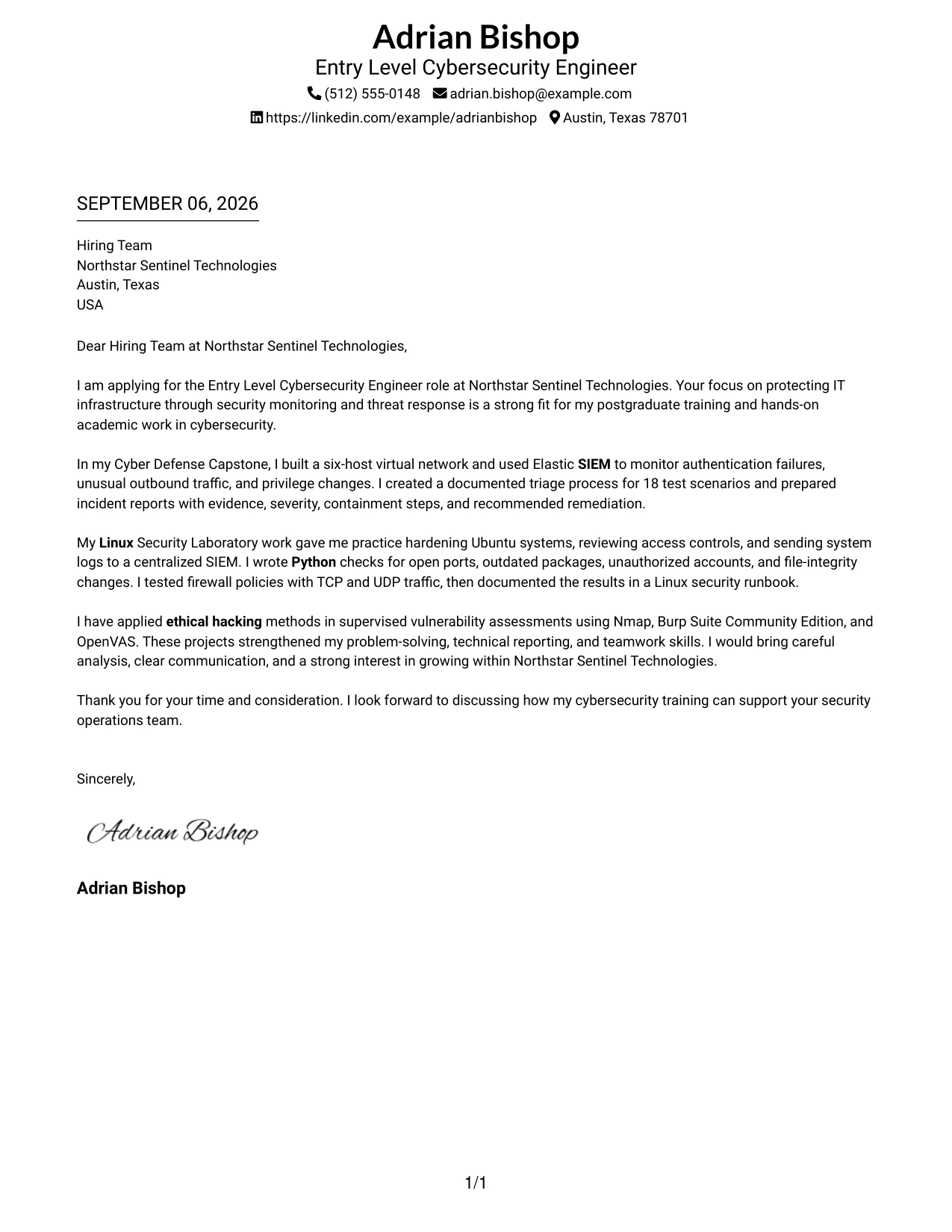
Why This Cover Letter Works
- The compact header identifies the sender without delaying the main message.
- The underlined date gives the document a clear formal reference point.
- The opening answers why the applicant is interested in the employer and role.
- The evidence focuses on alert monitoring, system protection, scripting, and testing.
- The letter distinguishes supervised academic work from unsupported claims of employment experience.
- The direct structure helps the reader find proof and communication strengths quickly.
- The closing turns the evidence into a clear invitation to continue the conversation.
Best For
- Applicants who want a compact header with strong document order
- Letters where evidence should appear soon after the greeting
- Applications that need a formal date marker without a heavy design
- Readers looking for a quick path from motivation to proof
- Candidates presenting supervised work with careful scope and context
- Cover letters that balance concise presentation with several technical examples
- Use cases where the header should remain visible but secondary to the argument
Why Use ResumeInMinutes for an Entry Level Cybersecurity Engineer Cover Letter
ResumeInMinutes helps applicants create a tailored cover letter without starting with a blank page. You can keep the message centered on the security role, the employer's needs, and the evidence that supports your fit.
- Professional writing styles
- Clear, readable formatting
- Job-description-based customization
- Fast cover letter generation
- Professional templates
- Cover letter PDF support
You can tailor the letter to highlight SIEM monitoring, Linux security, Python checks, firewall controls, network analysis, ethical hacking, incident reporting, or another requirement that matters for the Entry Level Cybersecurity Engineer application.
See Also
- 33 AI-Powered Cybersecurity Product Engineer Resume Templates with Example 2026 (ATS-Optimized)
- 33 Associate Cybersecurity Engineer Resume Templates with Example 2026 (ATS-Optimized)
- 33 Cybersecurity Engineer III - Governance, Risk & Compliance Resume Templates with Example 2026 (ATS-Optimized)
- 33 Cybersecurity Engineer Mid-Level Resume Templates with Example 2026 (ATS-Optimized)
- 33 Entry Level Cybersecurity Engineer Resume Templates with Example 2026 (ATS-Optimized)
- 33 Lead Cybersecurity Engineer (Cyber Network Analysis Tech 3) Resume Templates with Example 2026 (ATS-Optimized)
- 33 Principal Engineer – Aircraft Cybersecurity Operations Resume Templates with Example 2026 (ATS-Optimized)
- 33 Senior Cybersecurity Engineer Resume Templates with Example 2026 (ATS-Optimized)
- 30+ AI-Powered Cybersecurity Product Engineer Cover Letter Templates with Example 2026
- 30+ Associate Cybersecurity Engineer Cover Letter Templates with Example 2026
Frequently Asked Questions
Are these Entry Level Cybersecurity Engineer cover letter templates ATS-friendly?
They use clean, readable formatting and support accurate role language such as SIEM, Linux, Python, network security, firewalls, and ethical hacking. Always keep the wording truthful and relevant to your background.
Are these 33 different cover letters?
No. The guide presents one Entry Level Cybersecurity Engineer cover letter example in different template styles and layouts. You can adapt the content to your own application.
Can I download the templates as PDFs?
Yes. Each style includes a free PDF download so you can review the design and select a format that fits your application and communication context.
Which cover letter style is best for an Entry Level Cybersecurity Engineer?
A clean, professional layout is usually a strong choice. Use clear spacing and readable headings so the hiring team can quickly follow your interest, technical evidence, and closing request.
What evidence should I include in this cybersecurity cover letter?
Choose evidence that matches the role, such as SIEM alert monitoring, Linux hardening, Python log checks, firewall testing, network analysis, vulnerability assessment, incident reporting, or security documentation.
Should I use a photo on my cover letter?
For applications in the United States, a no-photo cover letter is usually the safer choice. Use a photo only when it is expected or accepted in the relevant country, region, or industry.
Can I customize these cover letter templates?
Yes. You can customize the wording, layout, design style, and PDF format for your Entry Level Cybersecurity Engineer application while keeping the message focused on your genuine preparation and role fit.




