
7 Entry-Level Data Analyst - Business Intelligence Cover Letter Templates with Example
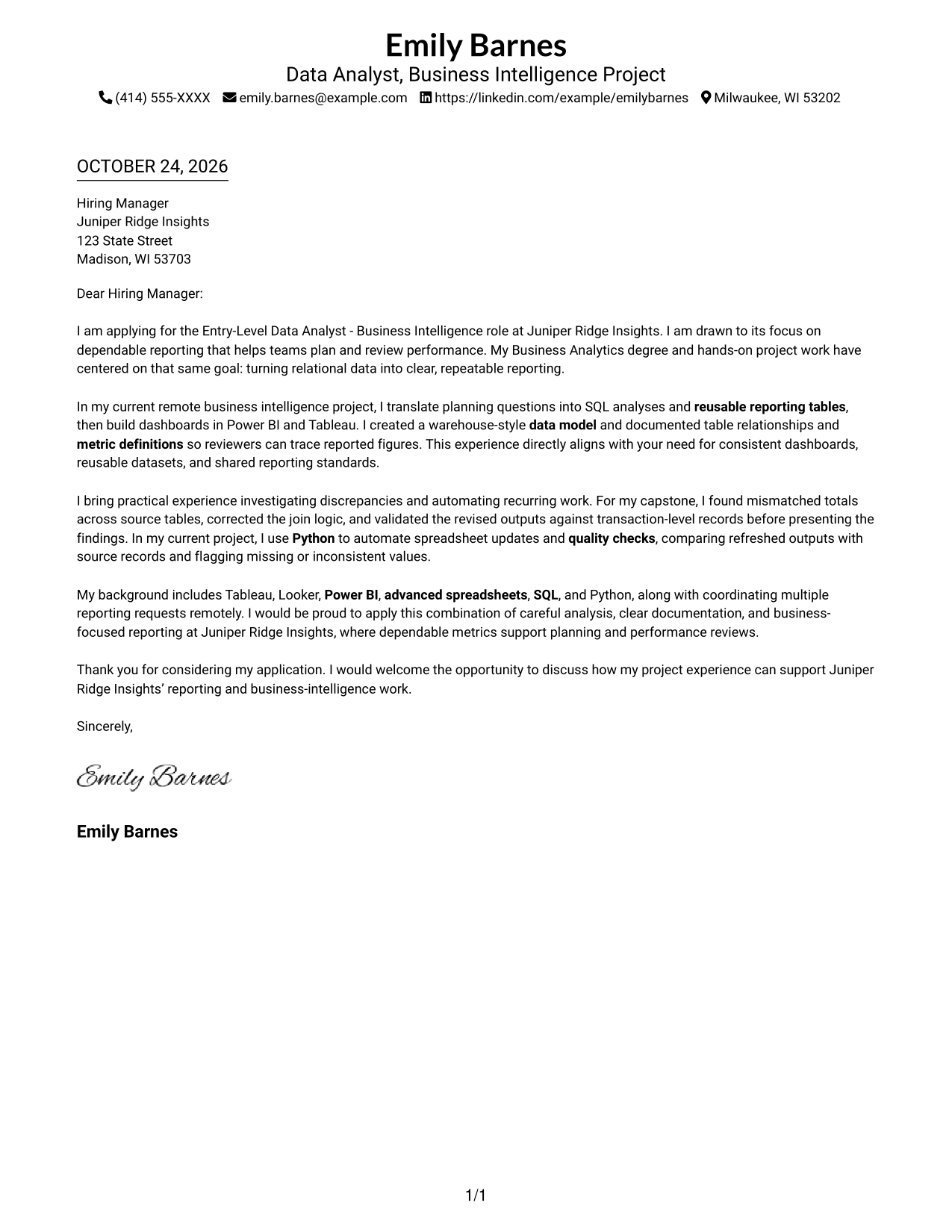
This practical guide to an Entry-Level Data Analyst - Business Intelligence cover letter shows how to present role fit and motivation across seven layouts.
What Makes a Great Entry-Level Data Analyst - Business Intelligence Cover Letter in 2026
A strong cover letter opens with a clear reason for interest, then connects SQL, dependable reporting, and business metrics to the Entry-Level Data Analyst - Business Intelligence role.
Use a concrete example, such as correcting join logic and checking results against source records, then link that care to the employer’s need for trusted planning and performance reports.
The featured example moves from interest in dependable reporting to relevant SQL, dashboard, data-modeling, and validation evidence, then closes with a clear next step. Adapt this focused progression to your own evidence and choose a presentation that suits the employer and communication context.
#1 Simple One Column Format Cover Letter Example
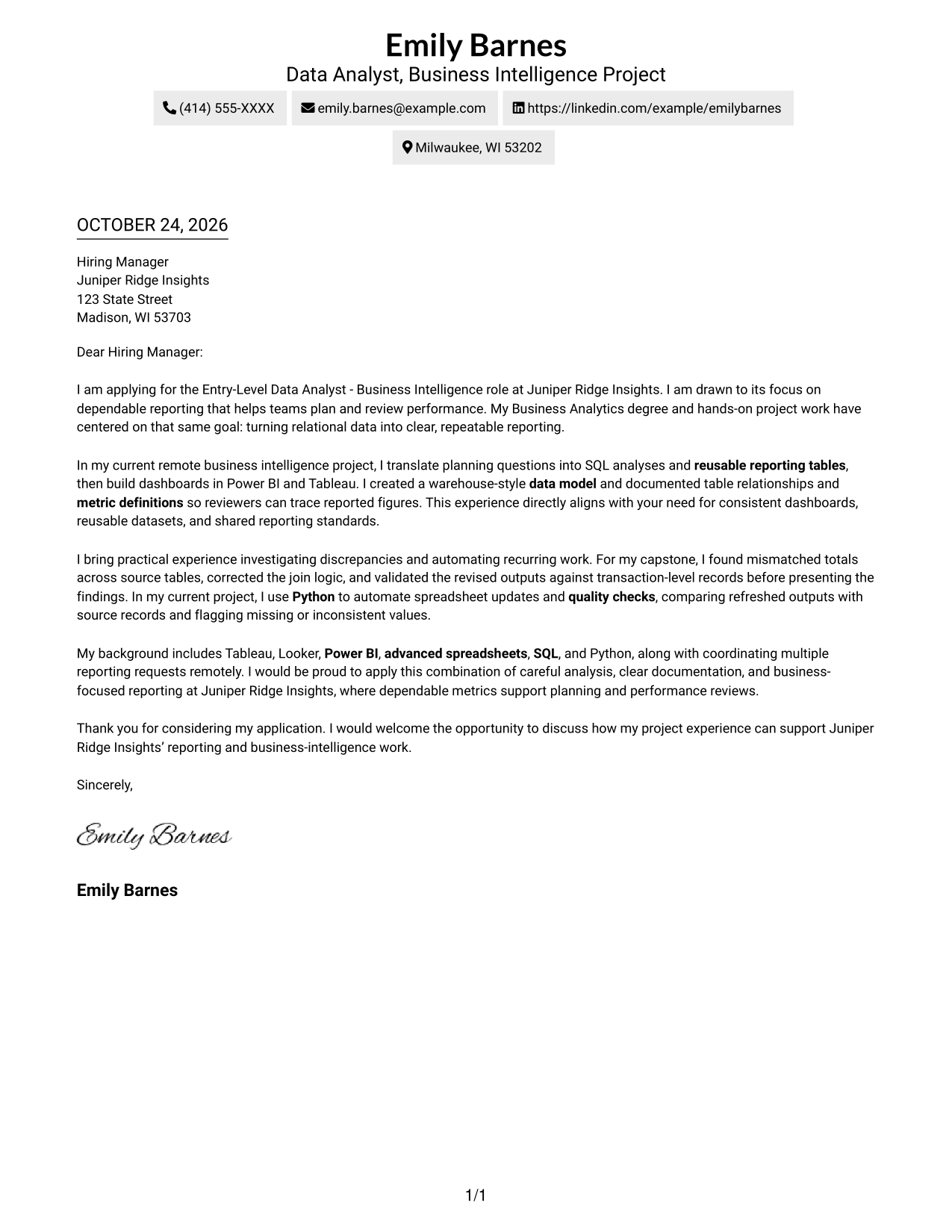
Simple One Column Format keeps sender details in the header and the letter in one column, giving the message a direct reading path.
Why This Format Works
- Sender details stay in the header; one column keeps the letter easy to follow.
- The continuous body lets the opening, supporting points, and close read as one message.
- Photo-free presentation suits readers who prefer contact details and text without a portrait.
Best For
- Single-column letter layouts
- Photo-free sender headers
- Header-based contact details
- Continuous paragraph arguments
- Text-led application materials
#2 Two Column Format Cover Letter Example
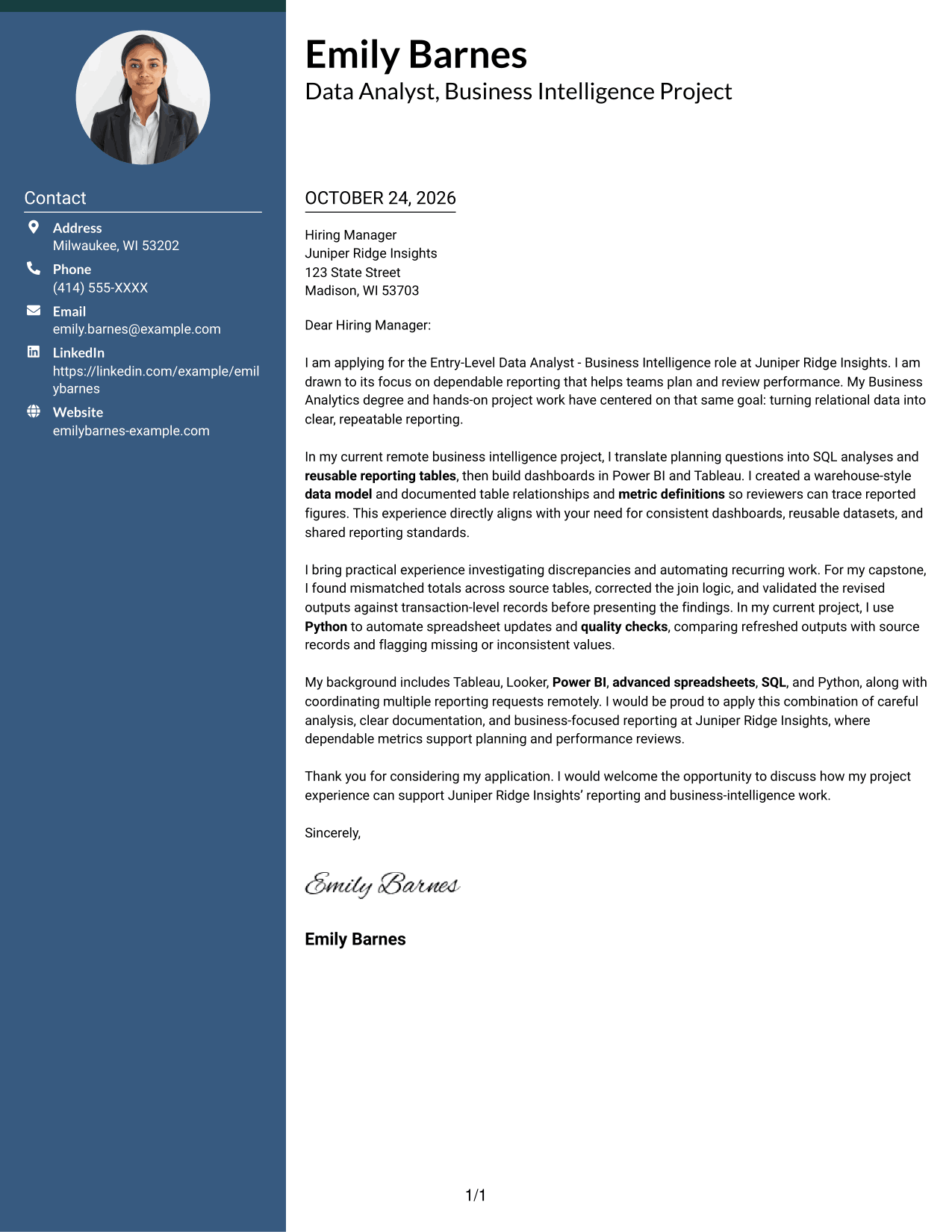
Two Column Format places the contact sidebar beside one continuous letter body, so readers can locate sender details without breaking the message's flow.
Why This Format Works
- The contact sidebar keeps sender details easy to find beside the letter.
- One uninterrupted body carries the argument from its opening through the closing.
- Side-by-side placement helps reviewers move between contact details and the message.
Best For
- Sidebar contact information
- One-column letter bodies
- Separate sender and message areas
- Letters without body headings
- Evidence-led application letters
#3 Photo Header Two Column Format Cover Letter Example
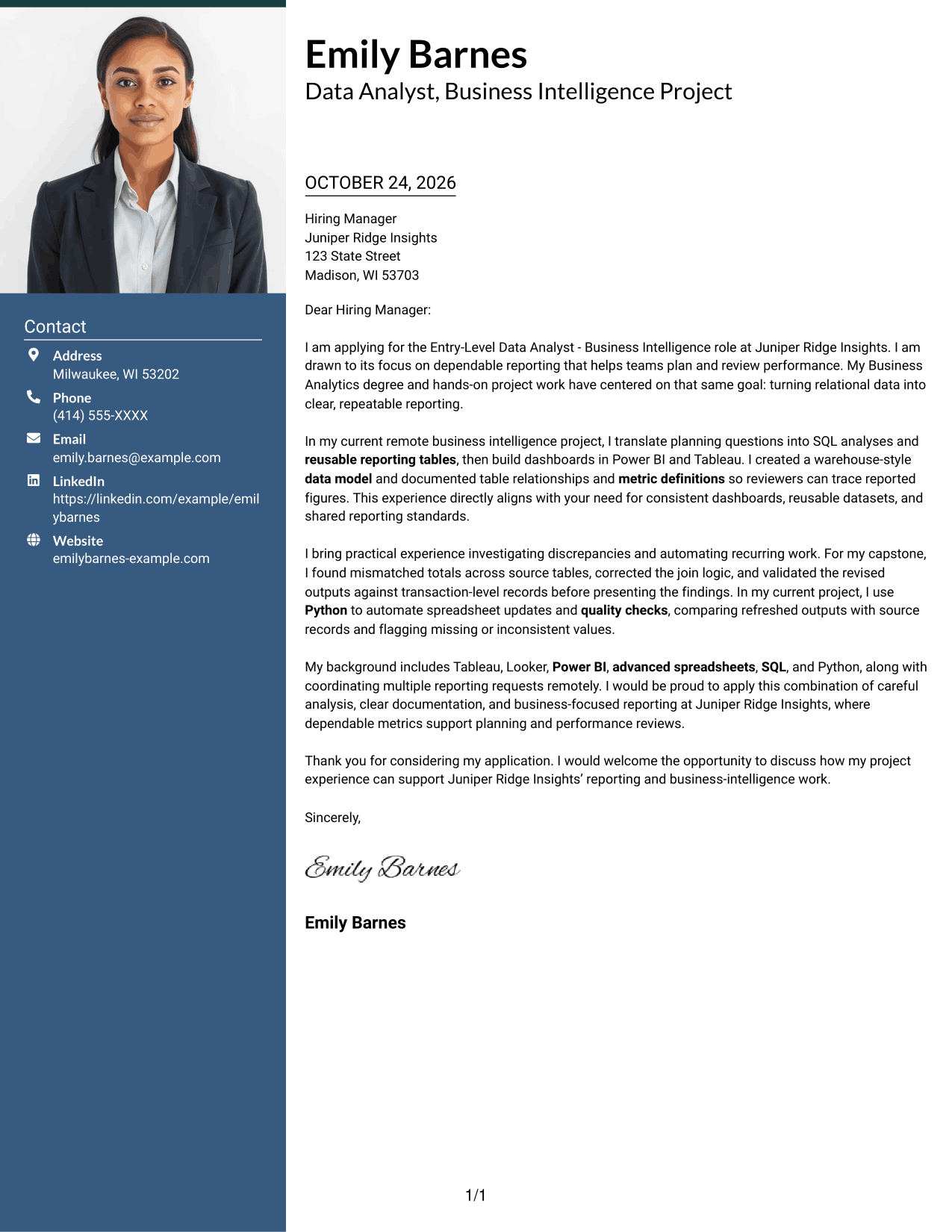
Photo Header Two Column Format pairs a portrait with a contact sidebar beside one continuous letter body, giving the sender presentation a visible focal point.
Why This Format Works
- The portrait gives the sender presentation a clear visual focal point.
- Contact details remain apart from the letter's continuous paragraphs.
- The one-column body keeps motivation and supporting points in a familiar reading order.
Best For
- Photo-inclusive cover letters
- Sidebar-based contact details
- One-column letter bodies
- Company-specific opening paragraphs
- Letters with a clear next step
#4 One Column Format with Photo Cover Letter Example
One Column Format with Photo combines a portrait and header contact details with one continuous letter body, suiting a photo-inclusive, single-column presentation.
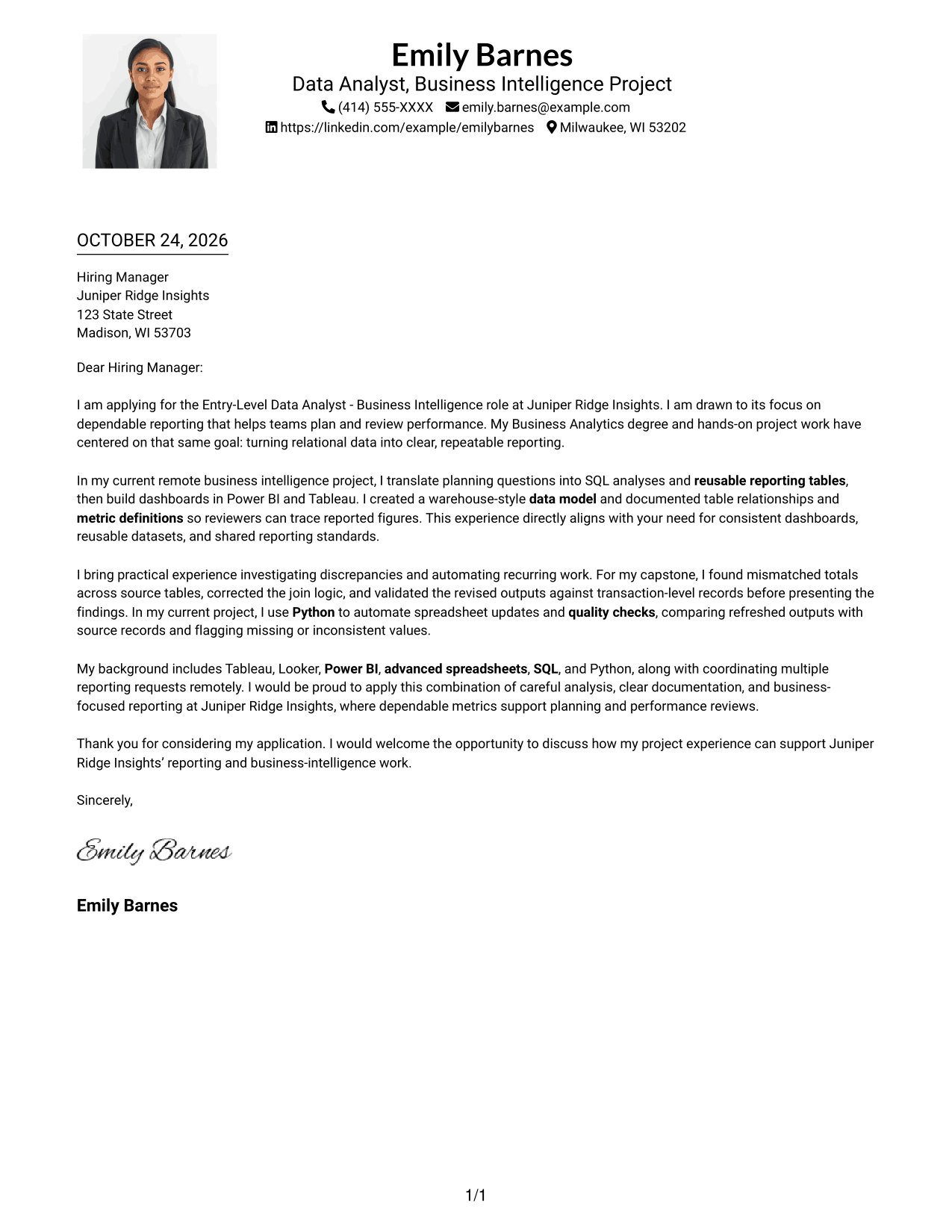
Why This Format Works
- Header details and the portrait stay outside the letter's main text.
- One column lets the opening, evidence, and closing read in sequence.
- The portrait suits readers who want a photo in the sender presentation.
Best For
- Portrait-inclusive correspondence
- One-column letter bodies
- Header-based contact details
- Continuous paragraph flow
- Direct application letters
#5 Simple Two Column Format Cover Letter Example
Simple Two Column Format keeps contact details in a sidebar beside a continuous letter body, separating practical information from the message.
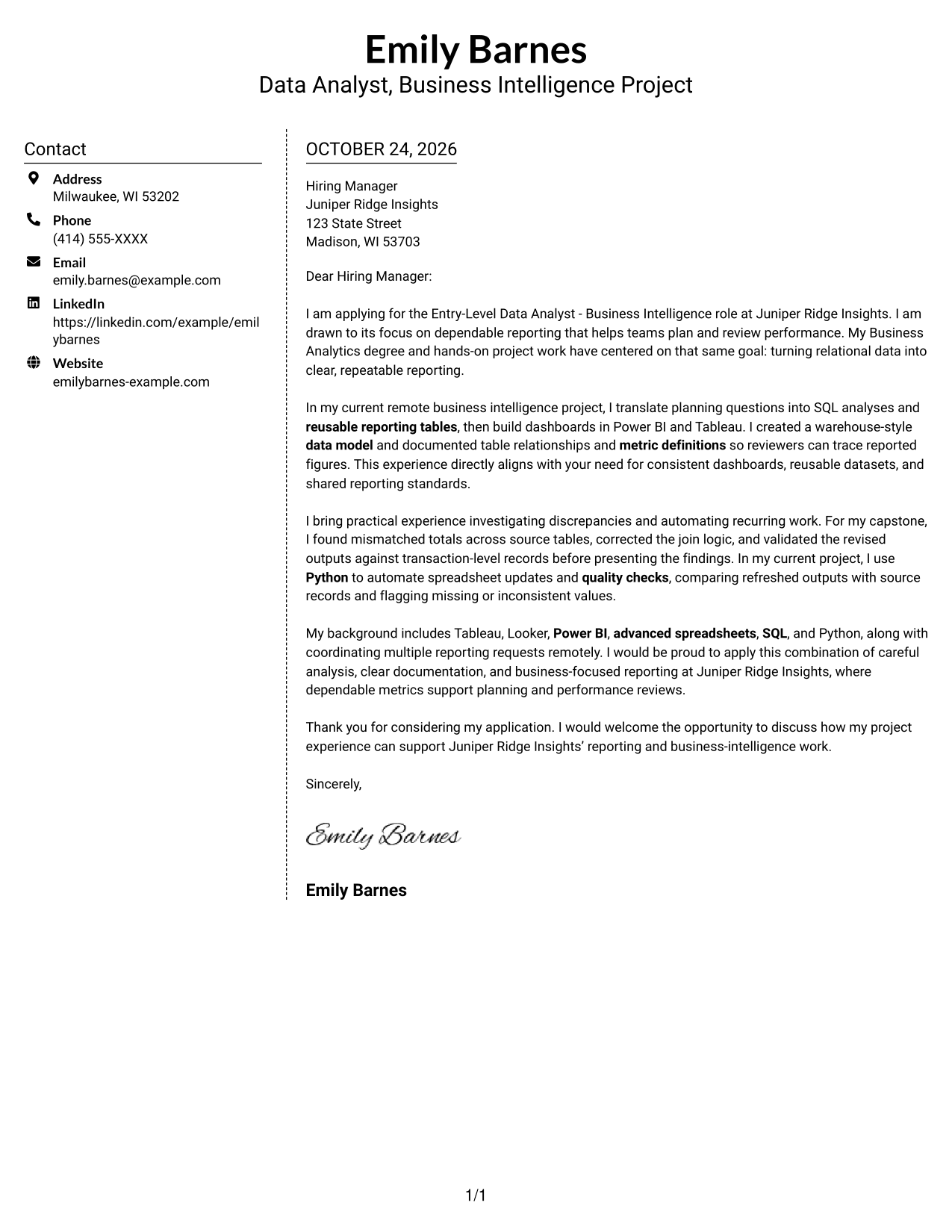
Why This Format Works
- Contact information has its own sidebar, separate from the letter paragraphs.
- The single body column keeps the opening and close within one letter sequence.
- The layout leaves the message free of section headings.
Best For
- Sidebar contact details
- Single-column message text
- Letters without body headings
- Uninterrupted persuasive paragraphs
- Clear company-specific openings
#6 Modern Icon Format Cover Letter Example
Modern Icon Format uses two columns, with contact cues and decorative header accents beside the continuous letter body, helping readers recognize contact details.
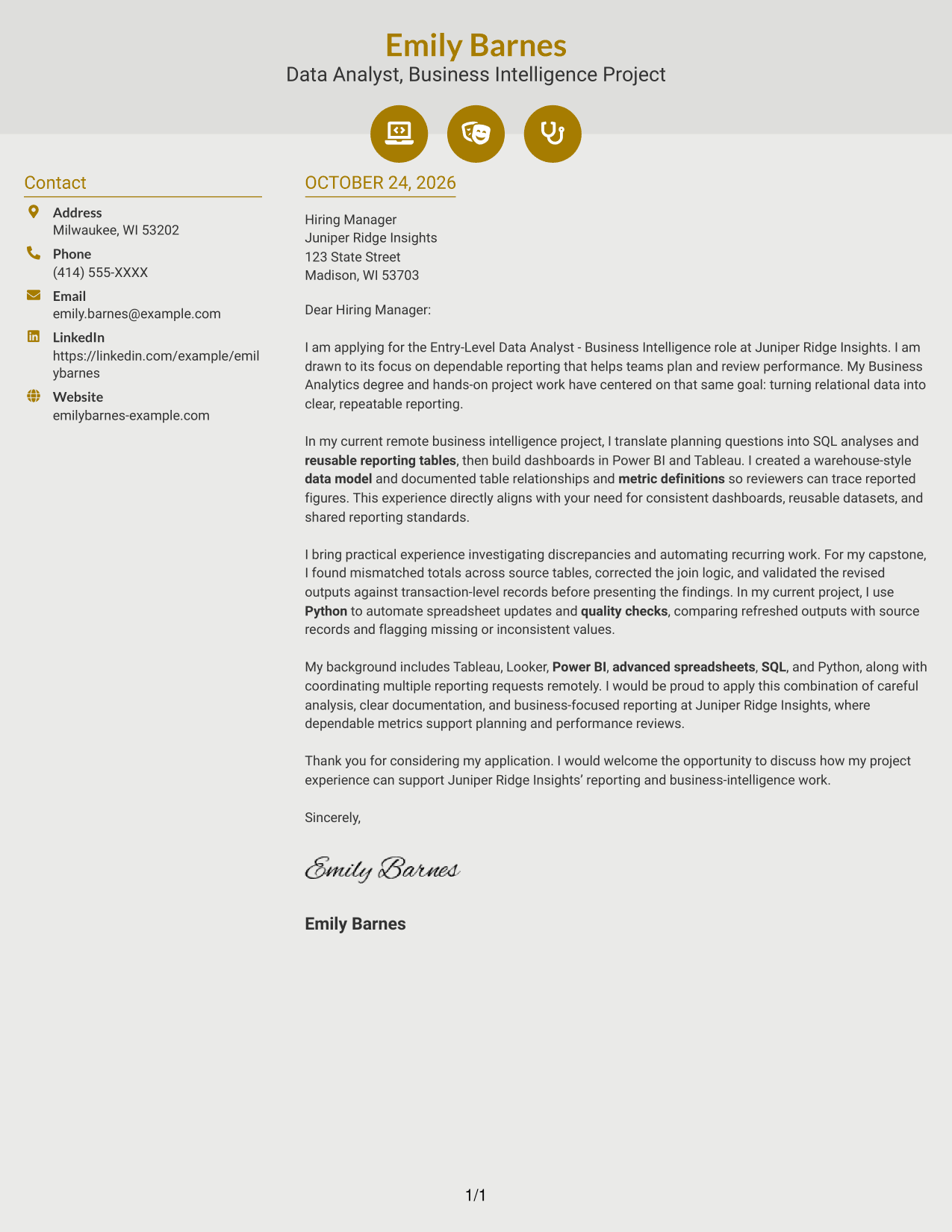
Why This Format Works
- Contact icons help distinguish sender details from the body text.
- Decorative header accents remain separate from the letter's persuasive paragraphs.
- Two-column placement keeps contact cues beside, not within, the continuous message.
Best For
- Icon-based contact details
- One-column letter bodies
- Letters without argument headings
- Visually guided contact lookup
- Evidence-led application messages
#7 Creative Two Tone Format Cover Letter Example
Creative Two Tone Format places the contact sidebar beside one continuous letter body, keeping sender information distinct from the message.
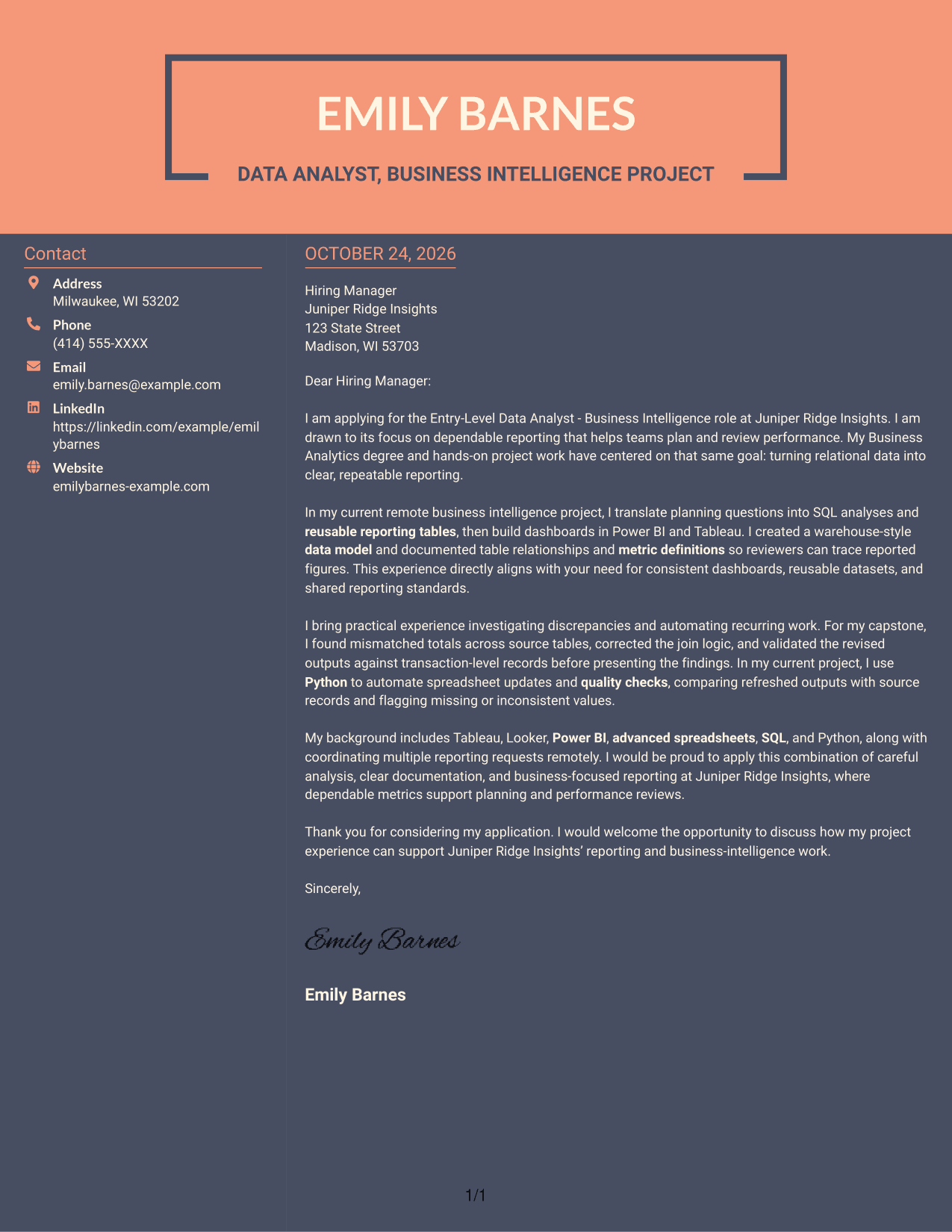
Why This Format Works
- The contact sidebar gives sender information a place apart from the message.
- A continuous body keeps the persuasive case in paragraph order.
- The two-area layout makes the letter text and contact details easy to distinguish.
Best For
- Sidebar-based contact information
- Continuous letter paragraphs
- Sender details beside the message
- Company-focused motivation
- Letters with a clear closing
See Also
- 33 Business Intelligence and Data Analyst Resume Templates with Example 2026 (ATS-Optimized)
- 33 Business Intelligence Data Analyst Resume Templates with Example 2026 (ATS-Optimized)
- 7 Entry-Level Data Analyst - Business Intelligence Resume Templates with Example
- 33 Business Data Analyst I Resume Templates with Example 2026 (ATS-Optimized)
- 33 Business Systems / Data Analyst Resume Templates with Example 2026 (ATS-Optimized)
- 7 Data Analyst Intern - Business Analytics Resume Templates with Example
- 7 Data Analyst Intern - Business Process and Reporting Resume Templates with Example
- 33 Data Architecture Business Analyst Resume Templates with Example 2026 (ATS-Optimized)
- 30+ Business Intelligence and Data Analyst Cover Letter Templates with Example 2026
- 30+ Business Intelligence Data Analyst Cover Letter Templates with Example 2026
Frequently Asked Questions
What should the opening paragraph say for an Entry-Level Data Analyst - Business Intelligence cover letter?
State your interest in the role and connect it to dependable reporting that supports planning and performance reviews. Keep the opening direct, then use the body to show relevant evidence.
What experience should I highlight in this cover letter?
Share examples you can support, such as using SQL to prepare reusable datasets, building dashboards, defining business metrics, or coordinating reporting requests. Mention tools like Power BI, Tableau, Looker, spreadsheets, or Python only when they reflect your own experience.
How can I show that I handle data-quality issues carefully?
Describe a specific discrepancy you investigated, what you changed, and how you checked the result. For example, correcting join logic and validating updated totals against source records shows care and clear reasoning.
Are these different cover letters?
They show the same featured cover letter in different visual styles. Compare the PNG image previews, then open an example in the editor to view or customize it.
Which cover letter style works best for a business intelligence role?
Choose a clean, readable style that fits the employer and the way you will communicate. A simple layout can keep attention on your motivation, role-specific evidence, and clear explanation of your fit.




