
7 Entry-Level Data Quality Analyst Cover Letter Templates with Example
This practical guide helps you shape an Entry-Level Data Quality Analyst cover letter that links careful validation work to clear role fit, with seven layouts to compare.
What Makes a Great Entry-Level Data Quality Analyst Cover Letter in 2026
A strong letter connects the role's focus on dependable data with a careful approach to profiling, validation, and analytical support. It should make your interest and fit clear from the opening through the close.
Use specific evidence, such as a repeatable data-checking workflow or a dashboard tested against sample records. Then connect that work to the employer's needs and describe results and limits accurately.
The featured example moves from role interest to evidence and a direct close, giving you a focused progression to adapt while choosing a presentation that suits the employer and communication context.
#1 Simple One Column Format Cover Letter Example
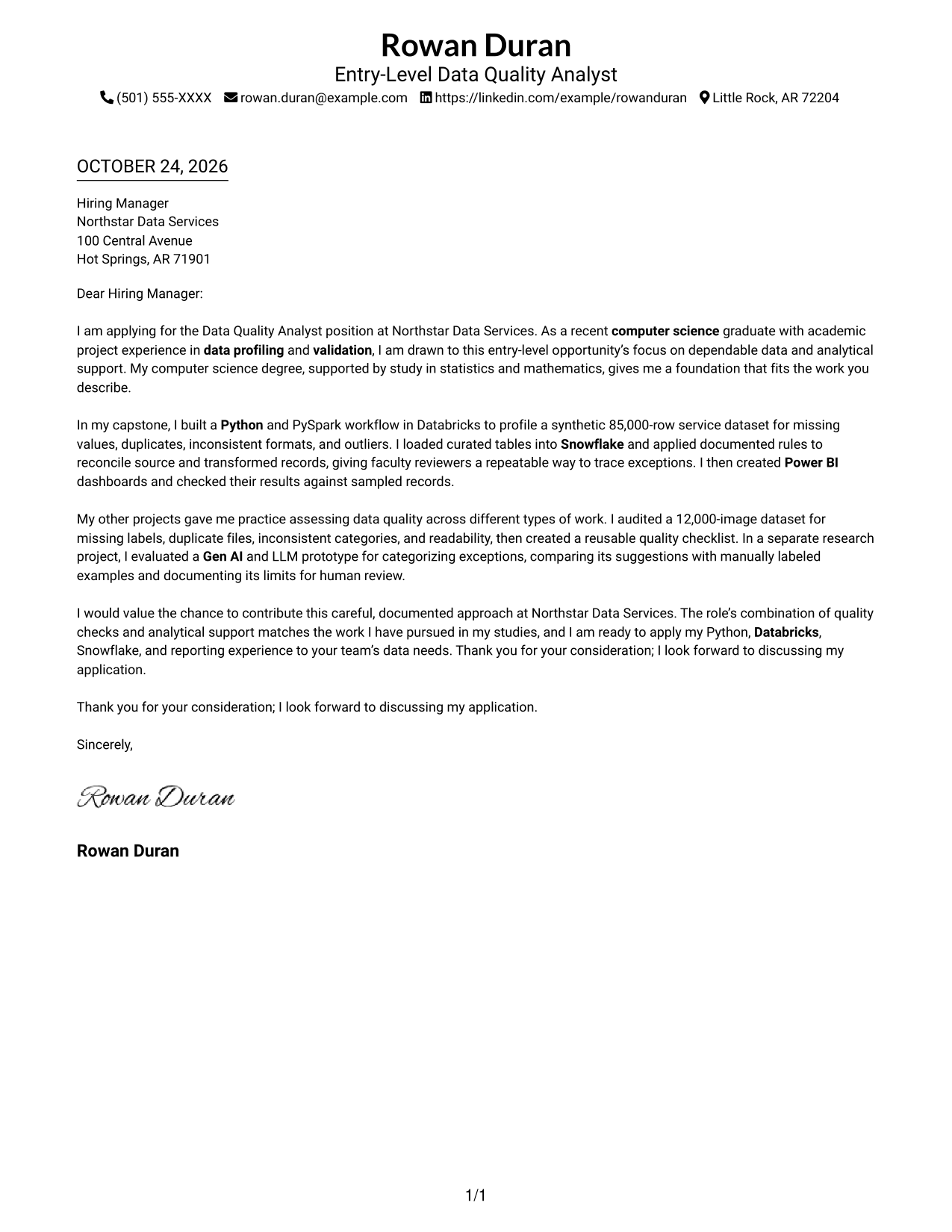
The Simple One Column Format places sender details in the header above one continuous letter body, giving the message a direct reading path.
Why This Format Works
- Sender details remain in the header, separate from the letter's main message.
- The opening, project evidence, and closing stay together in one continuous body.
- Without a portrait, the layout suits readers who prefer text-only letters.
Best For
- Single-column correspondence
- Header-based contact details
- Unsectioned letter paragraphs
- Portrait-free applications
- Entry-level analyst applications
#2 Two Column Format Cover Letter Example
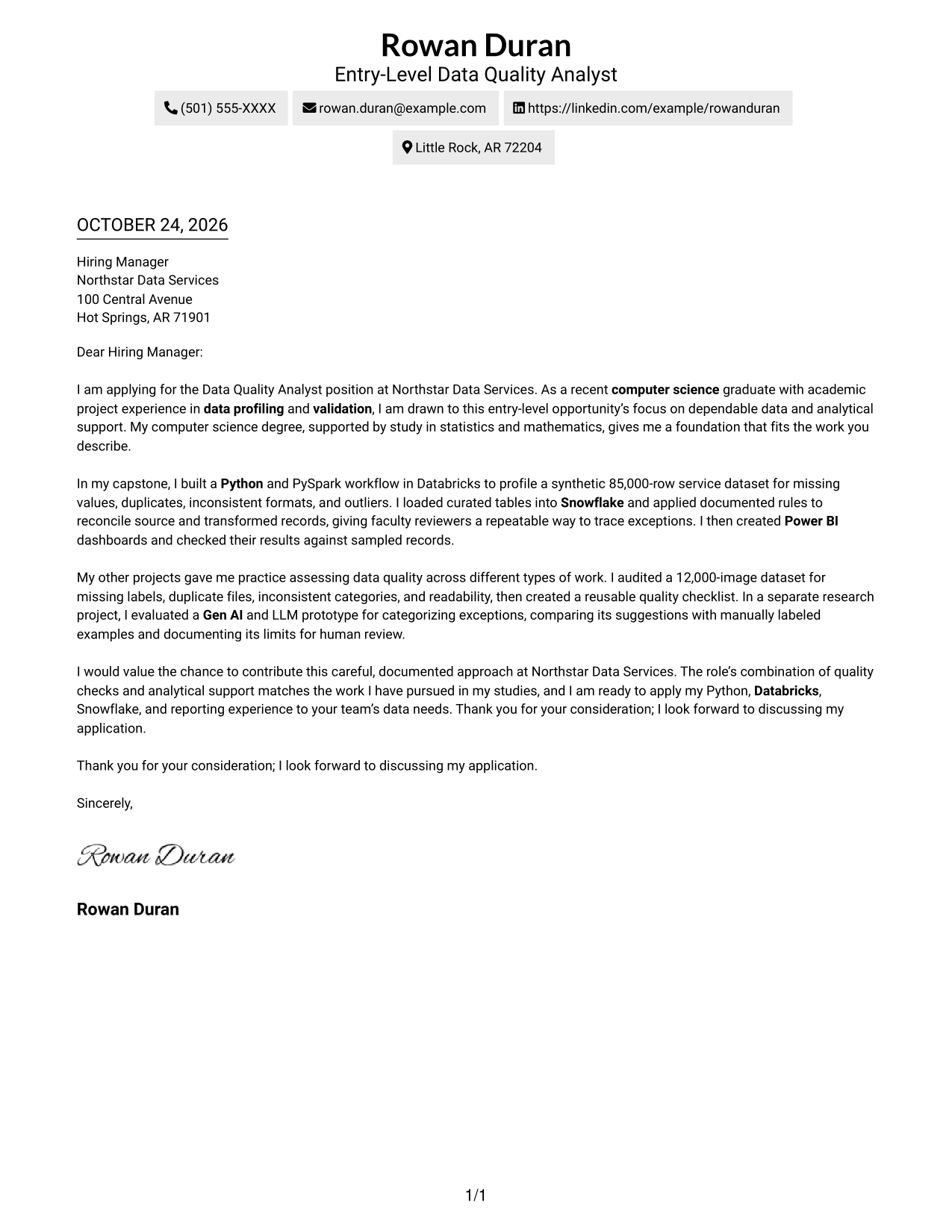
The Two Column Format places a contact sidebar beside one continuous letter body, keeping practical information apart from the message.
Why This Format Works
- Contact information sits in a sidebar, apart from the message itself.
- The letter body keeps its opening, evidence, and close in sequence.
- No portrait suits readers who prefer a photo-free application letter.
Best For
- Separate contact lookup
- Two-column reading preference
- Continuous prose letters
- Portrait-free applications
- Entry-level analyst applications
#3 Photo Header Two Column Format Cover Letter Example
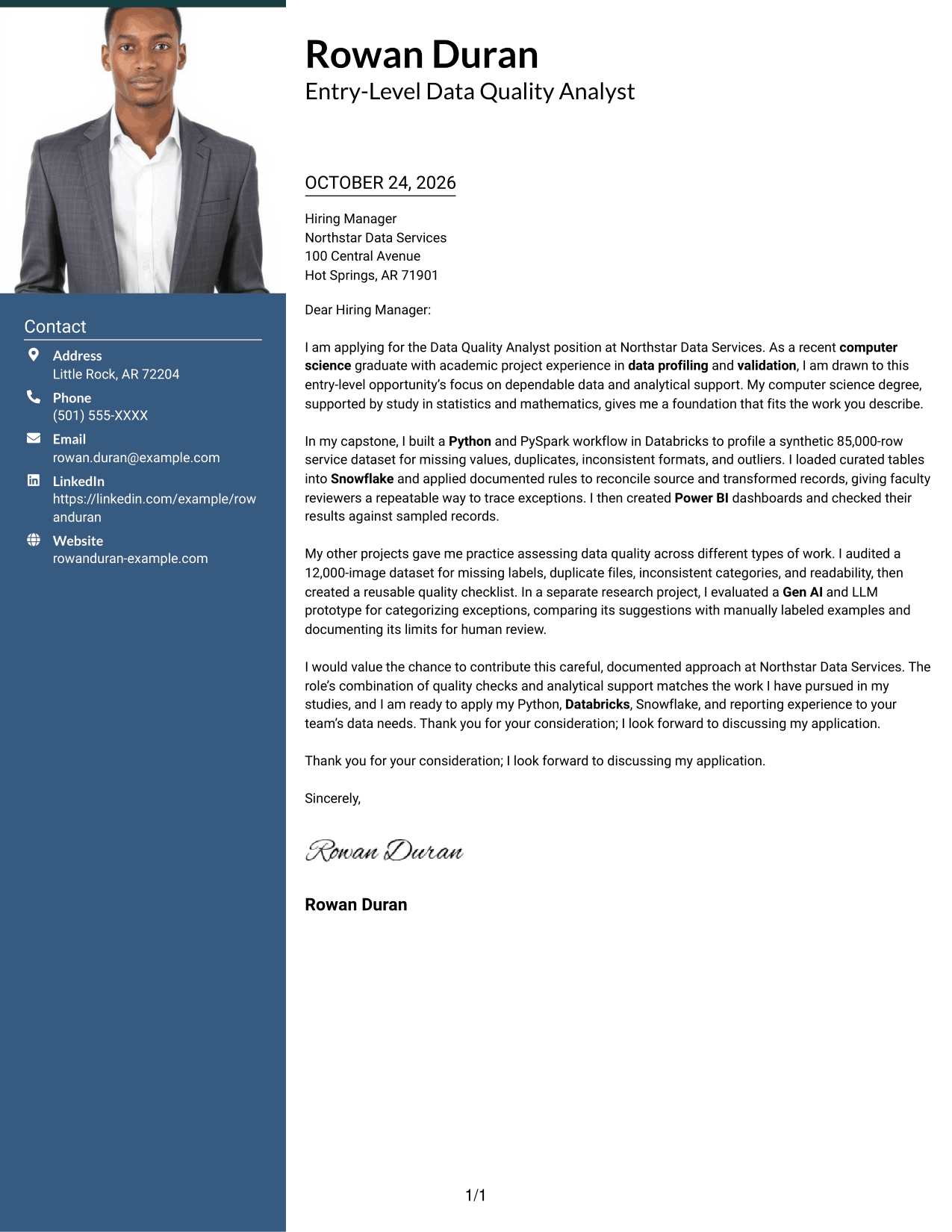
The Photo Header Two Column Format pairs a photo header with a contact sidebar and continuous letter body for a portrait-inclusive design.
Why This Format Works
- Contact details remain in a sidebar, separate from the letter body.
- The message keeps a continuous paragraph flow from opening through closing.
- A photo in the header offers a portrait-inclusive visual choice.
Best For
- Photo-header applications
- Separate contact sidebar
- Two-column page preference
- Continuous prose letters
- Entry-level analyst applications
#4 One Column Format with Photo Cover Letter Example
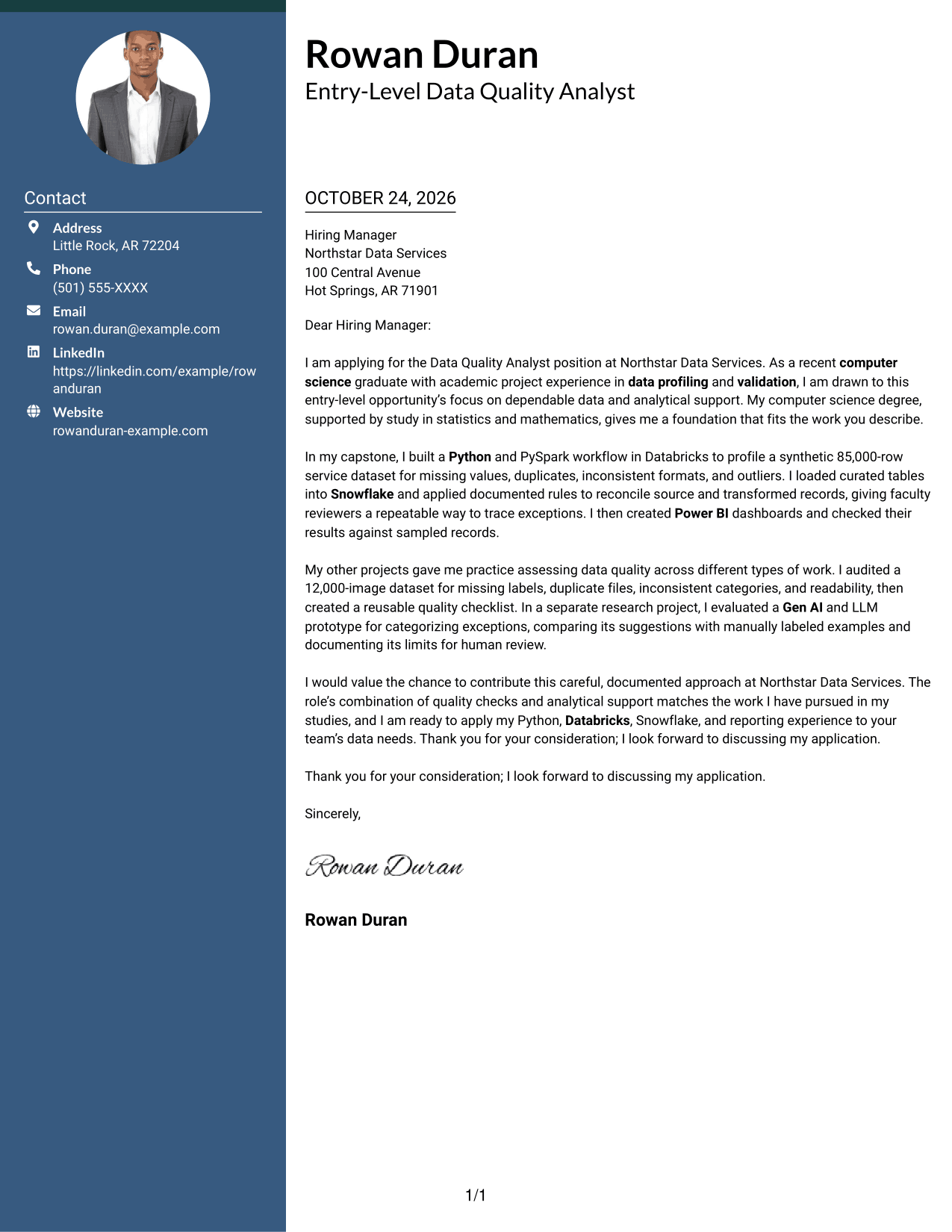
The One Column Format with Photo combines a portrait with a single continuous letter body, keeping the written message in one reading column.
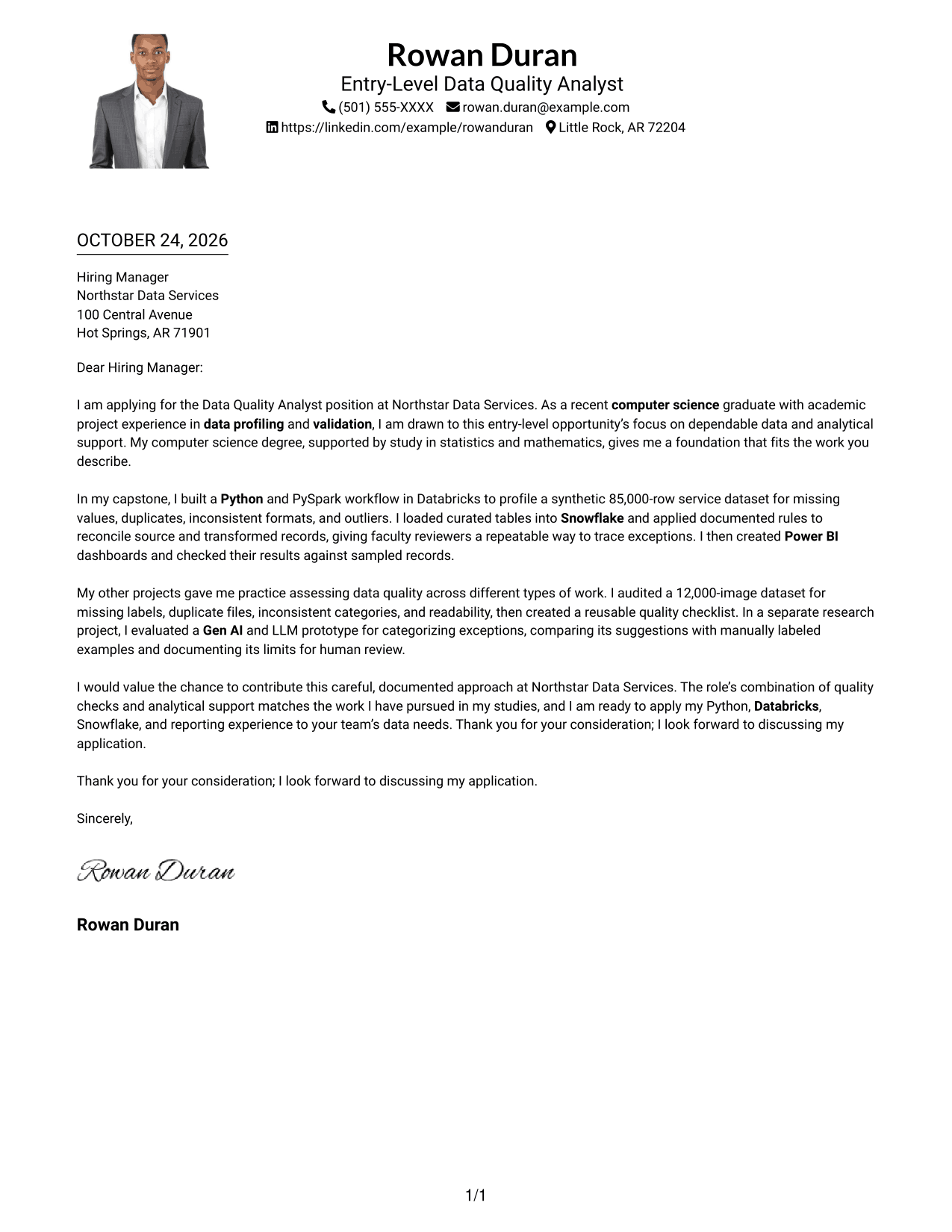
Why This Format Works
- One reading column keeps the letter's paragraphs in a direct sequence.
- Sender details share the single-column presentation with the continuous letter body.
- A portrait adds a photo-inclusive option without splitting the letter body.
Best For
- Portrait-inclusive letters
- Single-column correspondence
- Header contact presentation
- Unsectioned letter paragraphs
- Entry-level analyst applications
#5 Simple Two Column Format Cover Letter Example
The Simple Two Column Format gives contact details their own sidebar while keeping the letter itself in one uninterrupted column.
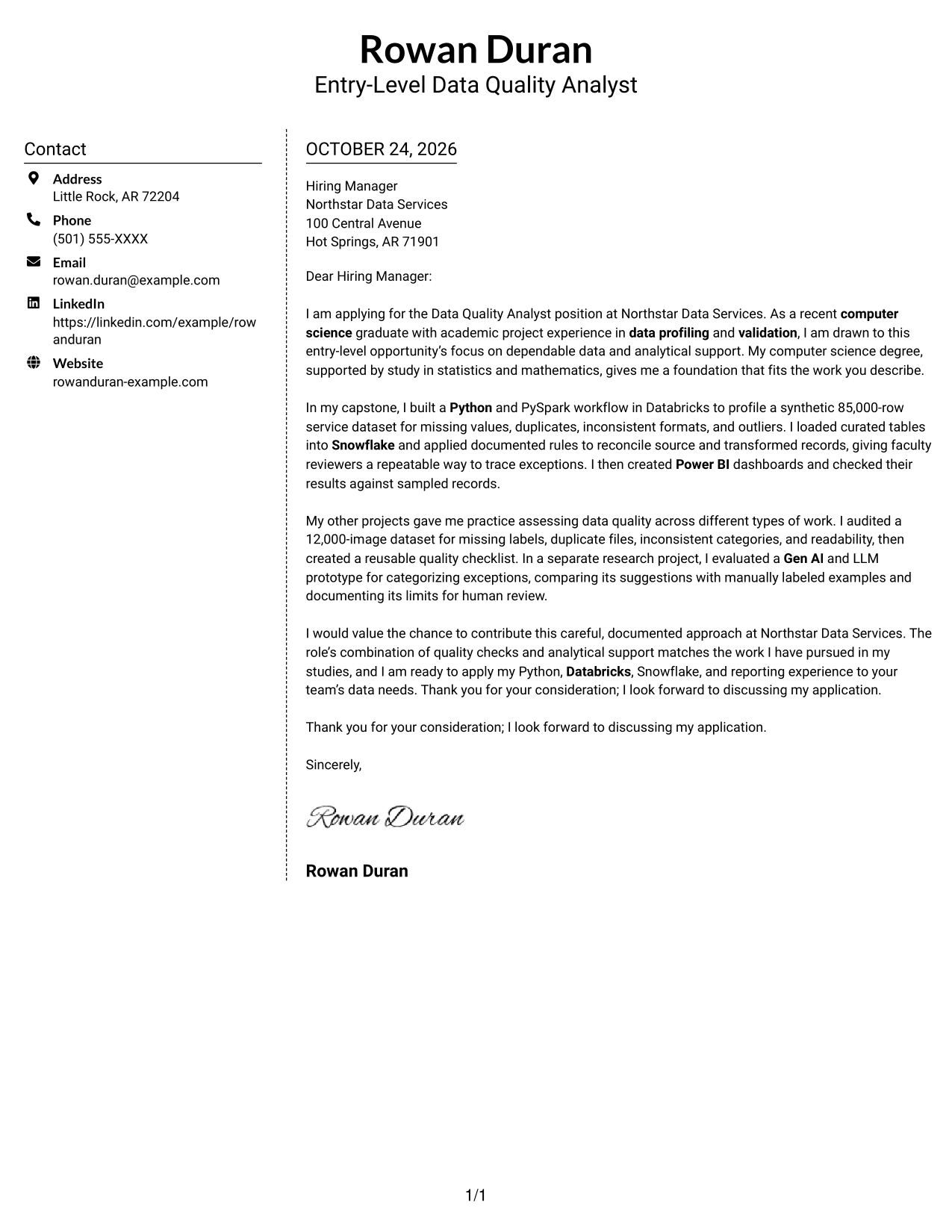
Why This Format Works
- Contact details occupy a sidebar, leaving the letter body uninterrupted.
- Readers can follow the application message in its original paragraph order.
- The photo-free presentation fits applications that call for no portrait.
Best For
- Sidebar contact access
- Two-column reading preference
- Continuous prose letters
- Portrait-free correspondence
- Entry-level analyst applications
#6 Modern Icon Format Cover Letter Example
The Modern Icon Format pairs contact icons and a sidebar with one continuous letter body, using icons as contact cues rather than argument labels.
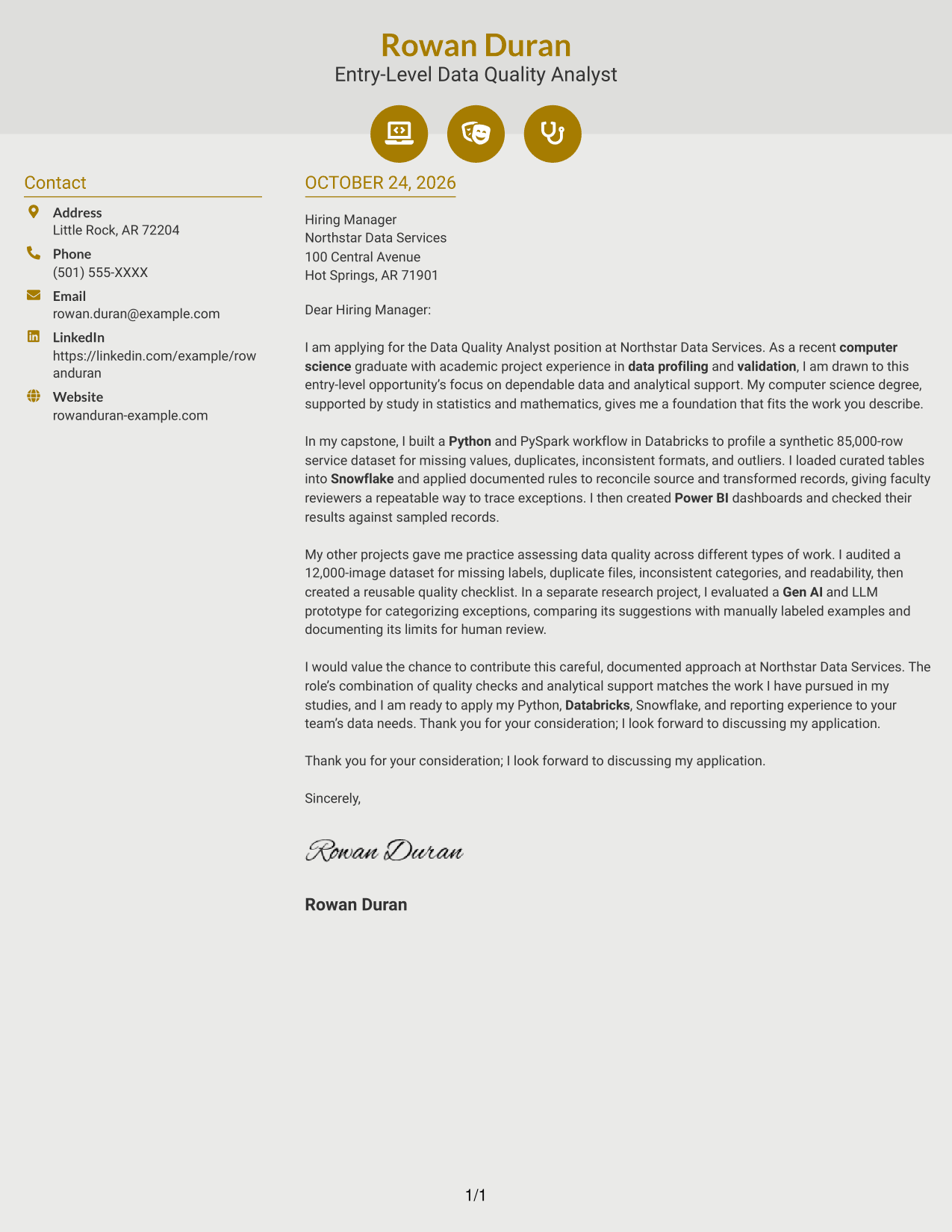
Why This Format Works
- Contact icons help identify practical details without labeling the letter's argument.
- The sidebar keeps contact information distinct from the continuous message.
- One connected body carries the opening, evidence, and closing in order.
Best For
- Icon-marked contact details
- Contact sidebar layout
- Continuous letter prose
- Two-column page preference
- Portrait-free applications
#7 Creative Two Tone Format Cover Letter Example
The Creative Two Tone Format places a contact sidebar beside one continuous letter body, separating sender information from the main message.
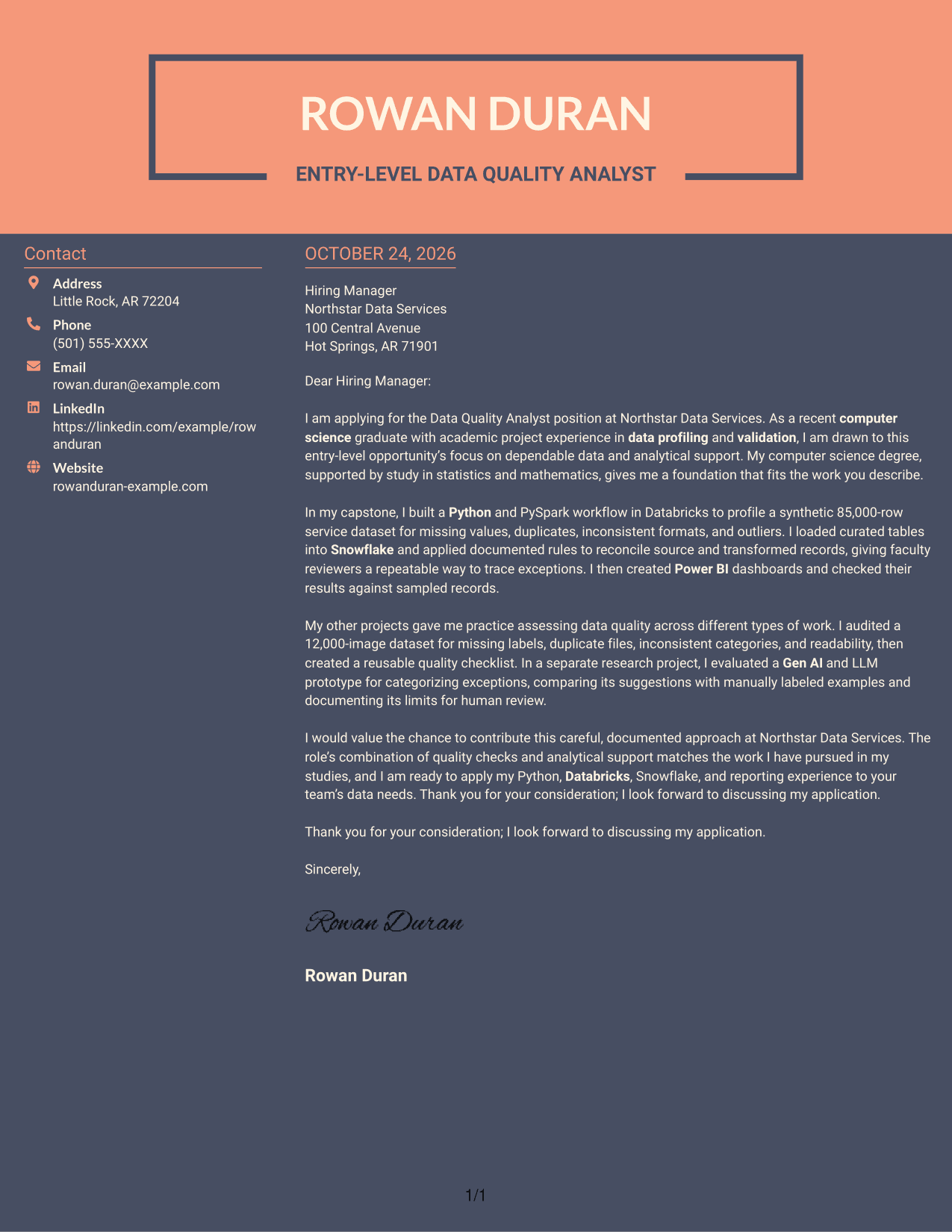
Why This Format Works
- The sidebar keeps sender details apart from the letter's message.
- A continuous body lets readers follow the opening, evidence, and close in order.
- The photo-free layout suits readers who prefer a text-led application.
Best For
- Sidebar contact access
- Continuous letter prose
- Two-column page preference
- Portrait-free applications
- Entry-level analyst applications
See Also
- 33 Data Analyst, Quality Resume Templates with Example 2026 (ATS-Optimized)
- 7 Entry-Level Data Quality Analyst Resume Templates with Example
- 7 Analyst, Quality Systems Resume Templates with Example
- 33 Customer Service Quality Assurance Analyst Resume Templates with Example 2026 (ATS-Optimized)
- 7 Homeowner Claims Quality Assurance Senior Analyst Resume Templates with Example
- 7 Quality Assurance Analyst - Taxation Resume Templates with Example
- 7 Regional Quality Analyst - PACE Quality Improvement Resume Templates with Example
- 7 Senior Quality Assurance Analyst - Investigations and CAPA Resume Templates with Example
- 30+ Data Analyst, Quality Cover Letter Templates with Example 2026
- 30+ Customer Service Quality Assurance Analyst Cover Letter Templates with Example 2026
Frequently Asked Questions
What should an Entry-Level Data Quality Analyst cover letter opening include?
State the role you are applying for and explain why its focus on data quality interests you. Briefly connect that interest to relevant study or hands-on data validation work.
How can I show data quality skills in a cover letter?
Describe a specific example, such as checking for missing values, duplicates, format issues, or outliers. Explain how you documented the rules and checked the results.
Are these different cover letters?
The guide presents one cover letter example in different visual layouts. Compare the image previews, then open an example in the editor to view or customize it.
How can academic project work support this application?
Explain the problem you examined, the method you used, and how you checked your findings. For example, a data profiling workflow or a dashboard checked against source records can show a careful approach.
Which cover letter layout should I choose?
Choose a clear layout that makes your opening, evidence, and closing easy to follow. Consider the employer and the communication style expected for the application.




