
7 Entry-Level Data Scientist - Python and Data Analysis Cover Letter Templates with Example
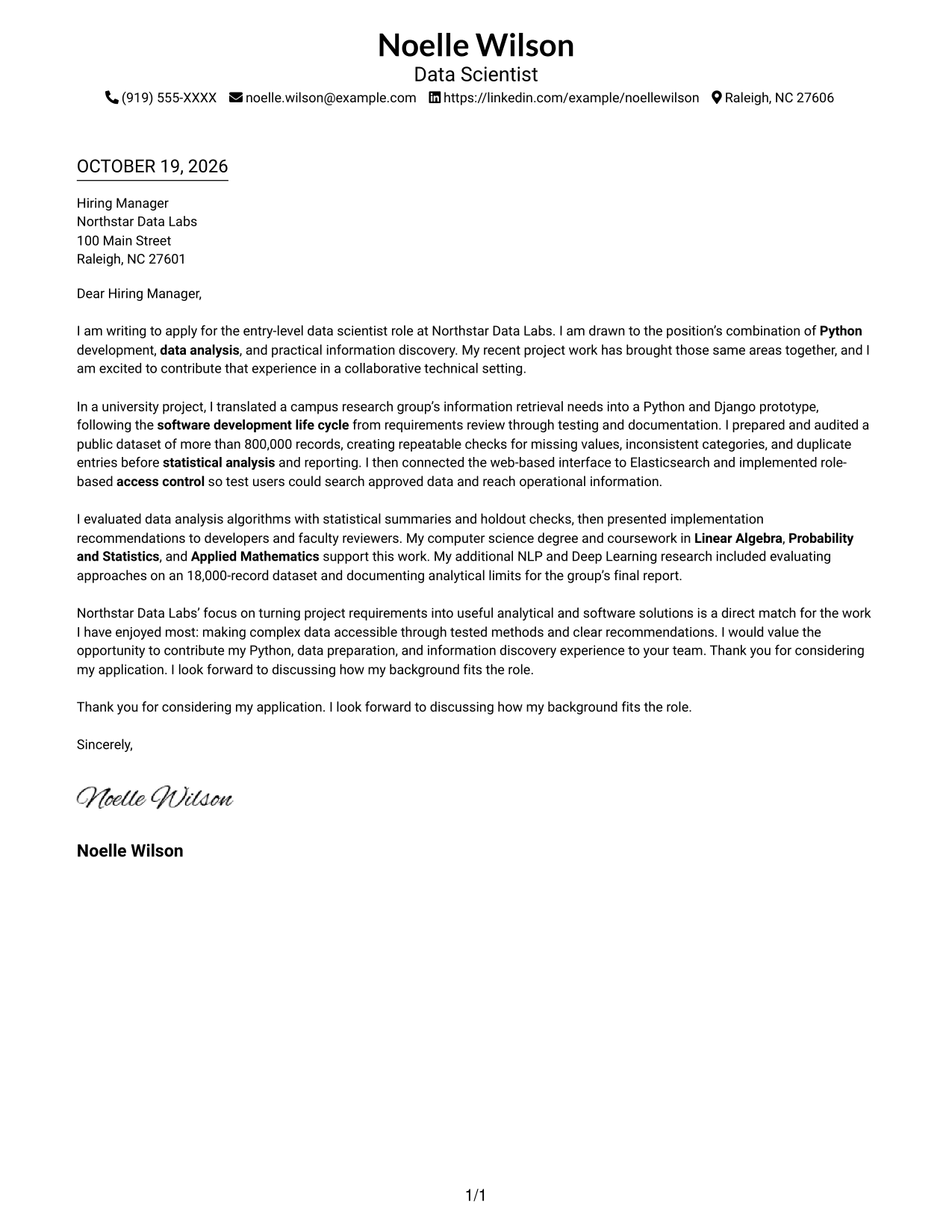
This practical guide to an Entry-Level Data Scientist - Python and Data Analysis cover letter presents seven layouts and shows how to connect your evidence to the role.
What Makes a Great Entry-Level Data Scientist - Python and Data Analysis Cover Letter in 2026
A strong letter links your interest in data science to the role’s work in Python, data analysis, and useful information discovery. Make your opening direct and your reason for applying clear.
Use specific evidence, such as preparing a large dataset or evaluating an analysis method, to show how you work. Connect that evidence to the employer’s needs and close with a clear, courteous next step.
The featured Entry-Level Data Scientist letter moves from interest in the role to relevant evidence and a focused closing, giving you a progression to adapt while choosing a presentation that suits the employer and communication context.
#1 Simple One Column Format Cover Letter Example
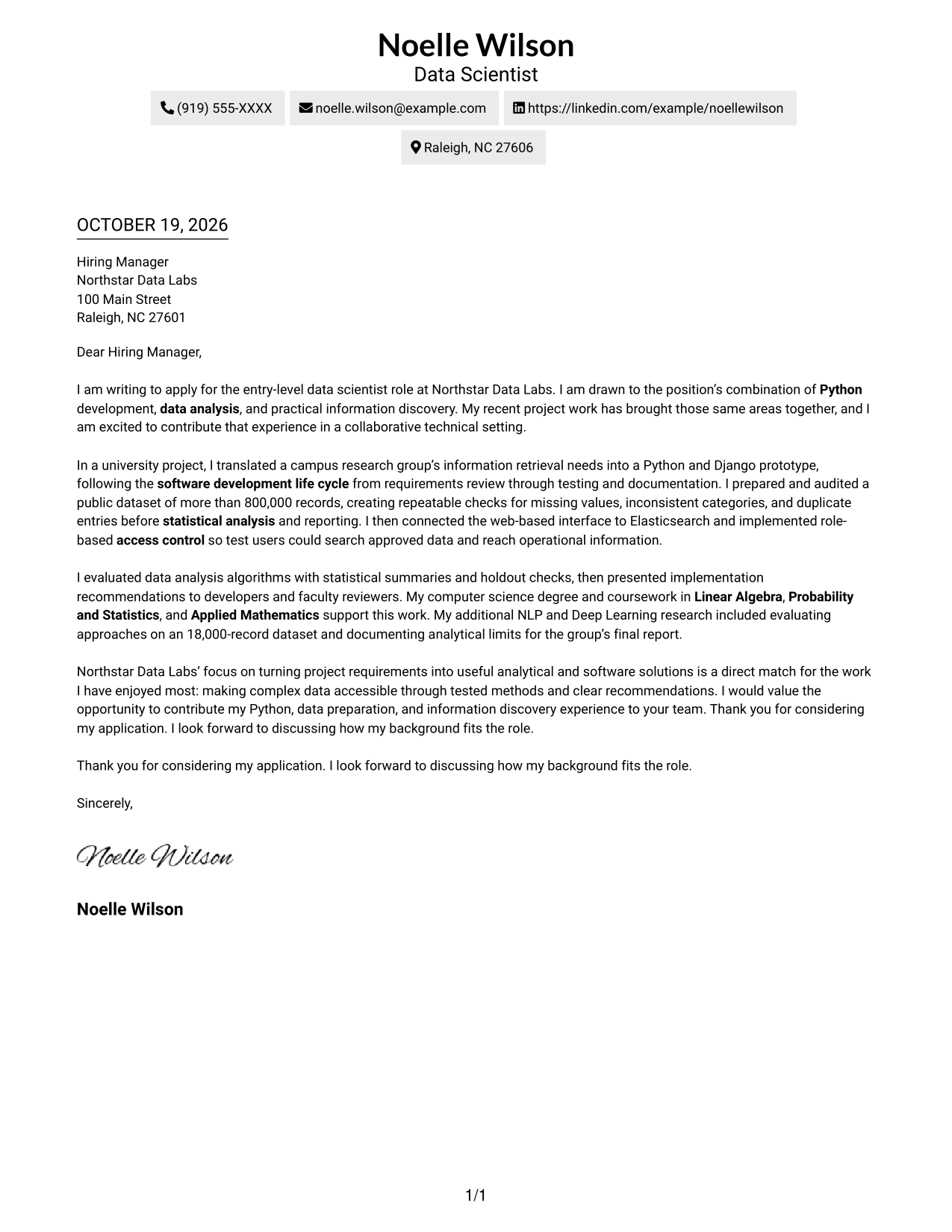
A single-column layout keeps sender details and the continuous letter body in one reading path, making it a straightforward choice for readers who prefer a simple page.
Why This Format Works
- A single column gives the greeting and paragraphs a direct reading order.
- Sender details remain in the header, apart from the letter's argument.
- The continuous body lets the opening, supporting case, and close read together.
Best For
- Single-column correspondence
- Header-based contact details
- Continuous letter arguments
- No-photo applications
- Straightforward visual presentation
#2 Two Column Format Cover Letter Example
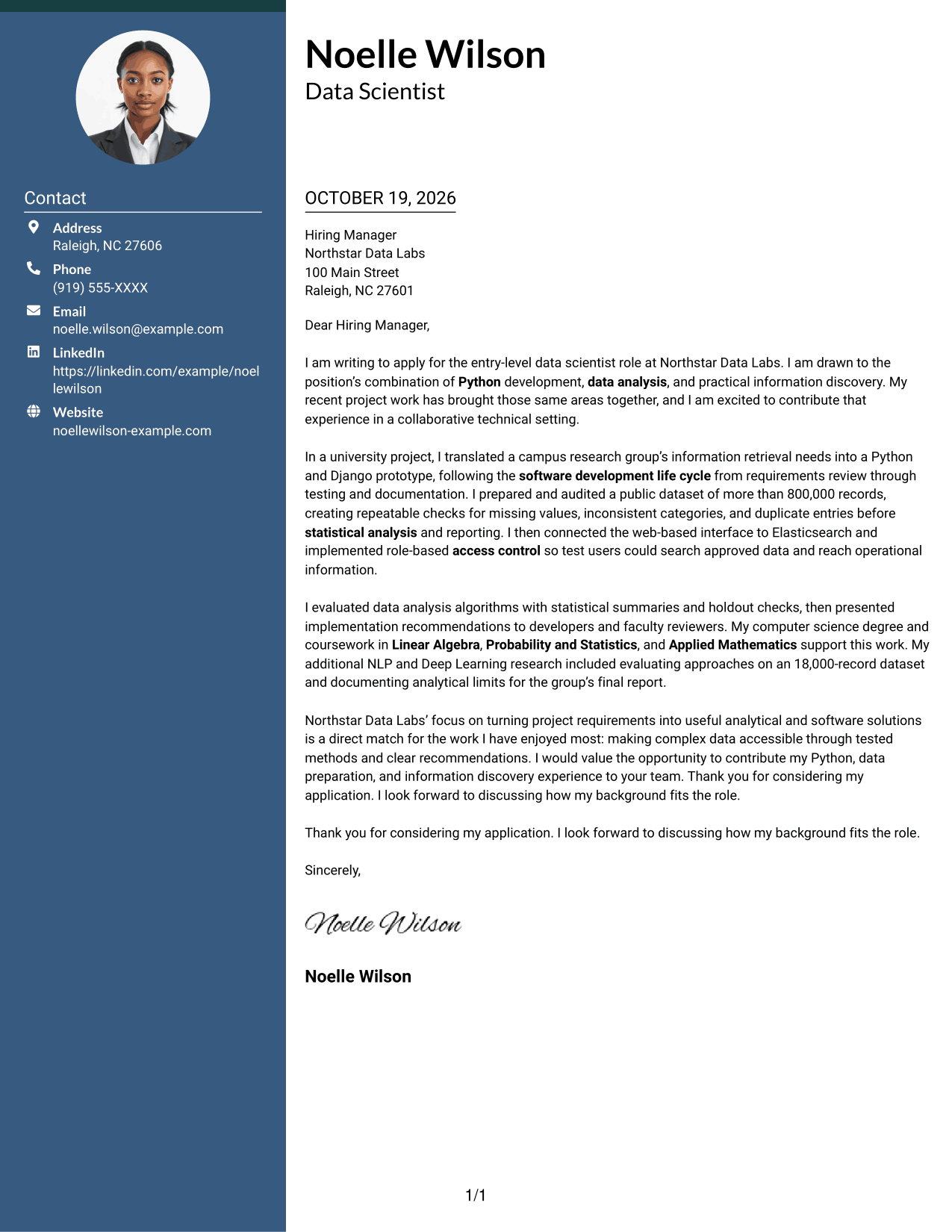
A contact sidebar sits beside one continuous letter body, giving sender details a separate place while keeping the message together.
Why This Format Works
- Contact details sit in a sidebar, separate from the message itself.
- One continuous body keeps motivation, evidence, and closing paragraphs connected.
- The side-by-side arrangement makes the letter's single-body structure clear.
Best For
- Sidebar contact details
- Multi-paragraph letters
- Continuous persuasive messages
- No-photo correspondence
- Two-column page preference
#3 Photo Header Two Column Format Cover Letter Example
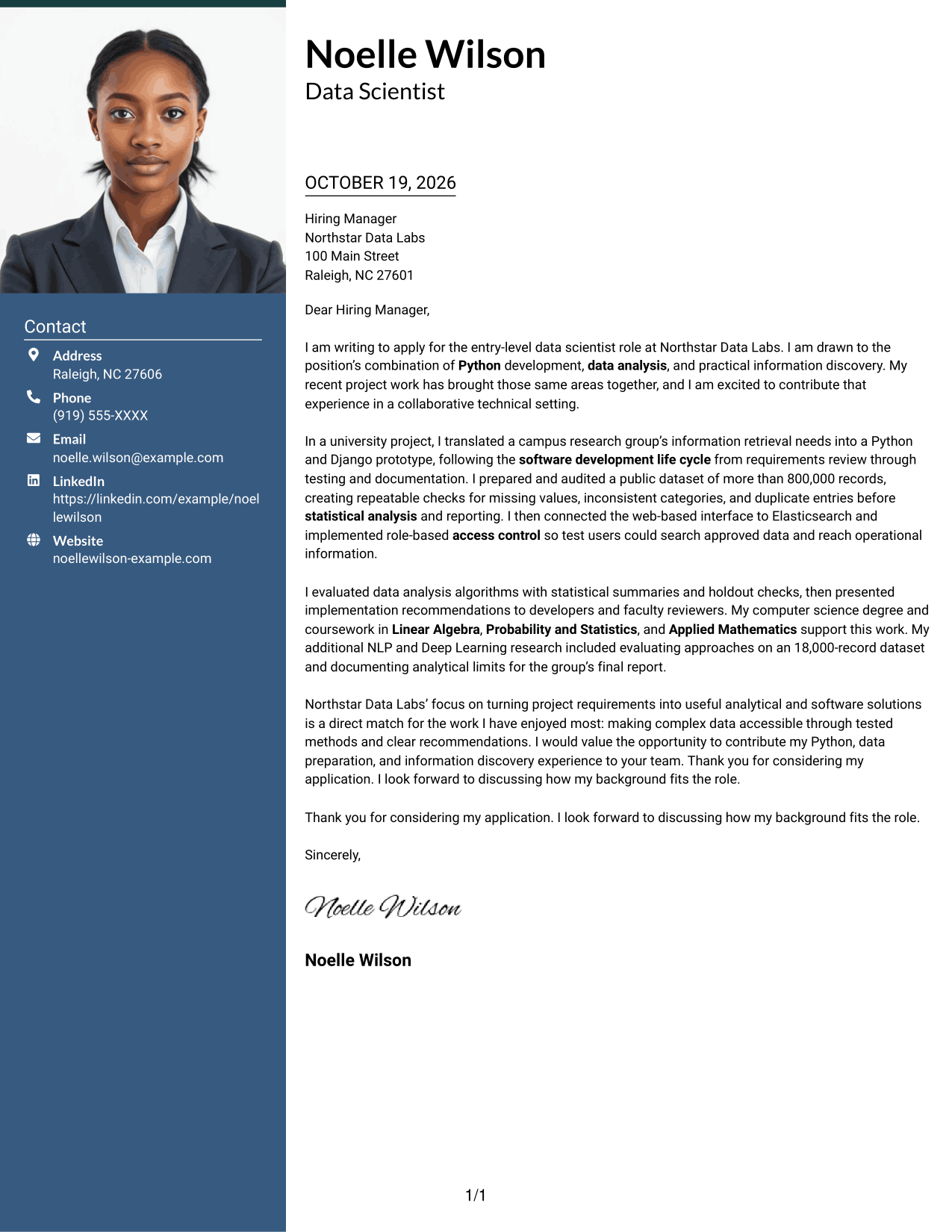
A photo in the header adds a personal visual element, while the contact sidebar and continuous letter body keep their roles distinct.
Why This Format Works
- The header photo offers a personal visual choice without changing the letter's message.
- A contact sidebar keeps sender information apart from the continuous body.
- Paragraphs retain one reading path for the opening, evidence, and closing.
Best For
- Photo-inclusive correspondence
- Sidebar contact details
- Continuous letter arguments
- Personal visual presentation
- Two-column page preference
#4 One Column Format with Photo Cover Letter Example
The one-column page keeps the letter body together, while the photo adds a personal visual detail without dividing the message.
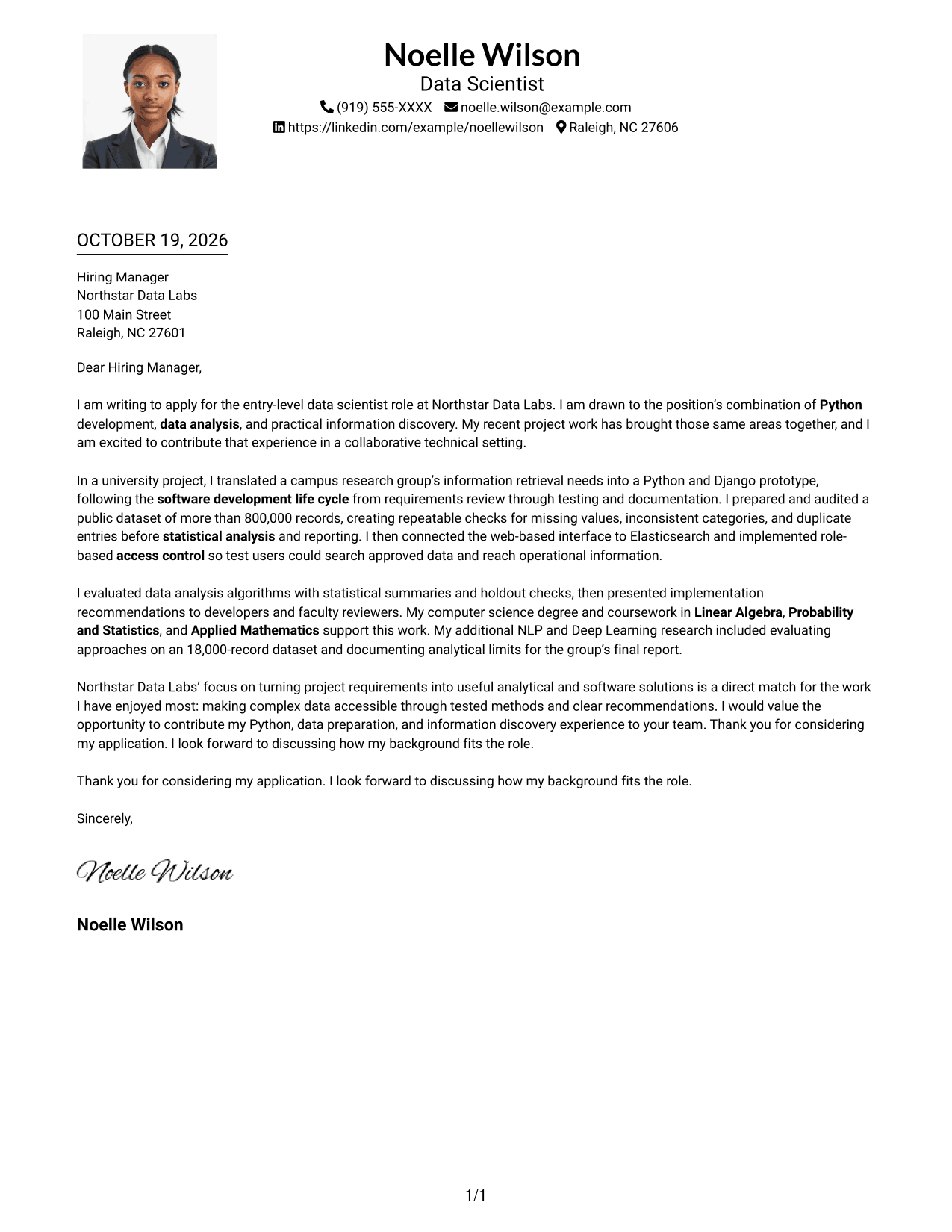
Why This Format Works
- One-column reading keeps the message together from greeting through closing.
- The photo adds a visual detail without breaking up the letter body.
- Header-based sender details remain distinct from the message paragraphs.
Best For
- One-column correspondence
- Photo-inclusive applications
- Continuous paragraph flow
- Header-based sender details
- Personal visual presentation
#5 Simple Two Column Format Cover Letter Example
A simple two-column layout places contact details beside, but apart from, one continuous letter body for readers who want both areas easy to locate.
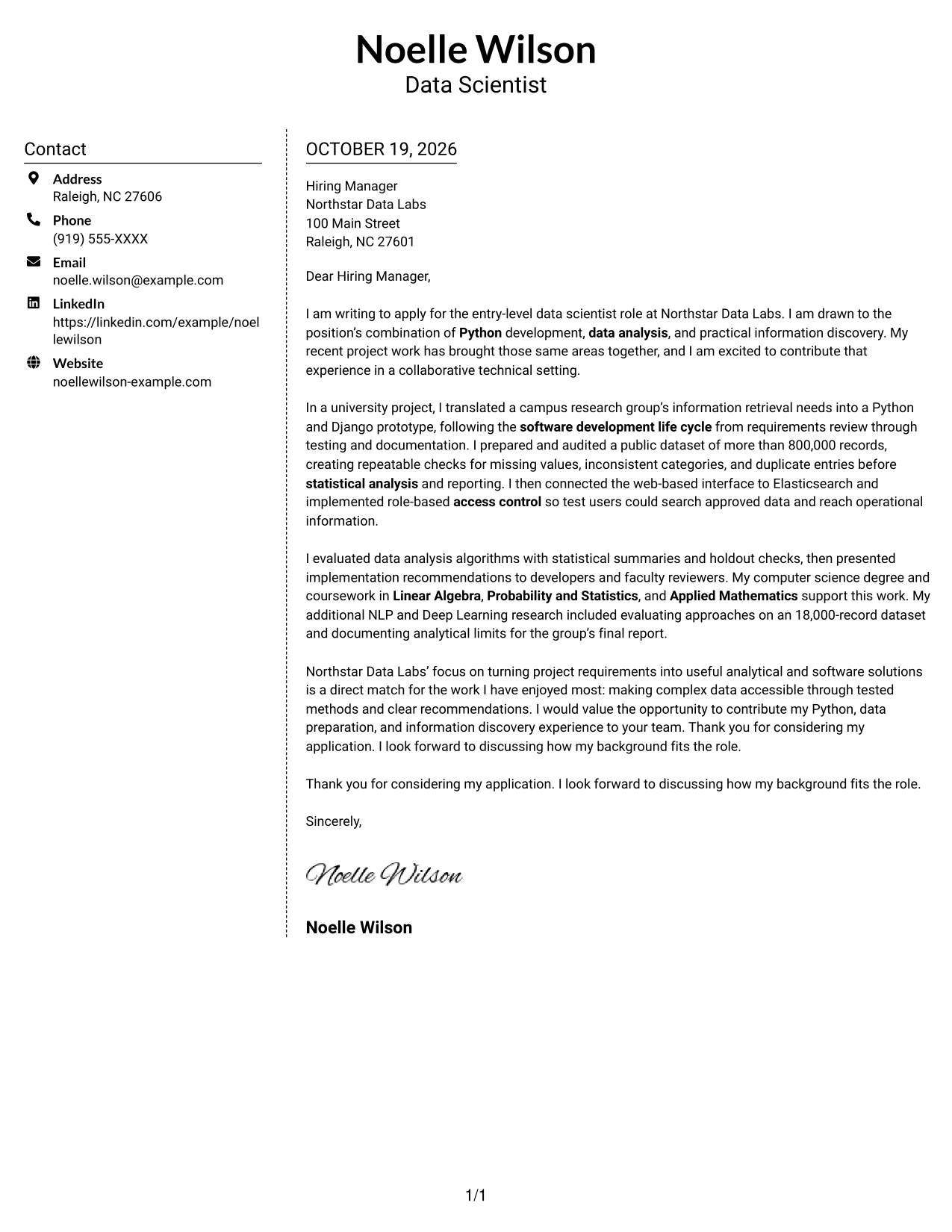
Why This Format Works
- A contact sidebar keeps sender details available outside the message.
- One body lets the opening and supporting paragraphs build toward the close.
- Two-column placement distinguishes correspondence details from the letter itself.
Best For
- Contact details beside the message
- Continuous persuasive writing
- Multi-paragraph correspondence
- No-photo applications
- Simple two-column pages
#6 Modern Icon Format Cover Letter Example
Contact icons add visual cues beside the sidebar details, while the letter itself remains one continuous body.
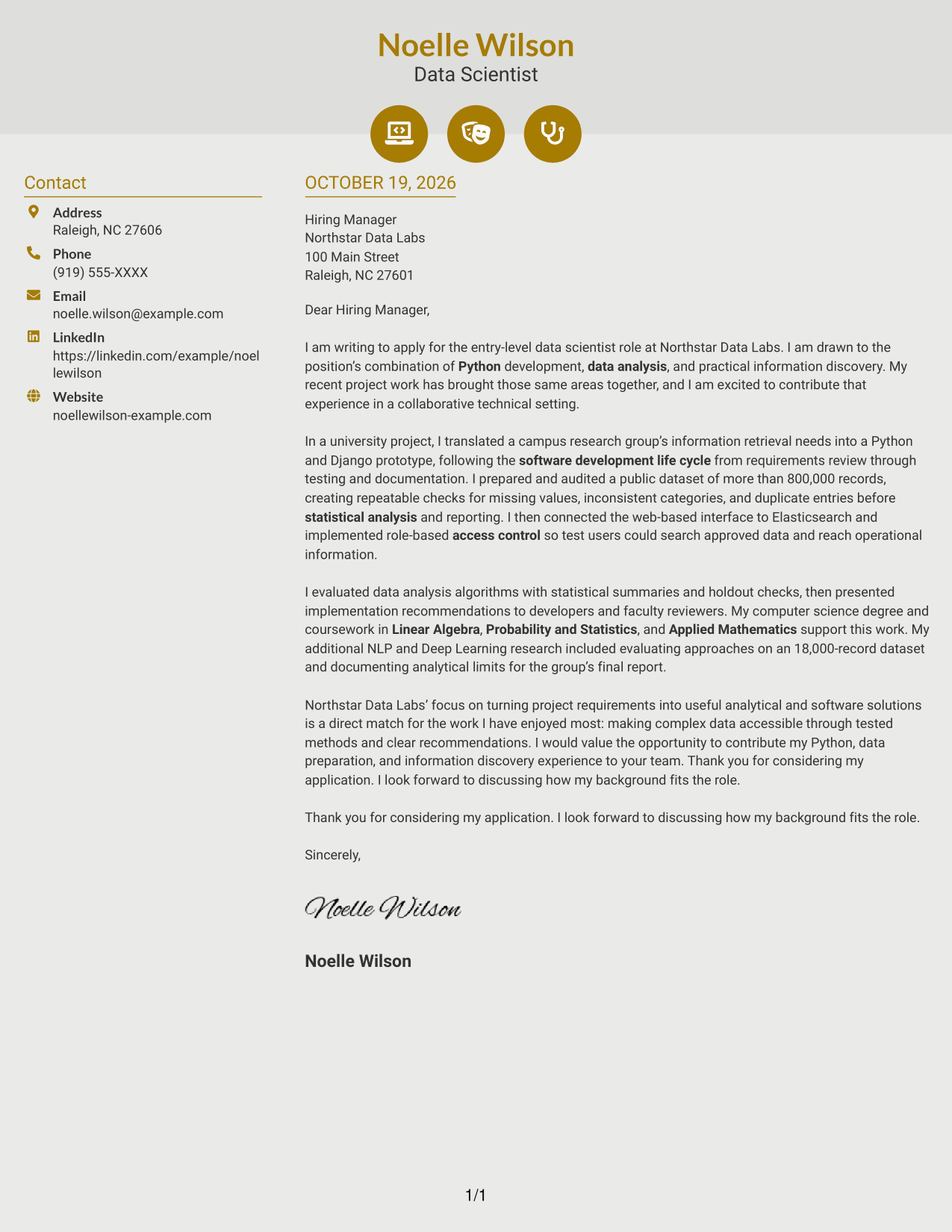
Why This Format Works
- Contact icons provide visual cues for locating sender information in the sidebar.
- The continuous letter body keeps its argument in paragraphs, not icon-labeled stages.
- Two columns keep contact cues beside, rather than inside, the message.
Best For
- Icon-marked contact details
- Sidebar contact information
- Continuous letter arguments
- No-photo correspondence
- Two-column page preference
#7 Creative Two Tone Format Cover Letter Example
The two-column layout places contact details beside one continuous letter body, a practical choice when separate contact access matters.
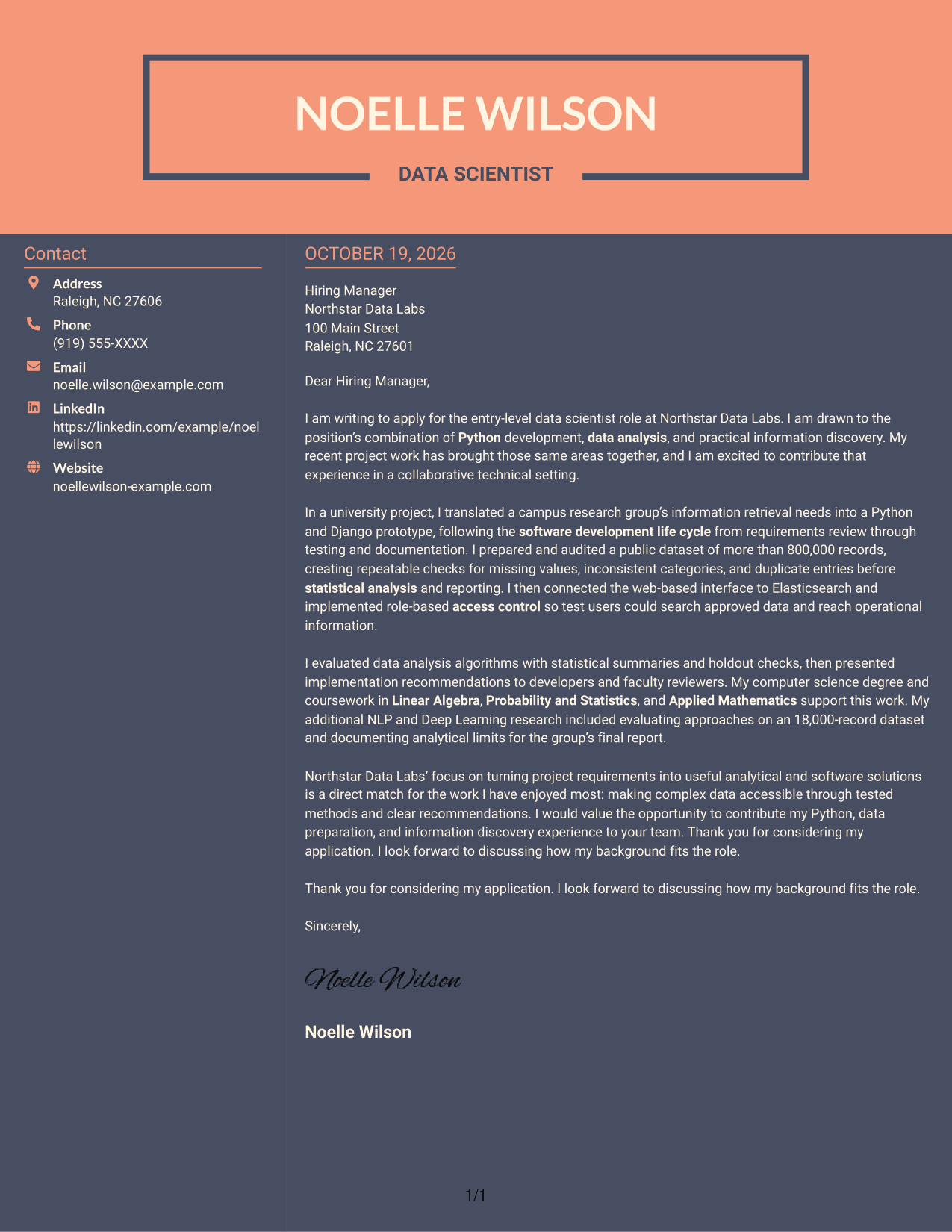
Why This Format Works
- A contact sidebar separates sender details from the continuous letter body.
- Paragraphs retain a direct reading sequence from opening through closing.
- Two-column placement gives contact information a clear location beside the message.
Best For
- Contact details outside the body
- Continuous paragraph arguments
- Side-by-side information
- No-photo applications
- Two-column page preference
See Also
- 7 Entry-Level Data Scientist - Python and Data Analysis Resume Templates with Example
- 33 Associate Data Scientist Resume Templates with Example 2026 (ATS-Optimized)
- 33 Data Analyst / Data Scientist Resume Templates with Example 2026 (ATS-Optimized)
- 7 Data Scientist - Court Data Analytics Resume Templates with Example
- 7 Data Scientist, Entry Level Resume Templates with Example
- 33 Data Scientist, Health Informatics Resume Templates with Example 2026 (ATS-Optimized)
- 33 Data Scientist Intern Resume Templates with Example 2026 (ATS-Optimized)
- 33 Data Scientist, Mid Level Resume Templates with Example 2026 (ATS-Optimized)
- 30+ Associate Data Scientist Cover Letter Templates with Example 2026
- 30+ Data Analyst / Data Scientist Cover Letter Templates with Example 2026
Frequently Asked Questions
What should an Entry-Level Data Scientist cover letter emphasize?
Show why the role interests you, then connect your Python and data analysis experience to its needs. A specific example of data preparation, algorithm evaluation, or clear technical communication can make your fit easier to see.
How can I show data analysis experience in my letter?
Describe the problem, the steps you took, and what you learned or shared. For example, you could explain how you checked a large dataset for missing values, inconsistent categories, and duplicates before analysis.
How should I explain my Python and software development experience?
Give a brief example that shows how you moved from requirements to design, testing, and documentation. If relevant, explain how you connected a Python and Django prototype to a web interface or an indexing product.
How can I connect my background to an employer’s needs?
Use details from the job description to guide your examples. Link your experience with data preparation, statistical analysis, or information discovery to the work the employer describes, without claiming skills you have not used.
Can I view or customize the cover letter examples?
Yes. Compare the PNG image previews, then use the example links to view or customize a cover letter in the editor.




