
7 Entry-Level Fabrication Specialist - Composite Manufacturing Resume Templates with Example
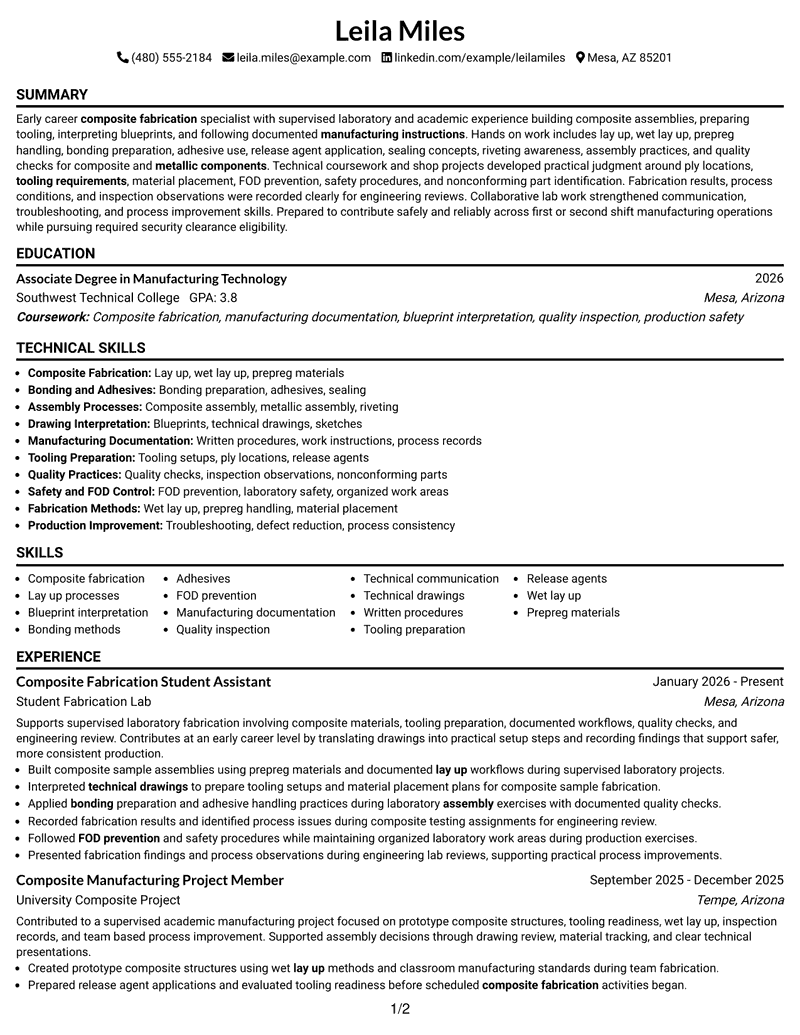
This guide shows you how to build an Entry-Level Fabrication Specialist - Composite Manufacturing resume that is clear, focused, and easy to adapt. It explains how to organize your evidence and compare professional formats.
A strong resume for this role uses clear sections for experience, education, projects, certifications, and skills. It can highlight composite fabrication, blueprint interpretation, manufacturing documentation, bonding methods, and quality practices.
This page presents one resume example in 7 layouts so you can compare structure, reading order, and content organization.
What Makes a Great Entry-Level Fabrication Specialist - Composite Manufacturing Resume in 2026
A strong resume in 2026 uses clear sections, focused keywords, and concise bullet points that help reviewers find relevant information quickly.
Effective resume content organizes experience, projects, education, certifications, and skills with accurate fabrication and manufacturing terms.
The examples shown below are intentionally detailed to demonstrate a range of experiences, skills, accomplishments and relevant keywords. We prefer detailed resumes as they provide more context to the hiring managers and also help the ATS systems identify relevant qualifications and score your resume better for a match. But the length of a resume is an individual choice. If you want a one page resume, just keep the most relevant experience and information for the job. Note: Resume examples are for educational purposes only. Use only information that accurately reflects your experience and qualifications. References to real organizations do not imply affiliation or endorsement.
#1 Simple One Column Format Resume Example
Simple One Column Format presents resume information in a one-column structure that helps recruiters scan sections and find key content.
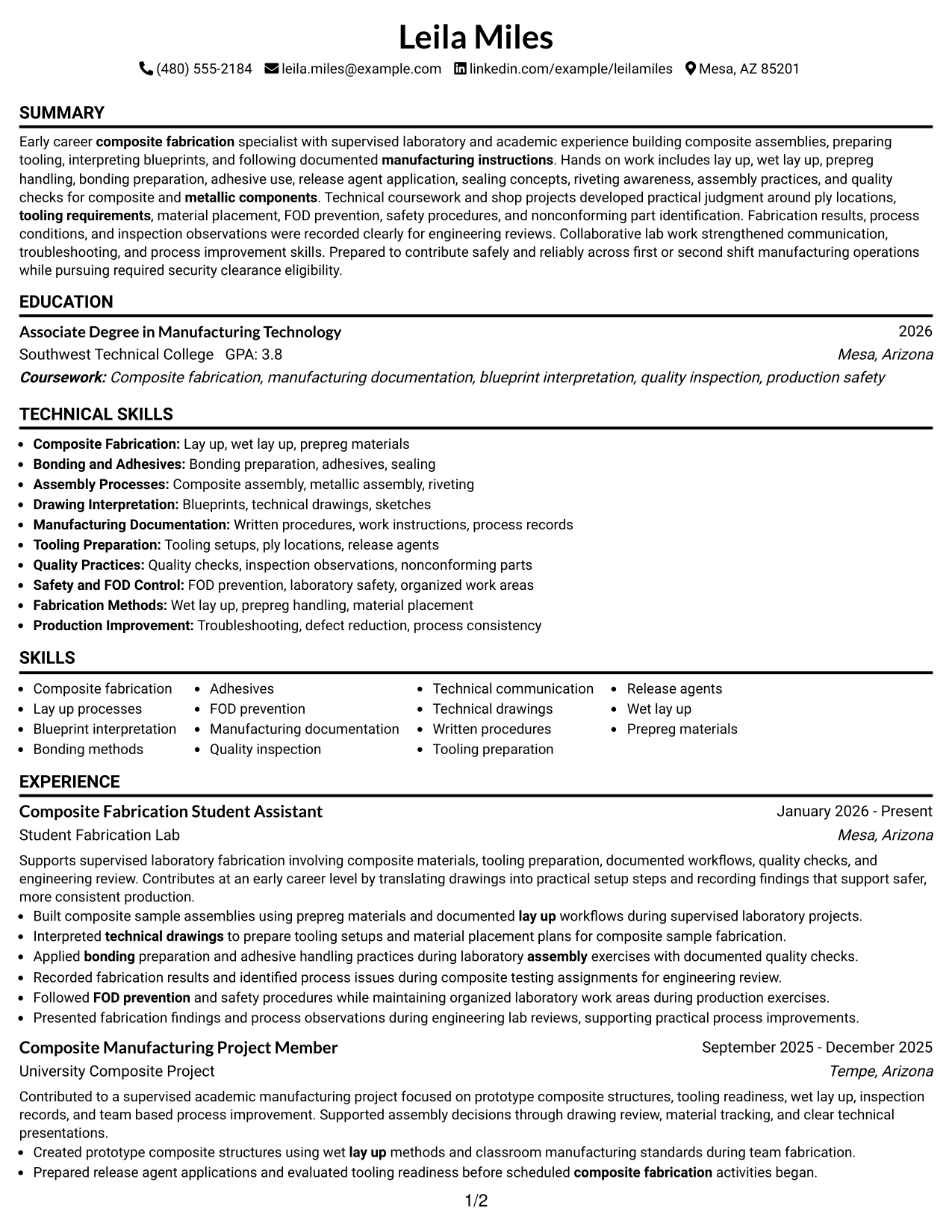
Why This Format Works
- Clear section order supports resume review
- Experience sections stay easy to locate
- Simple flow helps readers follow content
Best For
- ATS review needs
- Straight reading order
- Content organization
- Resume updates
- Credential review
Resume Keywords
- Composite Manufacturing
- composite fabrication
- manufacturing instructions
- lay up
- bonding
- sealing
- riveting
- assemblies
- metallic components
- blueprints
- sketches
- Written procedures
- ply locations
- tooling requirements
- troubleshooting
#2 Plain One Column with Shaded Labels Resume Example
Plain One Column with Shaded Labels presents resume information in a one-column structure that helps recruiters scan sections and find key content.
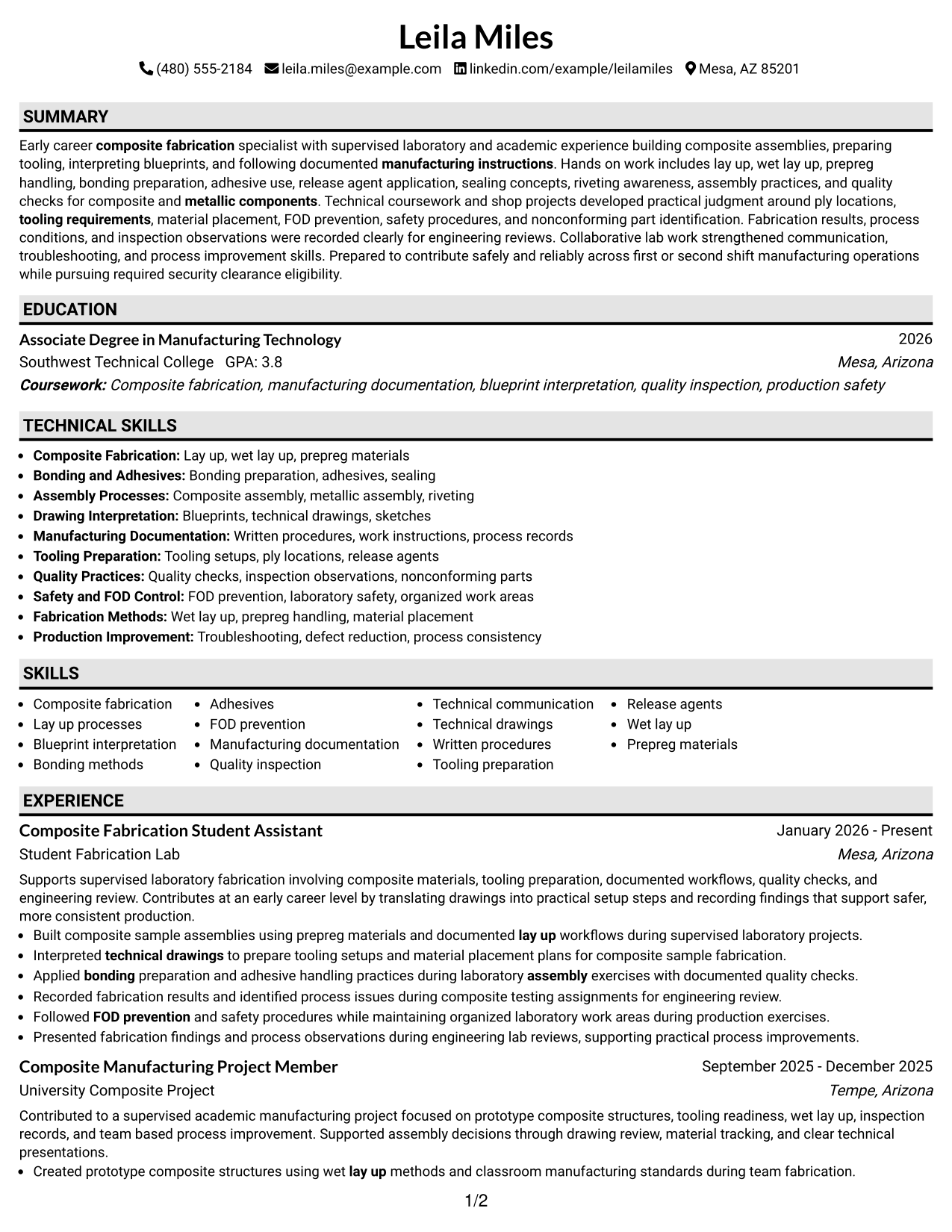
Why This Format Works
- Labels separate resume categories clearly
- Spacing helps readers find sections
- Consistent structure supports review
Best For
- Section label clarity
- Structured content grouping
- Skill organization
- Resume revisions
- Credential sections
#3 One Column Format with Photo Right Resume Example
One Column Format with Photo Right presents resume information in a one-column structure that helps recruiters scan sections and find key content.
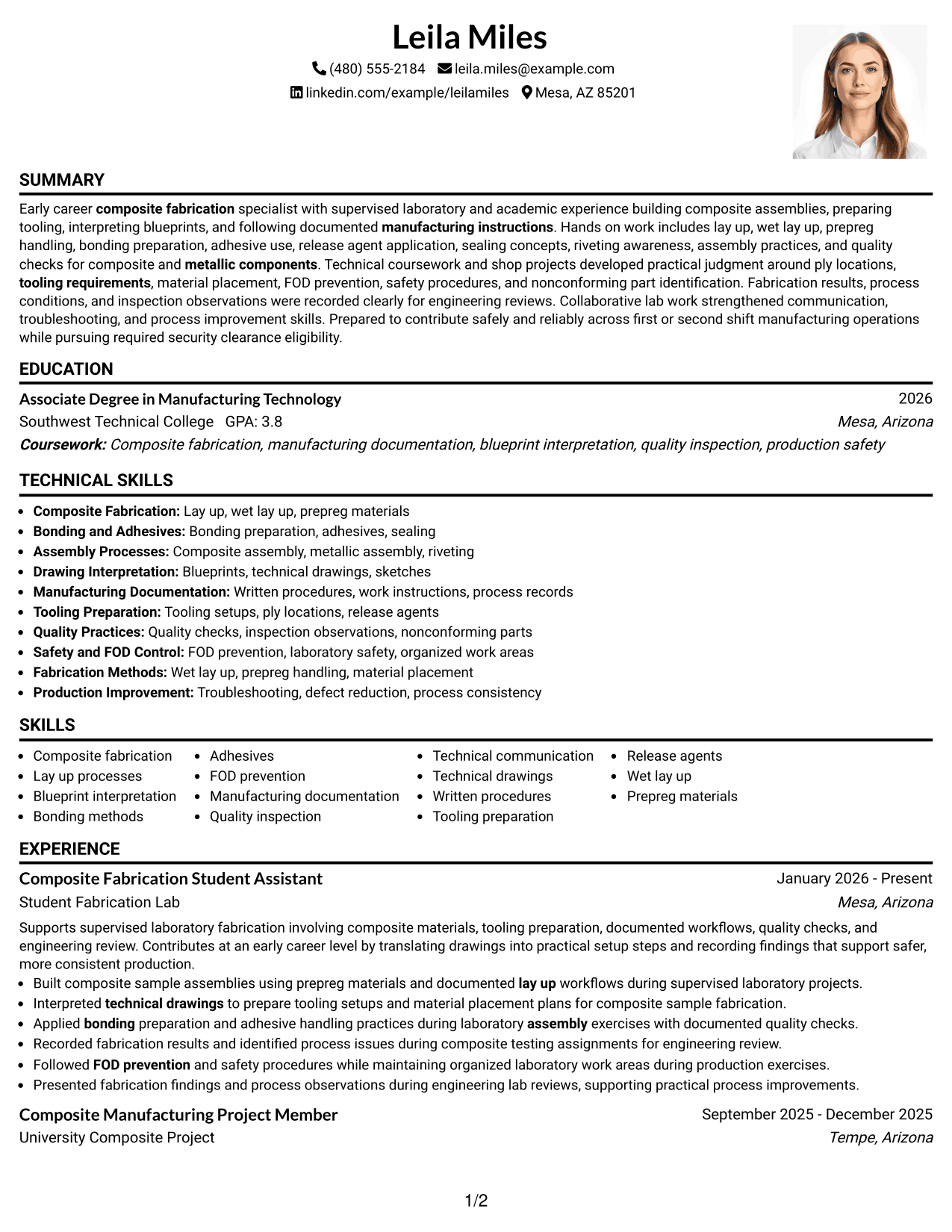
Why This Format Works
- Body sections remain easy to follow
- Header space separates contact details
- Section order supports scanning
Best For
- Photo header preference
- Readable structure
- Contact presentation
- Experience review
- Resume organization
#4 Clean Two Column Sidebar Format Resume Example
Clean Two Column Sidebar Format presents resume information in a two-column structure that helps recruiters scan sections and find key content.
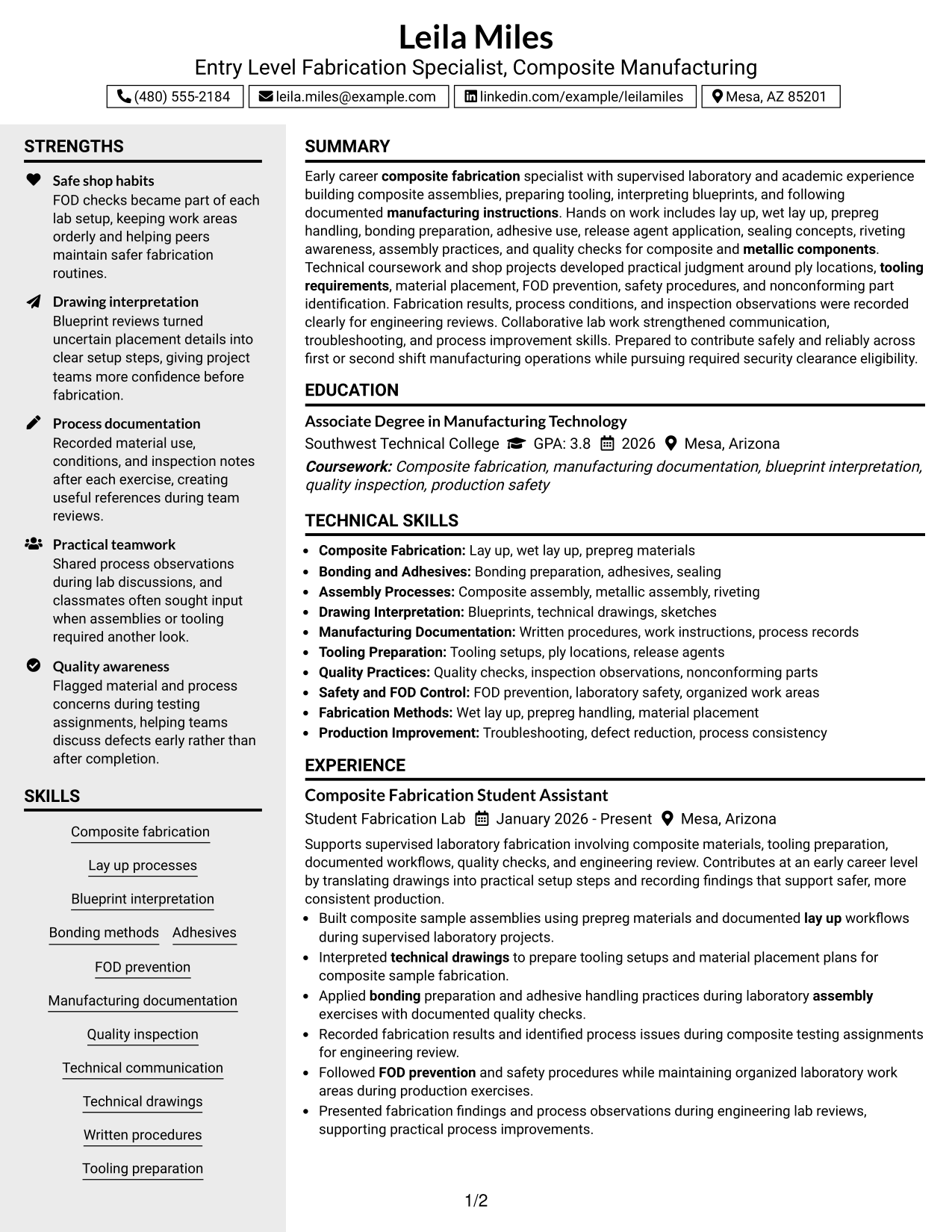
Why This Format Works
- Sidebar areas separate supporting content
- Main area highlights career information
- Two columns create clear reading paths
Best For
- Parallel information needs
- Compact organization
- Skill grouping
- Content balance
- Resume layout choice
#5 Two Column Format Resume Example
Two Column Format presents resume information in a two-column structure that helps recruiters scan sections and find key content.
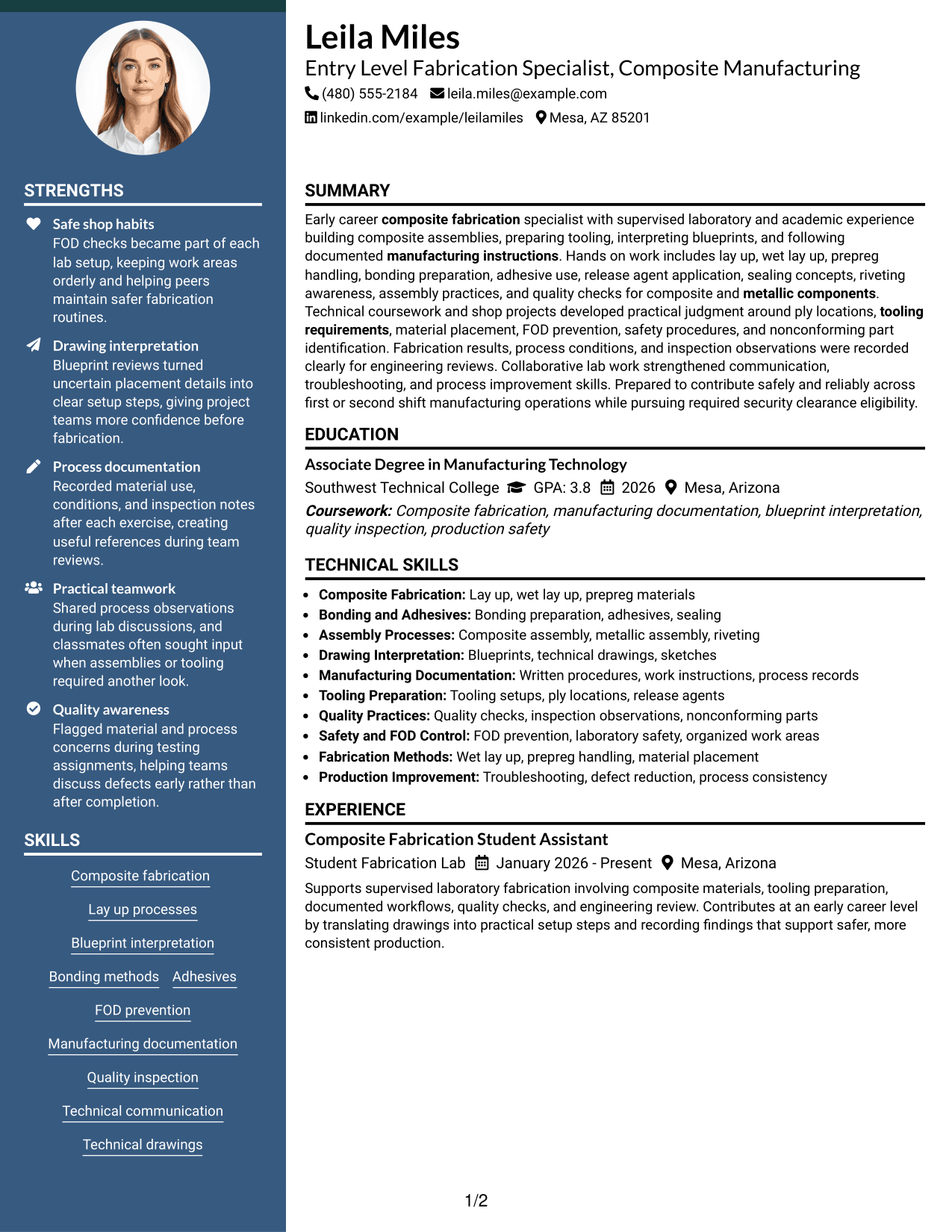
Why This Format Works
- Two areas separate resume categories
- Content blocks improve navigation
- Parallel sections support comparison
Best For
- Balanced content needs
- Section comparison
- Skills and education grouping
- Visual navigation
- Resume structure
#6 Photo Header Two Column Format Resume Example
Photo Header Two Column Format presents resume information in a two-column structure that helps recruiters scan sections and find key content.
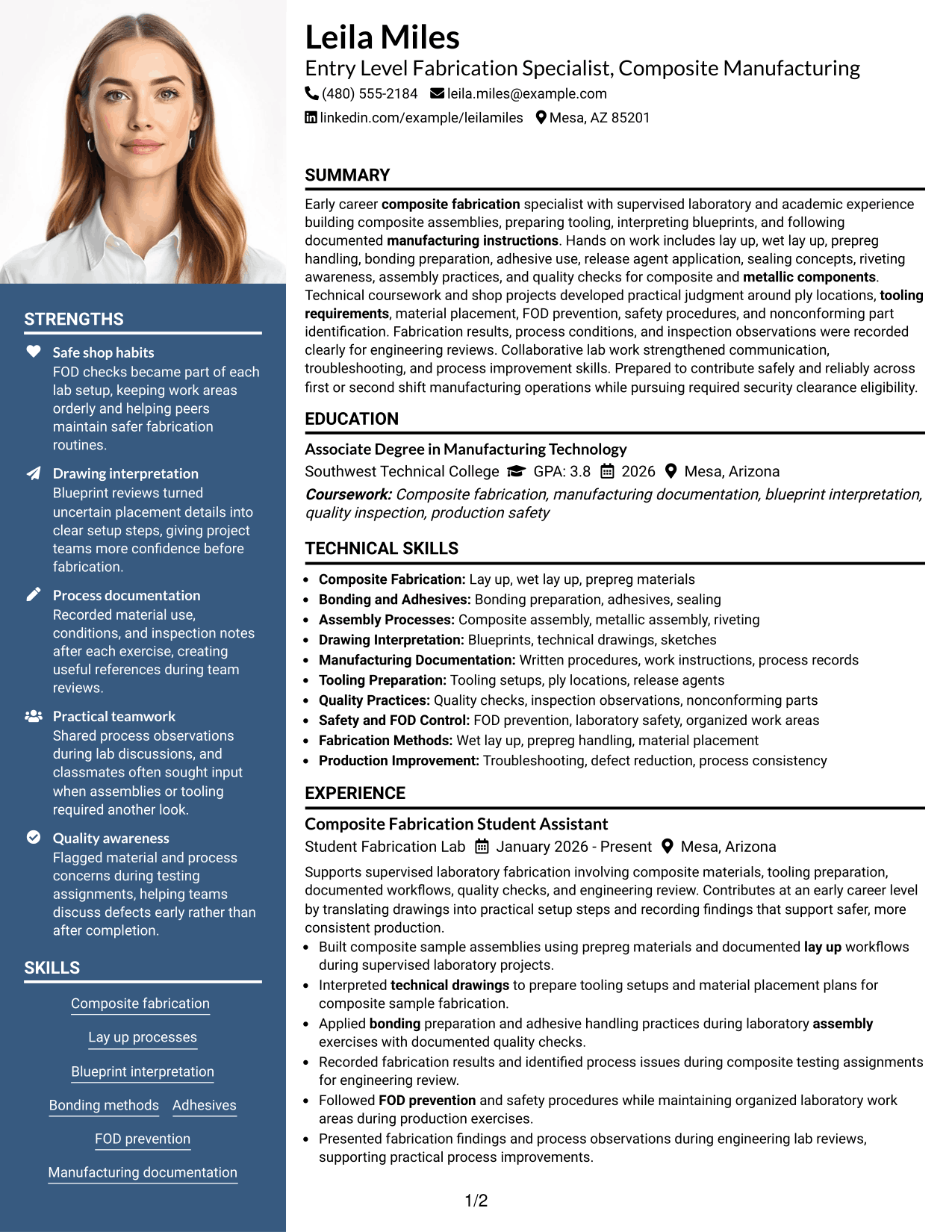
Why This Format Works
- Header and columns organize information
- Two areas support content separation
- Body sections remain easy to scan
Best For
- Photo contact preference
- Two column organization
- Presentation needs
- Content separation
- Profile layout
#7 Simple Two Column Format Resume Example
Simple Two Column Format presents resume information in a two-column structure that helps recruiters scan sections and find key content.
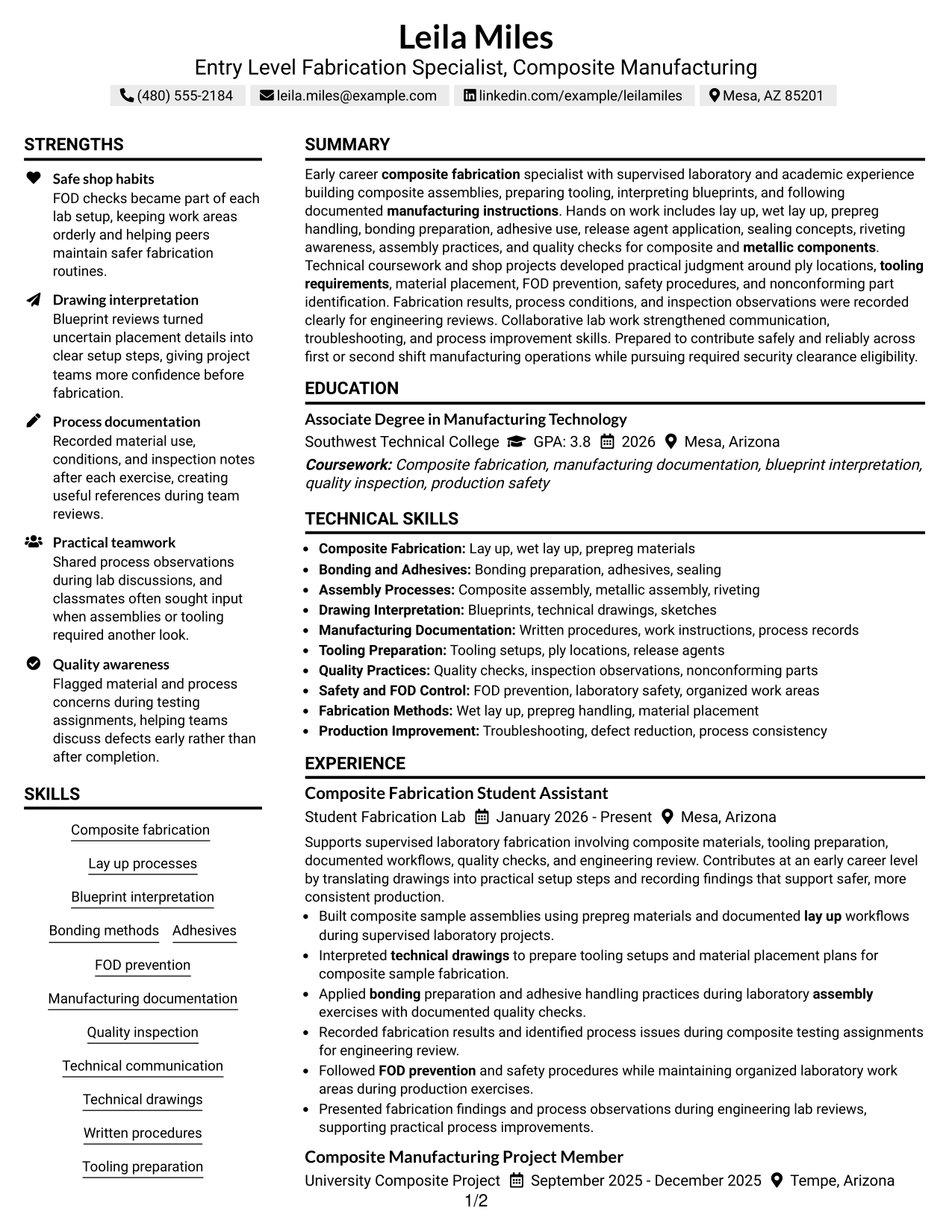
Why This Format Works
- Two columns provide clear content areas
- Simple sections help readers locate details
- Balanced spacing supports review
Best For
- Balanced resume layout
- Clear information grouping
- Readable section flow
- Content organization
- Format selection
See Also
- 7 Manufacturing Engineer - Fabrication, Paint, or Assembly Resume Templates with Example
- 7 Fabrications Production Manager Resume Templates with Example
- 7 Customer Experience Manager - Front-End Retail Operations Resume Templates with Example
- 7 Service Manager - Medical Equipment Field Service Resume Templates with Example
- 7 Customer Service Manager - Retail Logistics Resume Templates with Example
- 7 Customer Success Manager - Managed IT Services Resume Templates with Example
- 7 Lead Customer Service Representative - Convenience Retail Resume Templates with Example
- 7 Retail Customer Service Associate - Print, Graphics, and Shipping Resume Templates with Example
- 7 Customer Service Associate - Rental Operations Resume Templates with Example
- 7 Customer Experience Agent - Medicare Advantage Member Support Resume Templates with Example
Frequently Asked Questions
Are these Entry-Level Fabrication Specialist - Composite Manufacturing resume templates ATS-friendly?
Yes. The templates use clear sections and readable headings for resume review.
Are these 7 different resumes?
No. This guide shows one resume example in 7 different layouts.
What should this resume include?
It should include a summary, experience, education, projects, certifications, skills, and relevant keywords.




