
7 Entry-Level Geologist - Environmental Site Assessment and Remediation Cover Letter Templates with Example
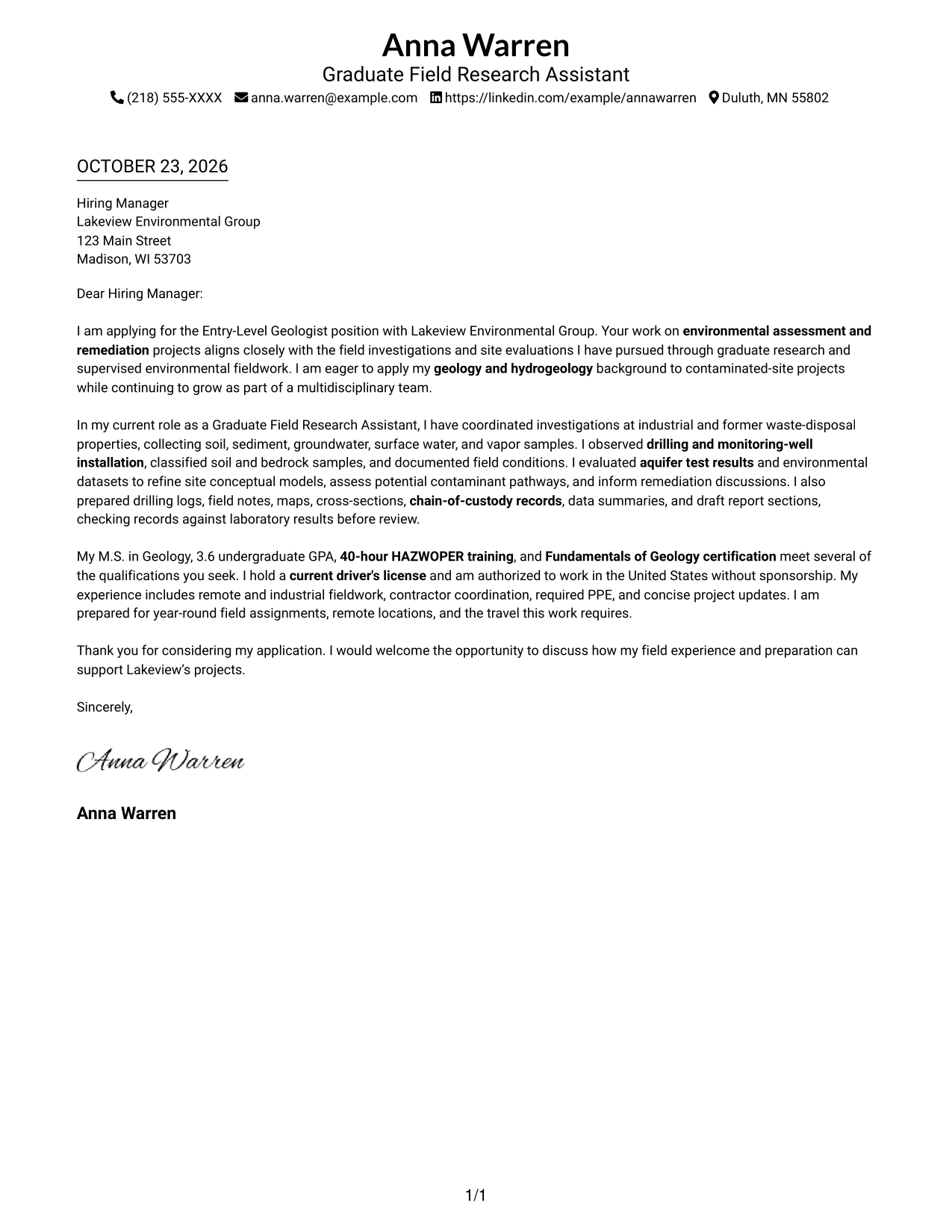
This guide helps you create an Entry-Level Geologist - Environmental Site Assessment and Remediation cover letter, with seven layouts to compare and adapt.
What Makes a Great Entry-Level Geologist - Environmental Site Assessment and Remediation Cover Letter in 2026
A strong letter connects your interest in contaminated-site assessment and remediation with clear examples of field investigation, sampling, and site evaluation work.
Use evidence such as aquifer testing, site conceptual models, or careful field records, then explain how your approach can support the employer’s projects and team.
The featured example moves from interest in environmental assessment and remediation to relevant field evidence and a clear close. Adapt that focused progression to your own experience, choosing a presentation that fits the employer and the communication context.
#1 Simple One Column Format Cover Letter Example
With sender details in the header and one letter column, this format keeps contact information and the message in familiar places.
Why This Format Works
- Header-based contact details stay apart from the message without adding a sidebar.
- One body column gives the opening, evidence, and close a clear reading route.
- Continuous paragraphs let motivation and fit develop without artificial section breaks.
Best For
- Direct paragraph-by-paragraph reading
- Header-based contact details
- Single-column letter layouts
- Continuous persuasive letters
- Text-focused application materials
#2 Two Column Format Cover Letter Example
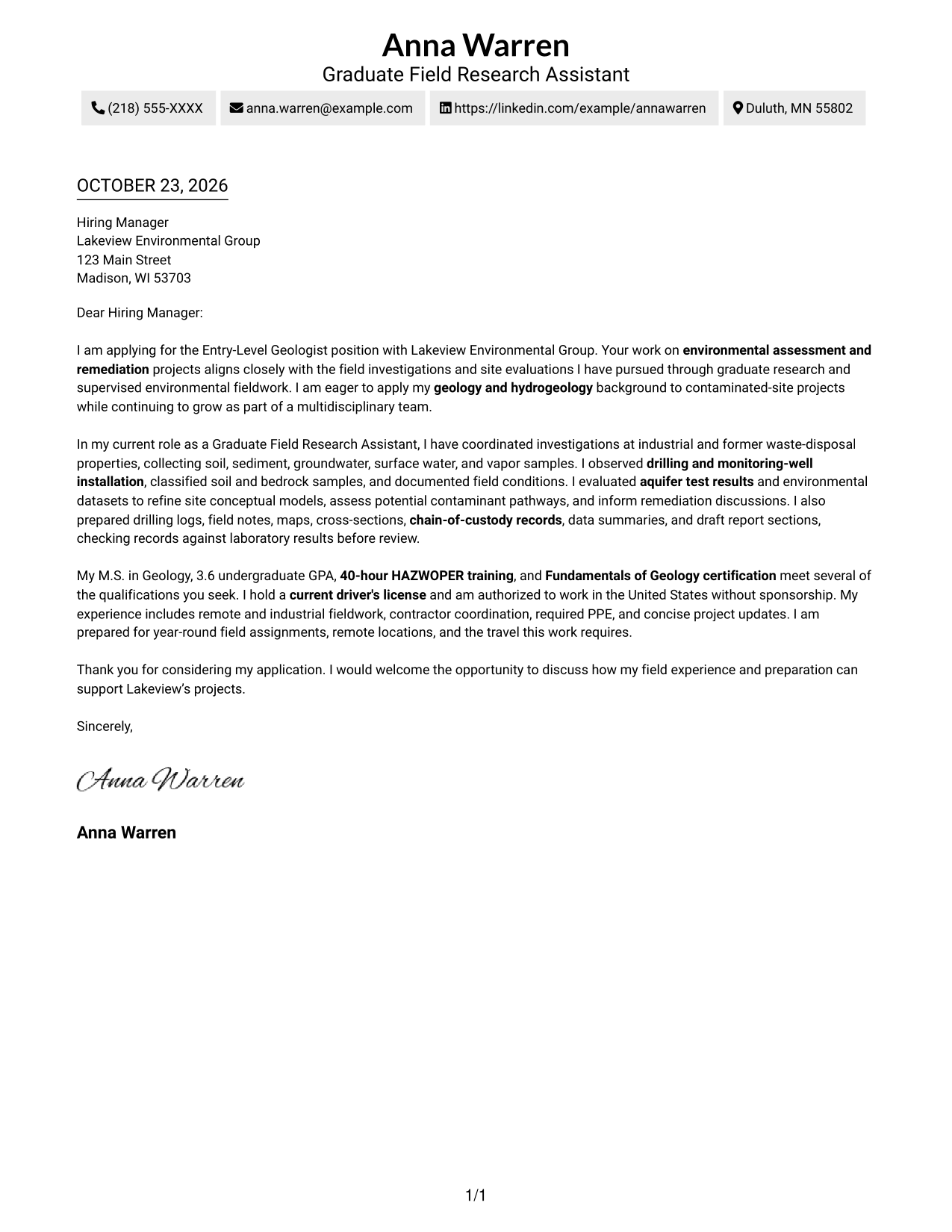
A contact sidebar sits beside one continuous letter body, keeping correspondence details apart from the message while both remain easy to locate.
Why This Format Works
- The contact sidebar makes sender information easy to find without searching the letter.
- One continuous body carries the opening, supporting evidence, and close in sequence.
- Without argument headings, motivation and evidence remain part of one connected message.
Best For
- Side-by-side contact and letter
- Quick access to sender details
- Uninterrupted body reading
- Paragraph-led application messages
- Clear separation of correspondence
#3 Photo Header Two Column Format Cover Letter Example
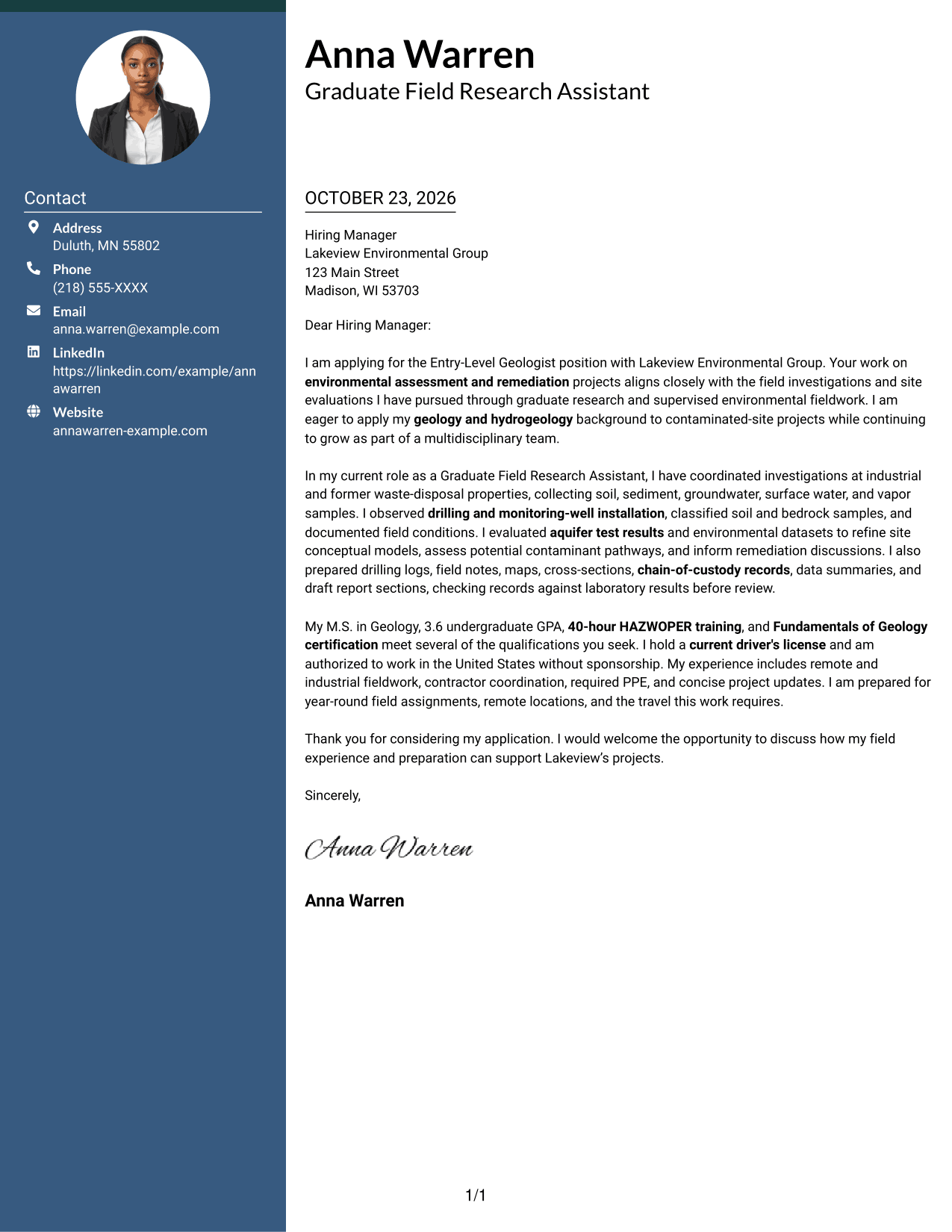
A portrait accompanies the contact sidebar beside a continuous letter body, offering a personal visual element while keeping the message in one reading path.
Why This Format Works
- The sidebar keeps contact details distinct from the paragraphs that make the case.
- The continuous body lets the reader follow the letter from opening through closing.
- A portrait adds a personal visual element without changing the argument's structure.
Best For
- Portrait-inclusive correspondence
- Side-by-side contact and message
- A continuous letter argument
- Photo-forward document preferences
- Easy-to-locate sender details
#4 One Column Format with Photo Cover Letter Example
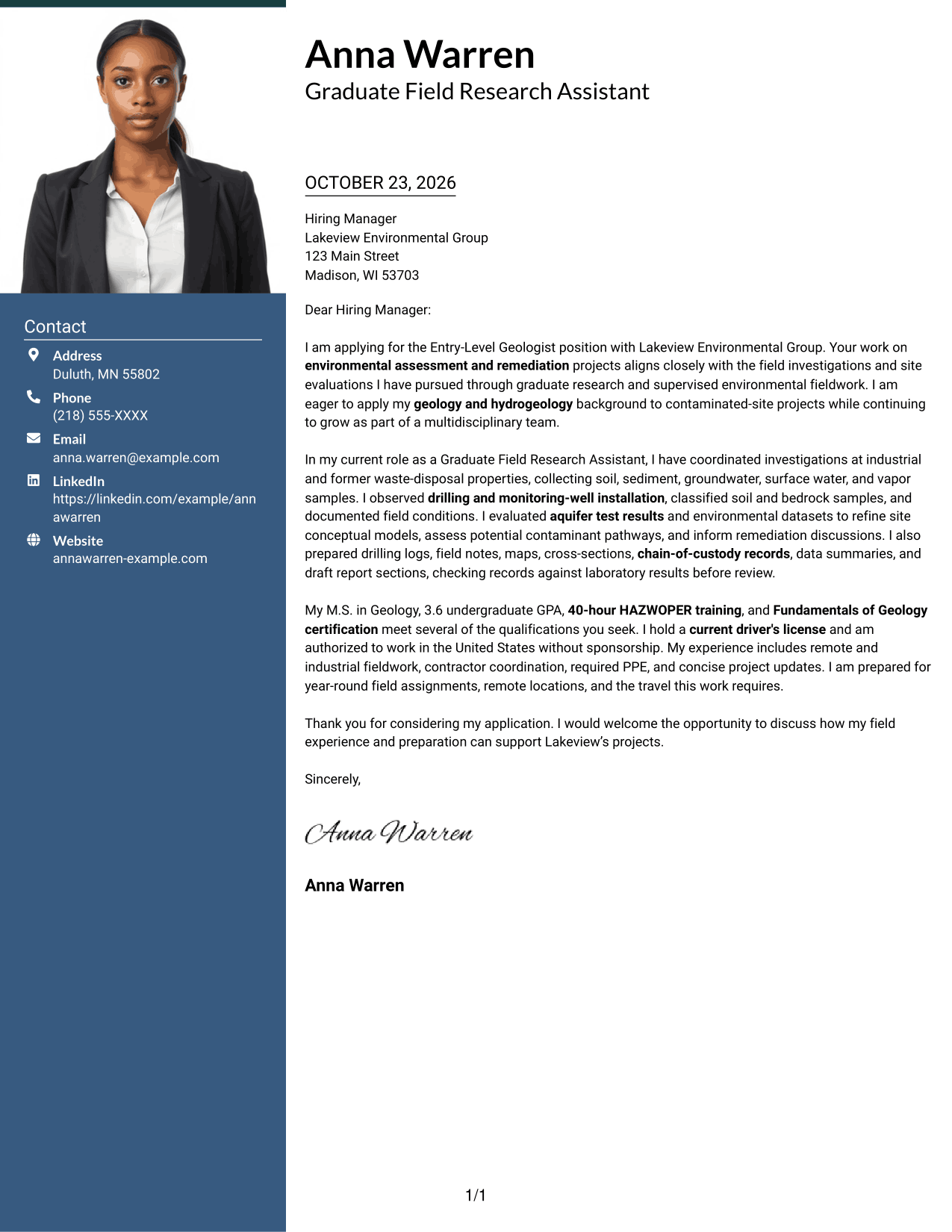
A portrait appears with a single-column letter body, pairing a personal visual choice with a direct route through the message.
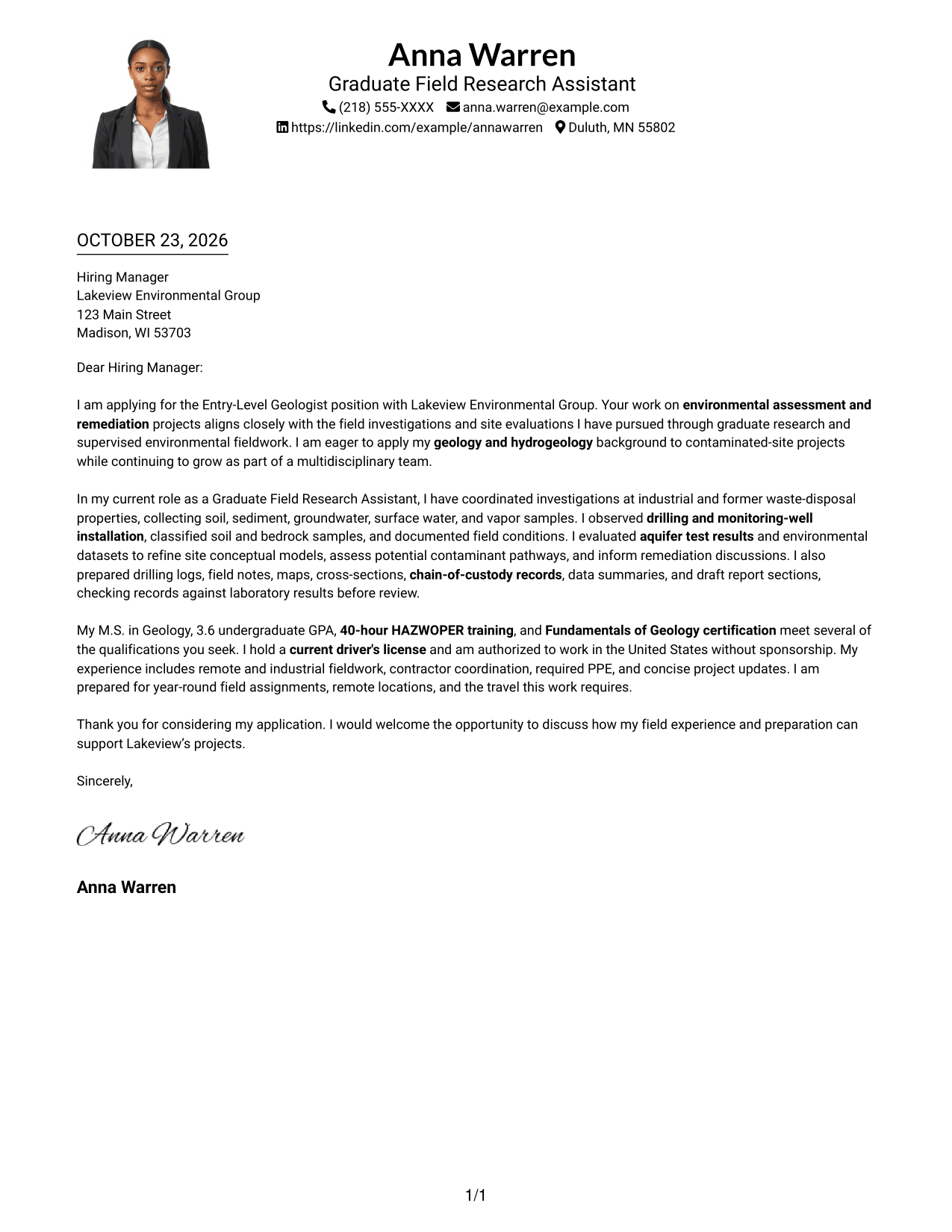
Why This Format Works
- One body column keeps the opening, evidence, and closing in a direct sequence.
- Sender details in the header remain separate from the letter's main message.
- The portrait gives the page a personal visual feature without dividing the argument.
Best For
- Single-column letter reading
- Portrait-inclusive application materials
- A direct opening-to-close route
- Header-based contact details
- Paragraph-focused communication
#5 Simple Two Column Format Cover Letter Example
The contact sidebar and single, continuous letter body create a straightforward two-column arrangement that separates correspondence details from the message.
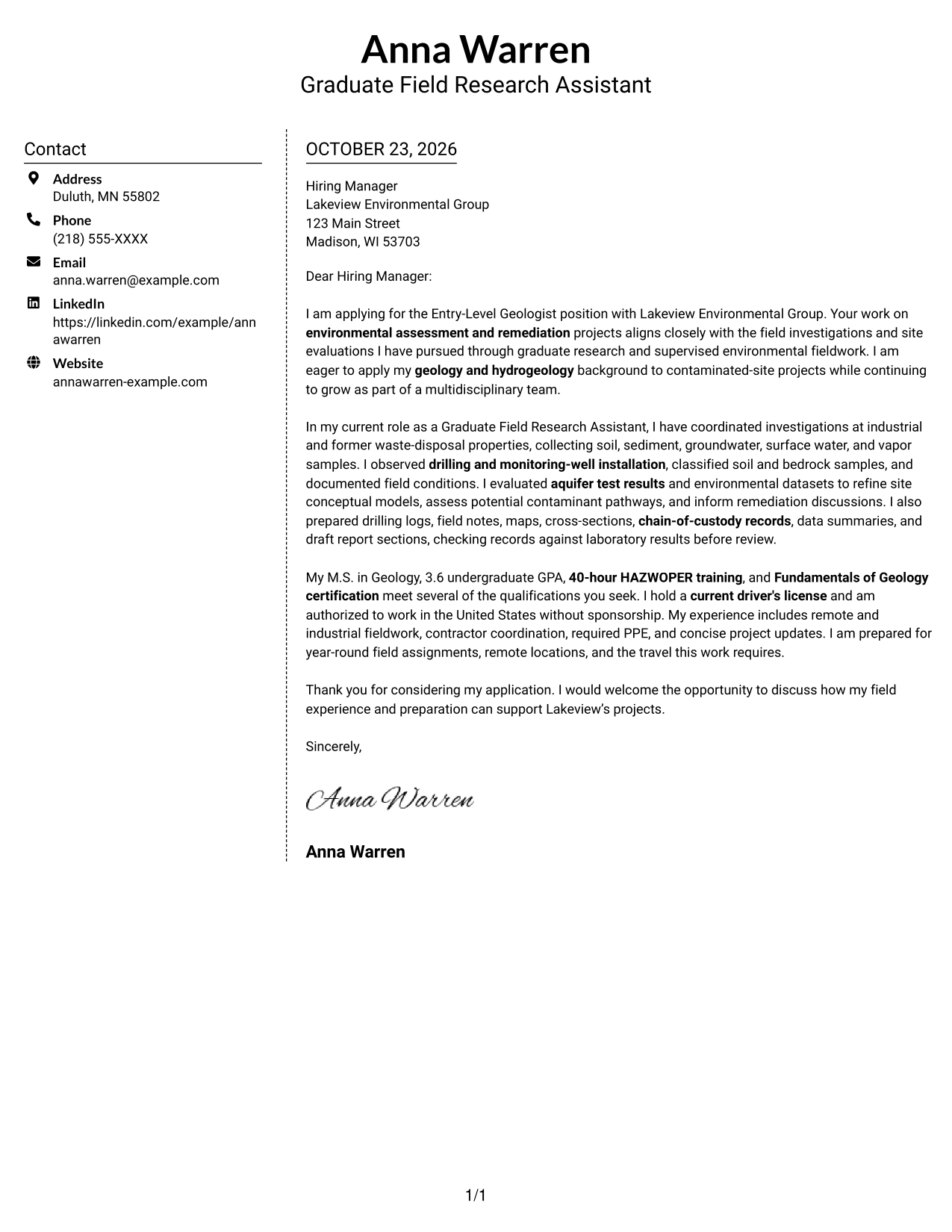
Why This Format Works
- A separate contact area keeps sender details distinct from the letter's main purpose.
- The body presents the opening, supporting points, and close in one sequence.
- Paragraphs carry the reasoning without labels that divide the letter into sections.
Best For
- Separate contact and message areas
- Continuous paragraph-based letters
- Simple two-column organization
- Sender details outside the body
- A clear sequence of ideas
#6 Modern Icon Format Cover Letter Example
Contact icons provide visual cues in the sidebar beside a continuous letter body, helping distinguish contact details from the message.
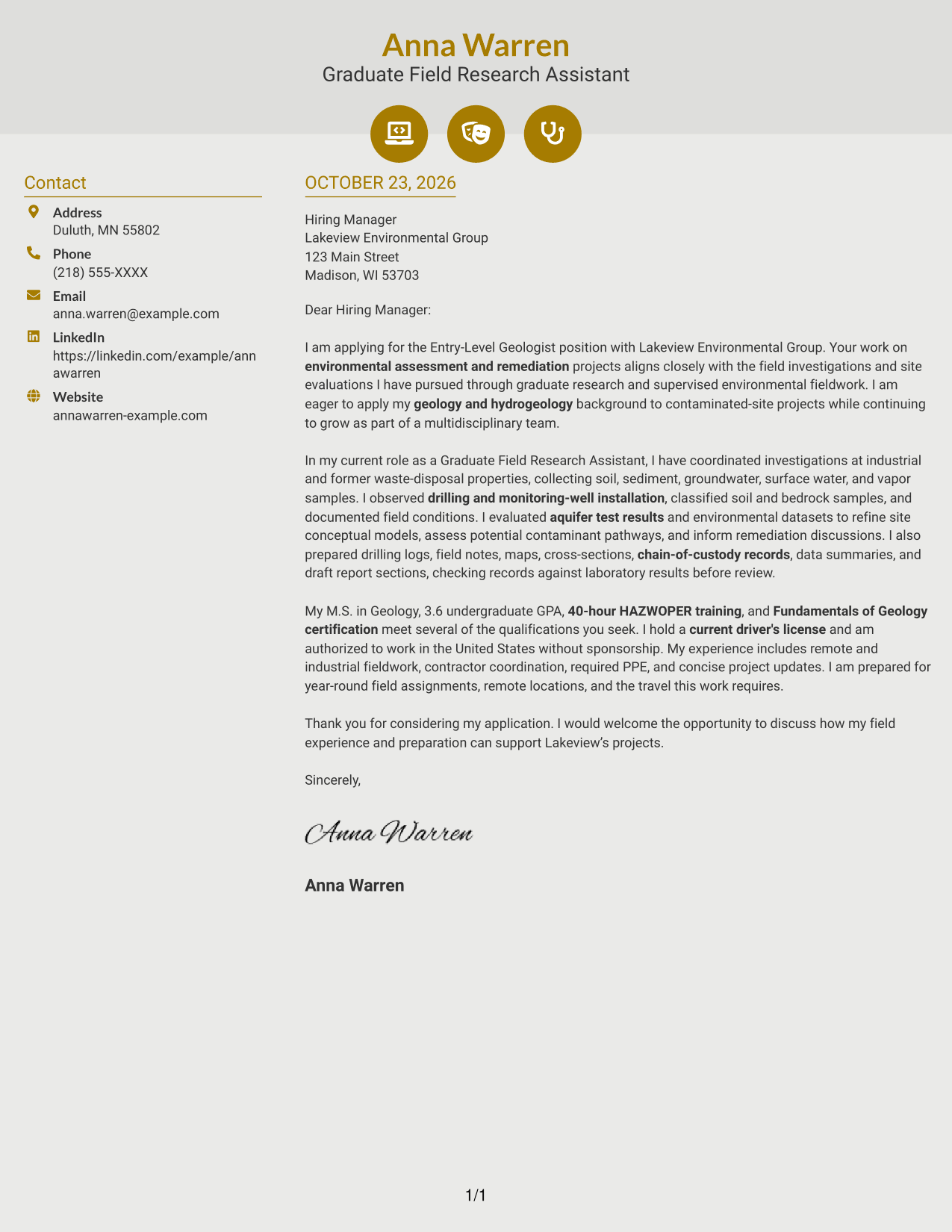
Why This Format Works
- Contact icons act as cues for sender details, not stages in the letter's argument.
- The sidebar separates correspondence information from the continuous body of the letter.
- A single body route keeps the opening, evidence, and closing in sequence.
Best For
- Icon-led contact details
- A sidebar beside the letter
- Uninterrupted letter paragraphs
- Quick contact-information checks
- Visual cues in the header area
#7 Creative Two Tone Format Cover Letter Example
Contact details sit in a sidebar beside one unbroken letter body, keeping correspondence separate from the case made in the paragraphs.
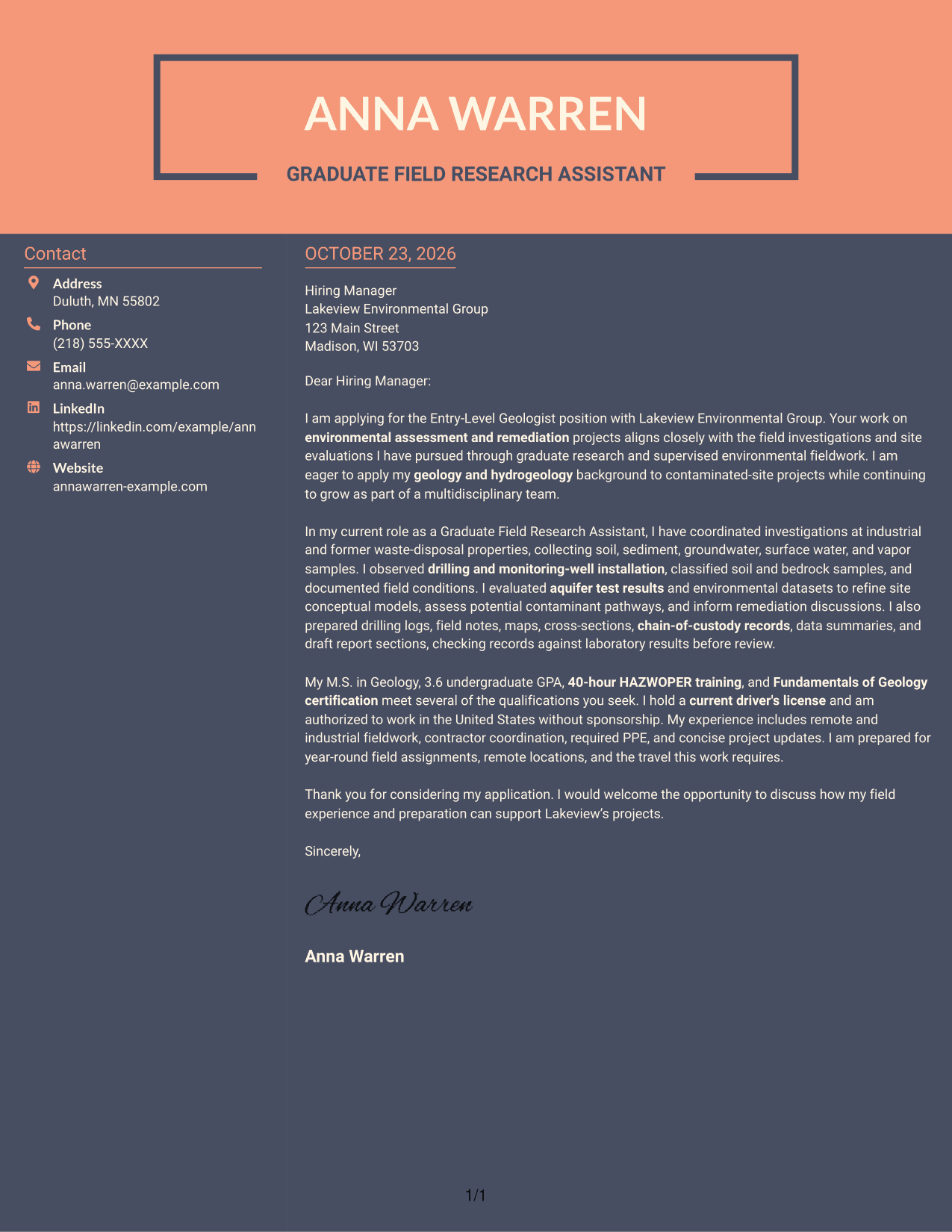
Why This Format Works
- The side contact area keeps correspondence details apart from the letter's argument.
- A continuous body lets the reader follow the message without switching columns.
- The paragraphs connect motivation, supporting evidence, and the closing without section headings.
Best For
- Contact details beside the message
- A single-column letter body
- Connected persuasive paragraphs
- Separate correspondence information
- Two-column document organization
Why Use ResumeInMinutes for an Environmental Geologist Cover Letter
Compare image previews to see how each letter presents its opening, supporting evidence, and closing. Open an example in the editor to customize the letter for an environmental site assessment and remediation role.
- Cover letter layout choices
- Image previews for comparison
- Examples focused on letter writing
- Editor links for customization
- Role-specific communication guidance
- Clear opening, body, and closing examples
Use the examples to present relevant field experience, technical communication, and interest in environmental assessment and remediation work with clarity.
See Also
- 7 Entry-Level Geologist - Environmental Site Assessment and Remediation Resume Templates with Example
- 7 Entry-Level Environmental Engineer, Scientist, or Geologist - Site Investigation and Remediation Resume Templates with Example
- 7 Early Career Geologist - Environmental Investigation and Remediation Resume Templates with Example
- 7 Intern Geologist - Environmental Remediation Resume Templates with Example
- 7 Entry-Level Field Geologist - Environmental Site Investigation Resume Templates with Example
- 33 Entry-Level Geologist/Environmental Scientist/Environmental Engineer Resume Templates with Example 2026 (ATS-Optimized)
- 33 Environmental Geologist, Scientist, or Engineer (Entry Level) Resume Templates with Example 2026 (ATS-Optimized)
- 33 Geologist / Environmental Scientist Resume Templates with Example 2026 (ATS-Optimized)
- 7 Entry-Level Environmental Engineer, Scientist, or Geologist - Site Investigation and Remediation Cover Letter Templates with Example
- 7 Early Career Geologist - Environmental Investigation and Remediation Cover Letter Templates with Example
Frequently Asked Questions
What should an environmental site assessment and remediation geologist cover letter include?
Explain your interest in the work, then connect relevant field experience to the role. Examples may include environmental sampling, drilling observation, aquifer testing, site conceptual models, and clear technical records when these match your background.
How can I show that my experience fits this geologist role?
Choose specific examples that show how you gathered or evaluated field information, followed safe work practices, and shared useful findings. Keep each example focused on what you did and how it relates to site assessment or remediation.
How should I explain my interest in environmental assessment and remediation?
State what draws you to investigating and evaluating sites, then connect that interest to the employer’s work. Keep the reason specific and support it with relevant experience or preparation.
Should I mention HAZWOPER or Fundamentals of Geology certification?
Mention these credentials if you hold them and they are relevant to the position. Briefly connect them to your preparation for field assignments rather than listing them without context.
What tone works well for a geologist cover letter?
Use a clear, professional tone that shows care, reliability, and interest in the work. Keep the opening direct, explain your evidence in the body, and close by inviting a conversation.




