
7 Entry-Level Java/C++ Developer Cover Letter Templates with Example
This practical guide helps you create an Entry-Level Java/C++ Developer cover letter and compare seven layouts for presenting your fit clearly.
What Makes a Great Entry-Level Java/C++ Developer Cover Letter in 2026
A strong letter links Java and C++ knowledge to the needs of the role. Its opening shows clear interest, while the body gives focused evidence of how you approach software development work.
Use specific examples, such as building with Spring Boot or C++, testing REST APIs, or explaining work to a client. Connect the evidence to the employer’s needs, then close with a direct statement of interest.
The featured Entry-Level Java/C++ Developer letter moves from interest to technical and client-facing evidence, then closes with a clear expression of motivation. Adapt that progression while choosing a presentation that fits the employer and the communication context.
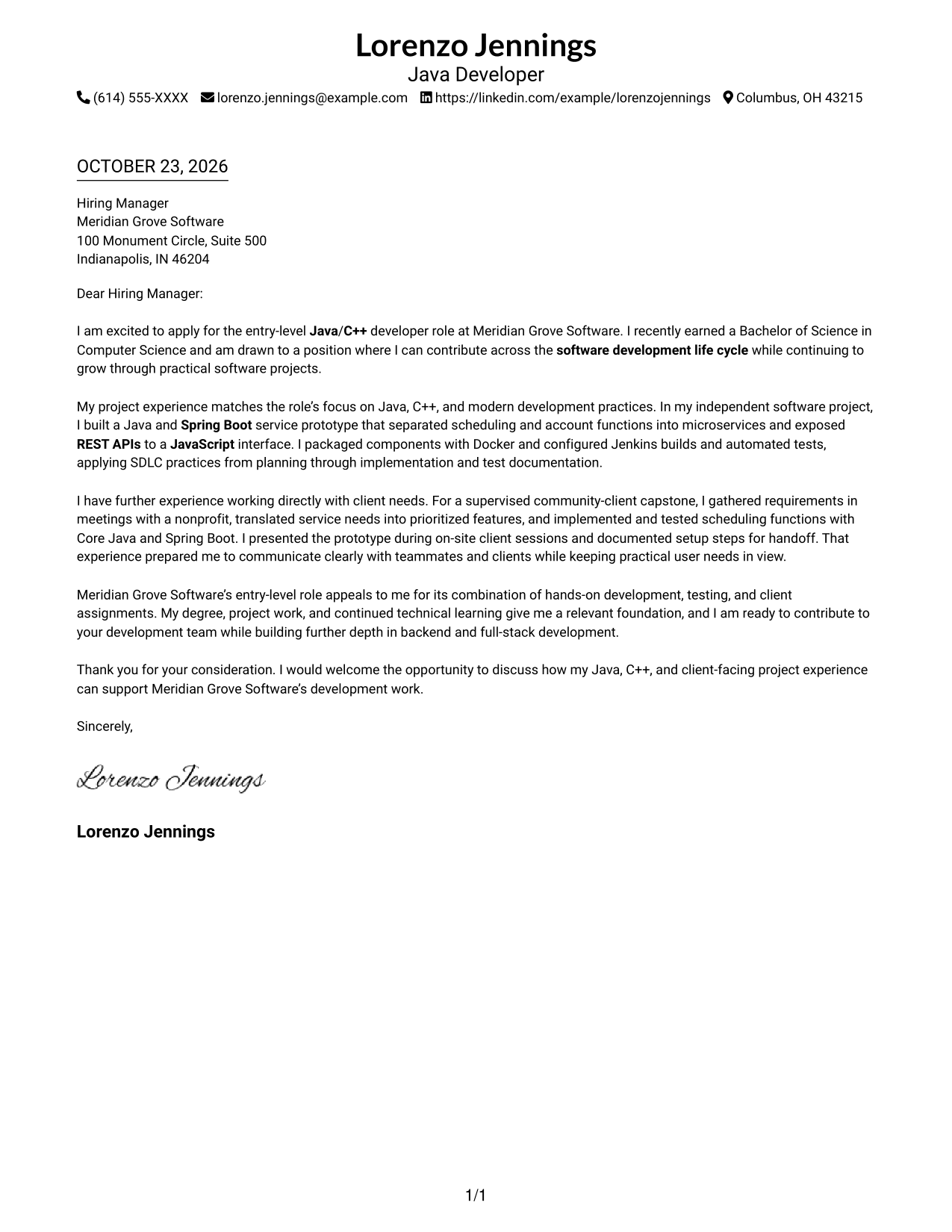
#1 Simple One Column Format Cover Letter Example
A single-column body keeps the greeting, project evidence, and closing in a direct reading path, making this layout useful for a text-led application letter.
Why This Format Works
- Sender details stay in the header, apart from the letter's single-column message.
- One body column carries the opening, project evidence, and closing in order.
- A direct, text-led page suits readers who prefer a straightforward letter.
Best For
- Single-path letter reading
- Header-based contact details
- Text-led application materials
- Continuous project narratives
- Letters centered on written persuasion
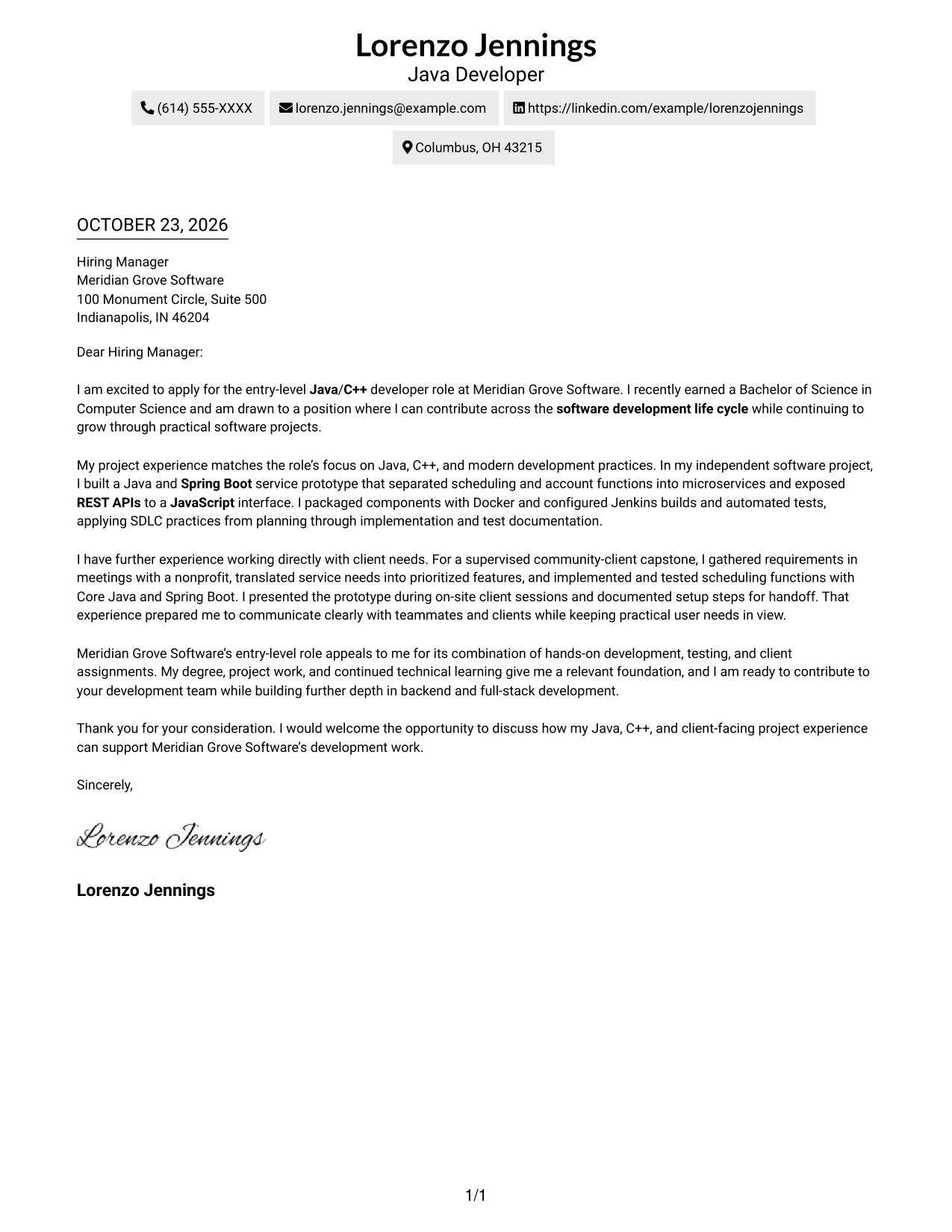
#2 Two Column Format Cover Letter Example
A contact sidebar sits beside one continuous letter body, keeping sender details separate from the message for readers who want both easy to locate.
Why This Format Works
- The contact sidebar separates sender information from the letter's message.
- The body keeps the opening, project evidence, and closing in one column.
- A photo-free layout suits readers who prefer written correspondence without a portrait.
Best For
- Contact details beside the letter
- One-column message reading
- Letters with several evidence paragraphs
- Quick access to sender information
- Photo-free correspondence
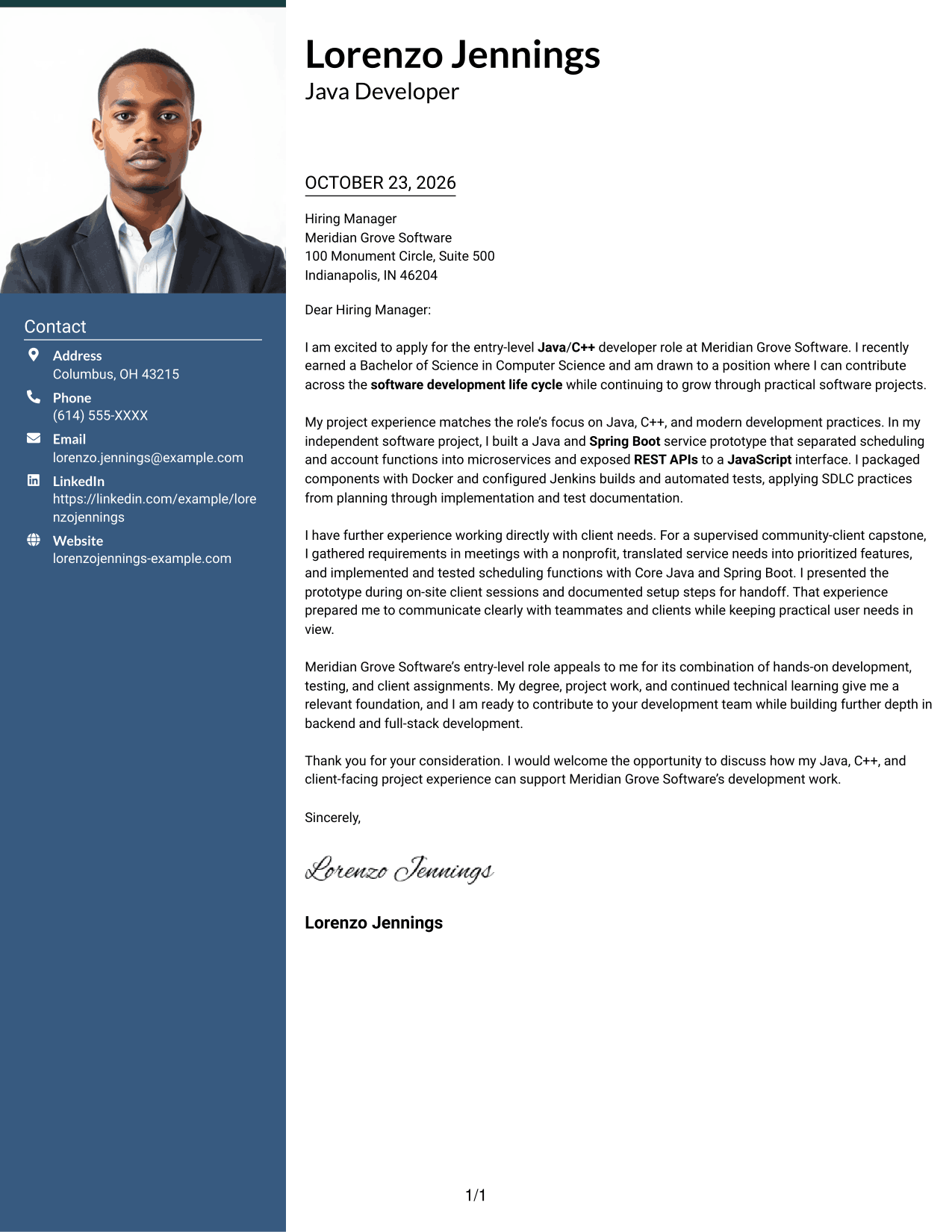
#3 Photo Header Two Column Format Cover Letter Example
A photo accompanies the contact sidebar and continuous letter body, offering a portrait alongside a clearly separated message.
Why This Format Works
- Contact details stay apart from the persuasive paragraphs in the letter body.
- A single body column keeps the message in a clear reading order.
- The portrait adds a visual element for photo-inclusive correspondence.
Best For
- Portrait-inclusive letters
- Contact details beside the message
- Single-body project narratives
- Applications with a visible sender portrait
- Letters pairing a portrait with written evidence
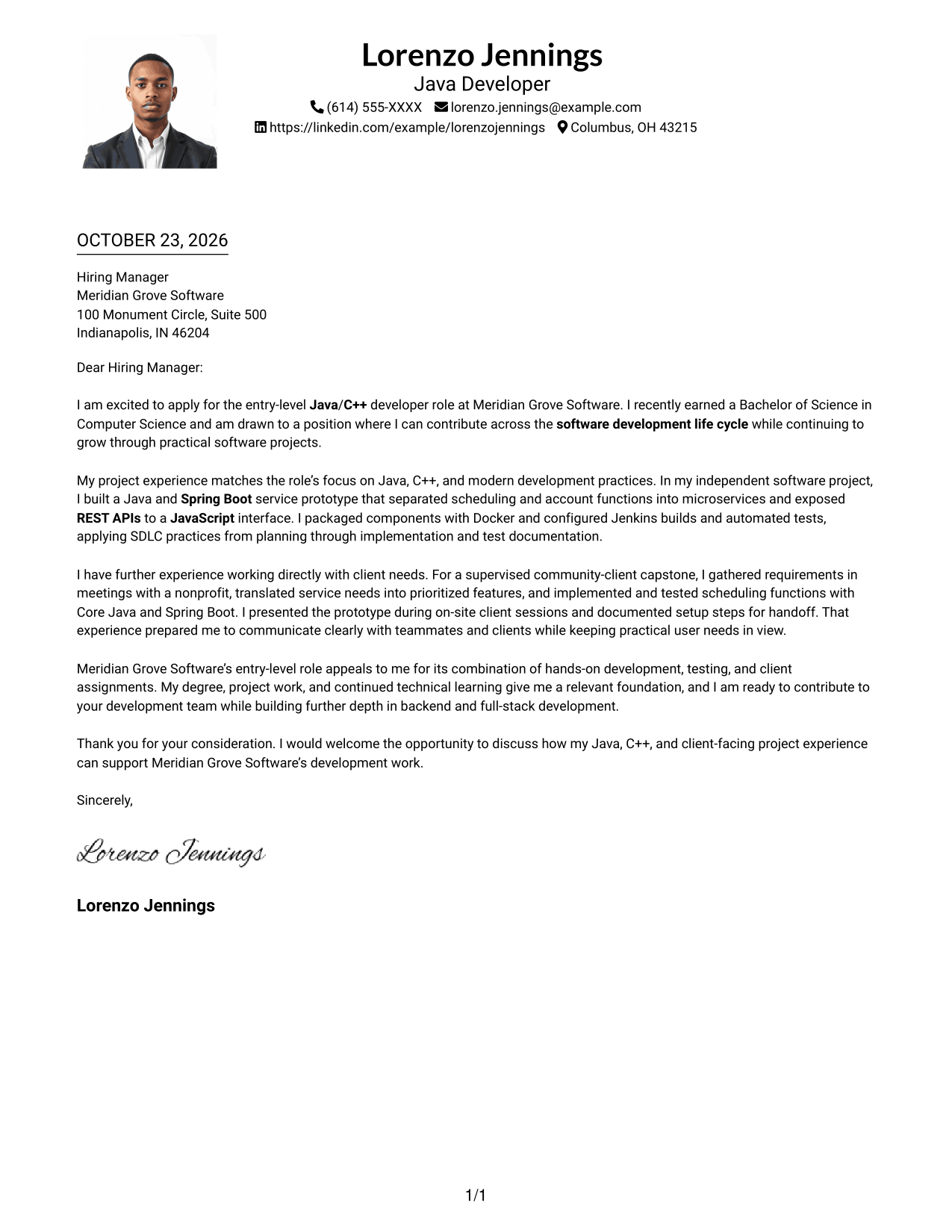
#4 One Column Format with Photo Cover Letter Example
A photo adds a portrait while the single-column letter body keeps the message in one direct reading path.
Why This Format Works
- The portrait offers a visible personal element without dividing the written message.
- Sender details remain in the header, apart from the continuous letter text.
- One body column carries motivation and project evidence in paragraph order.
Best For
- Portrait-led application letters
- Single-path message reading
- Paragraph-based project explanations
- Contact details in a header
- Letters with a visible sender photo
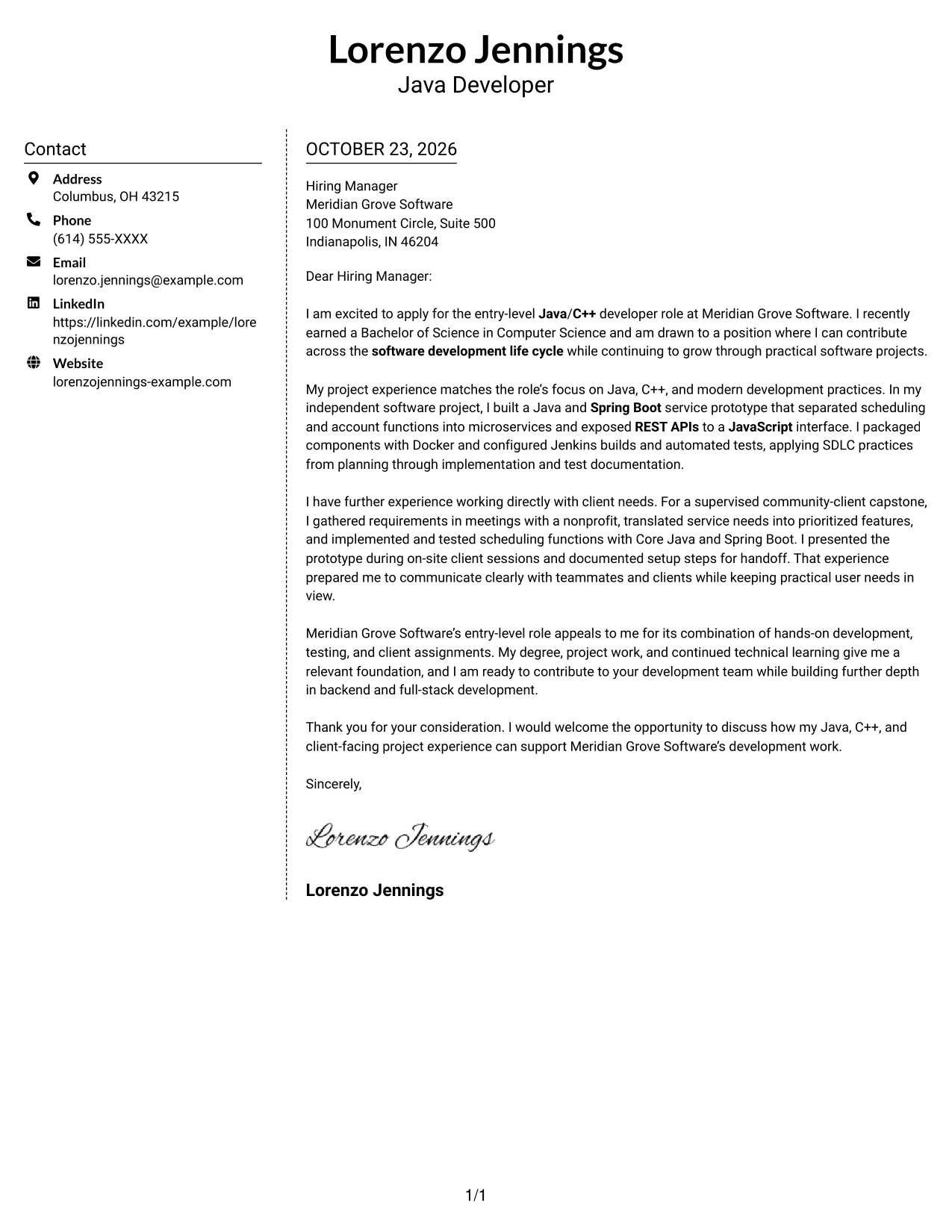
#5 Simple Two Column Format Cover Letter Example
The contact sidebar and continuous letter body have separate columns, a practical choice for keeping contact details apart from a detailed written appeal.
Why This Format Works
- The sidebar gives sender details a distinct place beside the letter.
- A single body column keeps the opening, evidence, and close together.
- The photo-free presentation suits readers who want the message to remain text-led.
Best For
- Fast sender-detail lookup
- A continuous letter narrative
- Message-first application materials
- Letters with several supporting paragraphs
- No-portrait preferences
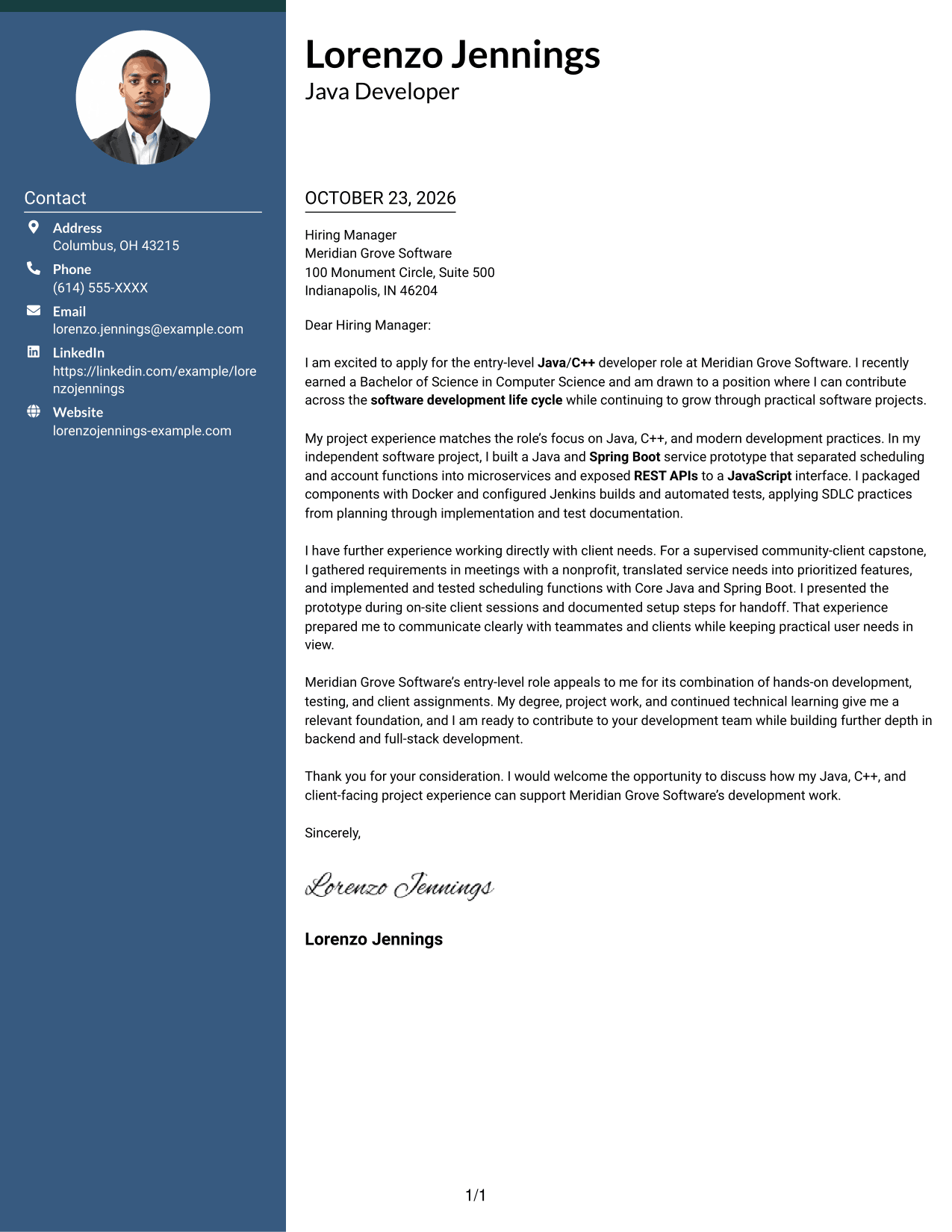
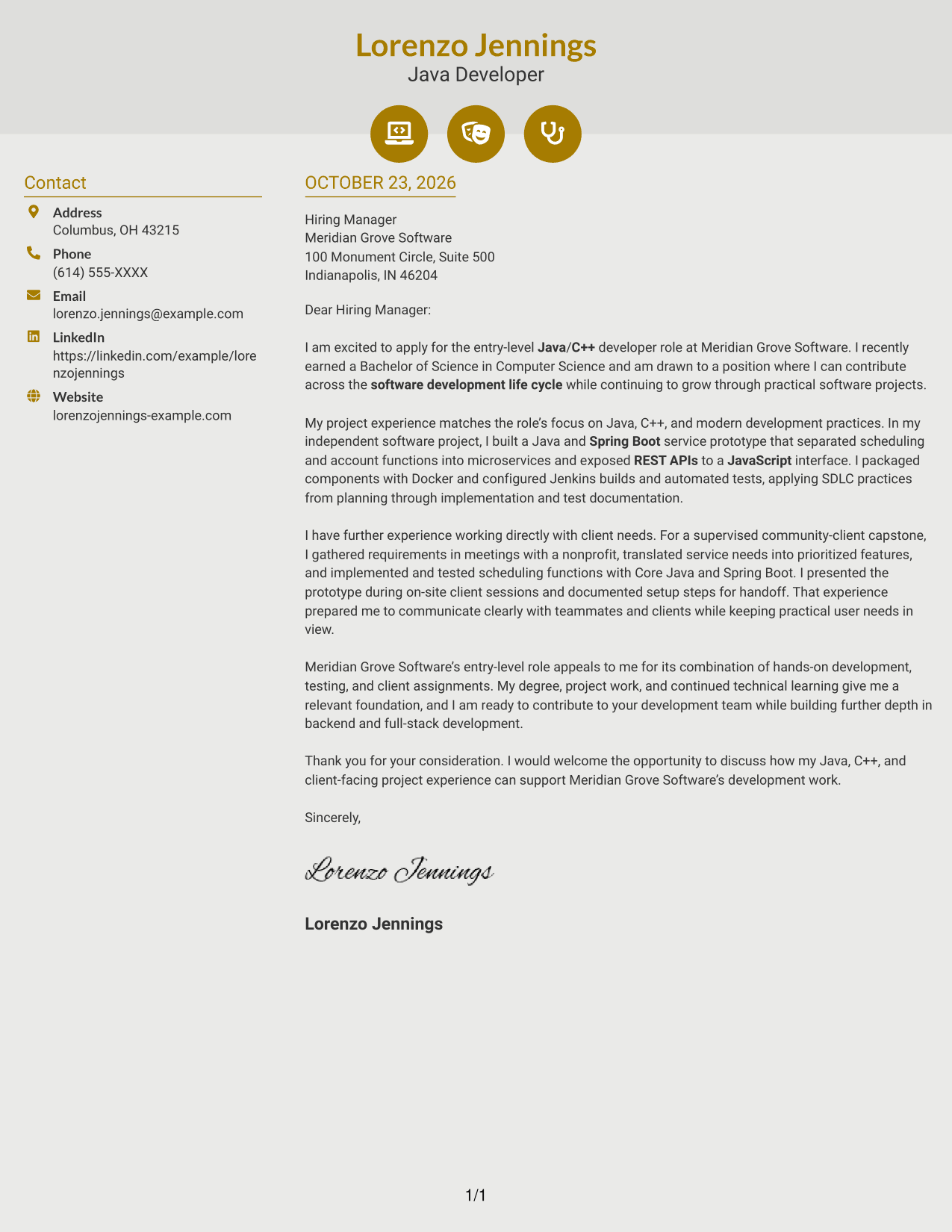
#6 Modern Icon Format Cover Letter Example
Contact icons provide visual cues in the sidebar, while the letter remains a continuous body in its own column.
Why This Format Works
- Contact icons help distinguish contact details from the letter's argument.
- The sidebar keeps sender information apart from the message paragraphs.
- One continuous body column preserves the letter's natural reading order.
Best For
- Contact information needing visual cues
- A single-flow letter body
- Sidebar contact access
- Project-centered persuasive letters
- Applications balancing contact lookup with detail
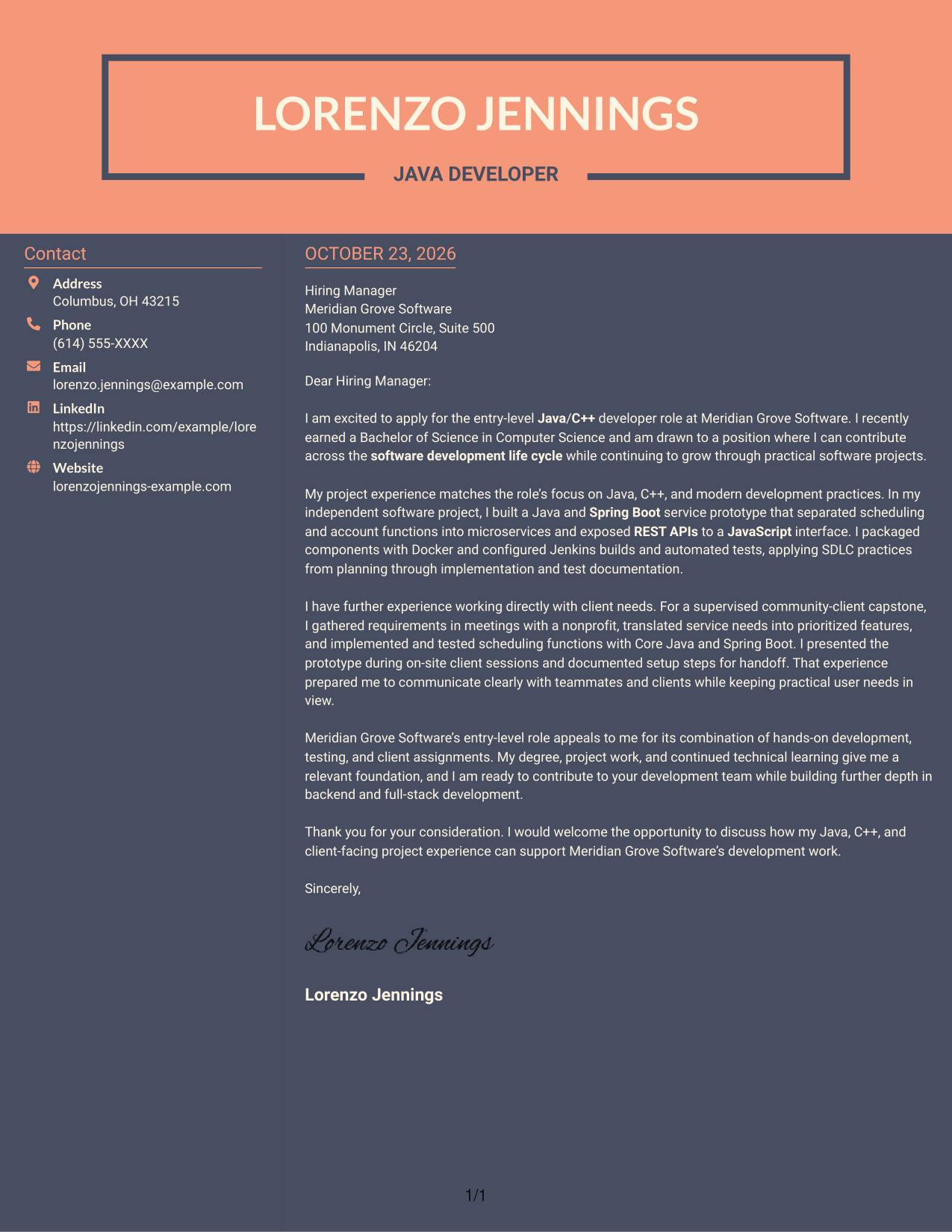
#7 Creative Two Tone Format Cover Letter Example
A contact sidebar beside one continuous letter body keeps the sender information and written appeal in distinct areas.
Why This Format Works
- The sidebar gives contact details a separate place next to the message.
- The letter itself stays in one body column from opening to close.
- A photo-free page suits readers who prefer correspondence without a portrait.
Best For
- Contact details needing separate placement
- A linear letter body
- Applications with multiple project examples
- Clear separation of sender and message
- Photo-free application materials
See Also
- 33 Associate - Java Developer Resume Templates with Example 2026 (ATS-Optimized)
- 7 Entry-Level Java/C++ Developer Resume Templates with Example
- 33 Entry Level Java Developer Resume Templates with Example
- 7 Entry-Level Java Developer - Web Application Development Resume Templates with Example
- 7 Java Developer Intern - API Integration Resume Templates with Example
- Java Developer Intern Resume Guide (Example + Free PDF Download)
- 7 Java Developer Intern - Web Services Resume Templates with Example
- Java Software Developer Resume Guide (Examples + Free PDF Downloads)
- 30+ Associate - Java Developer Cover Letter Templates with Example 2026
- 30+ Entry Level Java Developer Cover Letter Templates with Example 2026
Frequently Asked Questions
What should an Entry-Level Java/C++ Developer cover letter include?
Start with a clear reason for applying, then connect relevant Java or C++ work to the role. Include concise evidence of implementation, testing, and communication, and finish with a direct closing.
How can I show Java and C++ experience in a cover letter?
Describe a specific task and your contribution. For example, explain how you used Java and Spring Boot to build services, or how you applied C++ and object-oriented design to an application.
How should I describe client-facing project work?
Explain how you learned what the client needed, turned those needs into features, and shared progress or results. Keep the example accurate and show how clear communication supported the work.
Which cover letter layout should I choose?
Choose a clear layout that makes the opening, evidence, and closing easy to follow. Compare the image previews, then open a suitable example in the editor to review its presentation.
How can I make my letter specific to the employer?
Refer to duties or work settings stated in the job description, such as development, testing, or client assignments. Explain why those parts of the role interest you, and avoid claims about the company that you cannot support.




