
33 Entry Level Java Developer Resume Templates with Example
This guide shows you how to build an Entry Level Java Developer resume that is clear, focused, and easy to adapt. You will learn how to present your evidence so your Java skills, projects, and preparation are easy to review.
A strong resume connects your technical knowledge with proof of how you used it. For this role, that proof may include Core Java applications, object-oriented design, testing, database work, debugging, documentation, and collaborative software projects.
The examples below present one role-focused resume in 33 layouts. Compare the formats to see how ATS-friendly headings, concise bullet points, measurable details, skills, education, certifications, and project work can support a clear Entry Level Java Developer application.
What Makes a Great Entry Level Java Developer Resume in 2026
An effective resume in 2026 is specific, evidence-based, and simple to scan. It helps the reader confirm your technical foundation quickly, while each section shows how you approach software programming work.
- Write a focused summary that names the target role and presents your strongest Java development capabilities.
- Describe university projects and practicum work with action verbs, clear responsibilities, and measurable scope.
- List technical skills in organized groups, including Java, Core Java, C++, object-oriented programming, data structures, and algorithms.
- Show evidence of testing and reliable delivery through JUnit, unit testing, integration testing, debugging, code review, and Git workflows.
- Include database and service experience such as JDBC, PostgreSQL, REST-style services, request handling, and reusable service classes when supported by your background.
Resume content should use concise bullets rather than long explanations. Useful keywords for this role include Java, Core Java, C++, object-oriented programming, data structures, algorithms, JUnit, JDBC, PostgreSQL, REST-style services, Git, debugging, unit testing, integration testing, software programming, and technical documentation. Use these terms naturally and support them with projects or experience wherever possible.
The resume examples below use an evidence-first approach so formatting supports role-specific clarity, ATS matching, and fast review for an Entry Level Java Developer resume. They organize technical skills, projects, education, certifications, and achievement-based experience so each detail is easy to verify.
#1 Simple One Column Format Resume Example
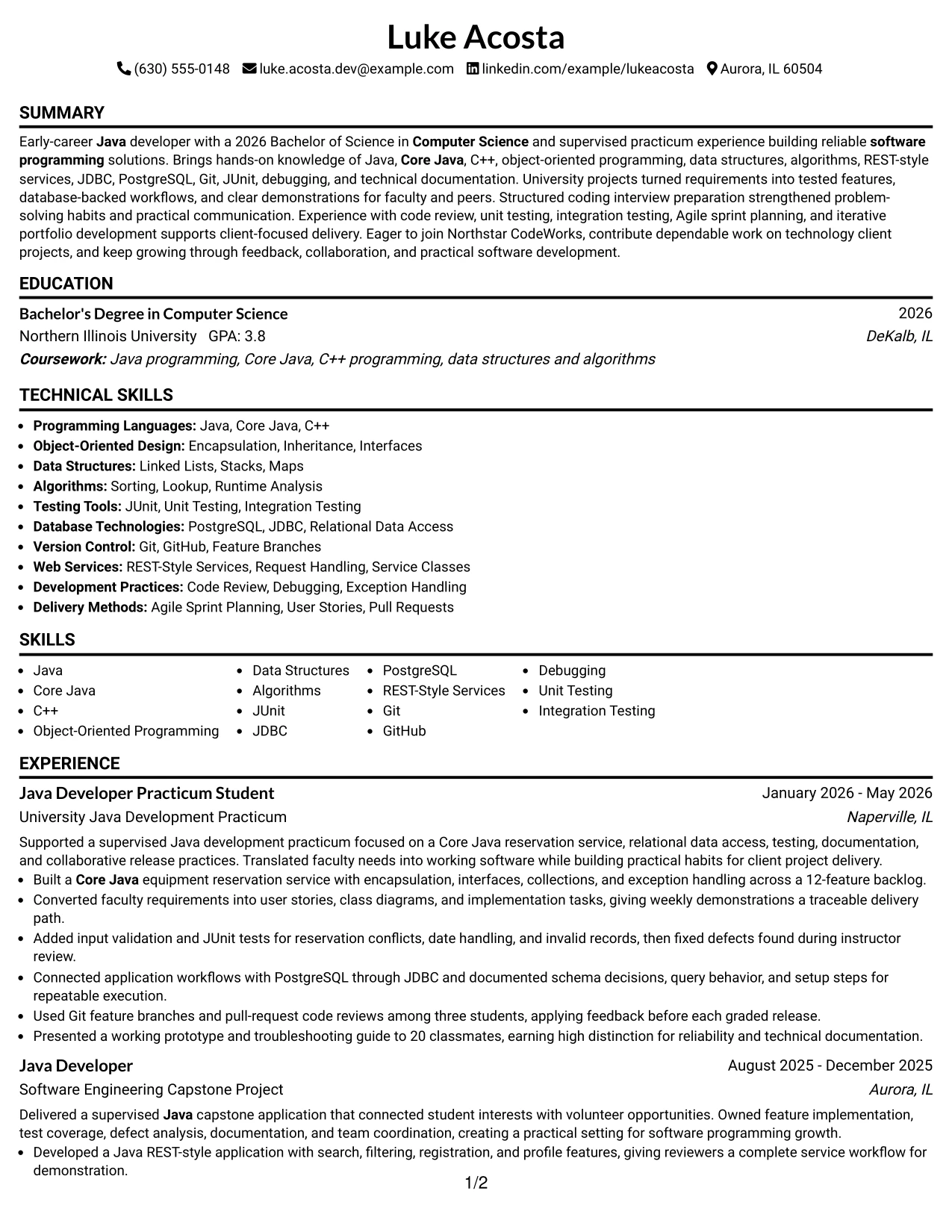
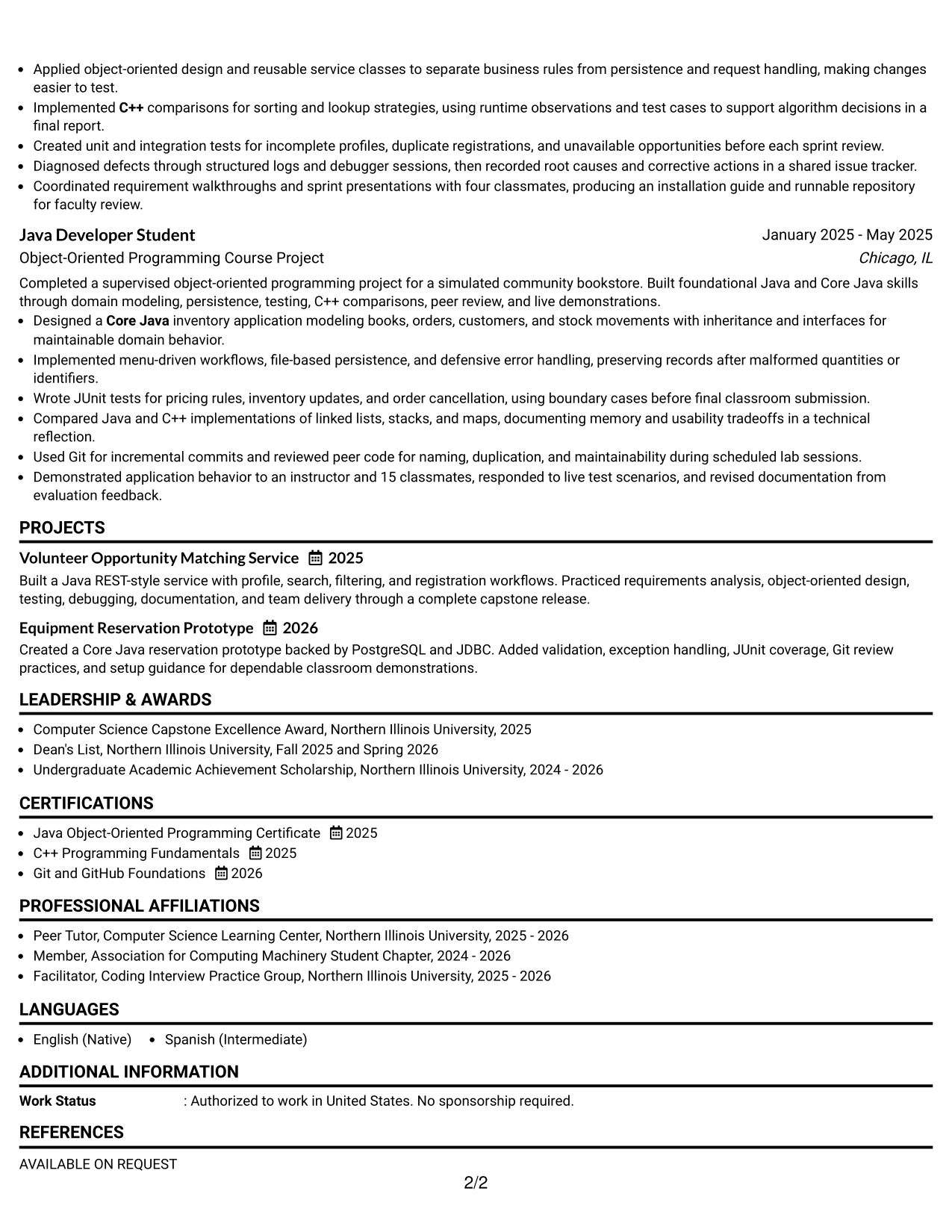
Simple One Column Format places the contact details, summary, experience, education, projects, skills, and certifications in one clear path. For Luke Acosta, that order lets readers move from the Entry Level Java Developer target to Java projects, testing work, education, and technical tools without searching across panels.
The single column also supports ATS parsing and clean recruiter scanning. Short achievement bullets keep evidence visible, including a 12-feature backlog, PostgreSQL through JDBC, JUnit tests, Git reviews among three students, and a presentation to 20 classmates.
Why the Simple One Column Format Works for a Resume
- One reading path makes the resume easy to scan from summary to skills.
- Standard section order helps ATS tools identify experience, education, and certifications.
- Bullets keep Java development work separate from project context and results.
- Technical keywords such as Core Java, C++, JUnit, JDBC, and PostgreSQL remain easy to find.
- The format gives measurable details room to stand out without visual competition.
- Projects and practicum experience can appear as distinct evidence blocks.
- The restrained structure supports a focused entry-level software programming resume.
Best For
- Readers who want one uninterrupted path through the resume.
- Applicants who need standard headings for reliable ATS parsing.
- Resumes that combine practicum work, academic projects, and education.
- Technical profiles with many tools that benefit from a dedicated skills section.
- Candidates who want measurable results to appear inside clear bullet points.
- Applications where simple printing and consistent spacing matter.
- Job searches that require both project detail and certification evidence.
#2 Plain One Column with Shaded Labels Resume Example
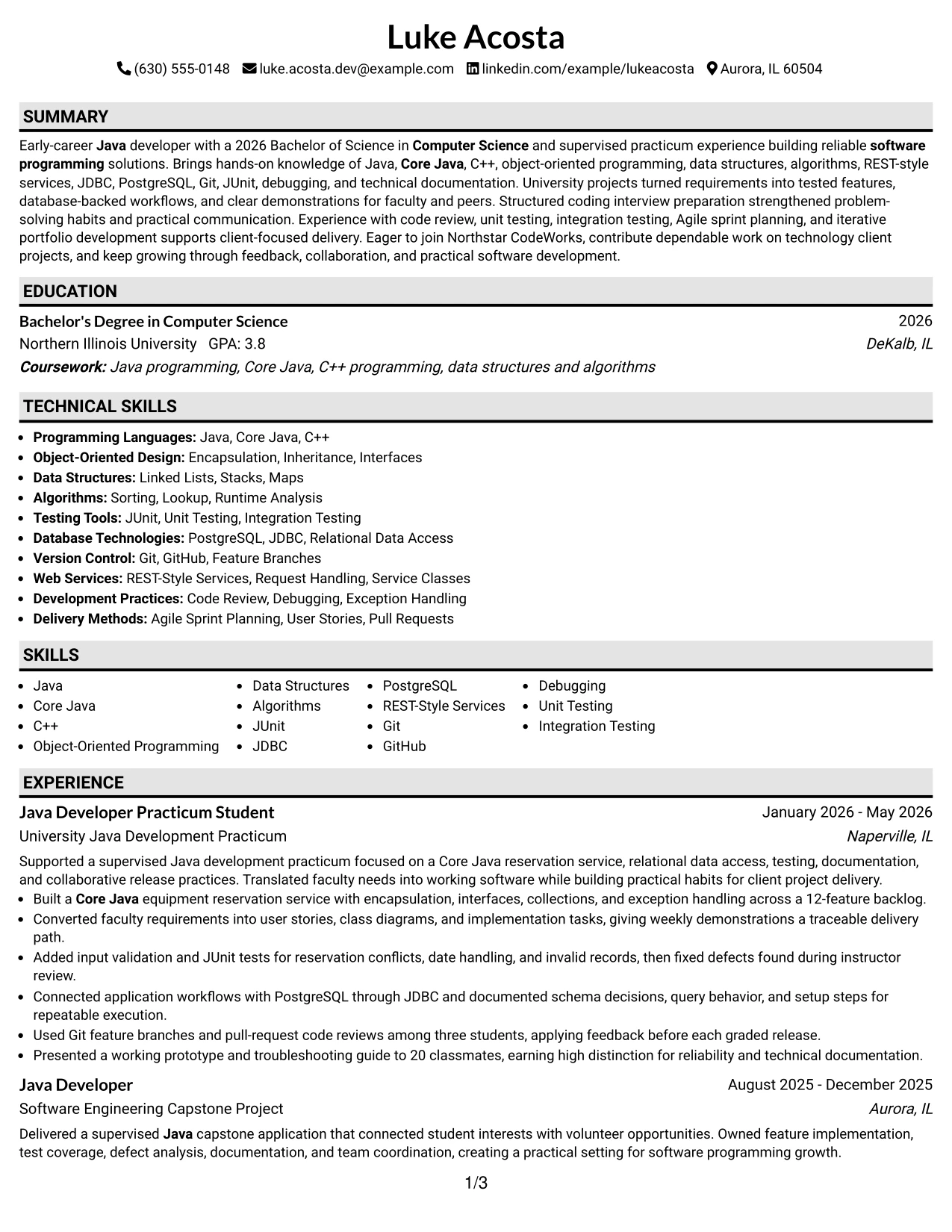
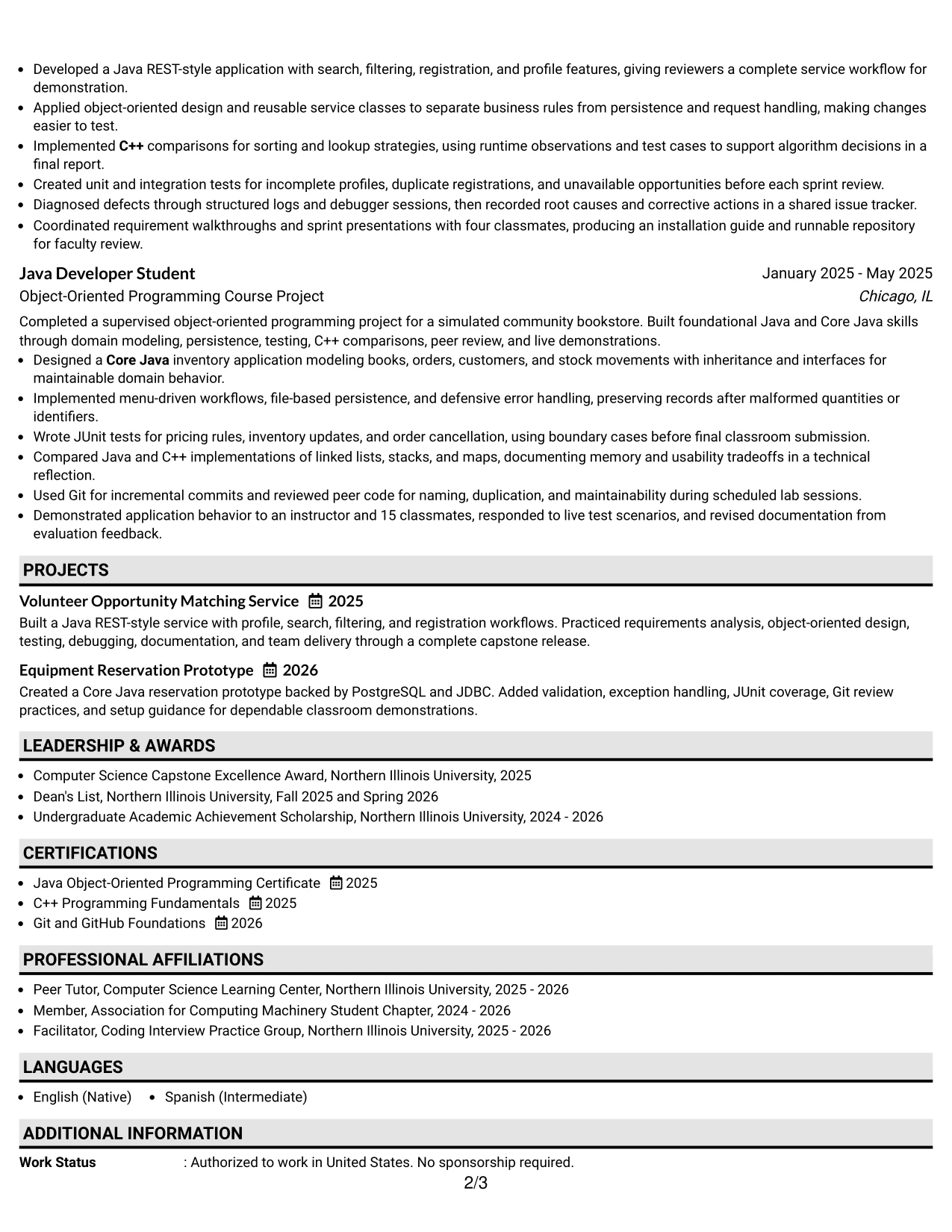
Readers can move from the shaded section labels to the strongest evidence in a steady top-to-bottom order. The resume presents an Entry Level Java Developer summary first, then makes the practicum, capstone, course project, education, certifications, and skills easy to locate.
Plain spacing gives substantial content enough room without creating a crowded page. Detailed bullets can show REST-style services, database access, testing, debugging, code review, and technical documentation while the labels help separate each type of information.
Why the Plain One Column with Shaded Labels Works for a Resume
- Shaded labels help readers find sections during a quick review.
- A single column protects the order of experience and education details.
- The format accommodates several project entries without splitting related bullets.
- Consistent labels make skills, certifications, and awards easy to distinguish.
- ATS-friendly text remains the main content rather than decorative elements.
- Longer technical bullets can explain both the action and the result.
- The structure supports a resume with strong academic and practicum volume.
Best For
- Resumes with several sections that need strong visual signposts.
- Applicants presenting multiple academic projects in addition to practicum work.
- Documents where readers may review content quickly on screen or on paper.
- Technical profiles that need space for tools, methods, and supporting certifications.
- Candidates who want detailed bullets without using a two-column layout.
- Applications that benefit from clear separation between experience and education.
- Resumes requiring a predictable section sequence for ATS review.
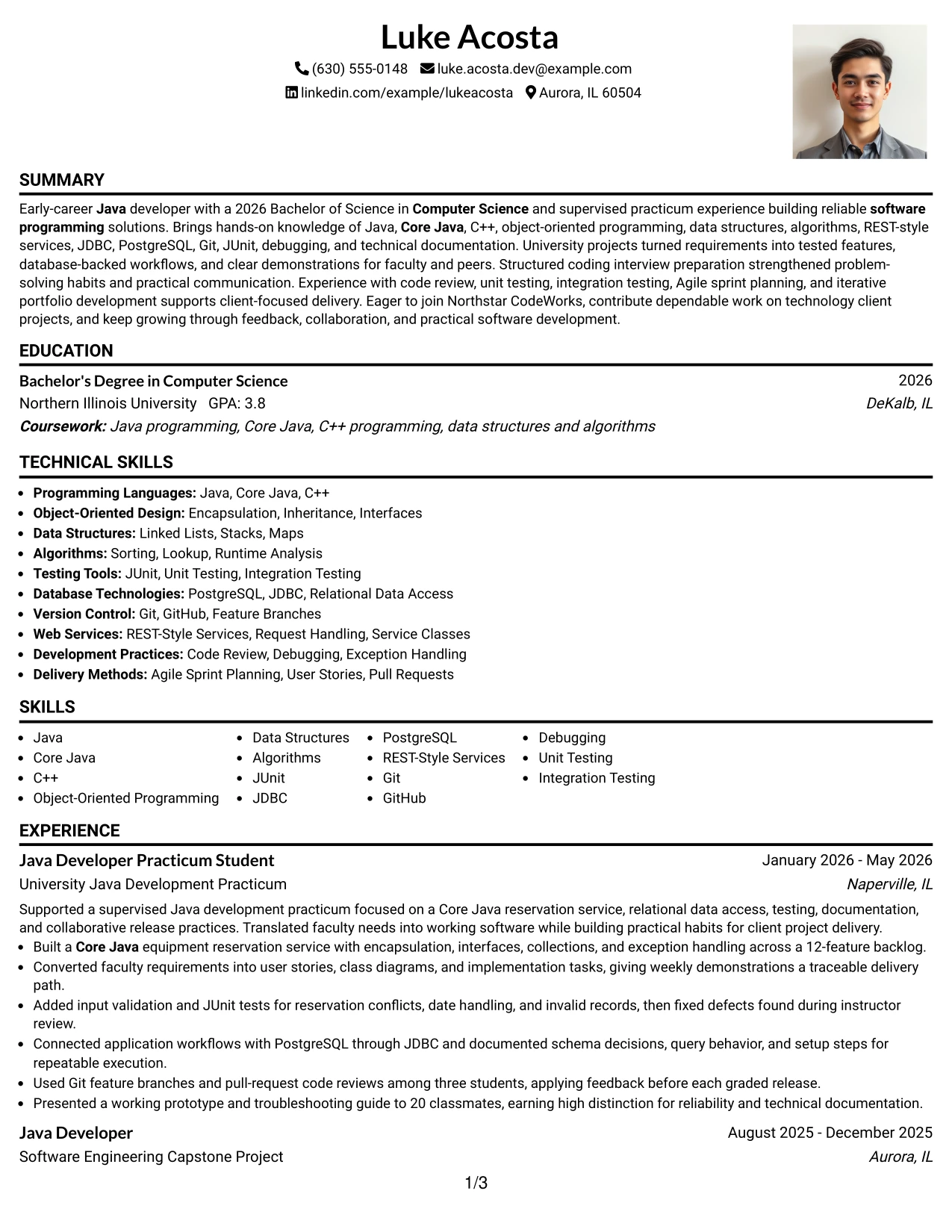
#3 One Column Format with Photo Right Resume Example
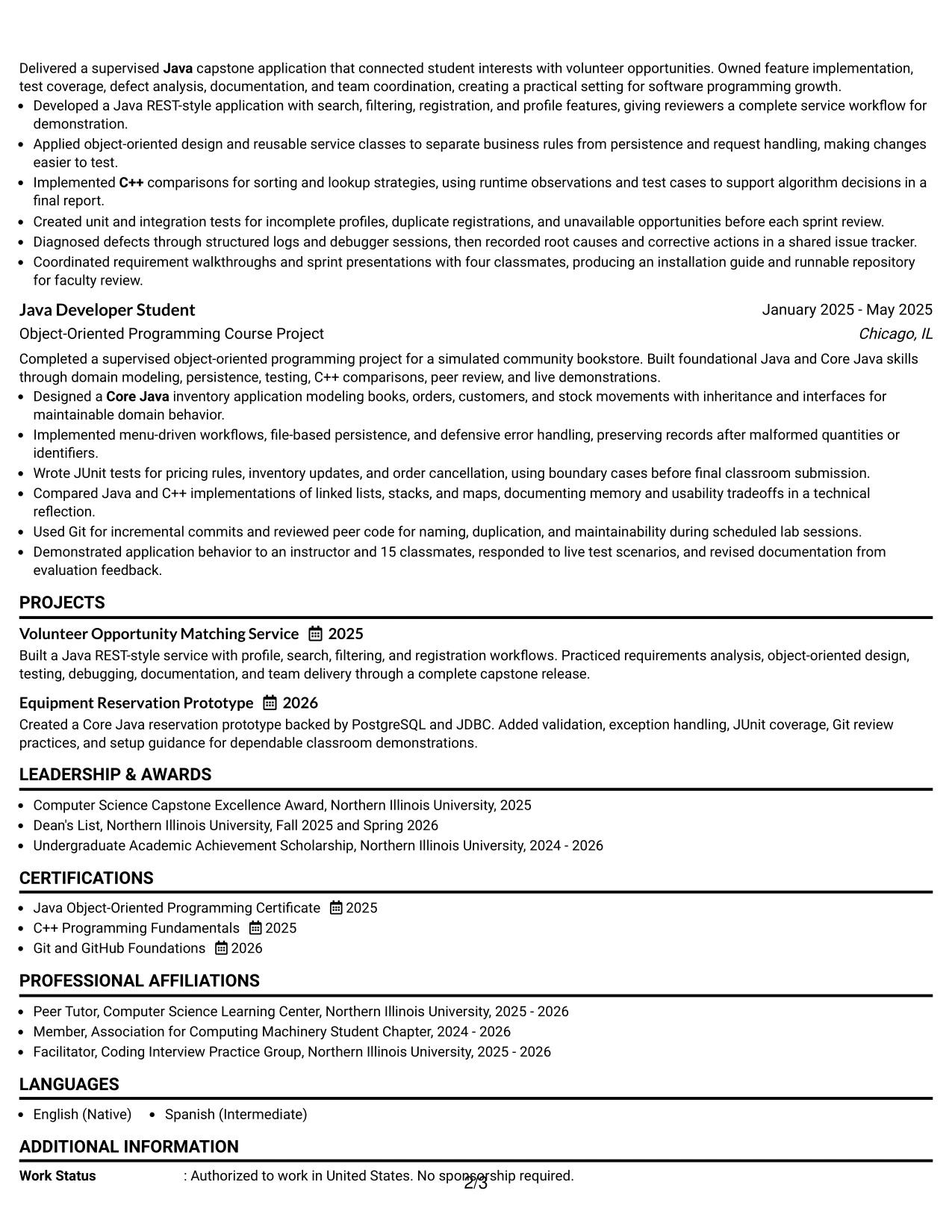
Core evidence receives priority here: the summary, Java development work, projects, education, and skills carry the review. The photo on the right adds a personal visual element while the one-column text keeps the Entry Level Java Developer qualifications readable and organized.
Strong bullets can show what the candidate built and how the work was checked. Examples include a Core Java reservation service, JUnit coverage, PostgreSQL and JDBC integration, C++ algorithm comparisons, and documented defect fixes.
Why the One Column Format with Photo Right Works for a Resume
- The main text column keeps technical evidence in a familiar reading order.
- The right-side photo creates a defined header area without breaking experience bullets.
- Project results remain easy to connect with the tools used.
- Testing and debugging details show practical software development habits.
- A clear skills section supports quick review of Java and Core Java knowledge.
- Education can follow experience without competing with the visual header.
- The format balances personal presentation with substantial resume evidence.
Best For
- Applicants who want a personal visual element beside a focused text column.
- Resumes where project outcomes should remain the main review priority.
- Candidates combining academic work with supervised practical development.
- Applications that need clear separation between evidence and contact information.
- Profiles with enough technical detail to require a full-width experience narrative.
- Readers who prefer a traditional section sequence with a defined header.
- Uses where a polished personal presentation complements, but does not replace, project proof.
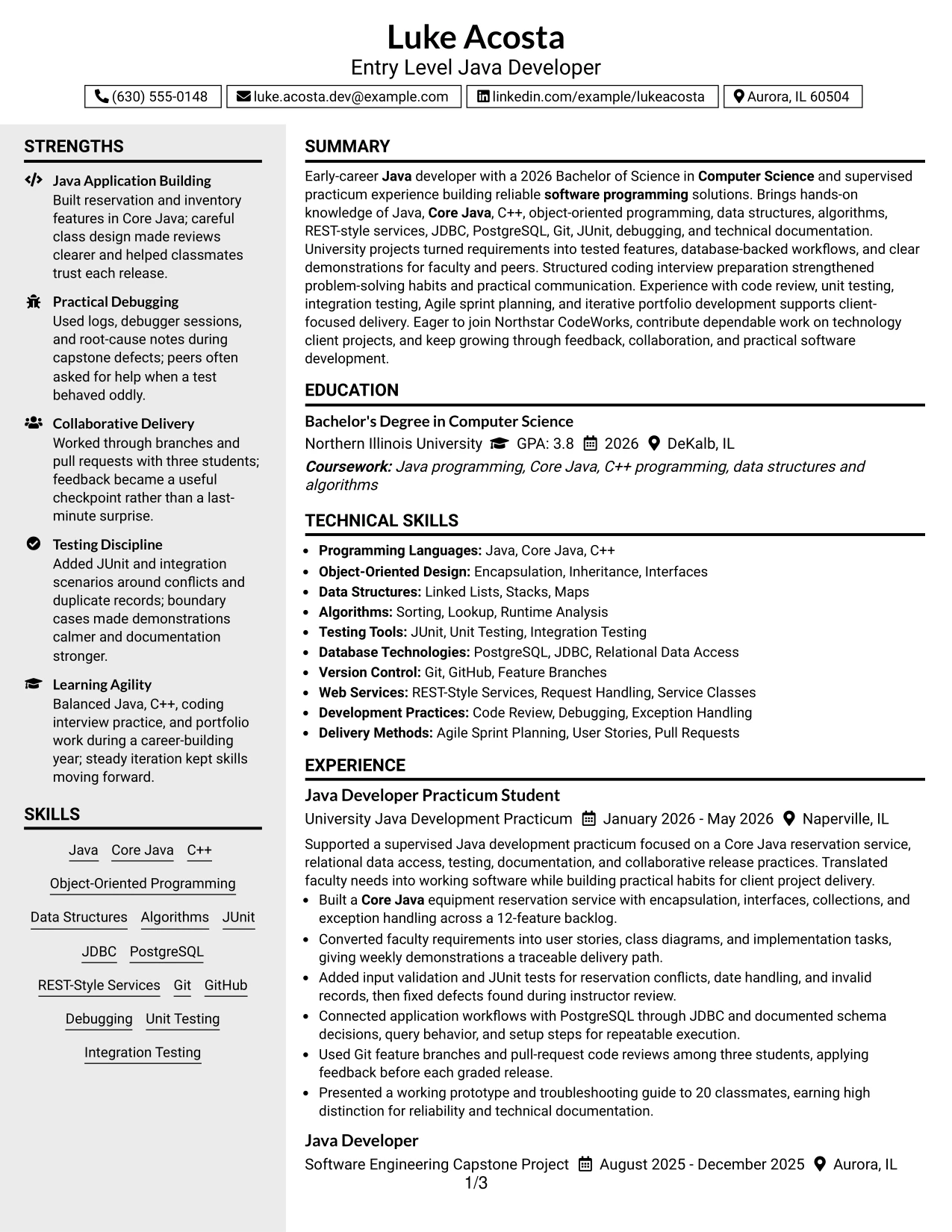
#4 Clean Two Column Sidebar Format Resume Example
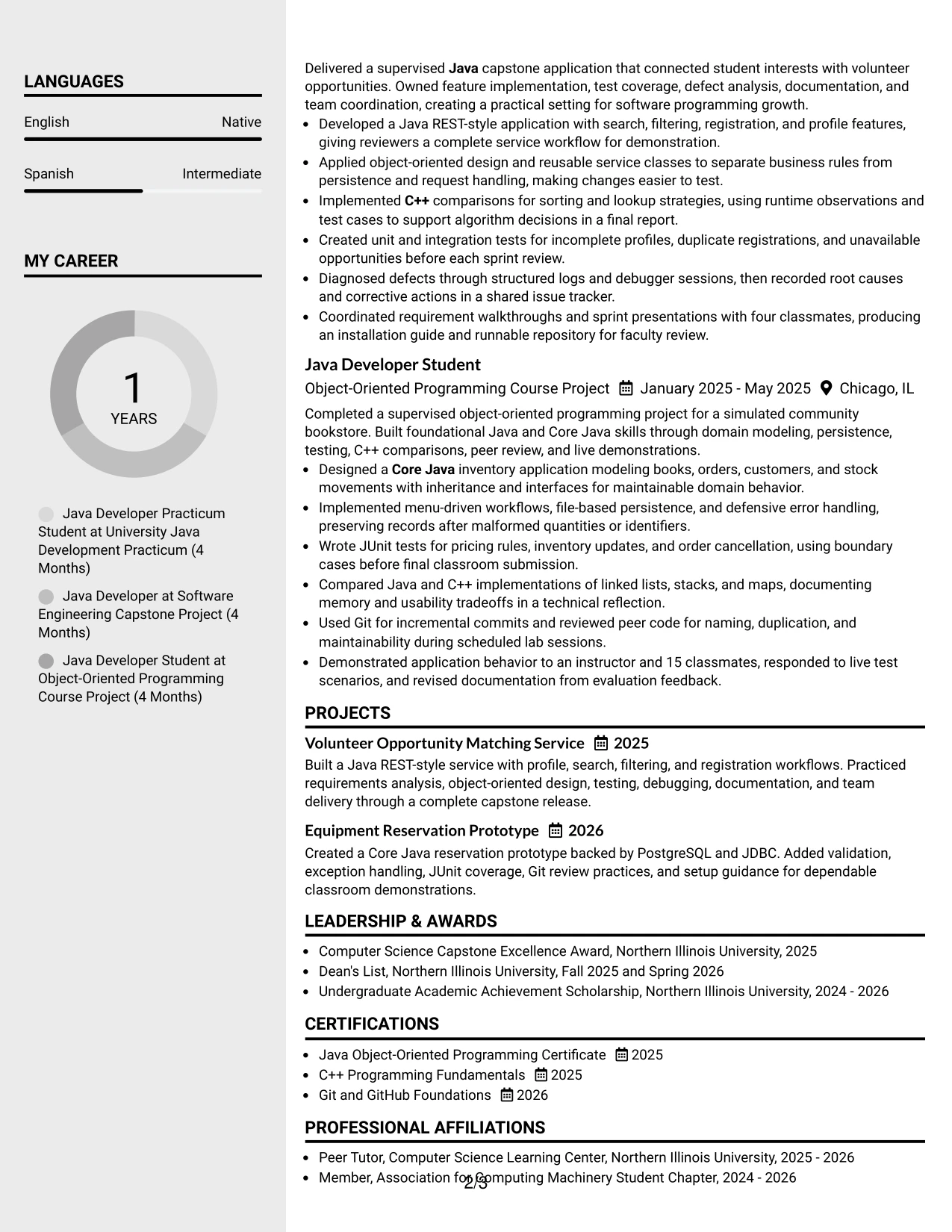
Content is balanced between a narrow sidebar and a wider evidence area. The sidebar can hold contact details, skills, certifications, or education, while the main column gives practicum work and projects enough space for complete achievement bullets.
For an Entry Level Java Developer application, this division helps separate quick-reference tools from proof of use. Readers can find Java, C++, Git, JUnit, JDBC, and PostgreSQL in one place, then see those skills supported by tested features and database-backed workflows.
Why the Clean Two Column Sidebar Format Works for a Resume
- The sidebar turns high-value keywords into a quick reference area.
- The wider column protects detailed experience bullets from excessive wrapping.
- Projects can show features, methods, and testing results in a logical sequence.
- Education and certifications can remain visible without taking space from evidence.
- Square bullet markers create clear boundaries between related achievements.
- The structure supports fast review when technical tools must be found early.
- A restrained two-column design keeps a substantial resume visually organized.
Best For
- Applications where skills and certifications should be visible beside experience.
- Resumes that need a compact reference area and a detailed evidence area.
- Readers comparing tools in the sidebar with results in the main column.
- Candidates presenting database, testing, and version-control evidence together.
- Documents with enough content to benefit from two distinct information zones.
- Uses where project bullets need more width than a narrow column can provide.
- Technical applications that reward quick keyword access and readable detail.
#5 Two Column Format Resume Example
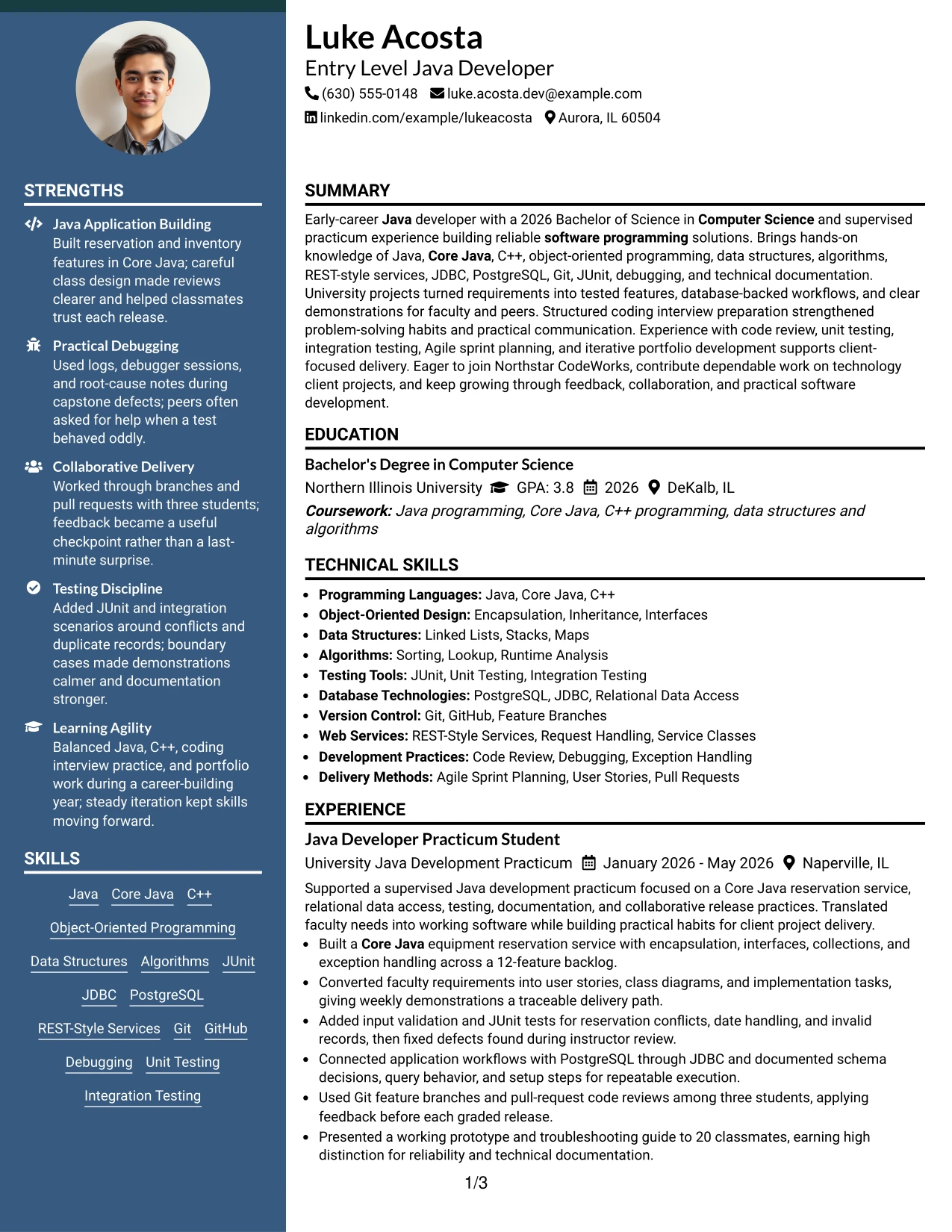
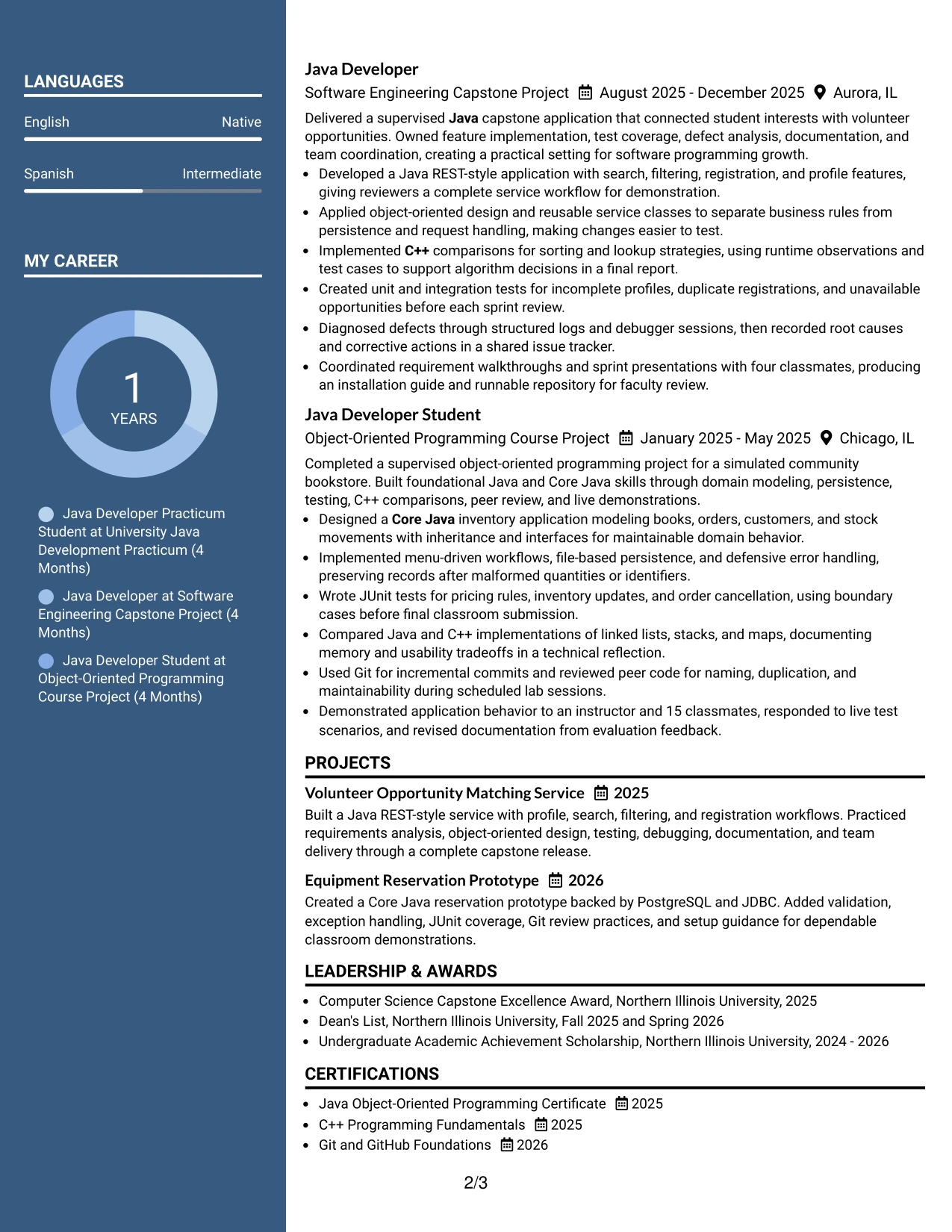
For a practical software programming application, a Two Column Format can place quick facts such as skills and education beside the fuller experience record. That arrangement helps the Entry Level Java Developer resume show both technical coverage and the projects where those skills were applied.
Balanced columns prevent the skills list from becoming an isolated keyword block. Java, Core Java, C++, object-oriented programming, testing, Git, and REST-style services can sit near bullets describing reservation features, service classes, defect analysis, and sprint delivery.
Why the Two Column Format Works for a Resume
- The two areas let readers compare skills with supporting experience quickly.
- A side section can keep education and certificates visible during technical review.
- The main area provides room for complete project and practicum bullets.
- Related tools can be grouped instead of scattered across the document.
- The format reduces the need to repeat keywords in every achievement.
- Clear visual balance helps academic projects look purposeful and professional.
- It suits applications that need both concise facts and evidence-rich descriptions.
Best For
- Applications requiring a quick skills view beside detailed project work.
- Resumes that combine education, certificates, and practical development evidence.
- Readers who compare technical coverage with the results of using each tool.
- Candidates who want a compact layout without removing meaningful bullet detail.
- Documents with related information that can be grouped into two visual zones.
- Uses where project titles and technical methods should be easy to connect.
- Applicants seeking a balanced presentation of qualifications and evidence.
#6 Photo Header Two Column Format Resume Example
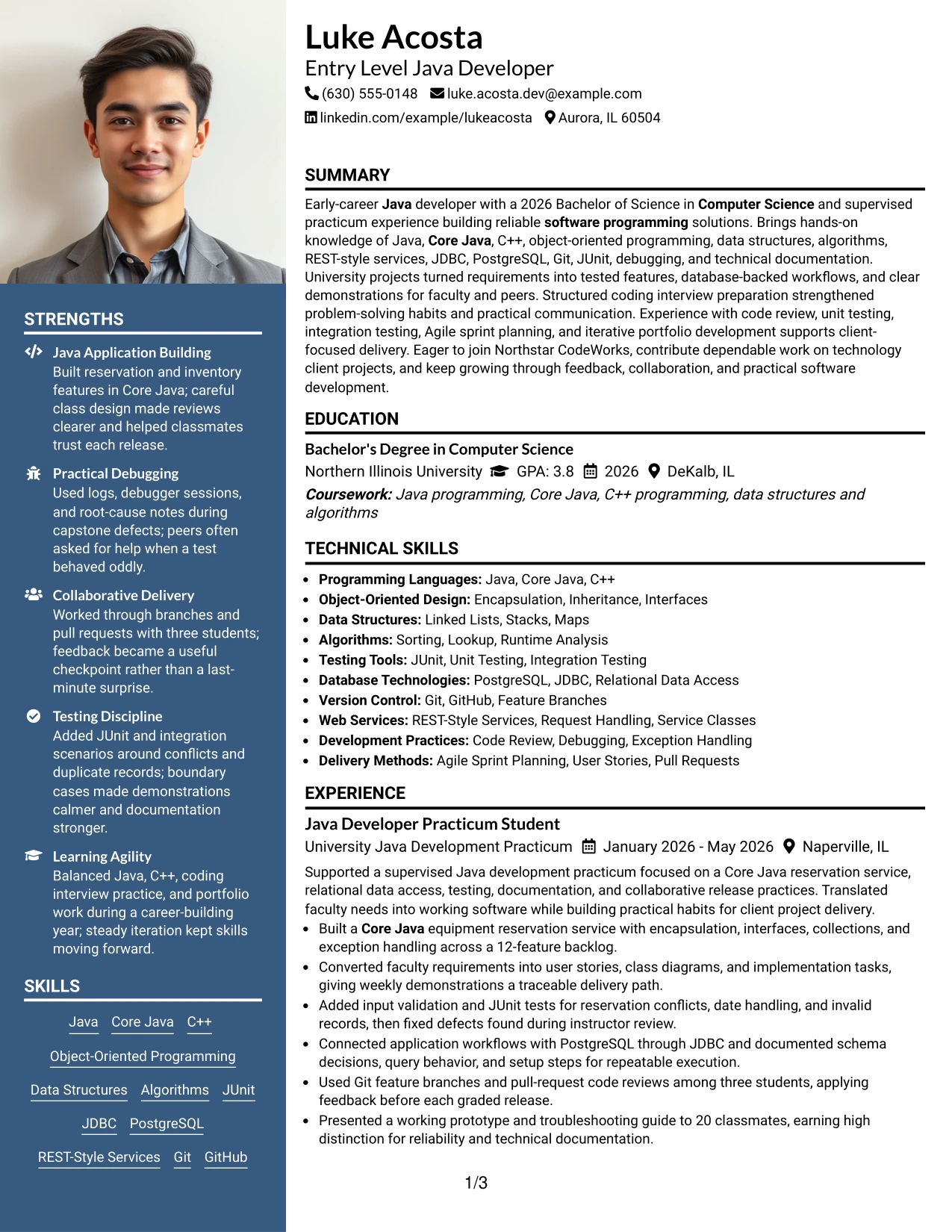
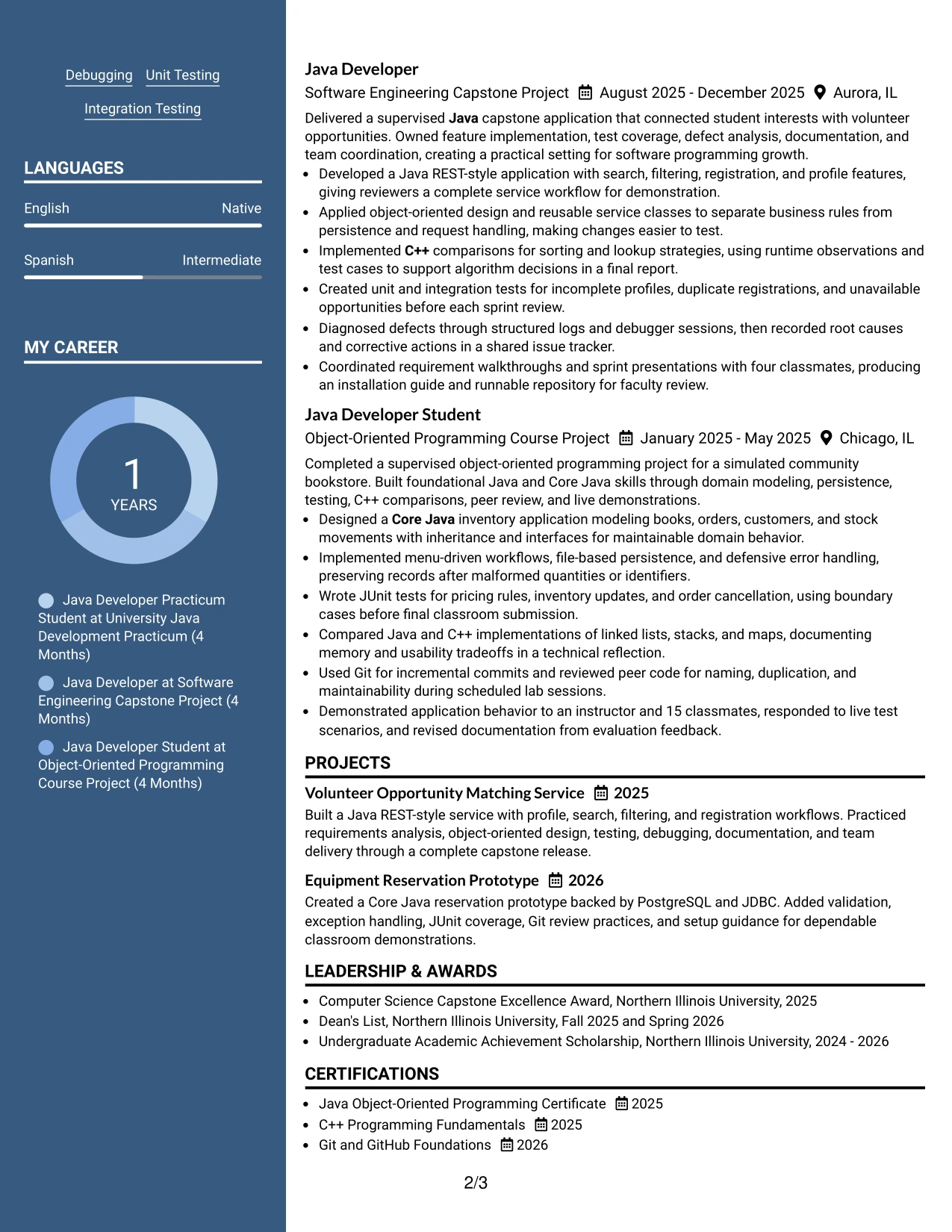
A restrained visual hierarchy begins with the photo header, then directs attention to two organized content areas. The resume can place contact information and selected skills in one column while using the other for Java development experience, projects, education, and certifications.
This arrangement aligns the Entry Level Java Developer target with evidence at a glance. The reader can connect Java and Core Java knowledge to REST-style services, JUnit and integration testing, PostgreSQL, JDBC, Git, debugging, and documented project delivery.
Why the Photo Header Two Column Format Works for a Resume
- The photo header gives the resume a distinct personal presentation.
- Two columns separate quick facts from detailed technical evidence.
- The layout makes role-related skills visible near the top of the page.
- Project bullets can explain implementation, testing, and collaboration without crowding the header.
- Education and certifications remain easy to locate in a supporting column.
- The visual hierarchy guides readers from identity to qualifications to proof.
- A strong header can work well when presentation matters alongside ATS-aware text.
Best For
- Applicants who value a recognizable personal header with organized technical content.
- Resumes needing a clear split between quick facts and detailed achievements.
- Applications where role-related skills should appear near the top of the page.
- Candidates with project evidence that benefits from a full, readable main column.
- Uses that combine a polished presentation with structured education and certification details.
- Readers who want visual identity followed by a practical qualification hierarchy.
- Documents where collaboration and testing evidence need room beside skill references.
#7 Simple Two Column Format Resume Example
Simple Two Column Format organizes the resume into a compact reference area and a broader achievement area. One side can list skills, education, and certifications, while the other explains Java practicum work and projects with direct, scannable bullets.
That structure keeps the Entry Level Java Developer focus visible without giving every section the same weight. Technical terms remain searchable, and measurable evidence such as 12 features, three student collaborators, four classmates, and 15 classmates adds credibility to the project record.
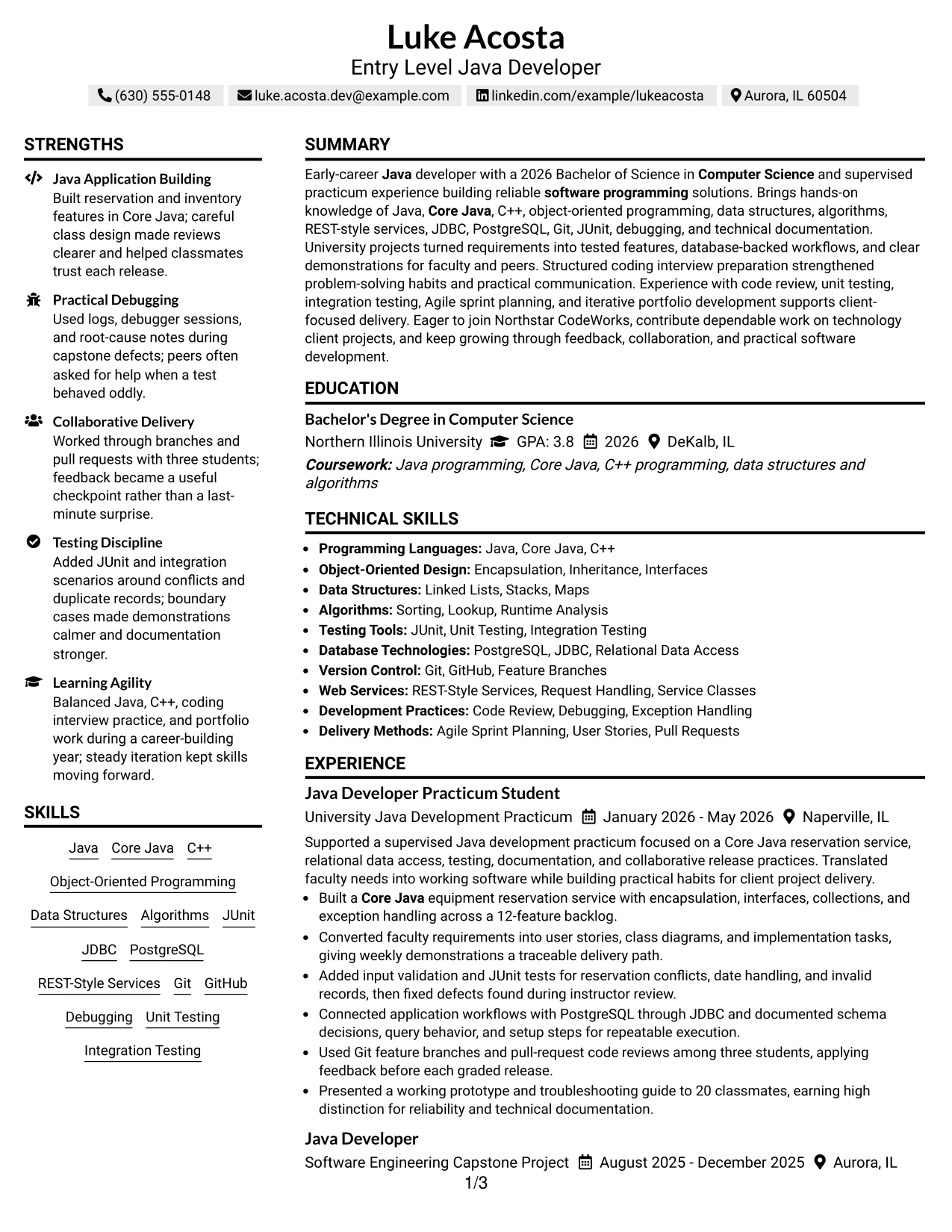
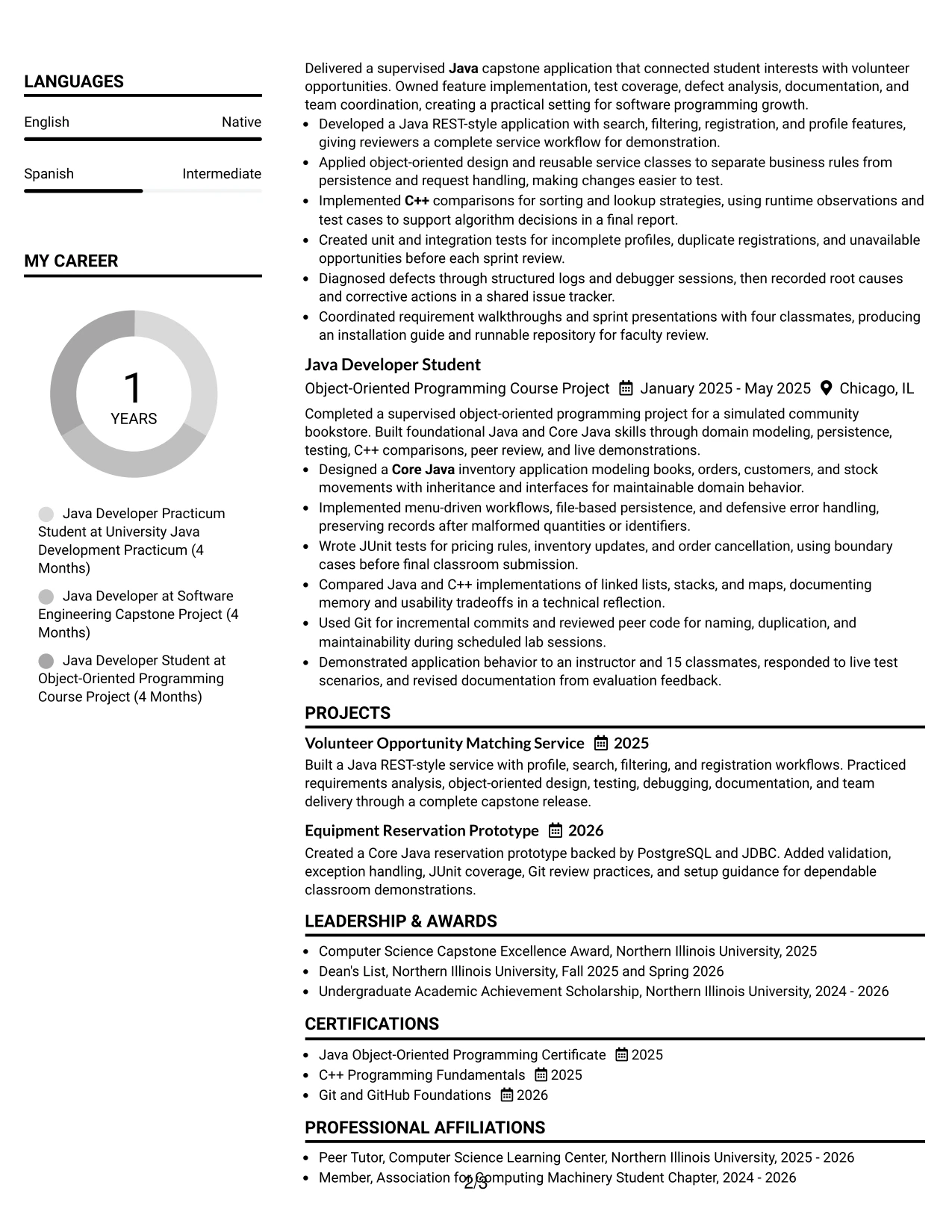
Why the Simple Two Column Format Works for a Resume
- Two clear zones make the resume quick to navigate.
- The reference column can hold skills without interrupting achievement bullets.
- The main column gives project work enough room for action and result.
- Simple markers help readers separate individual responsibilities.
- Technical keywords remain visible while evidence stays in context.
- Measured details strengthen the credibility of academic experience.
- The format provides structure without adding heavy visual decoration.
Best For
- Readers who want skills and education available beside experience.
- Resumes with several measurable project details to scan quickly.
- Applicants combining a technical keyword list with evidence-rich bullets.
- Documents that need compact navigation between projects and qualifications.
- Candidates who prefer clear two-zone organization over a long single column.
- Applications where simple markers support fast review of related achievements.
- Technical resumes that need structure while keeping the page visually light.
#8 Text/Fang Style Resume Example
Readers move through a continuous text-centered sequence, with each section introducing the next layer of evidence. The resume leads from the Entry Level Java Developer summary to practicum work, capstone results, course projects, education, certifications, and technical skills.
This format gives detailed content a calm, readable setting. It can present object-oriented design, REST-style applications, relational data access, JUnit and integration testing, debugging, Git workflows, and technical documentation without forcing the reader to jump between columns.
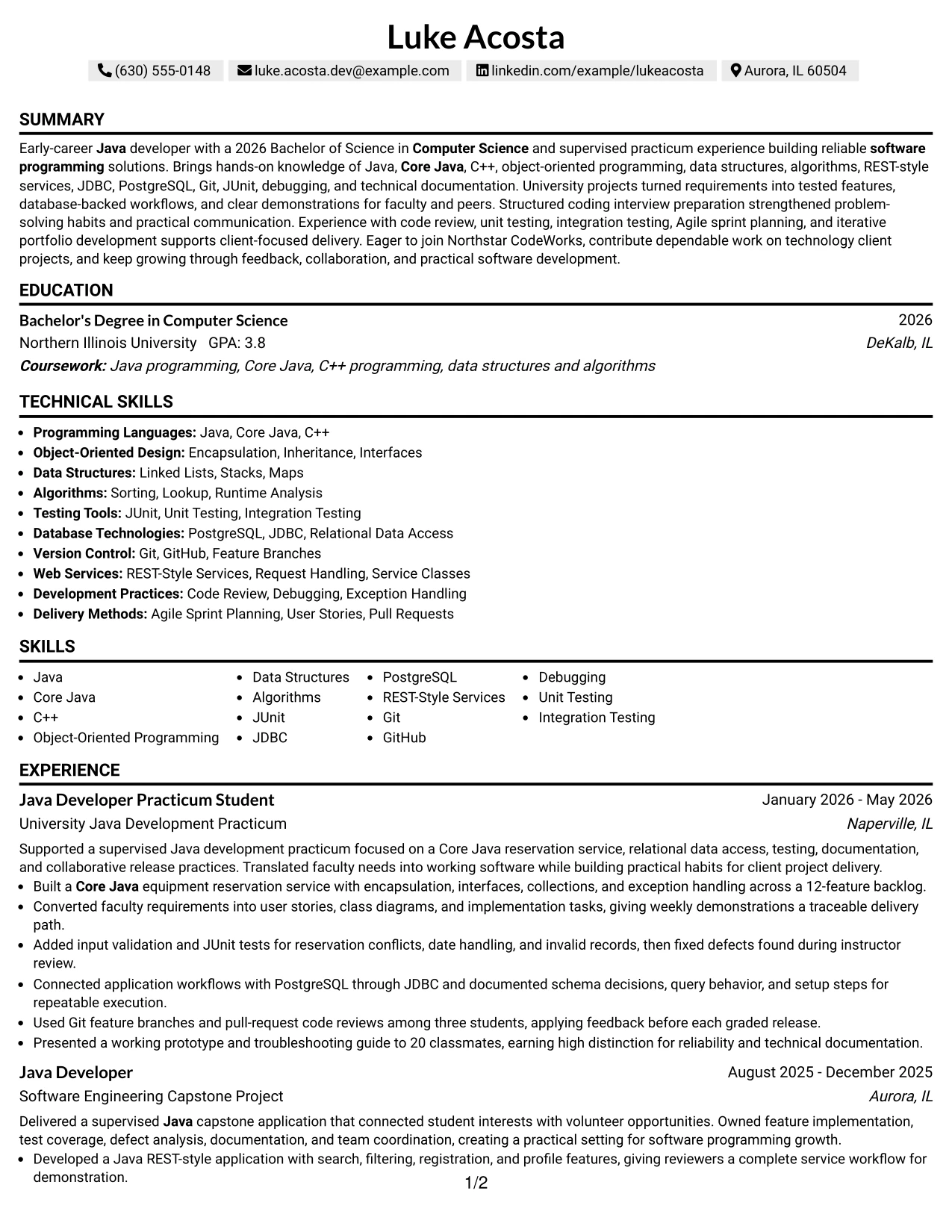
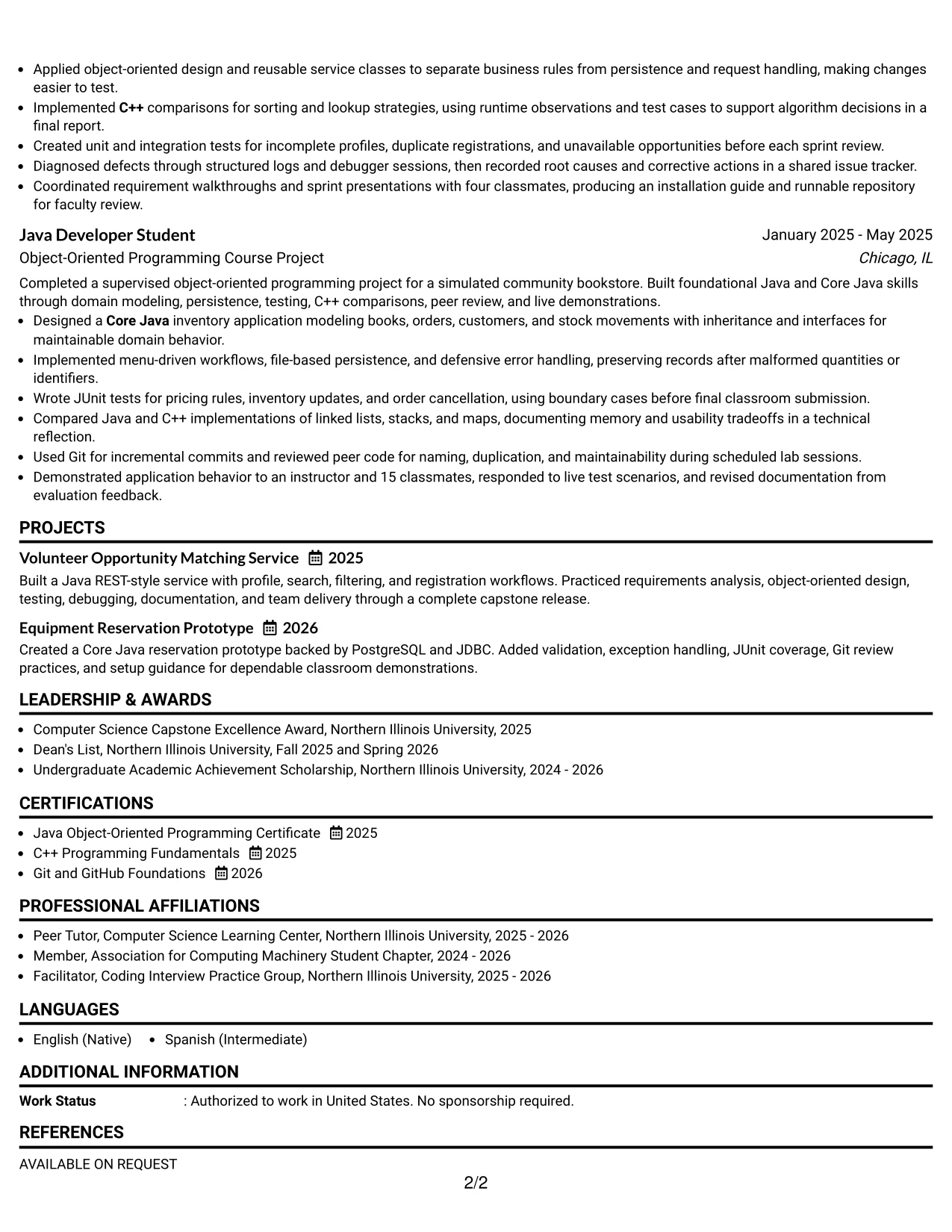
Why the Text/Fang Style Works for a Resume
- A continuous sequence supports careful reading of detailed project work.
- The centered section flow keeps related descriptions together.
- Longer bullets can explain design choices and testing methods clearly.
- Skills remain connected to the experience that demonstrates them.
- Education and certifications can follow the evidence in a natural order.
- The one-column structure is straightforward for ATS parsing.
- It gives a content-rich academic resume a calm and consistent rhythm.
Best For
- Resumes with detailed descriptions of projects and development methods.
- Readers who prefer a continuous text path over side-by-side sections.
- Applicants needing space to explain design, persistence, and testing choices.
- Documents where skills should appear alongside the work that proves them.
- Candidates with substantial academic content and supporting certifications.
- Applications benefiting from careful review of documentation and debugging evidence.
- ATS-conscious uses that still require readable technical detail.
#9 One Column Boxed Contact Header Format Resume Example
The strongest evidence appears first in the main reading flow: a focused summary followed by Java experience, projects, education, and skills. A boxed contact header gives the resume a clear starting point while keeping the body available for tested features and measurable results.
For this Entry Level Java Developer resume, the format supports proof such as a Core Java reservation service, a Java REST-style application, PostgreSQL through JDBC, unit and integration tests, and a runnable repository with installation guidance.
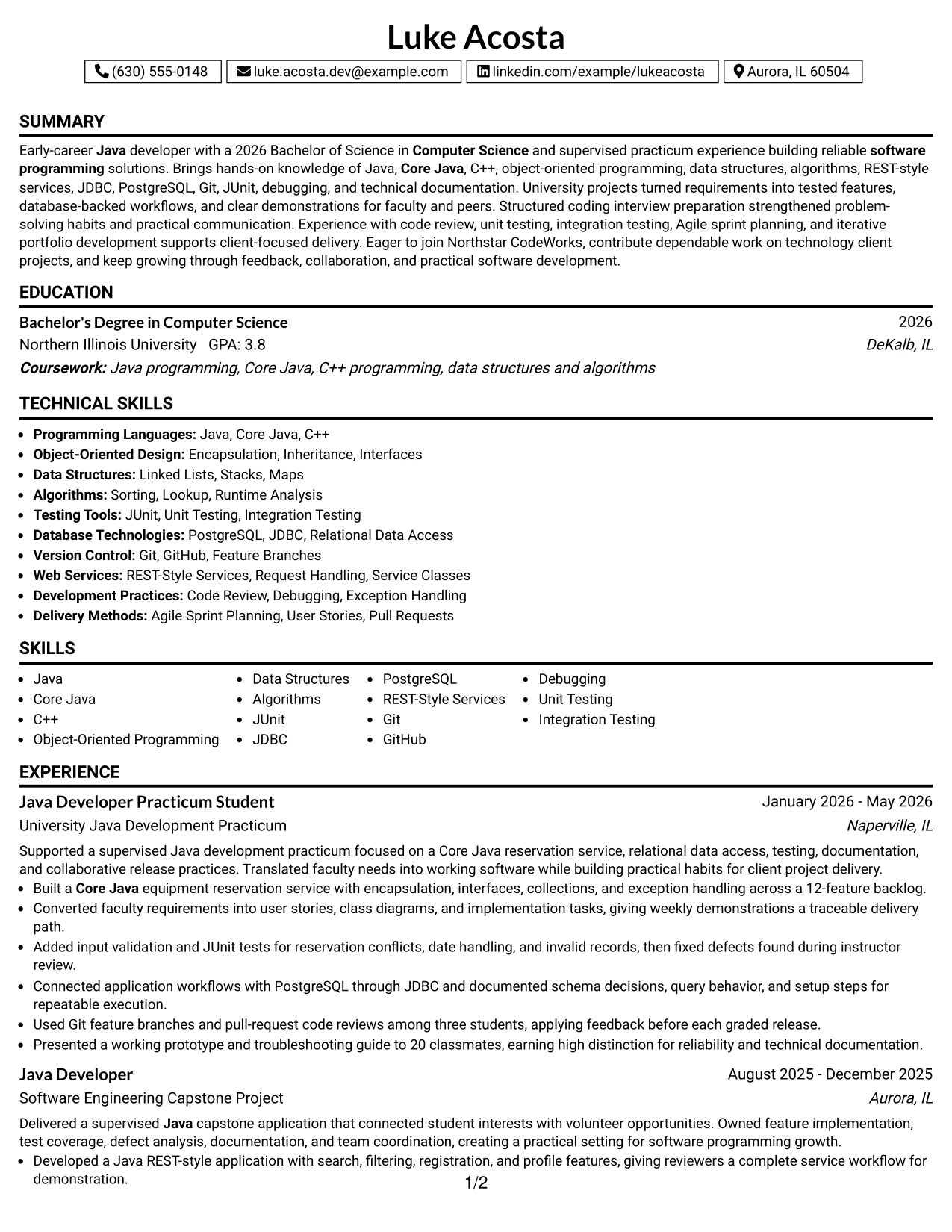
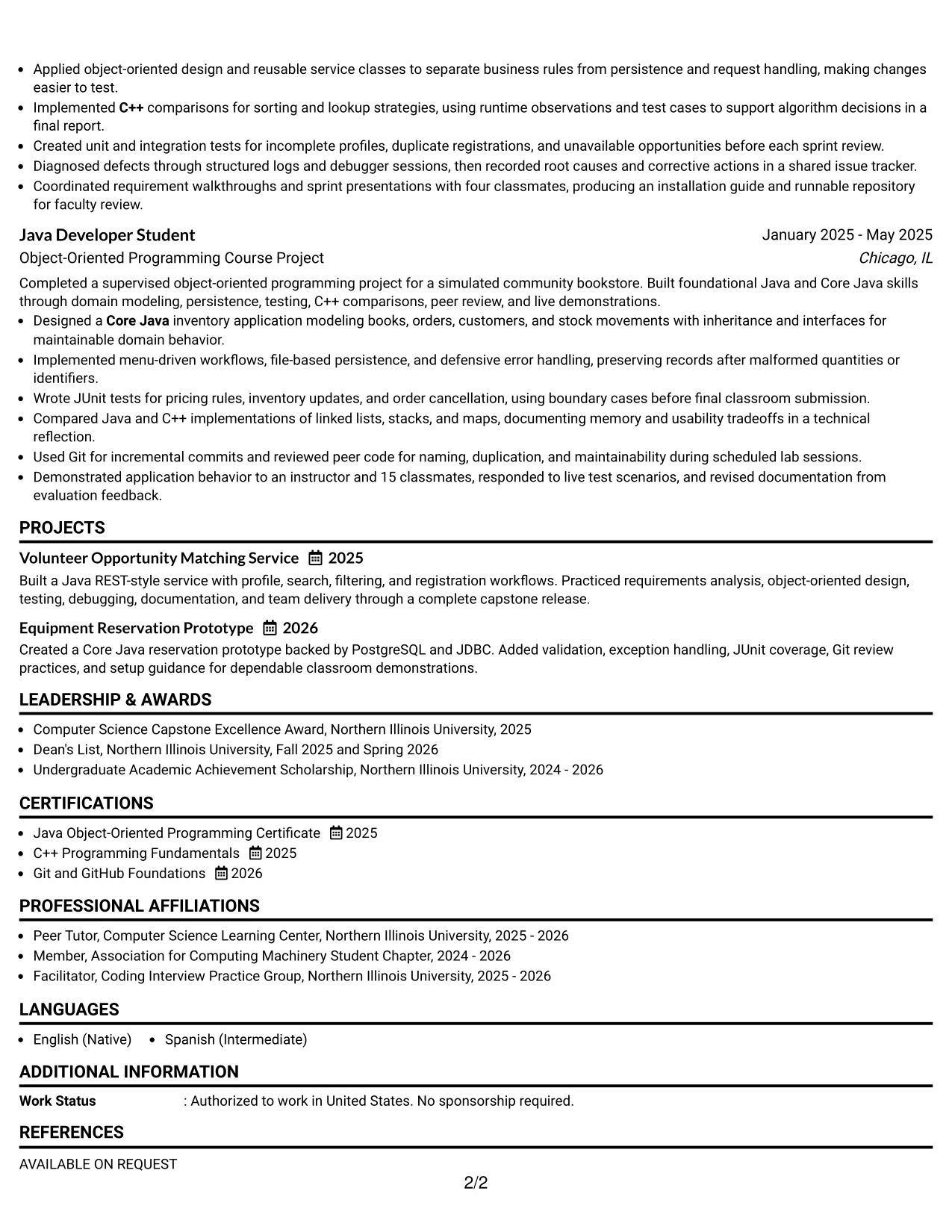
Why the One Column Boxed Contact Header Format Works for a Resume
- The boxed header separates contact details from the evidence below.
- A single body column keeps experience easy to follow.
- Projects can receive full-width bullets for features and technical decisions.
- Testing and debugging results remain visible instead of being compressed.
- The summary can target the role before readers reach detailed history.
- Education, certificates, and skills fit into a familiar closing sequence.
- The design adds definition while preserving ATS-readable resume text.
Best For
- Applications needing a distinct contact area above a traditional resume body.
- Applicants whose project evidence benefits from full-width bullet lines.
- Readers who want role targeting before reviewing detailed experience.
- Documents combining service development, database work, and testing results.
- Candidates presenting a runnable repository or installation guidance.
- Uses where a defined header improves navigation without adding a sidebar.
- Technical resumes that need visual order while keeping text easy to parse.
#10 Plain Two Column Format Resume Example
A practical application review often requires both fast keyword access and enough detail to verify each claim. Plain Two Column Format meets that need by placing selected qualifications in one area and experience, projects, education, and achievements in the other.
Luke Acosta's resume can use a concise snapshot to surface the 2026 Computer Science degree, Java and Core Java knowledge, supervised practicum, and testing experience. The keyword section then reinforces the target role with terms supported by the document and job description.
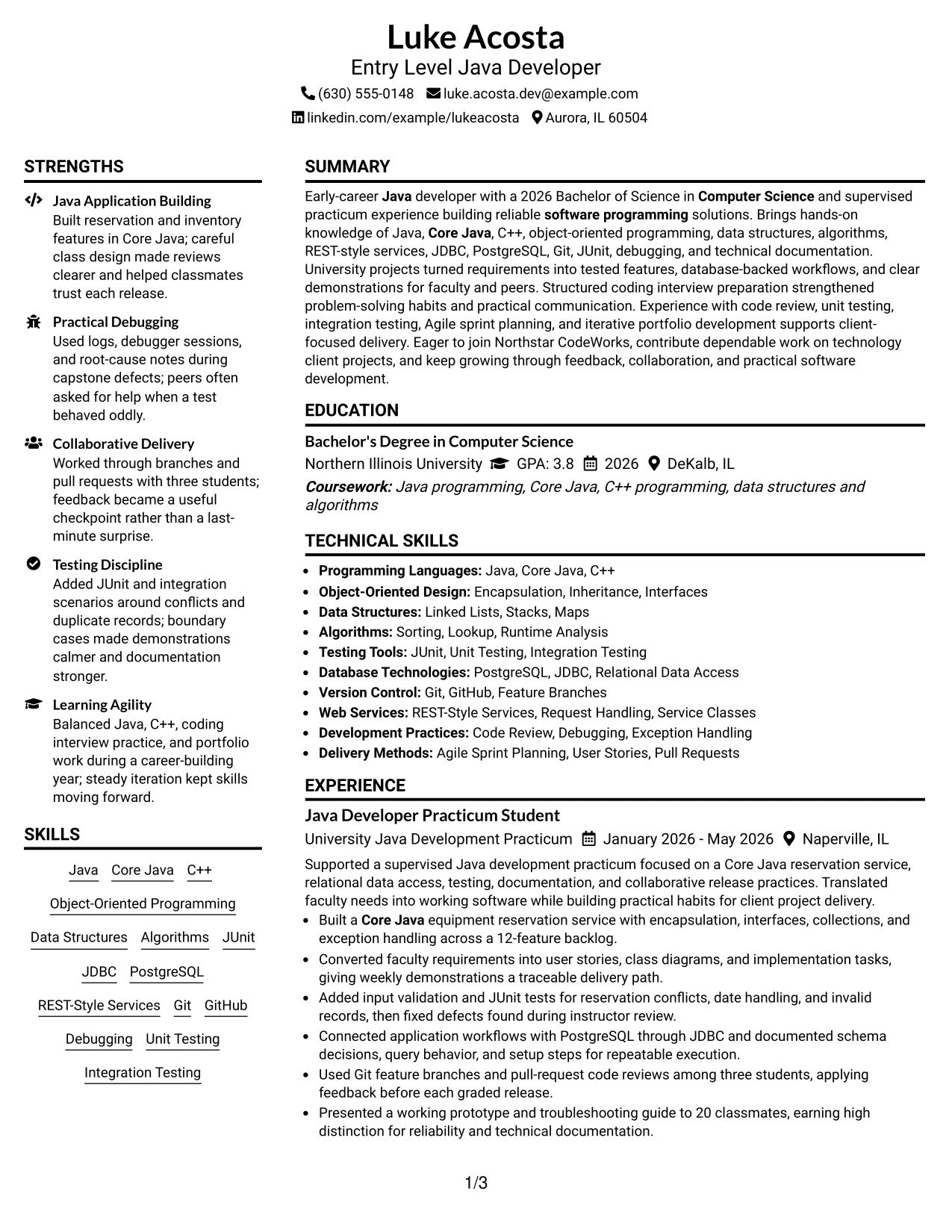
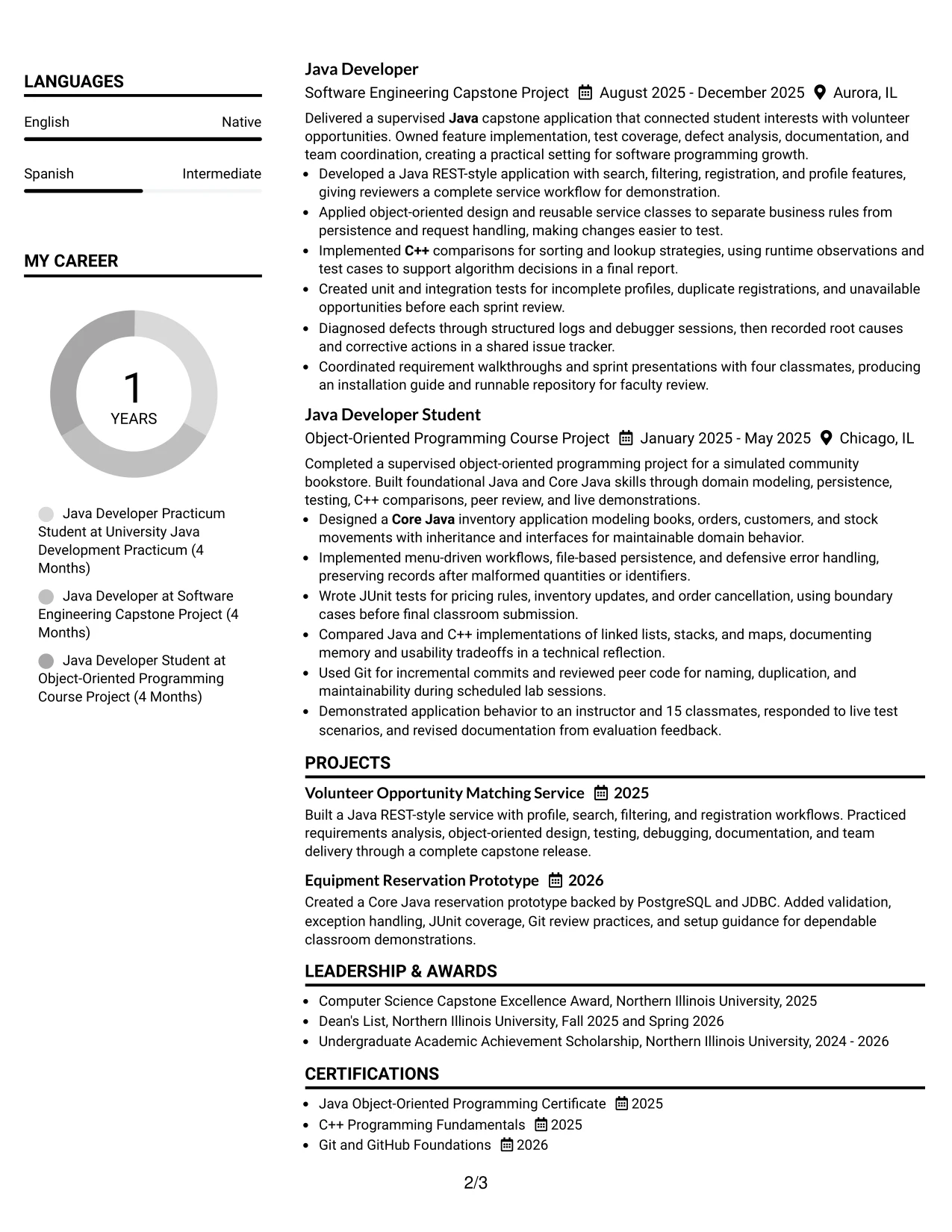
Resume Snapshot
- 2026 Bachelor's degree in Computer Science
- Supervised Java development practicum
- Java, Core Java, and C++ knowledge
- JUnit, JDBC, PostgreSQL, and Git experience
Why the Plain Two Column Format Works for a Resume
- Two columns support quick review and deeper evidence at the same time.
- The snapshot surfaces the qualifications most relevant to the target role.
- A keyword section helps align the resume with ATS searches.
- The main column can retain complete practicum and project bullets.
- Education and certifications remain easy to find during a short review.
- Plain styling keeps technical content more important than decoration.
- The structure works well when application context requires both speed and proof.
Resume Keywords
- Entry Level Java Developer
- Java
- Core Java
- C++
- Computer Science
- software programming
- JUnit
- PostgreSQL
- Git
- coding interviews
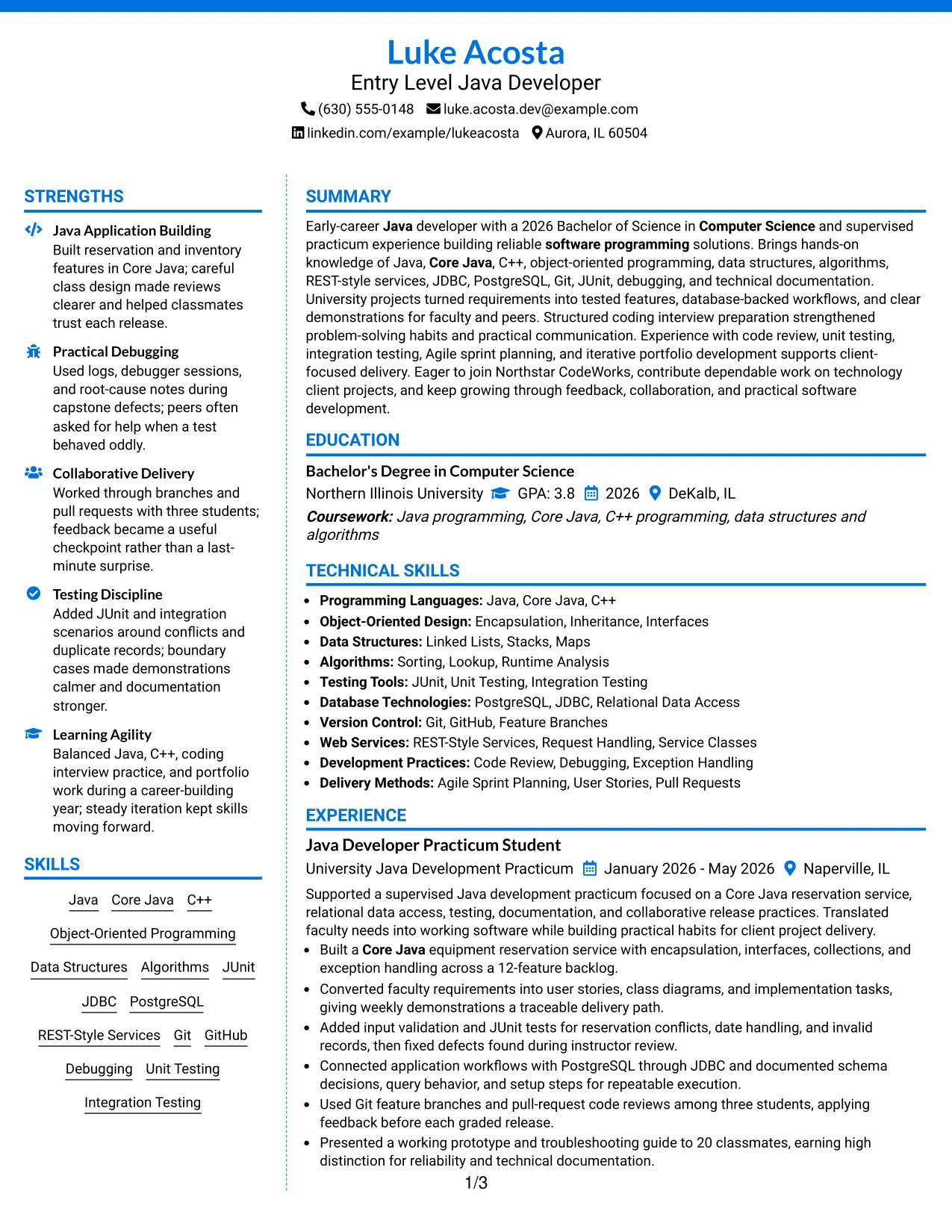
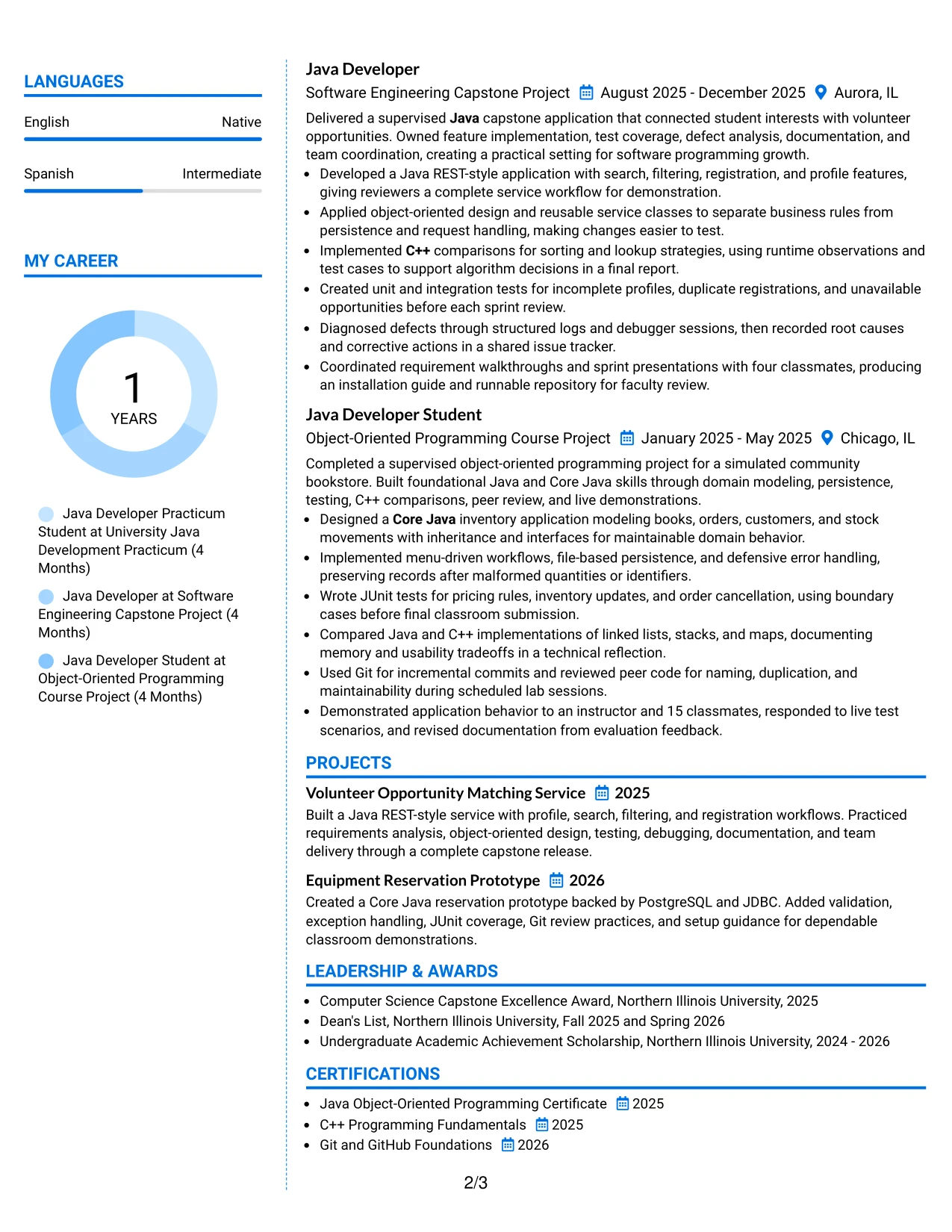
#11 Colored Two Column Format Resume Example
A practical application needs clear priorities, and Colored Two Column Format can guide the eye without hiding the evidence. A colored sidebar may hold contact details, skills, education, or certifications, while the main area presents the Entry Level Java Developer summary, practicum bullets, projects, and measurable outcomes.
Used carefully, the color supports visual grouping rather than replacing standard resume structure. Readers can connect Java, C++, REST-style services, JUnit, JDBC, PostgreSQL, Git, and debugging with specific work such as reservation features, defect fixes, database access, and sprint presentations.
Why the Colored Two Column Format Works for a Resume
- Color can distinguish quick-reference information from detailed experience.
- The main column keeps software project evidence readable and complete.
- Grouped skills help readers connect tools with relevant achievements.
- Education and certifications can occupy a compact supporting area.
- Measured results remain visible in the wider experience column.
- Standard text headings still support scanning and ATS interpretation.
- A controlled accent adds personality while preserving professional hierarchy.
Best For
- Applicants seeking a polished visual fit with clear two-column organization.
- Resumes where a subtle accent can separate skills from experience.
- Applications needing quick access to education and certifications beside evidence.
- Candidates with project results that require a wider main content area.
- Readers who value visual grouping but still expect standard resume sections.
- Documents presenting technical tools alongside debugging and testing proof.
- Uses where a distinctive layout should remain restrained and easy to read.
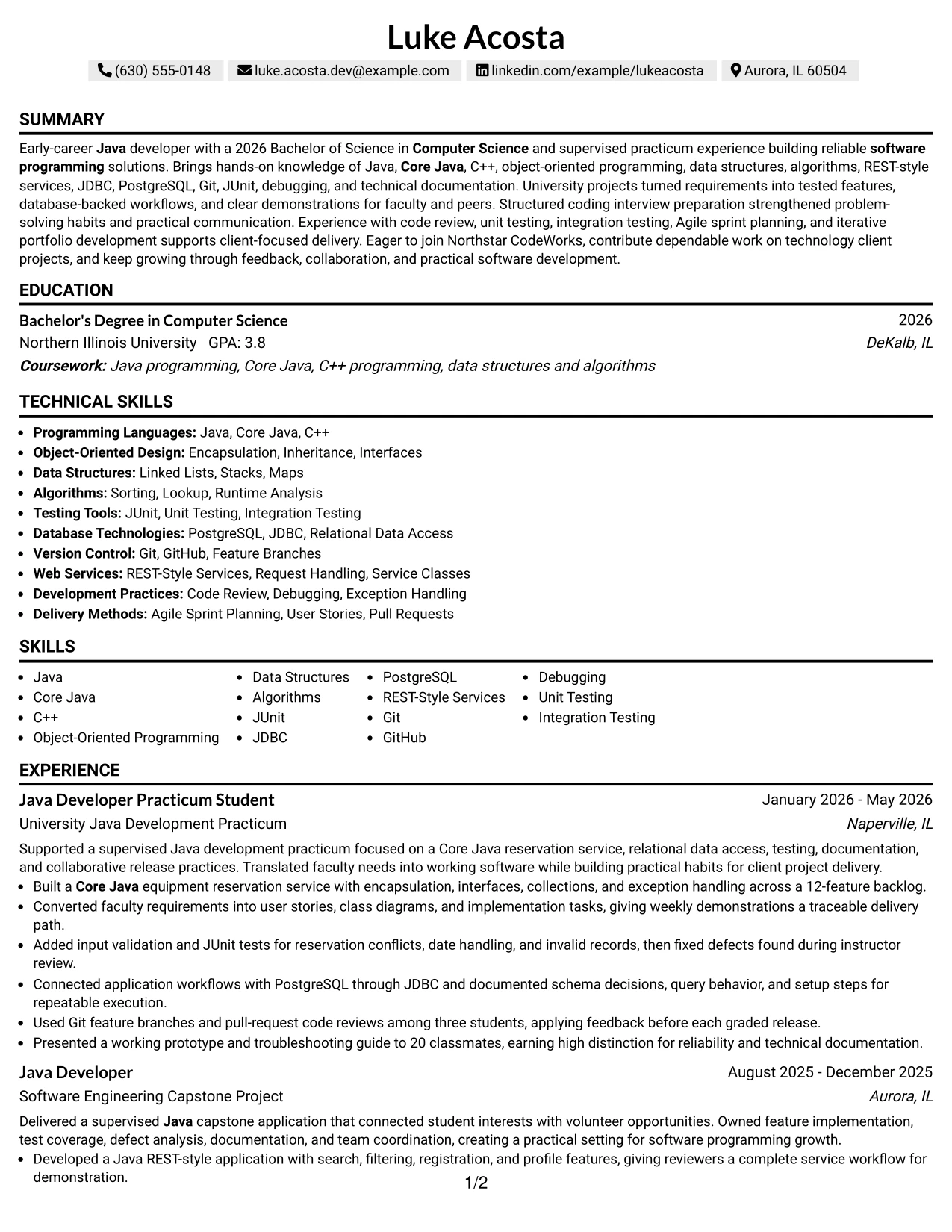
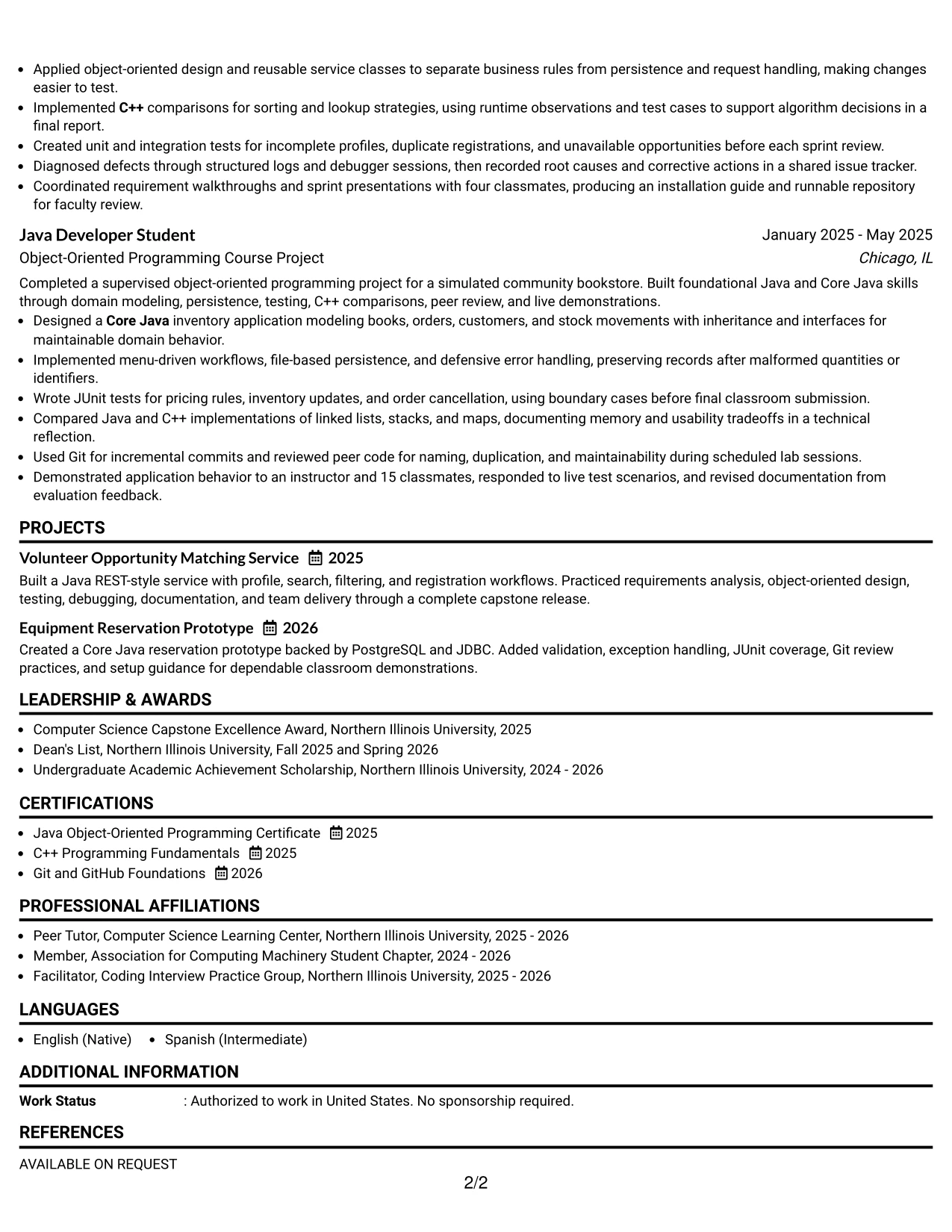
#12 One Column Shaded Contact Header Format Resume Example
A restrained visual hierarchy helps the reader feel at ease. The shaded contact header gives the Entry Level Java Developer title a clear place at the top, while the single column guides the eye from the summary to experience, projects, education, and skills.
For this resume, that calm structure supports quick review of Java, Core Java, C++, JUnit, JDBC, PostgreSQL, Git, and REST-style services. Strong bullet points then connect those skills to tested features, a 12-feature backlog, database work, and a presentation to 20 classmates.
Why the One Column Shaded Contact Header Format Works for a Resume
- A single reading path makes the resume easy to scan from contact details to technical evidence.
- The shaded header separates essential contact information from the main resume content.
- The job title appears early, helping align the document with the target role.
- A clear section order gives education and practicum work appropriate visibility for an early-career candidate.
- Full-width bullets leave enough room for tools, methods, and measurable results.
- Simple alignment supports ATS parsing of headings, dates, and keyword-rich content.
- The format keeps technical documentation, testing, and project details together without visual crowding.
Best For
- Applicants who want one clear path through summary, experience, projects, education, and skills
- Resumes that need strong alignment between a target role and a focused technical profile
- Candidates presenting academic projects and supervised practicum work as central evidence
- Applications where ATS-friendly section order matters more than decorative design
- Readers who benefit from full-width achievement bullets with room for tools and results
- Technical resumes that need a calm presentation for Java, testing, database, and version-control terms
- Documents that should make education and certifications easy to find
- Candidates who want a polished format without adding visual elements that compete with evidence
#13 Boxed Contact Header with Job Title Format Resume Example
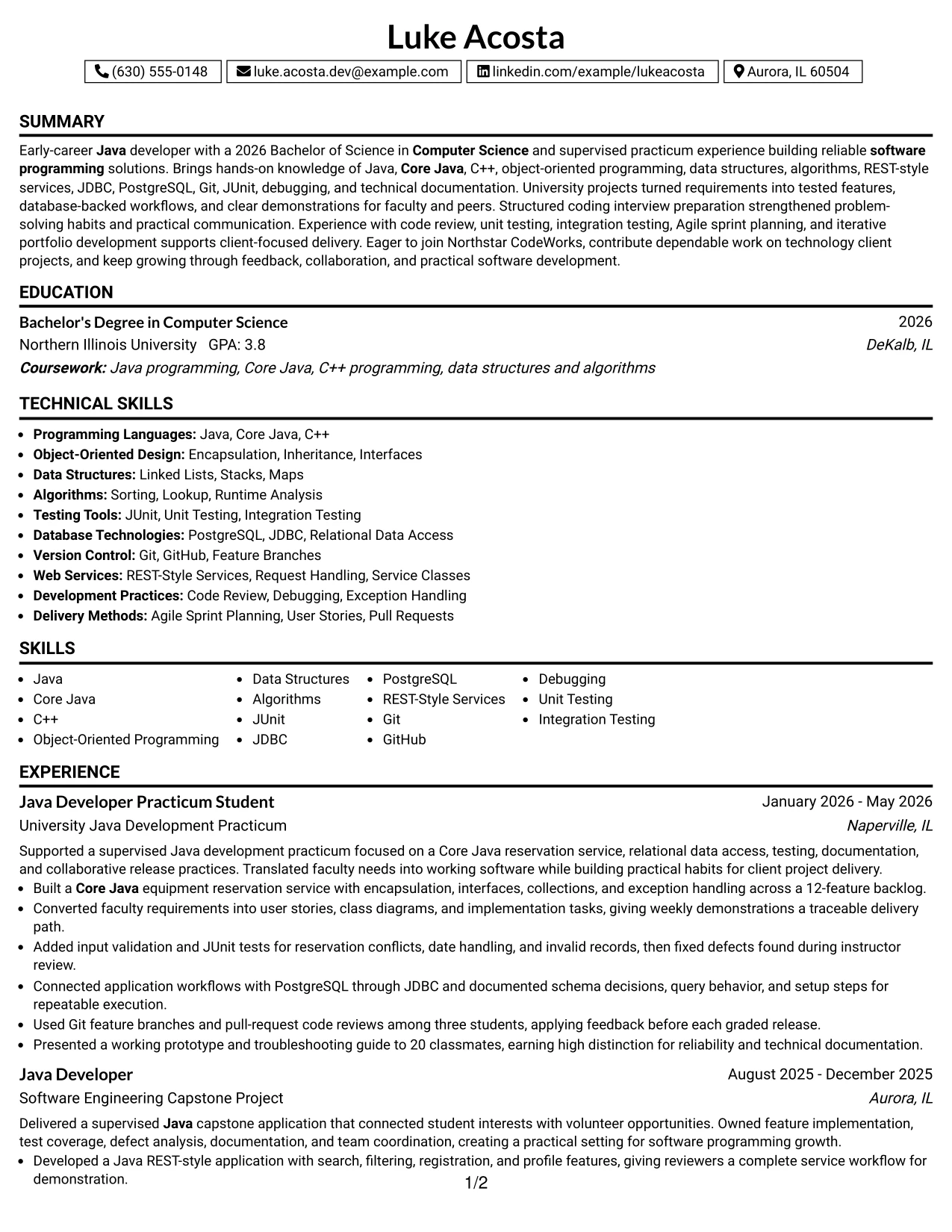
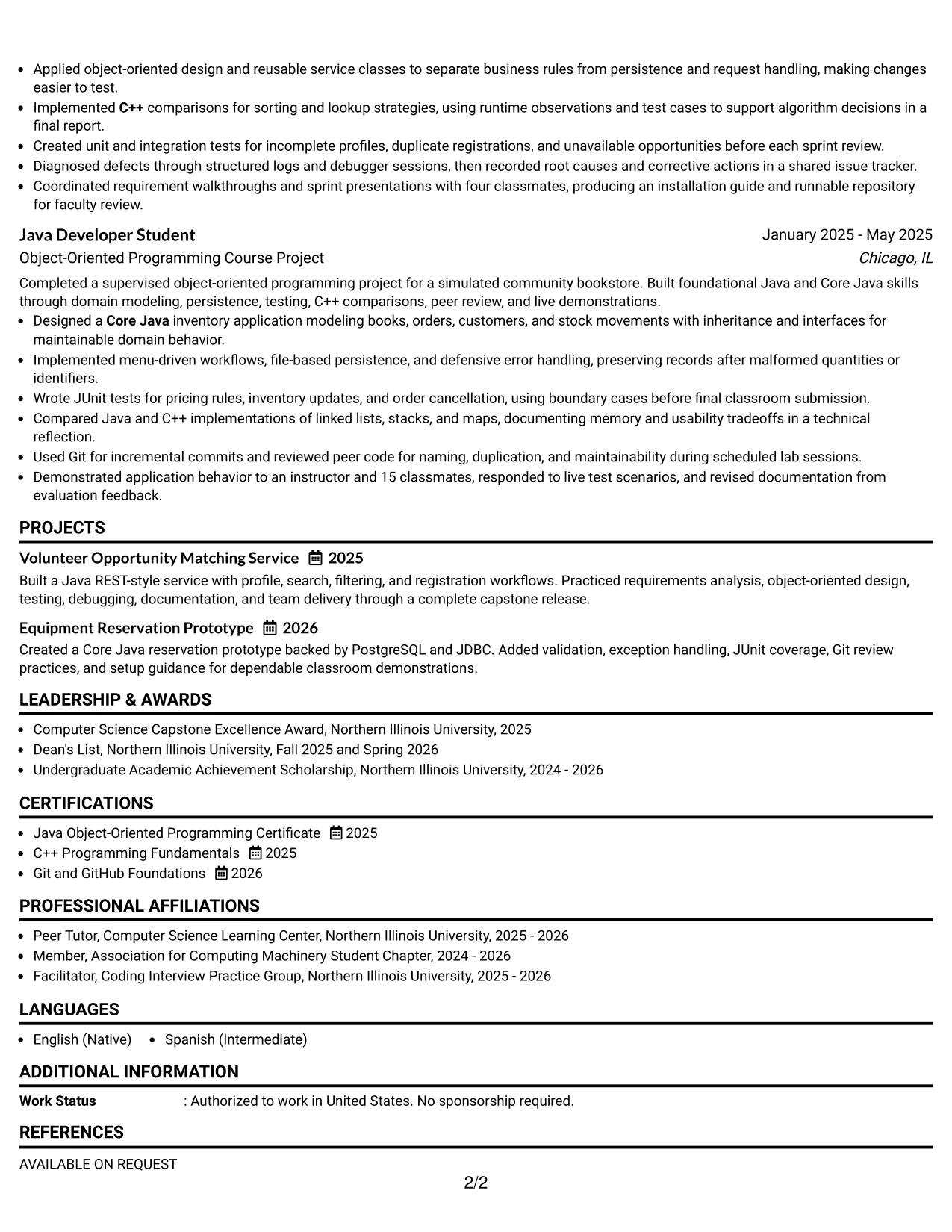
The Boxed Contact Header with Job Title Format creates a firm starting point: contact details and the target title sit inside a defined top area, followed by clearly separated resume sections. That organization lets a reader identify the document's purpose before reviewing the detail below.
The resume uses the available space to present a 2026 Computer Science degree, Java development practicum, capstone work, certifications, and technical skills in a logical sequence. Boxed labels can also help surface keywords such as object-oriented programming, unit testing, Git, and C++ without interrupting the achievement bullets.
Why the Boxed Contact Header with Job Title Format Works for a Resume
- The boxed header gives the target role and contact details a distinct first reading point.
- Separated labels help readers locate summary, experience, education, and skills quickly.
- The structure supports consistent placement of dates, organizations, and role titles.
- A visible title reinforces alignment with the Entry Level Java Developer posting.
- The one-column flow gives ATS systems a straightforward sequence to interpret.
- Bullets remain wide enough to show actions, tools, and outcomes in one scan.
- Defined section boundaries make a student resume feel organized without overstating experience.
Best For
- Applications that need the target role to stand out before detailed resume evidence
- Readers who prefer clearly separated sections and strong visual signposts
- Candidates combining a degree, practicum, capstone, and course project in one document
- ATS-focused resumes with predictable headings and a single content sequence
- Documents that need room for complete bullets about testing, debugging, and database access
- Applicants who want certifications and honors to remain visible without taking over the page
- Technical profiles where keywords should be easy to spot during an initial review
- People who value a defined header while keeping the body professional and uncluttered
#14 Stylish Two Column Designer Format Resume Example
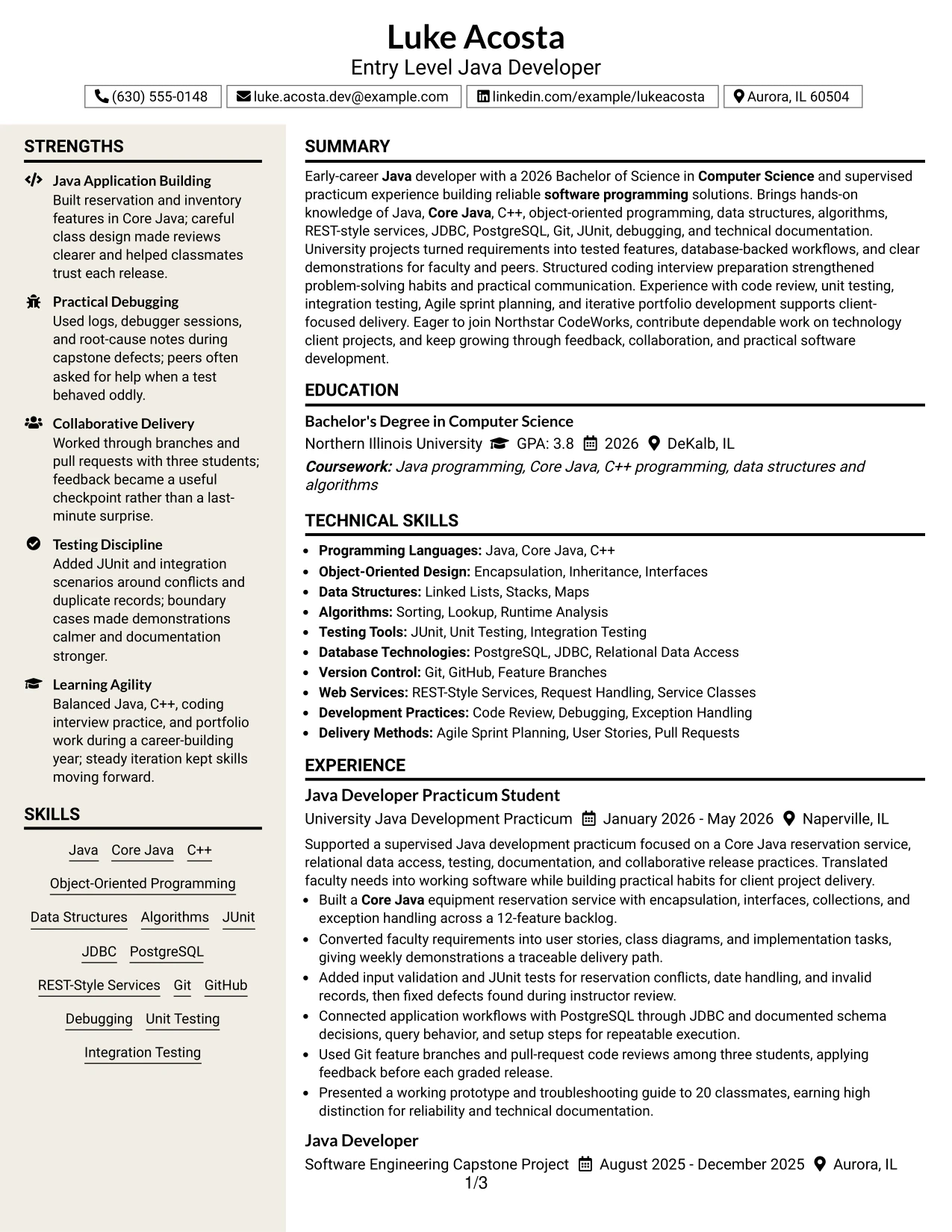
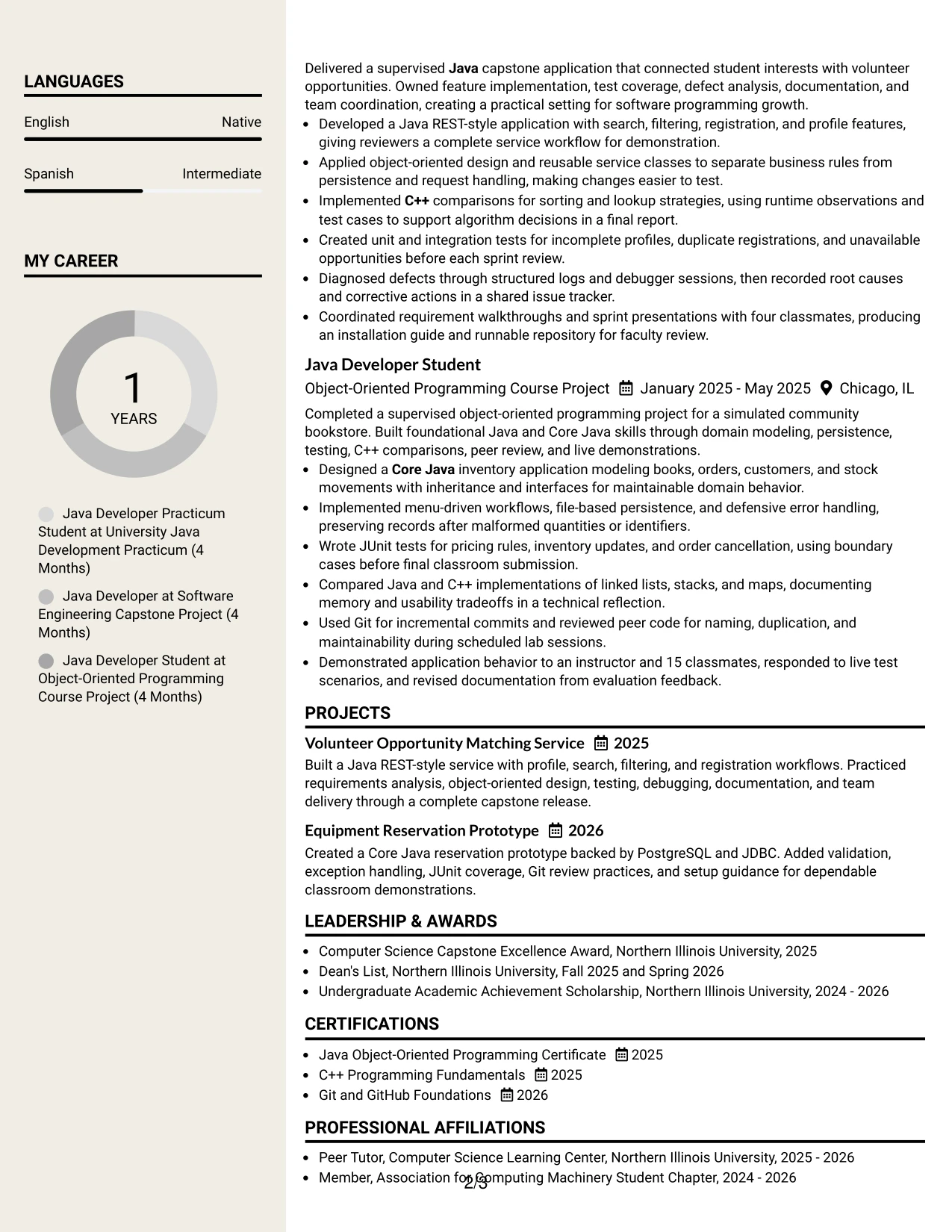
A recruiter can move from the main experience column to a compact skills and education sidebar, then return to the achievement bullets for detail. That two-column route gives each type of information a natural place without asking the reader to search.
The Stylish Two Column Designer Format suits a resume with several evidence areas: Java projects, certifications, awards, activities, testing methods, and database technologies. The wider column can carry detailed bullets, while the sidebar keeps Core Java, C++, JUnit, JDBC, PostgreSQL, Git, and related keywords visible.
Why the Stylish Two Column Designer Format Works for a Resume
- Two columns divide detailed evidence from quick-reference information.
- The main column can hold full experience and project bullets without losing context.
- A sidebar makes skills, certifications, education, and awards available at a glance.
- The structure handles a resume with several academic projects and supporting activities.
- Grouped technical terms are easier to review during a fast first pass.
- Distinct areas reduce the need to repeat tools inside every bullet.
- Careful spacing keeps the larger content volume readable when sections are balanced well.
Best For
- Resumes with enough content to benefit from a main evidence area and a supporting sidebar
- Candidates who need to show projects, certifications, activities, and awards together
- Applications where technical skills must remain visible while experience bullets carry detail
- Readers who scan category headings first and review accomplishments second
- Profiles with varied evidence, including testing, database work, code review, and documentation
- Documents that need compact organization without removing useful project context
- Candidates presenting both programming languages and development practices in separate groups
- Applications that reward a quick skills check followed by deeper project review
#15 Modern Icon Format Resume Example
The strongest evidence receives the first look: the resume connects Java development, testing, database access, and project delivery to specific work. Small icons then act as visual signposts, while the words and bullet points carry the professional meaning.
In this example, the reader can quickly find a Core Java reservation service, a Java REST-style application, JUnit coverage, PostgreSQL access through JDBC, and Git collaboration. The icons add rhythm, but the measurable and verifiable details remain the foundation of the resume.
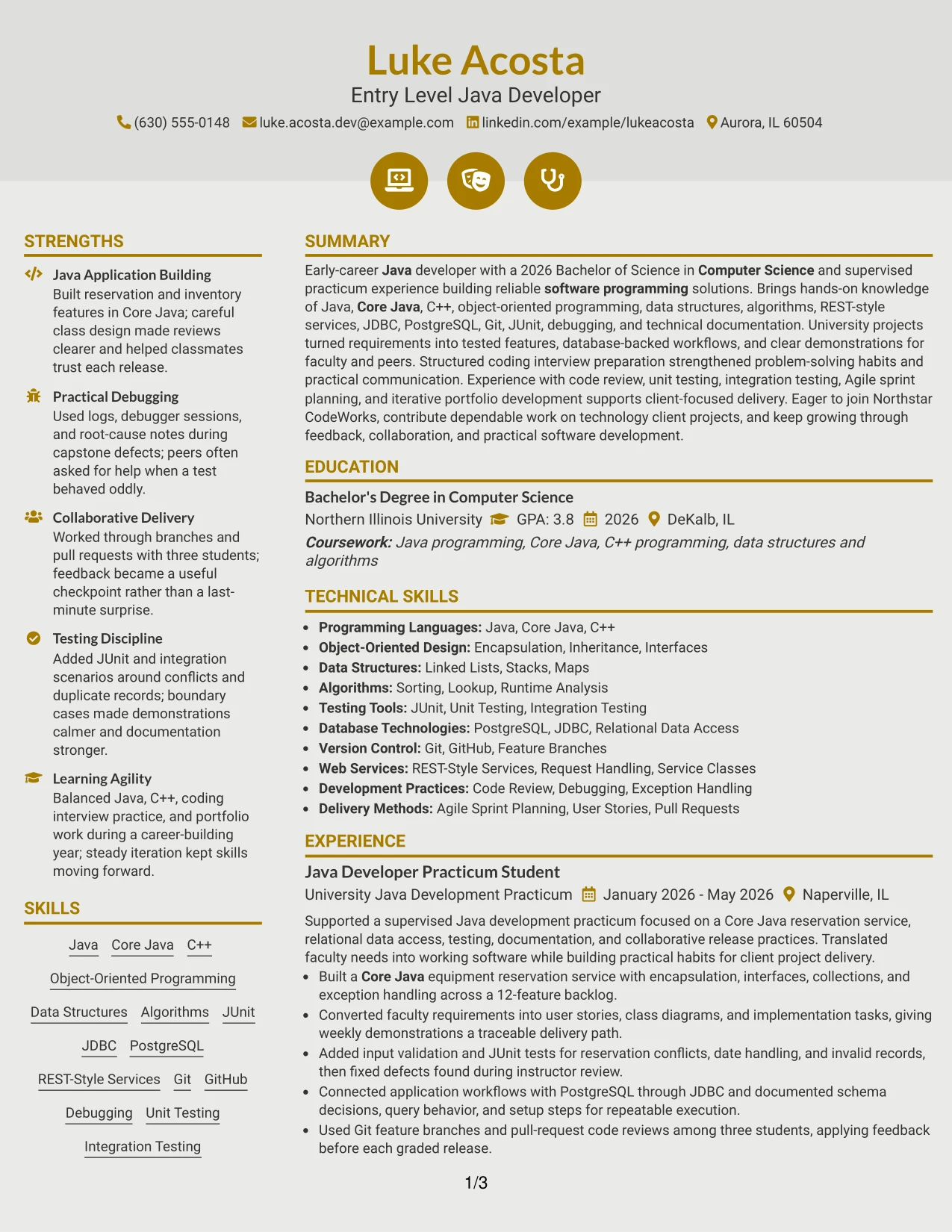
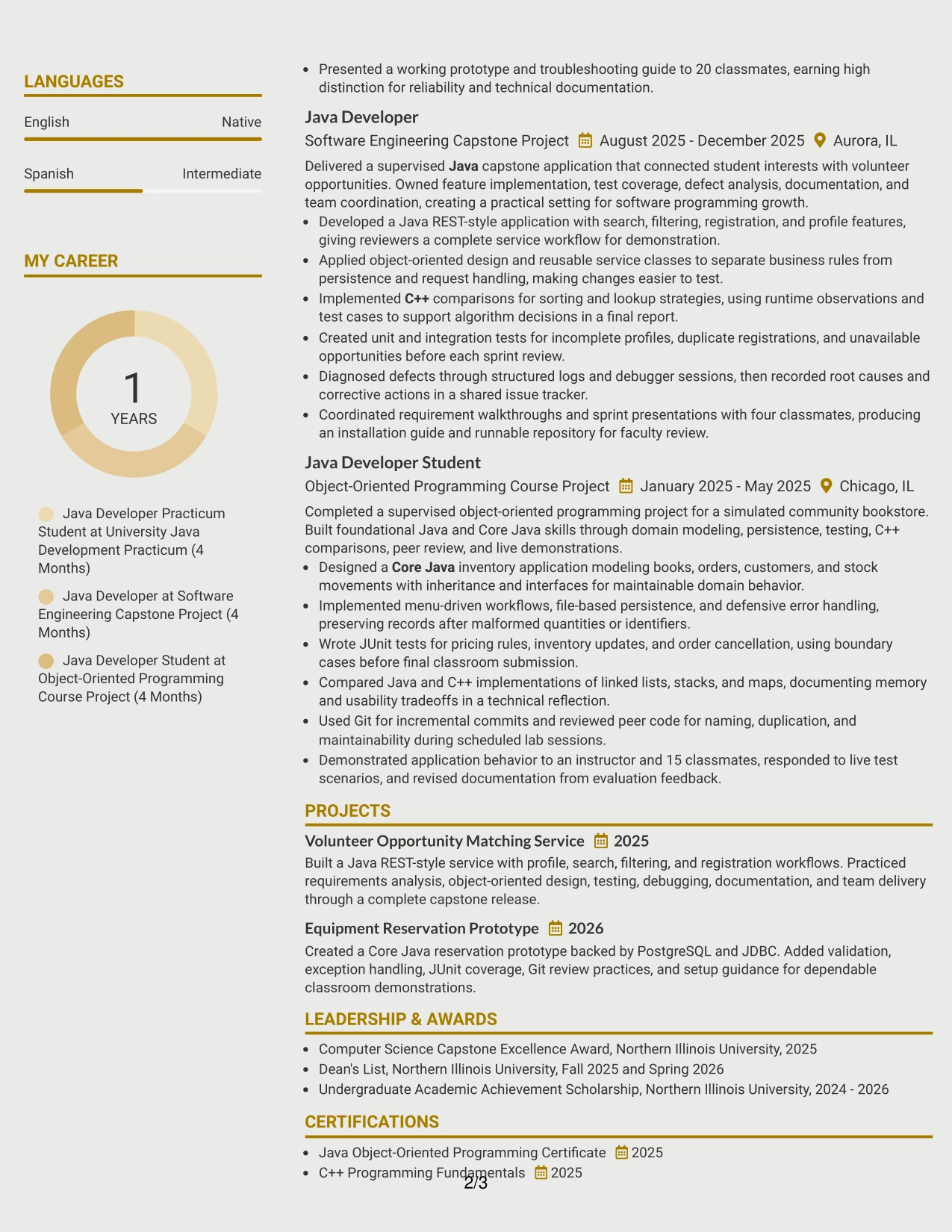
Why the Modern Icon Format Works for a Resume
- Visual markers help separate resume sections during a quick review.
- The format gives technical evidence a modern presentation while preserving text-based content.
- Project and experience bullets can show both the action taken and the development method used.
- Icons can guide attention to skills, education, certifications, and activities without replacing labels.
- The structure supports keyword visibility for Java, C++, Core Java, and software programming.
- Concrete details such as 12 features and 20 classmates keep the design grounded in evidence.
- A consistent hierarchy helps the reader move from summary to accomplishments with confidence.
Best For
- Applicants who want a contemporary look while keeping achievements central
- Resumes that rely on project evidence, testing details, and technical tools
- Candidates with several evidence categories that benefit from visual section markers
- Applications where a modern presentation should still support text-based keyword review
- Readers who appreciate quick cues before examining full accomplishment bullets
- Documents that combine programming languages, databases, version control, and delivery practices
- Candidates who want project outcomes to receive more attention than decorative styling
- Technical resumes needing a clear balance between visual energy and factual detail
#16 Plain Professional Layout with Job Title & Shaded Labels Resume Example
A balanced resume gives each section enough space to speak clearly. The job title establishes the application context, while shaded labels separate the summary, experience, projects, education, certifications, and skills without making the page feel busy.
That practical arrangement is useful here because the resume must show both academic preparation and hands-on development. A reader can connect the Bachelor's degree in Computer Science with Java services, C++ comparisons, JUnit tests, PostgreSQL and JDBC work, Git reviews, and technical documentation.
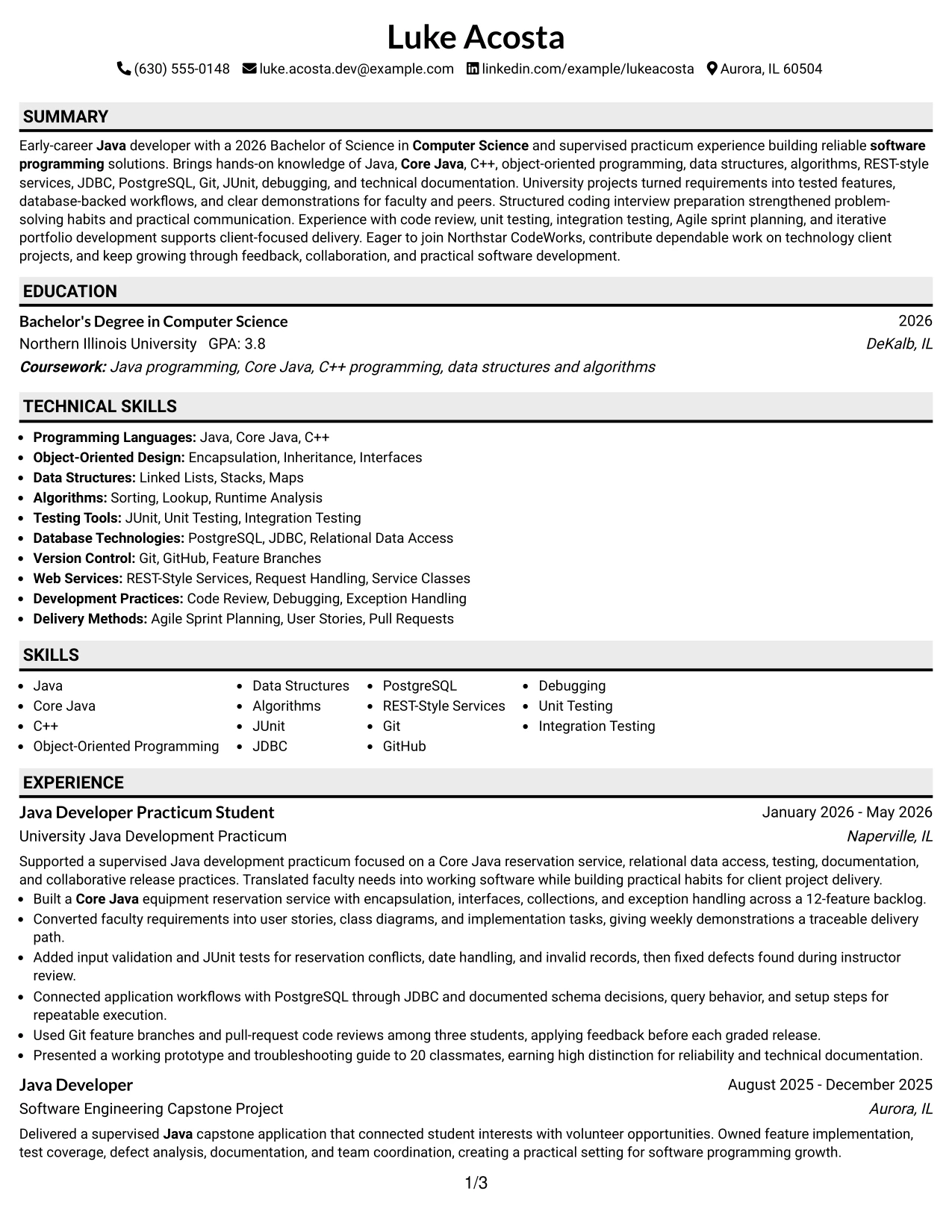
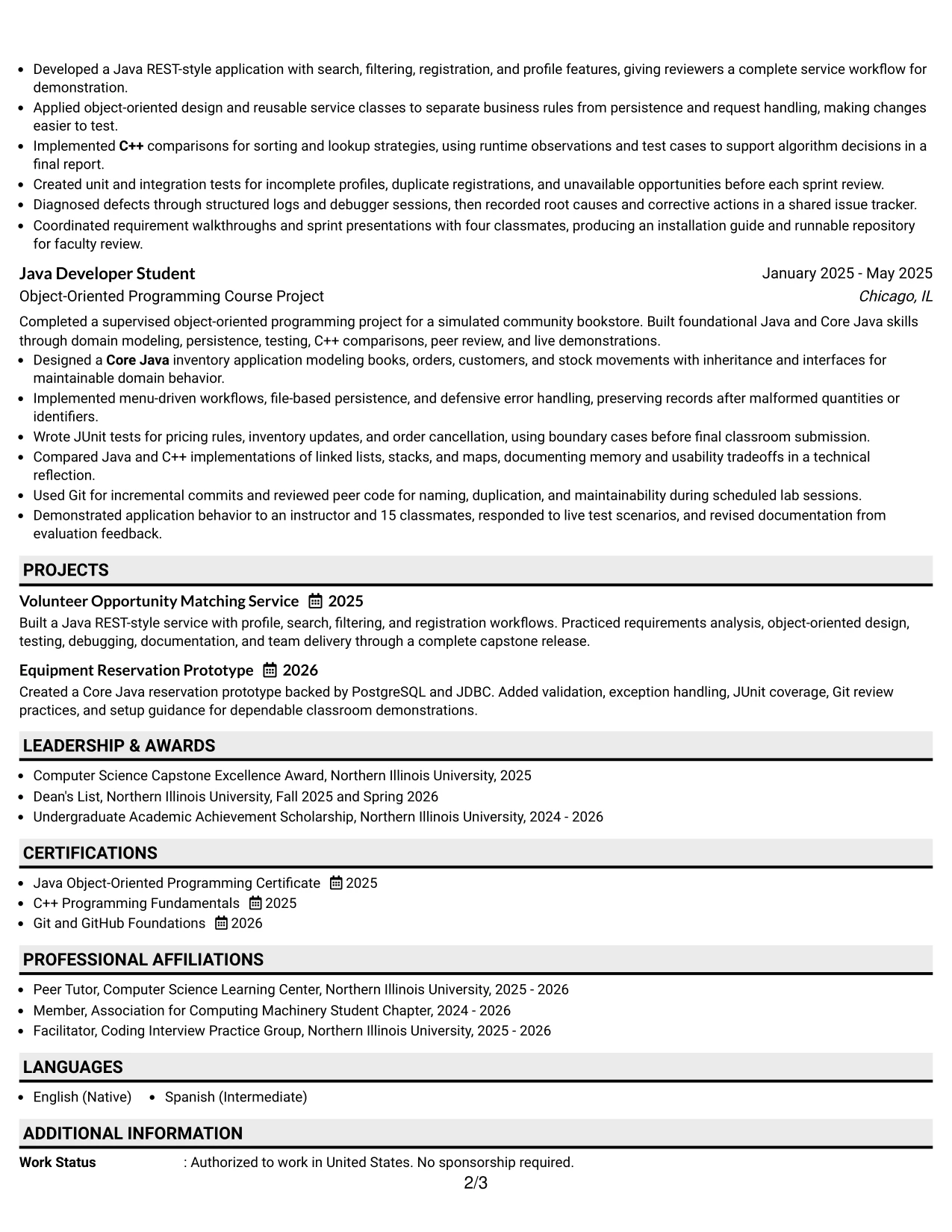
Why the Plain Professional Layout with Job Title & Shaded Labels Works for a Resume
- Shaded labels create clean boundaries between the resume's main sections.
- The job title provides immediate context for the application.
- A plain presentation keeps attention on actions, tools, and measurable evidence.
- The layout gives education and supervised project work enough room to support an early-career profile.
- Full-width entries make technical bullets easier to read and parse.
- Consistent labels help ATS systems and readers identify section types.
- The structure can show substantial technical preparation without making the document feel crowded.
Best For
- Applications that require a practical, professional document for a defined role
- Candidates balancing academic credentials with hands-on software project evidence
- Resumes where clear section labels matter more than visual decoration
- Readers who want to compare education, experience, projects, and certifications in order
- Documents with detailed bullets about requirements, testing, debugging, and delivery
- ATS-conscious applications using familiar headings and a simple reading sequence
- Candidates who need technical keywords to appear naturally within a well-spaced layout
- Professionals seeking a dependable format for online submission and human review
#17 Classic One Column Resume Format Resume Example
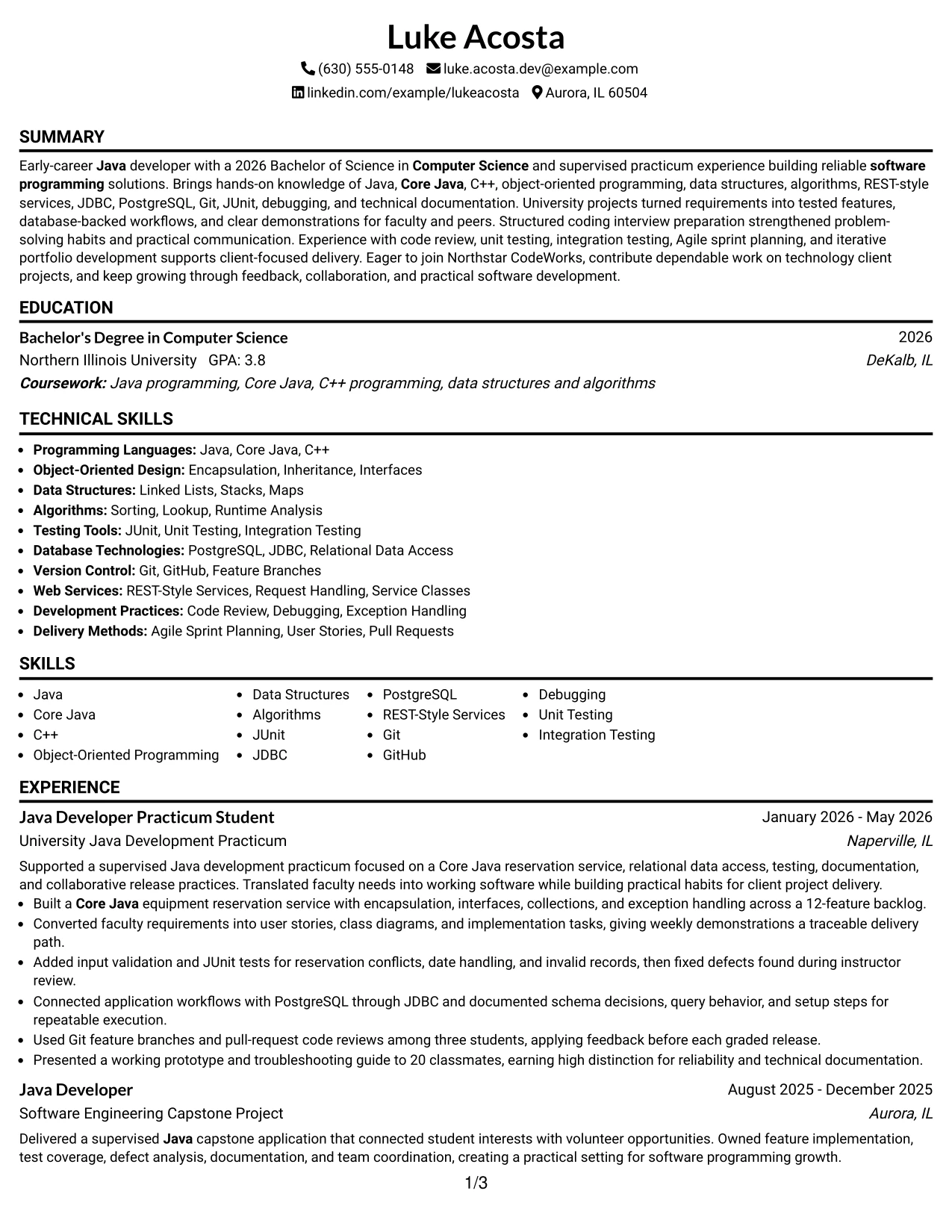
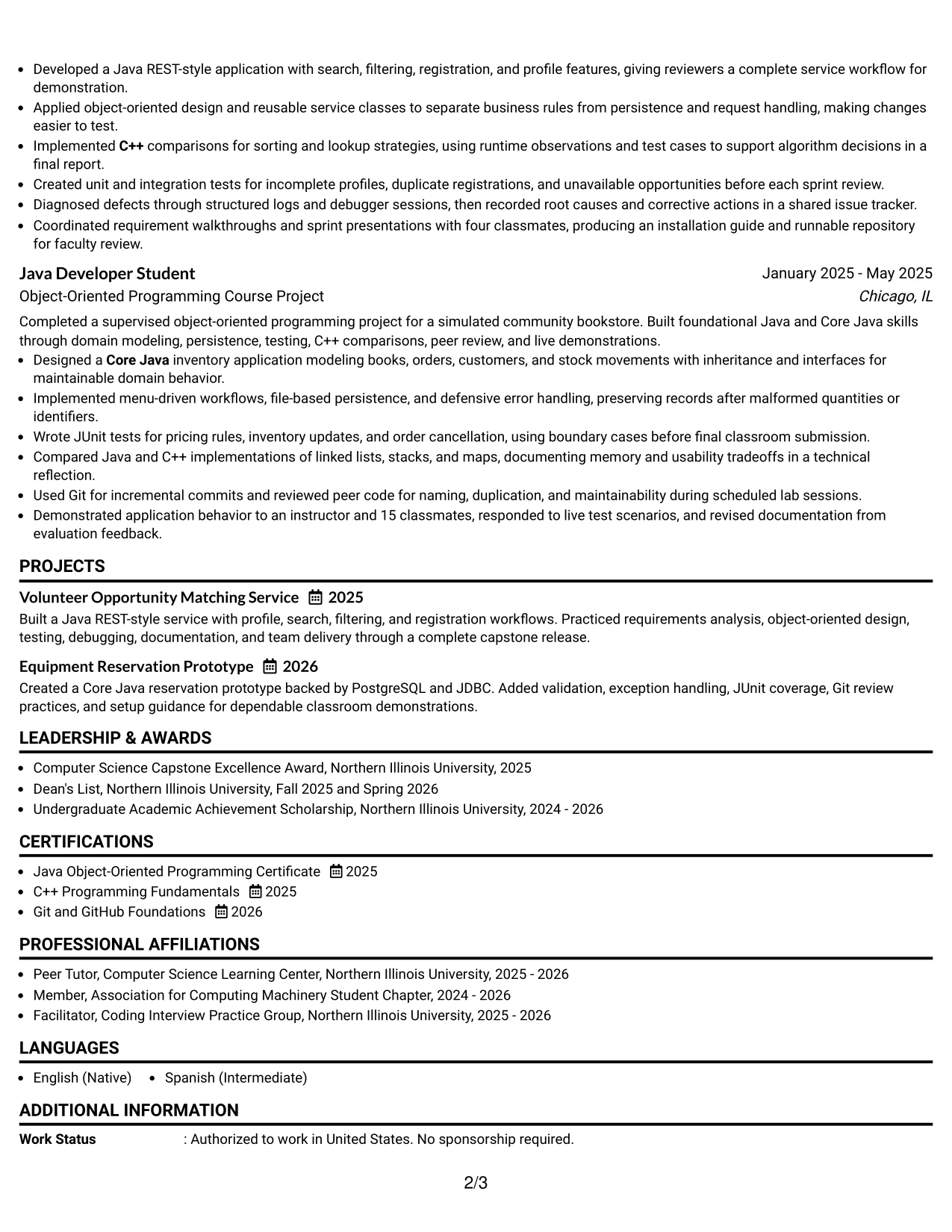
For an application that values clarity and familiarity, a classic one-column resume gives the reader a dependable review path. Contact details, the target role, summary, experience, projects, education, and skills appear in an expected order.
That familiar structure lets the evidence stand on its own. The resume can show Java and Core Java development, C++ fundamentals, REST-style services, testing, debugging, database access, certifications, and academic honors without requiring the reader to interpret a complex design.
Why the Classic One Column Resume Format Works for a Resume
- A familiar sequence reduces effort during an initial resume review.
- One column keeps dates, role titles, organizations, and bullets aligned.
- The format supports ATS parsing with conventional headings and readable text.
- Experience and project entries can present action, method, and result together.
- Education and certifications remain easy to locate for degree-based requirements.
- The structure gives technical keywords room to appear in both skills and achievement bullets.
- A classic design works well when accuracy and readability should lead the presentation.
Best For
- Online applications that favor familiar resume structure and straightforward parsing
- Candidates who want project and practicum evidence to receive equal reading priority
- Readers who review documents from top to bottom rather than across columns
- Applications with degree, certification, and technical keyword requirements
- Resumes that need full-width bullets for testing, debugging, and software delivery details
- Candidates seeking a reliable format for both ATS review and printed reading
- Documents where academic honors and activities should support, not distract from, experience
- Applicants who prefer proven organization over highly stylized page elements
#18 One Column Format with Photo Resume Example
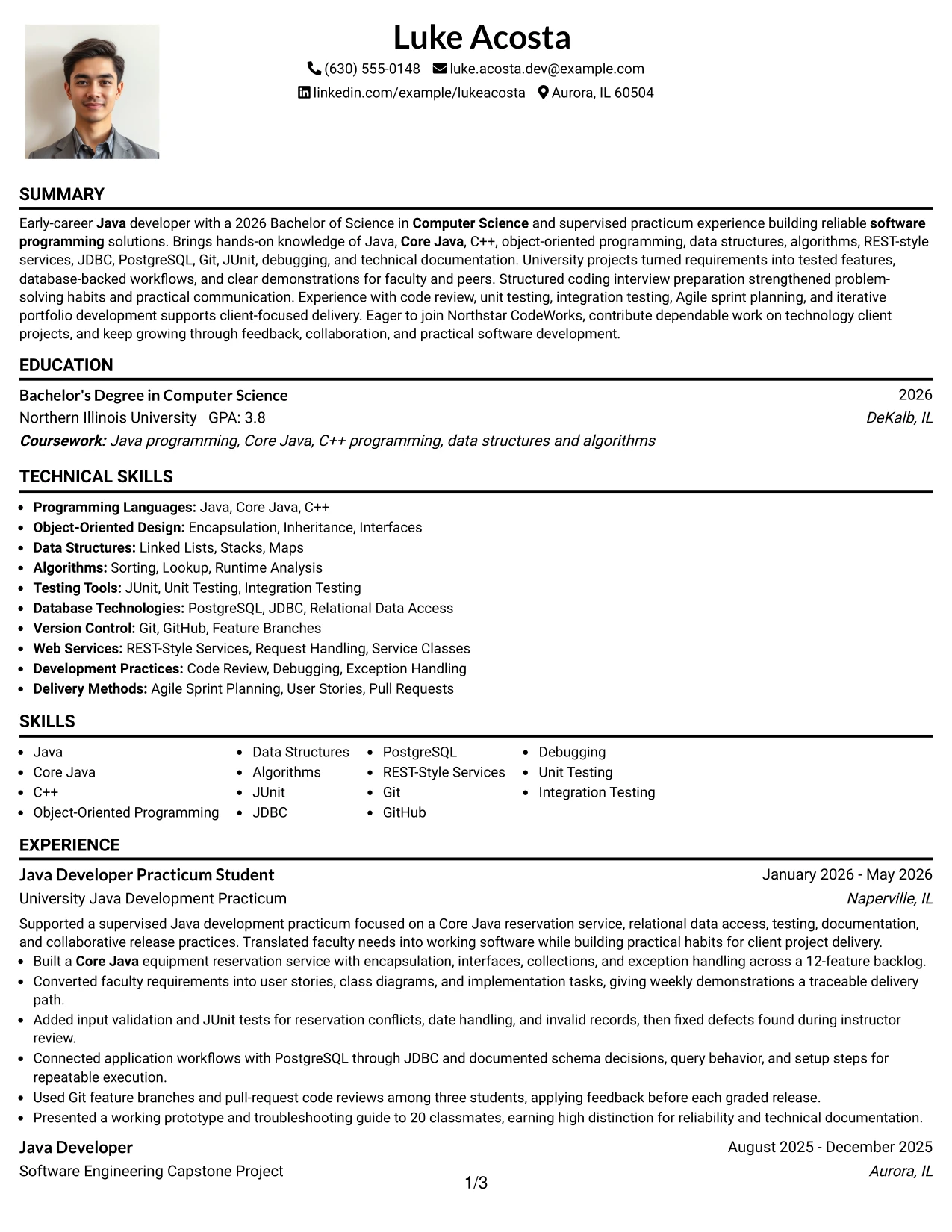
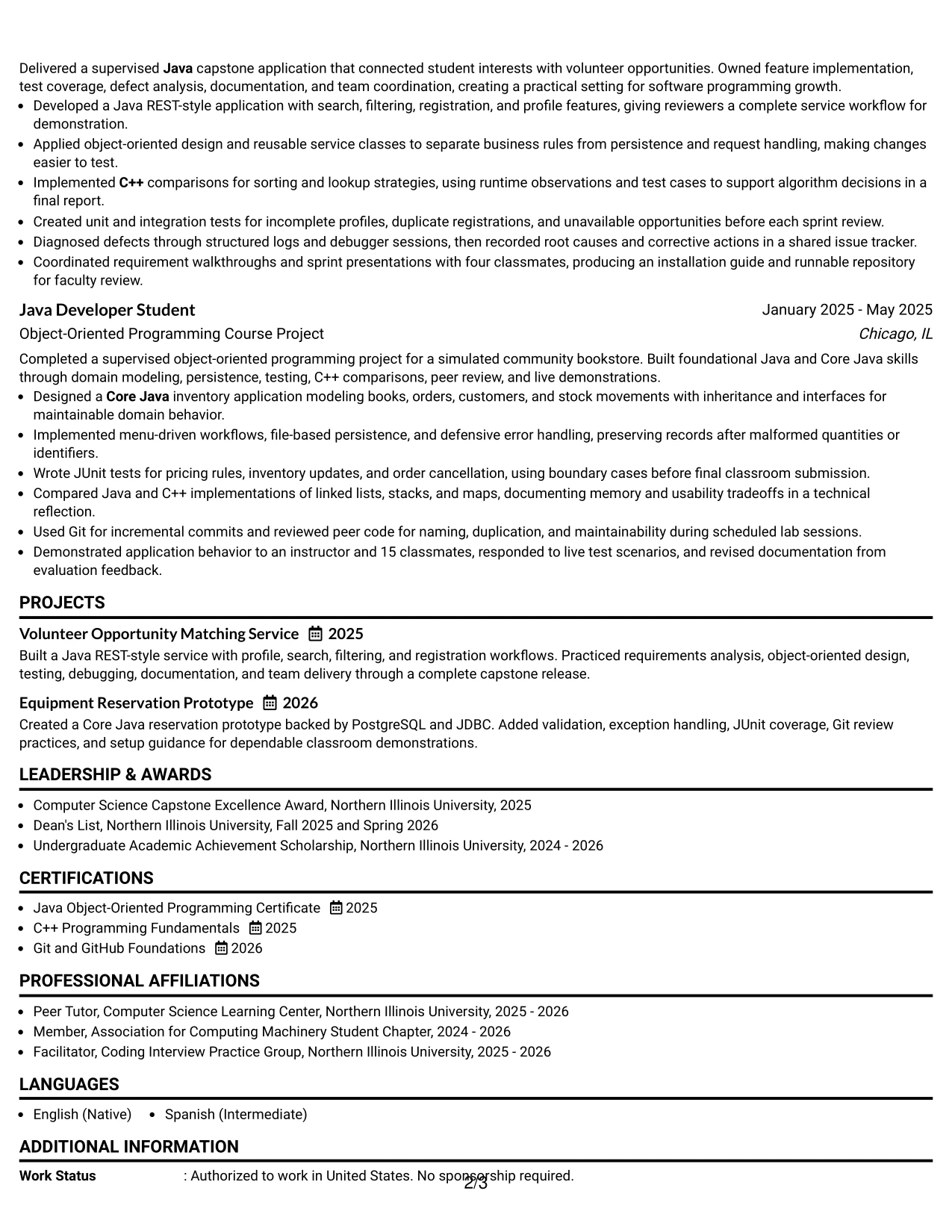
A calm, centered hierarchy helps the reader connect the contact area, professional summary, and technical record. The photo has a supporting role in this format; it should remain secondary to the resume's text, achievements, and role alignment.
The single column gives the resume space to present a 2026 Computer Science degree, supervised Java development, projects, certifications, and skills in a clean sequence. Detailed bullets carry the real proof, including a 12-feature backlog, JUnit tests, JDBC database access, Git reviews, and a high-distinction presentation.
Why the One Column Format with Photo Works for a Resume
- The single column keeps the complete resume easy to follow from top to bottom.
- A restrained photo area can add identity without taking attention from technical evidence.
- The target role and summary remain close to the contact information.
- Full-width bullets provide space for project methods, tools, and results.
- The format supports clear presentation of education, certifications, and academic honors.
- Familiar headings improve keyword recognition and ATS readability.
- The visual balance works best when the photo is modest and the evidence remains primary.
Best For
- Applicants who choose to include a professional photo where local application norms support it
- Candidates who want personal presentation paired with a conventional one-column resume
- Applications where role alignment and a clear technical summary should appear immediately
- Documents with detailed project bullets that need uninterrupted line width
- Readers who prefer a straightforward path through experience, education, and skills
- Candidates presenting a degree, practicum, certifications, and academic achievements together
- Resumes that need a polished identity area without turning the page into a visual portfolio
- Applicants who can keep the photo appropriate, current, and visually secondary to qualifications
#19 Minimal Header Format Resume Example
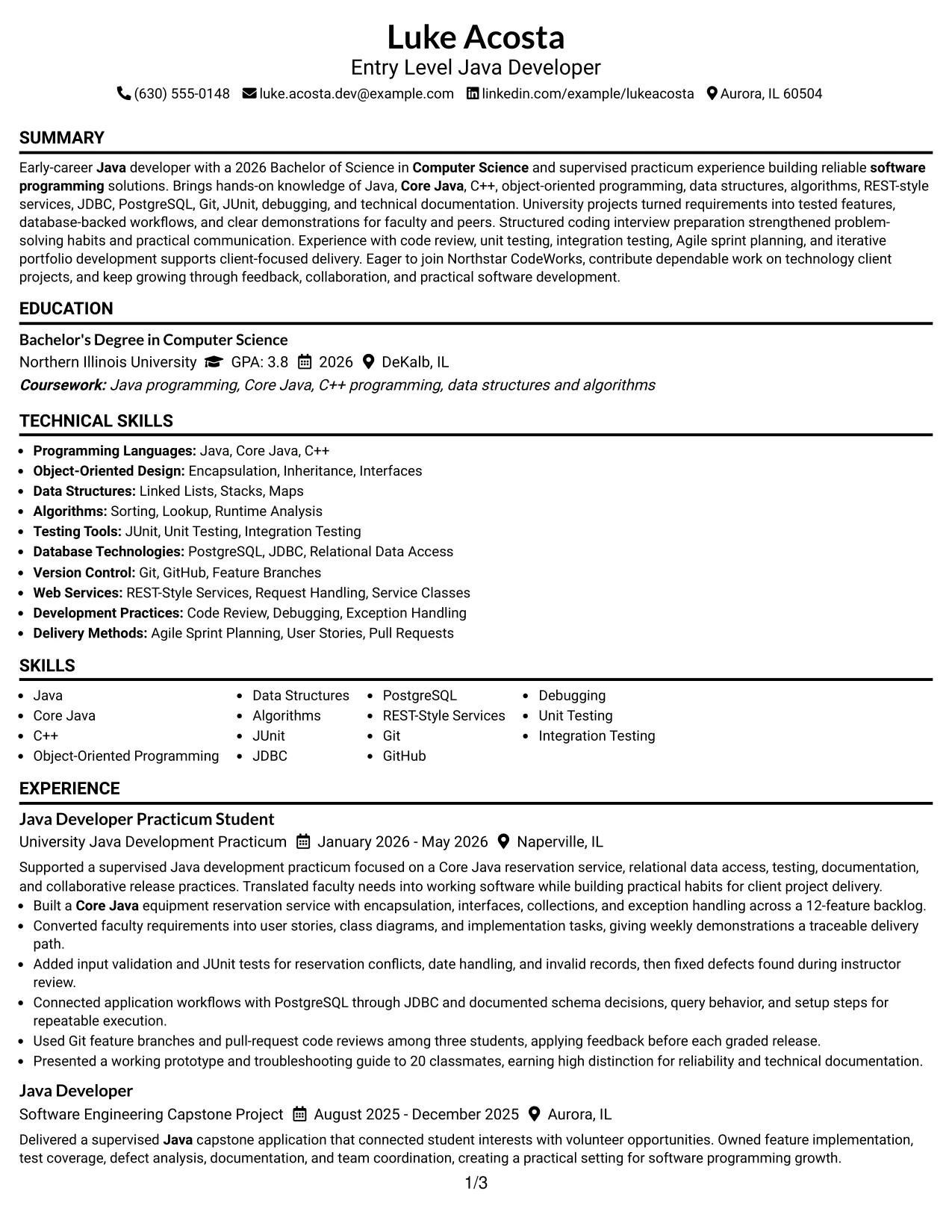
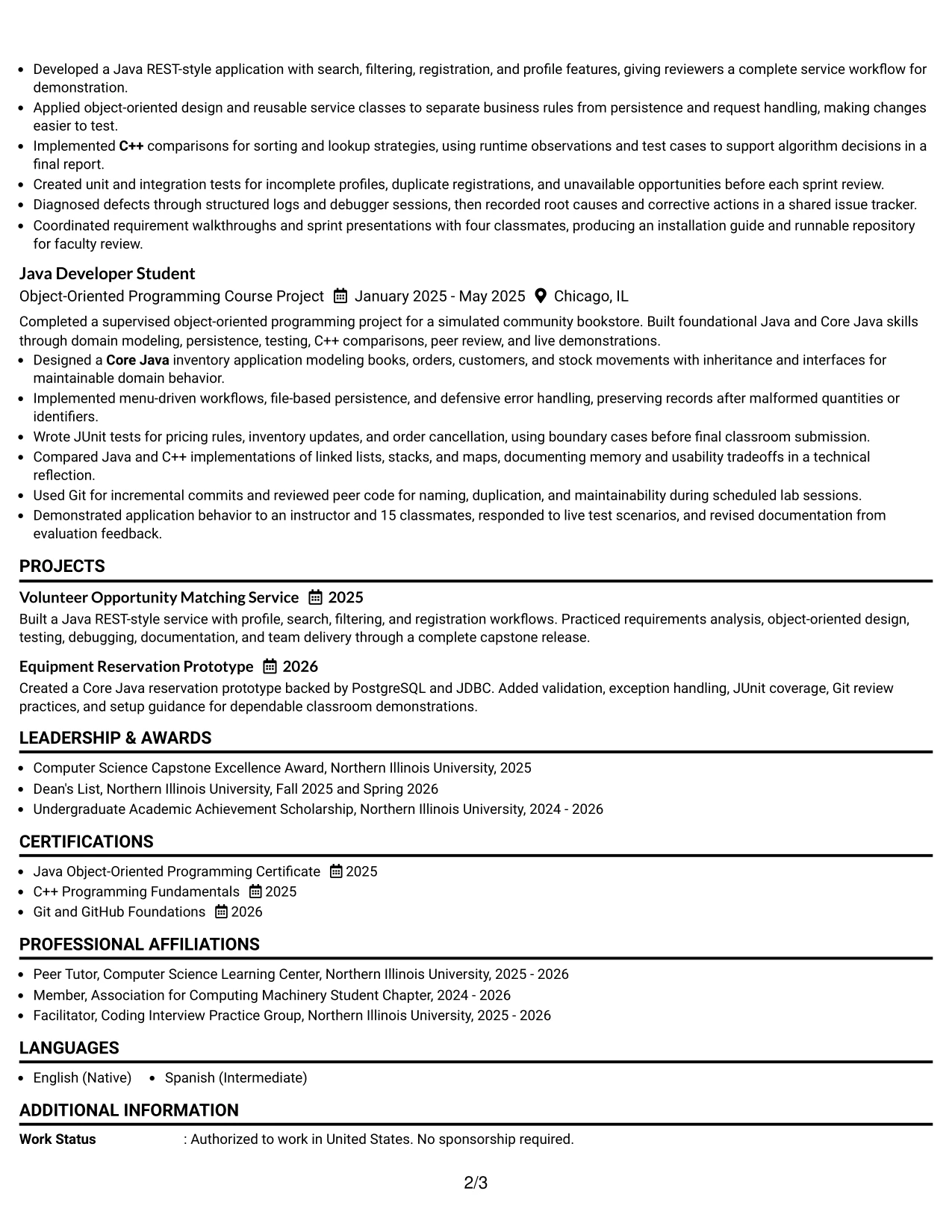
The Minimal Header Format begins with only the information a reader needs to orient quickly: contact details, the target role, and a concise professional summary. From there, the resume moves through experience, projects, education, and skills without visual distractions.
This clean structure makes the technical content easy to assess. Java, Core Java, C++, object-oriented programming, JUnit, PostgreSQL, JDBC, Git, debugging, and REST-style services can appear as searchable terms while the bullets explain how those skills were used.
Why the Minimal Header Format Works for a Resume
- A compact header lets the reader reach relevant evidence quickly.
- The simple structure gives summary and experience clear priority.
- One-column organization supports reliable ATS reading and consistent section order.
- Minimal styling keeps technical keywords visible without visual competition.
- Full-width bullets can explain project scope, testing, tools, and collaboration.
- Education and certifications remain easy to find for degree-focused applications.
- The format creates a professional first impression through clarity rather than decoration.
Best For
- Applications where fast access to the target role and summary is important
- Candidates who want the technical record to begin near the top of the page
- ATS submissions that benefit from a compact header and conventional headings
- Resumes with keyword-rich skills that should remain easy to locate
- Readers who prefer clean pages with limited visual interruption
- Applicants combining practicum work, capstone delivery, and course projects
- Documents that need complete bullets without using space for decorative header elements
- Candidates who want a focused format for software programming applications
#20 Modern Full Background Two Column Format Resume Example
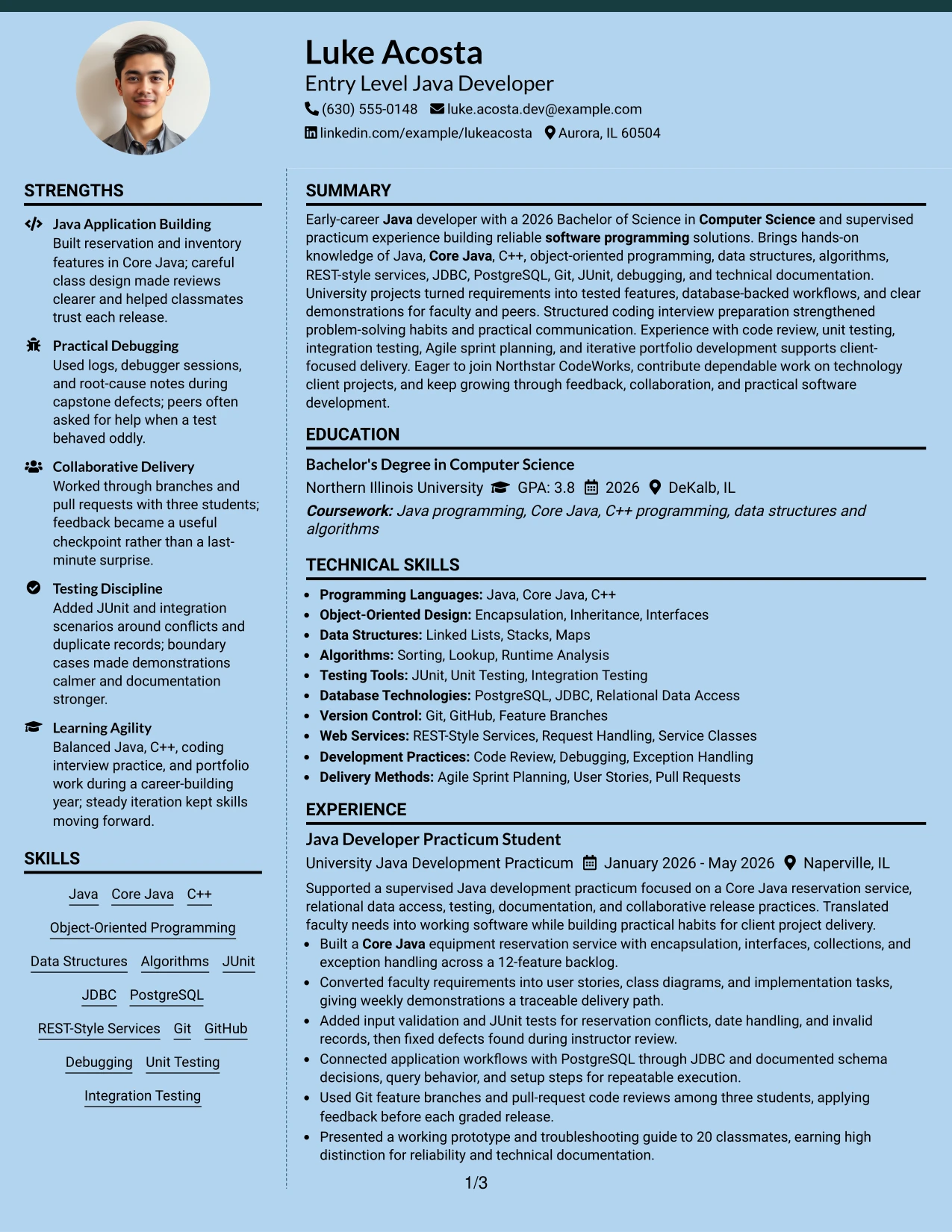
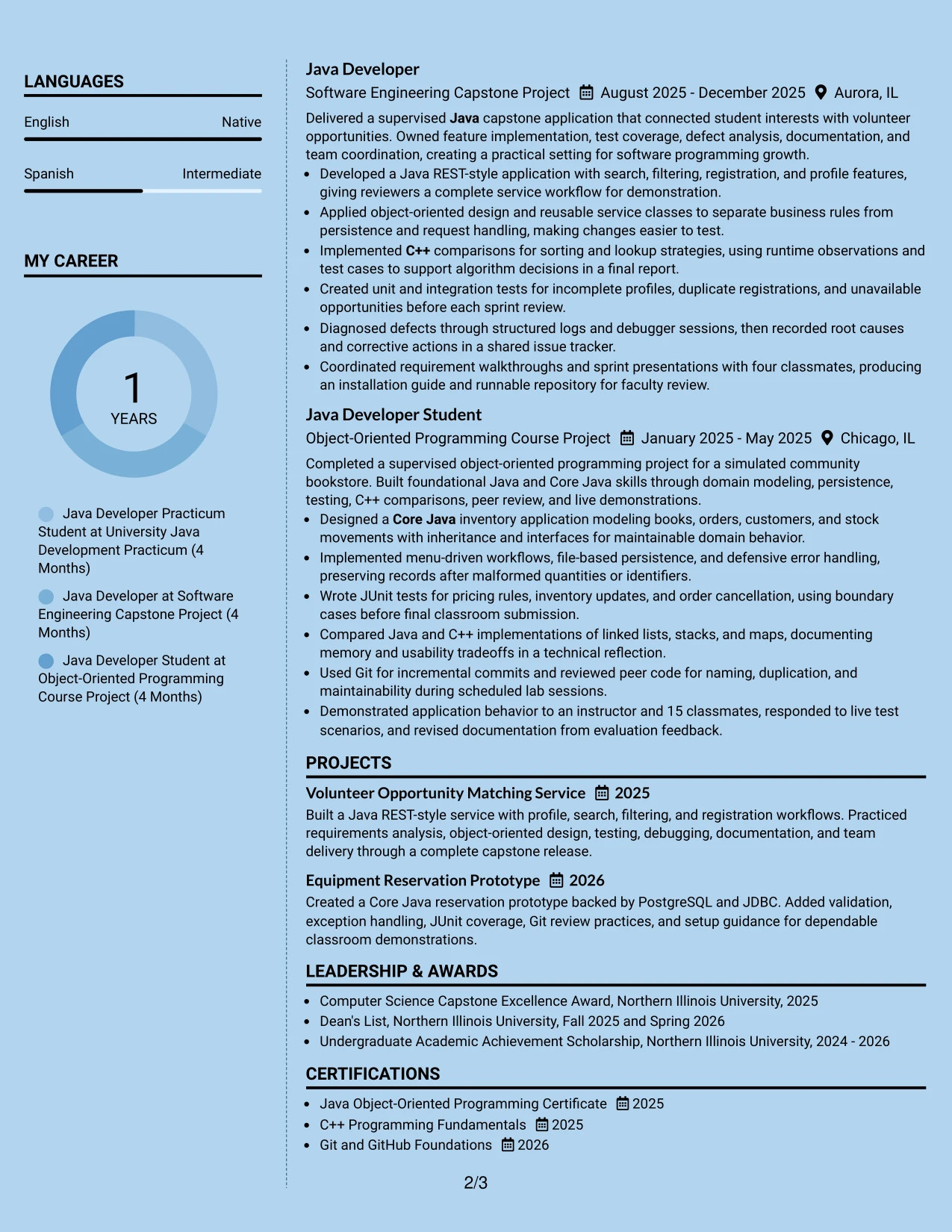
A recruiter can first scan the main column for recent Java development and project results, then use the supporting column to confirm education, certifications, skills, and activities. This route makes a larger evidence set feel manageable and keeps related information close together.
The Modern Full Background Two Column Format gives the resume room to show the supervised practicum, capstone, course project, and technical toolkit. Luke Acosta's document benefits from that capacity because it includes Java, C++, testing, database access, version control, coding interview preparation, and documented delivery practices.
Why the Modern Full Background Two Column Format Works for a Resume
- The two-column route separates detailed accomplishments from supporting qualifications.
- A strong visual field can create a modern frame while section labels preserve navigation.
- The main column has room for complete experience and project bullets.
- The secondary column can group skills, education, certifications, awards, and activities.
- The format handles a broad technical profile without forcing every item into one long stream.
- Keyword groups remain visible while evidence bullets provide context and credibility.
- Clear contrast between areas helps readers decide where to look next.
Best For
- Resumes with a broad collection of projects, credentials, activities, and technical skills
- Candidates who need a large evidence column plus a compact qualification column
- Applications where a modern visual frame can support, but not replace, readable text
- Readers who scan accomplishments first and verify credentials in a side area
- Documents showing both development work and structured learning activities
- Technical profiles with separate groups for languages, testing, databases, and delivery methods
- Candidates who want to present a fuller portfolio without repeating the same information
- Applications reviewed on screen where strong section contrast can aid navigation
#21 Dark Mode Two Column Format Resume Example
The evidence should lead the review: project features, tests, debugging work, database connections, and collaborative delivery show what the resume can support. The Dark Mode Two Column Format adds contrast around that evidence, with one area for detailed accomplishments and another for quick technical reference.
This design can present the Java REST-style application and Core Java reservation service in the main column while grouping C++, JUnit, JDBC, PostgreSQL, Git, and certifications nearby. Clear text contrast and familiar headings are important so the darker visual treatment never hides keywords or weakens ATS readability.
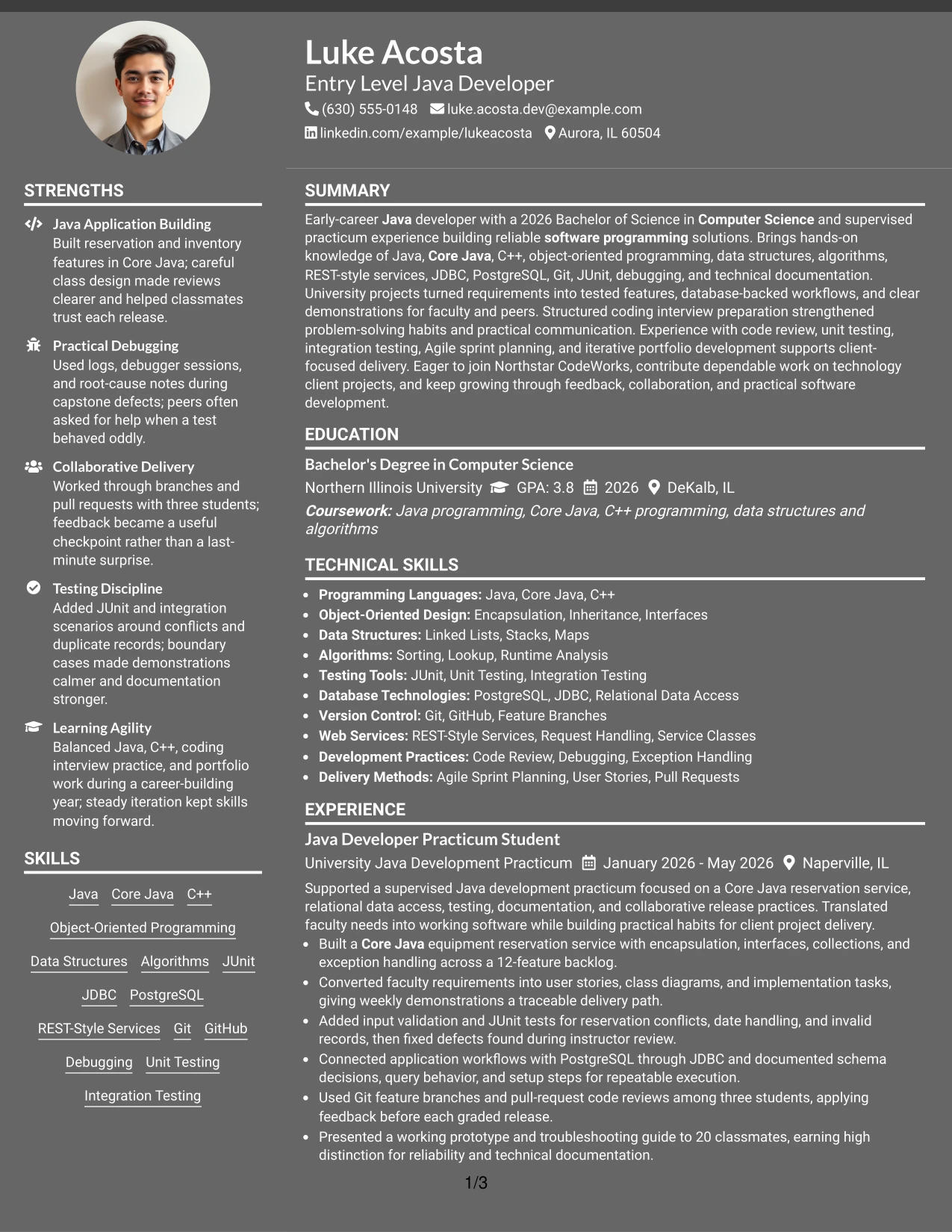
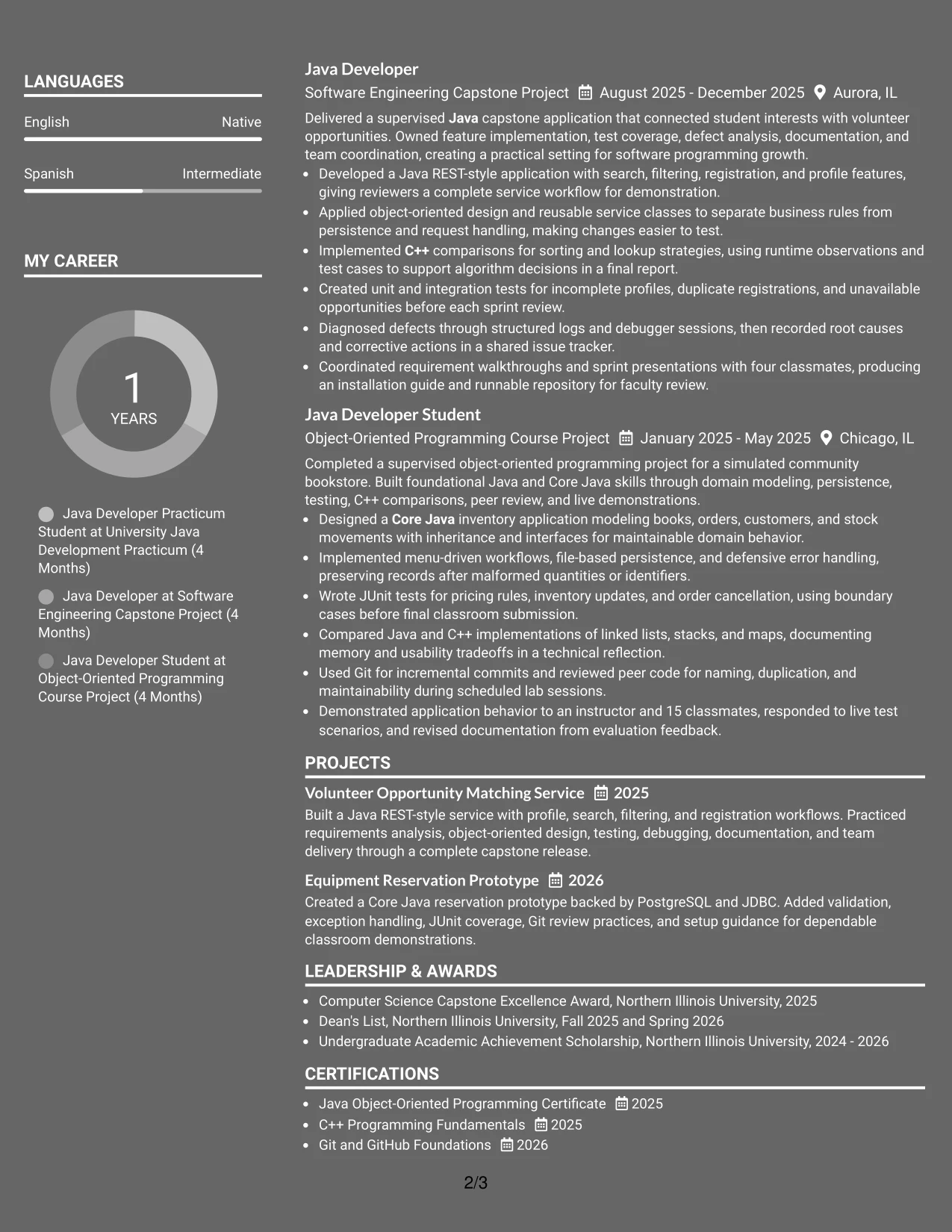
Why the Dark Mode Two Column Format Works for a Resume
- Two columns let detailed evidence and quick-reference skills work together.
- High contrast can guide attention to section headings and key resume content.
- The main area provides room for complete project and experience bullets.
- A supporting area keeps education, certifications, and technical keywords available at a glance.
- The format suits evidence from services, testing, debugging, and database work.
- Careful text contrast protects readability across screens and exported documents.
- A consistent structure keeps the bold visual treatment professional and reviewable.
Best For
- Applicants who want a distinctive screen-first presentation with clear evidence hierarchy
- Candidates whose strongest proof comes from projects, tests, debugging, and implementation details
- Resumes that need a main accomplishment area beside compact skills and credentials
- Readers who use visual contrast to locate sections during a fast review
- Technical profiles with enough content to justify separate evidence and reference columns
- Applications where project scope and development methods should remain visible together
- Candidates willing to check contrast and text extraction before submitting the document
- Documents that pair a modern visual identity with conventional resume headings
#22 Dark Mode Box Header Format Resume Example
Balanced spacing keeps the dark visual treatment from overwhelming the page. A boxed header establishes the target role and contact details, while the body uses clear labels and measured gaps to separate the summary, experience, projects, education, and skills.
That balance helps the resume communicate practical readiness without making unsupported claims. The reader can see Java and Core Java work, C++ fundamentals, JUnit testing, PostgreSQL through JDBC, Git collaboration, certifications, and academic achievements in an orderly review path.
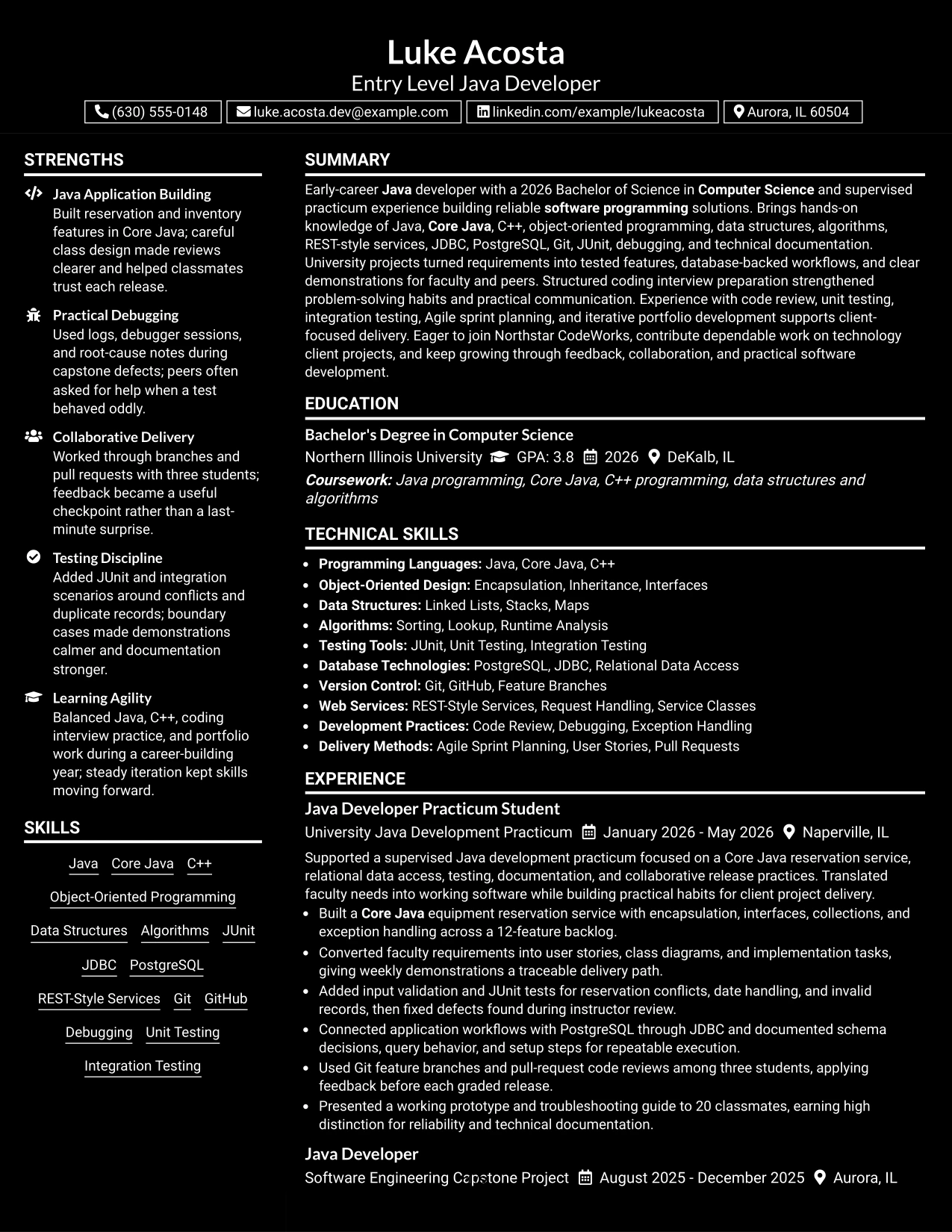
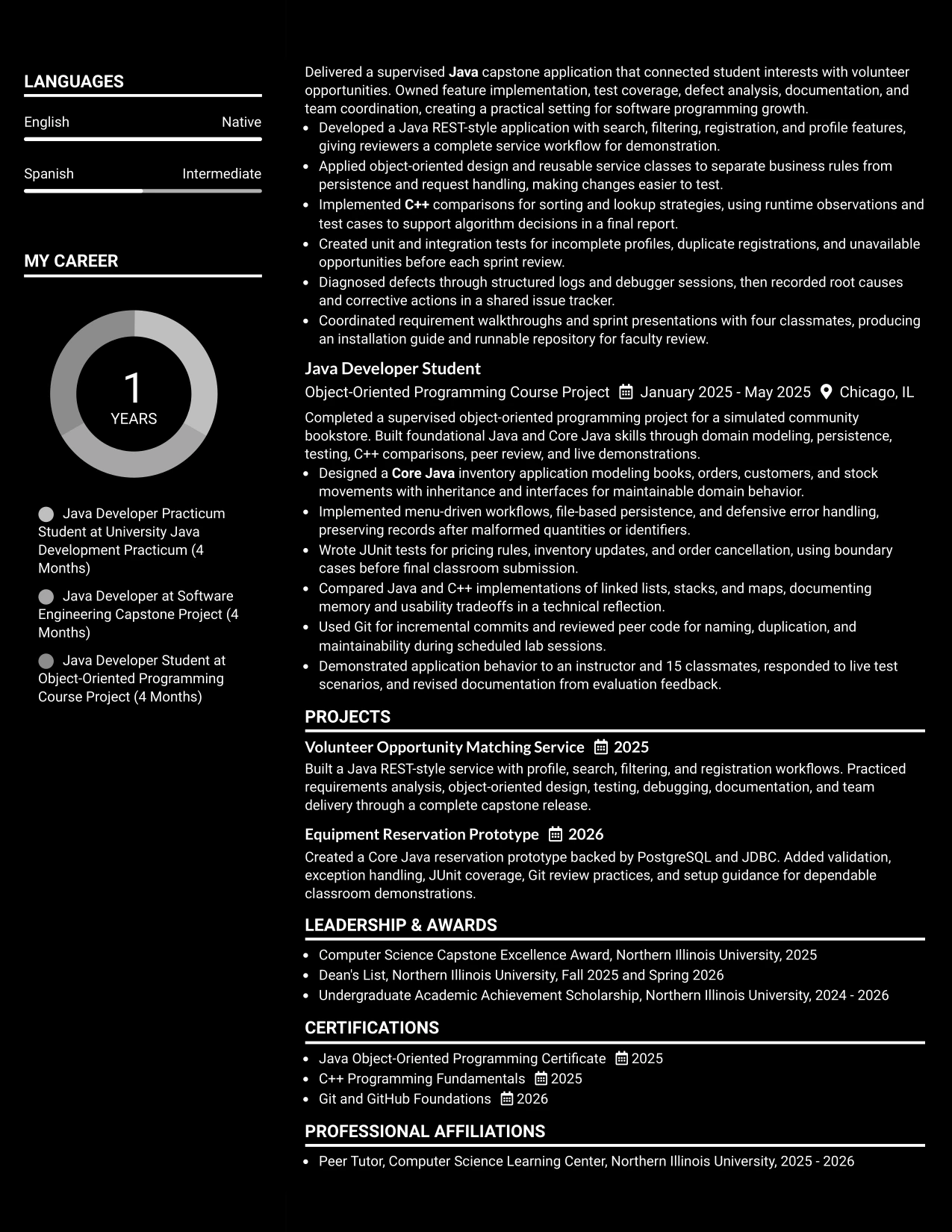
Why the Dark Mode Box Header Format Works for a Resume
- A boxed header gives the target role a strong but contained starting point.
- Balanced spacing keeps dark styling from competing with resume evidence.
- Clear section labels support quick movement through experience, projects, education, and skills.
- The format gives technical bullets enough width to explain actions and results.
- Familiar text structure helps readers and ATS tools identify important content.
- The design can make certifications and honors visible without adding unnecessary clutter.
- Consistent contrast and spacing create a polished presentation for screen review.
Best For
- Applications that need a memorable header while keeping the body easy to scan
- Candidates who want role alignment and contact details grouped in one defined area
- Resumes with several sections that need visible separation and steady spacing
- Readers reviewing technical evidence on a screen rather than on paper
- Documents that combine academic projects, certifications, honors, and practical skills
- Applicants who want a darker visual style but still need conventional resume organization
- Profiles where detailed bullets should remain the main source of credibility
- Candidates prepared to verify contrast, spacing, and ATS text extraction before submission
#23 Elegant Full Background Two Column Format Resume Example
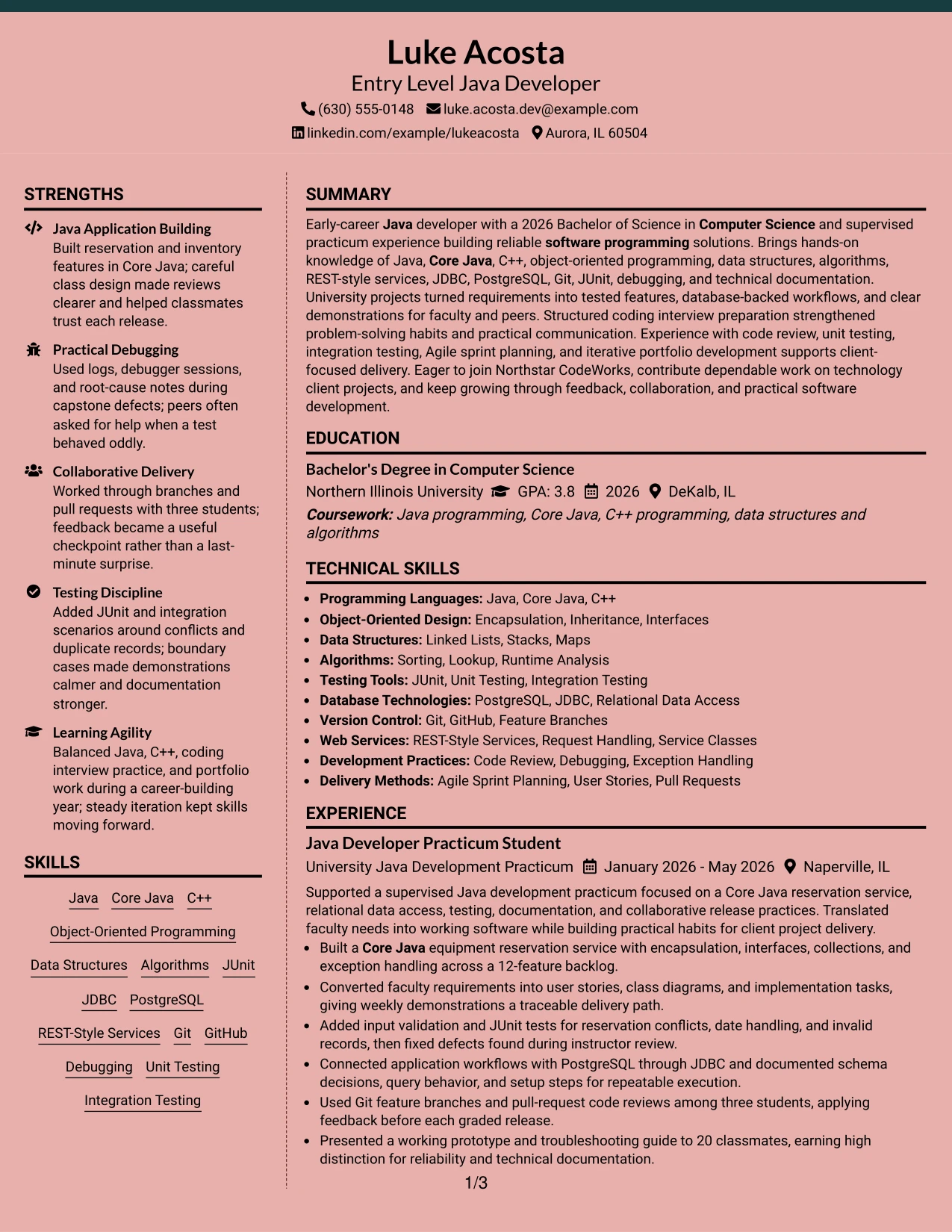
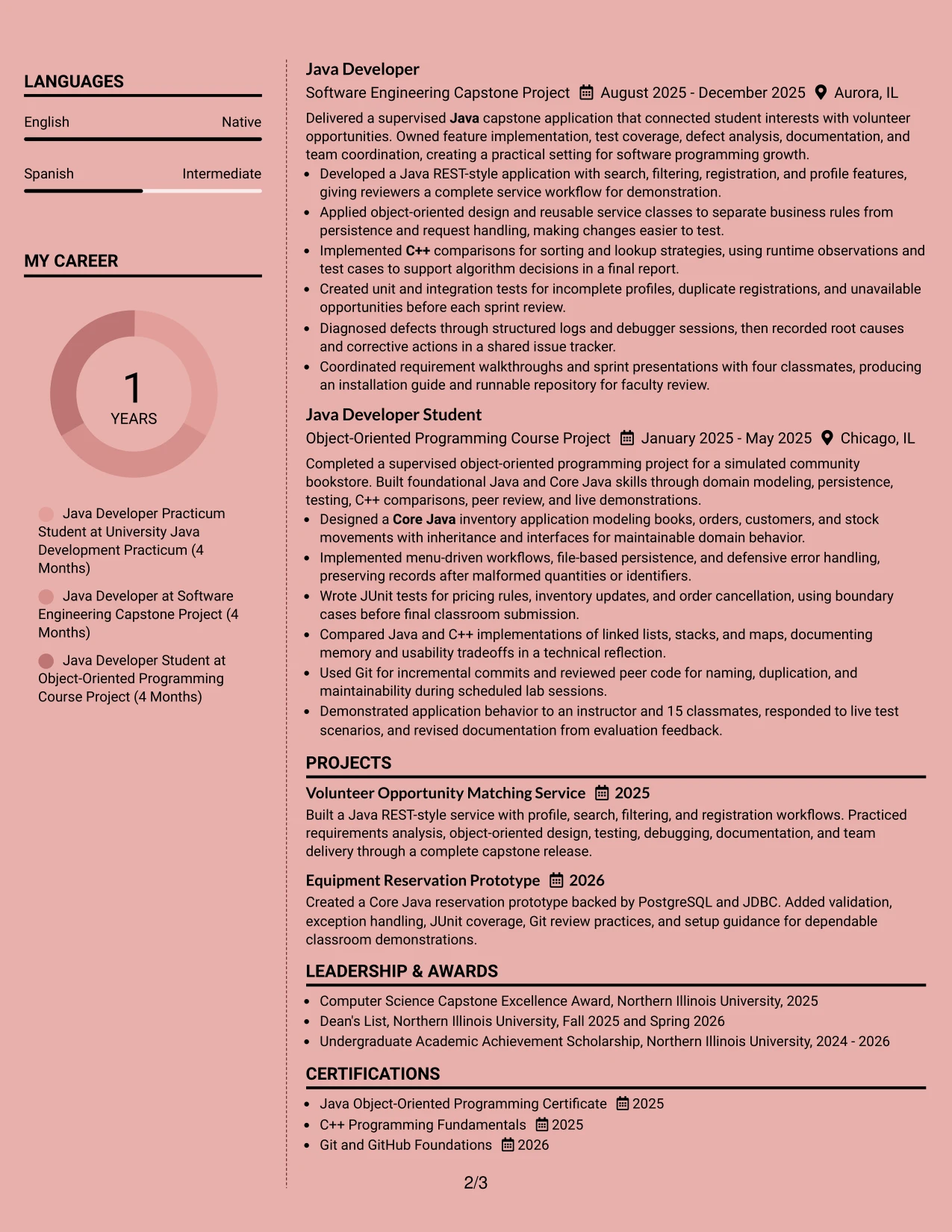
For an entry-level Java Developer application, a two-column resume can make a strong amount of project evidence easier to review. The main column can present the professional summary, Java development practicum, capstone project, and course project, while the narrower column groups education, certifications, awards, activities, and skills.
The full background treatment adds polish without changing the resume's clear structure. Core Java, C++, JUnit, JDBC, PostgreSQL, Git, and REST-style services remain easy to find, while bullets show testing, debugging, documentation, teamwork, and measurable scope such as a 12-feature backlog and a 20-person presentation.
Why the Elegant Full Background Two Column Format Works for a Resume
- Two columns separate detailed experience from supporting qualifications.
- The main column gives project bullets enough room for technical detail.
- A side column makes the 2026 Computer Science degree and certificates easy to locate.
- Grouped skills support quick review of Java, Core Java, C++, and testing knowledge.
- Short bullet points preserve evidence about databases, code reviews, and debugging.
- The hierarchy helps readers move from the summary to practical project results.
- The layout adds visual refinement while keeping the resume professional and readable.
Best For
- Resumes that need to show several academic software projects without creating a dense single stream.
- Candidates who want experience and project evidence to lead the page.
- Applications where education, certifications, and awards should remain visible but compact.
- Readers who prefer clear separation between technical details and supporting information.
- Resume content with both detailed achievement bullets and a broad skills list.
- A polished presentation for technology applications that still needs straightforward scanning.
- Candidates building a portfolio story from coursework, practicum work, and documented releases.
#24 Creative Two Tone Format Resume Example
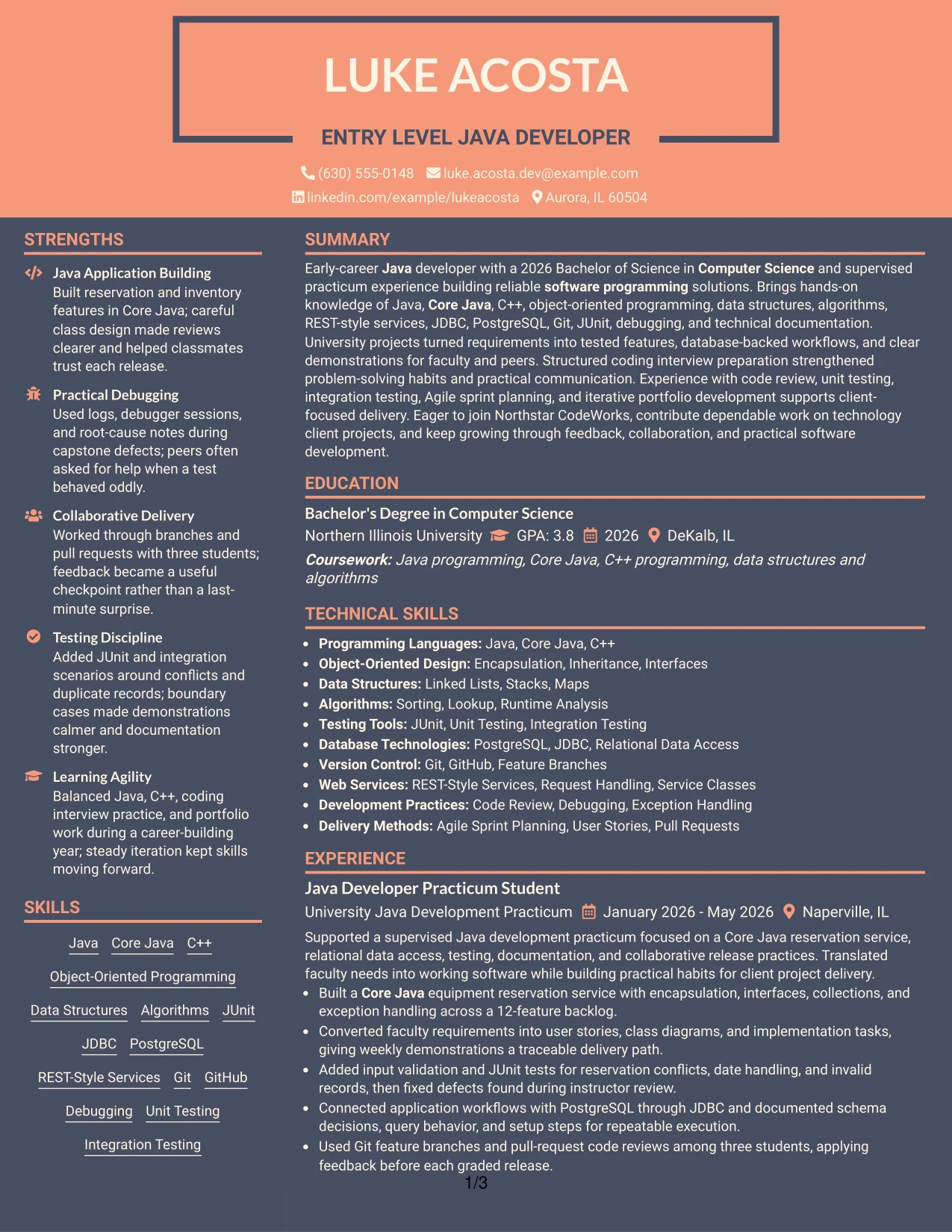
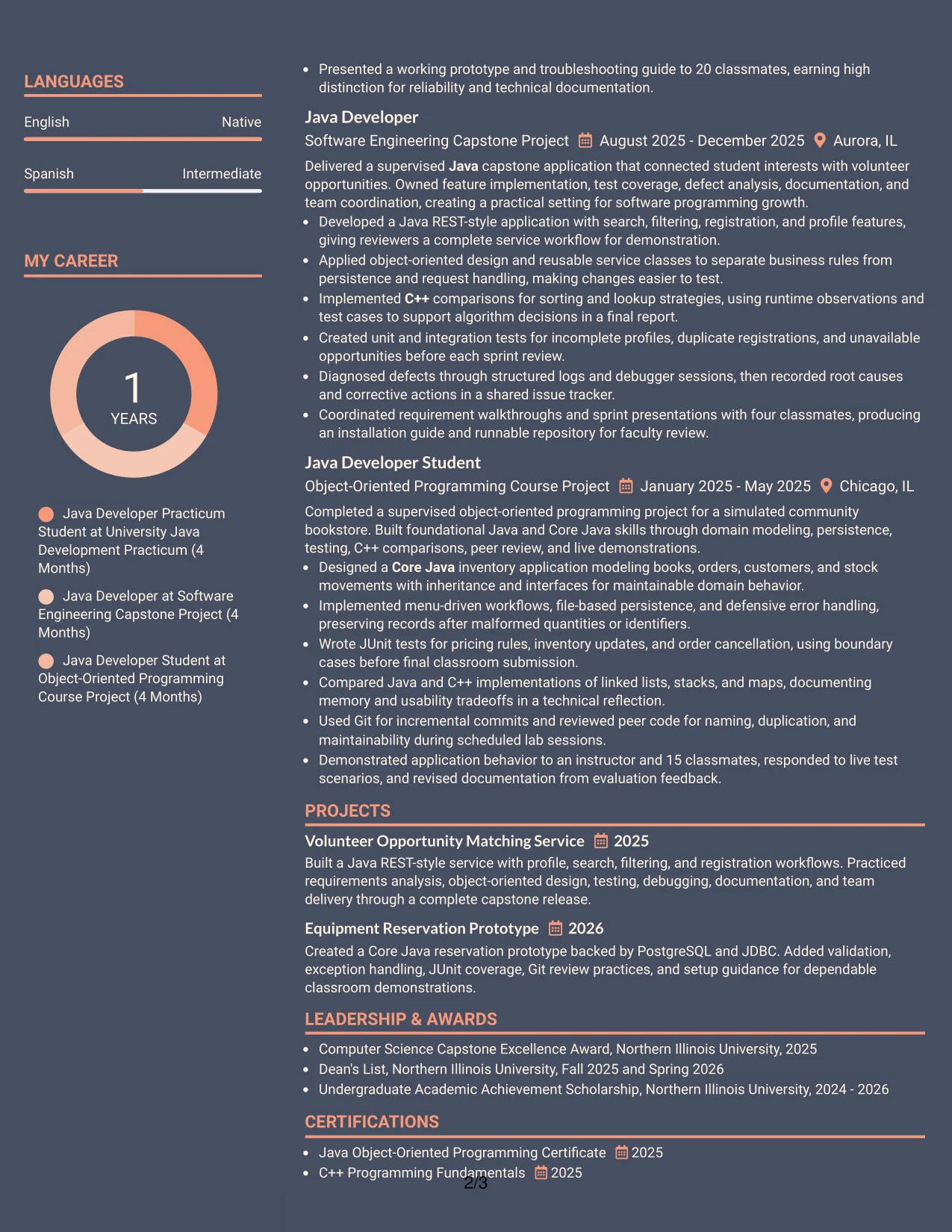
A restrained two-tone hierarchy gives this resume a confident visual impression while keeping the content serious and easy to follow. The summary introduces early-career Java development, then project-based experience proves that knowledge through tested applications, database work, debugging, and documentation.
Color contrast can guide attention to section labels and important transitions without replacing useful resume evidence. Java, Core Java, C++, object-oriented programming, and REST-style services appear alongside clear bullets about search features, reservation workflows, unit testing, and collaborative delivery.
Why the Creative Two Tone Format Works for a Resume
- Two visual tones distinguish headings from detailed resume content.
- The summary gives the reader an immediate view of Java development strengths.
- Project entries show practical evidence instead of relying on a skills list alone.
- Consistent bullets make testing, debugging, and documentation easy to compare.
- The format supports a modern technology application without excessive decoration.
- Education and certifications can be placed in clear supporting sections.
- Color accents help navigation while the text remains suitable for ATS review.
Best For
- Technology resumes that need a modern appearance with disciplined section order.
- Candidates whose strongest evidence comes from projects, practicum work, and technical coursework.
- Applications that benefit from clear visual separation between summary, experience, skills, and education.
- Readers who scan for programming languages before reviewing project outcomes.
- A resume that combines technical certifications with awards and academic activities.
- Candidates who want visual personality without giving up concise achievement bullets.
- Early-career applications where organized presentation helps connect learning to practical software work.
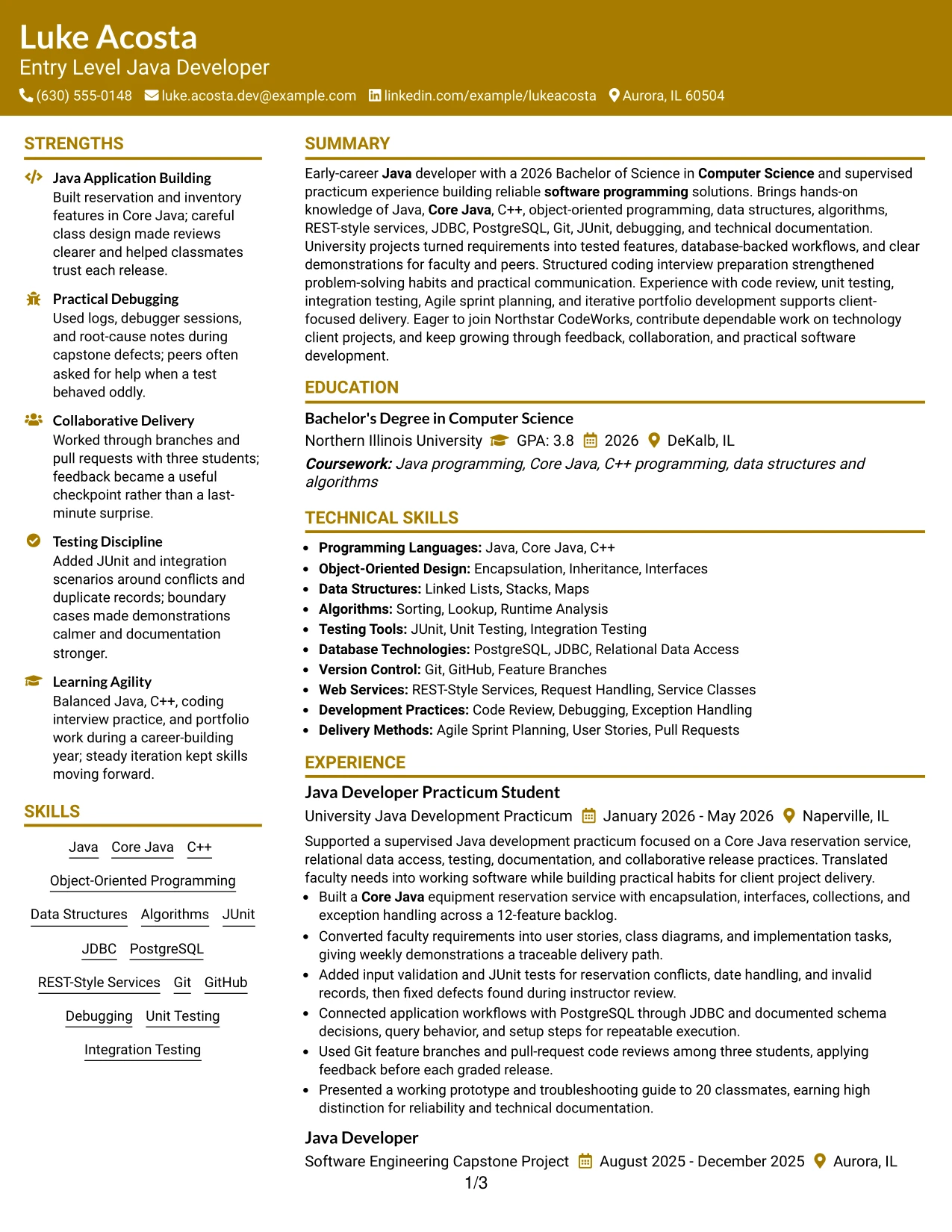
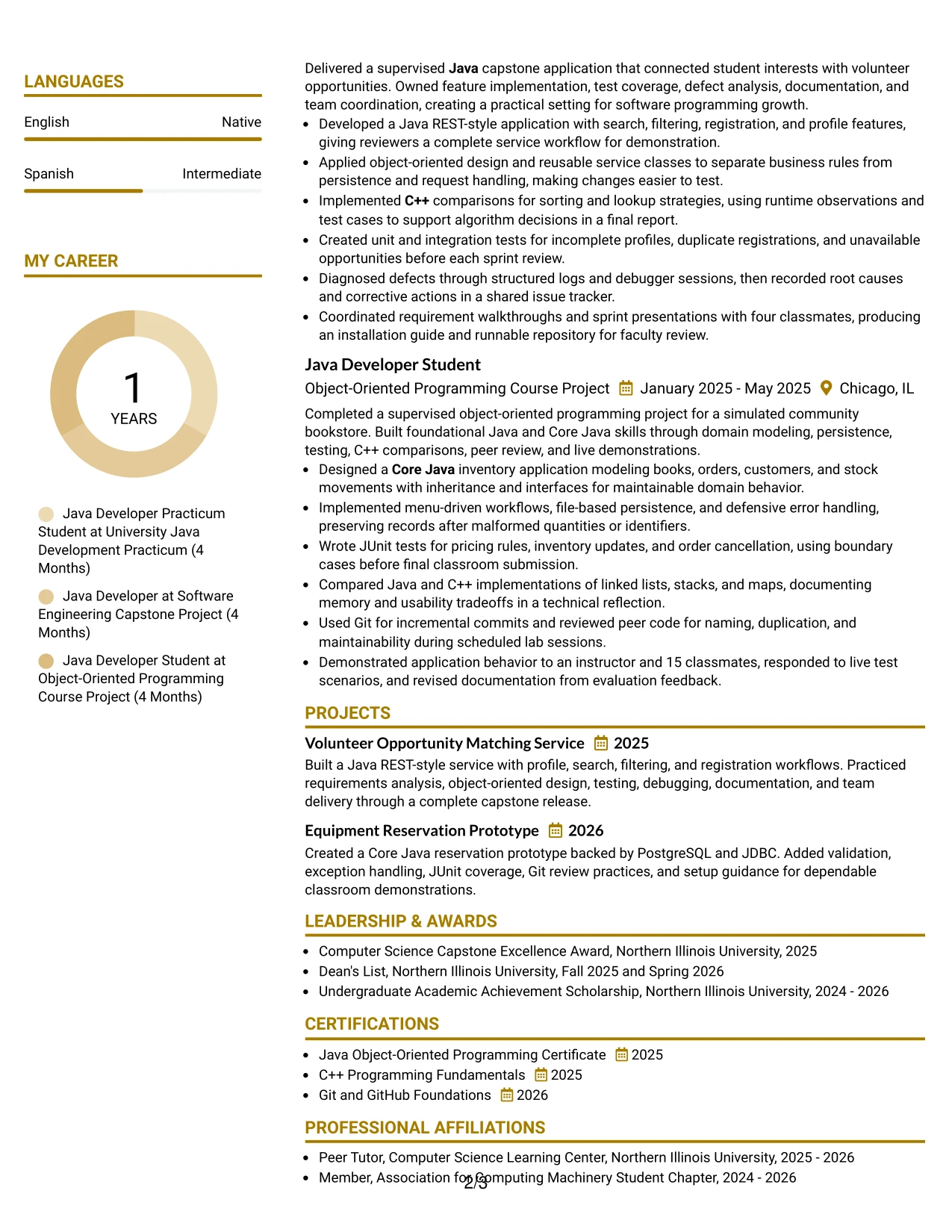
#25 Bold Color Header Professional Format Resume Example
The Bold Color Header Professional Format places the resume's identity and target role at the top, followed by a direct summary and clearly labeled sections. That structure lets the reader confirm the Entry Level Java Developer focus before reaching the practicum, capstone, course project, education, certifications, and skills.
A strong header can support quick orientation, but the bullets carry the credibility. They document a Core Java reservation service, a Java REST-style application, PostgreSQL access through JDBC, JUnit coverage, Git reviews, and presentations supported by specific figures such as three students, four classmates, and 15 classmates.
Why the Bold Color Header Professional Format Works for a Resume
- The header establishes the target role before the reader reaches detailed sections.
- A single-column flow keeps experience, projects, education, and skills in a predictable order.
- Bold section labels make the resume easy to scan from top to bottom.
- Achievement bullets connect technologies with actions and results.
- Specific numbers add credibility to academic and practicum work.
- The skills section reinforces required Java, Core Java, and C++ keywords.
- A professional color treatment adds emphasis without hiding the text hierarchy.
Best For
- Resumes that need the target role to be clear at first glance.
- Single-column documents intended for straightforward recruiter and ATS scanning.
- Candidates with several related projects that should appear in chronological order.
- Applications where measurable scope can strengthen otherwise academic experience.
- Readers who want to compare technical tools with the project work that used them.
- Candidates who need room for certifications, awards, and activities after core evidence.
- A formal technology resume that benefits from a strong top section and restrained visual emphasis.
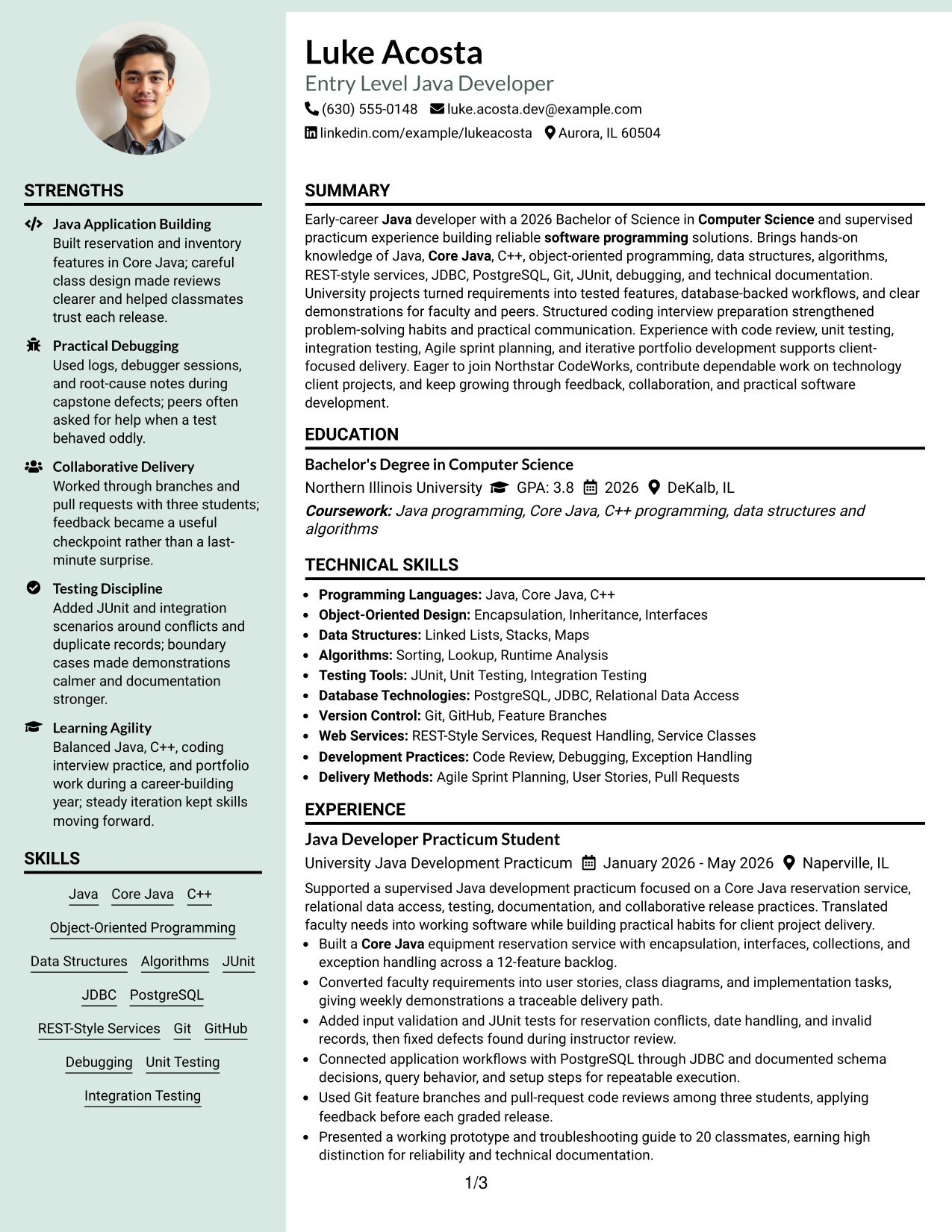
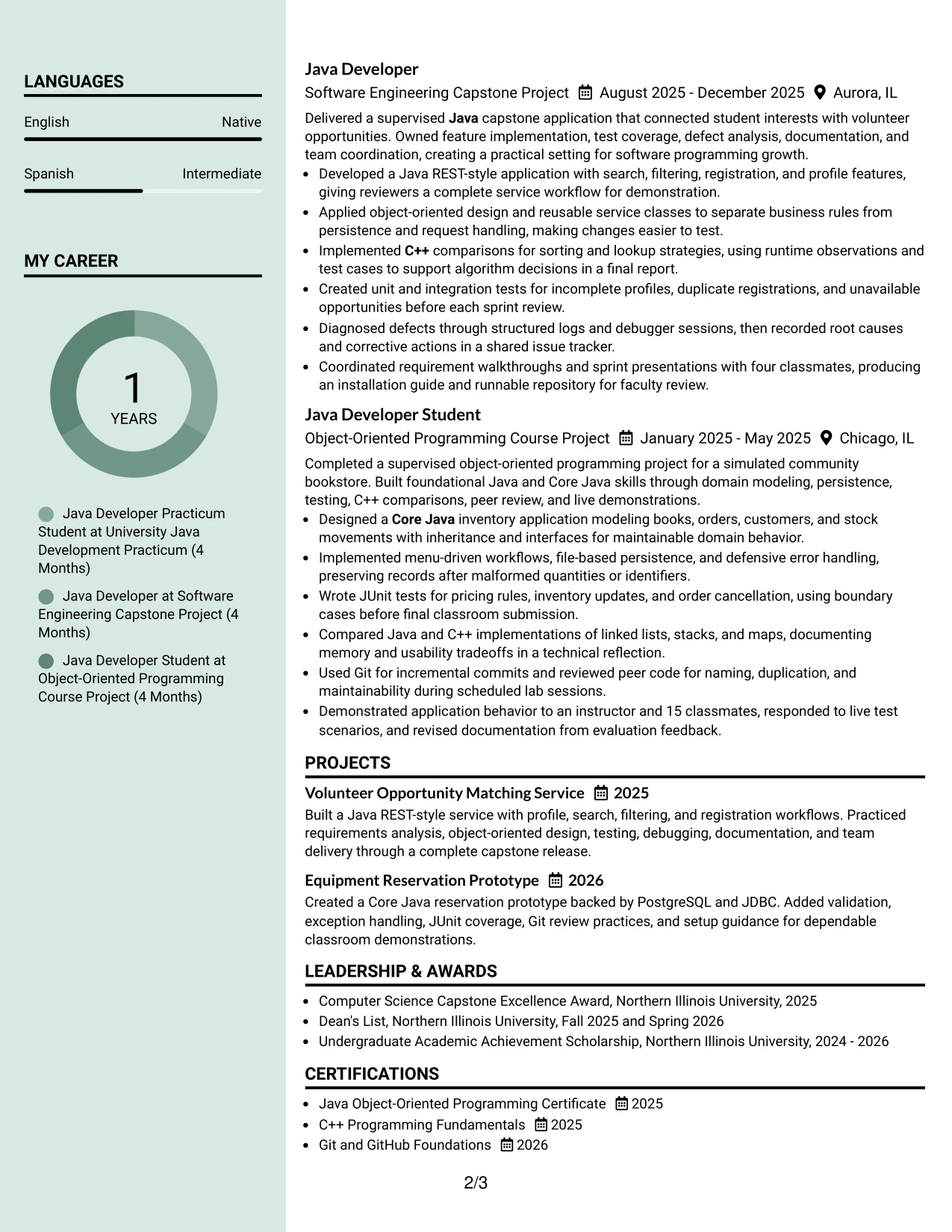
#26 Photo Header Color Sidebar Format Resume Example
As a reader moves through this resume, the color sidebar can provide a steady guide to contact details, skills, education, and certifications. The main area then carries the summary and project history, giving Java development work enough space for bullets about features, tests, database access, and defect resolution.
The photo header can support a personal presentation when appropriate for the application and local hiring norms. It should remain secondary to the evidence: a 2026 Computer Science degree, supervised practicum work, capstone delivery, C++ comparisons, Git collaboration, and technical documentation provide the substance of the resume.
Why the Photo Header Color Sidebar Format Works for a Resume
- The sidebar gives contact details and core skills a consistent home.
- The main column protects space for detailed project and experience bullets.
- A photo header can add personal context when the application allows it.
- Color grouping helps readers separate supporting facts from technical evidence.
- The summary quickly connects Java knowledge with supervised development work.
- Testing, debugging, and database bullets show how skills were applied.
- The format can hold certifications, awards, and activities without interrupting the project narrative.
Best For
- Applications where a personal visual introduction is accepted and useful.
- Candidates with enough project detail to require a wide main content area.
- Resumes that need a dedicated side space for skills, education, and certifications.
- Readers who prefer contact information and supporting credentials to stay visible while reviewing experience.
- Candidates presenting both technical evidence and a concise record of academic recognition.
- A polished document for applications that allow more visual branding than a plain template.
- Project-heavy resumes where feature lists, tests, and troubleshooting notes need room to breathe.
#27 Top Left Header Color Accent Format Resume Example
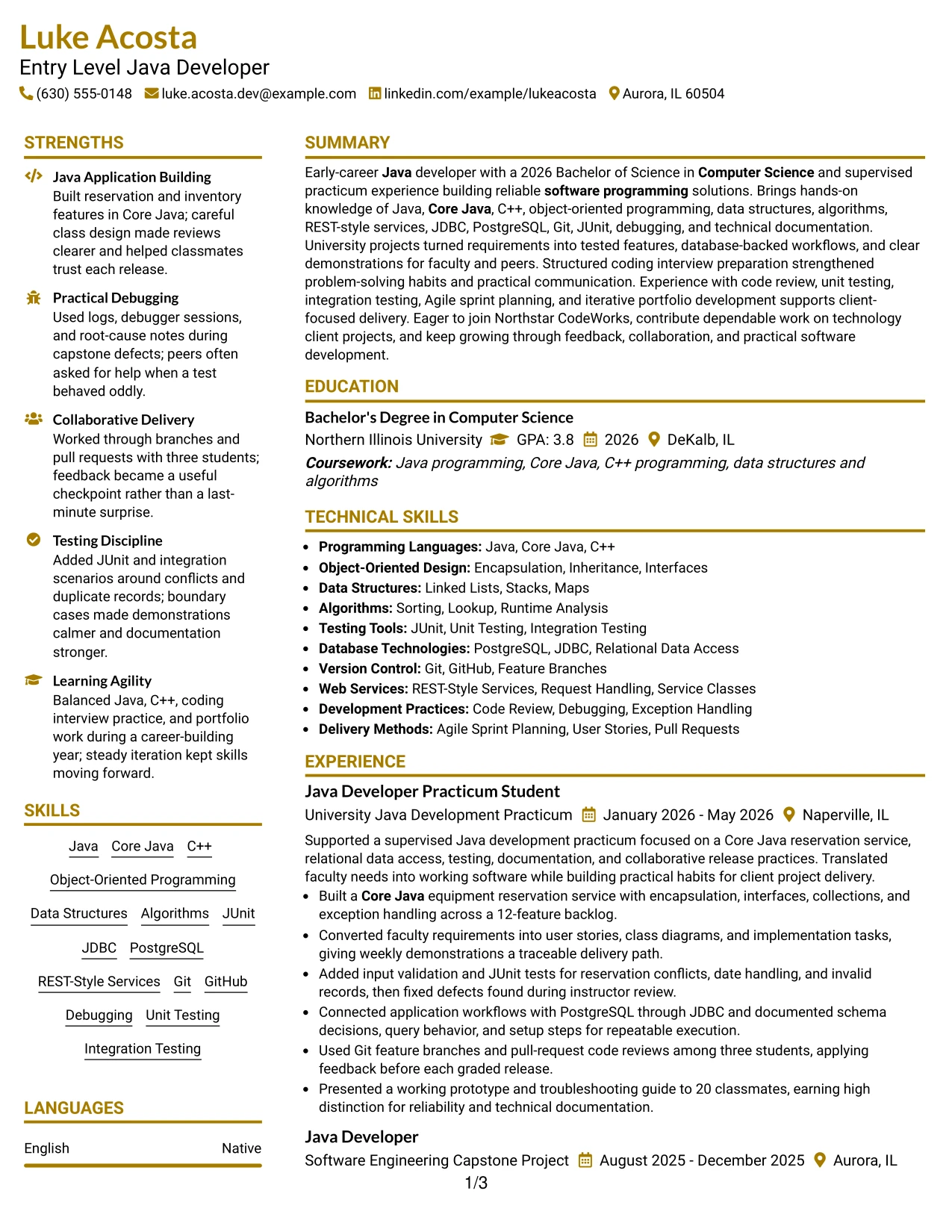
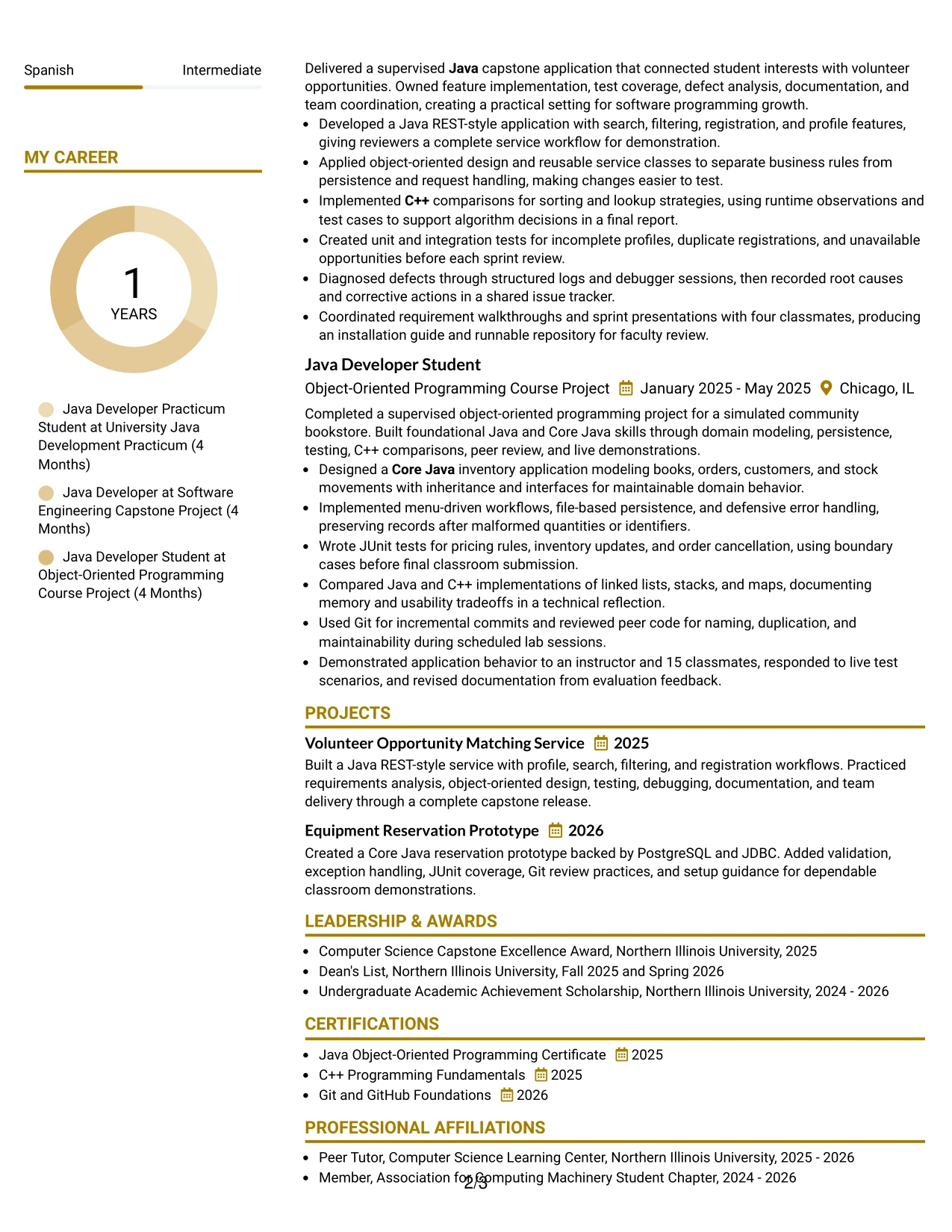
The strongest evidence appears early: a focused summary, supervised Java development, and completed software projects. That order quickly shows practical use of Java, Core Java, C++, object-oriented design, testing, and relational data access before the reader reaches supporting education and certifications.
A top-left color accent gives the resume a clear starting point without distracting from its proof. Each experience bullet adds a useful form of evidence, including a 12-feature backlog, PostgreSQL and JDBC integration, REST-style features, boundary testing, code review, and a high-distinction presentation.
Why the Top Left Header Color Accent Format Works for a Resume
- The top section places the most relevant technical evidence near the start.
- The color accent creates a clear entry point for quick scanning.
- Experience bullets show both tools and the work completed with them.
- Project descriptions cover application building, testing, debugging, and documentation.
- Numbers such as 12 features and 20 classmates make results more concrete.
- Education and certificates support the technical claims without competing with them.
- A simple hierarchy helps ATS systems and human readers follow section labels.
Best For
- Resumes where practical project evidence should appear before supporting credentials.
- Candidates who want a visual starting point without a complex page structure.
- Applications that value clear proof of programming, testing, and database work.
- Readers who scan the upper third of a resume before deciding whether to continue.
- Candidates with measurable academic outcomes that can sharpen project bullets.
- Documents that need a clean path from summary to experience to education.
- Technology applications where a modest accent can improve navigation while preserving text clarity.
#28 Centered Header Classic Two Column Format Resume Example
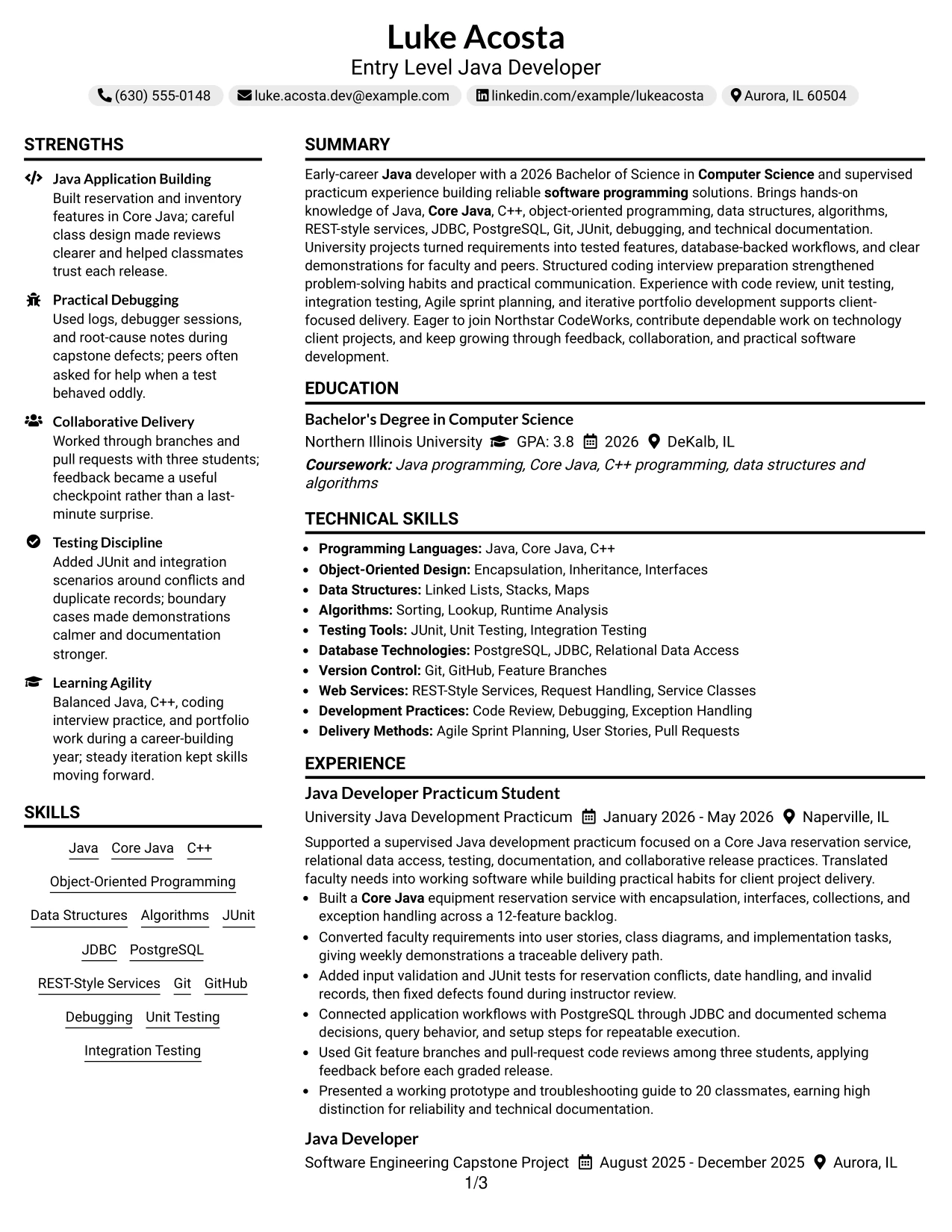
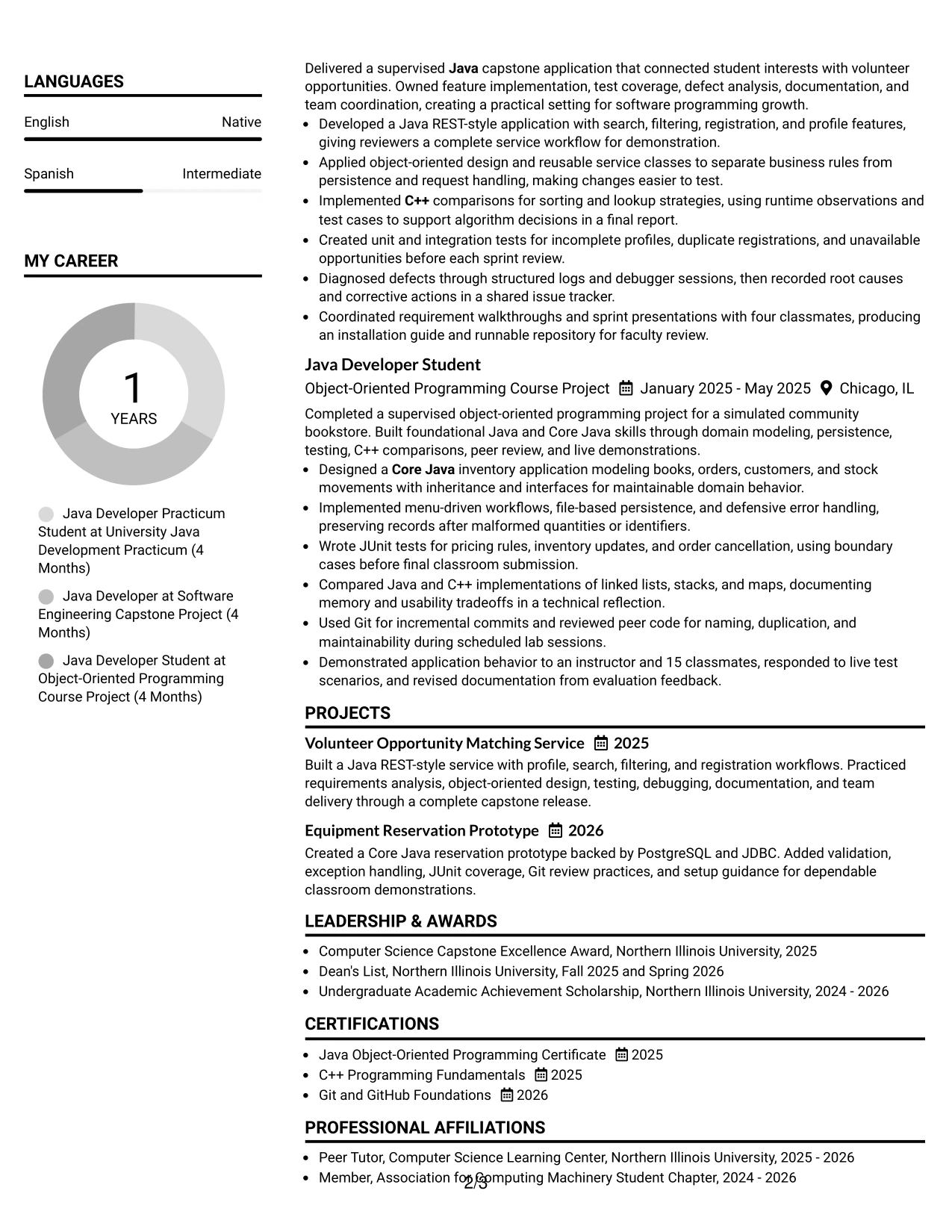
Balanced content distribution helps this resume serve two review needs at once. The wider column can carry the summary and detailed project bullets, while the second column keeps skills, education, certifications, awards, and activities available for quick reference.
A centered header adds a classic introduction, and bullet styling keeps the evidence orderly. The resume can show Java application building, C++ algorithm comparisons, JUnit and integration testing, Git branches, peer reviews, and coding interview preparation without forcing every detail into one crowded column.
Why the Centered Header Classic Two Column Format Works for a Resume
- Two columns balance detailed evidence with compact qualification groups.
- The centered header gives the document a stable, traditional starting point.
- Bullets make project responsibilities and outcomes easy to compare.
- A dedicated skills area supports keyword review for Java and Core Java.
- Education and certificates remain visible without interrupting experience details.
- The layout can show both technical depth and broader academic involvement.
- Classic spacing makes the resume suitable for formal software application review.
Best For
- Candidates who need to fit detailed projects and supporting qualifications on one organized page.
- Applications where a traditional appearance should accompany technical content.
- Readers who like a central identity block followed by clearly balanced sections.
- Resumes combining programming evidence with awards, activities, and certifications.
- Candidates who want skills available at a glance while project bullets carry the main story.
- Documents that must present testing, version control, and algorithms without long paragraphs.
- Technology applications where orderly spacing matters as much as visual polish.
#29 Left Aligned Header Clean Two Column Format Resume Example
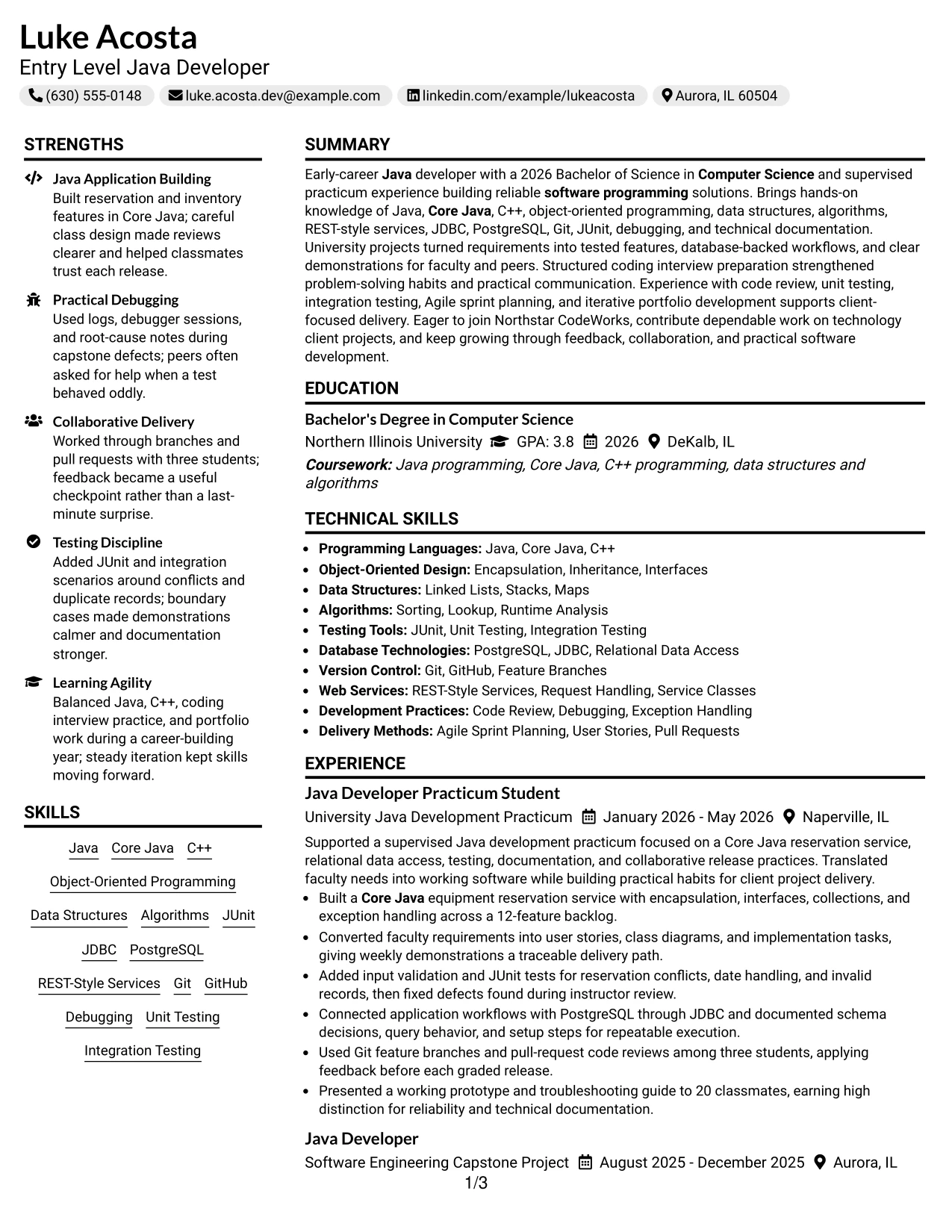
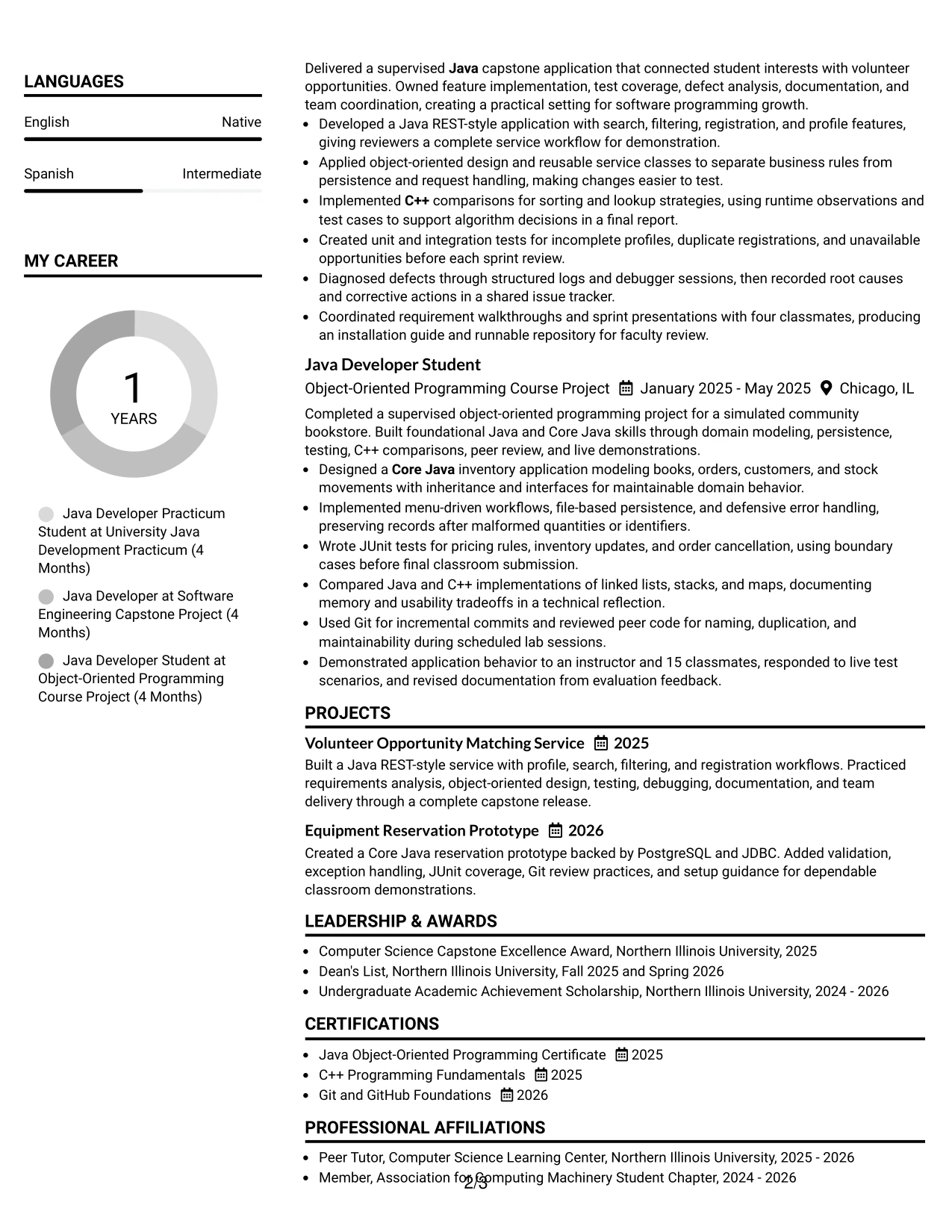
For an application that rewards direct review, the left-aligned header and two-column structure create a practical reading path. The main area can lead with the summary and experience, while the companion column holds skills, education, certifications, awards, and activities in compact groups.
The clean presentation keeps attention on what was built and improved. Readers can connect Java and Core Java to reservation, inventory, and REST-style applications, then see supporting proof in JUnit tests, defensive error handling, PostgreSQL access, issue tracking, and installation documentation.
Why the Left Aligned Header Clean Two Column Format Works for a Resume
- Left alignment creates a familiar reading path for resume reviewers.
- The two-column structure separates core experience from supporting information.
- Project bullets connect programming languages to completed application features.
- Technical sections make Java, C++, databases, testing, and Git easy to locate.
- Clean spacing supports fast review without decorative distractions.
- Documentation and troubleshooting evidence show dependable development habits.
- The format leaves room for academic awards and activities without weakening the main experience section.
Best For
- Applications that need a familiar, efficient reading path from summary to experience.
- Candidates who want project evidence and supporting credentials visible at the same time.
- Resumes with several technical skill groups that benefit from compact organization.
- Readers who prefer left-aligned headings and predictable section placement.
- Candidates showing both application features and development practices such as testing and review.
- Documents that need to balance detailed bullets with education and certification entries.
- A clean technology resume designed for quick comparison across sections.
#30 Accent Divider Modern Two Column Format Resume Example
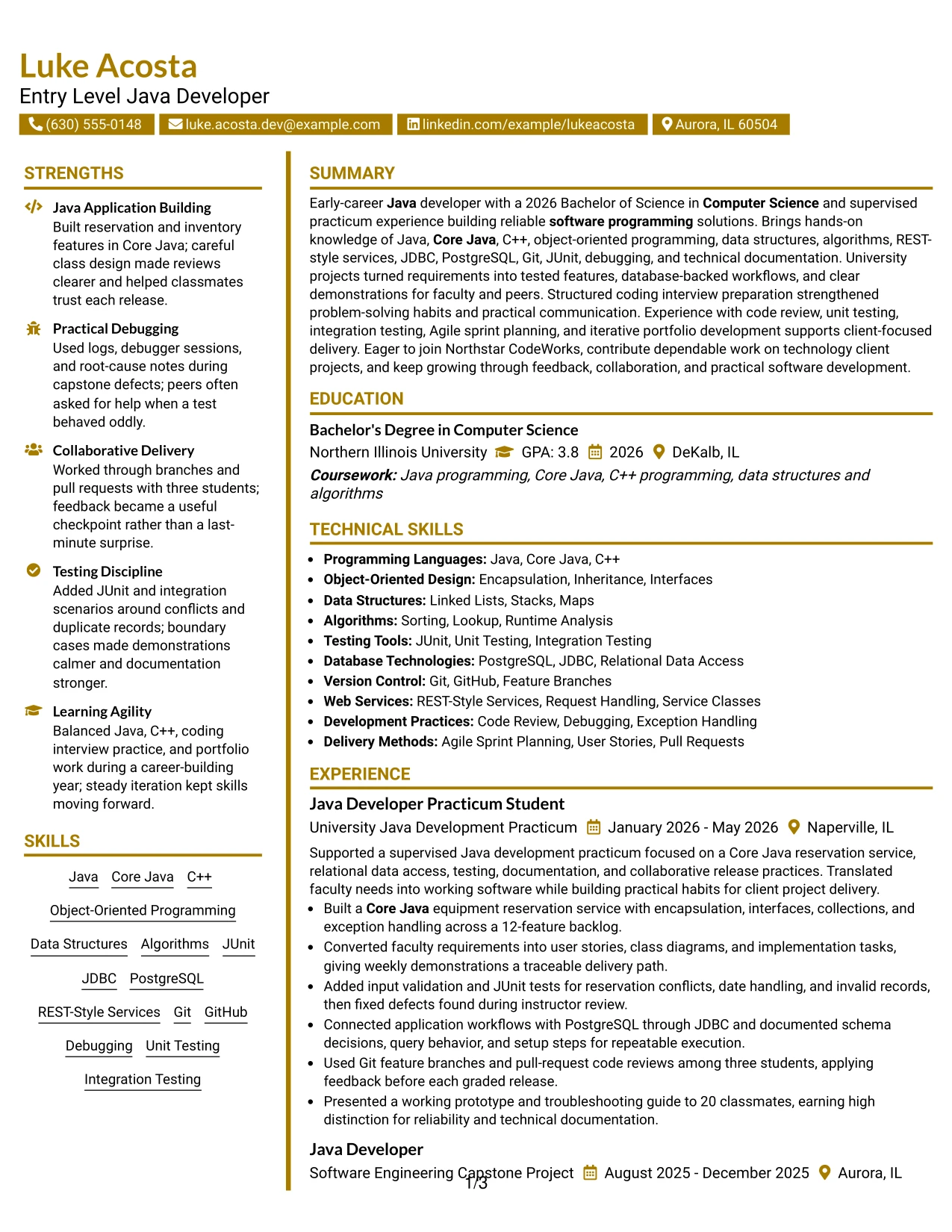
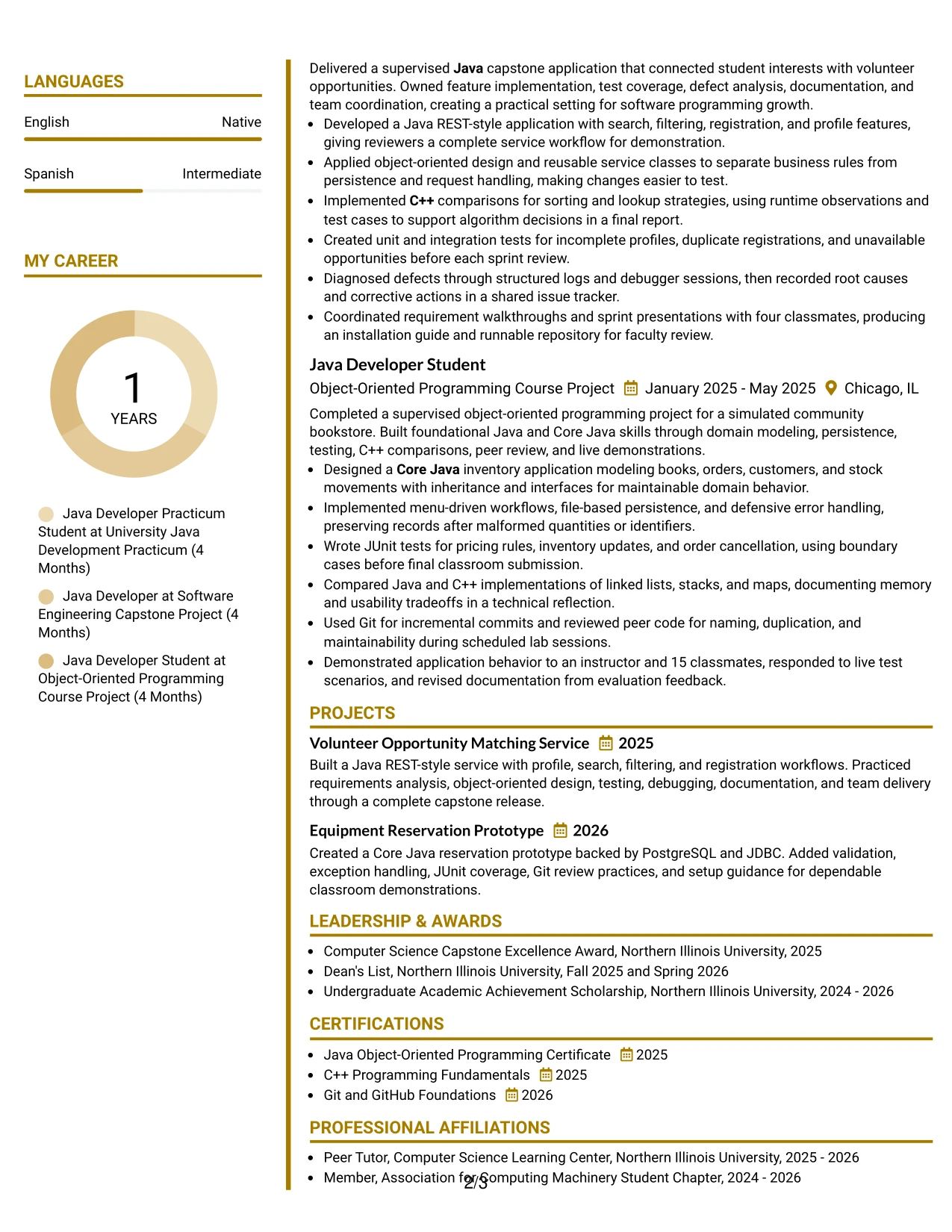
A modern resume should give priority to evidence that proves readiness for software programming work. The accent dividers separate the summary, project history, skills, education, and certifications so readers can find that evidence without losing the flow of the page.
Luke Acosta's document supports the target role with supervised Java development, a 12-feature reservation backlog, a runnable REST-style service, C++ algorithm comparisons, and repeated testing. The two-column design adds space for Git, JDBC, PostgreSQL, code review, and coding interview preparation while keeping the main achievements prominent.
Why the Accent Divider Modern Two Column Format Works for a Resume
- Accent dividers mark clear boundaries between resume sections.
- The main content can prioritize project outcomes and development responsibilities.
- A second column keeps skills and credentials easy to find.
- Modern bullet styling supports quick comparison of tools and actions.
- The format connects coding practice with tested, documented deliverables.
- Specific scope, including a 12-feature backlog, strengthens the evidence.
- Two-column organization adds structure without requiring long explanations.
Best For
- Modern software resumes that need project outcomes to receive immediate attention.
- Candidates with a clear mix of practical Java work and supporting technical credentials.
- Applications where dividers can guide review across several compact sections.
- Readers who compare evidence by project, then confirm tools in a separate area.
- Candidates presenting both individual assignments and small-team delivery.
- Documents that need room for testing, databases, version control, and algorithms.
- A polished format for a focused portfolio narrative built around completed applications.
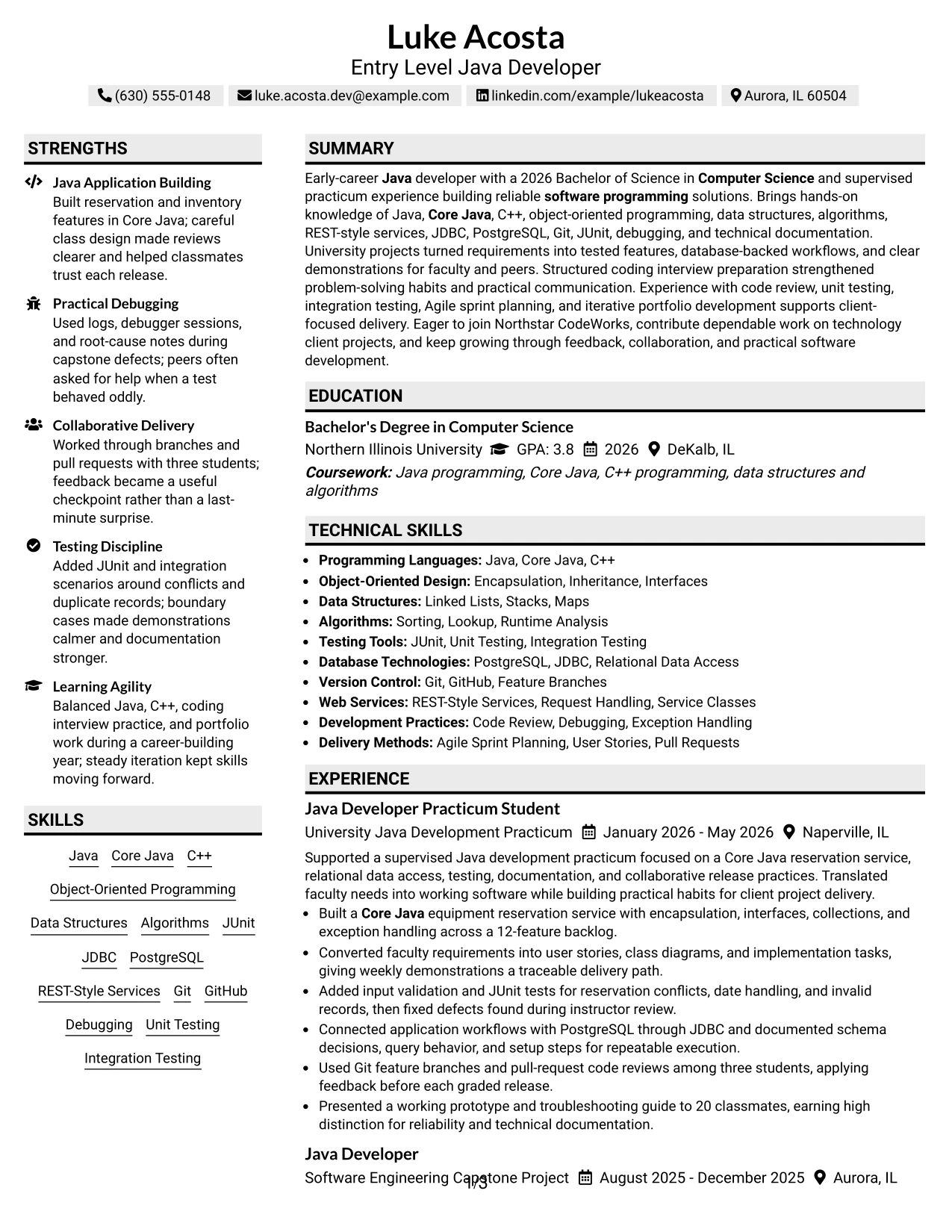
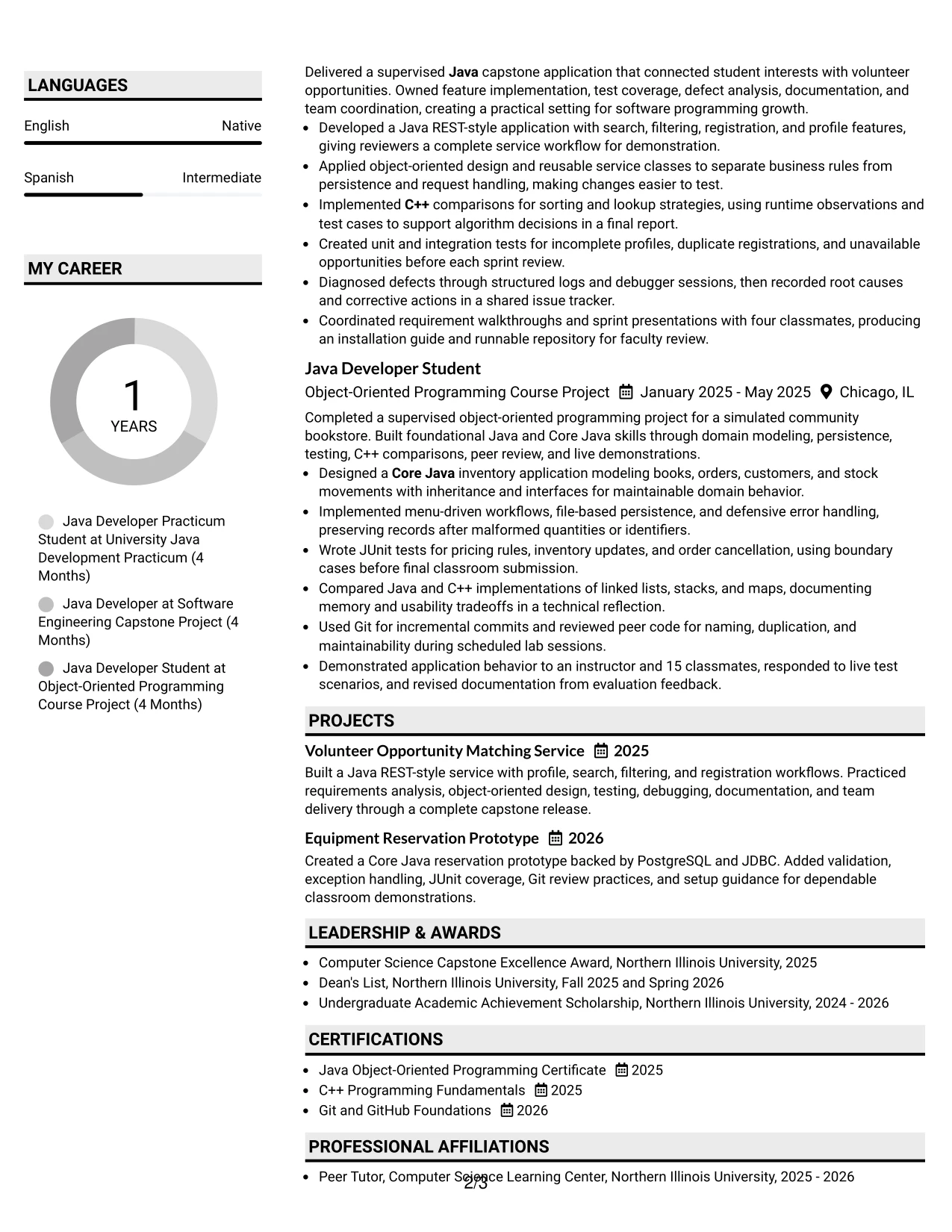
#31 Shaded Labels Clean Two Column Format Resume Example
The Shaded Labels Clean Two Column Format uses clear section blocks to structure the resume before the reader studies each bullet. A primary column can present the summary and project history, while a supporting column groups skills, education, certificates, awards, and activities under easy-to-recognize labels.
That organization is especially useful when the resume must communicate many related qualifications without repeating them. Java, Core Java, C++, data structures, algorithms, JUnit, JDBC, PostgreSQL, REST-style services, Git, and debugging can be scanned quickly, while the experience bullets explain how those skills produced tested features and documented releases.
Why the Shaded Labels Clean Two Column Format Works for a Resume
- Shaded labels make each resume section easy to identify.
- Two columns reduce the visual length of a broad qualifications list.
- The experience column preserves room for action-focused project bullets.
- Skills can be grouped by language, testing, databases, and development practice.
- Education and certifications remain visible as supporting proof.
- The structure helps readers match tools with the projects that used them.
- Clean labels improve navigation without replacing ATS-friendly text.
Best For
- Resumes with many technical categories that need clear grouping.
- Candidates who want detailed project bullets beside compact skills and education sections.
- Applications where quick section recognition supports efficient review.
- Readers who scan labels first and return to evidence that matches their needs.
- Candidates presenting a broad foundation across programming, testing, databases, and version control.
- Documents that include awards and activities but should keep them visually secondary.
- A structured technology resume that values order, readability, and evidence density.
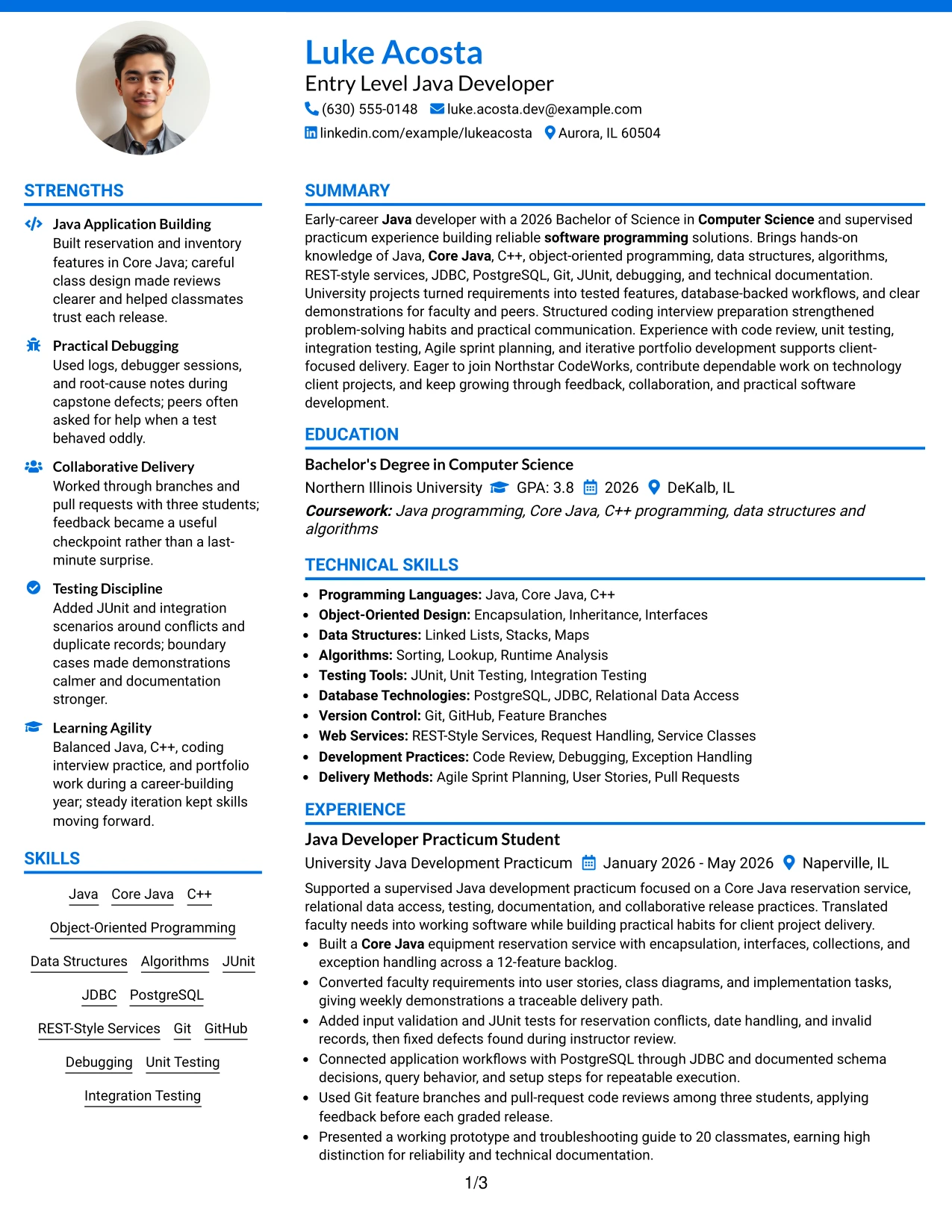
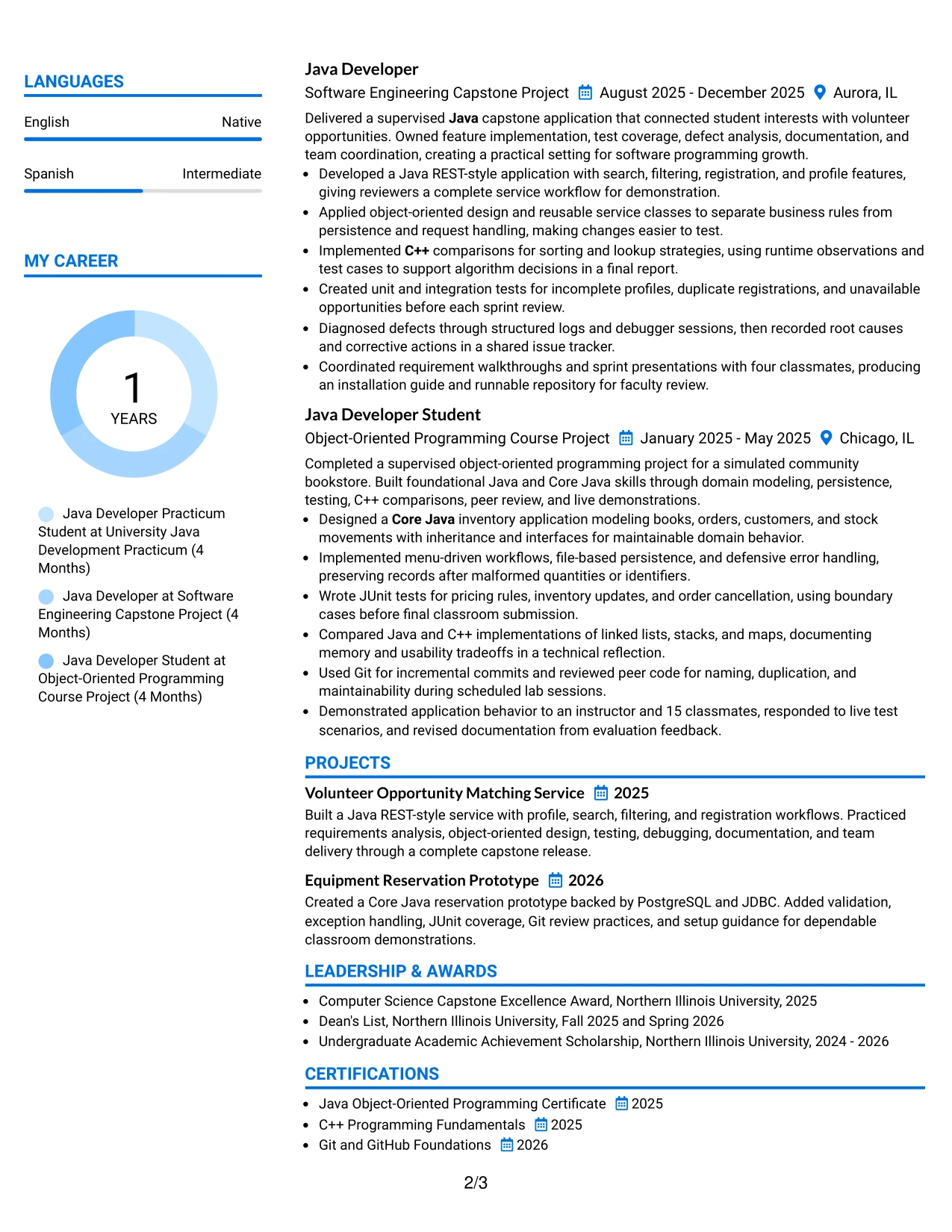
#32 Photo Header Color Accent International Format Resume Example
Readers can begin with the photo header and contact details, then move through the summary, project history, skills, education, and certifications in a clear sequence. The color accents help distinguish those areas while the main text explains practical Java development, testing, debugging, and documentation.
A photo may be useful when accepted by the application and relevant to local resume expectations, but it should never compete with the evidence. This document gives priority to a 2026 Computer Science degree, Java and Core Java projects, C++ fundamentals, database-backed work, Git collaboration, and coding interview preparation.
Why the Photo Header Color Accent International Format Works for a Resume
- The header offers space for contact details and an optional professional photo.
- Color accents guide movement between the summary, experience, and qualifications.
- The single-column flow keeps the document easy to read across different review settings.
- Project bullets show practical use of Java, testing, databases, and version control.
- Education and certificates provide clear academic and technical context.
- The layout can accommodate language information alongside core resume sections.
- A strong hierarchy keeps visual elements secondary to skills and evidence.
Best For
- Applications in settings where a professional photo is accepted or expected.
- Candidates who want a personal header with a clear, single-column reading path.
- Resumes that need room for several project descriptions and technical skill groups.
- Readers reviewing qualifications in sequence from summary through certifications.
- Candidates who want language information and academic achievements easy to locate.
- Documents combining software project evidence with a polished, internationally minded presentation.
- Applications where color can improve navigation without changing the content hierarchy.
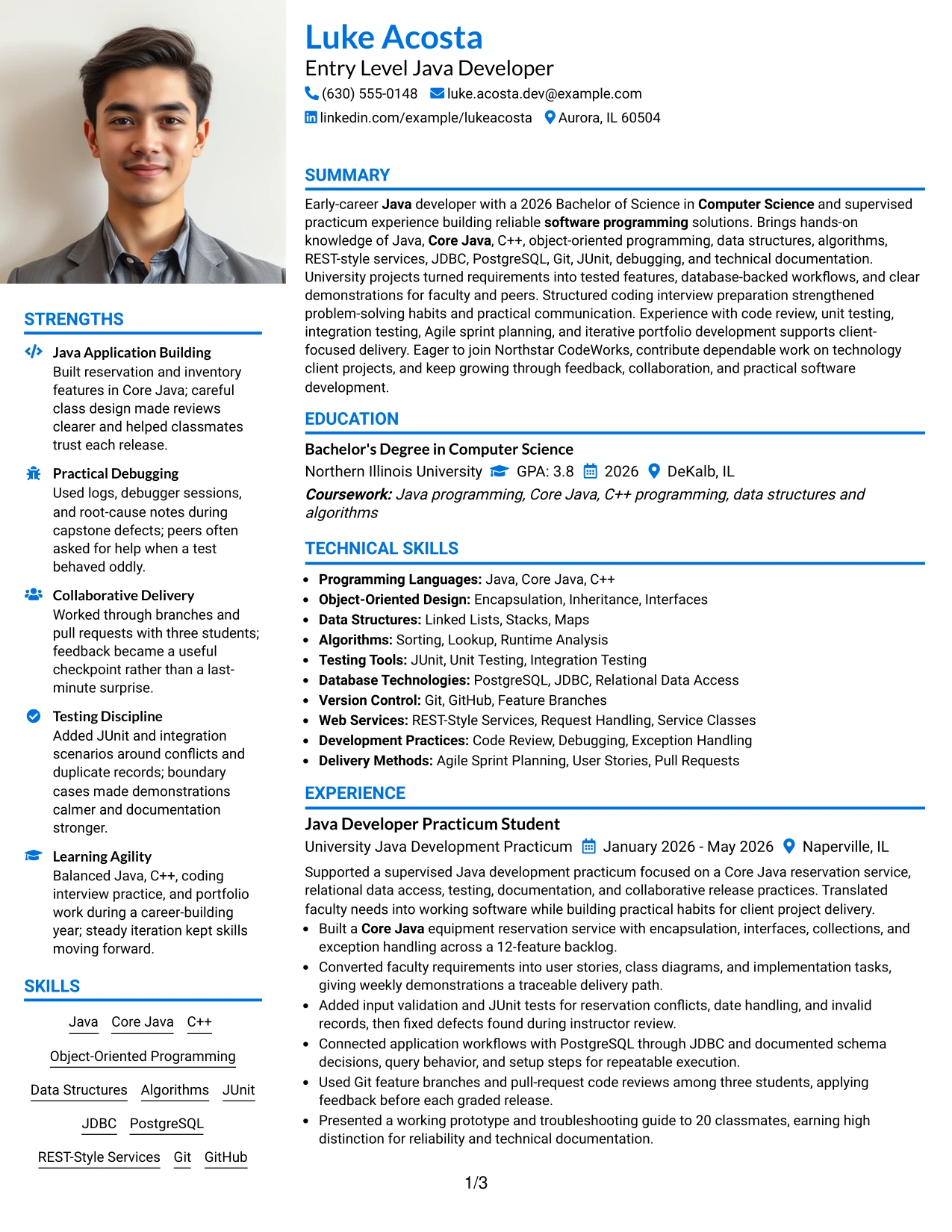
#33 Large Profile Photo International Two Column Format Resume Example
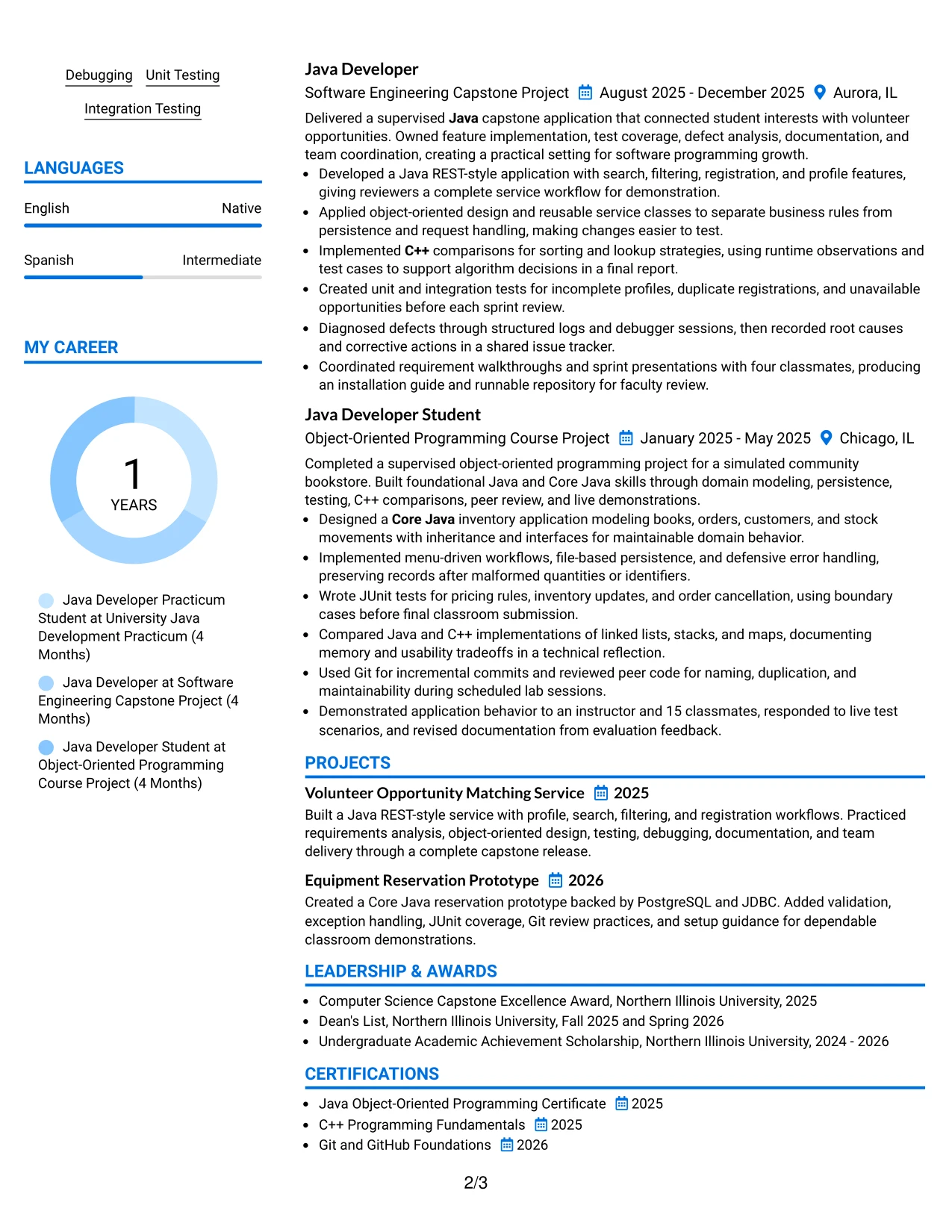
The evidence should lead the review: project achievements, technical skills, education, certifications, and supervised development work all receive defined space. A two-column arrangement can place detailed Java project bullets in the wider area while the other column organizes contact details, skills, education, and supporting achievements.
The large profile photo creates a strong visual anchor, so the surrounding hierarchy must stay disciplined. The resume still communicates tested REST-style services, Core Java reservation features, PostgreSQL through JDBC, C++ data structure comparisons, Git code reviews, and clear technical documentation.
Why the Large Profile Photo International Two Column Format Works for a Resume
- The larger photo area creates an immediate personal focal point.
- Two columns protect room for both technical evidence and supporting credentials.
- The main column can carry detailed project bullets with measurable scope.
- The secondary column keeps skills, education, and certifications easy to reference.
- Technical keywords remain grouped in readable text rather than hidden in graphics.
- Testing, debugging, database access, and documentation show practical development habits.
- The layout can present a strong personal identity while preserving a complete resume structure.
Best For
- Applications where a prominent professional photo is accepted and serves a clear purpose.
- Candidates who need two columns to balance extensive project evidence with qualifications.
- Resumes that combine detailed software deliverables and a broad technical foundation.
- Readers who want a strong visual identity alongside clearly labeled resume sections.
- Candidates presenting work across Java, C++, testing, databases, and development practices.
- Documents where measurable project scope should remain prominent beside supporting credentials.
- A portfolio-oriented resume that benefits from both personal presentation and evidence-rich content.
Why Build Your Entry Level Java Developer Resume with ResumeInMinutes
ResumeInMinutes helps you turn coursework, software projects, practicum work, technical skills, and certifications into a resume that is organized and easy to customize. When your evidence is presented clearly, you can approach the application process with greater confidence.
- ATS-friendly section structure
- Keyword-focused resume content
- Java project organization
- Technical skills grouping
- Free PDF resume previews
- Resume customization support
You can adjust the summary, bullet points, skills, projects, education, certifications, and layout for an Entry Level Java Developer application. Keep the strongest evidence near the top, use familiar section headings, and let each bullet show what you built, tested, improved, or delivered.
See Also
- 33 Associate - Java Developer Resume Templates with Example 2026 (ATS-Optimized)
- Java Developer Intern Resume Guide (Example + Free PDF Download)
- Java Software Developer Resume Guide (Examples + Free PDF Downloads)
- 33 Jr Java Developer Resume Templates with Example 2026 (ATS-Optimized)
- 33 Lead Java Developer Resume Templates with Example 2026 (ATS-Optimized)
- 33 Senior Java Developer Resume Templates with Example 2026 (ATS-Optimized)
- Senior Java Developer Resume Guide (Examples + Free PDF Downloads)
- 33 Software Developer - Java & Python Resume Templates with Example 2026 (ATS-Optimized)
- 30+ Associate - Java Developer Cover Letter Templates with Example 2026
- 30+ Entry Level Java Developer Cover Letter Templates with Example 2026
Frequently Asked Questions
Are these Entry Level Java Developer resume templates ATS-friendly?
Yes. The templates use readable headings and organized sections for keywords such as Java, Core Java, C++, object-oriented programming, JUnit, JDBC, PostgreSQL, Git, and software programming.
Are these 33 different resumes?
No. The guide presents one Entry Level Java Developer resume example in different layouts and design themes, so you can compare formats without changing the core evidence.
What should an Entry Level Java Developer resume include?
Include a focused summary, technical skills, education, projects, relevant experience, certifications, and clear bullets that show Java development, testing, debugging, database work, documentation, or collaboration.
Can I download the resume templates as PDFs?
Yes. Each resume style provides a free PDF download so you can preview the format and choose a layout that presents your Entry Level Java Developer qualifications clearly.
Which resume style works best for an Entry Level Java Developer?
A clean one-column layout is often a dependable choice because it supports ATS parsing and quick review. A simple two-column format can also work when it keeps headings, skills, and project details easy to read.
How can I show limited professional experience on my resume?
Use university projects, practicum work, coding labs, certifications, and technical activities as evidence. Describe the applications you built, the tools you used, the tests you wrote, and the problems you solved.
Should I include a photo on my resume?
Include a photo only when it is customary or required in your country, region, or industry. For applications in the United States, a no-photo resume is generally the safer choice.
Can I customize these resume templates?
Yes. ResumeInMinutes allows you to update the resume text, layout, design style, and PDF format for your Entry Level Java Developer application.




