
7 Entry-Level Java Developer - Web Application Development Cover Letter Templates with Example
Use this practical guide to create an Entry-Level Java Developer - Web Application Development cover letter, with seven layouts to help you present your fit clearly.
What Makes a Great Entry-Level Java Developer - Web Application Development Cover Letter in 2026
A strong letter connects your interest in Java web application development to clear examples of turning requirements into working features. Show how your communication and teamwork support the work of a development team.
Use relevant project details, such as interface work, database integration, testing, or deployment, as evidence. Then link that evidence to the employer’s needs and explain why the role interests you.
The featured Entry-Level Java Developer - Web Application Development example follows a focused progression from interest to relevant evidence and a clear close. Adapt that structure while choosing a presentation that suits the employer and the communication context.
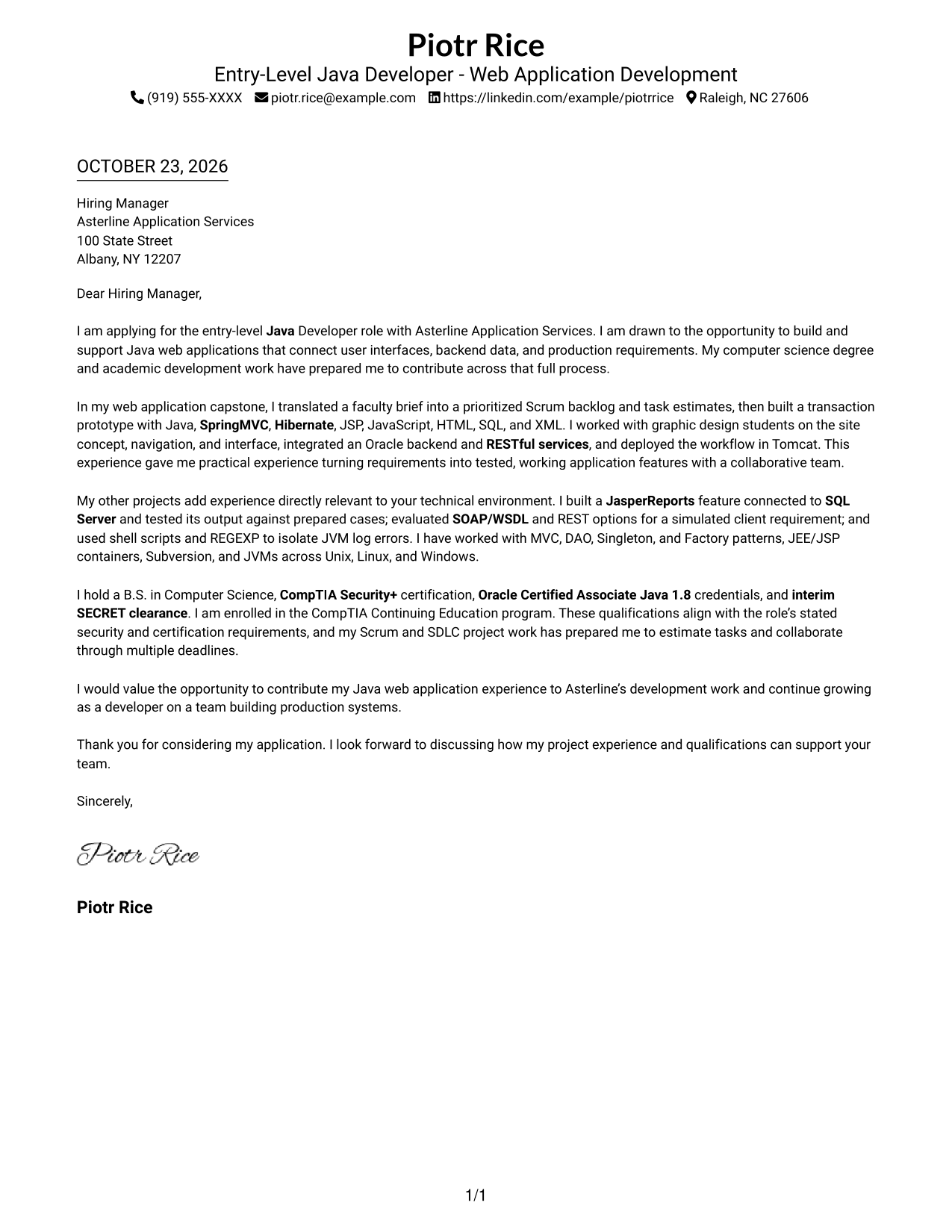
#1 Simple One Column Format Cover Letter Example
The Simple One Column Format keeps sender details in the header and the letter in one body column.
Why This Format Works
- The single body column gives the opening, evidence, and close one clear reading path.
- Sender details in the header remain easy to find without interrupting the letter.
- Without argument headings, each paragraph can carry its point in natural sequence.
Best For
- Single-column letter reading
- Sender details in the header
- Photo-free correspondence
- Letters without body headings
- Formal application letters
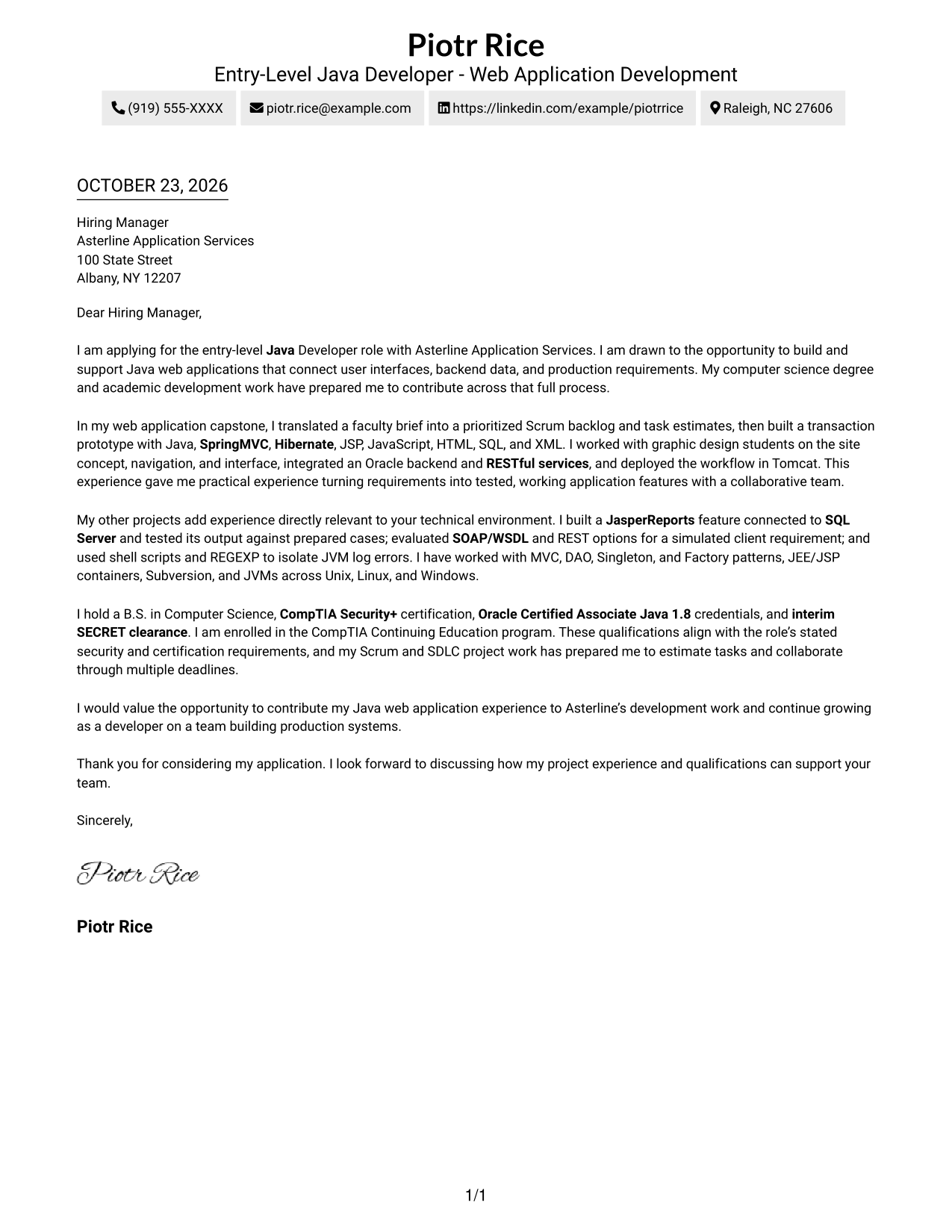
#2 Two Column Format Cover Letter Example
The Two Column Format places a contact sidebar beside a single-column letter body.
Why This Format Works
- The contact sidebar separates sender details from the message for quick reference.
- One body column lets motivation and supporting evidence unfold in letter order.
- The body stays free of section labels, so paragraphs make the case in sequence.
Best For
- Separate sender and message areas
- Single-column letter text
- Photo-free presentation
- Formal application correspondence
- Uninterrupted persuasive paragraphs
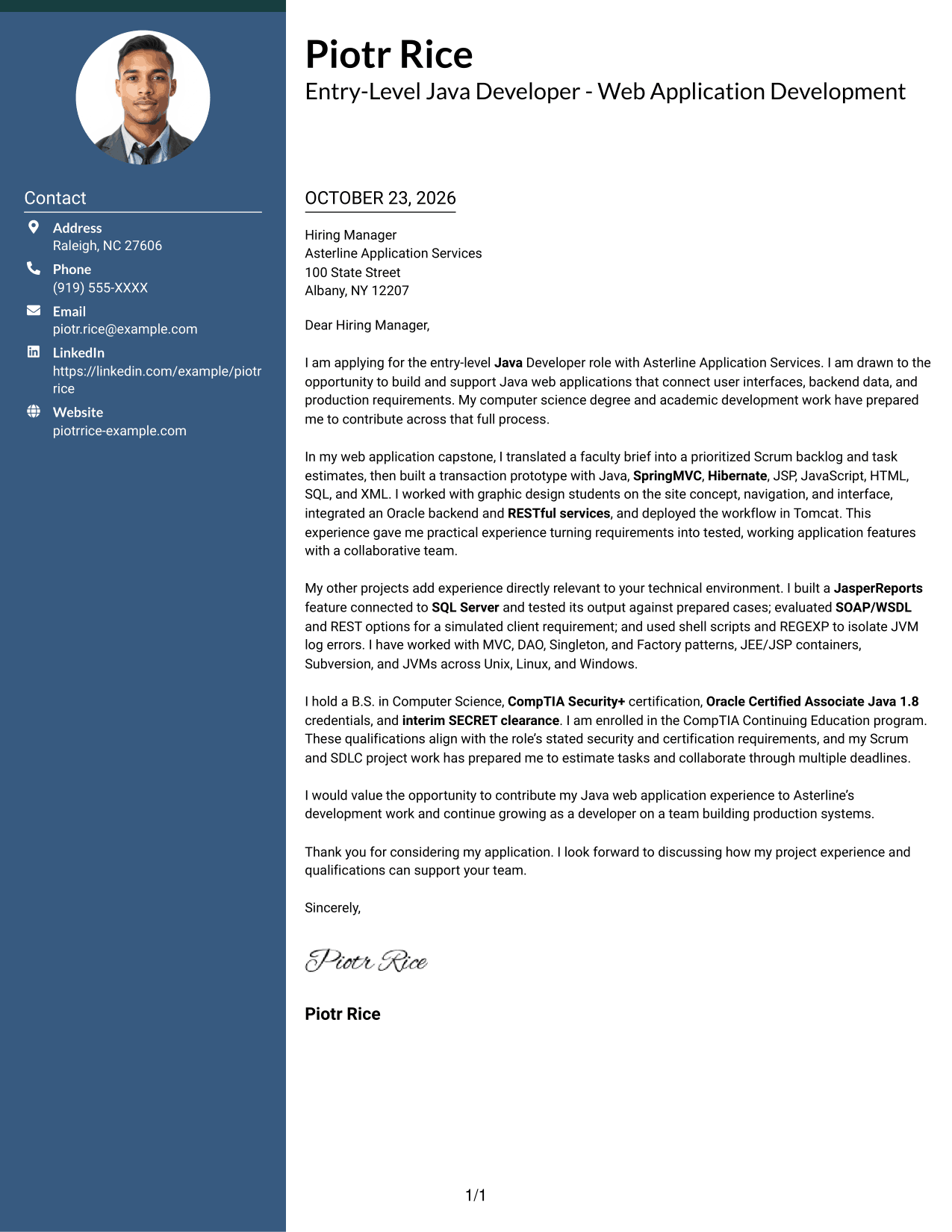
#3 Photo Header Two Column Format Cover Letter Example
The Photo Header Two Column Format pairs a photo header with a contact sidebar, while the letter stays in one continuous body column.
Why This Format Works
- The photo header gives the contact presentation a visible focal point.
- A separate sidebar keeps sender details apart from the letter's message.
- The single body column lets the argument develop in paragraph order.
Best For
- Photo header preference
- Contact details outside the letter body
- One-column letter argument
- Formal application correspondence
- Letters without argument headings
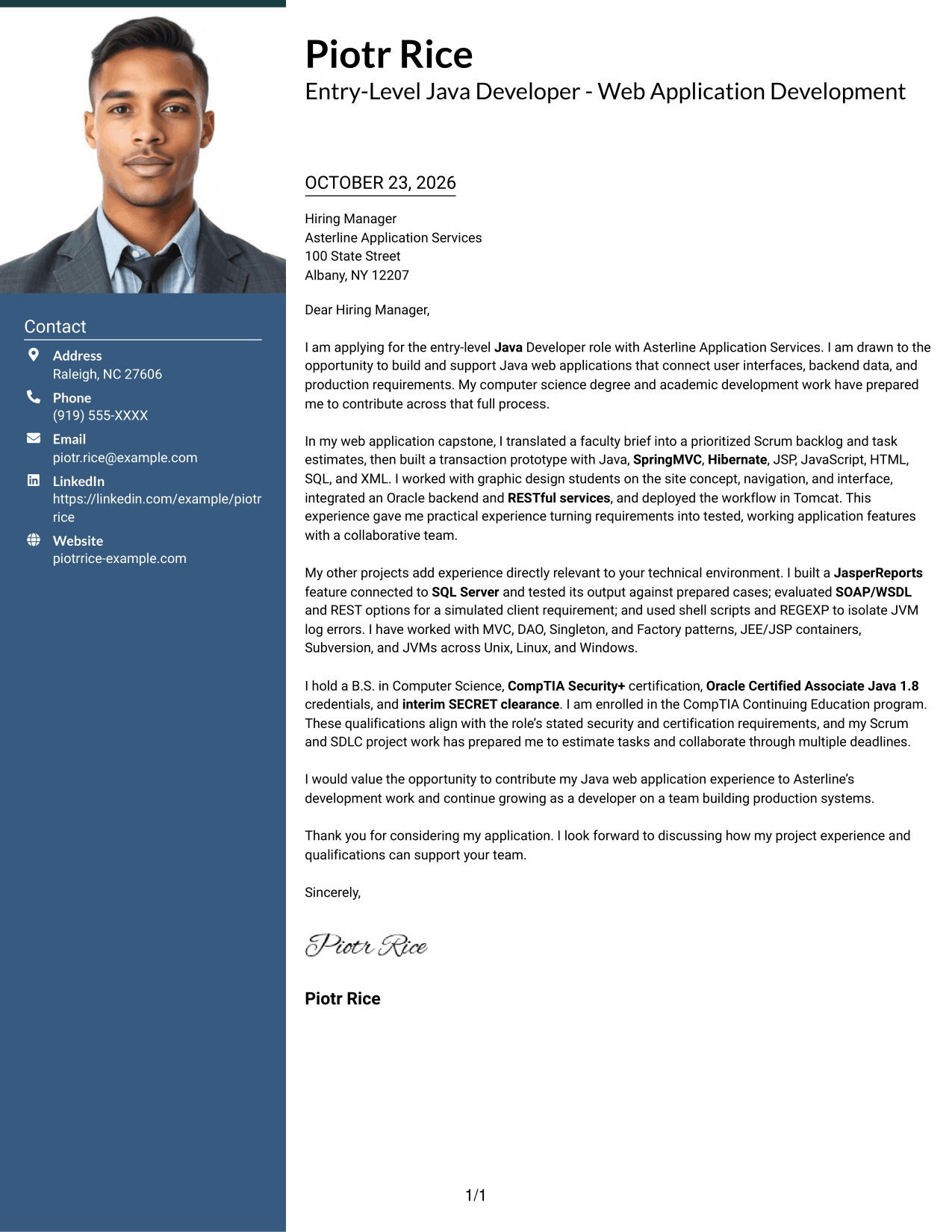
#4 One Column Format with Photo Cover Letter Example
The One Column Format with Photo keeps the complete letter in one body column and includes a photo.
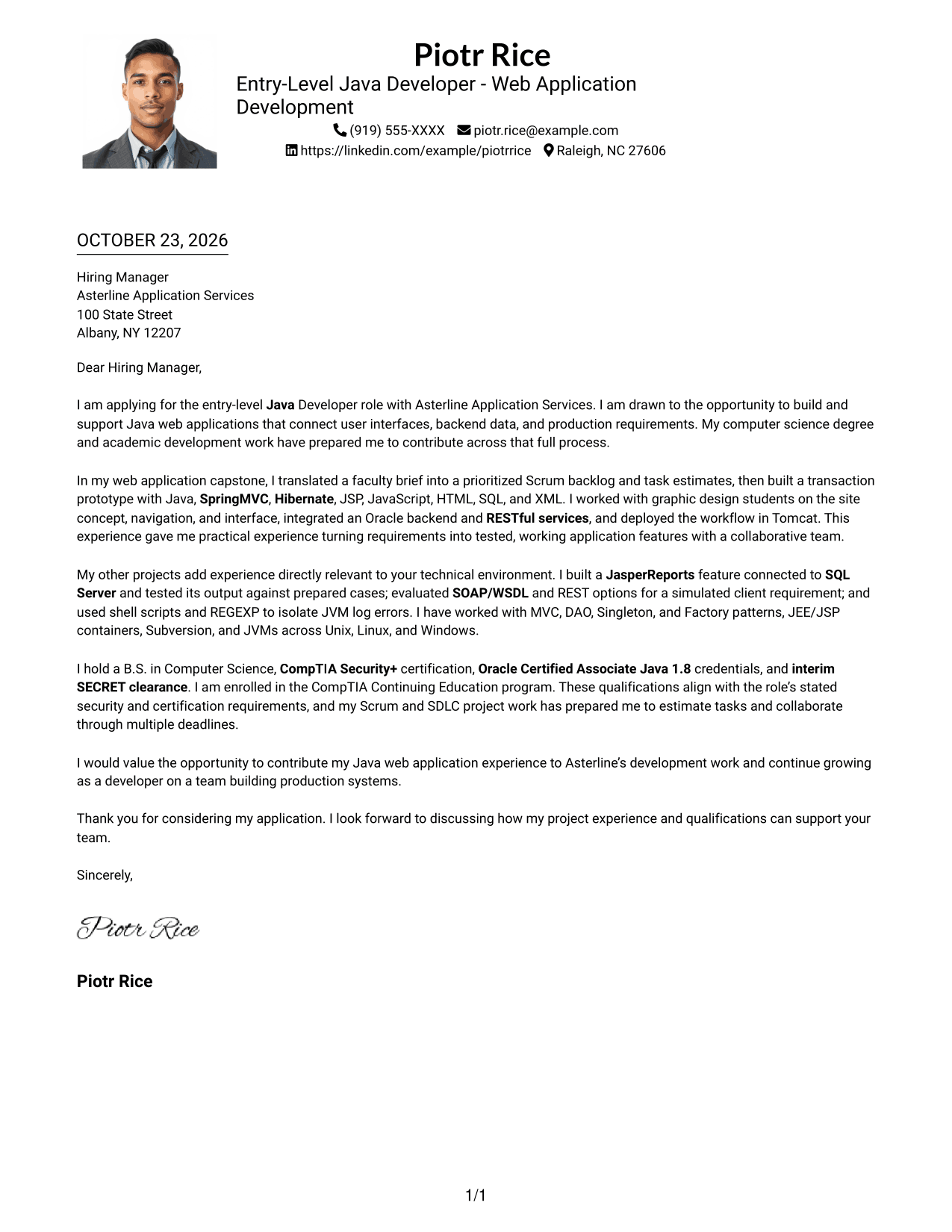
Why This Format Works
- A single body column keeps the opening and closing in direct reading order.
- The photo adds a visual element without dividing the letter's paragraphs.
- Sender details in the header stay separate from the letter's central message.
Best For
- One-column letter reading
- Photo-inclusive correspondence
- Header-based sender details
- Letters without body headings
- Formal application materials
#5 Simple Two Column Format Cover Letter Example
The Simple Two Column Format places contact details beside, rather than inside, the letter's one-column body.
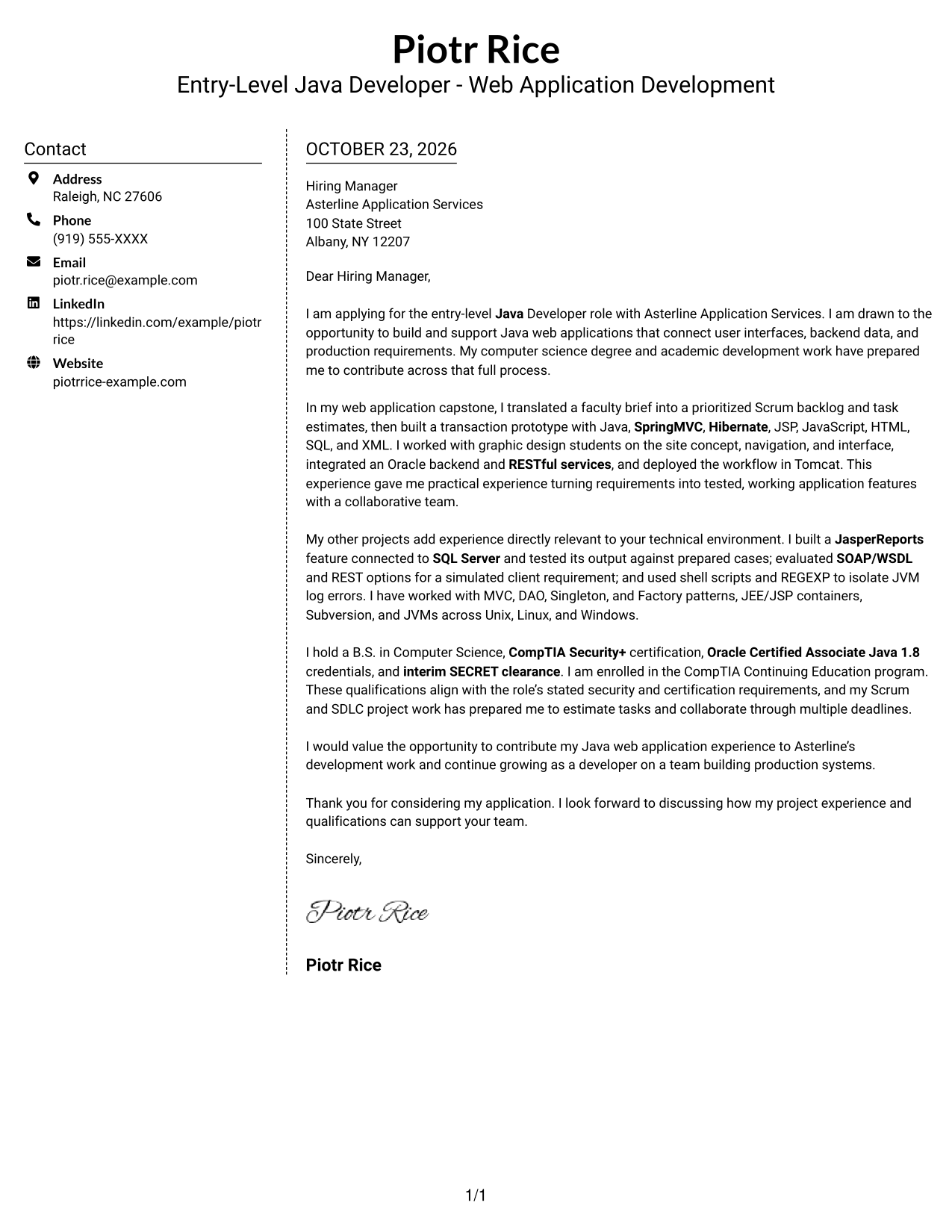
Why This Format Works
- The contact sidebar lets readers locate sender details without searching the letter.
- One body column keeps the case for the role together from start to finish.
- Paragraphs carry the motivation and evidence without section labels interrupting them.
Best For
- Contact details beside the message
- One-column letter text
- Photo-free application materials
- Paragraph-led role arguments
- Formal cover letter structure
#6 Modern Icon Format Cover Letter Example
Modern Icon Format uses two columns, with contact cues in the sidebar and a continuous letter body alongside it.
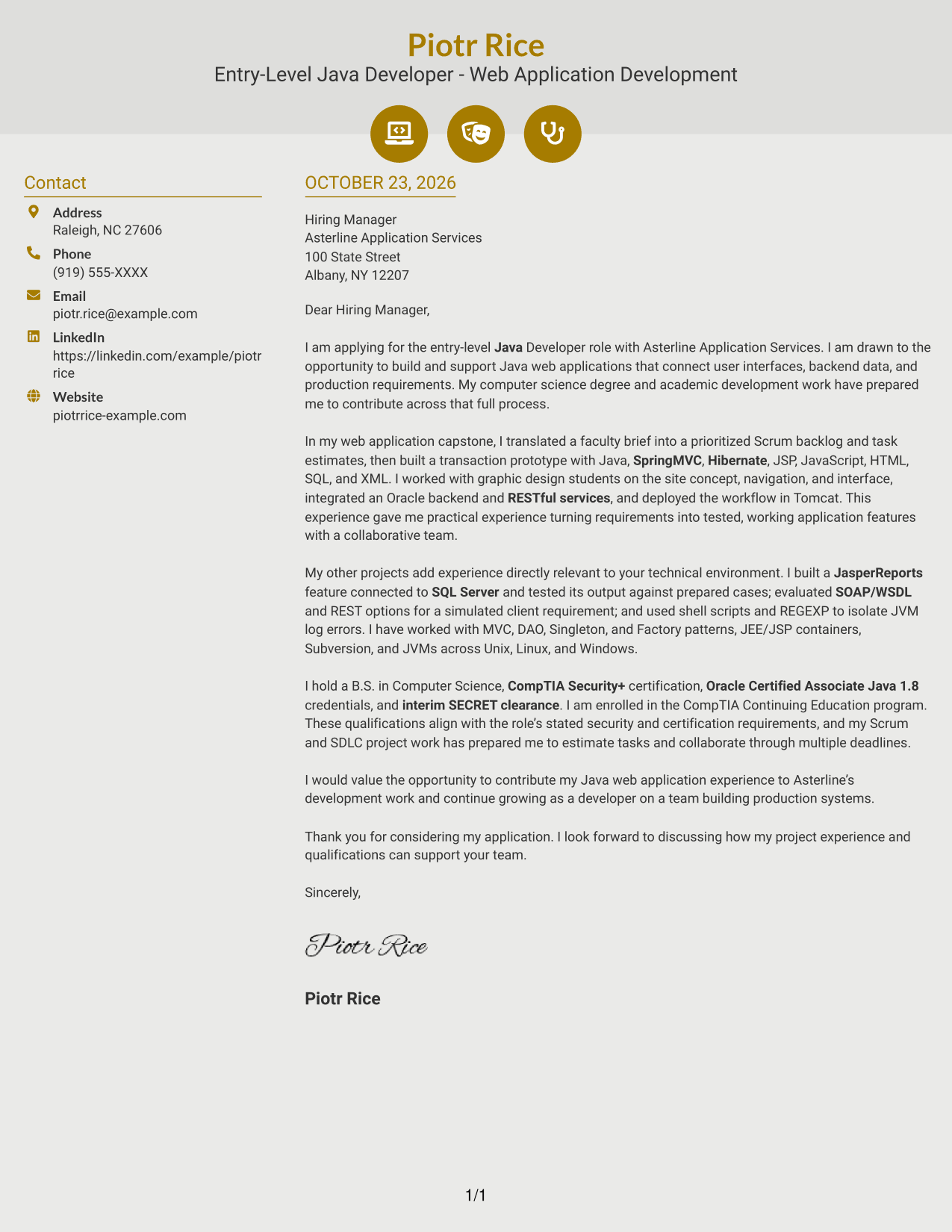
Why This Format Works
- Contact icons act as quick cues for sender information, not letter arguments.
- The sidebar keeps contact details distinct from the one-column letter body.
- A continuous body lets the opening, evidence, and close connect naturally.
Best For
- Icon cues for contact details
- Separate contact and message areas
- Single-column letter text
- Photo-free correspondence
- Continuous paragraph arguments
#7 Creative Two Tone Format Cover Letter Example
Creative Two Tone Format sets contact information beside a single continuous letter body in two columns.
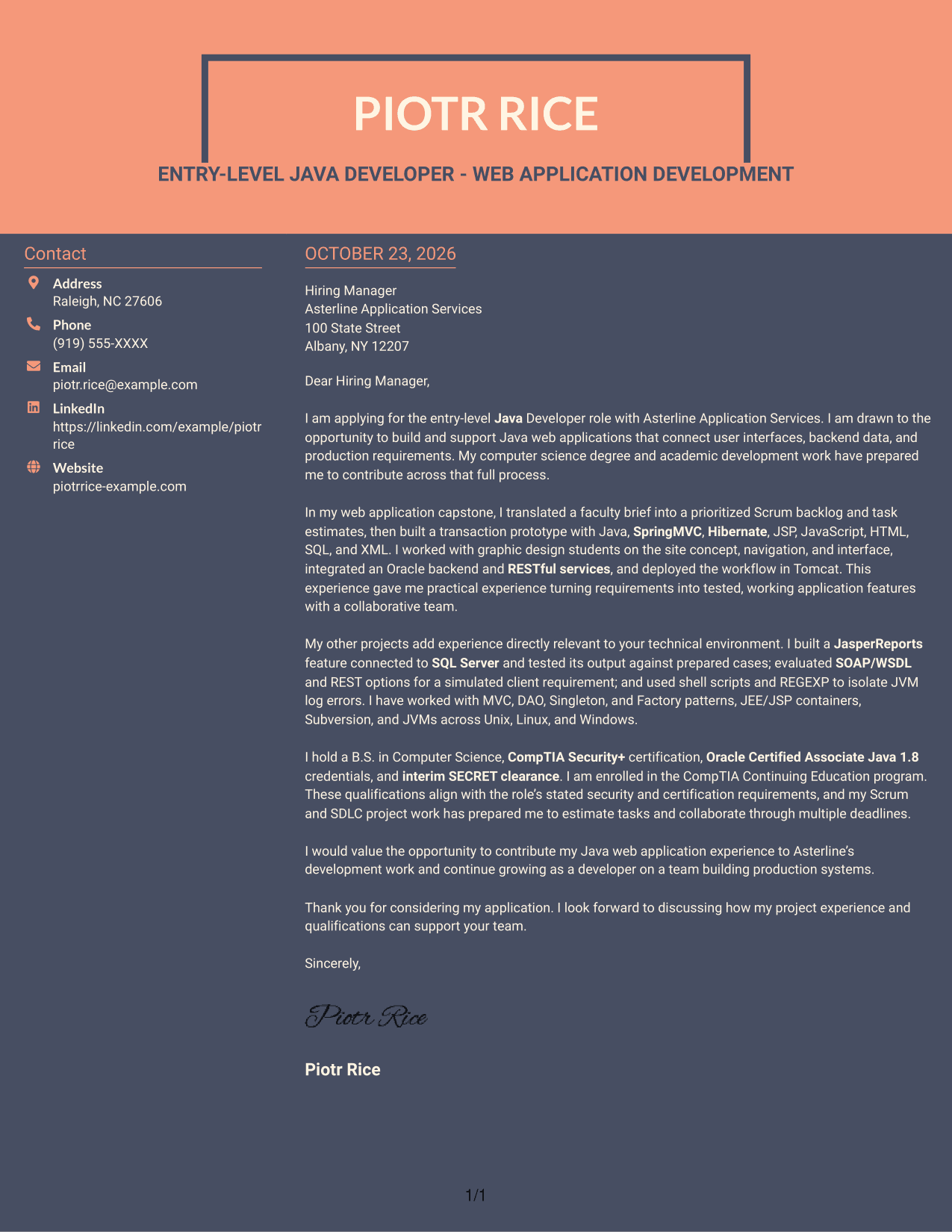
Why This Format Works
- The sidebar gives sender details a place apart from the letter's message.
- The one-column body keeps the letter's reasoning in a clear sequence.
- Paragraphs connect the opening, supporting points, and close without body headings.
Best For
- Distinct contact and message areas
- One-column letter flow
- Photo-free document layouts
- Letters without body headings
- Paragraph-based application cases
See Also
- 7 Entry-Level Java Developer - Web Application Development Resume Templates with Example
- 7 Java Developer Intern - Web Services Resume Templates with Example
- 33 Associate - Java Developer Resume Templates with Example 2026 (ATS-Optimized)
- 7 Entry-Level Java/C++ Developer Resume Templates with Example
- 33 Entry Level Java Developer Resume Templates with Example
- 7 Java Developer Intern - API Integration Resume Templates with Example
- Java Developer Intern Resume Guide (Example + Free PDF Download)
- Java Software Developer Resume Guide (Examples + Free PDF Downloads)
- 7 Java Developer Intern - Web Services Cover Letter Templates with Example
- 30+ Associate - Java Developer Cover Letter Templates with Example 2026
Frequently Asked Questions
What should an Entry-Level Java Developer - Web Application Development cover letter include?
Explain your interest in the role, then use relevant examples to show how you approach Java web application work. You can discuss requirements, interfaces, database connections, testing, deployment, and teamwork when those details match your experience.
How can I show Java web application experience in a cover letter?
Choose a project and describe your contribution in plain language. For example, you might explain how you used Java, SpringMVC, Hibernate, Oracle, RESTful services, or Tomcat, but include only tools and work you can support with your own experience.
How should I connect my experience to an employer’s needs?
Read the role requirements and select relevant examples. For this type of position, you could connect requirements analysis, interface collaboration, database integration, troubleshooting, or task estimation to the work described in the posting.
What do the cover letter preview images show?
The PNG previews let you compare the example’s appearance. Use the editor link to open the example and review its presentation before deciding how to adapt your letter.
Should I include certifications and clearance details?
Include them when they are relevant to the role and you hold the stated credentials. Name each certification or clearance accurately, and do not imply that you meet a requirement unless you can verify it.




