
7 Entry-Level Java Full-Stack Programmer Cover Letter Templates with Example
This practical guide helps you write an Entry-Level Java Full-Stack Programmer cover letter and compare seven layouts for presenting your role fit clearly.
What Makes a Great Entry-Level Java Full-Stack Programmer Cover Letter in 2026
A strong letter connects your interest in the role to clear evidence of Java and full-stack programming skills. Use a direct opening, focused body paragraphs, and a confident closing.
Show what you did in a relevant application, such as building Java and Spring Boot features or testing REST API workflows with SQL and JUnit. Then explain how your approach to requirements and communication fits the employer's work.
The featured Entry-Level Java Full-Stack Programmer letter moves from role interest to tested project evidence, then explains fit with a client-assignment model and closes directly. Adapt this progression with relevant evidence, choosing a presentation suited to the employer and communication context.
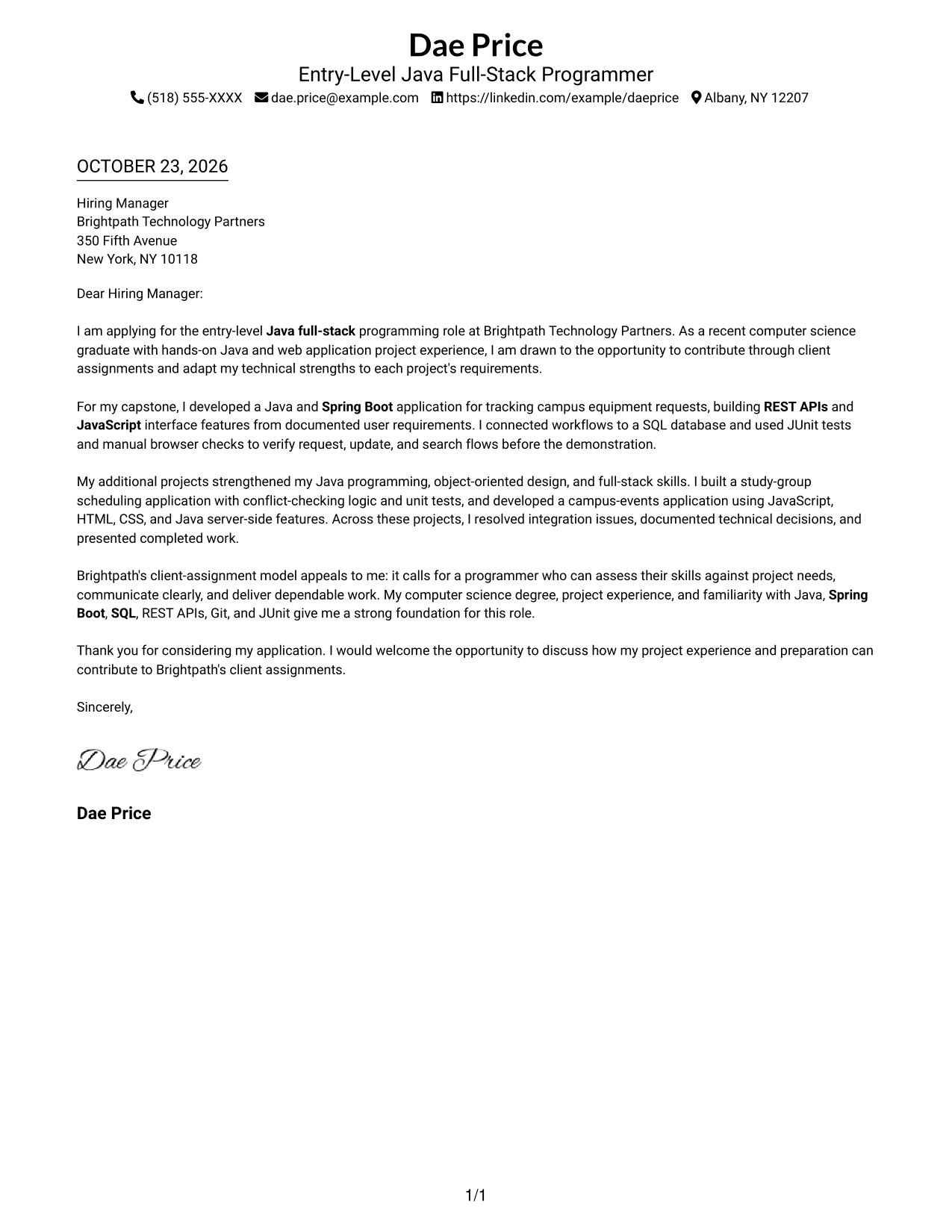
#1 Simple One Column Format Cover Letter Example
A single-column layout keeps sender details in the header and the letter in one continuous body, giving the reader a direct path through the message.
Why This Format Works
- The header keeps contact details apart from the message itself.
- A single reading path lets the reviewer follow the letter's argument in order.
- No sidebar competes with the paragraphs for space or attention.
Best For
- Single-column correspondence
- Header-based contact details
- Direct opening-to-close reading
- Project evidence in letter prose
- Applications with a clear company focus
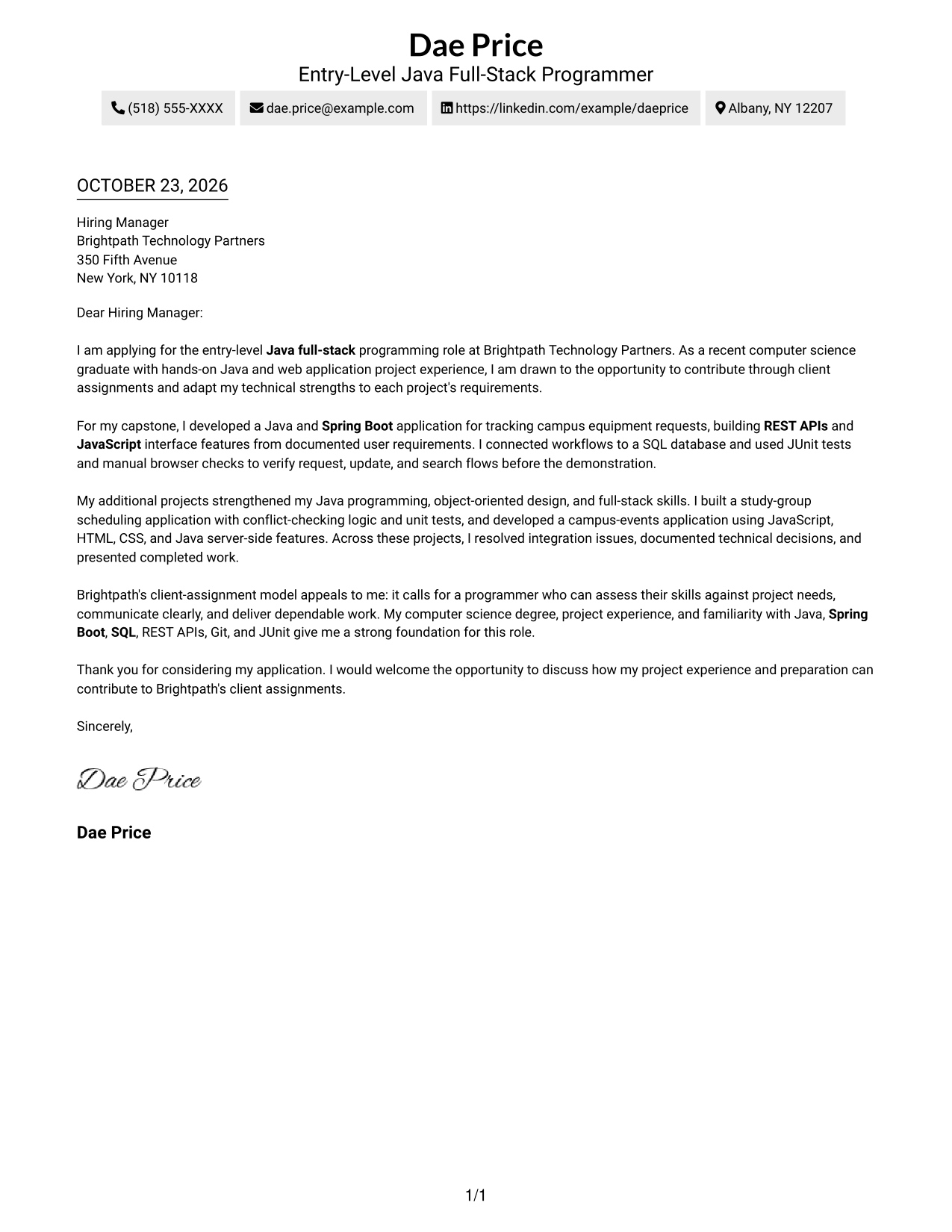
#2 Two Column Format Cover Letter Example
A contact sidebar sits beside one continuous letter body, keeping contact details apart from the message while preserving a clear reading order.
Why This Format Works
- Contact details remain easy to locate in their own sidebar.
- The reviewer can follow the opening, project evidence, and closing in one sequence.
- The letter's argument stays in one body instead of splitting across columns.
Best For
- Side-by-side contact and letter
- Continuous paragraph arguments
- Company-addressed applications
- Project evidence in prose
- Quick access to sender details
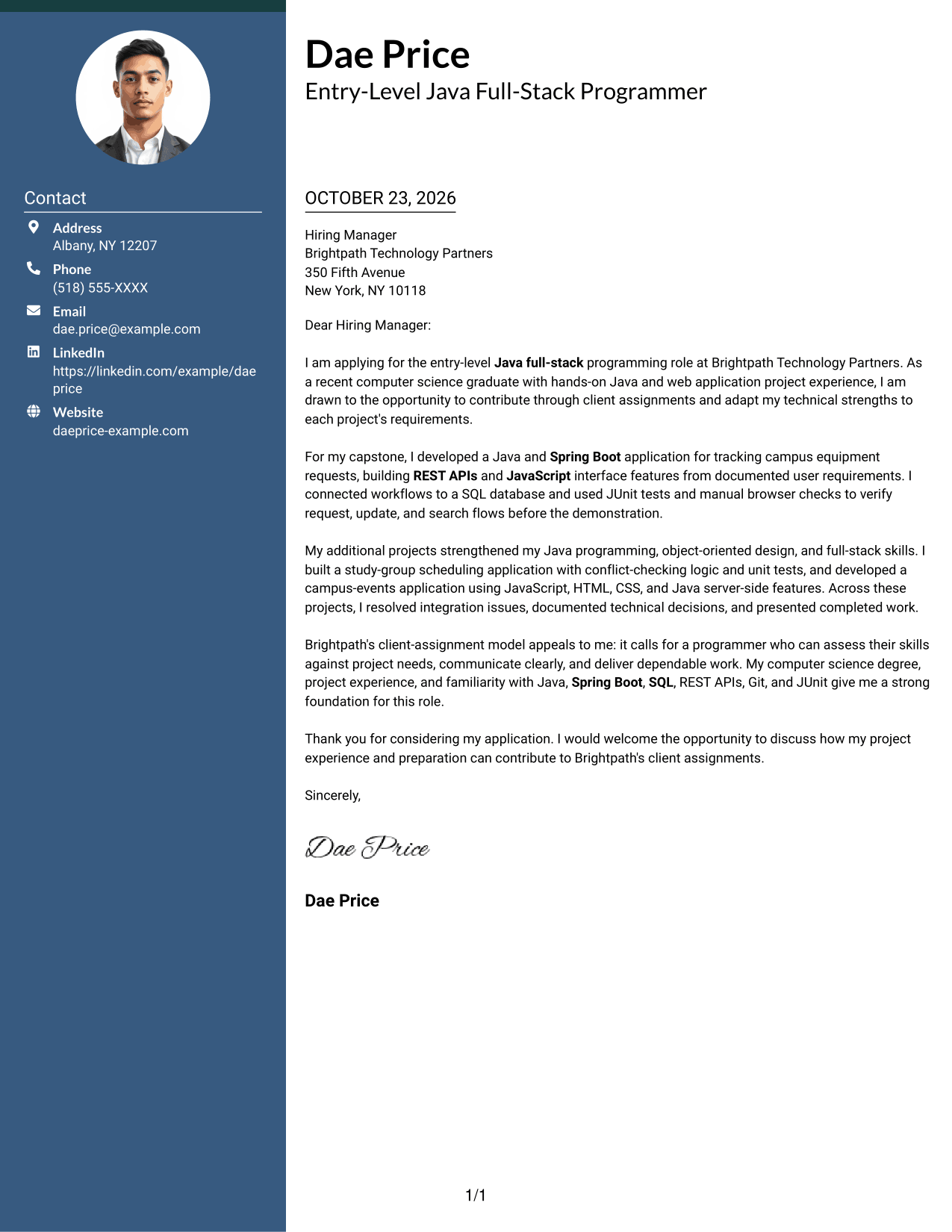
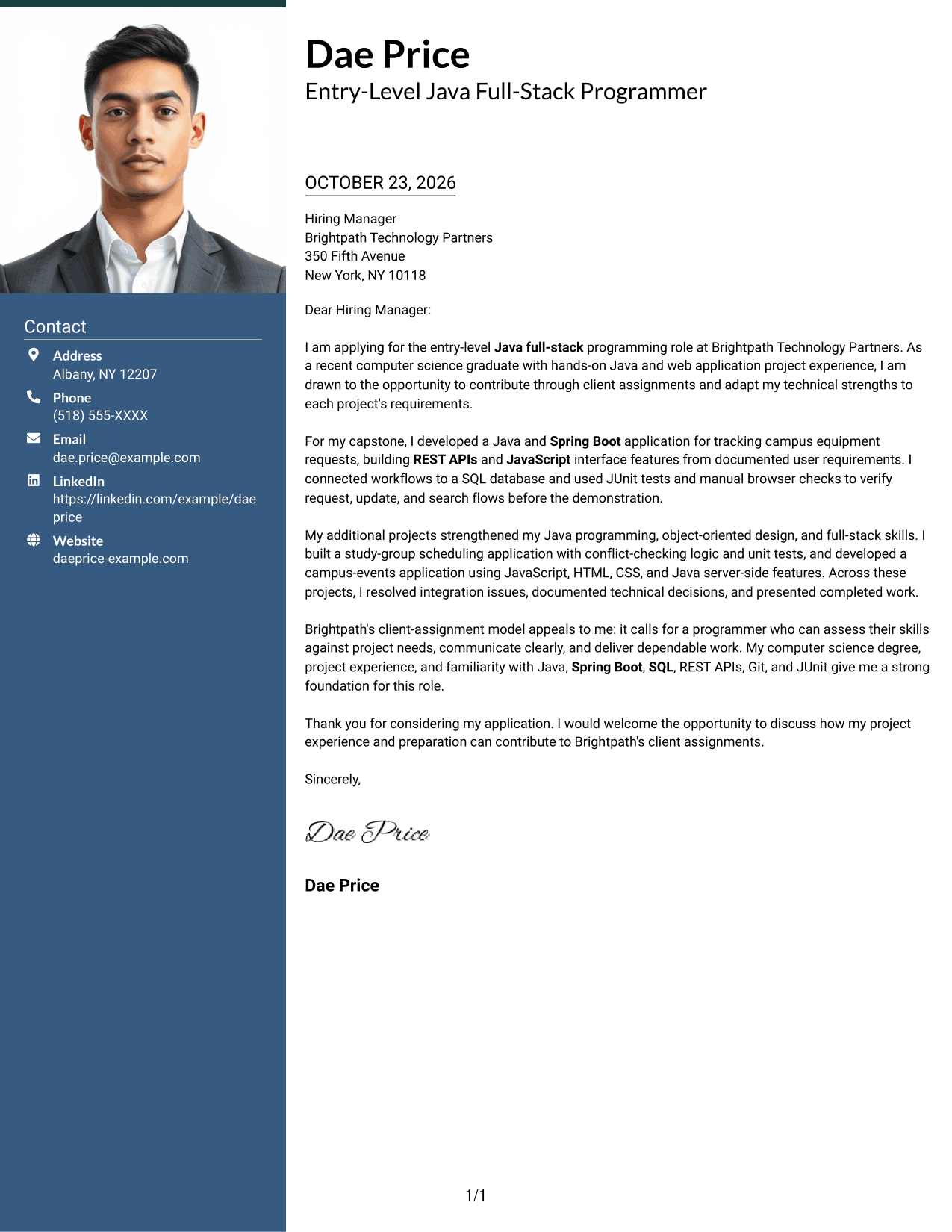
#3 Photo Header Two Column Format Cover Letter Example
This two-column layout includes a photo and a contact sidebar alongside one continuous letter body, keeping the message in a clear reading order.
Why This Format Works
- A photo adds a personal visual element without dividing the letter's message.
- The sidebar keeps contact details separate from the continuous letter body.
- The reviewer can follow the opening, evidence, and closing in sequence.
Best For
- Photo-inclusive correspondence
- Sidebar contact access
- Continuous letter paragraphs
- Project evidence in prose
- Readers who prefer a personal visual element
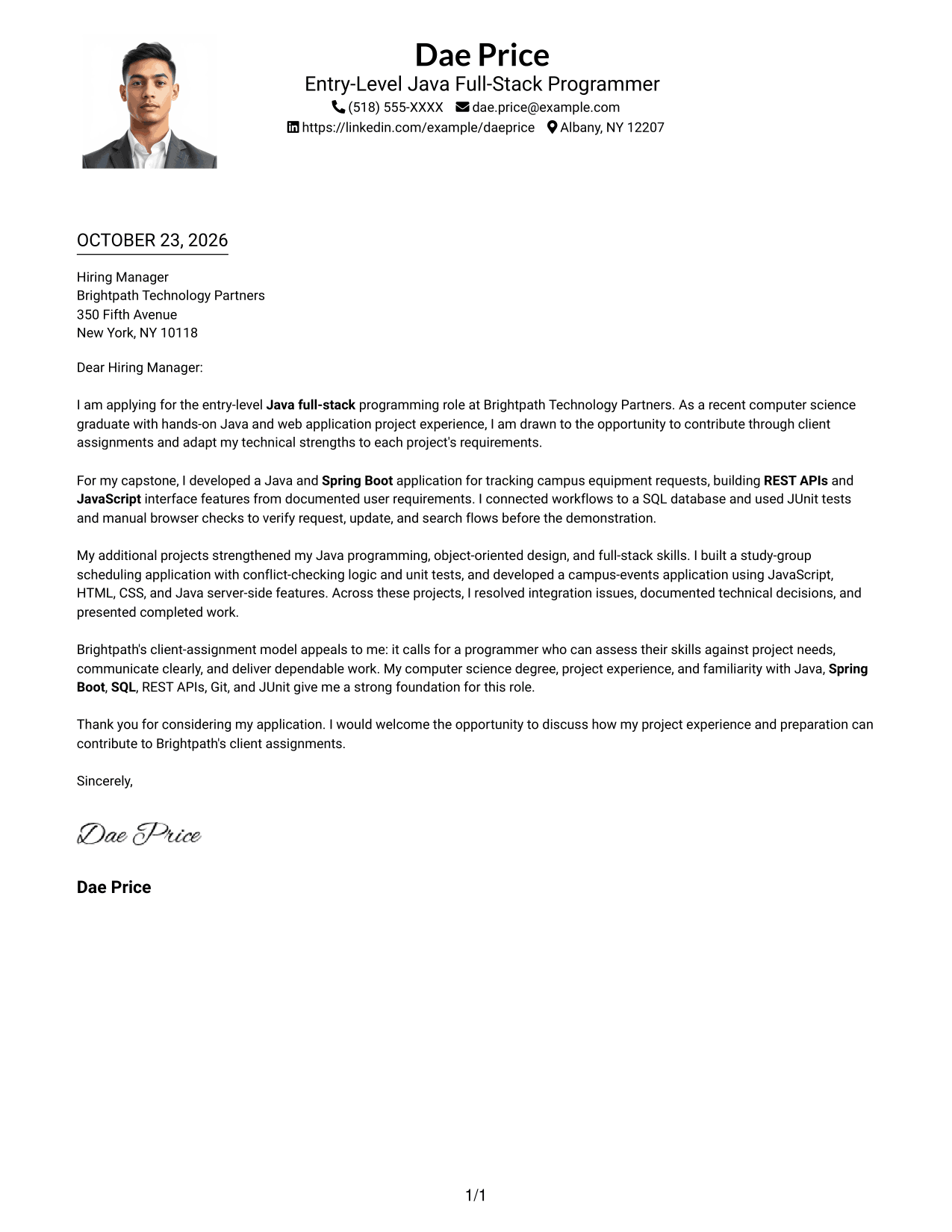
#4 One Column Format with Photo Cover Letter Example
A single-column letter includes a photo while keeping sender details in the header and the message in one continuous body.
Why This Format Works
- The letter's single reading path keeps its message in a clear order.
- Header contact details stay distinct from the paragraphs that make the case.
- A photo adds a visual element without changing the letter's paragraph structure.
Best For
- Single-column letter reading
- Photo-inclusive document preference
- Header-based contact details
- Project evidence in prose
- Direct employer-specific correspondence
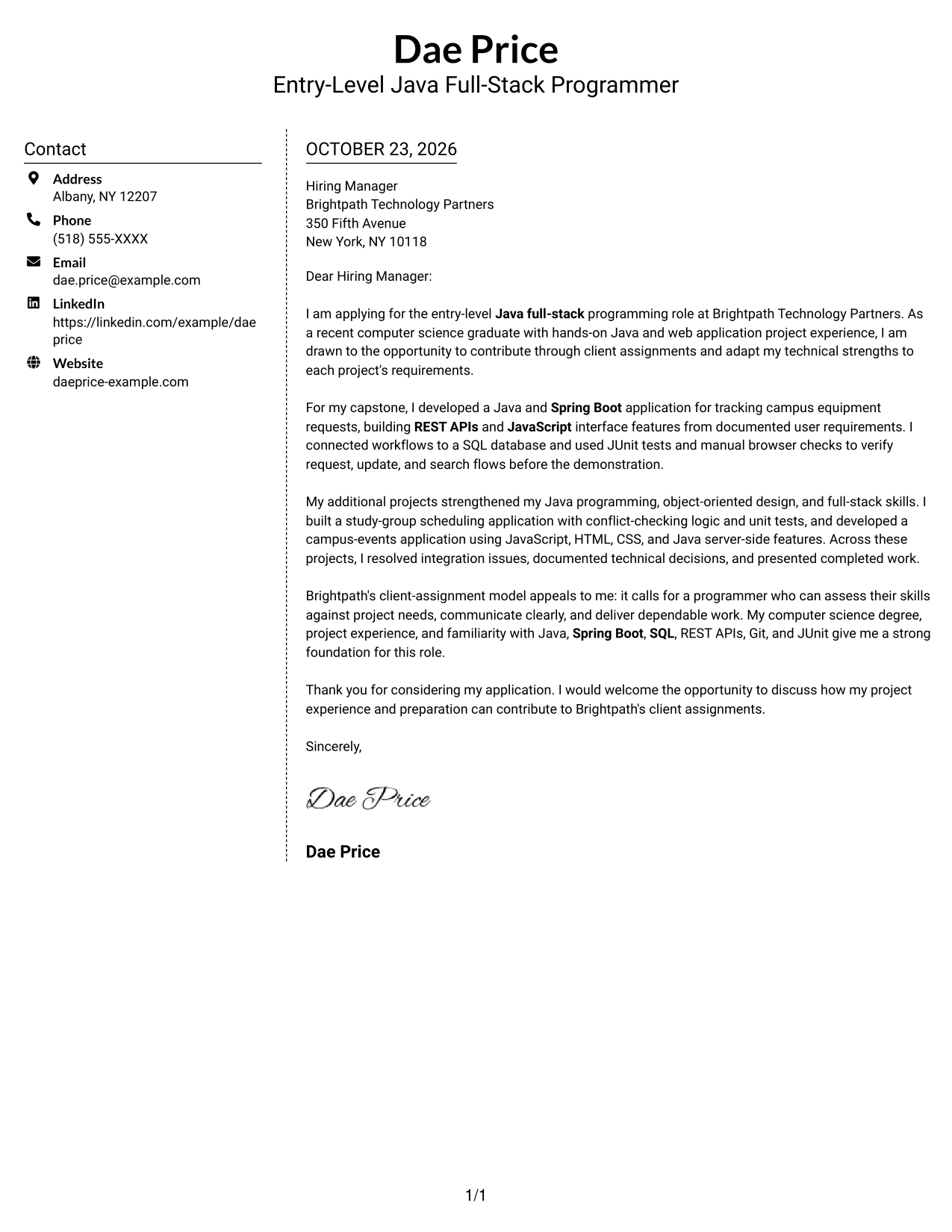
#5 Simple Two Column Format Cover Letter Example
The contact sidebar sits beside a continuous letter body, giving practical details their own area while keeping the message together.
Why This Format Works
- The sidebar places sender information outside the letter's narrative paragraphs.
- The opening, supporting evidence, and close remain in one reading sequence.
- The contact area is distinct from the main letter body.
Best For
- Separate contact and message areas
- Continuous letter paragraphs
- Project examples told in prose
- Employer-specific correspondence
- Readers who check contact details first
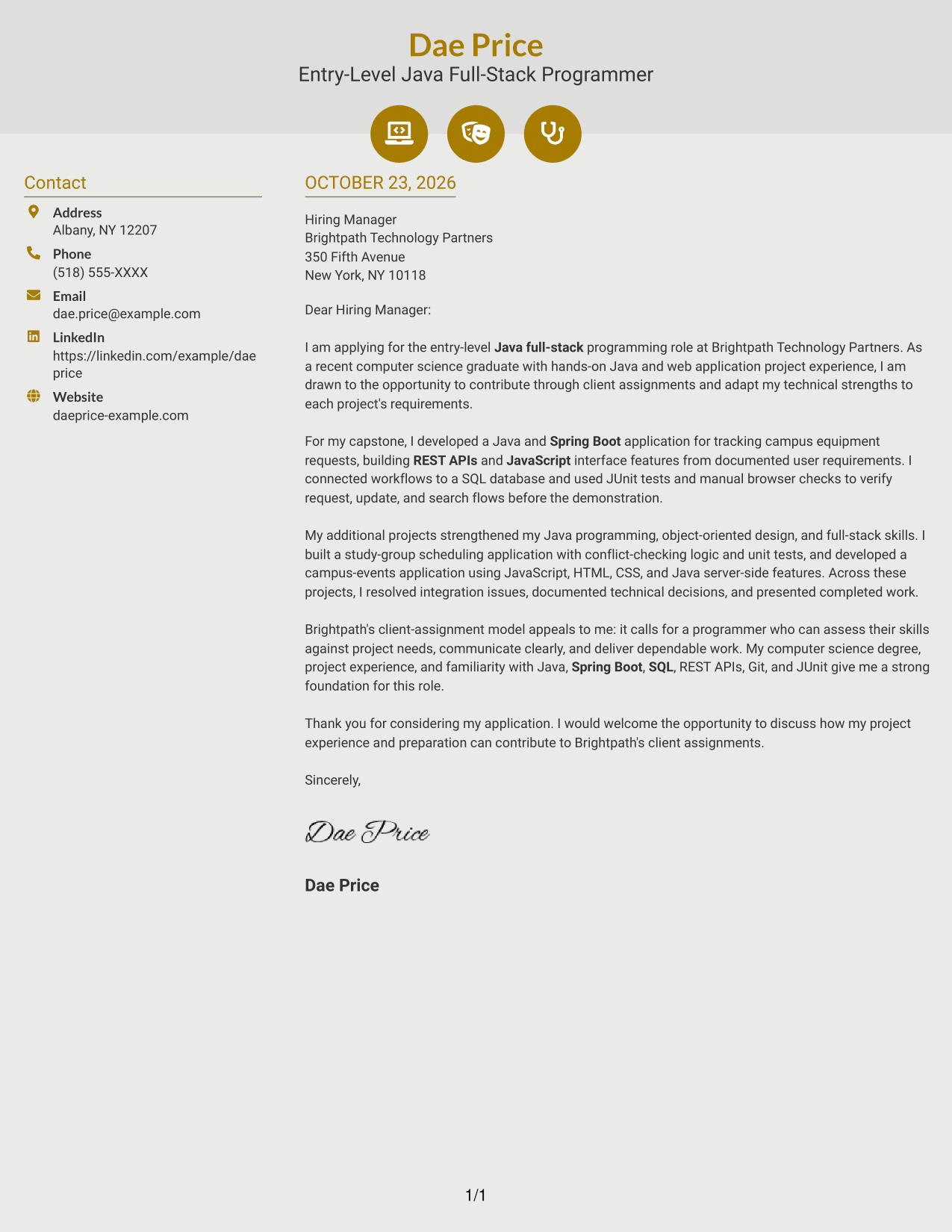
#6 Modern Icon Format Cover Letter Example
Contact icons provide visual cues in this two-column layout, while one continuous letter body keeps the message in sequence.
Why This Format Works
- Contact icons help distinguish contact details from the letter's main message.
- The body keeps the opening, evidence, and closing in one sequence.
- The sidebar gives practical information a place beside the correspondence.
Best For
- Icon-guided contact details
- Two-column correspondence
- Continuous paragraph arguments
- Project evidence in letter prose
- Readers who scan contact information first
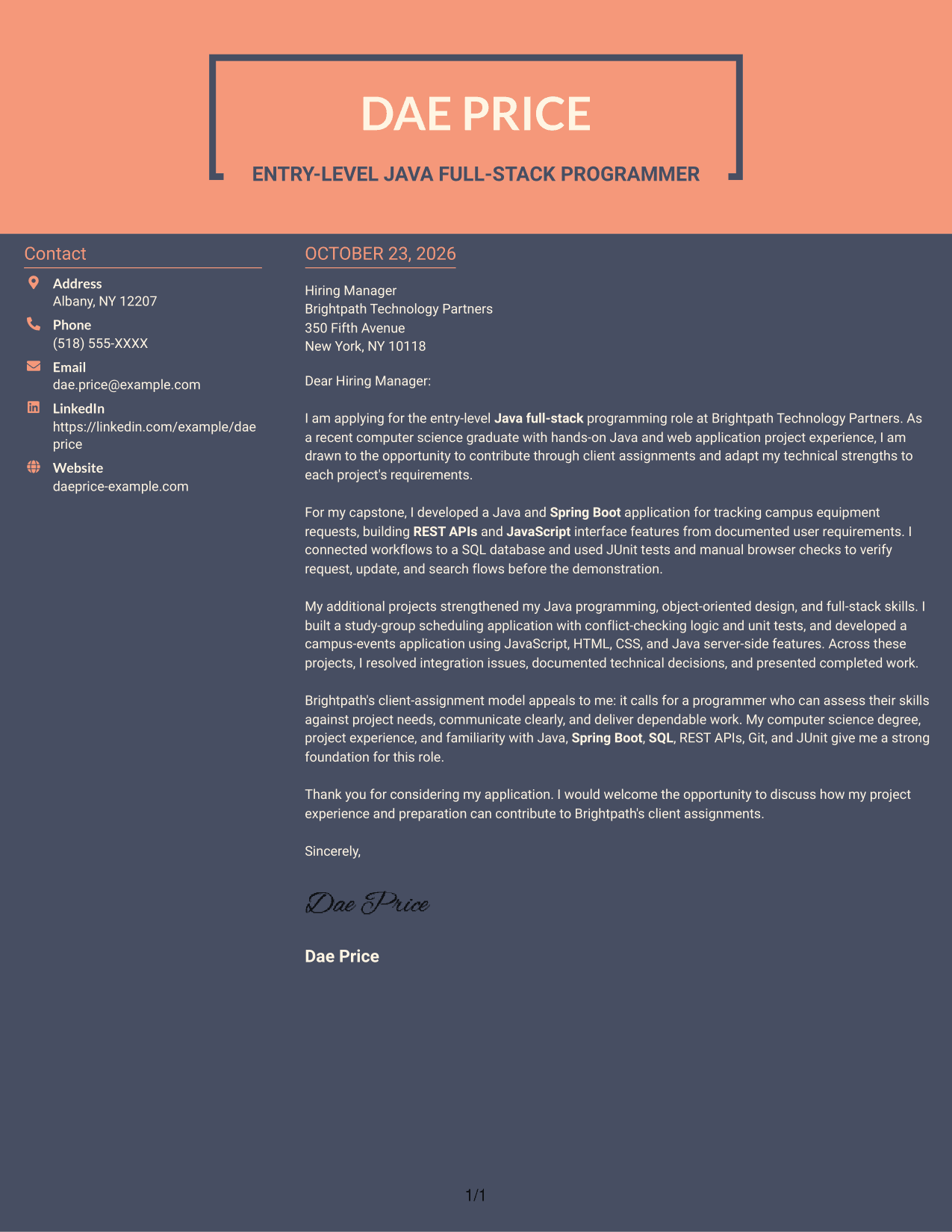
#7 Creative Two Tone Format Cover Letter Example
The two-column layout places contact details beside one continuous letter body, keeping practical information distinct from the message.
Why This Format Works
- The contact sidebar gives sender details a separate place beside the letter.
- The reviewer can follow the message from opening to closing without a split body.
- Contact information stays outside the paragraphs that explain interest and fit.
Best For
- Contact details beside the letter
- One-column letter-body reading
- Company-specific motivation in prose
- Project evidence within paragraphs
- Readers preferring distinct contact and message areas
See Also
- 7 Entry-Level Java Full-Stack Programmer Resume Templates with Example
- 7 Entry-Level Python Programmer Resume Templates with Example
- 33 Entry-Level Software Programmer Resume Templates with Example 2026 (ATS-Optimized)
- 7 Information Technology Programmer Analyst - Endpoint & User Management Resume Templates with Example
- 7 Information Technology Programmer Analyst - IT Business Analyst Resume Templates with Example
- 7 Information Technology Programmer/Analyst - Security Incident Response Resume Templates with Example
- 33 PLC Programmer and Control Technician Resume Templates with Example 2026 (ATS-Optimized)
- 33 PLC Programmer / Controls Engineer Resume Templates with Example 2026 (ATS-Optimized)
- 7 Entry-Level Python Programmer Cover Letter Templates with Example
- 30+ Entry-Level Software Programmer Cover Letter Templates with Example 2026
Frequently Asked Questions
What should the opening paragraph say?
Name the Entry-Level Java Full-Stack Programmer role and state why the work interests you. Keep the opening direct, then use the body to support your fit with specific evidence.
What project details belong in the body?
Choose a relevant example and explain your contribution, the tools you used, and how you checked the result. For example, you could describe building a Java and Spring Boot application, connecting it to SQL data, and testing key workflows.
How can I address client assignments in my letter?
Explain how you would review each assignment's requirements, match them to your skills, and communicate your decisions. Do not claim experience or abilities that you cannot support with an example.
Can I write a strong letter when most of my experience is academic?
Yes. Describe a course or capstone application, your specific contribution, and how you tested or presented the work. Keep the focus on what you did and how it relates to the role.
How can I compare the cover letter examples?
Review the PNG image previews to compare how each letter presents its opening, body, and closing. Open an example in the editor to view its layout and customize the letter.




