
7 Entry-Level Landscape Designer - Landscape Architecture Resume Templates with Example
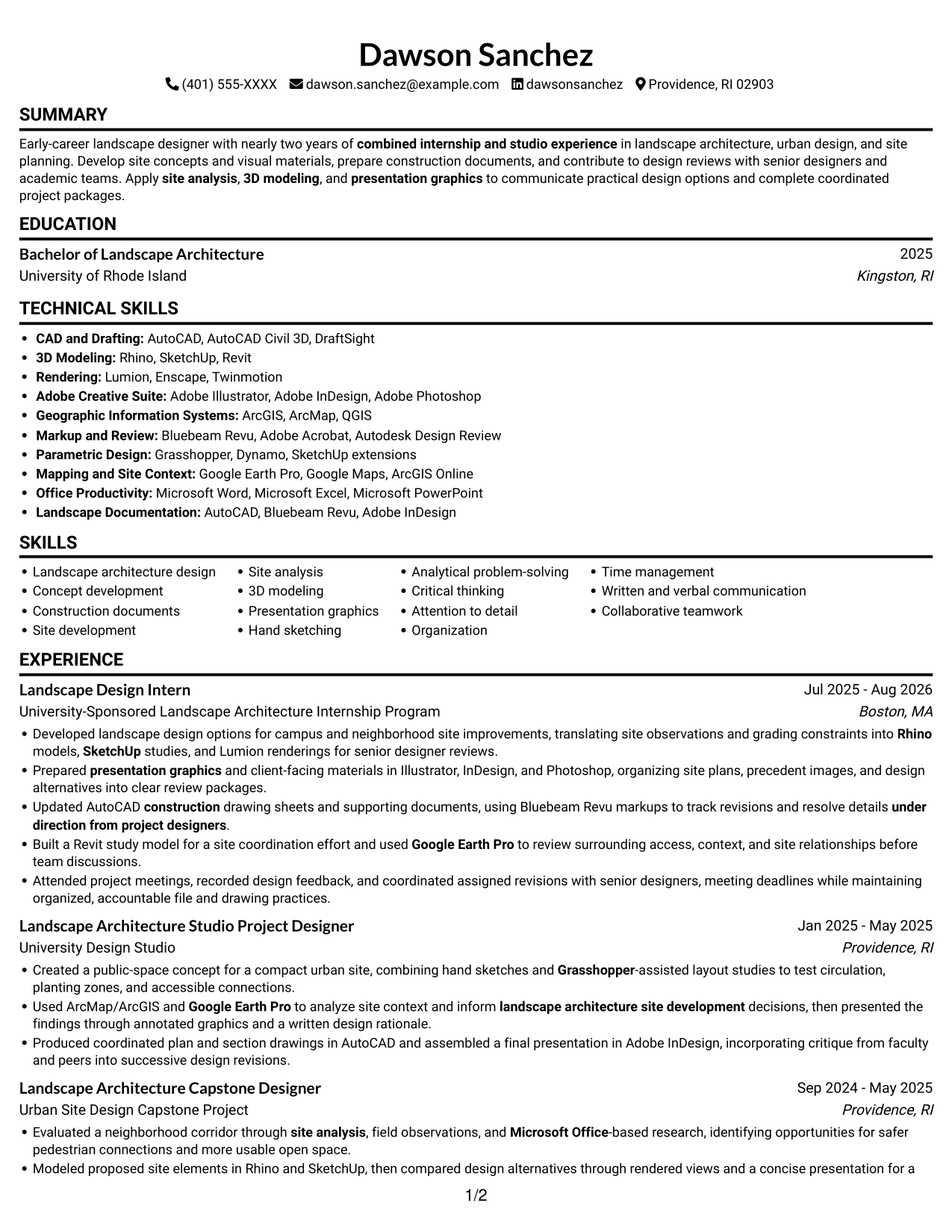
This guide shows you how to create an Entry-Level Landscape Designer - Landscape Architecture resume that presents your design work and qualifications clearly. You will learn how to organize your evidence so reviewers can quickly understand your contribution to landscape projects.
Strong resumes connect site analysis with clear design outcomes. Highlight relevant experience with concept development, construction documents, 3D modeling, presentation graphics, and tools such as AutoCAD, Rhino, SketchUp, Adobe Creative Suite, and Google Earth Pro.
Compare this example in 7 resume layouts to see how section order, spacing, and visual style affect readability. The image previews help you review each design, and you can open an example in the editor to customize it.
What Makes a Great Entry-Level Landscape Designer - Landscape Architecture Resume in 2026
A strong resume puts relevant design experience, education, and technical skills in clear sections. Focus each bullet on your role, the design work you completed, and how you used feedback or analysis to move the project forward.
Use terms that match your actual experience, such as site analysis, landscape architecture design, construction documents, 3D modeling, and presentation graphics. Name tools such as AutoCAD, Rhino, SketchUp, ArcMap/ArcGIS, and Bluebeam Revu where they support specific work.
Note: Resume examples are for educational purposes only. Use only information that accurately reflects your experience and qualifications. References to real organizations do not imply affiliation or endorsement.
#1 Simple One Column Format Resume Example
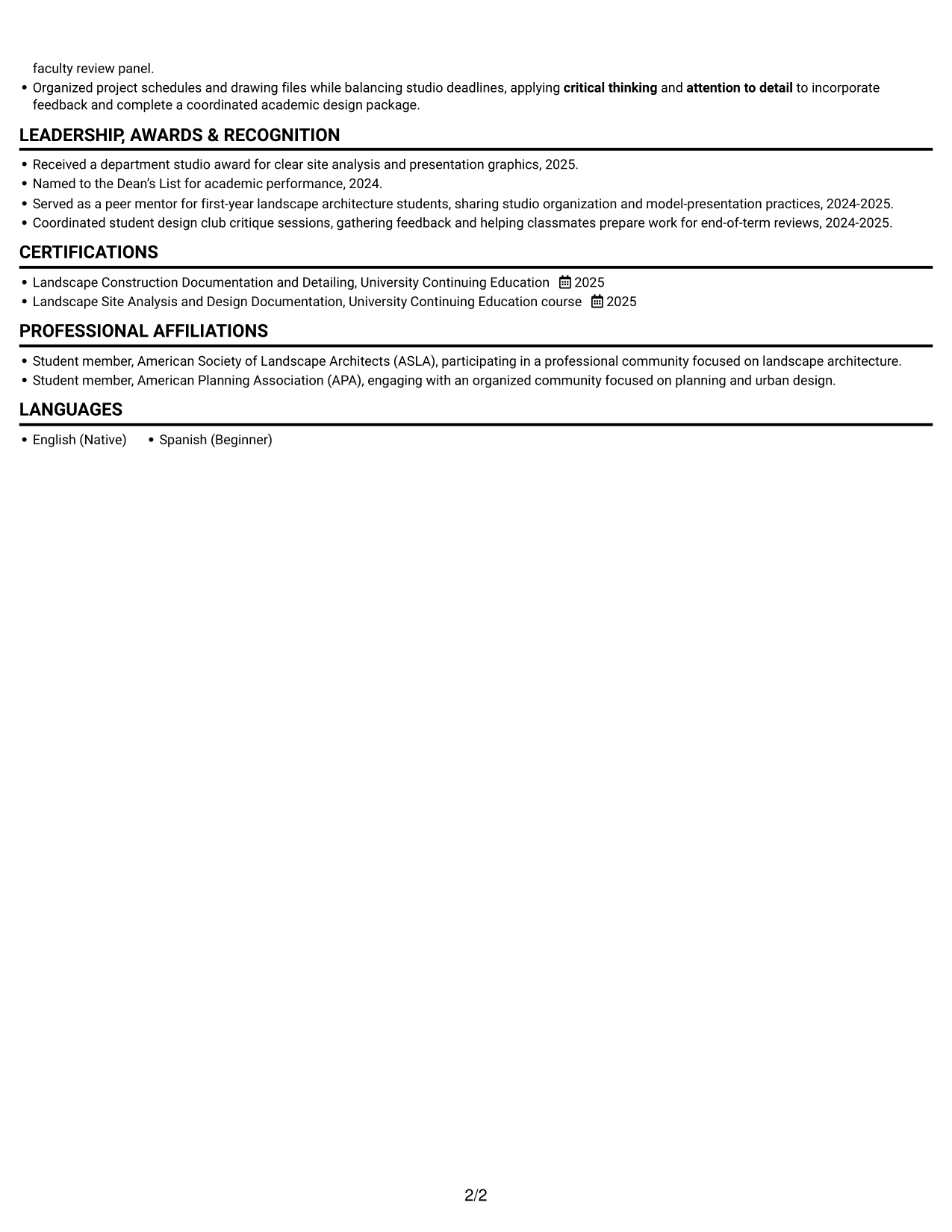
The one-column layout gives the resume a direct reading path, a useful choice for straightforward review from education through experience.
Why This Format Works
- A single reading path keeps education, experience, and credentials in clear sequence.
- Full-width entries give project descriptions room to retain context and outcomes.
- Skills and education stay within the same scan path as experience.
Best For
- One-column reading preference
- Full-width project descriptions
- Sequential experience review
- Detailed skills alongside education
- Mixed internship and studio work
Resume Keywords
- Landscape architecture design
- Concept development
- AutoCAD construction drawing sheets and supporting documents
- landscape architecture site development
- site analysis
- 3D modeling
- presentation graphics
- Rhino
- Microsoft Office
- Google Earth Pro
- Analytical problem-solving
- problem-solving
- Critical thinking
- Attention to detail
- Organization
#2 Simple Two Column Format Resume Example
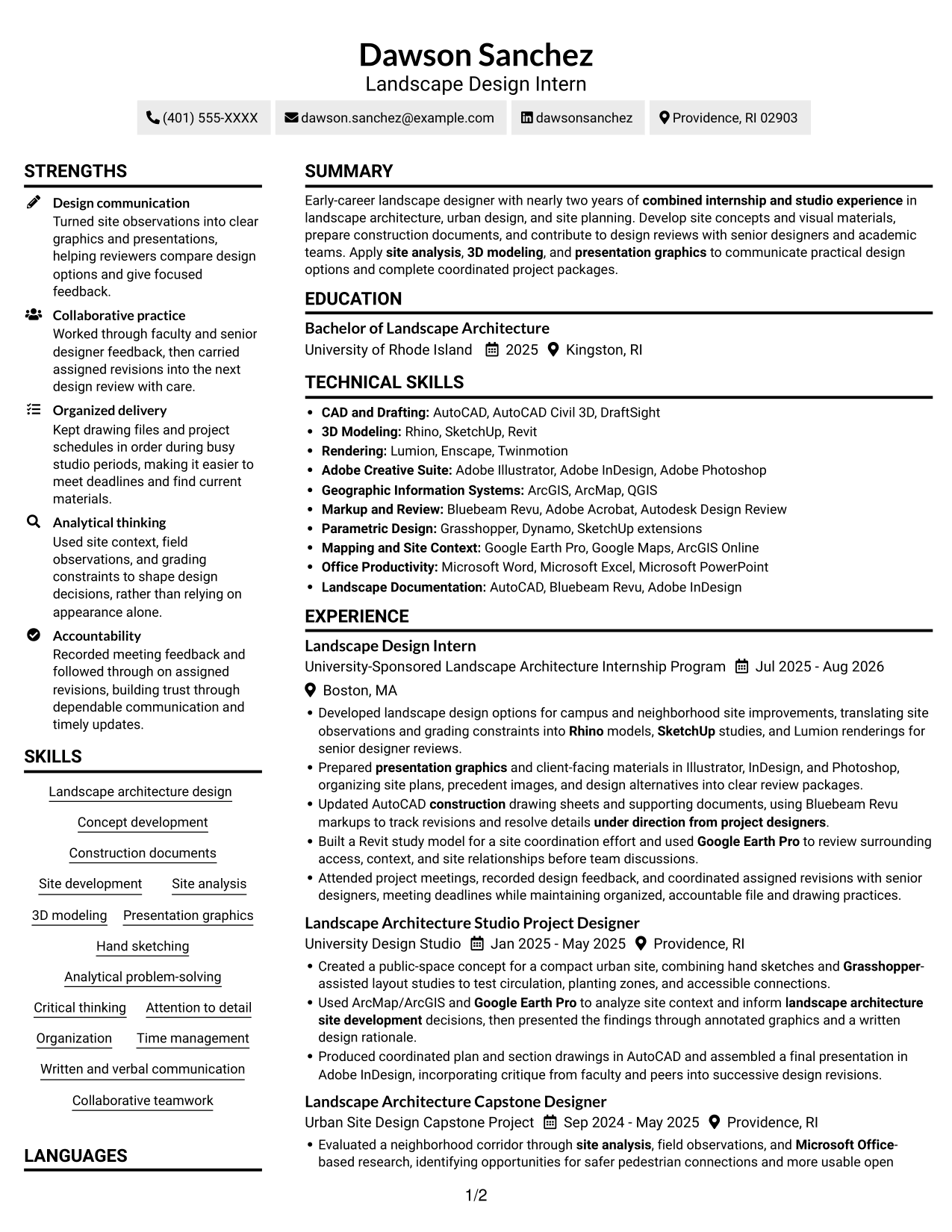
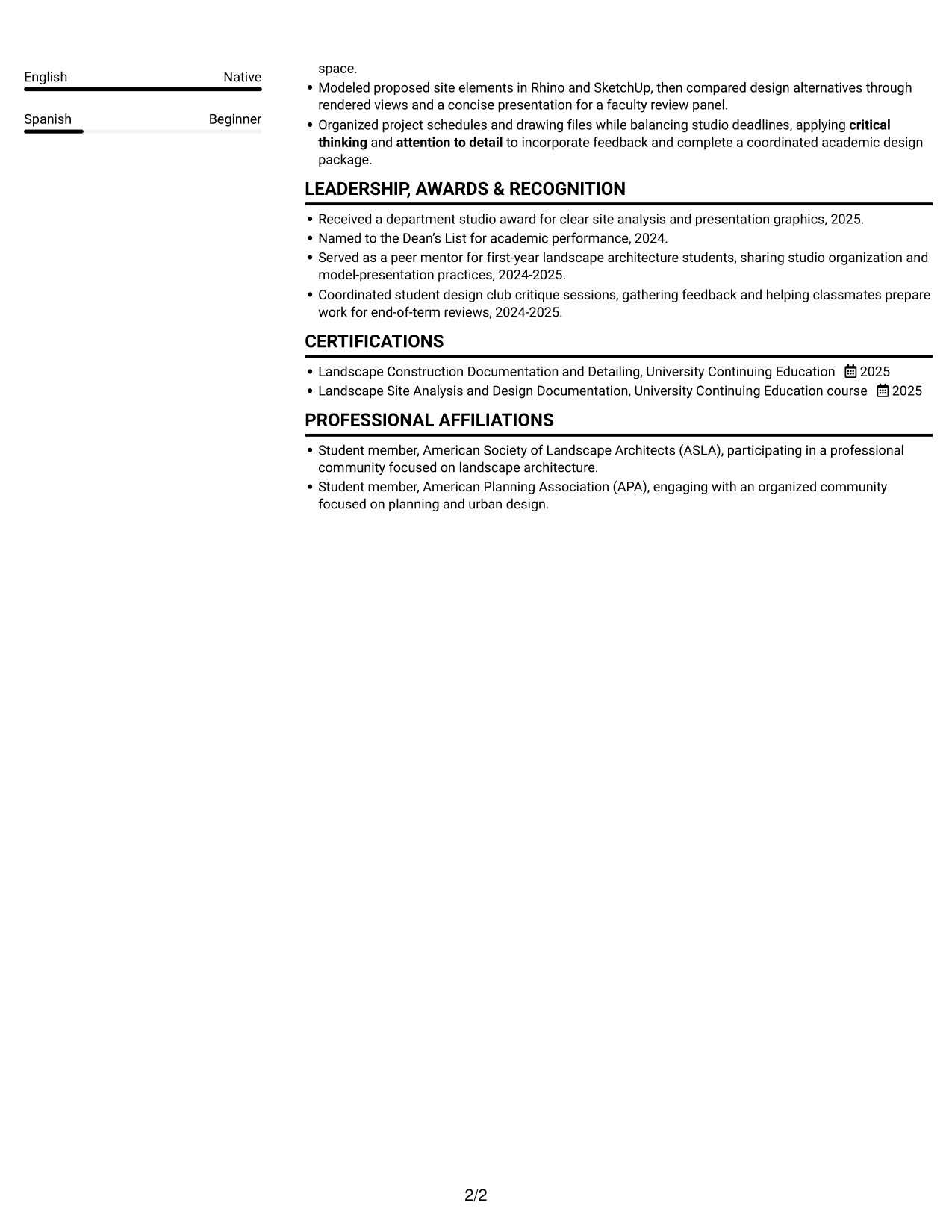
Two columns create separate reading areas, helping reviewers move through experience and supporting sections without one long vertical run.
Why This Format Works
- Two columns let reviewers compare experience and supporting sections without one long vertical pass.
- Separate reading areas keep project history distinct from skills and education.
- Compact section grouping helps reviewers locate credentials without losing the experience overview.
Best For
- Two-column resume organization
- Quick review of work history
- Skills and education in one document
- Resumes with varied content sections
- Internship and project experience
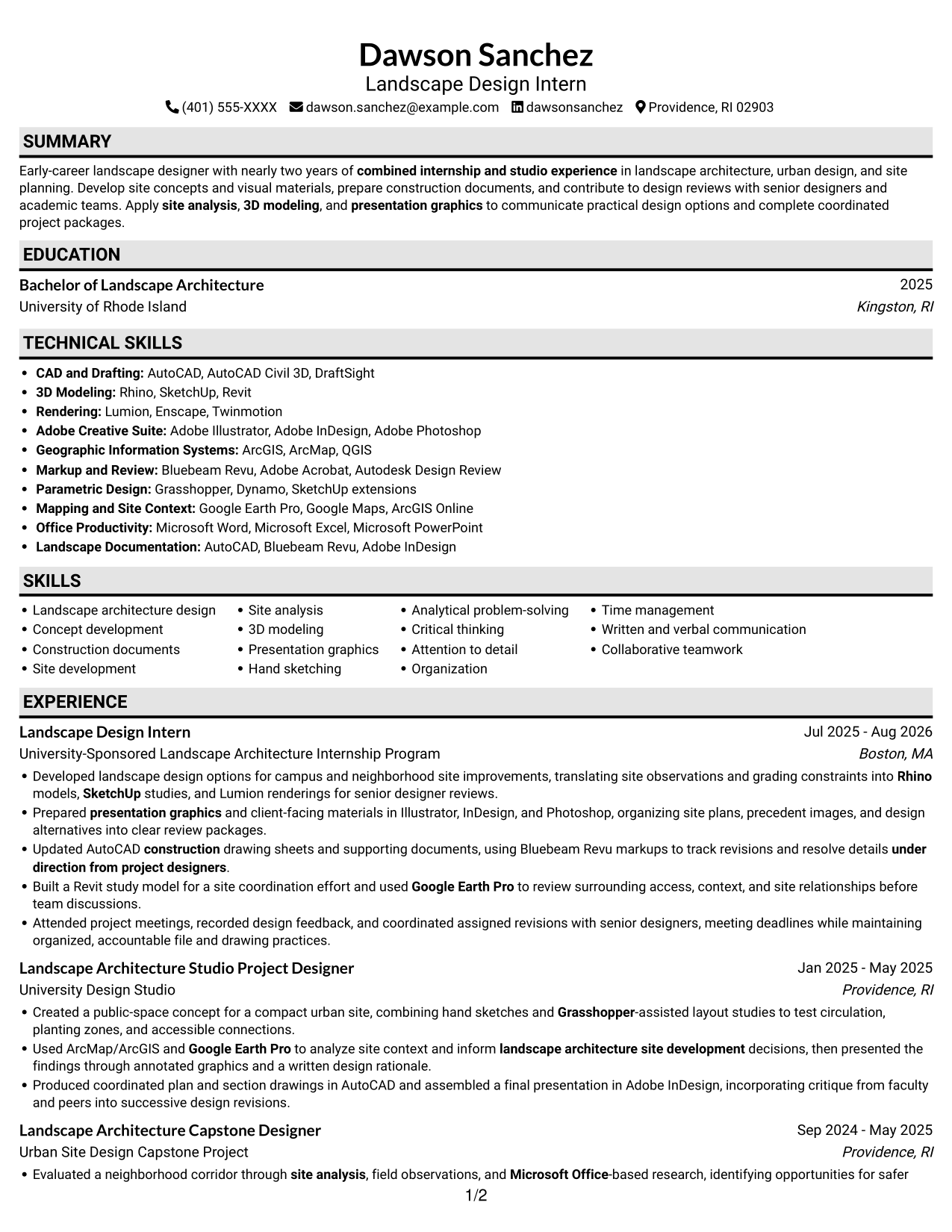
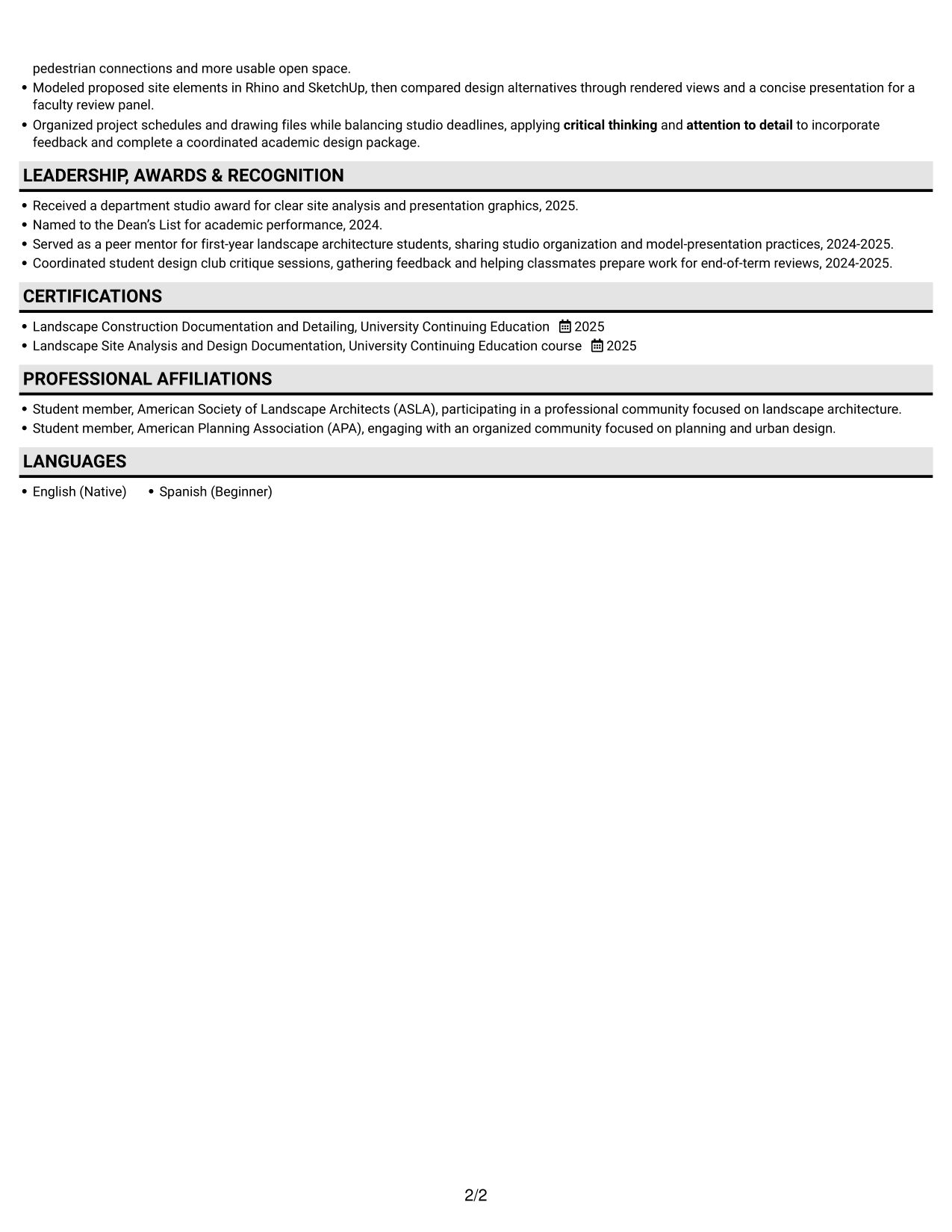
#3 Plain One Column with Shaded Labels Resume Example
A single column keeps every section on one top-to-bottom path, useful when readers want a familiar resume sequence.
Why This Format Works
- One continuous column presents education, projects, and experience in a familiar reading order.
- A steady section sequence helps reviewers follow academic and internship work together.
- Full-width text gives design project descriptions room for useful context.
Best For
- Familiar top-to-bottom reading
- Full-width project details
- Academic and internship history
- Resume sections in sequence
- Design work with context
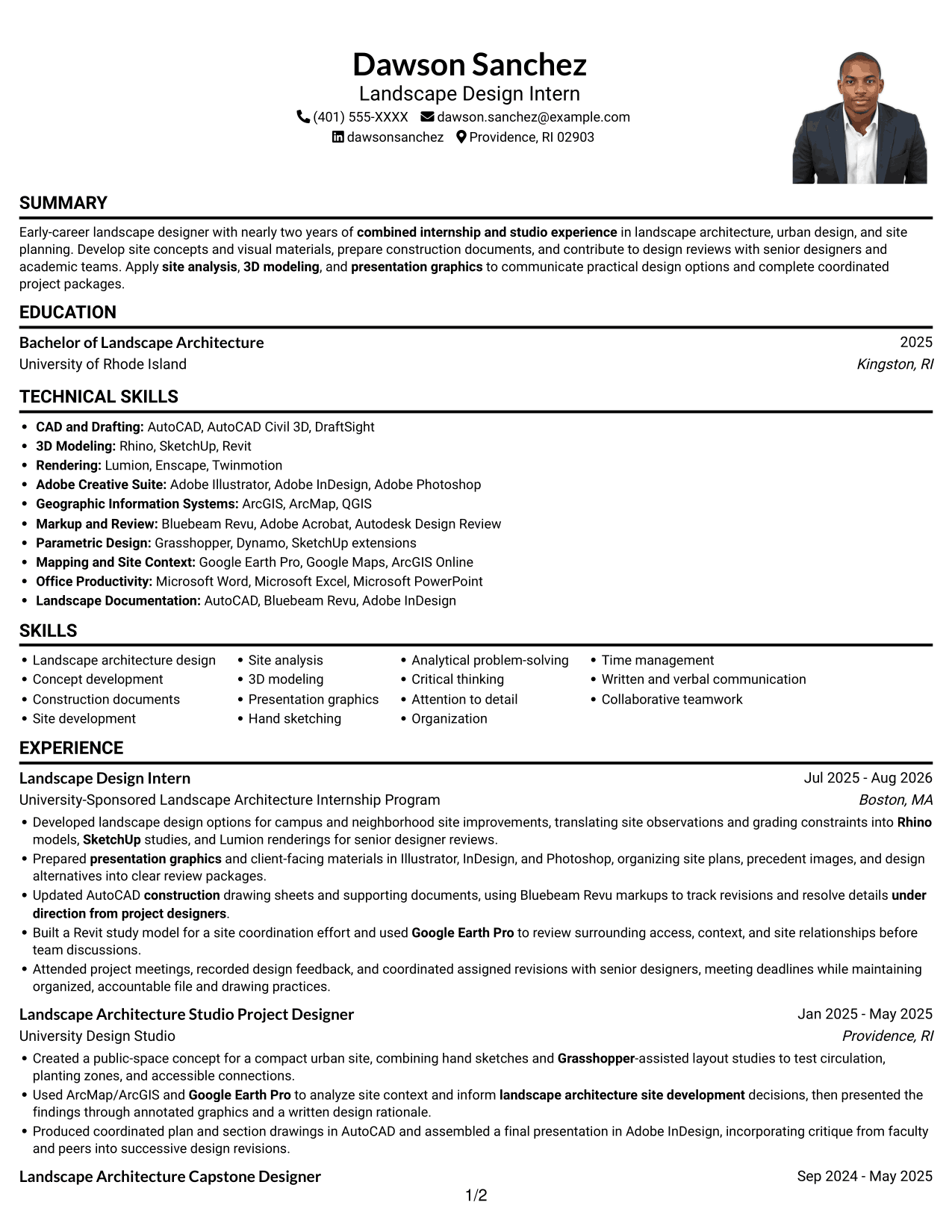
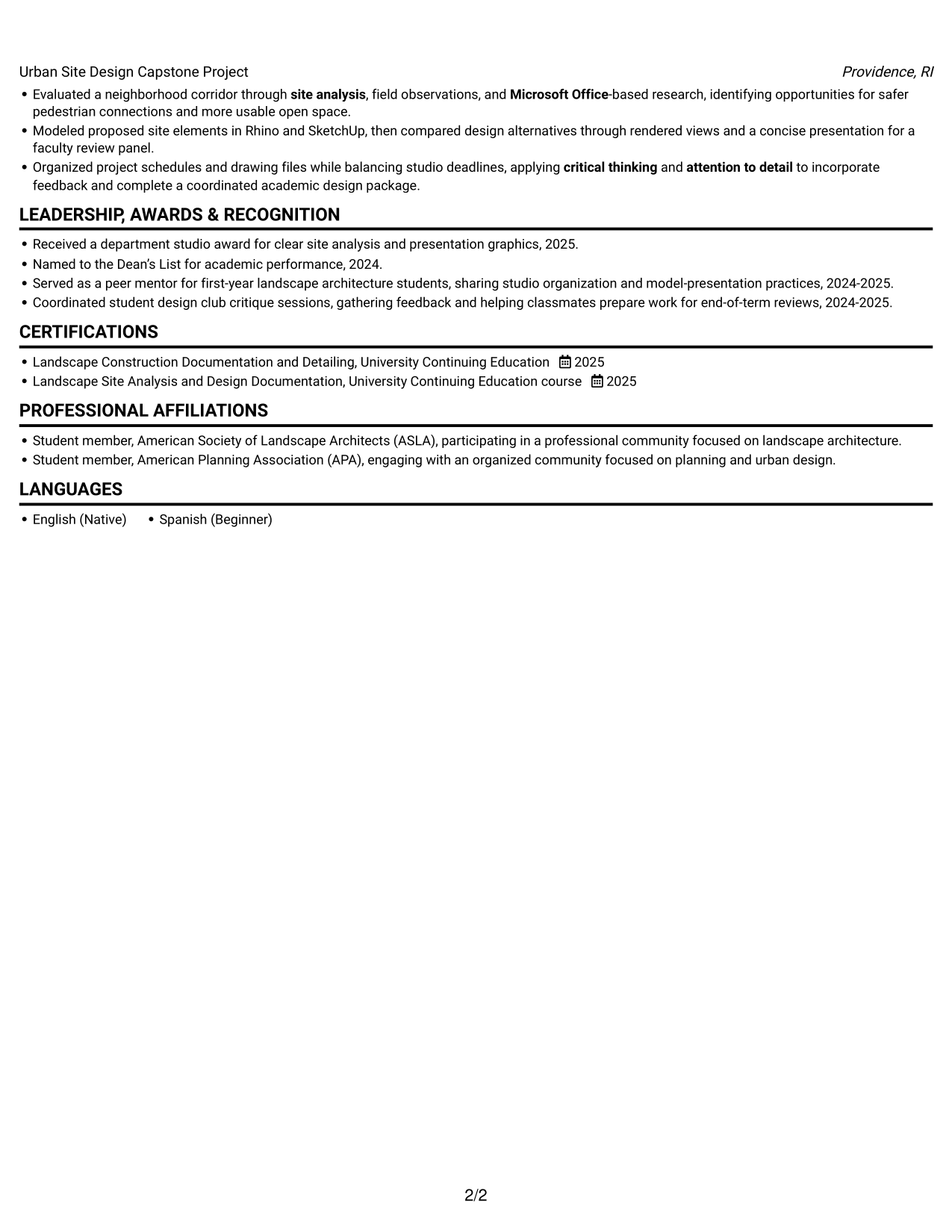
#4 One Column Format with Photo Right Resume Example
The one-column body pairs a direct reading path with a photo on the right, a practical choice for a resume that includes a portrait.
Why This Format Works
- One-column reading keeps career details in a direct order beside the right-side photo.
- Full-width entries leave project descriptions room to show context and design decisions.
- A single path helps reviewers connect education, experience, and credentials.
Best For
- Right-side portrait presentation
- One-column resume reading
- Project descriptions with context
- Education and experience in sequence
- Resumes including a personal photo
#5 Clean Two Column Sidebar Format Resume Example
The two-column sidebar layout gives resume content two clear reading areas, useful when readers want to review information in a compact structure.
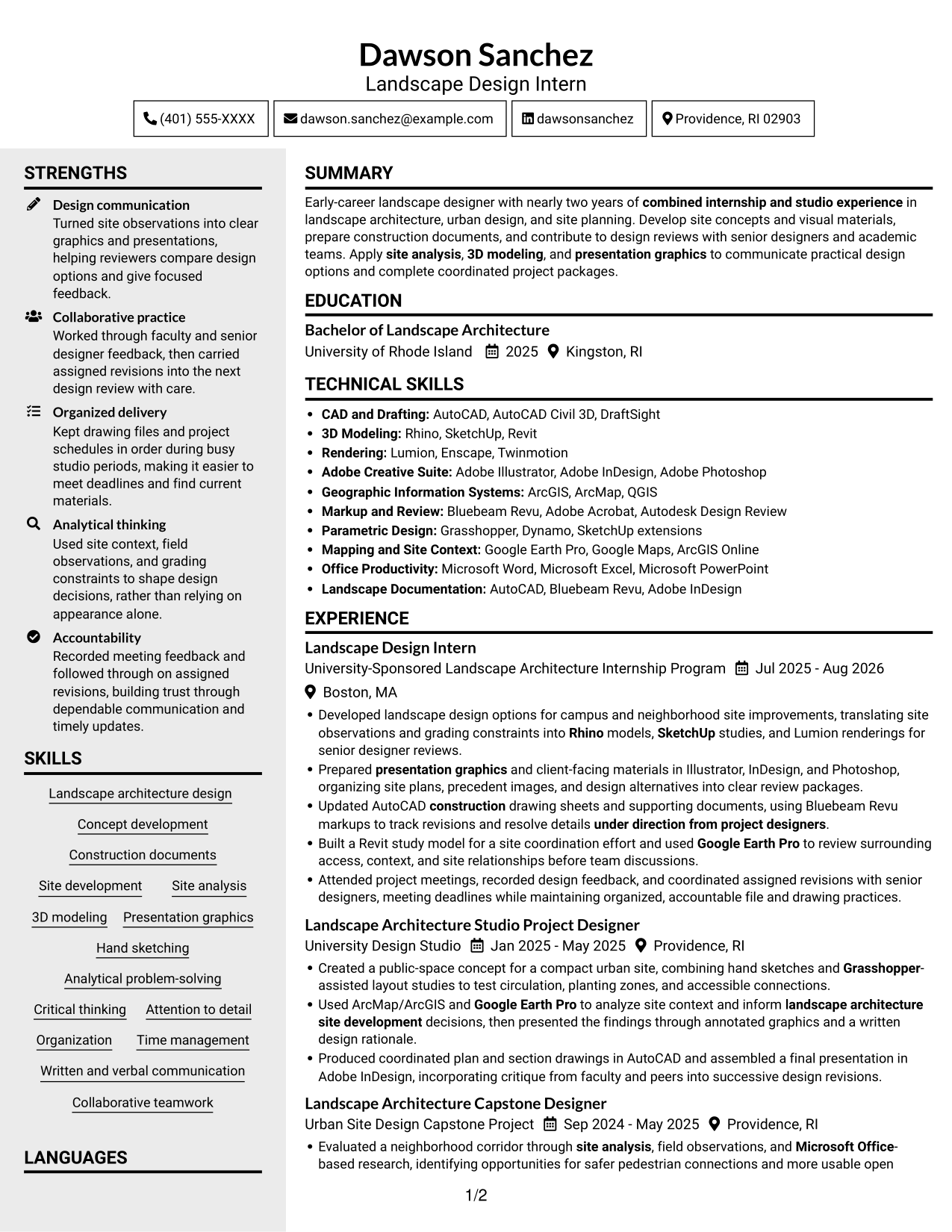
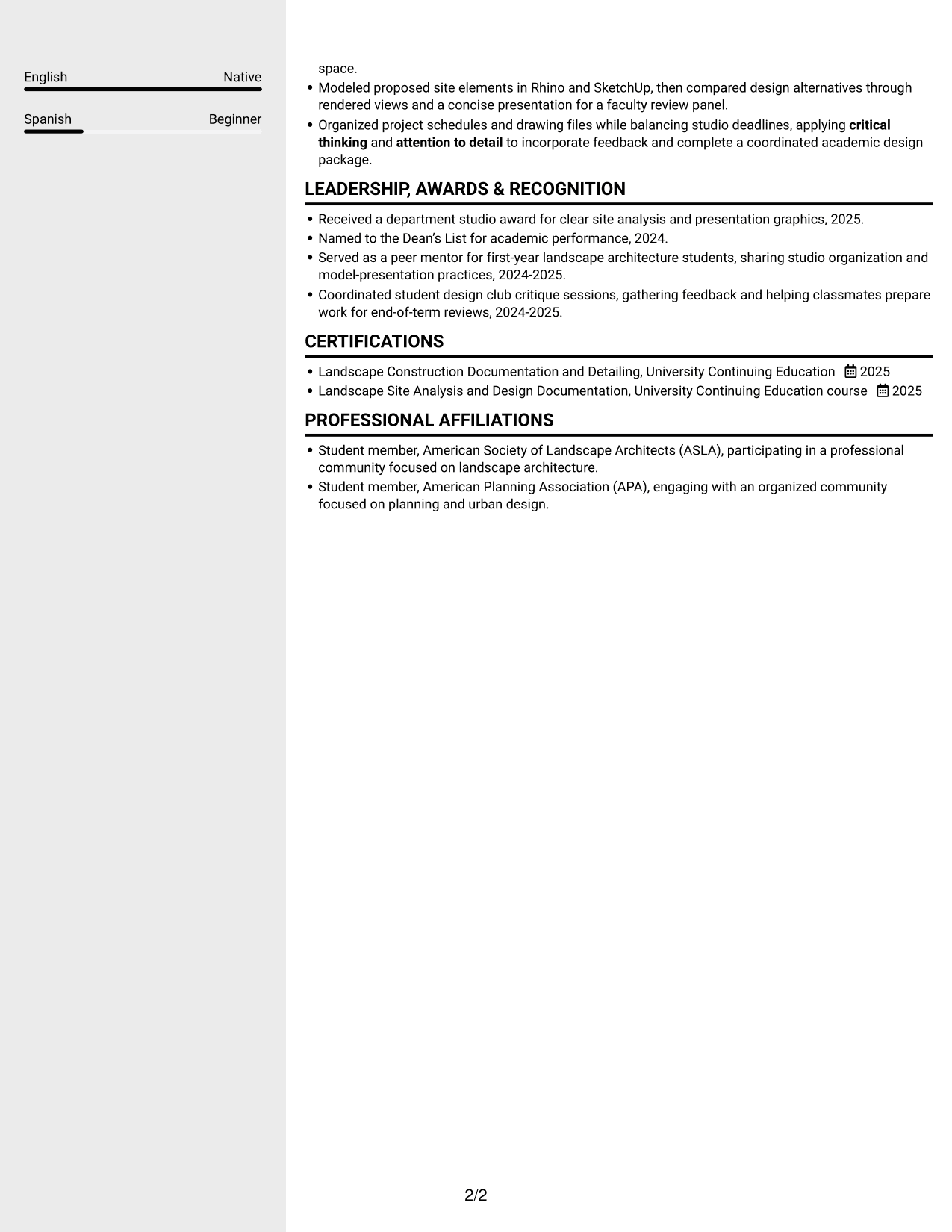
Why This Format Works
- Two columns give experience and supporting resume sections distinct reading areas.
- That separation helps reviewers scan skills and credentials apart from work history.
- Project details are easier to compare with the broader experience record.
Best For
- Two-column section organization
- Skills separate from work history
- Compact resume overviews
- Project details with broader context
- Credentials alongside experience
#6 Two Column Format Resume Example
Two columns arrange the resume across parallel reading areas, a practical choice for reviewing work history alongside supporting information.
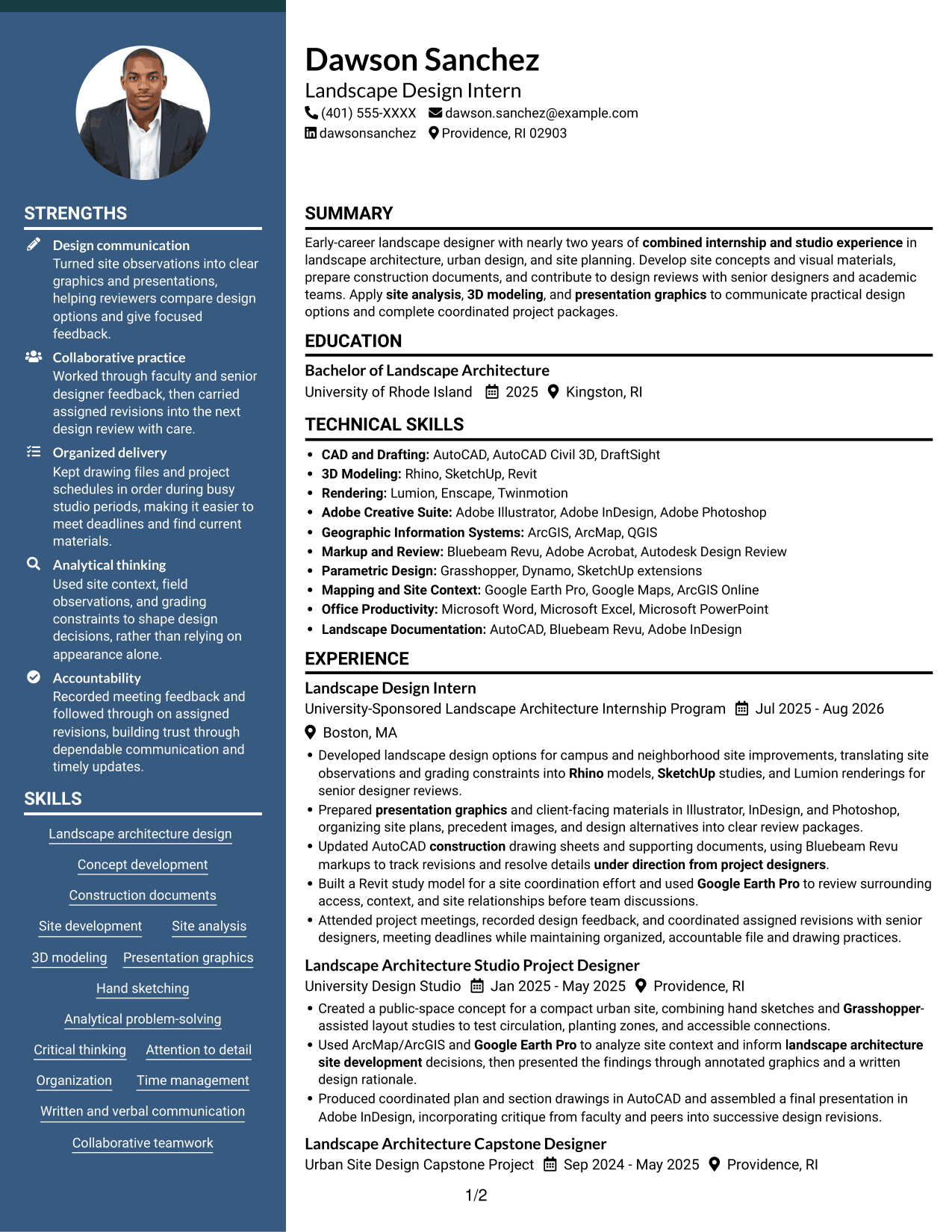
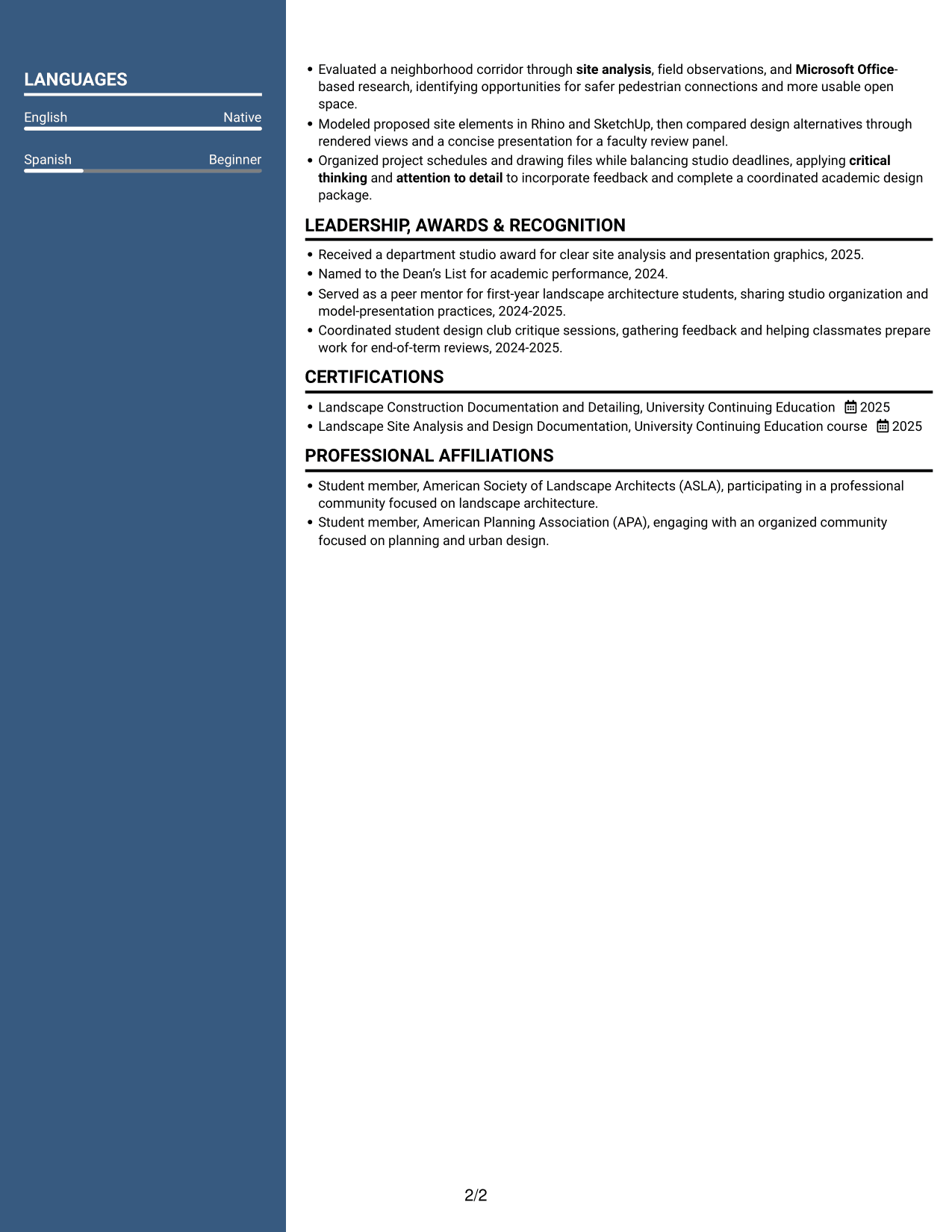
Why This Format Works
- Parallel reading areas let reviewers move across experience and related resume sections.
- Distinct columns make education and credentials easier to locate during a review.
- The layout avoids placing every project and supporting detail in one vertical run.
Best For
- Parallel resume reading areas
- Work history with supporting details
- Education and credential review
- Several project entries
- Resumes with multiple content sections
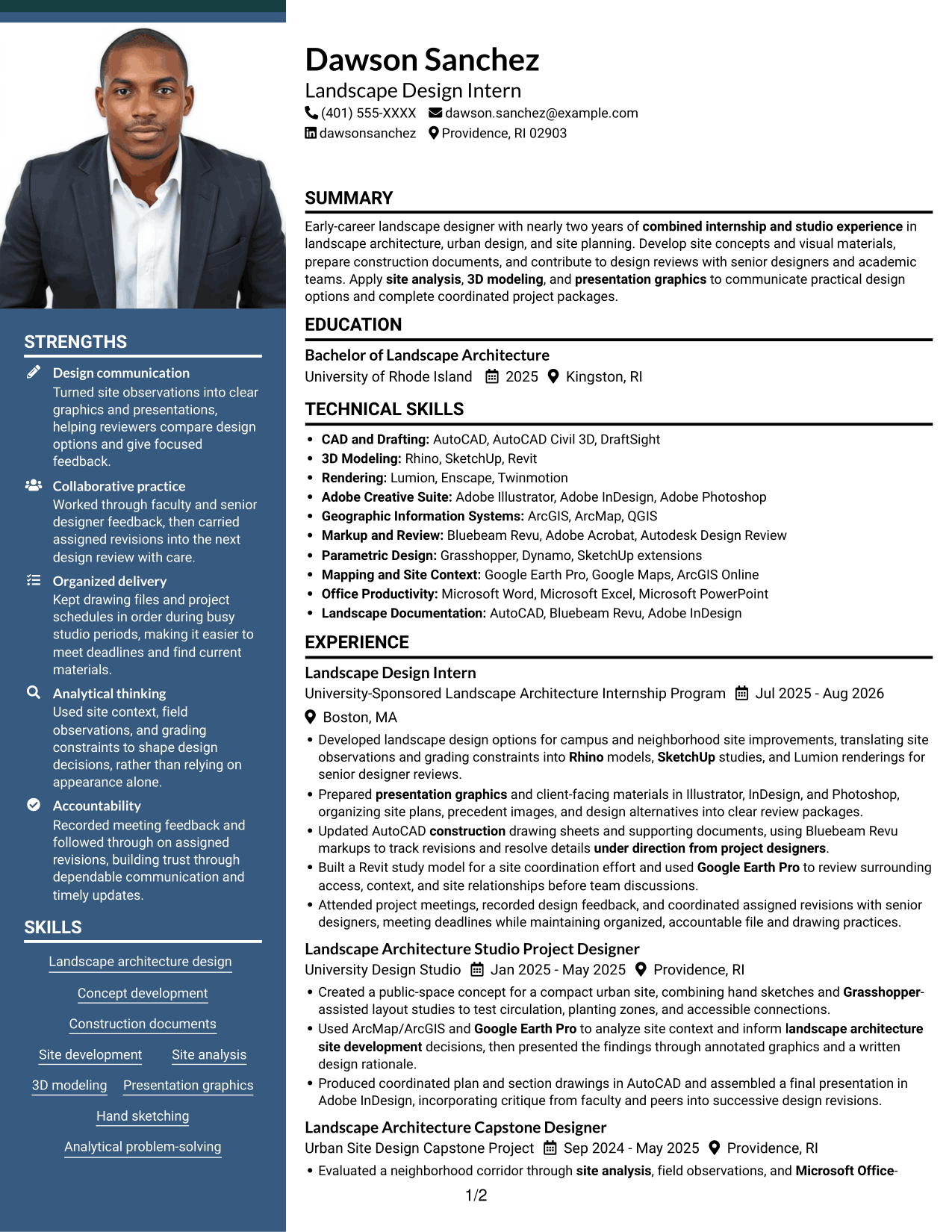
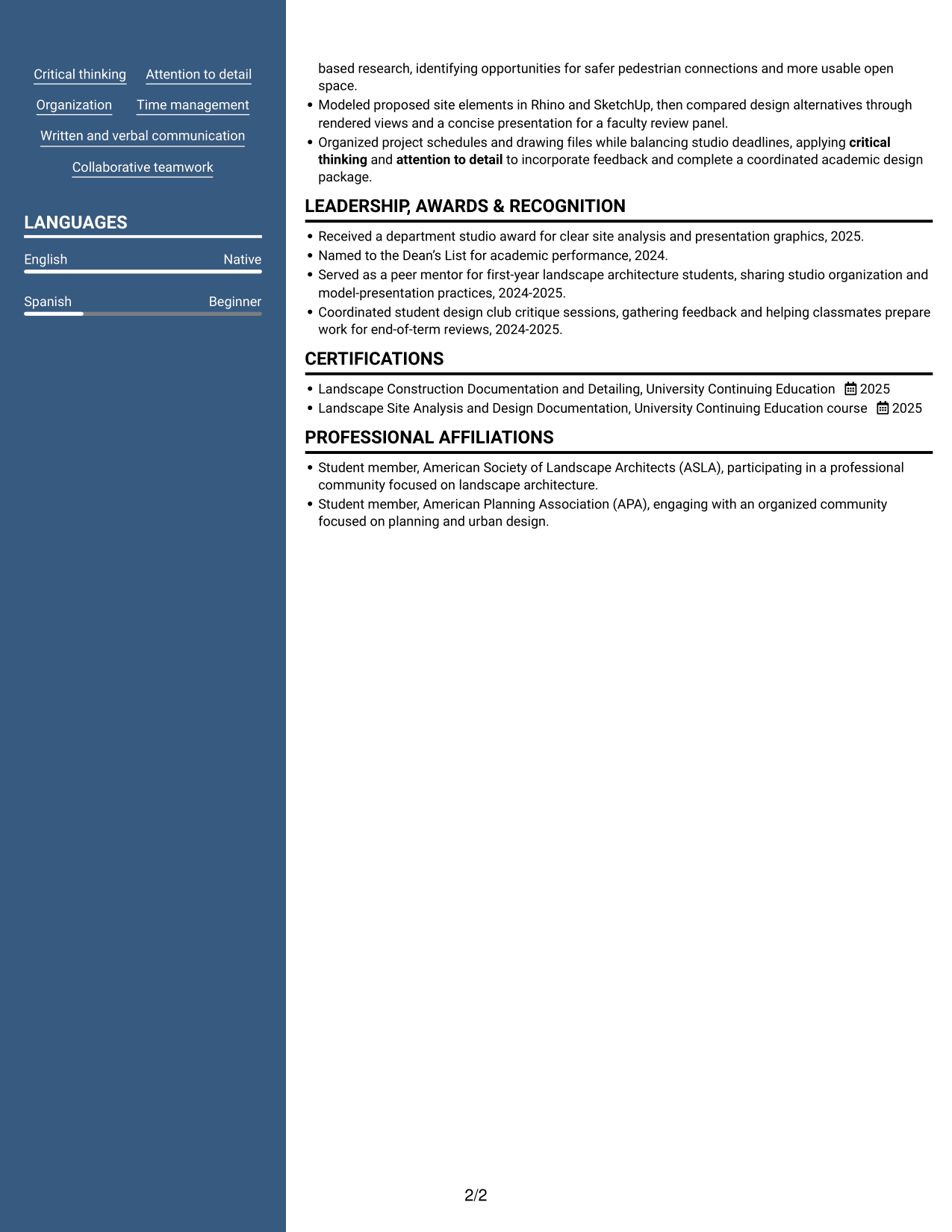
#7 Photo Header Two Column Format Resume Example
A photo in the header pairs a personal visual with two-column organization, useful when the resume should present both elements clearly.
Why This Format Works
- Two columns divide the resume into distinct reading areas for experience and supporting details.
- Separate areas help reviewers find skills without losing the work history overview.
- The two-column reading order keeps education and project information from forming one long vertical sequence.
Best For
- Photo header presentation
- Two-column resume organization
- Skills and work history together
- Education with project details
- Resumes with varied supporting sections
Why Build Your Landscape Designer Resume with ResumeInMinutes
ResumeInMinutes helps you organize your experience, education, skills, and project work in a resume that is easy to review and customize. Choose a layout that supports clear section headings and readable detail.
- Clear resume layouts
- ATS-friendly section structure
- Role-relevant keyword guidance
- Organized skills and tools
- Project and experience sections
- Resume customization support
Use the image previews to compare the visual formats, then open an example in the editor to customize your resume content.
See Also
- 7 Entry-Level Landscape Architect / Ecological Restoration Designer Resume Templates with Example
- 7 Landscape Designer - Site Planning and Documentation Resume Templates with Example
- 7 Early Career Architect or Designer - Sustainable Architecture Resume Templates with Example
- 7 Architectural Designer - Construction Documentation Resume Templates with Example
- 7 Architectural Designer / Project Architect - Commercial and Institutional Resume Templates with Example
- 33 Associate Director, Senior Service Designer (GenAI Experience) Resume Templates with Example 2026 (ATS-Optimized)
- 33 Automotive CAD Designer – Exterior Mirrors & Vision Systems Resume Templates with Example 2026 (ATS-Optimized)
- 7 BIM Architectural Designer Resume Templates with Example
- 7 Entry-Level Landscape Designer - Landscape Architecture Cover Letter Templates with Example
- 7 Entry-Level Landscape Architect / Ecological Restoration Designer Cover Letter Templates with Example
Frequently Asked Questions
Are these Entry-Level Landscape Designer - Landscape Architecture resume templates ATS-friendly?
The layouts use readable headings and clear sections that support ATS review. Include role-relevant terms such as site analysis, construction documents, 3D modeling, AutoCAD, and landscape architecture design when they match your experience.
How can I compare the resume layouts?
Review the image previews to compare section order, spacing, and visual style. You can open an example in the editor to customize its content.
What should an entry-level landscape designer resume include?
Include a focused summary, education, relevant experience or studio projects, technical skills, and certifications or recognition when relevant. Use concise bullets to show how you applied site analysis, design tools, and feedback to complete project work.
Which resume layout works well for landscape architecture?
Choose a layout with clear headings, readable text, and enough space for project details and technical skills. A simple structure can help reviewers scan your experience and can support ATS parsing.
How can I show relevant experience if my work includes studio projects?
List substantial studio or capstone work in a project section. Describe the site, your design contribution, the tools you used, and the drawings or presentation materials you produced. Label academic work clearly.
Which technical skills should I highlight?
Prioritize tools and methods you have used, such as AutoCAD, Rhino, SketchUp, Adobe Illustrator, InDesign, Photoshop, Google Earth Pro, Lumion, Revit, Grasshopper, ArcMap/ArcGIS, and Bluebeam Revu. Connect them to specific design tasks when possible.
Should I include a photo on my resume?
For applications in the United States, a photo is generally not needed. A no-photo resume keeps attention on your qualifications and project evidence.




