
7 Entry-Level Marketing Data Analyst Financial Services Cover Letter Templates with Example
Use this practical guide to write an Entry-Level Marketing Data Analyst Financial Services cover letter, with seven layouts to help you present your fit clearly.
What Makes a Great Entry-Level Marketing Data Analyst Financial Services Cover Letter in 2026
A strong letter links your interest in financial services marketing analytics to the role’s work in campaign reporting, intent data, and sales support. Give the opening, body, and closing a clear purpose.
Use specific examples of reporting, data checks, or dashboard work, and explain what they show about your approach. Connect that evidence to the employer’s needs without claiming results or experience you cannot support.
The featured example moves from role interest to practicum evidence, broader reporting experience, and a direct closing; adapt that focused progression while choosing a presentation that fits the employer and communication context.
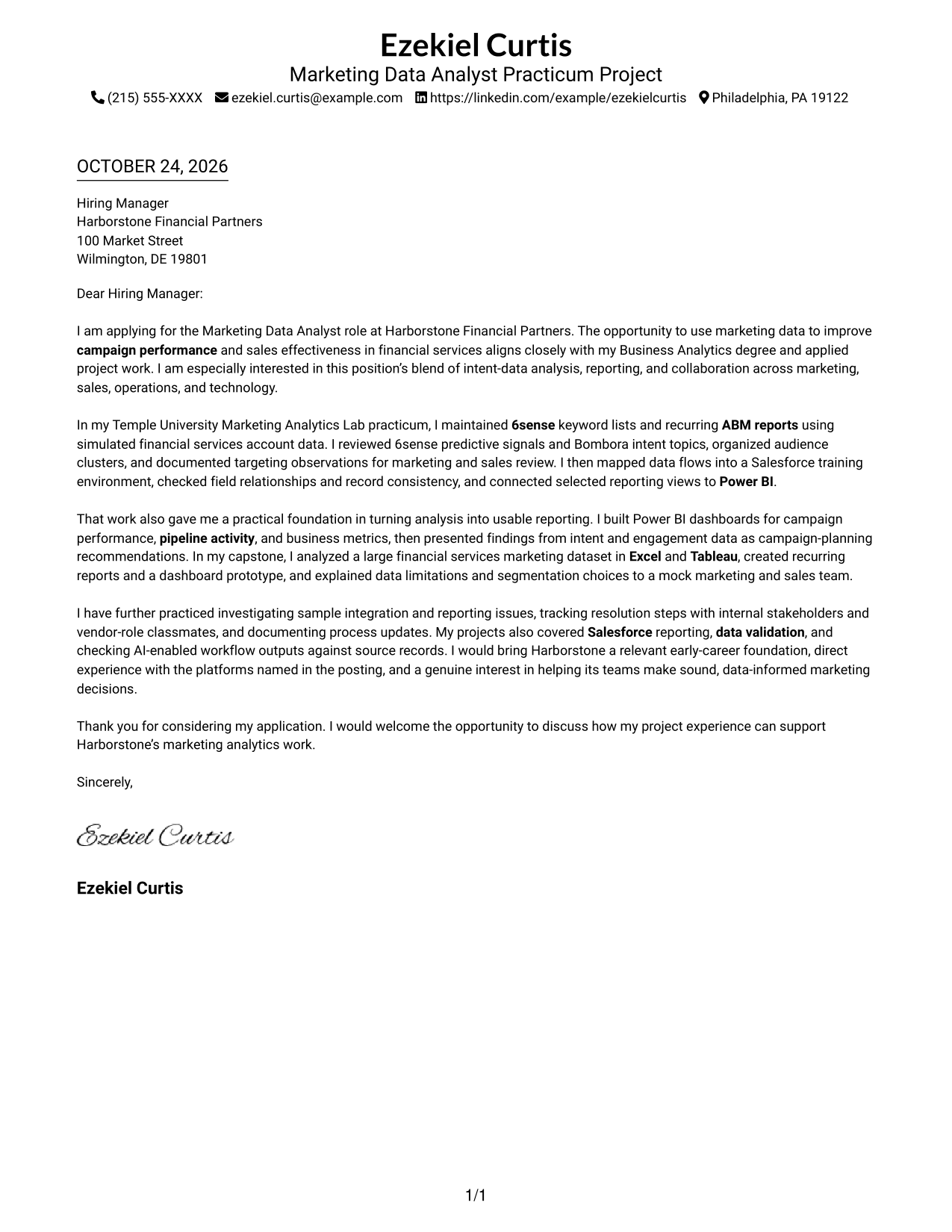
#1 Simple One Column Format Cover Letter Example
The Simple One Column Format keeps the letter in one column, a direct choice for readers who prefer a straightforward page.
Why This Format Works
- Sender details remain in the header, apart from the letter’s main message.
- Paragraph order carries the reader from interest through examples to the closing request.
- Unlabeled prose keeps the appeal in a familiar business-letter style.
Best For
- One-column letter layouts
- Project-based examples in paragraph form
- Unheaded business correspondence
- Concise applications with a direct message
- Financial services marketing analytics applications
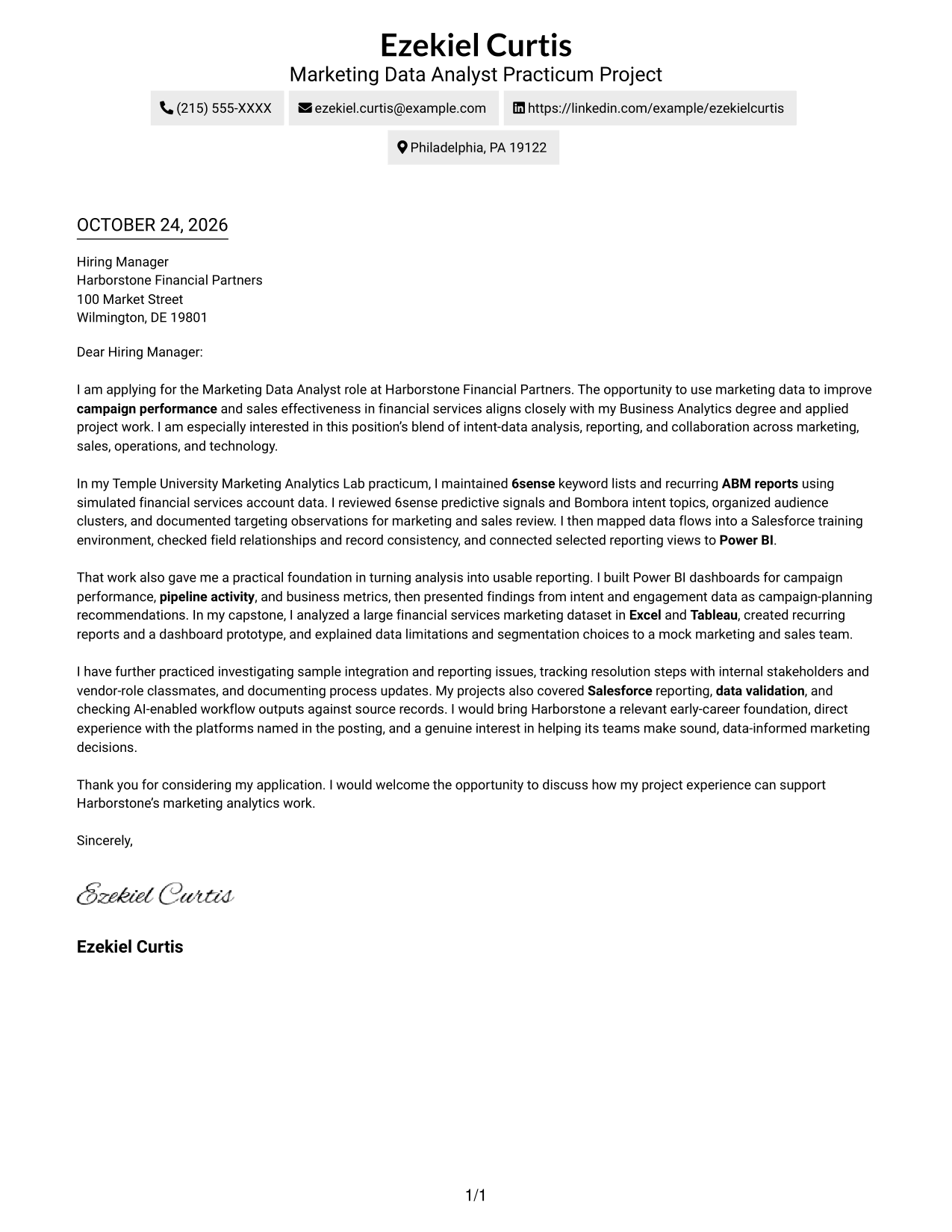
#2 Two Column Format Cover Letter Example
The Two Column Format pairs a contact sidebar with one continuous letter body, keeping sender details apart from the message.
Why This Format Works
- Contact details have a separate sidebar, leaving the main area for the message.
- Opening, supporting examples, and closing stay together in one body column.
- Unheaded paragraphs preserve a direct tone without dividing the argument into labels.
Best For
- Sidebar-based contact organization
- Continuous prose with several examples
- Unheaded application letters
- Written cases with a clear closing request
- Multi-paragraph business correspondence
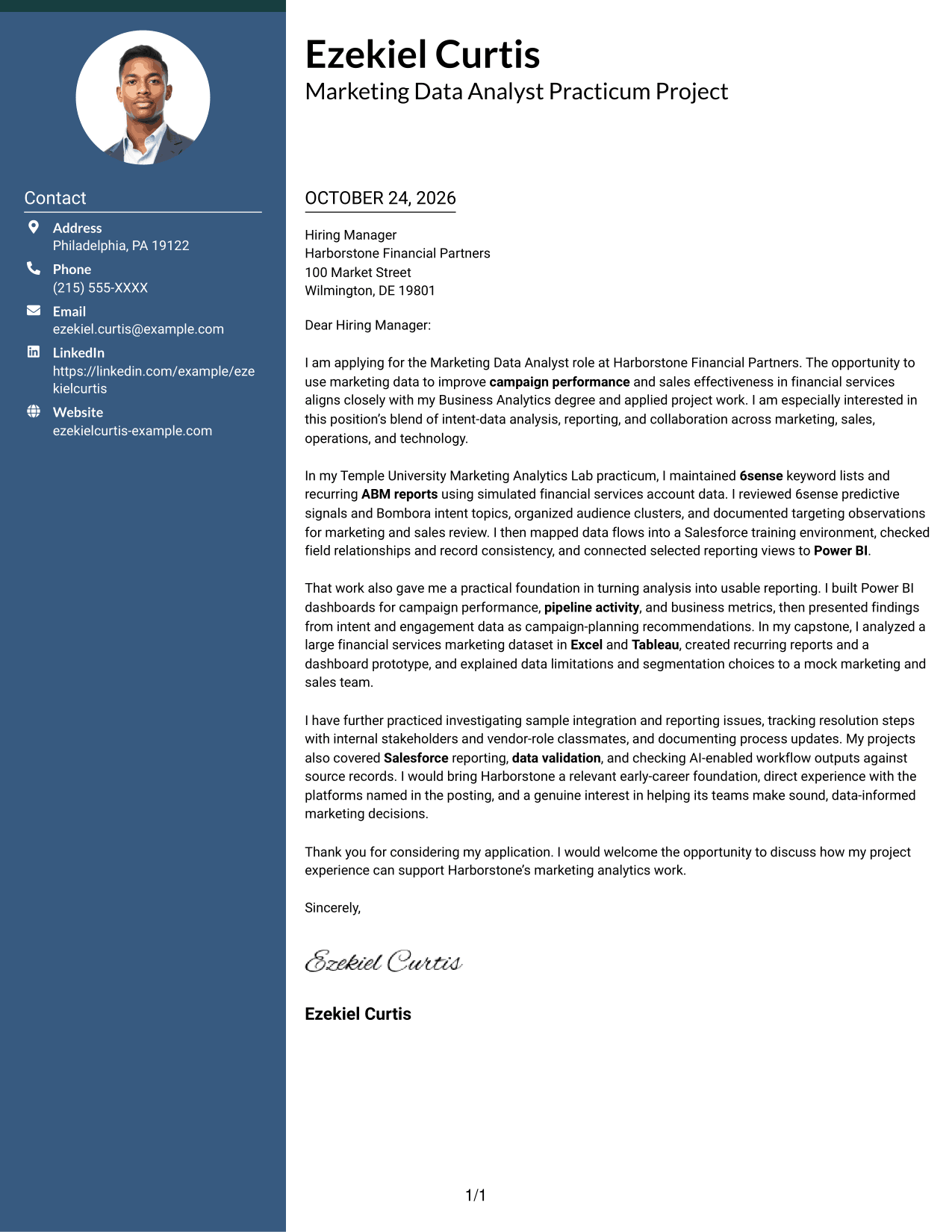
#3 Photo Header Two Column Format Cover Letter Example
The Photo Header Two Column Format places a photo with a contact sidebar beside one continuous letter body, for applications where a portrait suits the preferred presentation.
Why This Format Works
- Contact details remain apart from the continuous body, giving each area a clear place.
- One body column lets the letter’s examples follow its opening in sequence.
- The photo adds a portrait option without changing how the message is read.
Best For
- Portrait-inclusive application materials
- Multi-paragraph evidence in one body
- Applications with contact details set apart
- Letters without argument-section labels
- Project examples explained in prose
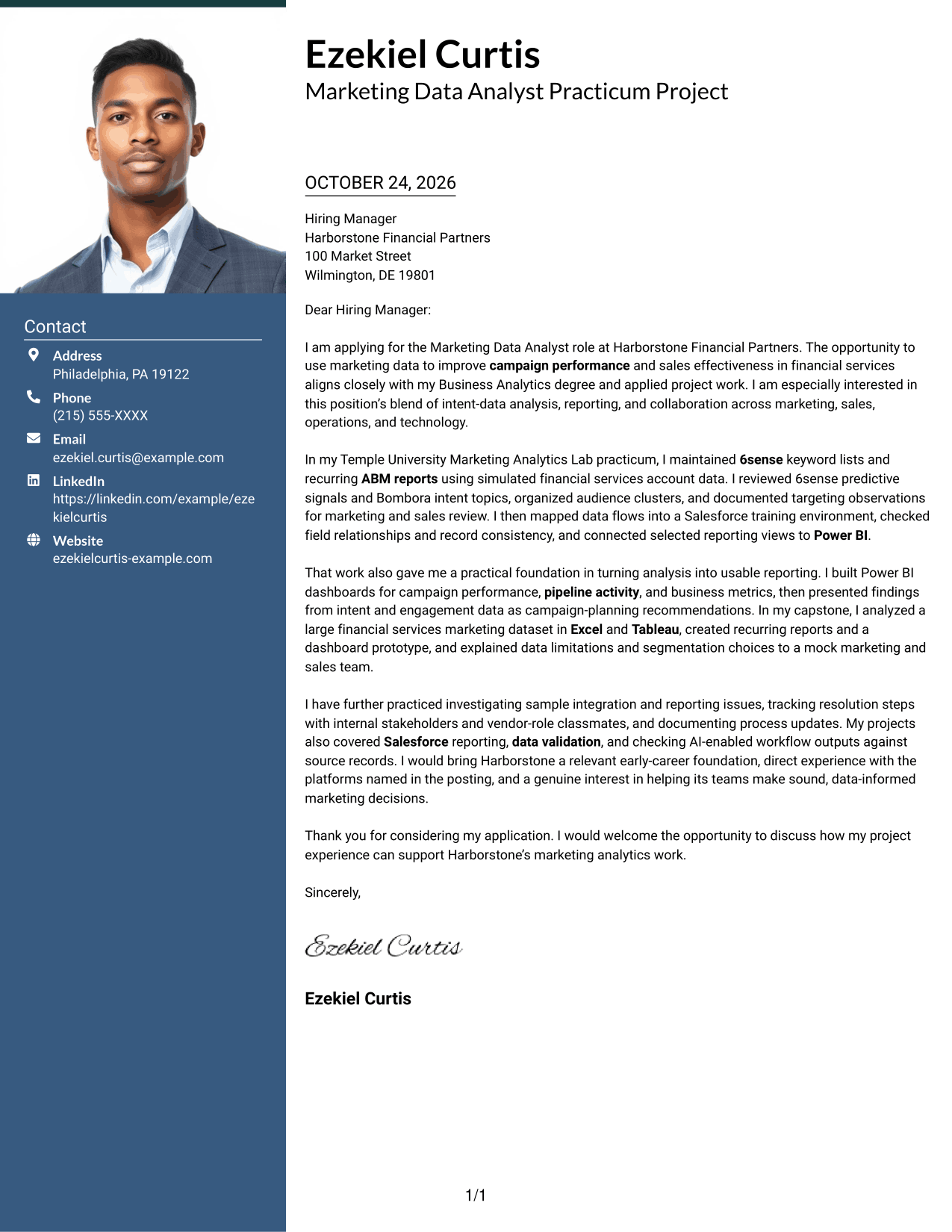
#4 One Column Format with Photo Cover Letter Example
The One Column Format with Photo keeps the letter in one column and includes a photo, a suitable choice for readers who prefer a portrait alongside a direct message.
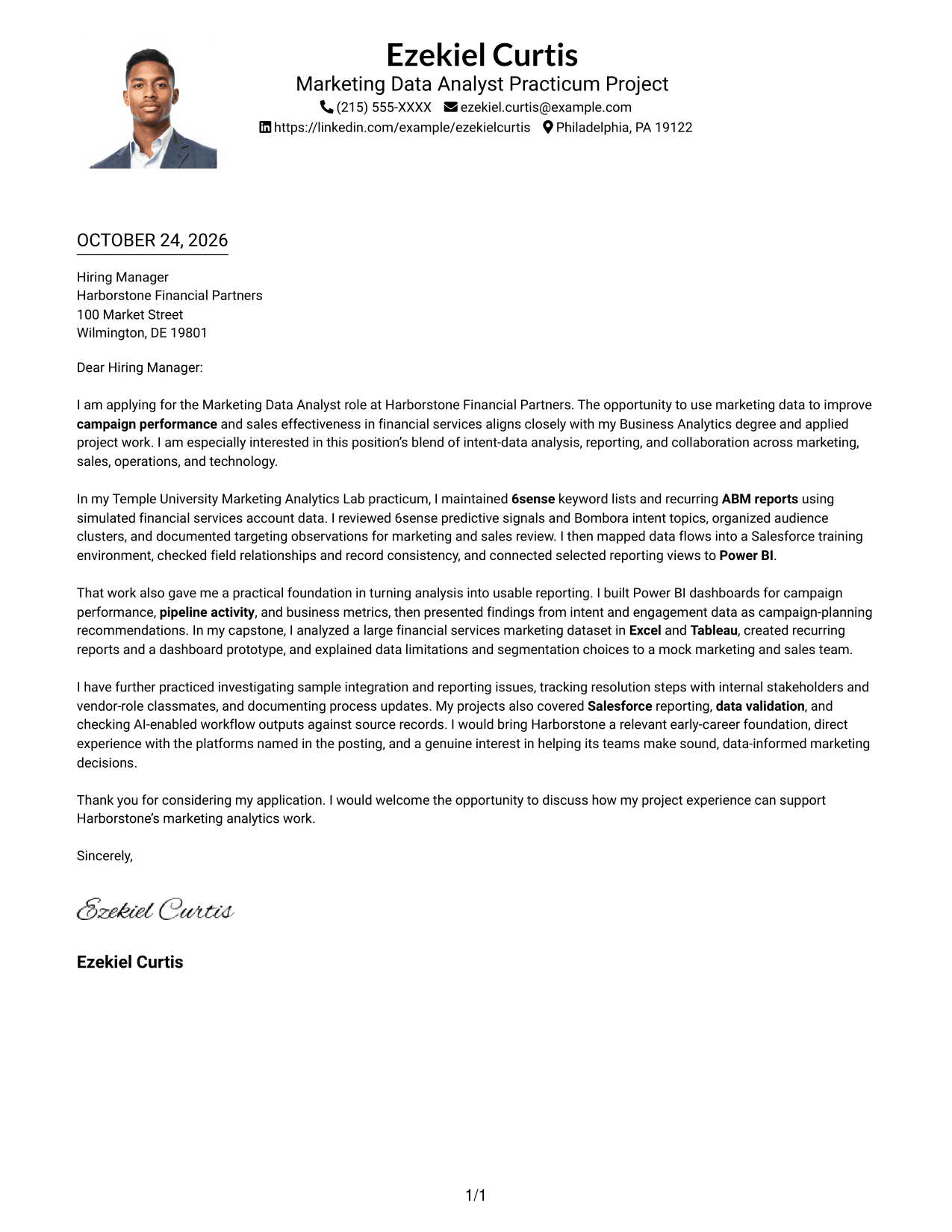
Why This Format Works
- Sender details stay in the header while the message uses one column.
- Reviewers can follow the application from its opening through its closing paragraph.
- Unlabeled paragraphs keep the body in a familiar correspondence style.
Best For
- One-column correspondence
- Sender details in the header
- Continuous project evidence
- Letters without internal argument headings
- Written applications with a direct close
#5 Simple Two Column Format Cover Letter Example
The Simple Two Column Format places a contact sidebar beside one continuous letter body, a practical choice when sender details should remain distinct from the written appeal.
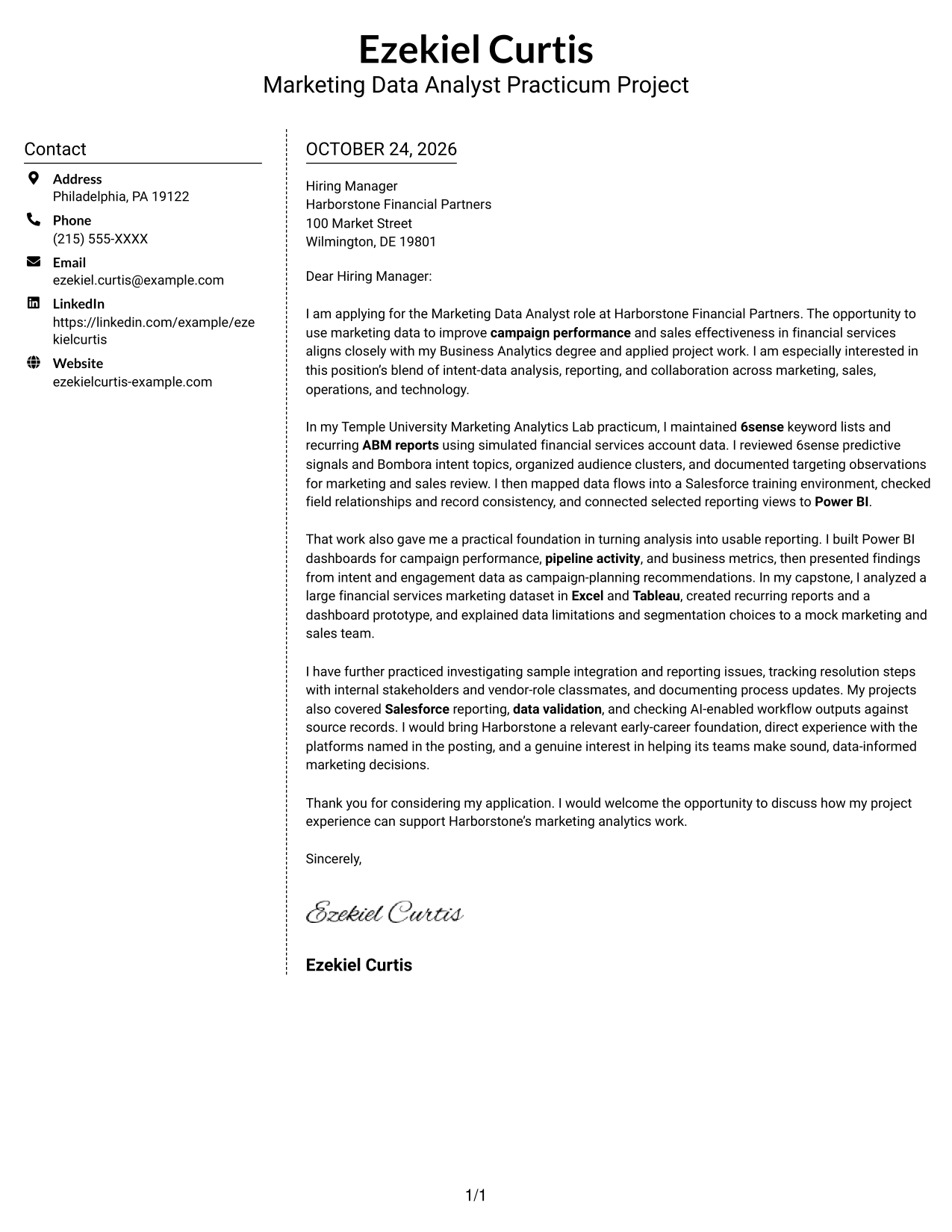
Why This Format Works
- Separate contact details leave the continuous letter body to carry the application message.
- Paragraphs keep the explanation in a single sequence rather than parallel columns.
- No internal headings preserve the natural flow of a formal letter.
Best For
- Contact sidebar layouts
- Project evidence in a continuous body
- Unheaded application letters
- Multi-paragraph business correspondence
- Letters with several points of role fit
#6 Modern Icon Format Cover Letter Example
The Modern Icon Format uses icons as contact cues in a sidebar beside one continuous letter body, helping distinguish contact information from the message.
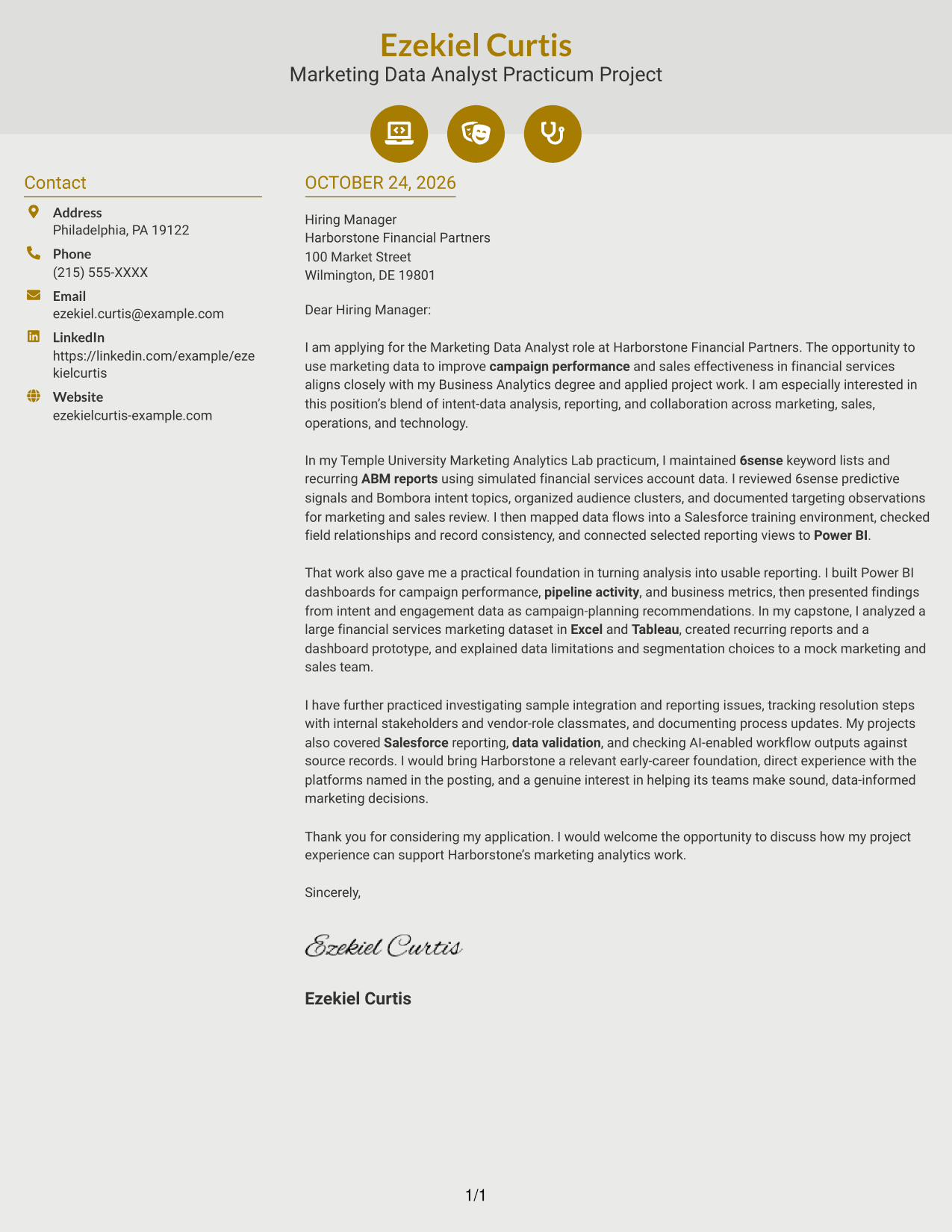
Why This Format Works
- Contact icons give the sender details a visual cue beside the letter body.
- One continuous body lets the opening, examples, and close read as one message.
- Without argument headings, the paragraphs retain the tone of direct correspondence.
Best For
- Icon-cued contact details
- Continuous paragraph-based letters
- Letters without argument-section labels
- Written project examples with a clear close
- Contact information beside the main message
#7 Creative Two Tone Format Cover Letter Example
The Creative Two Tone Format sets a contact sidebar beside one continuous letter body, suiting readers who want contact details separate from the written appeal.
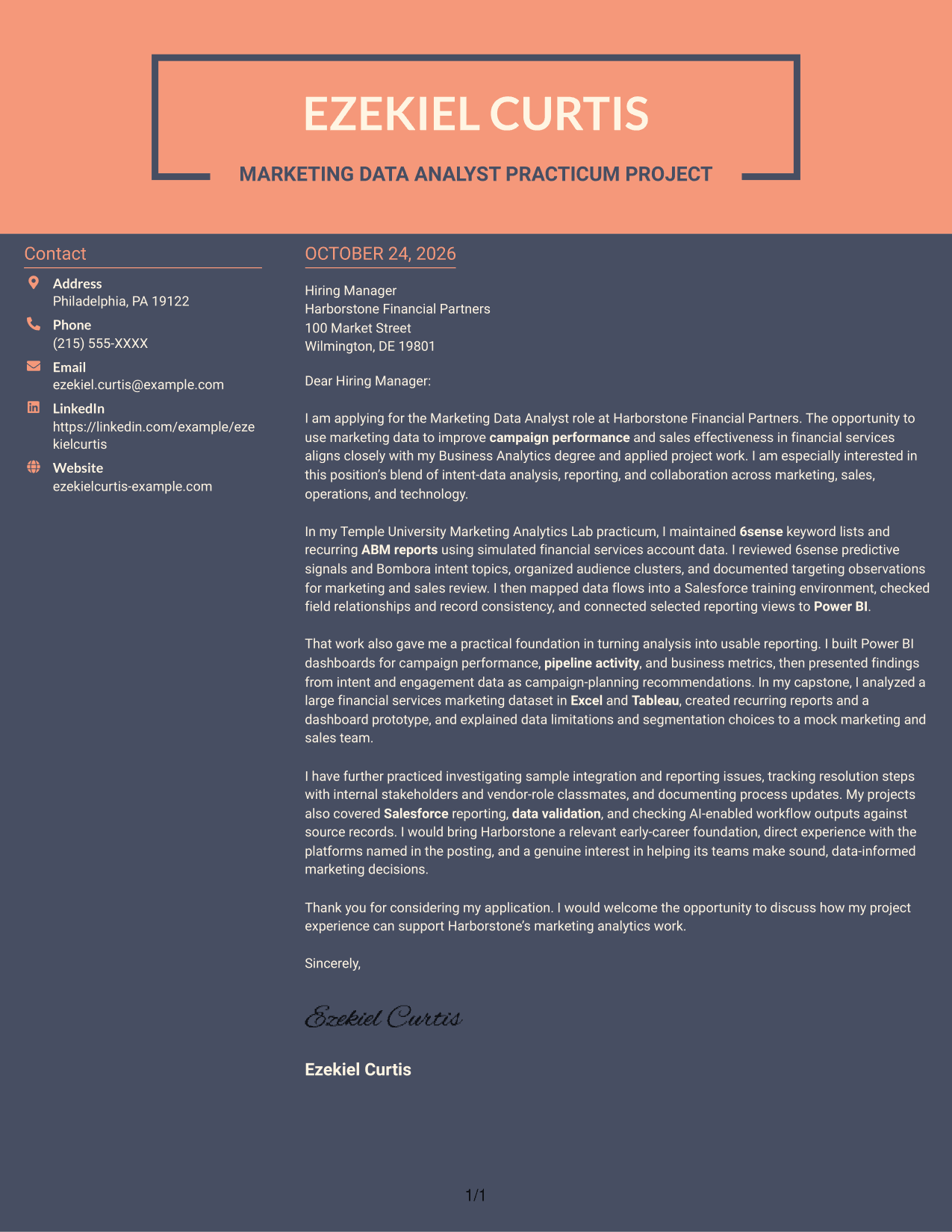
Why This Format Works
- A contact sidebar keeps sender information apart from the letter’s persuasive text.
- Body paragraphs remain in one sequence from the opening through the closing.
- No photo keeps the page’s emphasis on written communication.
Best For
- Contact sidebar organization
- Paragraphs in opening-to-close order
- Letters with no internal headings
- Written applications with project examples
- Photo-free correspondence
See Also
- 7 Entry-Level Marketing Data Analyst Financial Services Resume Templates with Example
- 33 Marketing Data Analyst Resume Templates with Example 2026 (ATS-Optimized)
- 33 Senior Data Analyst, Marketing Channel Insights Resume Templates with Example 2026 (ATS-Optimized)
- 7 Data Analyst - Credit and Financial Reporting Resume Templates with Example
- 7 Data Analyst - Financial and Operational Analytics Resume Templates with Example
- 7 Financial Data Analyst Intern Resume Templates with Example
- 33 Clinical Practice Data Analyst - Perioperative Services Resume Templates with Example 2026 (ATS-Optimized)
- 7 Data Analyst Intern - Human Services Analytics Resume Templates with Example
- 30+ Senior Data Analyst, Marketing Channel Insights Cover Letter Templates with Example 2026
- 7 Data Analyst - Credit and Financial Reporting Cover Letter Templates with Example
Frequently Asked Questions
What should an Entry-Level Marketing Data Analyst Financial Services cover letter emphasize?
Show how your analysis, reporting, and communication can support campaign performance and sales effectiveness. If your experience comes from coursework or practicum work, state that clearly.
How can I show experience with marketing data tools?
Describe a specific task and name the tools you used. For example, you might explain how you used 6sense and Bombora data, checked Salesforce records, or created a Power BI dashboard, if those details match your own experience.
How should I describe work with simulated or class data?
Be clear that the data was simulated or instructor-provided. Then explain your role, the checks or analysis you performed, and how you shared your findings.
Which cover letter style works well for this position?
Choose a clear, easy-to-read layout that supports a direct opening, focused evidence, and a concise closing. Match the tone and presentation to the employer and the communication setting.
How can I make my letter specific to a financial services employer?
Connect your interest to the employer’s stated marketing analytics work. Refer to relevant responsibilities, such as campaign reporting, intent data, data quality, or collaboration with marketing and sales, and avoid unsupported claims about the company.




