
30+ Entry-Level Python Developer Cover Letter Templates with Example 2026
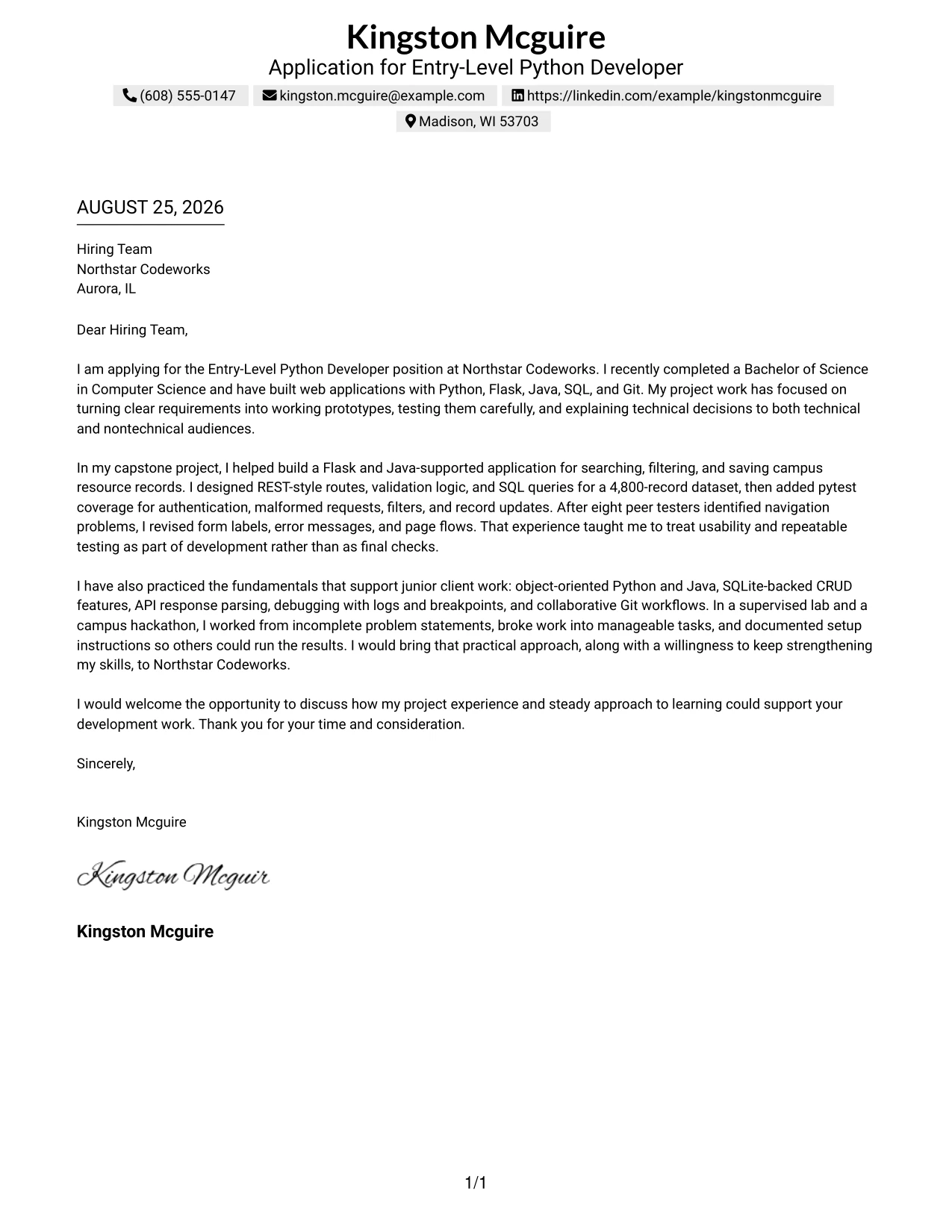
This practical guide helps you create an Entry-Level Python Developer cover letter that clearly connects your technical preparation to the work employers need. You will learn how to present your fit with confidence without making the letter long or unclear.
A strong letter opens with a direct statement of interest, then uses focused evidence to show how you can contribute. For this role, that evidence may include Python and Java development, Flask web applications, REST-style routes, SQL, testing, debugging, Git collaboration, and clear technical communication.
The guide includes one practical Entry-Level Python Developer cover letter example, explains why each paragraph works, and presents the document in 33 layouts. Use the opening to establish interest, the body to connect your evidence to the employer, and the closing to request a conversation professionally.
What Makes a Great Entry-Level Python Developer Cover Letter in 2026
A strong letter for this position is direct, specific, and connected to practical development work. It should help the hiring team see how your preparation matches the role in three clear areas:
- Python and Java application development
- Web-focused work with Flask, SQL, SQLite, and REST-style APIs
- Testing, debugging, documentation, and team communication
Do not simply repeat a list of skills. Use the body paragraphs to explain:
- Why you want to develop web-centric solutions in this role
- How your application work, test cases, and problem solving support client needs
- How you work with Git, accept feedback, document decisions, and continue learning
Useful details for this target role include Python, Java, Flask, REST-style APIs, SQL, SQLite, Git, pytest, object-oriented programming, data validation, debugging, unit testing, and technical documentation. Mention only the tools you can support with a clear example, such as testing malformed requests or improving a web form after user feedback.
The templates below show how one focused, professional cover letter can use different visual styles while keeping the message clear, relevant, and easy for the employer to follow.
The featured example uses a focused progression from direct interest, to evidence of Python and Java development, to employer alignment and a professional close. Adapt that progression to your own application while choosing a presentation suited to the employer and communication context.
#1 Cover Letter Example: Text/Fang Style
Text/Fang Style gives the cover letter a centered, orderly structure that moves from purpose to proof and then to a clear close. Kingston Mcguire’s letter uses that structure to connect a recent Computer Science degree with practical work in Python, Flask, Java, SQL, Git, and pytest.
The letter stays direct. It opens with the target role, explains capstone and lab work, and closes with a specific request to discuss fit. The plain presentation keeps attention on motivation, evidence, and readiness to continue learning at Northstar Codeworks.
Cover Letter Snapshot
- Opens with a direct application for the Entry-Level Python Developer position.
- Connects a Computer Science degree to web application project work.
- Uses capstone evidence, including REST-style routes, SQL queries, and pytest coverage.
- Closes with interest in discussing project experience and continued skill development.
Why This Cover Letter Works
- The centered structure gives the greeting, body, and closing a clear order.
- The opening names both the position and Northstar Codeworks.
- The body explains how project work matches Python and Java development needs.
- Specific testing and usability examples make the claims credible.
- The writing shows motivation without making unsupported promises.
- The tone is professional, focused, and easy to read.
- The closing invites a conversation instead of ending with a general statement.
Role-Aligned Keywords
- Entry-Level Python Developer
- Python
- Flask
- Java
- SQL
- Git
- pytest
- web applications
#2 Cover Letter Example: Two Column Format
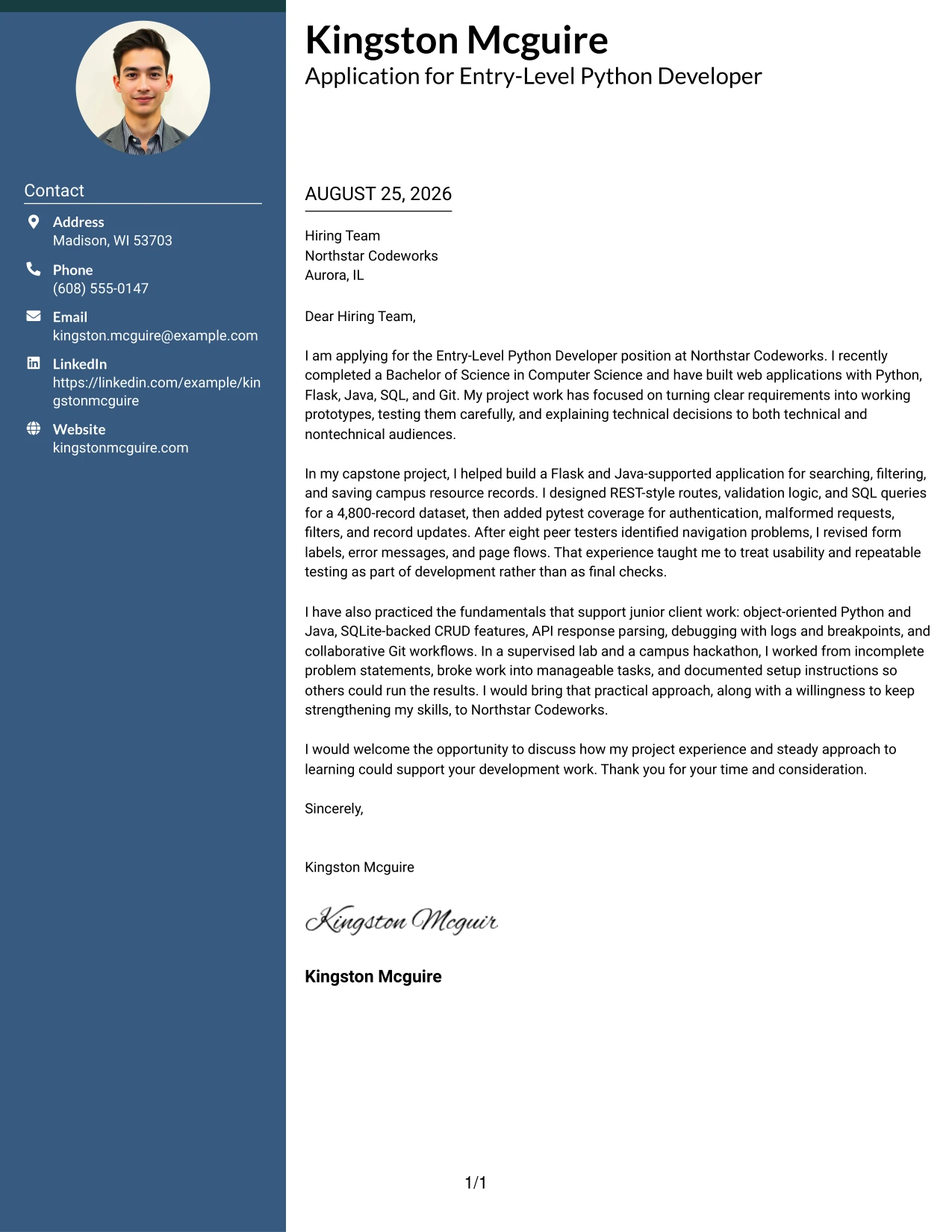
A recruiter can move through a Two Column Format by using the side area for contact and application details and the wider area for the persuasive letter. That division leaves room for a focused opening, evidence from the capstone, and a concise closing without forcing every point into one dense block.
Why This Cover Letter Works
- The two-column structure separates contact information from the message itself.
- The main reading area gives the opening and body enough room to develop a clear argument.
- The letter can show motivation first and technical evidence second.
- Capstone details support the claims without turning the letter into a project list.
- The format suits a letter with several relevant tools and testing examples.
- Short paragraphs help the reader locate the reason for applying quickly.
- The closing remains visible and distinct from the supporting evidence.
Best For
- Cover letters that need a clear contact area beside the main message
- Applications with several relevant tools that must be explained briefly
- Readers who prefer a strong separation between letter details and persuasive content
- Letters that combine motivation, project evidence, and a short call to action
- Applicants who want to present technical details without creating long paragraphs
- A structured explanation of how web development work matches the role
- Documents that need efficient use of page width while keeping the message readable
#3 Cover Letter Example: Photo Header Two Column Format
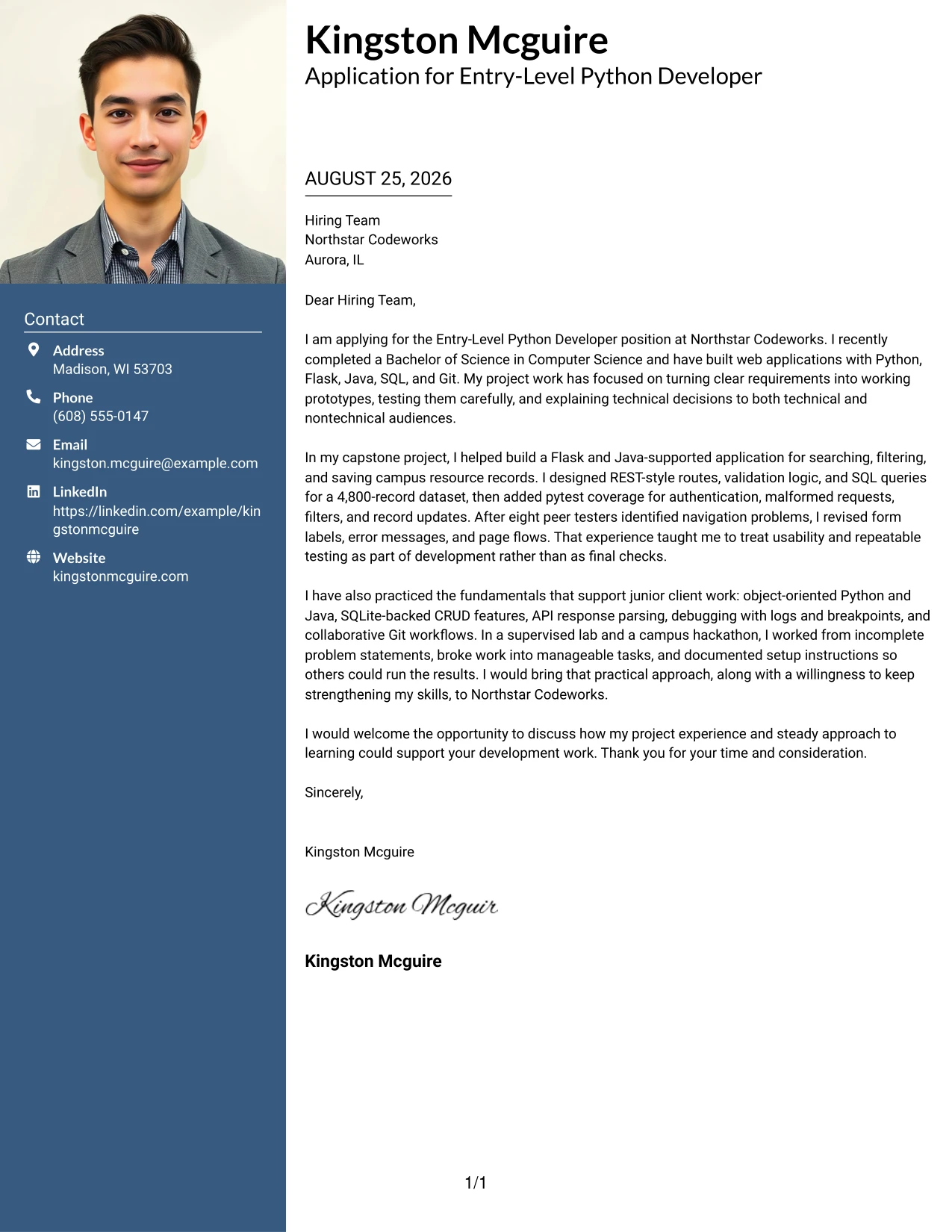
The strongest evidence appears in the main letter area: a recent Computer Science degree, a Flask and Java-supported capstone, REST-style routes, SQL queries, pytest coverage, and collaborative Git work. A Photo Header Two Column Format places that evidence beside a defined header, giving the application a recognizable first impression while keeping the argument easy to follow.
Why This Cover Letter Works
- The header creates a clear entry point before the reader reaches the body.
- The two-column arrangement separates identity details from the application argument.
- The letter leads with evidence that matches Northstar Codeworks’ technical focus.
- Testing, validation, and usability examples show practical development judgment.
- The photo area can support a polished personal presentation when appropriate for the application.
- The body explains motivation through actual project decisions rather than broad claims.
- The close keeps the focus on a conversation about contribution and learning.
Best For
- Applications where a polished personal introduction supports the written message
- Letters that need to place contact details and evidence in separate visual areas
- Candidates with several concrete development examples to connect to one role
- Client-facing applications where a clear personal presentation can aid recognition
- Cover letters that benefit from visible separation between technical proof and motivation
- Messages that combine a strong project record with a concise professional close
- Uses where the sender wants the header and body to make different communication jobs clear
#4 Cover Letter Example: Simple One Column Format
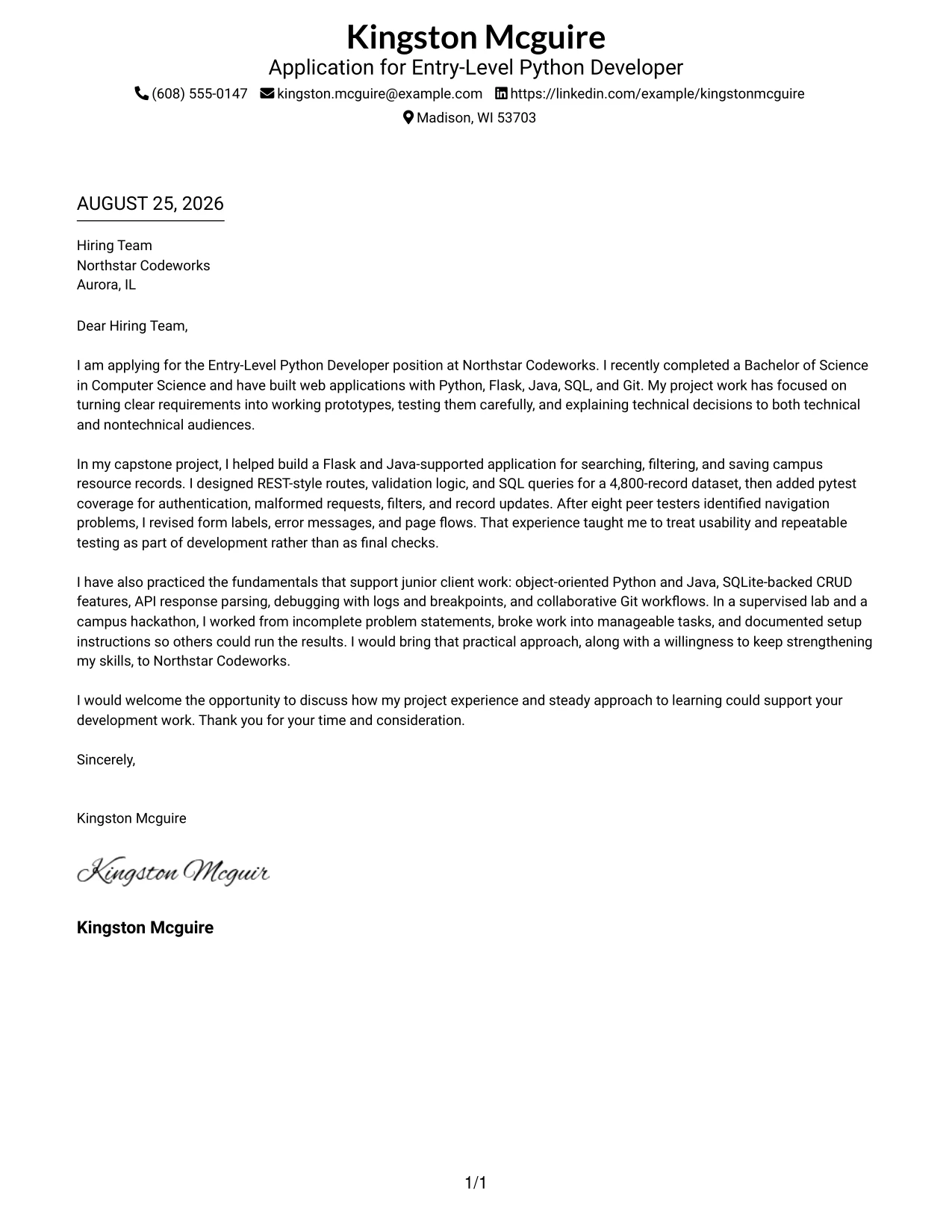
Balanced spacing gives a Simple One Column Format a calm application context: the reader sees the greeting, motivation, supporting evidence, and closing in one uninterrupted path. That works well for this application because the letter can explain the move from recent graduation to practical Python development without visual distractions.
Why This Cover Letter Works
- One reading path makes the application easy to follow from opening to closing.
- The opening quickly states the role, degree, and core development background.
- The body has room to explain the capstone without sounding like a resume summary.
- Evidence about testing and peer feedback shows care for working software.
- The simple presentation supports a sincere explanation of interest in Northstar Codeworks.
- The letter can address both technical preparation and willingness to keep learning.
- A clean close gives the hiring team a direct next step.
Best For
- Applications that need a straightforward letter with no competing side panel
- Recent graduates explaining how academic work supports a practical role
- Letters where the opening, evidence, and close should receive equal reading attention
- Messages that rely on a steady narrative instead of short visual callouts
- Applications with enough project detail to require comfortable paragraph spacing
- Readers who value simple navigation through a complete cover letter
- Situations where a calm presentation supports a clear explanation of role fit
#5 Cover Letter Example: One Column Format with Photo
For an application that benefits from a personal introduction, a One Column Format with Photo keeps the visual identity in the header and gives the written case the full page below. The letter can then move in a logical sequence from interest in Northstar Codeworks to capstone evidence, lab practice, and a clear request for discussion.
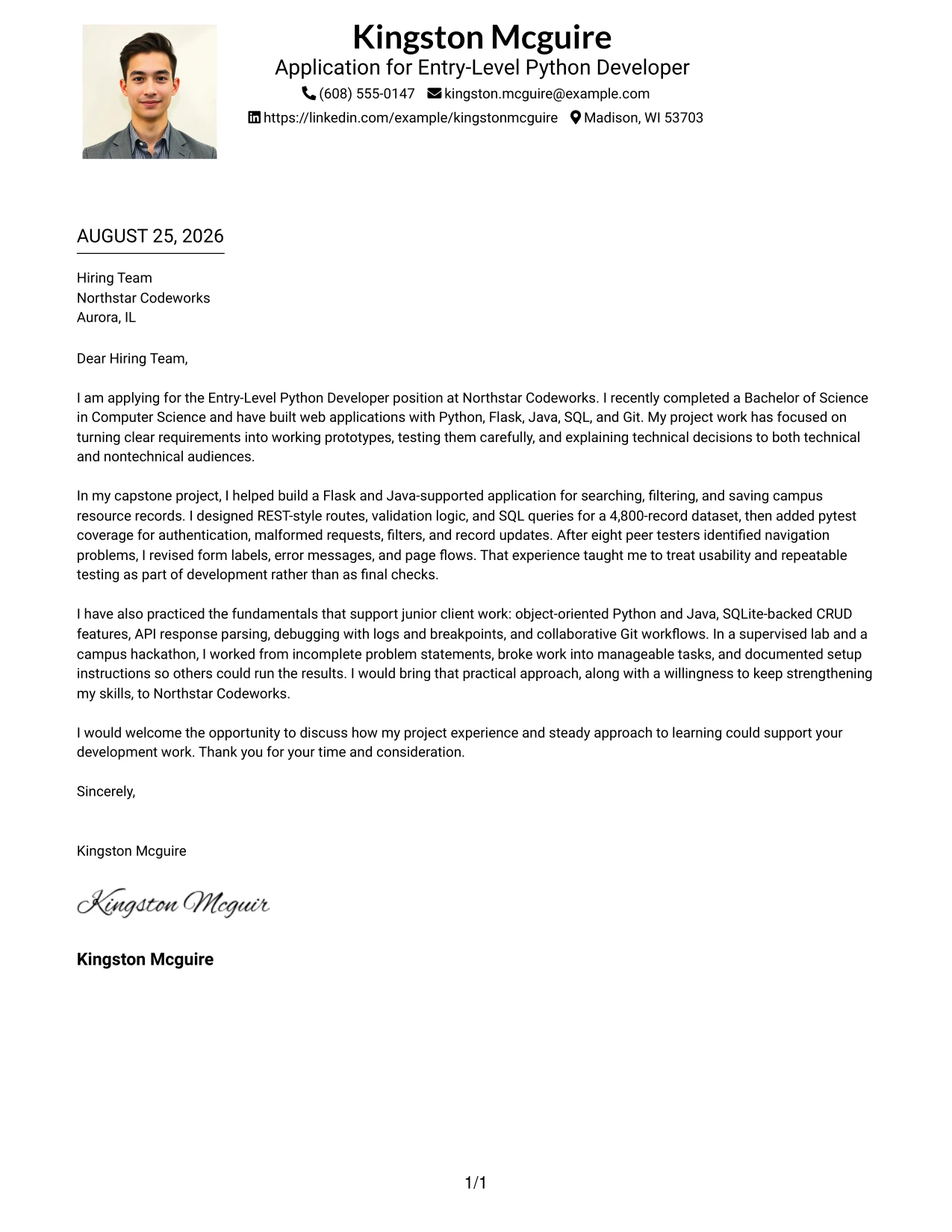
Why This Cover Letter Works
- The photo and header create a personal entry point before the reader begins the letter.
- A single column keeps the persuasive message in one consistent order.
- The opening ties the application to Python, Java, and web-centric development.
- The body uses project evidence instead of relying on claims about potential.
- The photo should remain professional and appropriate for the application context.
- The format gives technical details enough room without making the page feel fragmented.
- The closing returns attention to conversation, contribution, and continued growth.
Best For
- Applications where a professional photo is appropriate and adds personal recognition
- Letters that need a strong personal introduction above a full-width message
- Candidates presenting several connected examples in one continuous argument
- Applications that benefit from a clear sequence of motivation, evidence, and closing
- Cover letters where technical details need readable paragraph space
- Personal-brand presentations that still keep the employer and role at the center
- Messages designed to feel individual while maintaining a formal application structure
#6 Cover Letter Example: One Column Format with Photo Right
A restrained visual hierarchy keeps the One Column Format with Photo Right from competing with the written case. The right-side photo supports recognition, while the main column gives the opening and project evidence priority. That balance helps the letter connect Kingston Mcguire’s technical preparation with Northstar Codeworks’ need for practical, developing talent.
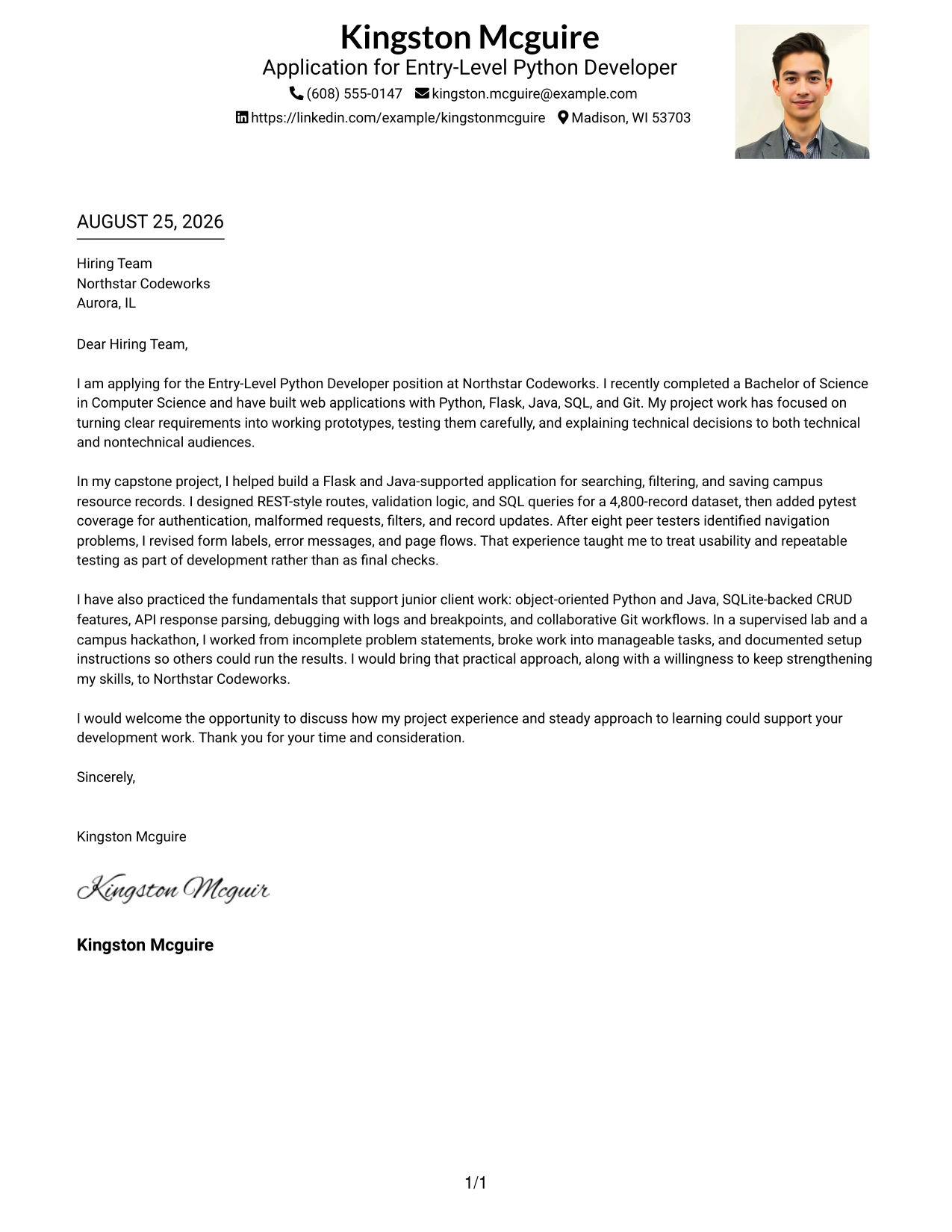
Why This Cover Letter Works
- The main column remains the primary place for motivation and evidence.
- The right-side photo adds identity without interrupting the letter’s reading order.
- The opening directly connects the application to the Entry-Level Python Developer role.
- Capstone details show how the candidate turns requirements into tested features.
- Lab and hackathon work support the claim of steady skill development.
- The format can present technical alignment while keeping the visual side restrained.
- The closing gives the employer a simple reason to continue the conversation.
Best For
- Applications where the written case should remain dominant beside a personal photo
- Letters that need role alignment in the main column and identity in a separate area
- Candidates connecting academic projects to a specific development opportunity
- Personal presentations that require a restrained visual hierarchy
- Cover letters with enough evidence to support a full narrative beside a compact header
- Applications where the sender wants technical proof and personal recognition kept distinct
- Messages that benefit from a clear main argument with limited visual interruption
#7 Cover Letter Example: Simple Two Column Format
Simple Two Column Format organizes the application into a main message and a supporting side area. The letter can use the main column for motivation and project evidence, while the secondary area helps the reader locate contact details or a short supporting point. The result is structured without making the communication feel crowded.
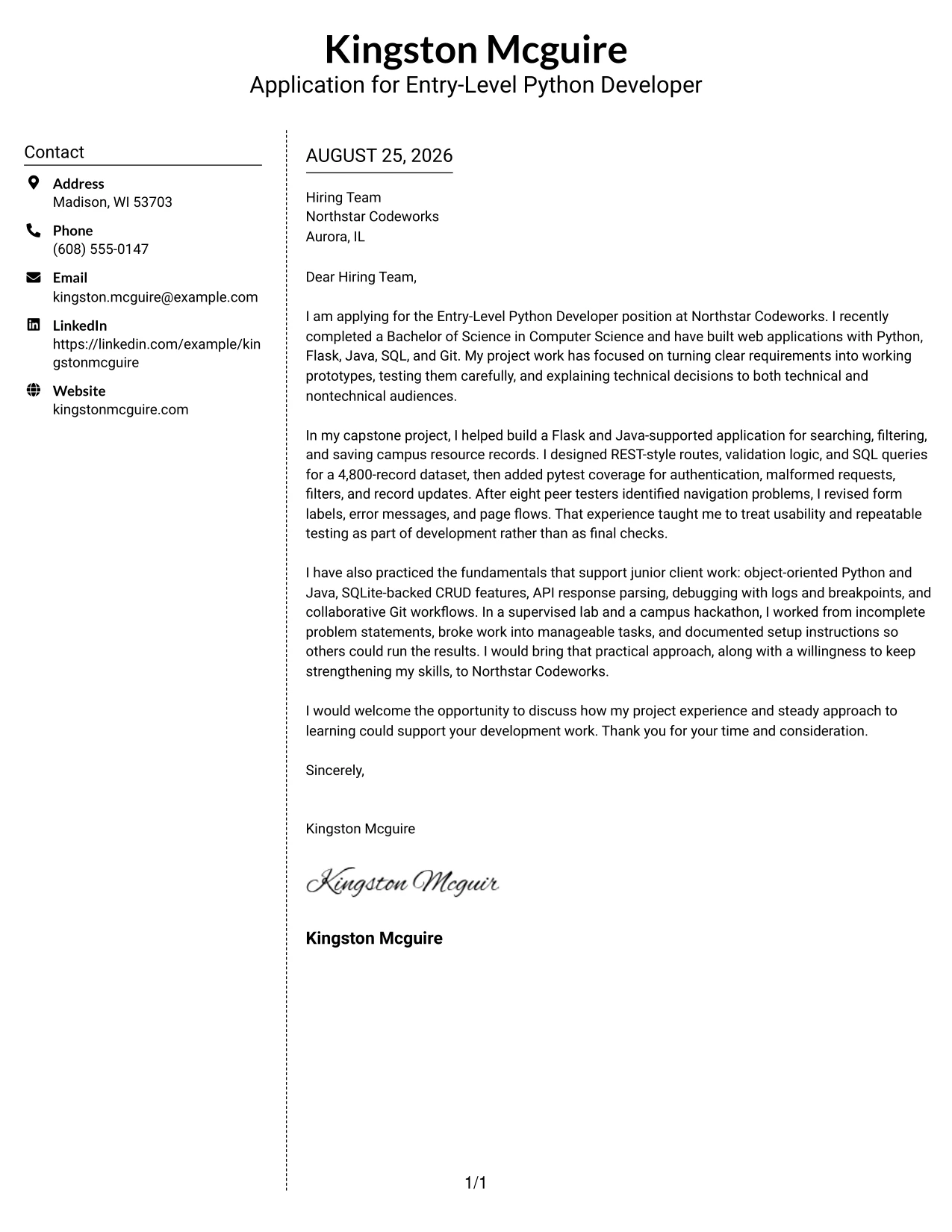
Why This Cover Letter Works
- The two areas create a clear distinction between the letter and supporting details.
- The main column can explain why the candidate wants the role before presenting proof.
- The side area gives the reader a quick reference point during review.
- Simple visual markers can guide attention without replacing persuasive writing.
- The format supports several technical examples while preserving short paragraphs.
- The letter can show communication skill through a logical order and controlled detail.
- A direct closing keeps the employer focused on the value of a follow-up discussion.
Best For
- Cover letters needing a simple side area for contact or application details
- Applications where the main argument should stay separate from quick-reference information
- Readers who scan first and then return to the full explanation
- Letters with several supporting facts that should not interrupt the opening
- Candidates showing both motivation and practical evidence in a compact page
- Documents that need two reading zones without a decorative or complex presentation
- Applications where clear structure matters more than visual emphasis
#8 Cover Letter Example: Stylish Two Column Designer Format
Readers can first review the compact side area and then move into the fuller letter content in the main column. Stylish Two Column Designer Format is useful here because the application includes several connected points: recent graduation, web application work, testing, Git collaboration, and a willingness to build further skills.
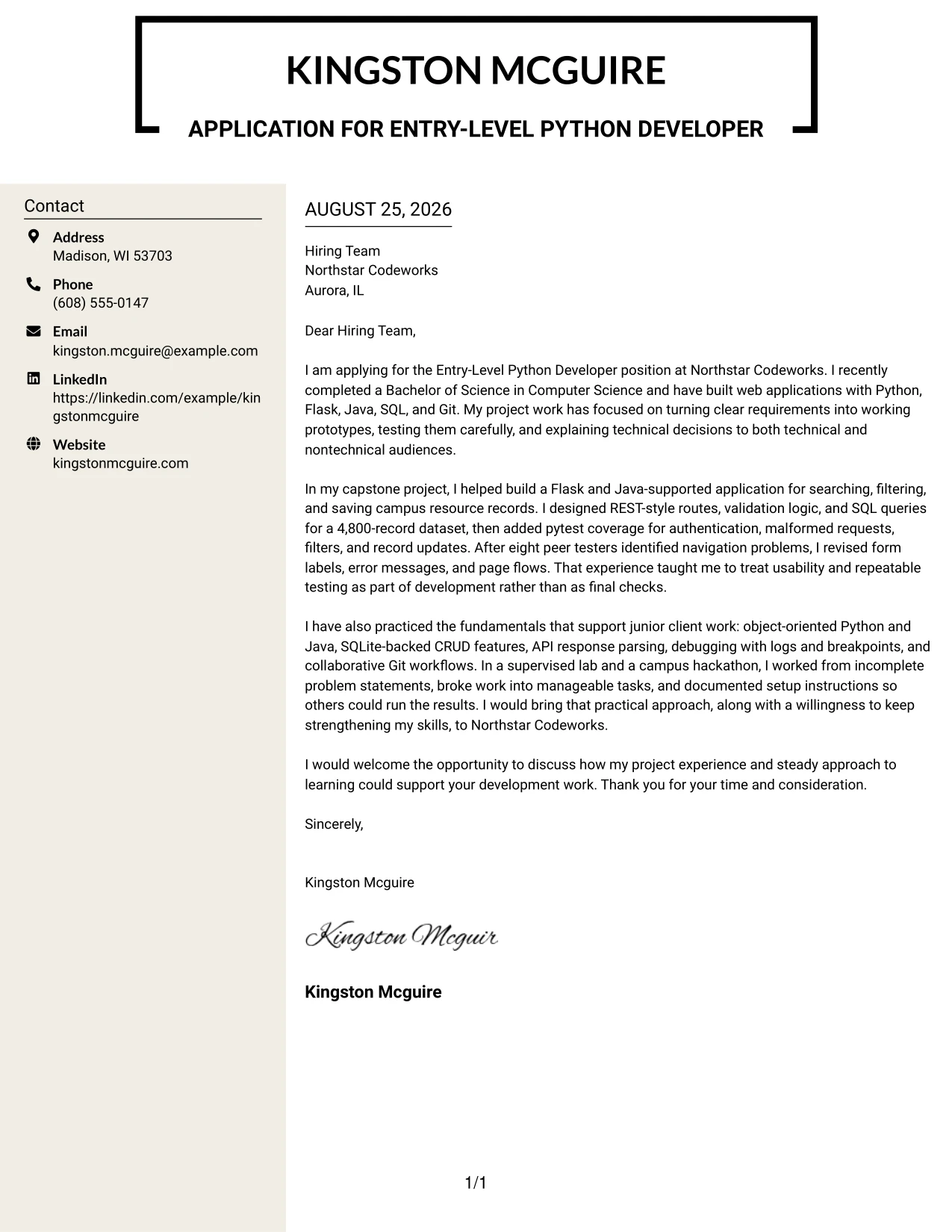
Why This Cover Letter Works
- The side area gives the reader a quick sense of the application before the body begins.
- The main column has room to explain technical evidence in a persuasive context.
- The design supports a letter with more than one project example.
- The writing can connect the capstone, supervised lab, and hackathon without repeating the resume.
- Visual separation helps the reader distinguish motivation from supporting proof.
- The format presents communication and organization as part of the application.
- A focused final paragraph prevents the larger content volume from weakening the close.
Best For
- Letters that need to present several related project examples without losing order
- Applications where a quick side summary can guide a deeper read
- Candidates with a larger volume of relevant evidence than a short letter can usually hold
- Messages that connect academic work, supervised practice, and collaborative delivery
- Readers who prefer a visual route from brief context to full explanation
- Applications requiring clear separation between supporting facts and persuasive paragraphs
- Cover letters that need efficient content volume while keeping the close concise
#9 Cover Letter Example: Colored Two Column Format
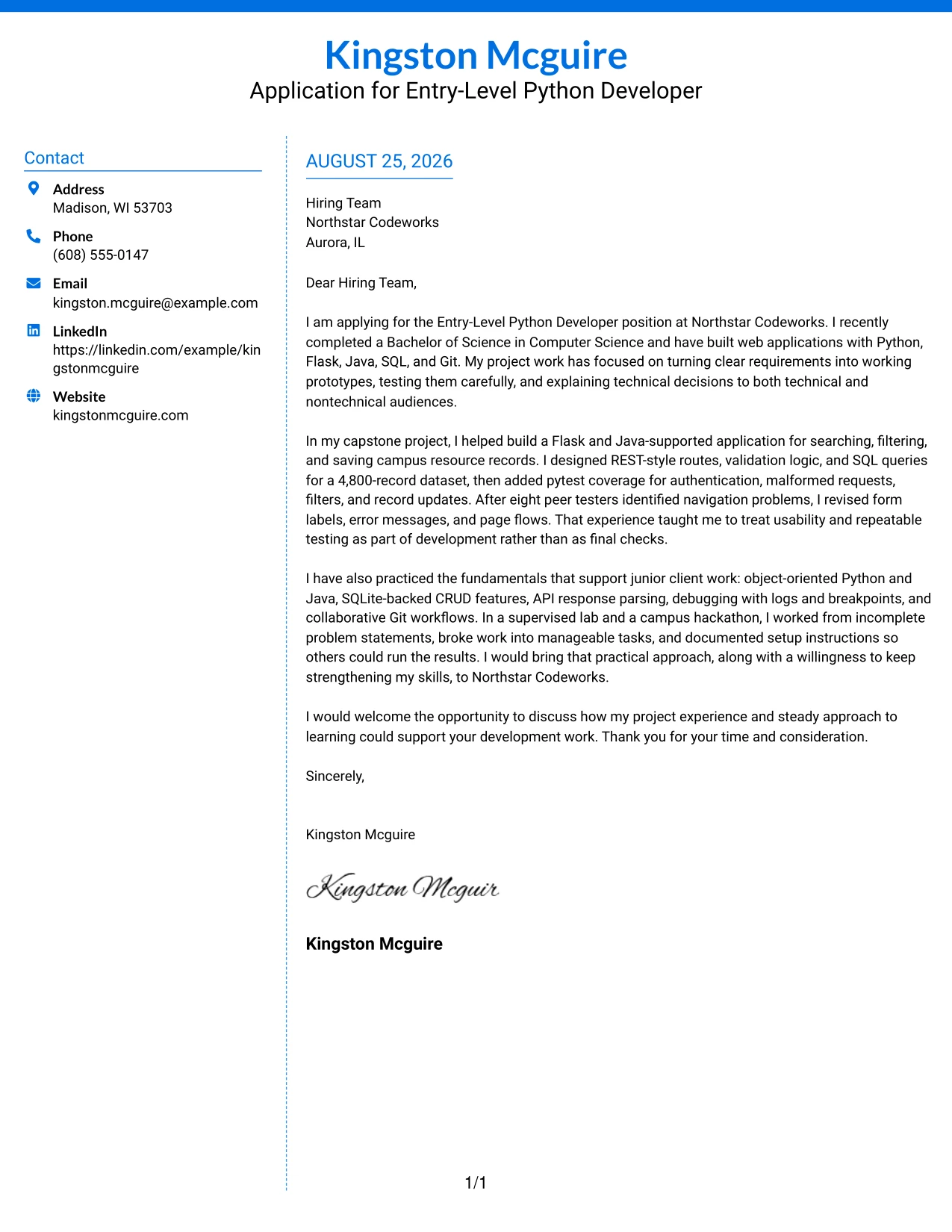
The main evidence receives priority in a Colored Two Column Format: the capstone shows Flask and Java development, SQL data work, pytest testing, usability revisions, and Git collaboration. A restrained color division can then separate that persuasive message from contact details, helping the reader connect technical proof to the employer’s practical development needs.
Why This Cover Letter Works
- The main column places role-relevant evidence where the reader expects the argument.
- The colored side area separates reference information from the letter’s reasoning.
- The opening identifies a clear connection to Northstar Codeworks’ technical focus.
- The capstone example proves ability to build, test, revise, and explain a working solution.
- The body includes collaboration and documentation, not only programming tools.
- Color provides hierarchy while the writing remains the main source of persuasion.
- The closing turns the evidence into a clear invitation to discuss fit.
Best For
- Applications where technical proof should stand apart from contact information
- Letters presenting build, testing, revision, and explanation as one evidence chain
- Readers who use color cues to locate the main argument quickly
- Candidates with concrete project results that need clear visual priority
- Applications where collaboration and documentation belong beside technical evidence
- Messages that need a defined side area without splitting the persuasive story
- Cover letters suited to organizations that value practical, organized communication
#10 Cover Letter Example: Creative Two Tone Format
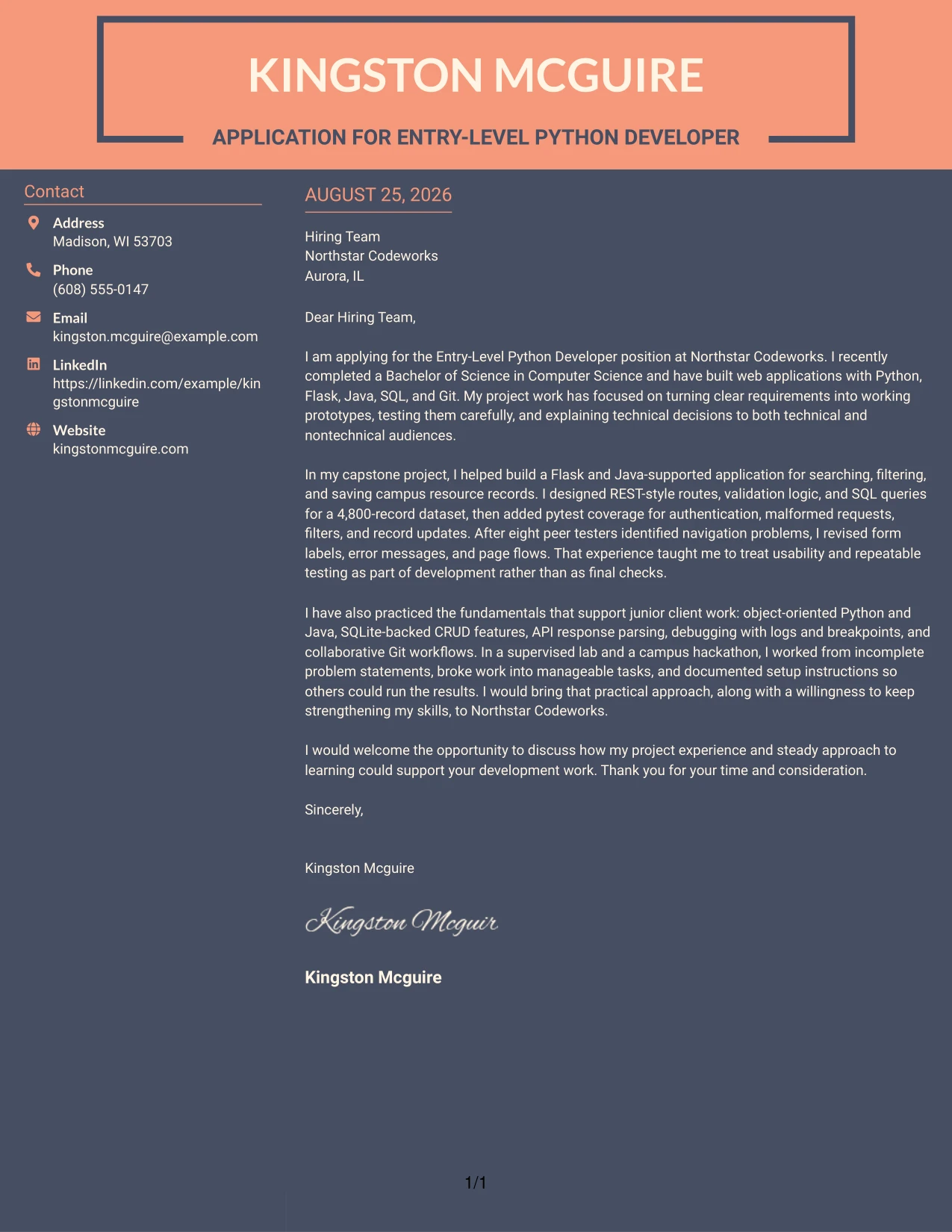
A two-tone page can balance a clear application message with a modest visual distinction between sections. Creative Two Tone Format works when the letter must explain motivation and technical preparation in a compact space. Kingston Mcguire’s letter can use that balance to show recent Computer Science study, project delivery, careful testing, and interest in growing with Northstar Codeworks.
Why This Cover Letter Works
- The two-tone treatment gives the page structure without changing the professional message.
- The opening states the application purpose before the letter moves into proof.
- The body can connect academic preparation to real development decisions.
- Testing and usability examples give substance to the motivation statement.
- The design keeps the employer and role central rather than making the page about decoration.
- The compact arrangement supports a confident, no-nonsense communication style.
- The closing is easy to find and ends with a clear request for further discussion.
Best For
- Applications that need a compact letter with clear visual separation
- Messages balancing a direct professional tone with a modest creative detail
- Recent graduates connecting academic preparation to practical application needs
- Letters where motivation and evidence must share limited page space
- Readers who want a quick visual distinction between opening, body, and close
- Applications that benefit from a memorable presentation without heavy decoration
- Cover letters requiring a confident explanation of fit in a concise format
#11 Cover Letter Example: Modern Icon Format
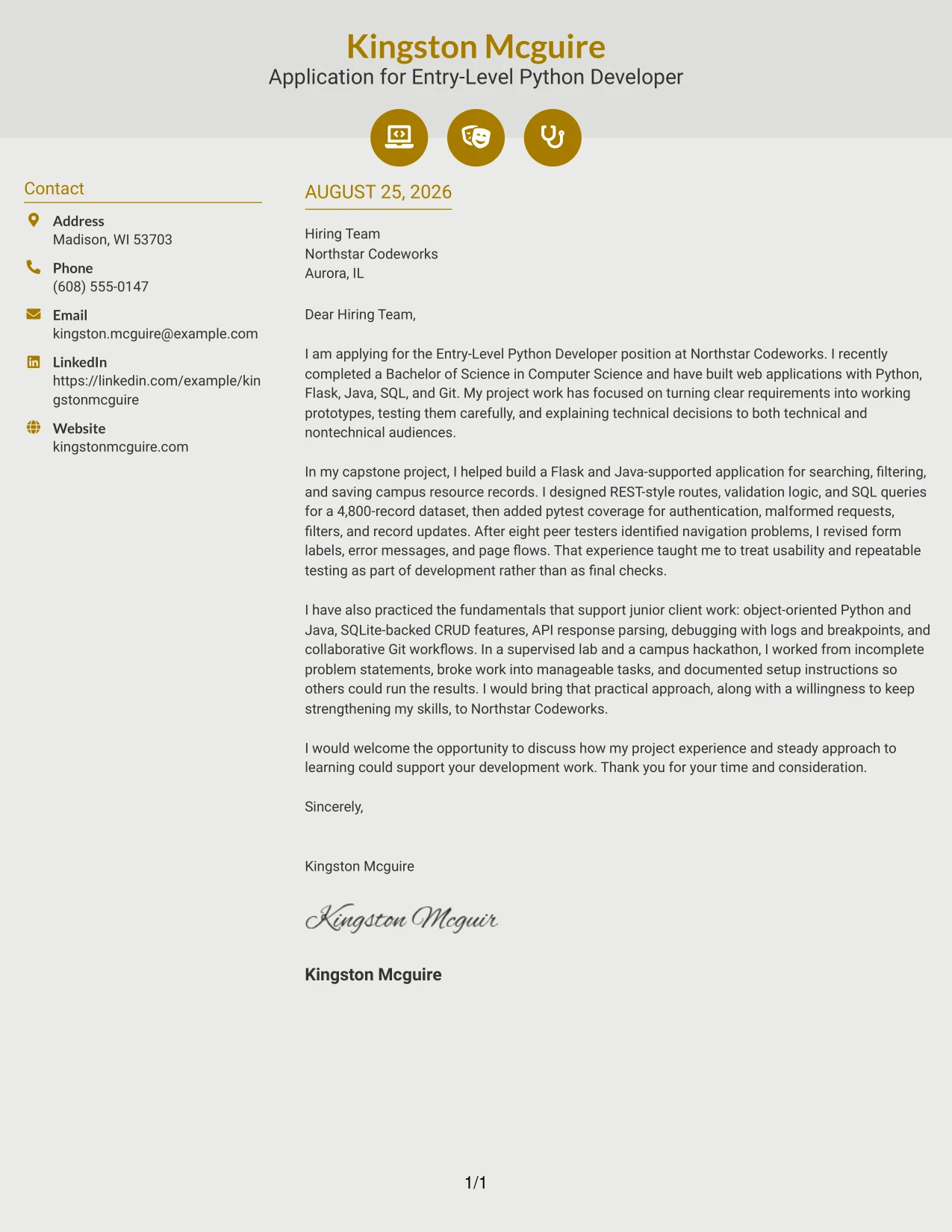
A practical application can use Modern Icon Format to guide the reader through contact details, the opening, technical evidence, and the closing with small visual cues. The icons should support the message, not replace it. In this letter, they help frame a clear case built on Python development, web applications, testing, and a steady approach to learning.
Why This Cover Letter Works
- The icons create quick visual anchors for important parts of the letter.
- The one-column flow keeps the application argument easy to follow.
- The opening links the candidate’s preparation to the employer’s development focus.
- Project evidence explains what was built, tested, revised, and presented.
- The visual treatment adds modern structure while the language stays direct.
- The letter shows fit through documented actions and learning habits.
- The closing remains prominent and gives the hiring team a clear next step.
Best For
- Applications that benefit from small visual cues around contact and letter details
- Readers who want quick landmarks within a single-column message
- Candidates presenting a modern communication style with concrete technical evidence
- Letters where icons can organize information without taking over the page
- Applications connecting web applications, testing, and continued learning
- Messages that need a clean visual fit while preserving a complete persuasive narrative
- Cover letters for employers open to a current, structured presentation
#12 Minimal Header Format Cover Letter Example
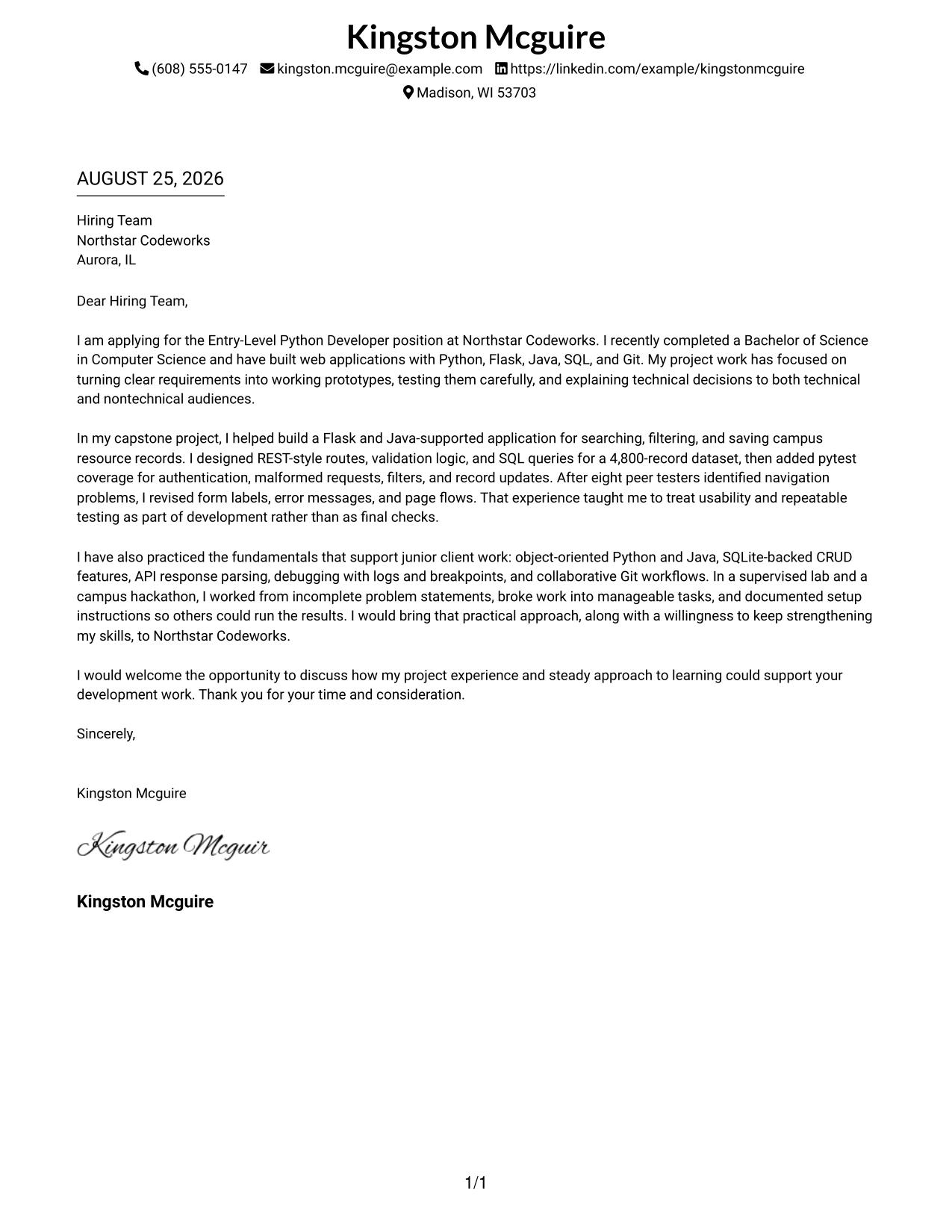
A restrained visual hierarchy keeps the message direct: the contact line, greeting, opening purpose, evidence, and closing are easy to follow. For an Entry-Level Python Developer application, the letter can quickly connect recent Computer Science study with Python, Flask, Java, SQL, Git, and careful testing. The simple header leaves the main persuasive work to the writing, including the reason for applying, proof from the capstone project, and interest in contributing at Northstar Codeworks.
Why the Minimal Header Format Works for a Cover Letter
- The clean header gives the employer the contact details without taking attention from the message.
- The opening can state the target role and application purpose immediately.
- A focused body connects academic project work to the employer’s web-centric development needs.
- Technical evidence appears in context rather than as a disconnected list.
- The format supports a calm, professional tone for a recent graduate application.
- Short paragraphs make the letter easier to review on screen.
- The closing has room for a clear request to discuss project experience and continued skill development.
Best For
- Applicants who want the written argument to carry more weight than decoration.
- Letters that need a direct opening and a clear connection to one target role.
- Recent graduates presenting academic work as practical evidence.
- Applications where several technical examples must remain easy to read.
- Readers who prefer a familiar one-column flow from greeting to closing.
- Candidates explaining motivation, readiness to learn, and employer fit in a compact space.
- Professional communication that should feel focused and dependable.
#13 Clean Two Column Sidebar Format Cover Letter Example
The Clean Two Column Sidebar Format separates contact and supporting details from the main letter, while the central message carries the application argument. That structure helps a reader move from the role, motivation, and strongest evidence to the closing without losing sight of the supporting information. The letter can present the capstone application, pytest work, Git collaboration, and communication with faculty and peer testers in a well-organized review path.
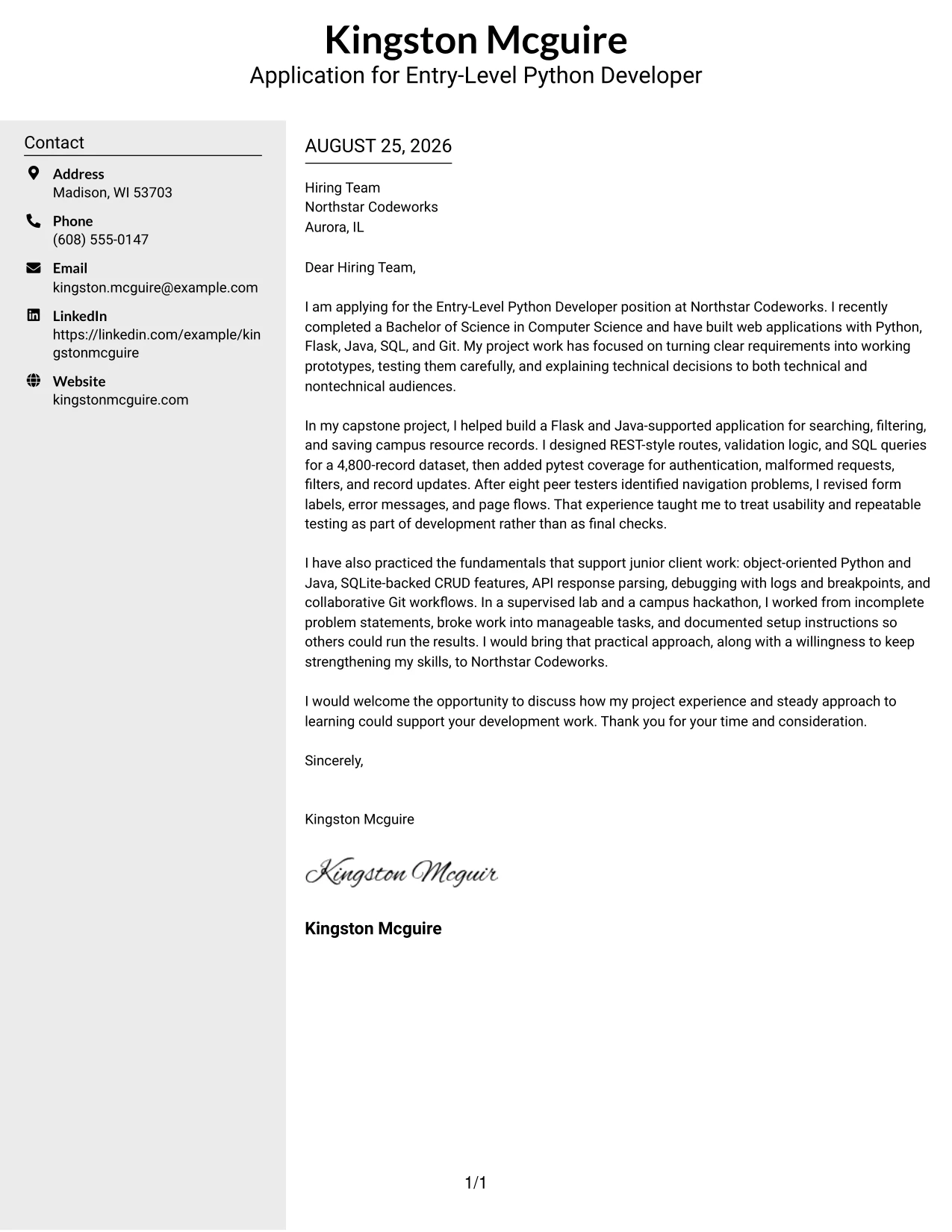
Why the Clean Two Column Sidebar Format Works for a Cover Letter
- The sidebar gives contact information a stable, easy-to-find position.
- The main column provides enough room for a persuasive opening and two evidence-based body paragraphs.
- Separate areas help the reader distinguish contact details from the application message.
- The structure supports a quick first review without reducing the detail of the letter.
- Project evidence can be grouped by development, testing, and collaboration themes.
- The two-column design adds organization while keeping the language professional.
- A concise closing remains visually separate from the supporting information.
Best For
- Applicants who need clear separation between contact details and letter content.
- Cover letters with more than one relevant project example.
- Applications reviewed quickly on a desktop screen.
- Candidates presenting technical evidence alongside a concise motivation statement.
- Readers who benefit from strong visual signposts between letter areas.
- Messages that must show both development ability and teamwork.
- A structured presentation of testing, documentation, and communication evidence.
#14 Plain Two Column Format Cover Letter Example
Readers can move through the Plain Two Column Format in a steady path: contact information and supporting details sit beside the opening, evidence, and closing. This is useful when the letter must carry several related points without feeling crowded. The application can explain the recent Computer Science degree, web application projects, testing practice, and interest in building practical Python and Java solutions for Northstar Codeworks.
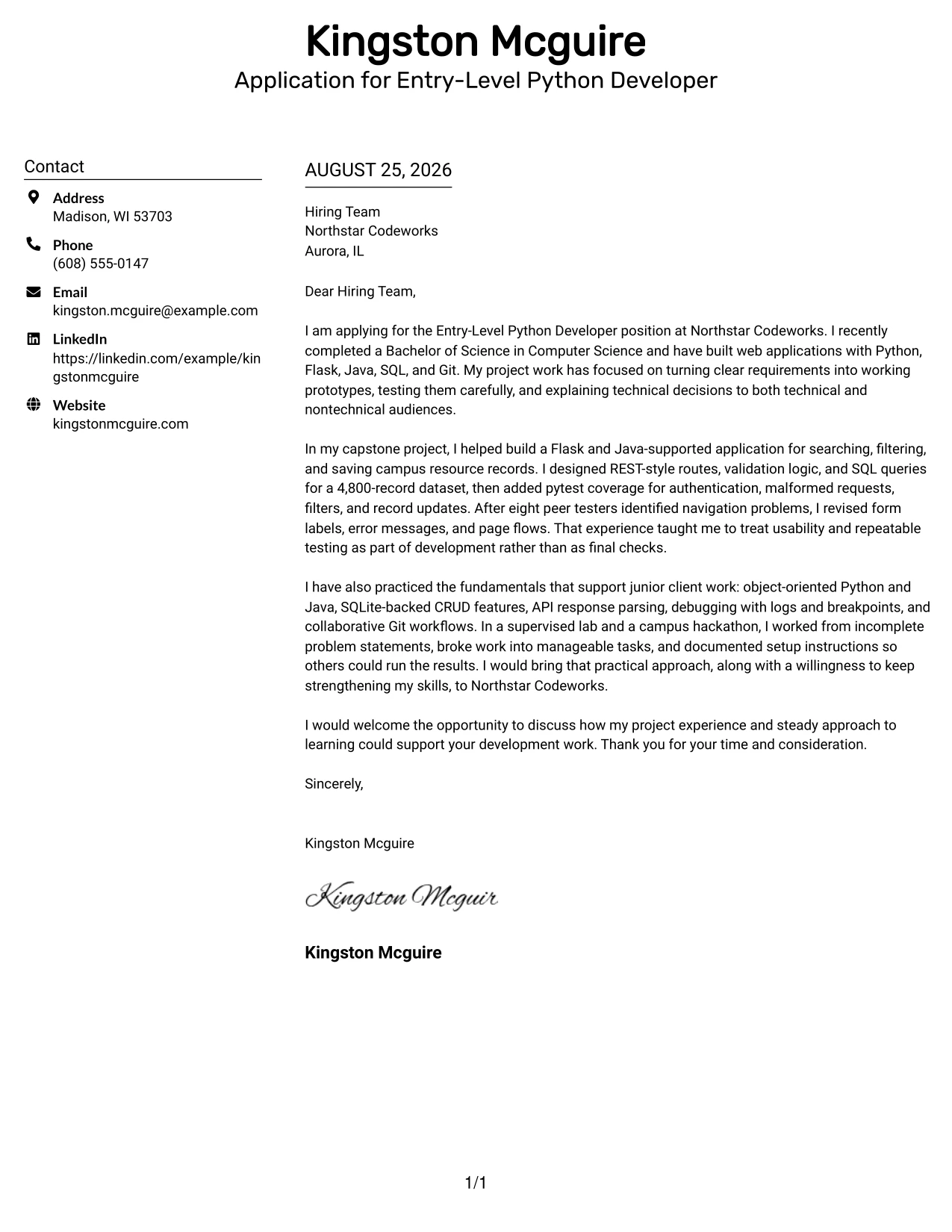
Why the Plain Two Column Format Works for a Cover Letter
- The open structure gives the reader a clear route through the letter.
- Two areas allow supporting details and persuasive text to remain distinct.
- The body can include several examples without turning into a dense block.
- The format suits a letter that balances motivation with practical project evidence.
- Plain styling keeps attention on the quality of the explanation.
- A consistent reading path helps the employer compare the opening, evidence, and closing.
- The layout supports a professional message that is detailed but controlled.
Best For
- Applicants combining a short introduction with a fuller evidence section.
- Cover letters that explain several connected development experiences.
- Readers who want supporting details visible during the first review.
- Candidates showing how coursework became working prototypes.
- Applications that need room for testing, debugging, and documentation examples.
- People who prefer a balanced page without a heavy visual treatment.
- Messages that must communicate readiness while acknowledging continued learning.
#15 Modern Full Background Two Column Format Cover Letter Example
The strongest evidence should lead the conversation: working web prototypes, REST-style routes, validation logic, SQL queries, pytest coverage, and Git collaboration. The Modern Full Background Two Column Format gives that evidence a clear place while allowing the opening to explain motivation and employer fit. The result is a confident letter that connects practical project results with Northstar Codeworks’ focus on Python, Java, and client-ready technical development.
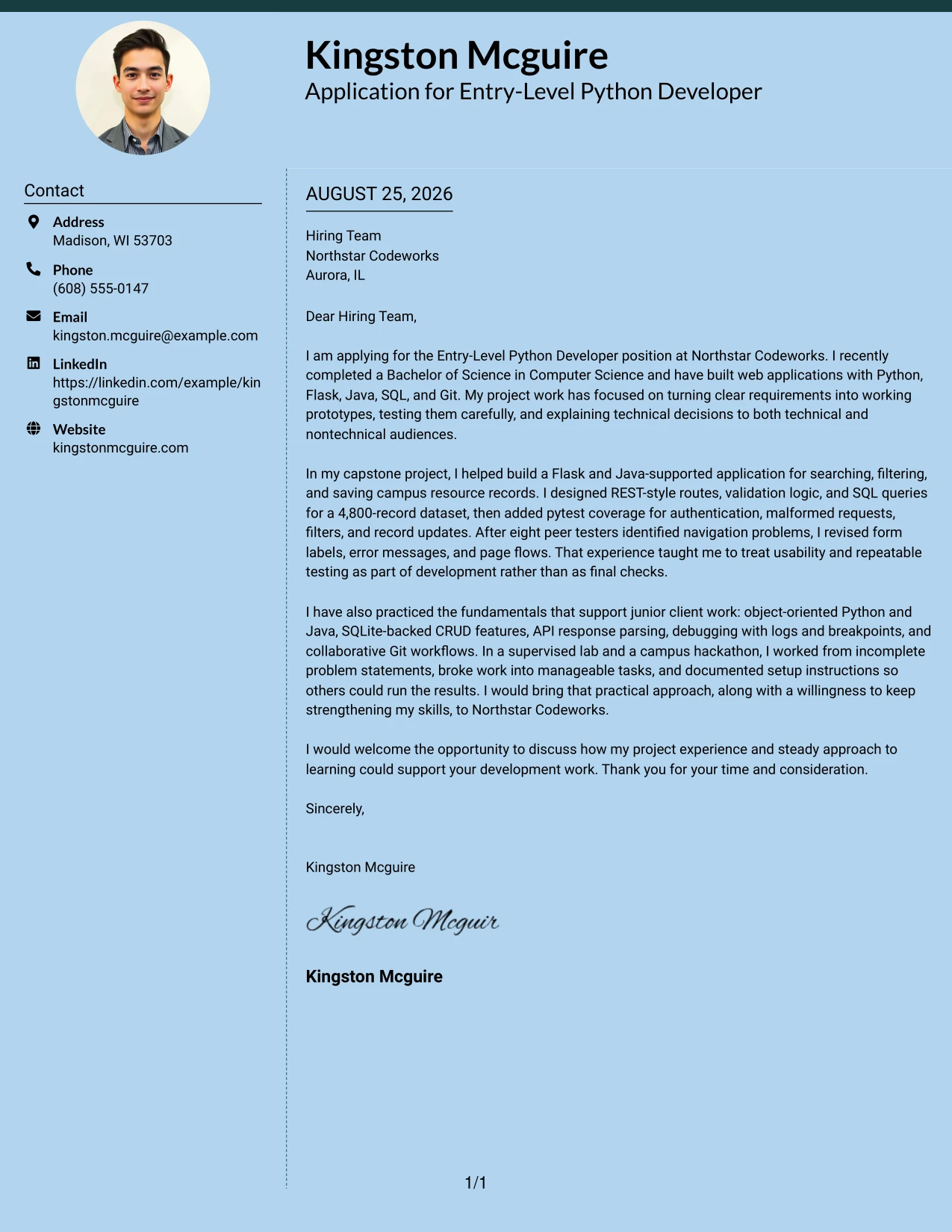
Why the Modern Full Background Two Column Format Works for a Cover Letter
- The structure gives practical evidence a prominent position in the message.
- The opening can link the applicant’s goals to the employer’s technical focus.
- Separate content areas help organize project results and supporting context.
- Testing and validation details show disciplined development rather than broad claims.
- The format supports a modern, confident tone without losing professional clarity.
- The body can explain both technical contribution and response to user feedback.
- A direct closing can turn the evidence into a clear invitation to continue the discussion.
Best For
- Applicants whose strongest argument is hands-on project evidence.
- Letters centered on working prototypes, testing, and documented technical choices.
- Candidates aligning multiple development examples with one employer’s technical focus.
- Applications that need a clear distinction between motivation and proof.
- Readers who respond well to organized evidence with visible priority.
- Messages showing how requirements became usable features.
- Professional letters that need a confident presentation of practical readiness.
#16 Dark Mode Two Column Format Cover Letter Example
Space is divided between supporting details and the main message, so the letter can handle a practical application need without crowding the page. The Dark Mode Two Column Format works well when the writer must show technical preparation, project evidence, and willingness to keep learning in a short review. The body can move from Northstar Codeworks’ role requirements to Flask and Java work, repeatable testing, collaboration, and a focused closing.
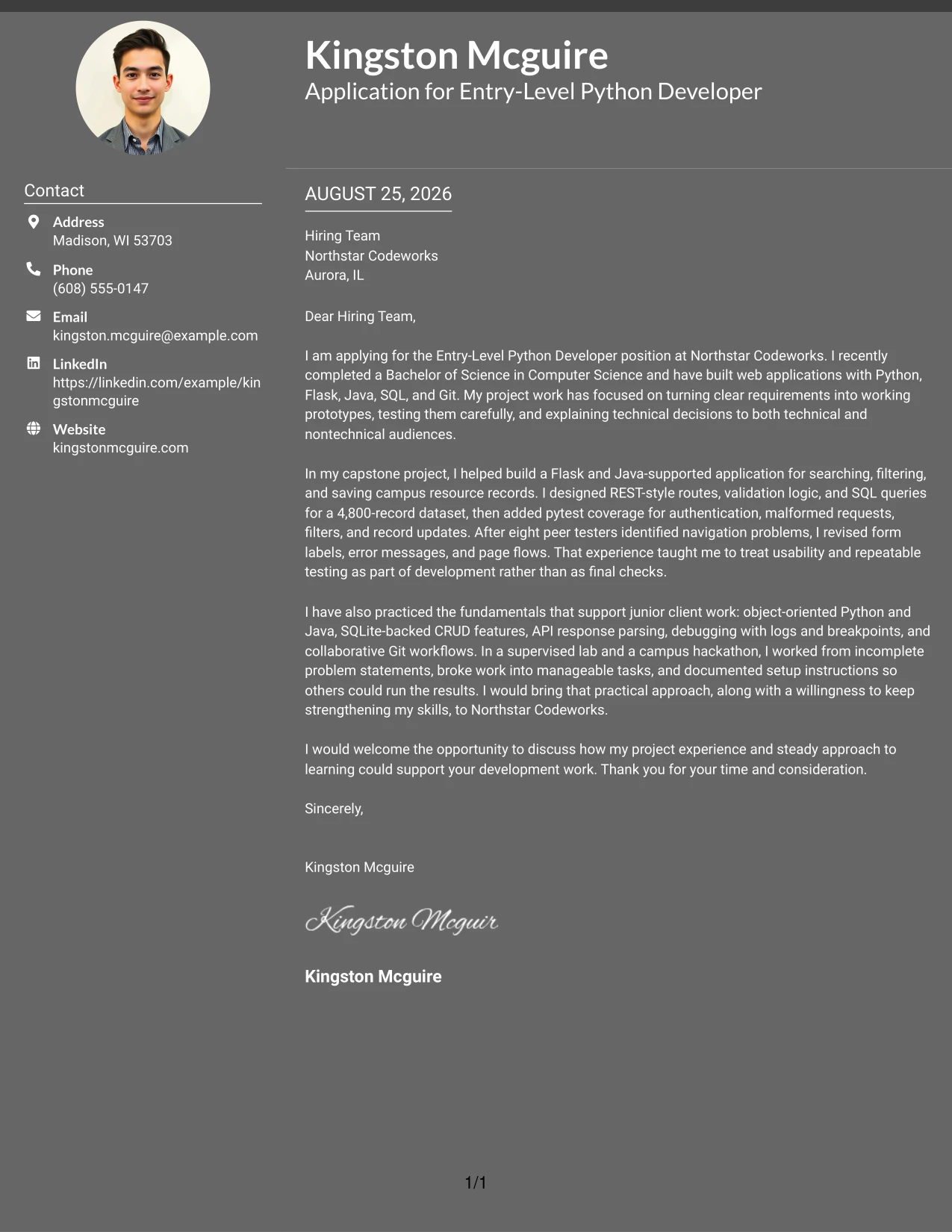
Why the Dark Mode Two Column Format Works for a Cover Letter
- The divided structure keeps contact details and the main argument easy to locate.
- The letter can address the employer’s needs before presenting supporting evidence.
- The design gives several technical examples room without requiring long paragraphs.
- Project details can show both implementation and responsible testing.
- The visual treatment can make a short application feel deliberate and organized.
- A separate supporting area helps prevent the opening from becoming overloaded.
- The closing can remain brief and visible after the evidence.
Best For
- Applications needing a compact presentation of technical preparation.
- Applicants balancing employer requirements with project-based proof.
- Cover letters reviewed in settings where quick content separation matters.
- Candidates showing practical use of Python, Java, databases, and version control.
- Messages that need to acknowledge skill growth while still presenting useful evidence.
- Readers who prefer clear zones for context, proof, and contact information.
- A focused application with a firm, concise closing.
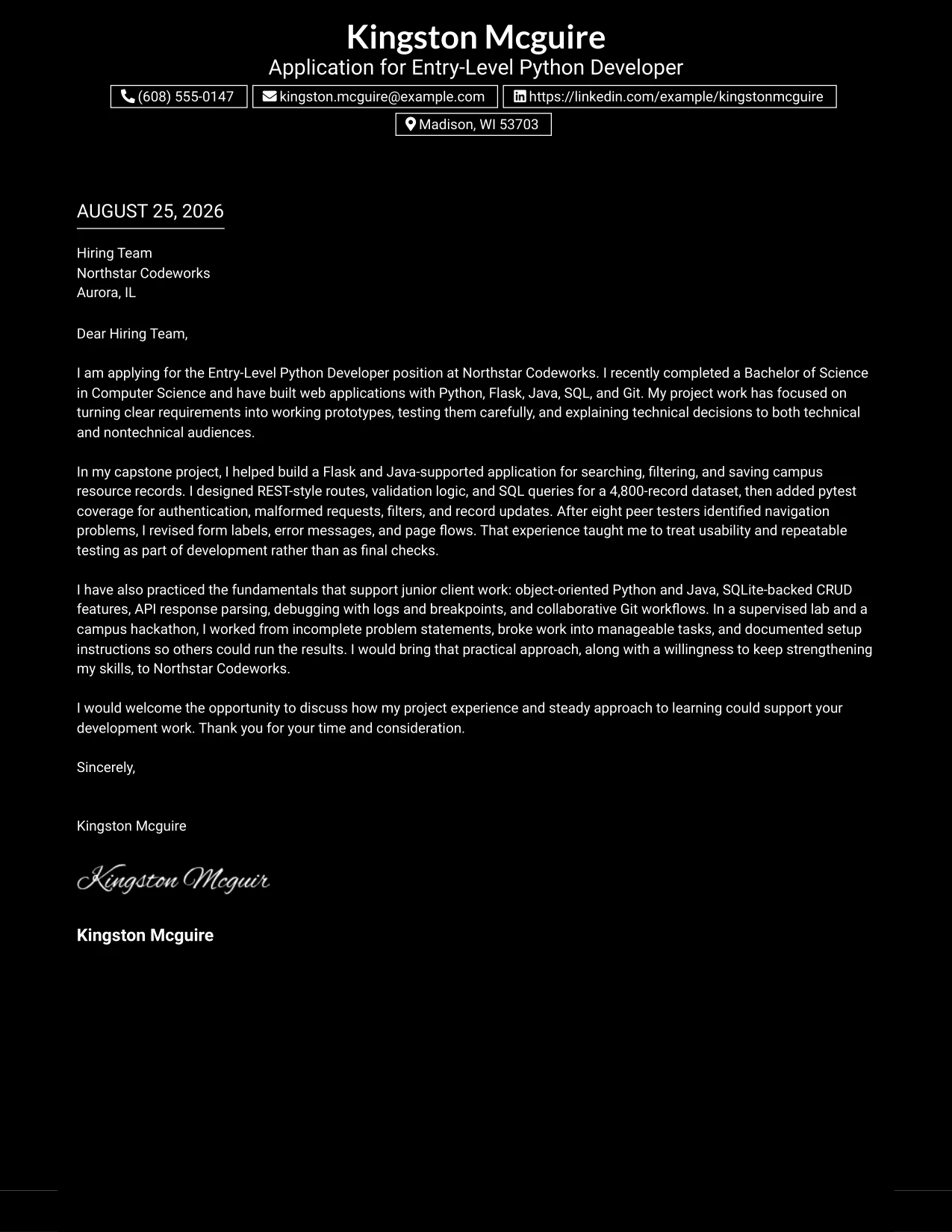
#17 Dark Mode Box Header Format Cover Letter Example
When an employer needs a practical application message that can be reviewed quickly, the Dark Mode Box Header Format gives the letter a strong starting point. The boxed header establishes the role and contact context, while the one-column body explains motivation, project evidence, and fit. For this application, that means presenting Flask development, SQL-backed features, pytest testing, Git teamwork, and a clear willingness to strengthen skills.
Why the Dark Mode Box Header Format Works for a Cover Letter
- The boxed header makes the application context clear at the start.
- A single body column supports a natural letter sequence from opening to closing.
- The strong top area helps the employer identify the target role quickly.
- The body can explain technical evidence in complete, readable sentences.
- The format supports a confident tone without requiring excessive detail.
- A consistent vertical flow makes the message easy to review on screen.
- The closing can reinforce interest and invite a conversation about fit.
Best For
- Applicants who want the target role and contact context to stand out immediately.
- Short cover letters with a strong opening and focused body.
- Messages that must present technical evidence in a simple vertical sequence.
- Candidates connecting supervised work and team projects to employer needs.
- Applications where a firm visual entry point supports quick review.
- Readers who prefer one continuous path through motivation and evidence.
- A professional letter that should feel clear, prepared, and decisive.
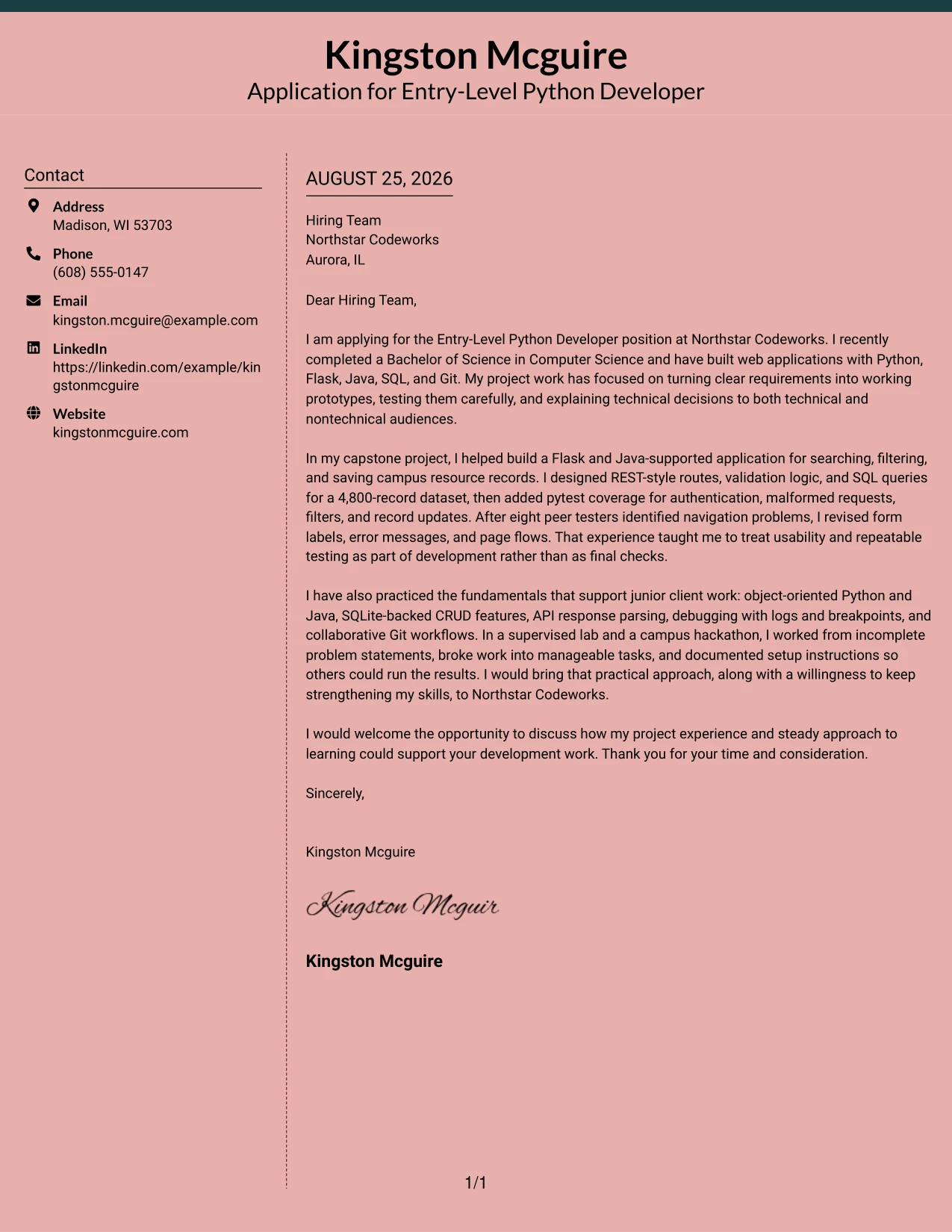
#18 Elegant Full Background Two Column Format Cover Letter Example
A restrained visual character helps the letter sound thoughtful and prepared rather than crowded. The Elegant Full Background Two Column Format can present motivation in one clear area and supporting proof in another, giving the application a balanced connection between personal interest and employer fit. Evidence from the capstone, supervised lab, and hackathon can show practical Python development, testing, communication, and steady learning.
Why the Elegant Full Background Two Column Format Works for a Cover Letter
- The balanced presentation supports a polished but direct communication style.
- The opening can explain interest in the employer without competing with the evidence.
- Two areas help separate motivation, technical proof, and supporting context.
- The letter can show development work alongside communication and teamwork.
- A calm visual hierarchy keeps the message credible for an entry-level application.
- The structure gives the closing enough space to sound specific and professional.
- The format supports a complete argument without making the page feel crowded.
Best For
- Applicants who want a polished presentation for a carefully prepared application.
- Letters balancing company interest with evidence from several projects.
- Candidates explaining technical work to both technical and nontechnical readers.
- Applications where communication style is part of the employer fit.
- Readers who value balanced organization and controlled visual emphasis.
- Messages connecting academic, supervised, and collaborative experience.
- A thoughtful closing that reinforces motivation without overselling.
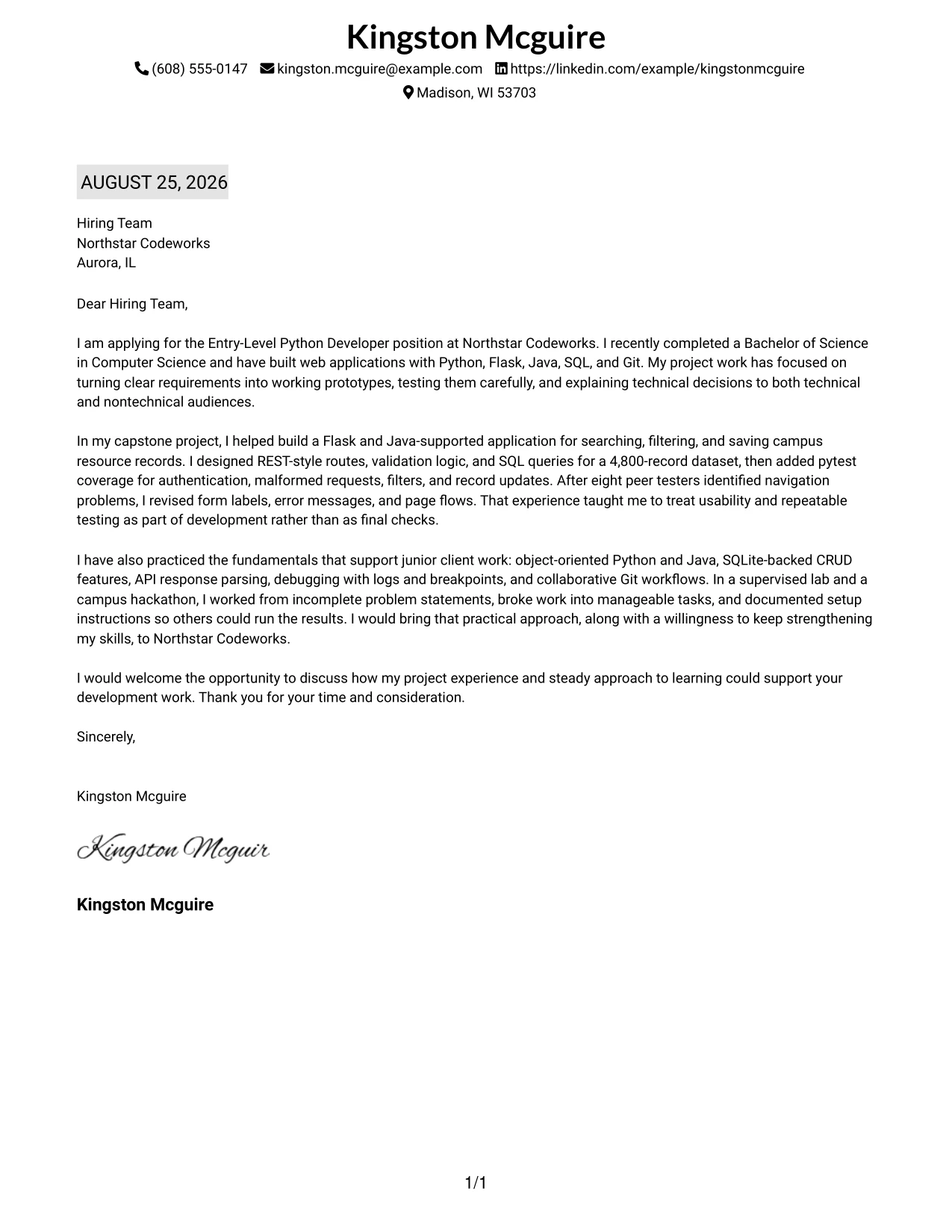
#19 Plain One Column with Highlighted Date Format Cover Letter Example
The Plain One Column with Highlighted Date Format gives the letter a familiar sequence and makes the application date easy to find. That clear structure supports a straightforward message: state the role, explain the fit, present the strongest project evidence, and close with a request to speak. The letter can show how Flask, Java, SQL, pytest, and Git were used in recent academic and team settings.
Why the Plain One Column with Highlighted Date Format Works for a Cover Letter
- The one-column sequence matches the way most readers expect to review a letter.
- The highlighted date helps establish a clear application record.
- The opening, body, and closing remain connected in one continuous path.
- The format gives project evidence enough room for useful context.
- Simple presentation keeps the employer focused on motivation and fit.
- A familiar structure supports fast review without sacrificing specific examples.
- The closing can make a direct and professional request for discussion.
Best For
- Applicants who prefer a familiar letter structure with clear timing.
- Applications that benefit from a visible date and simple document order.
- Candidates presenting recent academic work in a traditional message format.
- Cover letters with one main evidence path from project to employer need.
- Readers who want the full argument in a single vertical flow.
- Messages that need room for technical context without visual complexity.
- Professional applications where clarity and record-keeping matter.
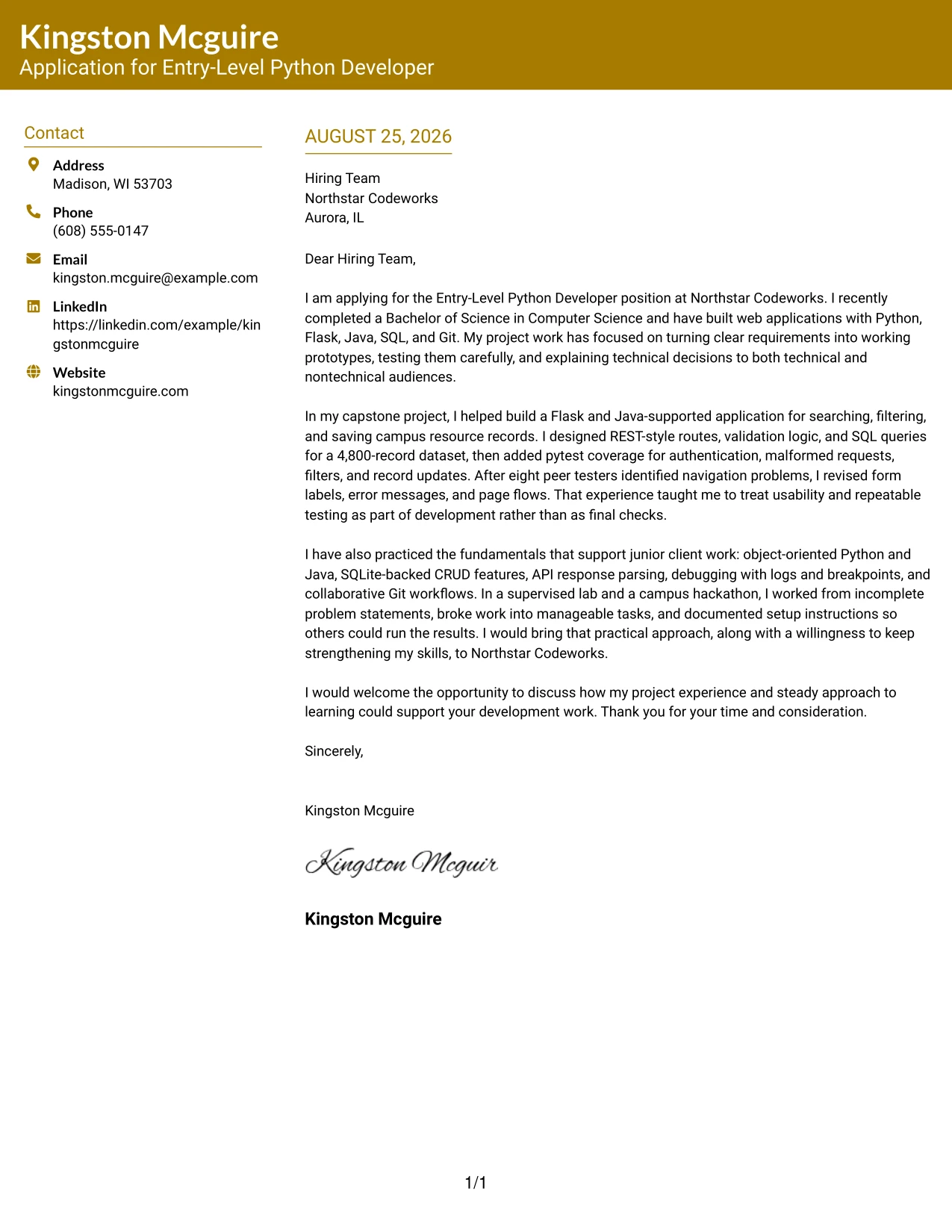
#20 Bold Color Header Professional Format Cover Letter Example
The reader first sees the application context, then moves into the reason for applying, supporting evidence, and closing request. The Bold Color Header Professional Format gives that path a noticeable entry point while keeping the letter itself focused. Kingston Mcguire’s application can use the body to connect a Computer Science degree, Flask and Java projects, repeatable testing, Git workflows, and interest in Northstar Codeworks’ junior development work.
Why the Bold Color Header Professional Format Works for a Cover Letter
- The header helps the reader identify the applicant and target role quickly.
- The body follows a clear persuasive sequence from purpose to proof to next step.
- The format can support a confident application without making claims larger than the evidence.
- Technical examples are explained as contributions and lessons, not isolated terms.
- The strong opening area helps the letter stand out during an initial review.
- A professional body tone keeps the visual emphasis under control.
- The closing can reinforce interest in discussing practical readiness.
Best For
- Applicants who want a strong first impression while keeping the writing professional.
- Letters where the target role should be visible before the detailed argument.
- Candidates presenting a degree plus several practical development examples.
- Applications that need clear movement from motivation to evidence to closing.
- Readers scanning for the applicant’s purpose before reading the full message.
- Messages that combine technical preparation with a willingness to learn.
- A confident presentation of junior-level project work without inflated claims.
#21 Photo Header Color Sidebar Format Cover Letter Example
Working application evidence should receive priority over general statements. The Photo Header Color Sidebar Format can place the contact presentation and visual identity to one side while the letter explains the strongest proof: a Flask and Java-supported capstone, 4,800-record SQL work, pytest coverage, peer testing, and Git collaboration. That arrangement supports a direct case for practical readiness and continued growth.
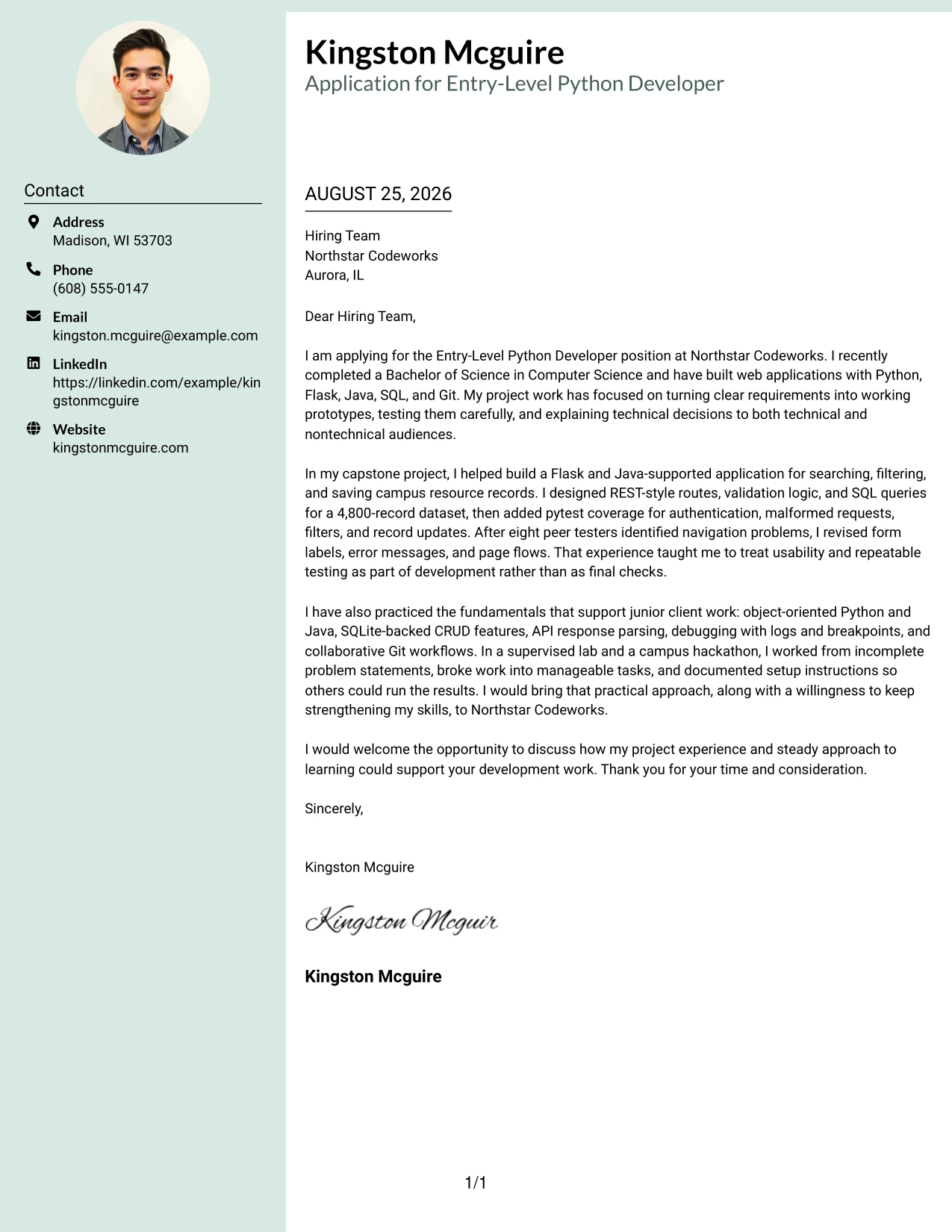
Why the Photo Header Color Sidebar Format Works for a Cover Letter
- The header can establish a recognizable professional identity before the reader enters the message.
- The sidebar leaves the main area available for motivation and role alignment.
- Specific project evidence gives the application credibility.
- Testing and peer feedback show attention to quality and usability.
- The format supports a clear explanation of how technical work meets employer needs.
- A separate contact area keeps the closing focused on the next conversation.
- The visual treatment can add distinction while the writing remains direct.
Best For
- Applicants who want personal presentation separated from the main letter argument.
- Applications where visual identity supports, but does not replace, strong evidence.
- Candidates with a substantial project example to explain in the main message.
- Letters connecting testing, usability, and development work to role needs.
- Readers who prefer contact details in a distinct supporting area.
- Messages that need to show technical ability and clear communication together.
- A polished presentation for a candidate building a professional technology profile.
#22 Top Left Header Color Accent Format Cover Letter Example
Balanced spacing keeps the top contact area, main argument, and closing from competing with one another. The Top Left Header Color Accent Format supports a practical application message with a clear route from interest in the role to evidence of readiness. The letter can connect web application development, validation, debugging, documentation, and collaborative delivery to Northstar Codeworks’ expectations for continued technical growth.
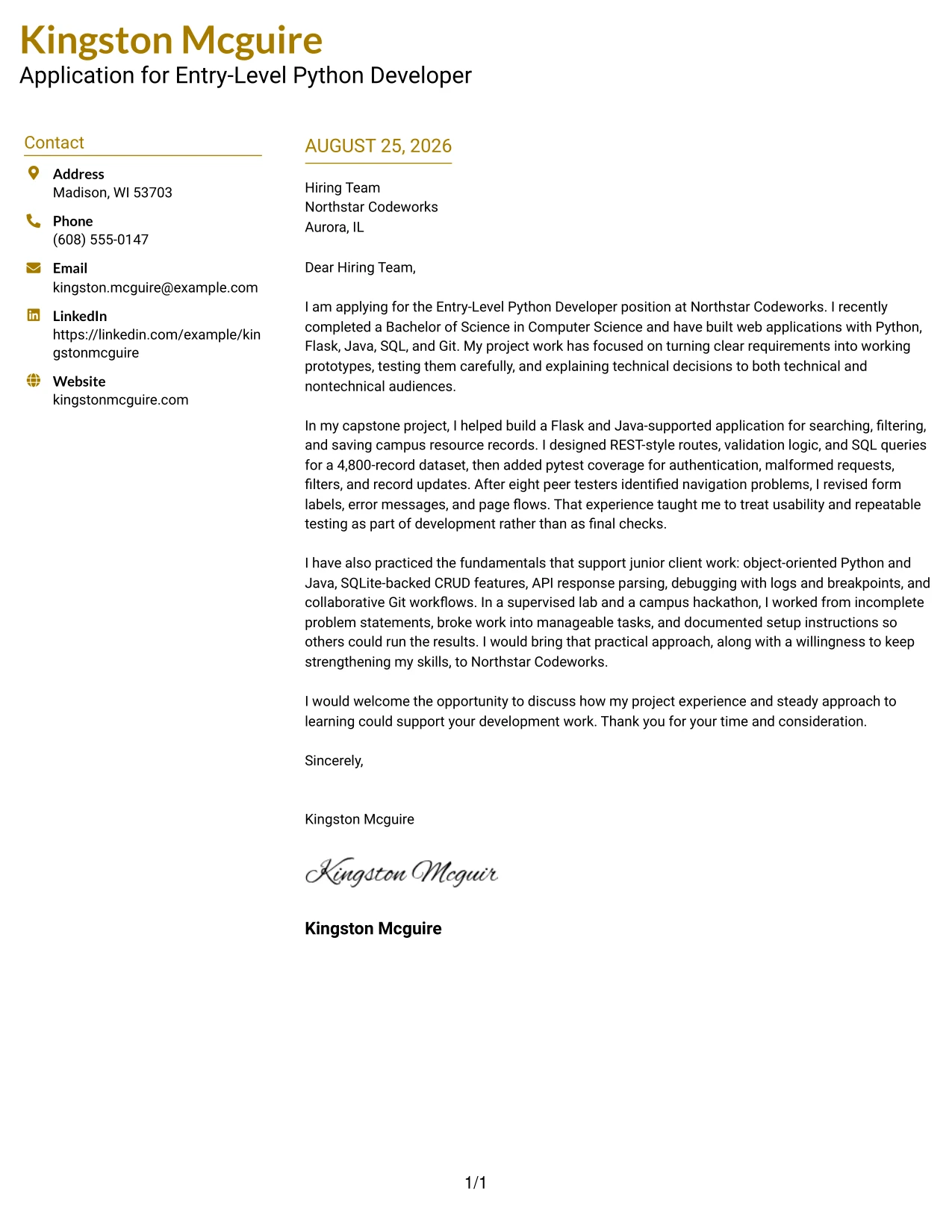
Why the Top Left Header Color Accent Format Works for a Cover Letter
- The top-left header gives the letter a clear starting point.
- Balanced spacing keeps the message readable from opening through closing.
- The body can connect employer needs to specific project evidence.
- A light accent adds structure without distracting from the writing.
- The format supports a direct explanation of motivation and fit.
- Technical details can be paired with communication and teamwork evidence.
- The closing remains visible as a clear next step for the employer.
Best For
- Applicants who want a balanced page with a clear starting point.
- Cover letters connecting technical evidence to a practical application need.
- Candidates presenting development, debugging, and documentation in one argument.
- Applications that need visible structure without a heavy visual treatment.
- Readers who value comfortable spacing and a steady message flow.
- Messages showing both independent problem solving and team contribution.
- A focused closing that turns interest into a request for discussion.
#23 Centered Header Classic Two Column Format
For applications that need a clear first impression, the Centered Header Classic Two Column Format gives the letter a balanced structure. The centered contact area establishes a formal tone, while the two-column arrangement separates contact and recipient details from the main message. That organization lets the letter present Kingston Mcguire's Computer Science degree, Python and Java project work, testing practice, and interest in Northstar Codeworks without crowding the page.
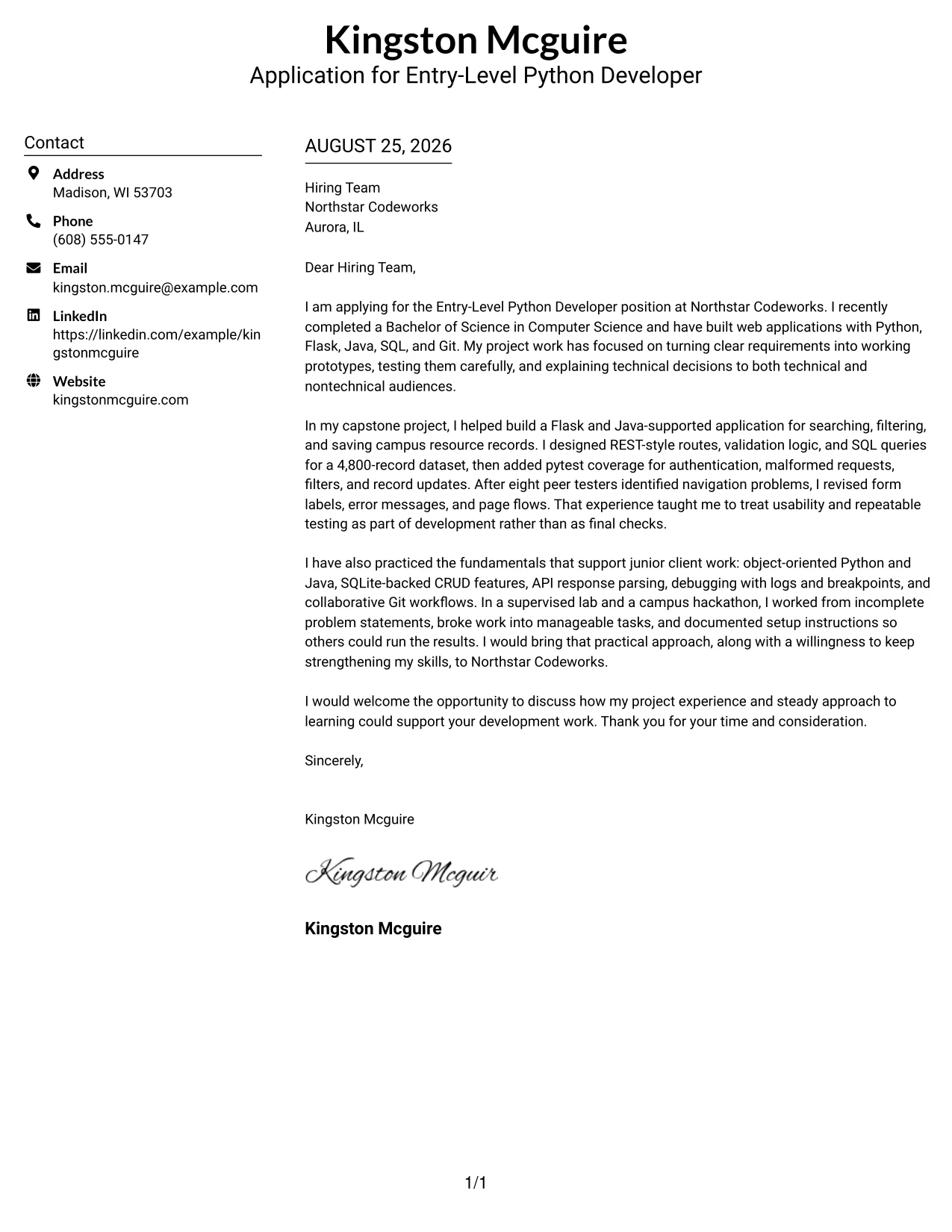
Why This Cover Letter Works
- The centered header makes contact details easy to find before the reader starts the letter.
- Two columns create a clear division between supporting details and the main message.
- The opening states the Entry-Level Python Developer target and the connection to Northstar Codeworks.
- The body uses specific evidence, including Flask development, REST-style routes, SQL queries, and pytest coverage.
- The letter connects technical work with usability, documentation, and communication.
- The classic structure supports a respectful and direct application tone.
- The closing asks for a discussion and ends with a professional thank-you.
Best For
- Applicants who want a formal letter with a strong visual center.
- Applications that need contact and recipient details kept separate from the message.
- Letters with several technical details that benefit from organized supporting information.
- Readers who prefer a balanced page before reviewing the main argument.
- Candidates presenting academic projects as evidence of practical ability.
- Applications where a traditional structure supports a direct communication style.
- One-page letters that need visible sections without heavy decoration.
#24 Left Aligned Header Clean Two Column Format
A restrained visual hierarchy helps the reader move from the sender's details to the employer, greeting, and main argument with little effort. The Left Aligned Header Clean Two Column Format keeps those elements orderly and gives the letter a practical tone. It suits an application that must connect recent Computer Science study, Flask and Java development, testing discipline, and interest in client-focused junior IT work.
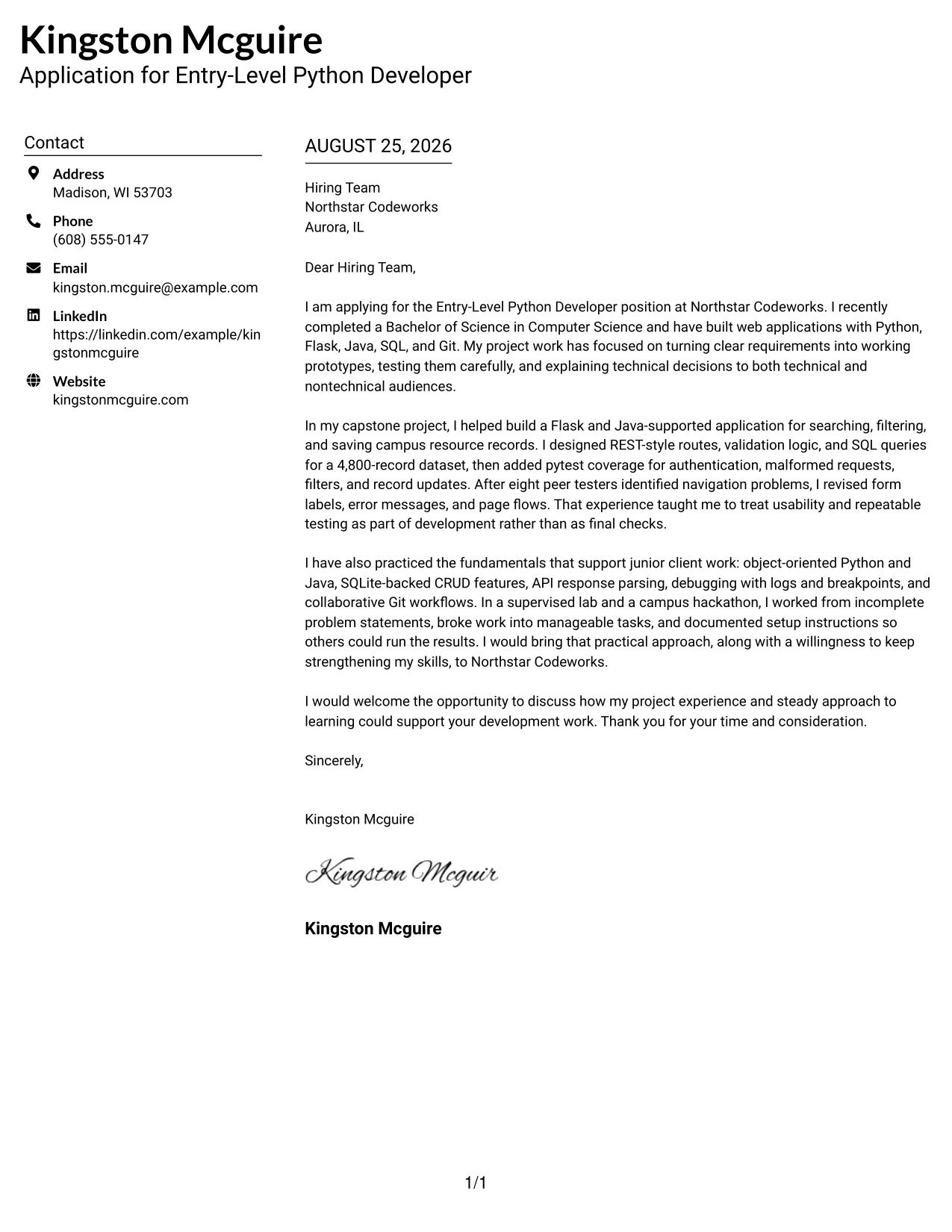
Why This Cover Letter Works
- Left alignment gives the letter a familiar reading path from top to bottom.
- The clean two-column arrangement keeps supporting information from interrupting the message.
- The introduction names the role and explains the relevant academic background quickly.
- Project evidence shows work with Python, Flask, Java, SQL, Git, and pytest.
- The letter explains how testing and peer feedback improved the application.
- The tone is professional without sounding overstated for an entry-level application.
- The final paragraph links the documented experience to continued skill development.
Best For
- Readers who value a straightforward path through the application.
- Letters that must align academic work with a specific junior development opportunity.
- Applicants who need room for both employer interest and technical evidence.
- Applications where clean spacing should support quick role matching.
- Candidates explaining how supervised work prepared them for collaborative development.
- Cover letters that need a calm, practical communication style.
- One-page submissions where supporting details must remain easy to separate.
#25 Accent Divider Modern Two Column Format
The Accent Divider Modern Two Column Format organizes a cover letter with clear visual breaks between contact details, recipient information, and the persuasive message. Those dividers help the reader identify the application target, relevant evidence, and closing request in sequence. The letter can therefore show how the capstone work used Flask, REST-style routes, SQL, pytest, and Git while keeping the reason for applying visible throughout.
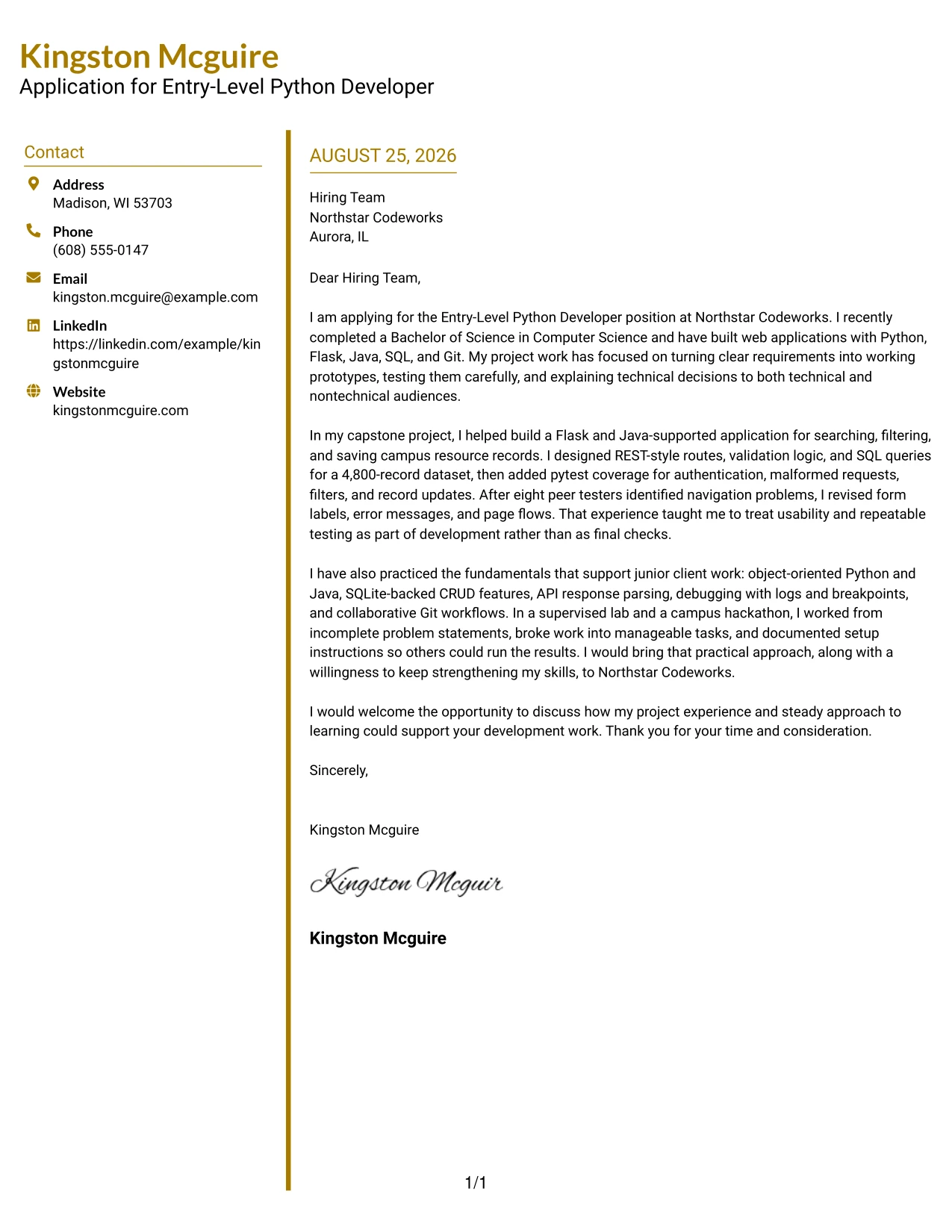
Why This Cover Letter Works
- The divided structure gives each part of the letter a defined place.
- The modern two-column format supports quick movement between details and message content.
- The opening connects the role to recent Computer Science completion and web application work.
- The capstone example provides measurable context through a 4,800-record dataset.
- Testing evidence shows attention to authentication, malformed requests, filters, and updates.
- The letter also presents collaboration through feature branches and pull requests.
- The closing keeps the employer fit focused on practical contribution and learning.
Best For
- Applications that benefit from visible separation between letter components.
- Readers who scan first and then return to the strongest evidence.
- Candidates presenting several connected project facts without long blocks of text.
- Letters that need a modern structure while keeping a professional message.
- Applicants showing a clear path from requirements to implementation and testing.
- Cover letters where technical evidence and employer motivation must stay distinct.
- One-page documents that need strong transitions between sections.
#26 Shaded Labels Clean Two Column Format
Recruiters can move from the contact block to the employer details and then into the letter's argument through shaded labels and a clean two-column structure. The labels make each transition easy to recognize without adding unnecessary decoration. This approach gives the application room to explain Python and Java practice, REST-style development, database work, testing, and the willingness to grow in a junior IT setting.
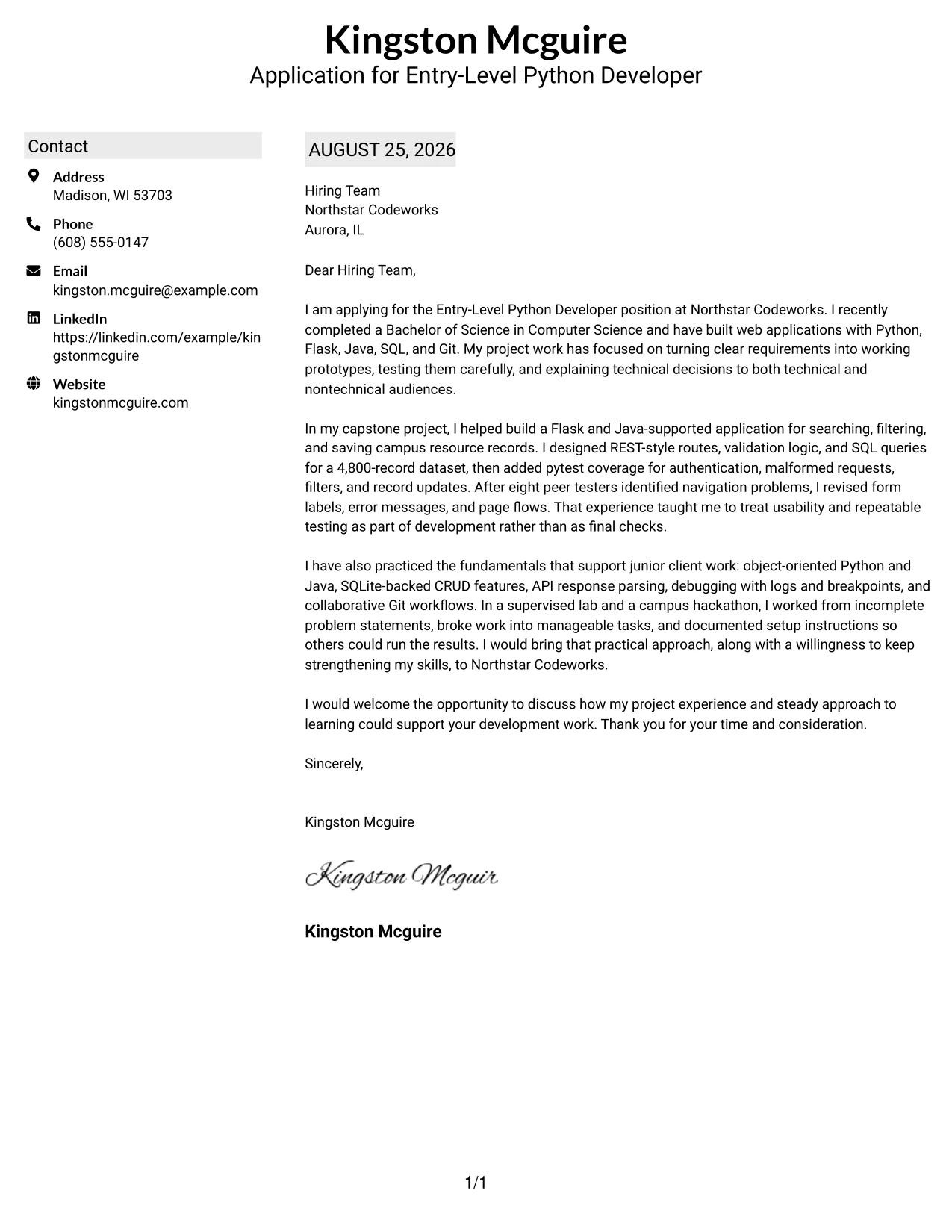
Why This Cover Letter Works
- Shaded labels guide the reader through the letter's practical sequence.
- The two-column structure keeps administrative details separate from persuasive content.
- The opening identifies the position and establishes a direct reason for applying.
- The body groups related evidence around web applications, databases, testing, and teamwork.
- Specific examples show Flask routes, SQL queries, SQLite workflows, and debugging.
- The letter explains technical work in terms of reliability, usability, and communication.
- The conclusion reinforces readiness to keep building skills for client opportunities.
Best For
- Letters with several evidence areas that need visible grouping.
- Readers who want clear labels before deciding where to focus.
- Applications combining project results, technical methods, and employer interest.
- Candidates who need to explain a larger amount of relevant background concisely.
- Cover letters where usability and communication deserve equal space with development work.
- Submissions that benefit from a structured but approachable presentation.
- One-page applications that must keep details organized without dense paragraphs.
#27 Photo Header Color Accent International Format
The strongest evidence should lead the message: recent Computer Science completion, practical Python and Java development, and tested web application work. The Photo Header Color Accent International Format places that evidence within a single-column letter with a prominent visual header and color accents. The photo can support a more personal introduction, while the writing must still do the main persuasive work by showing project fit, communication, and readiness to learn.
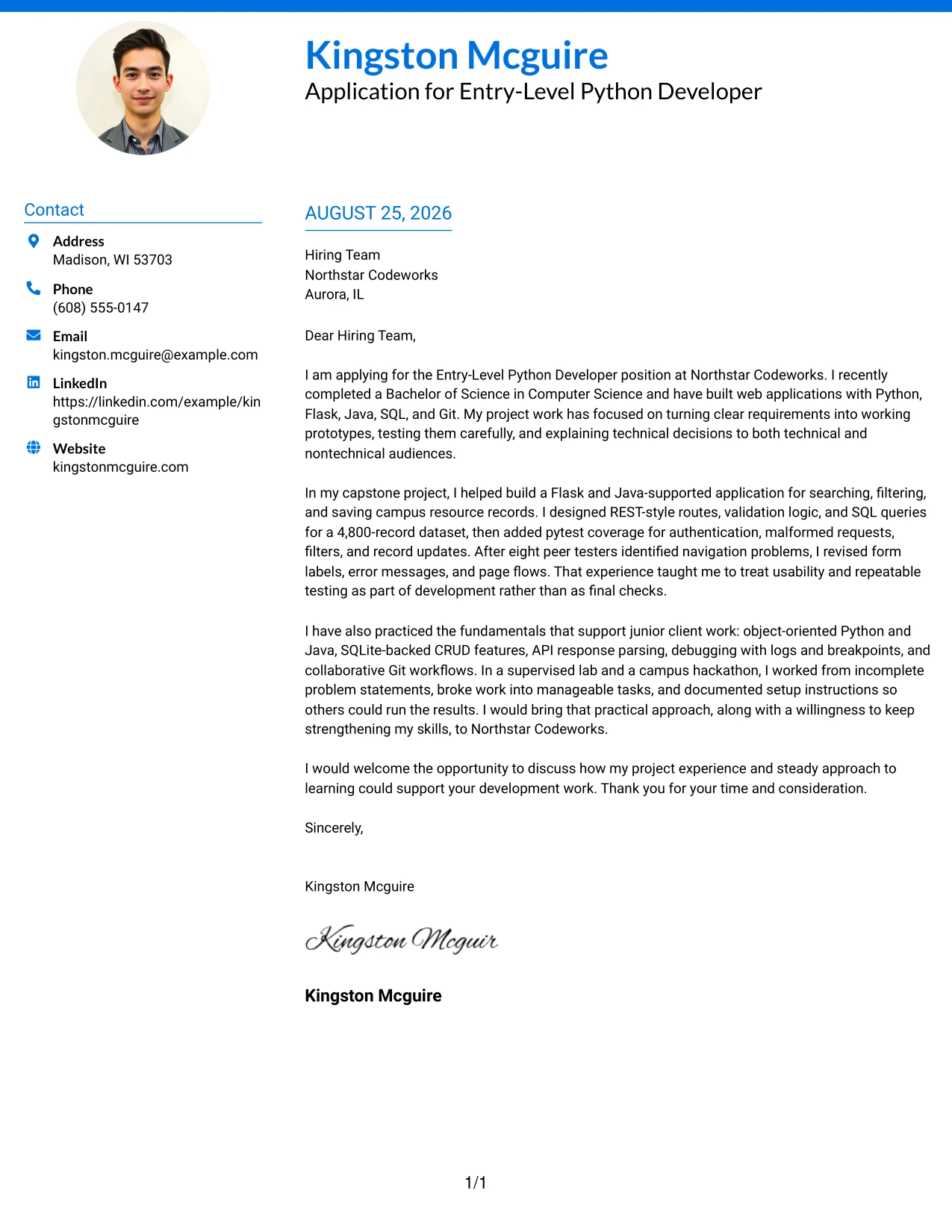
Why This Cover Letter Works
- The single-column flow keeps the argument easy to read from opening to closing.
- The header creates a personal introduction before the technical evidence begins.
- Color accents separate key areas without taking attention from the letter's message.
- The capstone example proves experience with Flask, Java, SQL, REST-style routes, and pytest.
- The letter connects technical results to peer testing and faculty presentations.
- The tone presents motivation and learning ability without claiming unverified employment experience.
- The closing gives the employer a clear next step: a conversation about contribution.
Best For
- Applications where a personal visual introduction fits the employer's communication culture.
- Readers who prefer one continuous message rather than divided columns.
- Candidates whose strongest case depends on a few well-explained project examples.
- Letters that need technical evidence to remain central despite a prominent header.
- Applications where color can distinguish sections while preserving a professional tone.
- Applicants who want to combine personal presence with clear role alignment.
- Submissions reviewed in settings that welcome a more internationally styled presentation.
#28 Large Profile Photo International Two Column Format
Content must remain balanced when a large visual header shares space with the message. The Large Profile Photo International Two Column Format gives the photo a strong role while using two columns to keep contact information and letter content distinct. That balance works when the application needs a personal presentation as well as clear proof of Flask development, SQL work, testing, teamwork, and interest in Northstar Codeworks.
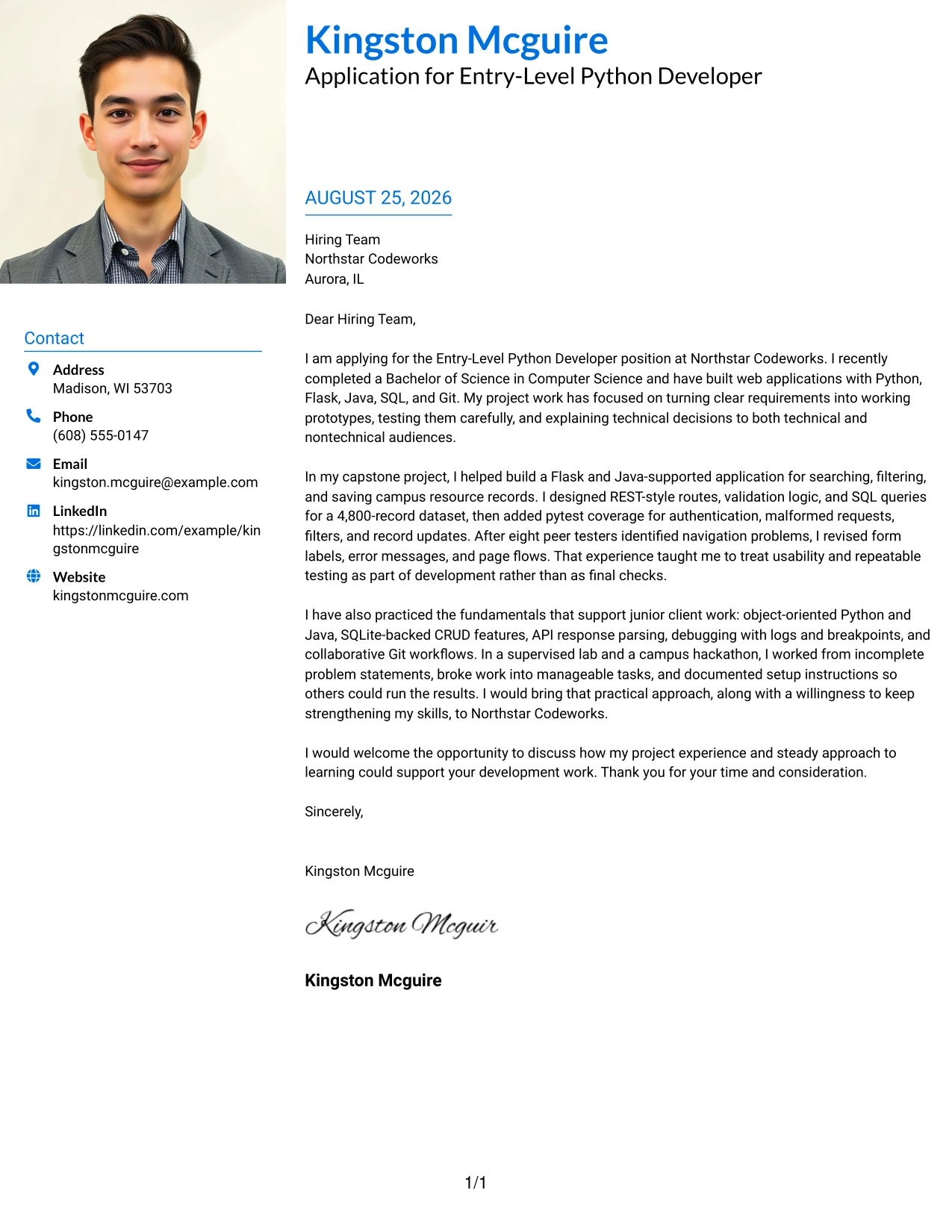
Why This Cover Letter Works
- The two-column structure protects the message from being lost beside the large photo area.
- The visual header gives the application a personal and memorable starting point.
- The letter still opens with the target role, degree, and relevant development tools.
- The capstone evidence explains what was built and how it was tested.
- The body shows practical judgment through validation, usability revisions, and documented decisions.
- Teamwork appears through Git branches, pull requests, and a four-person capstone project.
- The closing balances confidence with a clear willingness to continue learning.
Best For
- Applications where a strong personal presentation is appropriate.
- Readers who need contact details and the main message separated clearly.
- Candidates using project evidence to demonstrate readiness for junior work.
- Letters that must balance a prominent visual area with detailed technical content.
- Internationally styled applications where personal presentation is expected.
- Applicants who want to show both collaborative habits and practical development work.
- Cover letters that need a two-part structure without breaking the persuasive flow.
#29 One Column Boxed Contact Header Format
A practical application often benefits from one uninterrupted reading path. The One Column Boxed Contact Header Format places contact information in a defined box and lets the letter move directly from employer details to motivation, evidence, and closing. That simple structure supports a focused case for an entry-level Python Developer application built on a Computer Science degree and hands-on work with Flask, Java, SQL, Git, and pytest.
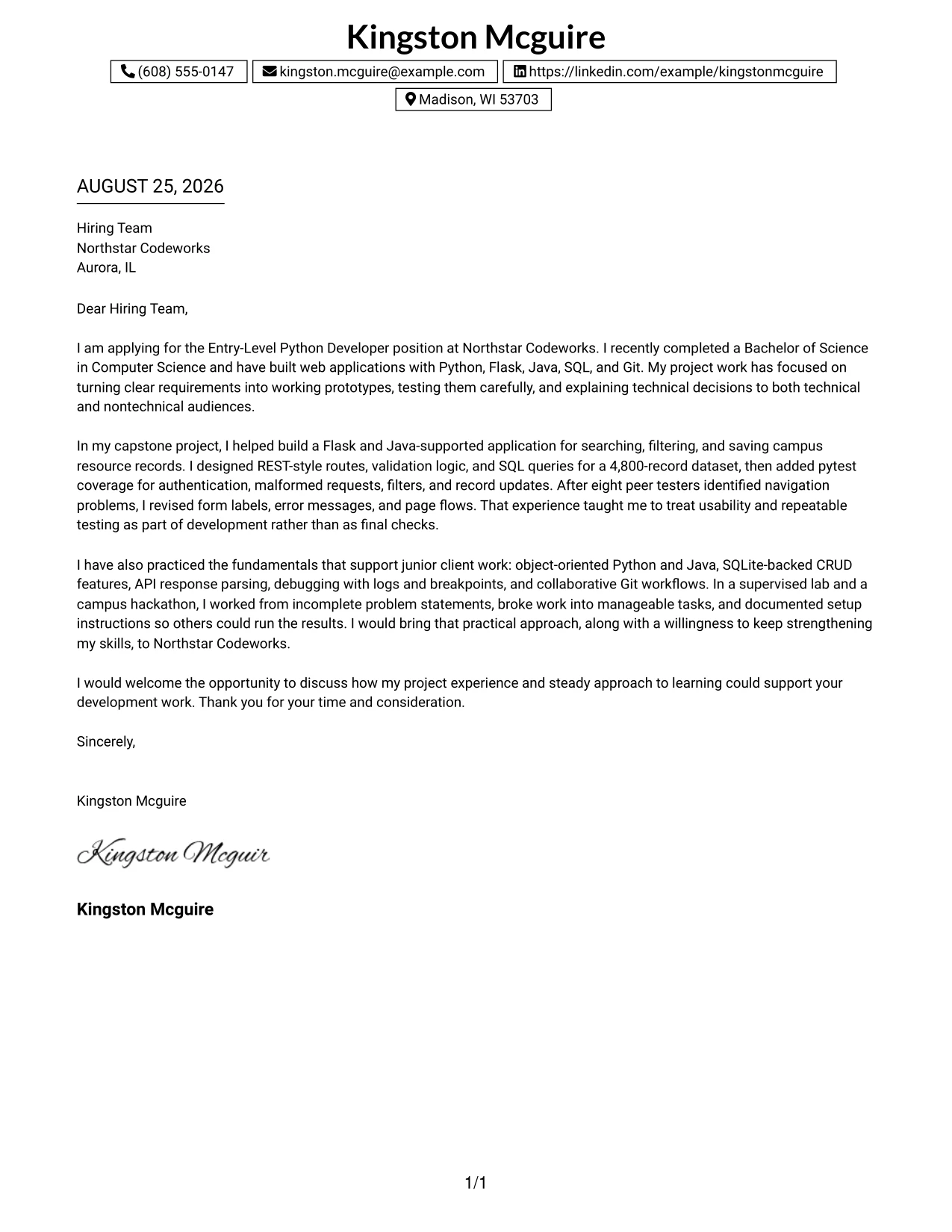
Why This Cover Letter Works
- The boxed header makes contact information easy to locate.
- A single column keeps the reader focused on the letter's argument.
- The opening gives the employer, role, degree, and technical foundation immediately.
- The capstone paragraph supplies concrete evidence instead of broad claims.
- The letter links testing, usability, and documentation to dependable development.
- The lab and hackathon examples broaden the case without taking over the message.
- The closing is brief, respectful, and oriented toward a follow-up discussion.
Best For
- Applications that need a clean, uninterrupted reading path.
- Readers who prefer contact details contained in one clear header area.
- Candidates building a persuasive case from academic and supervised projects.
- Letters where a compact structure keeps the main motivation easy to find.
- Applicants presenting technical evidence in short, connected paragraphs.
- Submissions that need a professional format with minimal visual distraction.
- One-page applications intended for straightforward review.
#30 One Column Shaded Contact Header Format
A calm visual impression helps the reader focus on why the application fits the role. The One Column Shaded Contact Header Format uses a shaded contact area and a single-column message to create that focus. It gives Kingston Mcguire's letter a direct way to connect recent graduation, web-centric project work, Python and Java skills, and a clear interest in strengthening those skills at Northstar Codeworks.
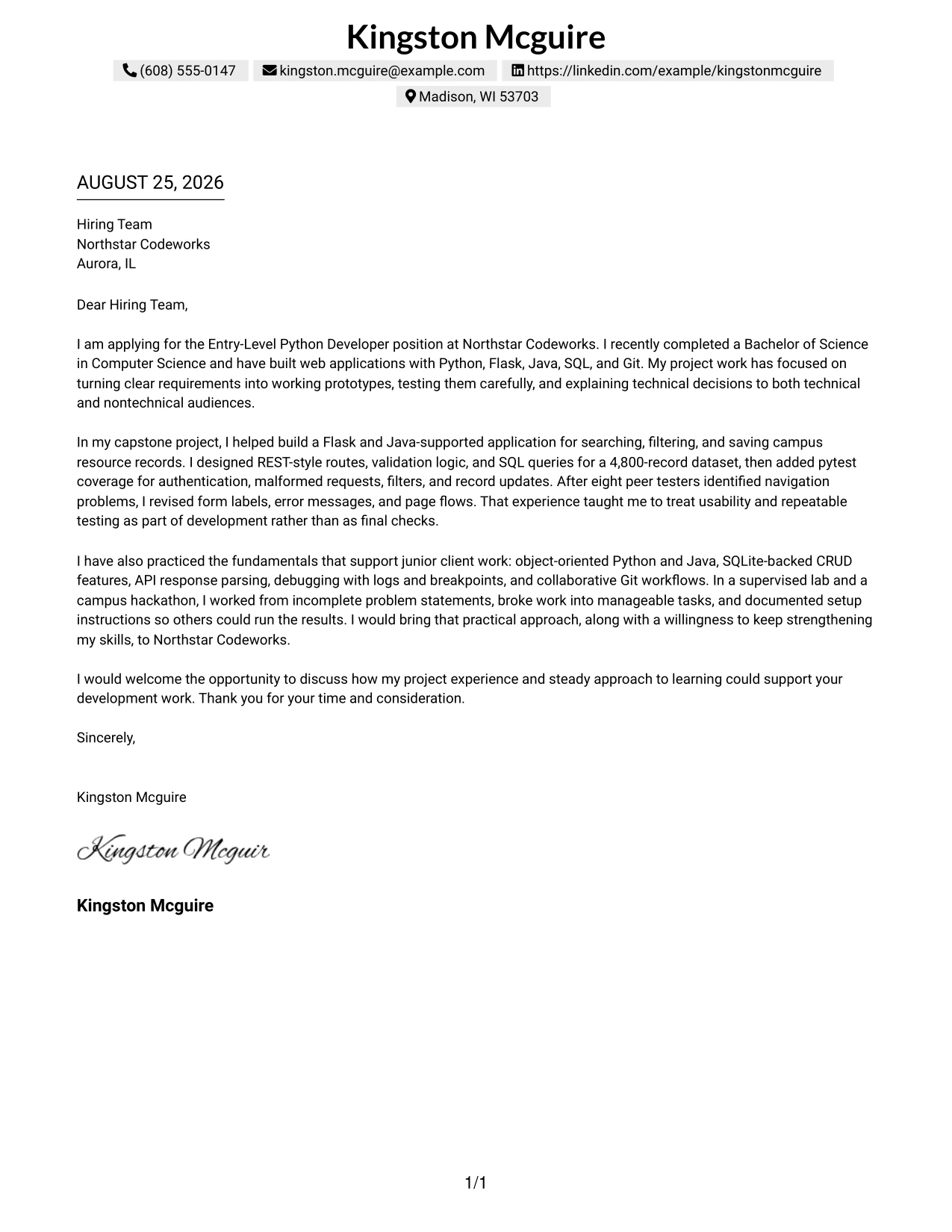
Why This Cover Letter Works
- The shaded header separates contact information from the application message.
- The one-column flow supports a natural and professional reading order.
- The introduction aligns the degree and project background with the role.
- The capstone example shows development, database work, testing, and usability review together.
- The letter explains how supervised lab work supports dependable junior contribution.
- The tone is confident but accurate about the source of the experience.
- The closing communicates interest without repeating the opening.
Best For
- Applications that call for a quiet, professional visual tone.
- Readers who want the role connection stated early in one continuous column.
- Recent graduates explaining how academic projects match practical work needs.
- Letters that need room for motivation and evidence without visual complexity.
- Candidates who want to present learning ability alongside existing technical practice.
- Submissions where a shaded header can separate details without adding distraction.
- Cover letters suited to direct review by a hiring team.
#31 Boxed Contact Header with Job Title Format
The Boxed Contact Header with Job Title Format makes the application target visible before the reader reaches the body. Its boxed contact area and explicit job title create a clear starting point, while the single-column letter develops the case in a logical order. This structure supports a direct explanation of Computer Science preparation, Flask and Java projects, repeatable testing, and interest in entry-level client work.
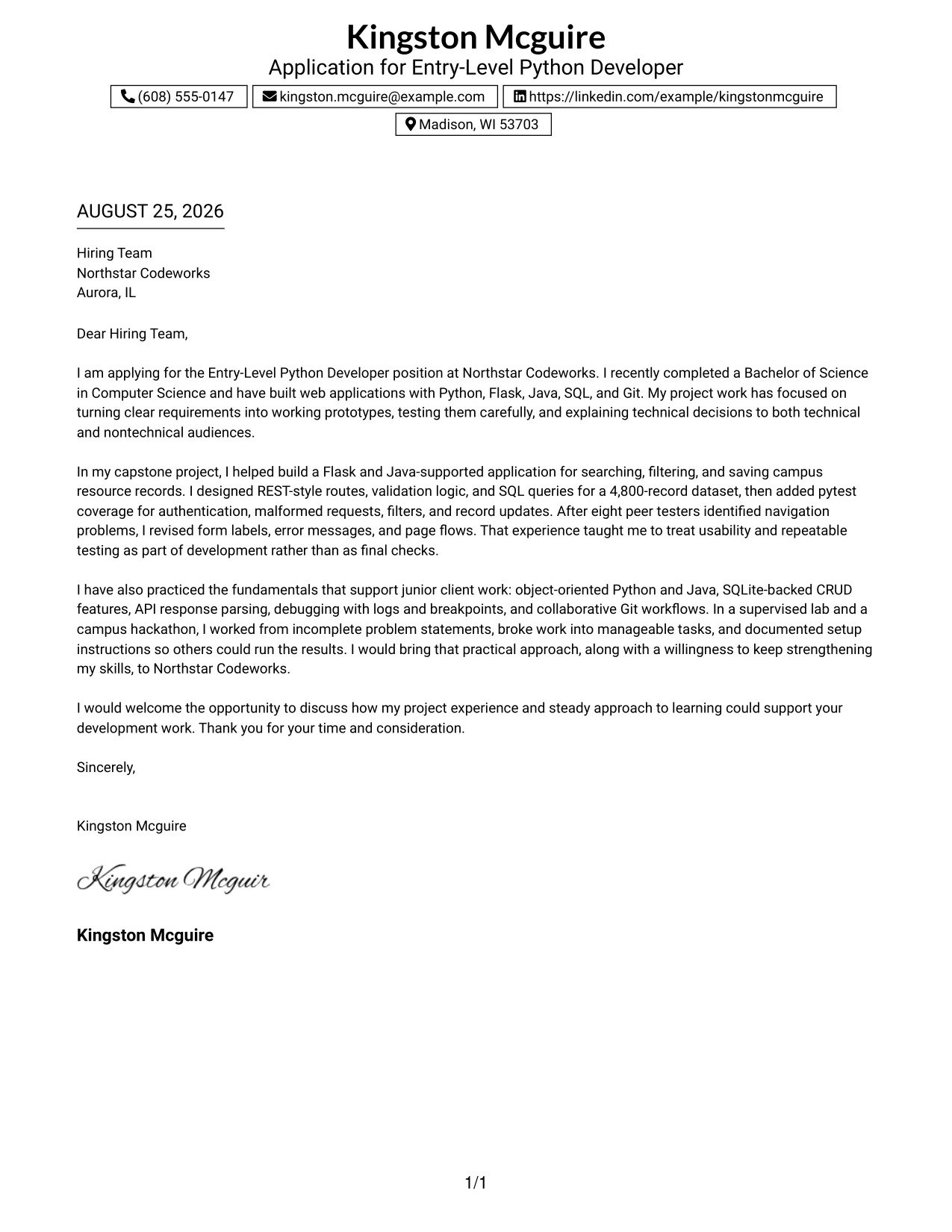
Why This Cover Letter Works
- The job title in the header confirms the purpose of the letter immediately.
- The boxed contact area keeps sender details separate and easy to verify.
- The opening moves quickly from role interest to relevant preparation.
- The capstone paragraph uses specific development and testing evidence.
- The lab and hackathon examples show practice with incomplete requirements and team tasks.
- Technical details are tied to usability, documentation, and clear communication.
- The closing reinforces fit while leaving space for a follow-up conversation.
Best For
- Applications where the target position should be visible at a glance.
- Readers reviewing multiple letters who need immediate role context.
- Candidates connecting academic preparation to a clearly named opportunity.
- Letters that combine technical evidence with a concise employer-focused argument.
- Submissions where a boxed header should contain administrative details.
- Applicants who want one column for a smooth explanation of project work.
- Cover letters that benefit from a clear opening, evidence section, and closing request.
#32 Plain Professional Layout with Job Title & Shaded Date Format
Readers can follow the application in a familiar order: job title, date, employer details, opening, supporting evidence, and closing. The Plain Professional Layout with Job Title & Shaded Date Format keeps that sequence visible while using the shaded date as a small point of organization. It is well suited to a letter that must explain project volume without losing a direct connection to the Entry-Level Python Developer opening.
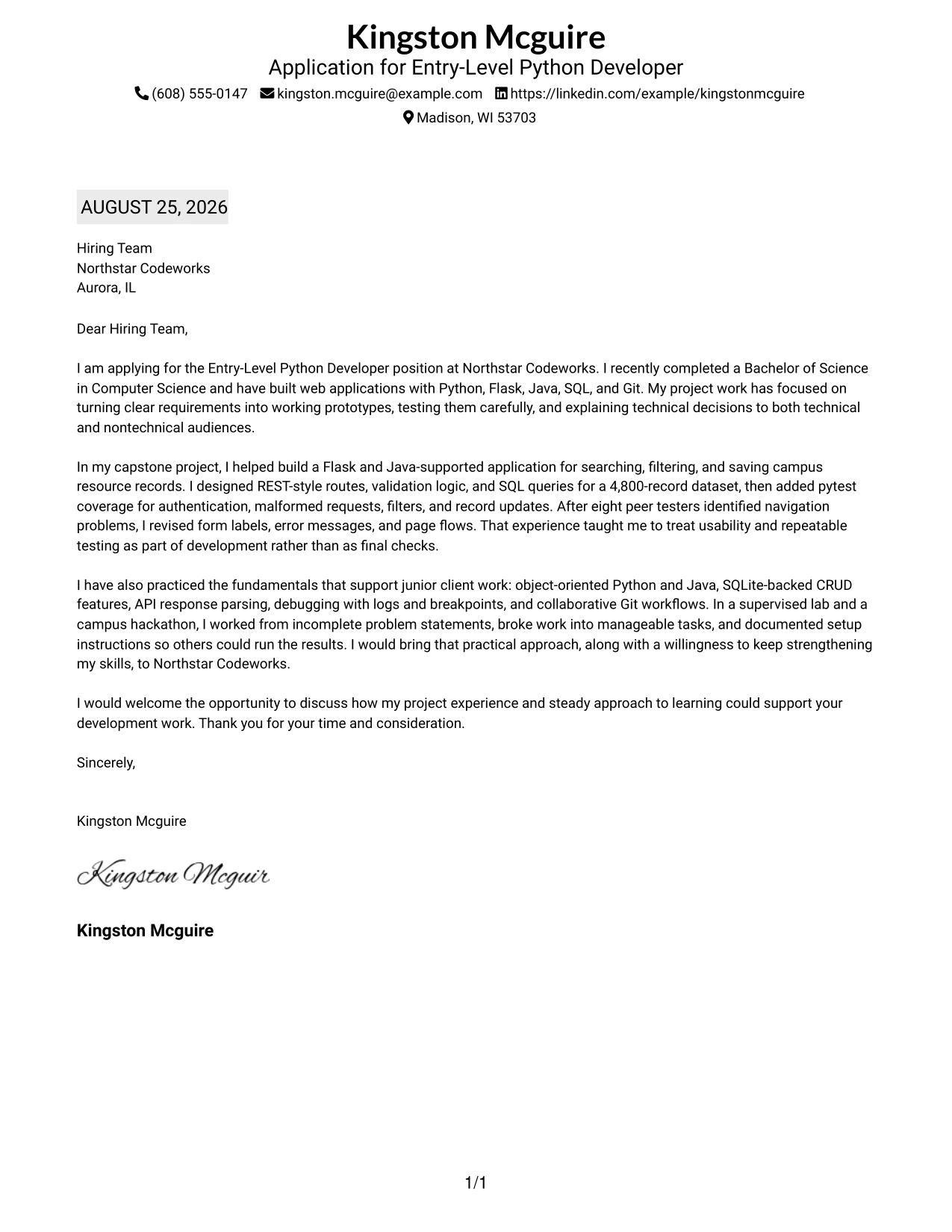
Why This Cover Letter Works
- The familiar order reduces effort for a hiring team reviewing the letter.
- The visible job title keeps the application purpose clear.
- The shaded date adds organization without competing with the message.
- The body presents capstone, lab, and hackathon work in a sensible progression.
- Specific evidence covers web applications, REST-style routes, SQL, pytest, and Git.
- The letter explains both technical practice and communication with peers, faculty, and judges.
- The final paragraph keeps the employer fit focused on contribution and continued learning.
Best For
- Applications that benefit from a familiar business-letter sequence.
- Readers reviewing a fuller set of project examples in a controlled order.
- Candidates who need to present several relevant experiences without a crowded design.
- Letters where the job title should remain visible during review.
- Submissions that use date and recipient details as clear navigation points.
- Applicants explaining technical growth across coursework, labs, and team projects.
- Professional settings where plain presentation supports credibility.
#33 Two-Line Contact Header with Underlined Date Format
The strongest evidence appears early and stays connected to the requested work. The Two-Line Contact Header with Underlined Date Format gives the letter a compact contact area, then uses one column for a focused argument. The underlined date adds a clear review marker, while the message shows practical Python and Java development, testing habits, and a serious interest in Northstar Codeworks.
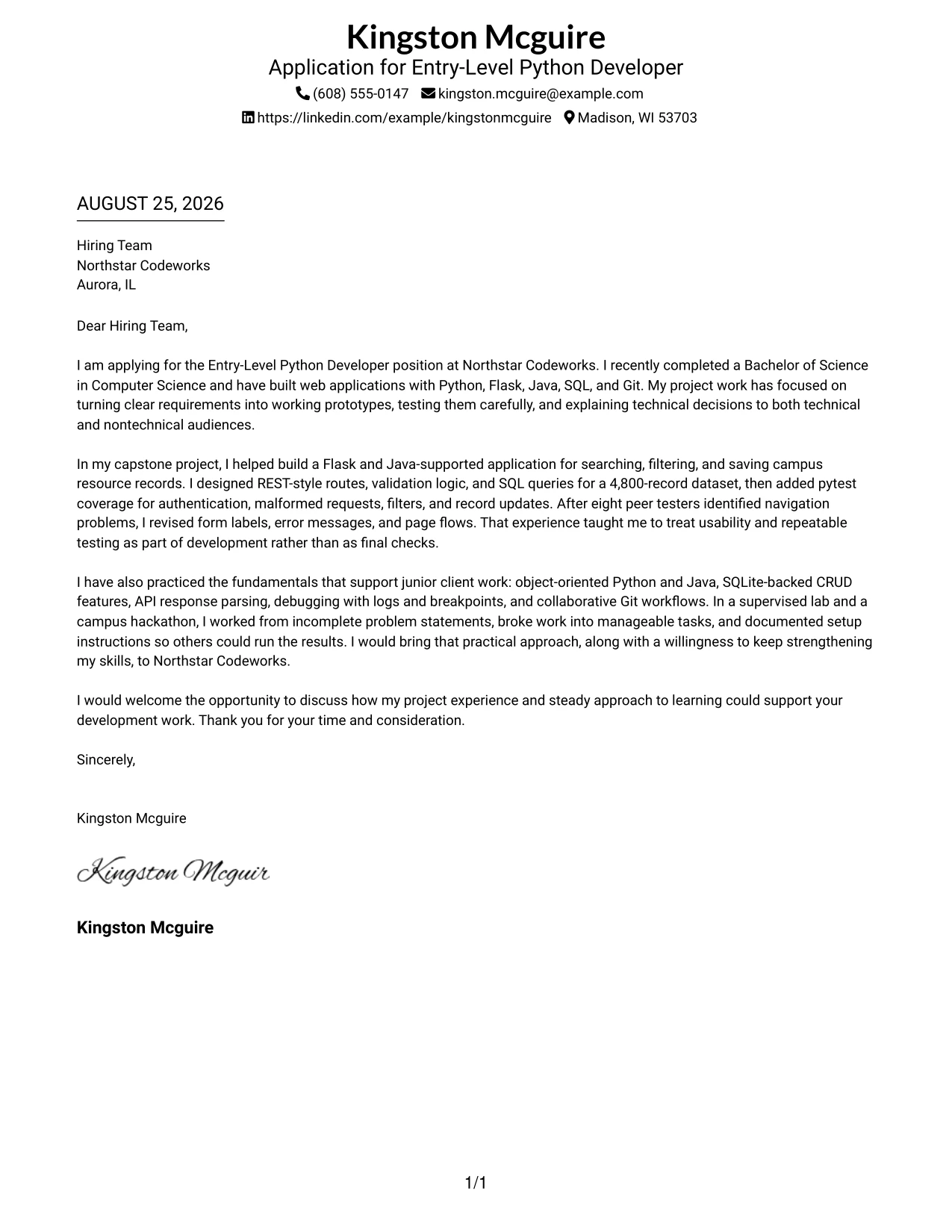
Why This Cover Letter Works
- The two-line header presents essential contact details without taking much space.
- The underlined date gives the document a clear point of reference.
- The single-column layout keeps technical evidence in a continuous sequence.
- The opening names the role and connects it to recent Computer Science study.
- The capstone example demonstrates routes, validation, SQL queries, pytest, and peer testing.
- The letter supports employer fit with examples of documentation, teamwork, and presentations.
- The closing is direct and invites the hiring team to continue the conversation.
Best For
- Applications that need a compact but complete contact header.
- Readers who want the main evidence to appear in one continuous column.
- Candidates leading with practical examples rather than broad personal claims.
- Letters where a date marker helps organize a formal submission.
- Applicants showing development, testing, and communication in a short message.
- Submissions that need a professional structure with limited visual elements.
- Cover letters focused on clear proof of fit for a named opening.
Why Use ResumeInMinutes for an Entry-Level Python Developer Cover Letter
ResumeInMinutes helps applicants build a targeted cover letter without starting with a blank page. You can organize your opening, body evidence, motivation, and closing around the requirements of an Entry-Level Python Developer position.
- Multiple writing styles
- Clean professional formatting
- Job-description-based customization
- Fast cover letter generation
- Professional templates
- Free PDF downloads
Whether you want to highlight Flask development, Java-supported web work, SQL data handling, pytest coverage, or collaborative Git workflows, you can create a polished letter that keeps the focus on your fit for this specific role.
See Also
- 33 Entry-Level Python Developer Resume Templates with Example 2026 (ATS-Optimized)
- 33 Junior Python Developer Resume Templates with Example 2026 (ATS-Optimized)
- 33 Mid-Level Python Developer with AWS Resume Templates with Example 2026 (ATS-Optimized)
- 33 Python Developer - Associate Resume Templates with Example 2026 (ATS-Optimized)
- 33 Senior Python Developer Resume Templates with Example 2026 (ATS-Optimized)
- 33 Software Developer - Java & Python Resume Templates with Example 2026 (ATS-Optimized)
- 33 AI Automation Engineer / Full-Stack Developer Resume Templates with Example 2026 (ATS-Optimized)
- 33 AI Engineer / Applied AI Developer Resume Templates with Example 2026 (ATS-Optimized)
- 30+ Junior Python Developer Cover Letter Templates with Example 2026
- 30+ Mid-Level Python Developer with AWS Cover Letter Templates with Example 2026
Frequently Asked Questions
What should an Entry-Level Python Developer cover letter include?
Include a direct opening, relevant Python and Java experience, practical web development evidence, testing or debugging work, collaboration skills, and a clear reason for your interest in the employer and role.
How should I describe Python project experience in a cover letter?
Explain the problem you worked on, the part you built, and the result or lesson. For example, you might describe Flask routes, validation logic, SQL queries, pytest cases, or improvements made after user feedback.
Can I download these cover letter templates as PDFs?
Yes. Each style includes a free PDF download so you can review the presentation and select a format that fits your application.
Which cover letter style works best for an Entry-Level Python Developer?
A clean, readable style is usually the safest choice. Select a layout that gives your opening, technical evidence, motivation, and closing enough space without distracting design elements.
Can a recent Computer Science graduate write a strong Python developer cover letter?
Yes. Focus on relevant application work, supervised development, testing, debugging, Git collaboration, technical documentation, and the ability to explain decisions clearly. Use specific evidence instead of broad claims.
Should I use a photo on my cover letter?
Use a photo only when it is expected in your country, region, or industry. For applications in the United States, a no-photo cover letter is usually the safer choice.
Can I customize these Entry-Level Python Developer cover letter templates?
Yes. Customize the letter text, layout, design style, and PDF format. Adjust the opening, technical examples, employer connection, and closing to match each application.




