
7 Entry-Level Python Programmer Resume Templates with Example
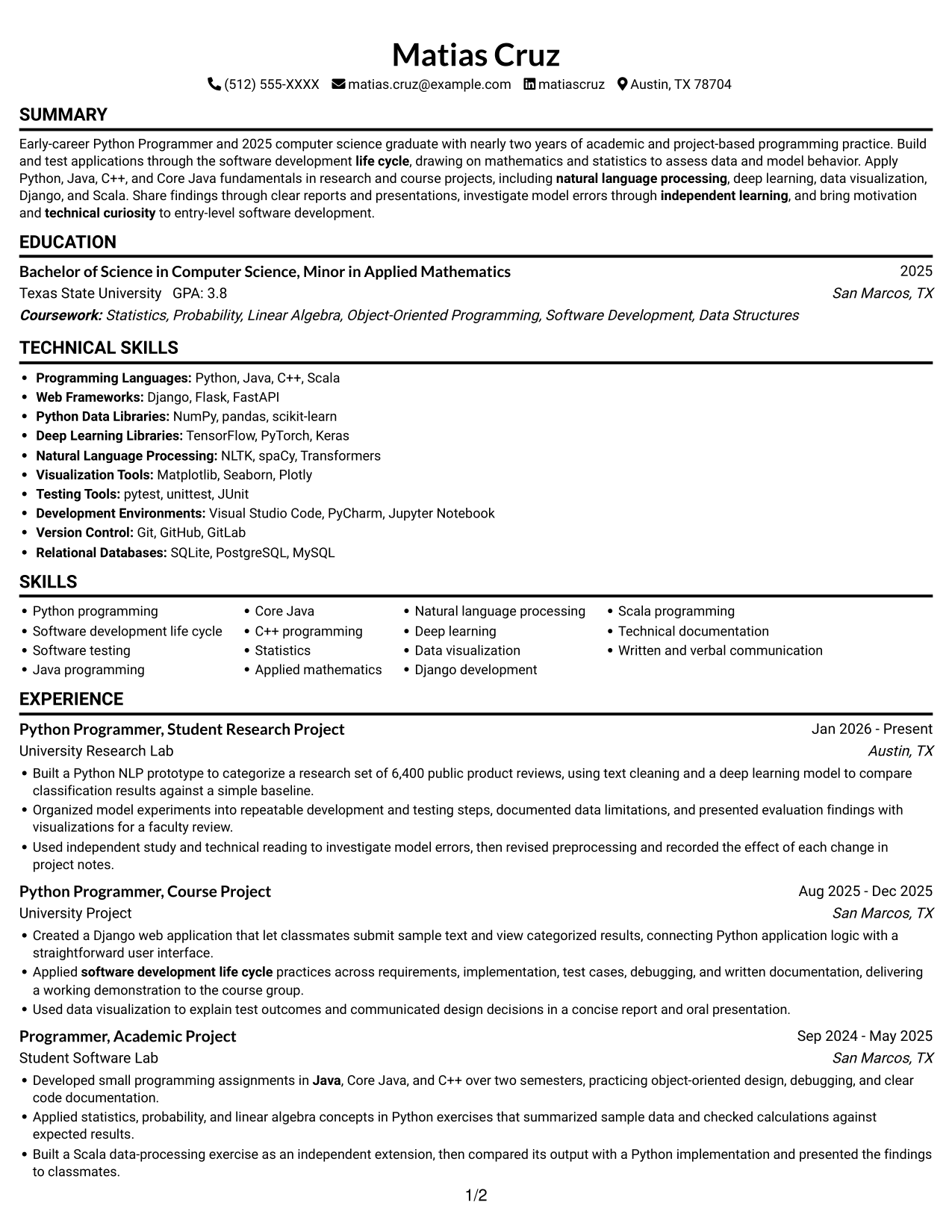
This guide shows you how to build an Entry-Level Python Programmer resume that is clear, focused, and easy to review. You will learn how to organize your skills and project evidence so readers can quickly see your programming fundamentals.
Connect Python work to the steps used to build and test software. Use relevant details such as Java, C++, mathematics and statistics, NLP, deep learning, data visualization, Django, or Scala when they are supported by your experience. Show what you did, how you tested it, and what the result demonstrated.
The resume example is presented in 7 layouts. Compare the image previews, then open a format in the editor to review its section order and customize the example.
What Makes a Great Entry-Level Python Programmer Resume in 2026
A strong resume makes programming skills, education, and project evidence easy to find. Clear headings and focused bullets help readers scan your work quickly.
Use role-related terms such as Python, software development life cycle, testing, and debugging where they fit your background. Add specific project details, tools, and results, such as a dataset size or a tested application, to support each claim.
Note: Resume examples are for educational purposes only. Use only information that accurately reflects your experience and qualifications. References to real organizations do not imply affiliation or endorsement.
#1 Simple One Column Format Resume Example
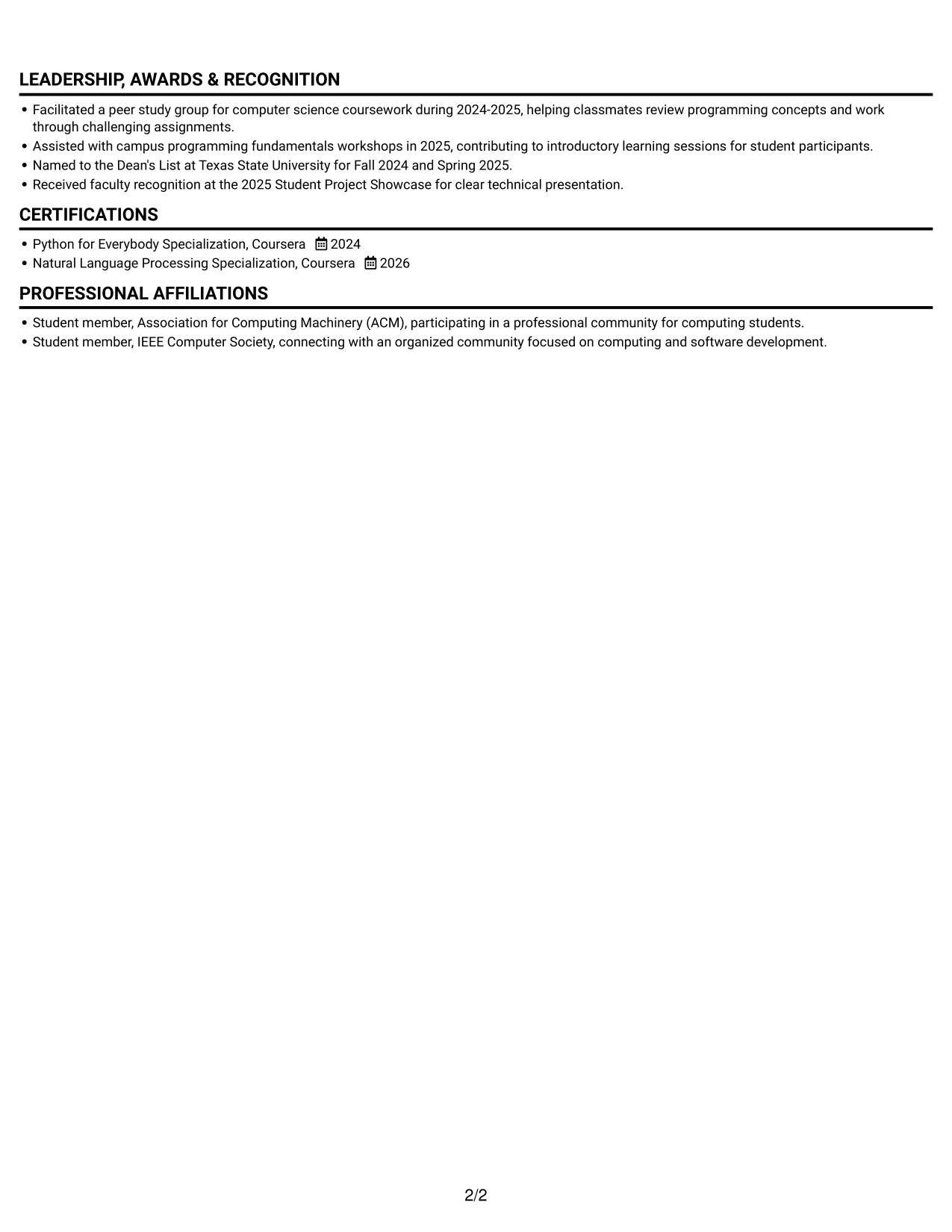
A single-column page keeps the resume’s sections in one direct reading path, making career details easy to follow from top to bottom.
Why This Format Works
- Experience bullets retain their sequence, helping reviewers follow project work over time.
- Skills and education stay within the same scan path as documented experience.
- A single text column gives longer project descriptions room without side-by-side competition.
Best For
- Direct top-to-bottom resume review
- Detailed project and experience entries
- Several standard resume sections
- Text-led document presentation
- Academic and project-based histories
Resume Keywords
- Bachelor of Science in Computer Science
- Python programming
- software development life cycle
- Build and test applications through the software development life cycle
- mathematics
- Java
- Written and verbal communication
- independent learning
- technical curiosity
- motivation
- natural language processing
#2 Simple Two Column Format Resume Example
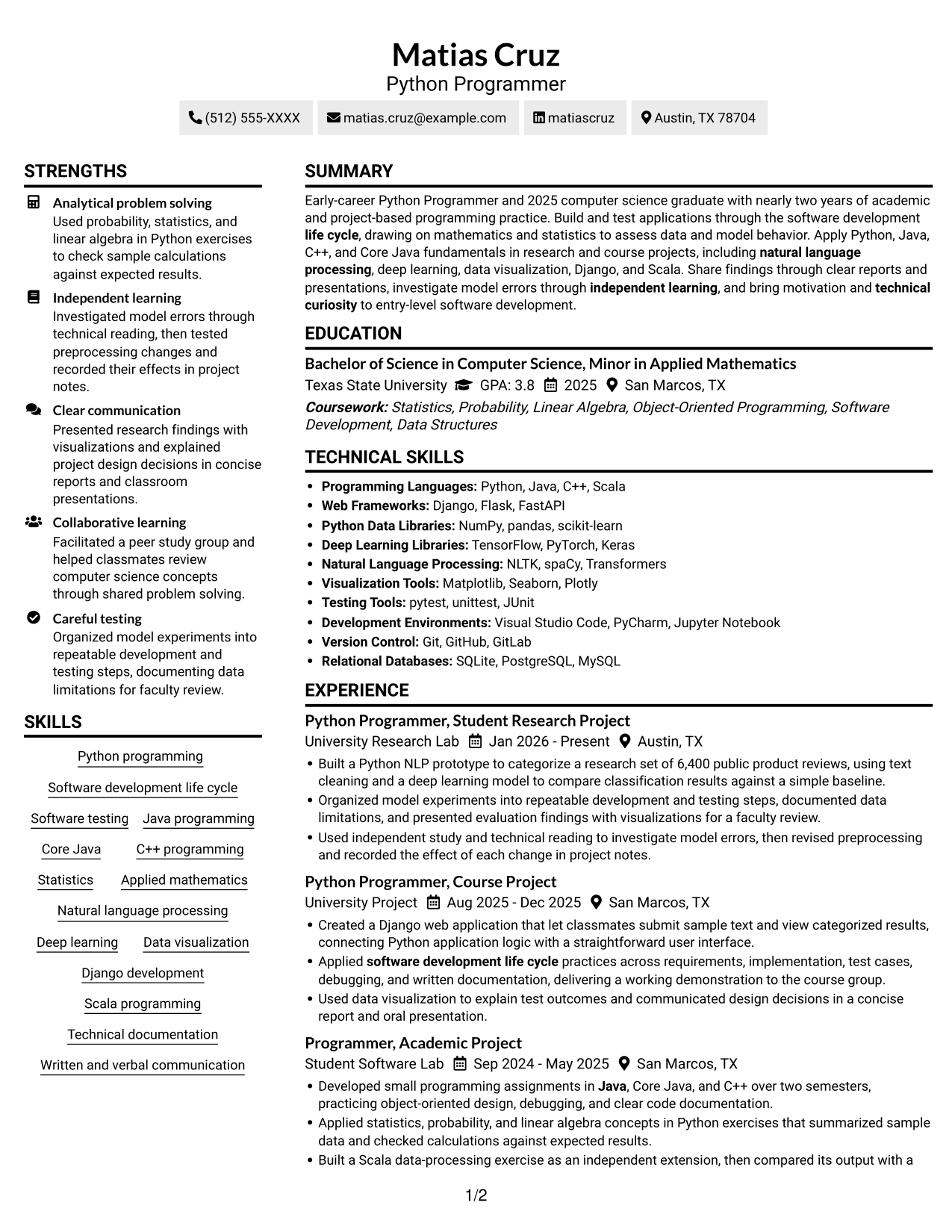
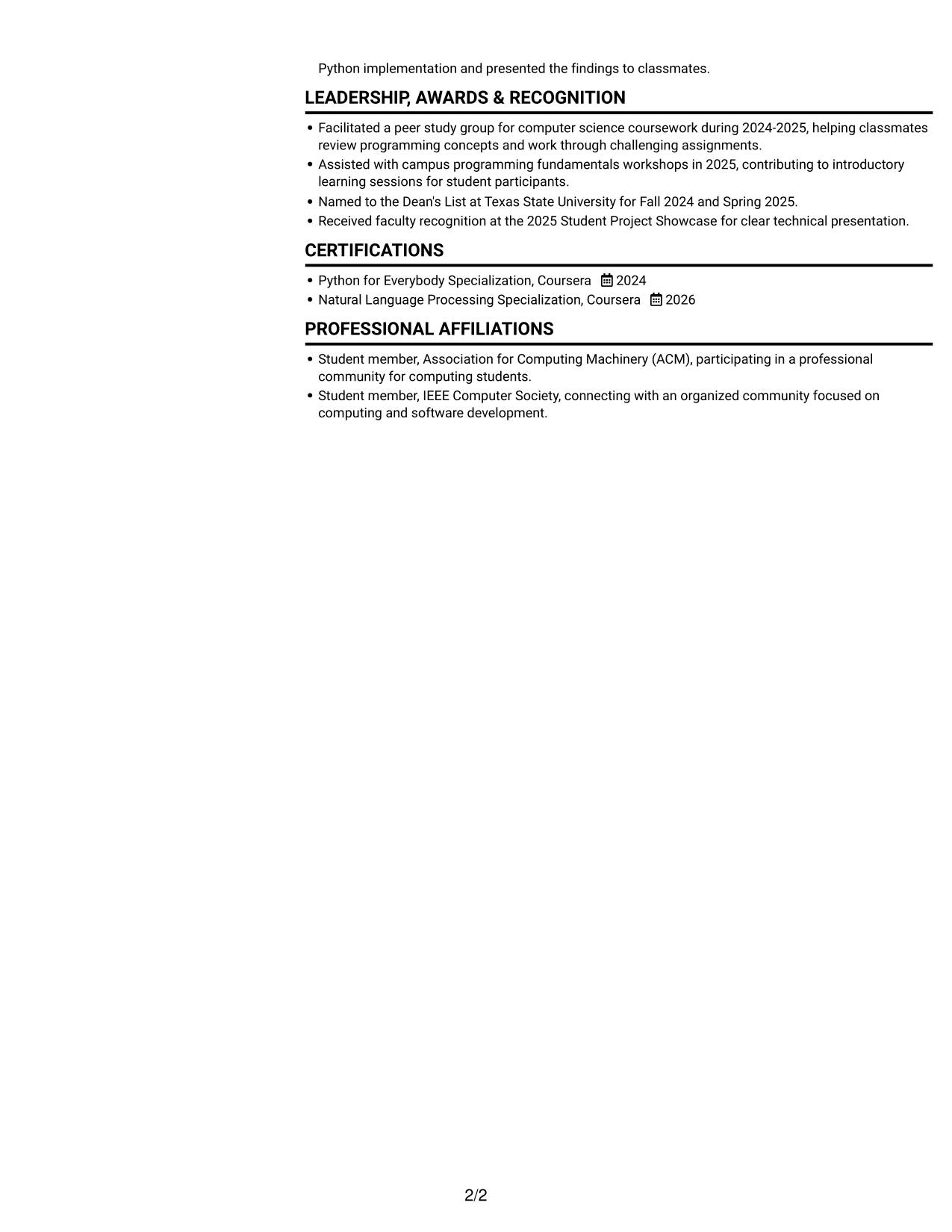
Two columns divide resume content into parallel reading areas, a useful choice when reviewers need to scan varied sections without following one long vertical sequence.
Why This Format Works
- Experience and education can be grouped into separate areas for quicker section-level review.
- Skills and credentials remain distinct from longer project descriptions during scanning.
- The two-column reading order helps reviewers move across varied resume sections efficiently.
Best For
- Separate areas for resume sections
- Resume content spanning projects and coursework
- Skills and credentials among varied sections
- Readers who scan by section category
- Parallel organization for mixed content
#3 Plain One Column with Shaded Labels Resume Example
All resume content follows one column, a practical choice for reviewers who prefer familiar section-by-section navigation.
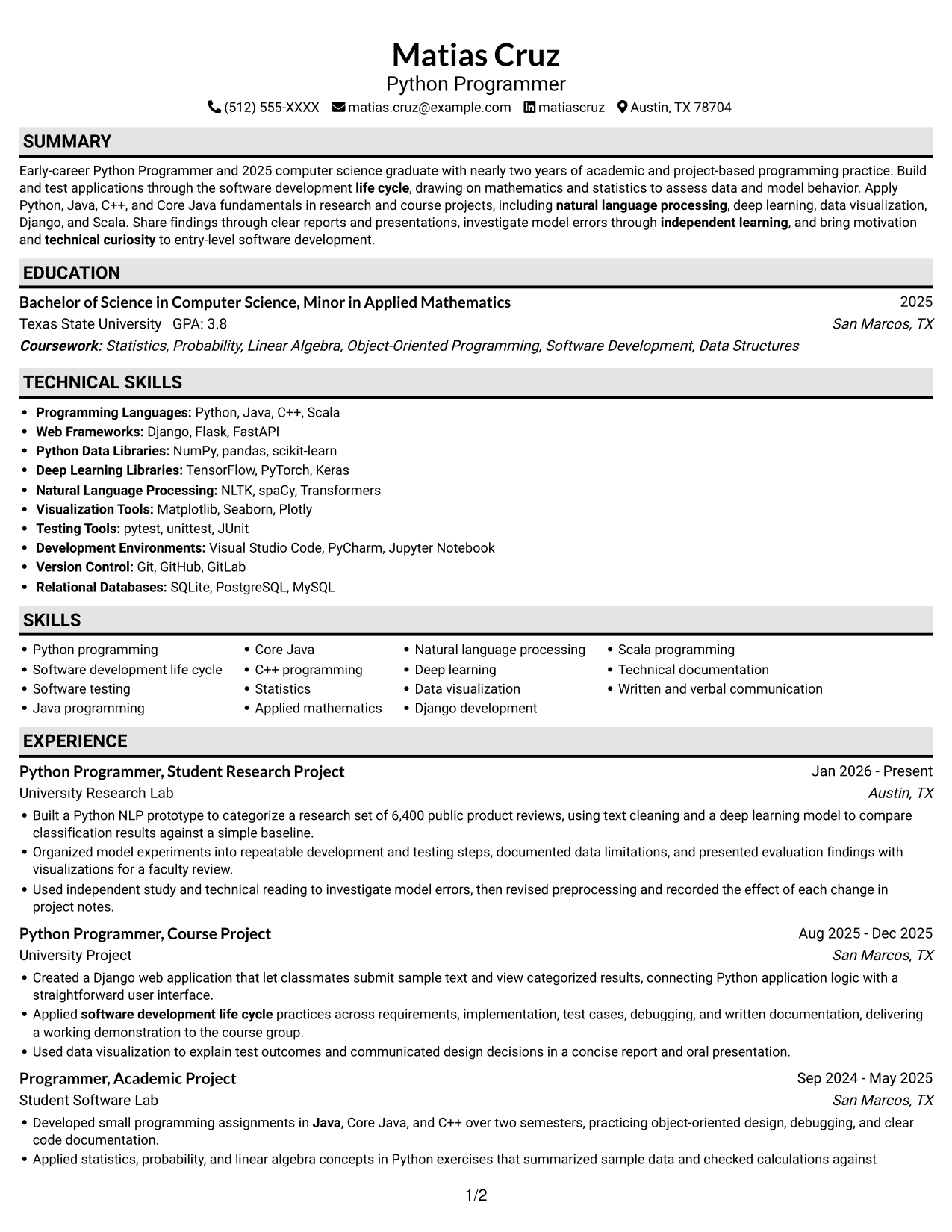
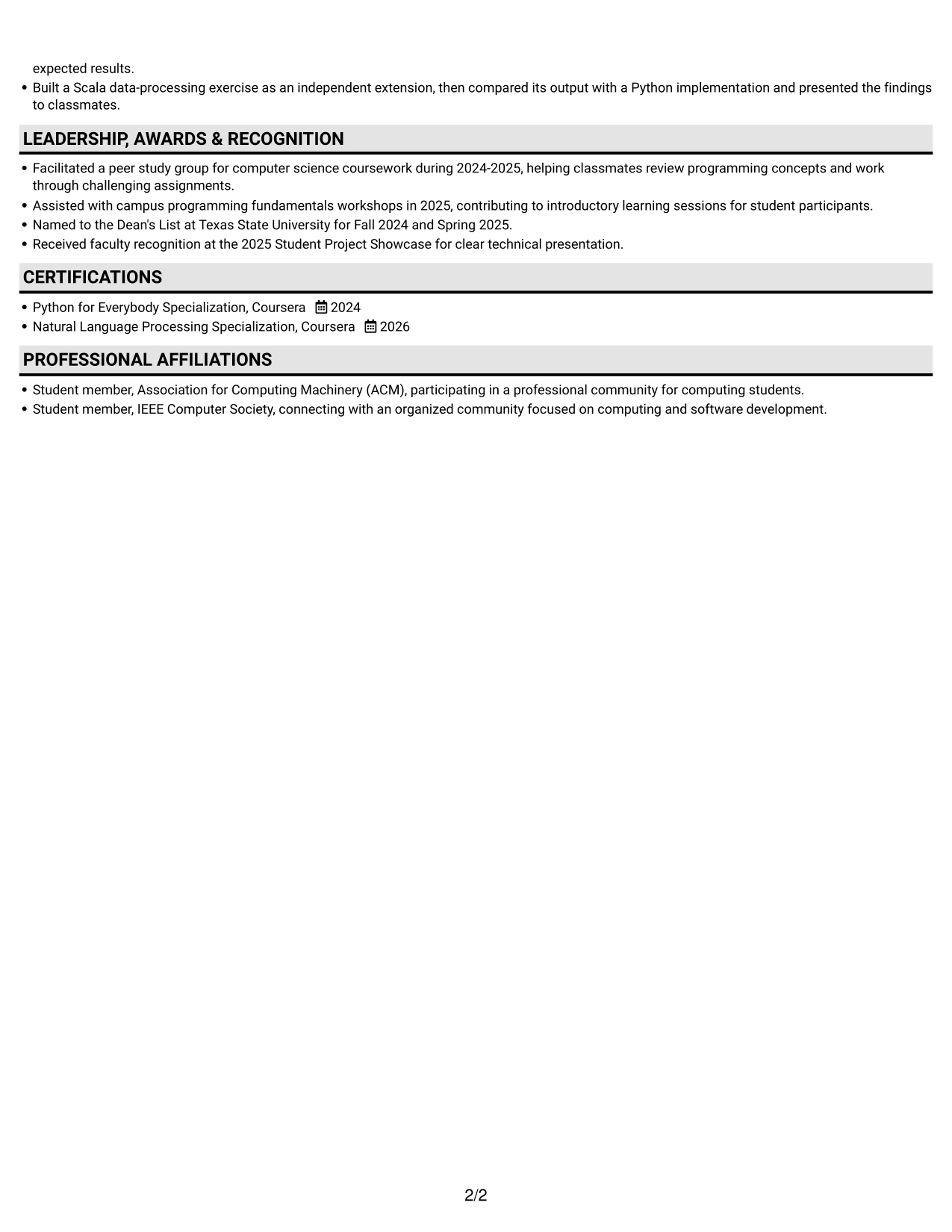
Why This Format Works
- Project entries can be read in sequence, keeping development details together within each section.
- Education and credentials remain part of one continuous resume scan.
- Skills can be reviewed alongside other sections without switching between columns.
Best For
- Familiar section-by-section review
- Sequential reading of project entries
- Education and credentials in one scan
- Resume content needing linear navigation
- Academic work alongside project experience
#4 One Column Format with Photo Right Resume Example
A photo sits to the right of the one-column resume, adding a distinct visual element while keeping the text in a single reading path.
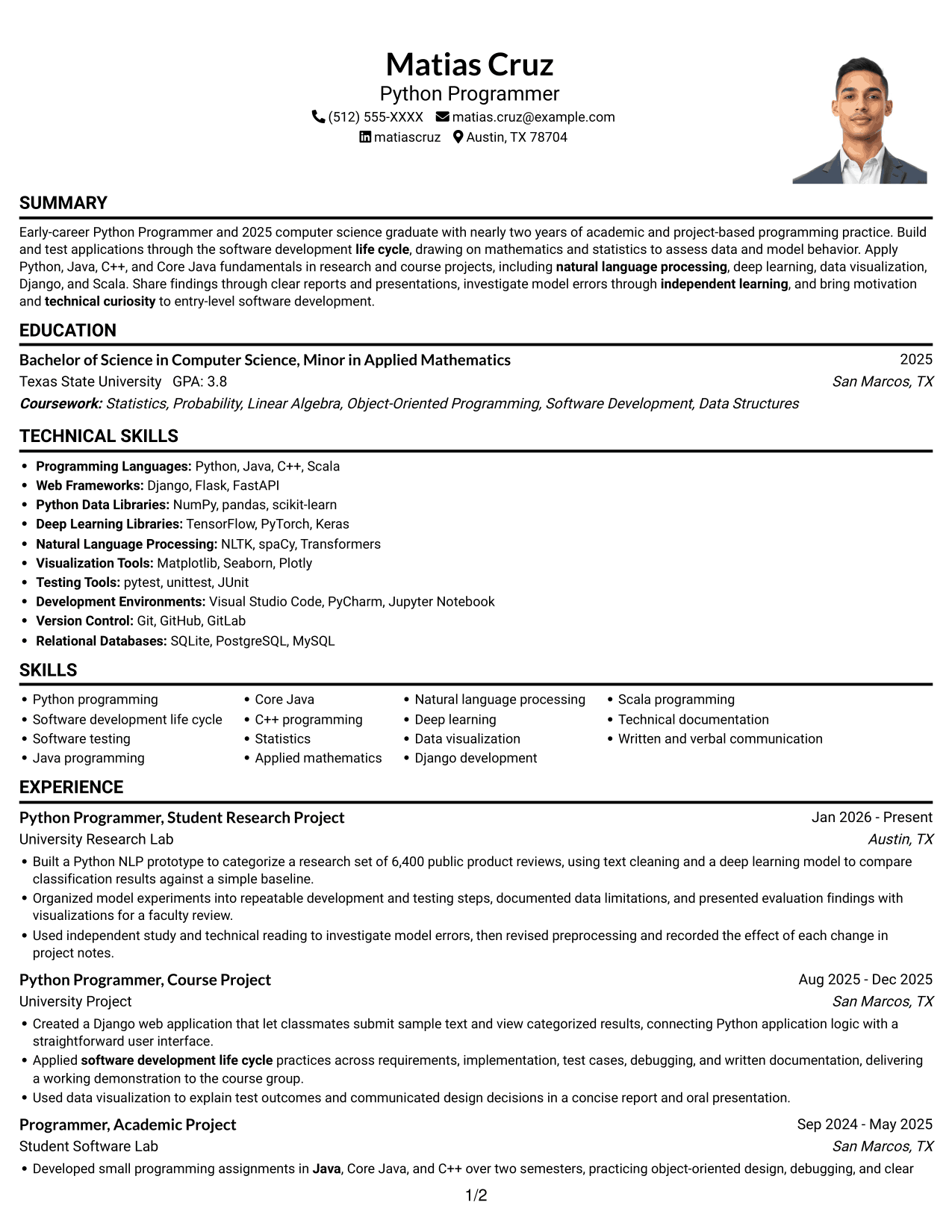
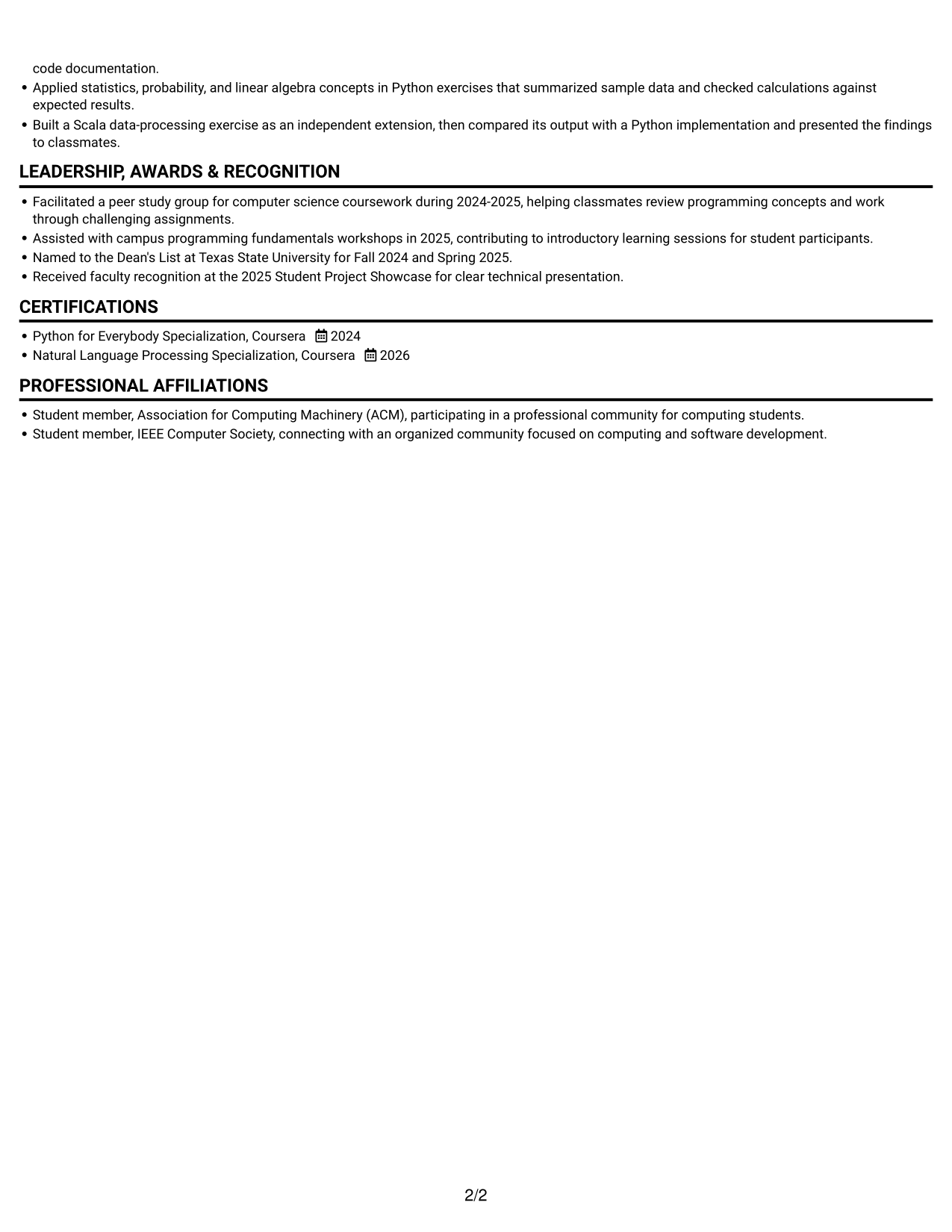
Why This Format Works
- Experience entries stay in a single sequence, helping reviewers follow project work clearly.
- Skills and education share one reading path with the resume’s experience sections.
- The portrait remains visually separate from the text about experience and qualifications.
Best For
- A resume with a right-side portrait
- Single-path reading preference
- Experience details in sequence
- Text and portrait kept distinct
- Standard sections in one column
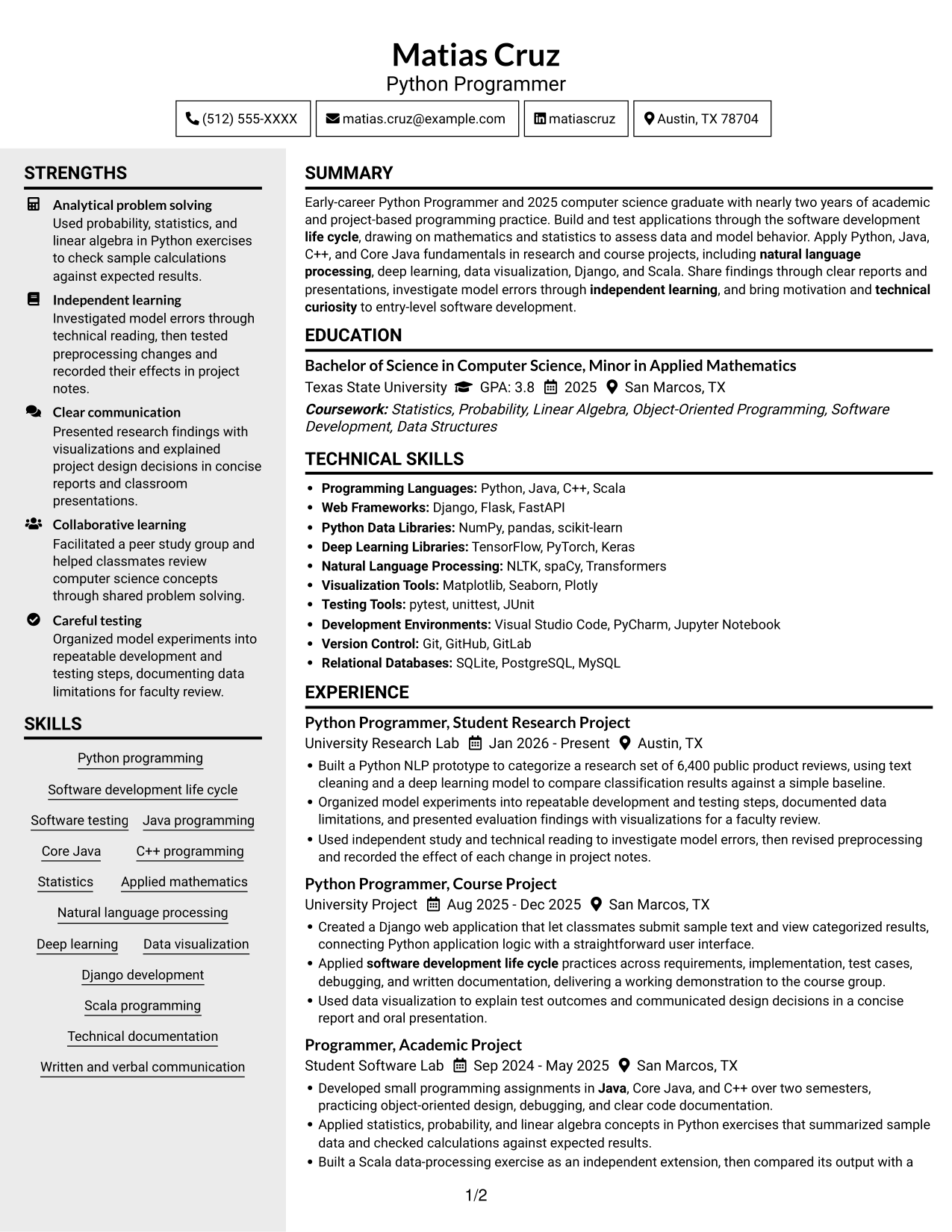
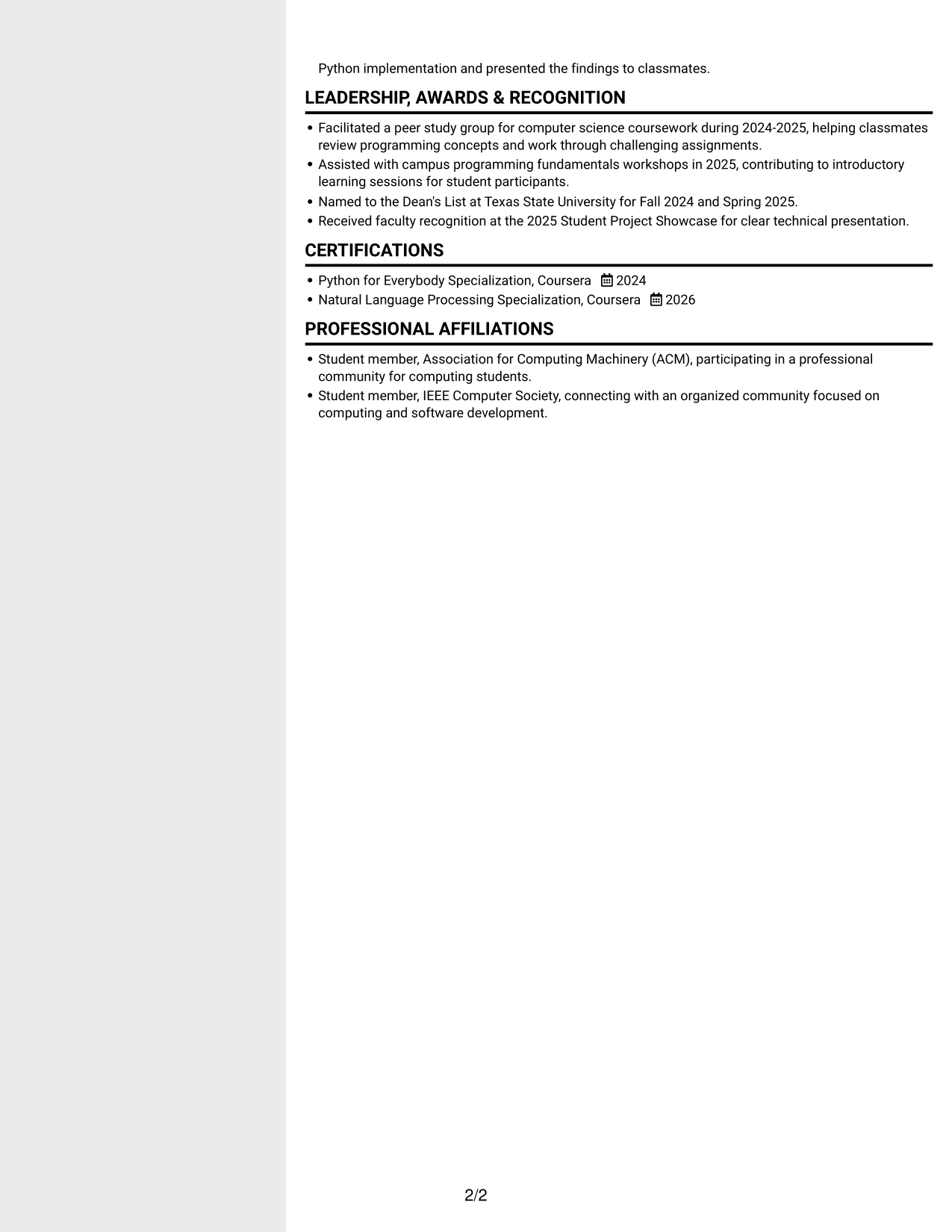
#5 Clean Two Column Sidebar Format Resume Example
The two-column layout presents resume content in paired areas, helping reviewers move between experience and supporting sections.
Why This Format Works
- Experience and education can be grouped into separate areas for quicker section-level review.
- Skills and credentials remain distinct from longer project descriptions during scanning.
- Two-column reading order helps reviewers move across varied resume sections efficiently.
Best For
- Resume sections in paired areas
- Project work alongside academic details
- Skills and credentials among varied content
- Section-based scanning needs
- Mixed content with clear reading order
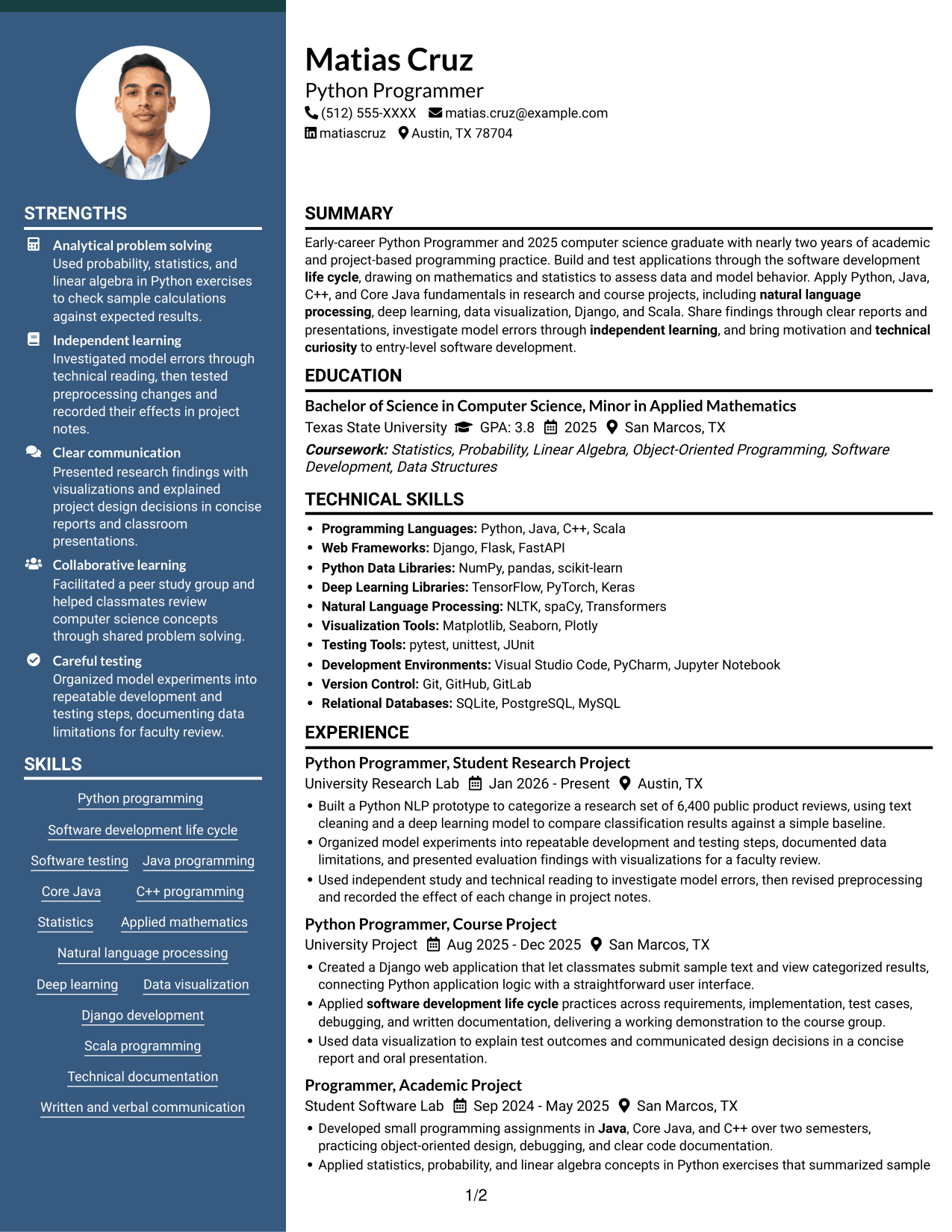
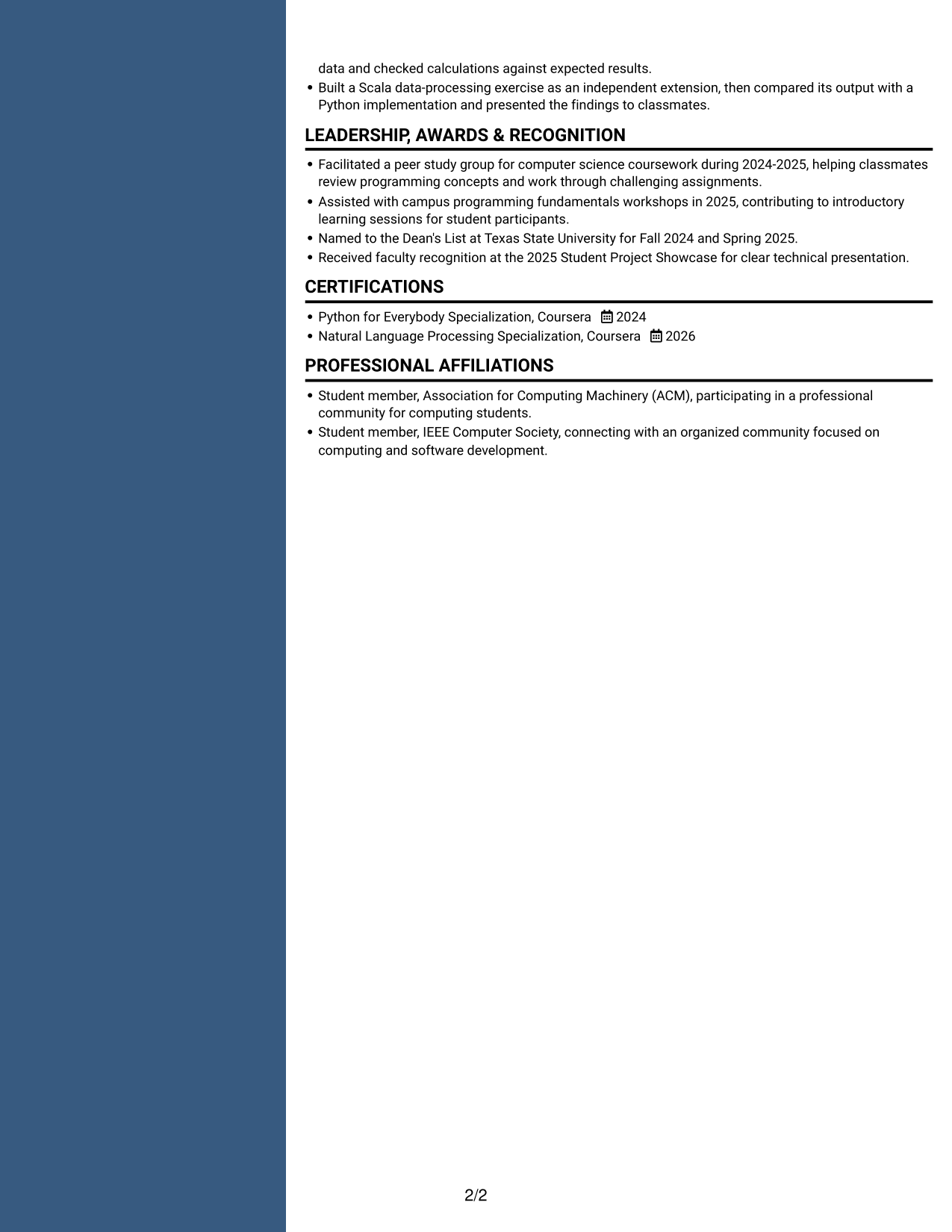
#6 Two Column Format Resume Example
A two-column body creates two clear reading areas, a practical option for resumes with varied content to scan.
Why This Format Works
- Project experience and academic details can occupy separate areas without breaking either section.
- Distinct columns let reviewers locate skills without searching through every experience bullet.
- Education and certifications remain visible within the wider resume structure.
Best For
- Varied resume content in two areas
- Project experience with academic details
- Skills needing quick reference
- Multiple distinct resume sections
- Readers who scan for specific sections
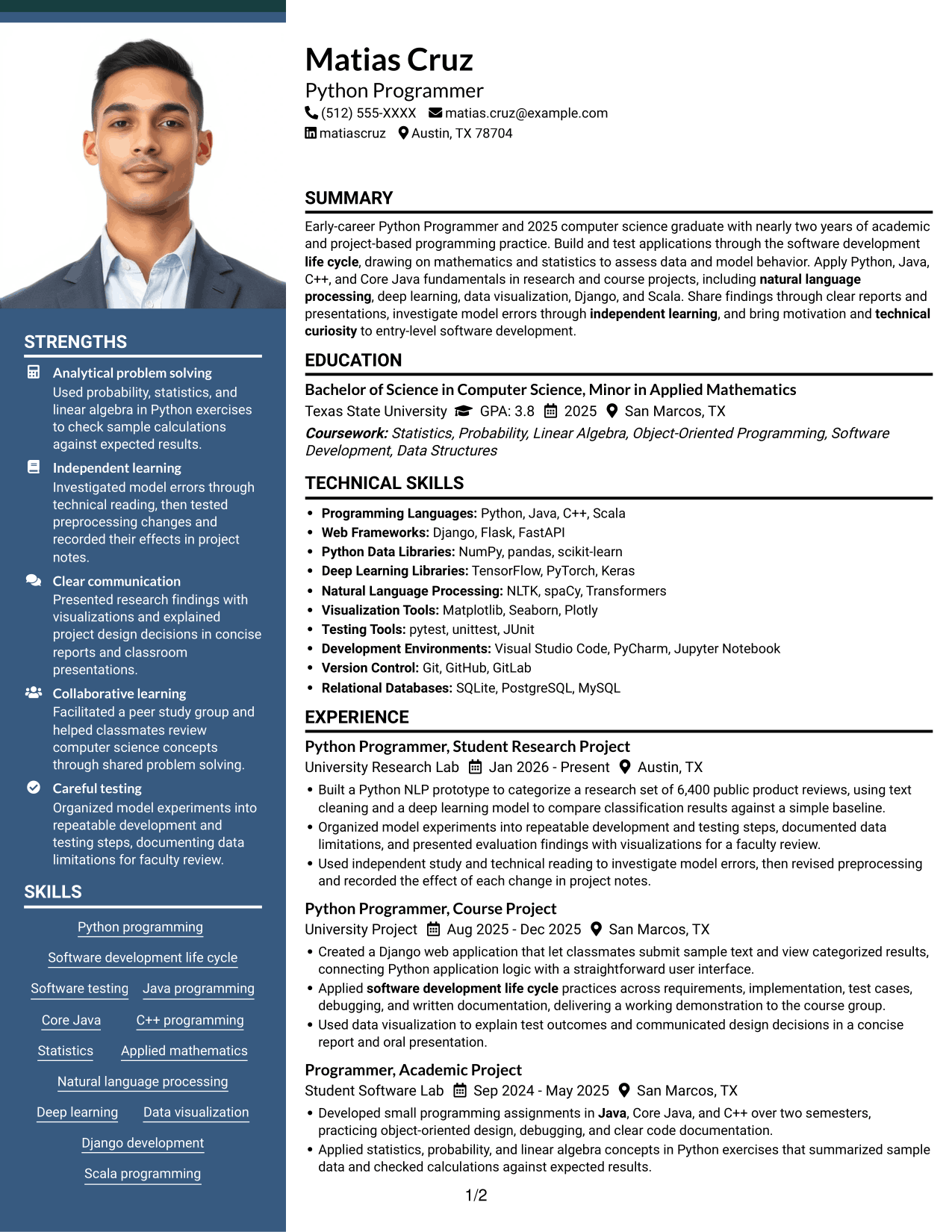
#7 Photo Header Two Column Format Resume Example
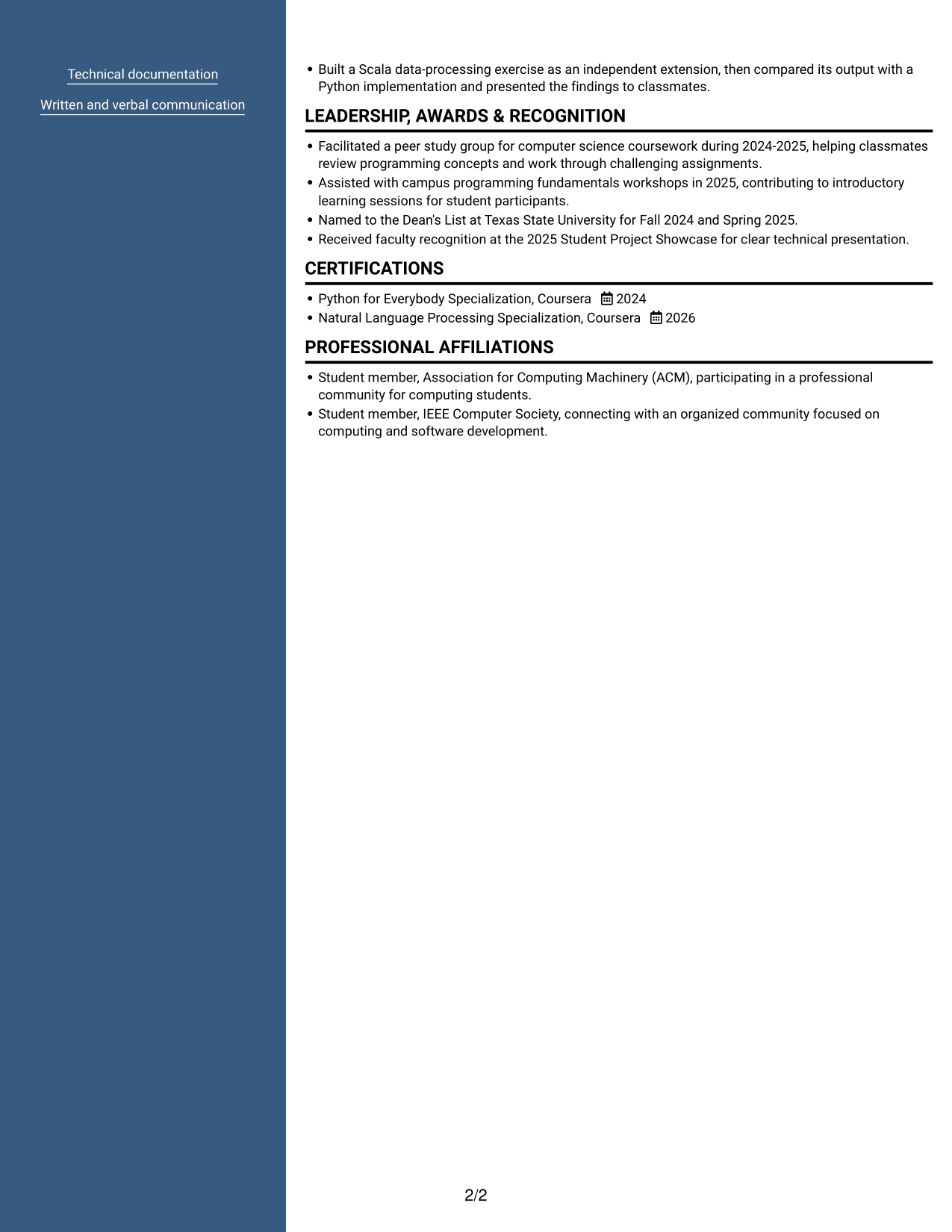
A photo in the header pairs with a two-column resume body, giving the page a visible portrait while keeping sections in separate reading areas.
Why This Format Works
- The two-column body gives experience and education distinct areas for section-level review.
- Separate reading areas help reviewers find skills among project and academic details.
- A header portrait stays apart from the resume’s written qualifications.
Best For
- A resume with a photo header
- Two-column section organization
- Project and academic details together
- Skills among several resume sections
- Portrait and text in distinct areas
Why Build Your Entry-Level Python Programmer Resume with ResumeInMinutes
ResumeInMinutes lets you compare resume image previews and open an example in the editor. Use the layout as a starting point, then arrange your skills, education, and project details so the most relevant evidence is easy to scan.
- ATS-friendly section structure
- Clear resume section hierarchy
- Role-relevant keyword guidance
- Space for projects and skills
- Image previews for comparison
- Resume customization in the editor
Keep each bullet specific and easy to verify. Describe the task, the tools or methods used, and the result, then check that your skills and project details match the resume evidence.
See Also
- 33 Entry-Level Software Programmer Resume Templates with Example 2026 (ATS-Optimized)
- 7 Information Technology Programmer Analyst - Endpoint & User Management Resume Templates with Example
- 7 Information Technology Programmer Analyst - IT Business Analyst Resume Templates with Example
- 7 Information Technology Programmer/Analyst - Security Incident Response Resume Templates with Example
- 33 PLC Programmer and Control Technician Resume Templates with Example 2026 (ATS-Optimized)
- 33 PLC Programmer / Controls Engineer Resume Templates with Example 2026 (ATS-Optimized)
- 33 PLC Programmer Resume Templates with Example 2026 (ATS-Optimized)
- 7 Fleet Manager - Commercial Engine Aftermarket Resume Templates with Example
- 7 Entry-Level Python Programmer Cover Letter Templates with Example
- 30+ Entry-Level Software Programmer Cover Letter Templates with Example 2026
Frequently Asked Questions
Are these Entry-Level Python Programmer resume layouts ATS-friendly?
The layouts use clear sections and readable headings. For better ATS matching, include relevant terms such as Python, software development life cycle, testing, Java, C++, mathematics, and statistics where your experience supports them.
What does this resume guide show?
It shows one Entry-Level Python Programmer resume example in different layouts. You can compare the image previews and open an example in the editor.
What should an Entry-Level Python Programmer resume include?
Include a focused summary, education, relevant experience or projects, technical skills, and certifications when applicable. Use concise bullets to explain your Python work, testing, tools, and results.
Which resume format works well for an Entry-Level Python Programmer?
A simple layout with standard headings and a clear section order is easy to scan. Choose a format that gives enough space to show your skills, education, and project evidence without crowding the page.
How can I show programming ability without extensive work history?
Use relevant coursework, academic or research projects, and practical exercises. Explain what you built, how you tested or debugged it, which tools you used, and what the work showed.
Should I include a photo on my resume?
Include a photo only if it is customary or expected in your country, region, or industry. For U.S. applications, a no-photo resume is generally the safer choice.




