
30+ Entry Level UI Developer Cover Letter Templates with Example 2026
This practical guide helps you create an Entry Level UI Developer cover letter that connects your technical foundation with the work the employer needs. You will learn how to present your interest clearly and make each paragraph earn its place.
A useful letter does more than repeat a list of skills. It explains how your experience with responsive interfaces, JavaScript, Java services, documented APIs, and testing can support reliable UI development. It also gives the employer a clear reason to continue reading.
The guide includes one focused Entry Level UI Developer cover letter example, followed by advice on the opening paragraph, supporting evidence, motivation, employer alignment, and professional closing. The document is presented in 33 layouts, so you can choose a presentation that suits the employer and the communication context while keeping the message consistent.
What Makes a Great Entry Level UI Developer Cover Letter in 2026
A strong letter for this role is specific, easy to follow, and connected to the employer's needs. It should help the reader understand three things:
- How your JavaScript interface work supports clear and responsive user experiences
- How Java, Spring Boot, microservices, and REST APIs support dependable application behavior
- How testing, documentation, teamwork, and presentations show professional communication
Rather than copying your application materials, the body of the letter should explain:
- Why you are interested in Entry Level UI Developer work
- Which capstone, research, or lab experience best proves your fit
- How your approach to requirements, testing, and explanation can support client projects
Relevant details for this application may include Java, Core Java, JavaScript, C++, Python, Spring Boot, microservices, REST APIs, Git, Postman, SQL, Tableau, NLP, text mining, statistics, time series analysis, unit testing, SDLC, technical documentation, and presentation. Select only the details that support the point of each paragraph.
The templates below show how one focused Entry Level UI Developer cover letter can use different professional presentations without losing its purpose, evidence, or clear connection to the role.
The featured example follows a focused progression from role interest to relevant evidence and a professional close, which readers can adapt while choosing a presentation suited to the employer and communication context.
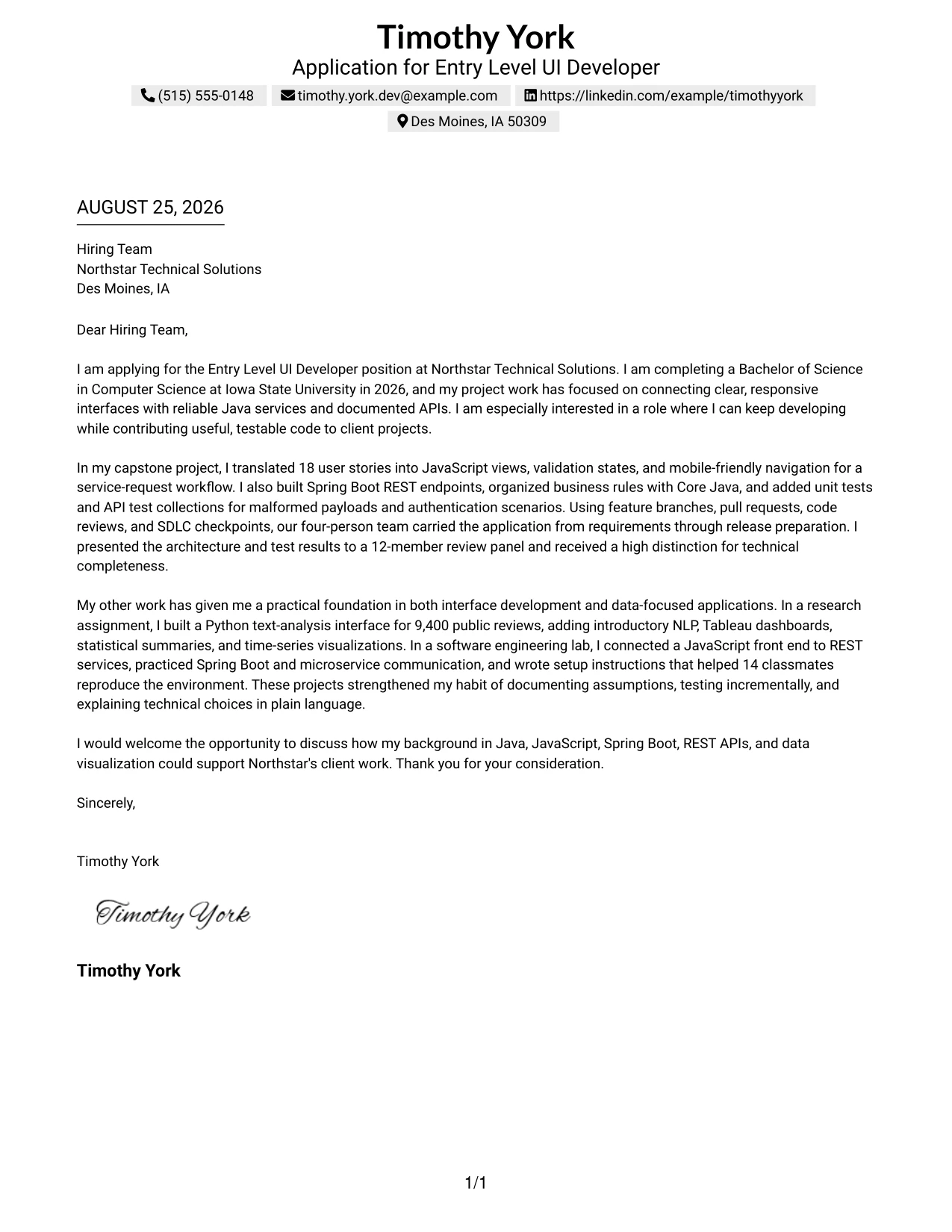
#1 Text/Fang Style Cover Letter Example
The Text/Fang Style presents a focused letter in a clear, centered structure. It gives the opening, supporting evidence, and closing enough space to guide the reader from interest to fit. Timothy York’s letter uses a direct introduction, a detailed project paragraph, and a concise closing to connect academic work with the Entry Level UI Developer opportunity.
For a technical application, this structure makes motivation easy to find and evidence easy to follow. The letter connects Java, JavaScript, Spring Boot, REST APIs, testing, and communication with the needs described by Northstar Technical Solutions. Its simple presentation supports a professional tone without distracting from the message.
Cover Letter Snapshot
- Direct opening names the Entry Level UI Developer position and Northstar Technical Solutions.
- Capstone evidence connects JavaScript views, Spring Boot REST endpoints, testing, and SDLC practices.
- Research and lab work show Python, NLP, Tableau, REST services, and technical documentation.
- Closing expresses interest in client work and invites further discussion.
#1 Why This Cover Letter Works
- The opening states the target role and employer immediately.
- The first paragraph explains both current education and motivation.
- The capstone example gives specific evidence instead of broad claims.
- Technical details are tied to interface development and reliable services.
- The research and lab paragraph adds useful range without losing focus.
- The letter shows written and verbal communication through documentation and presentations.
- The closing is polite, concise, and connected to the employer’s client work.
Keywords for an Entry Level UI Developer Cover Letter
- Entry Level UI Developer
- Java
- JavaScript
- Spring Boot
- REST APIs
- Microservices
- Software development life cycle
- Technical communication
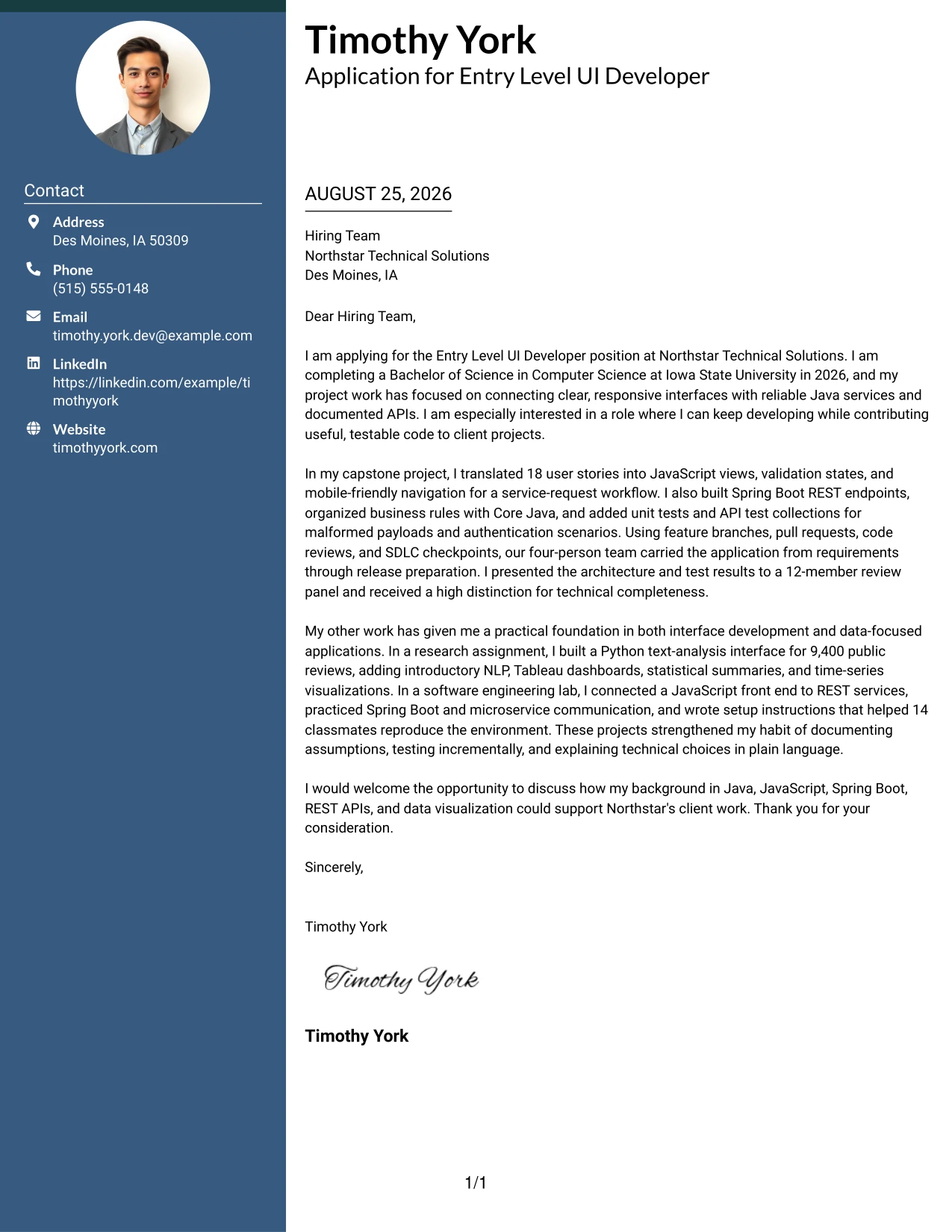
#2 Two Column Format Cover Letter Example
A recruiter can move through this Two Column Format by reading the main letter first and then using the side column for contact details or brief supporting points. That path works well when the message must stay personal while related evidence remains easy to locate. The cover letter can place motivation and employer fit in the main column, with selected technical strengths in the secondary column.
#2 Why This Cover Letter Works
- The reading path separates the persuasive message from supporting details.
- The main column can open with a specific reason for applying.
- A side column can hold a short set of role-aligned strengths without interrupting the letter.
- The capstone work provides a strong central example of interface and service development.
- The research assignment adds evidence of Python, NLP, Tableau, and data visualization.
- The layout can present communication evidence, such as presentations and documentation, in a compact way.
- The closing remains visible and easy to find after the two-column review.
Best For
- Applicants who need room for a full opening, evidence paragraph, and clear closing.
- Letters that connect one main project with a smaller set of supporting strengths.
- Readers who prefer a quick side reference while reviewing a personal message.
- Applications that combine interface work with service or data-focused experience.
- Technical candidates who want to separate motivation from selected tools and methods.
- Cover letters with several evidence types but no need to give each one equal space.
- Situations where contact details and employer information should stay visually distinct from the body.
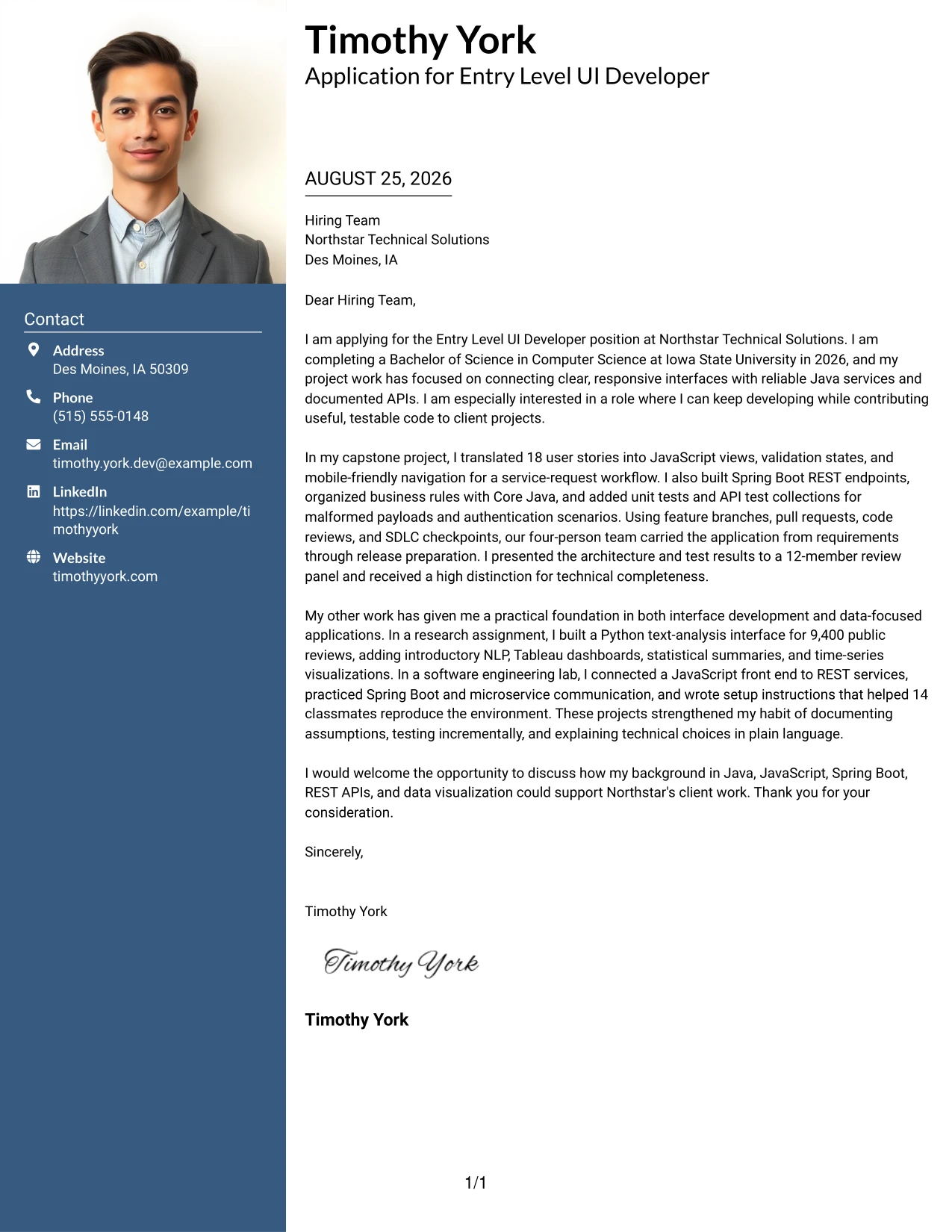
#3 Photo Header Two Column Format Cover Letter Example
The strongest evidence should lead the reader toward a decision: this Photo Header Two Column Format can give the main letter space for project results while the header establishes a clear personal introduction. The cover letter can explain how 18 user stories became a working interface, then support that account with Java, Spring Boot, testing, and presentation evidence in a separate column.
#3 Why This Cover Letter Works
- The opening can establish personal interest before the technical evidence begins.
- The main column gives a substantial project example room to develop.
- The capstone details show a clear link between requirements, interface decisions, and testing.
- A secondary column can reinforce Java, JavaScript, REST APIs, and Spring Boot alignment.
- The research example demonstrates an ability to work with Python and structured analysis.
- Presentation and documentation evidence support the employer’s communication expectations.
- The photo header can strengthen personal recognition when a professional image is appropriate for the application context.
Best For
- Applicants who want a personal introduction followed by detailed project evidence.
- Applications where a professional photo is appropriate and carefully presented.
- Letters that need to show both interface work and service-backed development.
- Readers who benefit from a main narrative with supporting facts kept nearby.
- Candidates combining software development evidence with research or data visualization work.
- Portfolios or networking applications where personal recognition matters alongside fit.
- Situations that call for a polished presentation without reducing the letter’s technical detail.
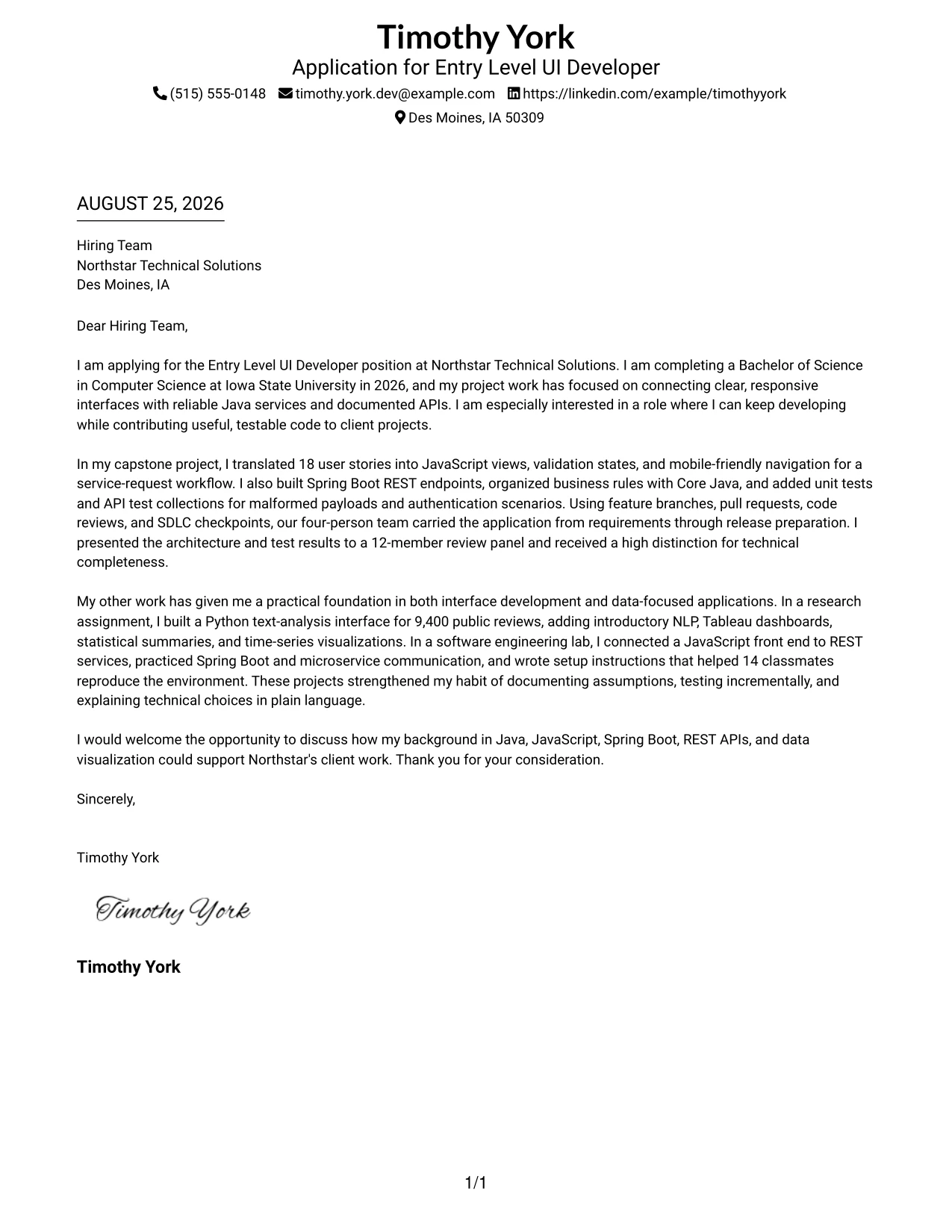
#4 Simple One Column Format Cover Letter Example
Balanced spacing lets a reader move from the application reason to the supporting evidence without making a decision about where to look next. The Simple One Column Format uses that balance for a clean letter with a direct opening, one or two focused evidence paragraphs, and a short closing. It suits the application because the message can connect academic preparation with practical contribution in a calm, familiar order.
#4 Why This Cover Letter Works
- A single reading path keeps the employer and role connection clear.
- The opening can state motivation in one focused paragraph.
- One detailed capstone example can carry the main technical argument.
- A second example can show range without creating a crowded page.
- Plain transitions make the letter easy to understand quickly.
- The closing can return to the employer’s client work and invite a conversation.
- Simple spacing supports a respectful tone for an early-career application.
Best For
- Applications that need a familiar letter structure with no competing reading paths.
- Early-career candidates presenting academic projects as practical preparation.
- Letters built around one primary example and one concise supporting example.
- Employer submissions that may be read on screen or printed for review.
- Messages where motivation and communication style deserve equal attention with technical fit.
- Applicants who want to explain a transition from coursework to client contribution.
- Cover letters that benefit from steady pacing and generous separation between ideas.
#5 One Column Format with Photo Cover Letter Example
For an application that benefits from a personal introduction, a One Column Format with Photo can place the greeting, motivation, evidence, and closing in one steady sequence while giving the header a stronger identity. The letter can introduce interest in Northstar Technical Solutions, describe the capstone workflow, and then add research and lab evidence without breaking the persuasive flow.
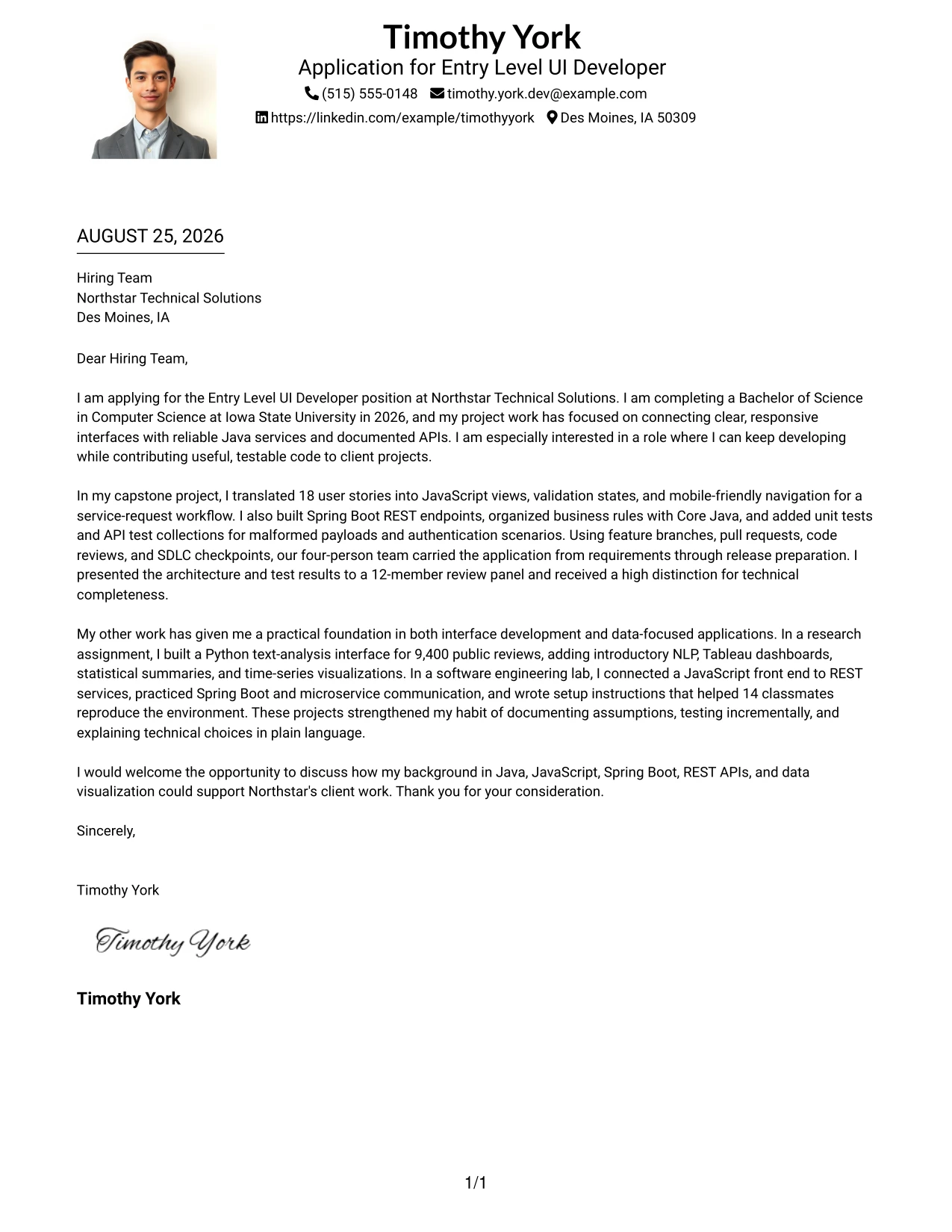
#5 Why This Cover Letter Works
- The one-column sequence keeps the personal message easy to follow.
- The photo can support recognition when it is suitable for the employer and application setting.
- The opening links the degree completion date with interest in continued development.
- The capstone paragraph supplies concrete evidence of interface and API work.
- Research and lab examples show broader technical curiosity.
- A consistent width gives communication details enough space to remain readable.
- The closing can end with a confident request for discussion rather than a generic sign-off.
Best For
- Applications where a professional photo is expected or accepted by the recipient.
- Candidates who want personal recognition without splitting the letter into columns.
- Letters that move through motivation, one major example, supporting work, and closing.
- Networking introductions that need a warmer visual first impression.
- Technical applications where detailed evidence should remain in one uninterrupted narrative.
- Applicants presenting a developing portfolio with several related academic examples.
- Readers who value a personal header but prefer conventional letter organization.
#6 One Column Format with Photo Right Cover Letter Example
A restrained visual hierarchy can keep attention on the opening claim while a right-side photo creates a separate point of personal identification. In this One Column Format with Photo Right, the cover letter can state interest in client projects first, then develop the case through Java services, responsive interfaces, testing, research, and clear technical explanations.
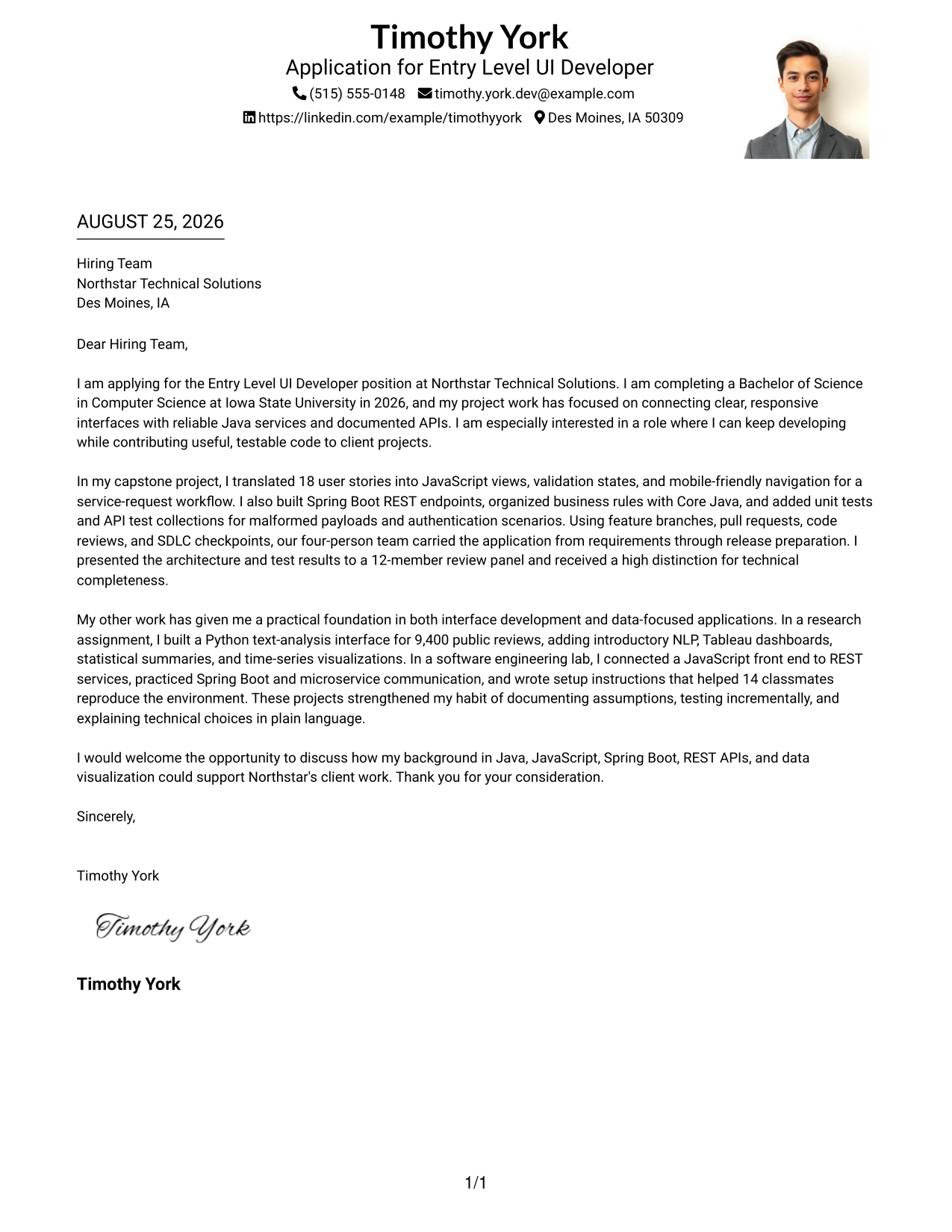
#6 Why This Cover Letter Works
- The main text remains the primary source of evidence.
- Right-side photo placement can add identity without taking over the message.
- The opening gives the employer a clear reason to continue reading.
- The capstone example links user stories to implementation and release preparation.
- The research paragraph shows an ability to explain data-focused work simply.
- Documentation and presentation details reinforce written and verbal communication.
- The closing connects the candidate’s technical foundation to future client contribution.
Best For
- Applications where a professional photo is suitable but should remain secondary to the letter.
- Readers who want a strong written case with a distinct personal identifier.
- Messages that need a long-form narrative without the visual weight of multiple columns.
- Candidates aligning interface development, service work, and analytical projects.
- Client-focused applications where communication and technical explanation both matter.
- Letters that benefit from a clear primary text area and a controlled visual accent.
- Professional introductions where the personal image should support, not replace, evidence.
#7 Simple Two Column Format Cover Letter Example
The Simple Two Column Format organizes the letter into a main persuasive message and a compact supporting area. That structure can show motivation and employer fit in the main column while placing selected evidence, such as Java, REST APIs, testing, or technical communication, where a reader can confirm it quickly.
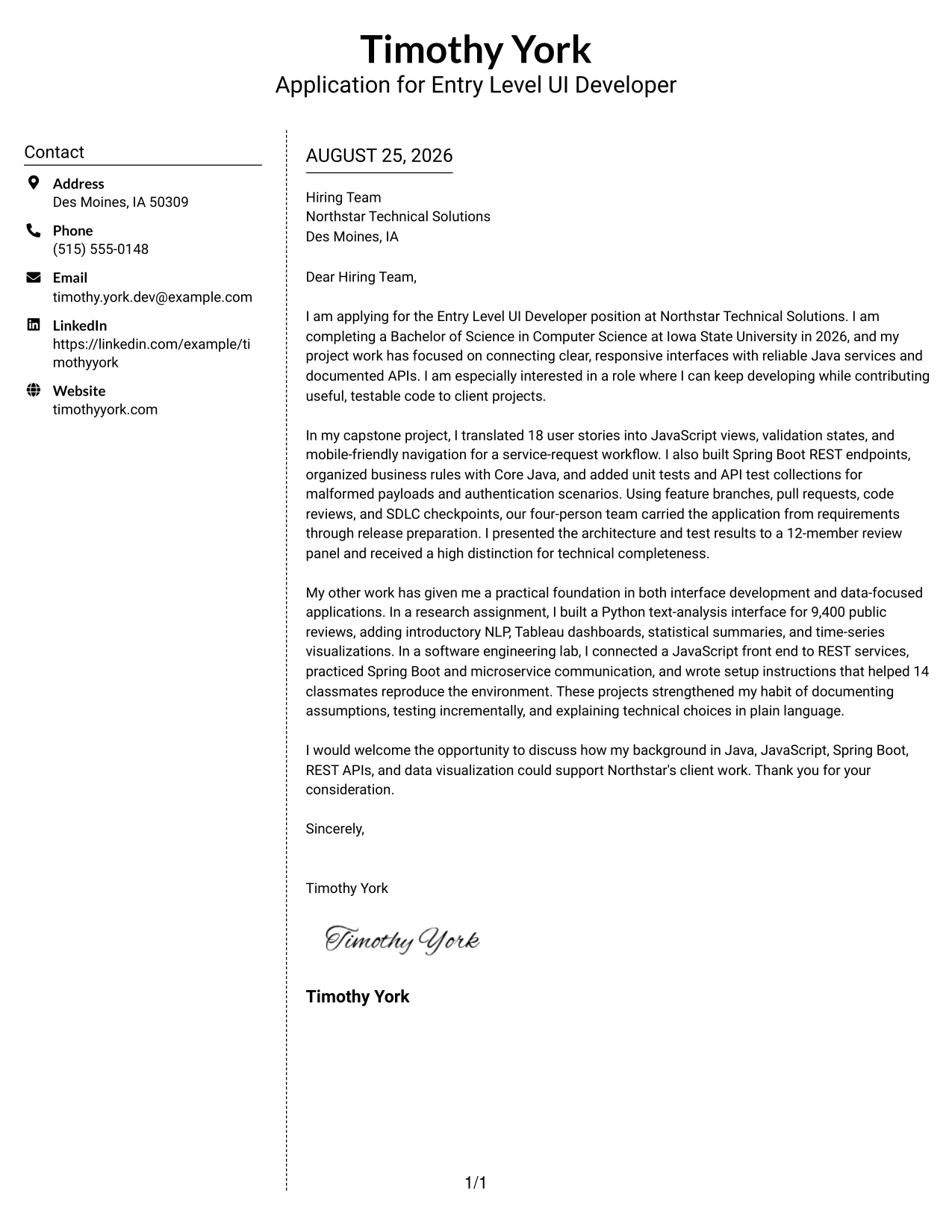
#7 Why This Cover Letter Works
- The two-part structure gives the opening a clear place in the main column.
- Supporting points can confirm fit without turning the letter into a list of claims.
- A capstone example can explain both interface decisions and service development.
- A research example can add Python, NLP, and visualization evidence in a controlled space.
- The letter can show testing and SDLC habits as part of a reliable work process.
- Short supporting labels help a reader return to the strongest evidence.
- The closing stays within the main message and preserves a personal tone.
Best For
- Applicants who want a conventional letter with a small area for supporting details.
- Applications that require both a persuasive narrative and quick evidence checks.
- Letters centered on a capstone with several related technical contributions.
- Readers who scan first and then return to the main explanation.
- Candidates balancing programming, interface, testing, and communication evidence.
- Documents where a short side area can reduce repetition in the body.
- Professional applications that need structure without a highly decorative presentation.
#8 Stylish Two Column Designer Format Cover Letter Example
A reader can first identify the main message, then use the sidebar to confirm the strongest supporting points. The Stylish Two Column Designer Format is useful when a cover letter must carry several evidence types without giving every detail the same visual weight. Its main narrative can explain motivation and fit, while the sidebar gathers selected technical and communication strengths.
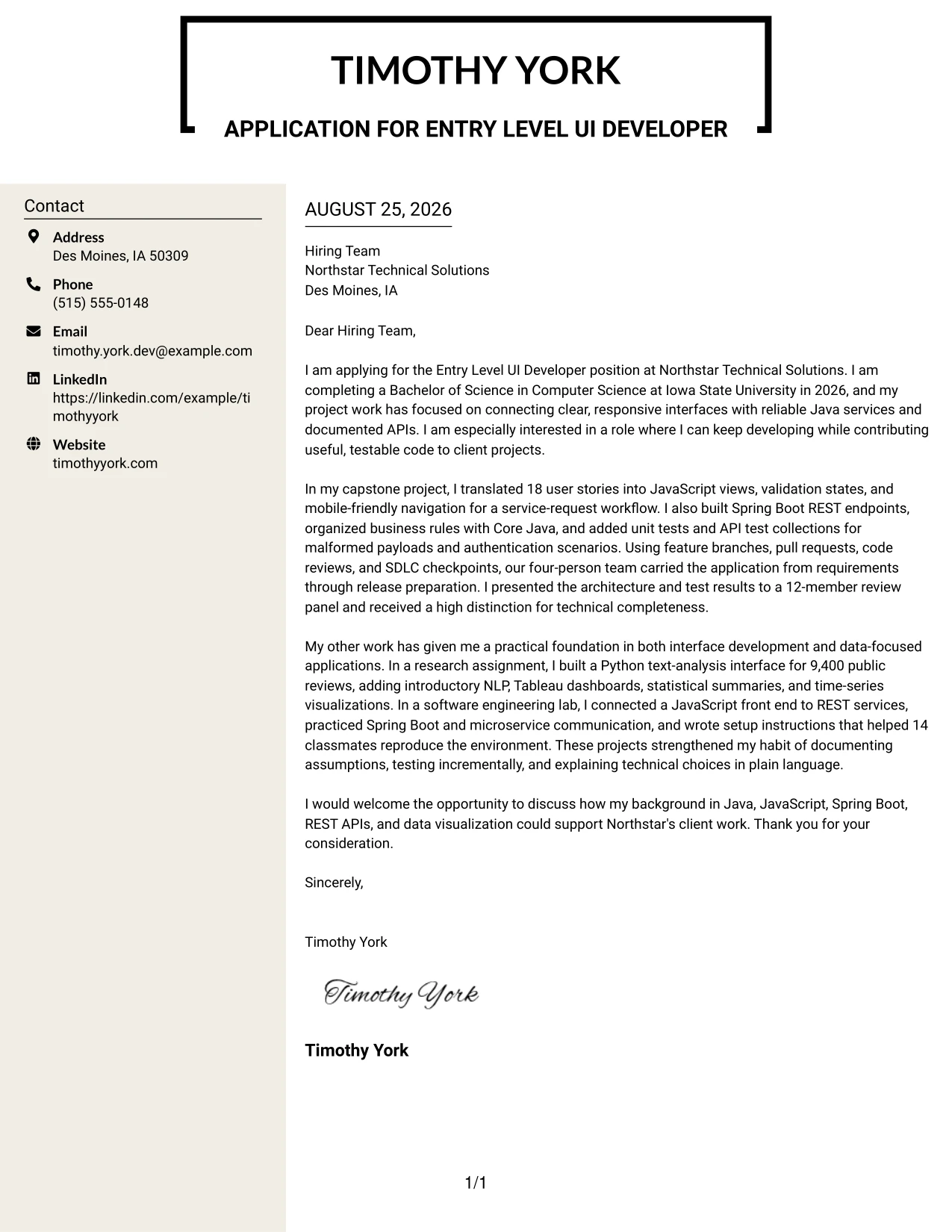
#8 Why This Cover Letter Works
- The main message remains the place for motivation and employer interest.
- A designed sidebar can hold concise evidence without lengthening the opening.
- The capstone gives the letter a clear story about requirements, implementation, and testing.
- Research work adds a second kind of evidence through Python, NLP, and visualization.
- Documentation and review-panel presentation show the ability to explain choices.
- The format can handle several supporting points while preserving a readable narrative.
- A controlled designer treatment adds distinction without replacing substance.
Best For
- Applications with several related evidence types that need visible separation.
- Candidates presenting capstone, research, and lab work in one persuasive letter.
- Readers who want a quick sidebar summary after reviewing the main message.
- Portfolio-linked applications where presentation quality supports, but does not lead, the case.
- Technical letters that must show programming, data work, testing, and communication range.
- Applicants who prefer a more designed structure while keeping the writing direct.
- Situations where a compact evidence area can prevent repeated explanations in the body.
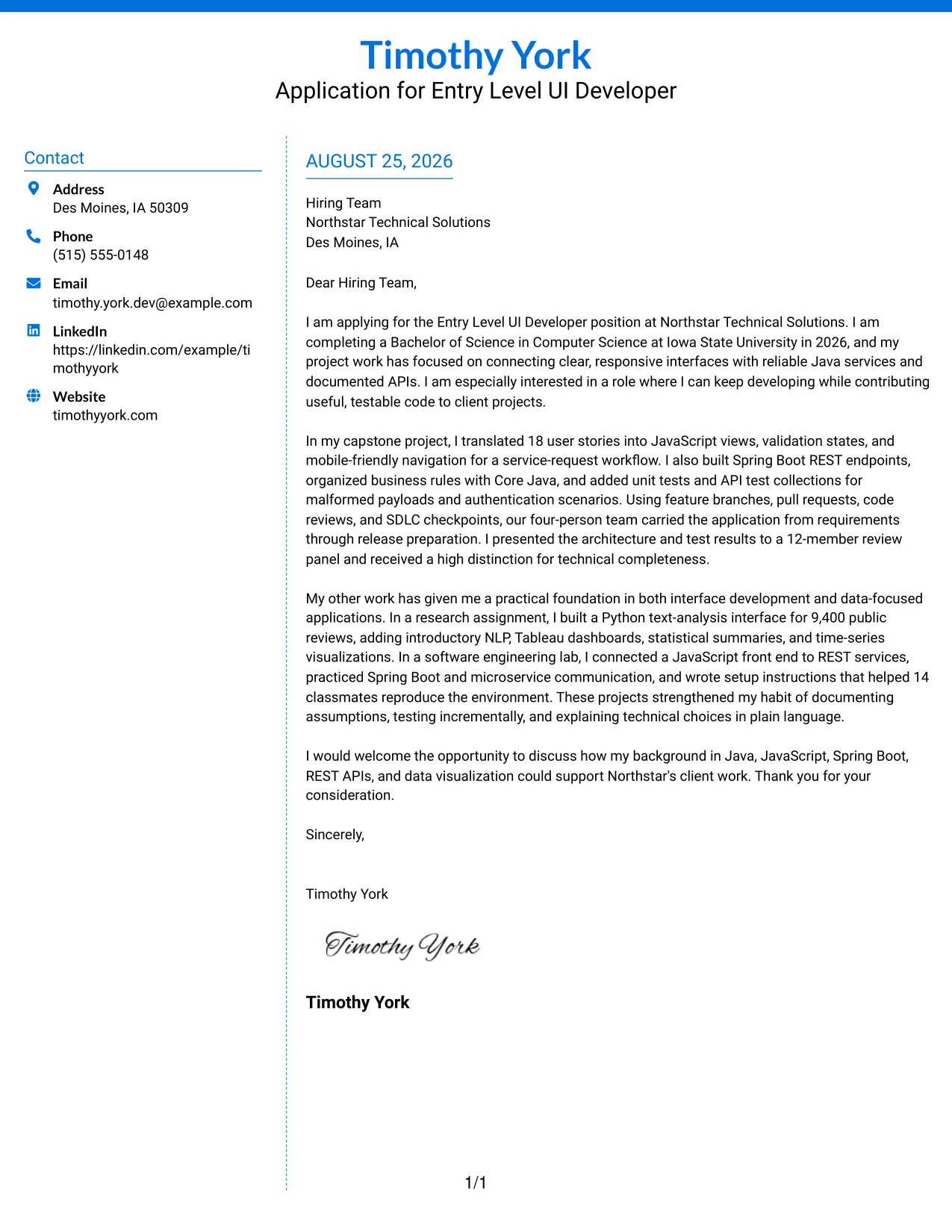
#9 Colored Two Column Format Cover Letter Example
The most persuasive evidence can sit in the main reading area, while a colored side column marks supporting information for quick reference. The Colored Two Column Format can use that priority to lead with the capstone’s interface and service work, then reinforce the message with research, testing, documentation, and communication examples.
#9 Why This Cover Letter Works
- The main column gives the strongest evidence enough room to persuade.
- Color can separate supporting information without changing the letter’s professional message.
- The capstone example directly addresses Java, JavaScript, Spring Boot, and REST API needs.
- Testing details show care with validation, authentication scenarios, and malformed payloads.
- Research evidence broadens the case through statistics, Tableau, and time-series analysis.
- Presentation and documentation show that technical work can be explained to different audiences.
- The closing returns the reader to employer fit instead of ending on a technical list.
Best For
- Applications where one major project should receive clear evidence priority.
- Readers who appreciate visual separation between the letter and supporting details.
- Candidates with both software development and analytical project evidence.
- Messages that need to show testing, documentation, and communication alongside technical fit.
- Applications where a restrained color accent improves navigation without dominating the page.
- Letters that benefit from a strong main argument and a brief confirmation area.
- Professional submissions requiring quick reference points after a deeper first read.
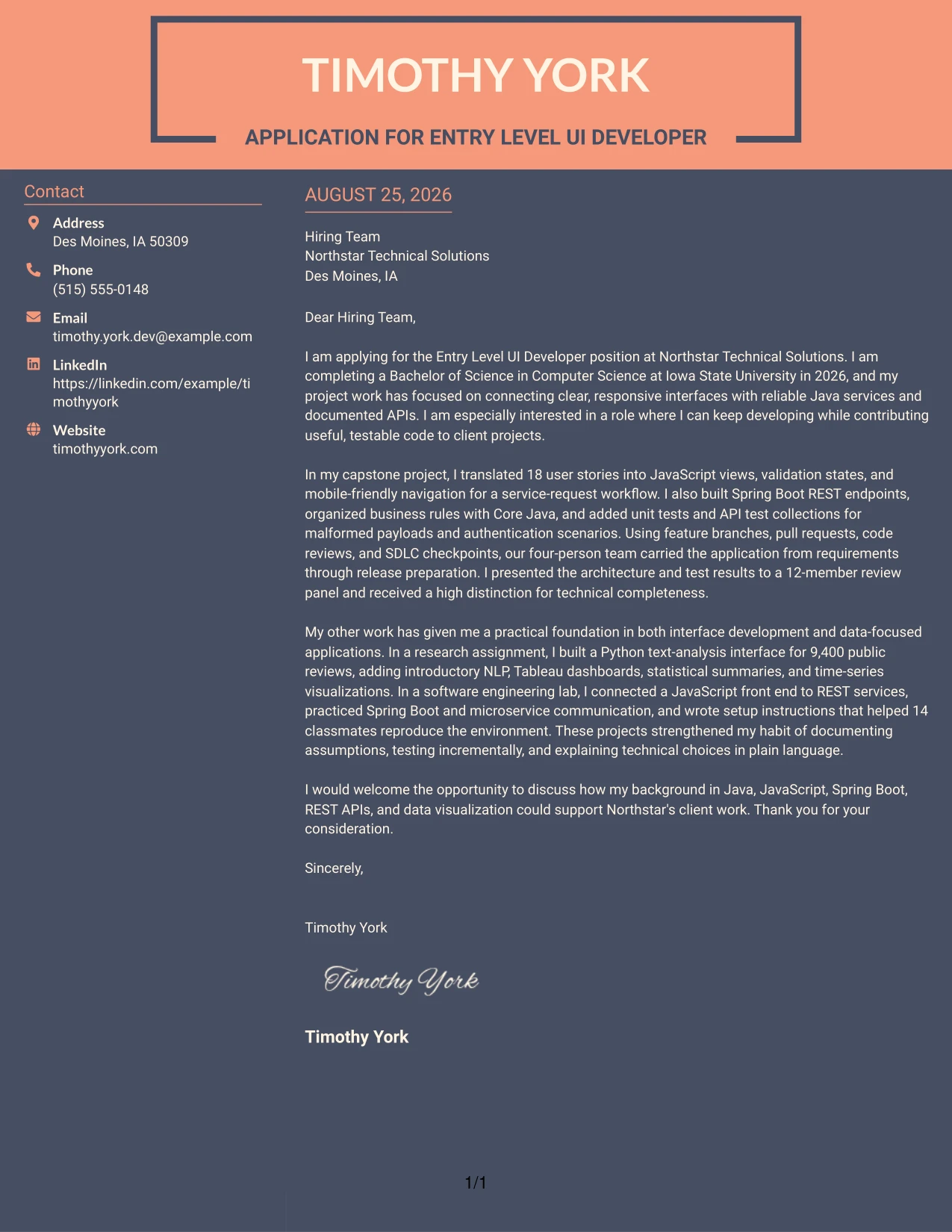
#10 Creative Two Tone Format Cover Letter Example
Good space balance allows a creative treatment to support the message rather than compete with it. The Creative Two Tone Format can separate the opening and closing emphasis from the body while keeping the persuasive sequence intact. Timothy York’s letter would fit this approach by pairing a clear reason for applying with focused evidence about interfaces, Java services, testing, and communication.
#10 Why This Cover Letter Works
- The two-tone treatment can mark important transitions in the letter.
- A direct opening keeps creativity grounded in employer interest.
- The capstone example provides substantial evidence for the technical fit.
- The research and lab work show continued learning across software and data applications.
- Short paragraphs prevent the visual treatment from making the message feel dense.
- The closing can repeat interest in client work without repeating earlier claims.
- The format gives an individual presentation while preserving clear professional language.
Best For
- Applications that allow a distinctive presentation while still requiring a formal letter.
- Candidates who want to show design awareness through controlled color and spacing.
- Letters with a clear main example and two brief supporting areas.
- Portfolio or direct-application settings where visual individuality may help recognition.
- Applicants connecting technical curiosity with a practical reason for joining an employer.
- Readers who prefer strong section separation but do not need a complex layout.
- Messages that should feel memorable while keeping motivation and evidence easy to follow.
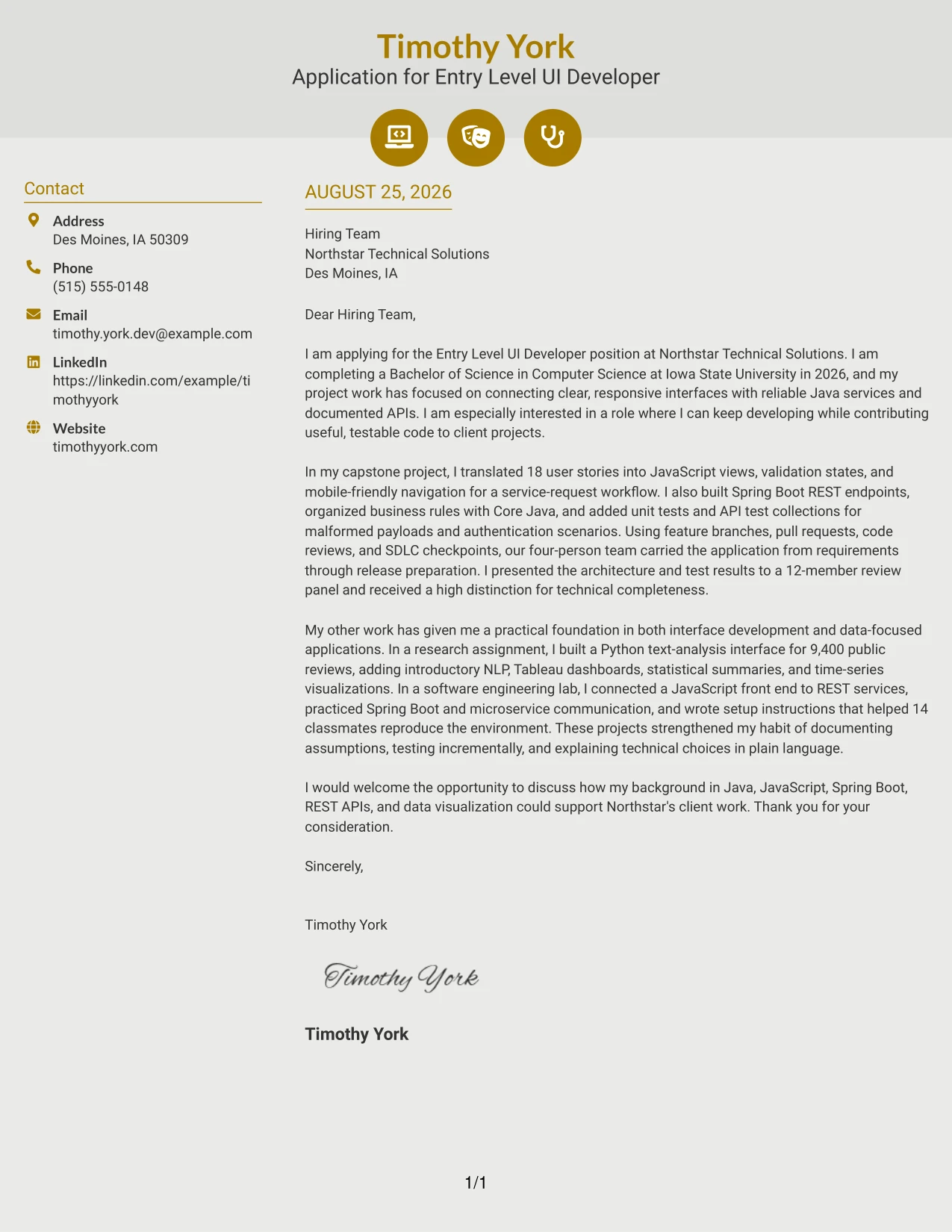
#11 Modern Icon Format Cover Letter Example
A practical application may benefit from a quick visual guide before the reader studies the letter in full. The Modern Icon Format can use restrained icons to separate contact information, evidence cues, and the closing while keeping the body in one readable flow. That approach supports a clear case built from the capstone, research assignment, lab practice, and interest in Northstar Technical Solutions.
#11 Why This Cover Letter Works
- The opening still carries the main motivation and employer connection.
- Icons can help readers identify supporting details without replacing written explanation.
- The capstone provides a concrete example of responsive interface and API work.
- The research assignment adds evidence of Python, NLP, Tableau, and statistical analysis.
- The lab experience shows practice with REST services, Spring Boot, and reproducible setup notes.
- Presentation and documentation details support the employer’s communication requirements.
- A clean closing turns the visual organization back toward a conversation.
Best For
- Applications that need light visual guidance with a fully readable one-column message.
- Readers who value quick recognition of contact and supporting information.
- Candidates combining interface development with research and data visualization evidence.
- Portfolio submissions where small visual cues can connect the letter to related work.
- Letters that must present several proof points without using a dense sidebar.
- Applicants who want a modern presentation but need the written argument to remain central.
- Professional messages suited to digital review and fast return visits.
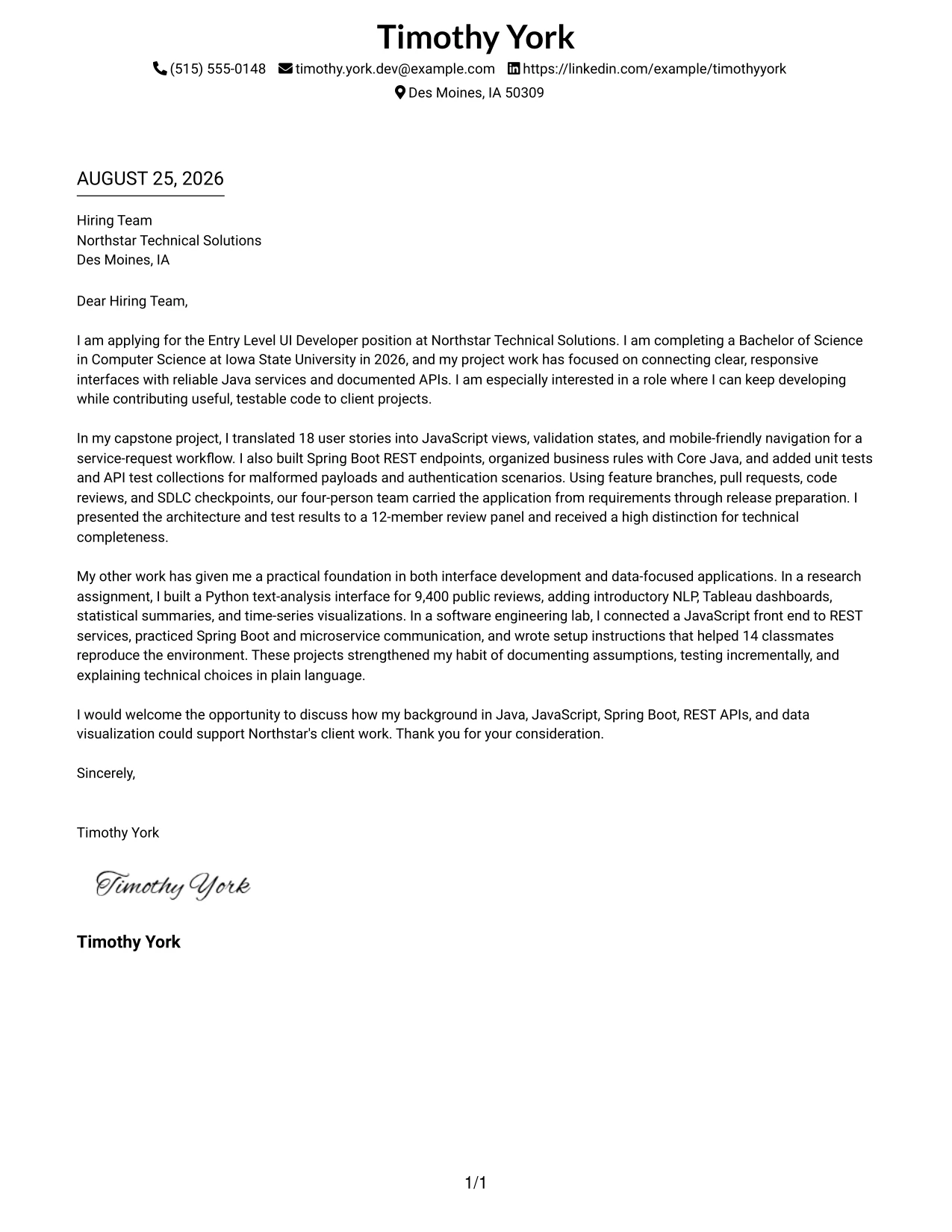
#12 Minimal Header Format Cover Letter Example
A restrained visual hierarchy lets the opening, evidence, and closing speak clearly. The Minimal Header Format gives the letter a calm, professional frame for showing interest in the Entry Level UI Developer position, connecting Java and JavaScript experience to Northstar Technical Solutions, and ending with a direct invitation to talk.
Why the Minimal Header Format Works for a Cover Letter
- The simple header keeps attention on the letter's purpose and target role.
- The opening can state the computer science degree, graduation year, and reason for applying without delay.
- A focused middle paragraph gives room to connect the capstone interface to Java services and documented APIs.
- Specific evidence, such as 18 user stories, testing work, and a high distinction, makes the claims credible.
- A separate paragraph can connect Python, NLP, Tableau, and time-series work to the employer's broader technical needs.
- The uncluttered presentation supports concise written communication, which the job description values.
- A short closing leaves a clear next step without adding unnecessary detail.
Best For
- Applicants who want the employer to notice the letter's message before its design.
- Applications that need a direct link between motivation and role requirements.
- Letters with one strong project story and one supporting example.
- Readers who prefer a steady, uninterrupted review path.
- Candidates presenting technical evidence in short, well-spaced paragraphs.
- Applications where clear written communication is part of the selection criteria.
- Professionals who want a quiet format for a remote or local application.
- Cover letters that need a polished presentation without visual distractions.
#13 Clean Two Column Sidebar Format Cover Letter Example
The Clean Two Column Sidebar Format separates contact details and supporting cues from the main letter, so a reader can find context quickly and then follow the argument in order. It can frame motivation in the opening, place the capstone evidence at the center, and use the closing to connect the candidate's technical foundation with Northstar Technical Solutions' client-focused work.
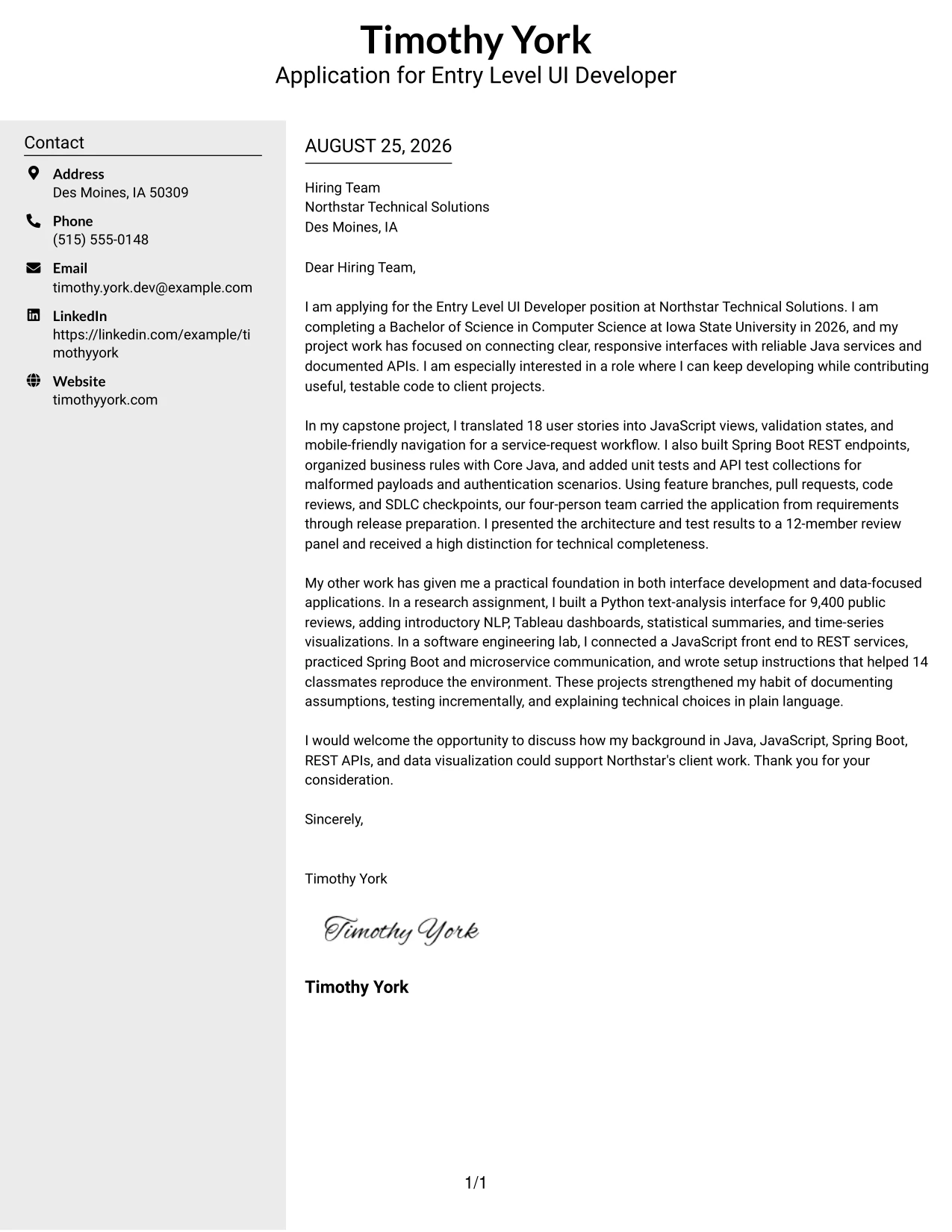
Why the Clean Two Column Sidebar Format Works for a Cover Letter
- The sidebar gives the reader quick access to contact information and application context.
- The main column protects the opening from competing with secondary details.
- A clear body sequence supports a persuasive path from interest to evidence to fit.
- The capstone paragraph can show JavaScript views, Spring Boot endpoints, and testing as one connected story.
- The research paragraph adds Python, Tableau, NLP, and statistical work without interrupting the main argument.
- Short visual divisions help a busy reviewer locate the strongest evidence during a first read.
- The closing remains easy to find and can invite a conversation in a professional tone.
Best For
- Applications reviewed by people who need contact context at a glance.
- Letters that combine a central argument with a small amount of supporting information.
- Candidates who want project evidence kept separate from personal details.
- Readers who scan first and read the full explanation second.
- Applications with several technical examples that still need a clear priority order.
- Cover letters that benefit from visible divisions between context and persuasion.
- Applicants using a concise letter for a structured hiring process.
- Documents where quick navigation matters during client matching.
#14 Plain Two Column Format Cover Letter Example
Readers can move from the contact area to the greeting, opening, evidence paragraphs, and closing without decorative interruptions. The Plain Two Column Format supports a cover letter that explains interest in the Entry Level UI Developer position, then proves alignment through the capstone workflow, research interface, and software engineering lab.
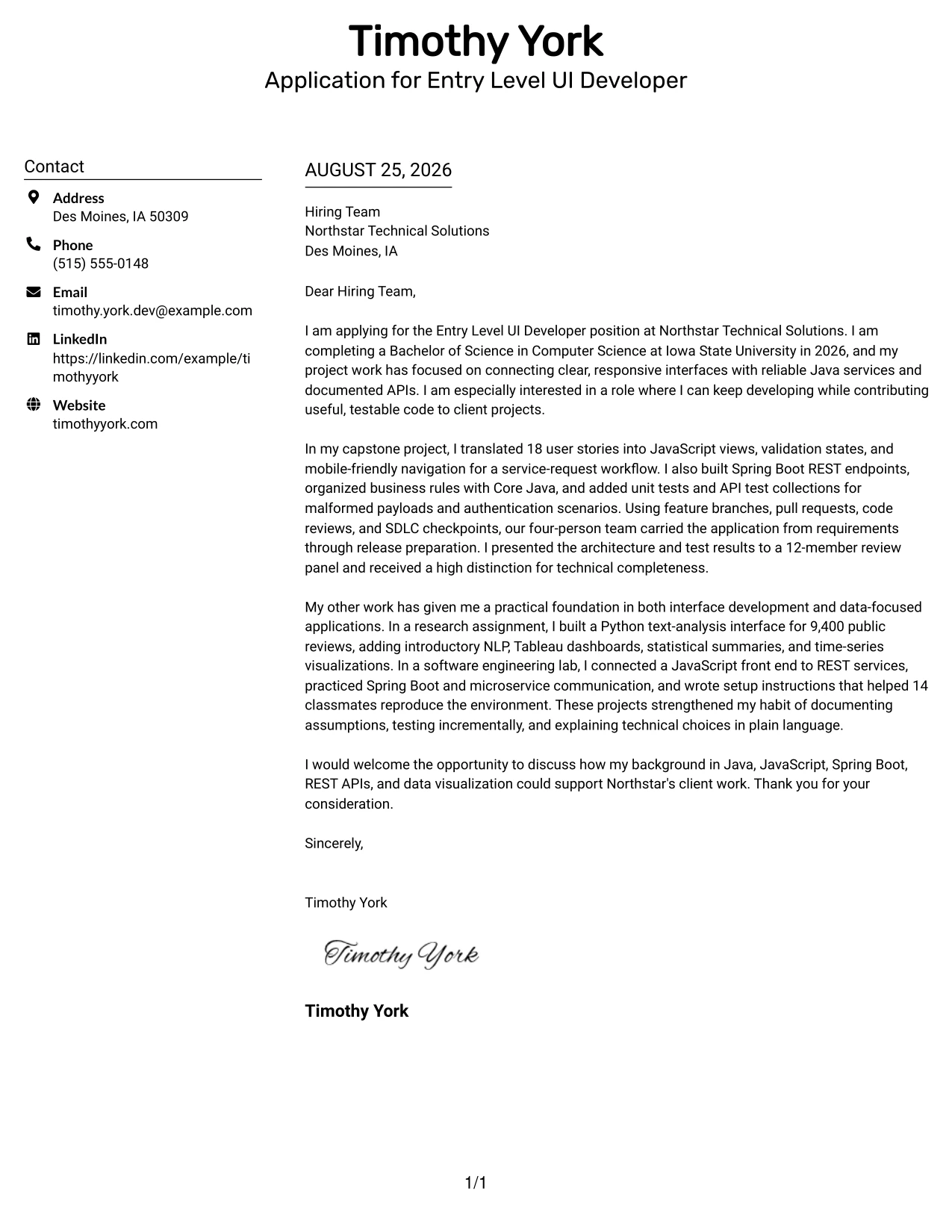
Why the Plain Two Column Format Works for a Cover Letter
- The straightforward structure makes the greeting and purpose easy to locate.
- The opening can connect the 2026 computer science degree to the employer's entry-level opportunity.
- The main argument has space to explain how interface work connected with reliable services.
- The capstone evidence shows requirements clarification, implementation, testing, and presentation in one narrative.
- Additional academic work demonstrates range without taking attention away from the main application reason.
- Plain organization supports the concise communication expected in a professional cover letter.
- The closing can repeat interest in client work and suggest a discussion without sounding overstated.
Best For
- Letters that need to carry several related examples without becoming crowded.
- Applications where the reader may review documents in a quick, practical sequence.
- Candidates combining interface work, service development, and data analysis evidence.
- Applicants who need enough room for a detailed but controlled body section.
- Cover letters that explain both technical fit and willingness to keep learning.
- Readers who value familiar organization over strong visual styling.
- Applications with a clear greeting, three-part body, and direct closing.
- Candidates who want supporting details visible without using a long letter.
#15 Modern Full Background Two Column Format Cover Letter Example
The strongest evidence should arrive after a clear reason for applying: the capstone shows an ability to turn 18 user stories into a tested service-request workflow, while research and lab work add breadth. The Modern Full Background Two Column Format gives those proof points a firm visual setting while keeping motivation, role alignment, and employer interest in a readable sequence.
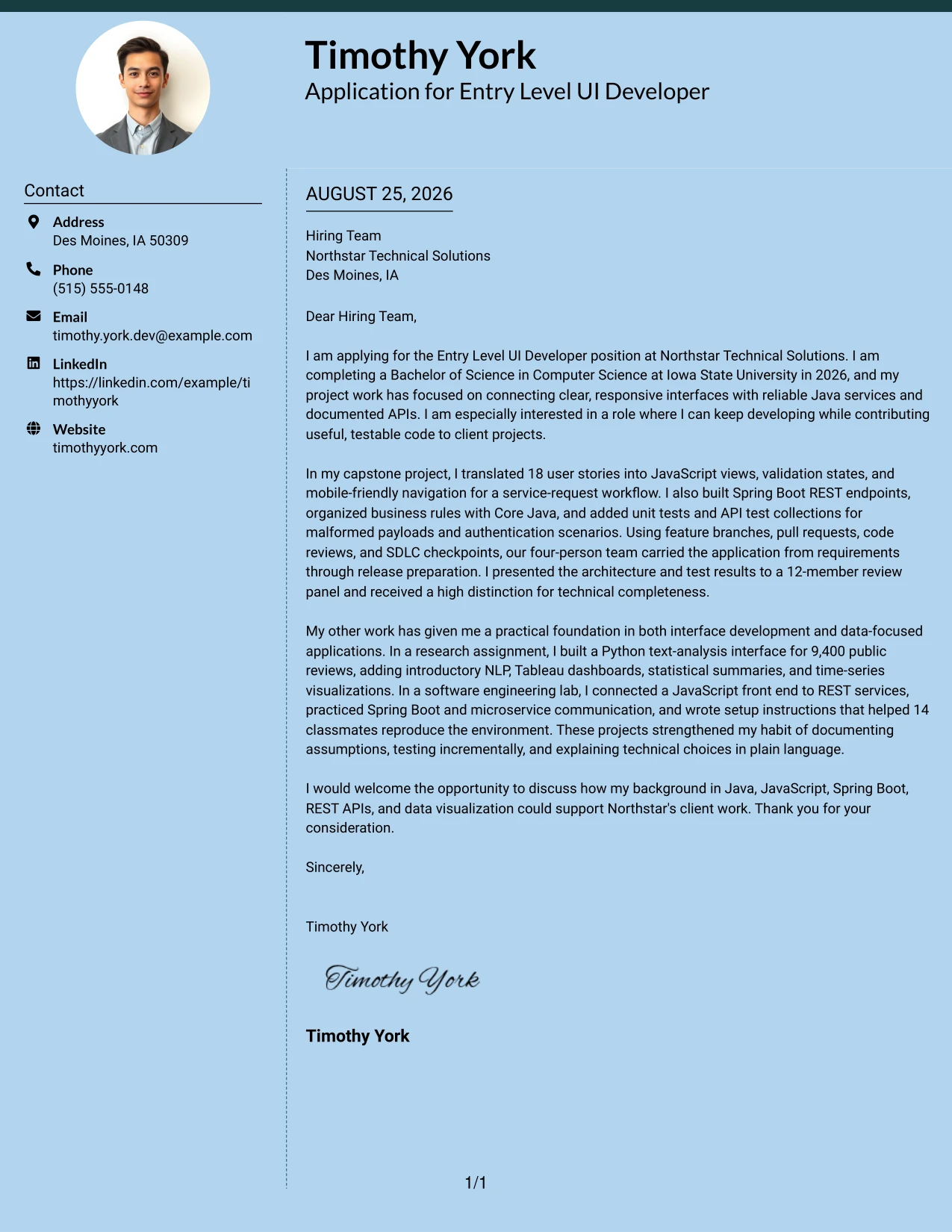
Why the Modern Full Background Two Column Format Works for a Cover Letter
- The opening can establish interest before the design draws attention to supporting evidence.
- The capstone story offers concrete proof through JavaScript views, Spring Boot REST endpoints, and unit tests.
- The letter can show how feature branches, pull requests, and SDLC checkpoints supported team delivery.
- Research evidence adds Python text analysis, Tableau dashboards, and statistical interpretation.
- The body can connect technical curiosity with the employer's client-project setting.
- A two-column balance helps separate core persuasion from supporting contact or context details.
- The closing can return the focus to contribution and continued development.
Best For
- Applications where measurable project evidence should lead the persuasion.
- Candidates with more than one relevant academic or practical example.
- Letters that need to balance a primary success story with supporting breadth.
- Readers who respond well to a clear distinction between main proof and secondary context.
- Applications requiring both software development and data-focused evidence.
- Applicants who want a modern presentation while keeping the argument professional.
- Cover letters that must show teamwork, testing, and communication in limited space.
- Technical applications where evidence should appear before broad claims.
#16 Dark Mode Two Column Format Cover Letter Example
Balanced spacing keeps a strong visual treatment from taking over the message. The Dark Mode Two Column Format can present the application as confident and focused while the letter explains motivation, gives evidence from the capstone and research assignment, and connects the candidate's communication habits with Northstar Technical Solutions' client work.
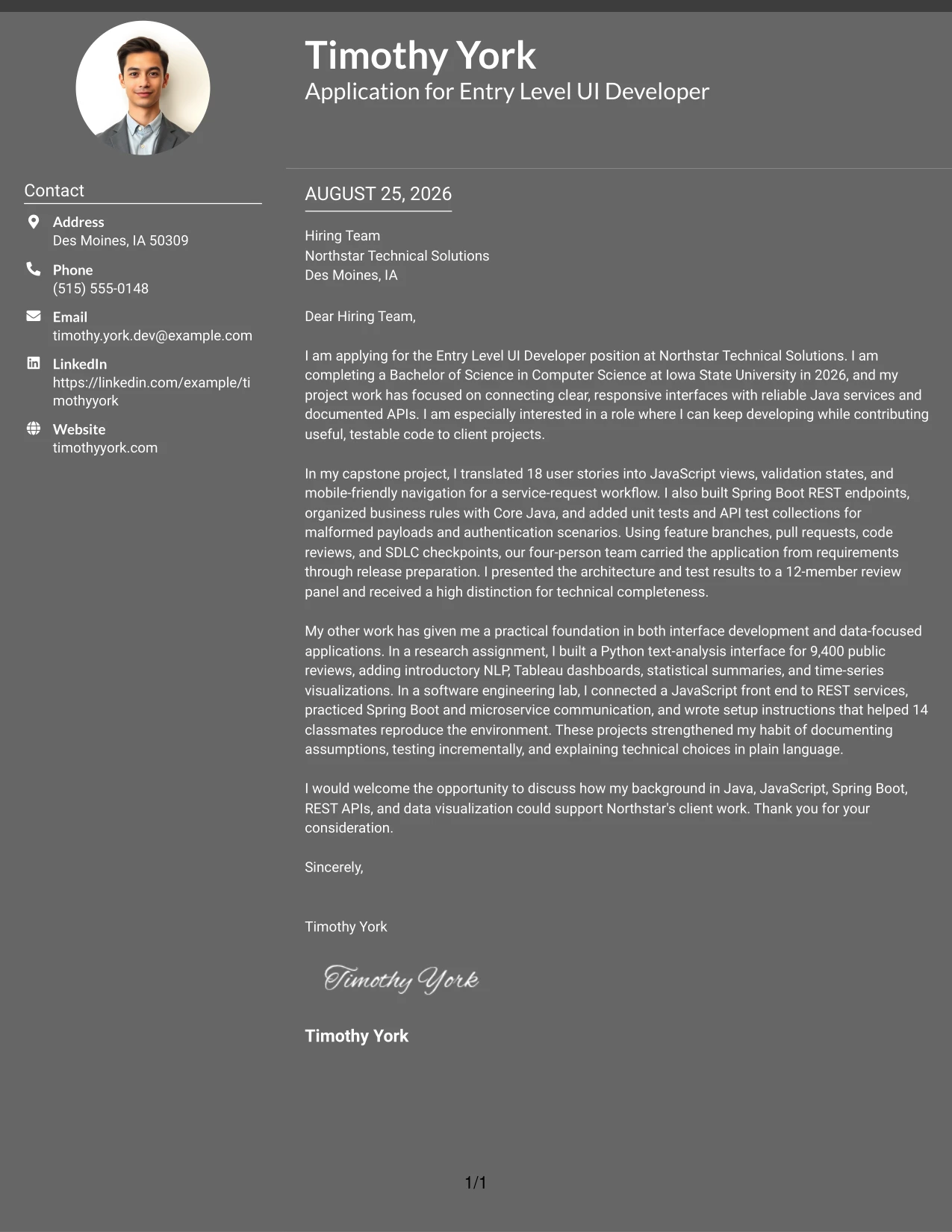
Why the Dark Mode Two Column Format Works for a Cover Letter
- Careful spacing keeps the opening readable against a bold visual setting.
- The first body paragraph can make the role connection before technical detail appears.
- The capstone evidence demonstrates interface development, service integration, testing, and teamwork.
- The research example shows that the candidate can explain data findings as well as build interfaces.
- The format can support a confident tone without requiring exaggerated claims.
- A clear division between columns helps the reader separate contact context from the letter's reasoning.
- The closing can restore a simple, courteous tone and invite further discussion.
Best For
- Applications that need a confident presentation without a lengthy explanation.
- Candidates who want visual distinction while keeping the message evidence-led.
- Letters reviewed in digital settings where clear contrast and spacing matter.
- Applicants presenting both a primary software example and a secondary data example.
- Communication-focused applications that value concise technical explanations.
- Readers who can scan separate context and main content before reading closely.
- Cover letters that need to feel current while remaining professional.
- Applications where visual confidence should support, not replace, the written argument.
#17 Dark Mode Box Header Format Cover Letter Example
For a digital application, a strong boxed header can establish the purpose before the reader enters the letter. The Dark Mode Box Header Format gives the application a defined starting point, then supports a concise explanation of interest, relevant Java and Spring Boot work, and readiness to contribute to client projects.
Why the Dark Mode Box Header Format Works for a Cover Letter
- The boxed header makes the application purpose visible at the start.
- A focused opening can state the degree, graduation timing, and interest in client-oriented work.
- The body can present the capstone as direct proof of JavaScript, Spring Boot, REST API, and testing experience.
- A second evidence paragraph can add the Python interface, NLP work, and Tableau visualizations.
- The format creates a clear boundary between identifying information and persuasive content.
- Its compact structure encourages the writer to explain fit instead of repeating a full work history.
- A direct closing can reinforce interest and leave the hiring team with an easy next step.
Best For
- Digital applications that benefit from a clearly marked starting point.
- Letters where the application purpose should be visible before the body text.
- Candidates with a compact set of strong project examples.
- Readers who want the contact block separated from the persuasive message.
- Applications that need a confident tone without a long introduction.
- Applicants explaining a move from academic work into client project contribution.
- Cover letters where technical evidence must fit below a prominent header.
- Hiring processes that reward quick recognition of role and candidate fit.
#18 Elegant Full Background Two Column Format Cover Letter Example
A calm, refined hierarchy can make the letter feel thoughtful while keeping its argument practical. The Elegant Full Background Two Column Format supports a measured opening, detailed proof from the service-request capstone, and a closing that presents technical curiosity, documentation, and communication as part of the candidate's fit.
Why the Elegant Full Background Two Column Format Works for a Cover Letter
- The restrained hierarchy gives the opening enough importance without making it feel oversized.
- The capstone paragraph can show how user stories became interface views, validation, services, and tests.
- The letter can explain team practices such as pull requests, code reviews, and SDLC checkpoints in context.
- The research assignment adds evidence of careful preprocessing, evaluation, and documentation.
- The tone supports a respectful explanation of why the employer's development setting is attractive.
- Two-column organization allows supporting details to remain available without breaking the narrative.
- The closing can express interest in a conversation with confidence and courtesy.
Best For
- Applications where careful explanation matters as much as visual polish.
- Candidates who want technical curiosity presented with a measured tone.
- Letters that need to show process, not only final outputs.
- Readers assessing documentation, teamwork, and explanation alongside coding ability.
- Applications combining service development with research or data interpretation.
- Applicants who prefer a refined layout for a formal employer introduction.
- Cover letters that need room for evidence but should still feel concise.
- Client-oriented applications where trust and clarity are important parts of fit.
#19 Plain One Column with Highlighted Date Cover Letter Example
A clear date and a single reading path make the sequence easy to follow from application purpose to closing. The Plain One Column with Highlighted Date Format supports a direct letter for the Entry Level UI Developer opening, with room to explain the capstone results, related research, and interest in Northstar Technical Solutions.
Why the Plain One Column with Highlighted Date Format Works for a Cover Letter
- The visible date gives the application a clear point of reference.
- One column keeps the greeting, opening, evidence, and closing in a natural order.
- The first paragraph can explain the transition from computer science study to professional contribution.
- The capstone paragraph provides concrete proof through 18 user stories, API testing, and review-panel presentation.
- The research and lab paragraph broadens the case with Python, Tableau, REST services, and reproducible setup notes.
- The format helps the reader compare the letter's claims with the attached application materials.
- A simple closing keeps the request for discussion clear and appropriately brief.
Best For
- Applications where chronology and document context should be easy to confirm.
- Letters that benefit from a familiar start-to-finish reading path.
- Candidates presenting one central project followed by supporting academic work.
- Readers who prefer all persuasive content in one consistent column.
- Applications with a defined submission date or formal review process.
- Applicants who want evidence to unfold in the same order as the argument.
- Cover letters that need dependable readability across common screens and printouts.
- Professional introductions where clarity is more important than visual novelty.
#20 Bold Color Header Professional Format Cover Letter Example
The reader first sees the application context, then follows the body from motivation to proof and employer fit. The Bold Color Header Professional Format gives that sequence a strong entry point while the letter explains Timothy York's computer science preparation, capstone results, and interest in contributing to Northstar Technical Solutions.
Why the Bold Color Header Professional Format Works for a Cover Letter
- The prominent header helps identify the application before the reader reaches the body.
- The opening can state the role, degree completion date, and interest in continued technical development.
- The capstone paragraph gives evidence of JavaScript interface work, Spring Boot services, and test discipline.
- The research and lab examples show range while staying tied to communication and practical contribution.
- A professional header can support confidence without replacing specific proof.
- The body remains the place for explaining motivation, employer fit, and readiness for client work.
- The closing can be brief because the application context is already clear.
Best For
- Applications that need strong role and contact recognition at first glance.
- Candidates with a concise message supported by two substantial project examples.
- Readers who scan the header before deciding how closely to read.
- Letters that must present a professional transition from academic preparation to client work.
- Applicants who want visual confidence paired with specific evidence.
- Digital submissions where a clear top section improves navigation.
- Cover letters with a direct opening and a compact closing request.
- Professional applications that need to stand out without adding extra paragraphs.
#21 Photo Header Color Sidebar Format Cover Letter Example
The capstone results should receive priority because they offer the clearest proof of role alignment: 18 user stories became a responsive interface, connected services, and tested workflows. The Photo Header Color Sidebar Format can pair that evidence with a recognizable personal presentation, while the letter adds research depth, communication experience, and interest in Northstar Technical Solutions.
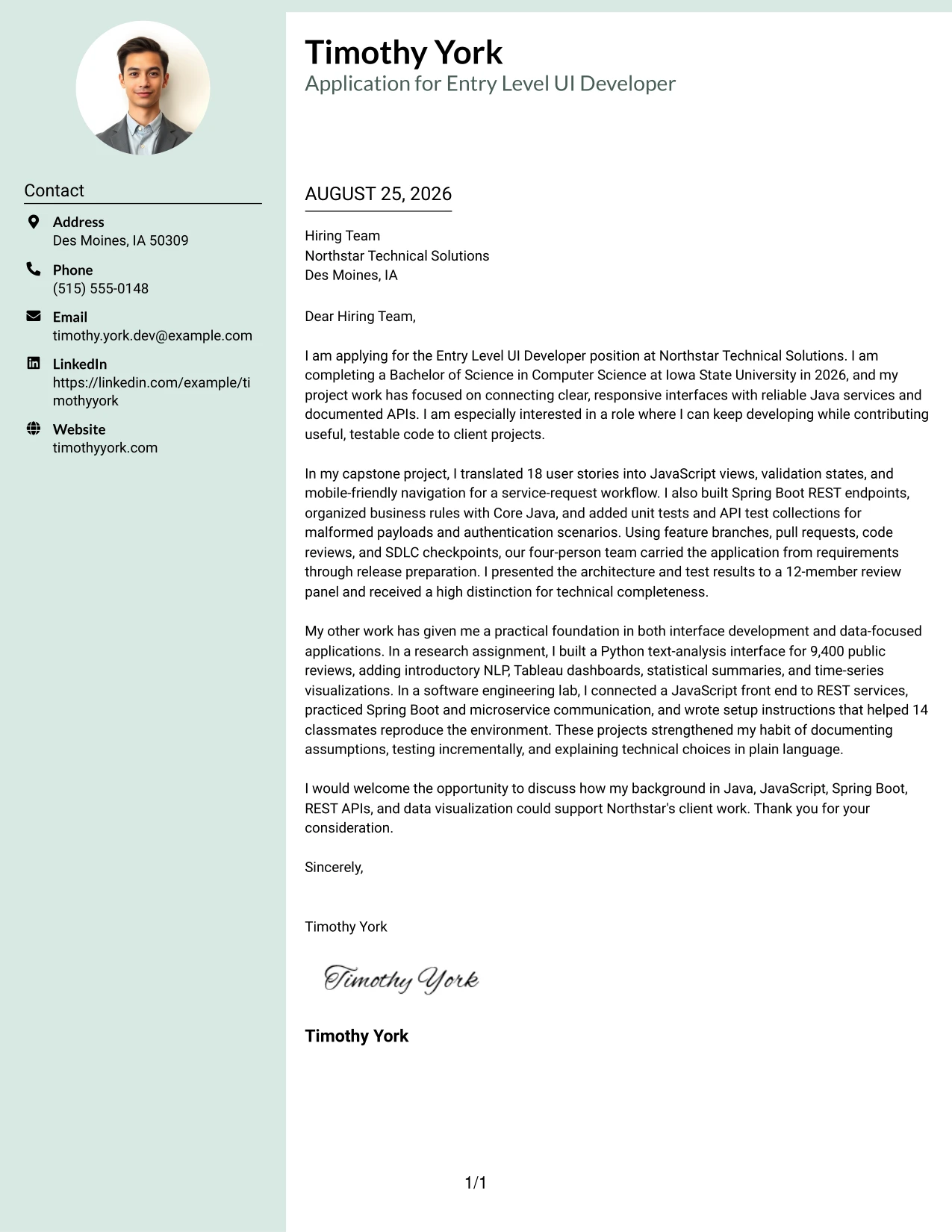
Why the Photo Header Color Sidebar Format Works for a Cover Letter
- The header can establish a human introduction before the reader reaches the main argument.
- The opening should still state the role and motivation rather than relying on visual identity.
- The capstone provides strong evidence through JavaScript, Spring Boot, REST APIs, and team delivery.
- Research work adds Python, NLP, Tableau, and statistical analysis as supporting evidence.
- A sidebar can hold contact context while the main text explains contribution and employer fit.
- The letter can connect presentations to faculty and a student review panel with the job's communication requirement.
- A courteous closing keeps the visual presentation balanced with a professional request for discussion.
Best For
- Applications where a personal introduction supports a relationship-focused first impression.
- Candidates whose strongest proof comes from one detailed project story.
- Readers who value visible contact context alongside the main message.
- Letters that combine technical evidence with presentation and explanation skills.
- Applicants using a company or role process that welcomes a more personal presentation.
- Applications where a polished header can support, but not replace, qualification evidence.
- Cover letters that need to show both interface work and analytical range.
- Digital documents where the header can create a recognizable professional identity.
#22 Top Left Header Color Accent Format Cover Letter Example
Even spacing distributes attention across the application purpose, supporting evidence, and final request. The Top Left Header Color Accent Format provides a clear starting point for explaining motivation, then lets the letter connect Java, JavaScript, Spring Boot, REST APIs, and data visualization to the employer's client-project needs.
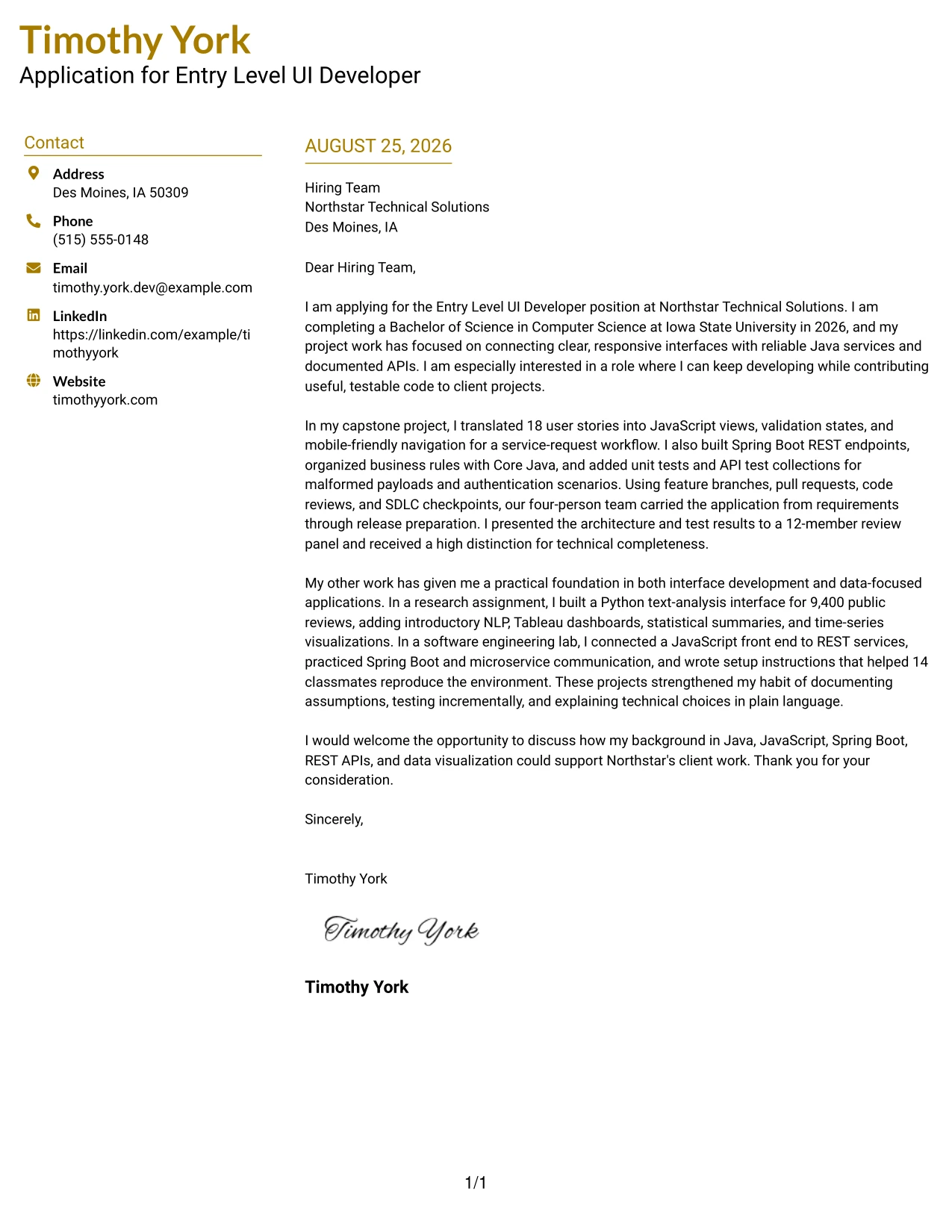
Why the Top Left Header Color Accent Format Works for a Cover Letter
- The top-left starting point gives the reader a natural place to begin.
- The opening can link the computer science degree and 2026 completion date to the application.
- The capstone paragraph shows practical alignment through interface views, service endpoints, testing, and review.
- The research paragraph adds data visualization and NLP without changing the letter's main purpose.
- Balanced spacing keeps motivation and evidence from competing with the closing.
- A small color accent can guide attention while the written content carries the persuasion.
- The final paragraph can connect technical preparation with useful contribution to client projects.
Best For
- Applications that need a clear start and an even distribution of information.
- Candidates balancing motivation, technical proof, and employer interest.
- Readers who want visual guidance without a complex layout.
- Letters that connect software development evidence with data-focused supporting work.
- Applicants explaining how academic projects prepare them for practical contribution.
- Cover letters where the closing should remain visible and easy to reach.
- Digital or printed applications requiring steady readability from top to bottom.
- Professional introductions that benefit from a modest visual point of emphasis.
#23 Centered Header Classic Two Column Format Cover Letter Example
For an application that needs quick orientation, this two-column arrangement gives the reader a clear path from contact details to motivation, evidence, and closing. The centered header creates a formal first impression, while the separate columns help the letter balance the Entry Level UI Developer goal with relevant work in JavaScript, Spring Boot, REST APIs, testing, and communication. It supports a focused letter without making the page feel crowded.
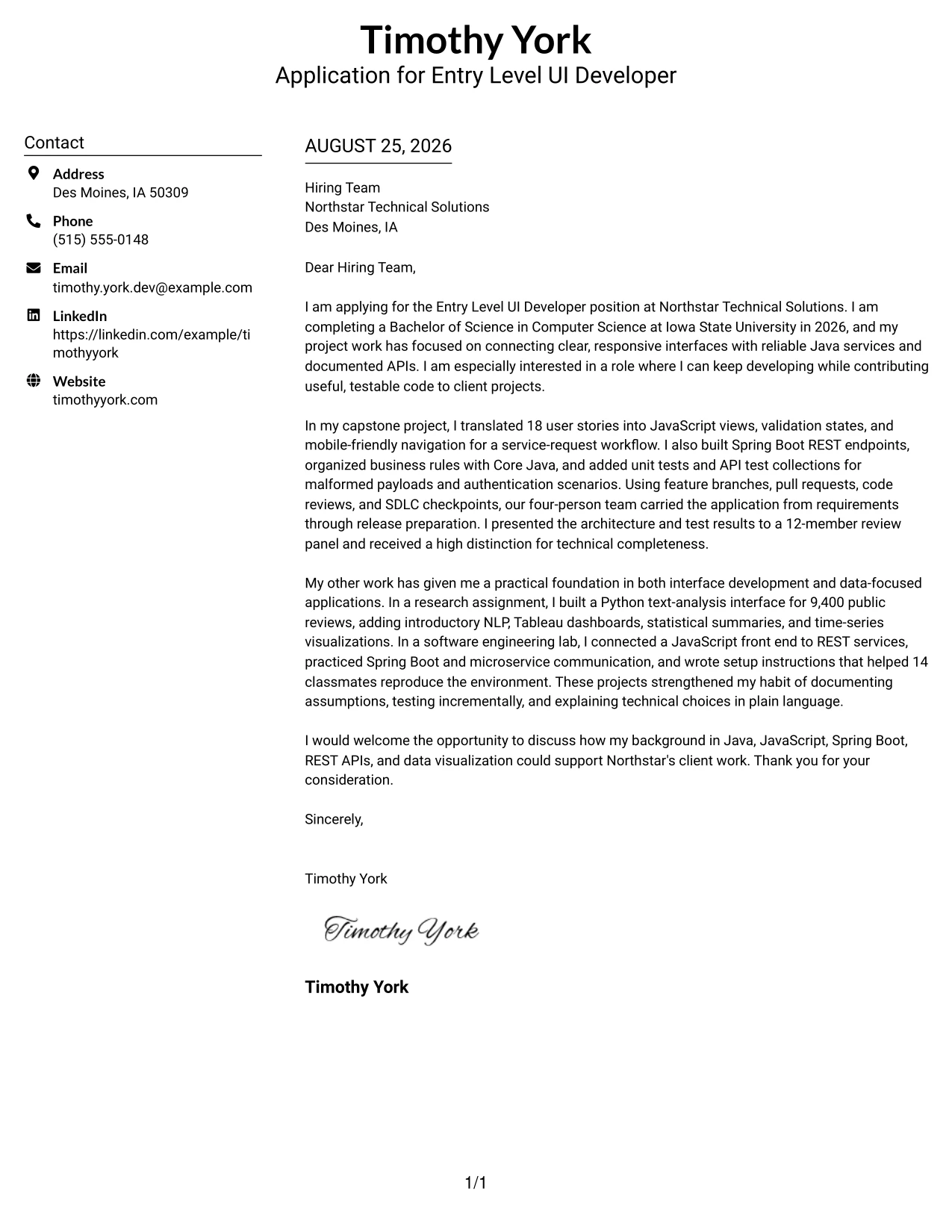
Why This Cover Letter Works
- The centered header makes the sender and recipient details easy to locate.
- The two-column structure separates supporting details from the main message.
- The opening states the target role, degree timeline, and interest in client work.
- The body connects the capstone to JavaScript views, Spring Boot endpoints, and REST APIs.
- Specific evidence, including 18 user stories and a 12-member review panel, gives the letter credibility.
- The closing returns to Northstar Technical Solutions and the value the applicant can provide.
- The visual balance supports a professional, readable tone for an early-career application.
Best For
- Readers who want contact information separated from the main letter content.
- Applications that need a formal appearance with a clear visual center.
- Letters that must present motivation and technical evidence without long blocks of text.
- Applicants combining academic work with practical project experience.
- Review processes where recruiters may scan the page before reading every paragraph.
- Technology applications that benefit from a neat division between context and proof.
- Candidates who want a polished structure while keeping the message concise.
#24 Left Aligned Header Clean Two Column Format Cover Letter Example
A restrained visual hierarchy lets the reader move naturally from the sender's details to the greeting, opening, evidence, and closing. The left-aligned header keeps the page direct and businesslike, while two columns give the application room to connect motivation with role-aligned experience in Core Java, JavaScript, Spring Boot, microservices, and written communication. The result feels clean without losing useful detail.
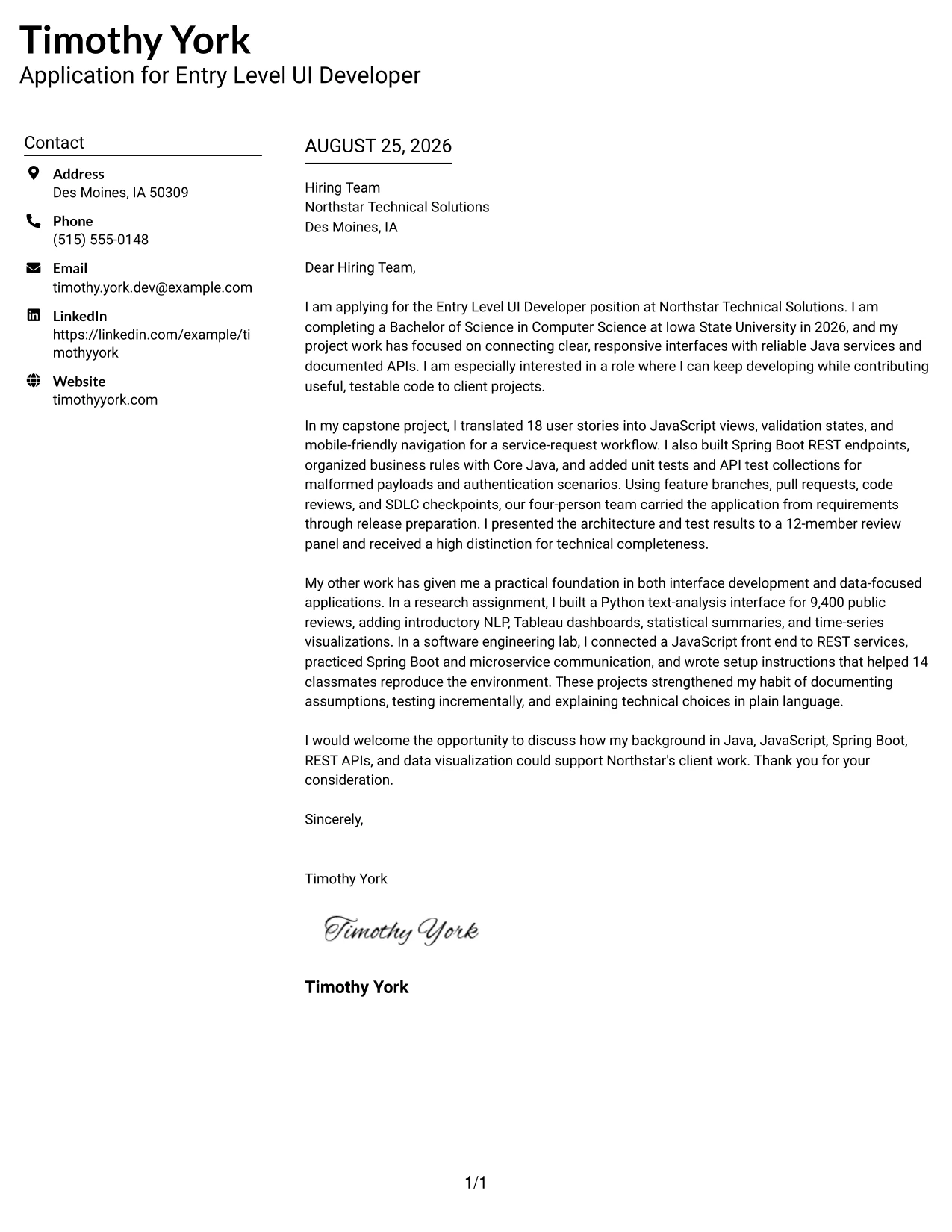
Why This Cover Letter Works
- Left alignment follows familiar business-letter reading habits.
- The clean header keeps attention on the application rather than decoration.
- The opening explains the Computer Science degree and interest in continued development.
- The capstone paragraph demonstrates JavaScript, Core Java, Spring Boot, and testing experience.
- The research paragraph adds Python, NLP, Tableau, statistics, and time series analysis where relevant.
- The letter shows communication through documentation and a technical presentation to reviewers.
- The closing expresses interest in supporting Northstar Technical Solutions' client work.
Best For
- Applications that call for a calm and familiar business presentation.
- Readers who prefer information to begin at one consistent left edge.
- Letters aligning academic project evidence with a stated role need.
- Applicants who want technical breadth explained in a controlled amount of space.
- Reviewers comparing motivation, practical experience, and communication ability.
- Remote or local applications where a professional digital document is important.
- Messages that need clear alignment with both software and data-focused qualifications.
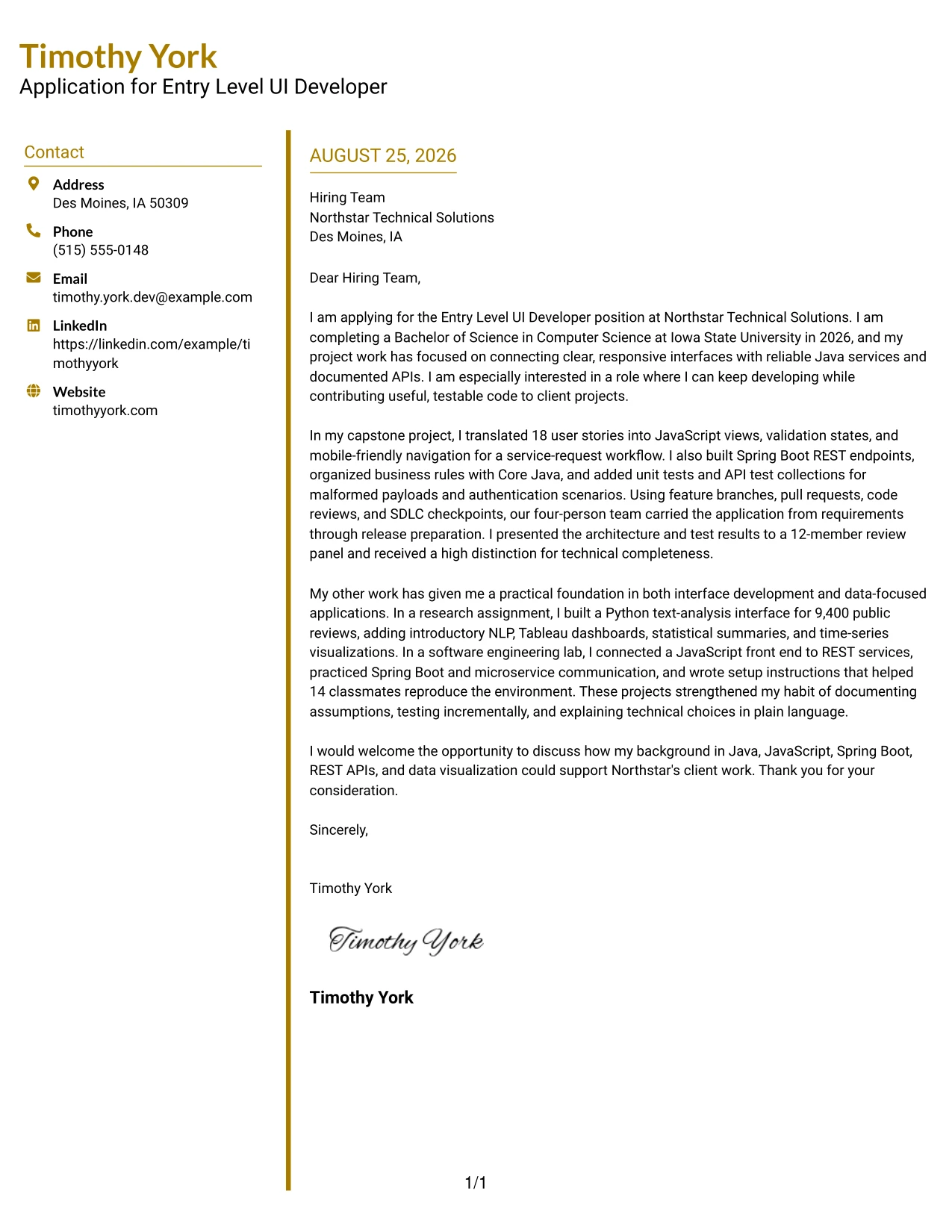
#25 Accent Divider Modern Two Column Format Cover Letter Example
The accent divider organizes the letter into visible stages: introduction, supporting evidence, and closing. That structure helps a recruiter scan the message while still finding the reasoning behind the application. The letter can lead with interest in Northstar Technical Solutions, then use the capstone, research assignment, and lab work to show Java, JavaScript, REST APIs, data visualization, testing, and clear communication.
Why This Cover Letter Works
- The divider gives each part of the argument a clear visual boundary.
- The opening quickly identifies the Entry Level UI Developer application and graduation date.
- The first evidence paragraph presents the capstone as a complete development story.
- The second evidence paragraph shows range across interface work, research, and service communication.
- Technical details remain connected to outcomes such as testing, reproducibility, and explanation.
- The modern structure adds energy while keeping the message professional.
- The closing turns the evidence into a direct invitation to discuss fit.
Best For
- Applications where readers need to scan a short argument in clear stages.
- Letters with several evidence groups that benefit from visible separation.
- Applicants presenting capstone, research, and lab work without blending them together.
- Digital submissions where a modern but controlled accent can guide attention.
- Messages that must connect technical breadth to a single application goal.
- Recruiters reviewing early-career materials on screen.
- Candidates who want structure to support persuasion rather than replace it.
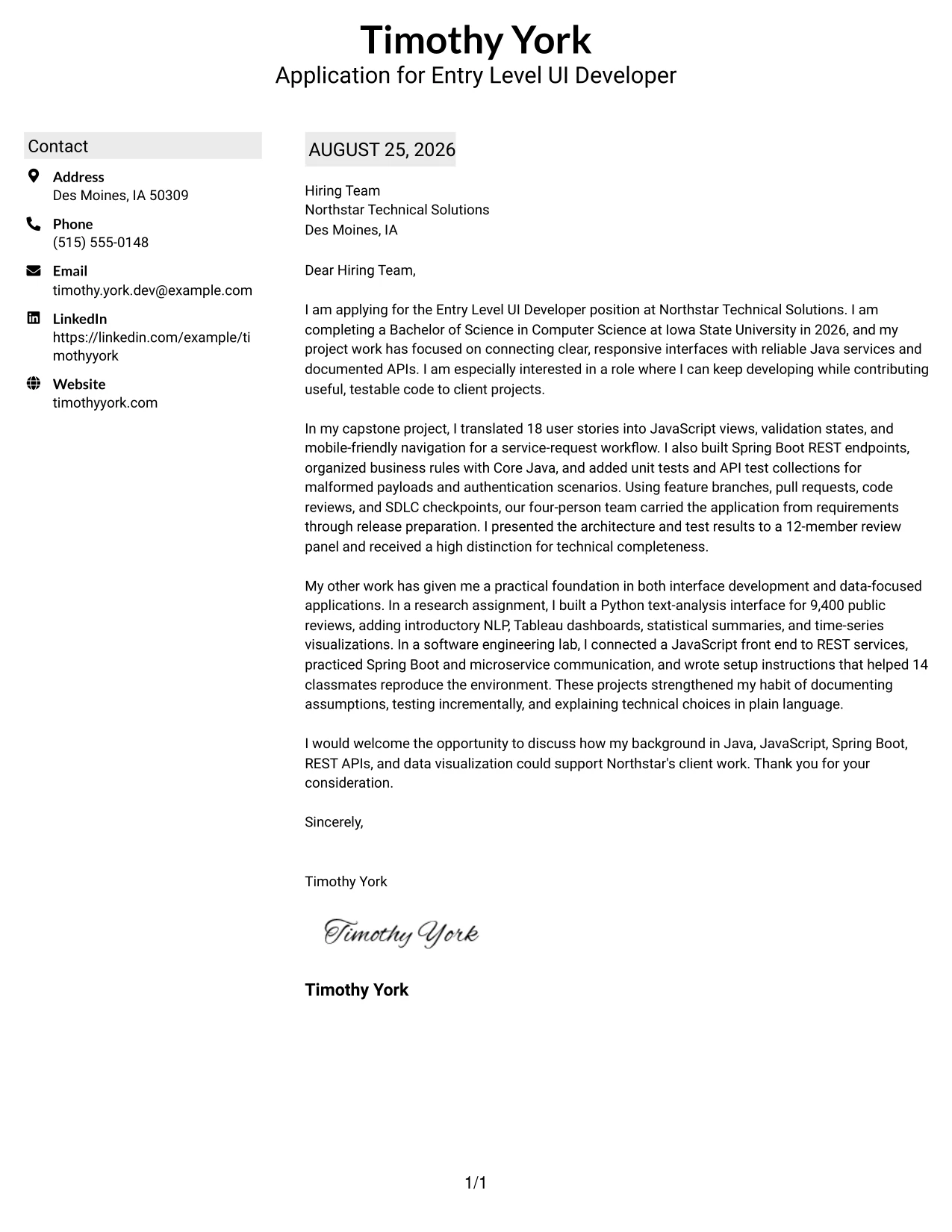
#26 Shaded Labels Clean Two Column Format Cover Letter Example
As the reader moves down the page, shaded labels mark the key parts of the application and reduce the effort needed to find each point. The two-column format gives the message room for a direct opening, a detailed evidence section, and a concise close. It is well suited to a letter that must explain several projects while keeping the connection to Java, Spring Boot, REST APIs, and communication visible.
Why This Cover Letter Works
- Shaded labels create dependable wayfinding from one part of the letter to the next.
- The opening gives the role, degree, and reason for applying without delay.
- The capstone evidence explains both interface decisions and service development.
- The research and lab examples add depth without changing the central application message.
- The letter uses concrete details such as 9,400 public reviews and 14 classmates.
- The two-column balance supports a fuller explanation while preserving readability.
- The close gathers the main qualifications into a clear discussion request.
Best For
- Letters containing several proof points that need strong visual signposts.
- Readers who review documents quickly and benefit from labeled content areas.
- Applications balancing a primary project with supporting academic work.
- Applicants who need enough space to explain technical choices and communication.
- Digital documents where shaded markers can guide movement down the page.
- Messages that combine software development evidence with data-focused work.
- Candidates who want a fuller letter without an unbroken wall of text.
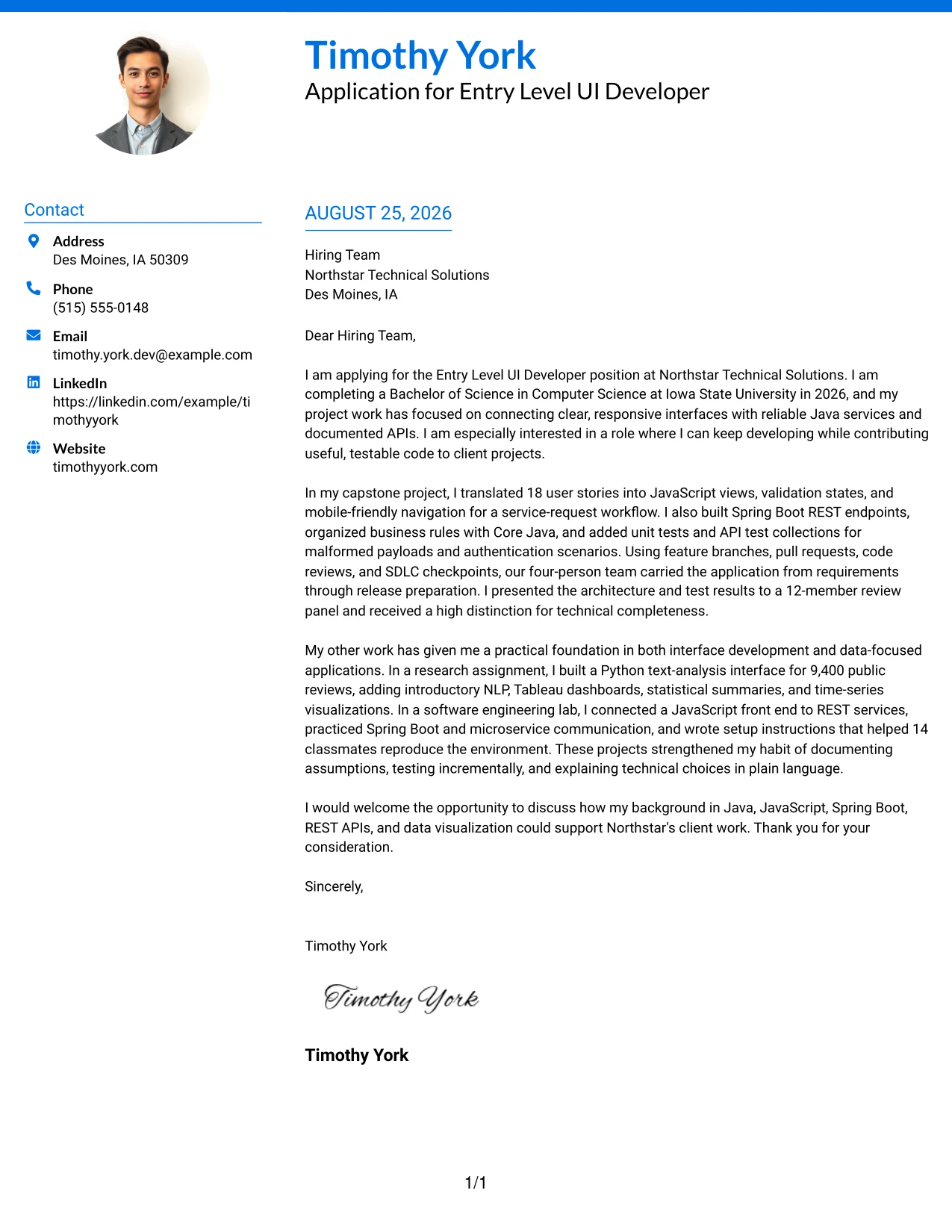
#27 Photo Header Color Accent International Format Cover Letter Example
The strongest evidence receives priority here: the capstone shows the ability to turn user stories into a working interface, connect services, test behavior, and explain decisions. A single-column reading path keeps that evidence together, while color accents and the photo header create a confident international presentation. The letter still grounds its motivation in the role and its fit in Java, JavaScript, Spring Boot, REST APIs, and communication.
Why This Cover Letter Works
- The opening connects the application to a clear development goal.
- The capstone leads with evidence closest to the role's Java and interface requirements.
- The letter explains the relationship between JavaScript views, REST endpoints, and testing.
- Research work adds credible evidence for Python, NLP, Tableau, and visualization.
- The single-column flow keeps the persuasive sequence easy to follow.
- The photo header and color accents give the page a distinctive international presentation.
- The closing remains courteous and returns attention to client contribution.
Best For
- Applications where a photo is appropriate and professionally expected.
- International-facing submissions that benefit from a personal visual introduction.
- Letters where the strongest project evidence should appear before secondary examples.
- Applicants presenting both software and data-related qualifications in one narrative.
- Readers who prefer one uninterrupted path through the argument.
- Digital portfolios or client-selection contexts where visual identity matters.
- Messages that need a confident presentation while keeping evidence specific.
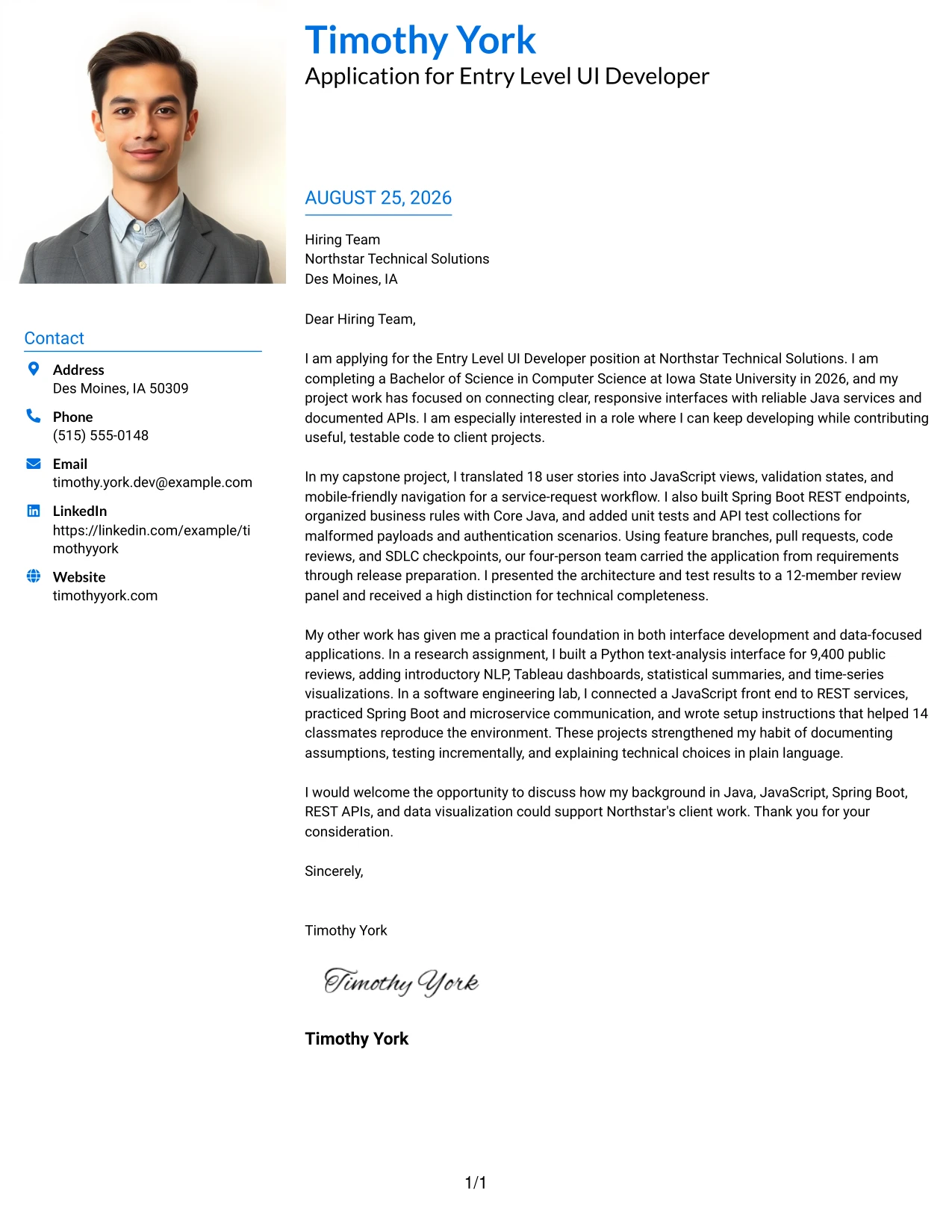
#28 Large Profile Photo International Two Column Format Cover Letter Example
Balanced distribution matters in this application: the large profile photo and contact area establish identity, while the two-column body gives motivation and evidence their own space. That balance can help the reader distinguish the reason for applying from proof of readiness, including Java and JavaScript development, Spring Boot, microservices, REST APIs, testing, and technical presentations. The tone remains focused rather than decorative.
Why This Cover Letter Works
- The large profile area makes the sender's identity immediately visible.
- The two-column body prevents the visual header from overwhelming the written message.
- The opening explains both the 2026 degree completion and interest in client projects.
- The capstone section gives detailed proof of interface, service, and testing work.
- The research and lab examples show adaptability across development and analysis.
- The letter links technical work to presentations, documentation, and review conversations.
- The closing keeps the application warm, direct, and open to further discussion.
Best For
- Applications where a profile photo is suitable for the communication context.
- International submissions that need a strong identity area and structured body.
- Letters separating personal motivation from technical evidence.
- Applicants with enough project detail to benefit from two writing zones.
- Digital review settings where visual balance helps sustain attention.
- Messages presenting both client-facing communication and hands-on development.
- Candidates who want a distinctive format without losing a clear application sequence.
#29 One Column Boxed Contact Header Format Cover Letter Example
A practical application needs a letter that reads well from top to bottom, and this one-column format provides that continuous path. The boxed contact header separates essential details from the message, so the opening can state the application goal before the body explains the capstone, research, and lab evidence. The format supports a direct, professional case for an Entry Level UI Developer role.
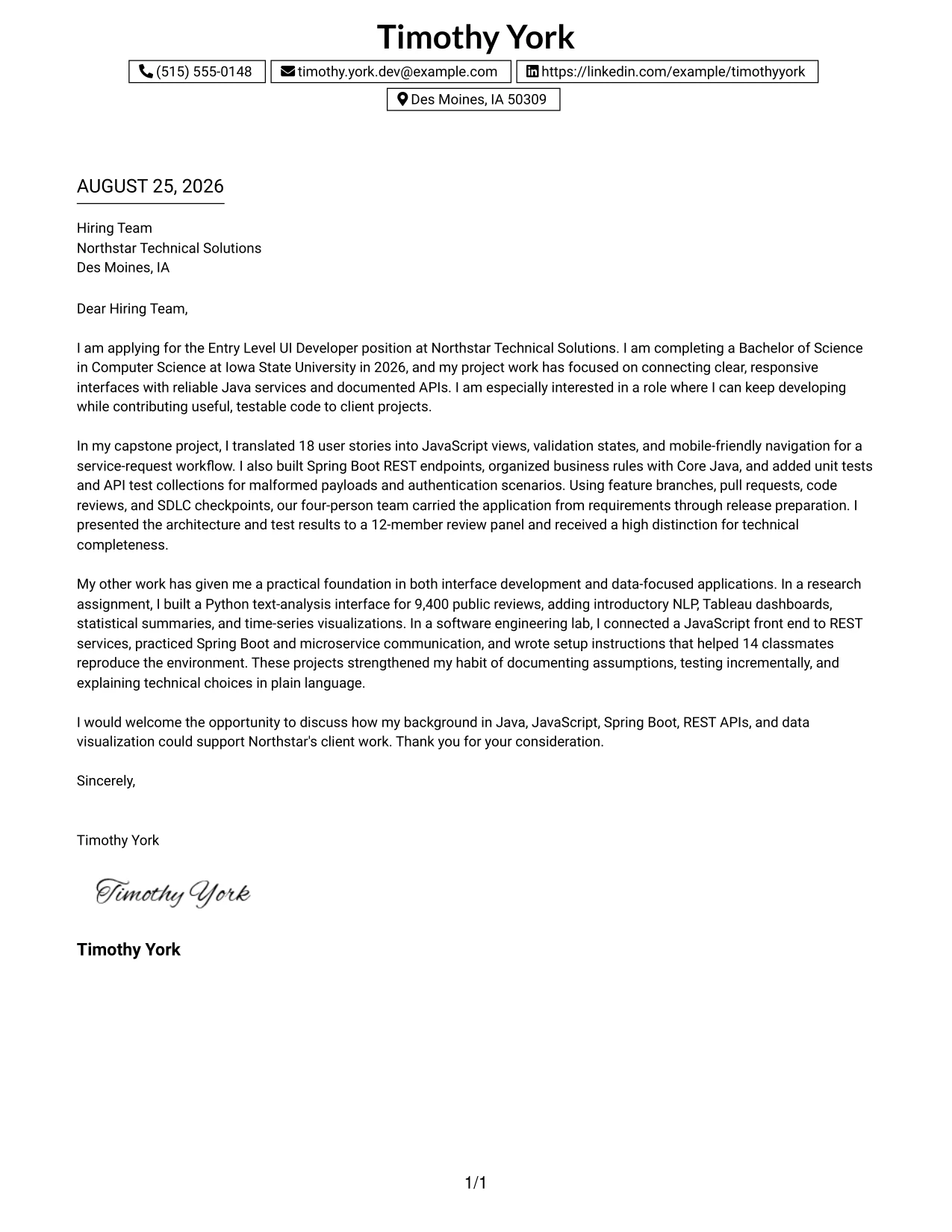
Why This Cover Letter Works
- The boxed header makes contact and recipient details easy to confirm.
- The one-column flow matches the natural order of a persuasive letter.
- The opening names Northstar Technical Solutions and explains the application motivation.
- The capstone paragraph provides the most direct proof of interface and Java service work.
- Additional examples show Python analysis, Tableau, REST services, and documentation.
- The letter moves from evidence to employer fit without unnecessary visual detours.
- The closing gives the reader a simple next step: discuss the contribution the applicant could make.
Best For
- Applications requiring a familiar, straightforward reading order.
- Readers who want all written content aligned in one continuous column.
- Letters that must present several paragraphs without side-by-side competition.
- Applicants seeking a formal layout with a clearly separated contact block.
- Digital or printed submissions where dependable page flow matters.
- Messages built around one main role goal and several supporting examples.
- Candidates who prefer clarity and structure over visual complexity.
#30 One Column Shaded Contact Header Format Cover Letter Example
A calm shaded header gives the reader a clear starting point, then the one-column flow carries the application through motivation, proof, and closing in order. That visual restraint supports role alignment: the letter can explain why continued development matters, connect the capstone to Java and Spring Boot, and show how research and lab work support Northstar Technical Solutions' needs. The result is personal without becoming informal.
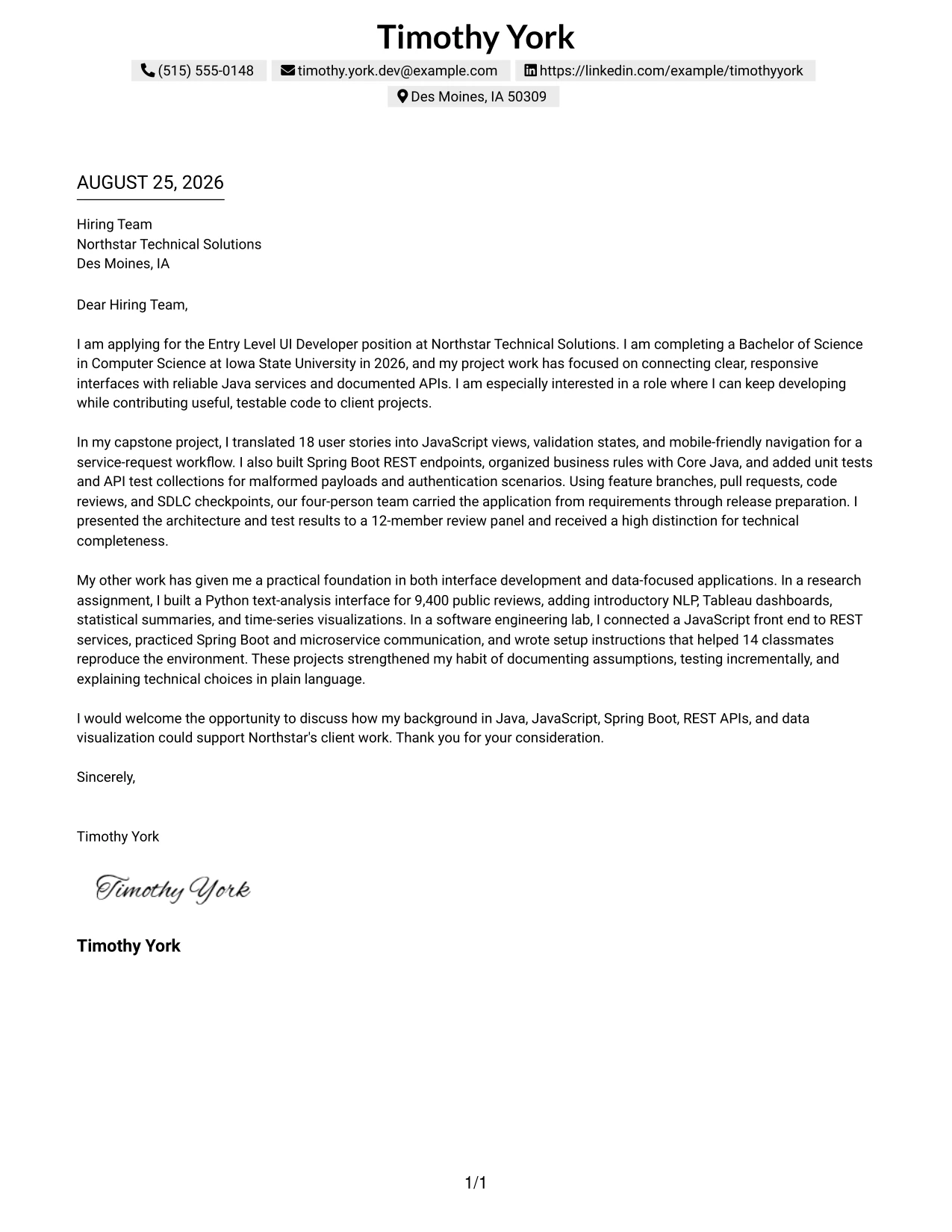
Why This Cover Letter Works
- The shaded contact area establishes a clear beginning without competing with the message.
- The single column keeps each paragraph in a logical persuasive sequence.
- The opening connects degree completion with interest in useful, testable client code.
- The capstone evidence aligns directly with Java, JavaScript, Spring Boot, and REST APIs.
- Research work supports the data-focused qualifications named in the job description.
- Communication is shown through reports, setup instructions, and a review presentation.
- The closing expresses interest in discussing fit with Northstar Technical Solutions.
Best For
- Applications that need strong role alignment in a quiet visual format.
- Readers who prefer one clear sequence from motivation to evidence to close.
- Applicants connecting a degree in progress with practical project readiness.
- Letters matching software development evidence to a technical job description.
- Digital submissions where a shaded header provides gentle orientation.
- Messages that need to sound prepared, professional, and open to development.
- Candidates who want personal clarity without a highly decorated page.
#31 Boxed Contact Header with Job Title Format Cover Letter Example
The job title is given a clear place in the header, so the reader knows the purpose of the letter before reaching the evidence. A boxed contact area then frames a one-column message that moves from motivation to capstone results, research, lab practice, and closing. This format makes the application easy to identify while preserving a persuasive connection to Java, JavaScript, Spring Boot, REST APIs, and communication.
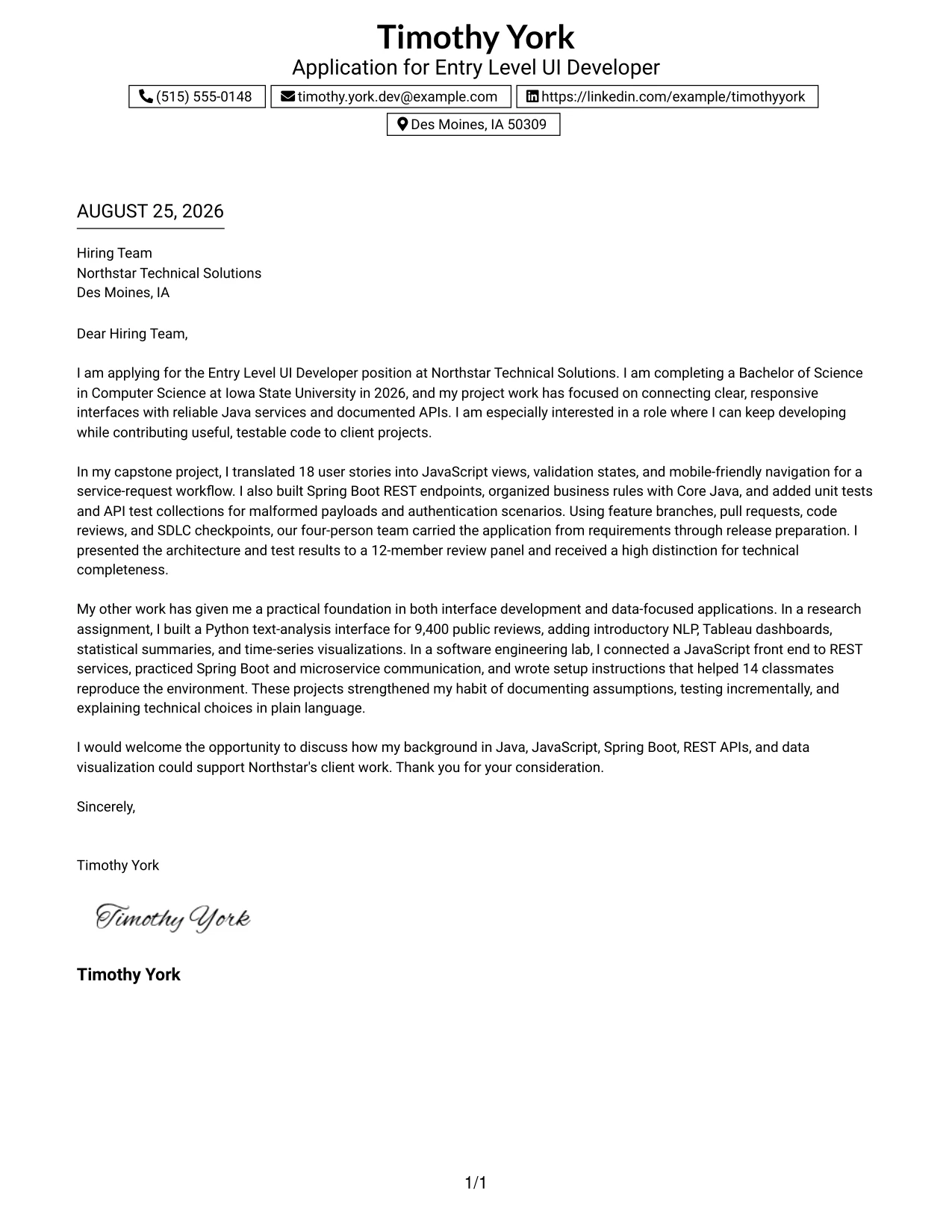
Why This Cover Letter Works
- The job title in the header removes doubt about the application being reviewed.
- The contact box creates a defined boundary around essential details.
- The opening states the degree completion date and reason for seeking the opportunity.
- The capstone paragraph gives a complete example of requirements, implementation, testing, and presentation.
- The supporting paragraphs broaden the case with Python, data visualization, and service work.
- The one-column structure keeps the evidence in a deliberate order.
- The final paragraph converts the evidence into a respectful request for conversation.
Best For
- Applications reviewed in batches where the job title must be immediately visible.
- Readers who value a strong identifier before reading the body.
- Letters organized around one central role and a sequence of supporting proof.
- Applicants with a substantial capstone that should lead the argument.
- Digital files needing a clearly framed contact section.
- Messages combining development, analysis, and communication evidence.
- Candidates who want a practical format that makes the application easy to sort.
#32 Plain Professional Layout with Job Title & Shaded Date Cover Letter Example
The reader can identify the job title and date first, then follow a plain professional sequence through the greeting, motivation, evidence, and close. The shaded date adds orientation without taking attention from the writing. This makes room for a measured explanation of the capstone, research assignment, and lab work, with role-relevant details such as Core Java, JavaScript, Spring Boot, REST APIs, and technical communication.
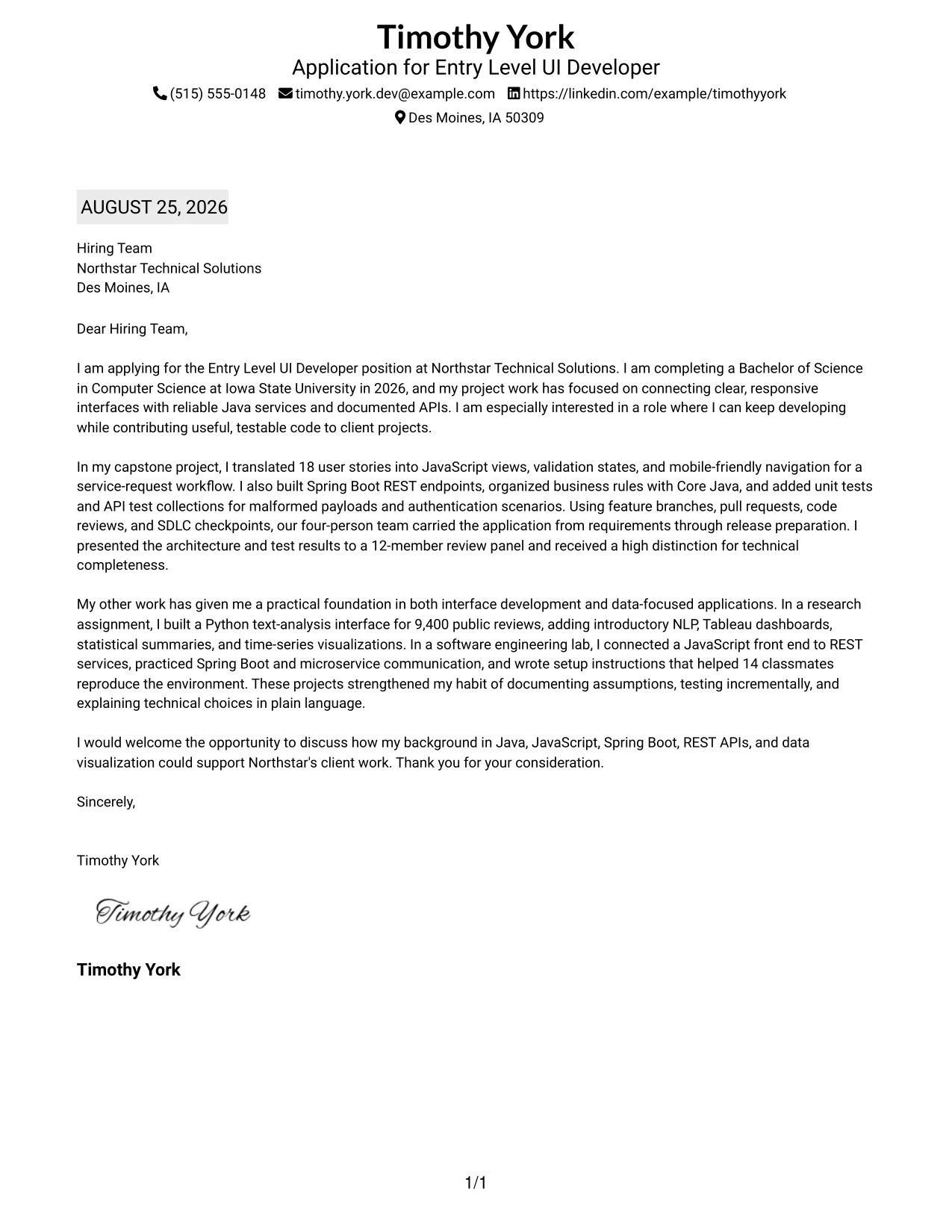
Why This Cover Letter Works
- The visible job title confirms the purpose of the letter at once.
- The shaded date helps the reader place the application in context.
- The plain layout keeps attention on the argument rather than visual effects.
- The opening explains the academic timeline and interest in client-focused development.
- The body presents technical evidence in a steady order from capstone to supporting work.
- The letter includes communication proof through documentation and presentations.
- The closing is concise and leaves a professional invitation to continue the discussion.
Best For
- Applications needing a traditional, low-distraction reading experience.
- Readers who check role and date before reviewing the message.
- Letters with several evidence paragraphs that should remain easy to follow.
- Applicants who want a professional tone supported by simple visual cues.
- Printed or digital submissions where consistent page flow is useful.
- Messages that need to explain technical preparation without visual clutter.
- Candidates presenting a careful, well-documented case for a target opportunity.
#33 Two-Line Contact Header with Underlined Date Format Cover Letter Example
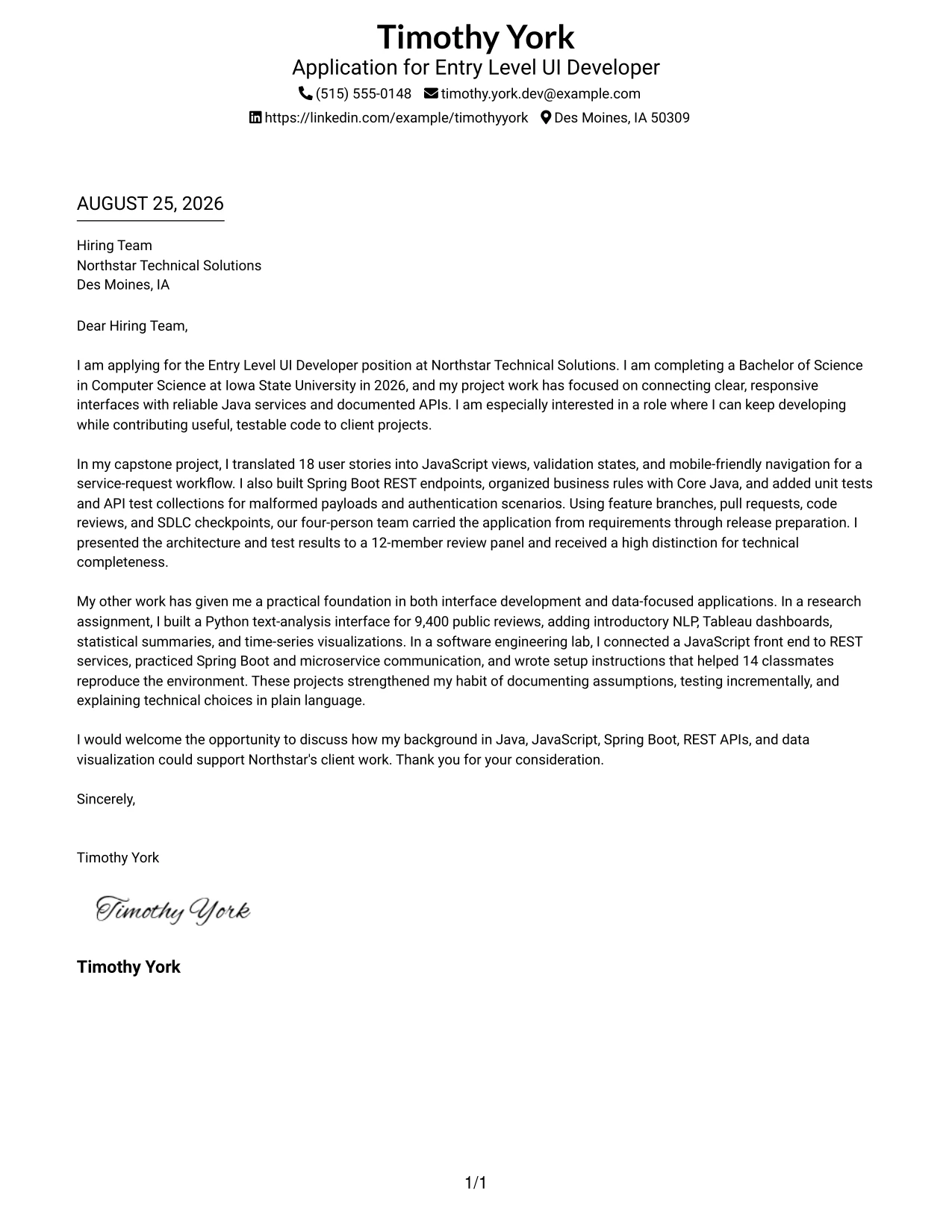
The capstone evidence leads the case: it shows interface design, Java services, testing, version control, and presentation in one documented experience. The two-line contact header and underlined date keep the opening formal while allowing the reader to reach that proof quickly. A single-column flow then connects the evidence to research, lab practice, motivation, and fit for Northstar Technical Solutions.
Why This Cover Letter Works
- The two-line header presents contact details in a compact, orderly form.
- The underlined date gives the letter a familiar business reference point.
- The opening links the application to the 2026 Computer Science degree completion.
- The capstone leads with evidence that closely matches Java and interface development needs.
- Research and lab work show added range in Python, NLP, Tableau, and REST services.
- The letter explains technical choices in plain language, supporting written communication claims.
- The close is brief, courteous, and focused on a possible discussion.
Best For
- Applications where the first major proof point should appear quickly.
- Readers who prefer a compact header with a formal date treatment.
- Letters centered on one strong project followed by supporting evidence.
- Applicants who need to show both development practice and analytical range.
- Digital documents where a simple underline can guide the opening transition.
- Messages that must demonstrate written clarity through concise explanation.
- Candidates seeking a traditional presentation with a direct evidence-first argument.
Why Use ResumeInMinutes for an Entry Level UI Developer Cover Letter
ResumeInMinutes helps you shape a targeted cover letter without starting with a blank page. You can organize your message around the role, select evidence that supports your fit, and prepare a clear document for review.
- Multiple writing styles
- Clear professional formatting
- Job-description-based customization
- Fast cover letter generation
- Professional templates
- Cover letter PDF support
Use the example to decide what to say, then adjust the wording, evidence, and presentation for your Entry Level UI Developer application. A direct letter can show interest in interface work while also explaining how your Java services, API practice, testing, and communication habits add value.
See Also
- 33 Entry Level UI Developer Resume Templates with Example
- 33 AI Automation Engineer / Full-Stack Developer Resume Templates with Example 2026 (ATS-Optimized)
- 33 AI Engineer / Applied AI Developer Resume Templates with Example 2026 (ATS-Optimized)
- 33 AI Engineer, Developer Experience Resume Templates with Example 2026 (ATS-Optimized)
- 33 AI Hyper Automation Developer Resume Templates with Example 2026 (ATS-Optimized)
- 33 AI/ML Engineer Intern, Cloud & Developer Infra Resume Templates with Example 2026 (ATS-Optimized)
- 7 AI Solutions Developer Resume Templates with Example
- 33 Associate - Java Developer Resume Templates with Example 2026 (ATS-Optimized)
- 30+ AI Automation Engineer / Full-Stack Developer Cover Letter Templates with Example 2026
- 30+ AI Engineer / Applied AI Developer Cover Letter Templates with Example 2026
Frequently Asked Questions
Are these Entry Level UI Developer cover letter templates easy to read?
Yes. The templates use clean formatting so the employer can follow your opening, evidence, motivation, and closing without visual distractions. Choose the layout that fits the employer and the communication context.
Are these 33 different cover letters?
No. The guide uses one Entry Level UI Developer cover letter example presented in different visual layouts. You can keep the strongest message and select the presentation that suits your application.
What should the opening paragraph say?
State the exact role, give a brief reason for your interest, and name the strongest connection between your background and the work. For this role, that connection may include responsive interfaces, JavaScript, Java services, or documented APIs.
What evidence belongs in an Entry Level UI Developer cover letter?
Choose one or two examples that show relevant action and communication. Capstone interface work, Spring Boot REST endpoints, API testing, Git collaboration, or a data-focused interface can be useful when you explain what the work taught you and why it matters to the role.
How can I show motivation for this role?
Connect your interest in UI development to the type of work you want to contribute to. Explain how building responsive interfaces, testing service behavior, clarifying requirements, and communicating technical choices fit your professional direction.
Should I include every technical skill in the letter?
No. Select the skills that support your main message and match the role. For this application, Java, JavaScript, Spring Boot, REST APIs, microservices, testing, documentation, and communication may be more useful than a long, disconnected list.
Can I customize these cover letter templates?
Yes. Customize the opening, body evidence, motivation, employer connection, closing, layout, and PDF format for your Entry Level UI Developer application.




