
7 Estimating Manager - Commercial Construction Resume Templates with Example
This guide shows you how to create an Estimating Manager - Commercial Construction resume that clearly presents your estimating work. You will learn how to organize your evidence and choose a layout that is easy to review.
A strong resume connects plan and specification review, quantity takeoffs, trade coverage, and cost decisions to the results of each bid. Clear experience bullets can also show how you identify scope risks, coordinate with project teams, and balance competitive pricing with profitability.
The example is presented in 7 layouts. Compare the PNG image previews to see how each format arranges resume details, then open an example in the editor to view or customize it.
What Makes a Great Estimating Manager - Commercial Construction Resume in 2026
A strong resume makes bid leadership, cost review, and scope decisions easy to find. Use clear sections and focused bullets to show how you coordinate estimates and manage pricing risks.
Include relevant terms such as quantity takeoffs, subcontractor pricing, bid management, and estimate risk review. Name tools and standards you have used, such as Sage Estimating, Bluebeam, AutoCAD, CSI standards, and MasterFormat.
Note: Resume examples are for educational purposes only. Use only information that accurately reflects your experience and qualifications. References to real organizations do not imply affiliation or endorsement.
#1 Plain Two Column Format Resume Example
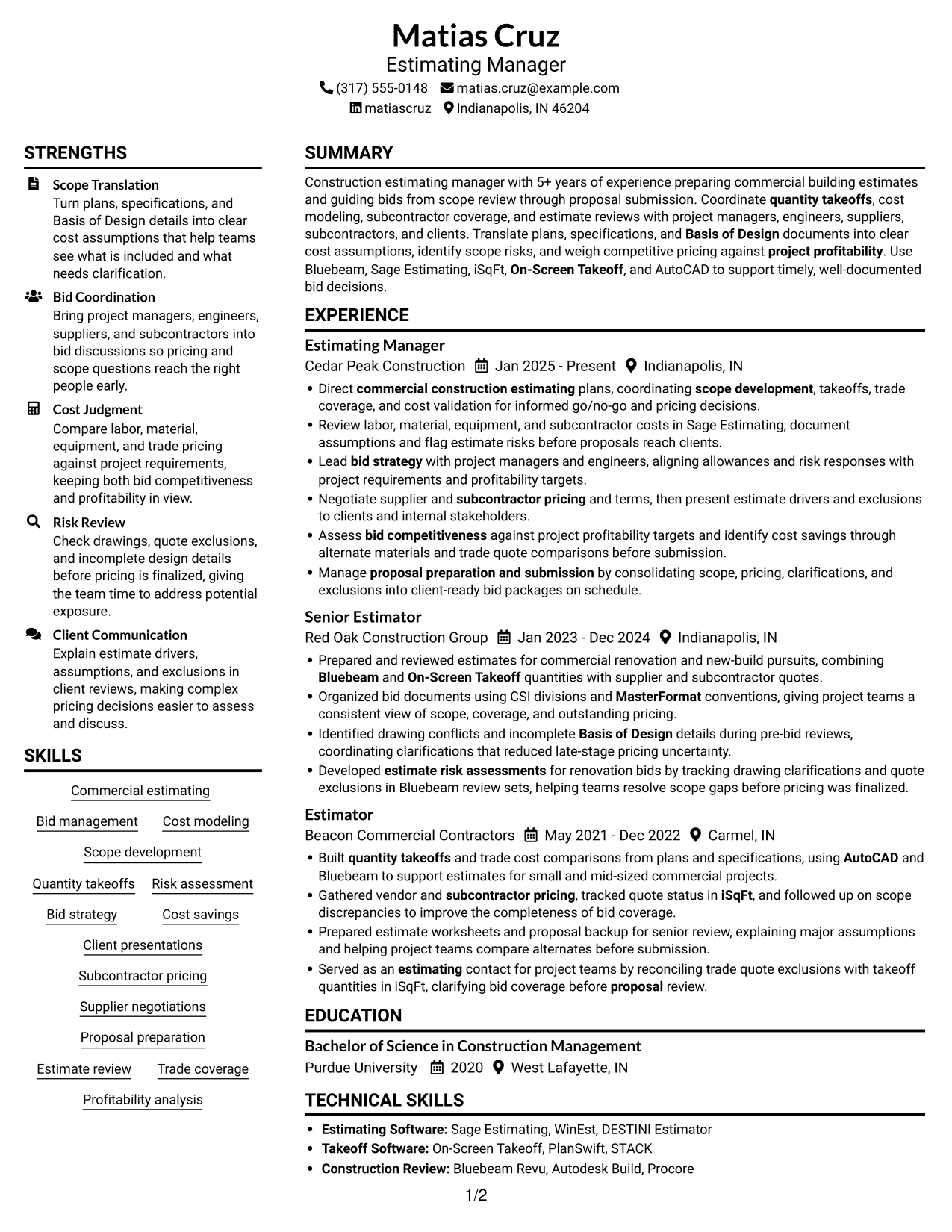
The Plain Two Column Format uses two content columns, a practical choice when readers need a compact view of distinct resume sections.

Resume Snapshot
- Estimating Manager with 5+ years in commercial building estimates
- BS in Construction Management, Purdue University, 2020
- Estimating tools include Sage Estimating, Bluebeam, iSqFt, On-Screen Takeoff, and AutoCAD
- Bid work spans scope review through proposal submission
Why This Format Works
- Separate content areas help reviewers move between career history and supporting qualifications.
- Section breaks give education and technical skills clear places in the resume.
- Distinct columns can keep dense work history readable beside other resume sections.
Best For
- Compact resume section overview
- Parallel review of career and qualifications
- Resumes with several skills and tools
- Fast access to education details
- Dense experience content with concise sections
Resume Keywords
- commercial construction estimating
- Bid management
- Scope development
- Quantity takeoffs
- Subcontractor pricing
- proposal preparation and submission
- Lead bid strategy with project managers and engineers, aligning allowances and risk responses with project requirements and profitability targets.
- Bid strategy
- estimate risk assessments
- Assess bid competitiveness against project profitability targets and identify cost savings through alternate materials and trade quote comparisons before submission.
- bid competitiveness
- project profitability
- Supplier negotiations
- Served as an estimating contact for project teams by reconciling trade quote exclusions with takeoff quantities in iSqFt, clarifying bid coverage before proposal review.
- AutoCAD
#2 Simple One Column Format Resume Example
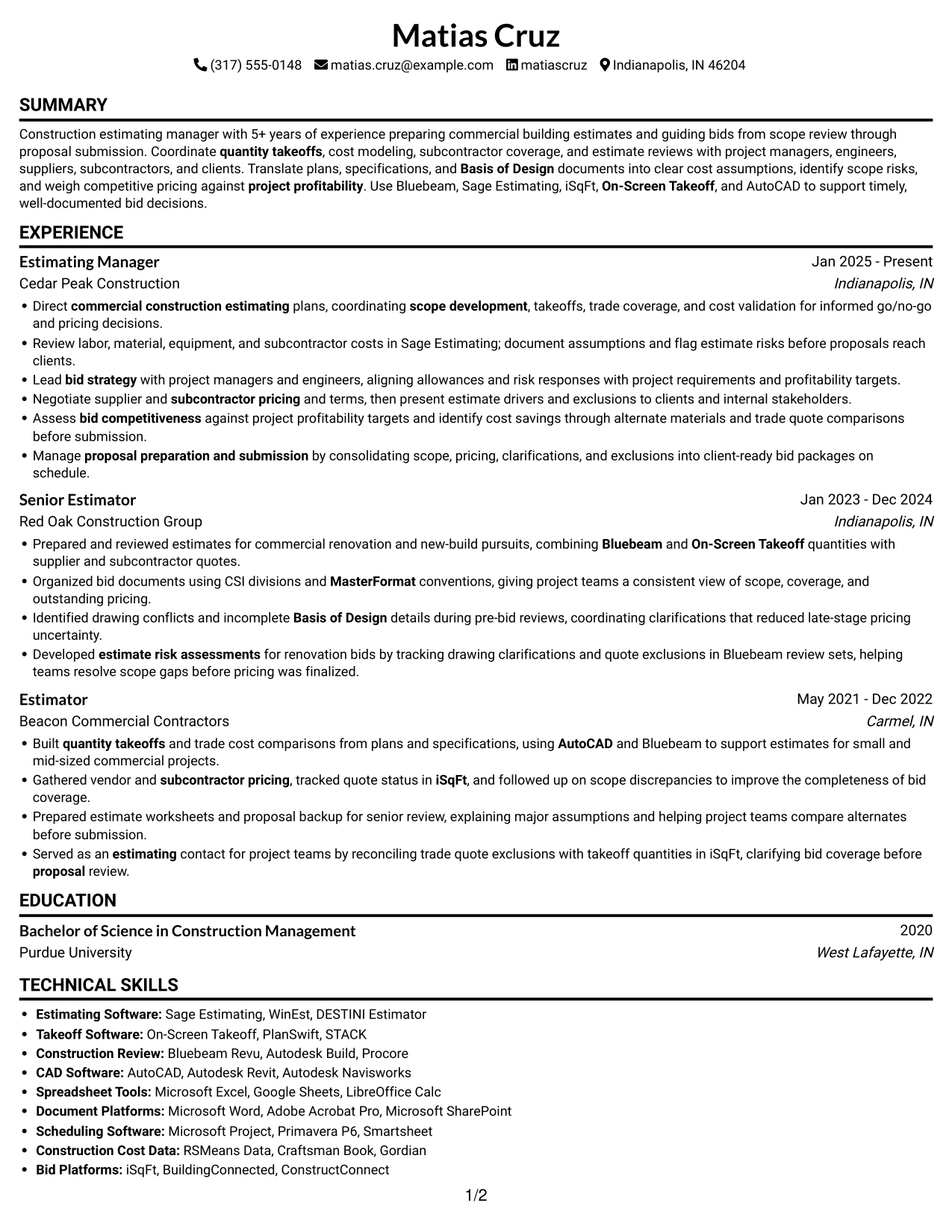
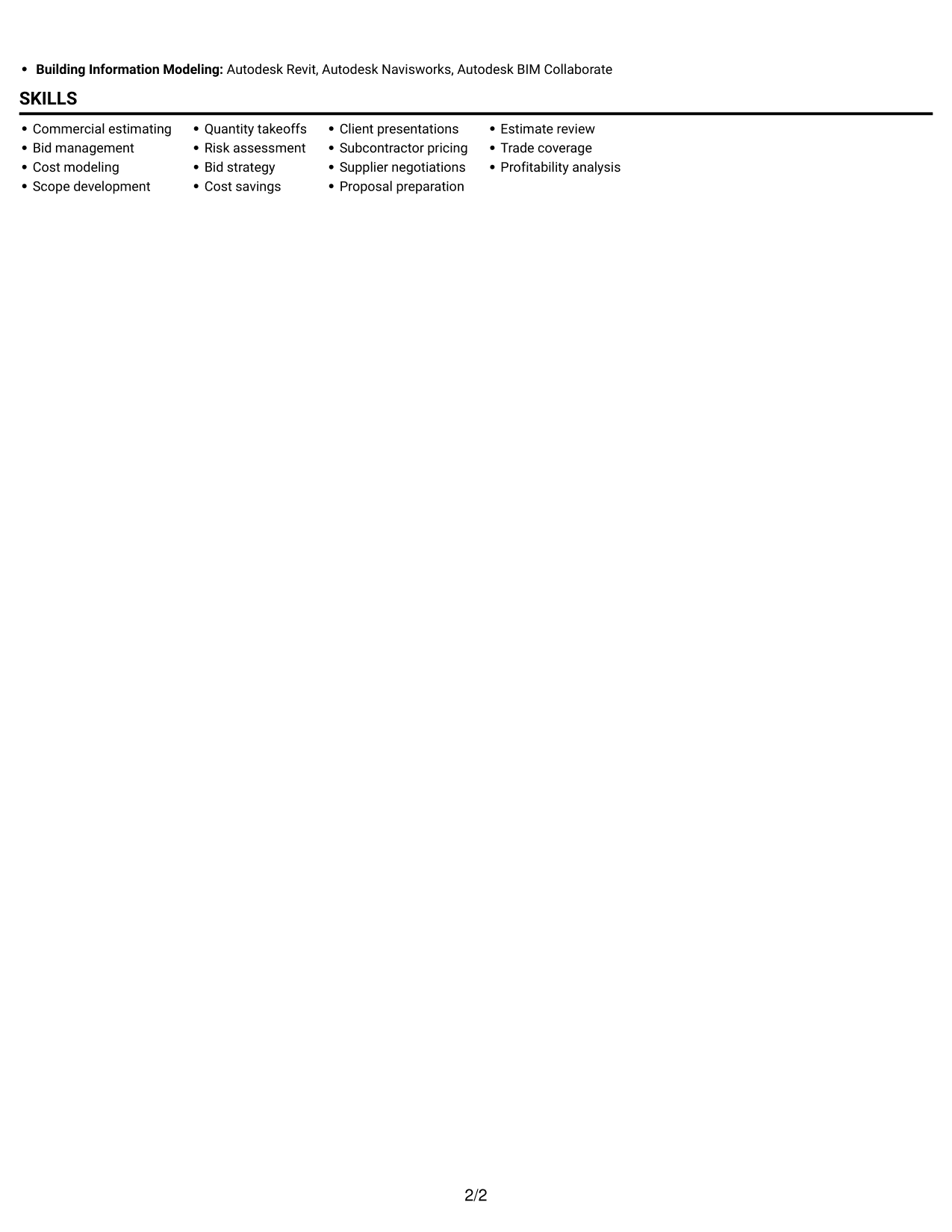
The Simple One Column Format places resume sections in one vertical sequence, making it a practical choice for a direct, top-to-bottom review.
Why This Format Works
- A single reading path lets reviewers follow experience entries in their listed order.
- Education and technical skills are easy to find within the same section sequence.
- ATS-readable text structure can help software process resume content in order.
Best For
- Straight top-to-bottom reading
- Linear resume review
- Chronological work history
- Simple section navigation
- Text-first resume presentation
#3 Clean Two Column Sidebar Format Resume Example
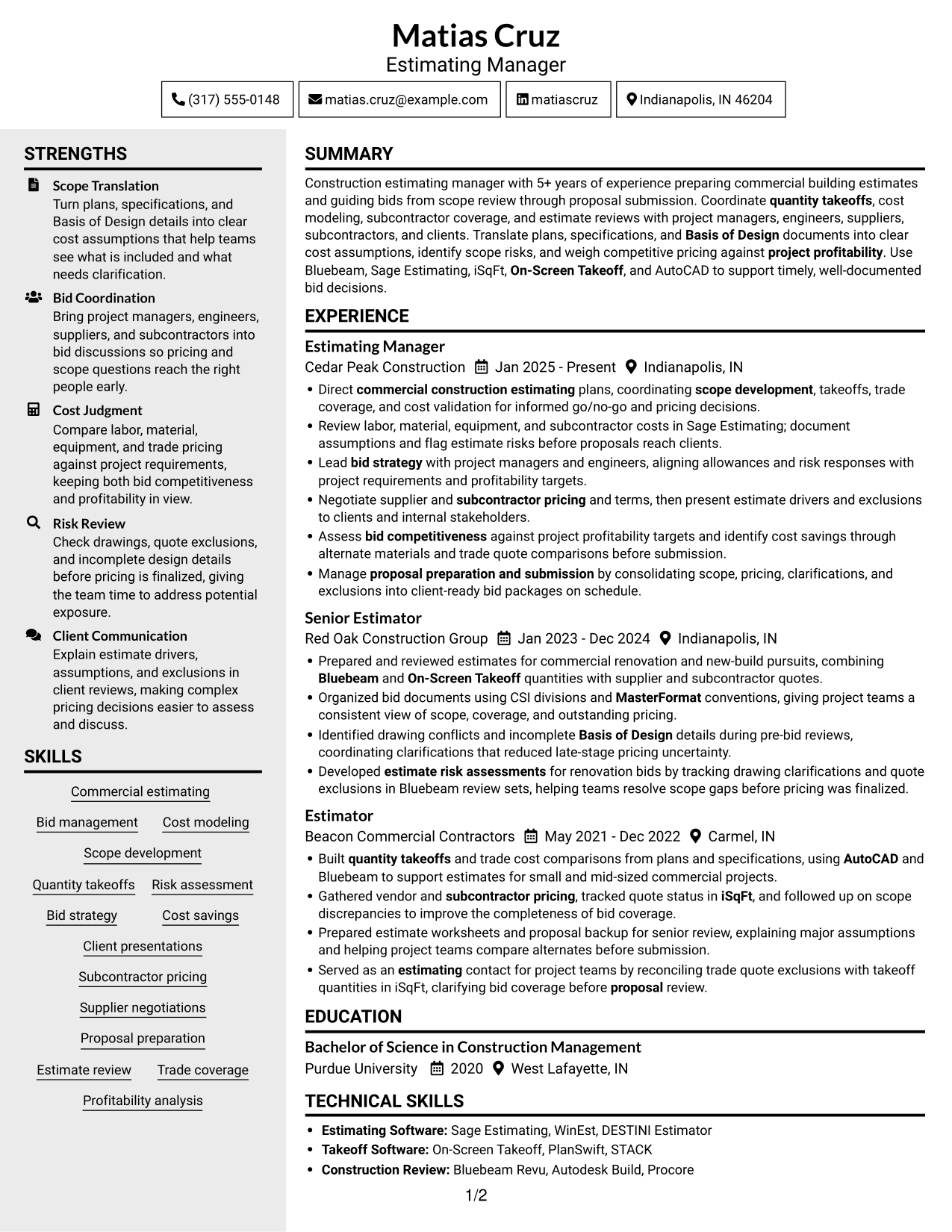
The Clean Two Column Sidebar Format separates resume content into two columns, helping readers find distinct sections without following one long vertical list.

Why This Format Works
- Two columns give career history and supporting details separate reading areas.
- Skills and education can be found apart from longer experience entries.
- Grouped sections help reviewers compare qualifications while following the work history.
Best For
- Separate career and supporting details
- Quick access to distinct resume sections
- Resumes with several work entries
- Parallel review of history and qualifications
- Compact presentation of varied sections
#4 Two Column Format Resume Example
The Two Column Format presents resume content in two columns, giving experience and supporting qualifications separate visual areas.
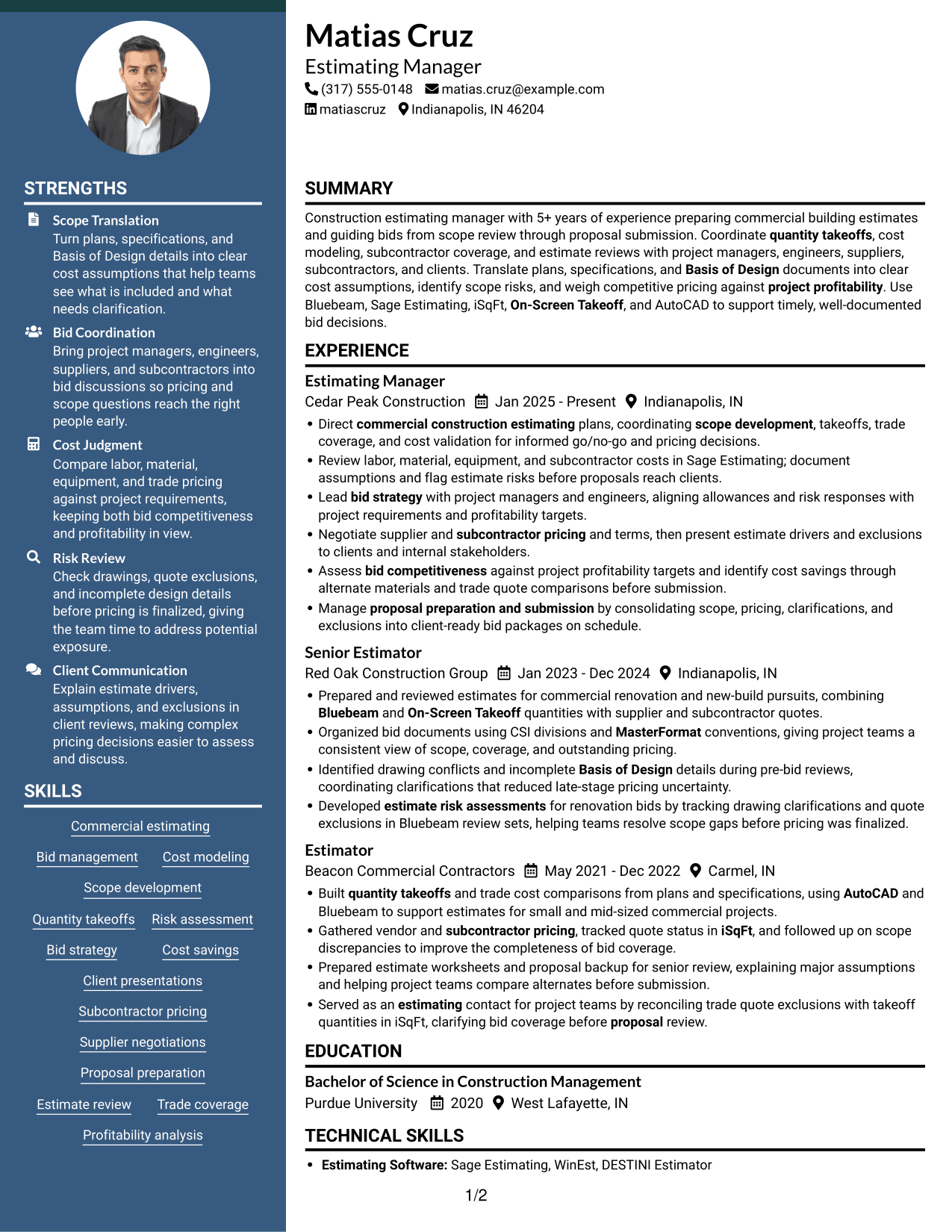

Why This Format Works
- Two columns let reviewers compare career progression with other resume sections.
- Section grouping gives education and technical skills visible places apart from job entries.
- Shorter visual paths help readers return to experience during a detailed review.
Best For
- Side-by-side section review
- Detailed experience with supporting sections
- Fast access to education and skills
- Resumes with several distinct sections
- Compact presentation of work history
#5 Photo Header Two Column Format Resume Example
The Photo Header Two Column Format pairs a header portrait with two content columns, a practical choice when both photo presentation and organized sections matter.
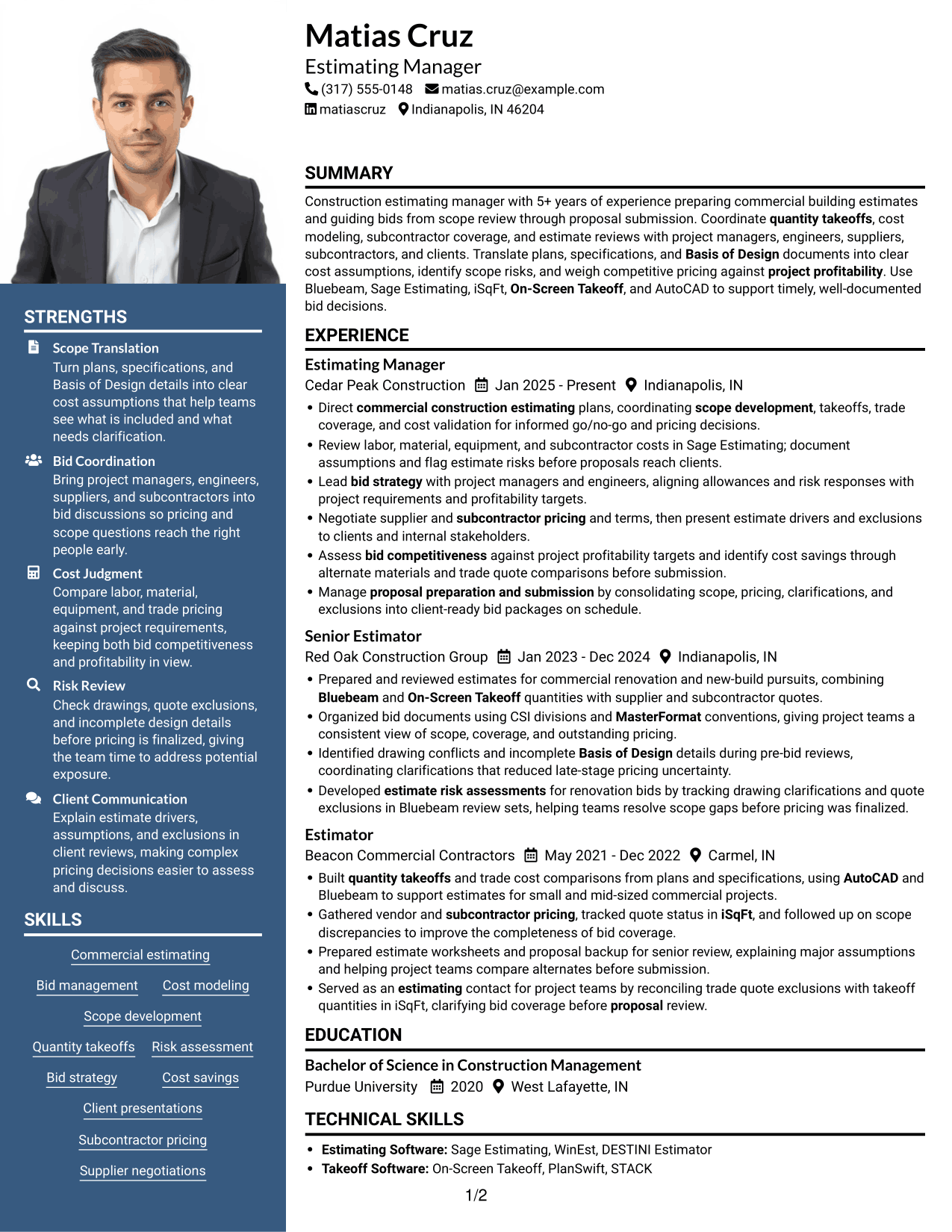

Why This Format Works
- The header portrait gives the resume a clear visual point of identification.
- Two columns let reviewers move between work history and supporting sections.
- Section separation keeps education and skills distinct from longer experience entries.
Best For
- Resume with a portrait in the header
- Side-by-side resume section review
- Compact presentation of varied qualifications
- Fast navigation across sections
- Work history paired with supporting details
#6 Colored Two Column Format Resume Example
The Colored Two Column Format arranges resume content in two columns, giving readers a side-by-side way to review distinct sections.
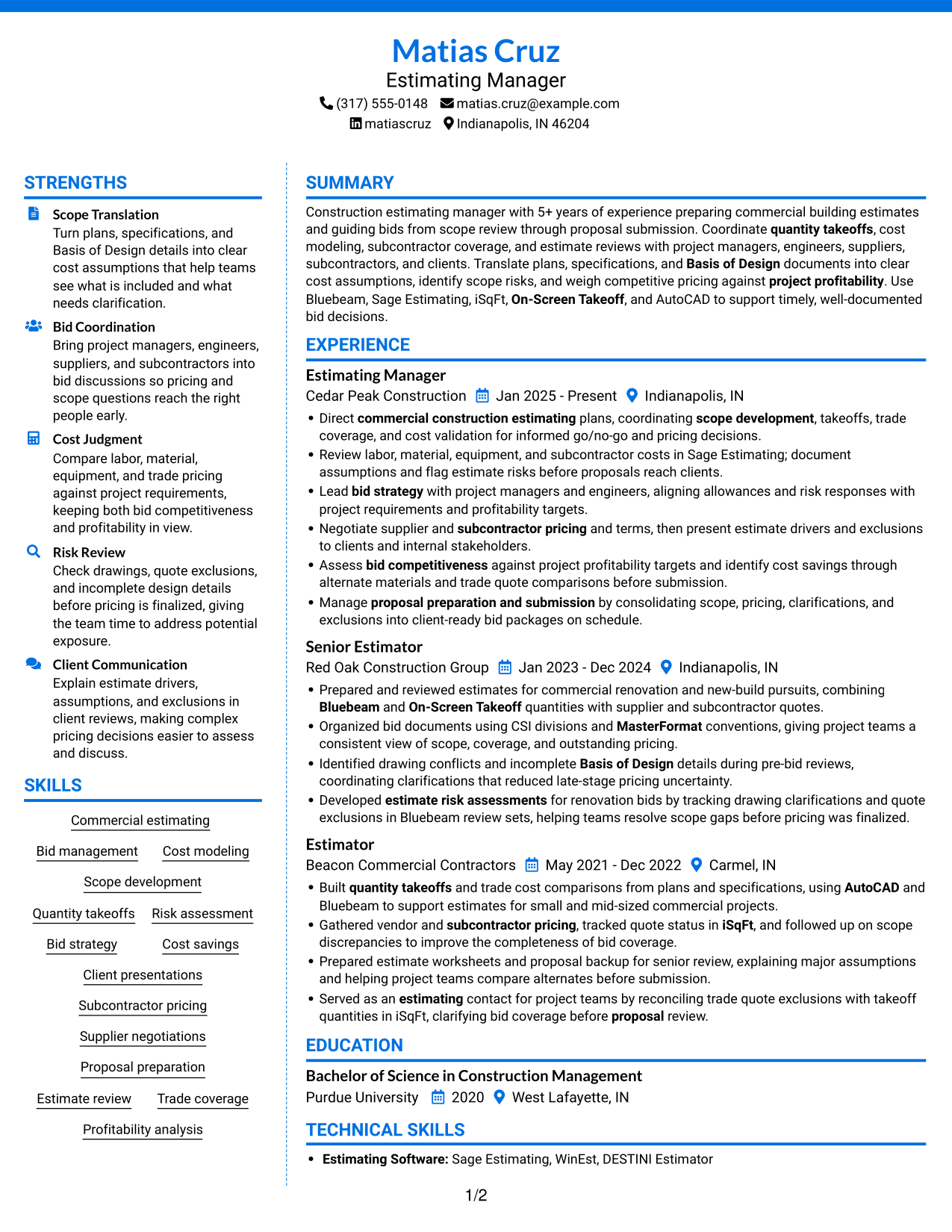

Why This Format Works
- Separate content areas make core qualifications easier to locate during a quick review.
- Experience entries remain distinct from education and technical skill sections.
- Two columns can fit detailed work history beside other resume information.
Best For
- Side-by-side section reading
- Dense experience and skills content
- Clear separation between content groups
- Quick access to education details
- Resume sections needing compact organization
#7 Stylish Two Column Designer Format Resume Example
The Stylish Two Column Designer Format uses two columns to show resume sections side by side rather than in one long sequence.
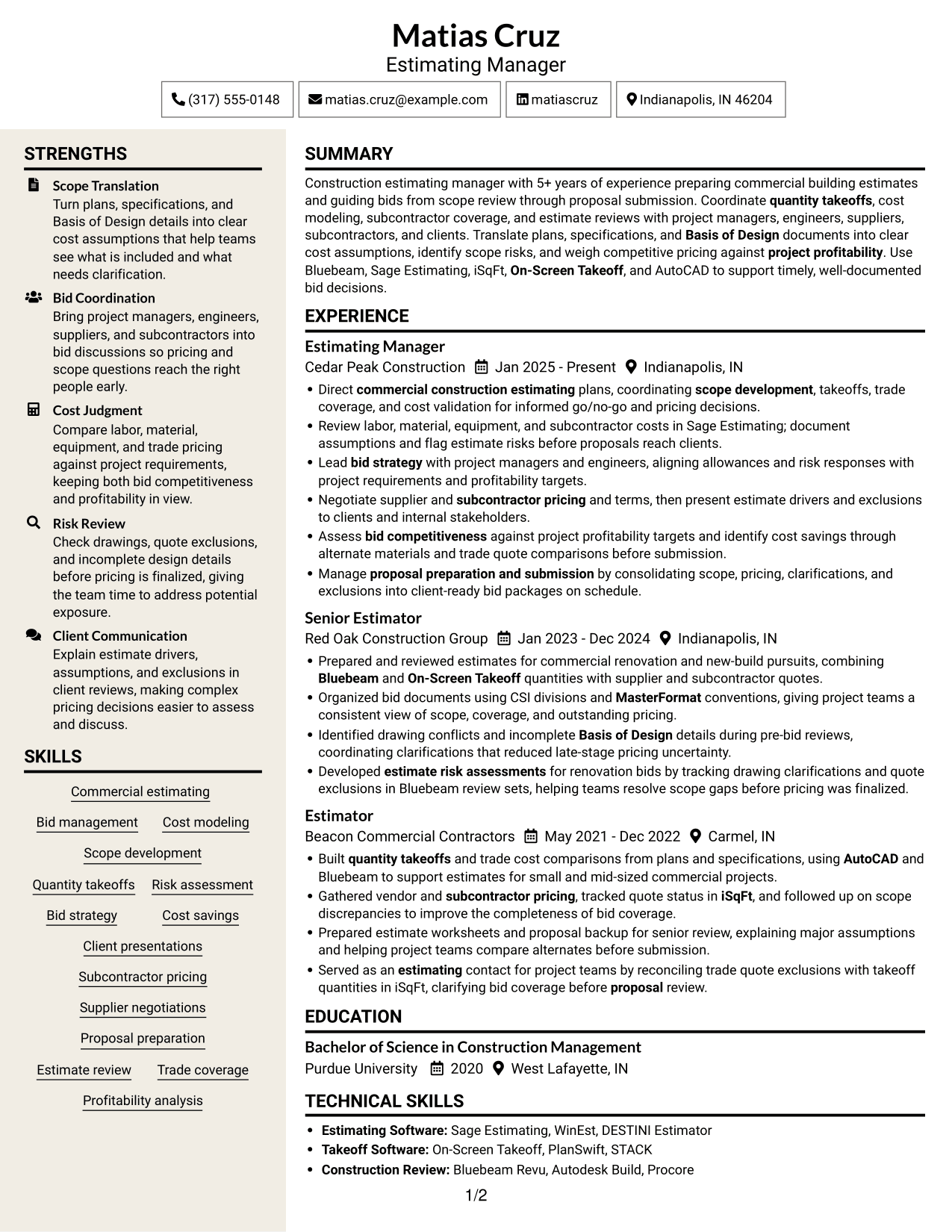

Why This Format Works
- Parallel reading areas let reviewers move between work history and related sections.
- Education details can be located without reading every experience entry first.
- Section groupings make technical skills easy to revisit alongside career details.
Best For
- Parallel access to work history and skills
- Resumes with several distinct sections
- Quick lookup of education details
- Compact side-by-side reading
- Concise experience entries
Why Build Your Estimating Manager - Commercial Construction Resume with ResumeInMinutes
ResumeInMinutes helps you arrange estimating experience, tools, and skills in a clear resume. You can compare image previews and open an example in the editor to customize its content.
- Different resume layouts
- Clear section structure
- Role-focused keyword guidance
- Organized experience and skills
- PNG image previews
- Resume customization in the editor
Use the format that makes your estimating work easiest to review. Keep your resume focused on commercial bids, cost decisions, risk review, and the tools you can support with real experience.
See Also
- 7 Cost Estimating Professional Resume Templates with Example
- 7 Project Manager, Estimating Resume Templates with Example
- 7 Press Assistant / Press Secretary - Financial Policy Communications Resume Templates with Example
- 7 Steward - Patient Food Service Resume Templates with Example
- 7 Registered Nurse - Long-Term Care Resume Templates with Example
- 7 Talent Acquisition Analyst - Full-Cycle Recruiting Resume Templates with Example
- 7 Plant Manager - Wastewater Resume Templates with Example
- 7 Therapy Assistant I - Therapeutic Recreation Resume Templates with Example
- 7 Senior Guidance, Navigation and Control (GNC) Engineer - Flight Control Systems Resume Templates with Example
- 7 Estimating Manager - Commercial Construction Cover Letter Templates with Example
Frequently Asked Questions
Are these Estimating Manager - Commercial Construction resume templates ATS-friendly?
The layouts use clear sections and readable headings. Add relevant terms that match your experience, such as commercial estimating, quantity takeoffs, bid management, subcontractor pricing, and estimate risk review.
Are these different resume examples?
This guide shows one Estimating Manager - Commercial Construction resume example in several layouts. The image previews help you compare how the same information can be organized.
What should an Estimating Manager - Commercial Construction resume include?
Include a focused summary, estimating experience, skills, education, and relevant tools. Use bullet points to explain scope review, takeoffs, cost checks, bid coordination, and results you can support with facts.
Which resume layout works well for this role?
Choose a layout with clear headings and enough space for detailed experience bullets. A simple structure helps readers and applicant tracking systems find your skills, tools, and bid responsibilities.
How can I show estimating experience clearly?
Start each bullet with a clear action, then describe the estimate task and its result. Include details such as labor and material review, subcontractor coverage, scope risks, or proposal preparation when they match your work.
Should I include a photo on my resume?
For U.S. applications, a resume without a photo is usually the safer choice. Use the space for relevant estimating skills and experience instead.




