
7 Evidence/Supply Technician - Crime Scene Processing Cover Letter Templates with Example
This practical guide to an Evidence/Supply Technician - Crime Scene Processing cover letter presents seven layouts to help you shape a clear, role-focused application.
What Makes a Great Evidence/Supply Technician - Crime Scene Processing Cover Letter in 2026
A strong letter for this role connects careful evidence control with clear crime scene documentation and dependable supply support. Its opening should show focused interest, while the body explains how the applicant can support accurate, court-ready work.
Use relevant examples of chain-of-custody records, scene photography, evidence handling, or inventory duties. Connect that evidence to the department's needs, and close with a clear statement of interest and readiness to contribute.
The featured example moves from role interest to evidence control, scene-processing experience, and related instrument and supply duties before a concise close. Adapt this progression to your own evidence, choosing a presentation that fits the employer and the communication context.
#1 Simple One Column Format Cover Letter Example
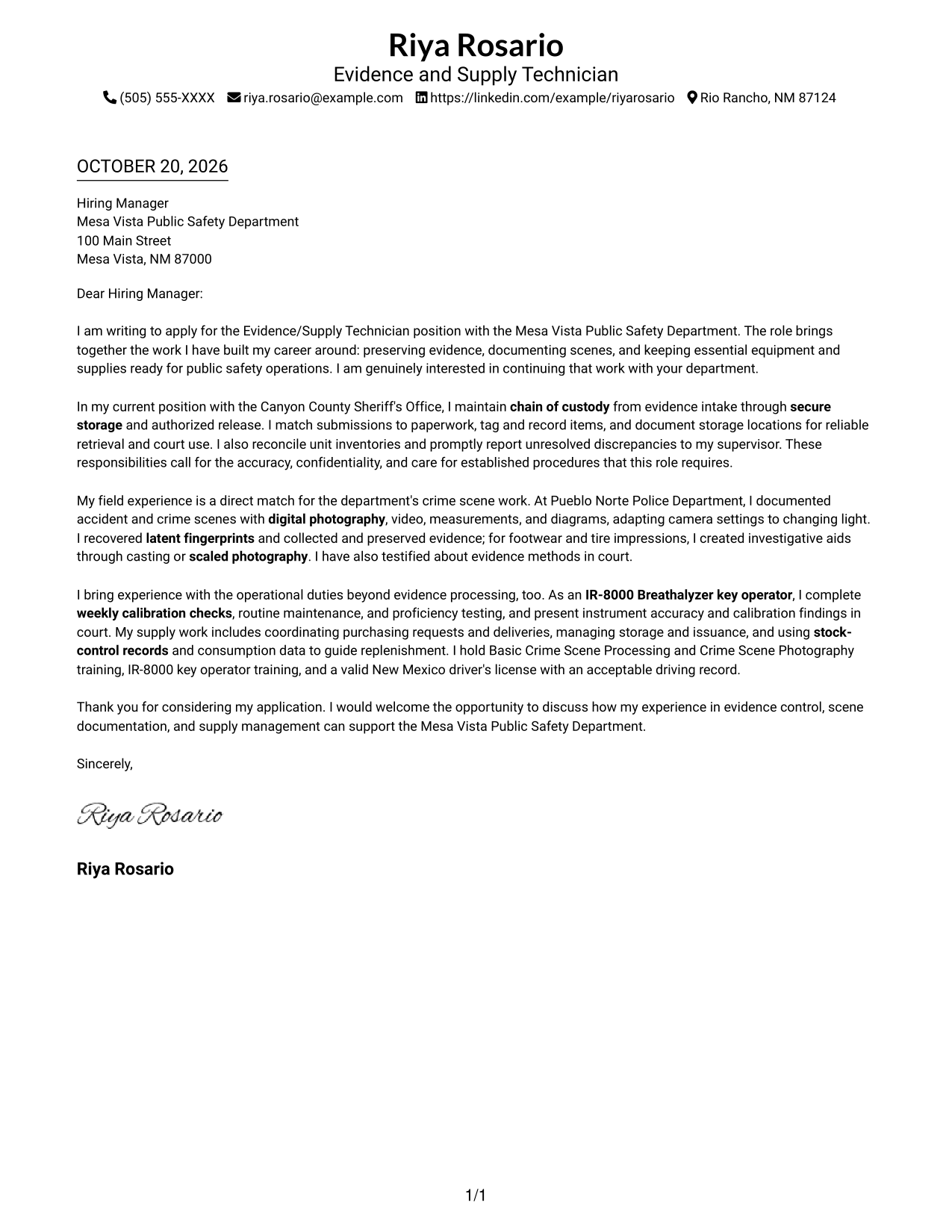
The Simple One Column Format places sender details in the header and the letter in one continuous column, a practical choice when a direct reading path matters.
Why This Format Works
- Sender details remain in the header, apart from the continuous letter body.
- One column lets reviewers follow the opening, evidence, and closing in sequence.
- The photo-free presentation suits readers who prefer a message-led application.
Best For
- Single-column document preference
- Header-based contact details
- Photo-free application materials
- Brief motivation statements
- Traditional paragraph letters
#2 Two Column Format Cover Letter Example
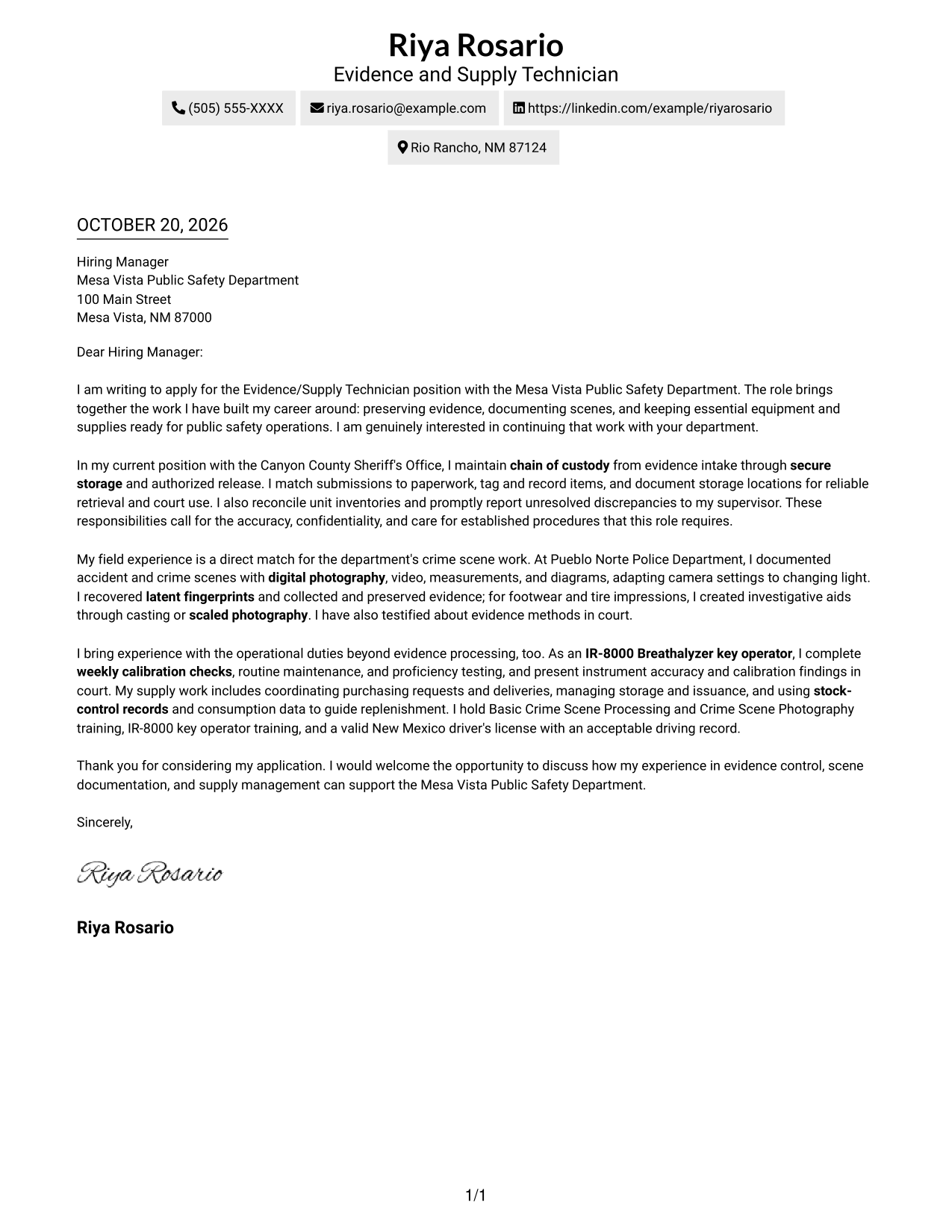
The Two Column Format places contact information in a sidebar beside one continuous letter body, useful when sender details should remain distinct from the message.
Why This Format Works
- The contact sidebar separates sender information from the letter's continuous paragraphs.
- Reviewers can check contact details without searching through the message body.
- A photo-free layout keeps the page focused on written communication.
Best For
- Sender information kept distinct
- Continuous letter-body reading
- Photo-free submissions
- Straightforward paragraph structure
- Contact details in a sidebar
#3 Photo Header Two Column Format Cover Letter Example
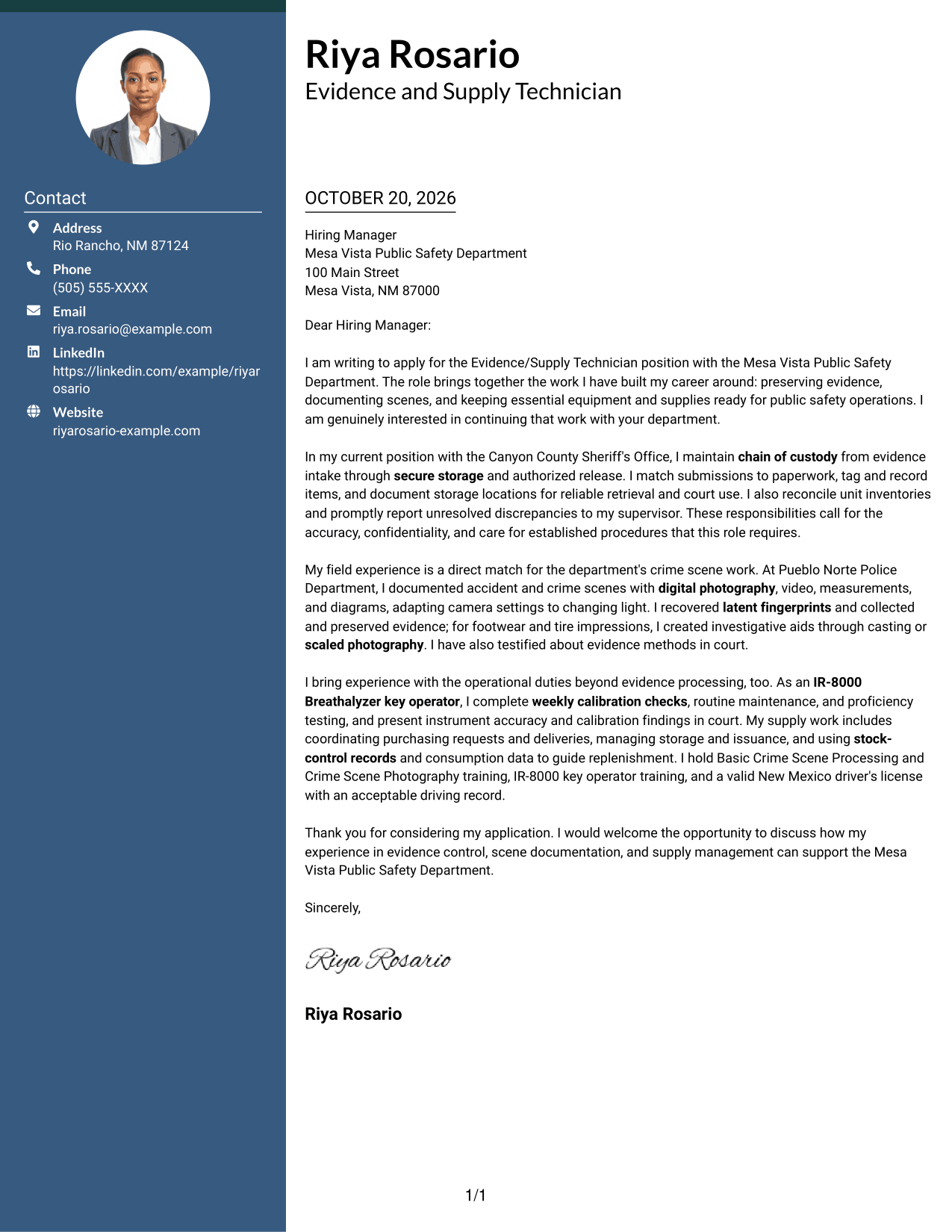
The Photo Header Two Column Format combines a portrait and contact sidebar with one continuous letter body, suiting applications where a personal visual element is welcome.
Why This Format Works
- A portrait adds a personal visual element beside the continuous letter body.
- Contact details sit apart from the paragraphs, keeping the message sequence intact.
- One body column presents motivation, supporting points, and closing in order.
Best For
- Portrait-inclusive applications
- Contact details beside the message
- One-column letter-body reading
- Personal visual presentation
- Continuous paragraph letters
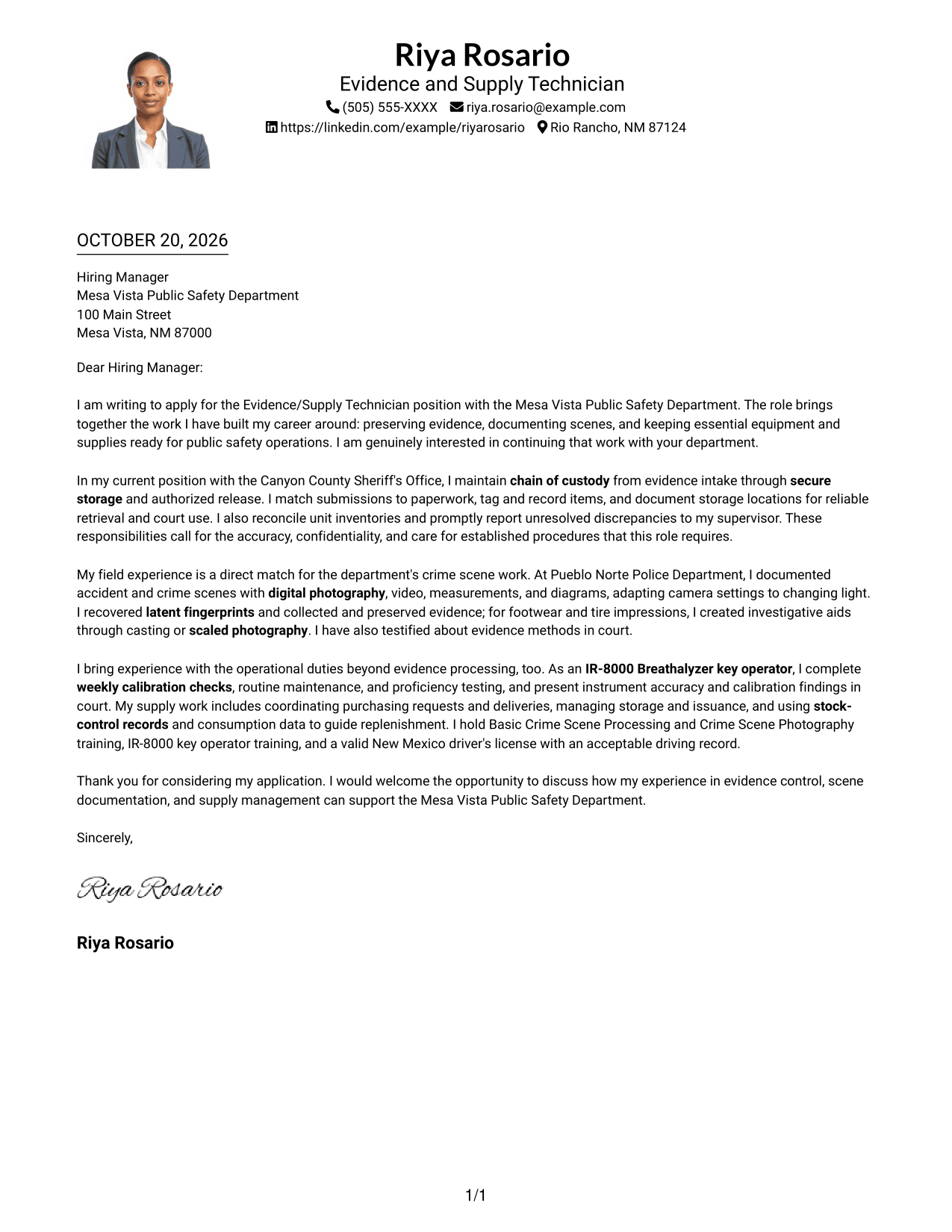
#4 One Column Format with Photo Cover Letter Example
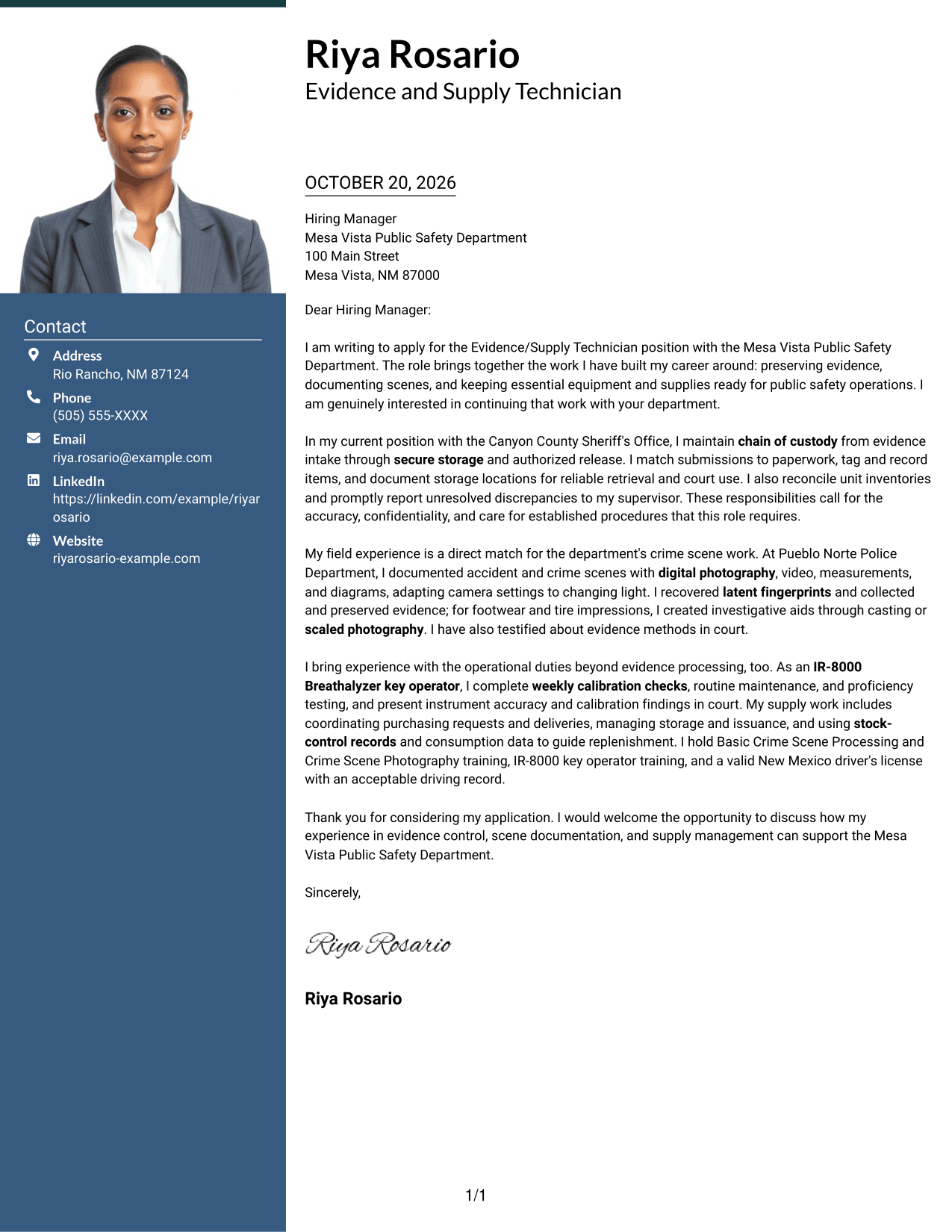
The One Column Format with Photo pairs a portrait with a single-column letter, a useful choice when a personal image is preferred without dividing the message.
Why This Format Works
- One column keeps the full letter in a clear top-to-bottom reading path.
- Sender details stay in the header rather than alongside the message.
- Portrait presentation adds a visual option without dividing the letter body.
Best For
- Single-column letter preference
- Portrait-inclusive applications
- Header-based sender information
- Uninterrupted paragraph reading
- Personal visual presentation
#5 Simple Two Column Format Cover Letter Example
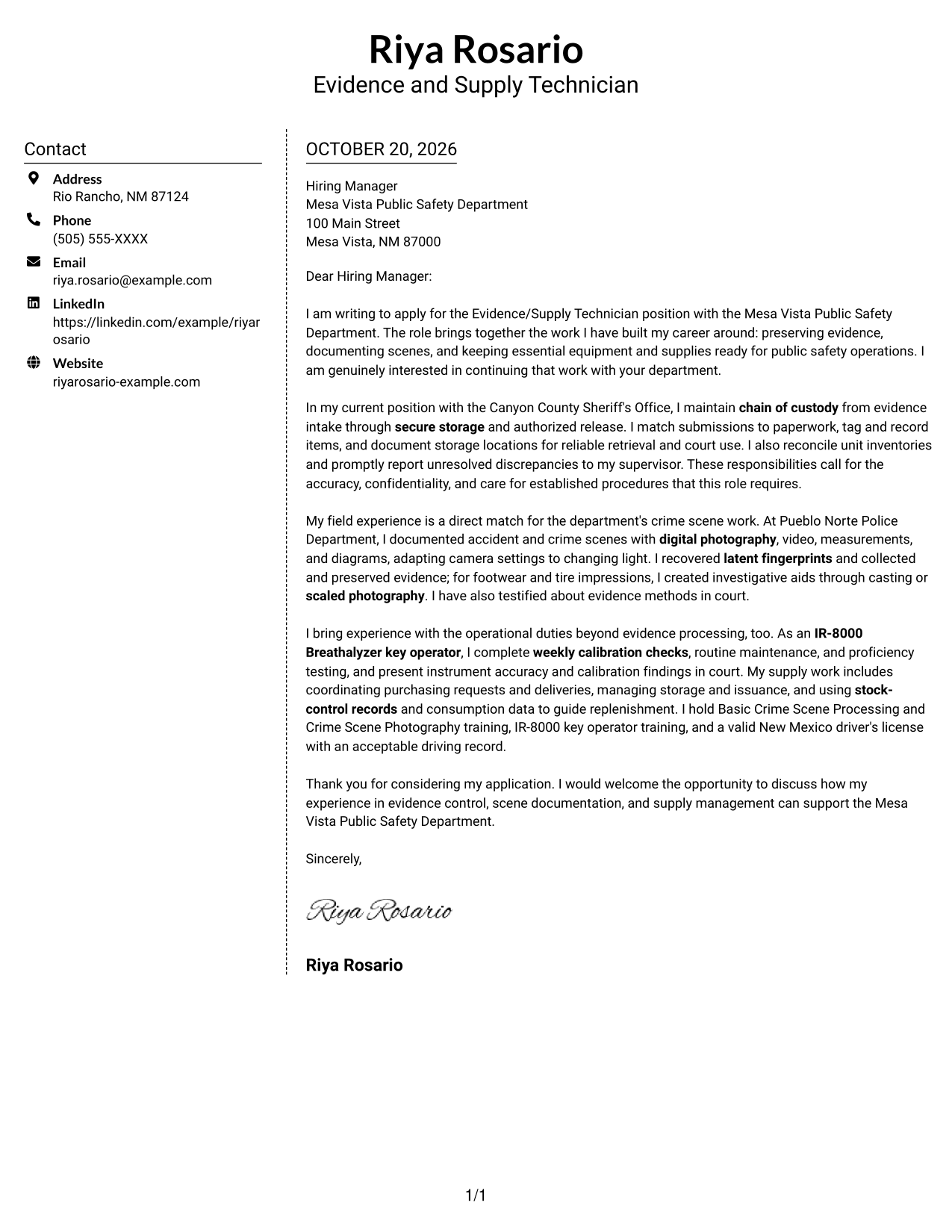
The Simple Two Column Format sets contact details in a sidebar beside one continuous letter body, helping keep practical sender information separate from the message.
Why This Format Works
- Contact details occupy a sidebar, distinct from the letter's continuous body.
- Reviewers can move through the message without parallel text columns.
- The photo-free treatment suits applications centered on written communication.
Best For
- Contact details outside the message
- One-body-column reading
- Photo-free applications
- Paragraph-based persuasion
- Separate sender information
#6 Modern Icon Format Cover Letter Example
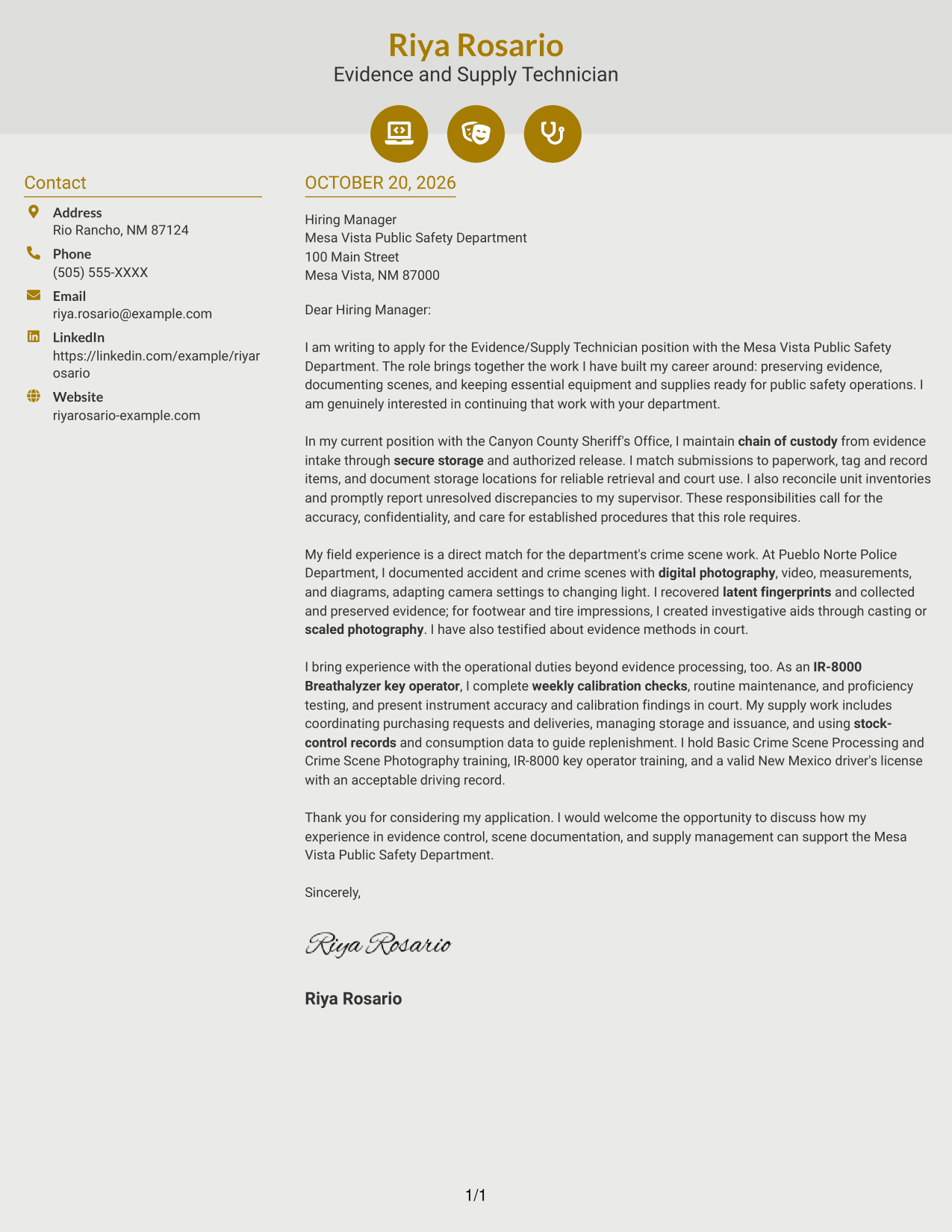
The Modern Icon Format uses two columns, with contact cues in the sidebar and one continuous letter body, making it suitable when visual cues for sender details are useful.
Why This Format Works
- Contact icons act as cues for the sender details in the sidebar.
- Two columns keep contact information apart from the letter's continuous paragraphs.
- Icons remain decorative cues, not labels that interrupt the message.
Best For
- Contact details with visual cues
- A separate letter-body column
- Continuous paragraph messages
- Photo-free application materials
- Icon-based contact presentation
#7 Creative Two Tone Format Cover Letter Example
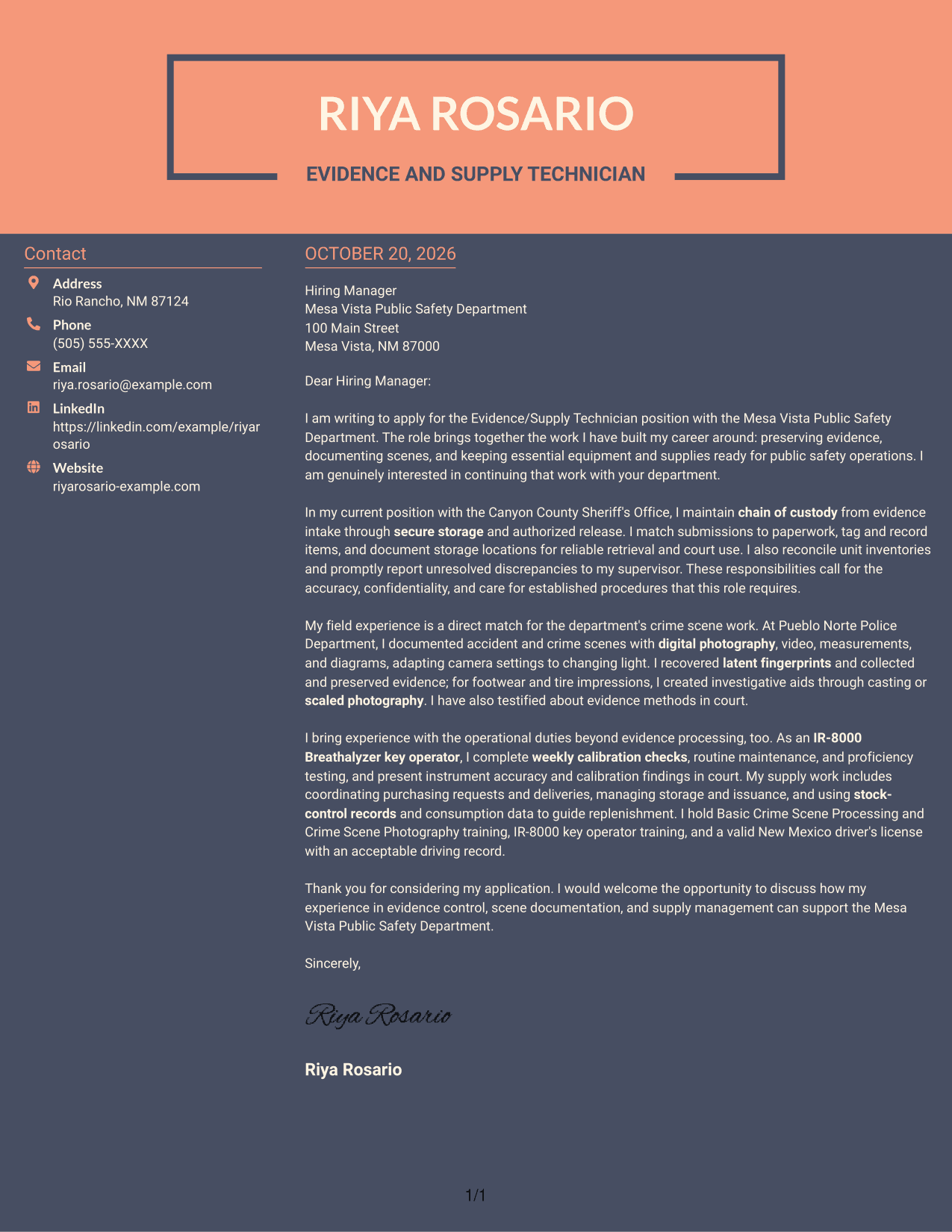
The Creative Two Tone Format places a contact sidebar beside one continuous letter body, a practical option when sender details should be separate from the written message.
Why This Format Works
- Contact details sit beside, rather than inside, the continuous letter body.
- The two-column reading order keeps the message distinct from sender information.
- Without a photo, the page keeps its visual focus on written content.
Best For
- Contact information kept separate
- One continuous letter body
- Photo-free applications
- Direct paragraph-based messages
- Clear sender detail access
Why Use ResumeInMinutes for an Evidence/Supply Technician - Crime Scene Processing Cover Letter
Review the PNG preview to see how the example presents its message, then open it in the editor to customize the letter for the role and employer.
- Role-focused example
- Clear letter progression
- Evidence-control details
- Crime scene communication
- Supply responsibilities
- Editor customization
Use your opening to state your interest, the body to connect relevant work to the department's responsibilities, and the closing to invite further discussion.
See Also
- 7 Evidence/Supply Technician - Crime Scene Processing Resume Templates with Example
- 7 Certified Sterile Processing Technician II - Surgical Instrument Reprocessing Resume Templates with Example
- 7 Plasma Processing Technician Resume Templates with Example
- 7 Sterile Processing Technician, Central Sterile Resume Templates with Example
- 7 Adjunct Phlebotomy Technician Instructor Resume Templates with Example
- 7 AGVS Logistics Technician Resume Templates with Example
- 7 Audiovisual and Oral History Technician Resume Templates with Example
- 33 Auto Technician Trainee Resume Templates with Example 2026 (ATS-Optimized)
- 7 Certified Sterile Processing Technician II - Surgical Instrument Reprocessing Cover Letter Templates with Example
- 7 AGVS Logistics Technician Cover Letter Templates with Example
Frequently Asked Questions
What should an Evidence/Supply Technician - Crime Scene Processing cover letter emphasize?
Show how your experience relates to evidence intake, chain of custody, secure storage, crime scene documentation, and supply control. Use clear examples that connect your work to accurate records and reliable public safety operations.
How can I describe crime scene processing in a cover letter?
Briefly explain your role in documenting scenes through photography, video, measurements, or diagrams. You can also describe relevant experience with latent fingerprints and the collection or preservation of impression evidence.
How should I discuss evidence handling and court responsibilities?
Describe how you maintain chain of custody, record storage locations, and follow established procedures. If applicable to your experience, explain how you have presented evidence methods or instrument calibration findings in court.
How can I show that I fit the supply duties of this role?
Include relevant experience with ordering, receiving, storing, issuing, or shipping supplies and equipment. Explain how inventory records or consumption data help you track stock and identify replenishment needs.
What is the best way to present this cover letter?
Choose a clear, readable layout that suits the employer and the way you are communicating. Compare the PNG preview with the other examples, then open a preferred example in the editor to customize it.




