7 Federal Project Manager III - General Readiness Resume Templates with Example
This practical guide shows you how to build a Federal Project Manager III - General Readiness resume that is clear, focused, and easy to review. You will see how to organize evidence so recruiters can quickly understand your readiness leadership and project delivery background.
Strong resumes for this role should make site readiness, transition planning, clinical workflow work, testing, risk control, and post-go-live support easy to find. Useful keywords may include Oracle Health/Cerner, Millennium, PowerChart, Orders, Event-Driven Methodology, Microsoft Project, Smartsheet, Jira, Confluence, HIPAA, HITECH, ITIL, and data governance.
The same resume is presented in 7 ATS-friendly resume layouts so you can compare reading order, section structure, and visual organization without changing the underlying career evidence.
What Makes a Great Federal Project Manager III - General Readiness Resume in 2026
A strong resume is easy to scan, rich in relevant evidence, and clear about ownership of readiness plans, risks, milestones, testing, transition work, and post-go-live support.
Use exact terms such as Oracle Health/Cerner, site readiness, clinical informatics, Event-Driven Methodology, readiness indicators, HIPAA, HITECH, ITIL, Microsoft Project, Smartsheet, Jira, and Confluence when they match your real experience.
The examples shown below are intentionally detailed to demonstrate a range of experiences, skills, accomplishments and relevant keywords. We prefer detailed resumes as they provide more context to the hiring managers and also help the ATS systems identify relevant qualifications and score your resume better for a match. But the length of a resume is an individual choice. If you want a one page resume, just keep the most relevant experience and information for the job. Note: Resume examples are for educational purposes only. Use only information that accurately reflects your experience and qualifications. References to real organizations do not imply affiliation or endorsement.
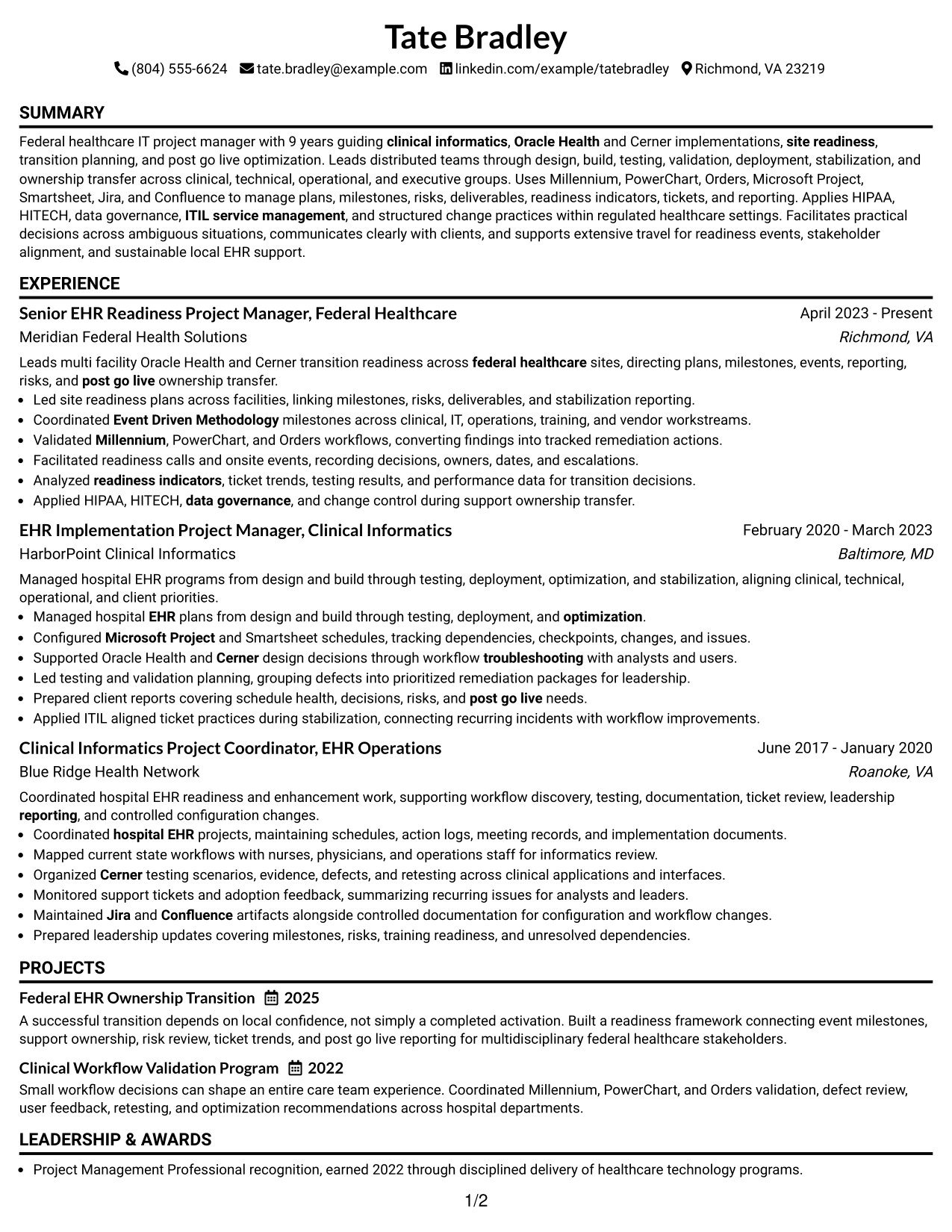
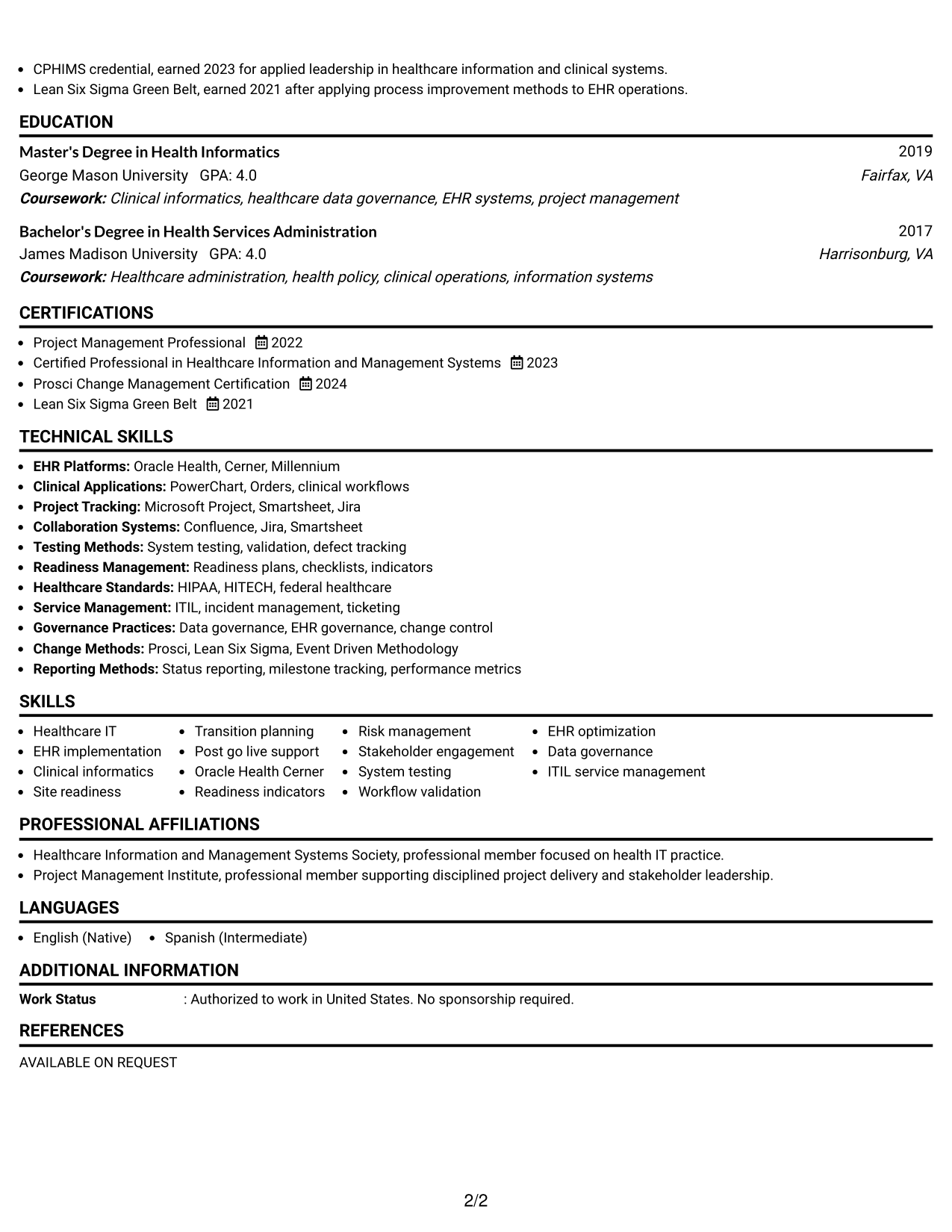
#1 Simple One Column Format Resume Example
A straight one-column reading order lets recruiters scan the resume from summary through experience, skills, education, and credentials without side-to-side jumps.
Why This Format Works
- Linear section flow makes career progression easy to follow from top to bottom.
- Full-width space keeps detailed experience and achievement bullets readable during quick review.
- Clear section breaks help skills, education, and credentials stay easy to locate.
Best For
- Detailed project experience
- Straightforward recruiter scanning
- Longer achievement bullets
- Clear career progression
- Traditional U.S. applications
Resume Keywords
- Federal healthcare
- site readiness
- Post Go Live Transition Readiness
- Oracle Health
- Cerner
- Millennium
- PowerChart
- Orders
- clinical informatics
- Event Driven Methodology
- system testing
- validation
- readiness indicators
- ITIL service management
- HIPAA
- HITECH
- Microsoft Project
- Smartsheet
- Jira
- Confluence
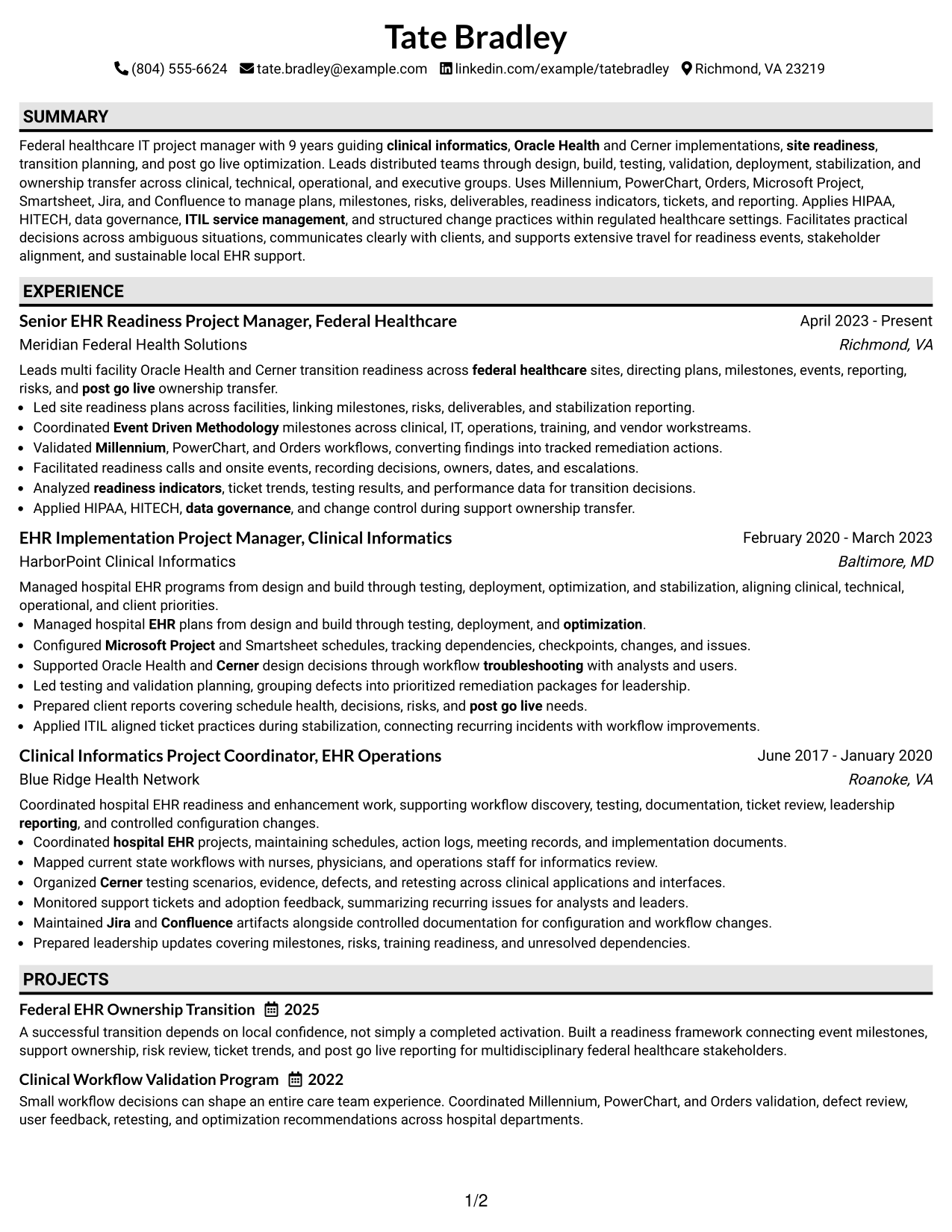
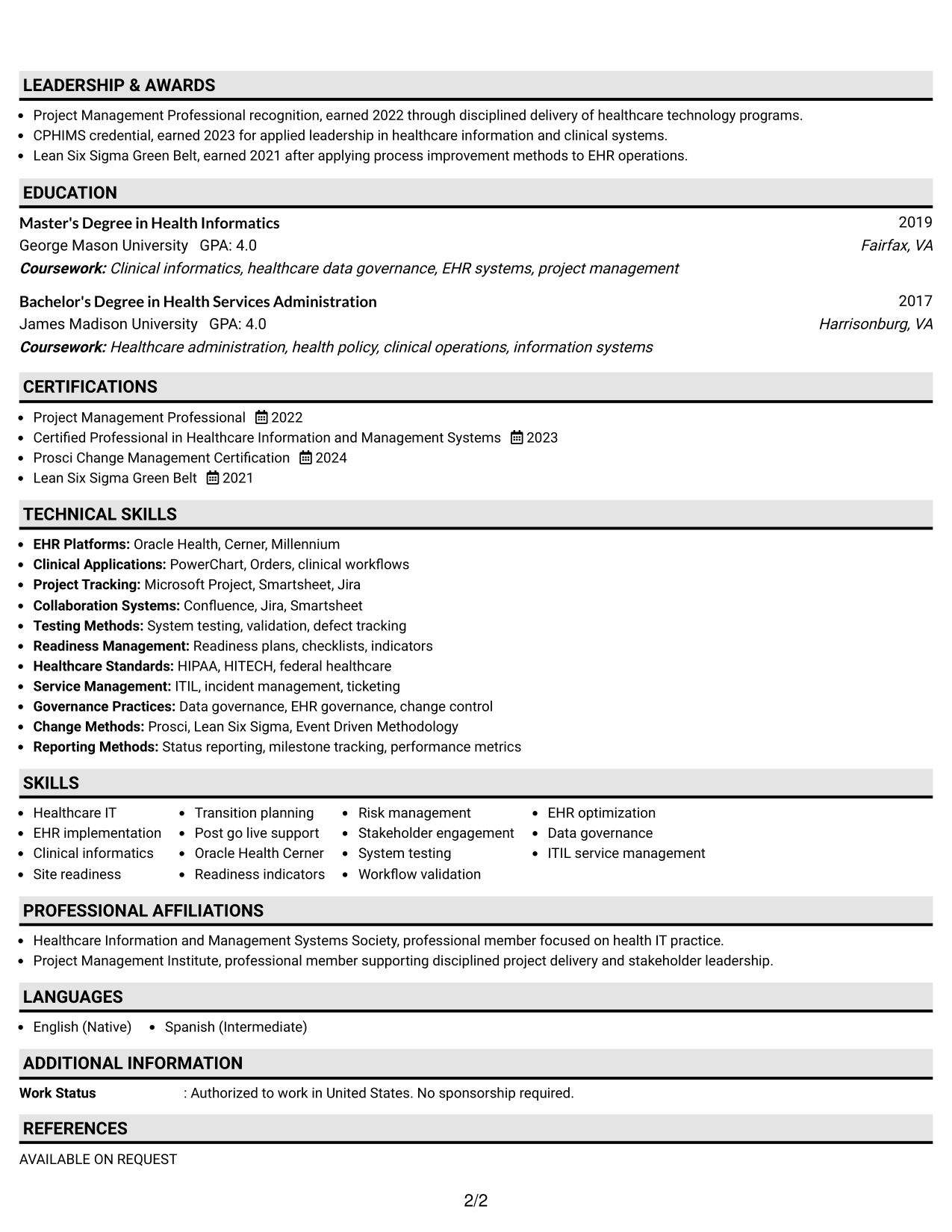
#2 Plain One Column with Shaded Labels Resume Example
Shaded section labels give the one-column layout stronger visual stops, helping recruiters move quickly between major resume sections.
Why This Format Works
- Shaded labels separate experience, skills, education, and credentials without changing reading order.
- Single-column structure keeps achievement bullets in one consistent path for review.
- Distinct section markers help recruiters return quickly to important resume categories.
Best For
- Readers who prefer strong section markers
- Dense experience with clear breaks
- Fast return to key sections
- Conservative visual styling
- Resume content with several credentials
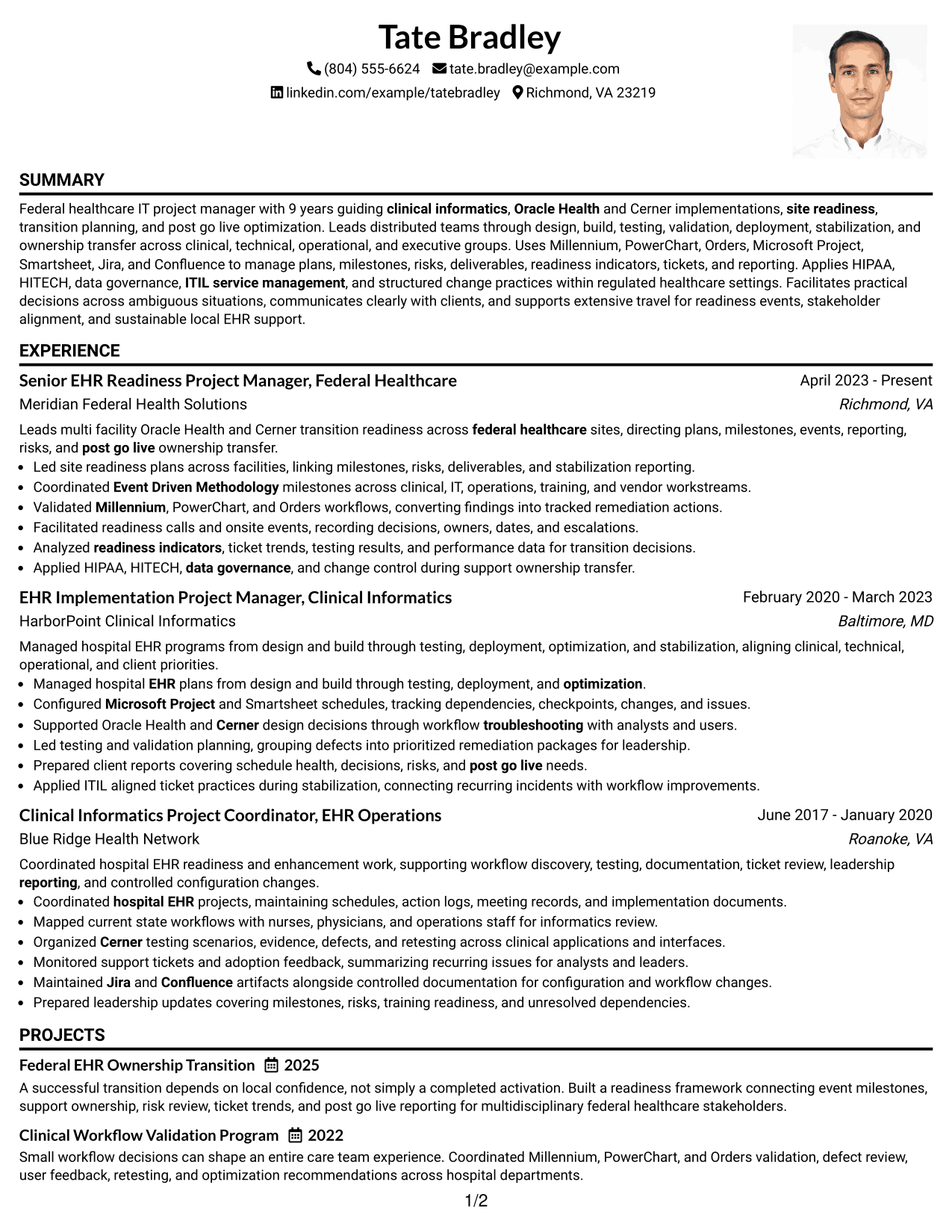
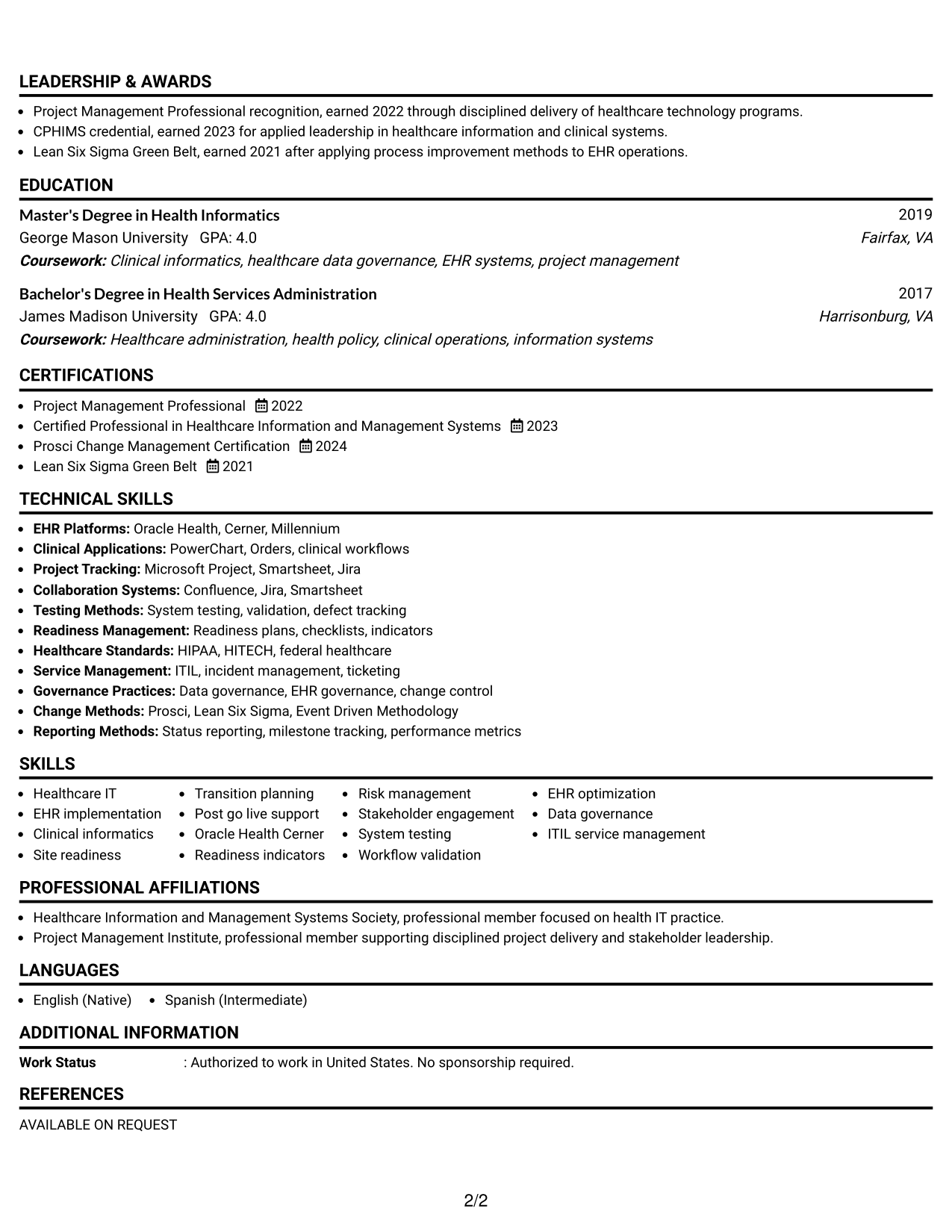
#3 One Column Format with Photo Right Resume Example
A right-side header photo adds personal identification while the one-column body keeps the resume easy for recruiters to scan in sequence.
Why This Format Works
- One-column body preserves a simple path through experience, skills, education, and credentials.
- Header photo stays separate from the body sections that carry career evidence.
- Full-width body space supports readable experience bullets and clear achievement detail.
Best For
- Markets where resume photos are customary
- Sequential reading with personal identification
- Experience-heavy resume content
- Full-width achievement detail
- Applications outside standard U.S. practice
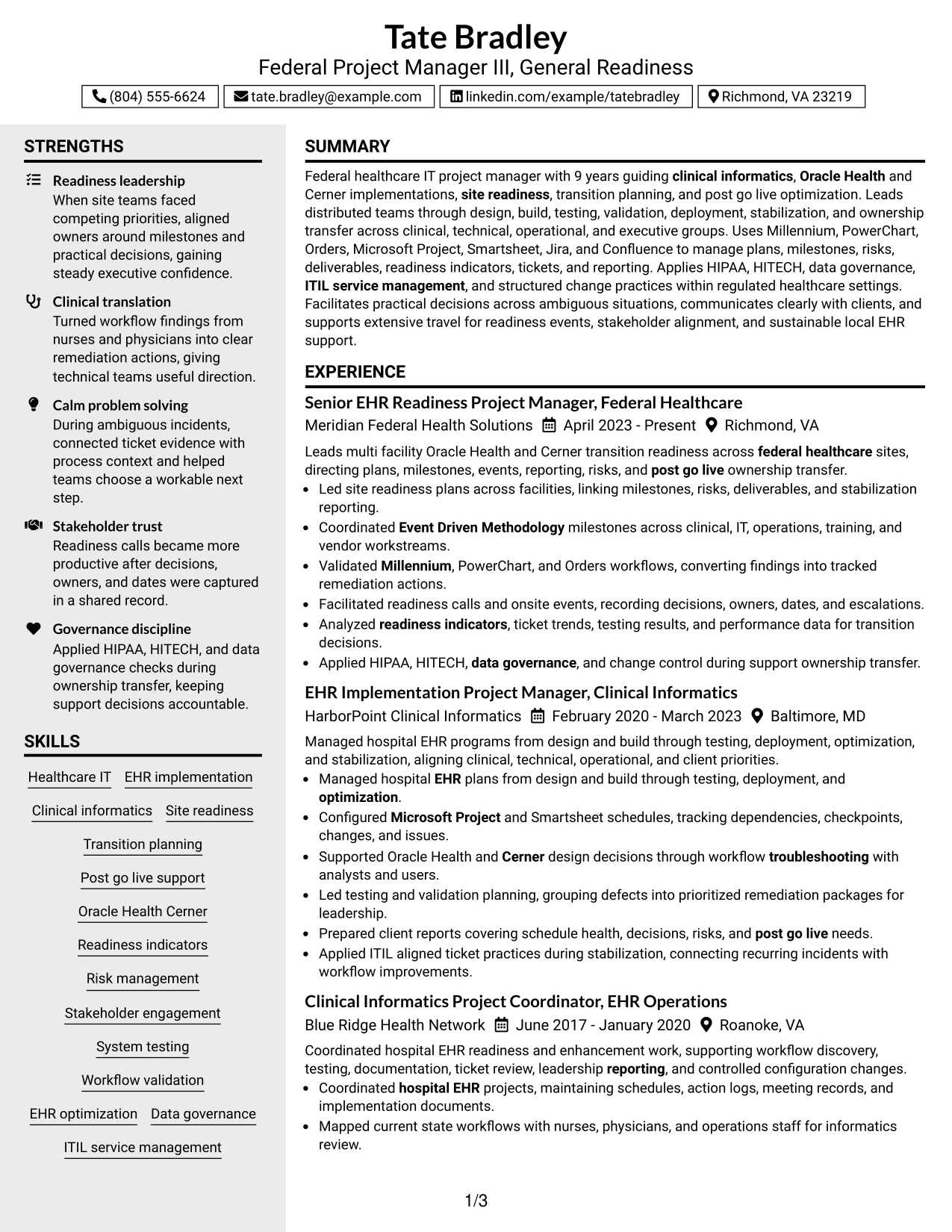
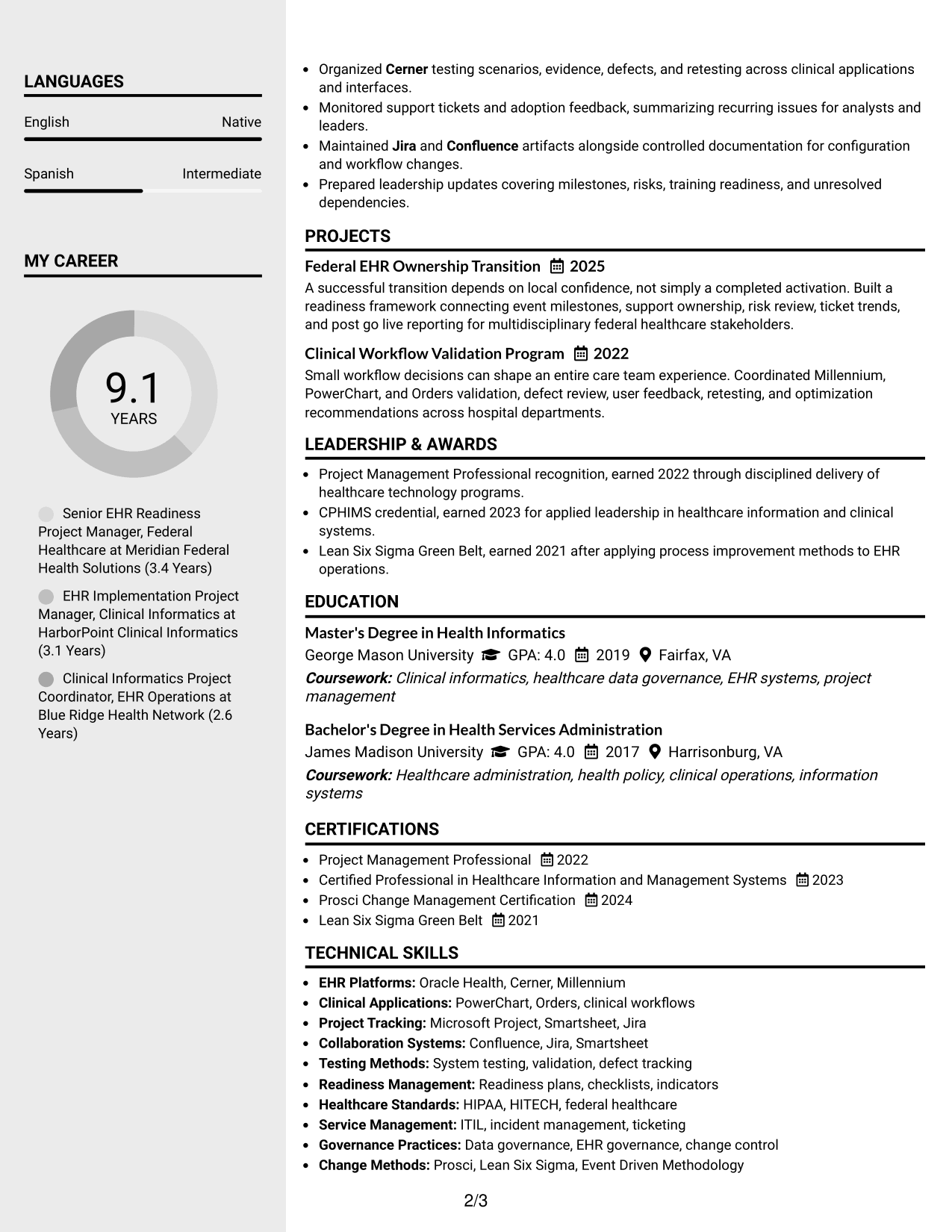
#4 Clean Two Column Sidebar Format Resume Example
A clean sidebar creates a second scan path, letting recruiters separate supporting details from the main experience narrative.
Why This Format Works
- Main column gives experience and achievements more room for uninterrupted reading.
- Sidebar creates a separate place for compact skills and credential information.
- Two-column separation helps recruiters compare career evidence with supporting qualifications quickly.
Best For
- Experience plus compact supporting details
- Readers who scan by section type
- Prominent skills and credentials
- Balanced two-column organization
- Applications needing quick qualification checks
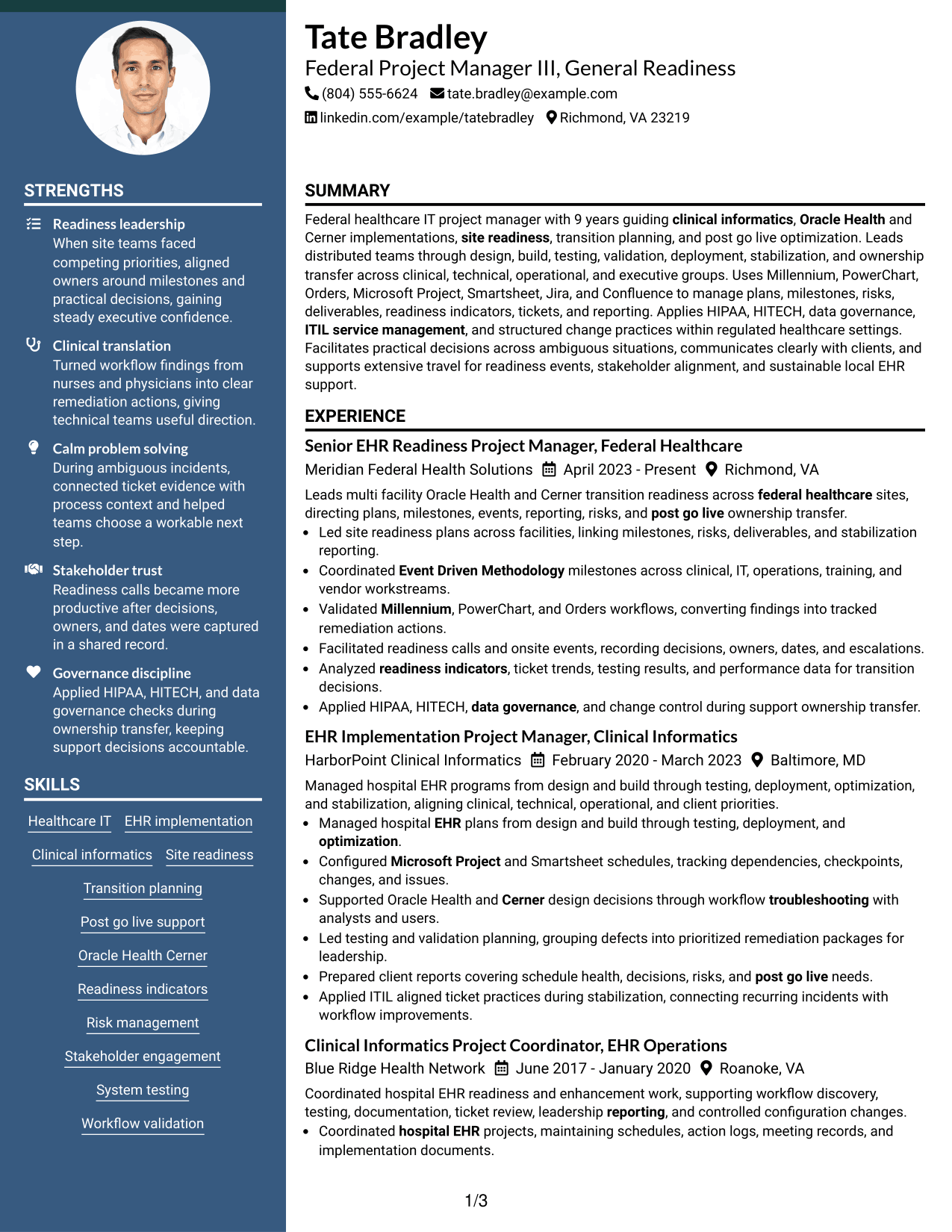
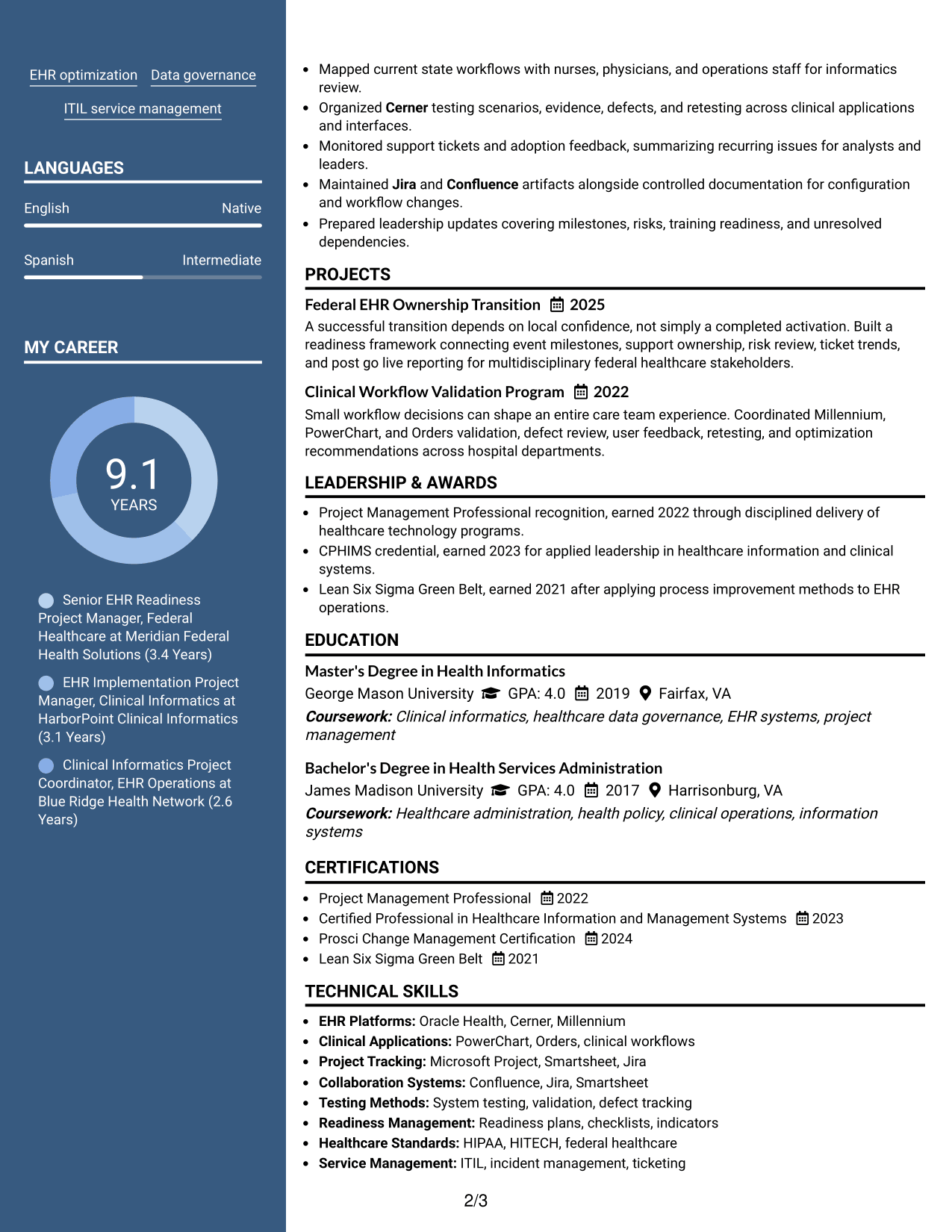
#5 Two Column Format Resume Example
Balanced parallel columns divide resume information into clear groups, helping recruiters compare experience with supporting sections at a glance.
Why This Format Works
- Parallel columns reduce long vertical runs when the resume contains several section types.
- Experience remains visually distinct from supporting skills, education, and credential content.
- Balanced grouping helps reviewers find both career history and qualifications with fewer scrolls.
Best For
- Broad resume content
- Side-by-side section comparison
- Compact skills and education
- Readers reviewing several qualification types
- Balanced information density
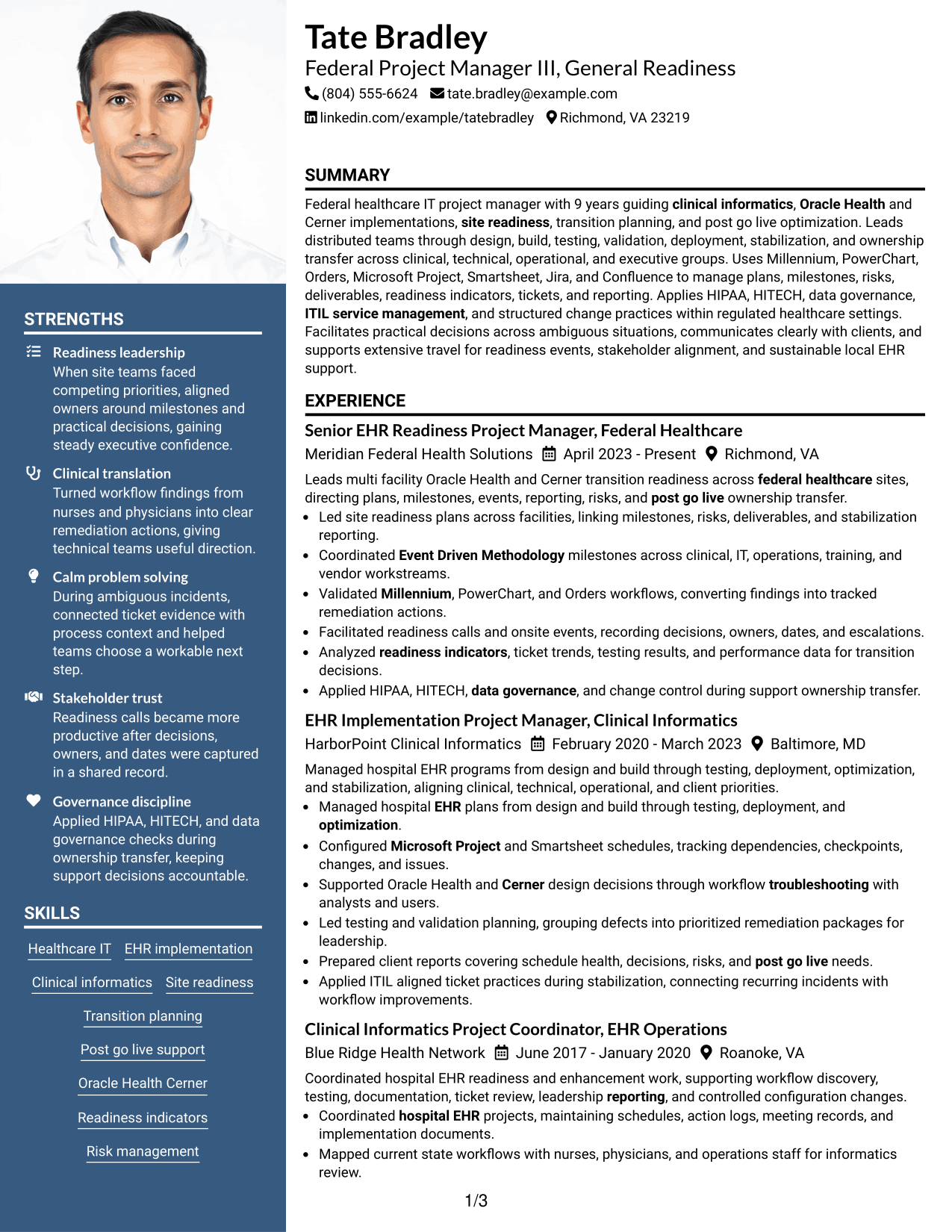
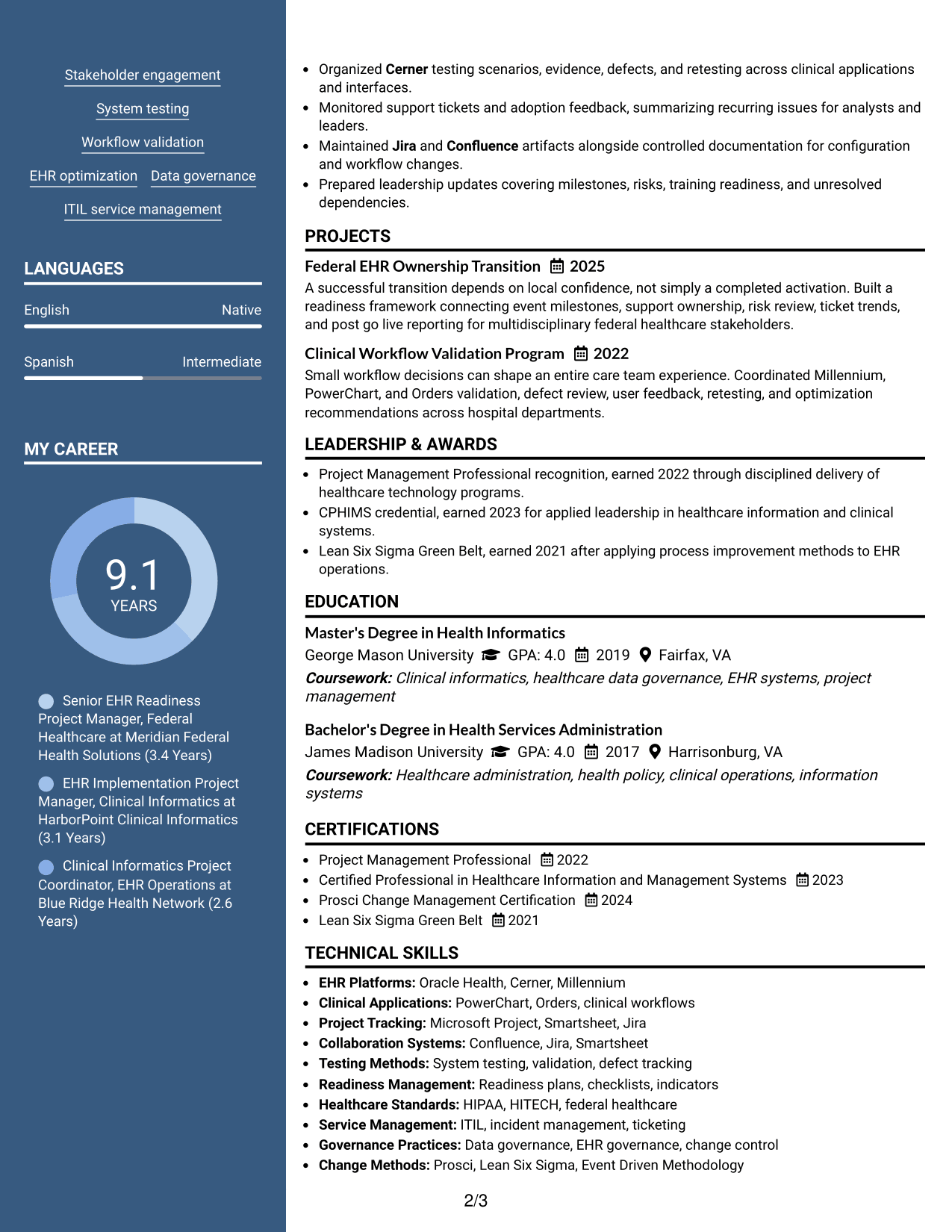
#6 Photo Header Two Column Format Resume Example
A photo header identifies the professional while two body columns help recruiters scan experience and supporting qualifications on separate paths.
Why This Format Works
- Two body columns separate detailed experience from shorter supporting resume sections.
- Photo stays in the header while career evidence remains organized below.
- Column contrast helps recruiters move between achievements, skills, education, and credentials.
Best For
- Regions where professional photos are expected
- Two-column resumes with a personal header
- Mixed long and short sections
- Quick comparison of evidence and credentials
- International application contexts
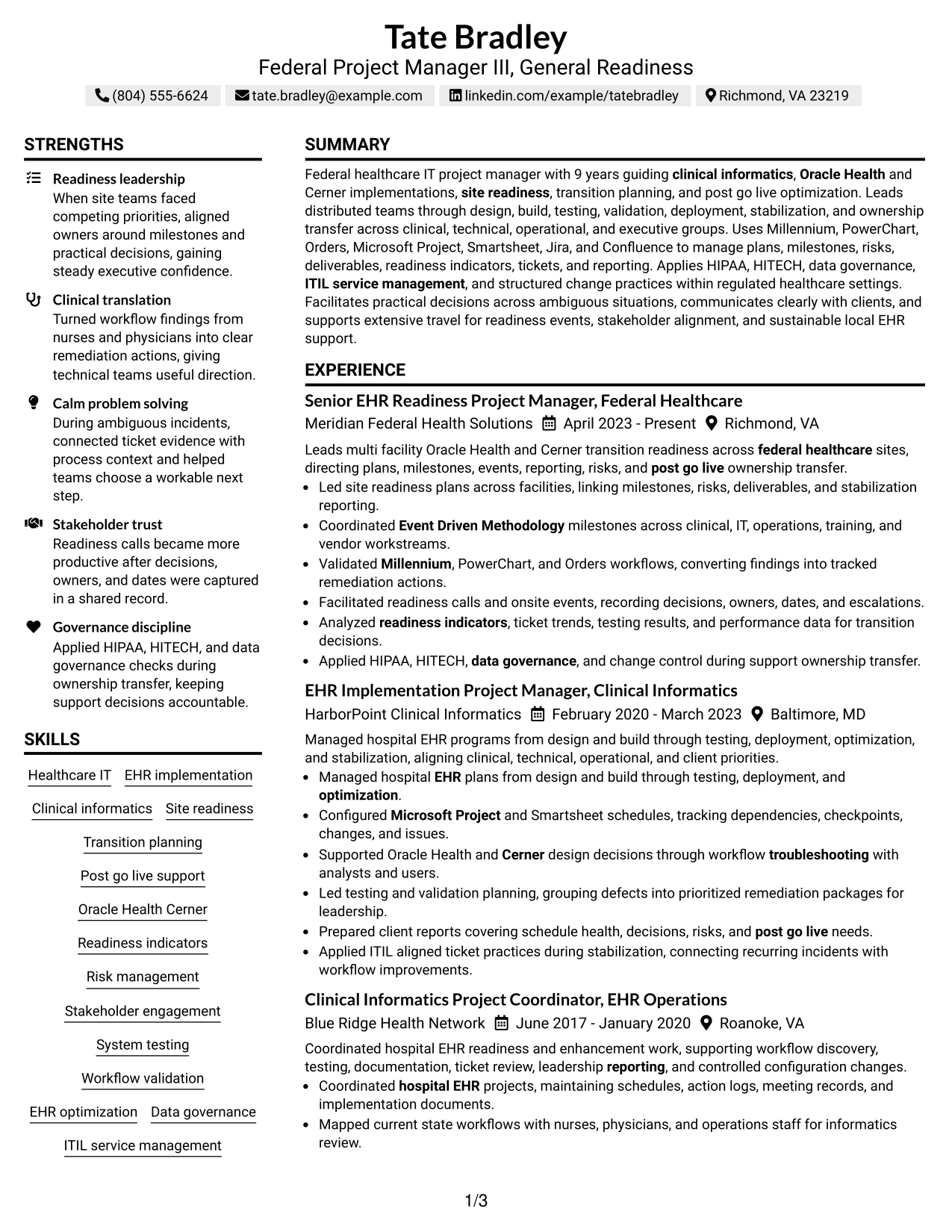
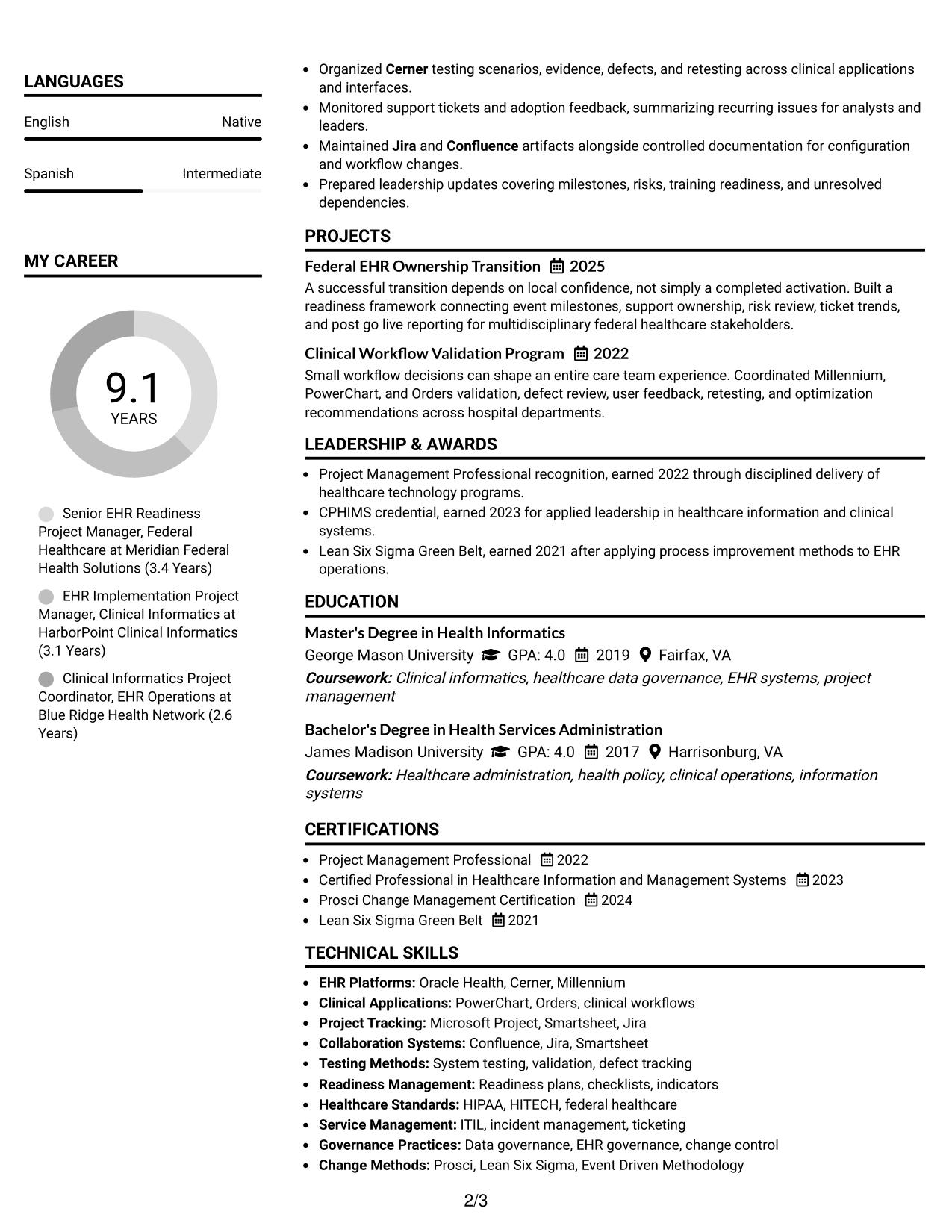
#7 Simple Two Column Format Resume Example
A simple two-column structure keeps visual treatment restrained while giving recruiters separate paths for core experience and supporting resume details.
Why This Format Works
- Simple column division keeps career history readable while reducing visual clutter.
- Supporting sections can sit apart from longer experience and achievement content.
- Clear two-part organization helps reviewers locate qualifications without losing narrative flow.
Best For
- Minimal two-column styling
- Experience with several supporting sections
- Recruiters who prefer clear grouping
- Compact qualification summaries
- Professional resumes needing restrained design
Why Build Your Federal Project Manager III - General Readiness Resume with ResumeInMinutes
ResumeInMinutes helps you turn complex healthcare IT work into clear resume sections, focused bullets, and role-relevant keywords that are easier to review and customize.
- ATS-friendly section structure
- Readiness and transition keyword guidance
- Experience and project organization
- Skills and certification sections
- Free PDF resume previews
- Resume customization support
You can keep detailed federal healthcare IT experience readable by separating project leadership, clinical workflow work, testing, governance, tools, credentials, and support transition evidence into clear sections.
See Also
- 33 Expert, Government Business Care - Federal Account Support Resume Templates with Example 2026 (ATS-Optimized)
- 7 Principal Cyber Security Engineer US Federal Resume Templates with Example
- 33 Senior Federal Construction Program Manager Resume Templates with Example 2026 (ATS-Optimized)
- 33 Senior Financial Policy Consultant - Federal Financial Policy Resume Templates with Example 2026 (ATS-Optimized)
- 7 Administrative Support Assistant III Resume Templates with Example
- 33 Banquet Cook III Resume Templates with Example 2026 (ATS-Optimized)
- 7 Correctional Health Nurse III - Clinical Supervision Resume Templates with Example
- 33 Cybersecurity Engineer III - Governance, Risk & Compliance Resume Templates with Example 2026 (ATS-Optimized)
- 30+ Senior Federal Construction Program Manager Cover Letter Templates with Example 2026
- 30+ Banquet Cook III Cover Letter Templates with Example 2026
Frequently Asked Questions
Are these Federal Project Manager III - General Readiness resume templates ATS-friendly?
Yes. The layouts use clear headings and standard resume sections. ATS results still depend on your file, wording, and whether your content matches the job requirements.
Are these different resumes?
No. The guide shows one Federal Project Manager III - General Readiness resume in different visual layouts so you can compare structure without changing the underlying career facts.
What should a Federal Project Manager III - General Readiness resume include?
Include a focused summary, relevant healthcare IT experience, site readiness and transition work, testing and validation, project tools, governance knowledge, education, certifications, and clear achievement bullets.
Which keywords are useful for this resume?
Use only keywords that match your real background. Relevant examples include site readiness, post-go-live transition, Oracle Health/Cerner, clinical informatics, Event-Driven Methodology, readiness indicators, system testing, validation, ITIL, HIPAA, HITECH, and data governance.
How should I show Oracle Health/Cerner experience?
Place it where the work occurred. Connect the platform to design, workflow validation, testing, troubleshooting, deployment, optimization, or support transition tasks that you actually performed.
How can I make complex readiness work easier to scan?
Use short bullets that show the task, scope, decision, risk, or result. Keep tools and credentials in separate sections so the experience section stays focused on project leadership and execution.
Should I include a photo on a U.S. federal healthcare resume?
For U.S. applications, a no-photo resume is generally the safer choice unless a specific application process asks for one.
Can I customize these resume templates?
Yes. You can adjust the text and layout while keeping the resume focused on the exact Federal Project Manager III - General Readiness role and your verified experience.