
7 Field Operations Technician - Electronic Security Systems Cover Letter Templates with Example
This practical guide helps you write a Field Operations Technician - Electronic Security Systems cover letter and compare its seven layouts.
What Makes a Great Field Operations Technician - Electronic Security Systems Cover Letter in 2026
A strong cover letter connects field coordination and Mercury access control experience to the job. It shows how you support installation, commissioning, testing, and customer turnover.
Use specific evidence, such as resolving a field issue or preparing clear test records. Link that example to the employer’s needs and explain your interest in the work.
The featured example moves from interest in the role to relevant field evidence, then closes with a clear statement of fit; adapt this progression and choose a presentation suited to the employer and communication context.
#1 Simple One Column Format Cover Letter Example
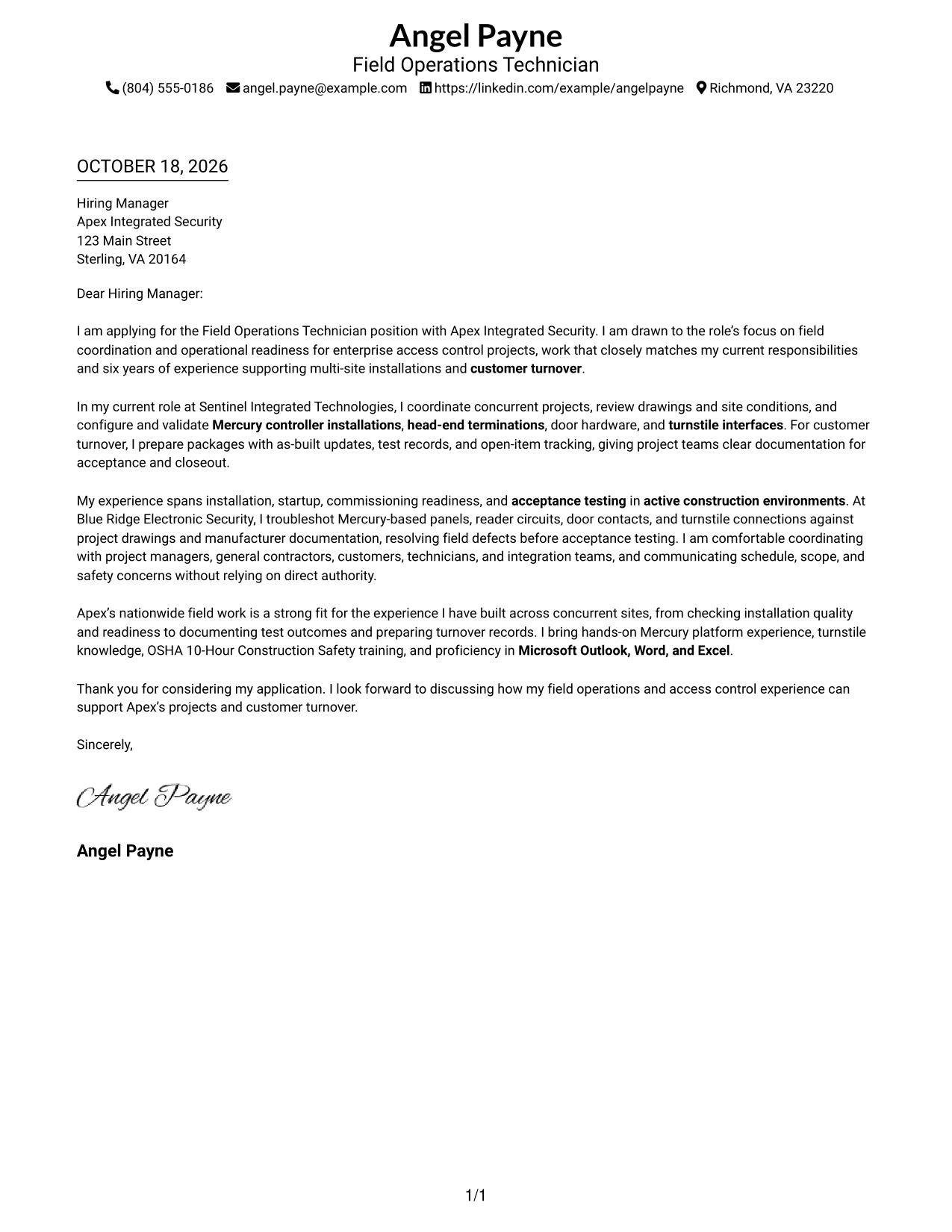
The Simple One Column Format places sender details and the letter in one column, giving the page a clear, unified structure.
Why This Format Works
- Sender details appear together in the header, making contact information easy to locate.
- Without argument headings, the paragraphs carry the message from interest through closing.
- The single-column order lets reviewers follow the letter from greeting to sign-off.
Best For
- Single-column page organization
- Header-visible sender details
- Unheaded letter paragraphs
- Letters with several evidence paragraphs
- Employer-specific opening and close
#2 Two Column Format Cover Letter Example
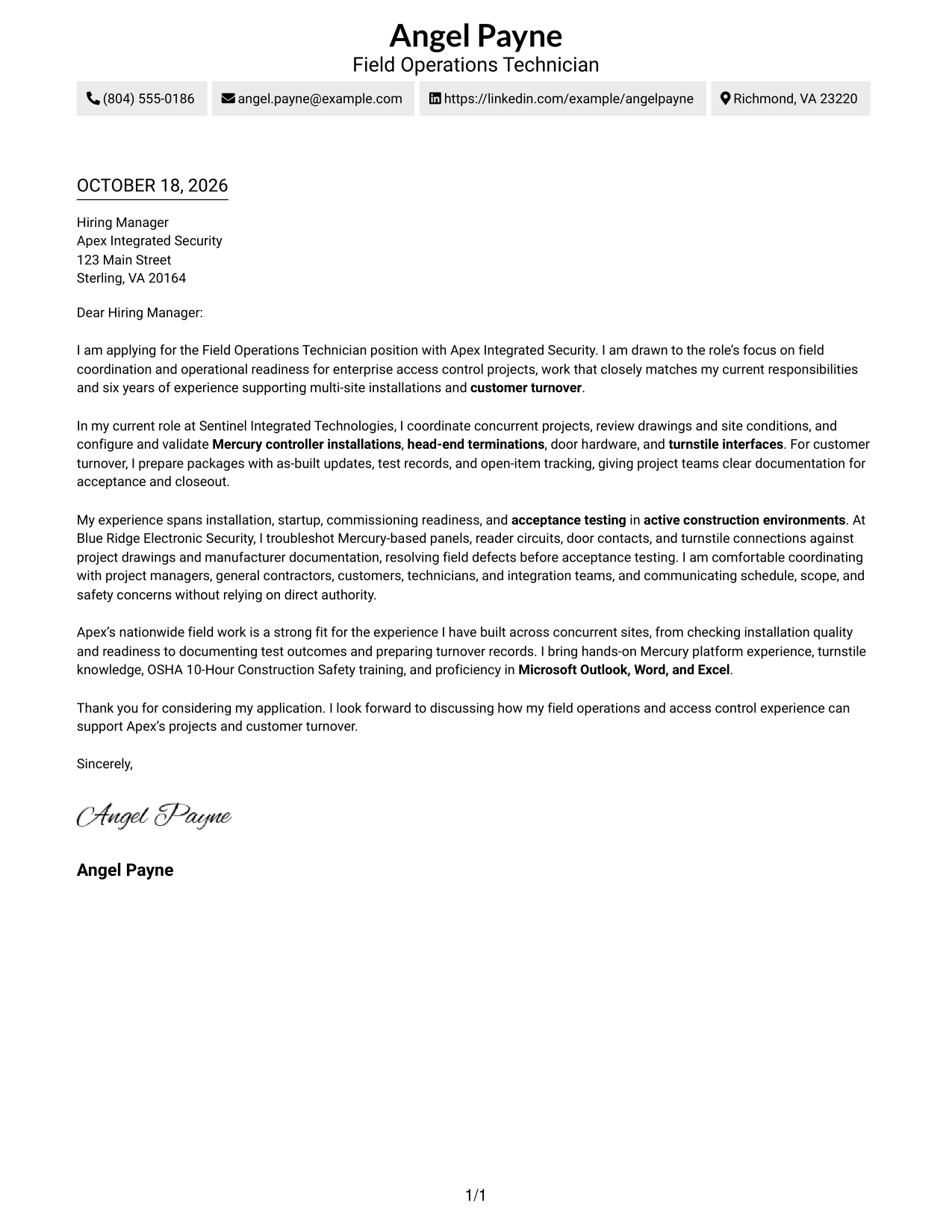
The Two Column Format places a contact sidebar beside one continuous letter body, keeping sender details distinct from the message.
Why This Format Works
- The contact sidebar keeps sender information apart from the employer-facing message.
- The letter body stays continuous, connecting its opening, supporting evidence, and closing.
- The argument remains in one body column rather than splitting across parallel text.
Best For
- Contact details in a sidebar
- Several body paragraphs
- Unheaded persuasive prose
- Employer-specific motivation
- Side-by-side page organization
#3 Photo Header Two Column Format Cover Letter Example
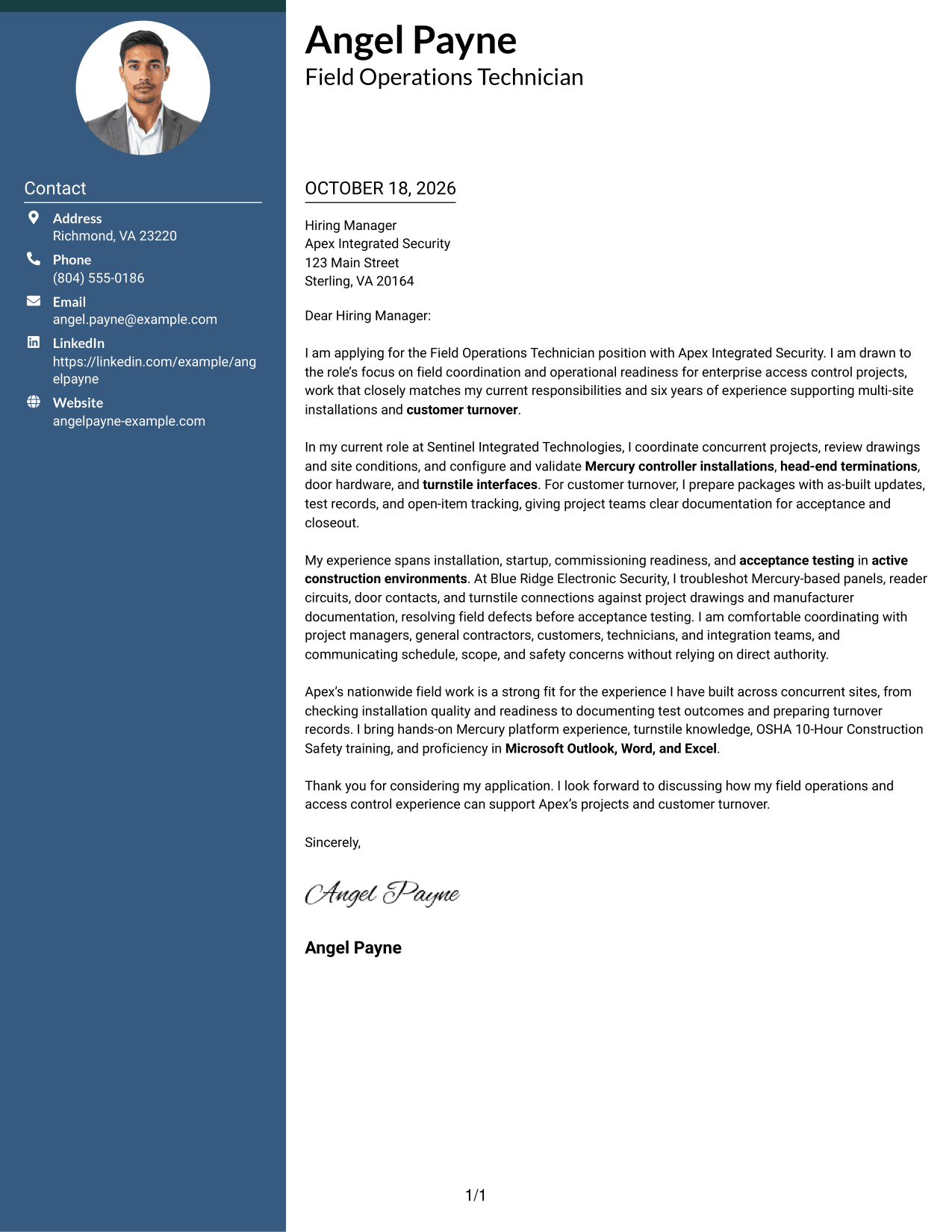
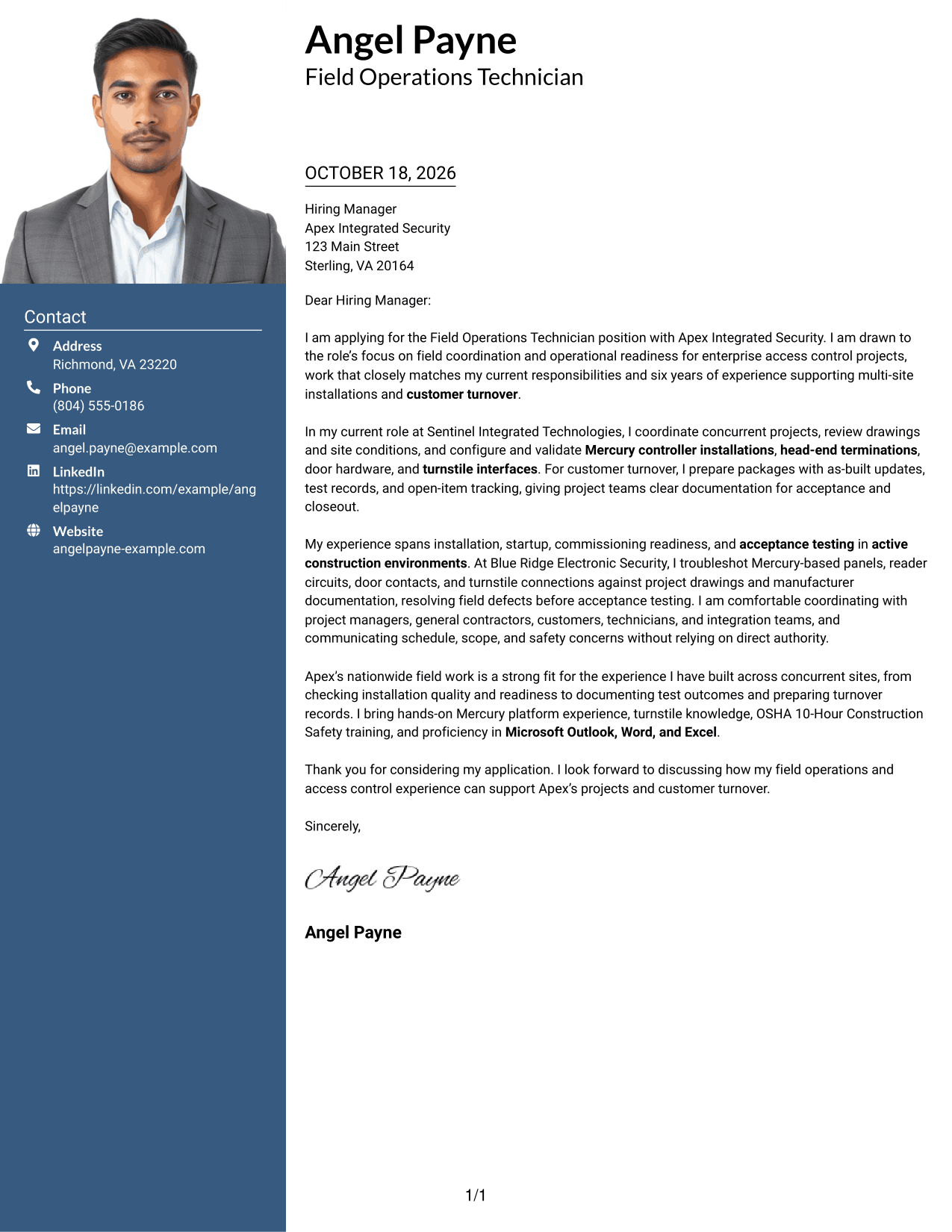
The Photo Header Two Column Format combines a photo with a contact sidebar and one continuous letter body for a photo-inclusive page.
Why This Format Works
- The contact area stays apart from the letter, giving reviewers a separate place to find sender details.
- One continuous body carries the message from interest to evidence and closing.
- The photo adds a visible sender detail for readers who prefer it.
Best For
- Photo-inclusive page preference
- Contact details beside correspondence
- Letters with supporting paragraphs
- Unheaded body text
- Side-by-side document organization
#4 One Column Format with Photo Cover Letter Example
The One Column Format with Photo includes a photo and presents sender details and the letter in one column for a unified page.
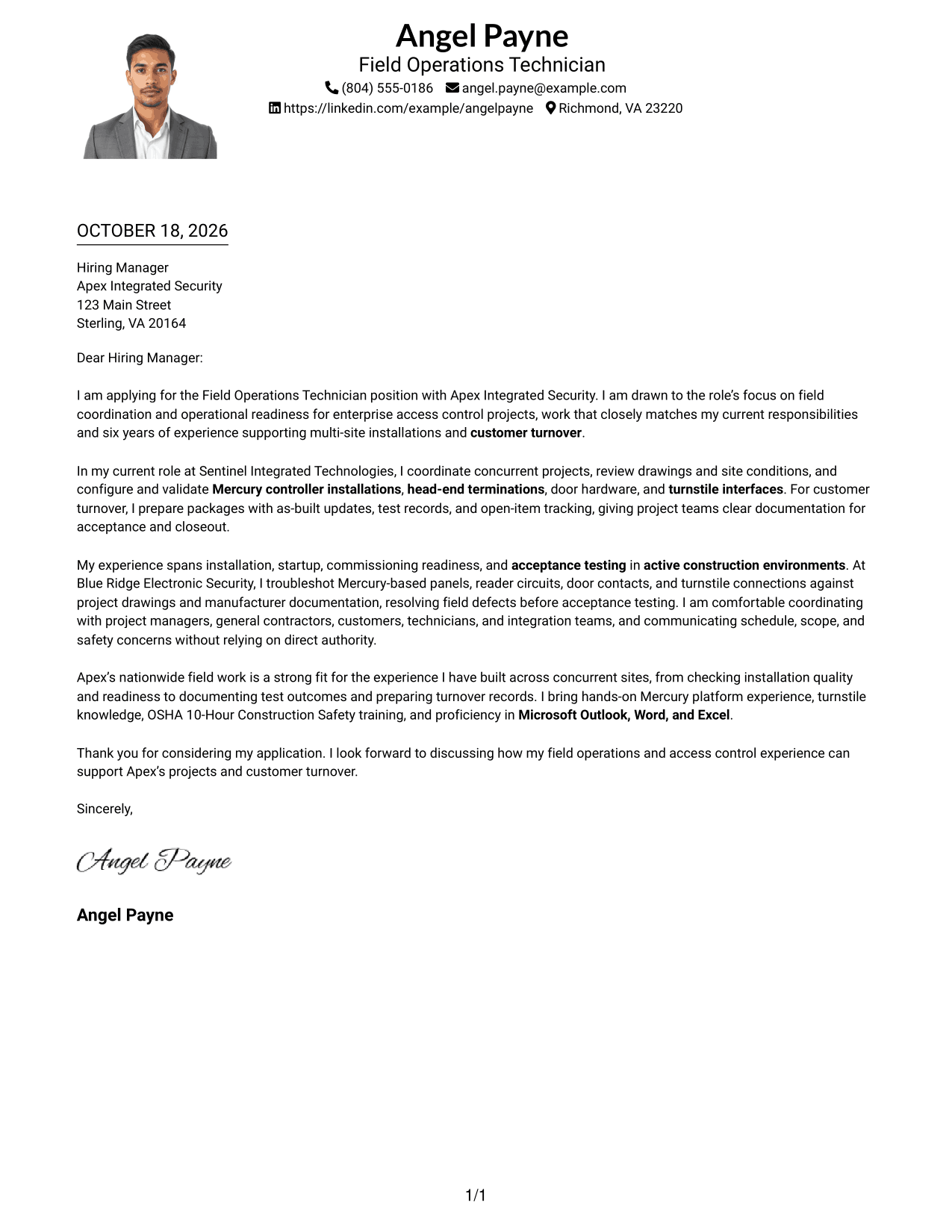
Why This Format Works
- Sender details stay together in the header, so readers can find contact information easily.
- The photo provides a visible personal detail without dividing the letter body.
- A single column keeps each paragraph in a clear top-to-bottom sequence.
Best For
- Photo-inclusive correspondence
- Single-column page order
- Header-based contact details
- Letters without argument headings
- Direct paragraph progression
#5 Simple Two Column Format Cover Letter Example
The Simple Two Column Format sets a contact sidebar beside one continuous letter body, offering a clear separation between contact details and correspondence.
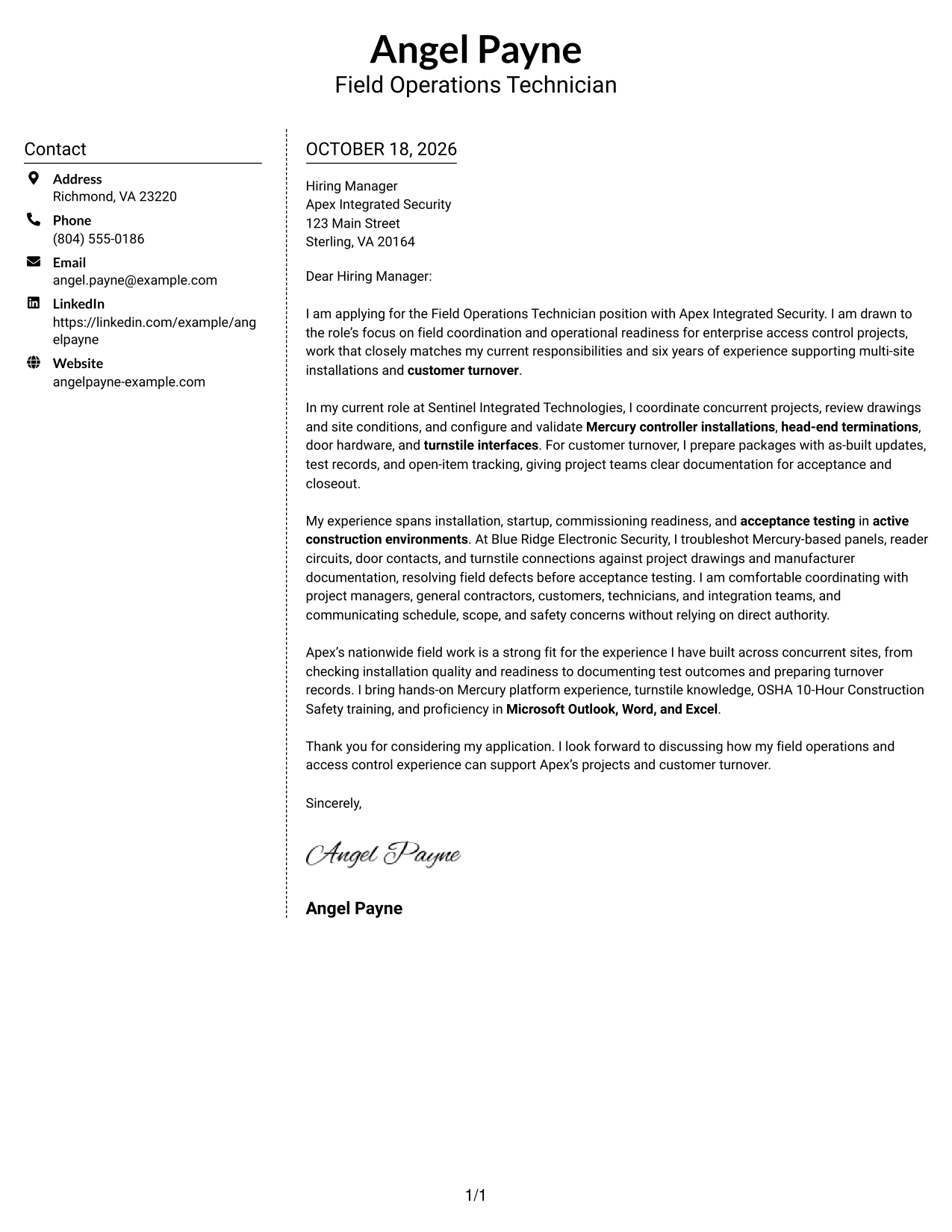
Why This Format Works
- The sidebar gives sender details a separate place from the letter's message.
- The body paragraphs remain together, so the case for fit reads as one message.
- Contact information and correspondence occupy distinct areas without adding headings to the letter.
Best For
- Sidebar-based contact details
- Multi-paragraph letter messages
- Unheaded persuasive correspondence
- Distinct contact and message areas
- Formal recipient-specific letters
#6 Modern Icon Format Cover Letter Example
The Modern Icon Format uses two columns for contact details and one continuous letter body, with icons serving as contact cues or header accents.
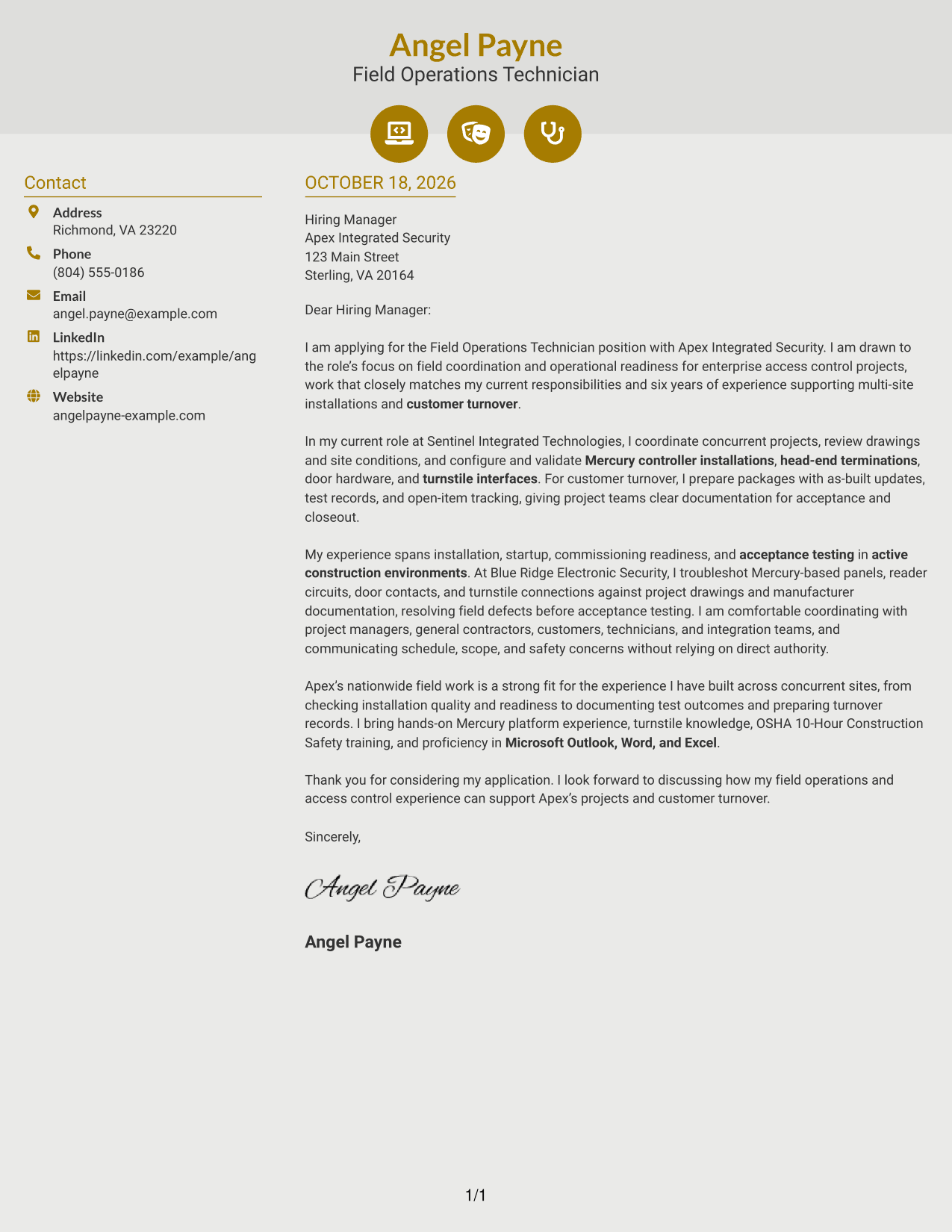
Why This Format Works
- Contact icons help distinguish sender details from the main letter text.
- The continuous body lets the message move from opening through evidence to closing.
- Icons act as contact cues or decoration, not as labels for the argument.
Best For
- Icon-supported contact details
- Two-column page organization
- Continuous letter arguments
- Unlabeled persuasive paragraphs
- Decorative header accents
#7 Creative Two Tone Format Cover Letter Example
The Creative Two Tone Format places a contact sidebar beside one continuous letter body, separating sender information from the main message.
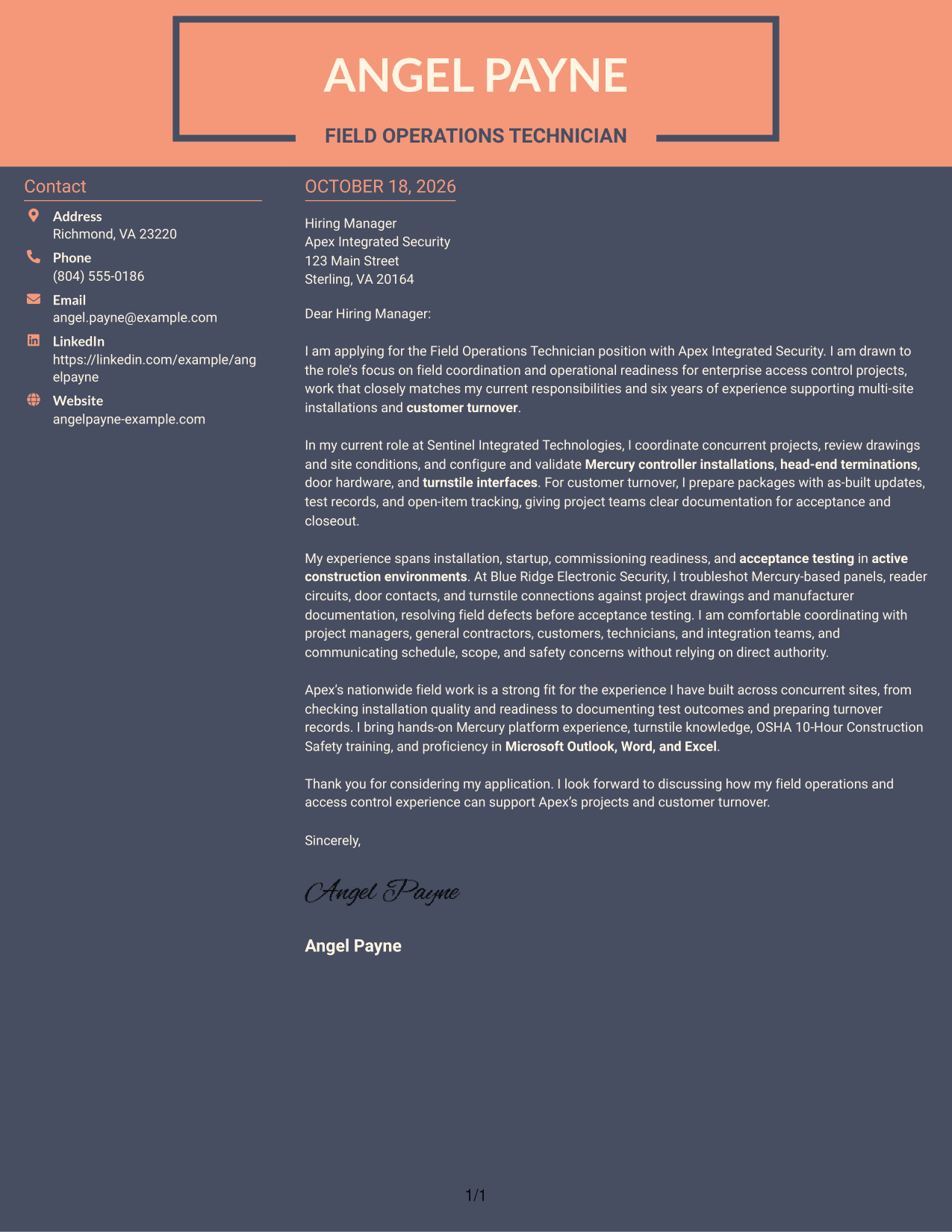
Why This Format Works
- The sidebar makes sender contact details distinct from the body of the letter.
- The argument stays in one text column, preserving its natural paragraph order.
- Readers can follow the message without headings dividing its opening, evidence, and close.
Best For
- Contact details in a sidebar
- Uninterrupted body paragraphs
- Letters with a clear opening and close
- Separate sender and message areas
- Two-column page preference
Explore Field Operations Technician Cover Letter Examples
Compare the PNG image previews to see how each cover letter is presented, then open an example in the editor to view or customize it.
- PNG image previews
- Examples available in the editor
- Cover letter presentation choices
- Guidance for access control field work
- Ideas for clear role alignment
- Examples of focused letter structure
For this role, make your opening clear, use field examples to show how you work, and close by connecting your experience to the employer’s access control projects.
See Also
- 7 Field Operations Technician - Electronic Security Systems Resume Templates with Example
- 7 Field IT Support Technician - Distribution Operations Resume Templates with Example
- 7 Field Operations Technician Resume Templates with Example
- 7 Field Operations Technician - Telecommunications Resume Templates with Example
- 7 Electronic Technician - Traffic Signal Systems Resume Templates with Example
- 7 Electronics Technician - Transit Systems Resume Templates with Example
- 33 Biological Field Technician Resume Templates with Example 2026 (ATS-Optimized)
- 7 Construction and Field Survey Technician Resume Templates with Example
- 30+ Biological Field Technician Cover Letter Templates with Example 2026
- 7 Copier Field Service Technician Cover Letter Templates with Example
Frequently Asked Questions
What should a Field Operations Technician - Electronic Security Systems cover letter include?
Explain your interest in the role, then give clear examples of access control field work, coordination, commissioning support, testing, or customer turnover. Close by showing how your experience matches the employer’s work.
How can I show Mercury access control experience in my cover letter?
Name the relevant work you have done, such as configuring or validating Mercury controllers, completing head-end terminations, or helping resolve installation issues. Add context so the reader understands your contribution.
Which cover letter style works well for this field operations role?
Choose a clear, easy-to-read presentation that suits the employer and the way you will communicate. The letter should make your role interest and field evidence easy to follow.
How can I show that I am ready to coordinate across multiple sites?
Describe a specific example of coordinating with project managers, site leads, contractors, customers, or technicians. Explain how you handled site readiness, work priorities, or a schedule concern.
Can I view the cover letter examples before customizing one?
Yes. Compare the PNG image previews, then use the editor link to open an example and review its presentation.




