
7 Field Services Technician - Offshore Wind Turbine Maintenance Cover Letter Templates with Example
This practical guide helps you write a Field Services Technician - Offshore Wind Turbine Maintenance cover letter and compare its seven layouts.
What Makes a Great Field Services Technician - Offshore Wind Turbine Maintenance Cover Letter in 2026
A strong letter connects interest in offshore wind turbine maintenance with the work of diagnosing faults, completing repairs, and supporting reliable service. A clear opening should name the role and explain why this work matters to you.
Use a relevant example to show how you approach hydraulic, electrical, or mechanical troubleshooting and communicate service findings. Link your evidence to the employer’s needs, such as safe field work, accurate reporting, and coordination with remote operations.
The featured example moves from role interest to a focused maintenance example, field-team experience, and a clear close. Adapt that progression to your own evidence, then choose a presentation that suits the employer and communication context.
#1 Simple One Column Format Cover Letter Example
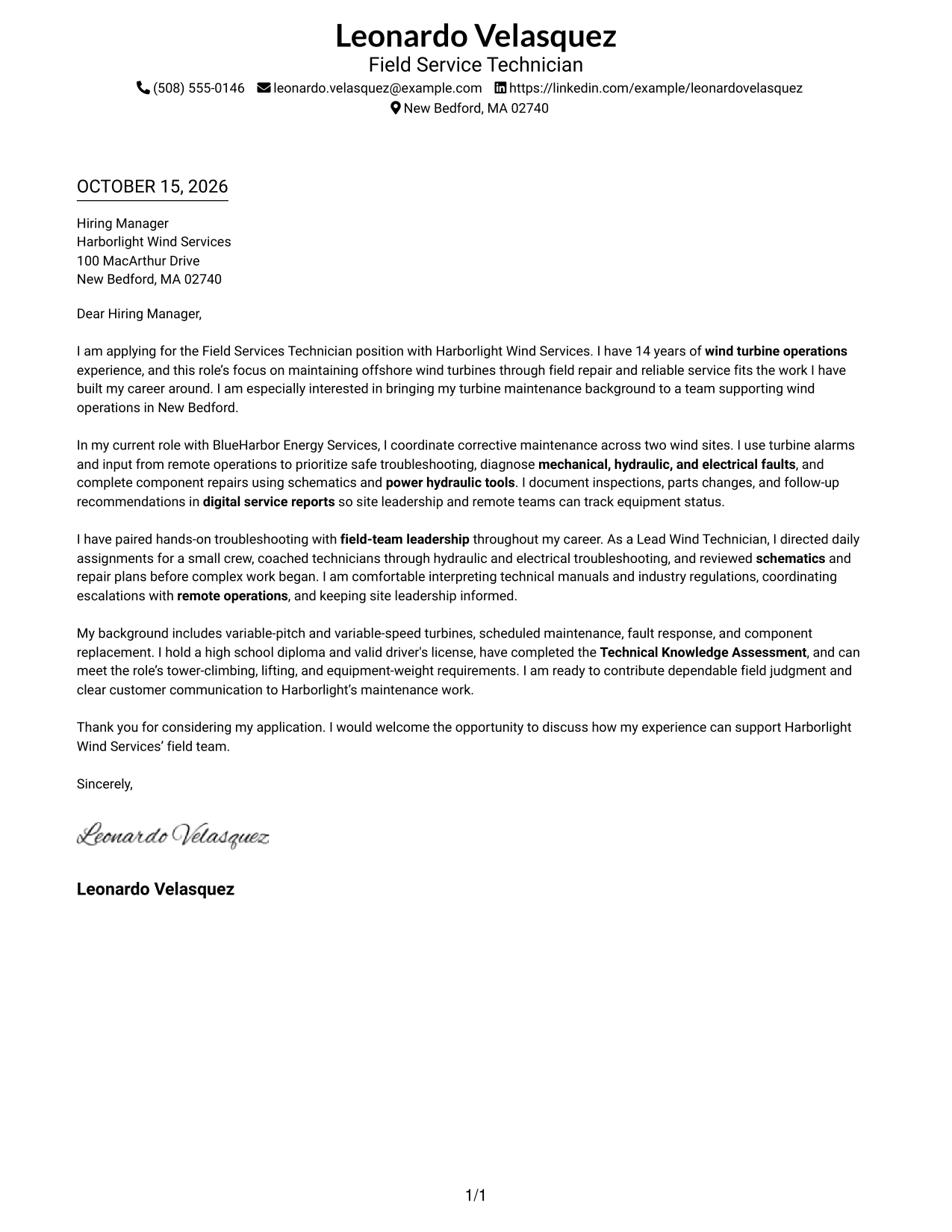
A simple one-column layout keeps the sender details in the header and the letter body in one reading path, for a direct and uncluttered presentation.
Why This Format Works
- Sender details in the header are easy to find before the message begins.
- One column keeps the letter's paragraphs in a clear opening-to-close order.
- The plain layout suits readers who prefer minimal visual decoration.
Best For
- Single-column letter reading
- Header-led sender information
- Unadorned page styling
- Continuous paragraph-based argument
- Straightforward contact lookup
#2 Two Column Format Cover Letter Example
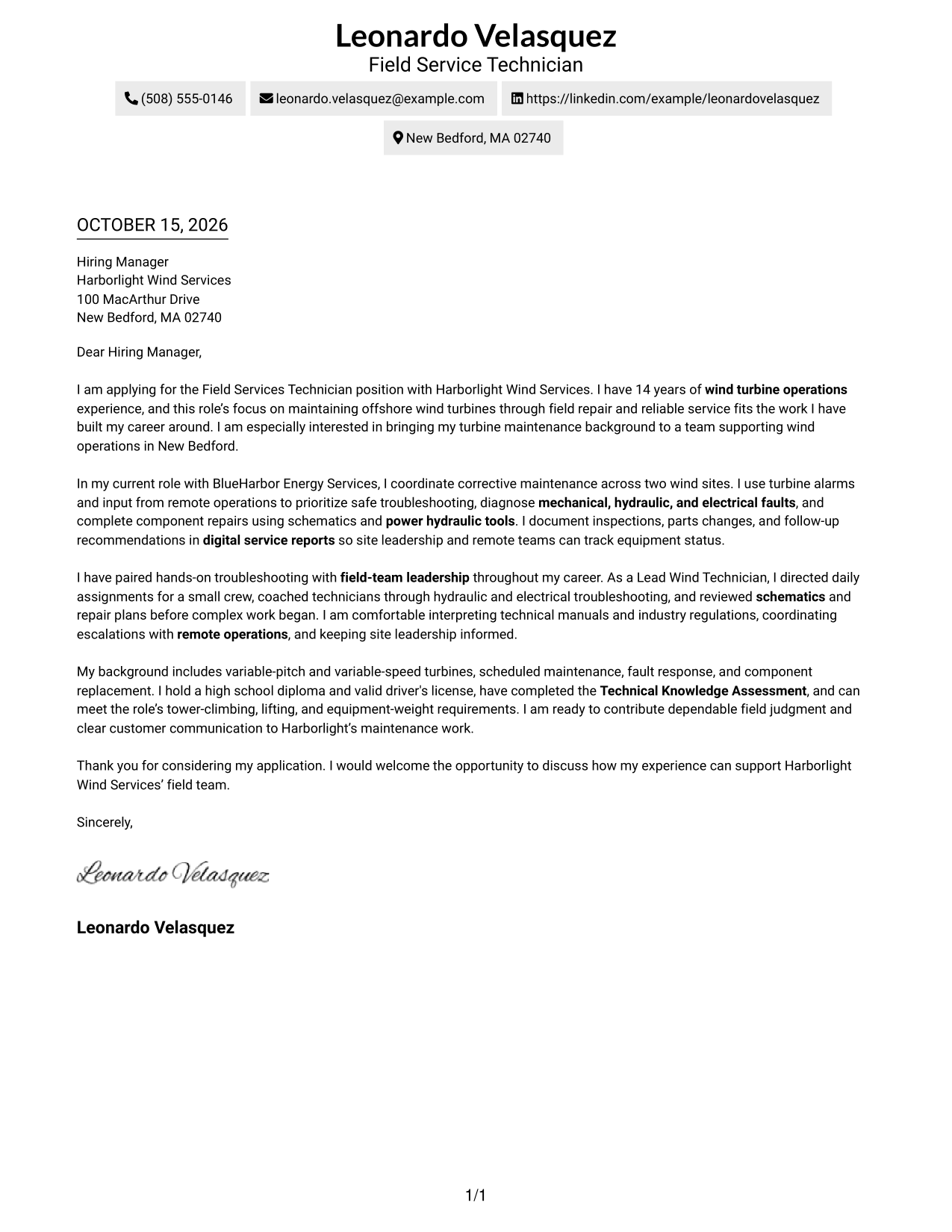
A contact sidebar sits beside one continuous letter body in this two-column layout, separating practical details from the message.
Why This Format Works
- Contact information stays apart from the message in a dedicated sidebar.
- The letter itself remains in one column, preserving its paragraph sequence.
- Side-by-side areas suit readers who prefer a more defined page structure.
Best For
- Sidebar-based contact access
- One-column letter body
- Paragraph-led persuasion
- Defined visual page structure
- Applications without a photo
#3 Photo Header Two Column Format Cover Letter Example
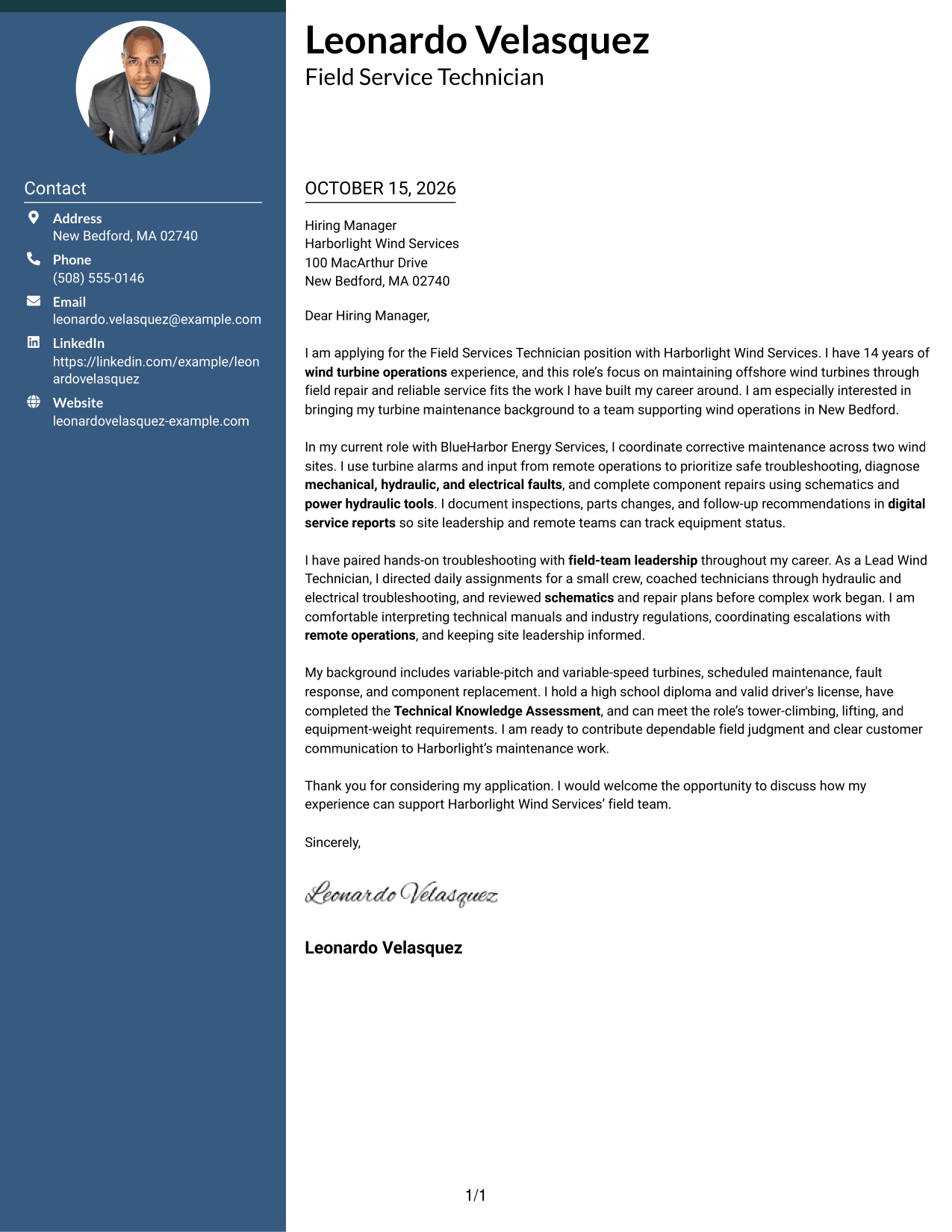
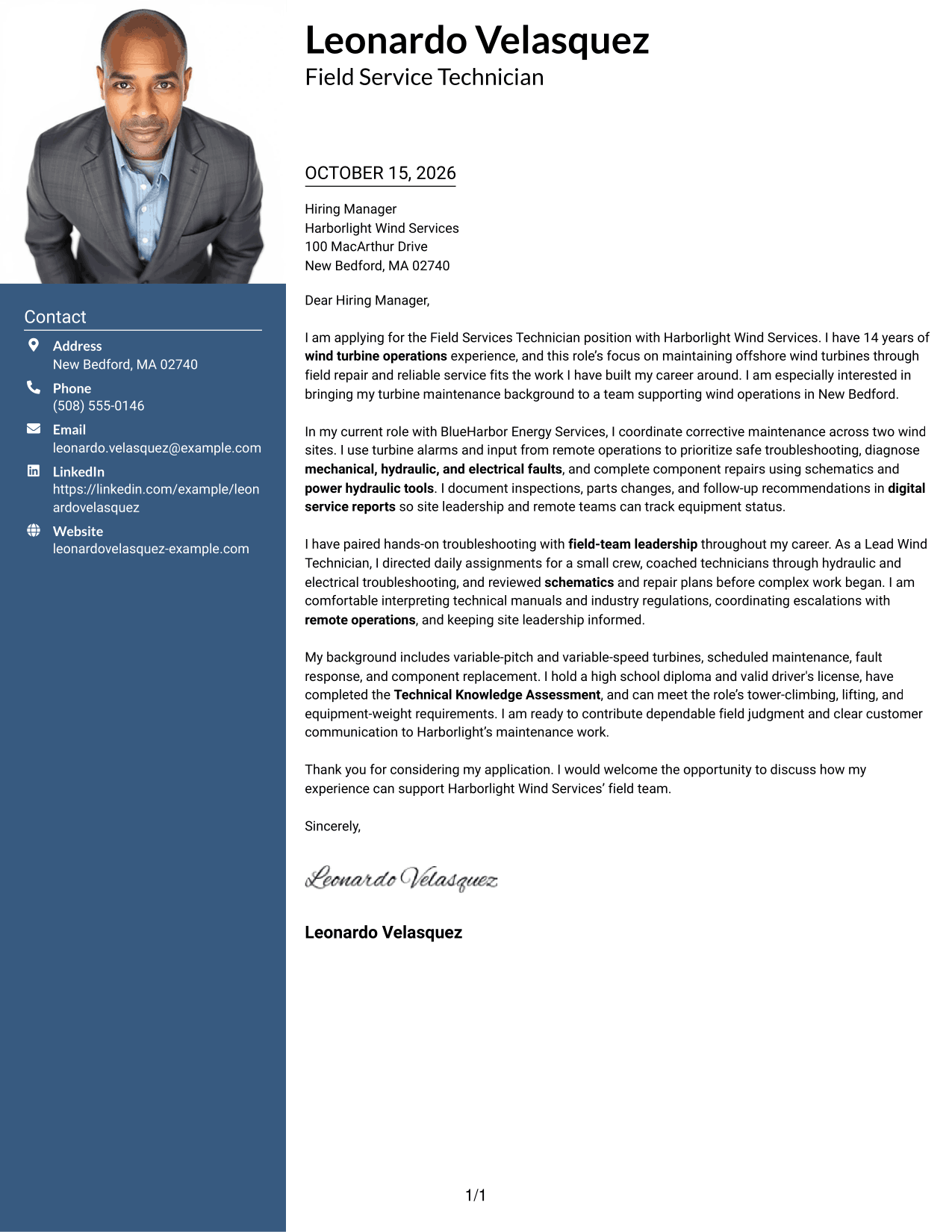
A photo header and contact sidebar give this two-column letter a personal visual element while the message stays in one continuous body.
Why This Format Works
- A portrait offers a visible personal touch for readers who value one.
- Contact details sit beside, not within, the letter's continuous message.
- One body column lets reviewers follow each paragraph in its written order.
Best For
- Portrait-forward applications
- Contact details beside the message
- Single-column letter paragraphs
- Photo-inclusive personal presentation
- Continuous prose from opening to close
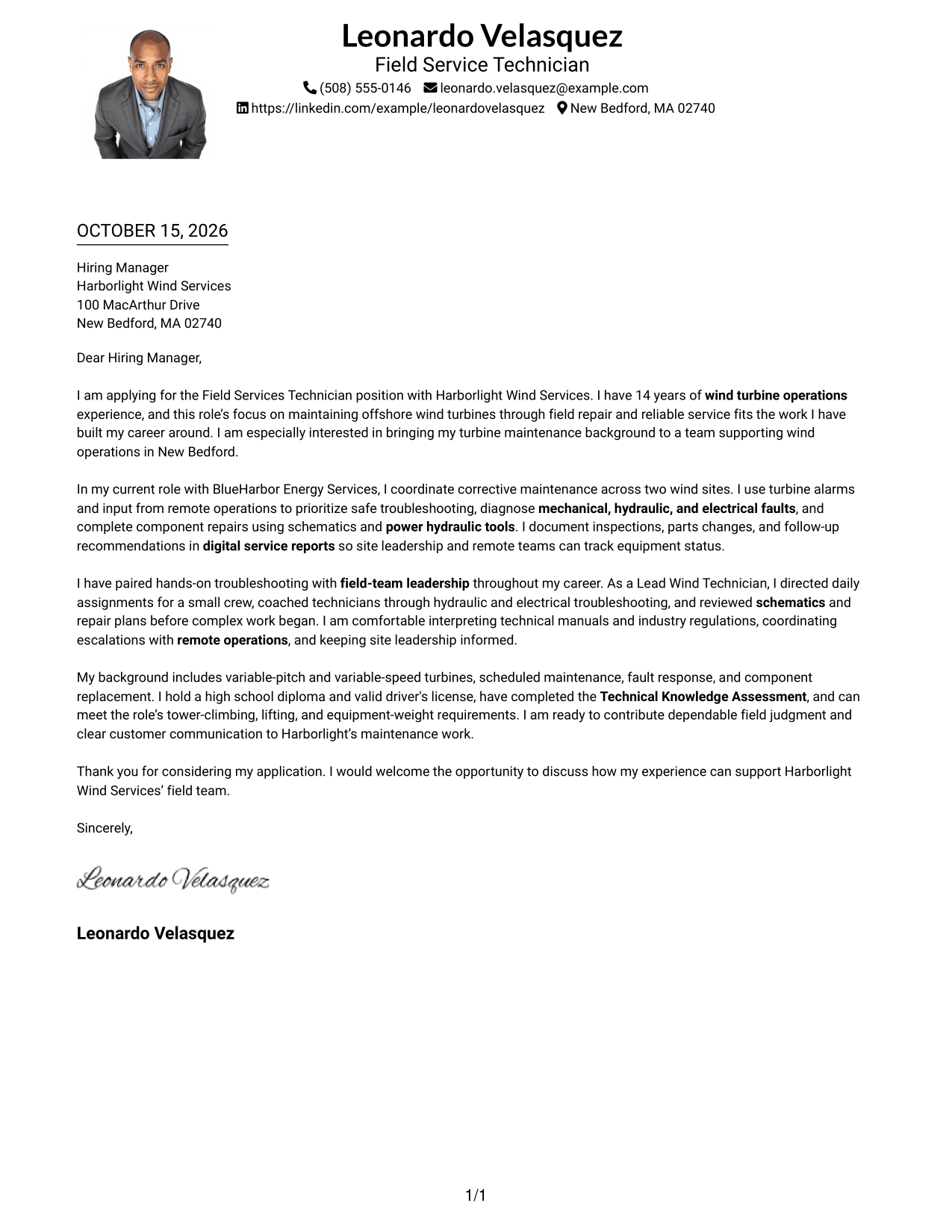
#4 One Column Format with Photo Cover Letter Example
This one-column format includes a photo and keeps the letter body in a single reading path for a personal, focused presentation.
Why This Format Works
- The photo adds a personal visual element without dividing the letter body.
- Sender details remain in the header, separate from the message paragraphs.
- A continuous body lets the letter's motivation and evidence read as one connected message.
Best For
- One-column letter reading
- Photo in the header
- Header-based contact details
- Connected letter paragraphs
- Personal visual presentation
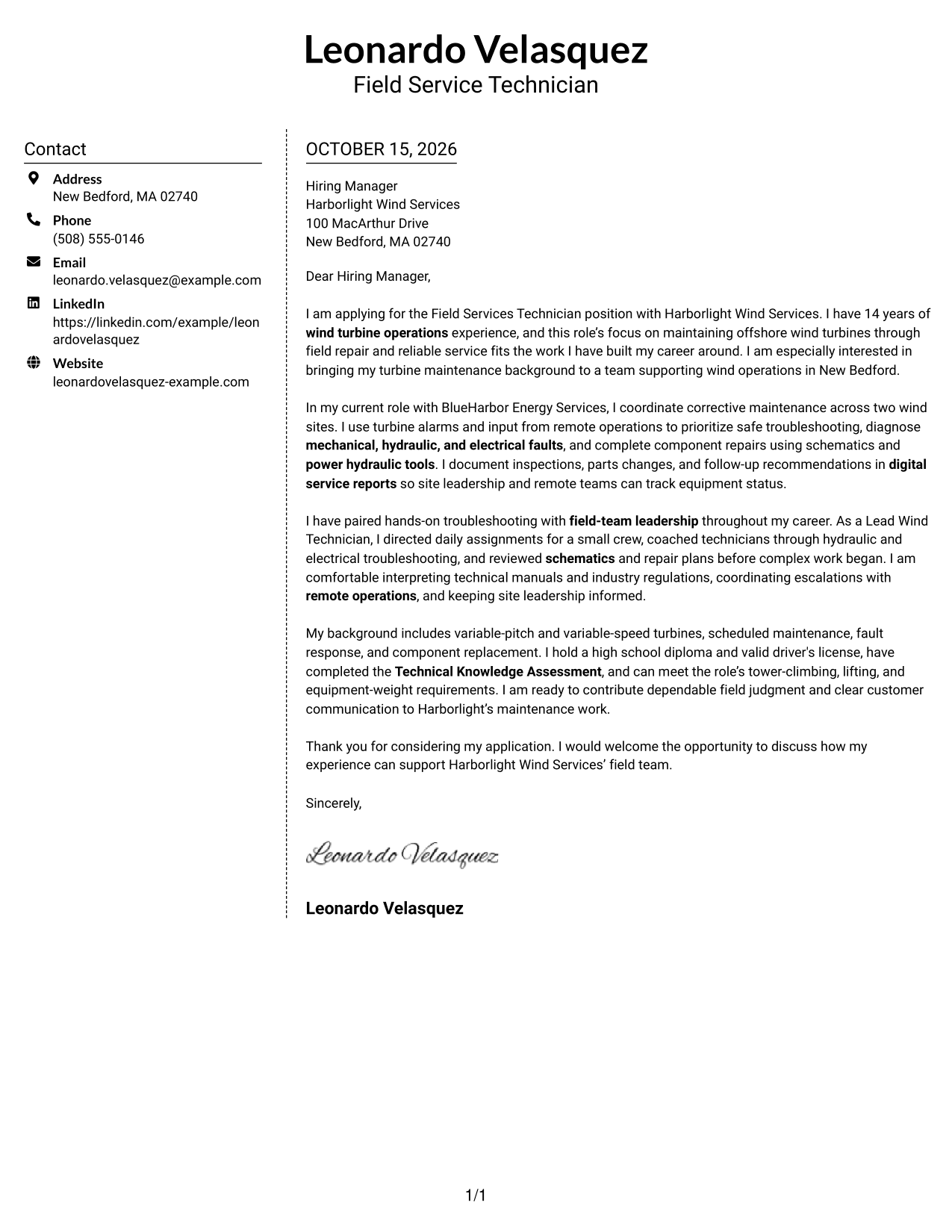
#5 Simple Two Column Format Cover Letter Example
A simple two-column layout places a contact sidebar beside one continuous letter body, offering a clear structure without splitting the message.
Why This Format Works
- The sidebar keeps contact details distinct from the letter's message.
- A single body column preserves the natural order of the paragraphs.
- The simple treatment suits readers who prefer restrained visual styling.
Best For
- Sidebar-based contact details
- One-column letter body
- Plain visual treatment
- Paragraph-based letter argument
- Clear separation of contact and message
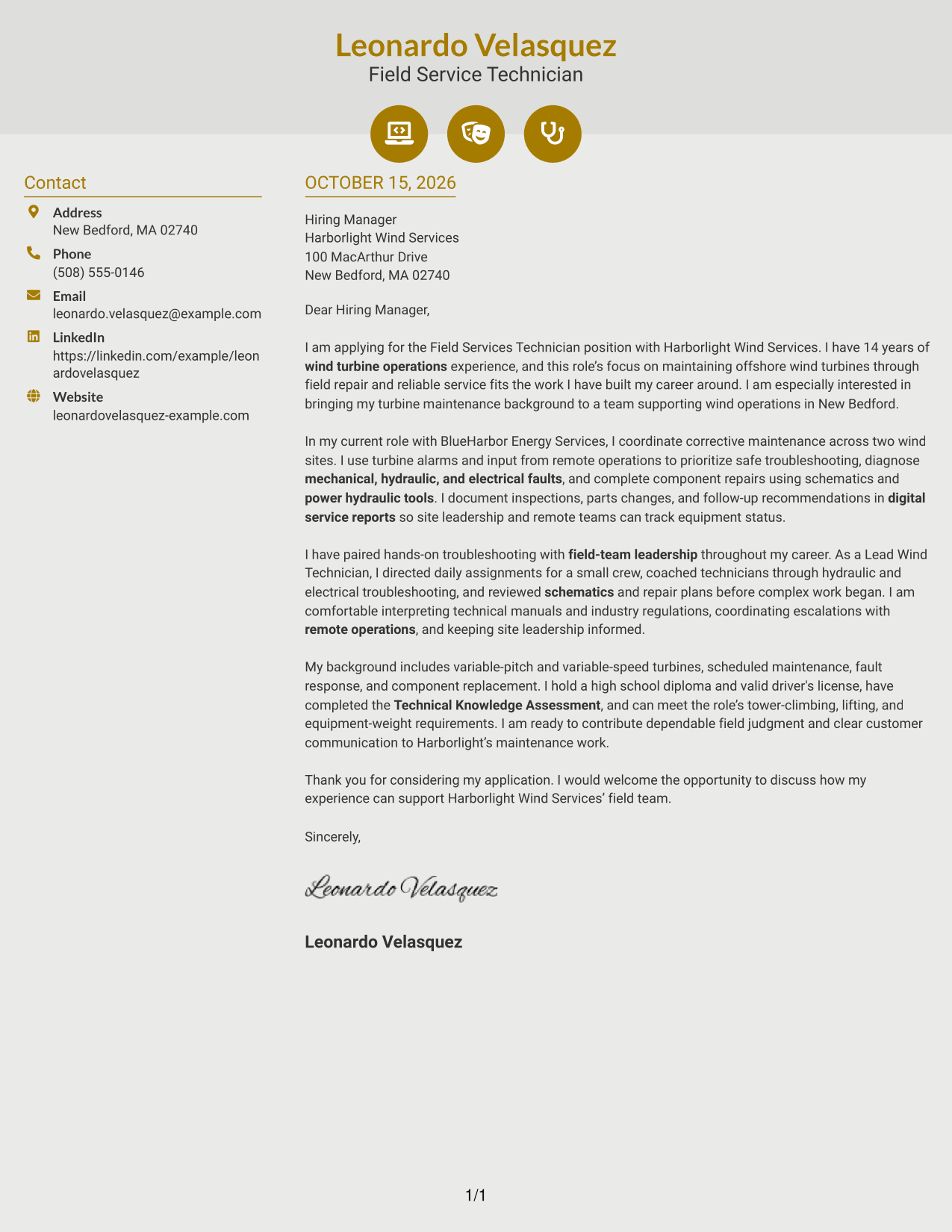
#6 Modern Icon Format Cover Letter Example
The Modern Icon Format uses two columns, with contact details in a sidebar and icons as contact cues or header accents beside the continuous letter body.
Why This Format Works
- Contact icons can help readers recognize practical details at a glance.
- The sidebar keeps contact information separate from the letter's message.
- One continuous body preserves the sequence of the written argument.
Best For
- Icon-led contact details
- Sidebar contact information
- Single-column letter paragraphs
- Decorative header accents
- A continuous written argument
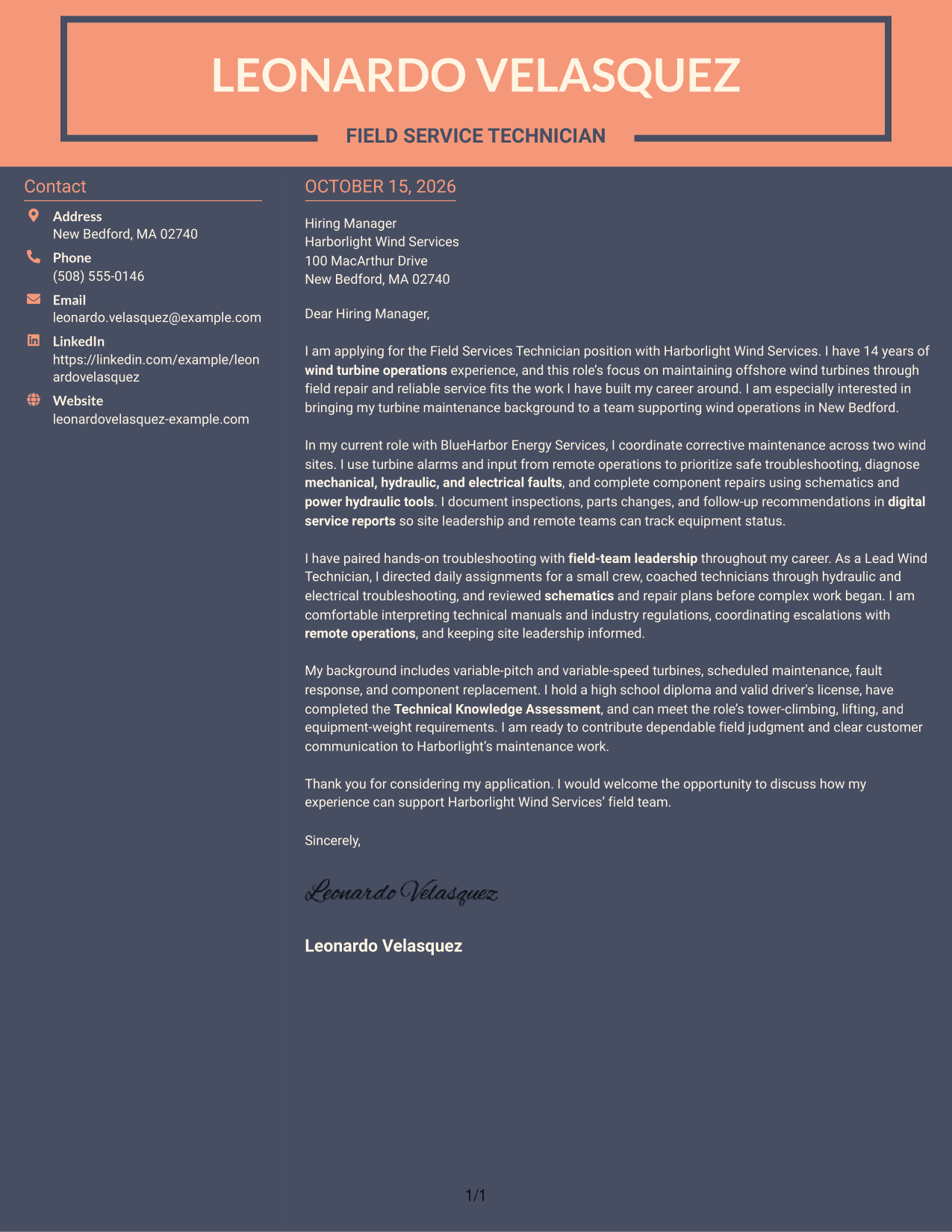
#7 Creative Two Tone Format Cover Letter Example
The Creative Two Tone Format brings color contrast to a two-column page, while keeping contact details in a sidebar beside the continuous letter body.
Why This Format Works
- The contrast gives the page a more expressive visual style.
- Contact information stays apart from the message in its own sidebar.
- The letter body remains continuous, so its paragraphs read in sequence.
Best For
- Color-led visual presentation
- Sidebar-based contact details
- A continuous letter body
- Distinctive page styling
- Two-column document organization
Why Use ResumeInMinutes for a Field Services Technician - Offshore Wind Turbine Maintenance Cover Letter
Compare PNG previews to see how different letter presentations handle your message, then open an example in the editor to customize it for the role.
- Multiple writing styles
- Clear cover letter layouts
- Role-focused customization
- Focused letter structure
- Professional templates
- Editor-based customization
Make your motivation clear, support your fit with relevant turbine maintenance evidence, and close with a direct expression of interest in the field services role.
See Also
- 7 Field Services Technician - Offshore Wind Turbine Maintenance Resume Templates with Example
- 7 Field Service Technician Class B - Transformer Service Resume Templates with Example
- 7 Field Service Technician I - Medical Equipment Resume Templates with Example
- 7 Field Service Technician Resume Templates with Example
- 7 Field Service Technician - Streets/ Stormwater Resume Templates with Example
- 7 NETA Field Service Technician Resume Templates with Example
- 7 Service Technician - Fleet Equipment Maintenance Resume Templates with Example
- 33 Biological Field Technician Resume Templates with Example 2026 (ATS-Optimized)
- 30+ Biological Field Technician Cover Letter Templates with Example 2026
- 30+ Field Technician/Specialist Cover Letter Templates with Example 2026
Frequently Asked Questions
What should a Field Services Technician - Offshore Wind Turbine Maintenance cover letter emphasize?
Focus on the work most relevant to turbine maintenance, such as diagnosing mechanical, hydraulic, and electrical faults, completing repairs, recording service findings, and coordinating with remote operations. Use a real example to explain your contribution.
Do the examples show different cover letter presentations?
Yes. The guide shows one cover letter example in different layouts and visual styles. Compare the PNG previews, then open an example in the editor to customize its presentation.
How can I show that my experience fits offshore wind turbine maintenance?
Choose a concise example that shows how you assessed a turbine fault, made a repair or supported the next service step, and kept the right people informed. Be specific about your actions and the result when you can verify it.
How should I explain my interest in a wind services employer?
Connect your interest to the work and service commitments described in the posting. Add a company-specific reason only when it is genuine and supported by what you know about the employer.
Should I use a photo on my cover letter?
Use a photo only when it is common or expected in your country or industry. For many U.S. applications, a no-photo letter is a simple choice.




