7 Financial Aid Representative Resume Templates with Example
This guide shows you how to build a Financial Aid Representative resume that is clear, focused, and easy to review. You will see how strong section order and practical evidence can make your qualifications easier to understand.
Focus your resume on the work this role actually requires. Useful evidence can include FAFSA review, applicant interviews, dependency appeal documentation, Banner record updates, information reconciliation, financial need recalculation, student correspondence, payment guidance, and borrower counseling.
The same complete resume is presented in 7 layouts so you can compare reading order, section emphasis, and visual organization. Use the examples to choose a structure that keeps important financial aid experience, skills, education, and credentials easy to find.
What Makes a Great Financial Aid Representative Resume in 2026
A strong resume is easy to scan and shows direct experience with student aid service, record review, applicant guidance, and careful documentation.
Use accurate terms such as FAFSA, Banner, professional judgment, dependency status appeals, financial need recalculation, and student debt management when they match your real experience.
The examples shown below are intentionally detailed to demonstrate a range of experiences, skills, accomplishments and relevant keywords. We prefer detailed resumes as they provide more context to the hiring managers and also help the ATS systems identify relevant qualifications and score your resume better for a match. But the length of a resume is an individual choice. If you want a one page resume, just keep the most relevant experience and information for the job. Note: Resume examples are for educational purposes only. Use only information that accurately reflects your experience and qualifications. References to real organizations do not imply affiliation or endorsement.
#1 Plain Two Column Format Resume Example
A plain two-column structure separates key resume sections clearly, helping recruiters scan the document without losing the main reading order.
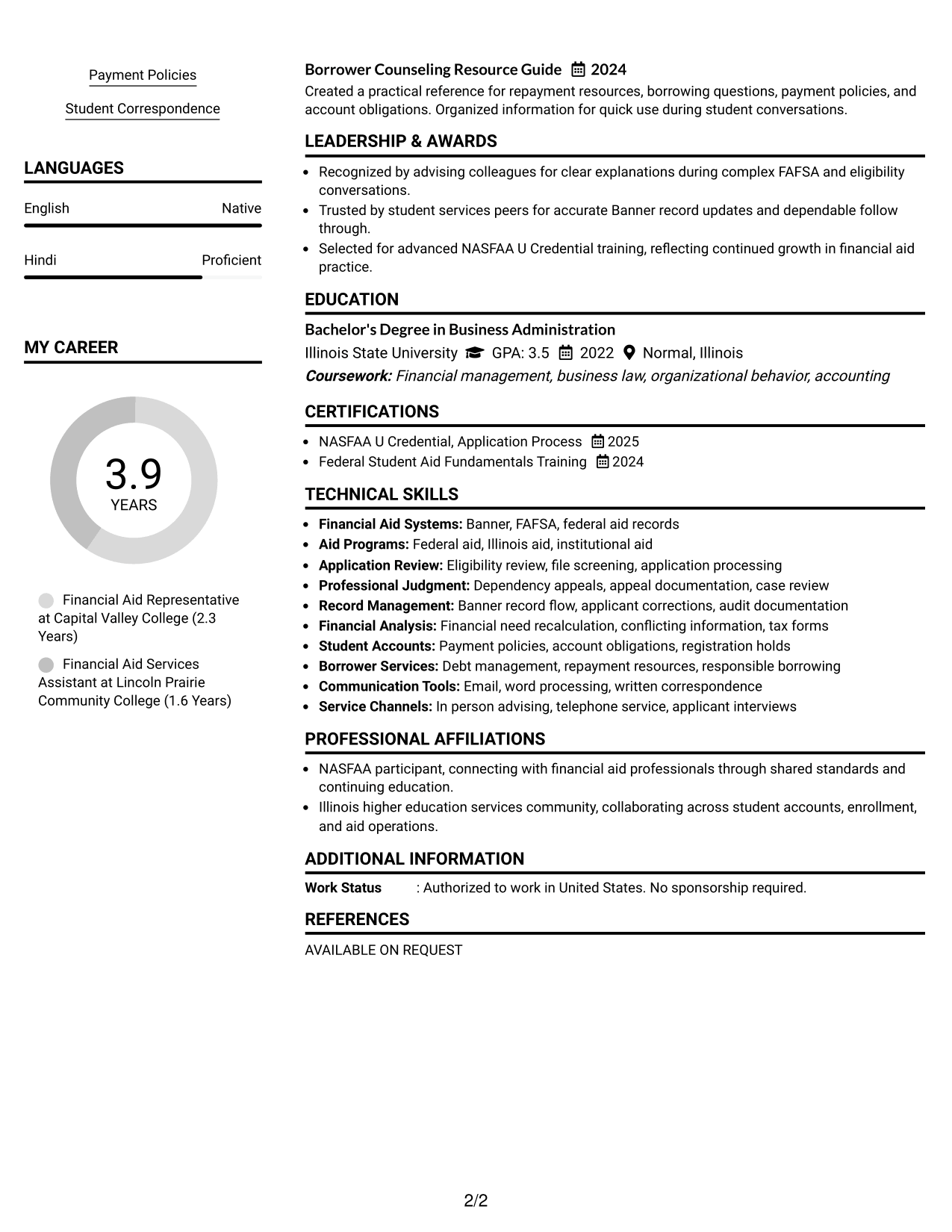
Resume Snapshot
- Four years of higher education financial aid experience
- Current Financial Aid Representative experience in Springfield, Illinois
- Bachelor's Degree in Business Administration, 2022
- NASFAA U Credential, Application Process, 2025
Why This Format Works
- Parallel sections keep experience and skills visible without crowding either category.
- Clear column separation helps reviewers distinguish career history from supporting credentials.
- Compact structure gives education and achievements defined space beside core experience.
Best For
- Balanced experience and skills
- Resumes with several credential sections
- Readers who compare sections quickly
- Structured financial aid applications
- Content needing compact organization
Resume Keywords
- Financial Aid Representative
- FAFSA
- Banner
- professional judgment
- dependency status appeals
- financial need recalculation
- student debt management
- student correspondence
#2 Simple One Column Format Resume Example
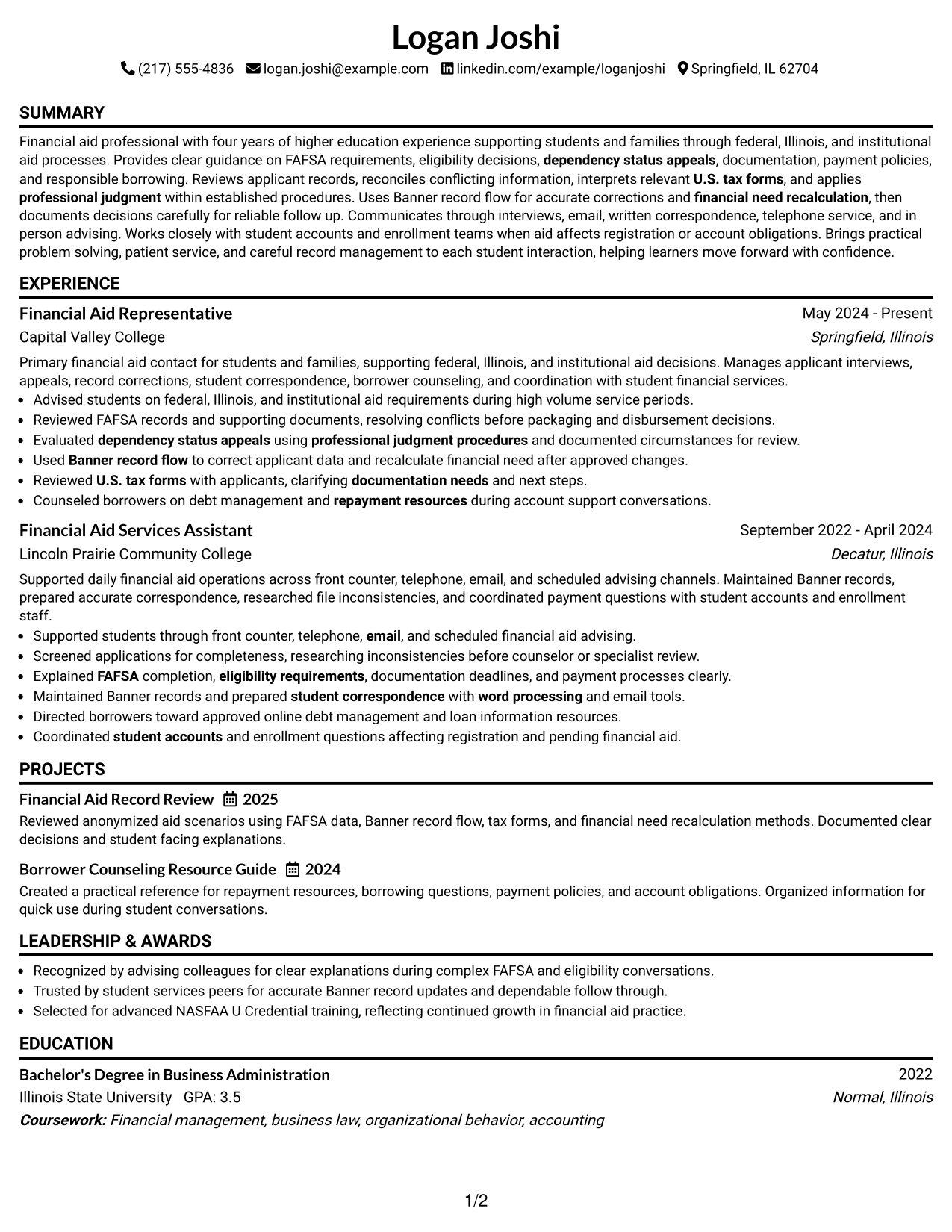
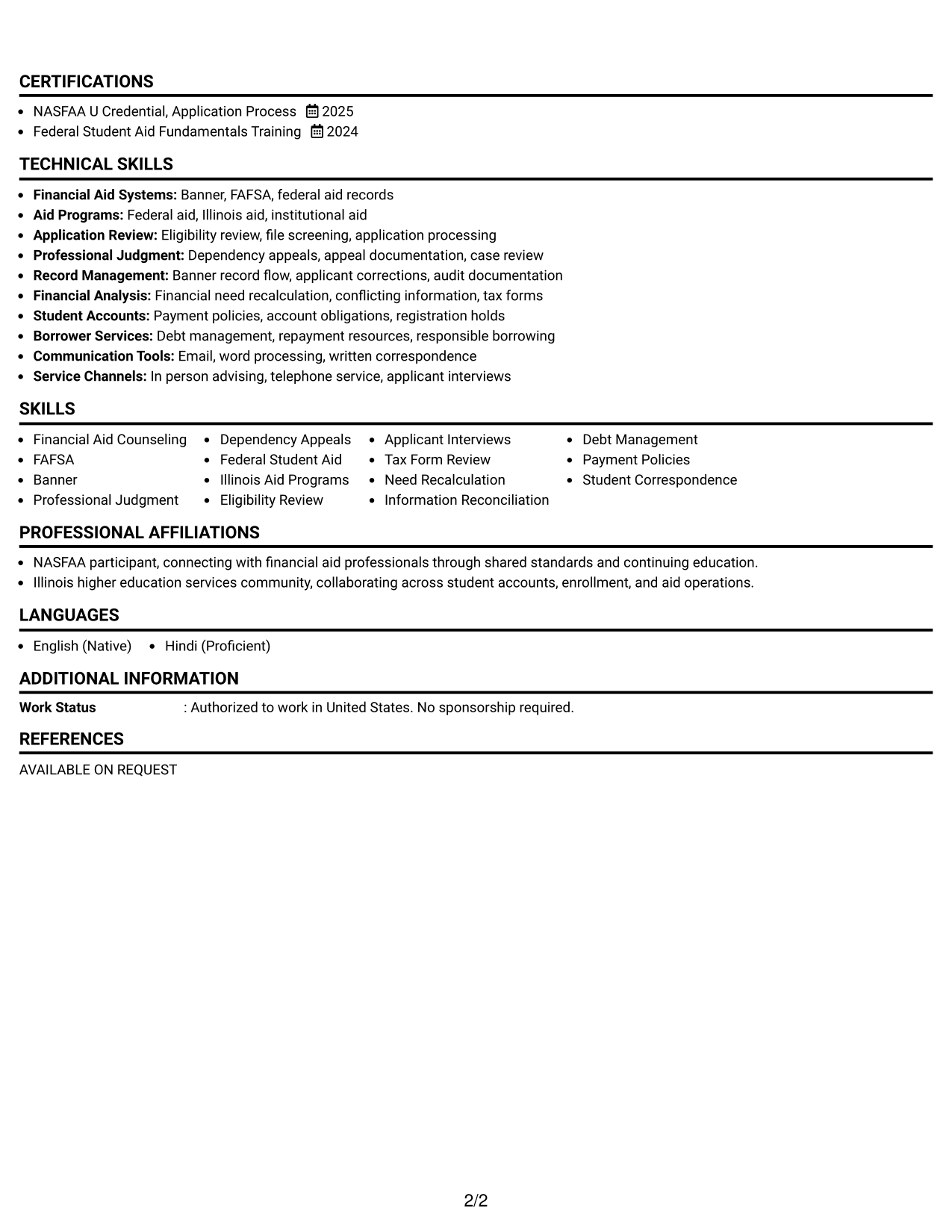
A simple one-column flow keeps every section in one reading path, helping recruiters follow the resume from top to bottom.
Why This Format Works
- Single reading order makes career progression easy to follow from role to role.
- Full-width sections give experience bullets room for clear, complete statements.
- Straight section flow keeps education and credentials easy to locate afterward.
Best For
- Linear career histories
- Experience-heavy resumes
- Simple ATS-oriented reading order
- Applications needing conservative formatting
- Readers who prefer top-to-bottom scanning
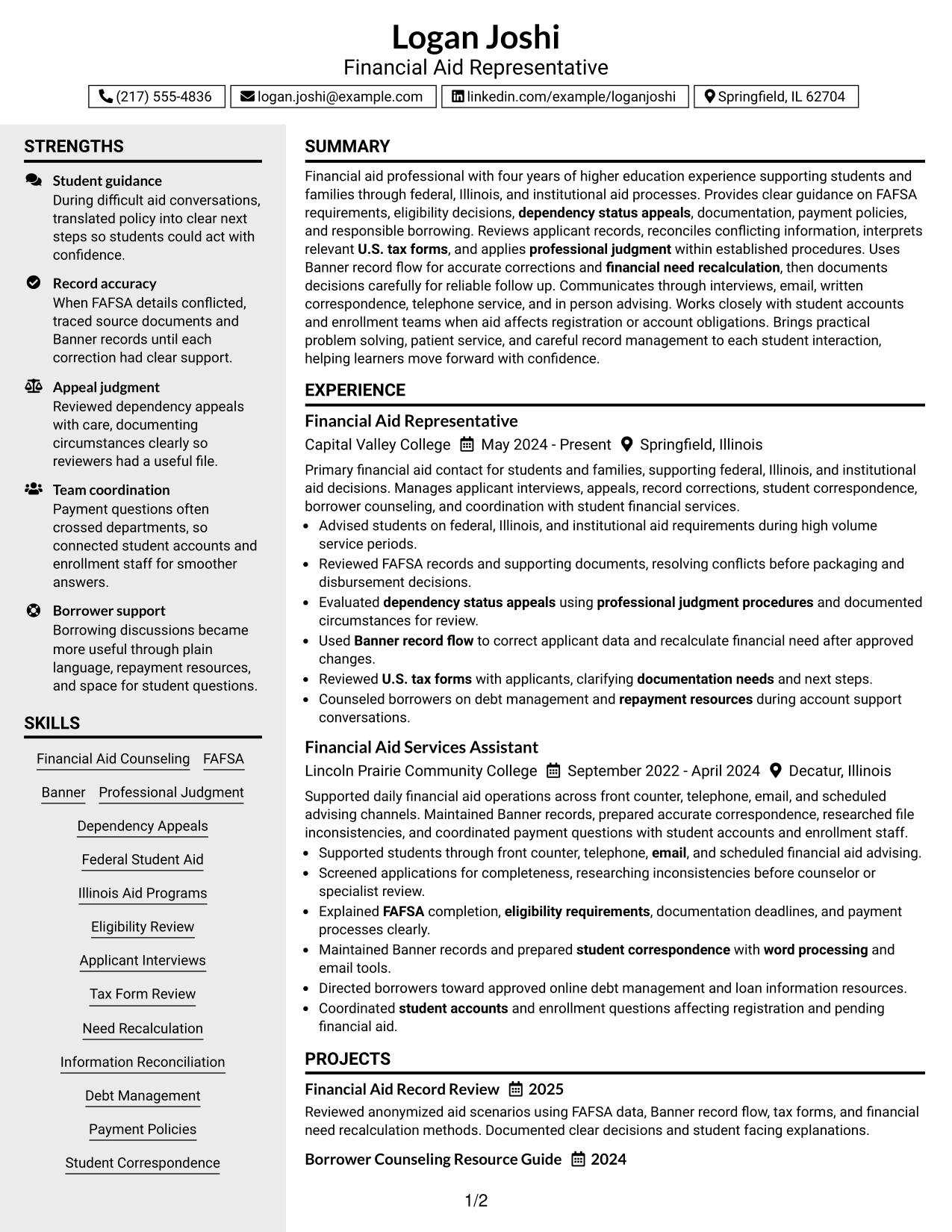
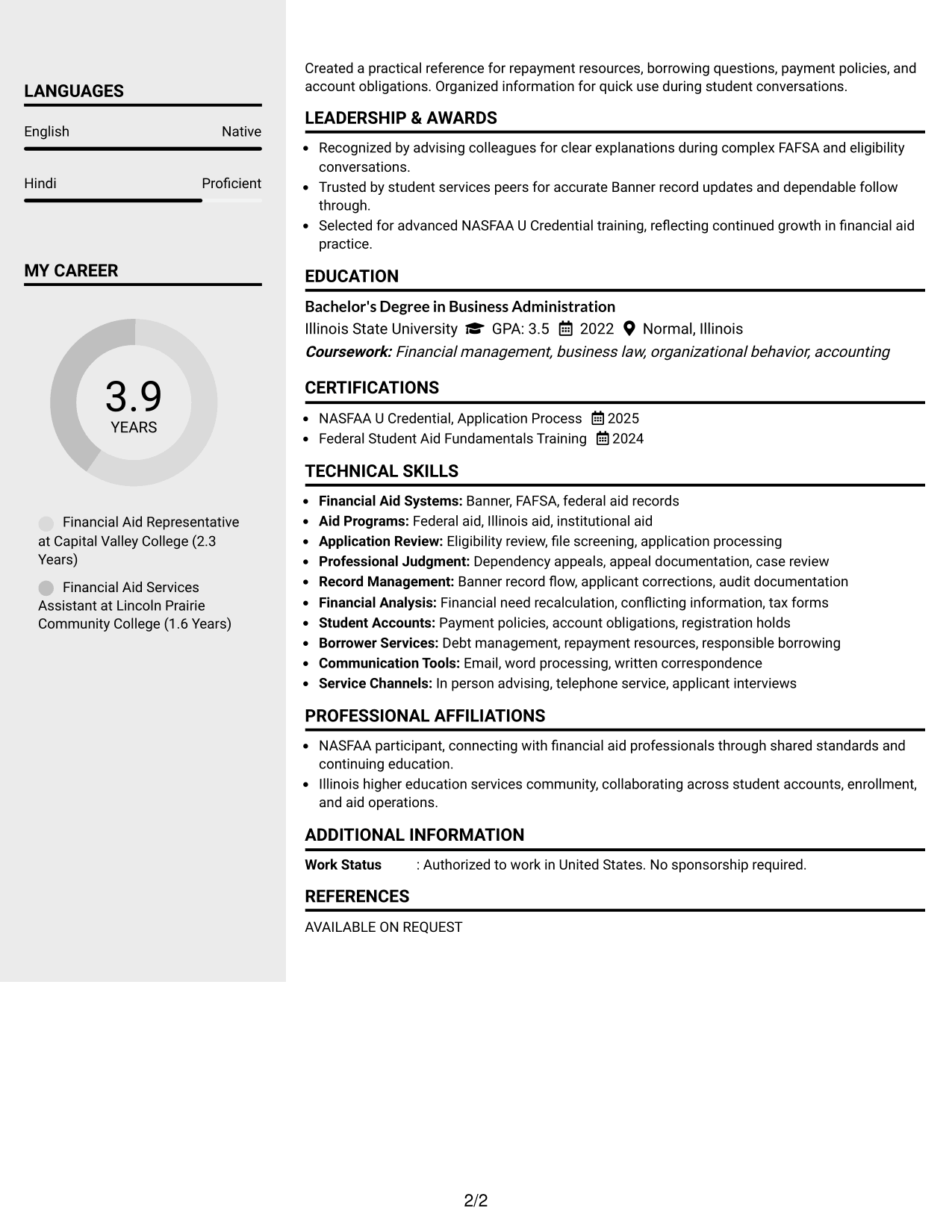
#3 Clean Two Column Sidebar Format Resume Example
A clean two-column sidebar format gives supporting sections a distinct area, helping recruiters separate core experience from shorter reference details.
Why This Format Works
- Sidebar separation keeps shorter skills content apart from detailed experience history.
- Main content area supports readable career progression and achievement-focused bullets.
- Distinct section zones help reviewers find education and credentials with less searching.
Best For
- Resumes with compact skills lists
- Experience needing a strong main area
- Quick reference to supporting sections
- Readers scanning several content types
- Applications needing clear section separation
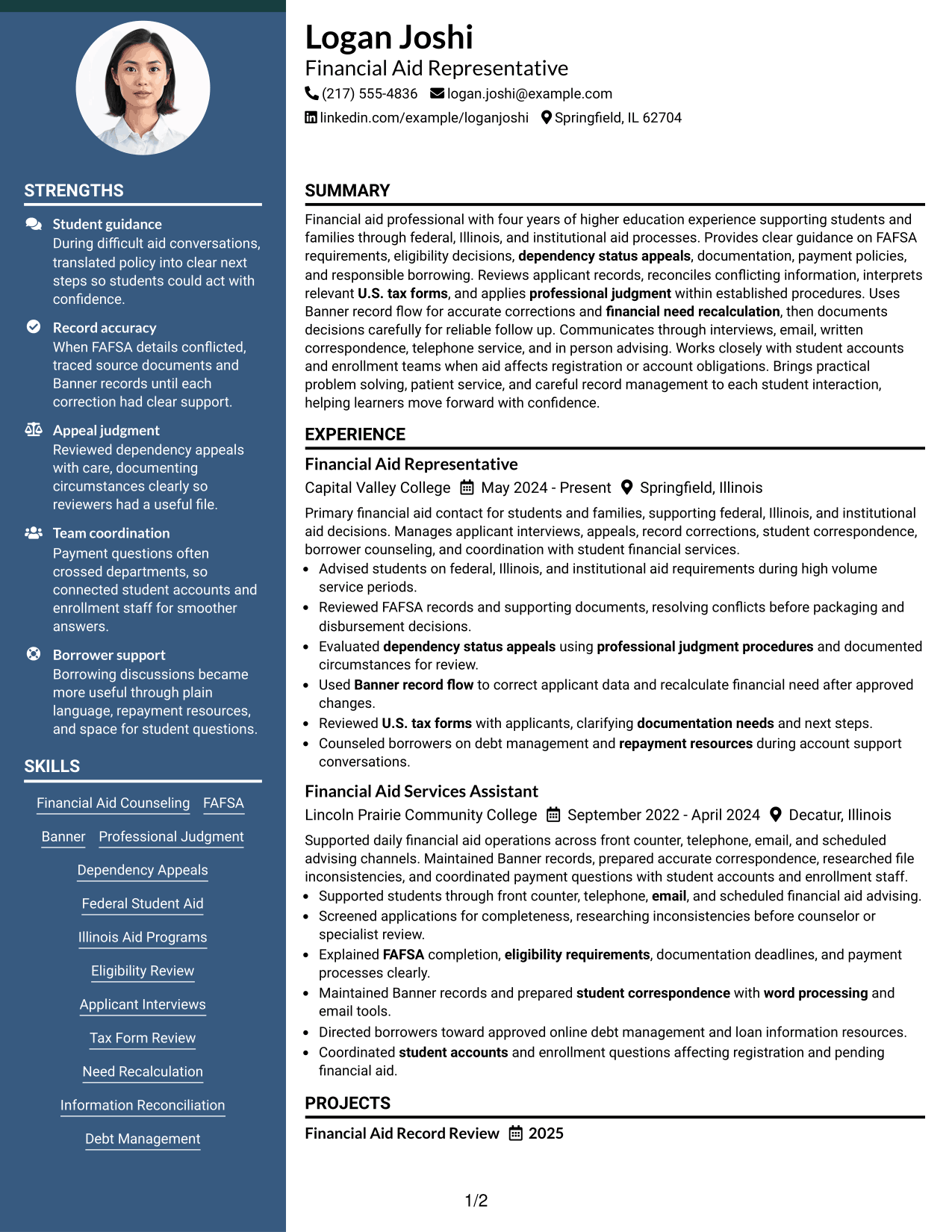
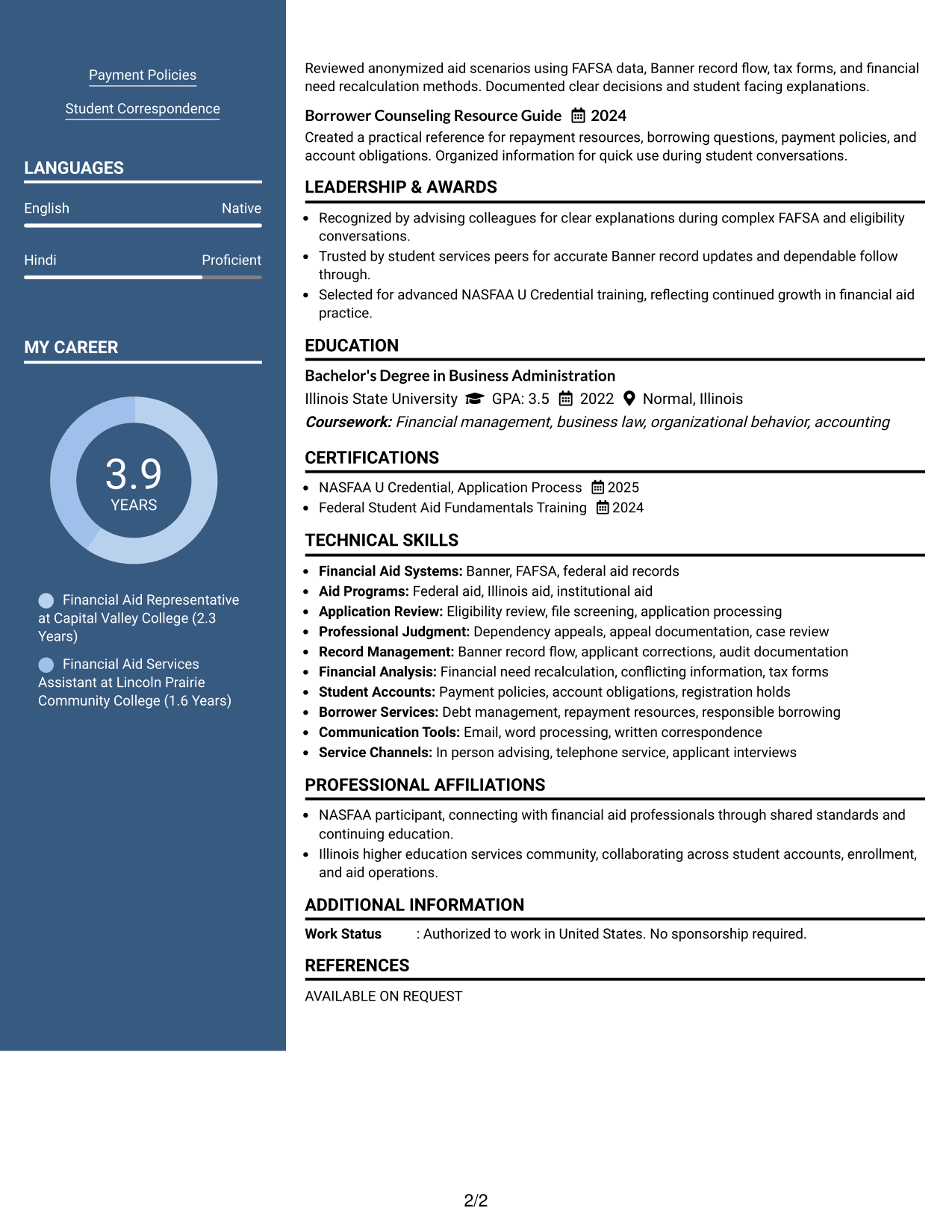
#4 Two Column Format Resume Example
A standard two-column format shares space across sections, helping recruiters compare primary experience with supporting qualifications at a glance.
Why This Format Works
- Side-by-side organization reduces long vertical runs across multiple resume sections.
- Experience remains prominent while secondary content stays available for quick reference.
- Shared page width helps balance skills, education, and credentials without mixing categories.
Best For
- Resumes with several short sections
- Balanced professional histories
- Reviewers comparing qualifications quickly
- Applications with mixed evidence types
- Content needing visual balance
#5 Photo Header Two Column Format Resume Example
A photo header with a two-column body creates a clear personal header while the resume sections remain divided for faster recruiter scanning.
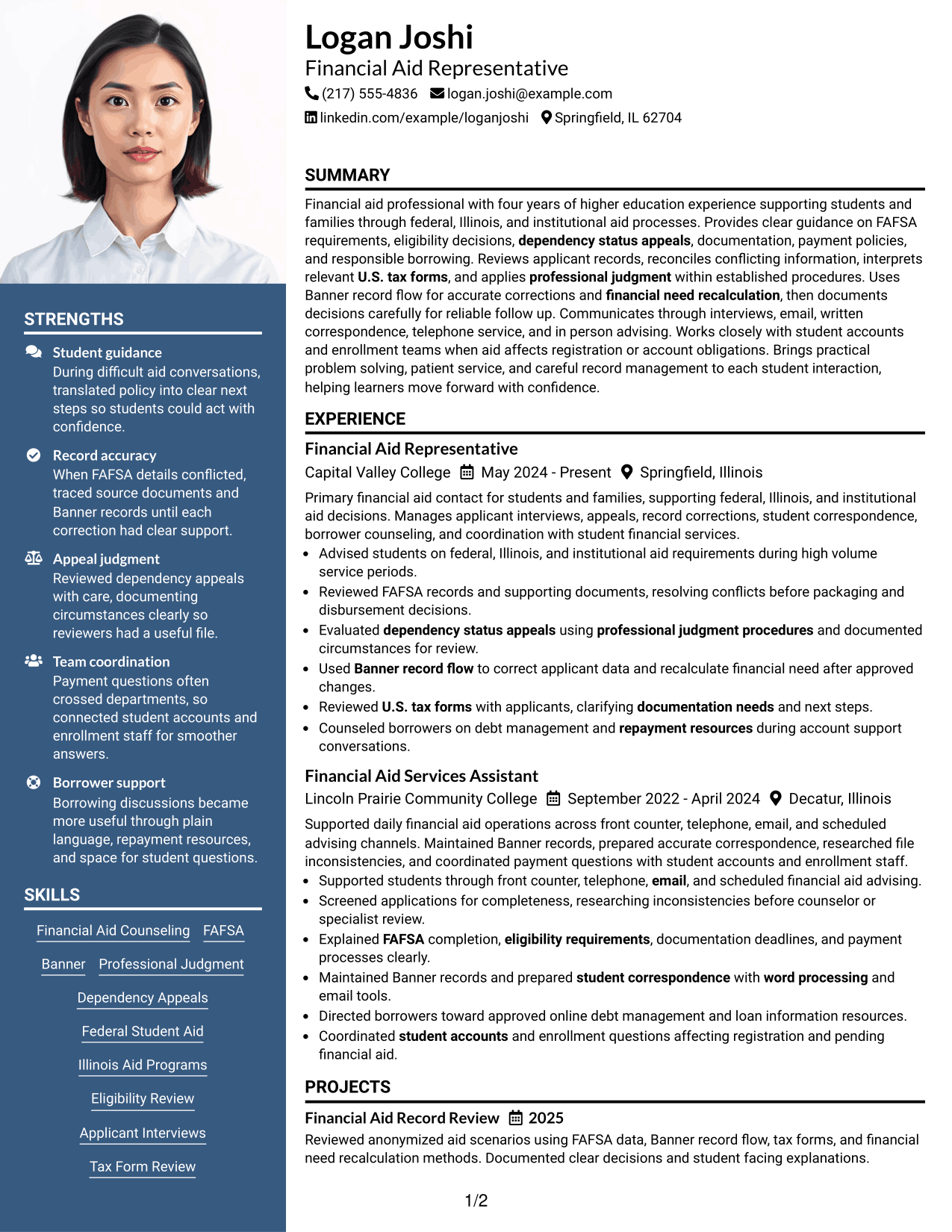
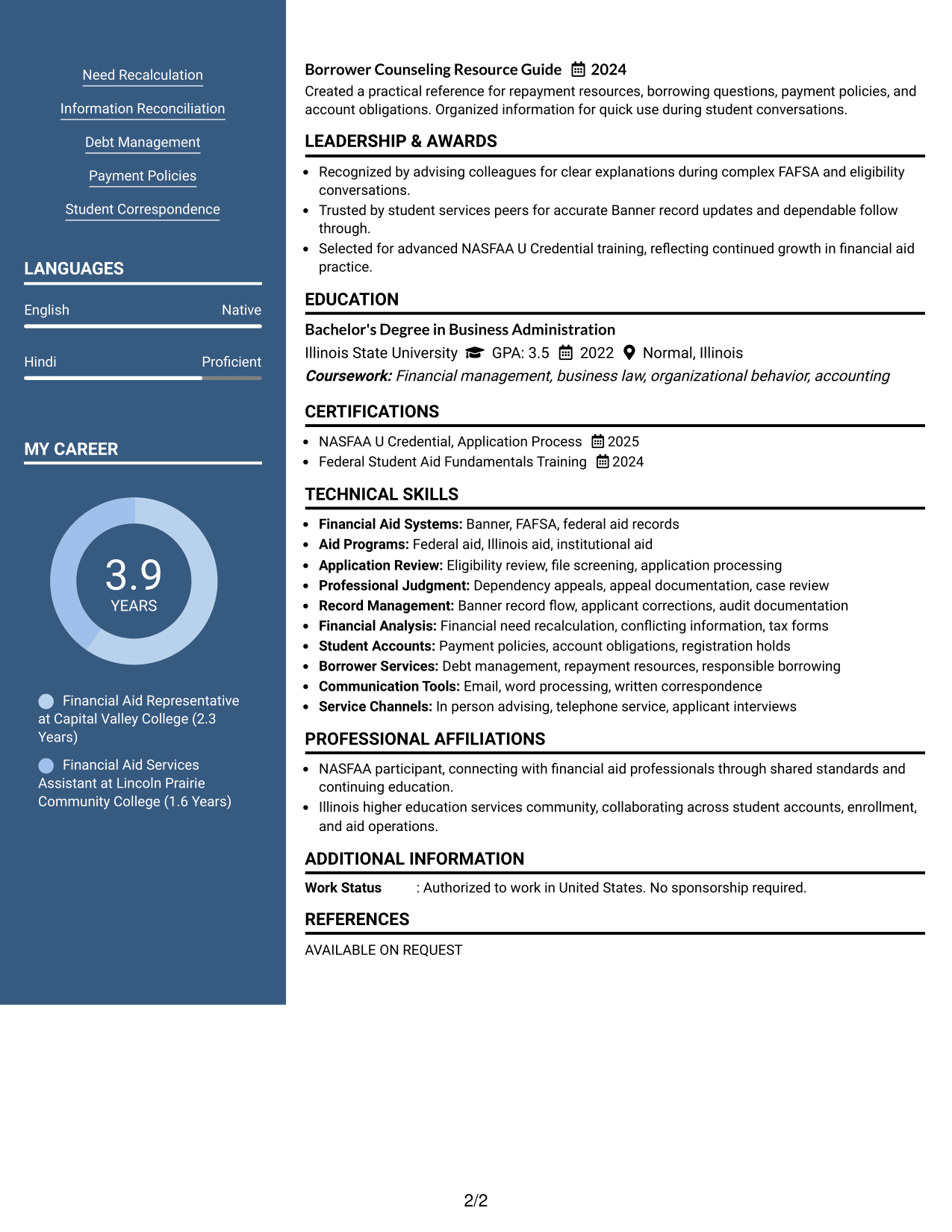
Why This Format Works
- Two-column body separates detailed experience from shorter supporting resume sections.
- Photo stays in the header without changing the body reading structure.
- Section division helps reviewers move between achievements, skills, education, and credentials.
Best For
- Applications where photos are customary
- International resume contexts
- Readers wanting a distinct contact header
- Resumes with varied supporting sections
- Two-column content with personal branding
#6 Colored Two Column Format Resume Example
A colored two-column structure uses visual contrast to mark section boundaries, helping recruiters move between experience and supporting information.
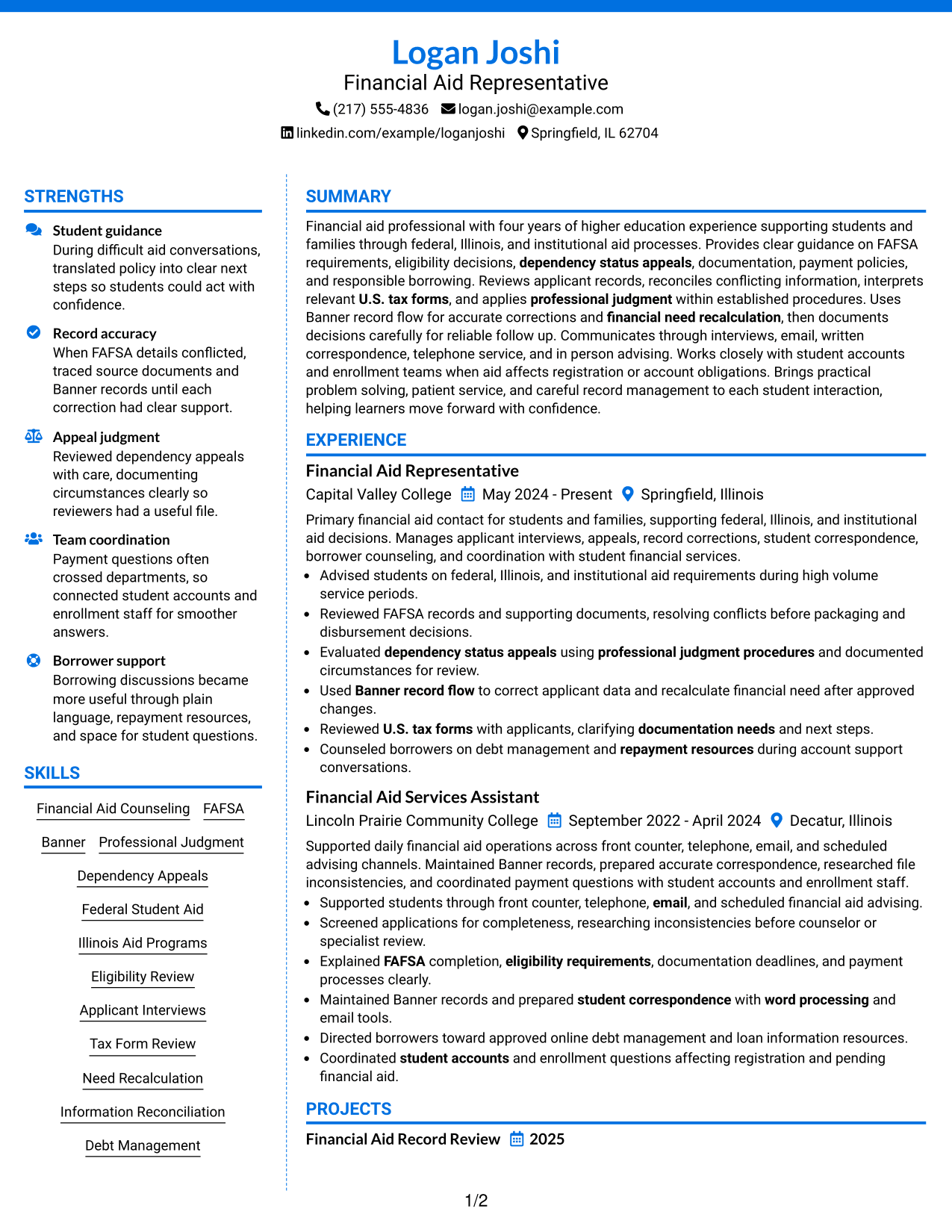
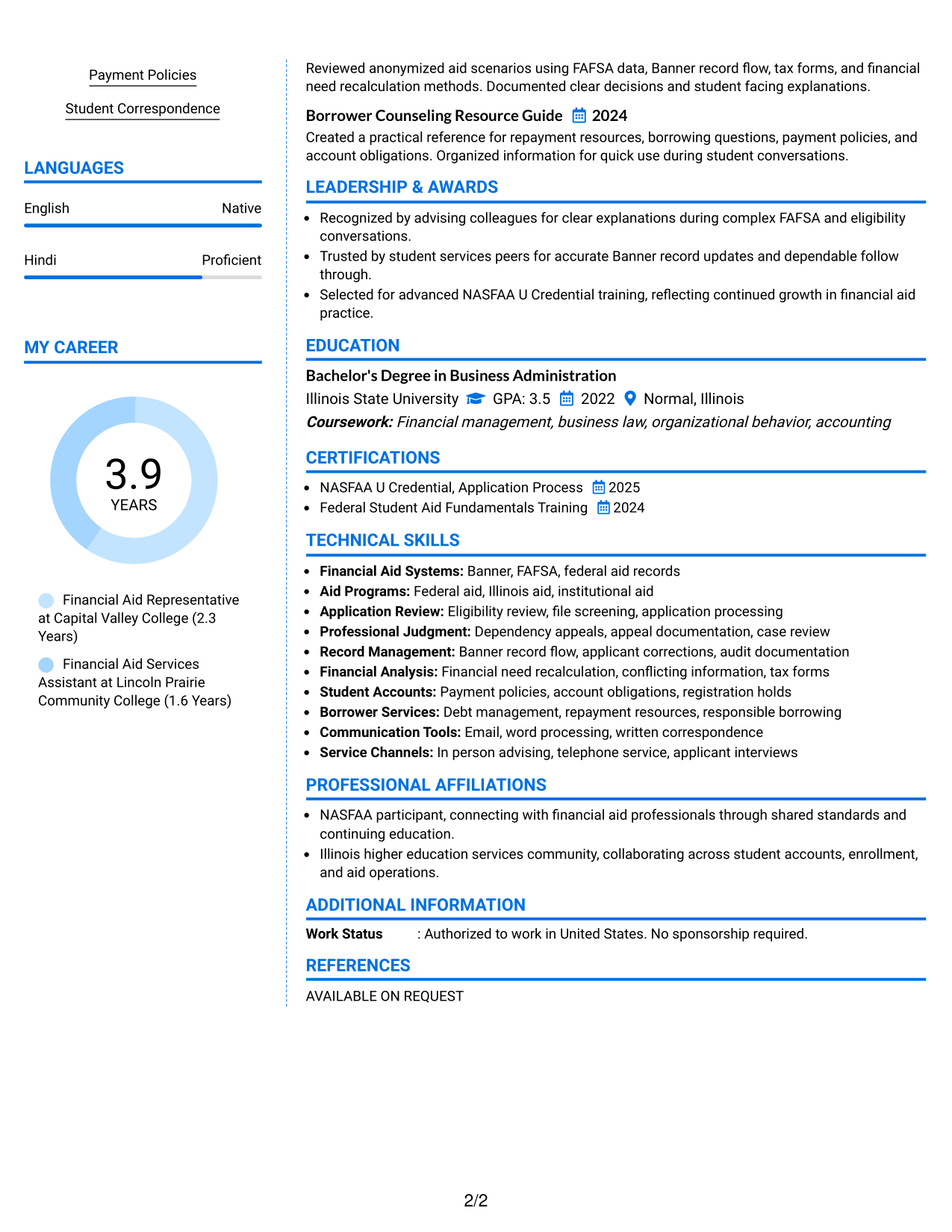
Why This Format Works
- Color contrast can make major section boundaries easier to recognize quickly.
- Two-column organization keeps supporting qualifications separate from detailed career content.
- Defined visual zones help skills and credentials remain easy to revisit.
Best For
- Readers who use visual section cues
- Resumes with distinct content groups
- Applications allowing restrained color
- Professional histories with supporting qualifications
- Quick movement between major sections
#7 Stylish Two Column Designer Format Resume Example
A stylish two-column designer format adds stronger visual structure, helping recruiters navigate distinct resume sections while keeping the body organized.
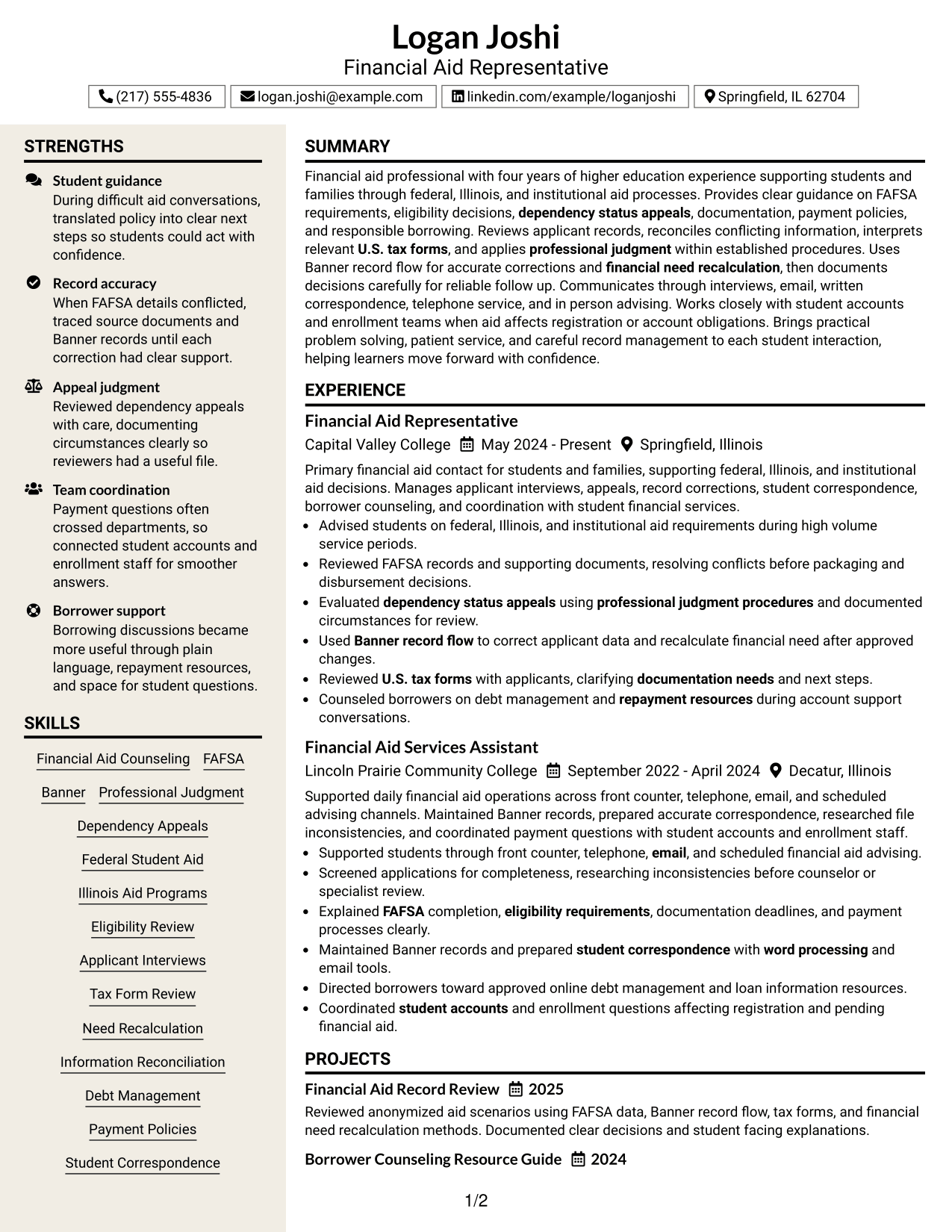
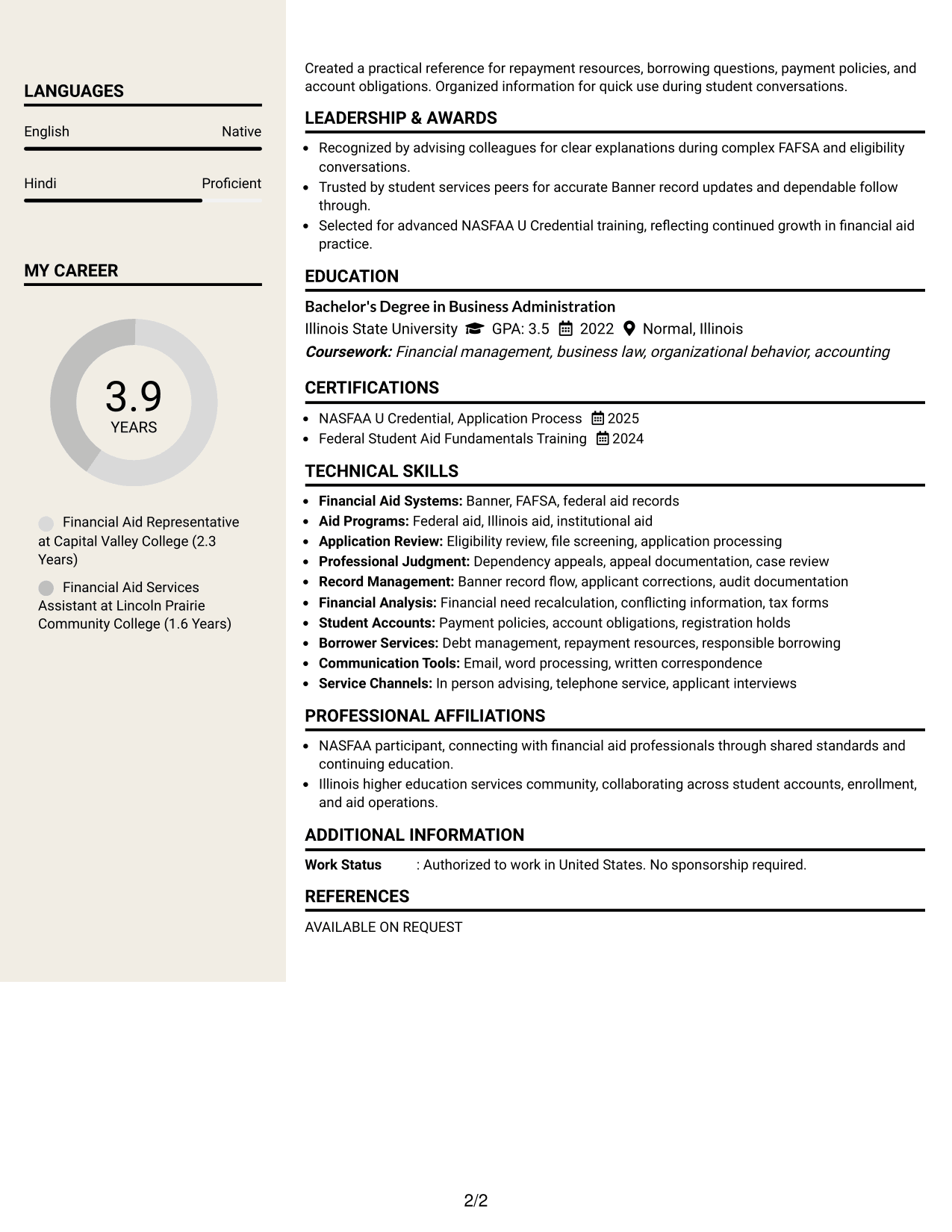
Why This Format Works
- Strong section separation helps career history stay distinct from supporting qualifications.
- Two-column structure creates clear navigation across experience, skills, education, and credentials.
- Designed visual hierarchy helps reviewers return to specific sections during comparison.
Best For
- Applications welcoming stronger visual design
- Readers revisiting sections during review
- Resumes with diverse qualification categories
- Professional content needing clear hierarchy
- Candidates wanting structured visual polish
Why Build Your Financial Aid Representative Resume with ResumeInMinutes
ResumeInMinutes helps you organize financial aid experience, education, credentials, skills, and student service work into a resume that is simple to read and easy to tailor.
- Clear resume section structure
- ATS-friendly formatting choices
- Role-focused keyword guidance
- Organized experience and skills sections
- Free PDF resume previews
- Easy resume customization
You can adjust the wording and layout to show verified experience with financial aid counseling, records, appeals, student communication, and related administrative work.
See Also
- 33 College Financial Representative Internship Resume Templates with Example 2026 (ATS-Optimized)
- 33 College Financial Representative Resume Templates with Example 2026 (ATS-Optimized)
- 7 Sales Representative, Data Platform - Financial Services & Insurance Resume Templates with Example
- 33 Advanced Worker – Area Sales Representative Resume Templates with Example 2026 (ATS-Optimized)
- 33 Annual Reports Client Service Representative Resume Templates with Example 2026 (ATS-Optimized)
- 33 BDC Customer Service Representative Resume Templates with Example 2026 (ATS-Optimized)
- 33 Bi-Lingual Medical Billing Customer Service Support Representative Resume Templates with Example 2026
- 33 Call Center Customer Service Representative Resume Templates with Example 2026 (ATS-Optimized)
- 30+ College Financial Representative Cover Letter Templates with Example 2026
- 30+ College Financial Representative Internship Cover Letter Templates with Example 2026
Frequently Asked Questions
Are these Financial Aid Representative resume templates ATS-friendly?
They use clear section labels and readable structures that support ATS review. Keep your wording truthful and include role terms that match your experience.
Are these separate resumes?
No. The guide shows one complete Financial Aid Representative resume in different visual formats so you can compare how the same content is organized.
What should a Financial Aid Representative resume include?
Include a focused summary, relevant experience, education, skills, and credentials. Show work with student aid records, applicant guidance, documentation, and financial aid systems when supported by your background.
Can I download the resume templates as PDFs?
Yes. Each resume design includes a free PDF preview so you can review the layout before choosing a format.
Which resume style works well for a Financial Aid Representative application?
A clear one-column or well-organized two-column layout can work well. Choose the format that makes your experience, skills, education, and credentials easiest to scan.
How can I make my financial aid experience stronger on the resume?
Use specific action verbs and show the type of work you handled, such as reviewing records, resolving conflicting information, documenting appeals, advising students, or coordinating account questions.
Should I include a photo on my resume?
Include a photo only when it is customary or expected for the application. For most U.S. applications, a no-photo resume is usually the safer choice.
Can I customize these resume templates?
Yes. You can edit the resume text, format, and PDF layout to match your verified experience and the requirements of a Financial Aid Representative role.