
7 Financial Data Analyst Intern Cover Letter Templates with Example
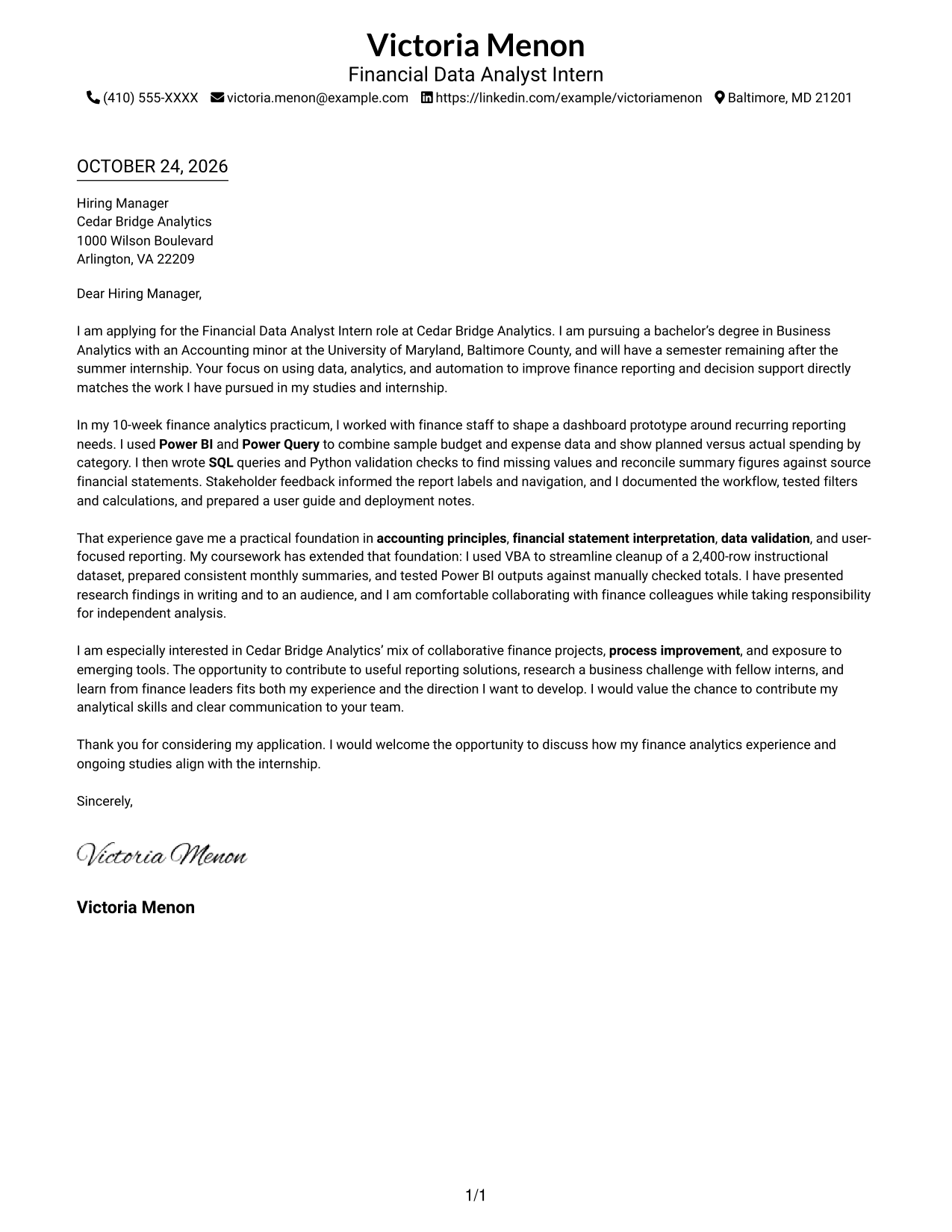
This practical guide to a Financial Data Analyst Intern cover letter shows you how to connect finance analytics evidence to the role, with seven layouts to compare.
What Makes a Great Financial Data Analyst Intern Cover Letter in 2026
A strong Financial Data Analyst Intern cover letter links finance reporting work to clear outcomes, such as reliable analysis and useful decision support.
Use specific evidence, such as combining budget and expense data, checking figures with SQL and Python, and using stakeholder feedback to improve a dashboard. Then connect that work to the employer’s focus on practical reporting and finance process improvement.
The featured Financial Data Analyst Intern example moves from role-specific interest to practical reporting evidence, relevant skills, and a clear close. Adapt this focused progression while choosing a presentation that fits the employer and communication context.
#1 Simple One Column Format Cover Letter Example
Sender details sit in the header above a single-column letter body, giving the reviewer one direct reading path.
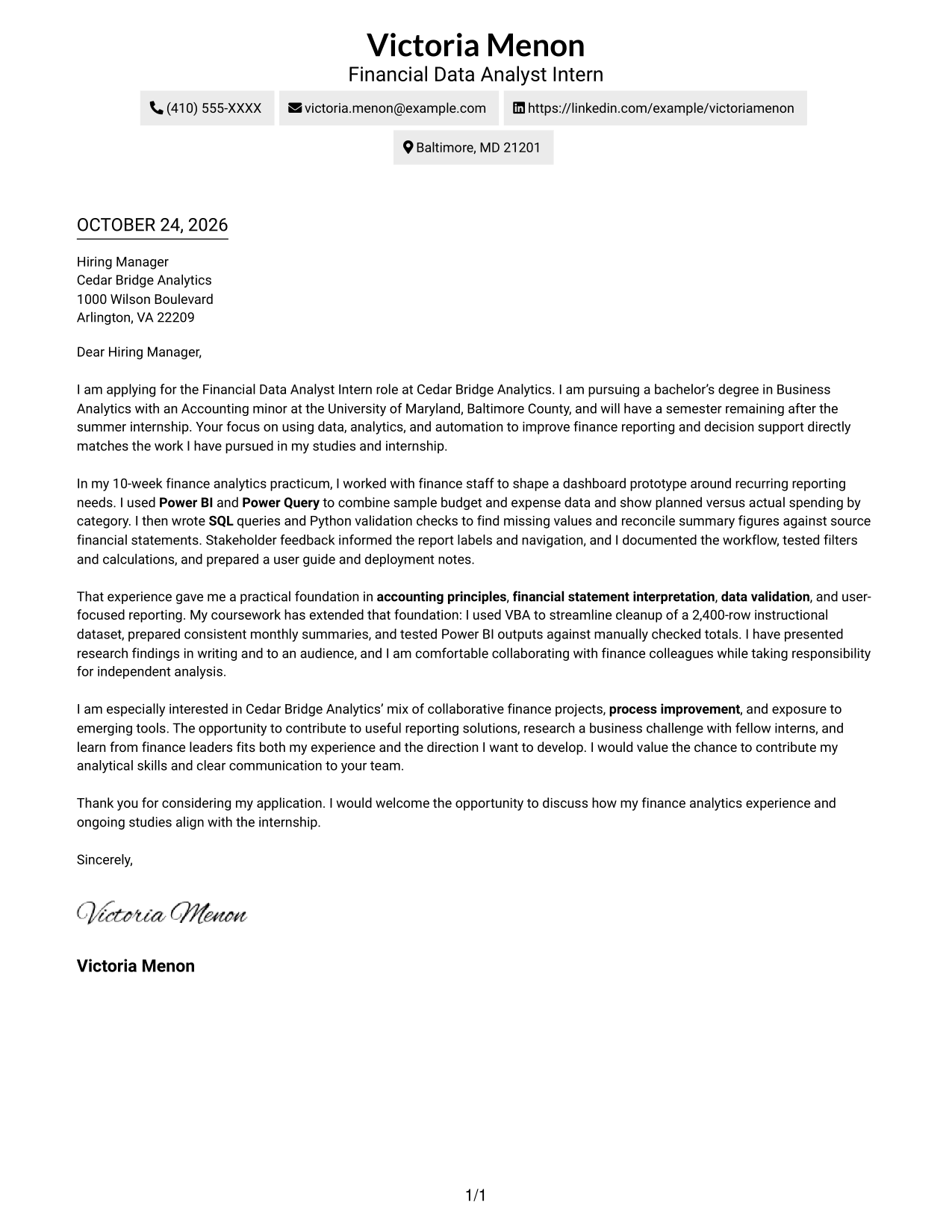
Why This Format Works
- Sender details stay in the header, apart from the letter’s persuasive paragraphs.
- The single-column path carries the reviewer from opening through the closing.
- Without argument headings, motivation and evidence remain part of one letter.
Best For
- Single-column reading preference
- Sender details kept in the header
- A continuous letter narrative
- Applications without a photo
- A straightforward page layout
#2 Two Column Format Cover Letter Example
A contact sidebar sits beside the continuous letter body, keeping contact details separate while the argument remains in one reading column.
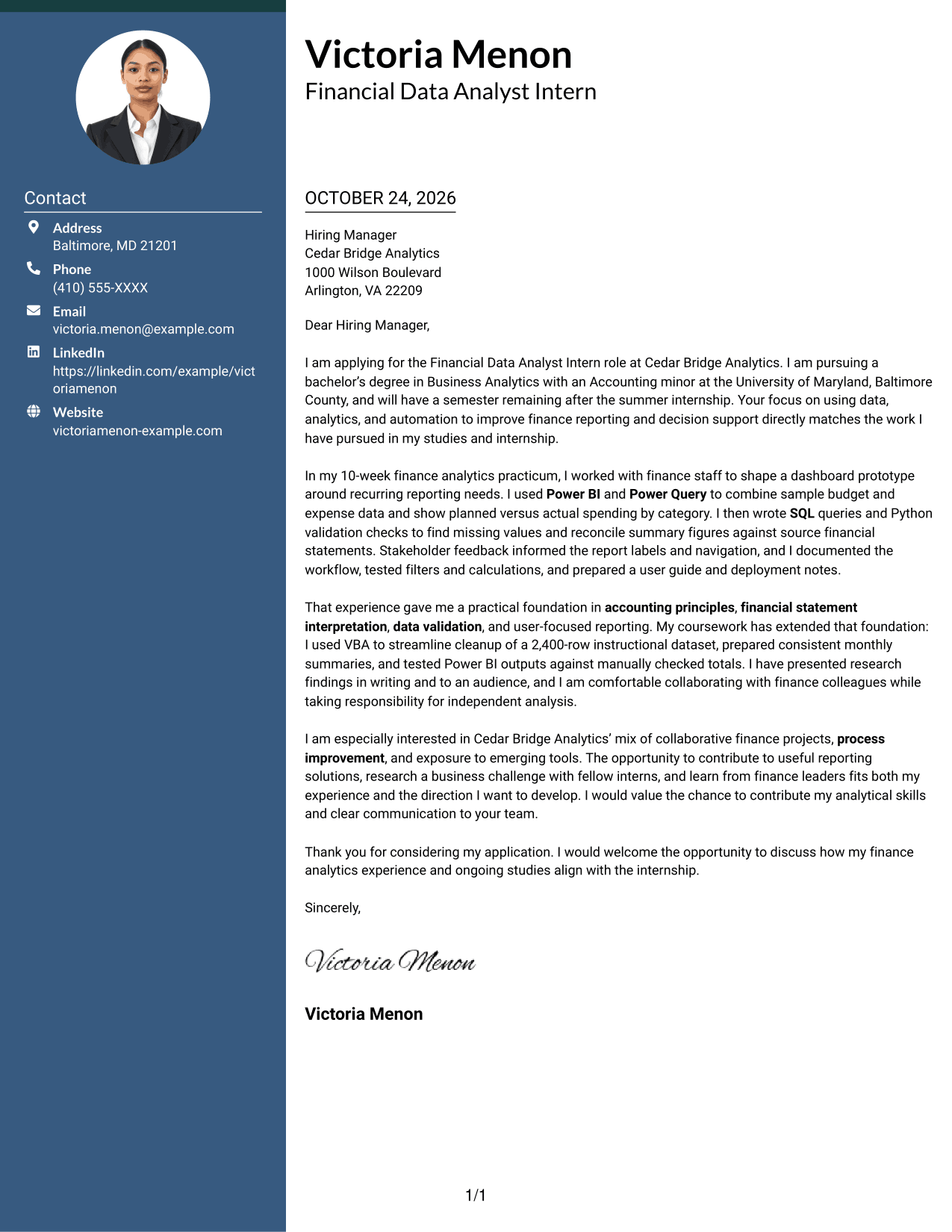
Why This Format Works
- The sidebar separates contact details from the message for quick reference.
- One body column keeps the opening, evidence, and closing in order.
- Natural paragraphs present motivation and role fit without argument labels.
Best For
- Contact details in a sidebar
- A letter with one reading path
- Continuous paragraph-based arguments
- Quick access to sender information
- Applications that do not need a photo
#3 Photo Header Two Column Format Cover Letter Example
A photo accompanies the contact sidebar beside the single letter body, suiting readers who want a portrait with separate contact details.
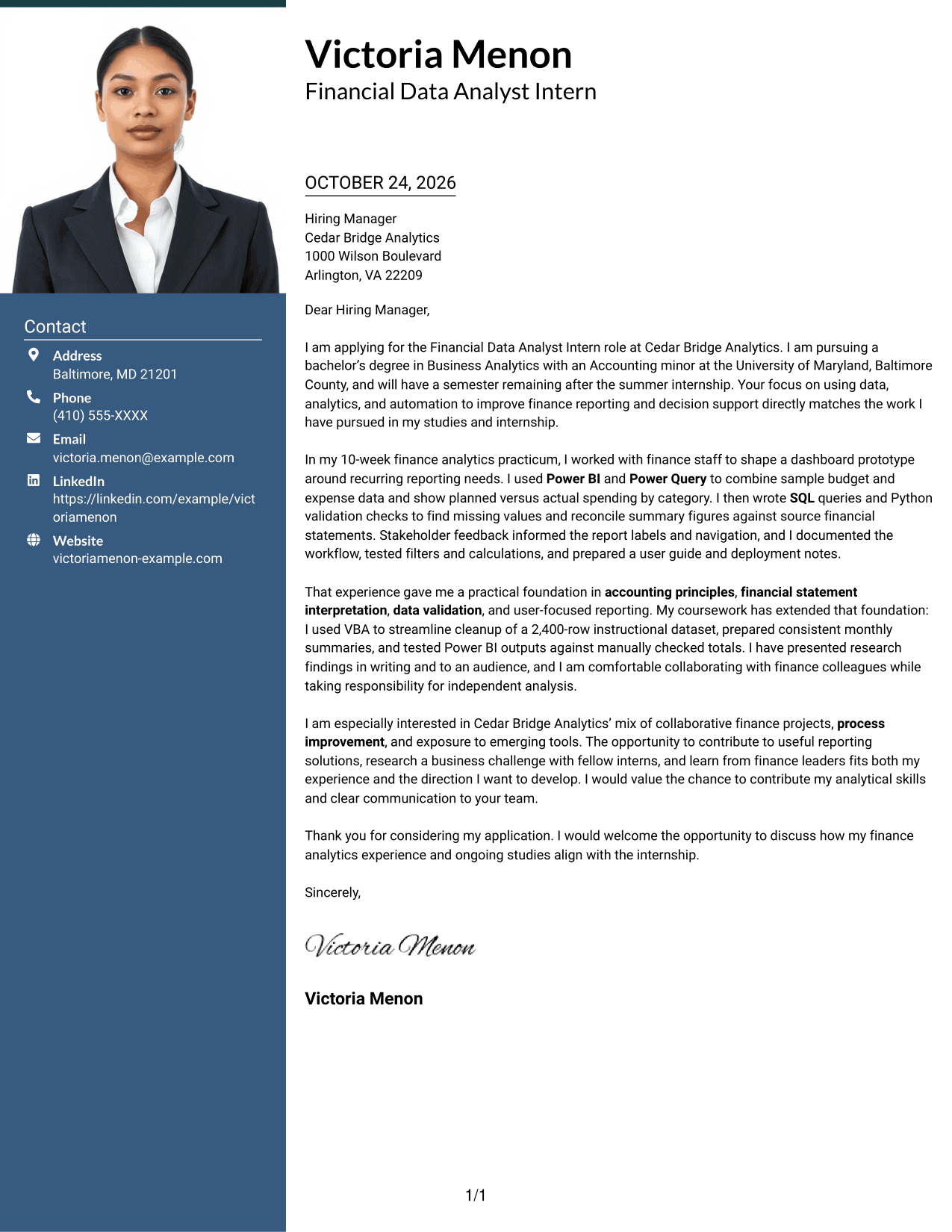
Why This Format Works
- The portrait adds a visual personal touch without interrupting the letter body.
- A separate contact area keeps sender details distinct from the message.
- The letter's single body column preserves the order of its paragraphs.
Best For
- A portrait with contact details
- Sidebar-based contact information
- One continuous letter body
- A clear order for letter paragraphs
- Applications where a photo is preferred
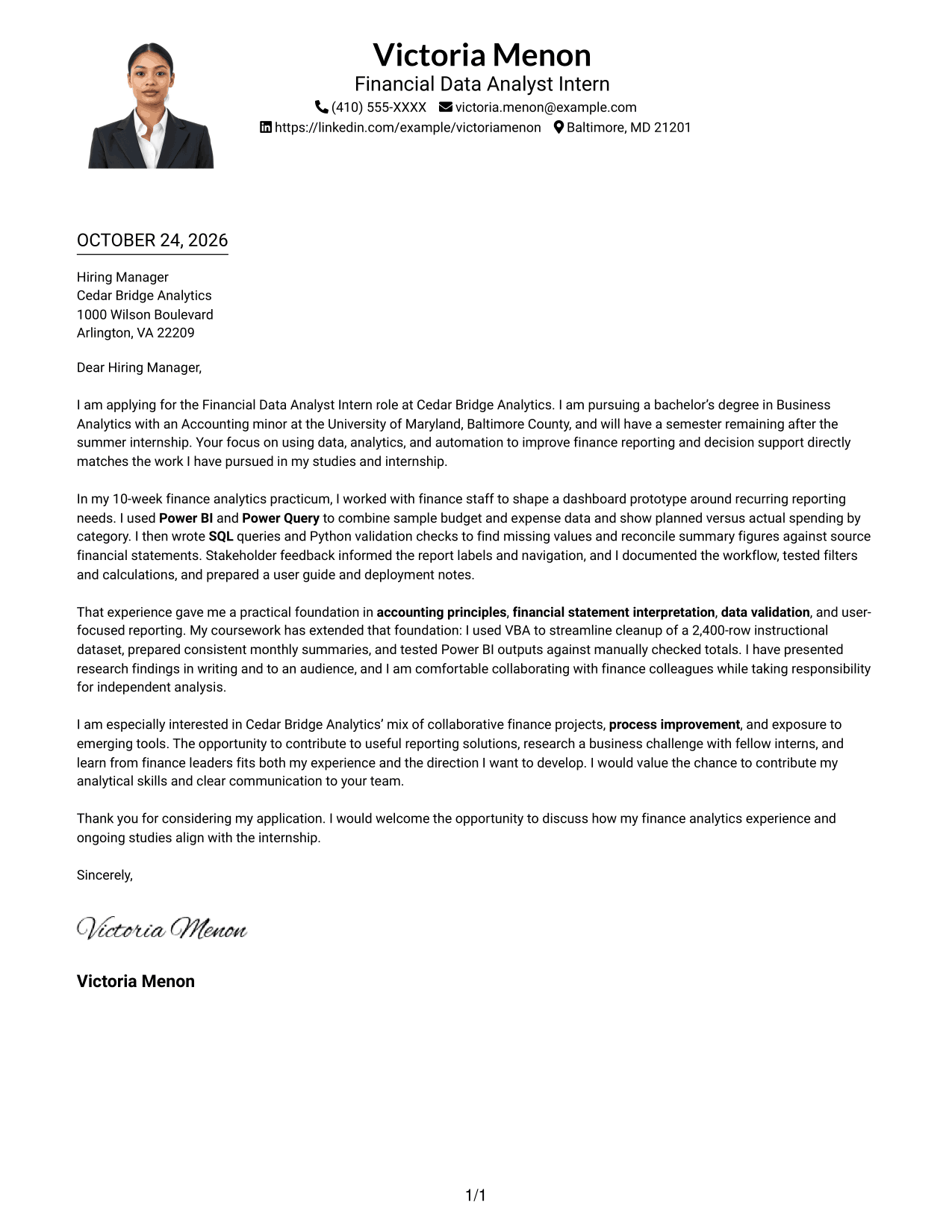
#4 One Column Format with Photo Cover Letter Example
A photo joins the sender details in the header above a single-column letter body, offering a portrait while keeping the letter in one reading path.
Why This Format Works
- The photo appears with the sender details, apart from the letter paragraphs.
- A single column gives the reviewer a direct route through the message.
- The continuous body lets motivation and evidence unfold in natural paragraphs.
Best For
- A portrait in the header
- Single-column letter reading
- A continuous persuasive message
- Sender information above the letter
- Applications that favor a personal photo
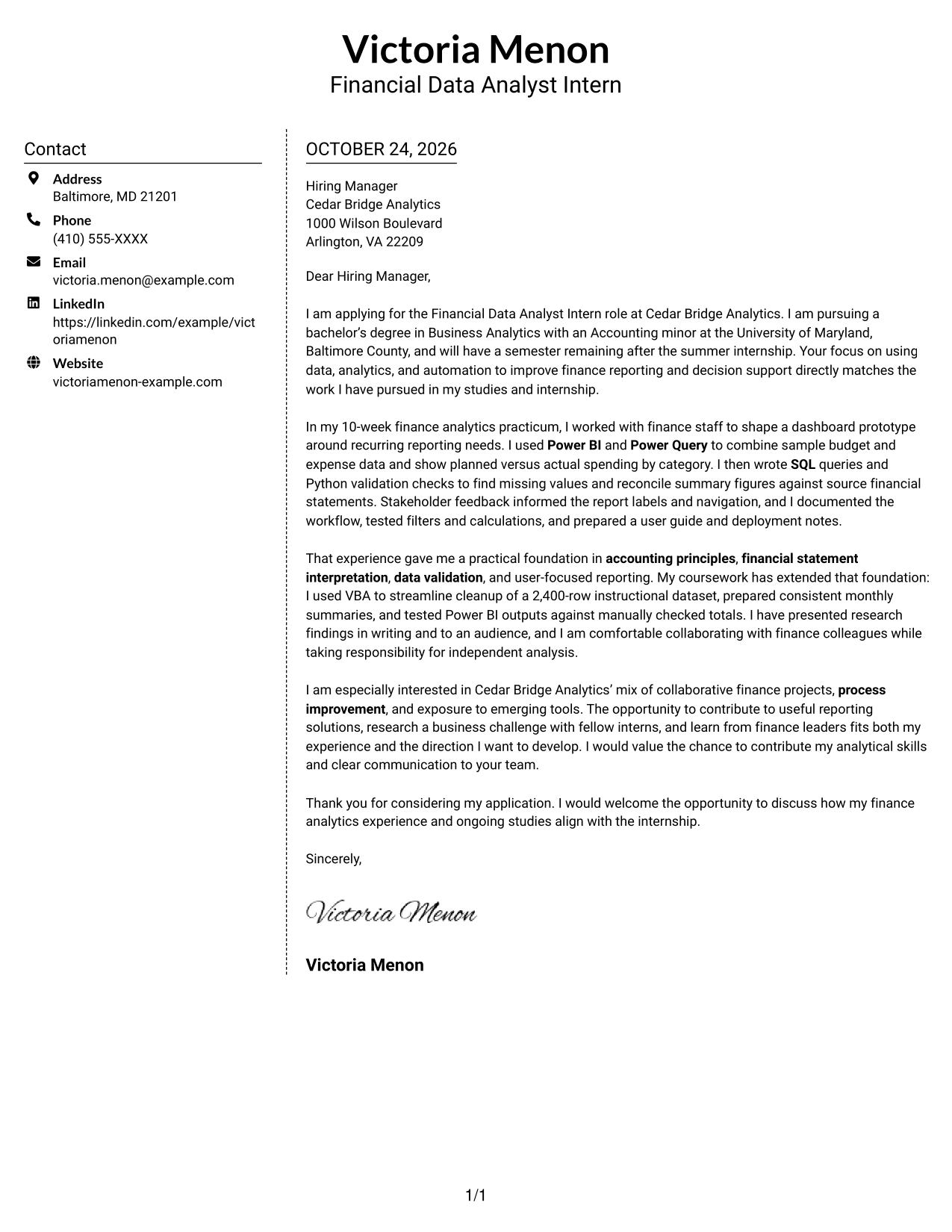
#5 Simple Two Column Format Cover Letter Example
Contact details occupy a sidebar beside one continuous letter body, keeping the message together and contact information distinct.
Why This Format Works
- The contact sidebar makes sender information distinct from the application message.
- A single body column keeps the letter's paragraphs in their intended order.
- The continuous letter presents motivation, evidence, and closing as one message.
Best For
- Contact information beside the letter
- A unified letter argument
- A single-column message body
- Separate sender and message areas
- Applications without a photo
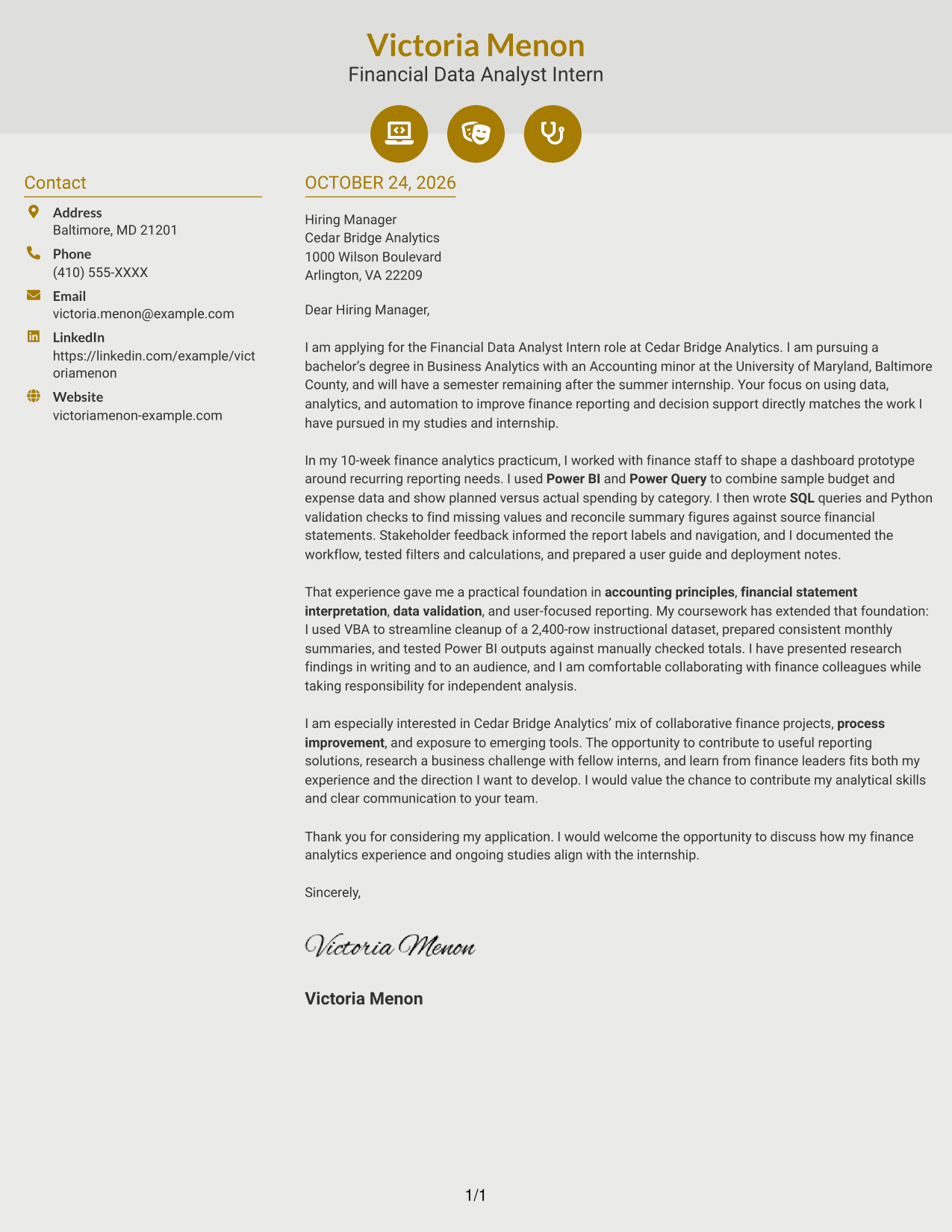
#6 Modern Icon Format Cover Letter Example
Contact icons cue details in a sidebar beside the continuous letter body, helping readers locate contact information without dividing the message.
Why This Format Works
- Icons identify contact details, while the sidebar keeps them outside the letter body.
- The letter's one body column maintains a clear paragraph sequence.
- Motivation and supporting evidence remain together without labeled argument sections.
Best For
- Icon cues for contact details
- Contact information in a sidebar
- A continuous letter message
- One-column argument flow
- Applications without a photo
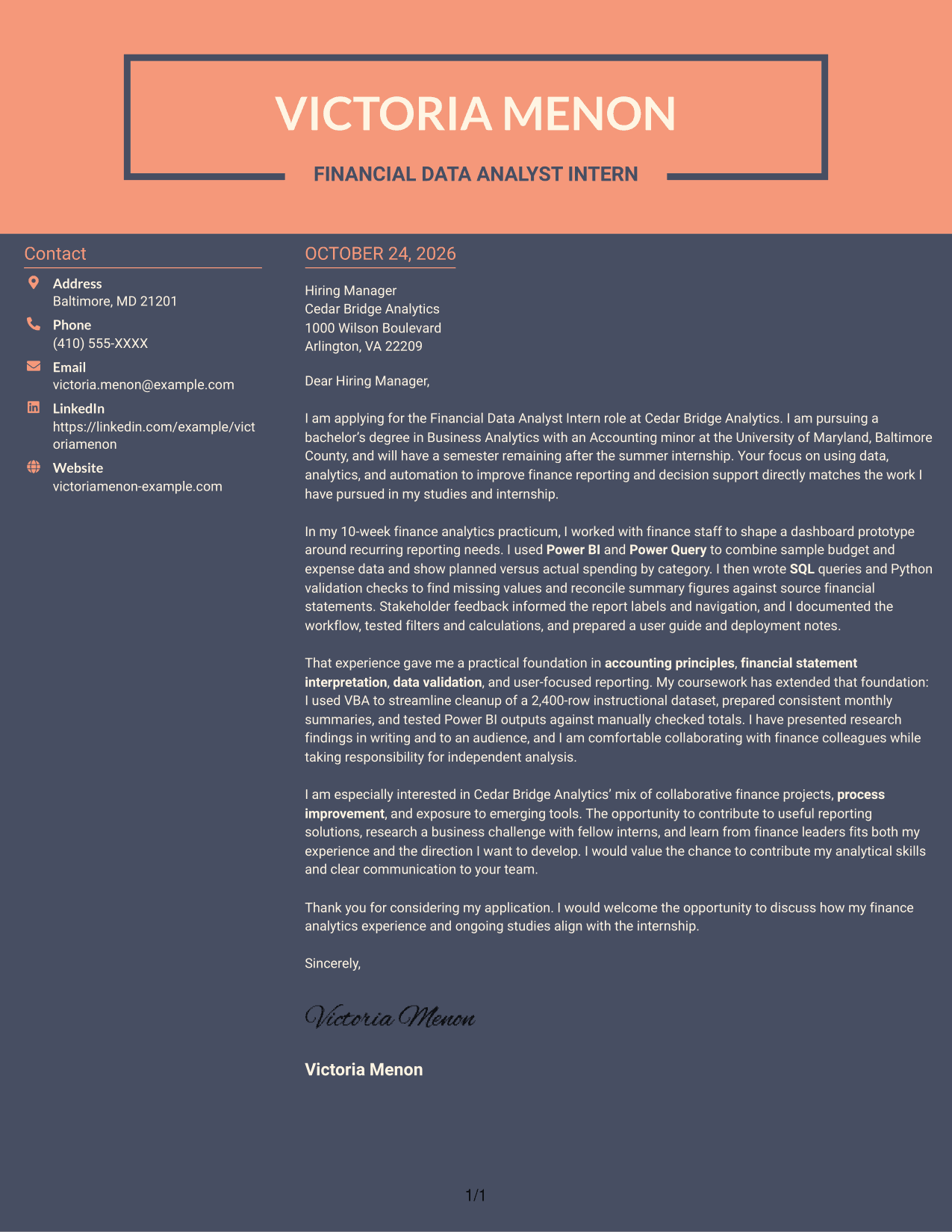
#7 Creative Two Tone Format Cover Letter Example
A contact sidebar sits beside the single continuous letter body, keeping contact information distinct while the letter's argument stays together.
Why This Format Works
- The sidebar keeps contact details separate from the application message.
- One letter column guides the reviewer through the paragraphs in sequence.
- The continuous body lets the opening, supporting points, and closing read as one message.
Best For
- Separate contact and message areas
- A continuous letter argument
- One-column paragraph flow
- Easy-to-find sender details
- Applications that do not call for a photo
Why Use ResumeInMinutes for a Financial Data Analyst Intern Cover Letter
ResumeInMinutes lets you compare image previews and open an example in the editor to shape a cover letter around your finance analytics experience and the role’s needs.
- Clear cover letter styles
- Readable, professional layouts
- Role-focused writing
- Simple editor access
- Examples for finance analytics work
- Cover letter customization
Use the example to show how financial data analysis, careful validation, and stakeholder communication can support useful reporting and decision-making.
See Also
- 7 Data Analyst - Credit and Financial Reporting Resume Templates with Example
- 7 Data Analyst - Financial and Operational Analytics Resume Templates with Example
- 7 Entry-Level Marketing Data Analyst Financial Services Resume Templates with Example
- 7 Financial Data Analyst Intern Resume Templates with Example
- 33 Entry-Level Accountant / Financial Analyst Resume Templates with Example 2026 (ATS-Optimized)
- 33 Financial Analyst - FDP Resume Templates with Example 2026 (ATS-Optimized)
- 7 Financial Analyst II Resume Templates with Example
- 33 Financial Analyst Intern Resume Templates with Example 2026 (ATS-Optimized)
- 7 Data Analyst - Credit and Financial Reporting Cover Letter Templates with Example
- 7 Data Analyst - Financial and Operational Analytics Cover Letter Templates with Example
Frequently Asked Questions
What should a Financial Data Analyst Intern cover letter emphasize?
Connect your interest in finance analytics to evidence of reporting, data validation, or process improvement. Explain how your work can help finance teams understand information and make decisions.
How can I show my technical skills in the letter?
Describe a specific task and how you used tools such as Power BI, Power Query, SQL, Python, or VBA. Explain the result, such as clearer reporting or more reliable figures.
How can I show that I understand stakeholder needs?
Give an example of listening to users, gathering feedback, and applying it to a report or dashboard. Mention clear labels, useful navigation, or documentation when relevant to your experience.
Which cover letter style should I choose?
Choose a clear, easy-to-read layout that suits the employer and the way you want to communicate. Compare the image previews, then open an example in the editor to review and customize it.
How should I connect my experience to the employer?
Refer to the employer’s stated focus on finance reporting, analytics, automation, or process improvement. Link one relevant example from your experience to that focus without claiming results you cannot support.




