
7 Financial Planner - Retirement Planning Cover Letter Templates with Example
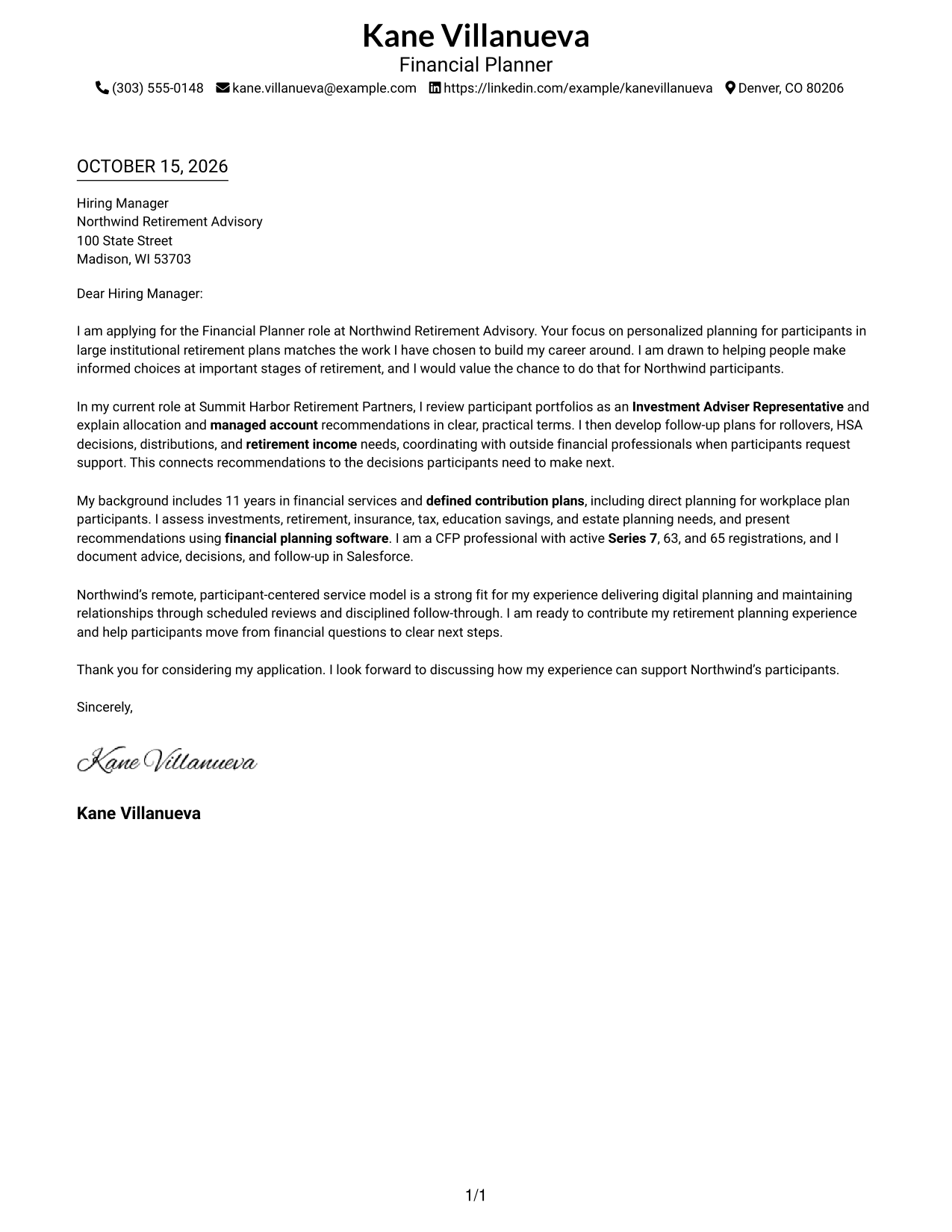
This guide helps you write a focused Financial Planner - Retirement Planning cover letter and compare seven layouts for presenting your fit for participant-centered retirement planning.
What Makes a Great Financial Planner - Retirement Planning Cover Letter in 2026
A strong letter links your interest in retirement planning to the needs of participants in institutional plans. Use a clear opening, focused body, and direct closing to show how you communicate and support informed choices.
Give relevant evidence, such as explaining portfolio recommendations or planning follow-up for retirement income needs. Connect that experience to the employer’s service approach without claiming skills or results you cannot support.
The featured application moves from motivation to a practical example of participant guidance, then presents relevant planning experience and closes with a clear next step. Adapt that focused progression while choosing a presentation that suits the employer and communication context.
#1 Simple One Column Format Cover Letter Example
A single-column page keeps the sender details and complete letter on one reading path, making its message easy to follow.
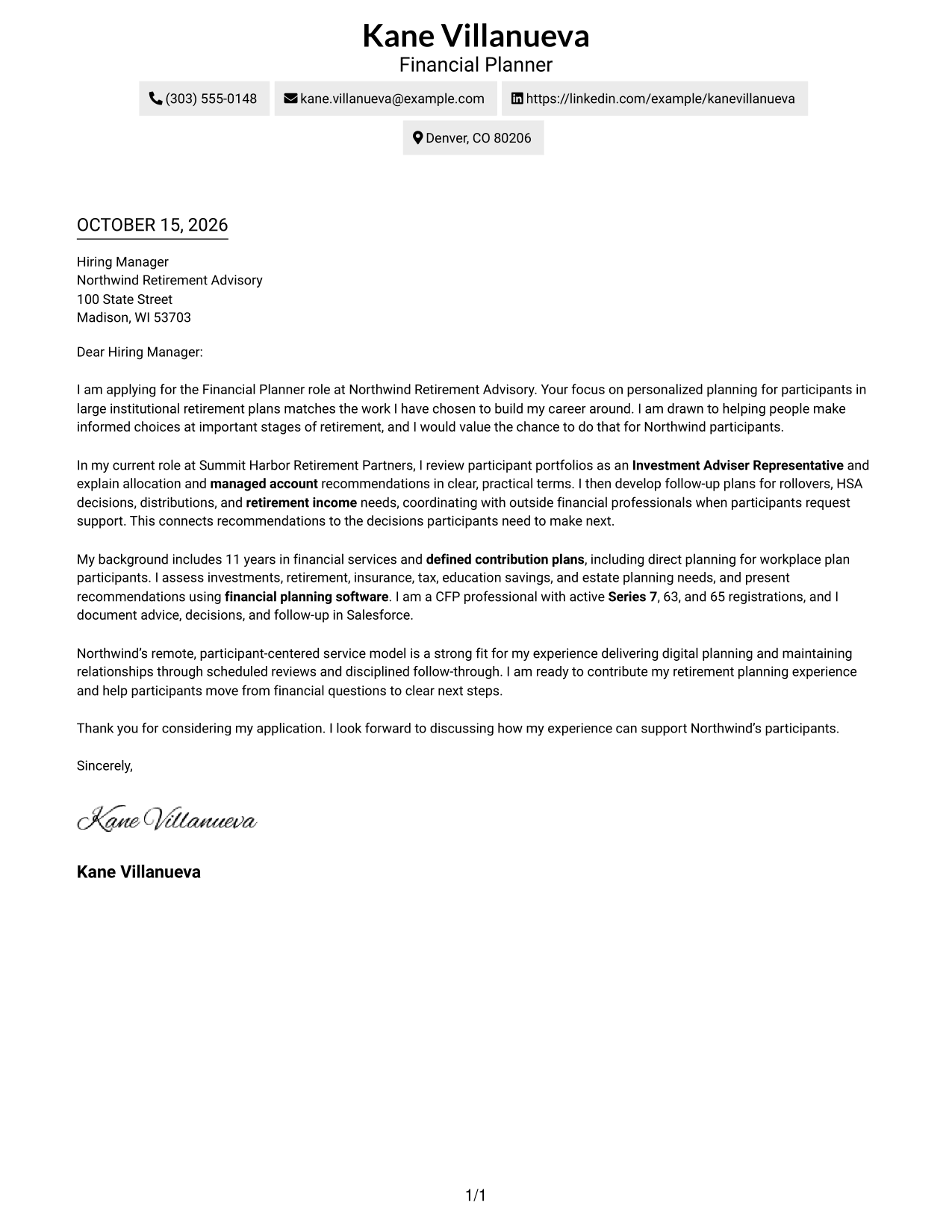
Why This Format Works
- Contact details remain in the header, away from the letter’s persuasive paragraphs.
- One continuous body lets motivation, supporting points, and closing connect as one message.
- The photo-free page suits readers who prefer a text-led application.
Best For
- Single-column reading preference
- Header-based contact details
- Paragraph-led persuasion
- Unheaded letter format
- Remote planning applications
#2 Two Column Format Cover Letter Example
A contact sidebar sits beside the continuous letter body, keeping sender details distinct from the persuasive message.
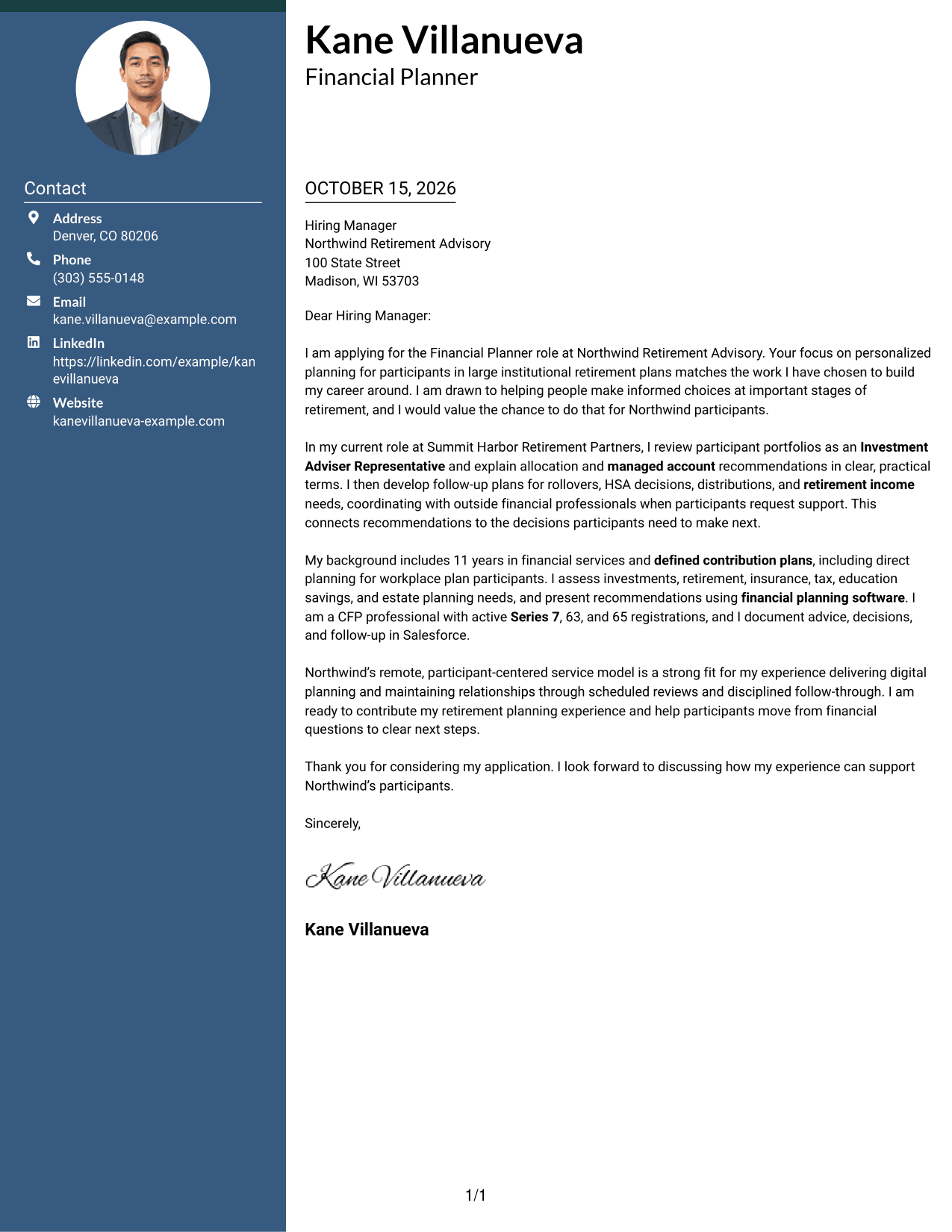
Why This Format Works
- The sidebar keeps contact information apart from the letter, making details easy to locate.
- One continuous body lets the opening, case for fit, and closing build naturally.
- A photo-free presentation suits readers who prefer a text-led application.
Best For
- Sidebar contact presentation
- Continuous letter paragraphs
- Unheaded letter format
- Letters with detailed sender information
- Remote application materials
#3 Photo Header Two Column Format Cover Letter Example
The photo adds a personal visual element to the two-column layout while the letter remains one continuous body.
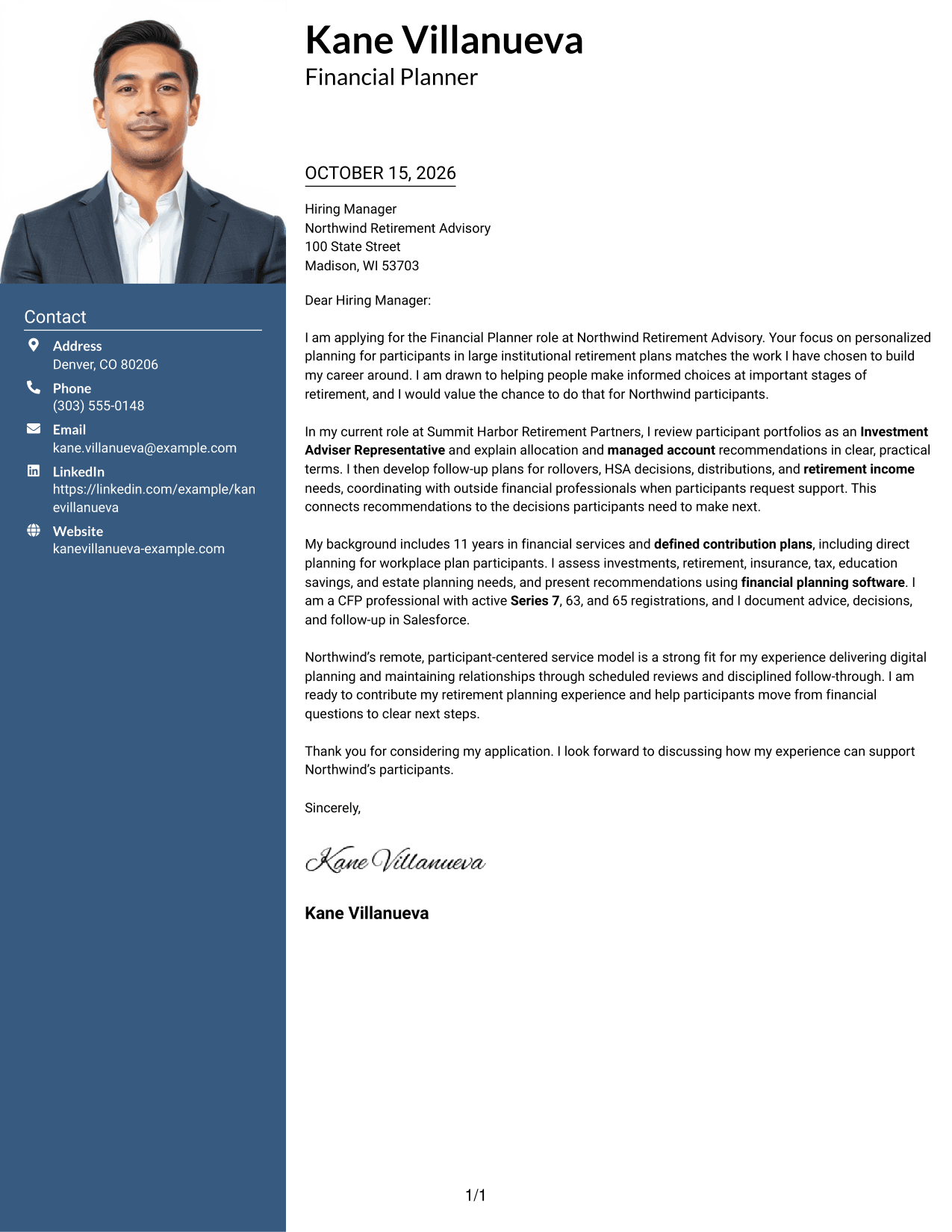
Why This Format Works
- Contact details sit apart from the letter, leaving the persuasive paragraphs uninterrupted.
- A single letter body lets motivation and supporting points build toward a clear close.
- The photo offers a personal visual choice without dividing the letter’s message.
Best For
- Photo-inclusive applications
- Contact sidebar layouts
- Continuous letter body
- Unheaded persuasive letters
- Remote planning applications
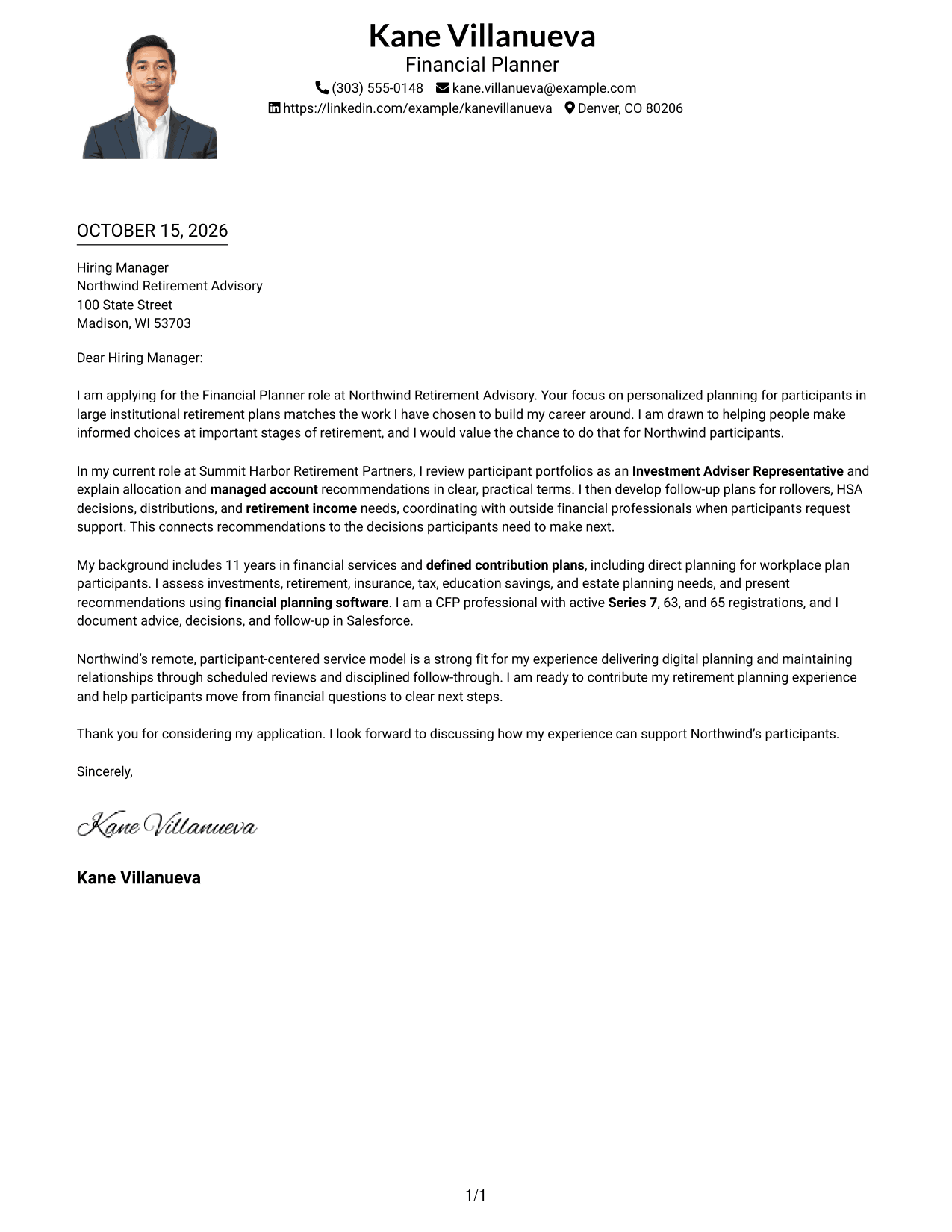
#4 One Column Format with Photo Cover Letter Example
A single-column letter with a photo keeps the message on one reading path while adding a personal visual element.
Why This Format Works
- Contact information stays in the header, so the letter begins without a sidebar.
- One continuous body carries motivation and evidence through to the closing.
- A photo suits applications where a personal visual element is welcome.
Best For
- Single-column letter layouts
- Photo-inclusive applications
- Header-based contact details
- Continuous persuasive prose
- Remote planning applications
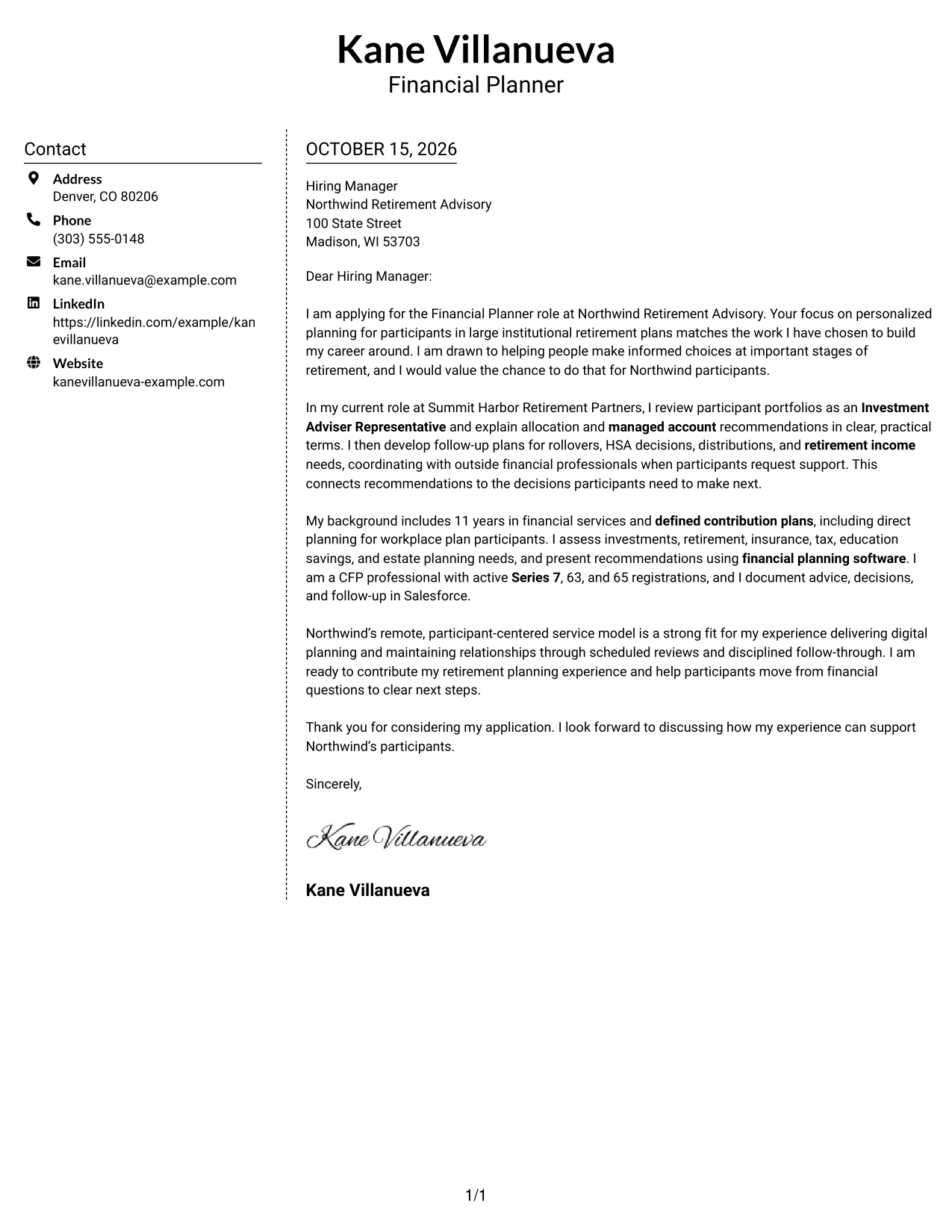
#5 Simple Two Column Format Cover Letter Example
A contact sidebar beside one continuous letter body keeps contact information separate from the case for fit.
Why This Format Works
- Readers can find sender details in the sidebar without breaking the letter’s flow.
- The continuous body gives motivation, evidence, and closing a natural sequence.
- Its photo-free presentation works well for text-focused application materials.
Best For
- Separate contact information
- Continuous letter paragraphs
- Unheaded correspondence
- Text-focused applications
- Remote application materials
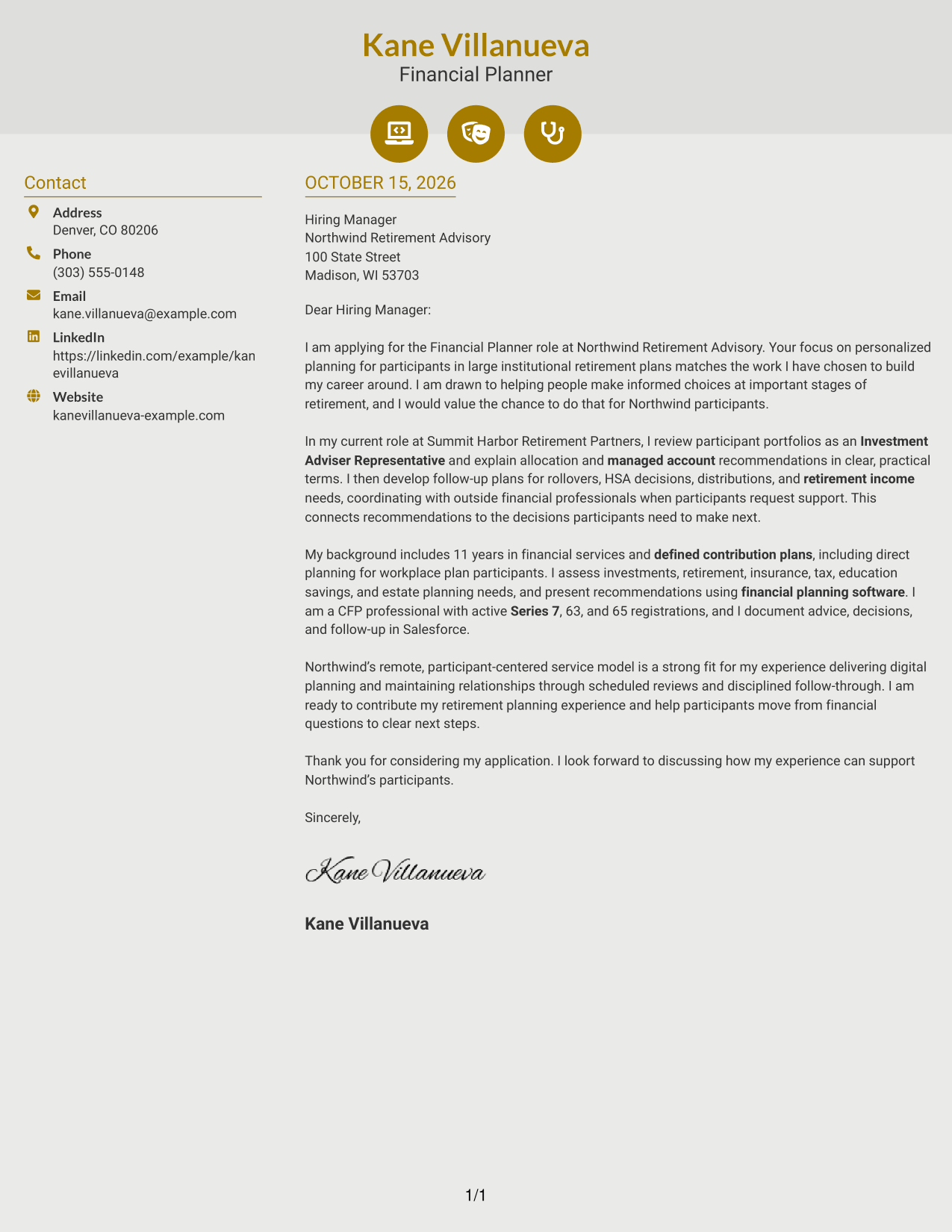
#6 Modern Icon Format Cover Letter Example
Contact icons and a sidebar help readers locate sender details while the letter’s argument remains in one continuous column.
Why This Format Works
- Contact icons cue key sender details without labeling stages of the letter.
- The sidebar keeps contact information outside the continuous persuasive message.
- A single body column carries the opening, supporting case, and closing together.
Best For
- Icon-cued contact details
- Sidebar contact presentation
- One-column letter body
- Unheaded persuasive writing
- Remote planning applications
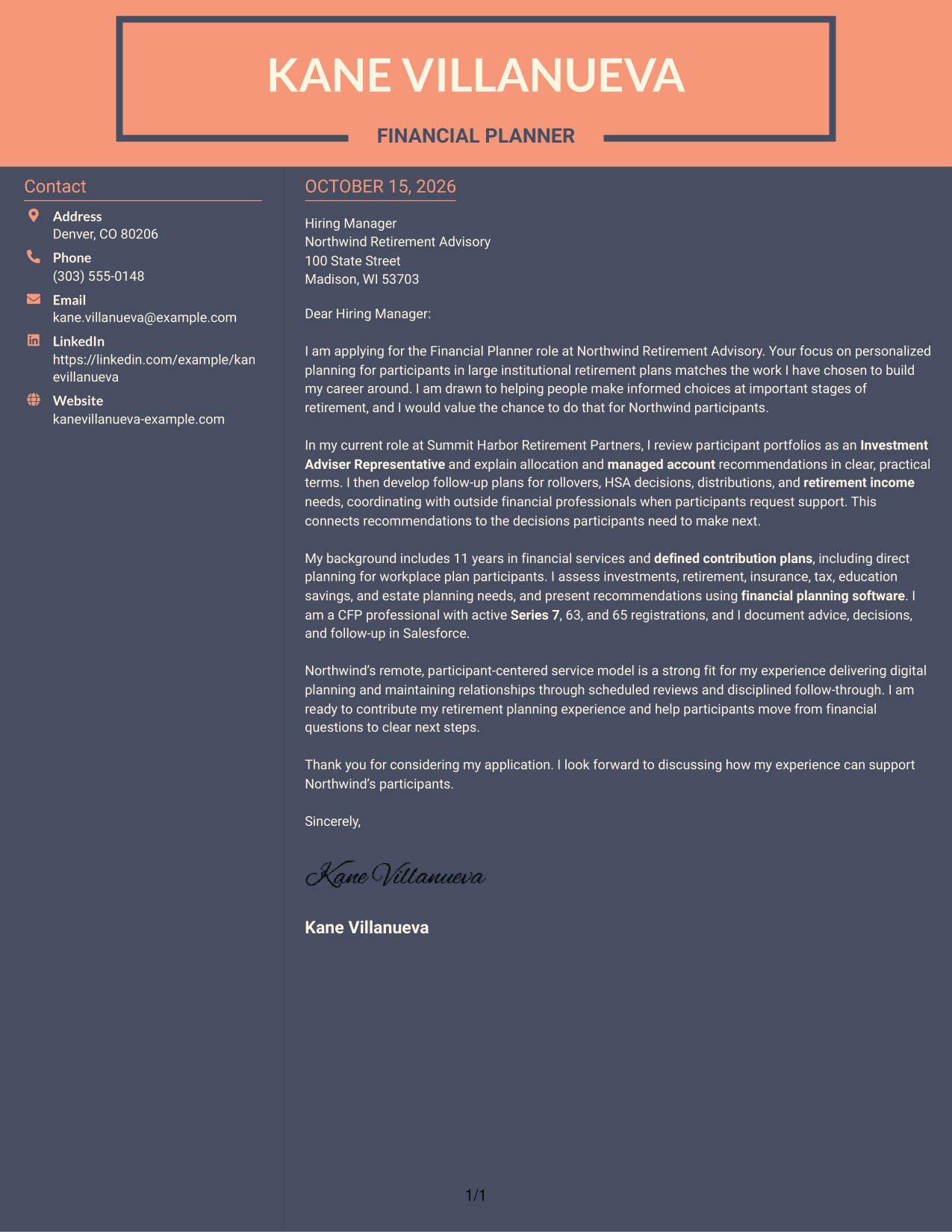
#7 Creative Two Tone Format Cover Letter Example
Two columns place contact details beside the continuous letter, keeping the sender’s information separate from the message.
Why This Format Works
- The sidebar gives contact information a separate place beside the letter.
- Uninterrupted paragraphs help the reader follow the message from opening to close.
- The photo-free look suits applications centered on written communication.
Best For
- Sidebar contact details
- Continuous letter flow
- Unheaded cover letters
- Text-led applications
- Remote financial planning applications
See Also
- 7 Financial Planner - Retirement Planning Resume Templates with Example
- 7 Financial Planner - Wealth Management Resume Templates with Example
- 33 Holistic Financial Planning Analyst Intern Resume Templates with Example 2026 (ATS-Optimized)
- 33 Intern - Finance (Financial Planning & Analysis) Resume Templates with Example 2026
- 33 Senior Financial Planning & Analysis Analyst Resume Templates with Example 2026 (ATS-Optimized)
- 7 Senior Manager of Financial Planning & Analysis - Revenue Forecasting and Long-Range Planning Resume Templates with Example
- 7 Assistant Planner - GIS Resume Templates with Example
- 33 Associate Planner Media - Life Sciences Media Resume Templates with Example 2026 (ATS-Optimized)
- 7 Financial Planner - Wealth Management Cover Letter Templates with Example
- 30+ Holistic Financial Planning Analyst Intern Cover Letter Templates with Example 2026
Frequently Asked Questions
What should the opening paragraph say for a Financial Planner - Retirement Planning cover letter?
Name the role and explain why its focus on retirement planning and participant support interests you. Keep the opening direct, then use the body to connect your experience to the work.
What experience should I highlight in this cover letter?
Choose examples that fit the role, such as retirement plan consultations, portfolio reviews, managed account recommendations, or follow-up on rollovers and distributions. Explain how your communication helped people understand their next steps.
How can I show that my approach fits an employer?
Refer to the employer’s stated service model and explain how your planning and communication approach supports it. Keep the connection specific and base every claim on your own experience.
Should I include my CFP certification and FINRA registrations?
Include credentials that are relevant to the position and accurately describe their status. The featured example names CFP certification and active Series 7, Series 63, and Series 65 registrations.
How can I compare the cover letter formats?
Review the PNG image previews to compare the page designs, then open an example in the editor if you want to view or customize it.




