
7 Financial Planner - Wealth Management Cover Letter Templates with Example
This guide helps you create a clear, convincing Financial Planner - Wealth Management cover letter. You will see how to connect your interest in the role with evidence that matters to an employer.
A strong letter sets up the conversation, then uses focused examples to show how you guide client planning discussions and explain investment information. The featured example draws on client reviews, financial research, and relationship development.
Explore the example in 7 layouts and learn how to shape the opening, choose useful evidence, explain your motivation and employer alignment, and close with confidence. Each layout offers a different way to present the same core message.
What Makes a Great Financial Planner - Wealth Management Cover Letter in 2026
A strong letter for this role shows how you guide client planning conversations, explain investment information, and follow through on complex questions. It should make your interest in the work clear.
Choose specific evidence, such as leading client reviews or explaining research with senior advisors, and connect it to the employer’s service approach. Keep the language direct and show how your judgment and communication can support client relationships.
The featured example moves from interest in the role to current client-facing evidence, relevant planning experience, and a professional close. Adapt that focused progression, then choose a presentation that suits the employer and the way you will communicate.
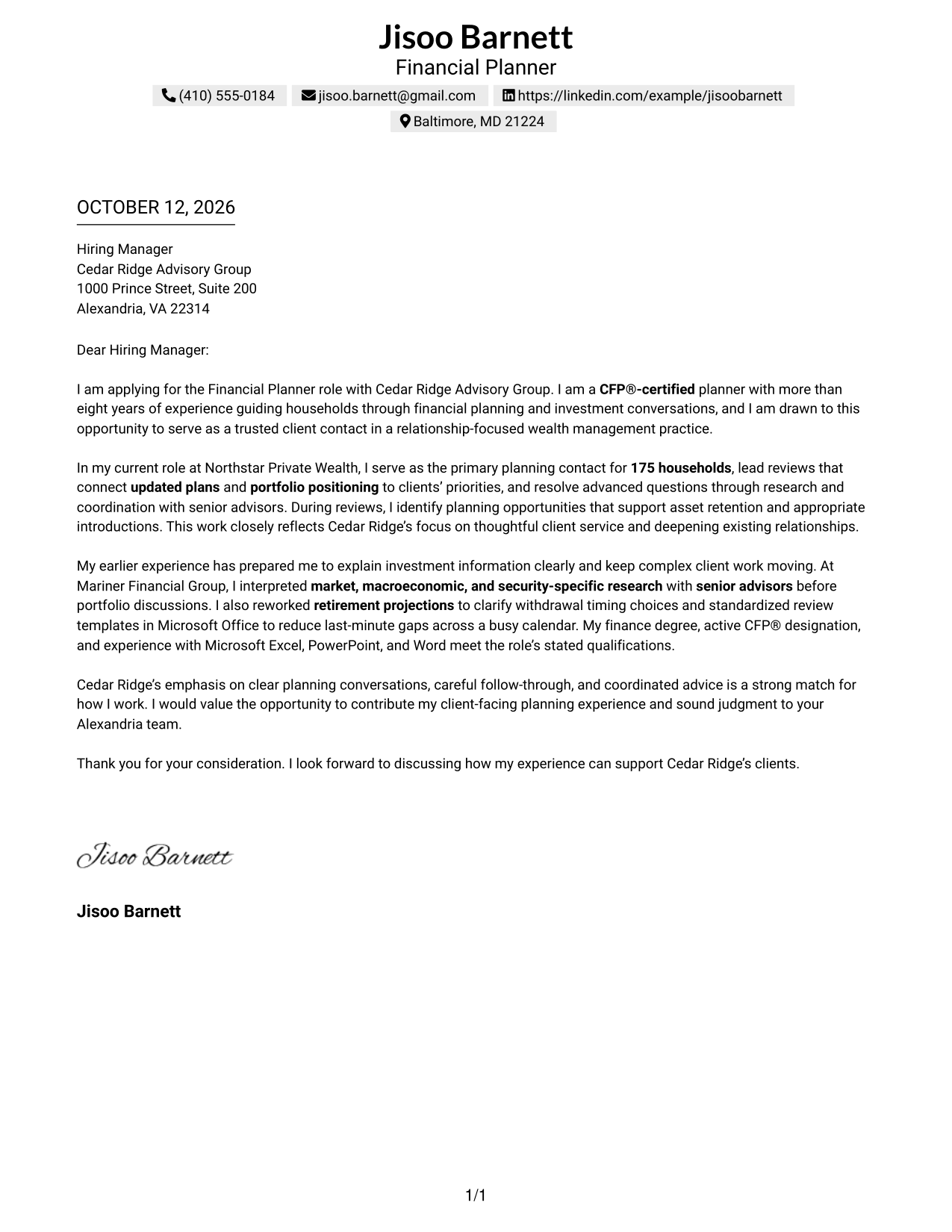
#1 Simple One Column Format Cover Letter Example
The Simple One Column Format keeps sender details in the header and the letter in one clear body, so a reviewer can follow its opening, evidence, and close in order.
Why This Format Works
- The uninterrupted body carries the opening, motivation, evidence, and closing in a clear order.
- Consistent reading order lets reviewers move from interest to supporting examples without searching.
- One shared text area gives the closing a direct link to the case above.
Best For
- Letters with a linear argument
- Opening-to-closing reading flow
- One uninterrupted body of text
- Header-based sender contact details
- Evidence-led client introductions
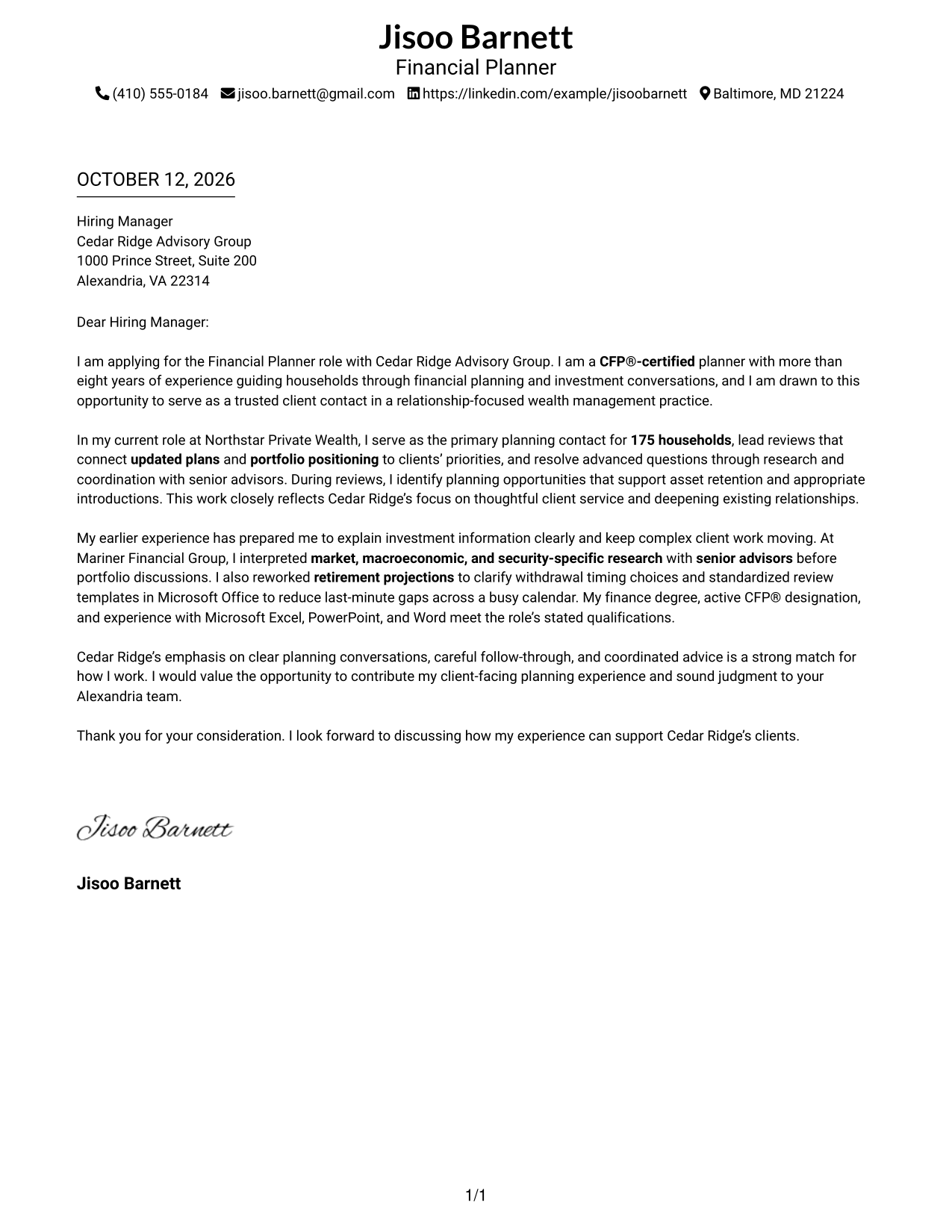
#2 Two Column Format Cover Letter Example
With contact details set beside a continuous letter body, the Two Column Format lets reviewers find how to reach the sender without breaking the letter’s case for fit.
Why This Format Works
- The contact sidebar stays easy to locate as the body develops motivation.
- One continuous letter column keeps experience evidence in a readable sequence.
- Distinct contact and letter areas leave the closing connected to the argument above.
Best For
- Separate contact and letter areas
- Easy-to-find sender contact details
- Continuous persuasive letter body
- Contact details beside substantial prose
- Letters with several evidence paragraphs
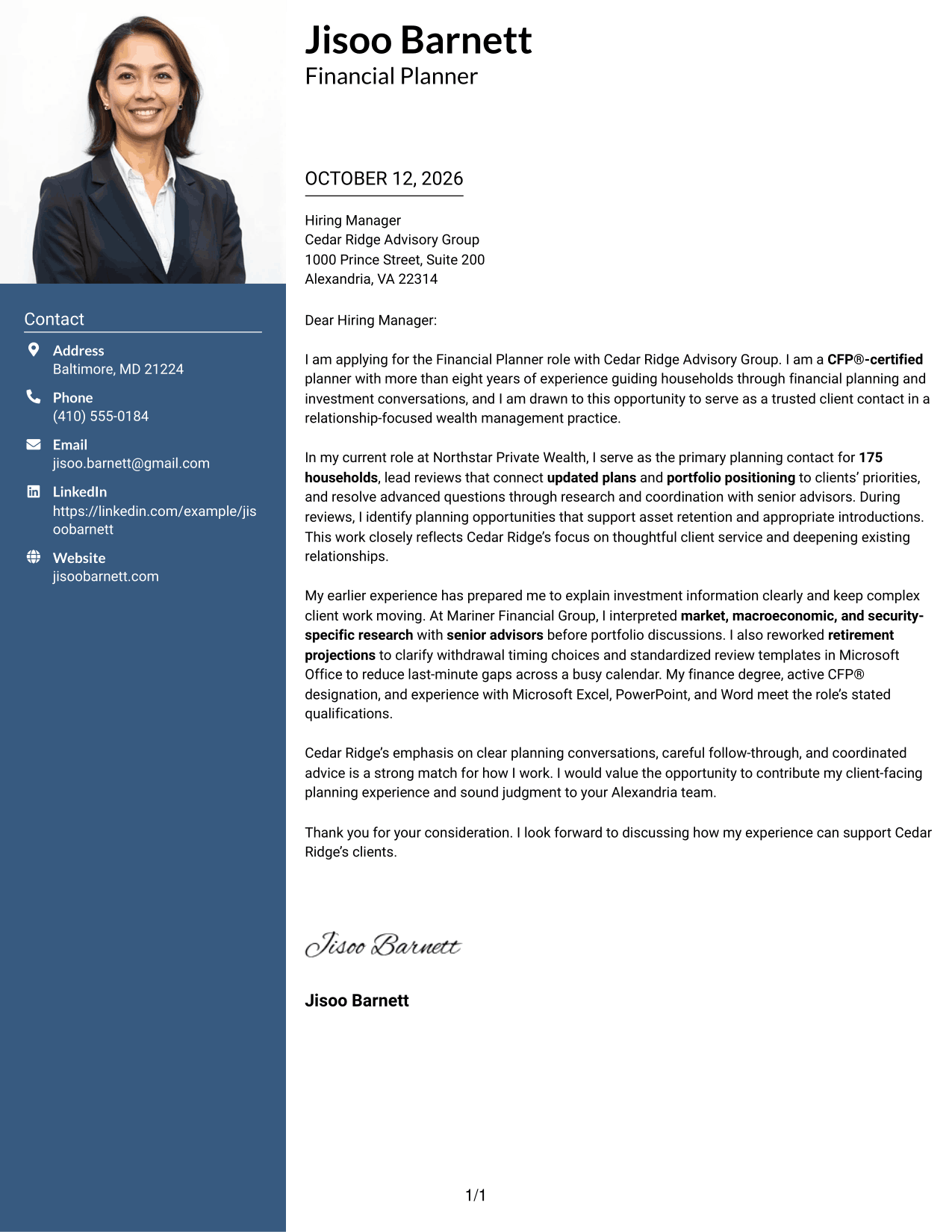
#3 Photo Header Two Column Format Cover Letter Example
The Photo Header Two Column Format pairs a contact sidebar and a continuous letter body with a photo in the header, keeping personal details distinct from the story of fit.
Why This Format Works
- Contact details remain apart from the continuous body, keeping motivation and evidence together.
- An uninterrupted text path helps reviewers follow the opening through the closing.
- The header keeps personal presentation separate from the body’s client-fit discussion.
Best For
- Letters where a sender photo is expected
- Header photo with separate contact details
- Contact details apart from letter prose
- One continuous case for fit
- Photo-led personal presentation
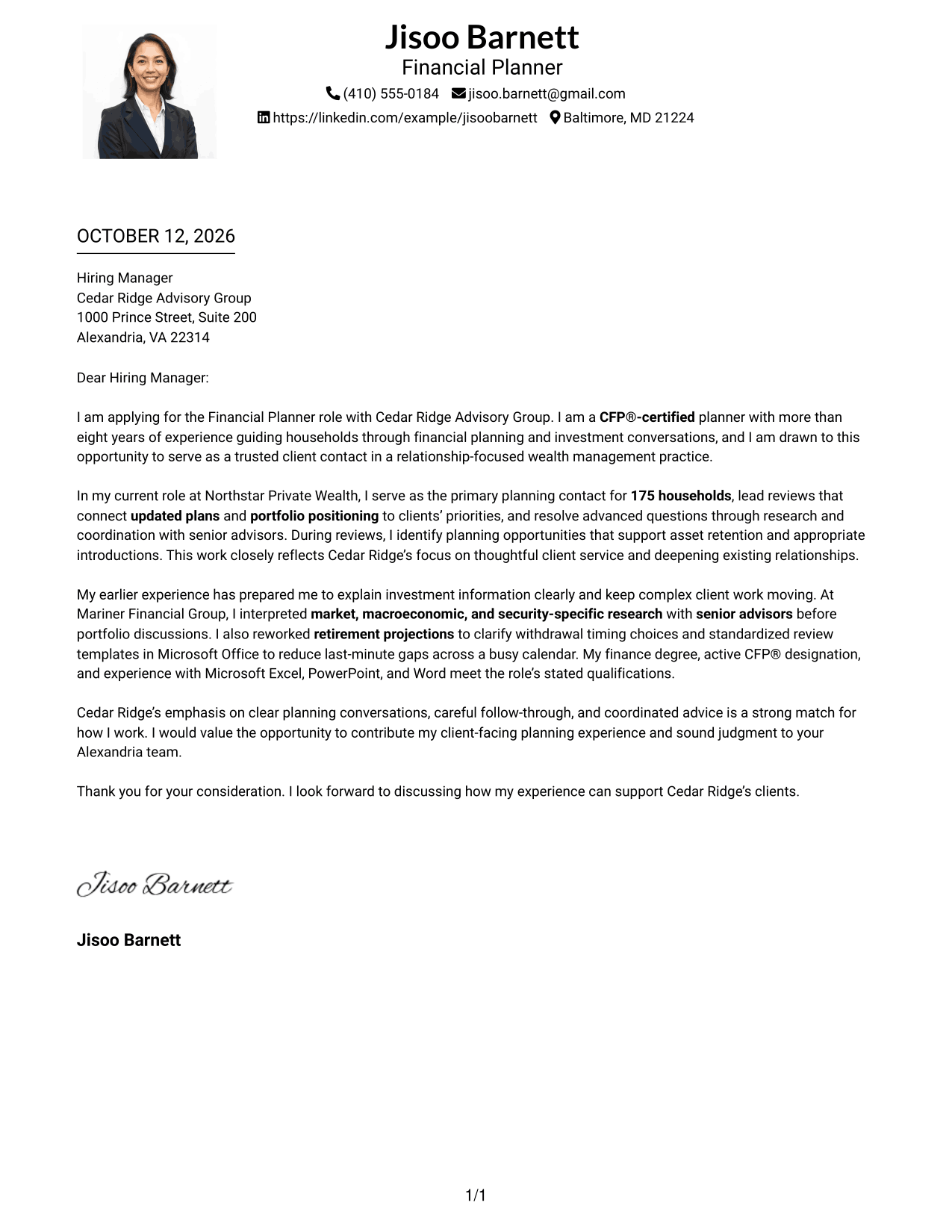
#4 One Column Format with Photo Cover Letter Example
The One Column Format with Photo keeps the sender’s details and photo in the header, while one continuous body carries the letter’s message from opening to close.
Why This Format Works
- Header details and photo leave the body free to carry the argument.
- One reading path guides reviewers from the opening through supporting evidence.
- The closing follows the case in the same body, keeping the final message connected.
Best For
- Photo in the sender header
- Single-path letter reading
- Contact details grouped above the body
- Personal introductions with a photo
- Opening-to-closing narrative flow
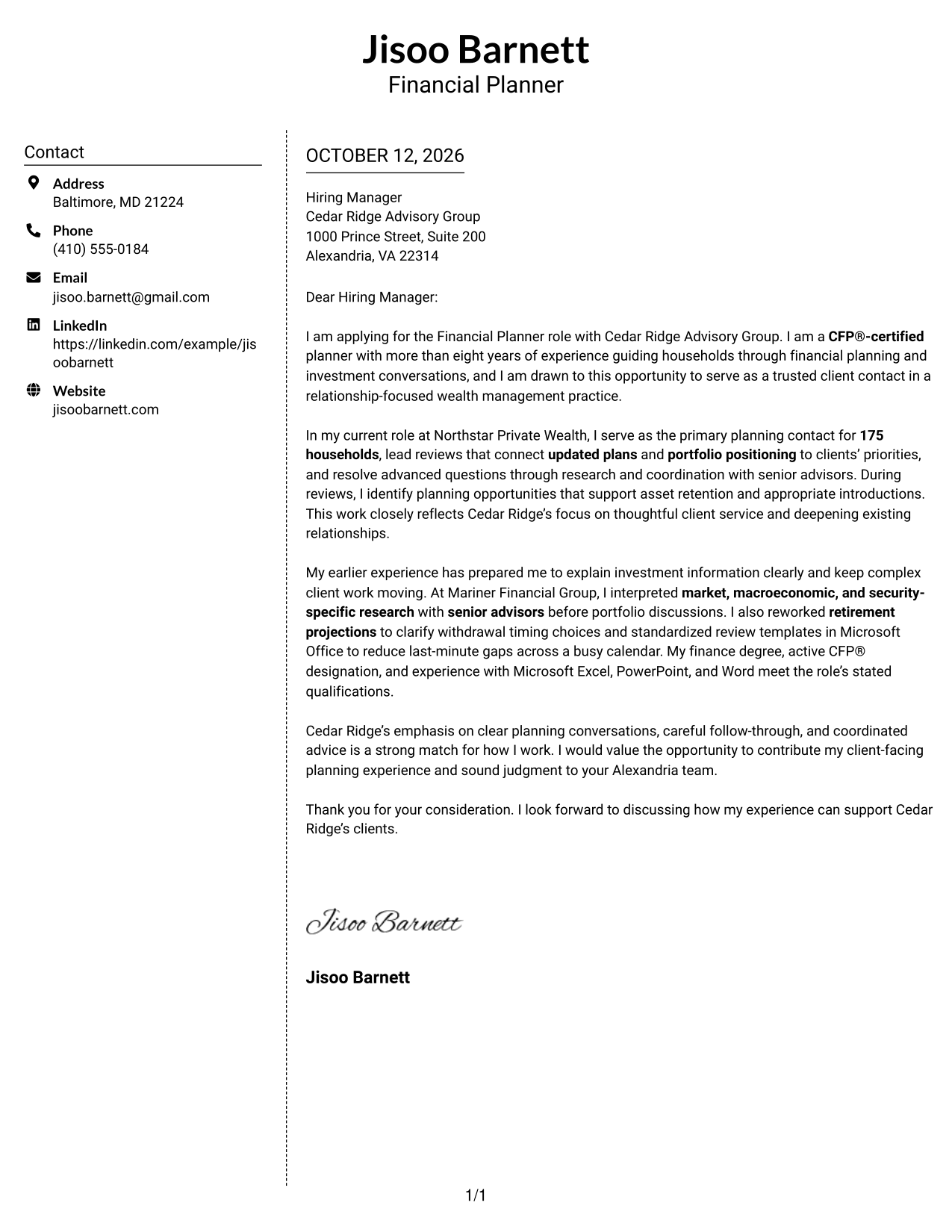
#5 Simple Two Column Format Cover Letter Example
The Simple Two Column Format places contact details in a sidebar and keeps the opening, supporting points, and close together in one continuous letter body.
Why This Format Works
- Contact information sits apart, while the letter body keeps its opening and motivation together.
- Clear separation gives the evidence paragraphs room to build a persuasive case.
- Readers can move through one continuous argument without switching between body columns.
Best For
- Contact sidebar beside letter prose
- Unbroken persuasive argument
- Sender details separate from evidence
- Quick access to contact information
- Letters with distinct body paragraphs
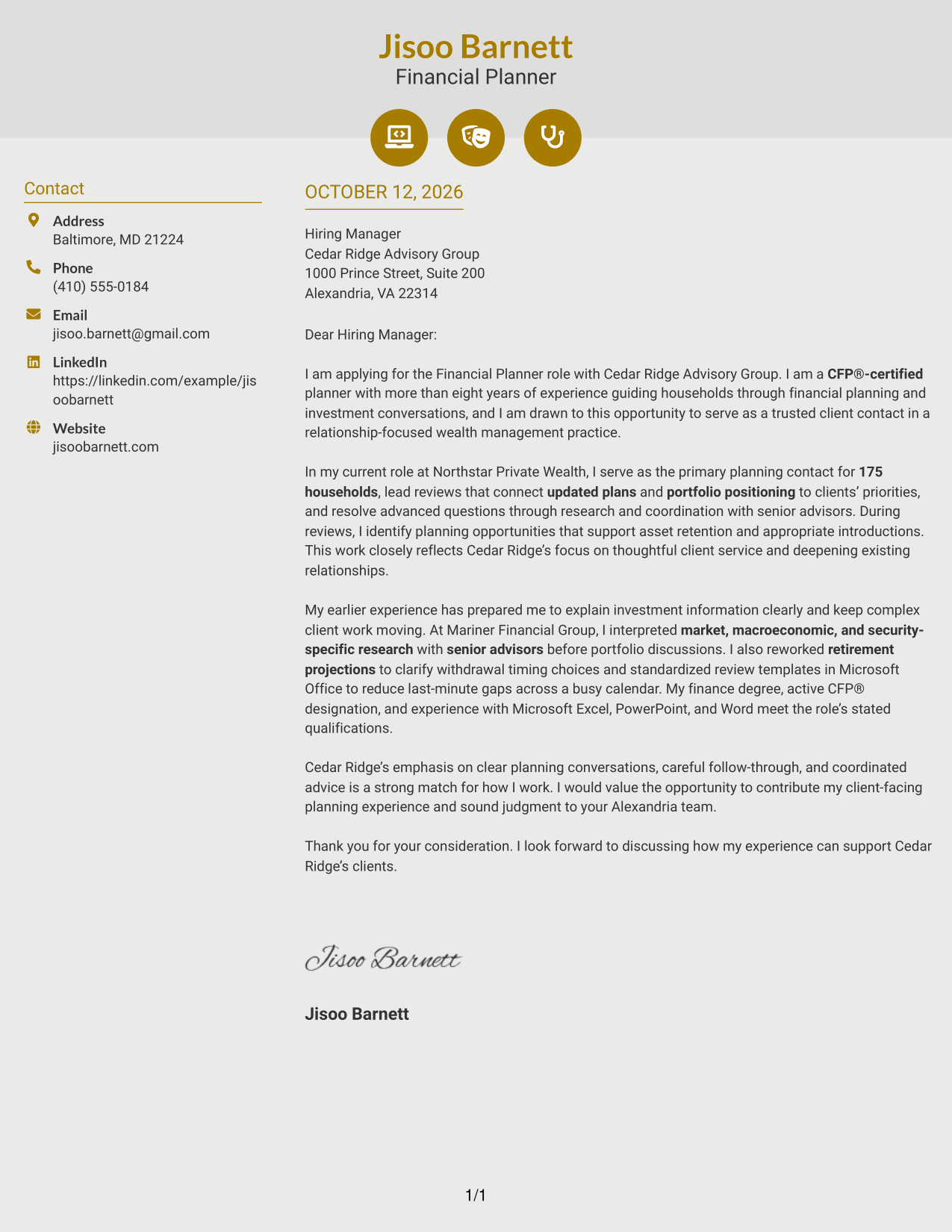
#6 Modern Icon Format Cover Letter Example
The Modern Icon Format uses a contact sidebar beside one continuous letter body, with icons serving as cues for contact details rather than labels for the letter’s argument.
Why This Format Works
- Contact icons help locate sender details, while the body carries motivation and evidence.
- Two-column organization keeps contact cues apart from the continuous letter narrative.
- One uninterrupted body lets the closing follow the case for fit naturally.
Best For
- Icon-led contact details
- Two-area page organization
- Continuous letter argument
- Fast contact-detail navigation
- Distinct contact and prose zones
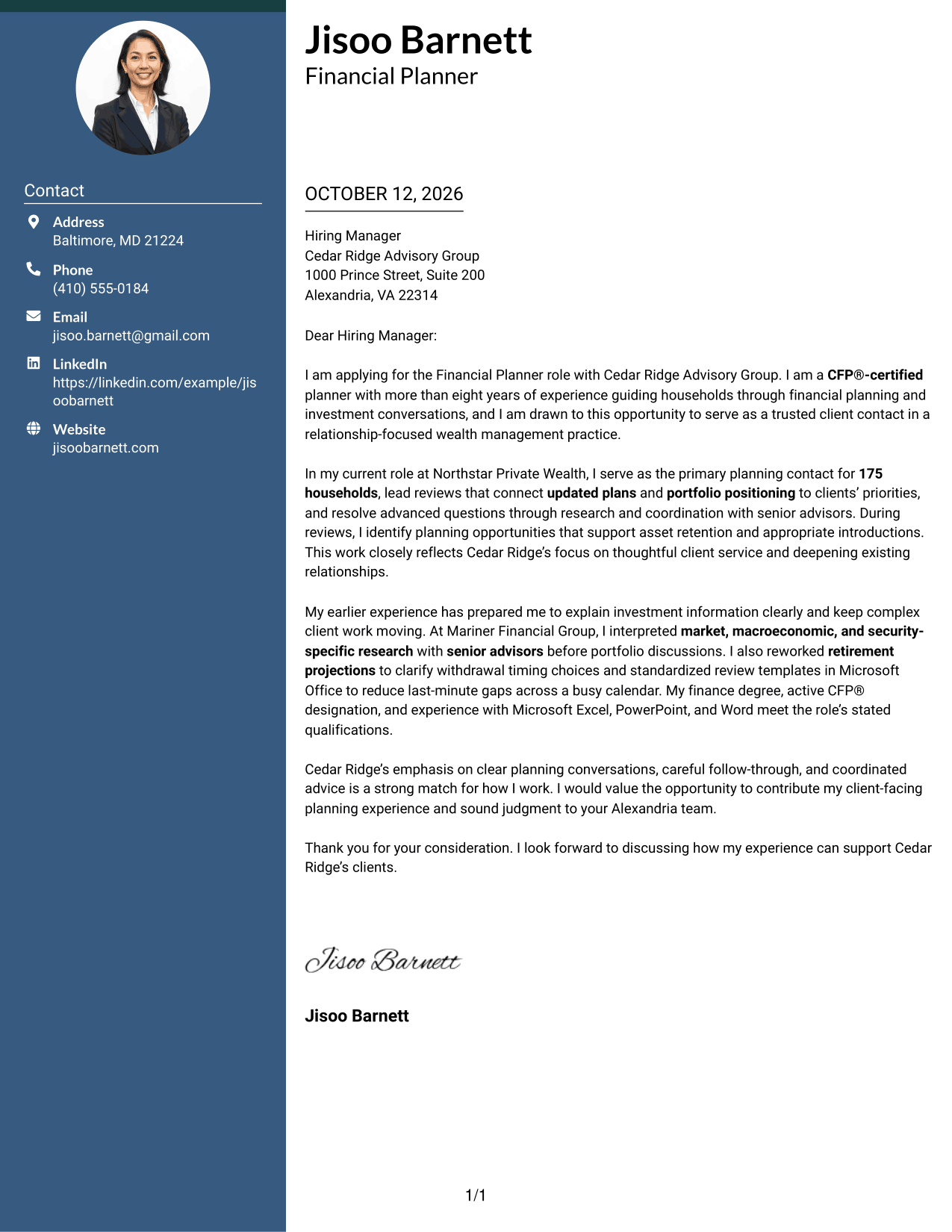
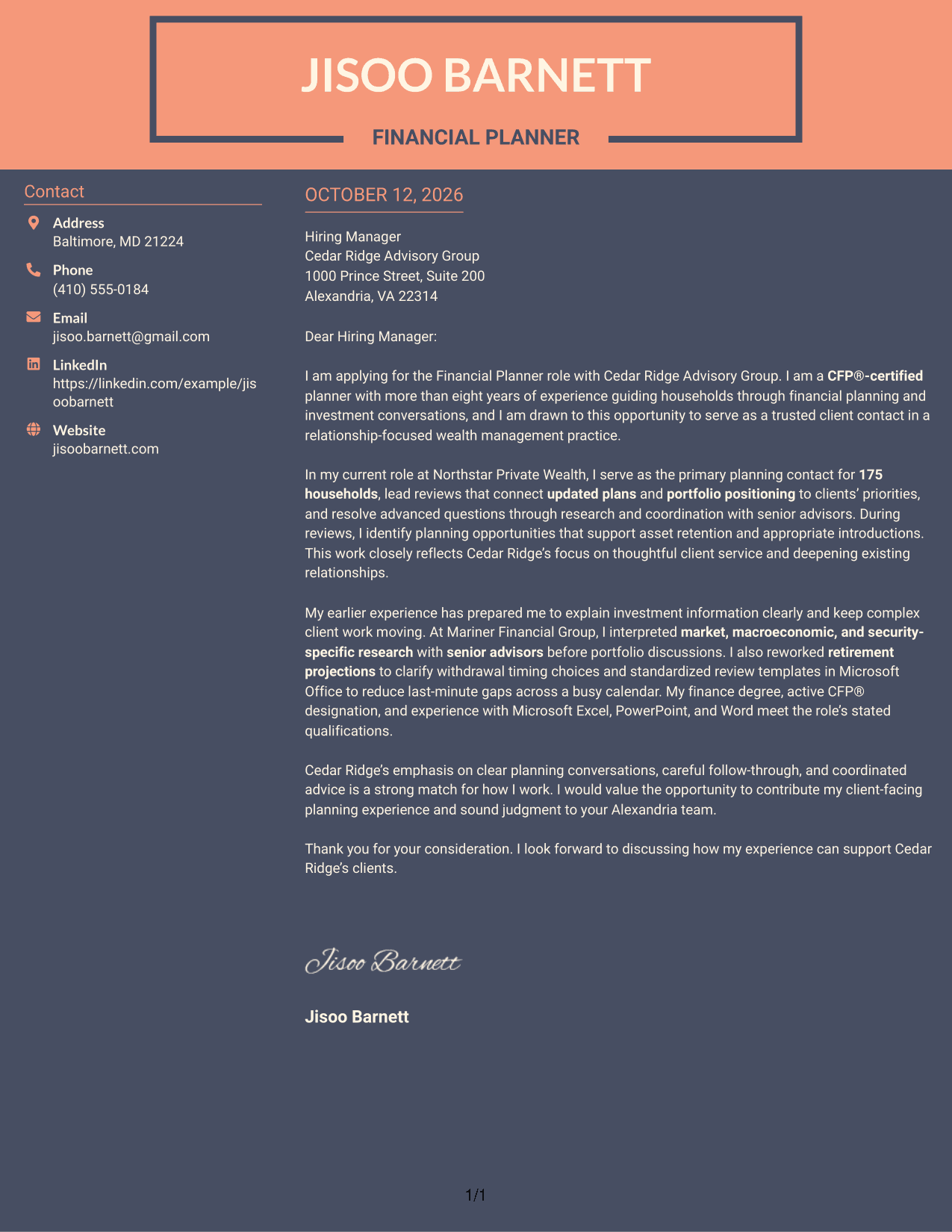
#7 Creative Two Tone Format Cover Letter Example
The Creative Two Tone Format uses contrasting color areas to distinguish the contact sidebar from the continuous letter body, while keeping the case for fit in one readable flow.
Why This Format Works
- Color contrast separates contact details from the letter body, leaving motivation easy to follow.
- One continuous body lets experience evidence build without competing sidebar text.
- Color separation keeps the closing within the same visible letter flow.
Best For
- Color-separated contact and letter areas
- Continuous persuasive letter body
- Clear visual boundary for sender details
- Letters with a direct opening and close
- Sidebar contact information
Why Use ResumeInMinutes for a Financial Planner - Wealth Management Cover Letter
ResumeInMinutes gives you a starting point for shaping a role-specific letter. You can refine the wording and choose a presentation that supports a clear, professional message.
- Edit your cover letter text
- Choose a clear presentation
- Connect evidence to the role
- Show your reason for applying
- Review your opening and close
- Present your experience clearly
For this role, focus on the way you explain financial plans, handle client questions, and build trust through careful follow-through.
See Also
- 7 Financial Planner - Wealth Management Resume Templates with Example
- 33 Associate Planner Media - Life Sciences Media Resume Templates with Example 2026 (ATS-Optimized)
- 7 Associate Production Planner - Marine Resume Templates with Example
- 33 Senior Manager, Production Planner Resume Templates with Example 2026 (ATS-Optimized)
- 7 Assistant Director of Operations - Financial Aid Resume Templates with Example
- 7 Associate Director, Financial Aid Systems Resume Templates with Example
- 33 College Financial Advisor Intern Resume Templates with Example 2026 (ATS-Optimized)
- 33 College Financial Representative Internship Resume Templates with Example 2026 (ATS-Optimized)
- 30+ Senior Manager, Production Planner Cover Letter Templates with Example 2026
- 30+ College Financial Advisor Intern Cover Letter Templates with Example 2026
Frequently Asked Questions
What should a Financial Planner - Wealth Management cover letter include?
Open by naming the role and explaining your interest. Use the body to show relevant client planning, review, research, and communication experience, then close with a clear expression of interest.
How can I show that I can explain investment information clearly?
Give a brief example of how you reviewed market or portfolio information and made it useful in a client discussion. The featured letter describes interpreting research with senior advisors before portfolio conversations.
Which qualifications are important for this role?
The job description asks for an active CFP® designation, a four-year business degree, and applicable industry experience. The featured example also connects a finance degree and CFP® certification to the role.
How can I show that I build strong client relationships?
Use a specific example of responsive service, a thoughtful review, or a planning conversation that helped a client make a decision. Explain how your actions supported trust and ongoing communication.
How should I connect my letter to Cedar Ridge Advisory Group?
Refer to the service qualities named in the job description, such as clear planning conversations, reliable follow-through, and coordinated advice. Link those priorities to evidence from your own work without making claims you cannot support.
What tone works well for a financial planning cover letter?
Use a confident, calm, and clear tone. Explain complex work in plain language and keep each paragraph focused on one main point.
How can I customize the featured cover letter?
Use the example as a guide, then update the opening, evidence, and employer connection to match your own background and the position. Keep the details accurate and close with a professional thank-you.




