
7 Fiscal Technician 2 - Payments & Receipts Cover Letter Templates with Example
This practical guide helps you create a focused Fiscal Technician 2 - Payments & Receipts cover letter and compare seven layouts.
What Makes a Great Fiscal Technician 2 - Payments & Receipts Cover Letter in 2026
A strong letter connects your payment and cash receipt experience to the role’s daily work, such as logging checks, balancing totals, and researching warrants.
Use a clear example to show careful record handling and responsive service, then explain how your approach supports the Authority’s public transportation work.
The featured Fiscal Technician 2 - Payments & Receipts example follows a focused progression from interest to transaction evidence and a clear close, which you can adapt while choosing a presentation suited to the employer and communication context.
#1 Simple One Column Format Cover Letter Example
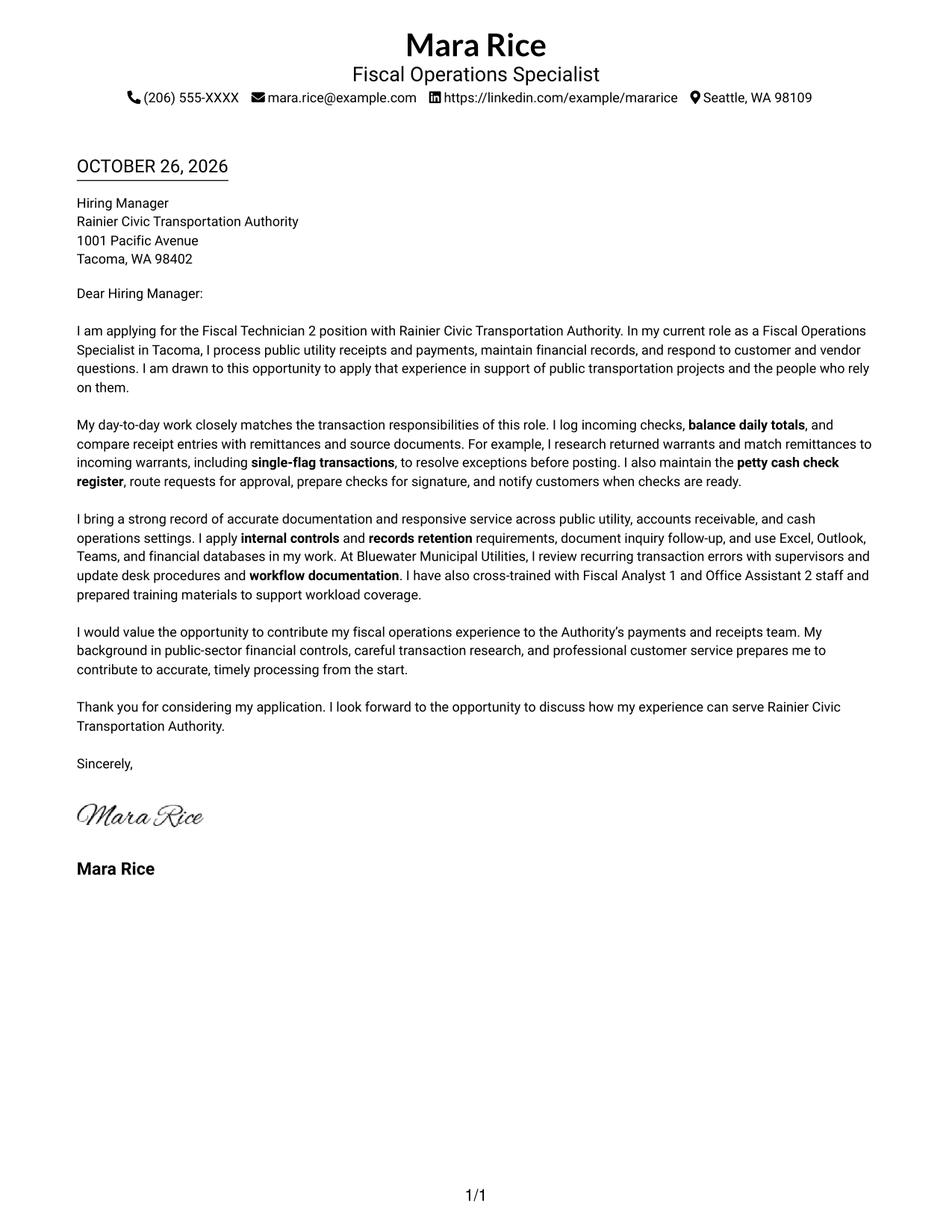
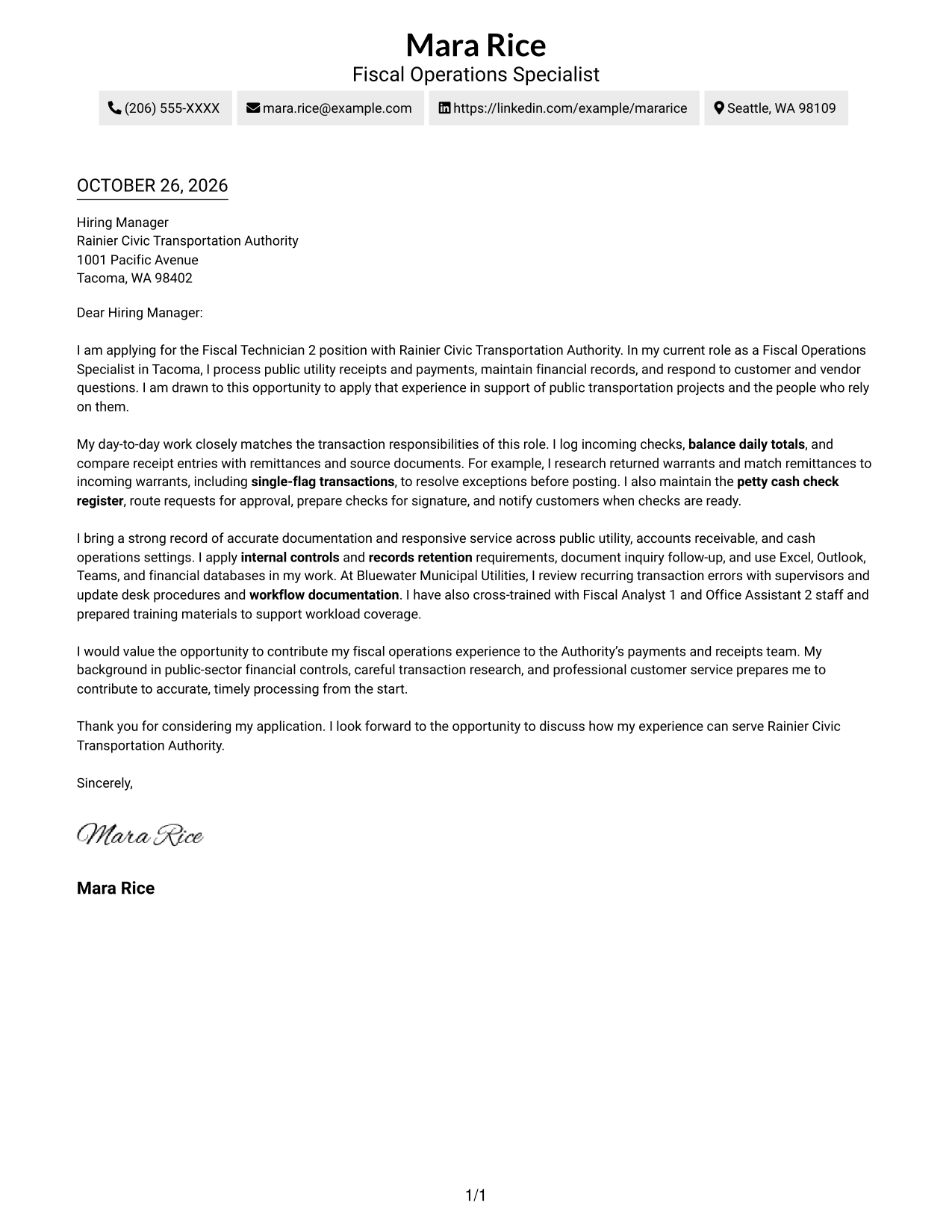
A single-column layout places sender details in the header and keeps the letter body on one reading path.
Why This Format Works
- Sender details and the letter share one column, keeping contact information near the message.
- Unheaded paragraphs carry the appeal from role interest through supporting evidence to the closing.
- One reading path lets reviewers follow the letter without shifting between body columns.
Best For
- Single-column letter preferences
- Header-based contact details
- Unheaded paragraph correspondence
- Letters with several supporting paragraphs
- Payment and receipt applications
#2 Two Column Format Cover Letter Example
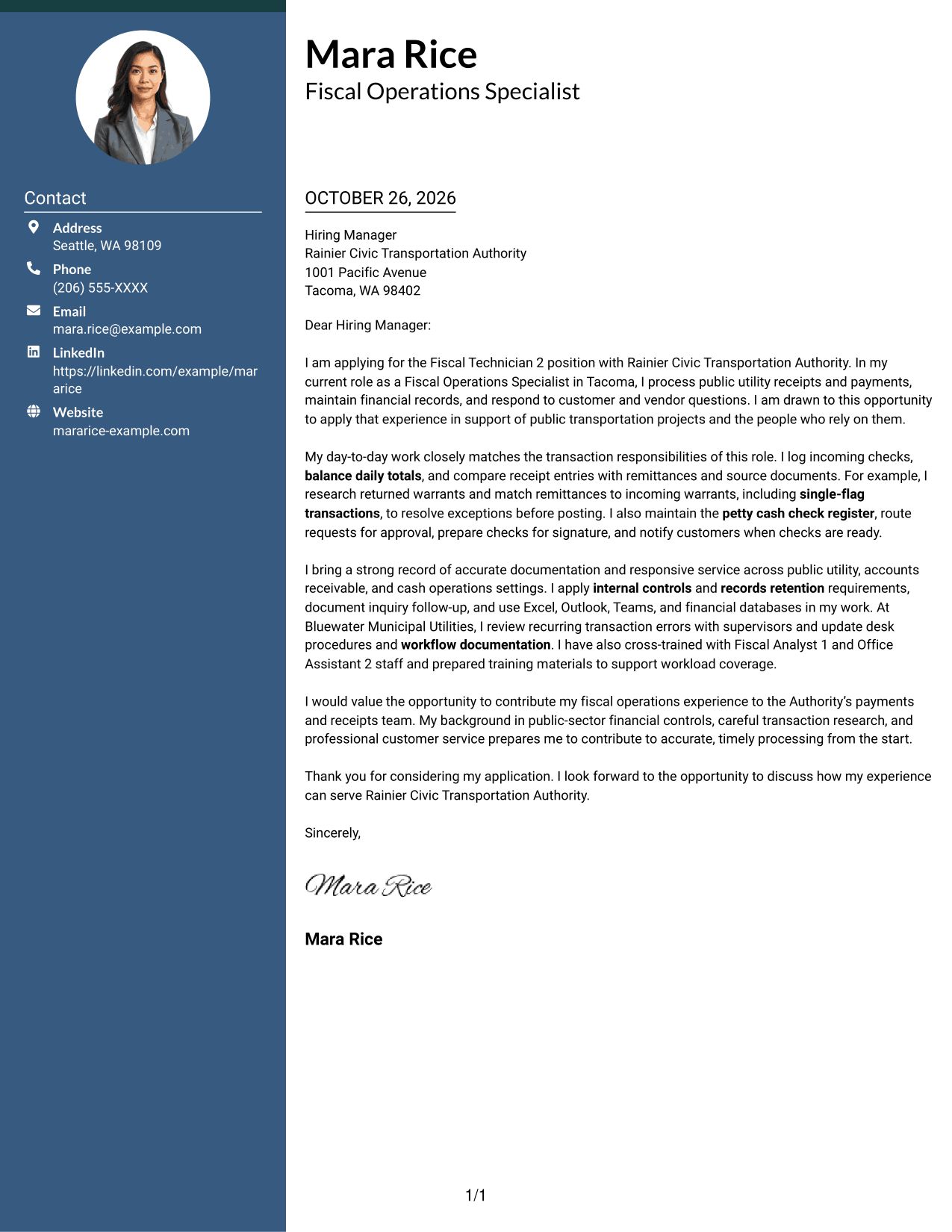
A contact sidebar sits beside one continuous letter body, separating contact details from the application message.
Why This Format Works
- The sidebar keeps sender information apart from the letter, making contact details easy to locate.
- The opening, supporting case, and closing remain together in one uninterrupted body column.
- Body paragraphs have no section headings, so the message keeps a natural letter form.
Best For
- Side-by-side contact and message layout
- Contact details kept easy to find
- Traditional paragraph correspondence
- Letters connecting interest with evidence
- Payment and receipt role applications
#3 Photo Header Two Column Format Cover Letter Example
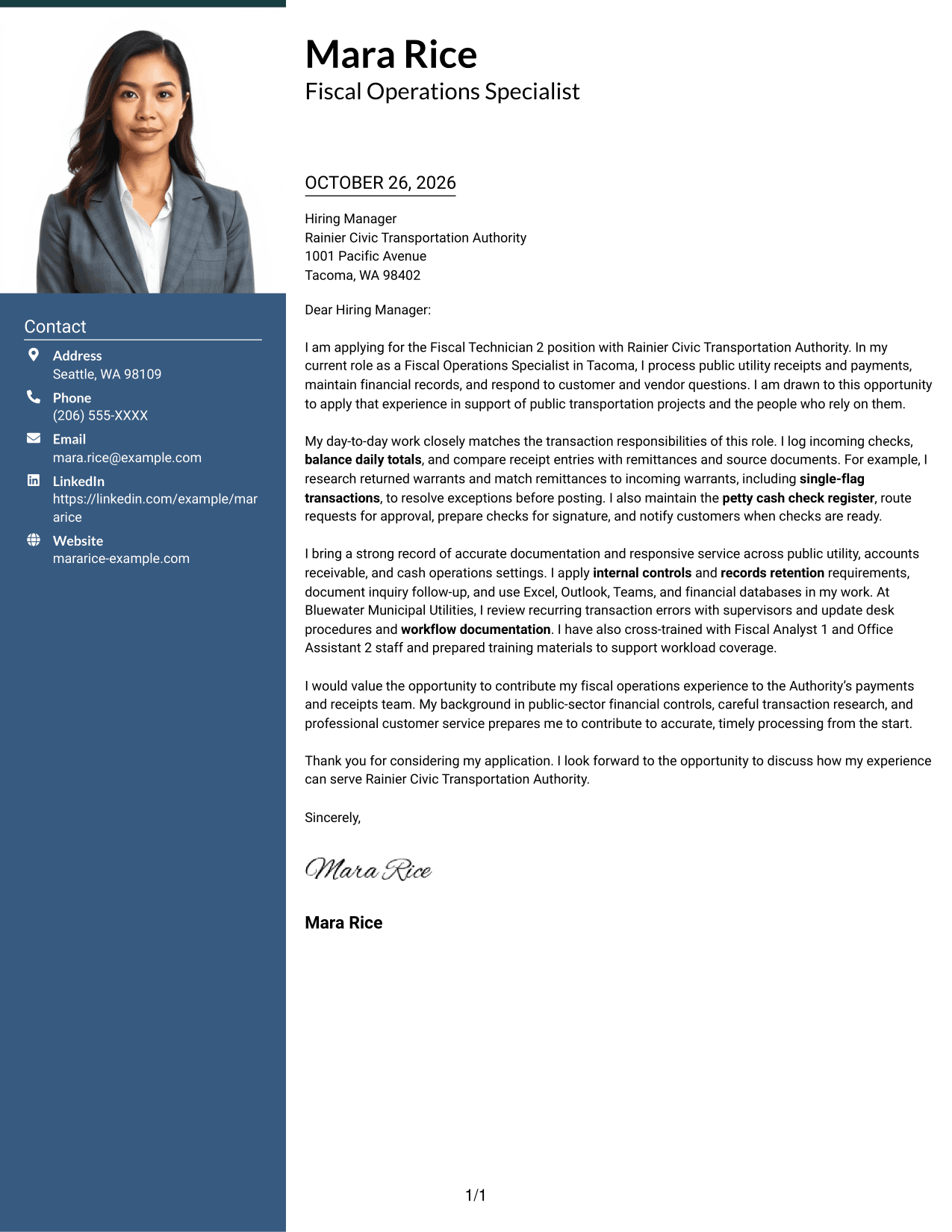
A photo adds a visible personal detail to the two-column layout, alongside a contact sidebar and continuous letter body.
Why This Format Works
- A photo adds a personal visual element without changing the letter's paragraph structure.
- Contact details remain in a separate area, apart from the application message.
- The single letter column keeps the opening, evidence, and closing in one sequence.
Best For
- Photo-inclusive document preferences
- Distinct contact and message areas
- Continuous paragraph correspondence
- Letters with several points of role alignment
- Payment and receipt role applications
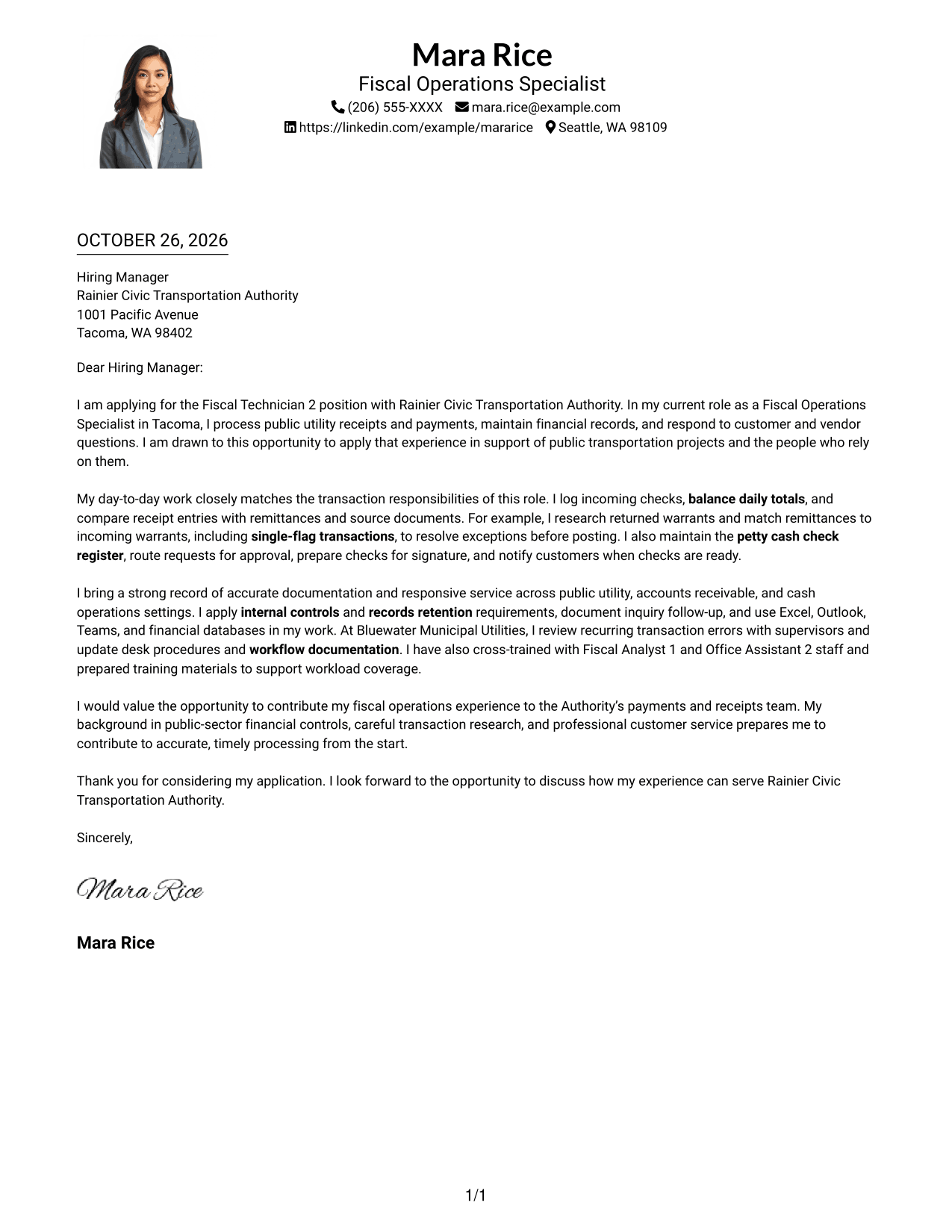
#4 One Column Format with Photo Cover Letter Example
A photo accompanies the one-column layout, which keeps the sender details and continuous letter body on one reading path.
Why This Format Works
- The photo provides a visual detail while the letter remains in one column.
- Sender details appear in the header, separate from the greeting and letter paragraphs.
- A single column keeps the application's opening, evidence, and closing in sequence.
Best For
- One-column letter preferences
- Photo-inclusive document styles
- Header-based contact details
- Letters with a clear paragraph sequence
- Payment and receipt applications
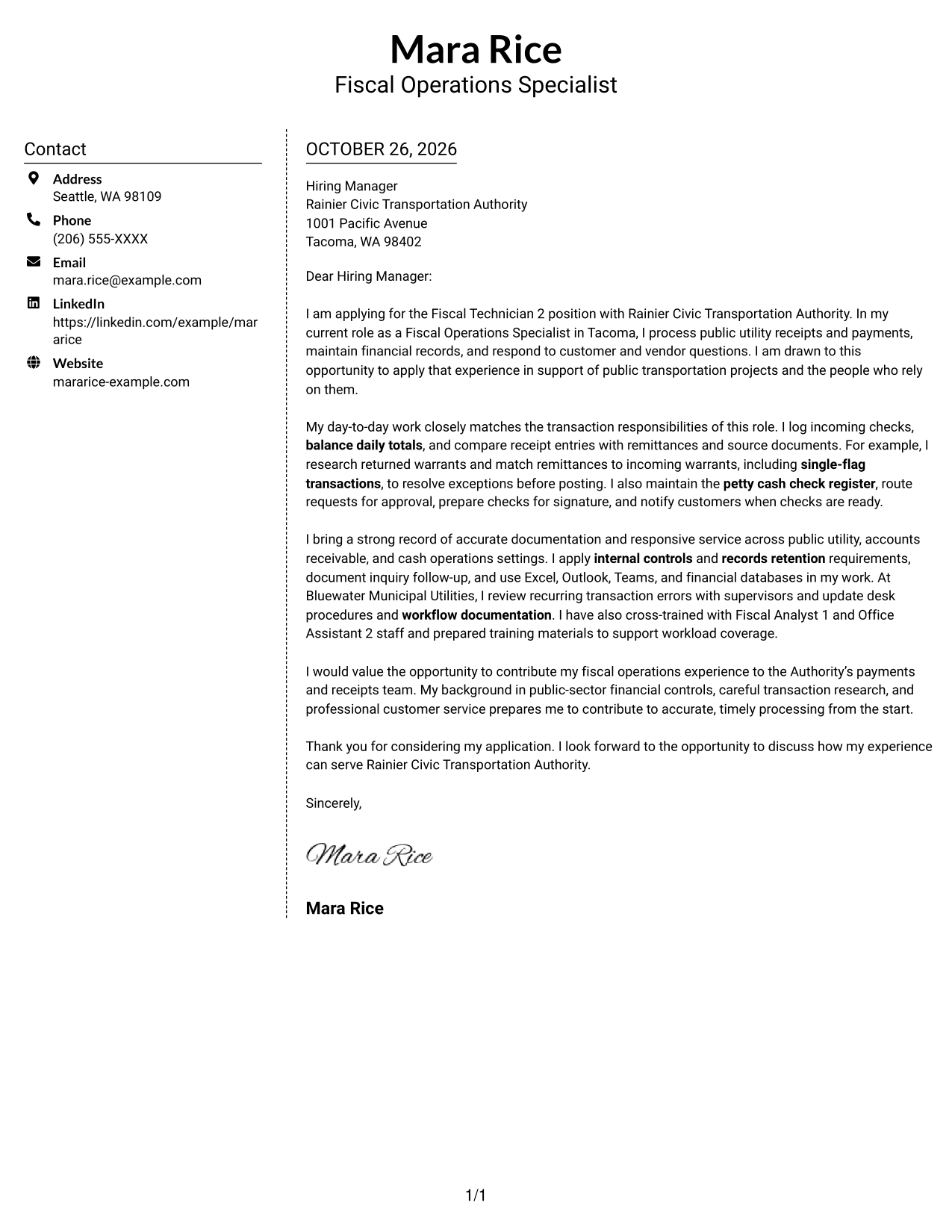
#5 Simple Two Column Format Cover Letter Example
The contact sidebar gives sender details their own column beside the uninterrupted letter body.
Why This Format Works
- Contact details occupy a separate column, making them distinct from the letter's message.
- The letter's opening, evidence, and closing stay together in one body column.
- The simple two-column arrangement keeps contact information and correspondence easy to distinguish.
Best For
- Separate contact and message areas
- Side-by-side document organization
- Letters using standard paragraphs
- Applications with several supporting points
- Payment and receipt correspondence
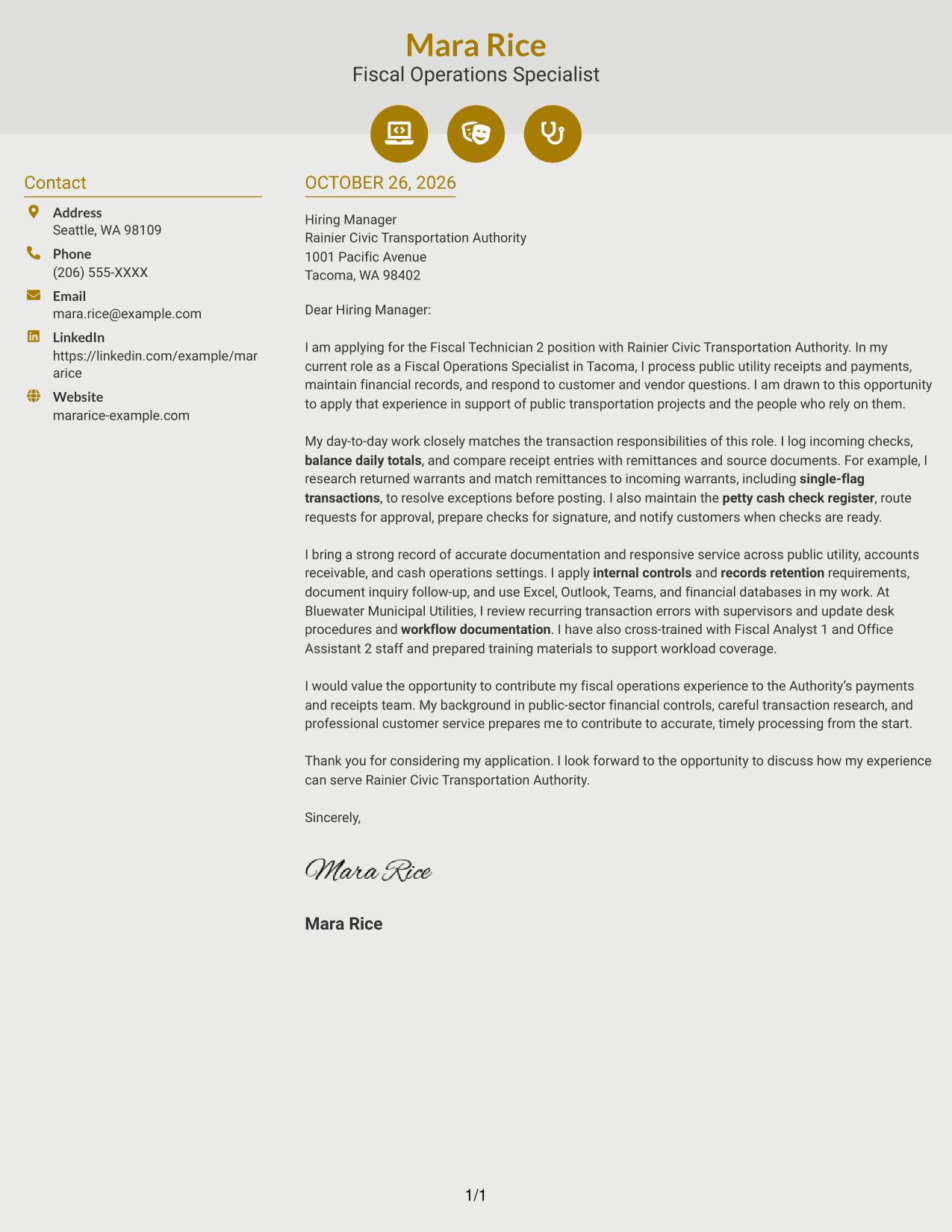
#6 Modern Icon Format Cover Letter Example
Contact icons cue key details in the sidebar, while the letter remains in its own continuous column.
Why This Format Works
- Contact icons help distinguish details in the sidebar without labeling parts of the letter.
- The application message stays in one column, from its opening through its closing.
- Separate placement keeps contact information apart from the letter's supporting paragraphs.
Best For
- Icon cues for contact details
- Sidebar and letter kept distinct
- Continuous paragraph correspondence
- Letters with clear role alignment
- Payment and receipt applications
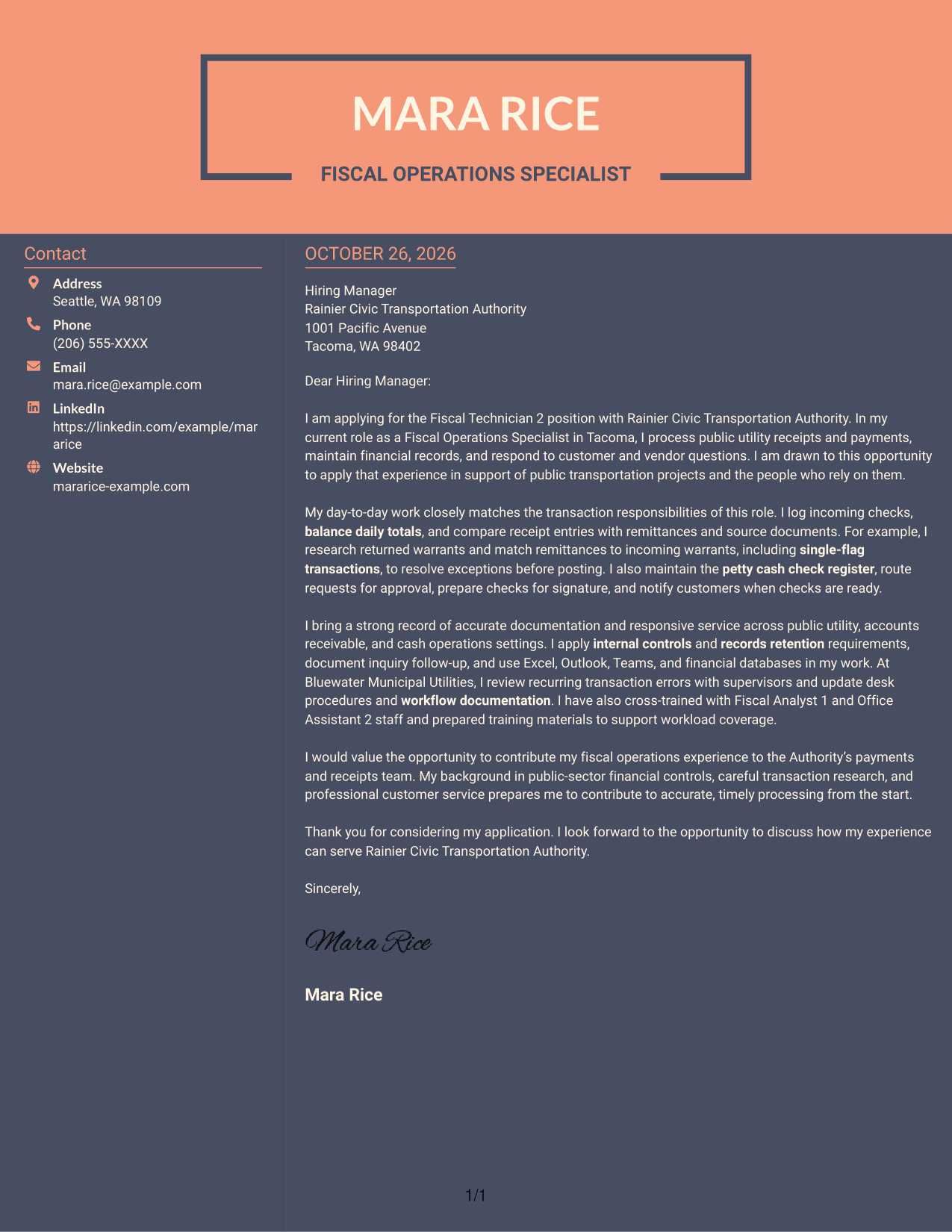
#7 Creative Two Tone Format Cover Letter Example
A contact sidebar sits beside one continuous letter column, keeping sender details apart from the application message.
Why This Format Works
- The sidebar gives sender details a distinct place beside the letter body.
- The letter's argument stays in one column rather than running across parallel body areas.
- Continuous paragraphs let reviewers follow the application message from opening to closing.
Best For
- Side-by-side contact and message layout
- Letters with a continuous argument
- Readers who want contact details set apart
- Applications connecting motivation and evidence
- Payment and receipt role applications
Why Use ResumeInMinutes for a Fiscal Technician 2 - Payments & Receipts Cover Letter
ResumeInMinutes gives you a clear starting point for explaining your payment, receipt, and customer service experience in a professional letter.
- Cover letter examples for this role
- PNG image previews
- Examples you can open in the editor
- Support for a clear letter structure
- Space to explain role fit
- Guidance for a focused closing
Compare the image previews, then open an example in the editor to review or customize its presentation for the employer and communication context.
See Also
- 7 Fiscal Technician 2 - Payments & Receipts Resume Templates with Example
- 7 Adjunct Phlebotomy Technician Instructor Resume Templates with Example
- 7 AGVS Logistics Technician Resume Templates with Example
- 7 Audiovisual and Oral History Technician Resume Templates with Example
- 33 Auto Technician Trainee Resume Templates with Example 2026 (ATS-Optimized)
- 7 Automation Technician Resume Templates with Example
- 7 Automotive Diesel Technician Resume Templates with Example
- 33 Automotive Service Technician Resume Templates with Example 2026 (ATS-Optimized)
- 7 AGVS Logistics Technician Cover Letter Templates with Example
- 30+ Auto Technician Trainee Cover Letter Templates with Example 2026
Frequently Asked Questions
What should a Fiscal Technician 2 - Payments & Receipts cover letter include?
Connect your experience to payment processing, cash receipts, daily balancing, warrants, remittances, petty cash, record keeping, and customer questions. Include a specific example that shows how you check information or resolve a transaction issue.
How can I show that I am a good fit for this role?
Describe relevant work with financial records, receipt reconciliation, customer service, and established controls. Explain how your communication and attention to detail support accurate, timely processing.
How should I connect my experience to the Authority?
Briefly explain why supporting public transportation work interests you. Then link that interest to the payments and receipts duties, without making claims about the Authority’s work that you cannot support.
How do I choose a cover letter layout?
Choose a clear layout that makes your opening, evidence, and closing easy to follow. Compare the PNG previews, then open an example in the editor to review or customize its presentation.
Should I include a photo on my cover letter?
For U.S. applications, a cover letter without a photo is usually the safer choice unless the employer or local hiring practice asks for one.




