
7 Forward Deployed AI Engineer Cover Letter Templates with Example
This practical guide to a Forward Deployed AI Engineer cover letter presents seven layouts to help you explain your role fit and motivation clearly.
What Makes a Great Forward Deployed AI Engineer Cover Letter in 2026
A strong letter connects client needs with the work of designing, building, and deploying reliable software. Its opening should state interest in the role, while the body explains how the applicant approaches practical AI work and collaboration.
Use specific evidence, such as guiding a project from discovery through deployment or discussing tradeoffs with a partner. Link that evidence to the employer’s needs and explain why the role’s client-facing work matters to you.
The featured example follows a focused progression from role interest to relevant evidence and a clear close, which you can adapt while choosing a presentation that suits the employer and communication context.
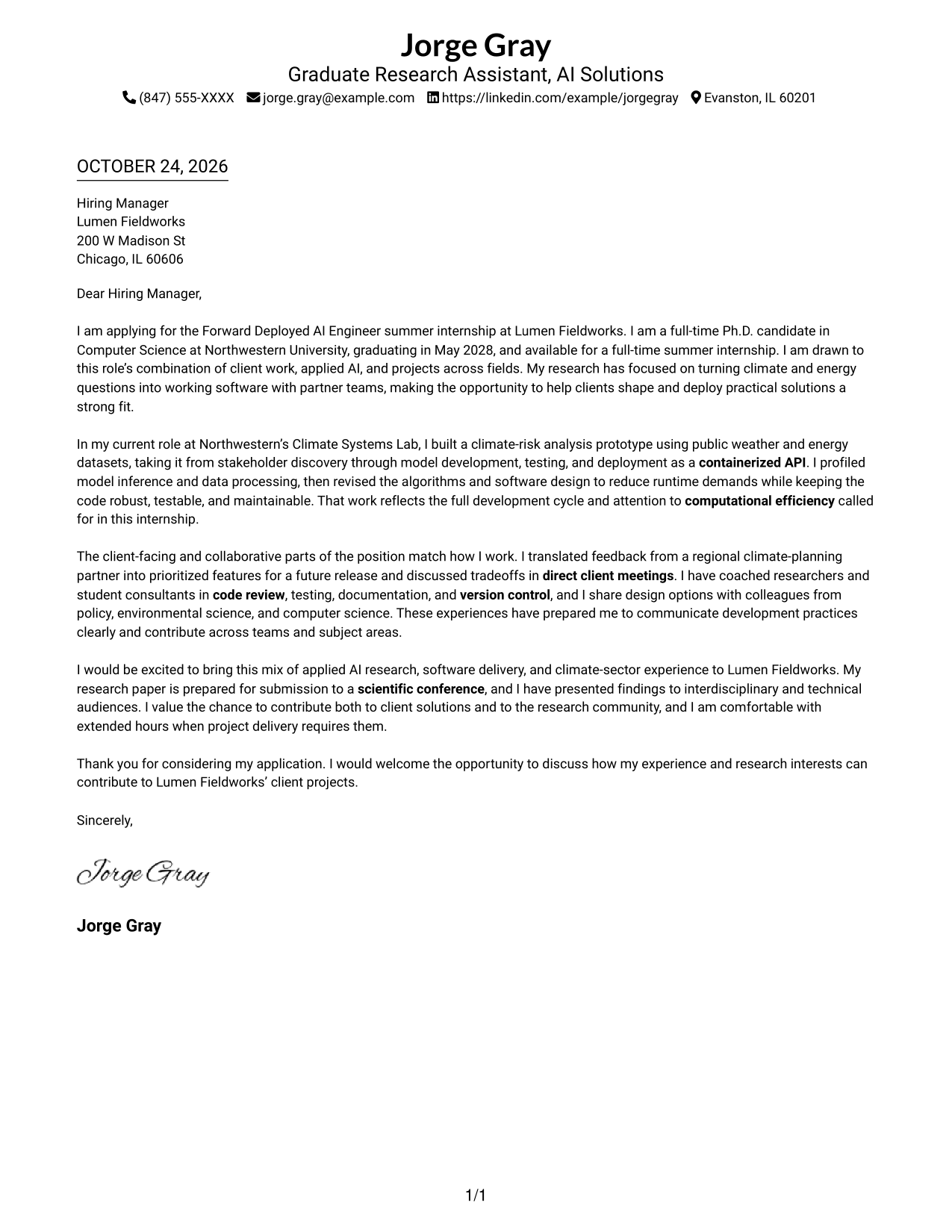
#1 Simple One Column Format Cover Letter Example
A single-column page keeps sender details in the header and the letter text in a direct reading path.
Why This Format Works
- The header keeps sender details easy to find before the hiring manager reads.
- The uninterrupted paragraphs let motivation and supporting evidence build in a clear sequence.
- Without a portrait, the page gives written correspondence a straightforward visual focus.
Best For
- Traditional letter reading order
- Easy-to-find sender information
- Text-led correspondence
- Photo-free letter layouts
- A direct personal case
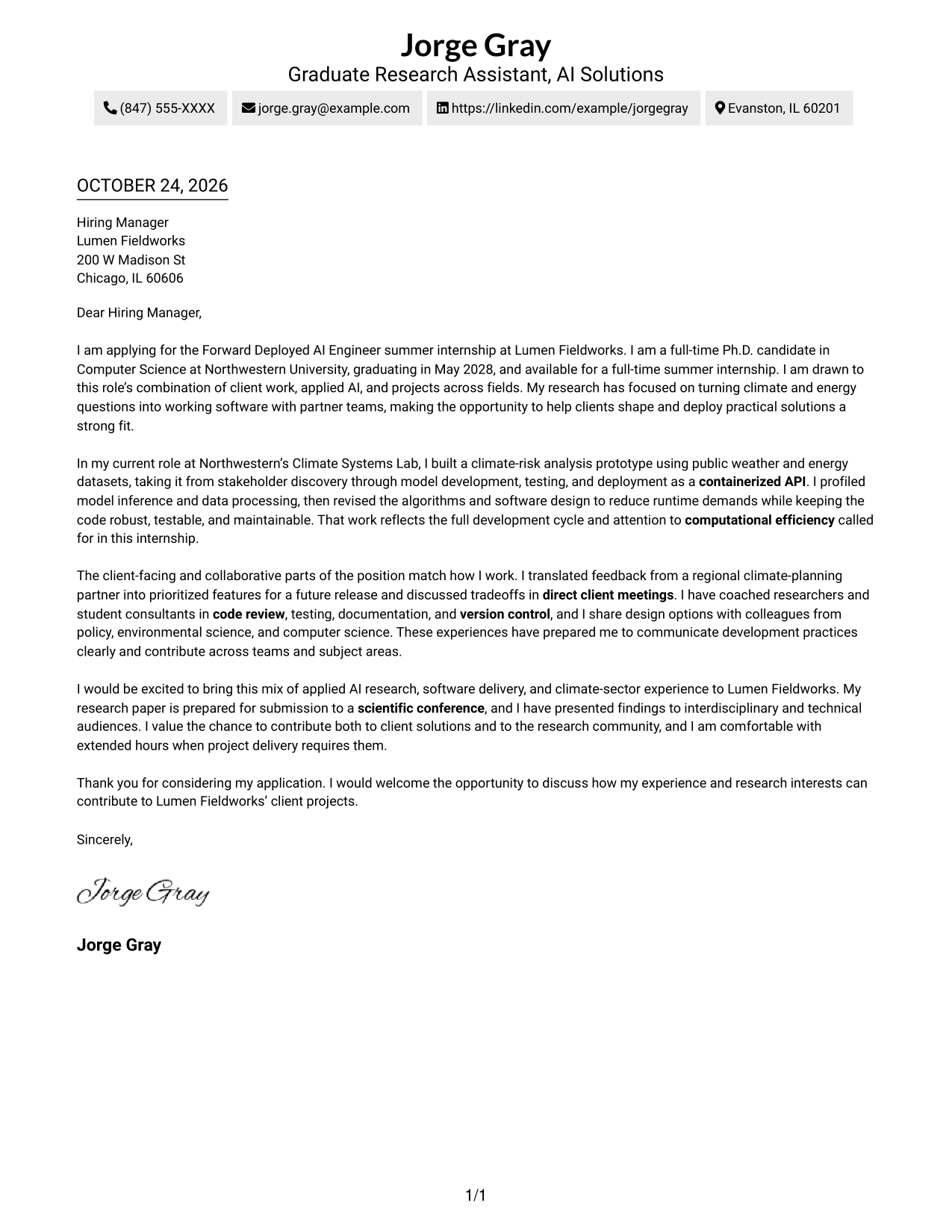
#2 Two Column Format Cover Letter Example
A contact sidebar sits beside one continuous letter body, keeping sender information distinct from the message.
Why This Format Works
- Contact information stays separate from the message for quick reference.
- The letter's opening, evidence, and closing remain in one continuous reading sequence.
- Photo-free styling suits applications where written communication should take visual priority.
Best For
- Side-by-side contact reference
- A continuous written argument
- Photo-free correspondence
- Quick access to sender details
- Letters with a clear personal case
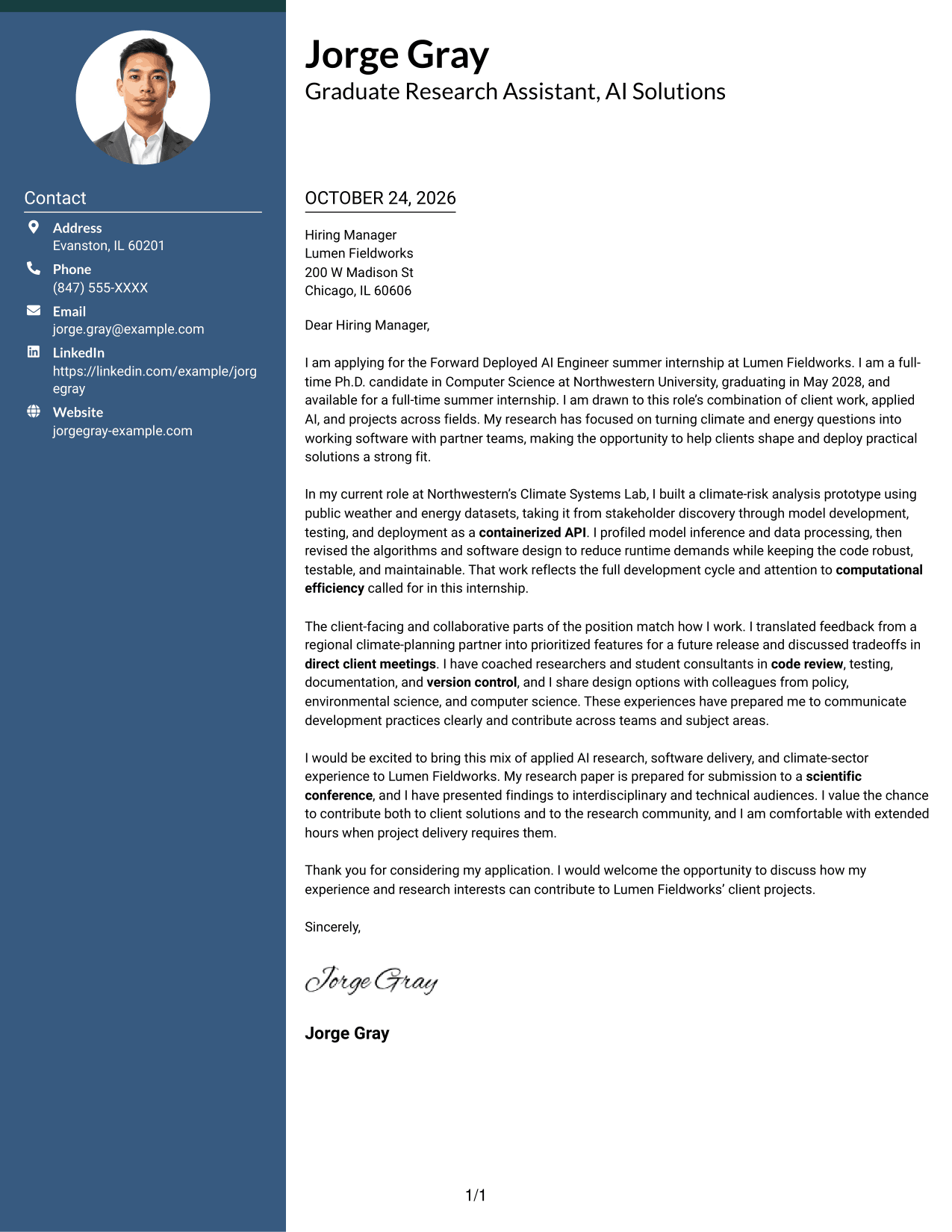
#3 Photo Header Two Column Format Cover Letter Example
A photo accompanies this two-column design, adding a visible personal element while the letter remains one continuous body.
Why This Format Works
- Contact details have a dedicated sidebar, leaving the letter body uninterrupted.
- Paragraph order lets the opening, case for fit, and close build naturally.
- The included photo meets a preference for a visible personal image.
Best For
- Portrait-inclusive correspondence
- A separate contact reference
- Continuous letter paragraphs
- Applications favoring a personal image
- Clear distinction between sender details and message
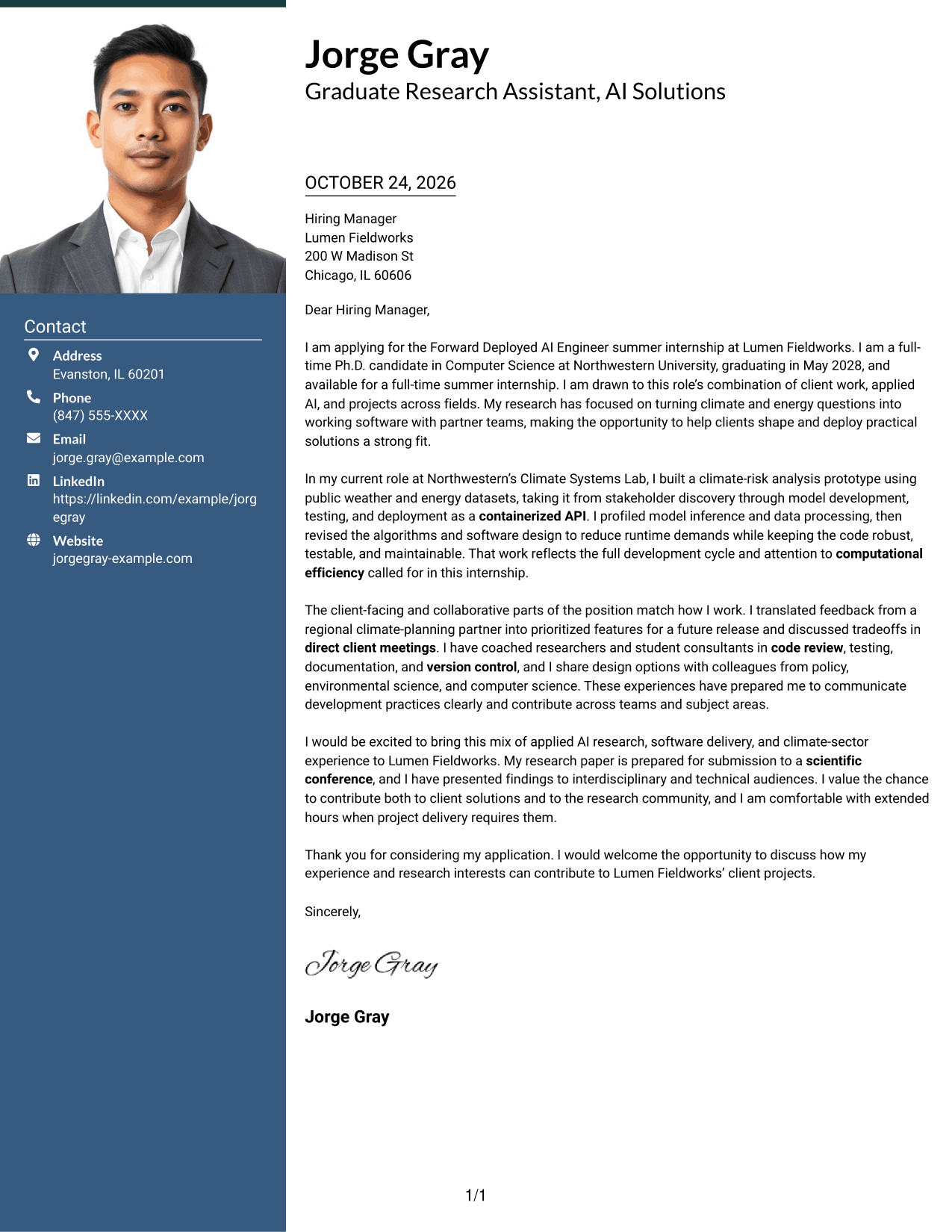
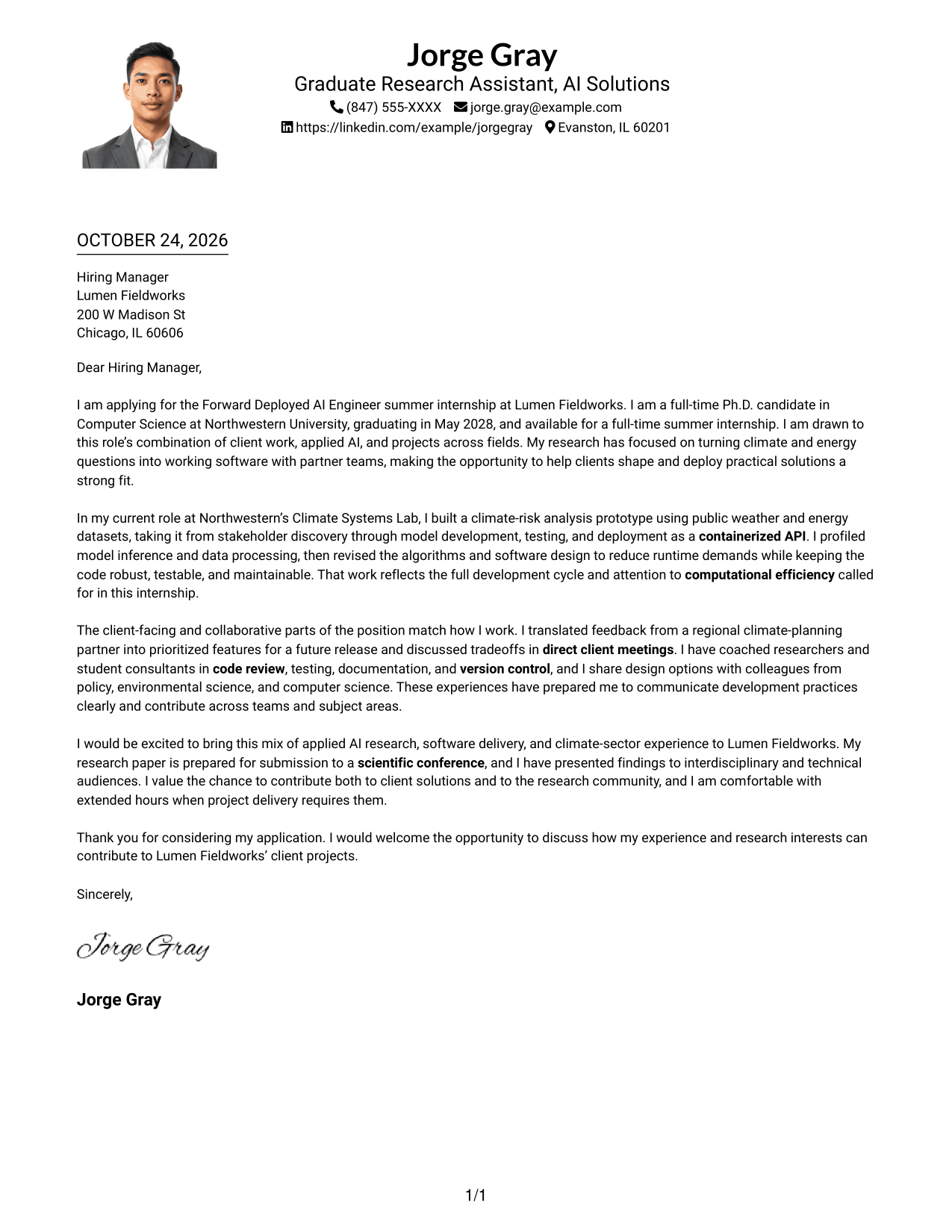
#4 One Column Format with Photo Cover Letter Example
A photo is included with the single-column letter, a useful choice for readers who prefer a portrait alongside direct, unified correspondence.
Why This Format Works
- Sender details in the header give the hiring manager a clear reference point.
- The letter's paragraphs keep motivation and supporting examples in a natural order.
- A portrait adds a personal visual element without dividing the letter body.
Best For
- Single-column letter reading
- Portrait-inclusive applications
- A unified correspondence page
- Visible sender information
- Personal motivation in paragraph form
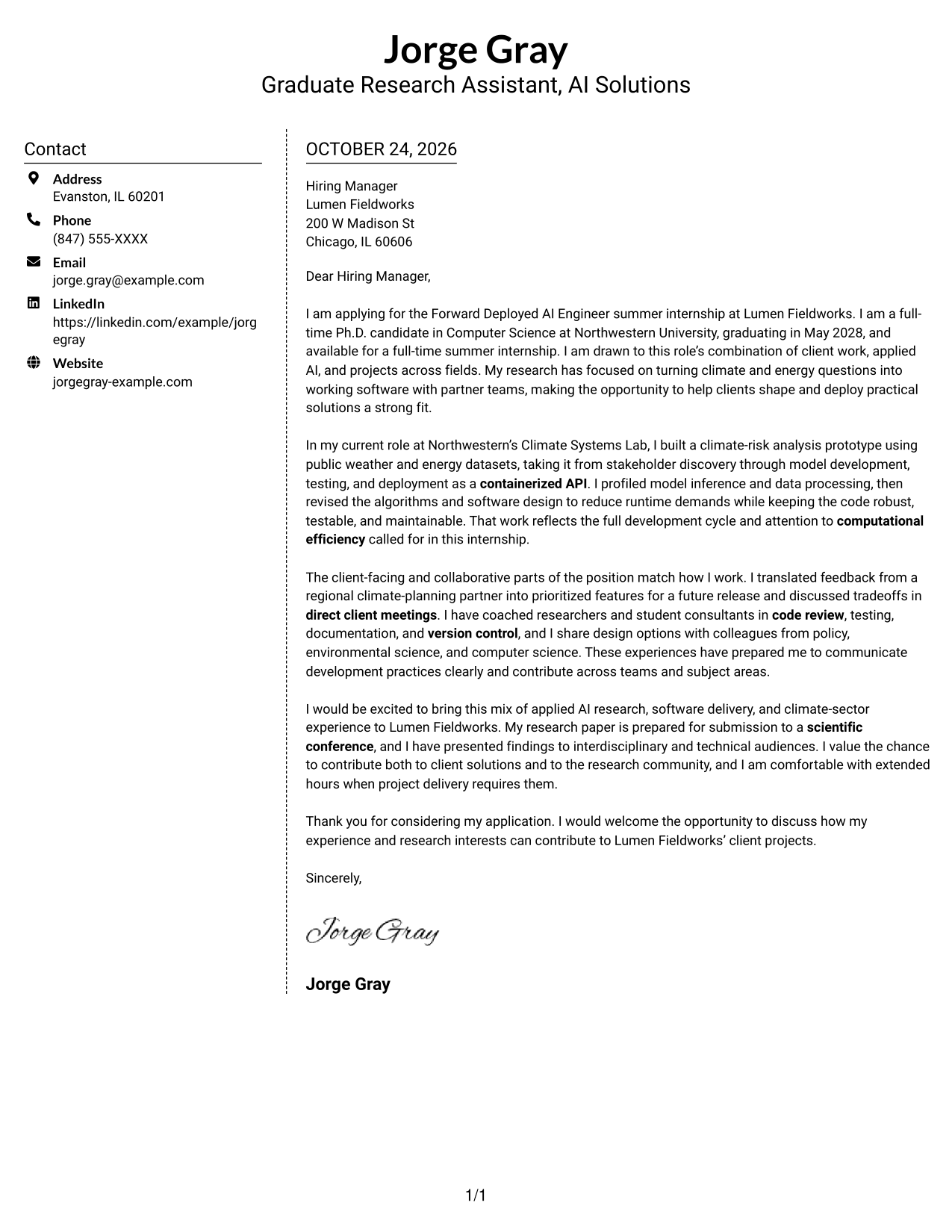
#5 Simple Two Column Format Cover Letter Example
This two-column layout places contact details beside one continuous letter, giving readers a clear distinction between correspondence information and the message.
Why This Format Works
- The sidebar keeps sender information apart from the letter's main message.
- Opening, supporting points, and closing stay together in paragraph order.
- A photo-free page keeps the visual focus on written communication.
Best For
- Separate contact and message areas
- Paragraph-based letter arguments
- Photo-free document preferences
- A readily located sender reference
- Direct application correspondence
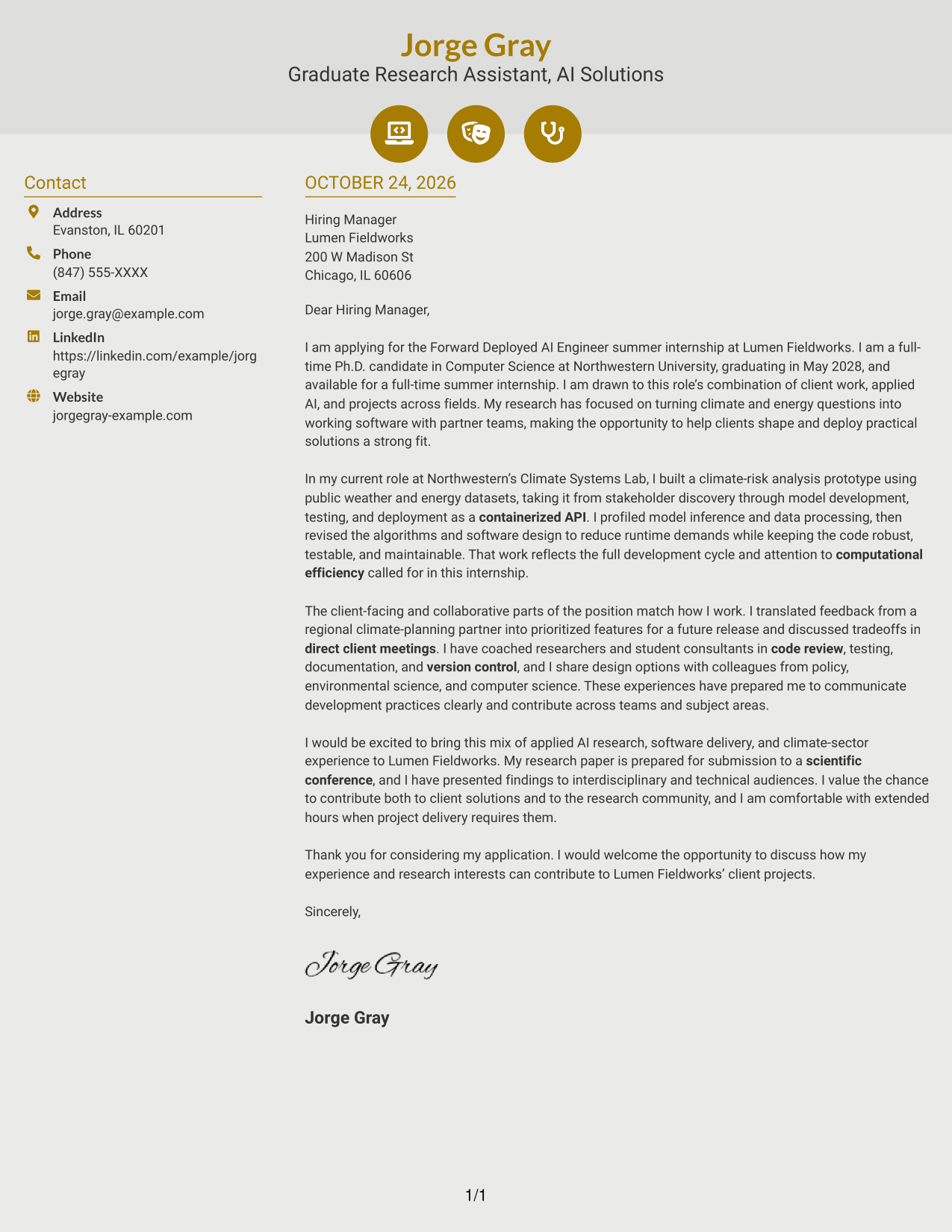
#6 Modern Icon Format Cover Letter Example
Contact icons cue the sender details in the sidebar, while the letter itself remains a continuous body in the second column.
Why This Format Works
- Icons help distinguish contact details from the letter's written message.
- The body keeps the opening, supporting case, and close in sequence.
- Decorative icons add a visual cue without serving as argument labels.
Best For
- Icon-marked contact information
- A separate letter reading area
- Continuous paragraph structure
- Photo-free correspondence
- A small visual cue in the header
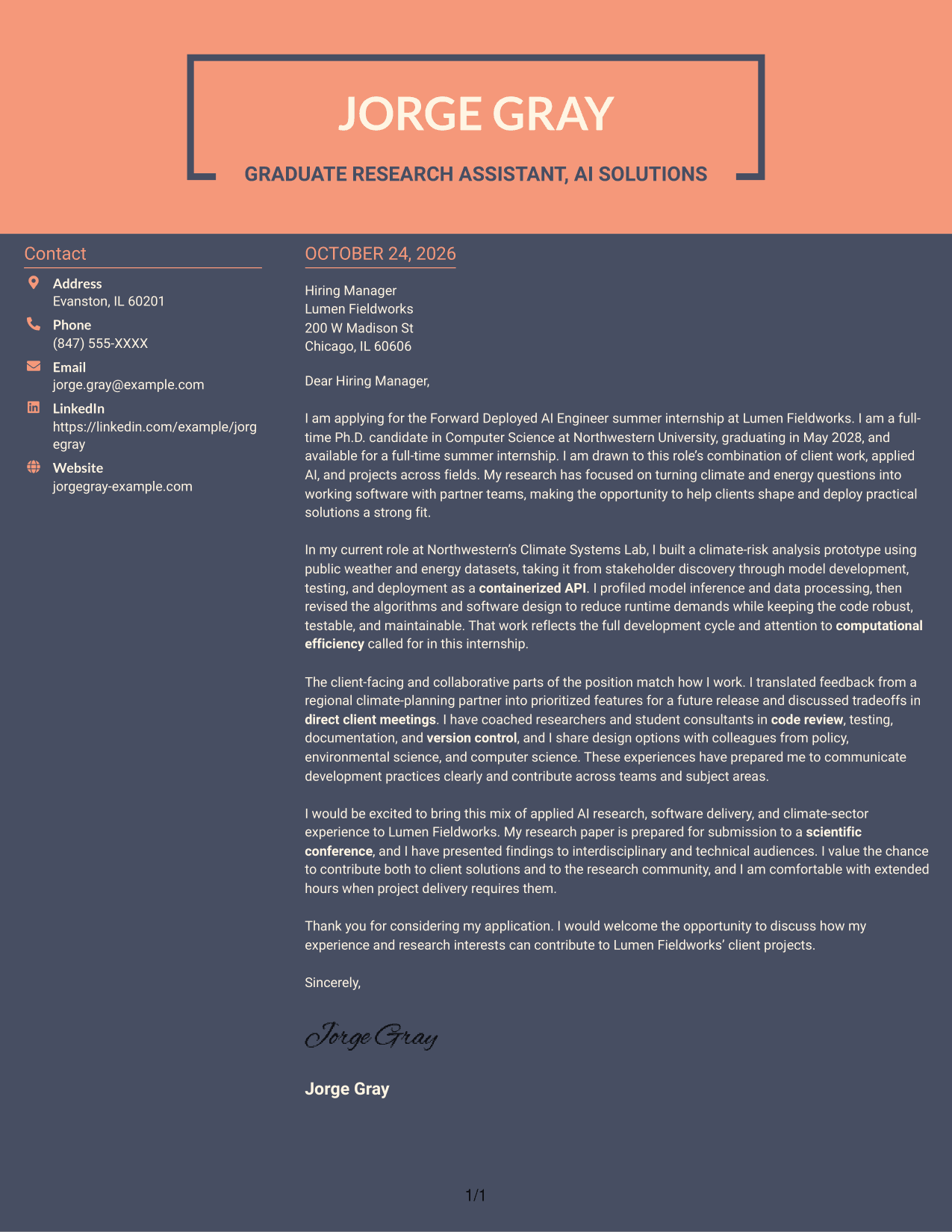
#7 Creative Two Tone Format Cover Letter Example
Two columns place contact details alongside one continuous letter, a practical choice for keeping correspondence information separate from the message.
Why This Format Works
- The sidebar offers a distinct place to find sender details.
- Continuous paragraphs let the letter's case develop in a clear sequence.
- With no photo, the page keeps attention on the written message.
Best For
- Separate contact information
- A continuous letter argument
- Photo-free visual preference
- Easy access to sender details
- Written motivation and supporting evidence
Why Use ResumeInMinutes for a Forward Deployed AI Engineer Cover Letter
ResumeInMinutes lets you review cover letter image previews and open an example in the editor to customize its presentation for a specific role and audience.
- Cover letter examples
- Editor-based customization
- Role-focused guidance
- Professional layouts
- Image previews
- Cover letter support
For a Forward Deployed AI Engineer application, focus your letter on client discovery, sound software development practices, and clear communication about how your work can meet project needs.
See Also
- 33 Applied AI, Forward Deployed Machine Learning Engineer Resume Templates with Example 2026
- 7 Forward Deployed AI Engineer Resume Templates with Example
- 33 Forward Deployed Engineer III, Generative AI, Cloud Solutions Resume Templates with Example 2026 (ATS-Optimized)
- 33 Product Engineer (Forward Deployed) Resume Templates with Example 2026 (ATS-Optimized)
- 33 Forward Deployment Engineer Intern Resume Templates with Example 2026 (ATS-Optimized)
- 33 Advisory Product Requirements Engineer, AI Orchestration Resume Templates with Example 2026 (ATS-Optimized)
- 33 Agentic AI Product Engineer Resume Templates with Example 2026 (ATS-Optimized)
- 33 AI Agent Engineer Resume Templates with Example 2026 (ATS-Optimized)
- 30+ Applied AI, Forward Deployed Machine Learning Engineer Cover Letter Templates with Example 2026
- 30+ Forward Deployed Engineer III, Generative AI, Cloud Solutions Cover Letter Templates with Example 2026
Frequently Asked Questions
What should a Forward Deployed AI Engineer cover letter emphasize?
Show how you understand client needs, contribute across the software development life cycle, and work with colleagues from different fields. Use a specific example to support each point.
How should I describe client-facing AI work?
Explain the problem a partner raised, how you clarified the need, and how you shaped or tested a solution. Keep the focus on your contribution and the decisions you communicated.
Which cover letter format should I choose?
Choose a clear format that makes your opening, supporting evidence, and closing easy to follow. Consider the employer and the communication context, and keep the design professional.
How can I show that I can explain technical work to nontechnical teams?
Give a brief example of how you explained a development practice, discussed a design choice, or made a technical tradeoff clear to people with different backgrounds.
Can I view and customize the cover letter example?
Yes. Review the image preview, then use the editor link to open the example and customize its presentation.




