
30+ Frontend Developer Internship - JavaScript Cover Letter Templates with Example 2026
This practical guide shows you how to create a strong Frontend Developer Internship - JavaScript cover letter. You will learn how to present your interest clearly and connect your communication to the work the role requires.
Effective letters do more than name programming skills. They open with a direct reason for applying, use focused evidence from relevant interface and software work, explain motivation and employer alignment, and close with confidence. For this target role, the message should make it easy to see your interest in JavaScript development, intuitive user interfaces, and real-time data tools.
This guide includes a practical Frontend Developer Internship - JavaScript cover letter example and shows how the same application can be presented in 33 different layouts. Use the examples to choose a clear format, adapt the opening and body paragraphs, and select a closing that fits the employer and communication context.
What Makes a Great Frontend Developer Internship - JavaScript Cover Letter in 2026
A persuasive letter for this role is specific, focused, and connected to the employer's work. The strongest version usually covers three points:
- Why JavaScript frontend development and intuitive interfaces interest you
- How your React, TypeScript, Node.js, and WebSockets work supports the role
- How you identify issues, test solutions, and work well with others
Rather than repeating every detail from your application, use the body paragraphs to explain:
- How you built interfaces for real-time financial data and analytical workflows
- How profiling, testing, accessibility reviews, and user feedback improved your work
- Why collaboration with traders, developers, mentors, and teammates appeals to you
Useful role-specific language may include JavaScript, React, Node.js, TypeScript, WebSockets, REST APIs, data visualization, performance profiling, accessibility, testing, debugging, and technical documentation. Include these terms naturally when they support a clear point about your fit.
The examples below show how one focused, persuasive cover letter can use different professional presentations without losing its message or its connection to the target role.
The featured example follows a focused progression from role-specific interest to relevant evidence, motivation, employer alignment, and a professional close, giving readers a structure they can adapt while choosing a presentation suited to the employer and communication context.
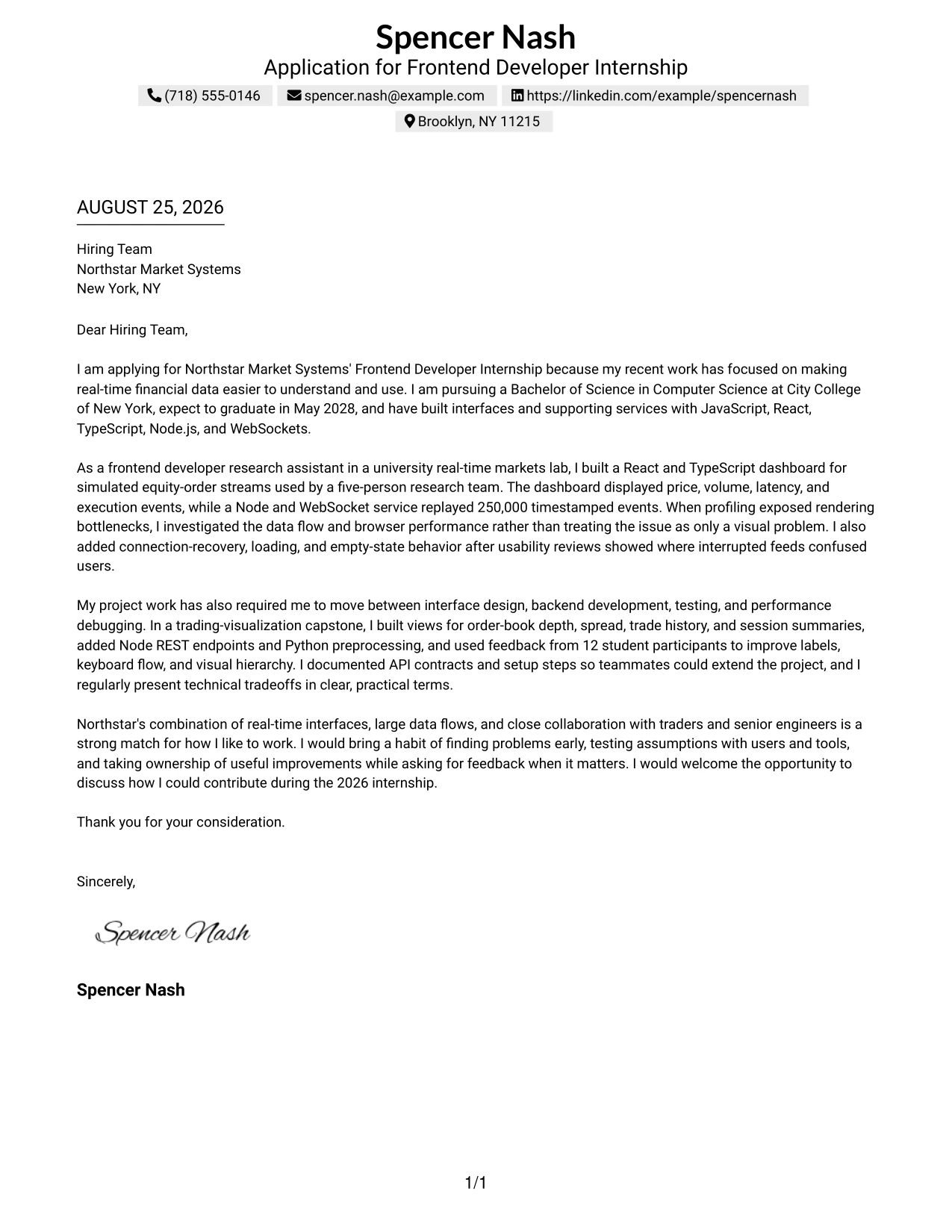
#1 Cover Letter Example: Text/Fang Style
Text/Fang Style gives the letter a direct, centered structure that makes the message easy to follow from greeting to closing. Spencer Nash's opening quickly connects interest in Northstar Market Systems with experience building real-time financial data interfaces using JavaScript, React, TypeScript, Node.js, and WebSockets.
The body then moves from research experience to project evidence and employer fit. Clear paragraphs explain the dashboard work, performance investigation, usability improvements, testing, and interest in Northstar's trading systems without making the letter feel crowded.
Cover Letter Snapshot
- Direct opening tied to Northstar Market Systems and real-time financial data
- Research experience with React, TypeScript, Node.js, and WebSockets
- Evidence of performance profiling, usability testing, and connection recovery
- Closing focused on initiative, collaboration, and contribution to the 2026 internship
#1 Why This Cover Letter Works
- The opening states a clear reason for applying instead of starting with a general career statement.
- The first body paragraph presents the strongest relevant evidence early.
- Technical details are explained through the user and business problem they support.
- The letter shows initiative by describing how rendering and connection issues were investigated.
- Usability feedback gives the employer proof that the candidate listens and improves interfaces.
- The final paragraph connects the candidate's working style with Northstar's collaborative environment.
- The one-column structure supports a calm, readable progression from motivation to fit.
Relevant Keywords
- Frontend Developer Internship - JavaScript
- JavaScript
- React
- TypeScript
- Node.js
- WebSockets
- real-time financial data
- performance profiling
#2 Cover Letter Example: Two Column Format
Readers can move through this letter by reviewing the main message in one column and supporting details in the other. That split helps the application present motivation, technical evidence, and employer fit in a compact way. The cover letter can highlight the React and TypeScript dashboard, Node.js and WebSocket work, usability improvements, and interest in Northstar Market Systems without forcing every point into one long block.
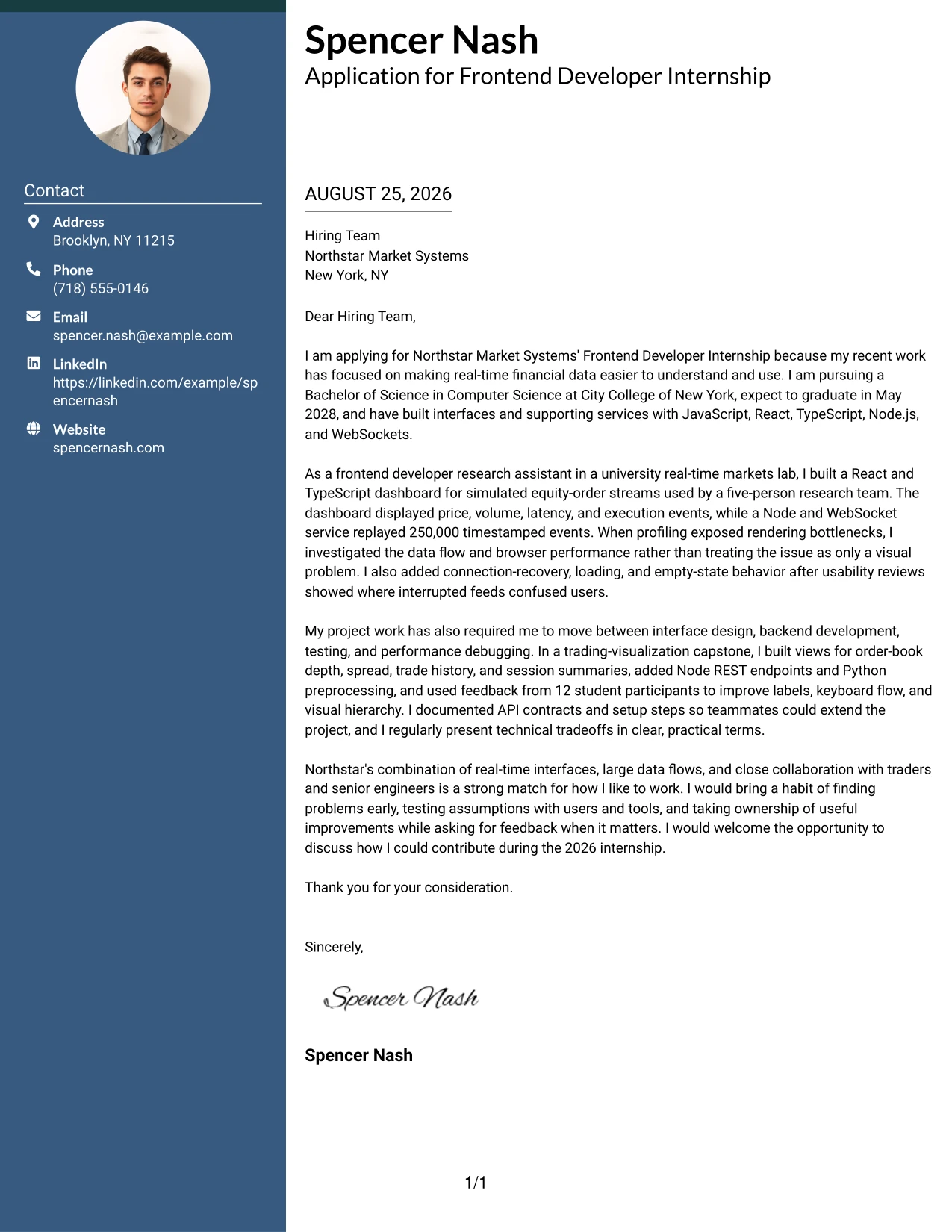
#2 Why the Two Column Format Works for a Cover Letter
- Separate columns help readers distinguish the main pitch from supporting contact or application details.
- The structure works well when the letter needs to show both motivation and technical range.
- Short text areas encourage focused explanations rather than repeated background.
- The main narrative can lead with the strongest connection to real-time interfaces.
- A side area can reinforce tools, project context, or communication strengths when those details support the story.
- The format gives a hiring team a quick path to the most relevant evidence.
- Balanced spacing keeps a compact letter professional and easy to review.
Best For
- Applicants who need to present motivation and supporting details at the same time
- Letters that combine a short personal pitch with several relevant technical examples
- Readers who prefer clear separation between the main message and secondary information
- Applications with enough evidence to benefit from organized content volume
- Cover letters that need to show both interface work and backend familiarity
- Situations where concise project context can sit beside a persuasive narrative
- Candidates who want a structured alternative to a long single-column letter
#3 Cover Letter Example: Photo Header Two Column Format
The evidence receives priority in this letter: relevant interface work, measurable data scale, and practical problem solving appear before broad claims. A two-column arrangement supports that message by pairing the application story with focused supporting details, while the photo header adds a personal introduction. The letter can show experience with React dashboards, 250,000 timestamped events, performance profiling, and accessibility improvements in a format suited to a people-focused review.
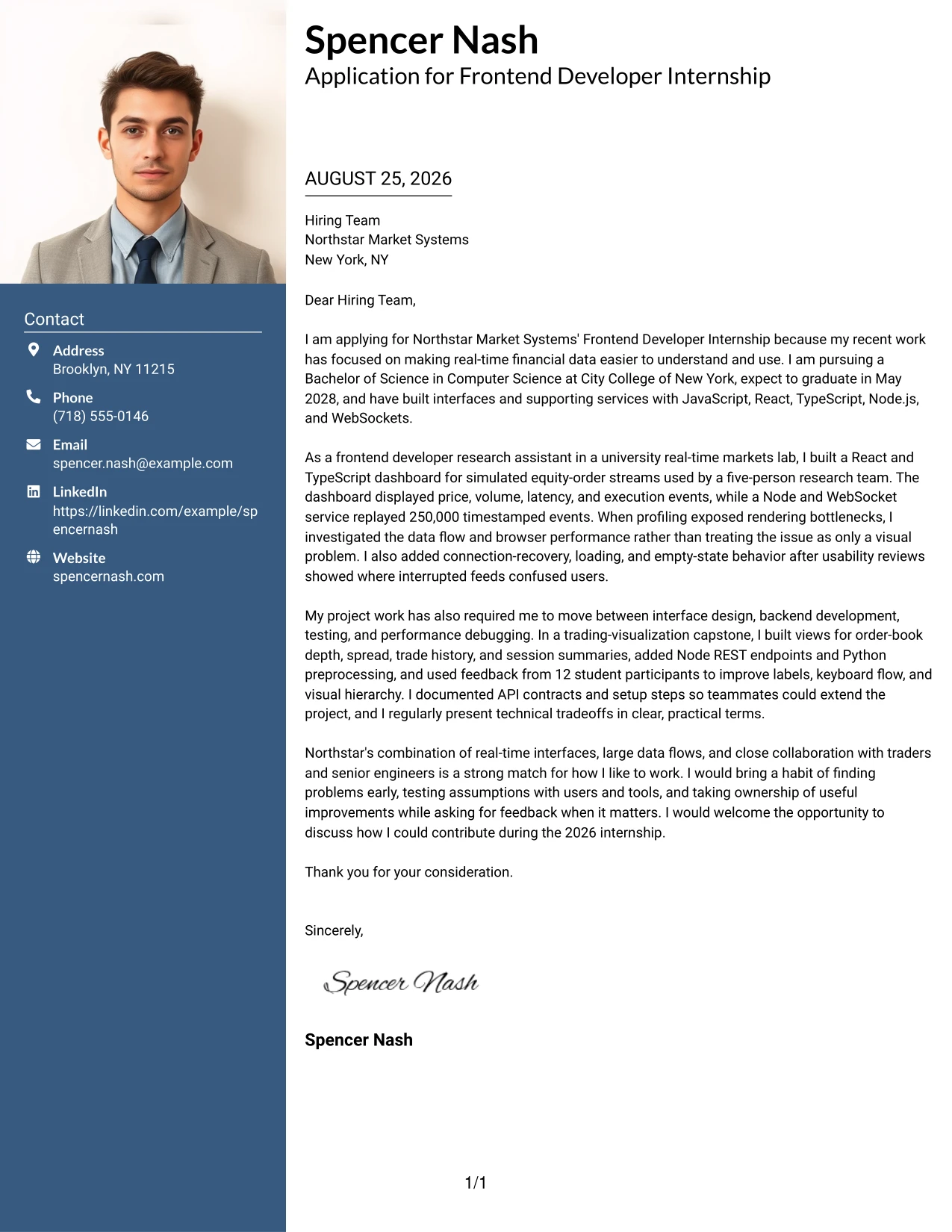
#3 Why the Photo Header Two Column Format Works for a Cover Letter
- The evidence-first approach makes the strongest proof visible before general statements.
- A two-column structure gives technical examples and supporting context separate visual homes.
- The photo header can create a more personal first impression when a professional image is appropriate.
- Specific scale, such as 250,000 timestamped events, gives the letter credibility.
- The format supports a balance between interface results and collaboration details.
- A focused side area can reinforce tools or project settings without interrupting the main argument.
- The design works when the application needs both human connection and concrete technical proof.
Best For
- Applicants who want the first review to emphasize specific project evidence
- Letters that benefit from pairing detailed examples with concise supporting context
- Applications where a professional photo is appropriate for the employer and setting
- Candidates with measurable scale, testing results, or clear problem-solving examples
- Cover letters that must connect user-facing work with technical implementation
- Readers who value a personal introduction alongside evidence of contribution
- Applications with a mix of individual ownership and team collaboration
#4 Cover Letter Example: Simple One Column Format
Balanced spacing gives this letter room to make one persuasive point at a time. The opening can explain interest in Northstar's real-time trading tools, followed by focused evidence from the research lab and capstone project. With no competing side panel, the reader can follow the connection between JavaScript and React development, user feedback, performance work, and readiness to contribute during the internship.
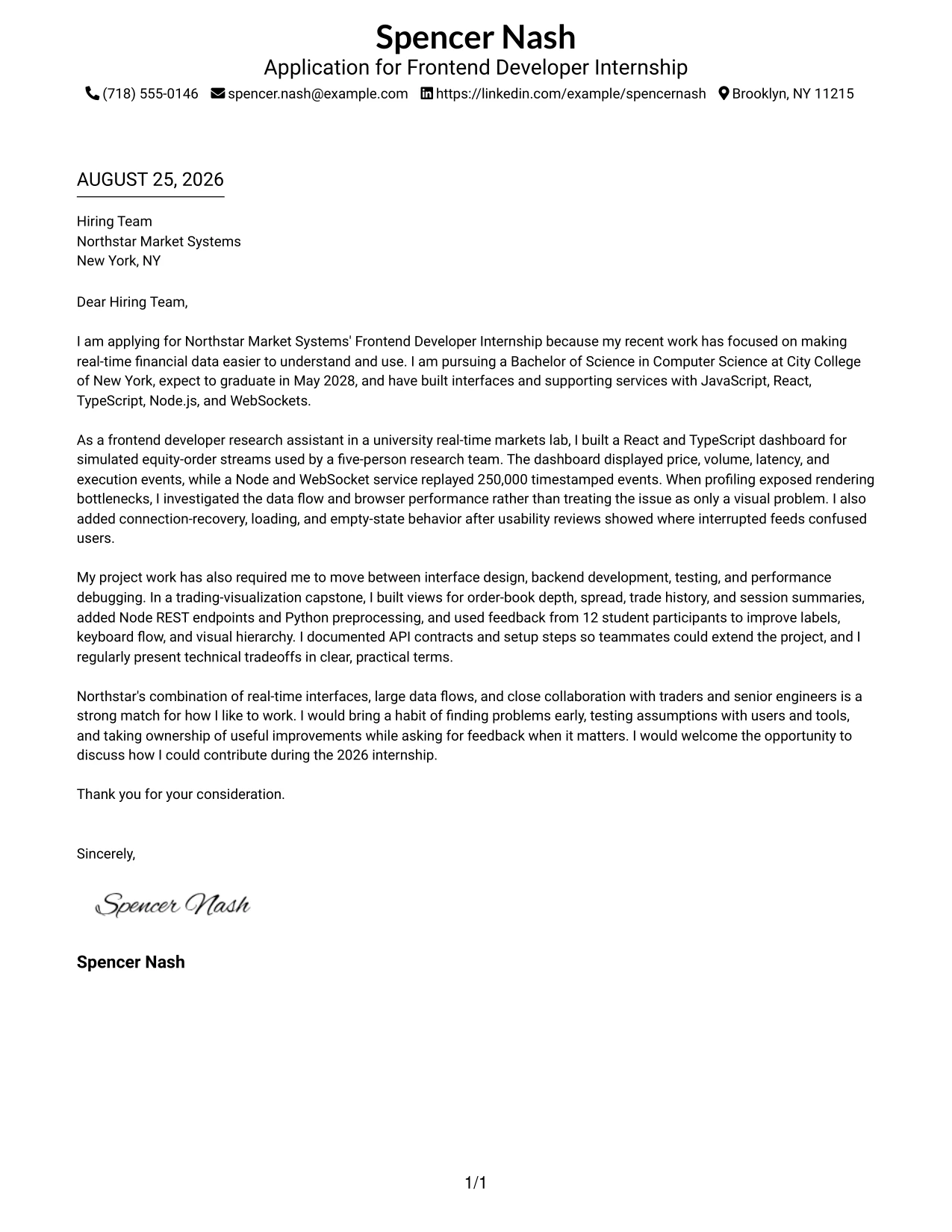
#4 Why the Simple One Column Format Works for a Cover Letter
- A single reading path makes the relationship between motivation and evidence easy to understand.
- Generous space helps each paragraph carry one clear message.
- The format suits applications that need a traditional, professional presentation.
- Project details can be explained with enough context to show why the work mattered.
- The closing remains visible as a direct invitation to continue the conversation.
- The structure reduces visual competition around the employer-fit message.
- It works well when a letter has a focused story rather than many separate topics.
Best For
- Applicants who want a familiar and highly readable application format
- Letters with a clear beginning, evidence section, and direct closing
- Applications where project context needs room for short explanations
- Readers who review documents from top to bottom without side navigation
- Candidates presenting one strong connection between their background and the role
- Cover letters that need a calm presentation for a formal employer review
- Submissions where clean spacing matters more than decorative structure
#5 Cover Letter Example: One Column Format with Photo
For an application that benefits from a personal introduction, this one-column letter combines a professional photo with a straightforward persuasive flow. The photo can support the opening, while the text explains the candidate's interest in real-time financial interfaces and gives focused evidence from React dashboard development, testing, and backend integration. The result keeps the human introduction visible without taking attention away from employer fit.
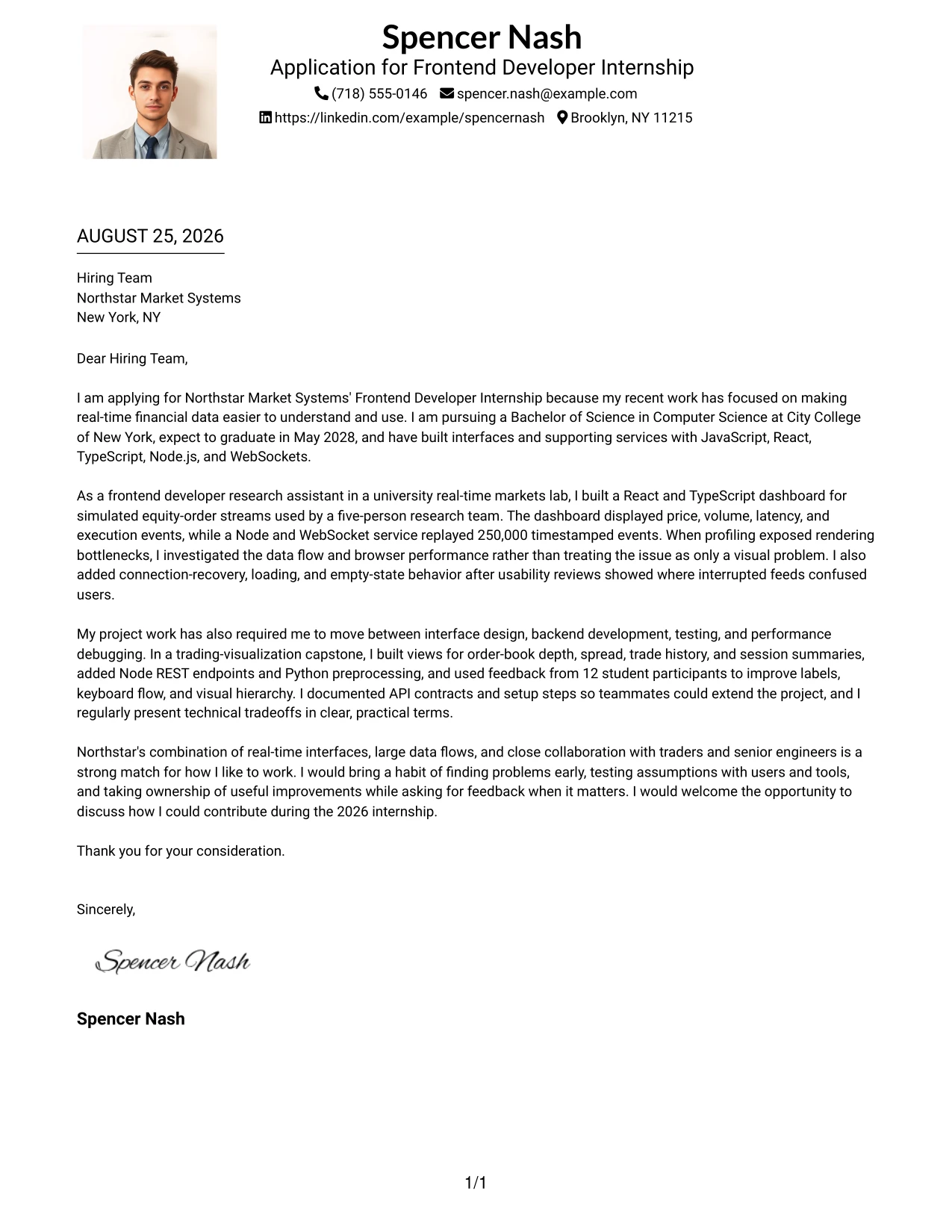
#5 Why the One Column Format with Photo Works for a Cover Letter
- The single column keeps the persuasive message easy to read after the visual introduction.
- A professional photo can make the opening feel more personal when it fits the employer's expectations.
- The format gives motivation and relevant experience a clear sequence.
- Technical examples remain connected to the reason the candidate wants the role.
- A photo area can add visual interest without requiring a complex page structure.
- The design supports a warm but focused communication style.
- It is useful when personal presence matters and the letter still needs strong evidence.
Best For
- Applicants whose target setting welcomes a professional photo
- Letters that need a personal first impression with a simple narrative flow
- Candidates who want the opening and employer connection to remain central
- Applications with a moderate amount of evidence that fits one reading column
- Readers who prefer visual introduction followed by conventional letter structure
- Cover letters balancing personal presence with technical project detail
- Submissions where a clean page should feel approachable without looking casual
#6 Cover Letter Example: One Column Format with Photo Right
A restrained visual hierarchy keeps the letter professional while a photo on the right adds a small point of personal connection. The main text remains the persuasive center: it can lead with interest in Northstar, explain work on real-time dashboards and data services, and close by connecting initiative and teamwork to the internship. This balance helps the role alignment stay stronger than the decoration.
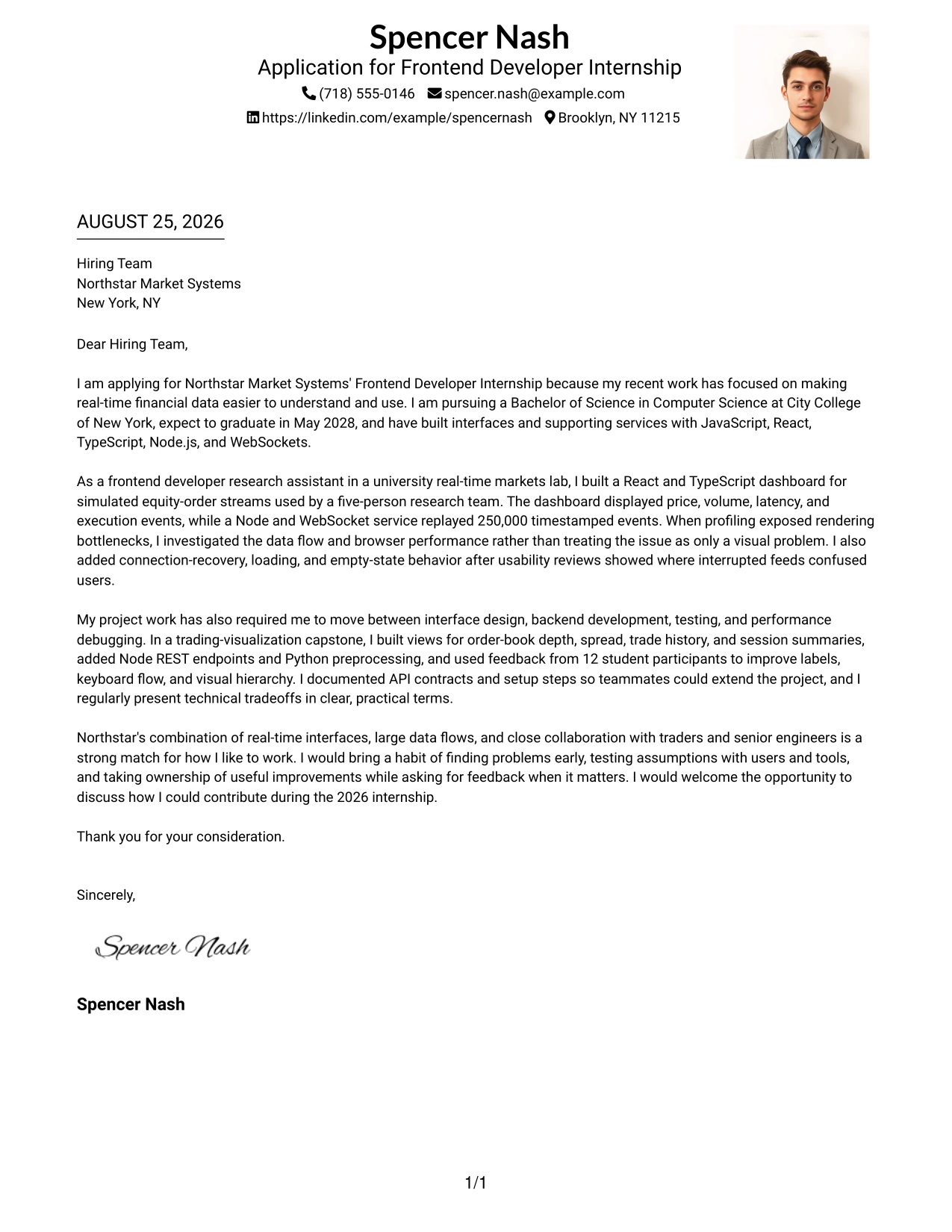
#6 Why the One Column Format with Photo Right Works for a Cover Letter
- The right-side photo creates visual balance without interrupting the main reading path.
- The text column keeps the employer connection and strongest evidence in control.
- A professional photo can support recognition when the application context makes it suitable.
- The format is effective for a letter with one focused story and a clear closing.
- Technical experience can be explained in a natural sequence from problem to contribution.
- The design communicates confidence without needing heavy visual elements.
- It helps applicants show personality while keeping role alignment easy to find.
Best For
- Applications where a professional photo is accepted and secondary to the message
- Letters that need one dominant narrative with a small personal visual element
- Applicants who want role alignment to remain more prominent than design features
- Readers who value a stable text column and a balanced page
- Candidates explaining a focused set of interface and data-related contributions
- Cover letters that connect independent problem solving with team support
- Submissions seeking a polished presentation with limited visual distraction
#7 Cover Letter Example: Simple Two Column Format
Simple Two Column Format separates the central letter from brief supporting points, so the reader can scan the structure before reading every sentence. That organization works well for a persuasive application that needs to connect JavaScript, React, Node.js, and TypeScript experience with motivation for Northstar's real-time trading tools. The main column can carry the story, while the secondary column reinforces evidence or contact details.
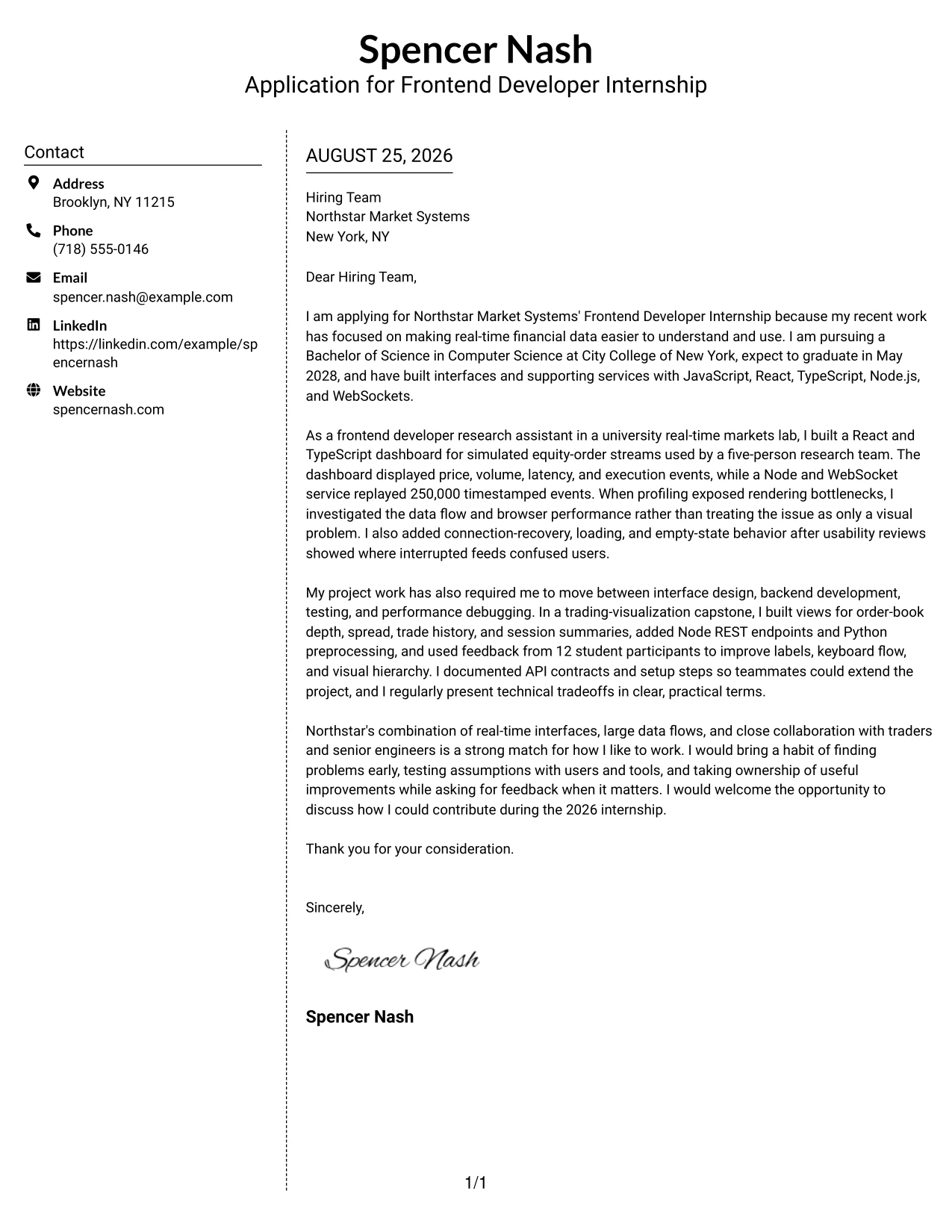
#7 Why the Simple Two Column Format Works for a Cover Letter
- The split structure gives the letter a clear visual map before close reading begins.
- A main column can carry the motivation and employer-fit argument without interruption.
- Supporting points can reinforce technical experience in a compact form.
- The design is useful when several related facts need quick separation.
- Simple styling keeps the two-column arrangement professional and readable.
- The format helps prevent a strong closing from being buried in a long page.
- It suits applications that need both a narrative and a concise evidence summary.
Best For
- Applicants who want clear separation between the main pitch and supporting facts
- Letters that combine a persuasive narrative with a short evidence summary
- Readers who scan headings or side content before reading the full message
- Applications with several related points that should not compete in one paragraph
- Candidates showing a connected set of JavaScript, React, and Node.js experience
- Cover letters where a concise side area can clarify project or contact context
- Submissions needing more structure than one column without a highly decorative design
#8 Cover Letter Example: Stylish Two Column Designer Format
The reader can first identify the main application message, then use the side area to find supporting context and technical evidence. This content volume makes the format useful for a letter that discusses research work, a trading-visualization capstone, testing, accessibility, and communication with faculty and teammates. The design adds personality while keeping the argument organized around why the candidate fits Northstar's UI development work.
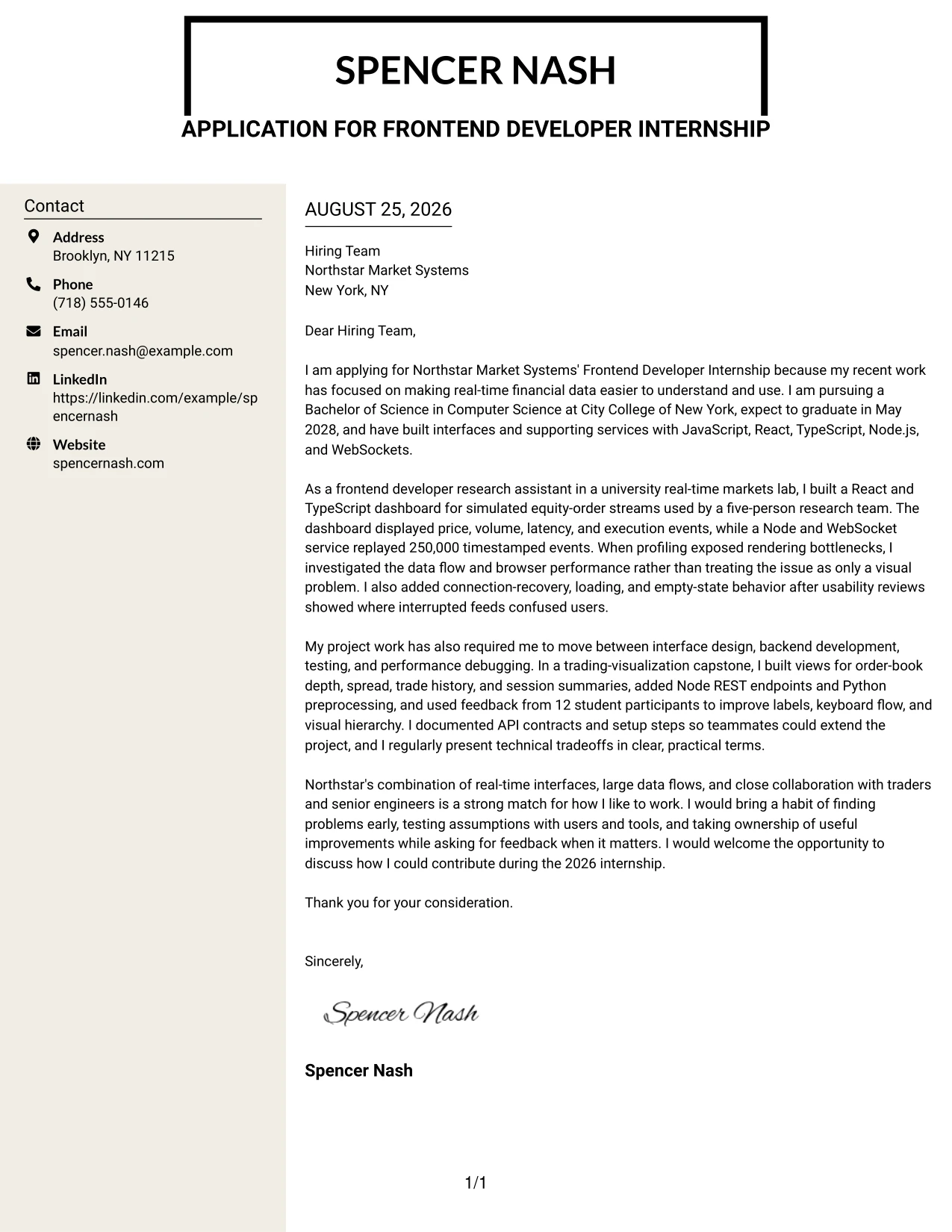
#8 Why the Stylish Two Column Designer Format Works for a Cover Letter
- The side area gives supporting information a defined place instead of crowding the main message.
- The main column can explain motivation and employer fit in complete, natural paragraphs.
- The format handles several evidence types without making them feel unrelated.
- A stylish treatment can show confidence while the structure protects readability.
- Project, testing, and communication examples can be grouped for faster review.
- The layout helps a longer letter feel controlled and intentional.
- It is effective when the application needs personality as well as substantial supporting detail.
Best For
- Applicants with several distinct examples that need clear grouping
- Letters combining research, project, testing, and communication evidence
- Readers who want supporting details available without losing the main argument
- Applications that can support a more expressive design while remaining professional
- Candidates with enough relevant content to benefit from a dedicated side area
- Cover letters presenting both technical contribution and collaboration evidence
- Submissions where visual personality should reinforce, not replace, the written case
#9 Cover Letter Example: Colored Two Column Format
The strongest evidence should lead the review, and this colored two-column format gives that evidence a clear visual anchor. The letter can foreground the React and TypeScript dashboard, the replay of 250,000 market events, and the improvements made after usability reviews, while a secondary area adds concise context. Color separates the parts of the message, but the persuasive focus stays on what was built, improved, and learned.
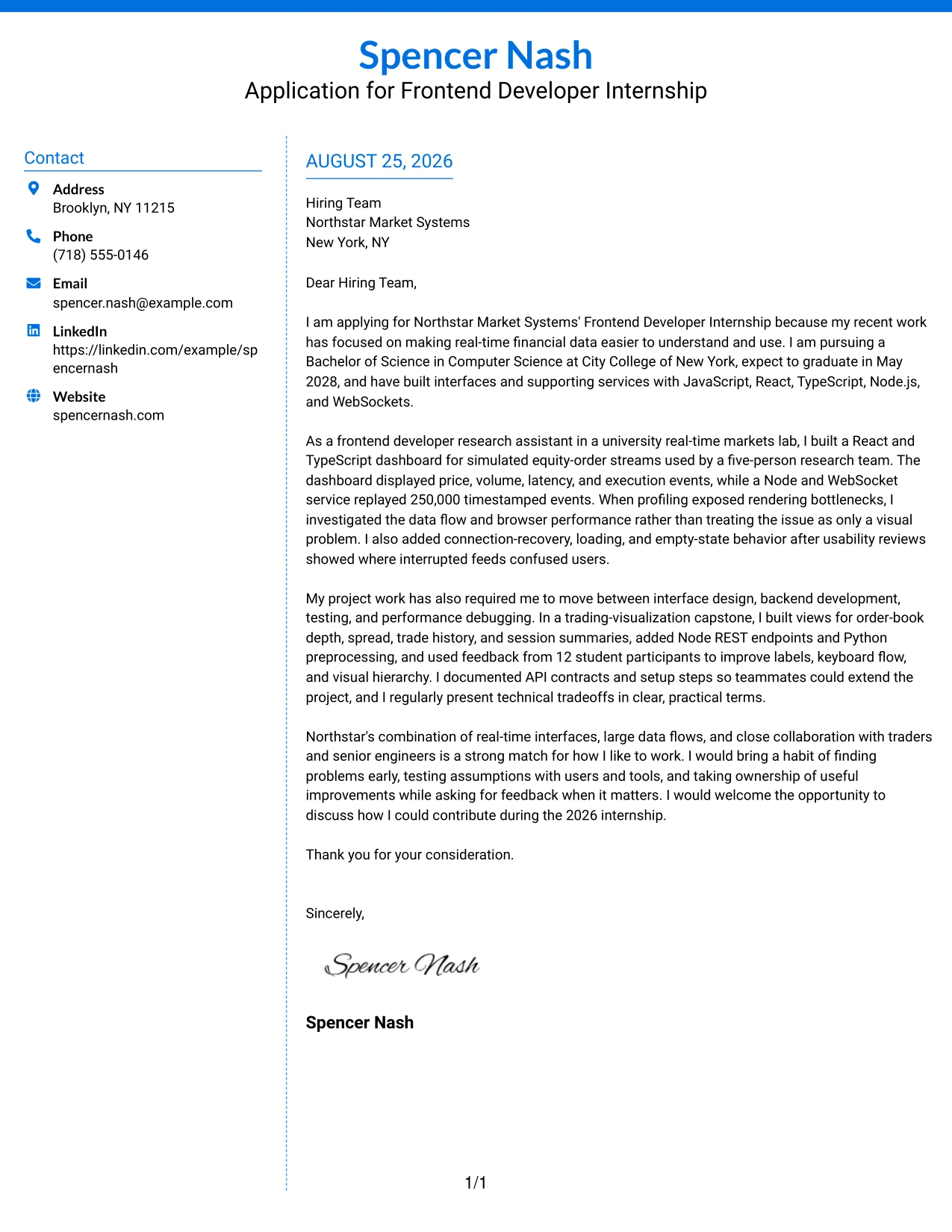
#9 Why the Colored Two Column Format Works for a Cover Letter
- Color can guide attention to the most relevant evidence when used with restraint.
- The main column supports a clear explanation of contribution and results.
- A secondary column can hold concise context without weakening the central argument.
- Specific technical details become easier to locate during a quick review.
- The format connects interface work with performance and usability problem solving.
- Visual separation helps the letter present varied experience without losing unity.
- It works when the applicant wants a memorable structure that still supports professional reading.
Best For
- Applicants who want key evidence to stand out through controlled visual grouping
- Letters featuring concrete scale, performance findings, or user feedback
- Readers making a quick first review of technical contribution
- Applications that need separate space for core evidence and brief context
- Candidates connecting interface decisions with measurable data or testing conditions
- Cover letters where a subtle color system can improve navigation
- Submissions seeking distinction without relying on a large number of design elements
#10 Cover Letter Example: Creative Two Tone Format
Balanced use of two tones can distinguish the personal introduction from the proof that follows, giving the application a practical rhythm. Spencer Nash's letter can use that contrast to move from motivation for Northstar's internship to evidence from real-time market dashboards, API integration, testing, and performance debugging. The design should support the message, not compete with the clear explanation of employer fit.
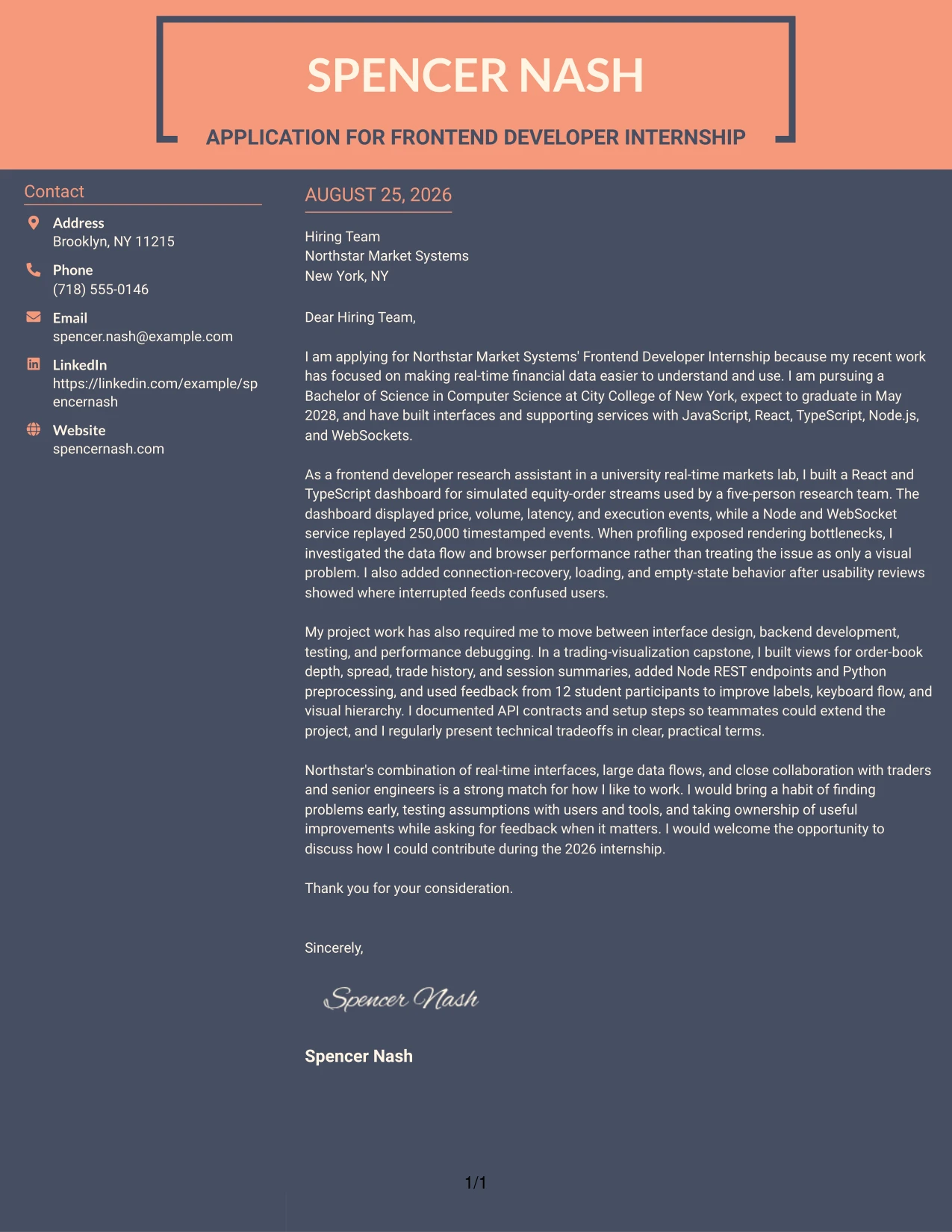
#10 Why the Creative Two Tone Format Works for a Cover Letter
- Two visual tones can separate motivation from supporting evidence in an easy-to-follow way.
- The format gives a creative application a clear professional structure.
- A focused opening can explain company interest before the technical examples begin.
- The body can connect project work to the employer's real problems and development needs.
- Visual contrast helps readers recognize transitions between major parts of the argument.
- The closing can return attention to contribution, initiative, and collaboration.
- It fits applications where a distinctive presentation is welcome but clarity remains essential.
Best For
- Applicants seeking a distinctive presentation for a practical application context
- Letters that move clearly from company interest to supporting evidence
- Readers who benefit from visible transitions between message sections
- Applications with a creative tone that still require professional restraint
- Candidates connecting several development experiences to one employer need
- Cover letters where visual contrast can improve pacing and emphasis
- Submissions that should feel memorable without using complex page organization
#11 Cover Letter Example: Modern Icon Format
Practical application needs come first in this modern format: the letter must quickly show why the candidate wants the internship and what evidence supports that interest. Small icons can guide the reader through sections such as motivation, relevant work, and closing fit, while the single-column flow keeps the message connected. The content can highlight JavaScript, React, Node.js, real-time data, and a habit of finding and resolving issues.
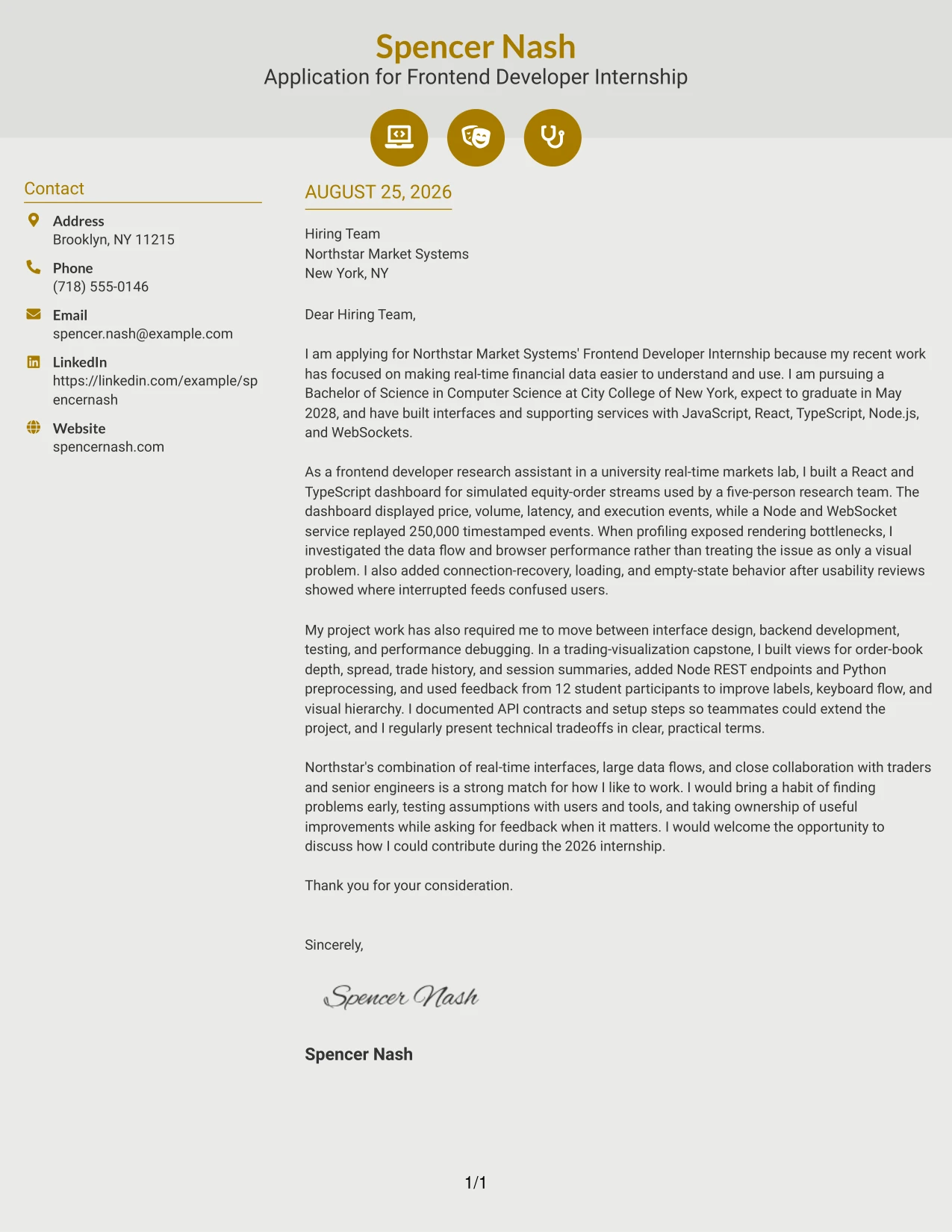
#11 Why the Modern Icon Format Works for a Cover Letter
- Icons can help readers identify major parts of the letter during a quick review.
- The single-column flow keeps the persuasive story intact from opening to closing.
- A modern visual cue can support a technology-focused application without replacing substance.
- The format works well when each section has a clear communication purpose.
- Relevant experience can be introduced with short, focused explanations.
- Visual markers can make transitions between motivation, evidence, and fit easier to notice.
- It suits applicants who want a contemporary presentation with a disciplined reading path.
Best For
- Applicants seeking a contemporary format for a technology-focused application
- Letters organized around clear sections for motivation, evidence, and fit
- Readers who use visual markers to navigate a short professional document
- Applications with a focused set of relevant examples rather than a long narrative
- Candidates showing practical development work and independent issue discovery
- Cover letters where icons can improve navigation without carrying the message
- Submissions that need a modern impression while preserving simple one-column readability
#12 Cover Letter Example: Minimal Header Format
A restrained visual hierarchy keeps attention on the reason for applying, the connection to Northstar Market Systems, and the evidence behind the candidate's interest. The Minimal Header Format gives the letter a calm, direct voice while making technical experience with JavaScript, React, Node.js, and real-time interfaces easy to connect to the internship. Its simple presentation supports a focused opening, a persuasive middle section, and a confident closing.
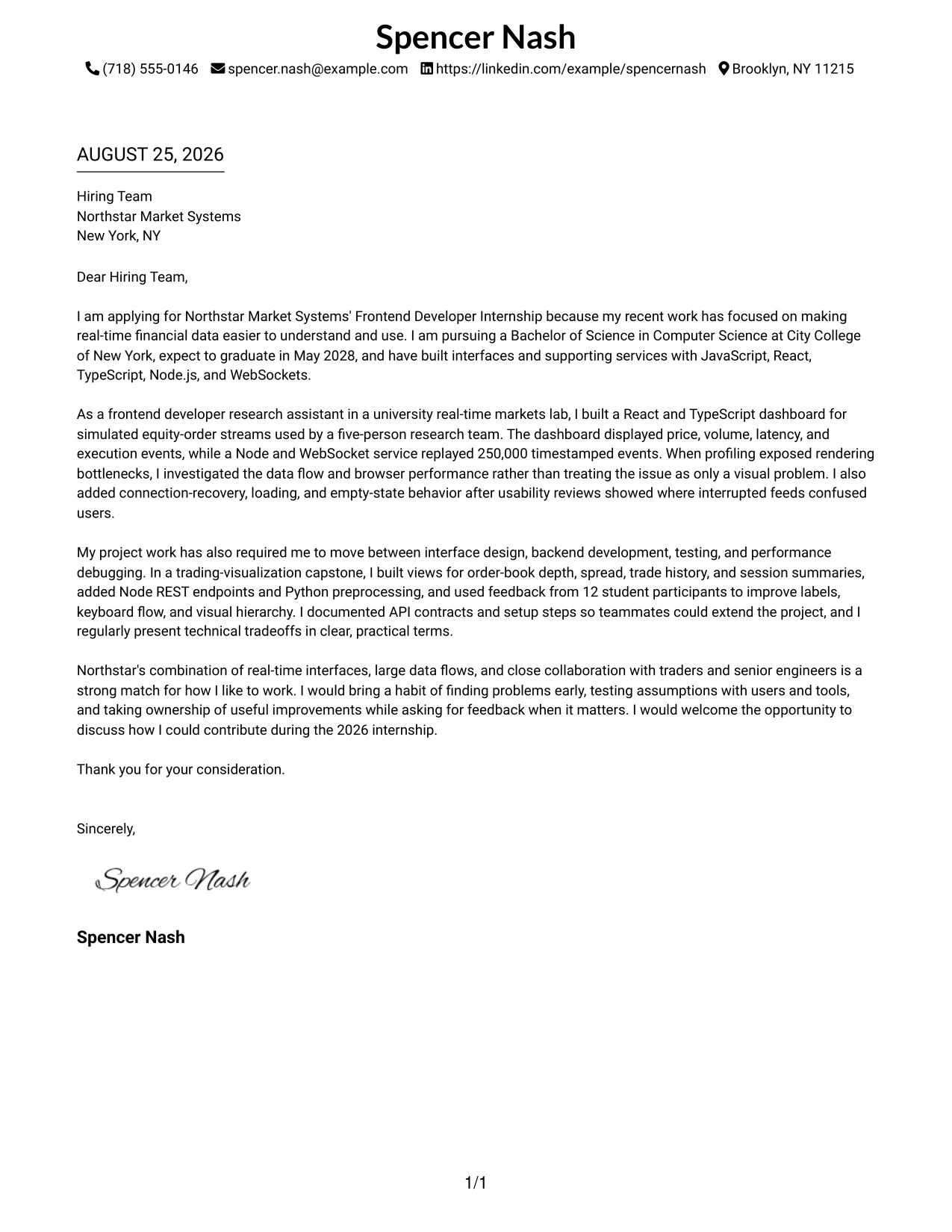
Why the Minimal Header Format Works for a Cover Letter
- The clean header gives the employer immediate access to contact details without competing with the message.
- A direct opening can connect interest in Northstar Market Systems with experience in real-time financial data.
- The body can explain how a React and TypeScript dashboard supported a five-person research team.
- Technical evidence, including 250,000 timestamped events, adds credibility without overwhelming the reader.
- Simple spacing helps the letter move naturally from motivation to relevant experience and then to employer fit.
- The uncluttered design supports a confident communication style for a student applicant.
- A focused closing makes it easy to express interest in discussing the 2026 internship.
Best For
- Applicants who want the motivation for applying to lead the letter.
- Cover letters that need a calm, professional reading experience.
- Applications where one-column text should guide the reader from opening to closing.
- Candidates connecting a small set of relevant technical examples to a specific role.
- Letters that balance personal interest with clear evidence of hands-on work.
- Readers who value direct explanations over decorative presentation.
- Applications that need strong employer fit without a crowded page.
#13 Cover Letter Example: Clean Two Column Sidebar Format
The Clean Two Column Sidebar Format separates contact details and brief context from the main letter, so the reader can quickly orient themselves before following the argument. This structure leaves the central column for motivation, relevant project evidence, and interest in Northstar Market Systems, while the sidebar supports fast reference to key context. Used carefully, it keeps the letter organized without turning it into a list of resume sections.
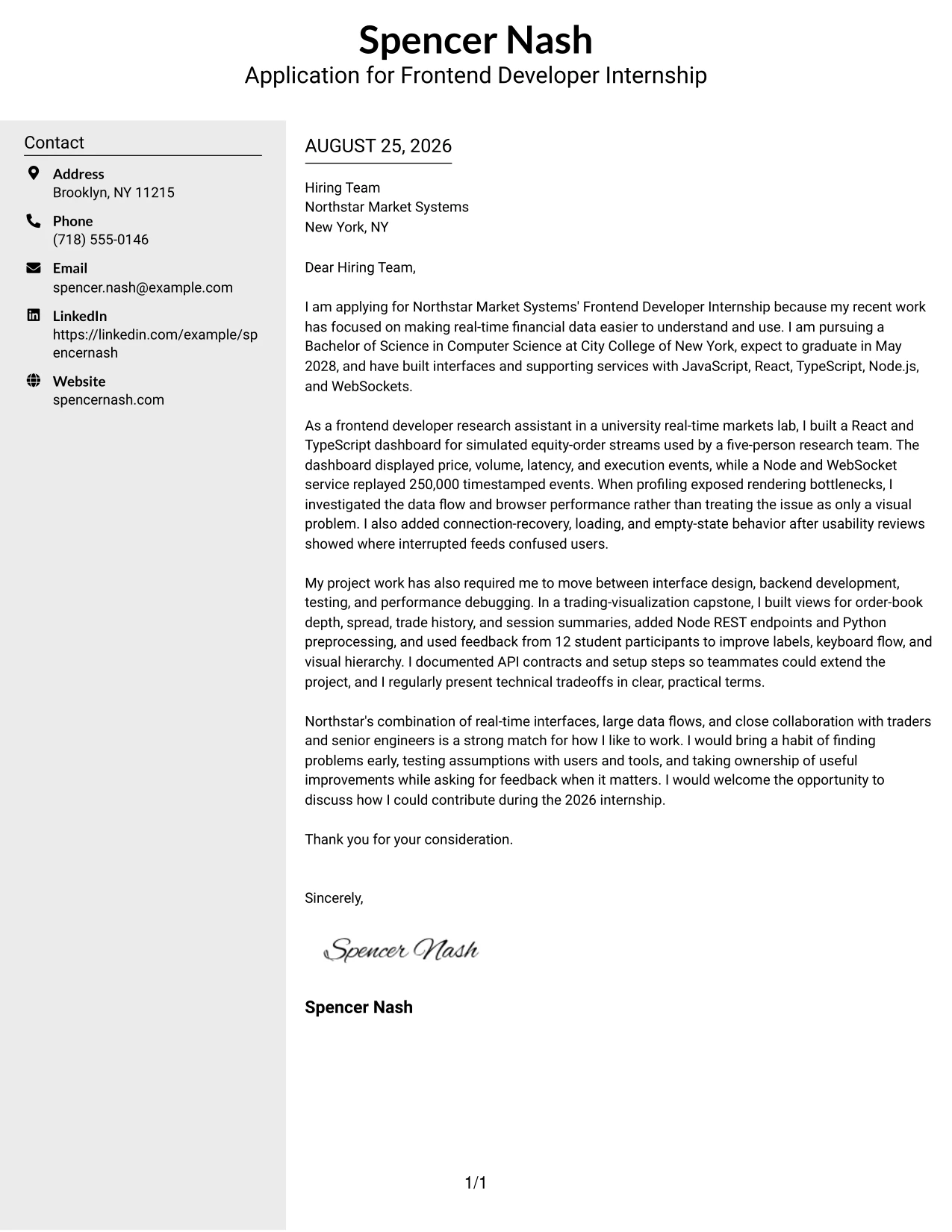
Why the Clean Two Column Sidebar Format Works for a Cover Letter
- The sidebar creates a quick reference point while the main column carries the persuasive message.
- A clear visual split helps the reader find the greeting, opening reason, supporting examples, and closing request.
- The main text can explain React, TypeScript, Node.js, and WebSocket work in connected sentences.
- Separate areas make it easier to present both personal motivation and evidence of technical range.
- The format supports a strong transition from university lab work to interest in Northstar's trading tools.
- Short sidebar content can reinforce location or contact context without interrupting the letter's flow.
- The structure gives a student application a polished, organized communication style.
Best For
- Letters with several related points that need clear visual separation.
- Applicants who want contact context available without interrupting the main argument.
- Applications combining a personal opening with two or more project examples.
- Readers who scan first and then return to the central explanation.
- Cover letters that must show frontend and backend breadth in a controlled structure.
- Candidates presenting research work, capstone work, and employer interest together.
- Applications that benefit from a clear division between quick context and detailed persuasion.
#14 Cover Letter Example: Plain Two Column Format
Recruiters can move through the Plain Two Column Format by checking the compact supporting area first and then reading the main message in full. That path works well when the letter must cover motivation, academic preparation, project evidence, and a clear reason for choosing Northstar Market Systems. The straightforward design keeps the content volume manageable while preserving a natural explanation of how the candidate's work fits the internship.
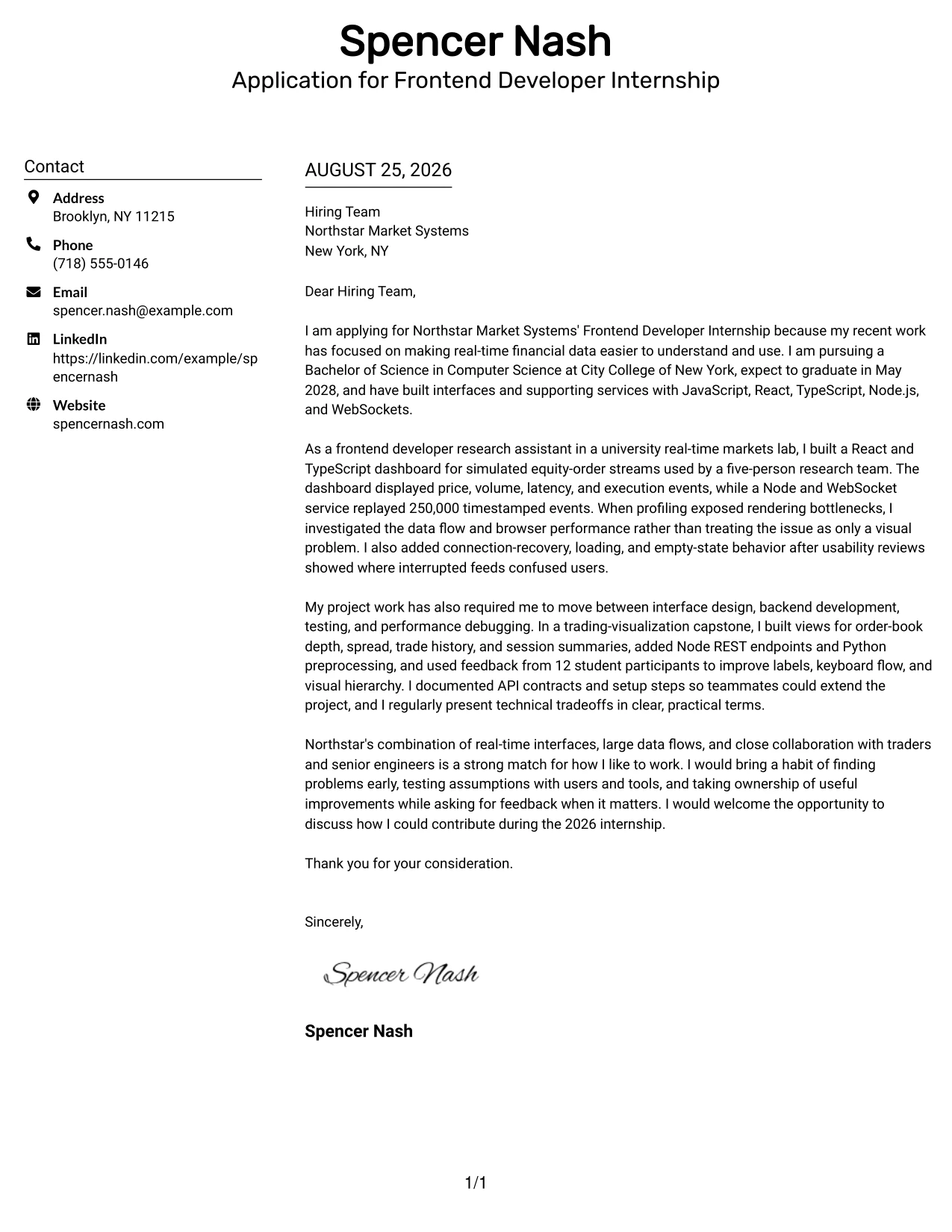
Why the Plain Two Column Format Works for a Cover Letter
- The two-column path helps readers locate supporting context before reviewing the detailed letter.
- Plain styling keeps attention on the explanation rather than on visual effects.
- The main column has room to connect a research assistant role with the internship's real-time UI work.
- A second project example can show experience with REST endpoints, Python preprocessing, and accessible controls.
- The format supports a measured discussion of motivation, evidence, and company fit.
- Consistent alignment makes a longer student cover letter easier to follow.
- The practical presentation suits an application that needs both breadth and clarity.
Best For
- Cover letters with more than one substantial project story.
- Applications that need to explain both academic preparation and practical development work.
- Readers who prefer predictable movement through a detailed message.
- Candidates showing a mix of interface, service, testing, and debugging experience.
- Letters where supporting details should remain visible but secondary.
- Applications that need room for a specific explanation of employer interest.
- Content-rich letters that still require a plain and approachable presentation.
#15 Cover Letter Example: Modern Full Background Two Column Format
The strongest evidence should receive priority: the candidate has already built interfaces for simulated financial data, investigated rendering performance, and improved behavior after usability feedback. The Modern Full Background Two Column Format gives that evidence a strong visual setting while separating supporting context from the main persuasive narrative. The result can connect measurable technical work to Northstar Market Systems' focus on scalable, real-time trading tools.
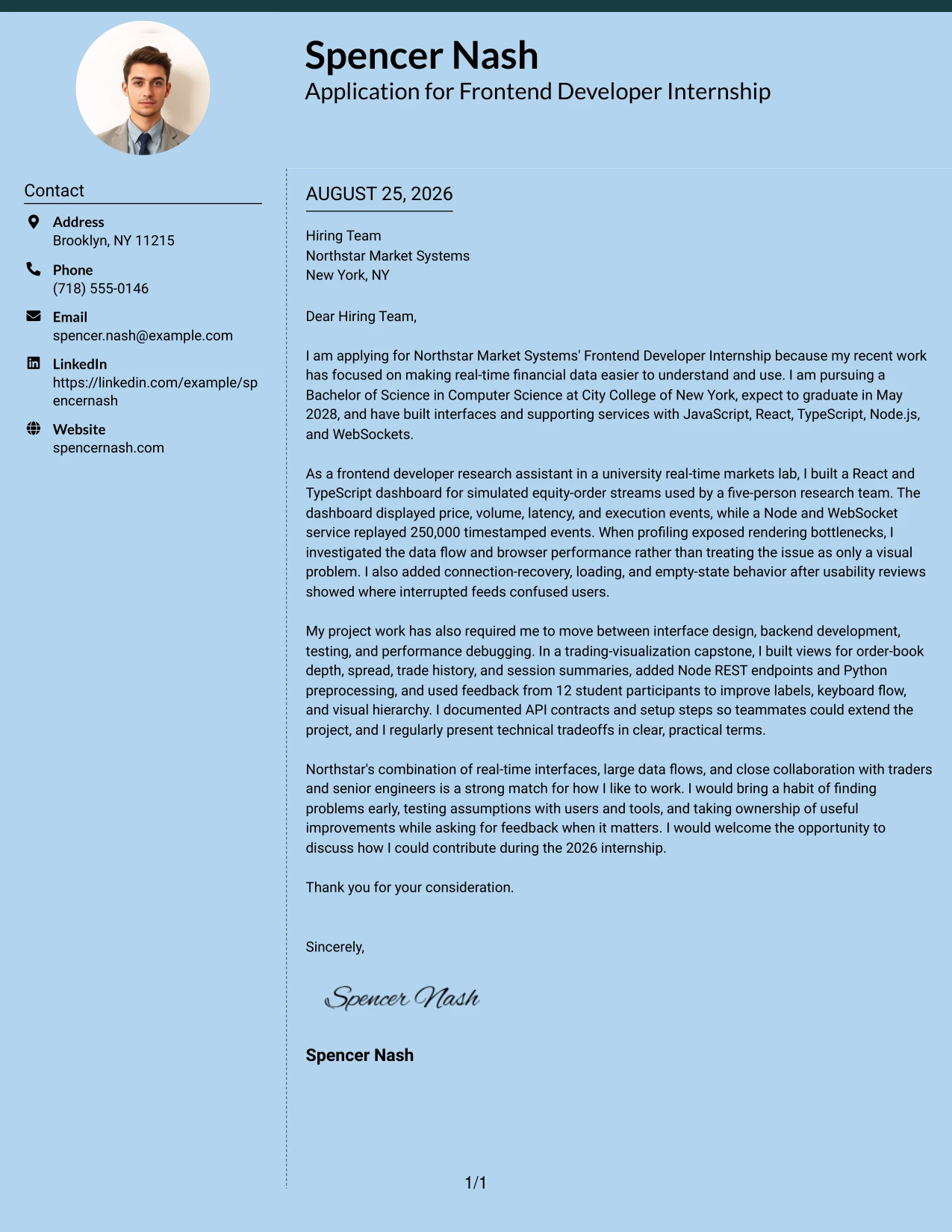
Why the Modern Full Background Two Column Format Works for a Cover Letter
- The format gives important project evidence a clear place in the visual hierarchy.
- A prominent main area can lead with the React dashboard and its 250,000-event data flow.
- The supporting column can hold concise context without weakening the main argument.
- A strong presentation helps connect performance profiling to Northstar's scalability needs.
- The letter can show that usability feedback led to loading, empty-state, and connection-recovery improvements.
- Two areas make it possible to balance technical proof with genuine motivation.
- The design supports an energetic but controlled message for a competitive internship.
Best For
- Applicants whose strongest argument depends on concrete project evidence.
- Letters featuring measurable data volume, testing work, or performance investigation.
- Applications where a prominent main message should carry the employer connection.
- Candidates who need supporting context beside a central technical story.
- Cover letters linking interface decisions to scale, efficiency, or user needs.
- Readers who respond well to clear evidence presented with visual emphasis.
- Applications that need a confident presentation without losing explanatory detail.
#16 Cover Letter Example: Dark Mode Two Column Format
Balanced content matters in a technical internship letter: motivation should have enough space to feel personal, while project details must remain easy to understand. The Dark Mode Two Column Format distributes those needs between a supporting area and a main message, creating a focused presentation for Northstar Market Systems. It can hold practical evidence about React, Node.js, testing, and performance without allowing technical detail to overpower the reason for applying.
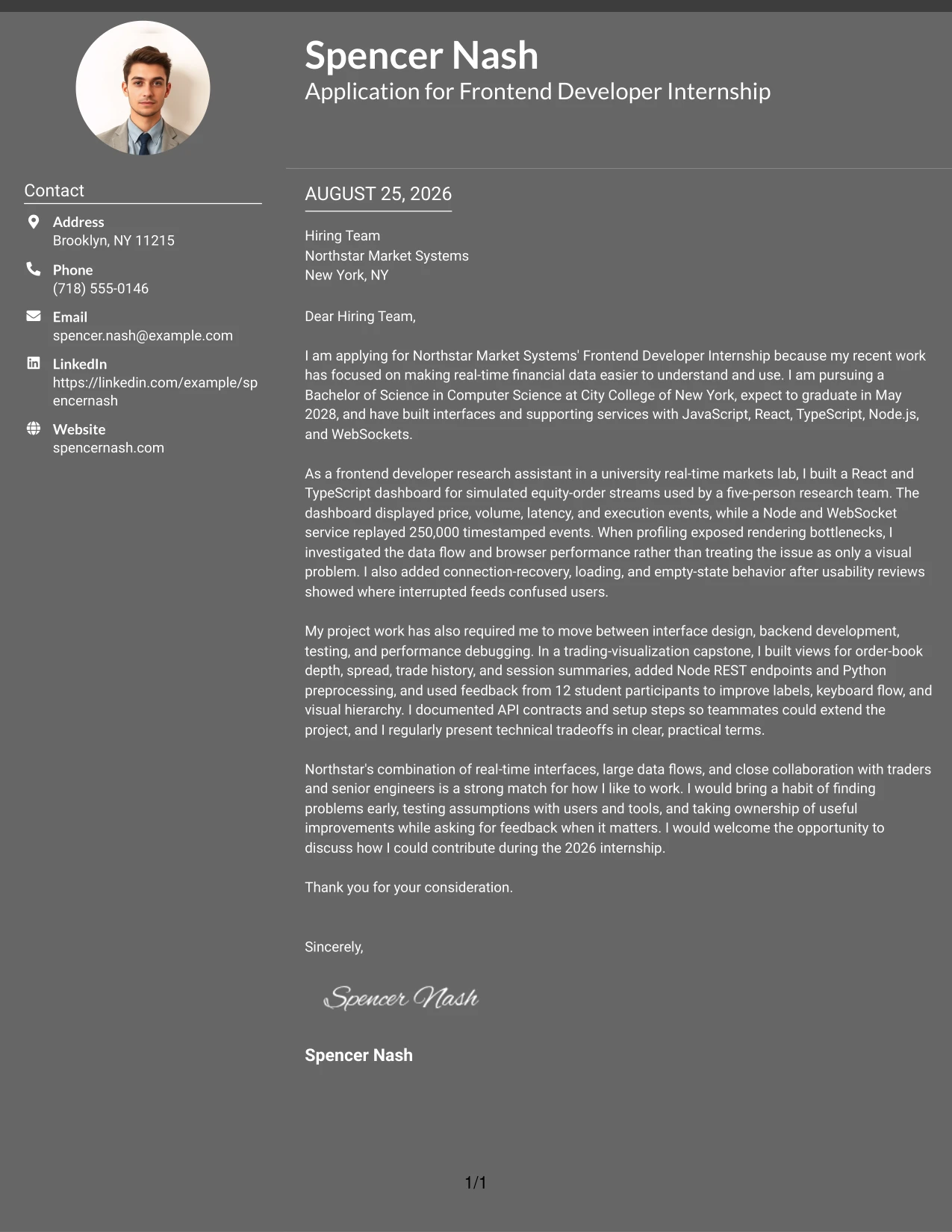
Why the Dark Mode Two Column Format Works for a Cover Letter
- The two-column balance keeps personal interest and technical evidence visible together.
- A defined main area can explain how the candidate found and addressed rendering bottlenecks.
- Supporting content can reinforce academic preparation and experience with several programming languages.
- The format gives the closing enough room to state interest in mentorship and real development projects.
- A clear division helps the reader follow movement from motivation to proof to fit.
- The visual treatment can make a detailed letter feel focused rather than dense.
- The structure supports a purposeful tone for an application involving complex data flows.
Best For
- Applications that must balance a personal reason with substantial technical detail.
- Letters explaining several connected development responsibilities without long blocks of text.
- Applicants who want a strong visual frame around a focused application message.
- Cover letters connecting independent problem finding with team collaboration.
- Readers reviewing both project evidence and interest in a demanding internship.
- Applications that need a clear closing request after a detailed middle section.
- Candidates presenting technical range while keeping the communication human and direct.
#17 Cover Letter Example: Dark Mode Box Header Format
For an application reviewed quickly, the opening needs to establish purpose before the reader reaches the supporting examples. The Dark Mode Box Header Format gives the letter a defined entry point, then presents the motivation for joining Northstar Market Systems and the strongest evidence in a clear one-column sequence. Its boxed header creates a firm start while the body can explain technical decisions, collaboration, and readiness to learn.
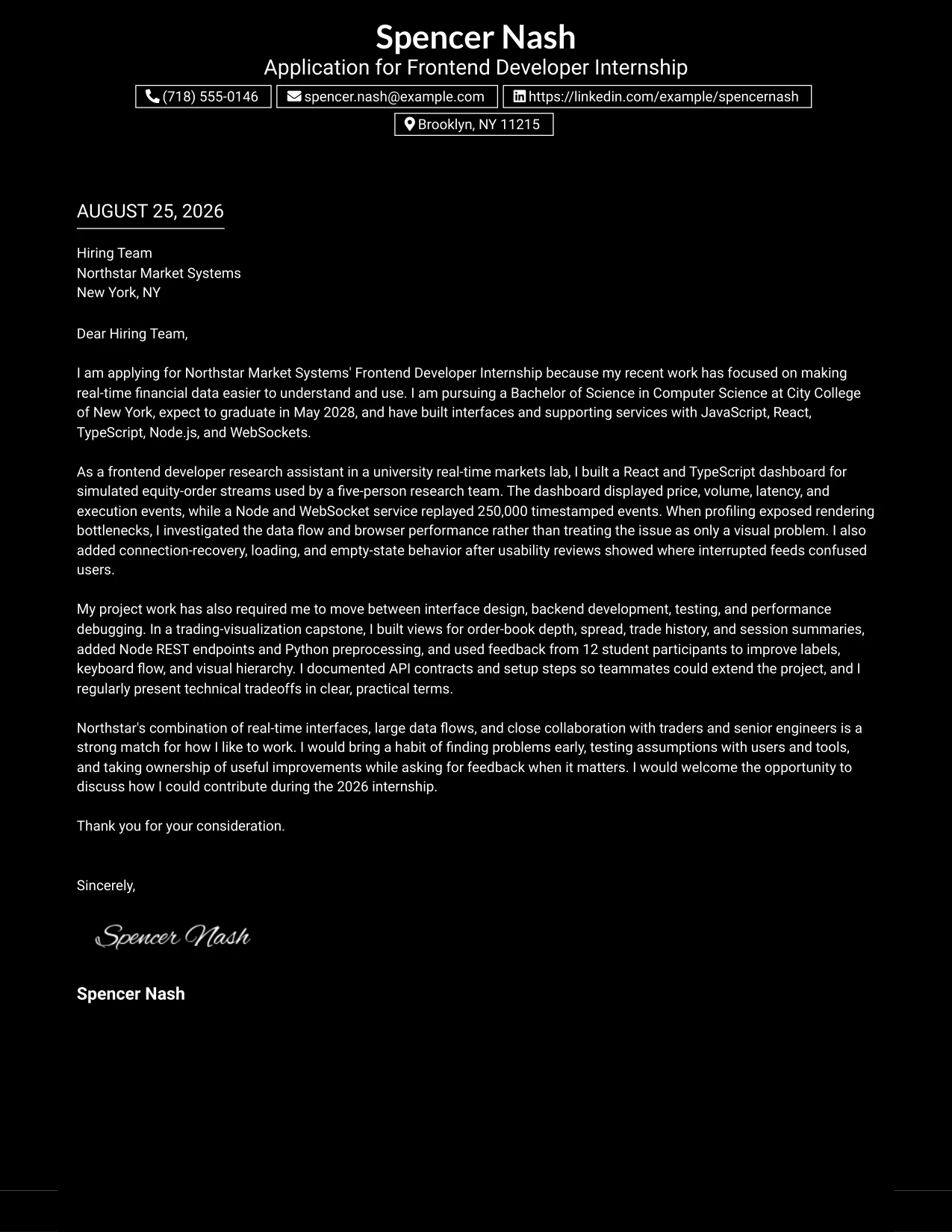
Why the Dark Mode Box Header Format Works for a Cover Letter
- The boxed header marks the application purpose immediately.
- A single reading path helps the employer follow the letter from interest to evidence to closing.
- The opening can clearly connect financial-data interfaces with Northstar's work.
- The body can describe collaboration with faculty advisers, researchers, and project teammates.
- A strong visual entry point gives the letter confidence without adding unnecessary sections.
- The format supports plain explanations of debugging, testing, and accessibility improvements.
- The closing remains easy to find after the main case has been presented.
Best For
- Cover letters that need an unmistakable application opening.
- Applicants who want one clear route through their motivation and supporting proof.
- Applications reviewed under time pressure and built around a concise argument.
- Candidates explaining how they identify issues and create solutions.
- Letters where collaboration and communication should sit beside technical ability.
- Readers who prefer a firm visual starting point and a simple body structure.
- Applications that need a polished look while keeping the message easy to read.
#18 Cover Letter Example: Elegant Full Background Two Column Format
A polished visual impression can support a thoughtful argument when the letter remains focused on the candidate's connection to the role. The Elegant Full Background Two Column Format creates a refined setting for explaining interest in real-time financial interfaces, evidence from university projects, and enthusiasm for working with Northstar's senior engineers. Its two-part organization helps the letter feel deliberate without making the tone distant.
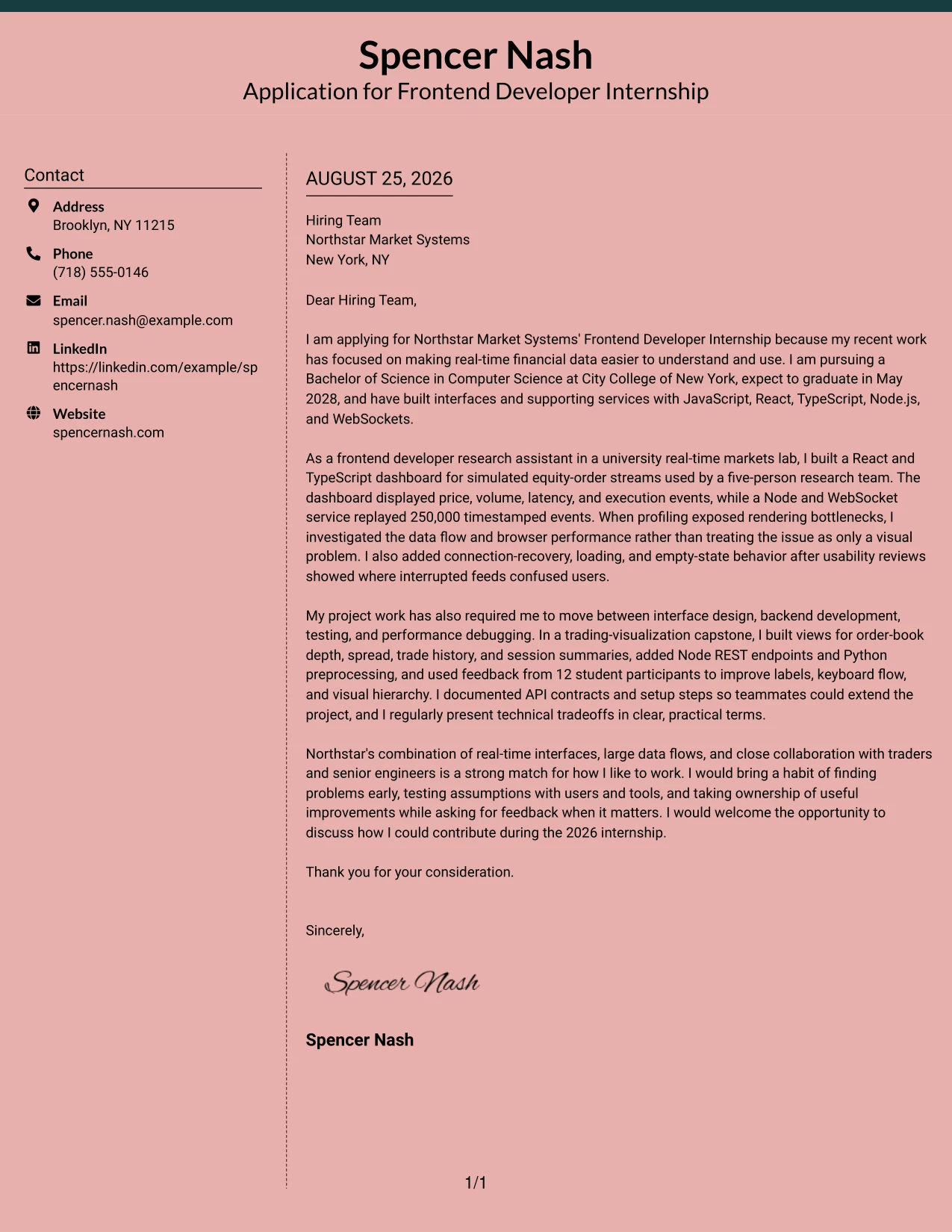
Why the Elegant Full Background Two Column Format Works for a Cover Letter
- The refined hierarchy supports a confident explanation of why the internship is a strong match.
- A central message can connect the research lab dashboard to Northstar's trading and visualization work.
- A supporting area can hold concise academic or contact context.
- The letter can show both technical range and care for intuitive user interfaces.
- The structure makes room for a specific statement about learning through mentorship.
- Clear separation helps the reader distinguish motivation from supporting proof.
- The format gives a student application a mature, considered communication style.
Best For
- Applicants who want a polished presentation for a carefully tailored letter.
- Applications where employer interest should receive as much attention as technical evidence.
- Candidates connecting academic projects to a company's real product challenges.
- Letters that need to show interface judgment alongside programming ability.
- Readers who value a deliberate structure and a measured persuasive tone.
- Applications emphasizing mentorship, collaboration, and thoughtful learning.
- Cover letters that should feel distinctive while remaining easy to navigate.
#19 Cover Letter Example: Plain One Column with Highlighted Date
The Plain One Column with Highlighted Date Format creates a simple, chronological reading path, with the date giving the application a clear point of reference before the message begins. That structure suits a letter that moves from current study to recent lab work, capstone evidence, and a direct statement of interest in Northstar Market Systems. The single column keeps every explanation in order and avoids interruptions between ideas.
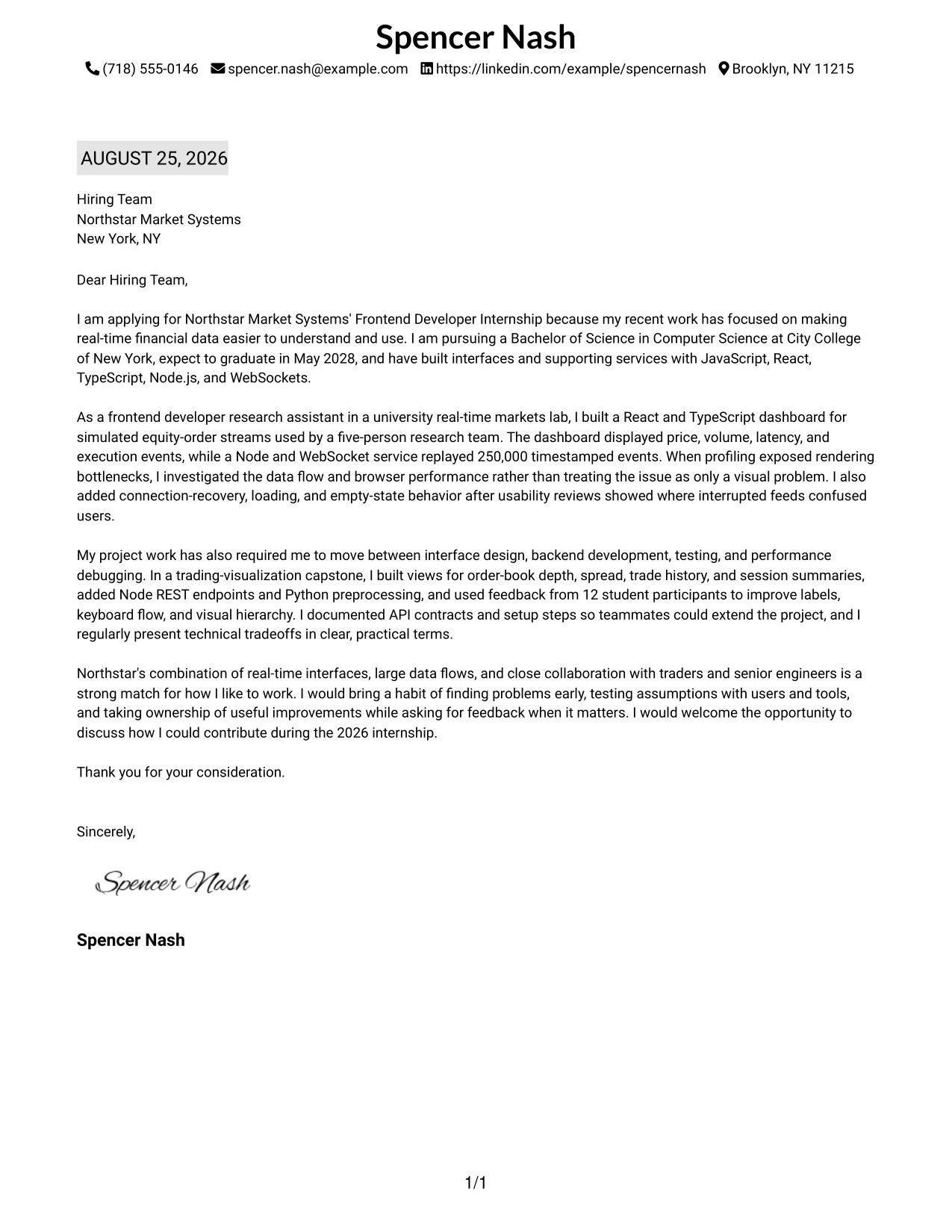
Why the Plain One Column with Highlighted Date Format Works for a Cover Letter
- The highlighted date gives the letter an immediate point of reference.
- One column lets the reader follow the argument in a natural beginning-to-end sequence.
- The opening can state the application purpose and expected May 2028 graduation clearly.
- The middle can build from the research lab dashboard to capstone interface work.
- A chronological flow helps show how JavaScript and React experience developed across projects.
- The format keeps the employer-fit paragraph connected to the evidence that supports it.
- A straightforward closing remains visible and easy to act on.
Best For
- Applications that benefit from a clear current-date reference.
- Letters presenting academic work and recent development experience in sequence.
- Applicants who want the reader to follow one uninterrupted argument.
- Cover letters with a beginning, evidence-led middle, and direct closing.
- Candidates explaining growth across several university projects.
- Readers who prefer plain formatting and familiar document flow.
- Applications where timing, study status, and internship interest all matter.
#20 Cover Letter Example: Bold Color Header Professional Format
Readers can begin with the bold header, confirm the application purpose, and then move through the supporting story without searching for the main point. The Bold Color Header Professional Format gives the letter a clear entry while leaving room for detailed discussion of React development, Node.js services, performance debugging, and interest in Northstar Market Systems. The professional structure helps the message carry both energy and credibility.
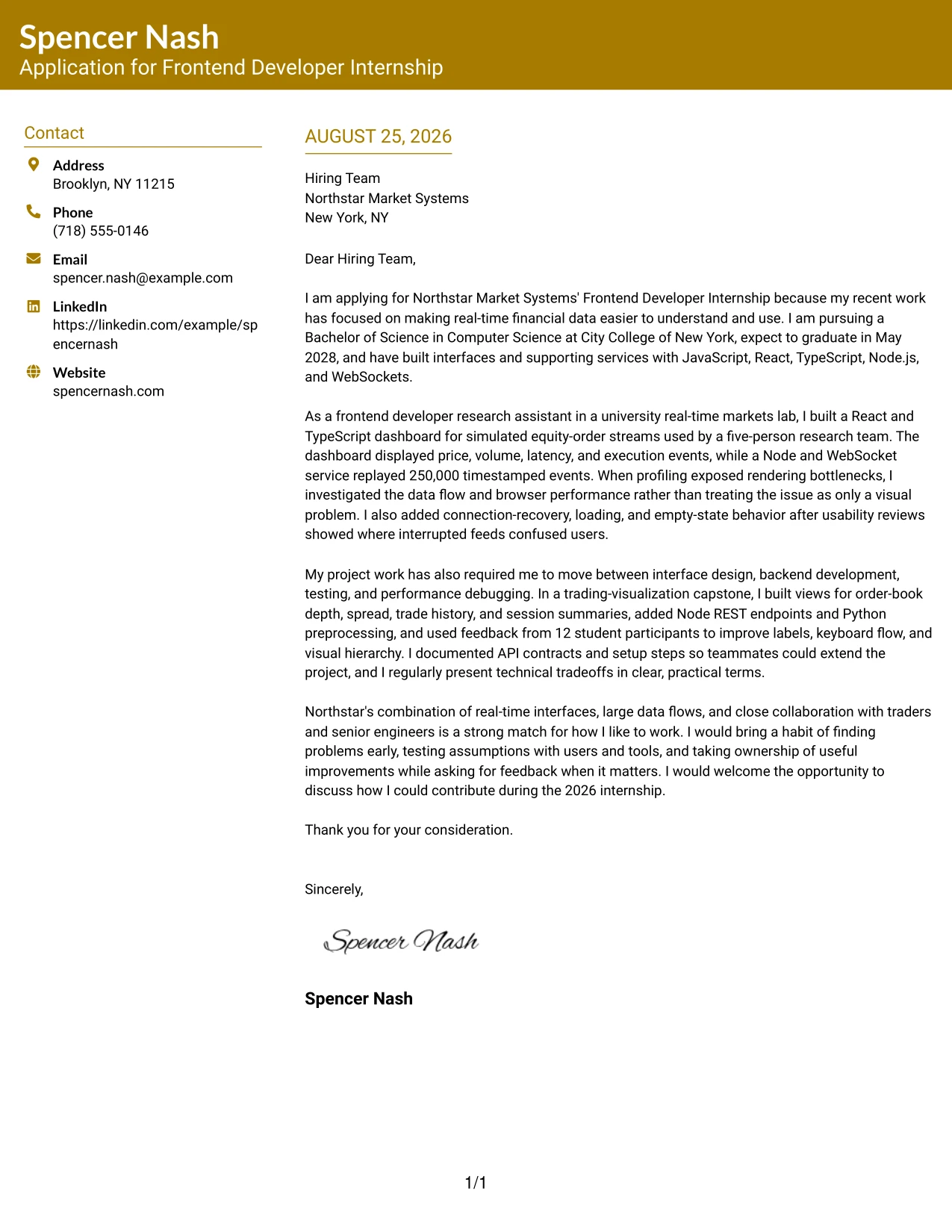
Why the Bold Color Header Professional Format Works for a Cover Letter
- The header quickly identifies the application and creates a confident first impression.
- The single-column flow keeps the employer's attention on the letter's central argument.
- The opening can connect interest in Northstar with work on real-time financial interfaces.
- The body can present technical range without breaking the persuasive narrative.
- Specific examples show initiative through profiling, usability reviews, and iterative debugging.
- The format supports a professional tone while allowing genuine enthusiasm to come through.
- A direct closing can invite discussion of contribution during the internship.
Best For
- Applicants who want their application purpose to stand out at once.
- Letters that need to combine strong technical detail with an energetic tone.
- Candidates presenting several examples in one continuous persuasive message.
- Applications where initiative and problem solving are central themes.
- Readers who scan the top first and then read the body in full.
- Cover letters that need a professional structure with a more visible opening.
- Applicants seeking a confident presentation for a competitive internship.
#21 Cover Letter Example: Photo Header Color Sidebar Format
The strongest evidence should remain central: hands-on work with React, TypeScript, Node.js, and real-time data gives the application a direct connection to Northstar Market Systems. The Photo Header Color Sidebar Format places that evidence within a clear header and side treatment, while the main letter explains motivation, problem solving, and collaboration. Used with a professional, relevant image, the presentation can add personal context without replacing the substance of the letter.
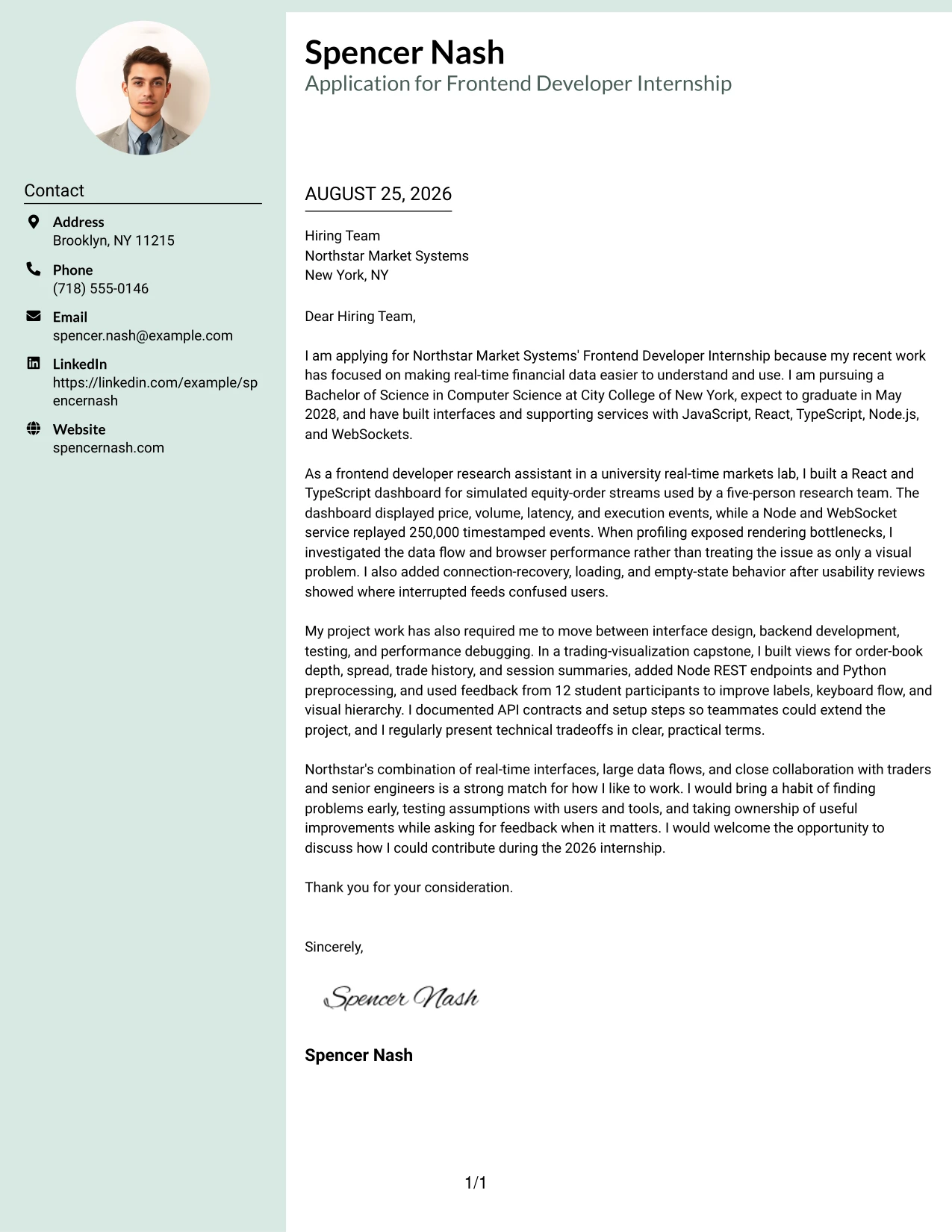
Why the Photo Header Color Sidebar Format Works for a Cover Letter
- The header can establish a personal point of recognition before the employer reads the main message.
- A side area can hold concise contact or context details while the letter develops its argument.
- The main content can lead with the React and TypeScript dashboard built for simulated equity-order streams.
- The letter can connect browser profiling and usability improvements to Northstar's performance needs.
- The format supports evidence of initiative, testing, and collaboration in a visually distinct structure.
- A professional image may add context when it is appropriate for the application and used with restraint.
- The main message remains responsible for proving motivation and employer fit.
Best For
- Applications where a carefully chosen professional image suits the communication context.
- Applicants who want personal context separated from the main persuasive message.
- Letters led by strong evidence from a research, project, or development setting.
- Candidates connecting interface work to performance and usability needs.
- Applications that need visible contact context without crowding the body.
- Readers who appreciate a distinct header but still expect substantive proof.
- Cover letters where personal presentation supports, rather than replaces, role alignment.
#22 Cover Letter Example: Top Left Header Color Accent Format
Balanced spacing allows the letter to feel organized without making the application seem overdesigned. The Top Left Header Color Accent Format places identity and purpose in a clear starting area, then gives the body enough room to explain motivation, relevant projects, and fit with Northstar Market Systems. Its restrained accent supports a direct message about building intuitive interfaces for real-time data.
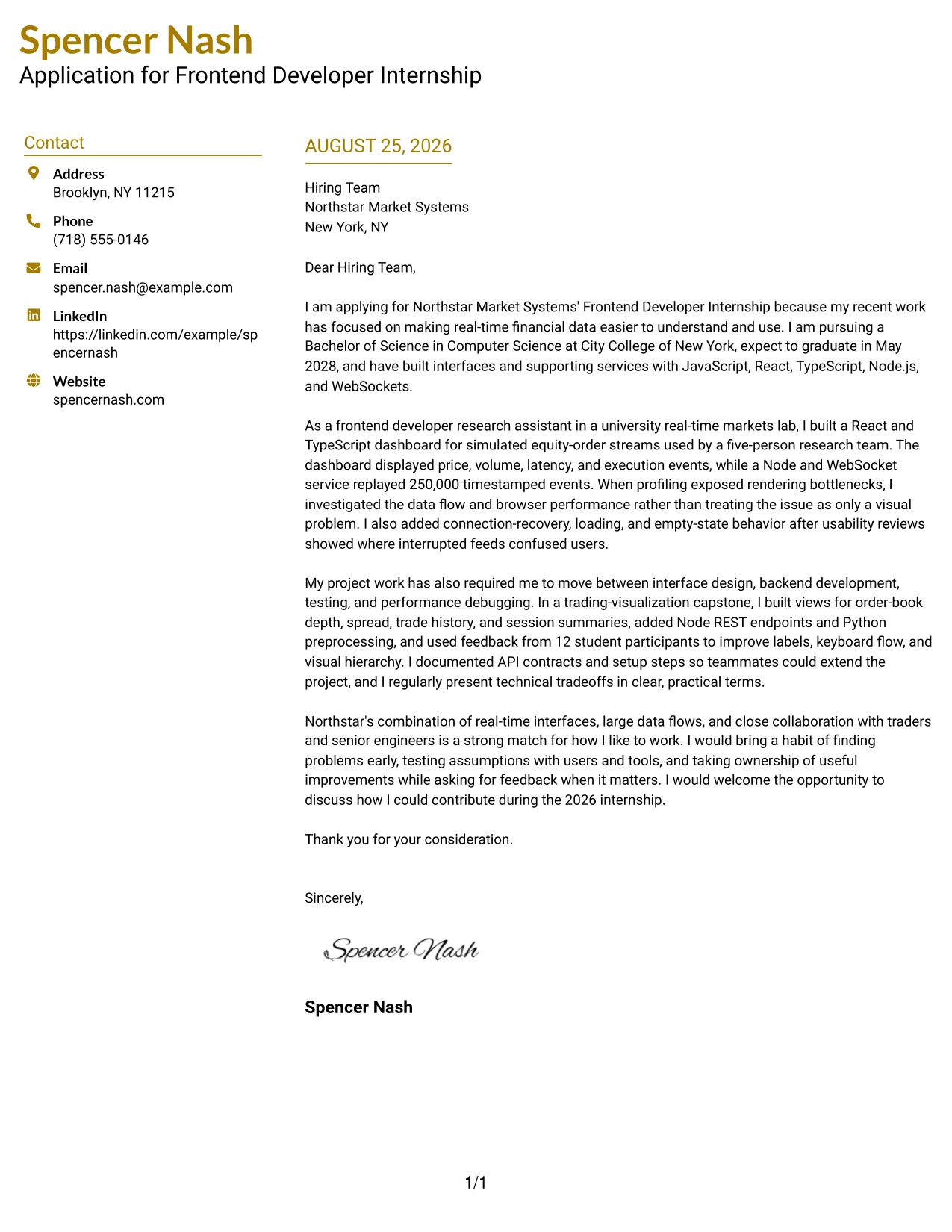
Why the Top Left Header Color Accent Format Works for a Cover Letter
- The top-left starting point gives the reader a predictable place to begin.
- A restrained accent separates the header from the message without distracting from the argument.
- The body can explain interest in real-time trading, visualization, analysis, and reporting tools.
- Clear spacing helps technical examples remain readable in connected paragraphs.
- The letter can show initiative through issue discovery, profiling, testing, and iterative improvement.
- A focused structure makes the employer-fit paragraph feel like a natural conclusion.
- The presentation supports a practical, confident communication style for a student applicant.
Best For
- Applications that need a clear start and comfortable reading space.
- Applicants explaining motivation before presenting several supporting examples.
- Letters focused on intuitive interfaces and practical user needs.
- Candidates showing initiative through testing, debugging, and issue discovery.
- Applications where a light visual accent should support, not dominate, the message.
- Readers who prefer a balanced one-column presentation with obvious hierarchy.
- Cover letters ending with a concise explanation of company fit and next steps.
#23 Centered Header Classic Two Column Format Cover Letter Example
For an application that must feel organized and easy to review, the Centered Header Classic Two Column Format gives the cover letter a clear visual frame. The letter can open with interest in Northstar Market Systems, then connect React, JavaScript, Node.js, and real-time data work to the internship. Its balanced structure supports a confident message without making the reader search for the main evidence.
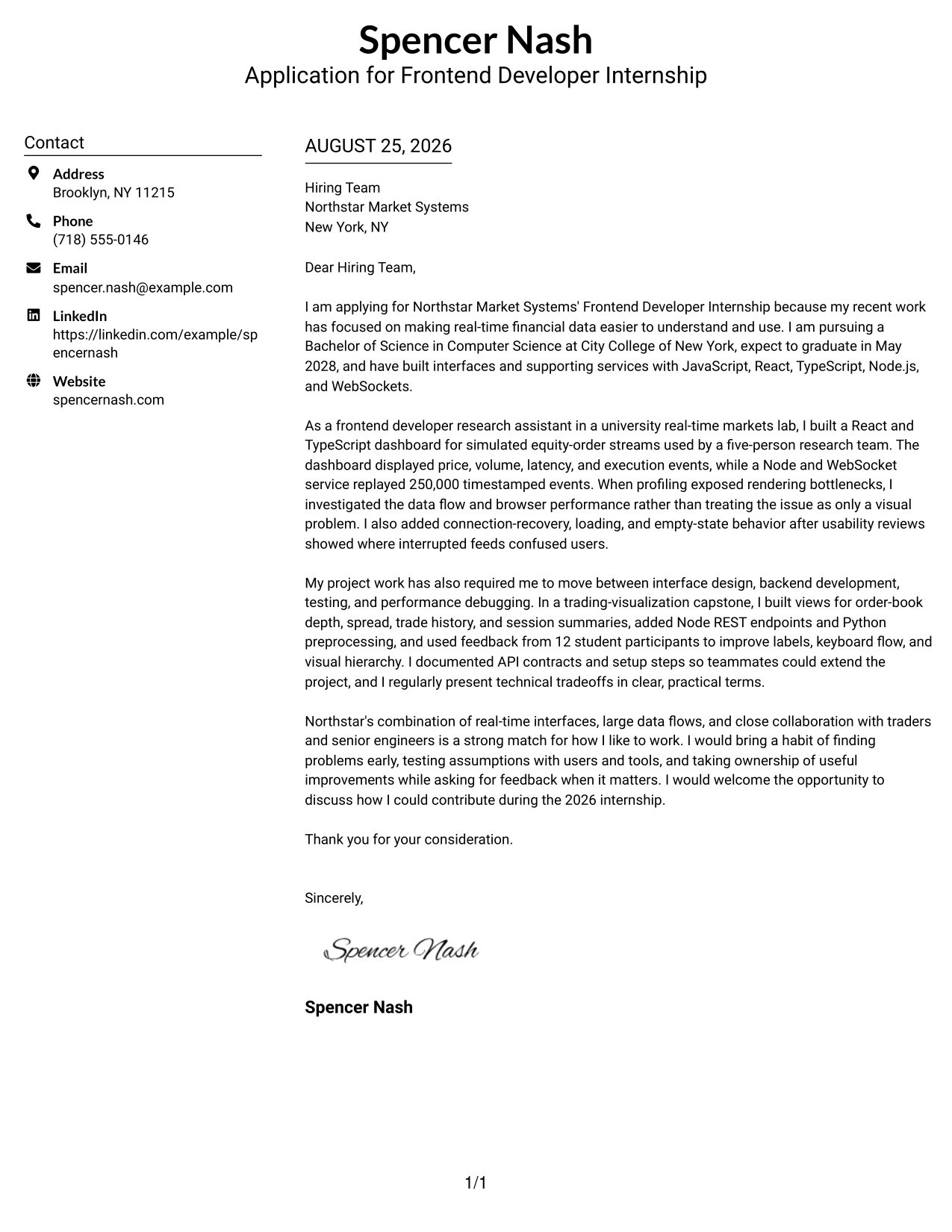
Why the Centered Header Classic Two Column Format Works for a Cover Letter
- A centered contact area creates a polished first impression before the letter begins.
- Two-column organization separates contact details from the main message without crowding the page.
- The opening can state clear interest in Northstar Market Systems and its real-time interface work.
- The body can connect React, TypeScript, Node.js, and WebSockets to the role's requirements.
- Specific evidence, such as a dashboard using 250,000 timestamped events, gives the letter credibility.
- The format leaves room for a direct closing that invites further discussion.
- The classic structure supports a professional tone while still feeling suitable for a student application.
Best For
- Applicants who want a balanced two-column presentation for a focused letter.
- Cover letters that need a distinct contact area and a readable message area.
- Applications where motivation and technical evidence should receive equal visual weight.
- Readers who prefer clear separation between letter details and persuasive content.
- Letters with several relevant tools or projects that need orderly explanation.
- Candidates who want a traditional presentation with a fresh, structured appearance.
#24 Left Aligned Header Clean Two Column Format Cover Letter Example
A restrained visual hierarchy lets the reader move from the sender details to the greeting and then into the strongest reasons to consider the application. The Left Aligned Header Clean Two Column Format supports a direct letter about building intuitive interfaces, testing user flows, and working across frontend and backend tasks. Its clean alignment keeps the message professional and focused on fit.
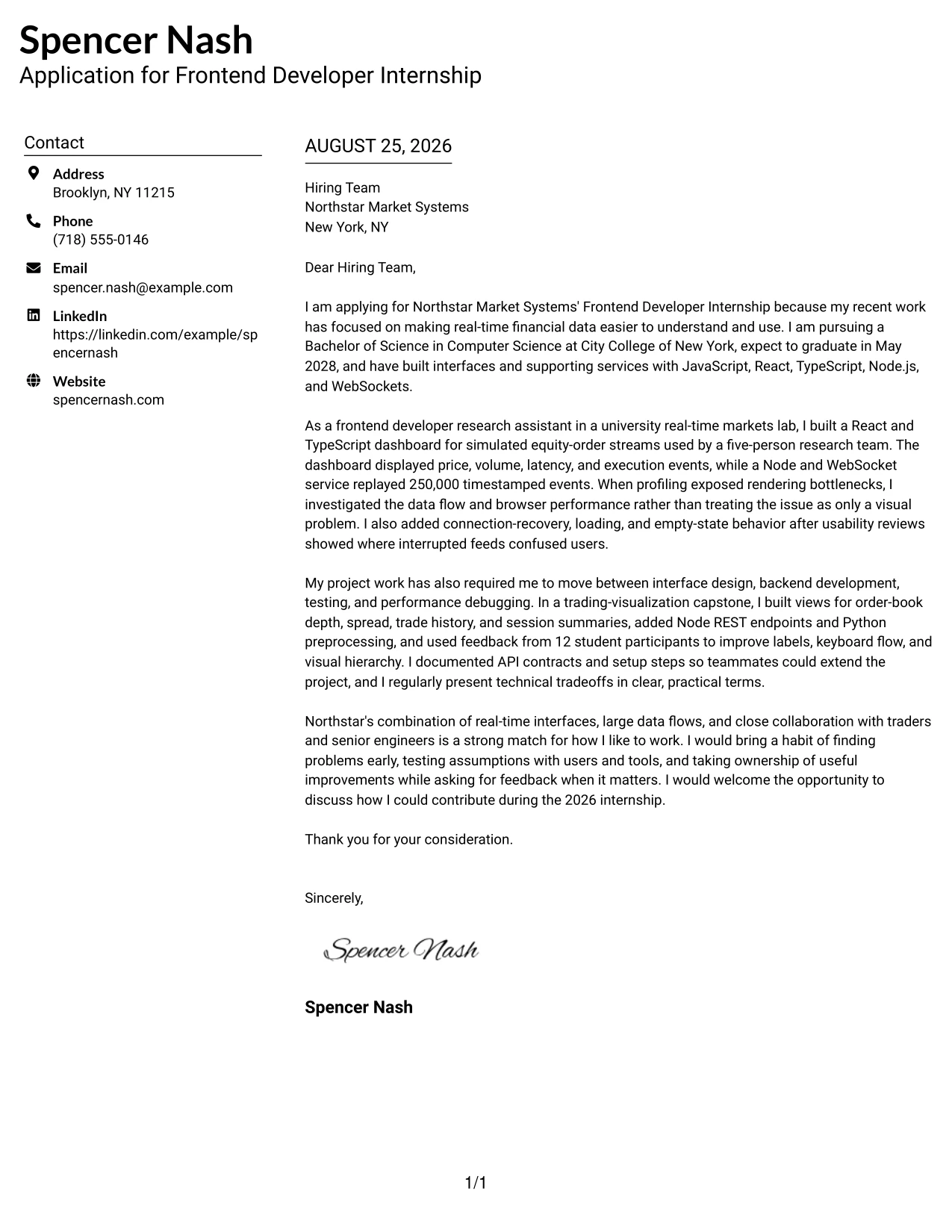
Why the Left Aligned Header Clean Two Column Format Works for a Cover Letter
- Left alignment creates a natural reading path from contact information to the letter's opening.
- The uncluttered presentation keeps attention on motivation rather than decoration.
- The first paragraph can quickly establish interest in intuitive user interfaces and financial data.
- The middle of the letter can show experience with React, JavaScript, and Node.js.
- A separate visual area helps supporting details remain available without interrupting the argument.
- The format suits a respectful, direct communication style for a hiring team.
- The closing can reinforce initiative, collaboration, and interest in discussing the internship.
Best For
- Applicants who want a calm, direct layout for explaining role fit.
- Letters that must connect several technical areas without feeling crowded.
- Applications where the opening motivation should be easy to find immediately.
- Readers who value strong alignment and consistent spacing throughout a document.
- Candidates presenting both interface work and supporting service development.
- Cover letters for teams that appreciate practical, low-distraction communication.
#25 Accent Divider Modern Two Column Format Cover Letter Example
The Accent Divider Modern Two Column Format uses clear visual breaks to separate the opening, supporting evidence, and closing message. That structure helps the cover letter show a logical progression: interest in the internship, proof of frontend development work, and a clear statement of how the candidate could contribute. The result is modern without losing professional clarity.
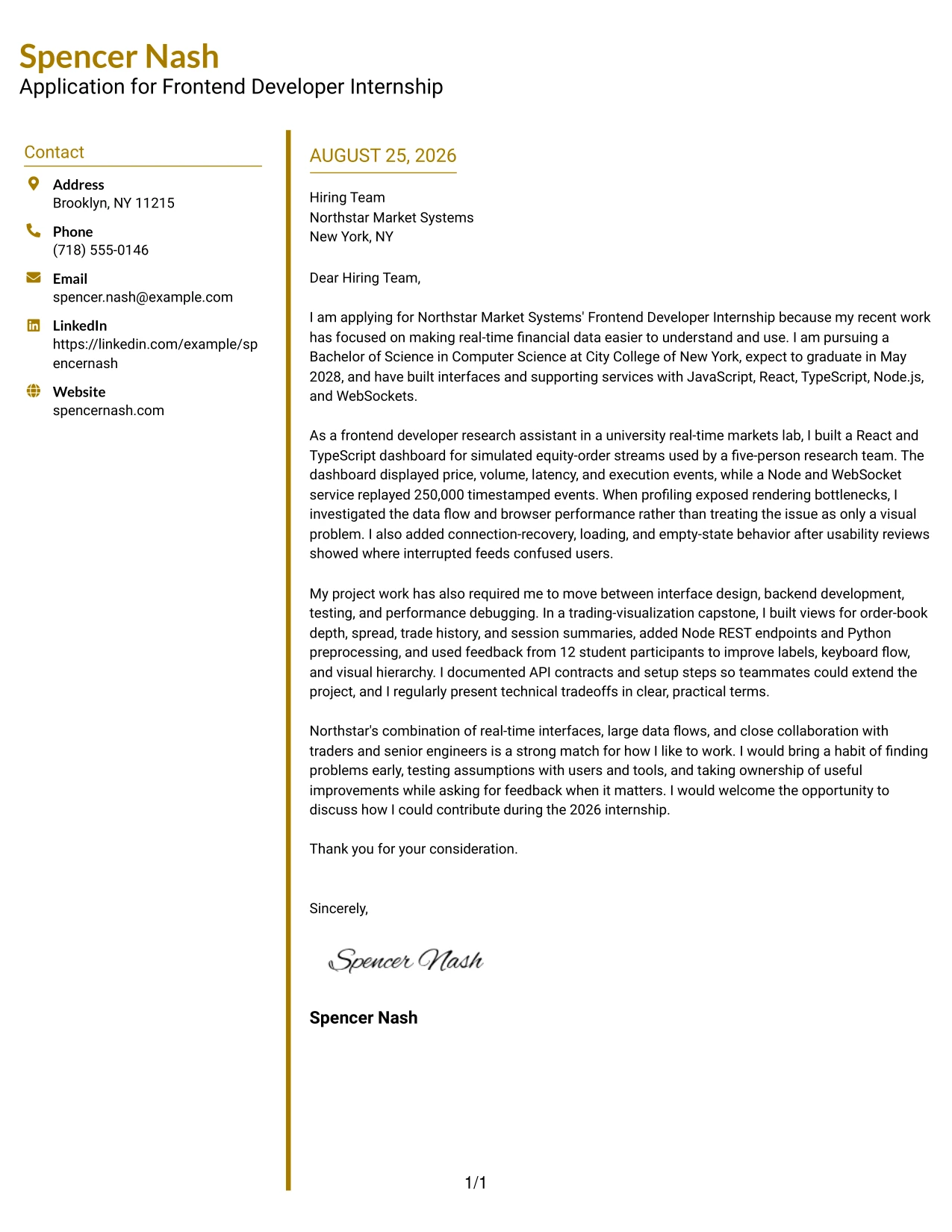
Why the Accent Divider Modern Two Column Format Works for a Cover Letter
- Visual dividers help the reader distinguish motivation from supporting examples.
- The opening can connect interest in financial technology with experience building real-time dashboards.
- The body can move from interface development to API integration and testing in a logical order.
- A modern structure supports concise explanations instead of long blocks of text.
- The letter can highlight performance profiling and accessibility as practical problem-solving evidence.
- The closing section remains distinct, making the call to action easy to notice.
- The format gives a student application energy while preserving a serious communication style.
Best For
- Applicants who want visible separation between the main parts of a letter.
- Cover letters built around a clear sequence of motivation, evidence, and fit.
- Applications where several examples need to be presented in a logical order.
- Readers who scan for the reason for applying before reviewing technical details.
- Candidates who prefer a modern layout with controlled visual structure.
- Letters that need to balance concise writing with meaningful project context.
#26 Shaded Labels Clean Two Column Format Cover Letter Example
Recruiters can follow the letter from its opening purpose to its strongest evidence and final fit statement with little effort. The Shaded Labels Clean Two Column Format gives each part a visual anchor while leaving enough room for a persuasive message. It works well when the letter needs to explain both technical range and a practical habit of finding and solving problems.
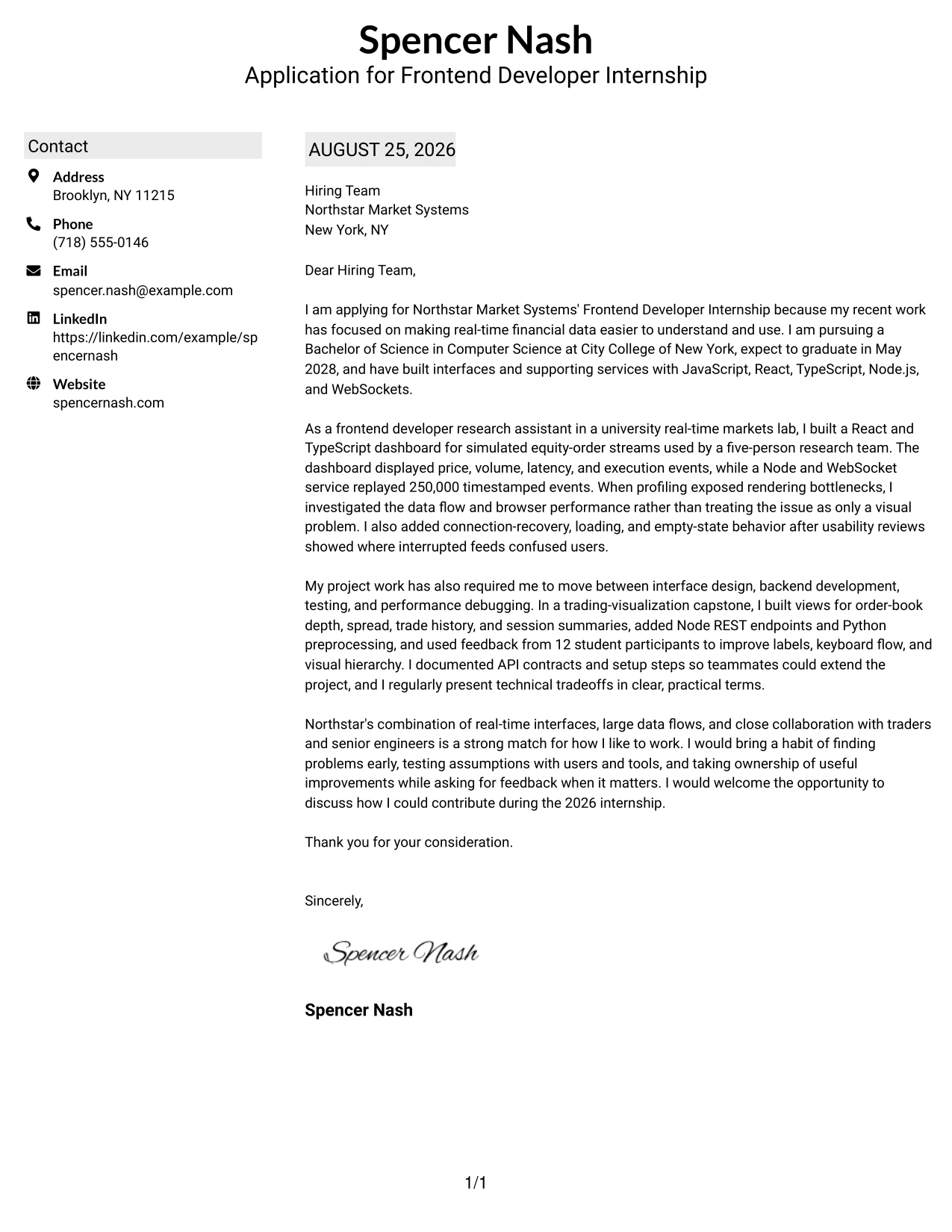
Why the Shaded Labels Clean Two Column Format Works for a Cover Letter
- Shaded labels give the reader quick reference points without replacing the letter's natural flow.
- The opening can identify the internship and explain why real-time interfaces are motivating.
- The main body can group evidence about dashboards, services, testing, and usability reviews.
- The two-column design supports several examples while maintaining visible organization.
- The letter can show comfort with JavaScript, React, Node.js, TypeScript, Python, and C++.
- A labeled closing area can reinforce independent work and teamwork together.
- The clean style keeps the document approachable for a student and credible for a technical team.
Best For
- Applicants whose cover letters contain multiple evidence areas that need clear anchors.
- Applications requiring both technical breadth and a concise explanation of motivation.
- Readers who benefit from labeled sections during a quick first review.
- Candidates combining project work, research work, and user feedback in one narrative.
- Letters where supporting details must remain organized beside the main message.
- Professionals seeking a structured format that still allows a personal opening and closing.
#27 Photo Header Color Accent International Format Cover Letter Example
The strongest evidence should arrive early: experience building interfaces for real-time financial data, connecting React views to services, and improving usability after review. The Photo Header Color Accent International Format can frame that evidence with a polished, globally minded presentation while keeping the written argument concise. The letter should use its opening to show motivation, then support that interest with specific technical and collaborative examples.
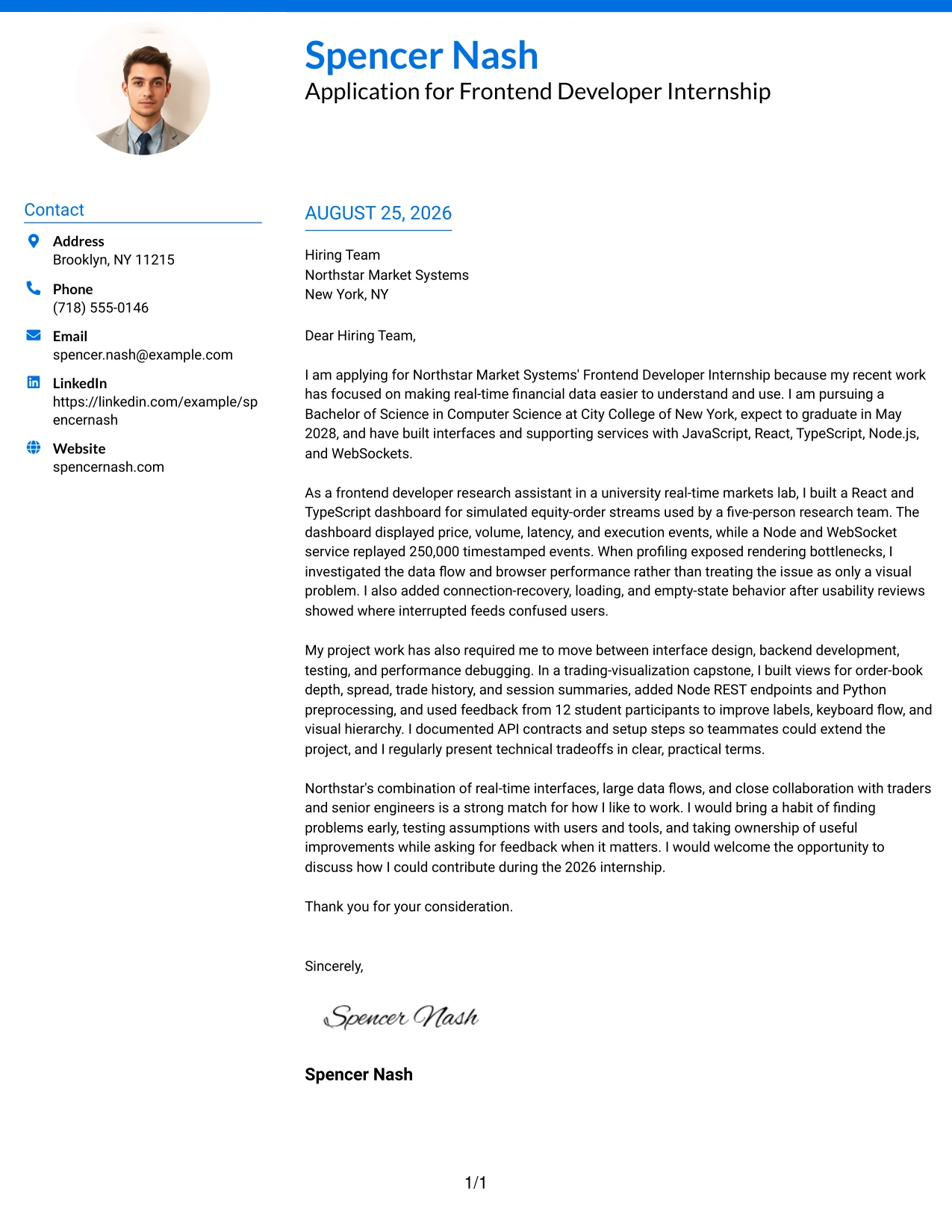
Why the Photo Header Color Accent International Format Works for a Cover Letter
- A color-accented header creates a distinct entry point for the reader.
- The photo area can support a polished presentation when it suits the application context.
- The opening can connect the candidate's interests to Northstar Market Systems' financial technology work.
- The body can prioritize React dashboards, WebSocket data, and performance investigation.
- Examples from the real-time markets lab demonstrate work with large event streams.
- The letter can show communication skills through presentations to faculty advisers and peers.
- The closing can balance confidence with openness to mentorship and collaboration.
Best For
- Applicants seeking a polished presentation with a stronger visual introduction.
- Applications where the written evidence should appear quickly after the opening.
- Candidates who want to connect interface work with international or cross-team communication.
- Letters that benefit from a clear visual distinction between contact details and the message.
- Applicants presenting real-time data work, usability improvements, and technical judgment.
- Use cases where a professional photo is appropriate for the employer and local norms.
#28 Large Profile Photo International Two Column Format Cover Letter Example
Balanced space matters when a cover letter includes a prominent visual header and a detailed case for fit. The Large Profile Photo International Two Column Format gives the contact area strong presence while preserving a dedicated space for motivation, evidence, and closing language. Used carefully, it can present work on dashboards, data services, testing, and accessibility without making the page feel rushed.
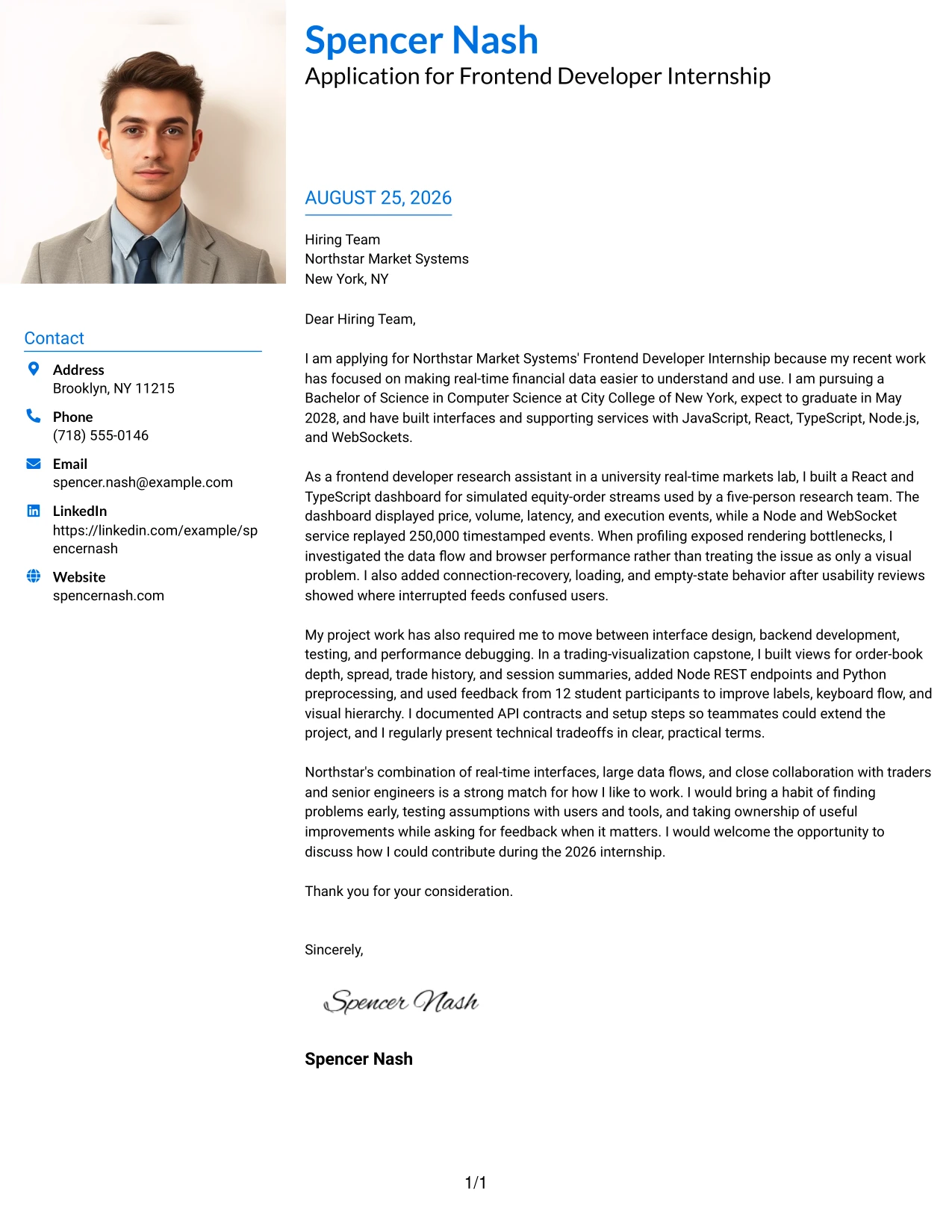
Why the Large Profile Photo International Two Column Format Works for a Cover Letter
- The larger photo area creates a strong personal introduction before the written message.
- Two-column balance keeps the visual header from taking over the full letter.
- The opening can explain interest in real-time trading and visualization tools.
- The body can present a connected story across frontend, backend, testing, and accessibility work.
- The format supports evidence from both research and academic project settings.
- A distinct closing area helps the application end with a clear invitation to talk.
- Its international presentation can suit employers with broad teams and cross-functional collaboration.
Best For
- Applicants who want a highly visible personal introduction alongside the letter.
- Applications where space must be divided between identity details and a substantial message.
- Candidates explaining several related projects in a controlled two-column structure.
- Readers who appreciate a clear visual balance between presentation and evidence.
- Letters that connect interface design, data handling, and team communication.
- Use cases where a larger professional photo is suitable and expected.
#29 One Column Boxed Contact Header Format Cover Letter Example
A practical application review benefits from a single reading path, especially when the main goal is to make motivation and fit unmistakable. The One Column Boxed Contact Header Format places the letter details in a contained header and lets the message continue in a straightforward sequence. That approach supports a persuasive account of interface work, problem solving, and readiness to learn from senior teammates.
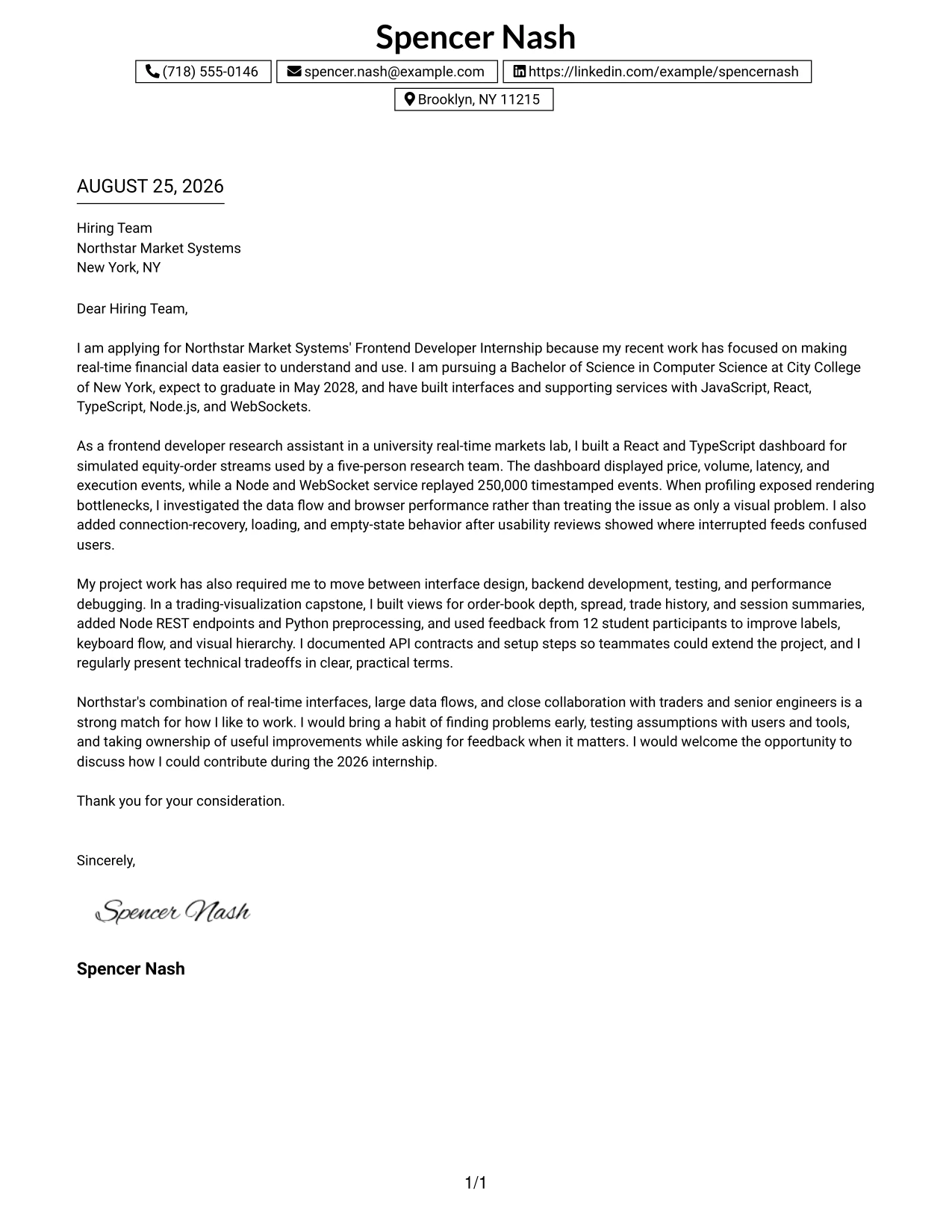
Why the One Column Boxed Contact Header Format Works for a Cover Letter
- A boxed contact header separates essential details from the opening argument.
- One-column reading keeps the greeting, body, and closing in a natural order.
- The opening can state interest in the internship and its real-time interface projects.
- The body can explain how profiling, testing, and usability reviews shaped improvements.
- The format gives project evidence room to develop without competing columns.
- The closing can make a direct request for further conversation.
- Its practical structure works well for a student application that values clarity and initiative.
Best For
- Applicants who want one uninterrupted reading path from greeting to closing.
- Cover letters where motivation should lead directly into supporting examples.
- Applications reviewed quickly by readers who prefer familiar document flow.
- Candidates who need room to explain a project decision in plain language.
- Letters that combine technical evidence with a clear request for conversation.
- Professionals who prefer a contained contact area and an uncluttered message.
#30 One Column Shaded Contact Header Format Cover Letter Example
A clean, shaded header creates a calm visual impression before the reader reaches the reasons for applying. The One Column Shaded Contact Header Format supports a direct connection between the candidate's interest and the role's needs, from intuitive interfaces to scalable data flows. Spencer Nash can use this structure to present technical range while keeping the tone warm, focused, and team-oriented.
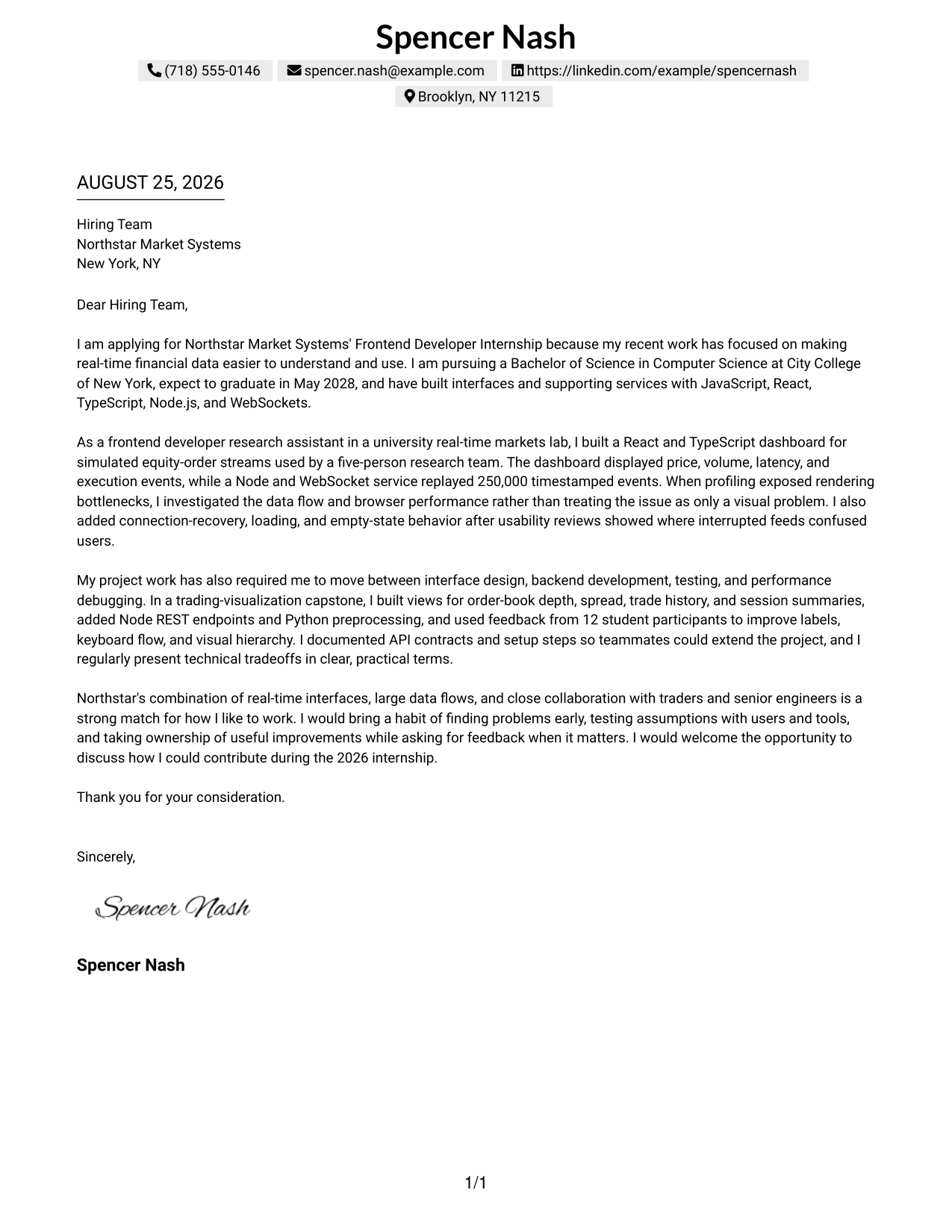
Why the One Column Shaded Contact Header Format Works for a Cover Letter
- The shaded header gives contact details a clear but understated visual anchor.
- A single column keeps the letter easy to follow on screen or in print.
- The opening can connect the application to Northstar's interface and financial data work.
- The body can show evidence with React, Node.js, TypeScript, and browser profiling tools.
- The letter can explain initiative through issue discovery and independent debugging.
- A simple closing supports a confident request for an interview or discussion.
- The format matches a role that values both technical ability and genuine teamwork.
Best For
- Applicants seeking a calm, professional format for a role-alignment message.
- Letters that need to connect personal motivation with clearly stated employer needs.
- Candidates presenting broad web experience in a single, easy-to-follow narrative.
- Readers who prefer subtle visual emphasis rather than decorative layout elements.
- Applications where initiative and teamwork should appear beside technical evidence.
- Cover letters that need a clear contact block without interrupting the message.
#31 Boxed Contact Header with Job Title Format Cover Letter Example
The job title and contact details establish the purpose of the application before the letter moves into its supporting argument. The Boxed Contact Header with Job Title Format helps the reader identify the target role quickly, then follow a focused explanation of relevant projects and motivation. Its structure is especially useful when the letter must connect varied development work to one clear opportunity.
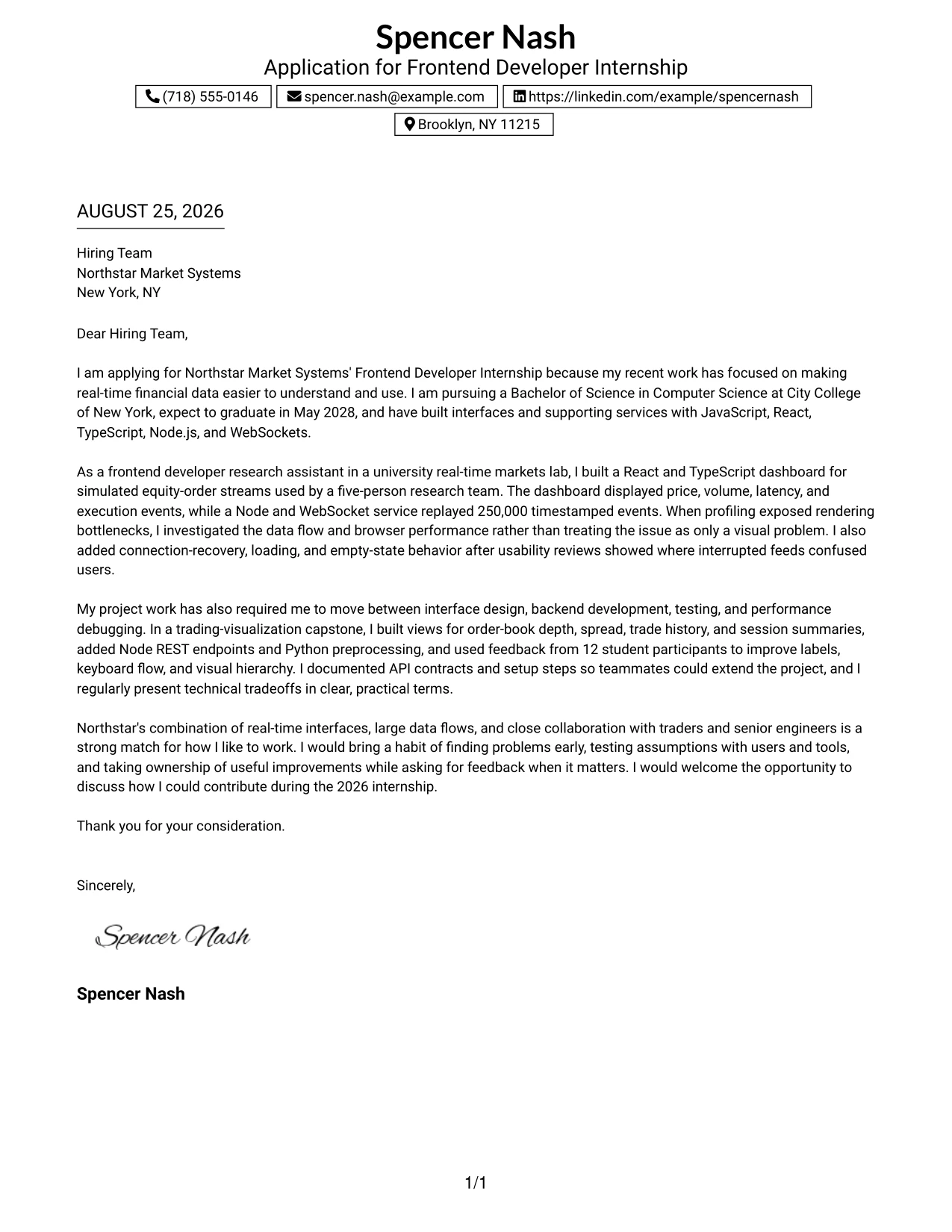
Why the Boxed Contact Header with Job Title Format Works for a Cover Letter
- The job title makes the application context immediately clear.
- A boxed header separates identification details from the persuasive body.
- The opening can show why real-time financial interfaces are a strong area of interest.
- The body can connect dashboard development with REST services, testing, and data visualization.
- The letter can show flexibility through work across JavaScript, TypeScript, Python, and C++.
- A clearly defined closing keeps the final expression of interest visible.
- The format supports a focused narrative even when the candidate brings varied project experience.
Best For
- Applicants applying to a clearly named opening who want the purpose visible at once.
- Letters that must connect varied technical work to one specific opportunity.
- Readers who scan first for the role, then for evidence of fit.
- Candidates explaining both interface responsibilities and supporting development tasks.
- Applications where a boxed header can organize details without adding visual noise.
- Cover letters that benefit from a concise, role-centered narrative.
#32 Plain Professional Layout with Job Title & Shaded Date Cover Letter Example
The reader can move from the visible job title and date to the greeting, opening reason, supporting evidence, and closing request in a familiar order. The Plain Professional Layout with Job Title & Shaded Date keeps attention on the substance of the letter. It gives the application room to explain how interface work, testing, documentation, and collaboration support Northstar Market Systems' internship needs.
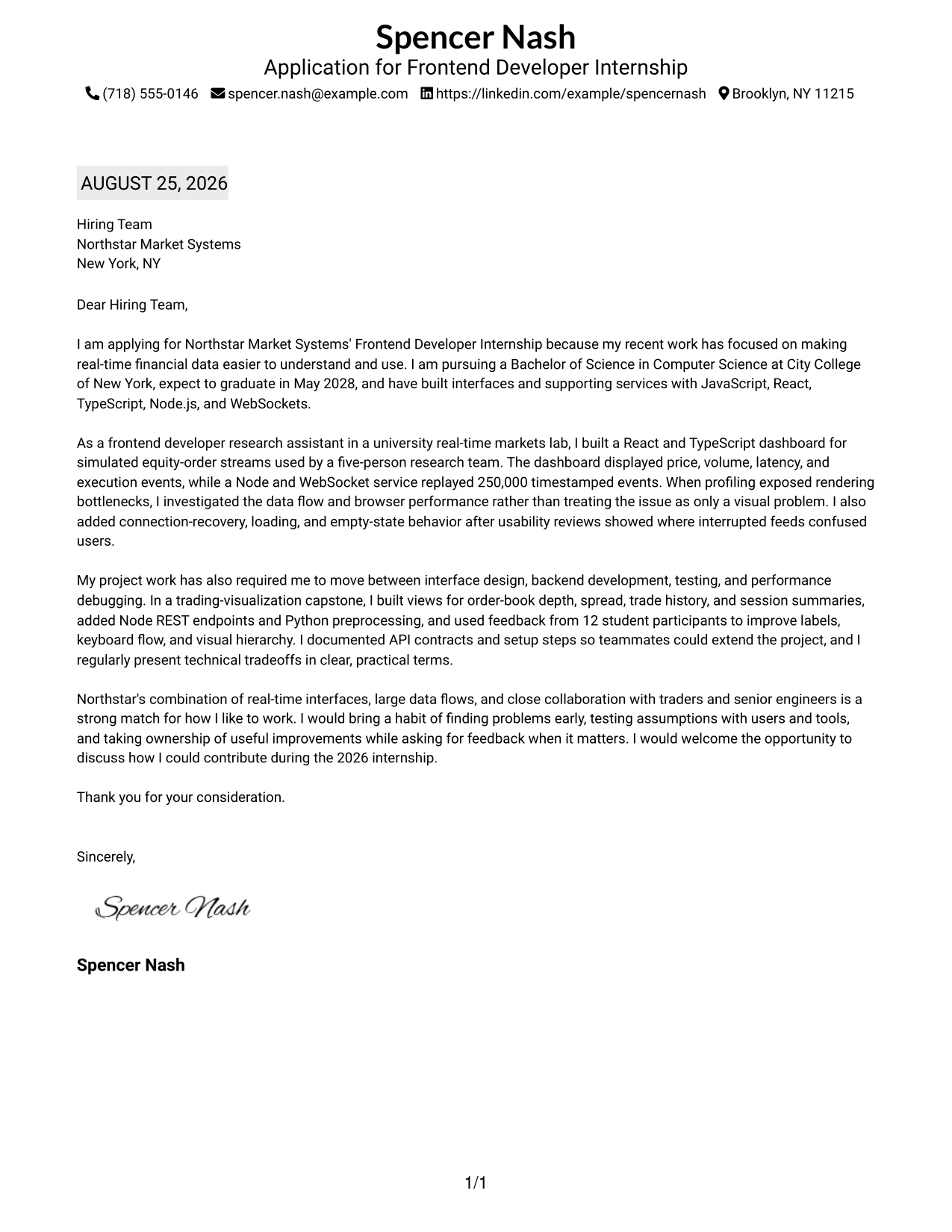
Why the Plain Professional Layout with Job Title & Shaded Date Works for a Cover Letter
- The visible job title confirms the letter's purpose at the start of review.
- A shaded date adds useful context without distracting from the message.
- The plain layout supports a complete opening, body, and closing with steady pacing.
- The letter can explain motivation for working on real-time trading and analysis tools.
- Evidence can cover React, Node.js, WebSockets, testing, and technical documentation.
- The familiar structure makes the application easy to read and discuss with others.
- A straightforward final paragraph can connect contribution, mentorship, and team support.
Best For
- Applicants who prefer a familiar professional structure for a detailed letter.
- Applications where the job title and date should be easy to confirm.
- Candidates who need room to explain technical evidence in complete sentences.
- Readers who value a steady reading sequence with minimal visual distraction.
- Letters combining motivation, project context, and collaboration examples.
- Cover letters intended for formal review by several people.
#33 Two-Line Contact Header with Underlined Date Format Cover Letter Example
Evidence should lead the conversation, so the letter can quickly show experience with React and TypeScript dashboards, large event streams, and user-focused improvements. The Two-Line Contact Header with Underlined Date Format gives that message a simple professional setting. Its restrained structure keeps the reader focused on what the candidate built, how problems were handled, and why the work fits the internship.
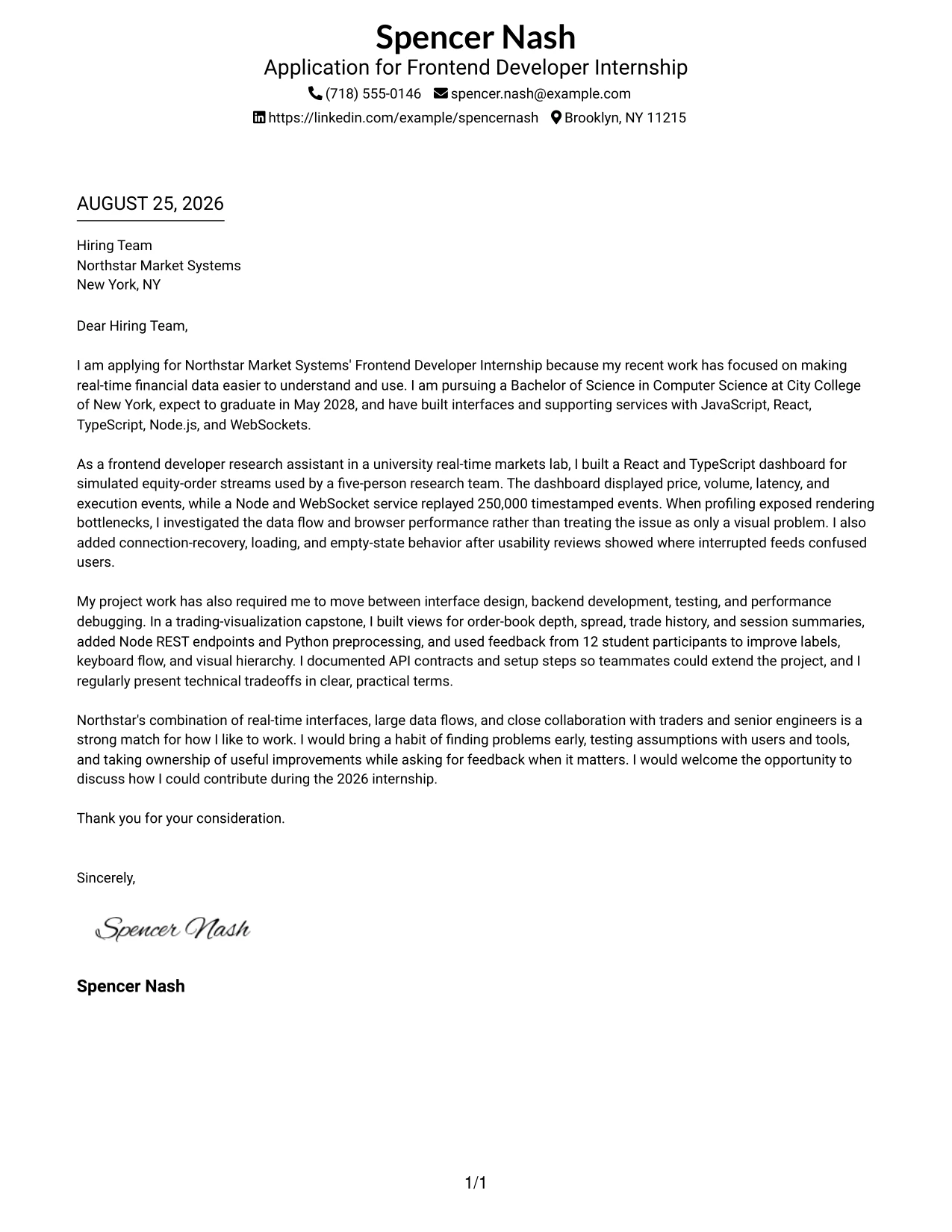
Why the Two-Line Contact Header with Underlined Date Format Works for a Cover Letter
- The two-line header presents contact details clearly without taking much space.
- The underlined date provides a quiet point of order for the application.
- The opening can lead with relevant work instead of broad, unsupported claims.
- The body can use specific evidence from dashboards, event replay, and usability testing.
- The letter can show problem solving through rendering investigation and connection recovery.
- The simple design leaves the closing message easy to find and remember.
- The format supports a credible student voice that is focused, active, and professional.
Best For
- Applicants who want the evidence to appear quickly in a compact format.
- Letters where a small header should leave more room for project explanation.
- Candidates presenting measurable technical context without relying on long lists.
- Readers who prefer simple organization and a direct written argument.
- Applications that need to connect user-focused improvements with performance work.
- Cover letters where a restrained presentation should reinforce practical credibility.
Why Use ResumeInMinutes for a Frontend Developer Internship - JavaScript Cover Letter
ResumeInMinutes helps you shape a targeted cover letter without starting with a blank page. You can keep the message centered on your motivation, role fit, and strongest supporting examples.
- Professional writing styles
- Clean, readable formatting
- Job-description-based customization
- Fast cover letter generation
- Professional templates
- PDF download support
For a JavaScript frontend internship, you can tailor the letter around React interfaces, Node.js services, real-time data, performance work, accessibility, testing, and thoughtful teamwork. The result should sound like a focused professional conversation with the hiring team.
See Also
- 33 Associate JavaScript Frontend Developer Resume Templates with Example 2026 (ATS-Optimized)
- 33 Frontend Developer Internship - JavaScript Resume Templates with Example 2026 (ATS-Optimized)
- 33 Junior Frontend Developer - JavaScript Resume Templates with Example 2026 (ATS-Optimized)
- 33 Lead JavaScript Frontend Developer Resume Templates with Example 2026 (ATS-Optimized)
- 33 Frontend / Backend Developer Intern Resume Templates with Example 2026 (ATS-Optimized)
- 33 Front End Web Applications Developer - Mid-Level JavaScript Resume Templates with Example 2026 (ATS-Optimized)
- 33 AI Automation Engineer / Full-Stack Developer Resume Templates with Example 2026 (ATS-Optimized)
- 33 AI Engineer / Applied AI Developer Resume Templates with Example 2026 (ATS-Optimized)
- 30+ Associate JavaScript Frontend Developer Cover Letter Templates with Example 2026
- 30+ Junior Frontend Developer - JavaScript Cover Letter Templates with Example 2026
Frequently Asked Questions
What should a Frontend Developer Internship - JavaScript cover letter include?
Start with a direct reason for applying. Then connect JavaScript, React, TypeScript, Node.js, interface design, testing, or related experience to the role. Close by restating your interest and inviting further discussion.
How can I show fit for a frontend role working with real-time data?
Explain how you made changing data understandable and reliable. Relevant evidence can include dashboards, WebSockets, data visualization, loading and recovery states, browser profiling, accessibility improvements, and user testing.
Should I mention both frontend and backend experience?
Yes, when it strengthens your story. Briefly show how Node.js, REST APIs, Python, or data services helped you build and understand better frontend experiences. Keep the main focus on the user interface work.
How do I explain my motivation for this JavaScript internship?
Link your interest to the work itself. For example, discuss designing intuitive interfaces, supporting real-time trading or analytical tools, improving performance, and learning alongside experienced engineers and collaborators.
Can a student create a strong frontend internship cover letter?
Yes. Academic, research, and supervised development work can provide strong evidence when you explain your contribution, the problem you addressed, how you worked with others, and what improved because of your effort.
Should I use a photo on my cover letter?
For applications in the United States, a no-photo cover letter is usually the safer choice. Use a photo only when it is clearly expected in the relevant country, region, or industry.
Can I customize these cover letter templates?
Yes. Customize the opening, evidence, motivation, employer connection, closing, layout, and PDF format for your Frontend Developer Internship - JavaScript application.




