
7 Game Facilitator - Live-Action Gaming Cover Letter Templates with Example
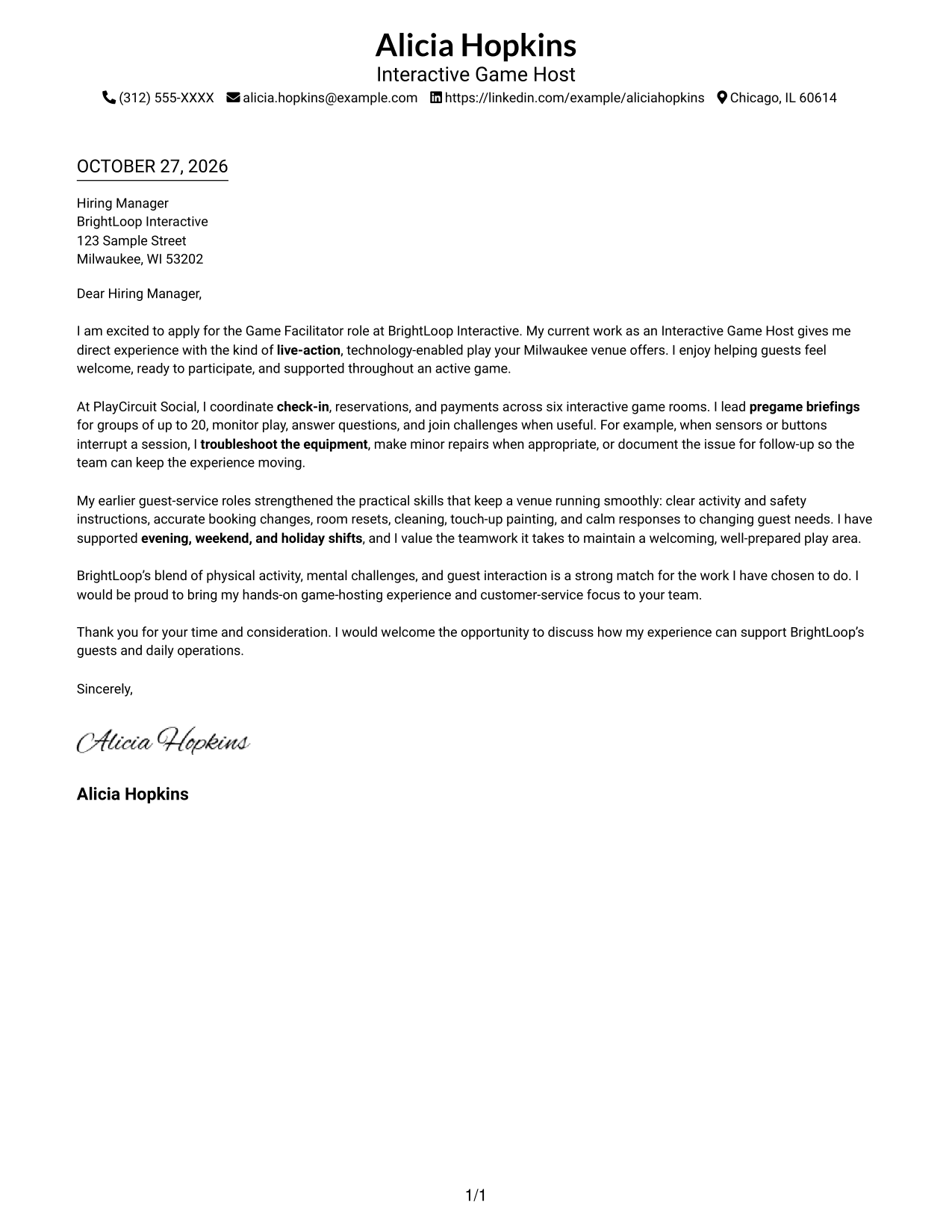
This guide shows you how to shape a persuasive Game Facilitator - Live-Action Gaming cover letter and compare its presentation across seven layouts.
What Makes a Great Game Facilitator - Live-Action Gaming Cover Letter in 2026
A strong letter connects your guest-service approach to the active work of welcoming groups, explaining game instructions, and supporting play.
Use specific examples, such as leading group briefings or handling equipment issues, then explain why the employer’s guest experience and game format appeal to you.
The featured example moves from clear interest in the role to practical evidence, relevant experience, and a direct closing; adapt that focused progression while choosing a presentation that suits the employer and communication context.
#1 Simple One Column Format Cover Letter Example
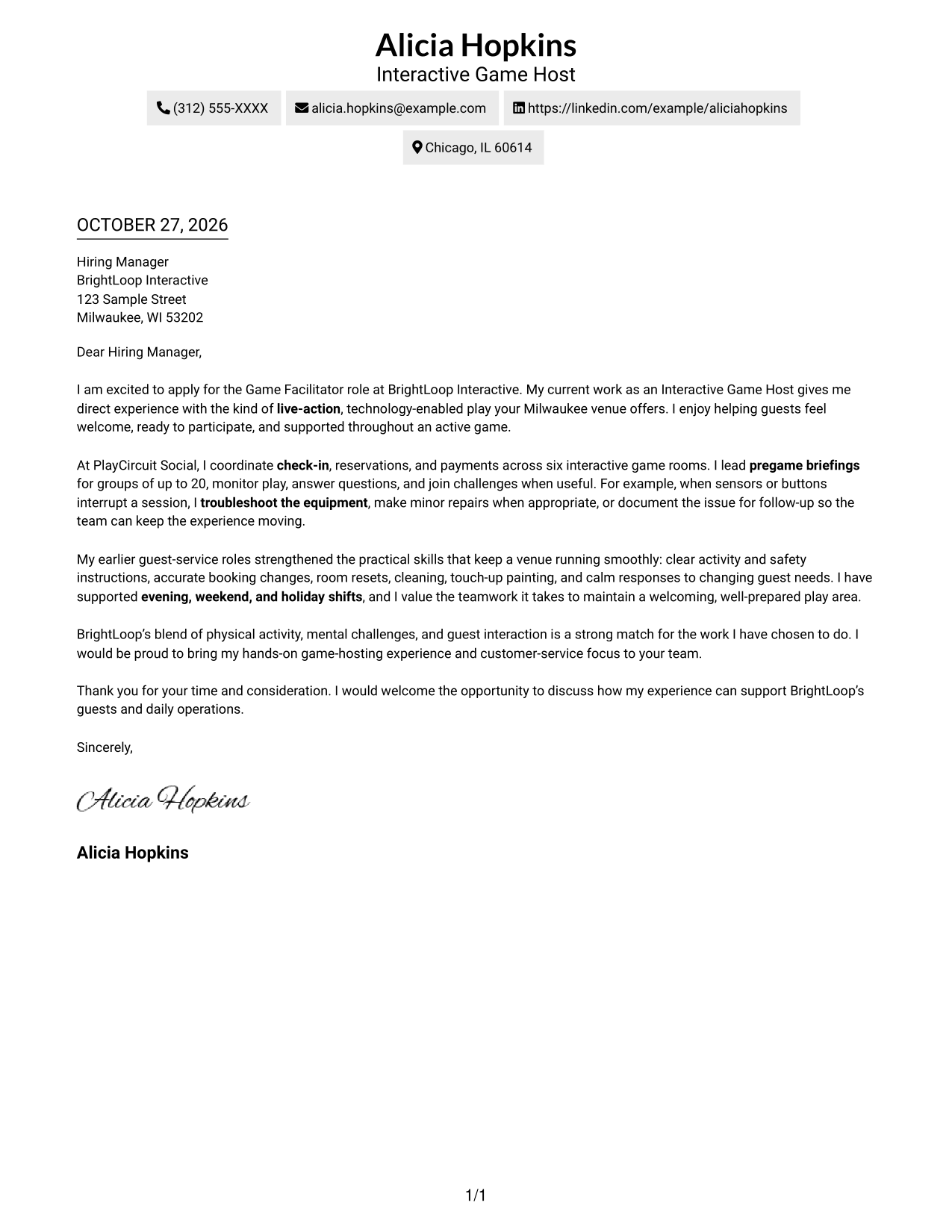
The Simple One Column Format places sender details in the header above a continuous letter body, giving the message a direct reading path.
Why This Format Works
- Sender details in the header are easy to find before the message begins.
- A single column gives the greeting, body, and closing one direct reading path.
- Unheaded paragraphs keep motivation and supporting evidence within the same letter sequence.
Best For
- Single-column reading preference
- Sender details in the header
- Letters without argument headings
- Multi-paragraph messages
- Live-action gaming applications
#2 Two Column Format Cover Letter Example
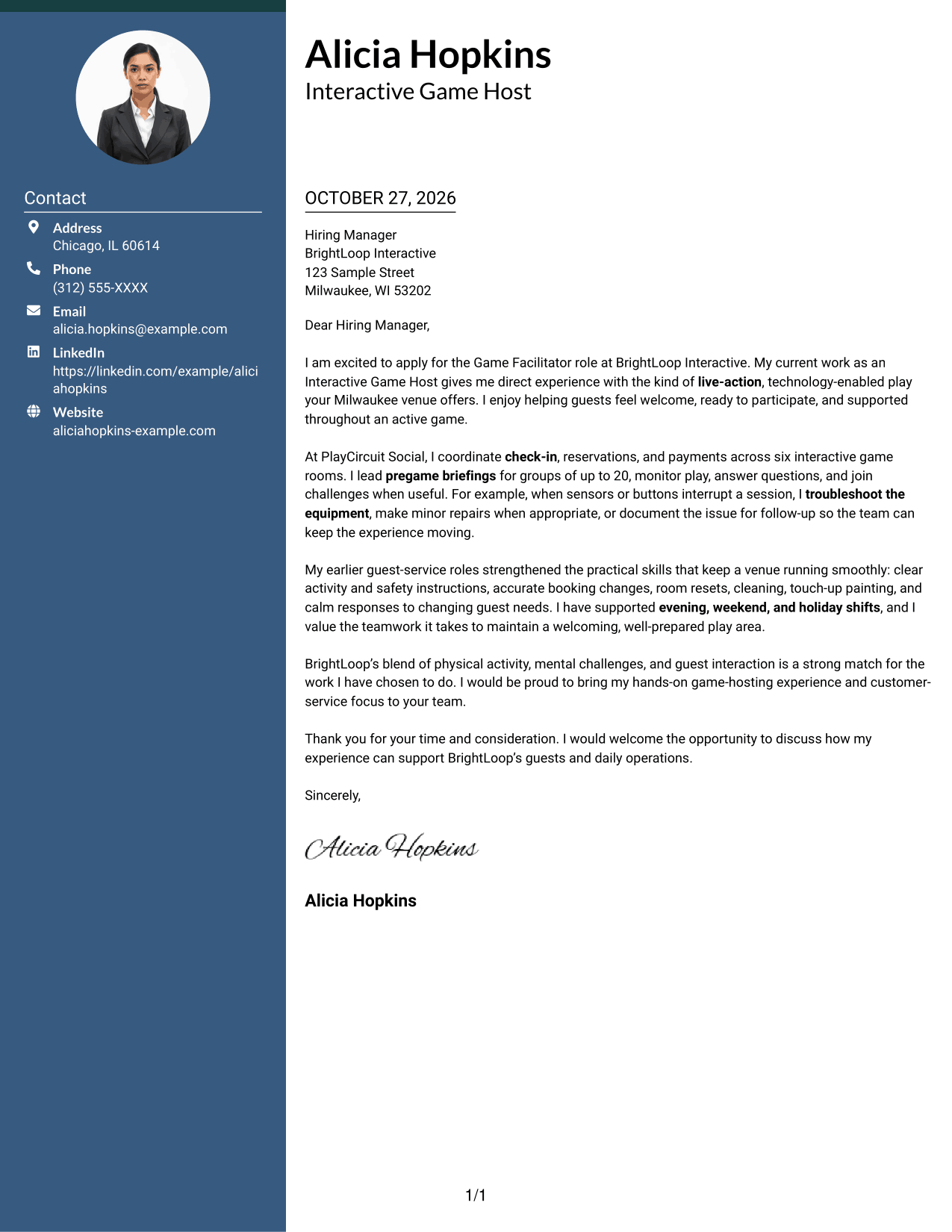
The Two Column Format places contact details in a sidebar beside one continuous letter body, keeping the sender information separate from the message.
Why This Format Works
- Contact details sit apart from the message, making sender information easy to locate.
- The body stays in one column, carrying the opening, evidence, and closing in order.
- Without internal headings, the letter presents its points as connected paragraphs.
Best For
- Contact-sidebar preference
- One-column letter bodies
- Multi-paragraph messages
- Unheaded persuasive prose
- Live-action gaming applications
#3 Photo Header Two Column Format Cover Letter Example
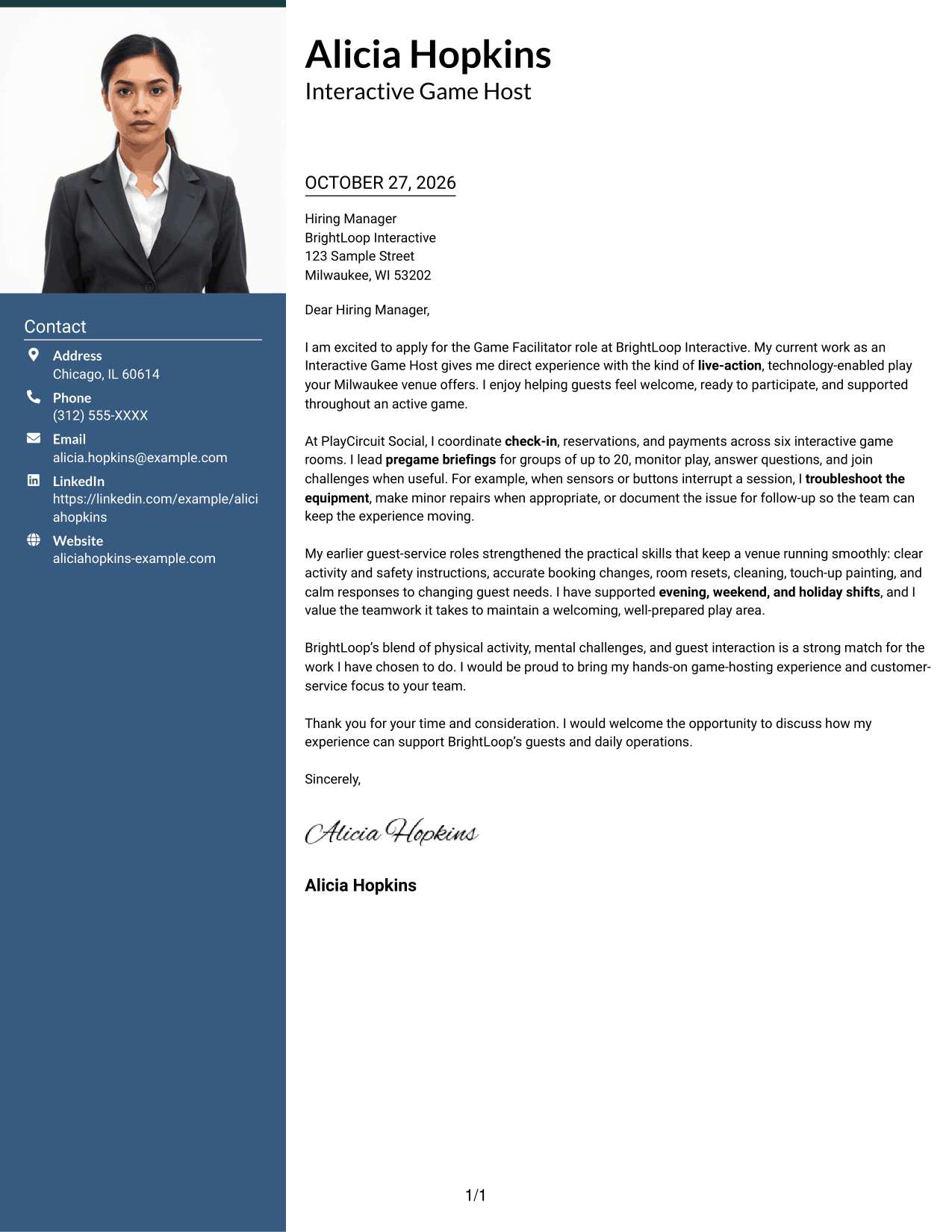
The Photo Header Two Column Format combines a contact sidebar and continuous letter body with a photo for a personal visual touch.
Why This Format Works
- A photo adds a personal visual element without interrupting the one-column letter body.
- The contact sidebar keeps sender information distinct from the message.
- Opening, evidence, and closing remain in connected paragraphs without internal headings.
Best For
- Photo-inclusive cover letters
- Contact-sidebar preference
- One-column message reading
- Multi-paragraph persuasion
- Live-action gaming applications
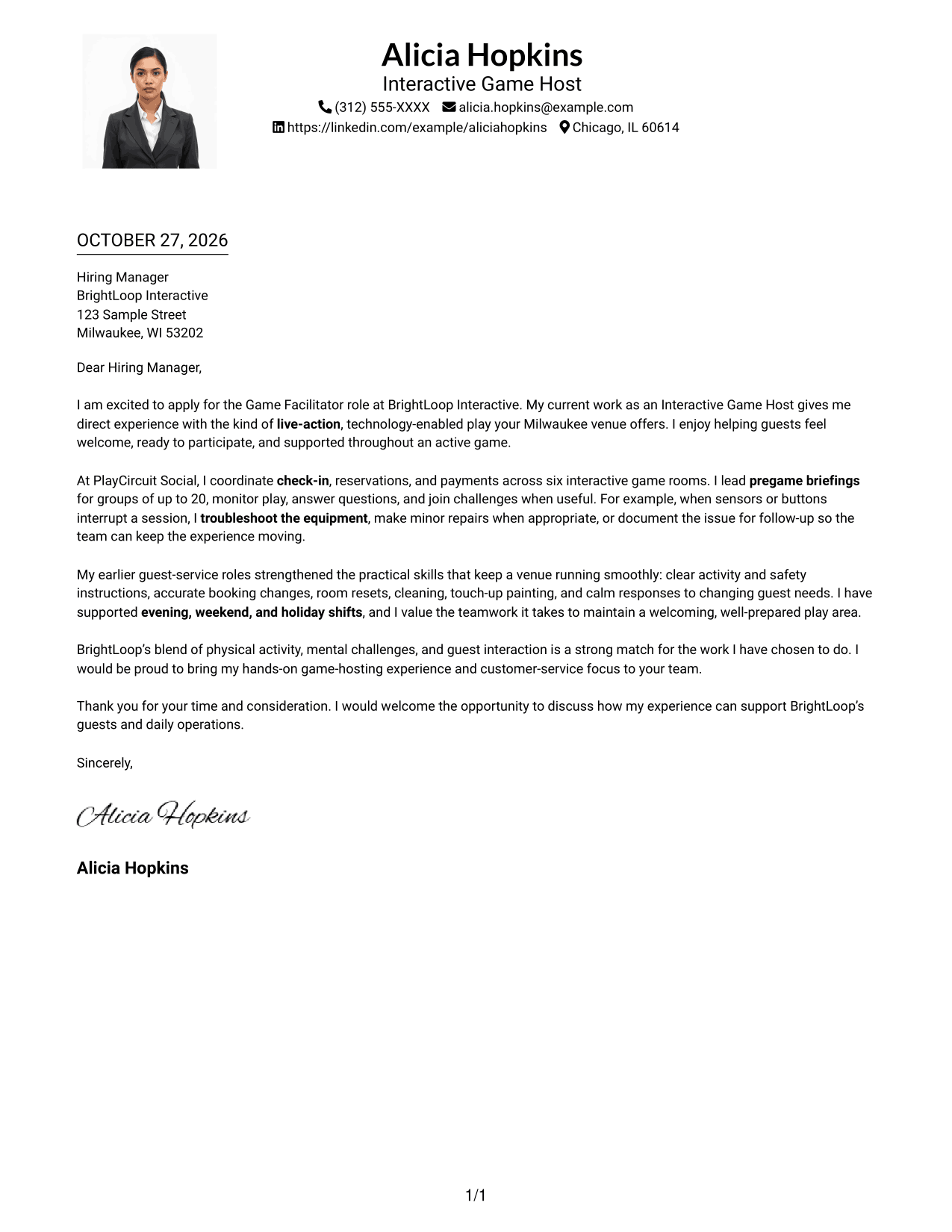
#4 One Column Format with Photo Cover Letter Example
The One Column Format with Photo presents header contact details and a photo alongside one continuous letter body in a single-column layout.
Why This Format Works
- Header contact details are easy to find before the reader reaches the message.
- One column gives motivation, supporting details, and the closing a clear reading order.
- The photo adds a personal visual element without dividing the letter into separate message areas.
Best For
- Single-column reading preference
- Photo-inclusive cover letters
- Header-based contact details
- Unheaded letter paragraphs
- Live-action gaming applications
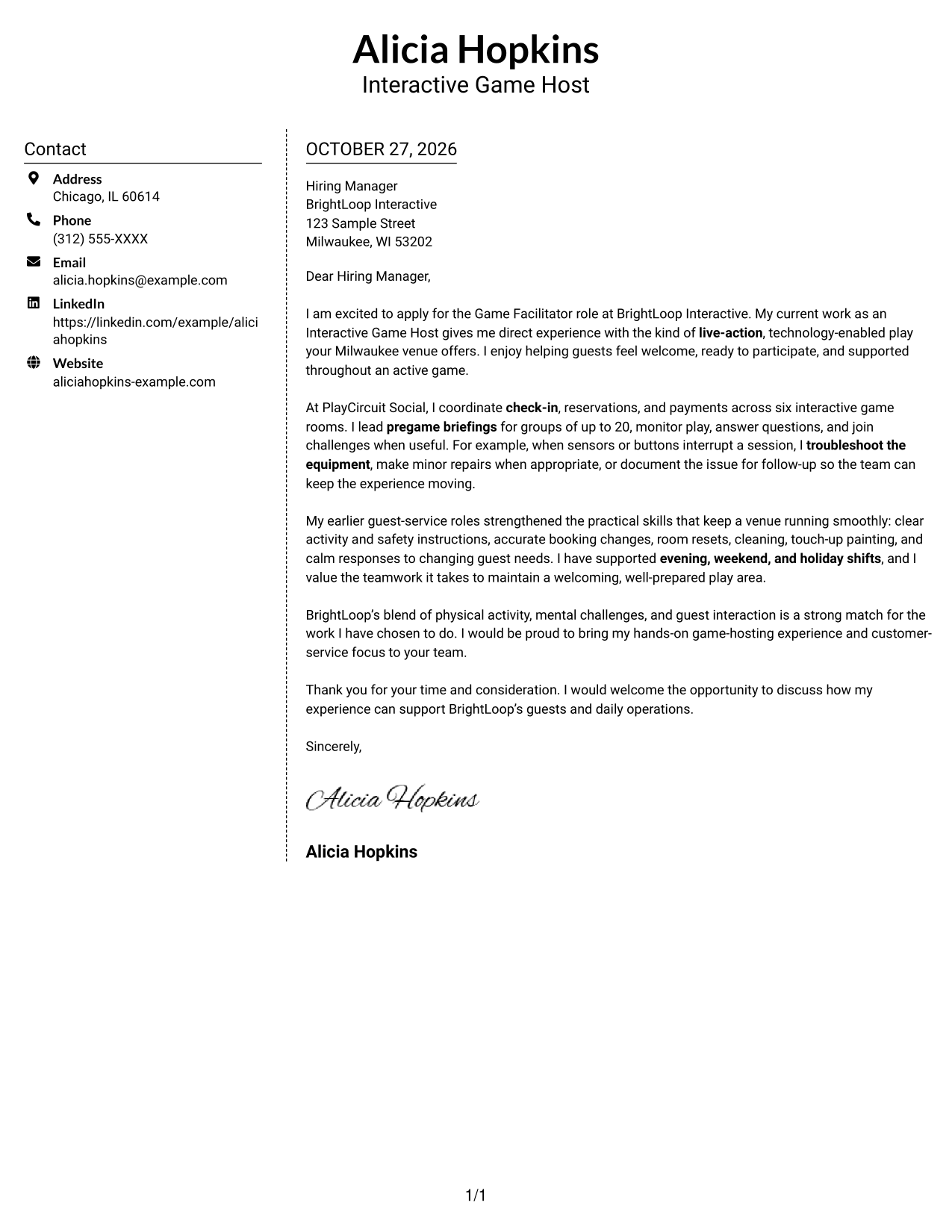
#5 Simple Two Column Format Cover Letter Example
The Simple Two Column Format keeps contact details in a sidebar and the letter in one continuous body, making the two areas easy to distinguish.
Why This Format Works
- The sidebar keeps contact information separate from the message for clear page organization.
- One continuous body lets the reader follow the letter from greeting to closing.
- Unheaded paragraphs leave the argument in natural prose rather than labeled stages.
Best For
- Sidebar contact presentation
- One-column letter-body preference
- Letters with connected paragraphs
- Unheaded persuasive prose
- Live-action gaming applications
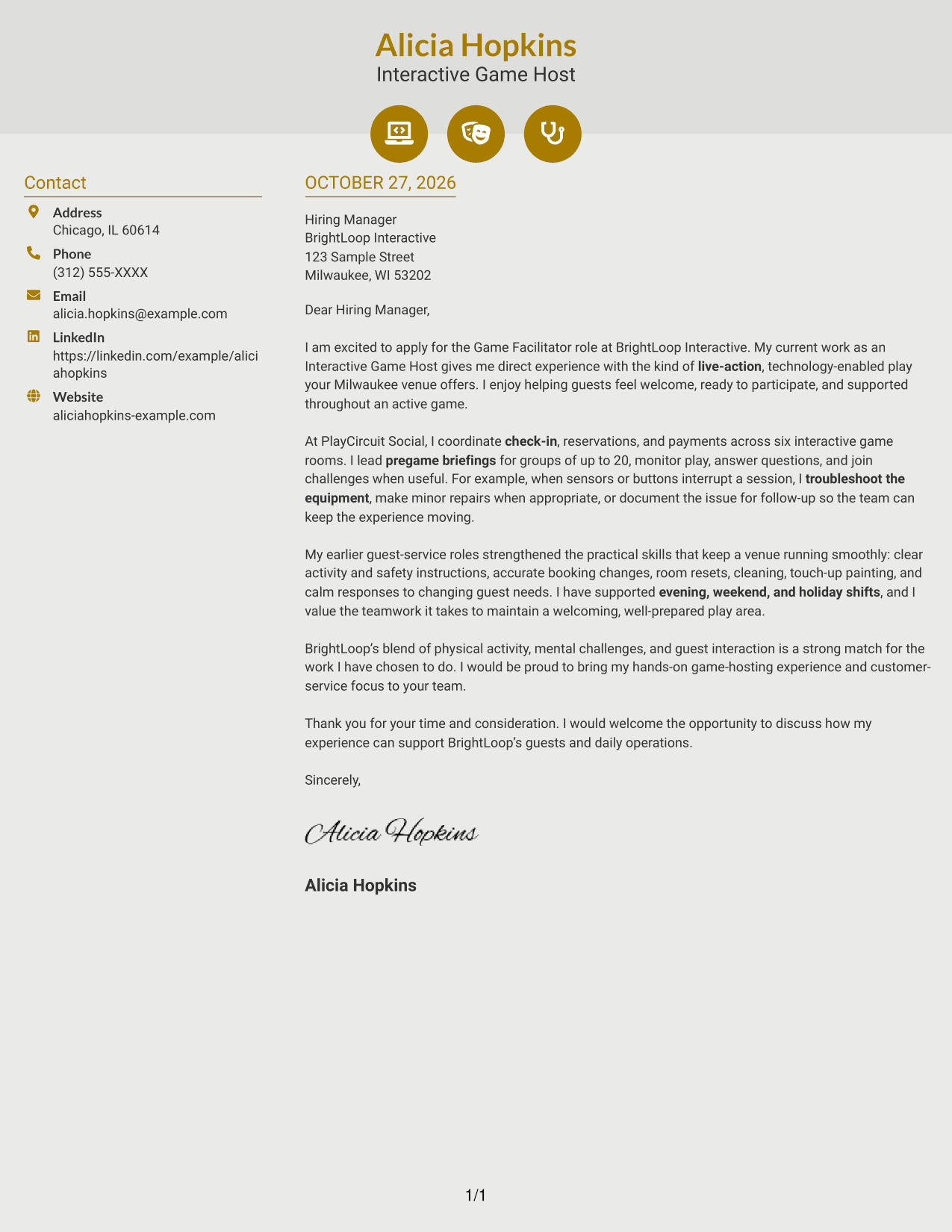
#6 Modern Icon Format Cover Letter Example
The Modern Icon Format pairs a contact sidebar with one continuous letter body, while icons cue contact details or add decoration to the header.
Why This Format Works
- Icons act as cues for contact details, not labels for the letter's argument.
- A separate contact sidebar keeps sender information apart from the message.
- The one-column body carries the opening, supporting evidence, and closing as connected prose.
Best For
- Icon-based contact cues
- Contact-sidebar preference
- Single-column message reading
- Connected letter paragraphs
- Live-action gaming applications
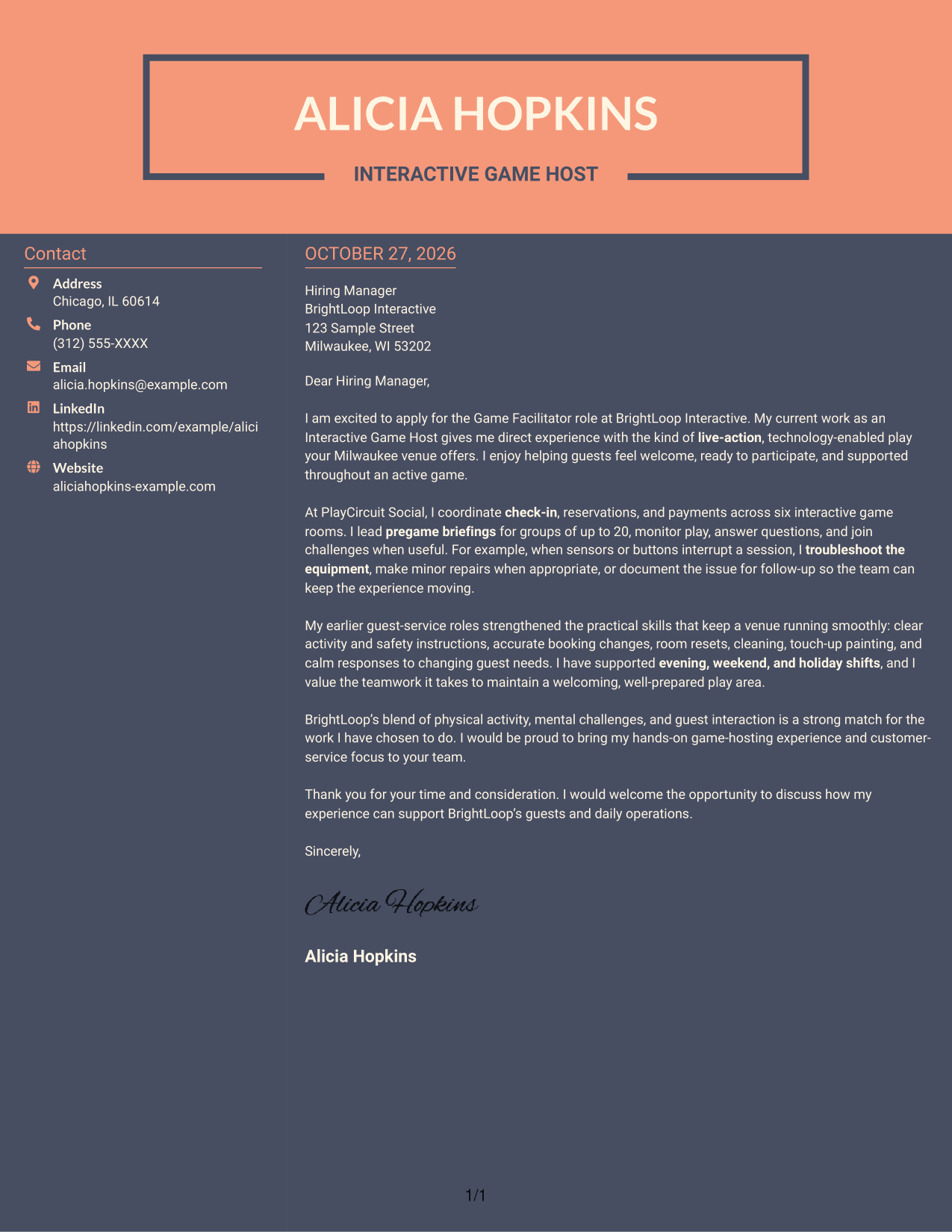
#7 Creative Two Tone Format Cover Letter Example
In the Creative Two Tone Format, contact details sit in a sidebar while the letter remains one continuous body in a second column.
Why This Format Works
- The sidebar separates sender information from the letter's message.
- The body remains a single column, so readers can follow each paragraph in sequence.
- Without argument headings, the opening, supporting details, and closing stay within one message.
Best For
- Two-column page preference
- Sidebar-based contact details
- Single-column letter body
- Unheaded application letters
- Live-action gaming applications
Why Use ResumeInMinutes for a Game Facilitator - Live-Action Gaming Cover Letter
Review the image previews to compare how a letter is presented, then open an example in the editor to shape your opening, role-specific evidence, employer connection, and closing.
- Clear opening and role interest
- Practical guest-service examples
- Focused game and venue experience
- Relevant employer connection
- Direct, professional closing
- Examples to view in the editor
Keep the letter concise, explain how you help guests take part with confidence, and show how your approach supports smooth, safe play.
See Also
- 7 Game Facilitator - Live-Action Gaming Resume Templates with Example
- 7 Lifecycle Marketing Specialist - Live Service Games Resume Templates with Example
- 7 Online Gaming Platform Tester - Casino Games Resume Templates with Example
- 7 STEM Facilitator Resume Templates with Example
- 7 Athletics Ticket and Game Operations Assistant Resume Templates with Example
- 7 Game Attendant - Amusement Games Resume Templates with Example
- 7 Game Tester - Mobile Games Resume Templates with Example
- 7 Games Support Tech - Amusement Equipment Maintenance Resume Templates with Example
- 7 Lifecycle Marketing Specialist - Live Service Games Cover Letter Templates with Example
- 7 Online Gaming Platform Tester - Casino Games Cover Letter Templates with Example
Frequently Asked Questions
What should a Game Facilitator - Live-Action Gaming cover letter emphasize?
Focus on welcoming guests, coordinating check-in and reservations, explaining game instructions, monitoring active play, and keeping rooms ready. Include a specific example that shows calm communication or practical troubleshooting.
How can I show that I can lead group briefings?
Describe the groups you have addressed and how you explain instructions clearly while keeping guests engaged. The featured letter includes experience leading briefings for groups of up to 20.
How should I describe equipment troubleshooting?
Give a brief example of identifying a problem, taking appropriate steps such as a minor repair, and documenting or escalating issues that need follow-up. Keep the focus on guest safety and maintaining the experience.
How can I connect my experience to an employer’s venue?
Refer to the parts of the work that genuinely interest you, such as combining physical activity, mental challenges, and guest interaction. Then connect that interest to a relevant example from your own experience.
What is a strong way to close this cover letter?
Thank the hiring manager, restate your interest, and invite a conversation about how your guest-service and game-hosting experience could support the venue.




