
7 Game Tester - Mobile Games Cover Letter Templates with Example
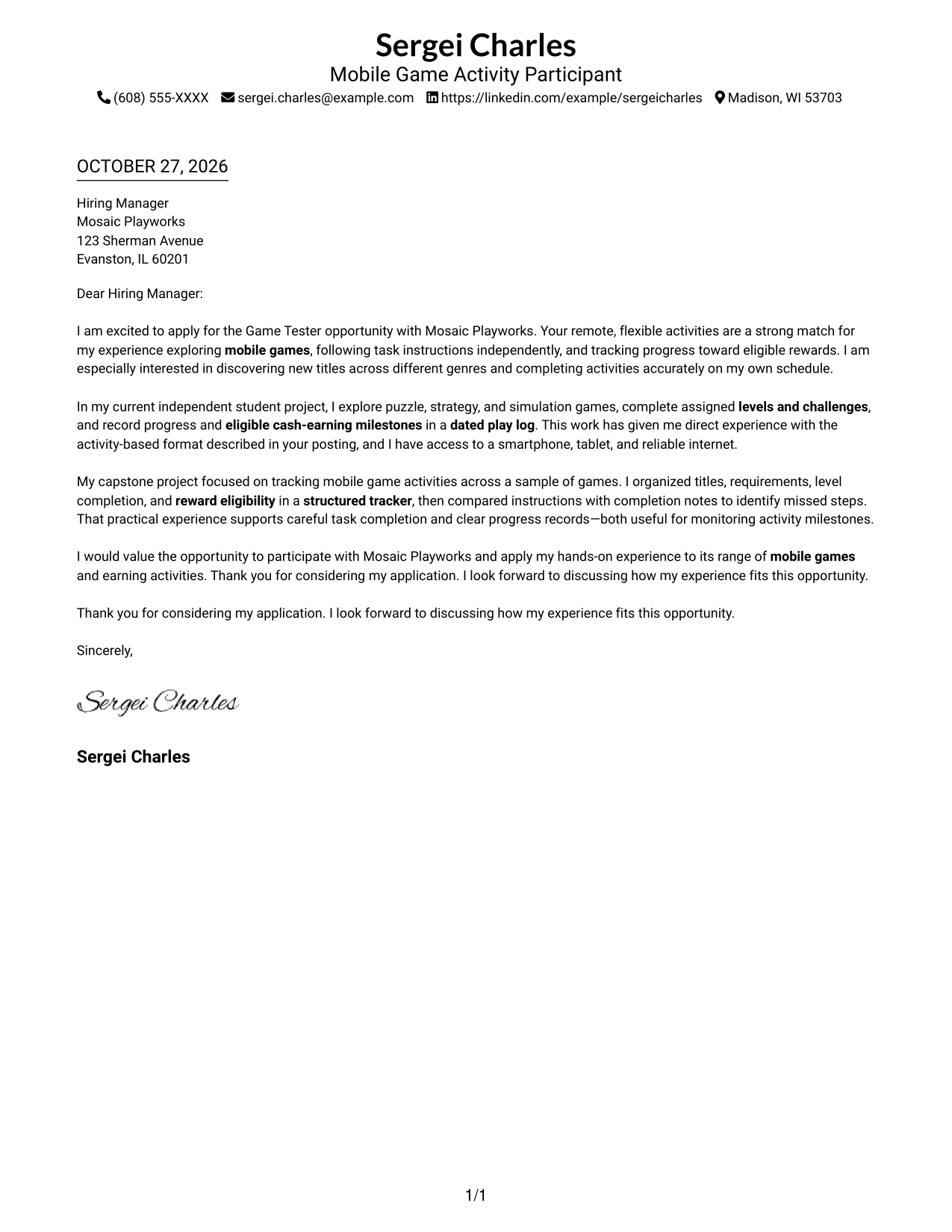
This practical guide to a Game Tester - Mobile Games cover letter presents the example in 7 layouts, helping you choose a clear way to explain your interest and fit.
What Makes a Great Game Tester - Mobile Games Cover Letter in 2026
A strong letter shows interest in exploring mobile games and care in following each activity's directions. Connect that approach to completing levels, challenges, and other assigned tasks.
Use relevant evidence, such as keeping clear progress notes or tracking activity milestones. Explain how your approach fits the opportunity's remote, flexible format.
The featured example moves from a focused opening to relevant activity experience and a clear close. Adapt this progression to your own evidence, and choose a presentation that suits the employer and the communication context.
#1 Simple One Column Format Cover Letter Example
A single-column page places sender details in the header and keeps the cover letter in one direct reading path, a good choice for a clear, text-led message.
Why This Format Works
- Sender details stay visible with the letter, avoiding a separate contact column.
- The one-column body lets readers follow the opening, evidence, and close in order.
- The photo-free page suits readers who prefer a text-led application.
Best For
- Single-column letter layouts
- Text-led applications
- Header-based contact details
- Photo-free applications
- Multi-paragraph persuasion
#2 Two Column Format Cover Letter Example
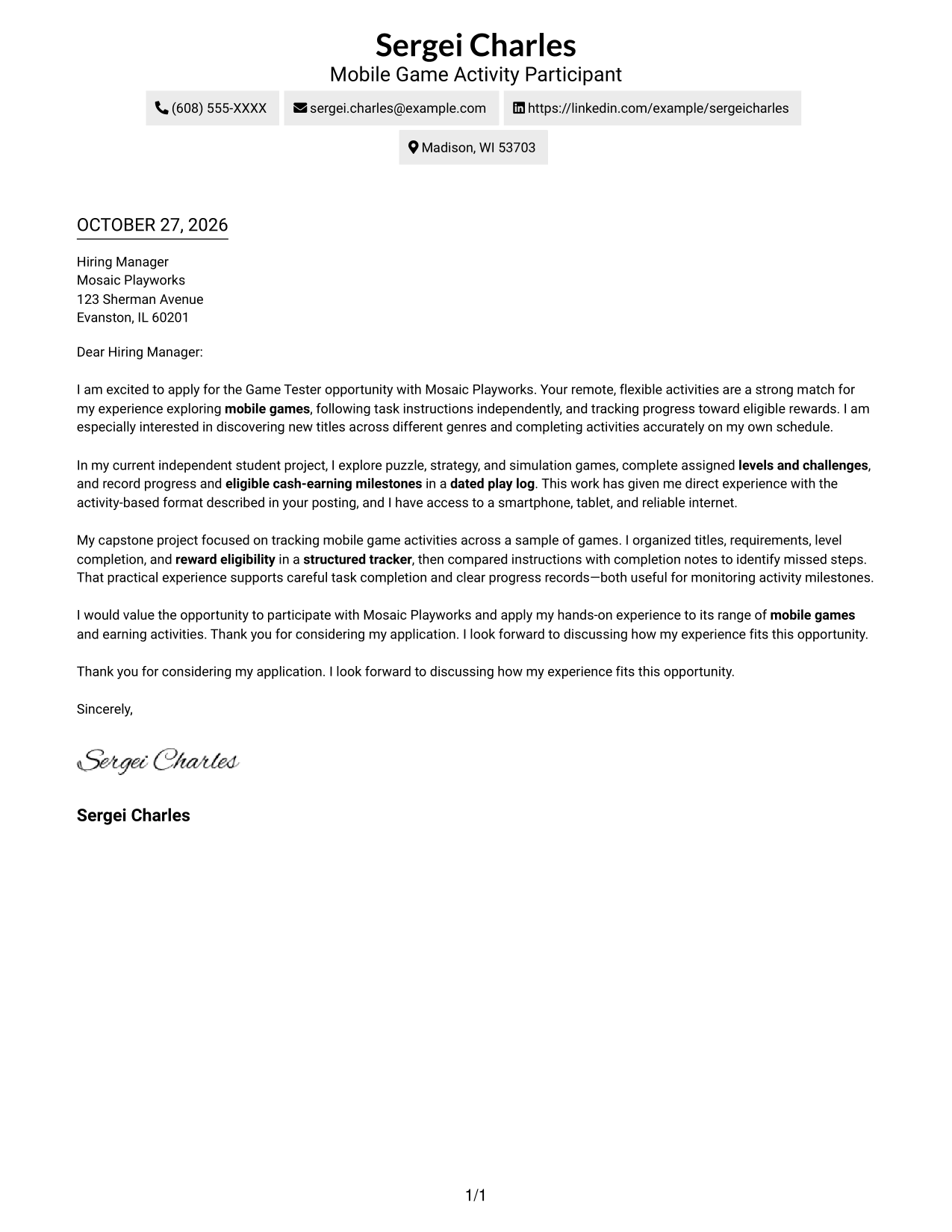
A contact sidebar beside one continuous letter body separates personal details from the message while keeping both easy to view.
Why This Format Works
- Contact details sit apart from the message, making sender information easy to find.
- One continuous body keeps the opening, evidence, and closing in reading order.
- The photo-free layout suits applications that keep attention on written communication.
Best For
- Separate contact and message areas
- Continuous letter-body reading
- Contact details easy to consult
- Photo-free applications
- Applications with several message paragraphs
#3 Photo Header Two Column Format Cover Letter Example
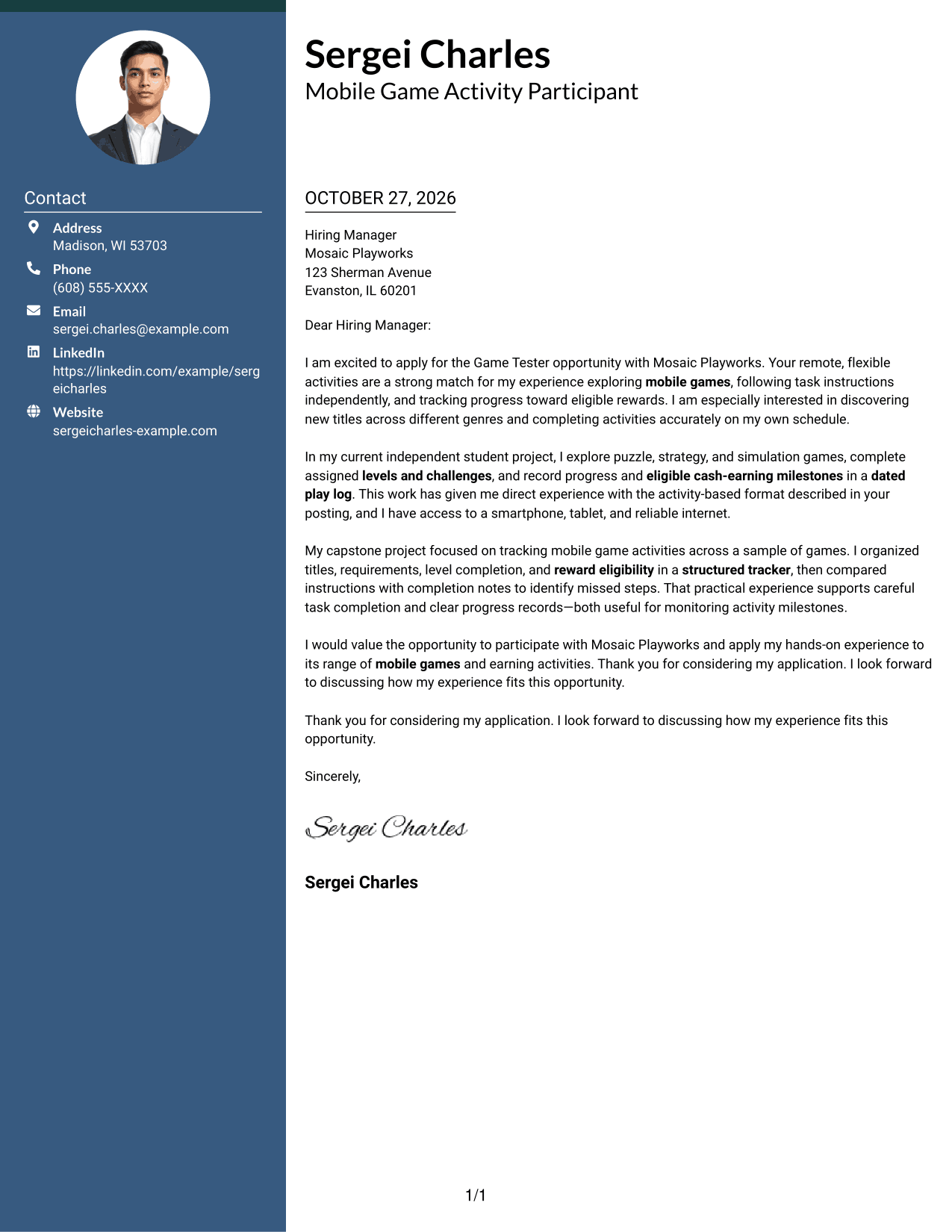
A portrait in the header distinguishes this two-column layout, while the contact sidebar remains separate from the continuous letter body.
Why This Format Works
- Contact information stays apart from the message, so both areas are easy to locate.
- The continuous body carries the opening, evidence, and closing in a single sequence.
- The header portrait adds a personal visual feature without changing the letter's paragraph flow.
Best For
- Portrait-inclusive applications
- Separate contact and message areas
- Continuous letter-body reading
- Visible sender identification
- Applications with several message paragraphs
#4 One Column Format with Photo Cover Letter Example
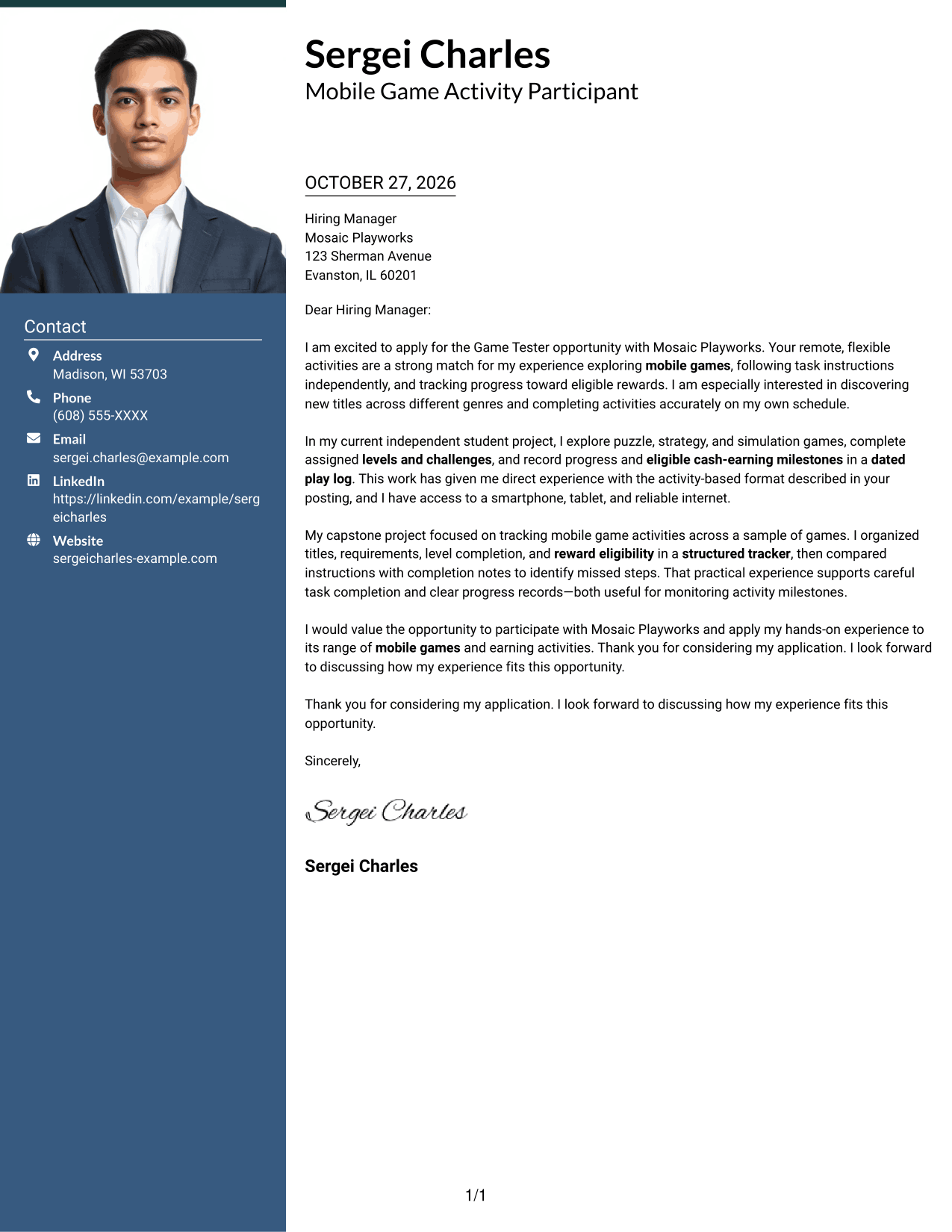
The one-column layout pairs a portrait with a continuous letter body, offering a personal visual element without splitting the message.
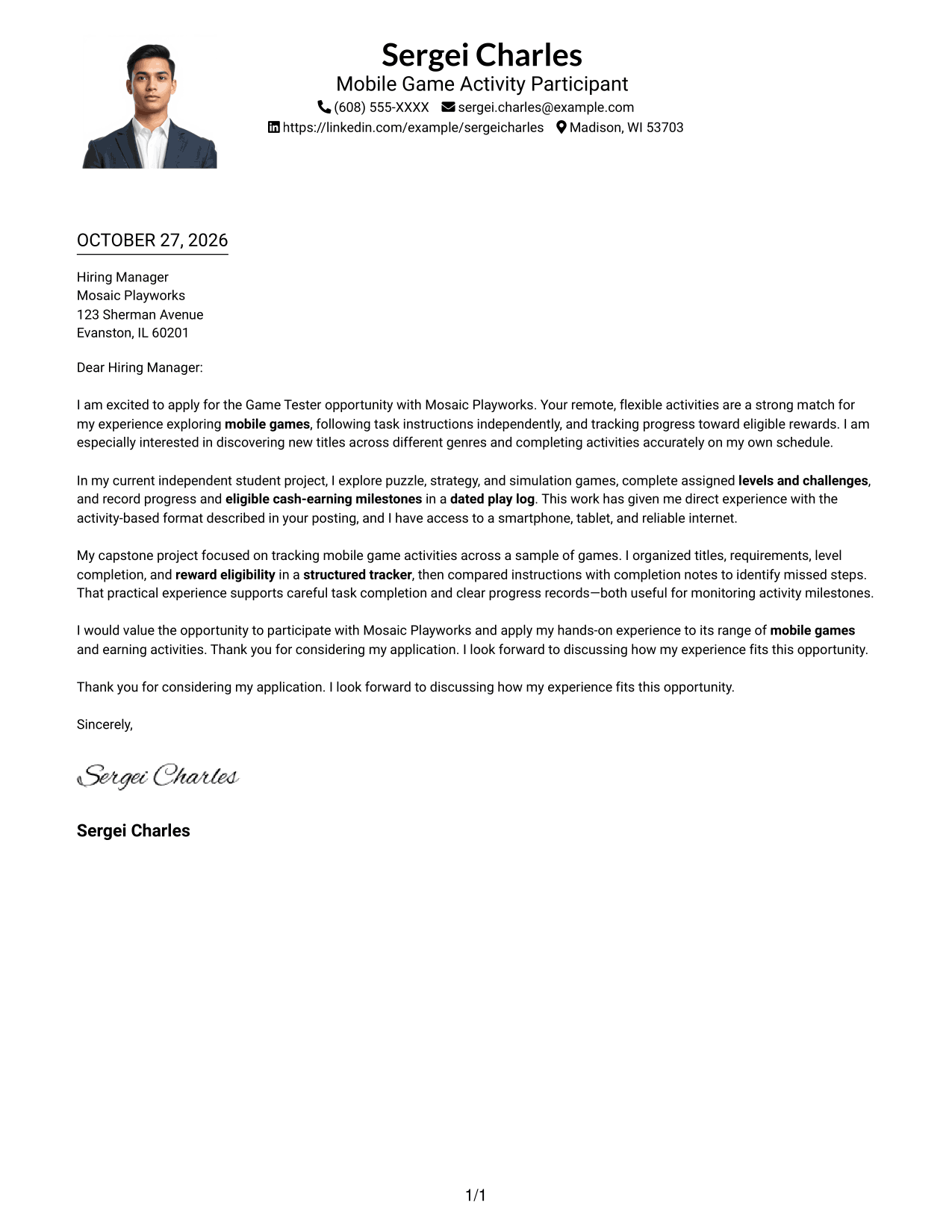
Why This Format Works
- One-column reading keeps the message moving from its opening through the closing.
- Sender details remain in the header instead of taking space beside the body.
- The portrait offers a visible personal touch for photo-inclusive applications.
Best For
- One-column letter layouts
- Portrait-inclusive applications
- Continuous body text
- Header-based sender details
- Photo-led personal introductions
#5 Simple Two Column Format Cover Letter Example
A simple two-column page sets contact details beside the uninterrupted letter body, so readers can find sender information without dividing the message.
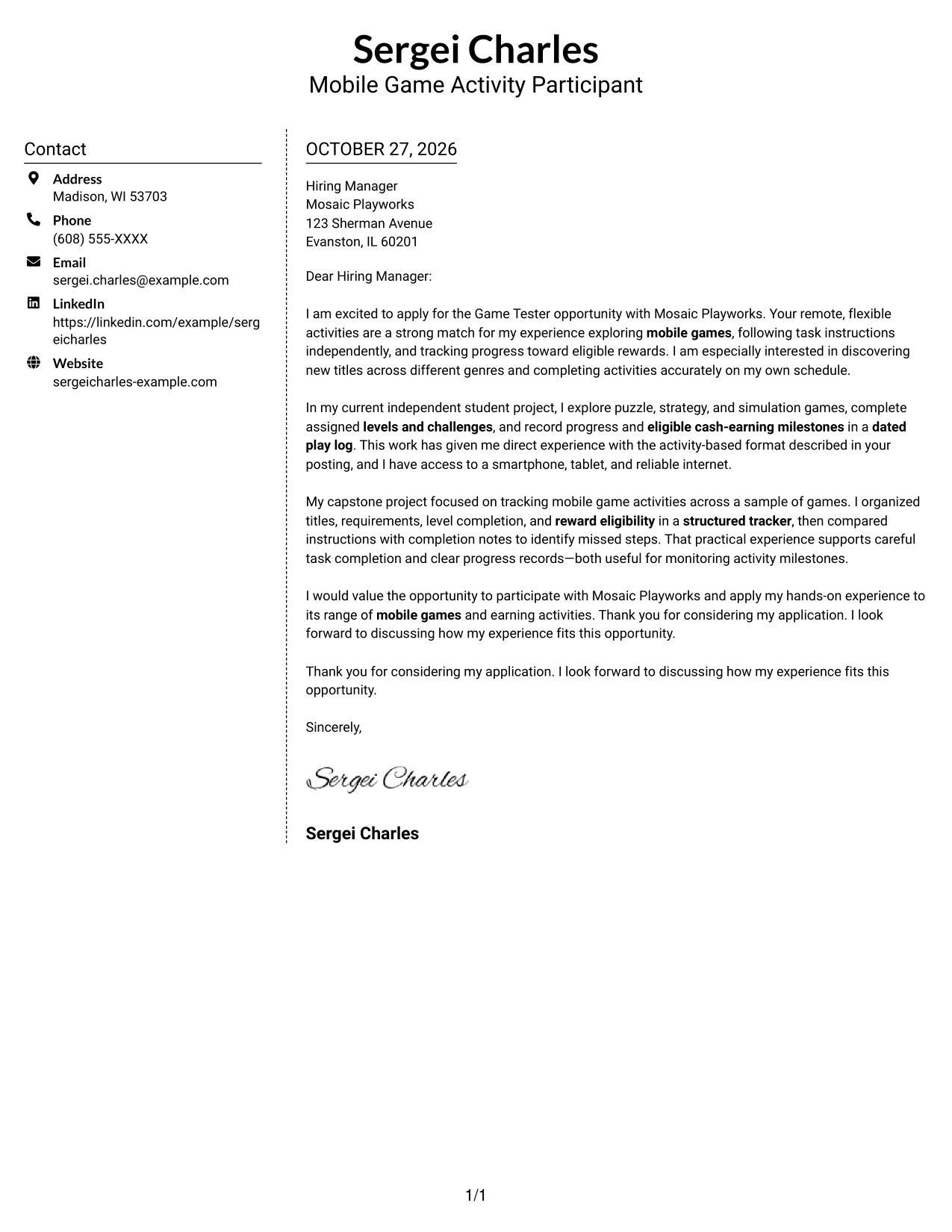
Why This Format Works
- Contact information has a separate place, leaving the letter body visually distinct.
- Readers can follow the argument from opening to close without switching columns.
- The photo-free presentation fits applicants who prefer a text-first page.
Best For
- Contact details beside the message
- Uninterrupted letter-body reading
- Photo-free applications
- Clear sender information
- Paragraph-based application letters
#6 Modern Icon Format Cover Letter Example
Contact icons add small visual cues in the sidebar, while the letter itself stays in one continuous body.
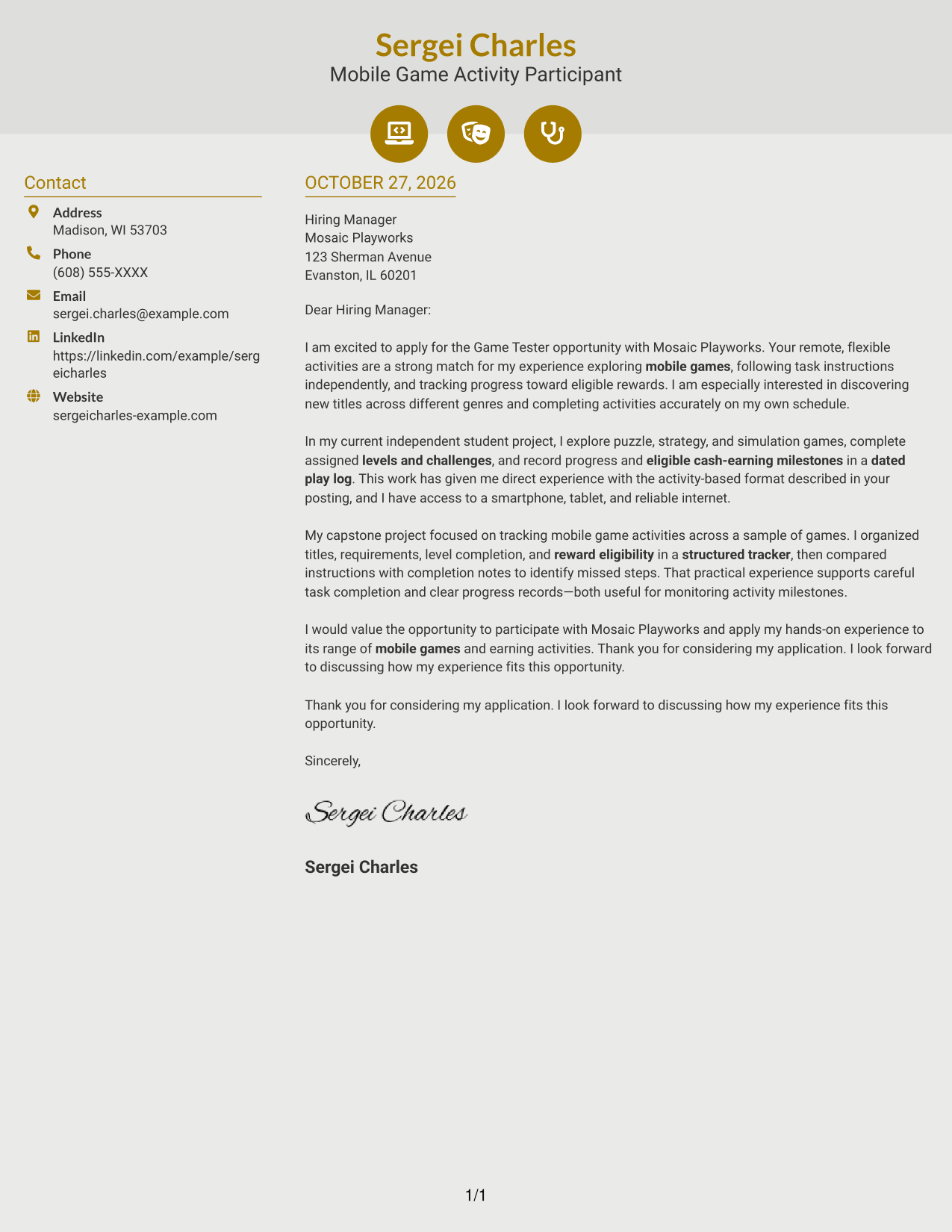
Why This Format Works
- Icons help readers spot contact details in the sidebar without labeling letter content.
- Opening, motivation, evidence, and closing remain in one continuous body.
- Decorative cues provide a visual accent while keeping argument paragraphs unmarked.
Best For
- Icon-guided contact details
- One continuous letter body
- Visual contact cues
- Photo-free applications
- Paragraph-led applications
#7 Creative Two Tone Format Cover Letter Example
The two-column layout places contact details beside a single continuous letter body, making the page structure easy to see.
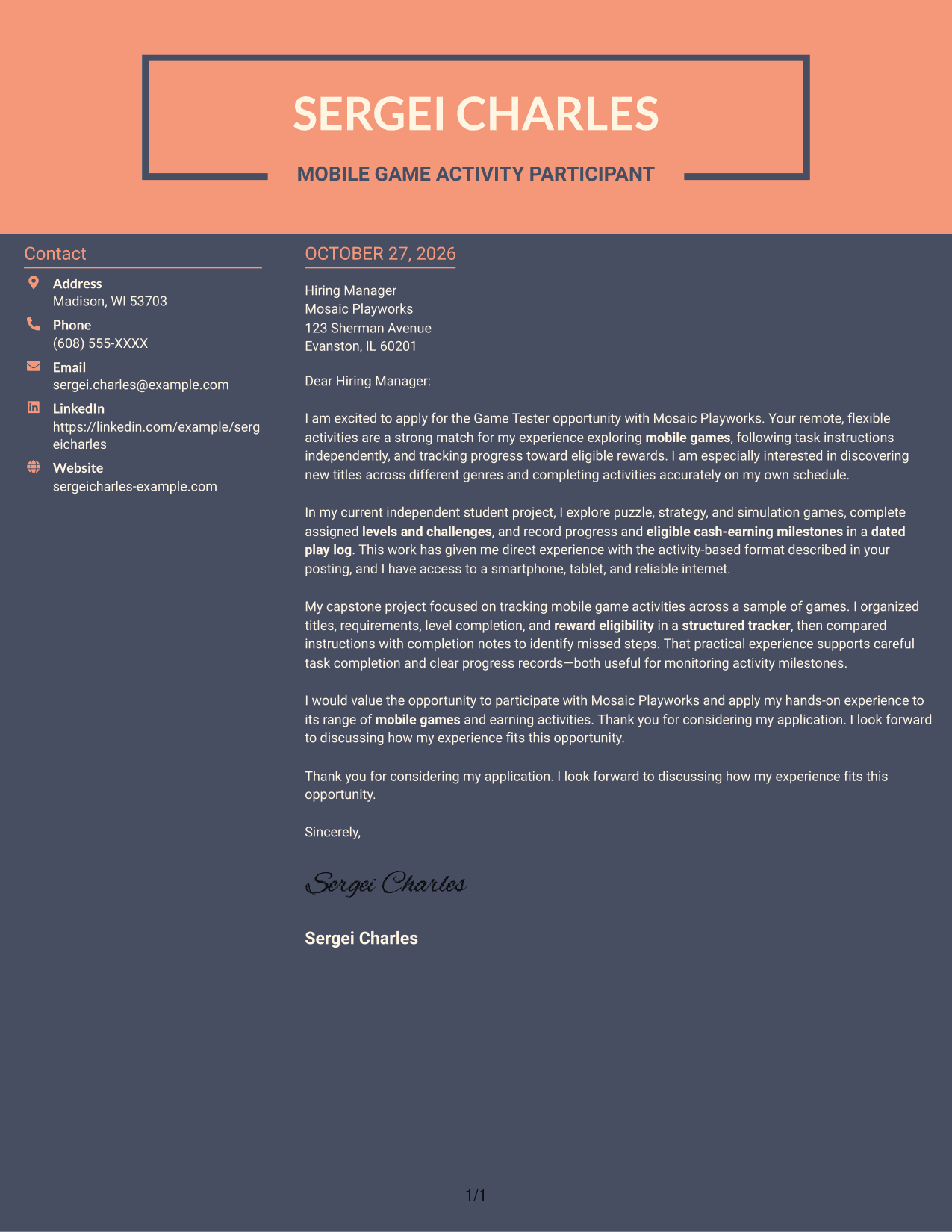
Why This Format Works
- Contact details remain in their own column beside the letter text.
- Readers can follow the opening, evidence, and closing in one body sequence.
- Without a portrait, the page keeps its visual focus on the written message.
Best For
- Separate contact and message areas
- Single-sequence letter reading
- Photo-free applications
- Contact details beside the message
- Multi-paragraph application letters
See Also
- 7 Game Tester - Mobile Games Resume Templates with Example
- 7 Online Gaming Platform Tester - Casino Games Resume Templates with Example
- 7 Athletics Ticket and Game Operations Assistant Resume Templates with Example
- 7 Game Attendant - Amusement Games Resume Templates with Example
- 7 Game Facilitator - Live-Action Gaming Resume Templates with Example
- 7 Games Support Tech - Amusement Equipment Maintenance Resume Templates with Example
- 7 Lifecycle Marketing Specialist - Live Service Games Resume Templates with Example
- 7 Principal Software Engineer, Creator Game Operations Resume Templates with Example
- 7 Online Gaming Platform Tester - Casino Games Cover Letter Templates with Example
- 7 Game Attendant - Amusement Games Cover Letter Templates with Example
Frequently Asked Questions
What should a Game Tester - Mobile Games cover letter include?
Show your interest in mobile games, your ability to follow activity instructions, and how you keep track of progress. Close by connecting those points to the opportunity.
Do I need professional game testing experience for this opportunity?
The opportunity described here does not require previous professional game testing experience or specialized training. Focus on relevant activities and explain how you complete tasks carefully and independently.
What examples can I use to show I follow instructions?
If they reflect your experience, describe completing assigned levels or challenges and recording progress in a play log or tracker. Be clear about what you did and how you checked completion.
How can I show interest in this mobile game opportunity?
Explain what interests you about exploring different mobile games and completing activity-based tasks. Link that motivation to the remote, flexible participation described in the opportunity.
Can I preview the cover letter example before customizing it?
Yes. Review the image preview on this page, then use the editor link to view or customize the example.




