
7 Generative AI Software Engineer (Entry Level) Cover Letter Templates with Example
This practical guide to a Generative AI Software Engineer (Entry Level) cover letter presents 7 layouts and a focused example to help you build a clear, role-specific application.
What Makes a Great Generative AI Software Engineer (Entry Level) Cover Letter in 2026
A strong cover letter for this role connects interest in user-focused NLP work with clear evidence of Python, React.js, and AWS application experience.
Use a project example to explain your NLP work, AWS deployment, testing, and teamwork, then link that evidence to the employer’s mobility focus and role needs.
The featured example moves from role interest to a concrete project, supporting practices, and a direct close. Adapt that focused progression to your own evidence, the employer, and the communication context.
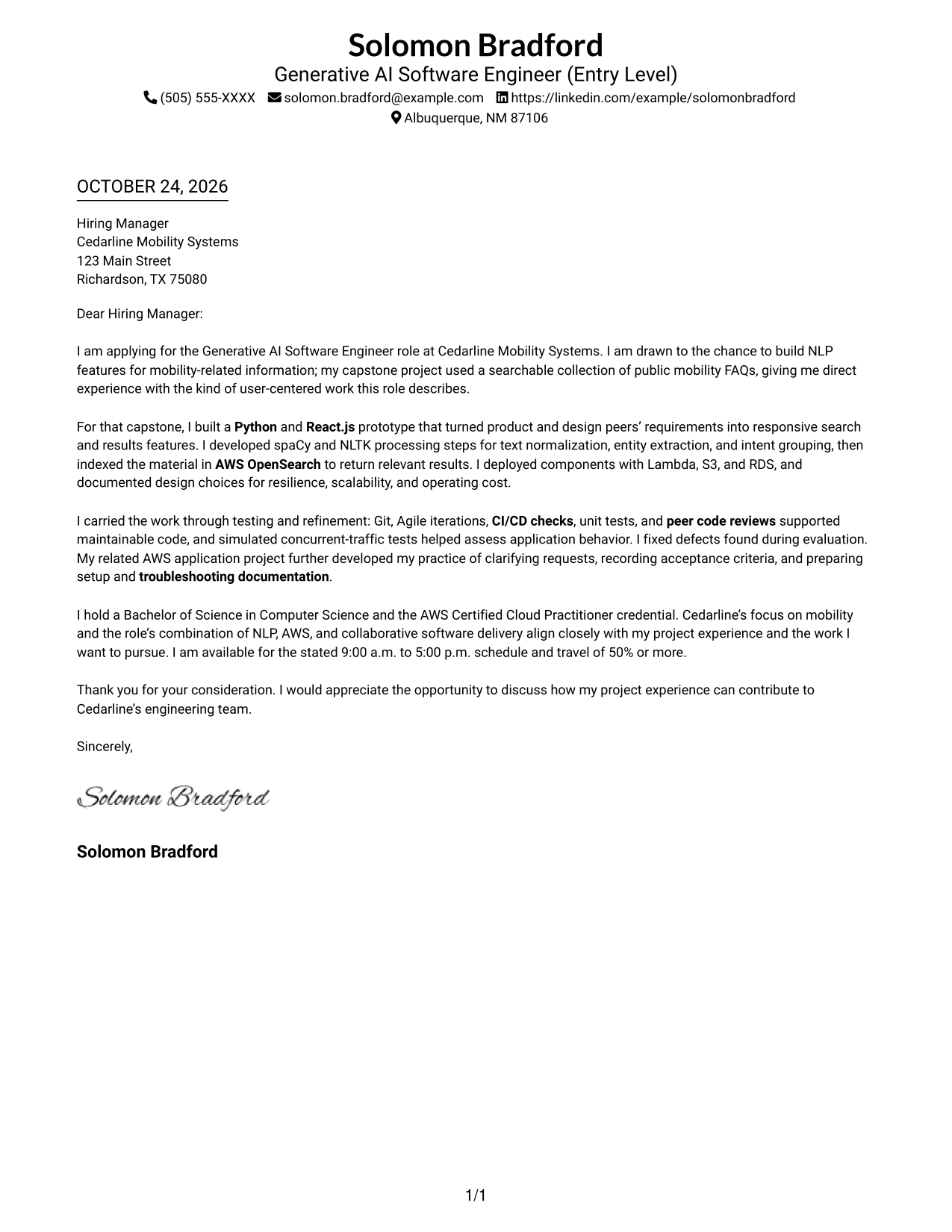
#1 Simple One Column Format Cover Letter Example
A one-column page keeps sender details in the header and presents the letter as one continuous body, a straightforward choice for readers who prefer a direct path from greeting to closing.
Why This Format Works
- Sender details remain in the header, apart from the employer-facing message.
- The single-column body carries the greeting, case, and closing in sequence.
- Without a photo, the page keeps its presentation focused on written correspondence.
Best For
- One-column reading preference
- Header-based contact details
- Continuous persuasive messages
- Text-centered application materials
- Photo-free letter layouts
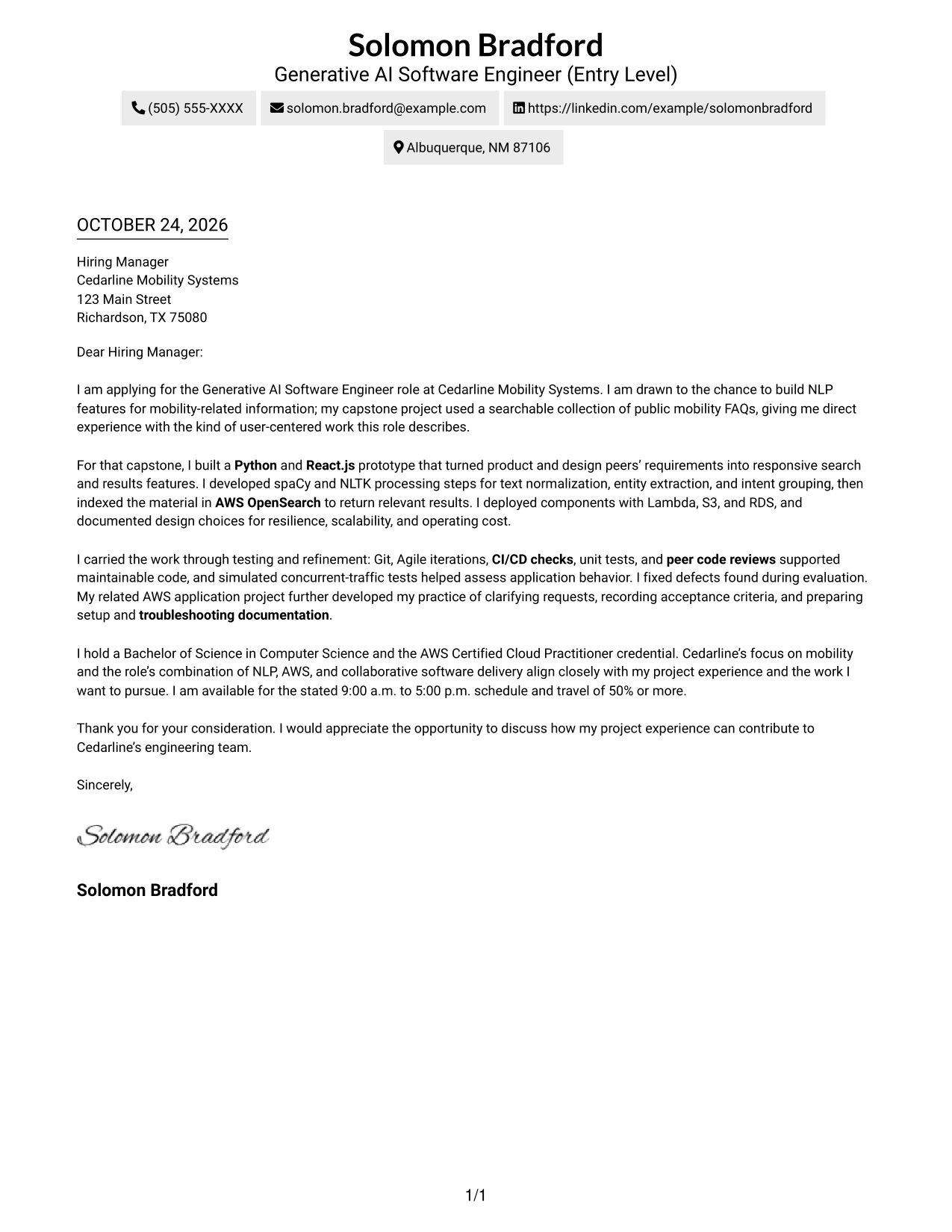
#2 Two Column Format Cover Letter Example
A contact sidebar sits beside one continuous letter body in this two-column layout, suiting readers who want correspondence details separate from the message.
Why This Format Works
- Contact details sit in the sidebar, separate from the letter's persuasive message.
- The main column keeps the greeting, supporting case, and closing together.
- Readers can locate sender information without searching through the letter paragraphs.
Best For
- Sidebar-based contact details
- A continuous letter argument
- Side-by-side page organization
- Quick access to sender information
- Text-focused correspondence
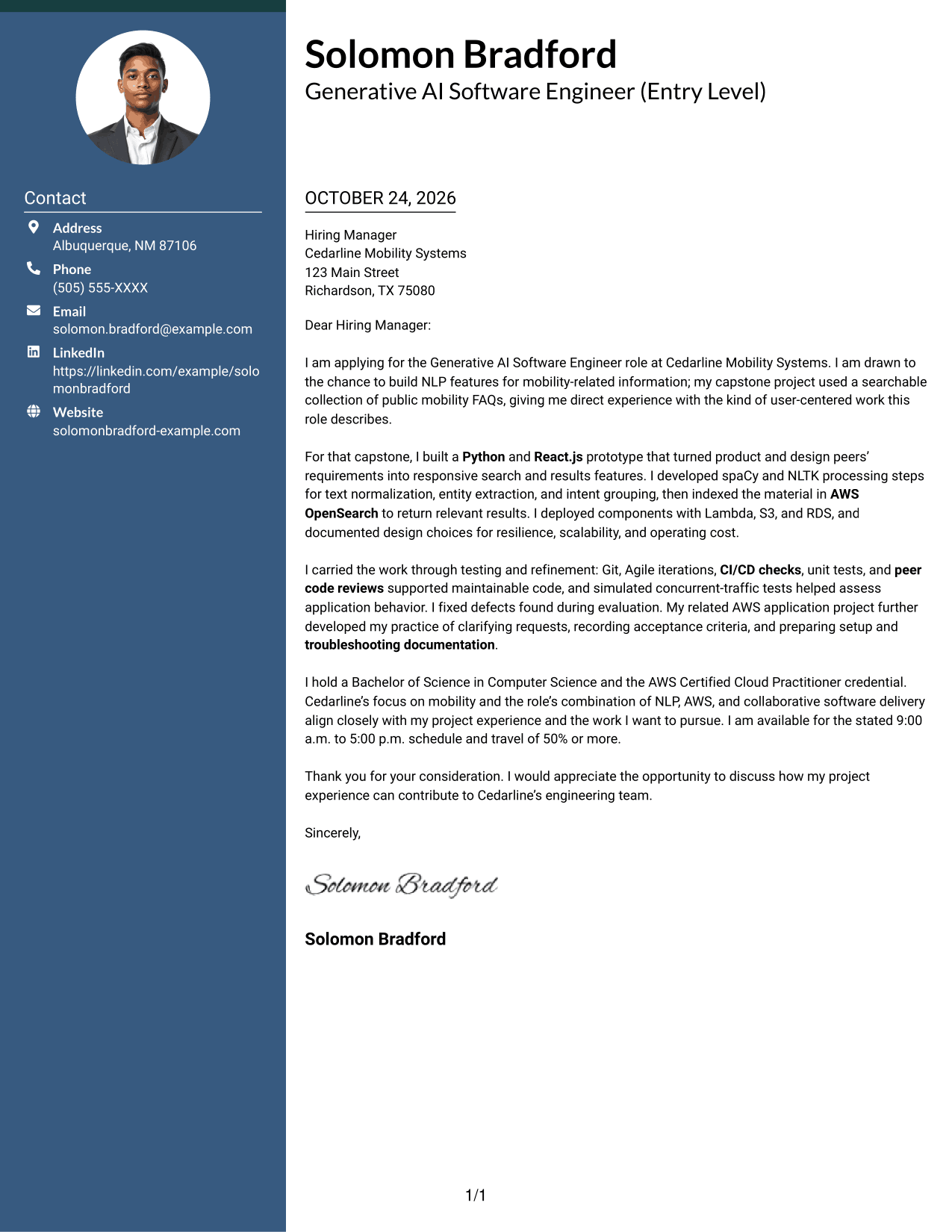
#3 Photo Header Two Column Format Cover Letter Example
A photo appears in the header of this two-column format, with contact details beside a single letter body for readers who want both a portrait and a separate contact area.
Why This Format Works
- The header photo adds a personal visual element without dividing the letter's argument.
- A contact sidebar keeps sender details apart from the employer-facing paragraphs.
- The continuous body carries the opening, supporting case, and closing in order.
Best For
- Header portrait preference
- Contact details beside the letter
- Continuous persuasive paragraphs
- Personal visual presentation
- Separate contact and message areas
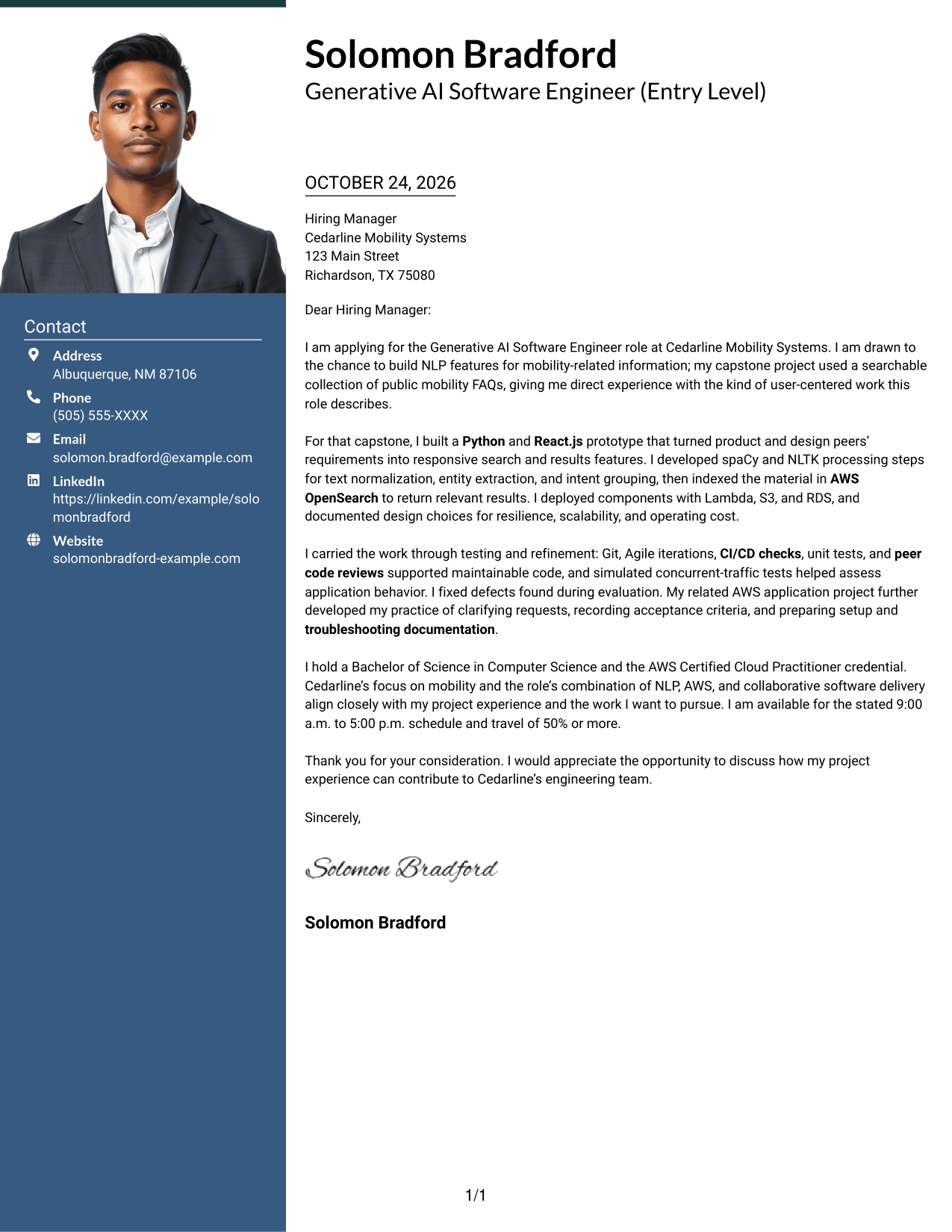
#4 One Column Format with Photo Cover Letter Example
This one-column letter places a photo in the header above a continuous body, a suitable choice for readers who want a portrait with a direct reading path.
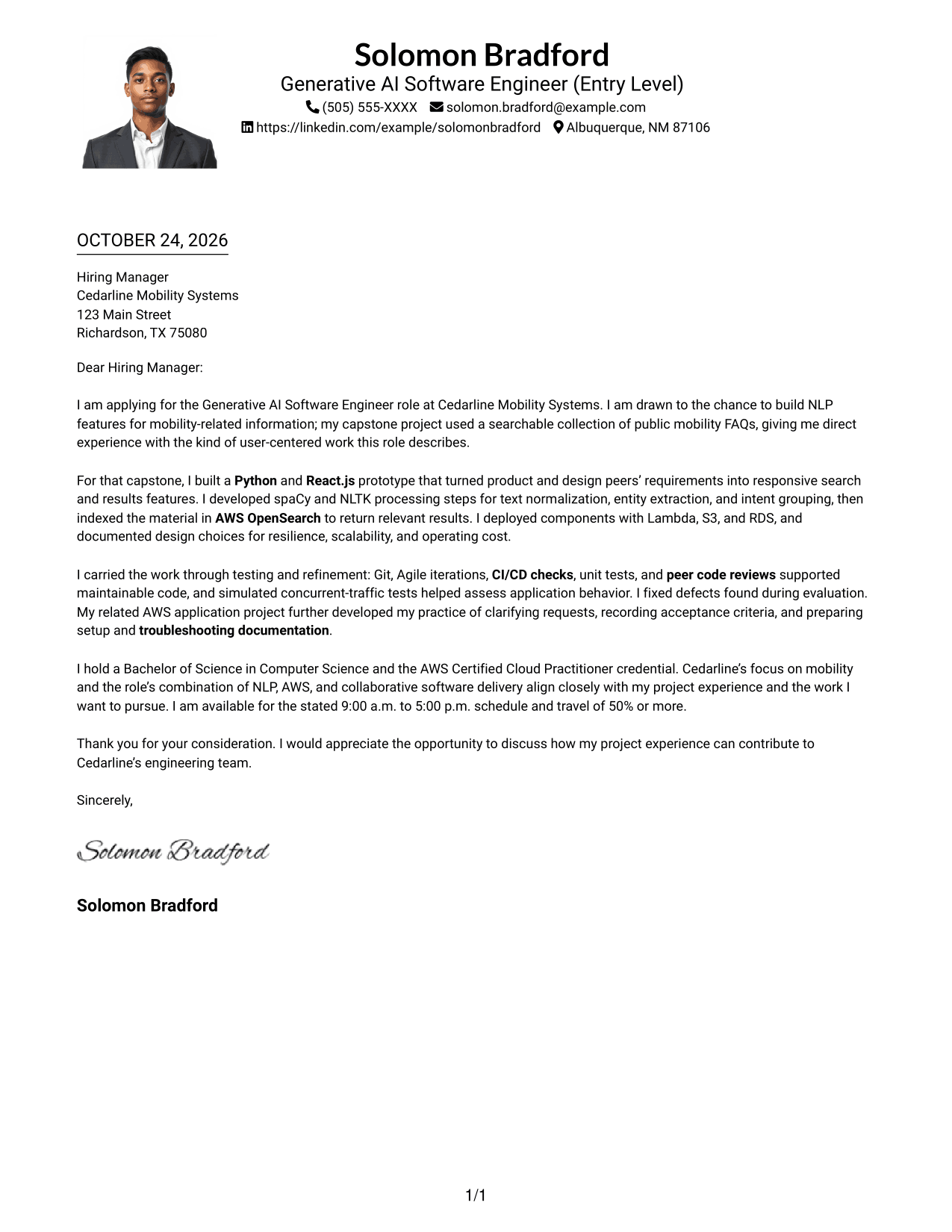
Why This Format Works
- Header placement keeps the photo with the sender details, outside the letter body.
- One column gives the greeting, main message, and closing a direct sequence.
- The letter remains a continuous set of paragraphs without argument headings.
Best For
- One-column letter flow
- A photo in the header
- Header-based sender details
- Continuous application messages
- Portrait-inclusive correspondence
#5 Simple Two Column Format Cover Letter Example
The simple two-column layout places contact details in a sidebar beside one uninterrupted letter body, making it a clear option for readers who prefer distinct page areas.
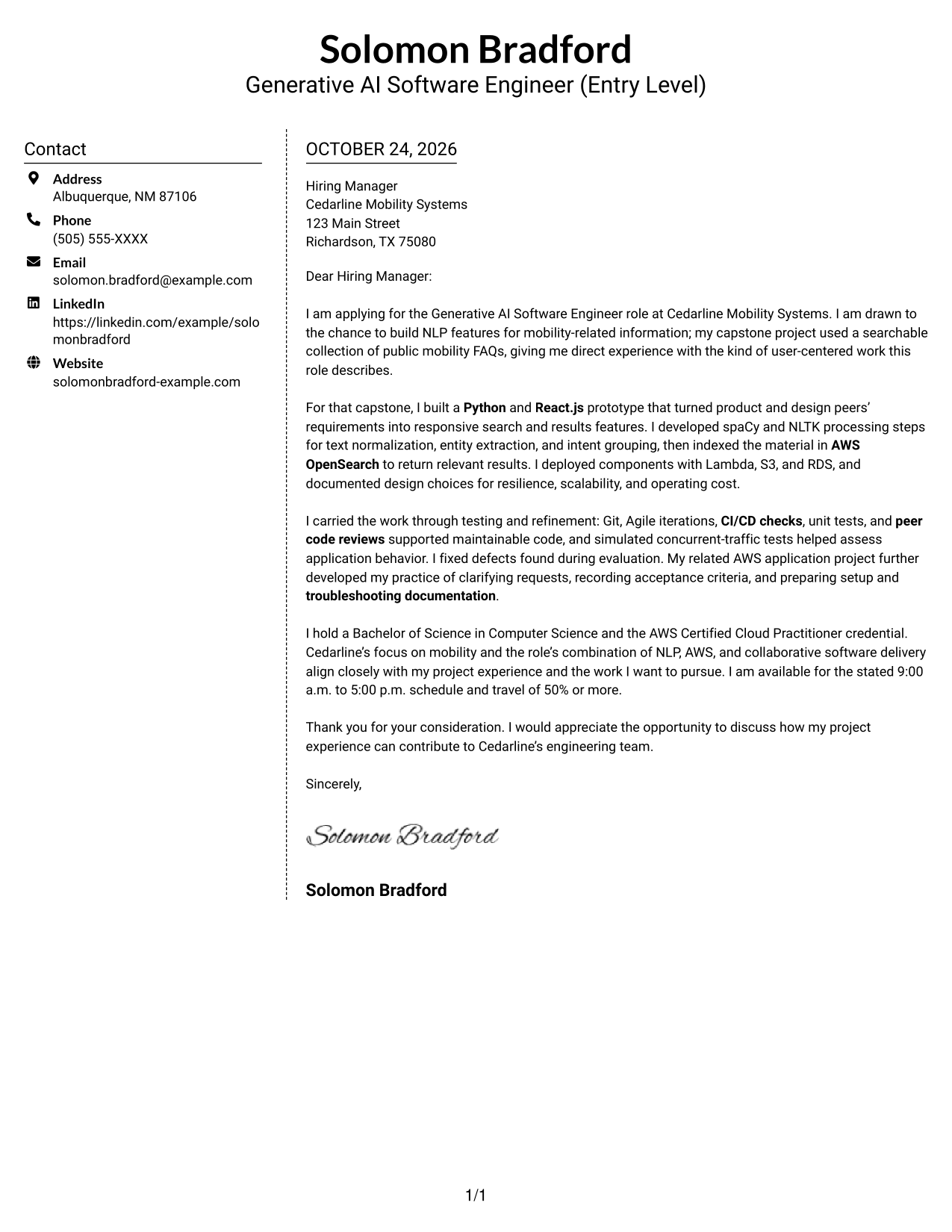
Why This Format Works
- A separate contact area lets readers find sender details apart from the message.
- The letter's opening, supporting points, and close stay in one body column.
- The photo-free page suits readers who prefer a text-led application letter.
Best For
- Distinct contact and message areas
- A single continuous letter
- Text-led application materials
- Sidebar contact information
- Photo-free correspondence
#6 Modern Icon Format Cover Letter Example
The Modern Icon Format uses two columns, with contact cues in the sidebar and a continuous letter body, for readers who value clear contact details and a direct message.
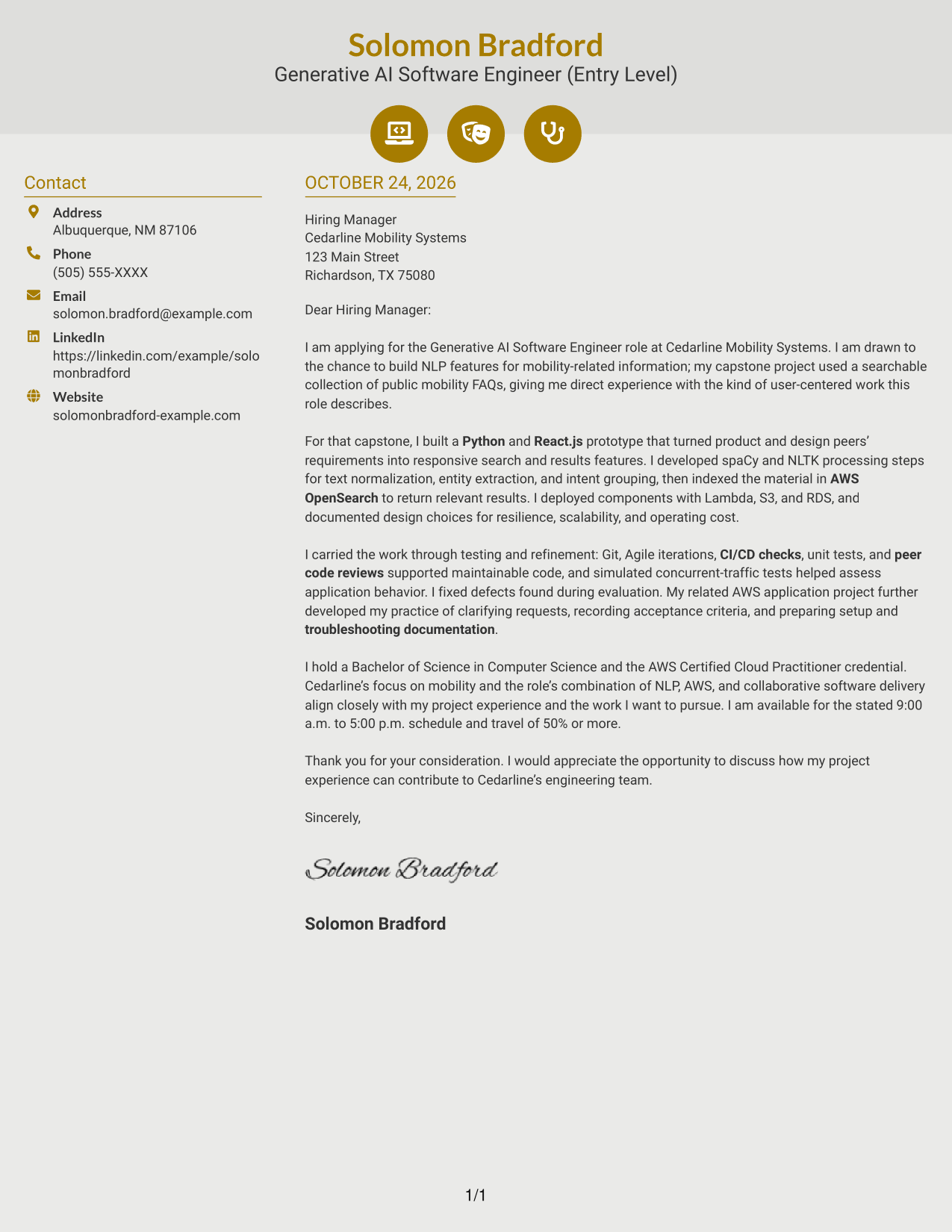
Why This Format Works
- Contact icons act as cues for sender details, not as labels for letter arguments.
- A sidebar keeps practical contact information outside the main message.
- The letter's continuous body connects its opening, supporting case, and closing.
Best For
- Icon-marked contact details
- A separate contact sidebar
- Uninterrupted letter paragraphs
- Clear distinction between contact and message
- A direct reading sequence
#7 Creative Two Tone Format Cover Letter Example
The Creative Two Tone Format pairs a contact sidebar with one continuous letter body in two columns, giving readers a clear separation between contact information and the message.
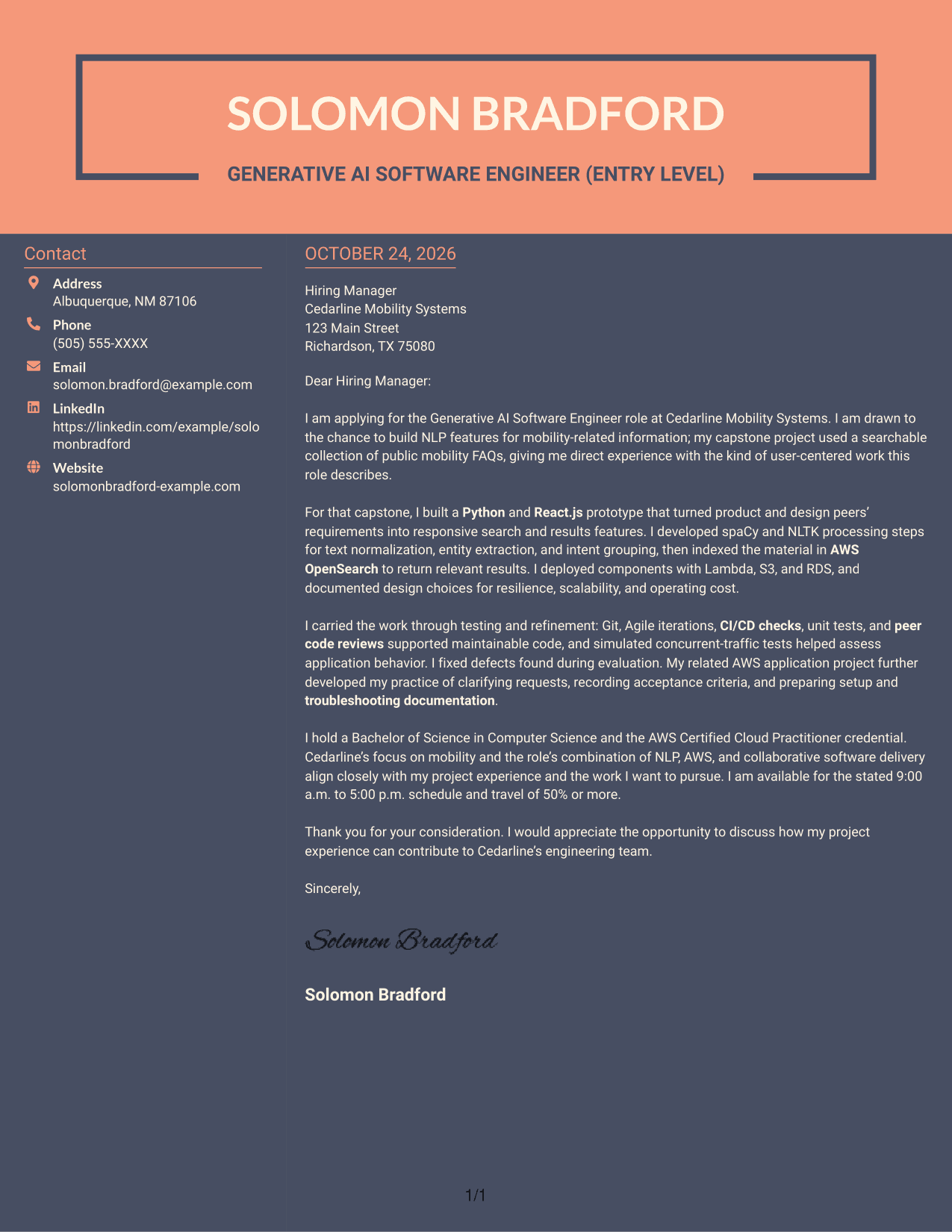
Why This Format Works
- The sidebar gives sender details a place apart from the employer-facing letter.
- One body column keeps the greeting, case for fit, and closing connected.
- Its photo-free treatment suits readers who want the written message to stand alone.
Best For
- Separate contact information
- A connected letter argument
- Two-column page organization
- Photo-free letter presentation
- Text-first application needs
Why Use ResumeInMinutes for a Generative AI Software Engineer (Entry Level) Cover Letter
Compare PNG previews to see how different layouts present a cover letter, then open an example in the editor to customize its wording for the role.
- Role-focused cover letter examples
- Clear opening, body, and closing guidance
- Readable presentation options
- PNG image previews
- Examples you can open in the editor
- Guidance for connecting experience to employer needs
For this role, make your interest specific by connecting NLP and AWS application work to the employer’s mobility focus. Keep the message direct, use relevant evidence, and close with a clear statement of interest.
See Also
- 33 Generative AI Software Engineer (Entry Level) Resume Templates with Example 2026 (ATS-Optimized)
- 33 AI/ML Engineer - Enterprise Generative AI Resume Templates with Example 2026 (ATS-Optimized)
- 33 Forward Deployed Engineer III, Generative AI, Cloud Solutions Resume Templates with Example 2026 (ATS-Optimized)
- 33 Generative AI Automation Engineer Resume Templates with Example 2026 (ATS-Optimized)
- 33 Generative AI Lead Engineer Resume Templates with Example 2026 (ATS-Optimized)
- 33 AI Fullstack Software Engineer-Intern Resume Templates with Example 2026 (ATS-Optimized)
- 33 AI Fullstack Software Engineer Resume Templates with Example 2026 (ATS-Optimized)
- 33 AI Platform & Integrations Software Engineer Resume Templates with Example 2026 (ATS-Optimized)
- 30+ Forward Deployed Engineer III, Generative AI, Cloud Solutions Cover Letter Templates with Example 2026
- 30+ Generative AI Automation Engineer Cover Letter Templates with Example 2026
Frequently Asked Questions
Are these templates suited to a Generative AI Software Engineer (Entry Level) cover letter?
Yes. The guidance focuses on the role’s mix of Python, React.js, NLP, AWS, testing, and teamwork. Use only details that match your own experience.
Does the guide show one example in different layouts?
Yes. The same focused cover letter example is shown in different visual layouts, so you can compare how the presentation changes while the letter’s main message stays consistent.
What cover letter style works well for this role?
Choose a clean, readable layout that makes the opening, project evidence, and closing easy to follow. Consider the employer and the communication context when choosing a more visual style.
How can I show relevant experience in an entry-level cover letter?
Explain a specific project and your contribution. For example, a mobility FAQ search project can show how you used Python, React.js, NLP methods, AWS services, and testing to address a user need.
Should I use a photo on my cover letter?
Use a photo only when it is common or expected in your country, region, or field. For U.S. applications, a no-photo layout is usually the safer choice.




