7 Geotechnical Engineering Intern Cover Letter Templates with Example
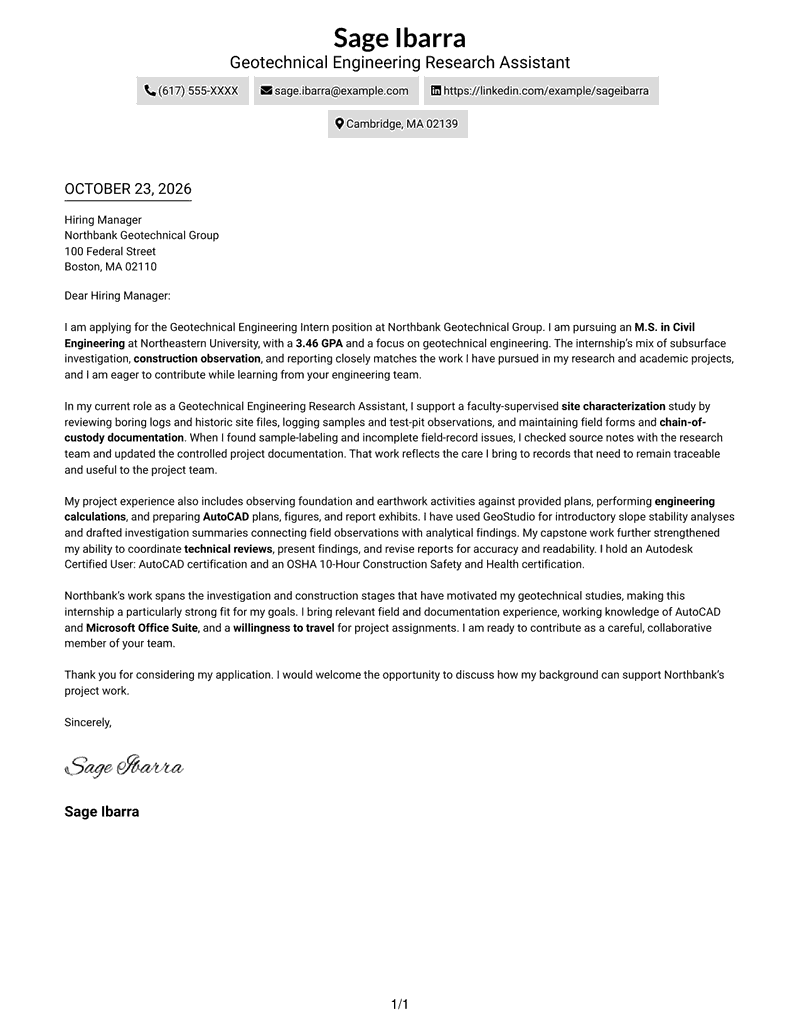
This guide helps you write a focused Geotechnical Engineering Intern cover letter and compare seven layouts for presenting your interest and fit.
What Makes a Great Geotechnical Engineering Intern Cover Letter in 2026
A strong Geotechnical Engineering Intern cover letter links your interest in the work to relevant field observation, site documentation, and technical communication.
Choose clear examples, such as recording site conditions or preparing investigation summaries, and connect them to the employer’s project work and needs.
The featured example moves from a clear opening and role motivation to relevant evidence and a direct close. Adapt that progression, then choose a presentation that suits the employer and the communication context.
#1 Simple One Column Format Cover Letter Example
The Simple One Column Format places sender details in the header above one continuous letter body, a practical choice for readers who prefer a direct, uninterrupted read.
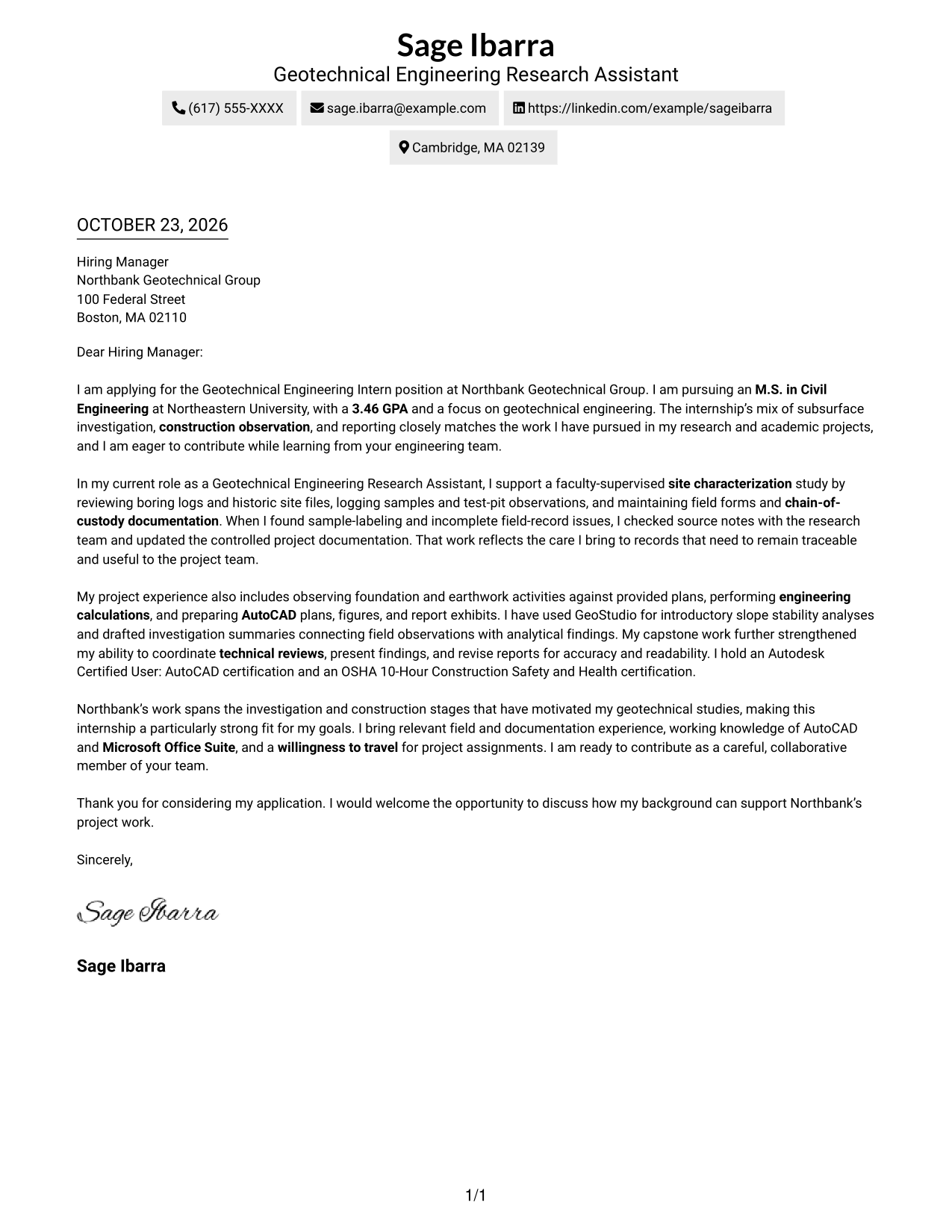
Why This Format Works
- Sender details stay in the header, separate from the letter’s central message.
- One body column lets readers follow the opening, evidence, and closing in order.
- Without a sidebar, the page gives the letter body the main reading space.
Best For
- Header-based contact details
- Single-column letter reading
- Multi-paragraph application letters
- Letters without body headings
- Photo-free professional correspondence
#2 Two Column Format Cover Letter Example
The Two Column Format places a contact sidebar beside one continuous letter body, suiting readers who want contact information clearly apart from the message.
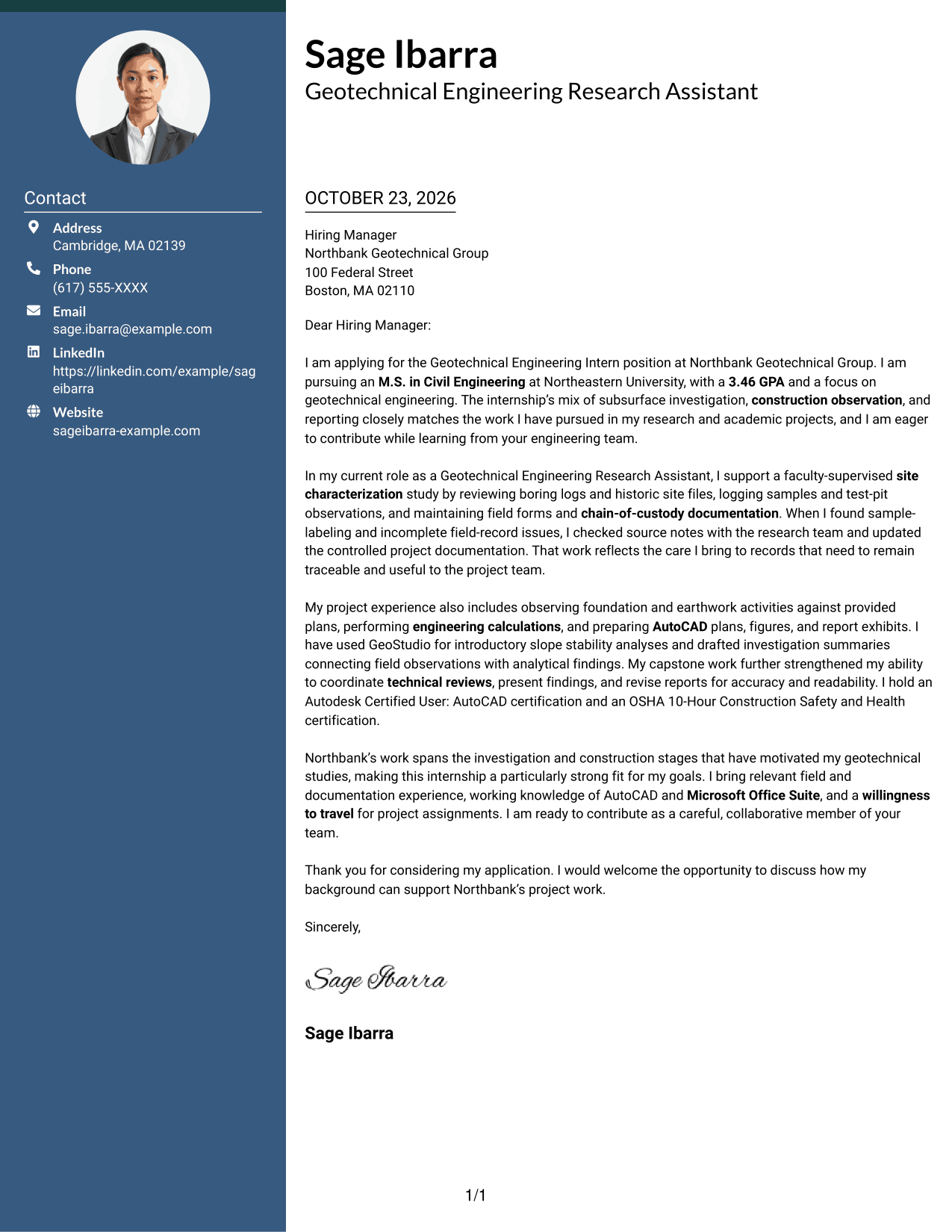
Why This Format Works
- A contact sidebar keeps practical details apart from the letter’s main message.
- The single body column preserves a familiar order from opening through closing.
- Readers can locate sender information without searching through the letter paragraphs.
Best For
- Separate contact and message areas
- Side-by-side contact and letter reading
- Multi-paragraph application letters
- Letters with a tailored opening and close
- Quick access to sender details
#3 Photo Header Two Column Format Cover Letter Example
The Photo Header Two Column Format combines a photo and contact sidebar with one continuous letter body, offering a more personal visual choice while keeping the message in sequence.
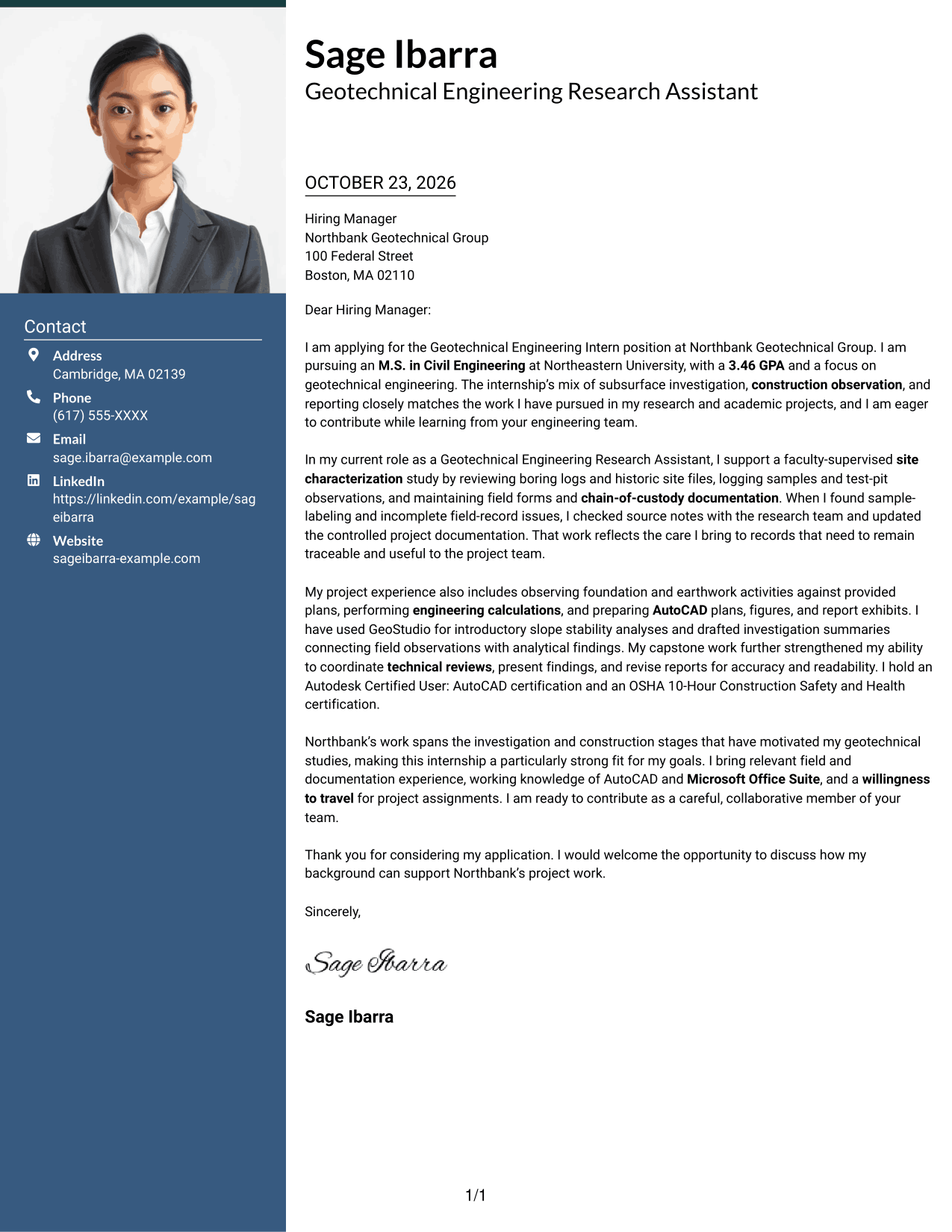
Why This Format Works
- The photo adds a personal visual element without dividing the letter body.
- A separate contact area keeps sender details easy to locate.
- The letter’s paragraphs remain together in one continuous reading order.
Best For
- Photo-inclusive letter design
- Contact details apart from the message
- One continuous letter argument
- Multi-paragraph application letters
- A personal visual touch in the header
#4 One Column Format with Photo Cover Letter Example
The One Column Format with Photo keeps the letter body in one continuous column and includes a photo, a useful option for readers who want a personal visual element without a sidebar.
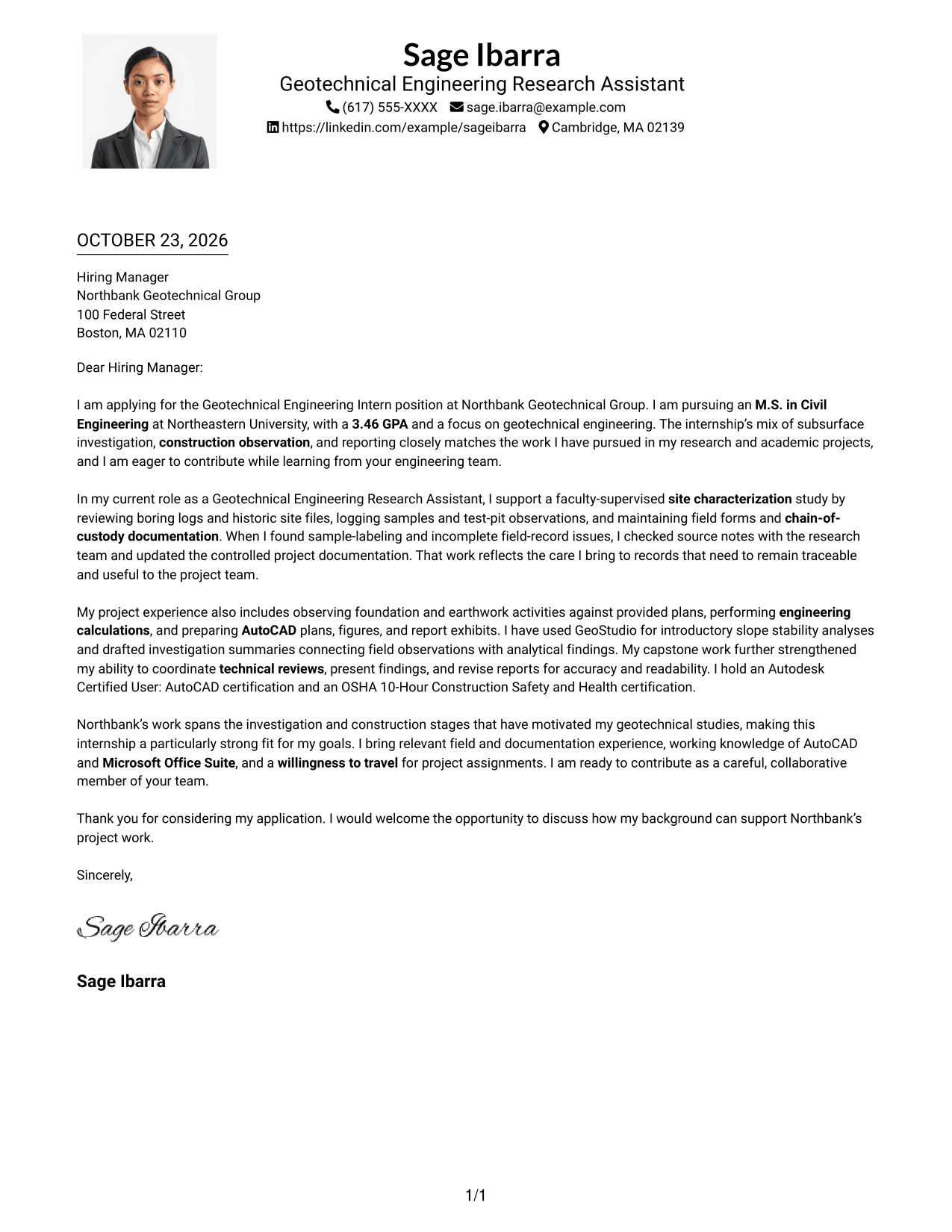
Why This Format Works
- The single body column keeps each paragraph in a straightforward reading order.
- A photo adds visual presence while the letter remains one continuous message.
- Sender details in the header stay distinct from the letter paragraphs.
Best For
- Single-column letter reading
- Photo-inclusive correspondence
- Header-based sender details
- Letters with several evidence paragraphs
- A continuous message without a sidebar
#5 Simple Two Column Format Cover Letter Example
The Simple Two Column Format sets contact details in a sidebar alongside one continuous letter body, a clear arrangement for readers who want sender information separate from the message.
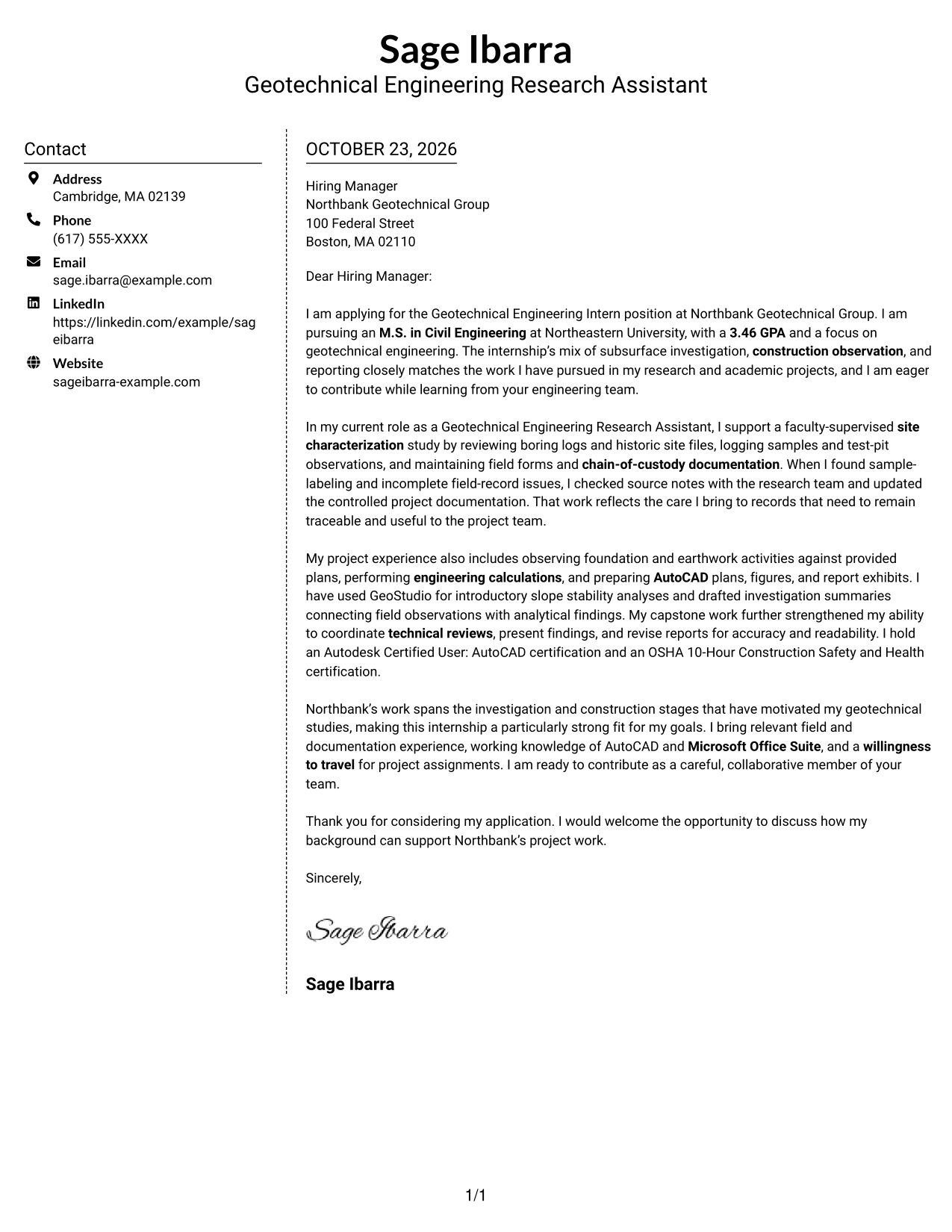
Why This Format Works
- The sidebar gives contact details a distinct place beside the letter.
- A single body column keeps the argument in paragraph order.
- The contact area remains separate from the letter’s opening and closing.
Best For
- A separate area for contact details
- Side-by-side contact and letter reading
- Letters with a clear opening and close
- Multi-paragraph application messages
- Photo-free correspondence with a sidebar
#6 Modern Icon Format Cover Letter Example
The Modern Icon Format pairs a contact sidebar with one continuous letter body, while icons cue contact details and add a visual touch to the header.
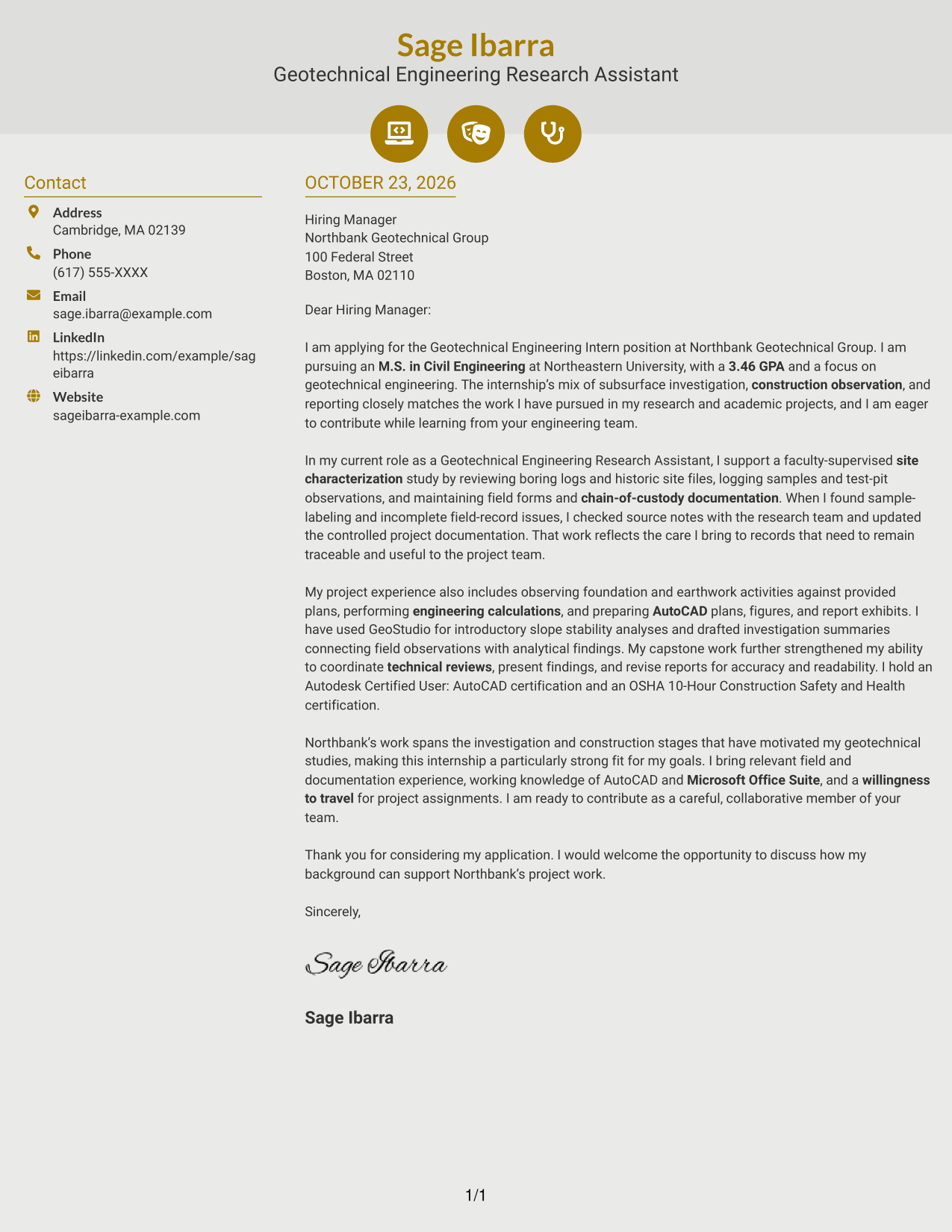
Why This Format Works
- Contact icons help distinguish practical details from the letter’s message.
- The sidebar keeps contact information separate from the continuous body.
- Readers can follow the letter paragraphs in one clear sequence.
Best For
- Icon-cued contact information
- Contact details beside the letter
- A continuous body without argument headings
- Multi-paragraph application letters
- A small decorative header accent
#7 Creative Two Tone Format Cover Letter Example
The Creative Two Tone Format places a contact sidebar beside one continuous letter body, making it a fitting choice for readers who prefer contact details set apart from the message.
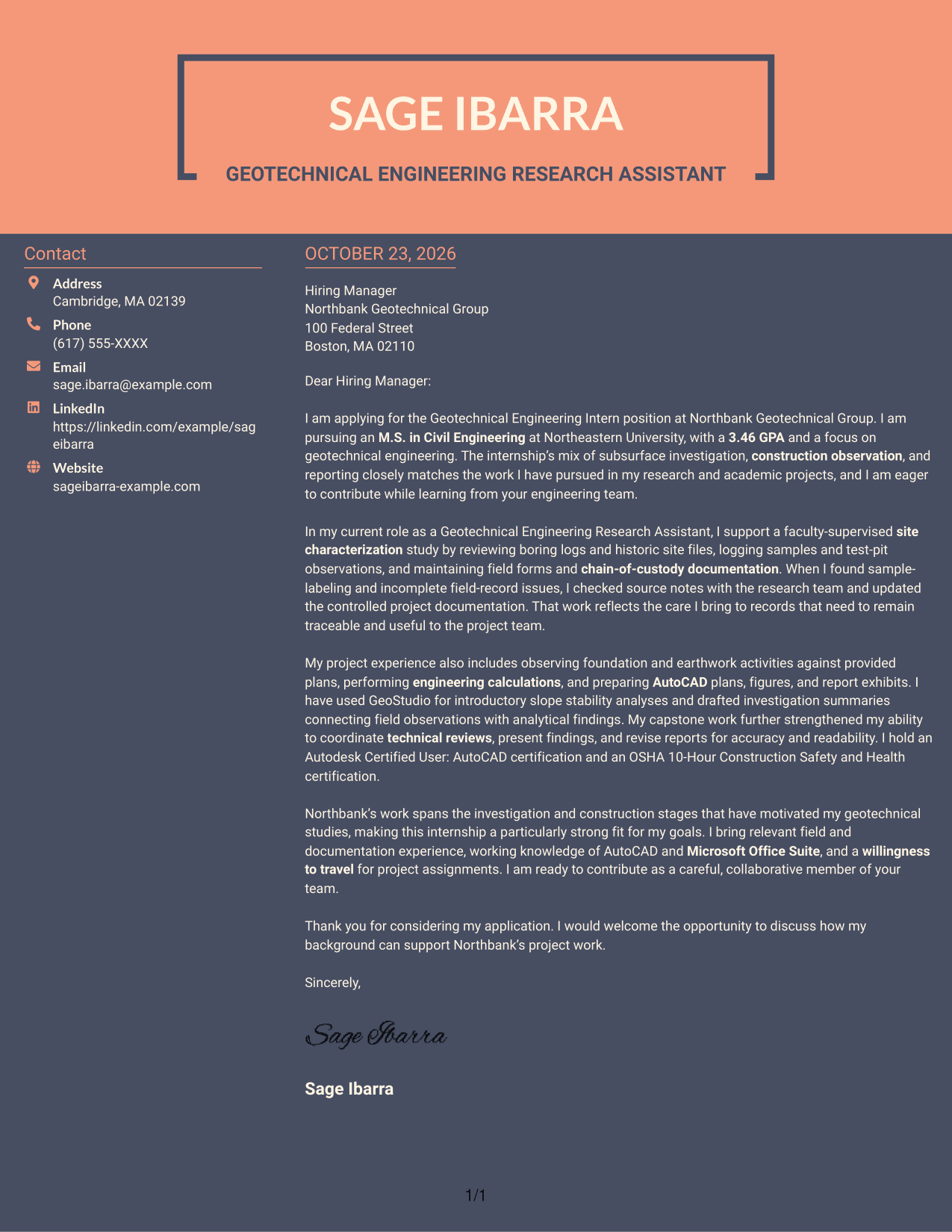
Why This Format Works
- The contact sidebar gives sender information a separate, easy-to-find location.
- One continuous body keeps the letter’s message in a familiar order.
- The contact area does not break up the letter paragraphs.
Best For
- Contact details apart from letter text
- Side-by-side contact and body reading
- Letters with a continuous argument
- Multi-paragraph application letters
- Readers who want a distinct contact area
Why Use ResumeInMinutes for a Geotechnical Engineering Intern Cover Letter
ResumeInMinutes offers cover letter examples you can review and customize for the role. Use the image preview to compare the layout, then open an example in the editor to shape your own letter.
- Clear cover letter styles
- Readable page layouts
- Role-focused writing guidance
- Opening, body, and closing structure
- Professional templates
- Examples you can view in the editor
Use specific details about field investigations, construction observation, or technical reporting to show how your interests and experience connect to geotechnical project work.
See Also
- 7 Geotechnical Engineering Intern/Co-op Resume Templates with Example
- 7 Geotechnical Engineering Intern Resume Templates with Example
- 7 Entry-Level Geotechnical Engineer - Field Investigations Resume Templates with Example
- 7 Entry-Level Geotechnical Engineer - Rail Resume Templates with Example
- 7 Entry-Level Geotechnical Engineer Resume Templates with Example
- 33 Geotechnical Engineer Resume Templates with Example 2026 (ATS-Optimized)
- 33 Geotechnical Lab and Field Summer Intern Resume Templates with Example 2026 (ATS-Optimized)
- 7 Transportation Engineer Licensed Specialist - Senior Geotechnical Engineer Resume Templates with Example
- 7 Geotechnical Engineering Intern/Co-op Cover Letter Templates with Example
- 7 Entry-Level Geotechnical Engineer Cover Letter Templates with Example
Frequently Asked Questions
What should a Geotechnical Engineering Intern cover letter include?
State your interest in the position, then connect relevant field or laboratory experience to tasks such as logging site conditions, maintaining records, observing construction, or preparing technical reports. Close by explaining how you hope to contribute to the project team.
Are these separate cover letters?
This guide presents one Geotechnical Engineering Intern cover letter example in different visual layouts. Compare the image previews, then open an example in the editor to customize its presentation.
How can I show my fit for geotechnical field work?
Use a specific example that shows how you recorded or checked field information, handled samples, or observed foundation and earthwork activities. Explain what you did and why accurate records or careful observation mattered.
How should I connect my experience to the employer?
Refer to the work described in the position, such as subsurface investigations, construction observation, or report preparation. Then explain how a relevant example from your own background prepares you to contribute.
Should I use a photo on my cover letter?
For U.S. applications, a cover letter without a photo is usually the safer choice. Keep the page clear and professional so the focus stays on your interest and relevant evidence.