7 Global Market Manager I Resume Templates with Example
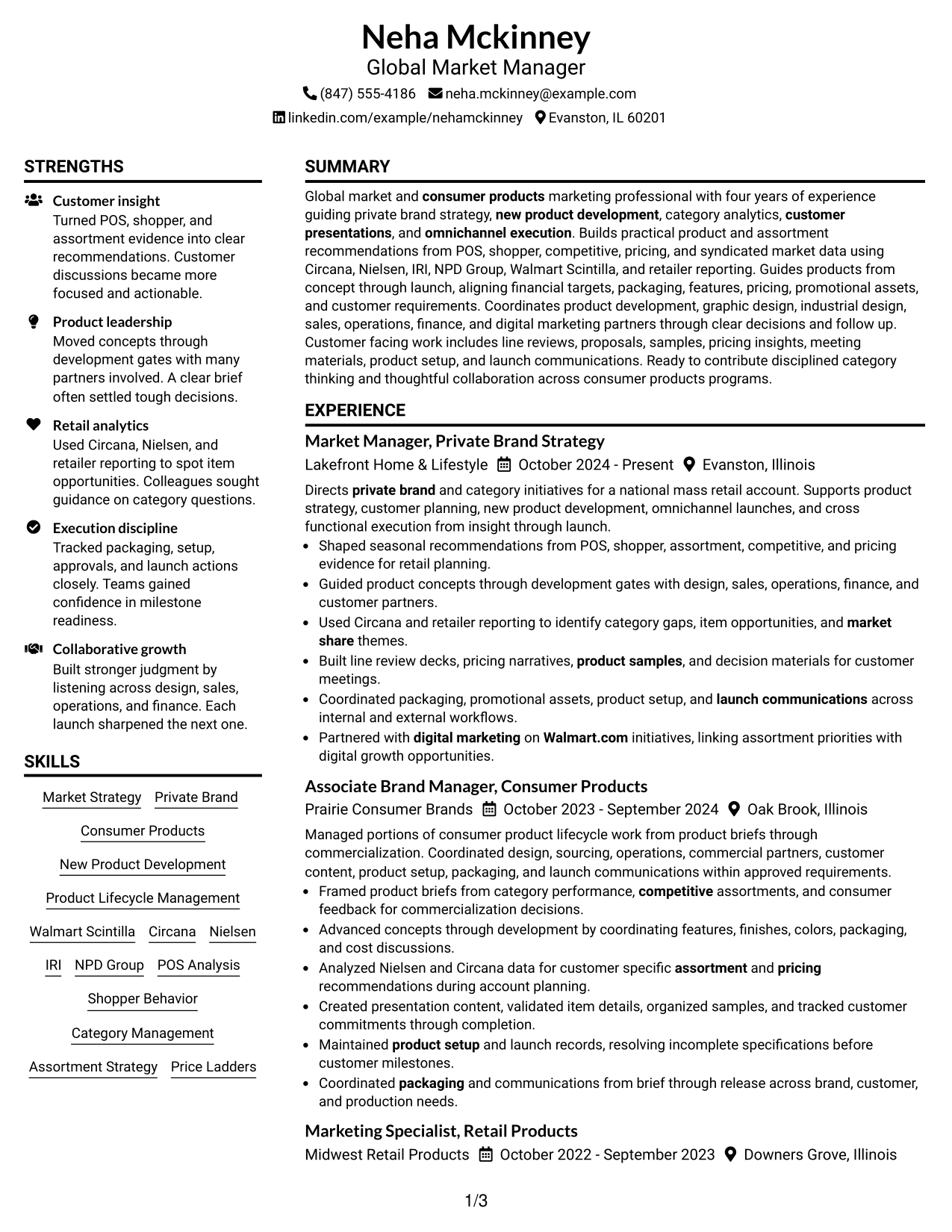
This practical guide shows you how to build a Global Market Manager I resume that is clear, focused, and easy to review. You will see how to organize strong evidence so recruiters can understand your value quickly.
For this role, your resume should connect market and shopper data with product decisions, customer presentations, private brand work, New Product Development, product lifecycle management, and omnichannel execution. Use terms such as Circana, Nielsen, IRI, Walmart Scintilla, POS analysis, assortment strategy, line reviews, packaging, and Walmart.com strategy only when they match your real experience.
The same complete resume is presented in 7 layouts so you can compare reading order, section structure, and visual organization. Each example includes format guidance, a free PDF preview, and practical notes for choosing a structure that fits your content.
What Makes a Great Global Market Manager I Resume in 2026
A strong Global Market Manager I resume makes your market insight, product work, customer-facing experience, and cross-functional execution easy to find. It uses clear sections and concise bullets that show what you handled and why it mattered.
Match your wording to real evidence, including private brand, New Product Development, category analysis, omnichannel work, customer presentations, and relevant data tools such as Circana, Nielsen, IRI, and Walmart Scintilla.
The examples shown below are intentionally detailed to demonstrate a range of experiences, skills, accomplishments and relevant keywords. We prefer detailed resumes as they provide more context to the hiring managers and also help the ATS systems identify relevant qualifications and score your resume better for a match. But the length of a resume is an individual choice. If you want a one page resume, just keep the most relevant experience and information for the job. Note: Resume examples are for educational purposes only. Use only information that accurately reflects your experience and qualifications. References to real organizations do not imply affiliation or endorsement.
#1 Plain Two Column Format Resume Example
This two-column format gives recruiters a clear main reading path while keeping supporting resume sections easy to scan.
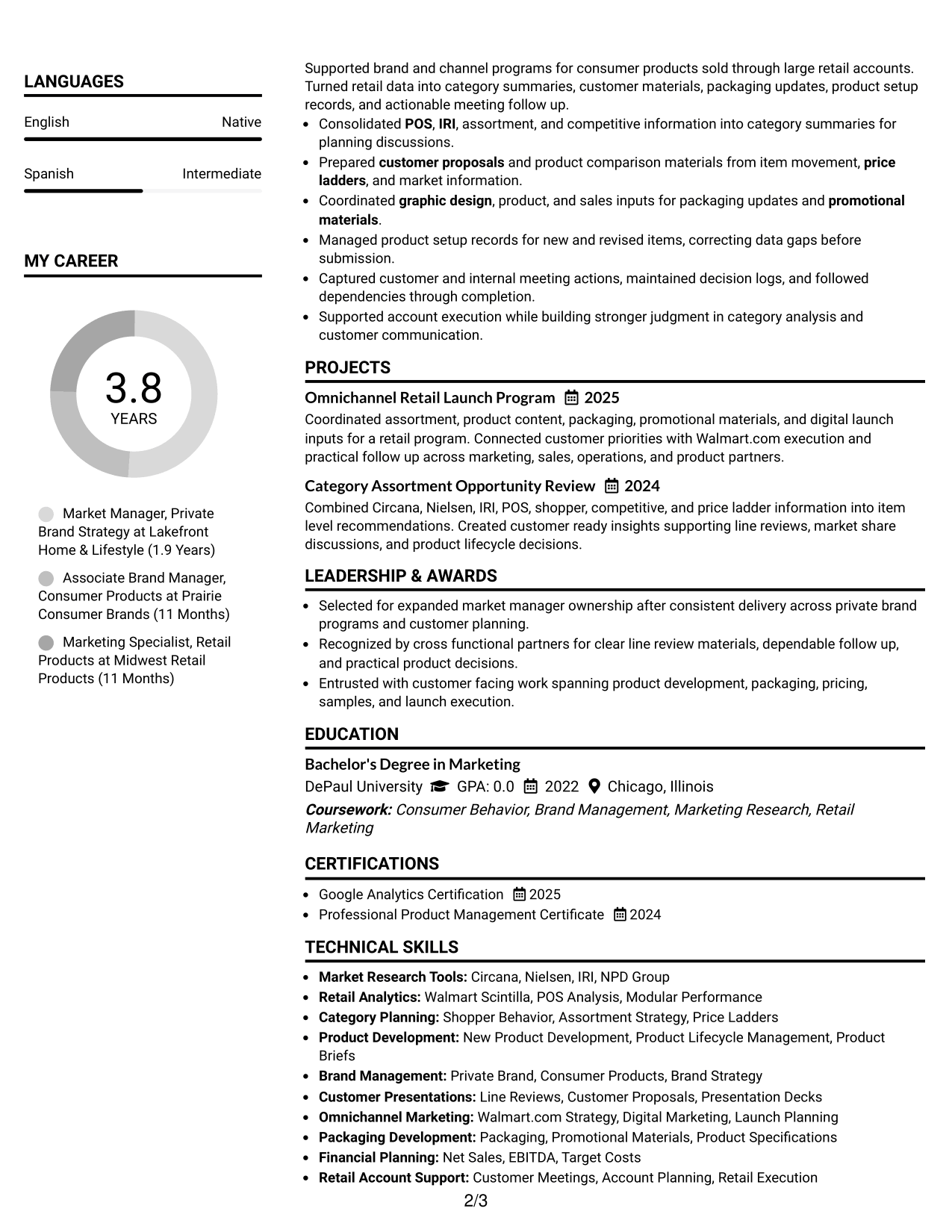
Resume Snapshot
- Four years of consumer products marketing experience
- Market Manager experience with private brand and category initiatives
- Bachelor's Degree in Marketing from DePaul University
- Hands-on work with Circana, Nielsen, IRI, and Walmart Scintilla
Why This Format Works
- Two columns separate career experience from supporting skills and credentials clearly.
- The main column keeps career progression easy to follow from role to role.
- Compact supporting sections help recruiters locate education and skills without interrupting experience.
Best For
- Resumes with many supporting skills
- Clear separation of experience and credentials
- Readers comparing career growth quickly
- Applications with balanced evidence
- Professionals needing compact organization
Resume Keywords
- Global Market Manager
- Private Brand
- New Product Development
- Category Analytics
- POS Analysis
- Walmart Scintilla
- Circana
- Nielsen
- IRI
- Assortment Strategy
- Product Lifecycle Management
- Omnichannel Marketing
- Line Reviews
- Customer Presentations
- Packaging
#2 Simple One Column Format Resume Example
This one-column format lets recruiters read every resume section in a direct top-to-bottom sequence.
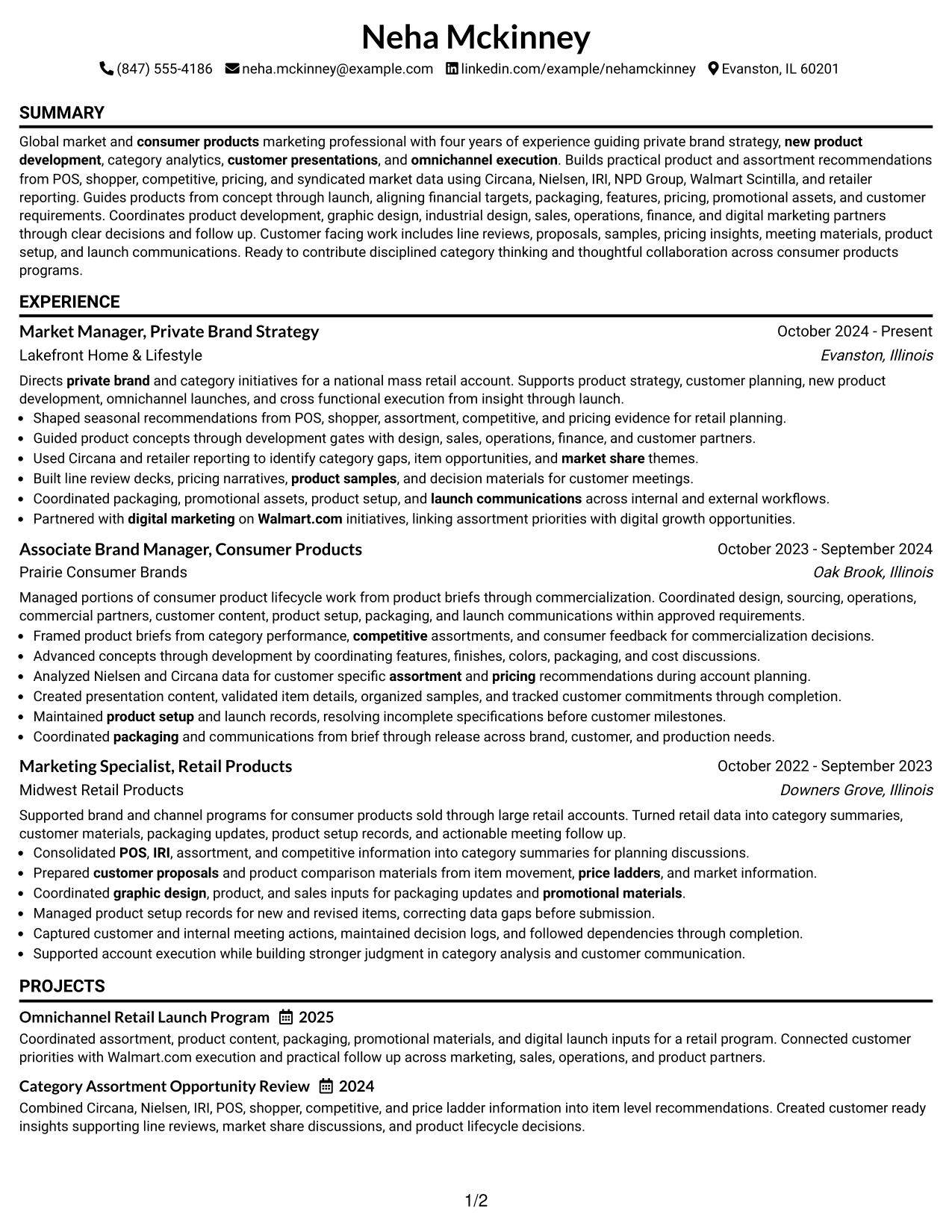
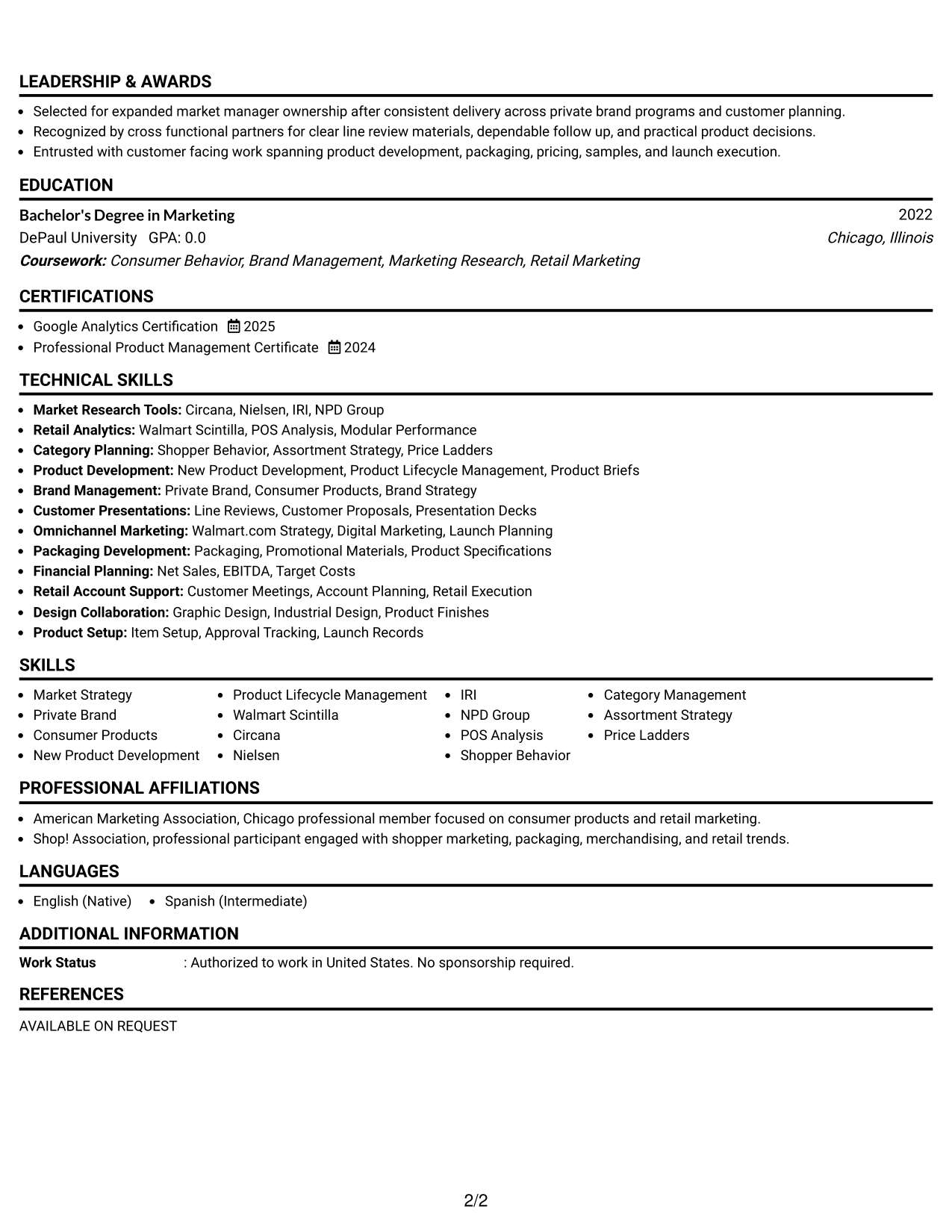
Why This Format Works
- One reading path keeps experience and achievements in a simple sequence.
- Full-width sections give detailed career entries room to remain readable.
- Education and credentials follow naturally after the main experience story.
Best For
- Straightforward recruiter scanning
- Experience-heavy resumes
- Longer bullet descriptions
- Simple section hierarchy
- Conservative application settings
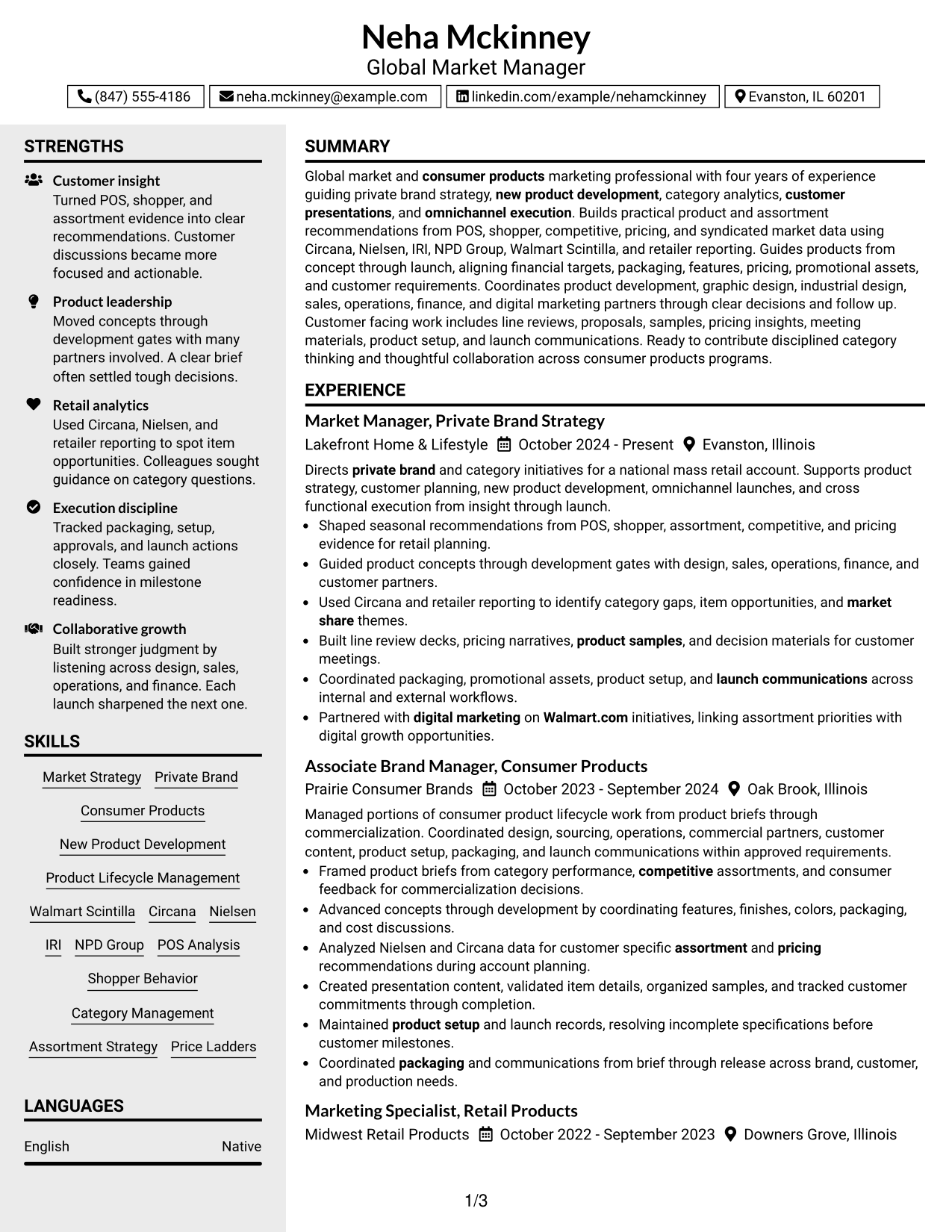
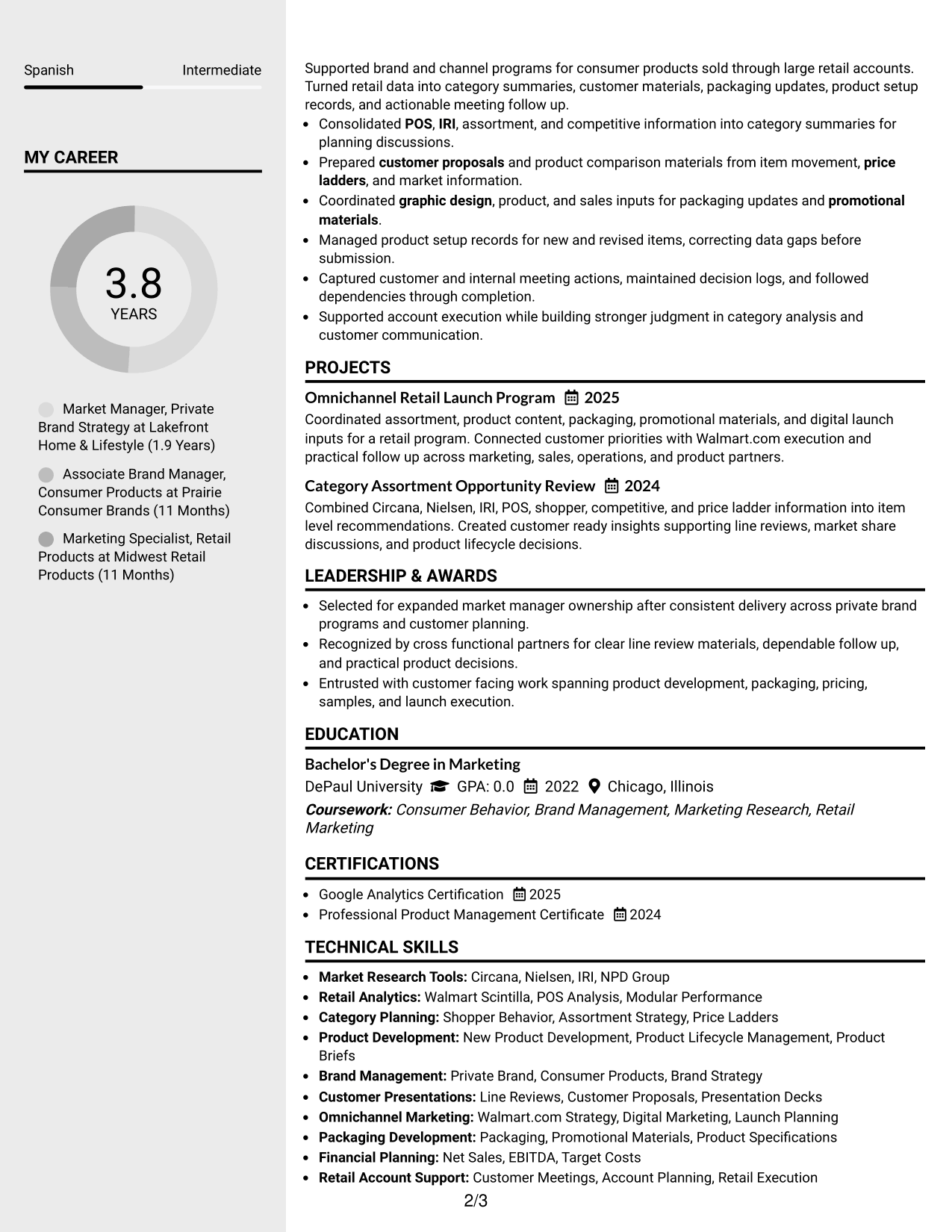
#3 Clean Two Column Sidebar Format Resume Example
This two-column sidebar format helps recruiters keep the main career story separate from shorter supporting details.
Why This Format Works
- A sidebar creates a stable area for skills and other supporting information.
- Experience keeps a distinct reading lane, helping career progression stay easy to trace.
- Separated sections reduce competition between detailed achievements and shorter credentials.
Best For
- Resumes with broad skill inventories
- Strong main career narrative
- Supporting details needing quick access
- Frequent recruiter skimming
- Clear visual section separation
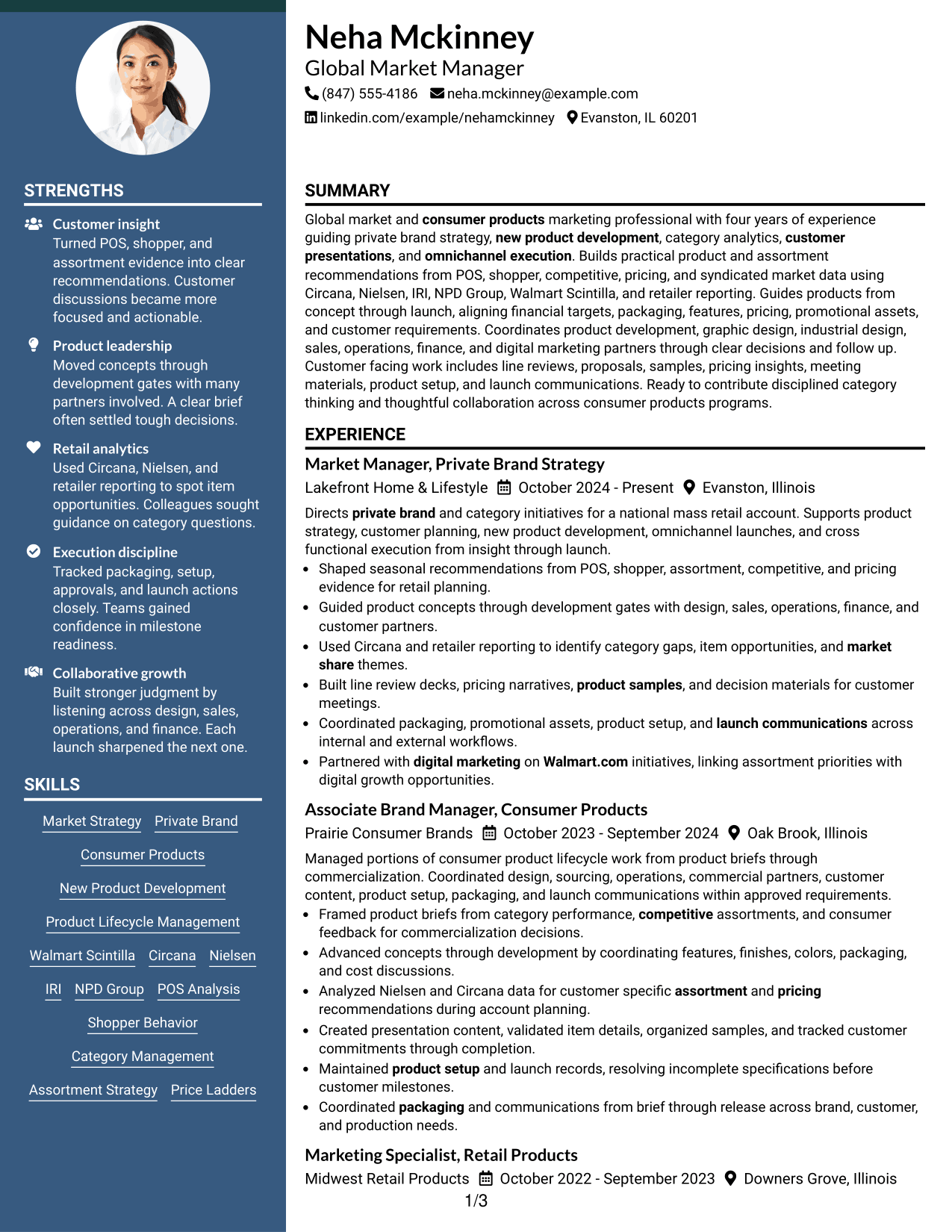
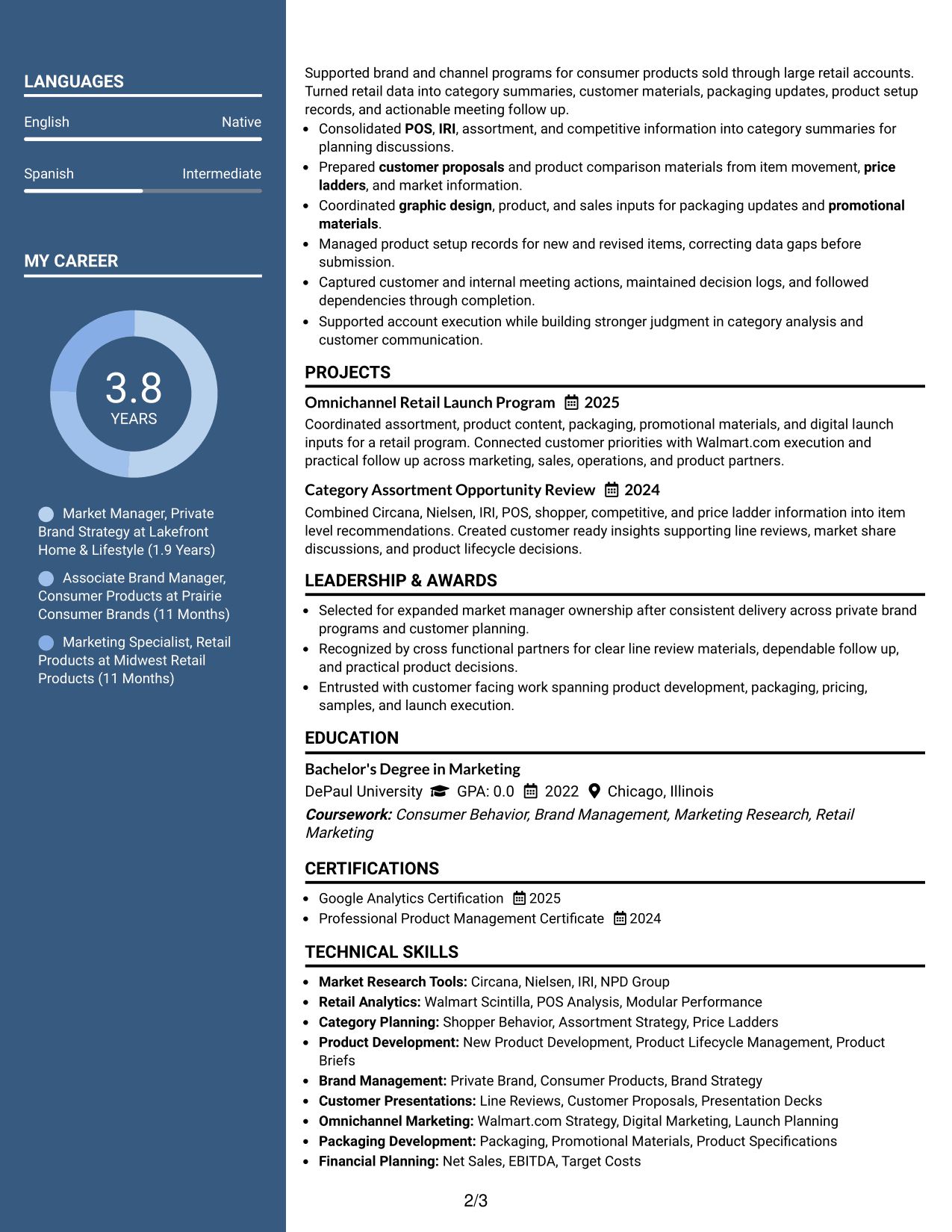
#4 Two Column Format Resume Example
This balanced two-column format helps recruiters compare core experience with supporting resume information without losing reading order.
Why This Format Works
- Parallel columns keep experience visible while giving supporting sections useful space.
- Clear section boundaries help achievements and skills remain distinct during review.
- Balanced structure lets education and credentials stay visible beside the career record.
Best For
- Balanced career and skills content
- Applications with several supporting sections
- Readers comparing sections side by side
- Moderate detail across the resume
- Professionals wanting structured density
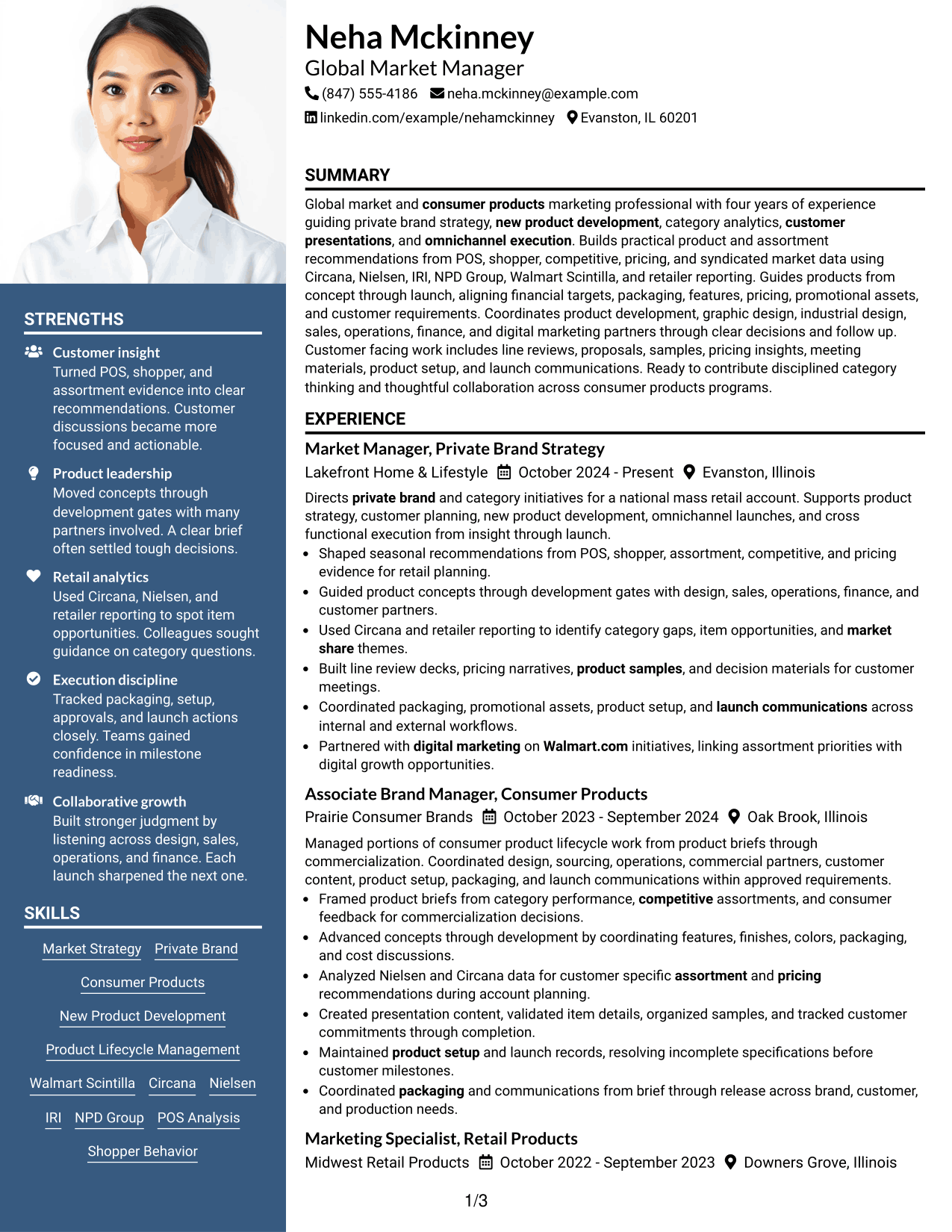
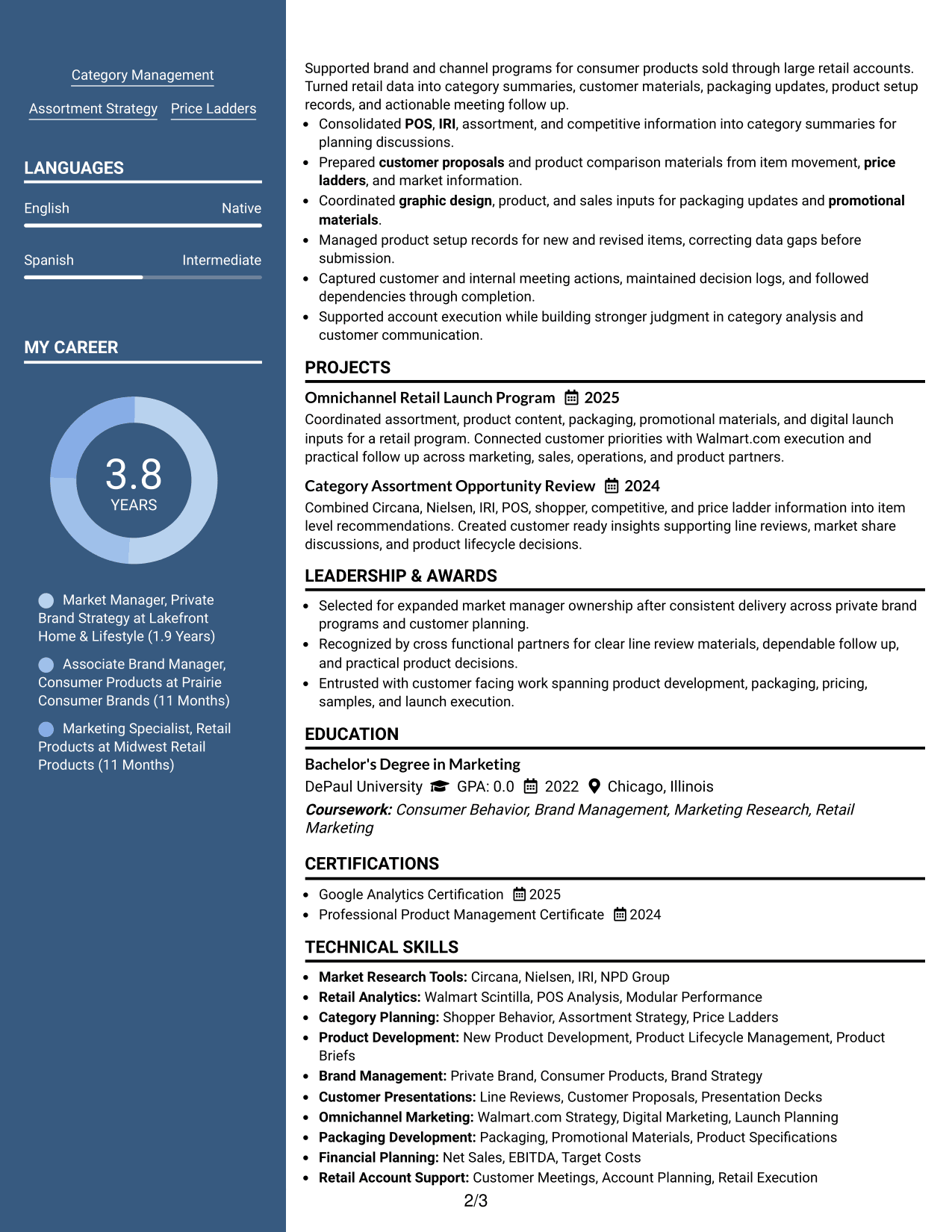
#5 Photo Header Two Column Format Resume Example
This photo-header two-column format gives recruiters a clear identity area while preserving separate lanes for career and supporting content.
Why This Format Works
- The photo header identifies the applicant without changing the resume's body organization.
- Two columns keep detailed experience separate from shorter skills and credentials.
- Section separation helps recruiters scan achievements while retaining a clear career sequence.
Best For
- Regions where resume photos are customary
- Applications needing visible personal identification
- Content with distinct supporting sections
- Resumes combining detail and quick scanning
- International presentation needs
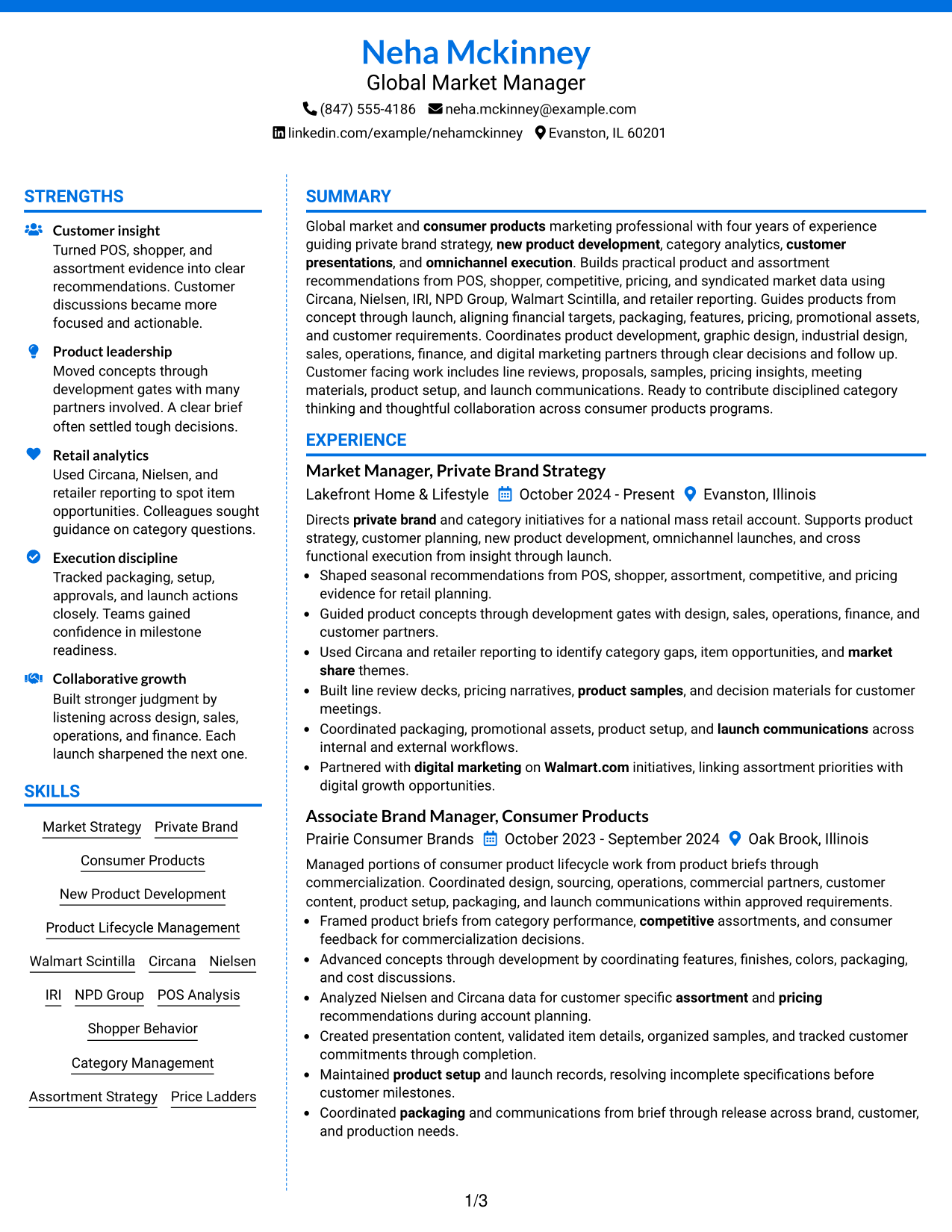
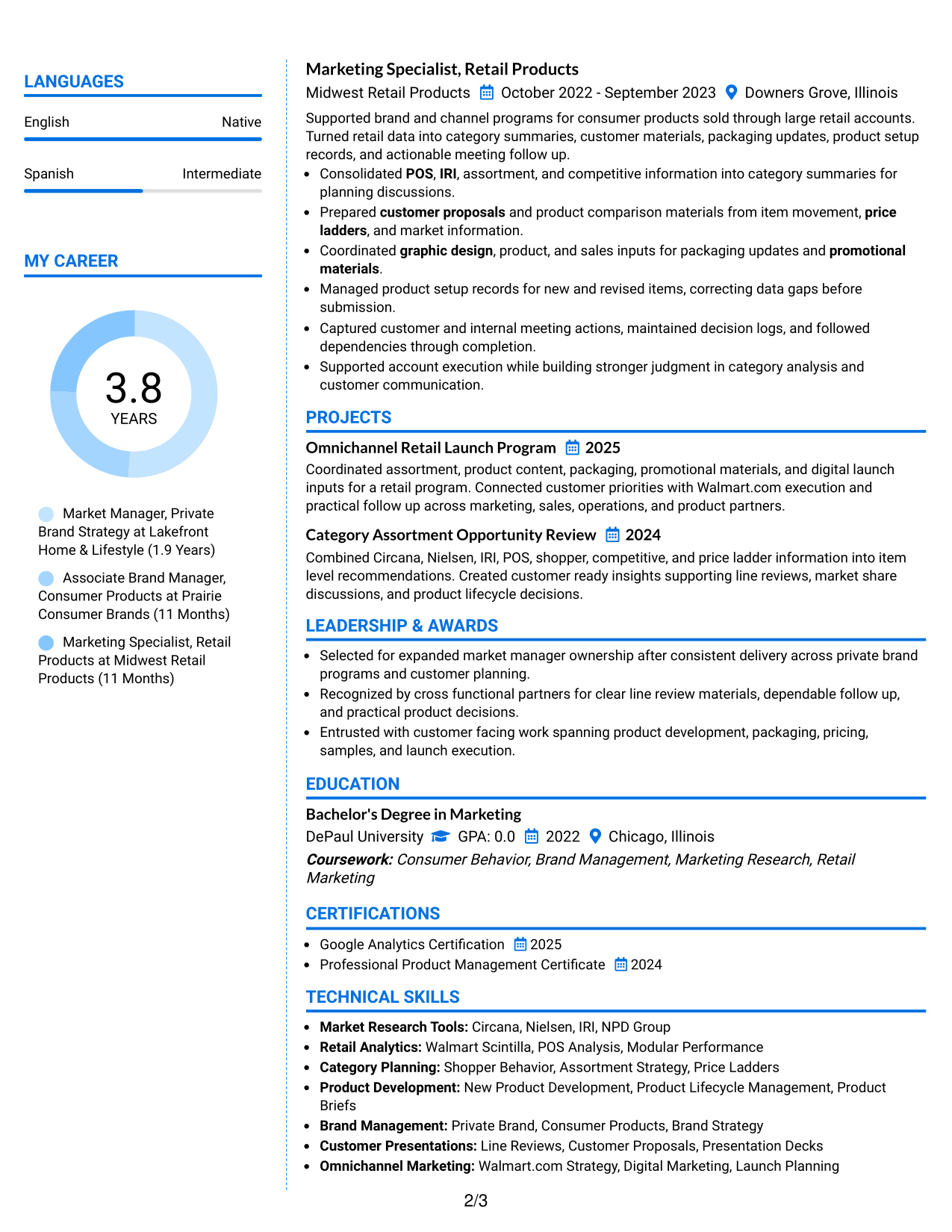
#6 Colored Two Column Format Resume Example
This colored two-column format uses visual contrast to help recruiters distinguish major resume sections while following a stable reading structure.
Why This Format Works
- Color contrast marks section boundaries, making experience and credentials easier to locate.
- Two-column organization gives achievements room while keeping supporting details compact.
- Distinct section areas help skills stay findable during a fast recruiter review.
Best For
- Readers who benefit from stronger section cues
- Resumes with varied information types
- Applications allowing restrained color
- Career evidence needing visual grouping
- Quick scanning across dense content
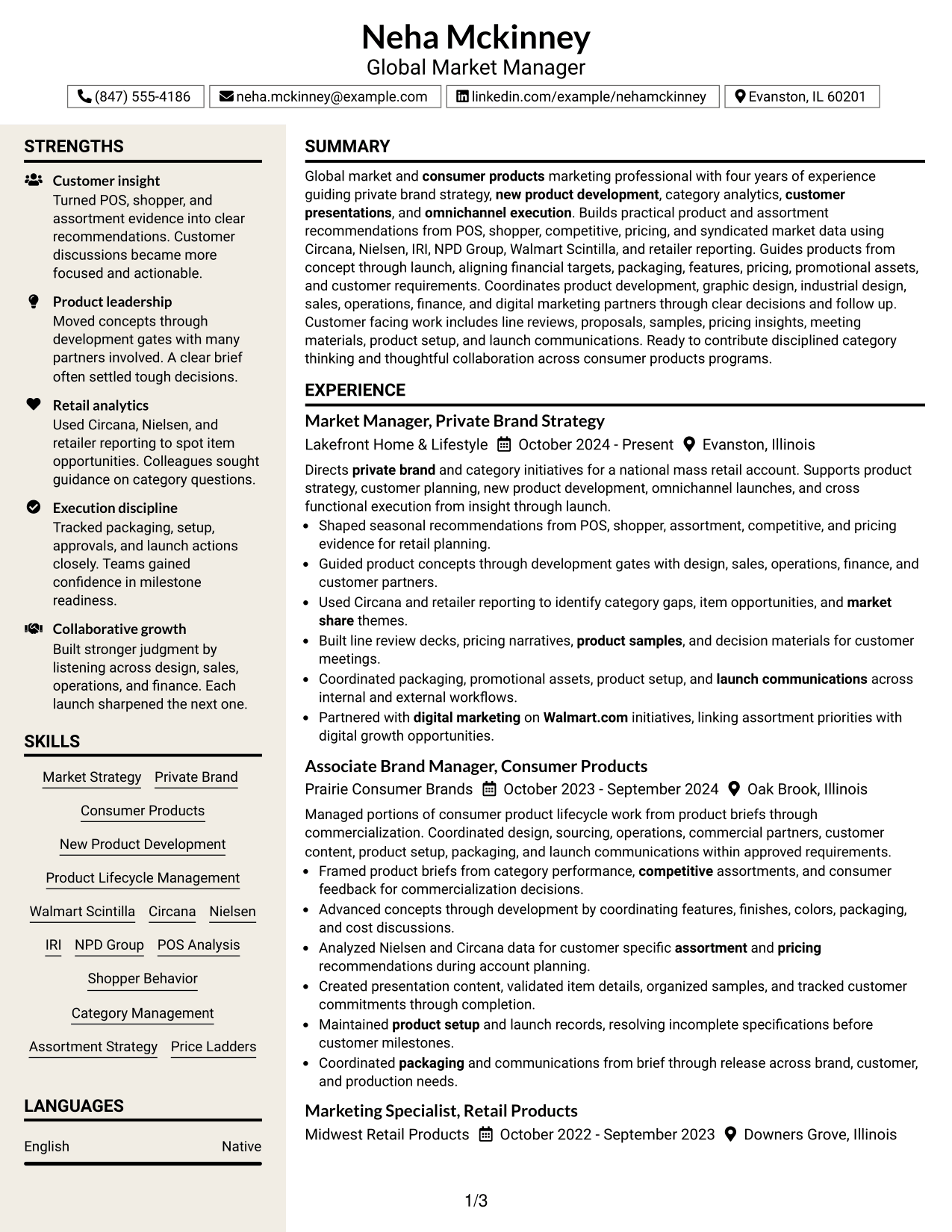
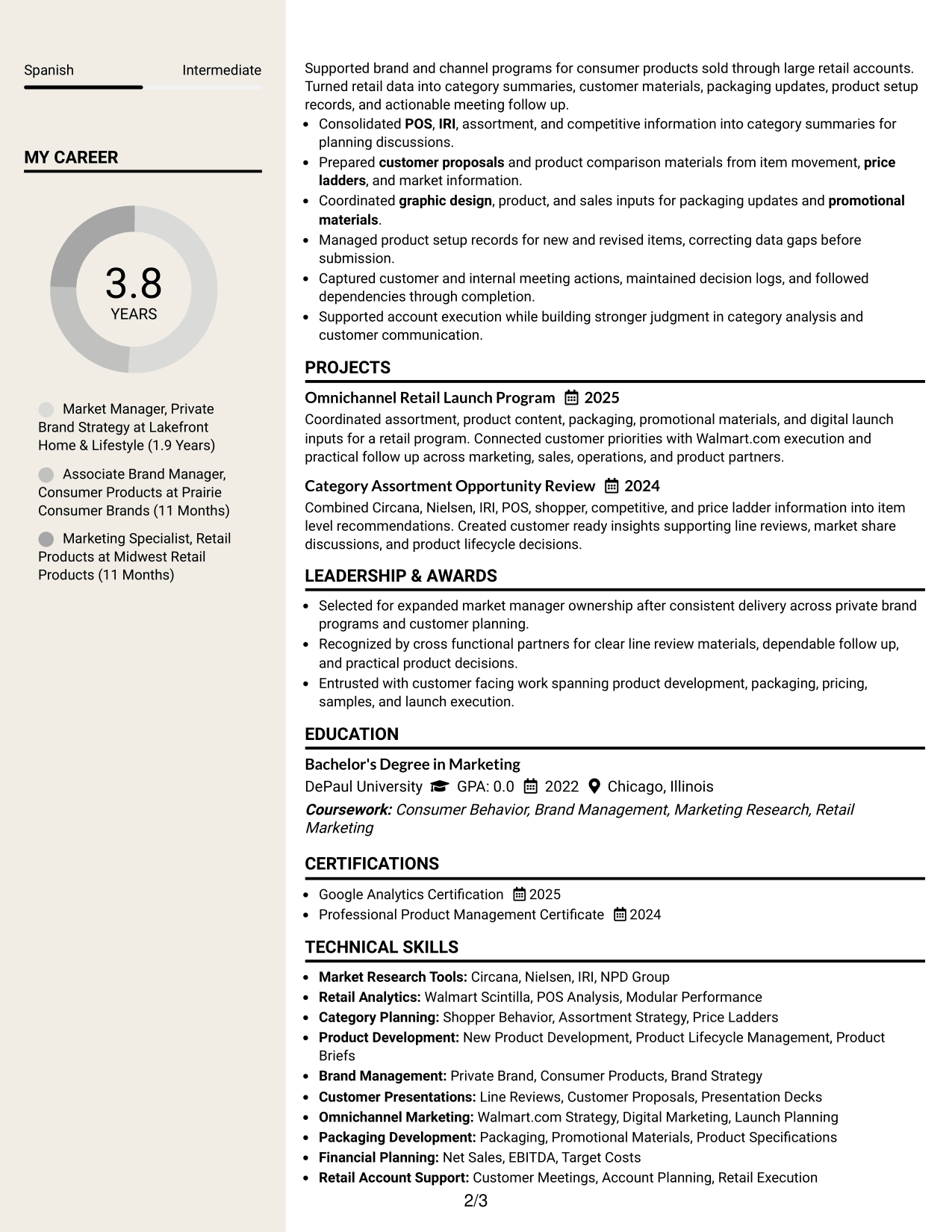
#7 Stylish Two Column Designer Format Resume Example
This stylish two-column designer format gives recruiters clear section separation with a more expressive visual presentation.
Why This Format Works
- Strong visual sections guide the eye between experience, skills, and credentials.
- Two-column structure keeps supporting content compact beside the main career record.
- Clear grouping helps achievements remain separate from education and other qualifications.
Best For
- Applications welcoming stronger visual styling
- Professionals with several content categories
- Readers needing obvious section changes
- Resumes balancing detail with design
- Presentation-conscious career materials
Why Build Your Global Market Manager I Resume with ResumeInMinutes
ResumeInMinutes helps you turn detailed market, product, customer, and launch work into a resume that is easier to scan and tailor for a Global Market Manager I application.
- ATS-friendly section structure
- Role-focused keyword guidance
- Clear experience and skills organization
- Readable project and credential sections
- Free PDF resume previews
- Fast resume customization support
Use the builder to keep your summary, experience, projects, education, certifications, tools, and skills aligned with the evidence you can support.
See Also
- 33 Capital Markets Investment Analyst Intern Resume Templates with Example 2026 (ATS-Optimized)
- 7 Consumer and Market Insights Summer Intern Resume Templates with Example
- 7 Principal Mid-Market Account Executive Resume Templates with Example
- 33 Wealth Management Intern: Market Research & Client Insights Resume Templates with Example 2026 (ATS-Optimized)
- 7 Academic Program Specialist - Global Academic Programs Resume Templates with Example
- 7 Associate Counsel, Global Regulatory Affairs Resume Templates with Example
- 7 Global Category Manager Expert - Machined Components Resume Templates with Example
- 33 Global Corporate Banking Summer Analyst Program Resume Templates with Example 2026 (ATS-Optimized)
- 30+ Capital Markets Investment Analyst Intern Cover Letter Templates with Example 2026
- 30+ Wealth Management Intern: Market Research & Client Insights Cover Letter Templates with Example 2026
Frequently Asked Questions
Are these Global Market Manager I resume templates ATS-friendly?
They use clear headings and standard resume sections that support ATS scanning. Keep your wording accurate and use role terms only when they match your experience.
Are these different resumes?
No. This guide shows one complete Global Market Manager I resume in different visual formats so you can compare how the same content is organized.
What should a Global Market Manager I resume include?
Include a focused summary, relevant experience, market and category analysis, product development work, customer-facing responsibilities, education, skills, tools, projects, and certifications that you can support.
Which keywords are useful for a Global Market Manager I resume?
Useful terms may include private brand, New Product Development, POS analysis, shopper behavior, assortment strategy, product lifecycle management, line reviews, omnichannel marketing, Circana, Nielsen, IRI, and Walmart Scintilla.
Can I download the resume templates as PDFs?
Yes. Each design includes a free PDF preview so you can review the layout before choosing the format you want to use.
Which resume style should I choose for this role?
Choose the format that makes your strongest evidence easiest to scan. A simple one-column layout gives a direct reading path, while a clear two-column layout can separate supporting details from the main career story.
Should I include a photo on my resume?
Include a photo only when it is normal or expected for the country and application. For U.S. applications, a no-photo resume is usually the safer choice.
Can I customize these resume templates?
Yes. You can adjust the text, section order, design, and PDF layout while keeping the content accurate for your Global Market Manager I application.