
7 Grant Management Analyst - Public Sector Budgeting Cover Letter Templates with Example
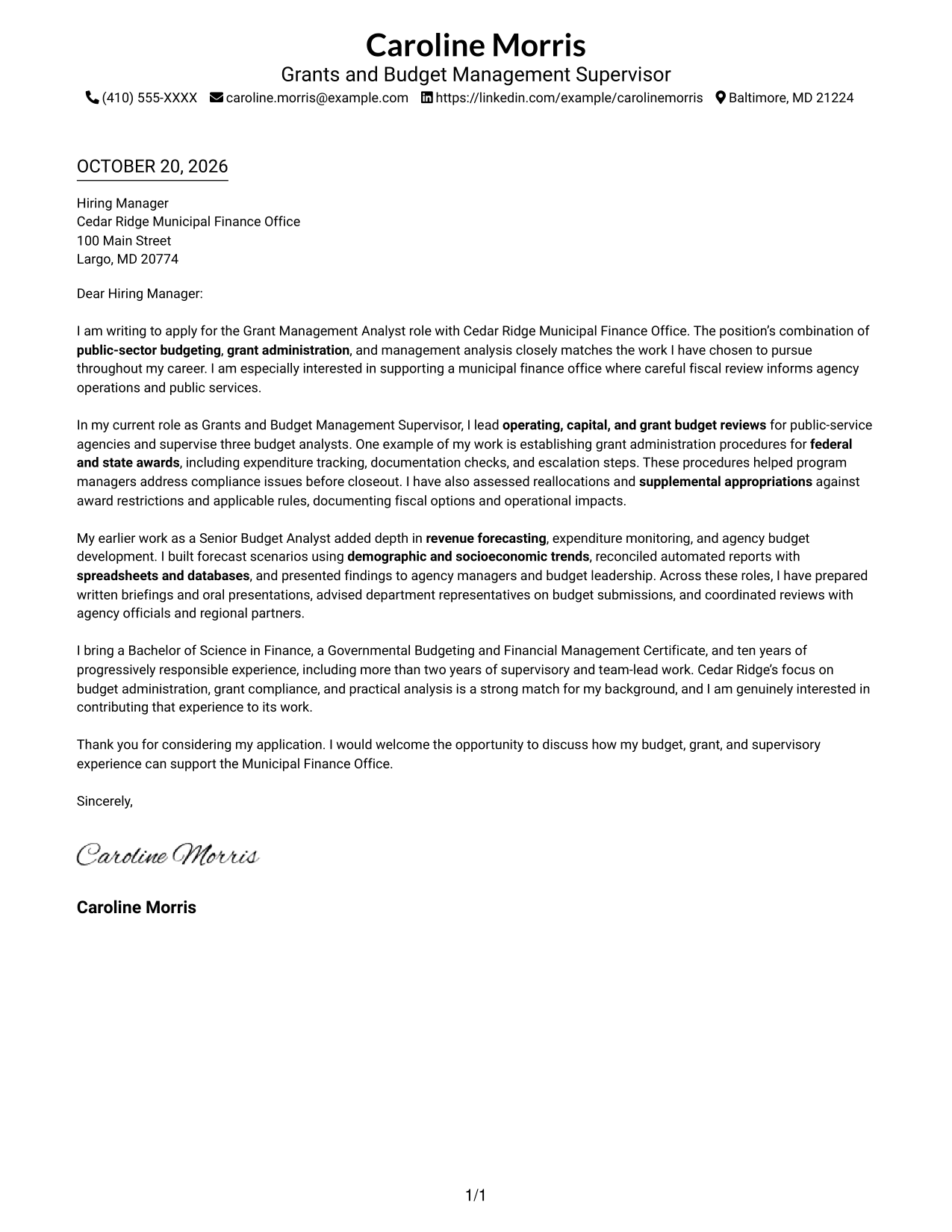
This practical guide helps you create a Grant Management Analyst - Public Sector Budgeting cover letter and compare its seven layouts.
What Makes a Great Grant Management Analyst - Public Sector Budgeting Cover Letter in 2026
A strong cover letter opens with a clear reason for applying, then connects budget development, grant administration, and management analysis to the role.
Use a specific example, such as grant controls or expenditure review, to show how you work. Link that evidence to sound public spending and effective agency service.
The featured example moves from interest in public-sector budgeting to a specific grant-procedure example, broader forecasting and agency analysis, and a direct close. Adapt this progression while choosing a presentation that suits the employer and communication context.
#1 Simple One Column Format Cover Letter Example
A single-column page keeps sender details in the header and the letter body together, giving the message a direct reading path.
Why This Format Works
- Sender details remain in the header, apart from the continuous letter body.
- Paragraphs carry the opening, evidence, and closing in one clear sequence.
- A single-column page supports a familiar, direct reading path.
Best For
- Single-column page preference
- Header-based contact details
- Continuous paragraph letters
- Text-focused correspondence
- Applications without a photo
#2 Two Column Format Cover Letter Example
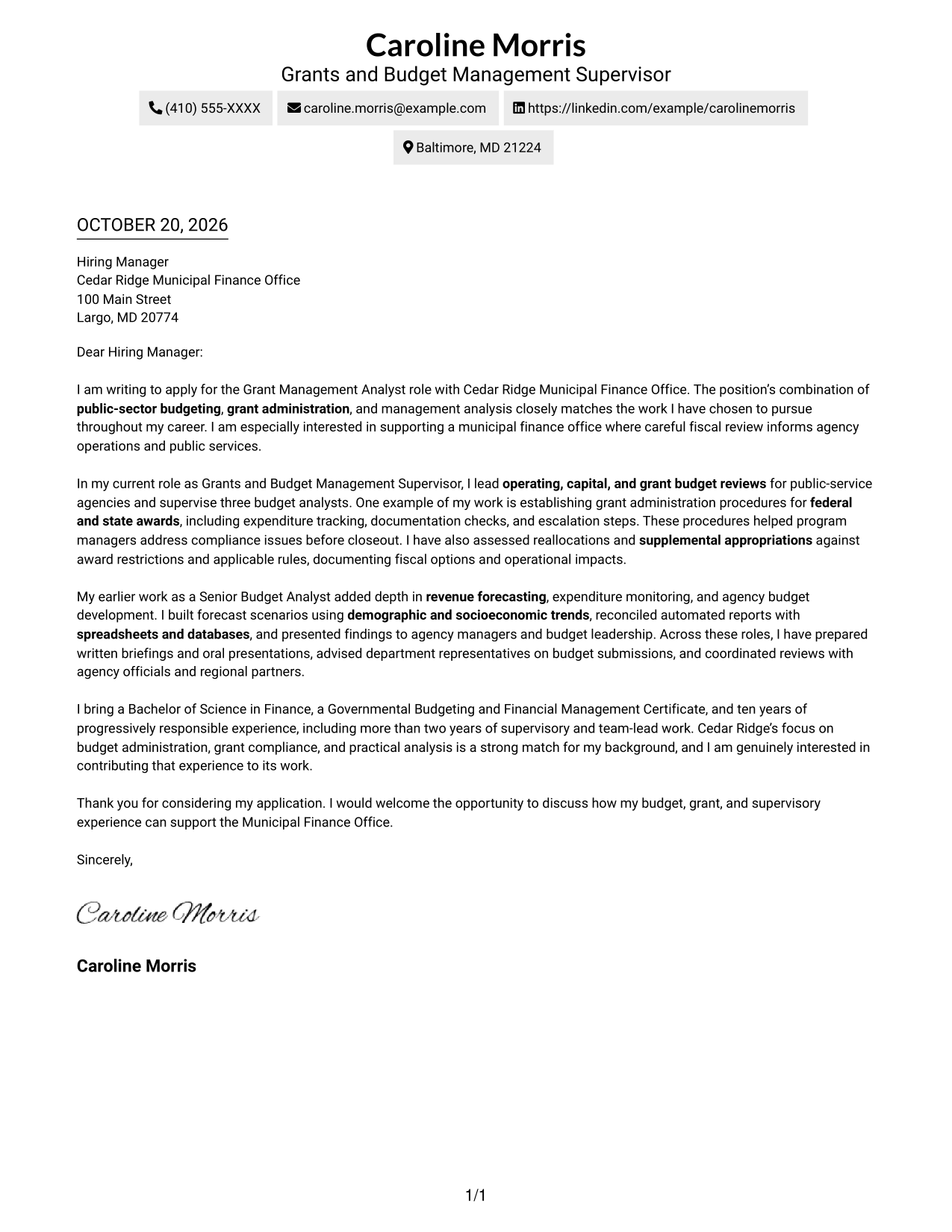
The contact sidebar sits beside one continuous letter body, a practical choice when sender details should stay distinct from the message.
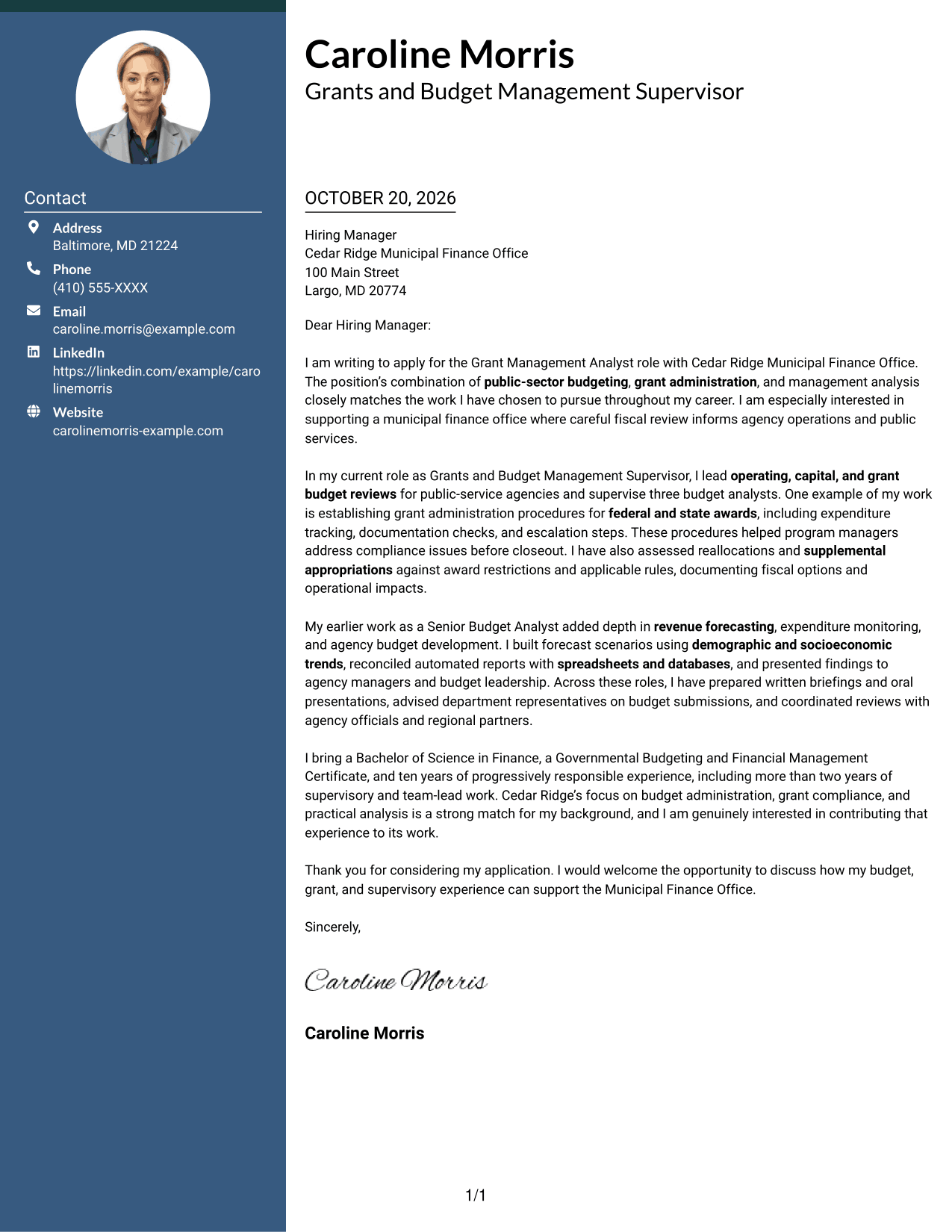
Why This Format Works
- Contact details sit beside, rather than interrupting, the letter's paragraphs.
- One continuous body preserves the order of motivation, evidence, and closing.
- The side-by-side layout keeps sender information readily visible.
Best For
- Contact sidebar preference
- Continuous letter-body prose
- Two-column page preference
- Text-focused application letters
- No-photo correspondence
#3 Photo Header Two Column Format Cover Letter Example
A photo header adds a visible personal detail above the contact sidebar and continuous letter body, suiting readers who want a portrait included.
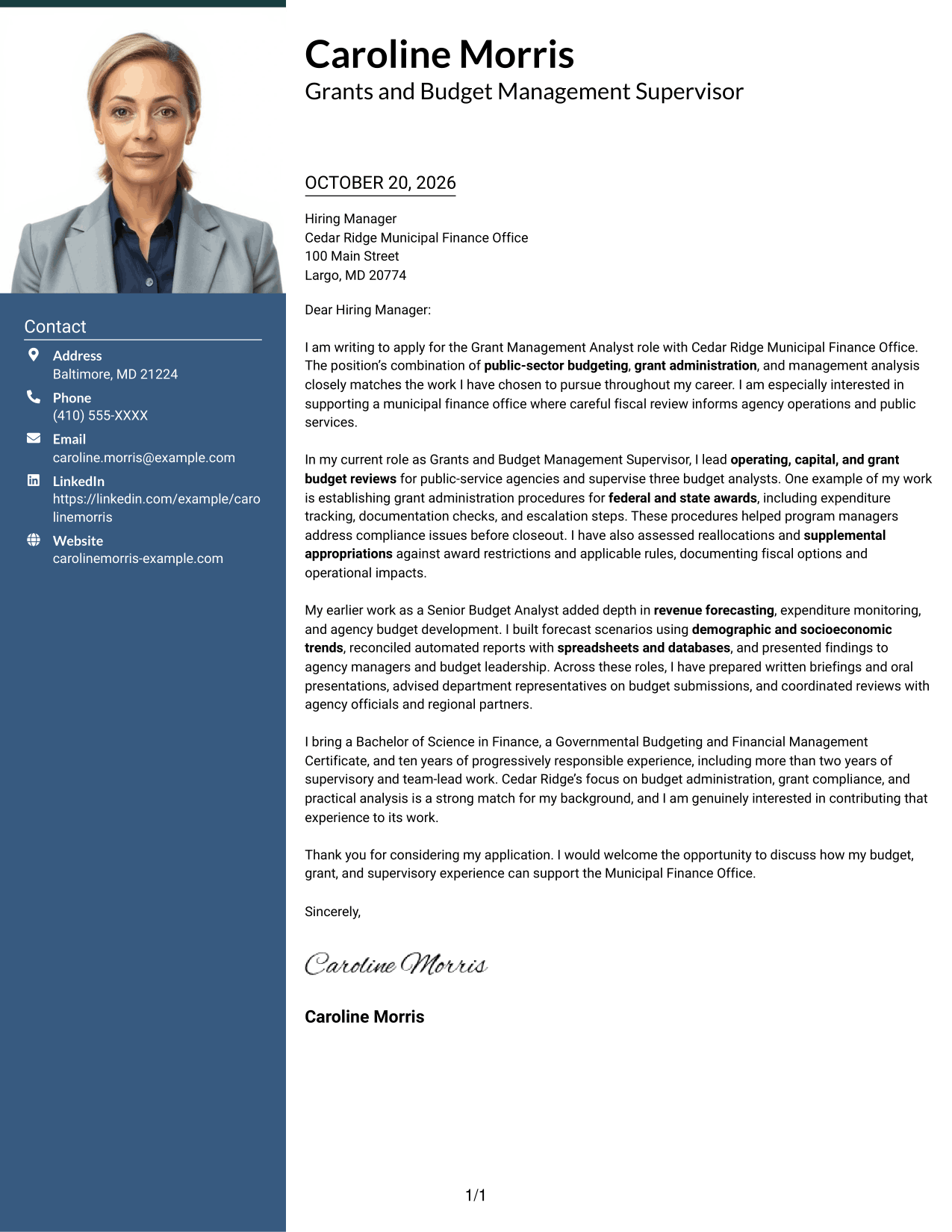
Why This Format Works
- The sidebar keeps contact information separate from the letter's central message.
- A photo in the header adds a visual detail without dividing the letter.
- Paragraphs maintain a connected path from the opening through the closing.
Best For
- Photo in the header
- Sidebar contact details
- Continuous prose letters
- Two-column page layout
- Applications requesting a portrait
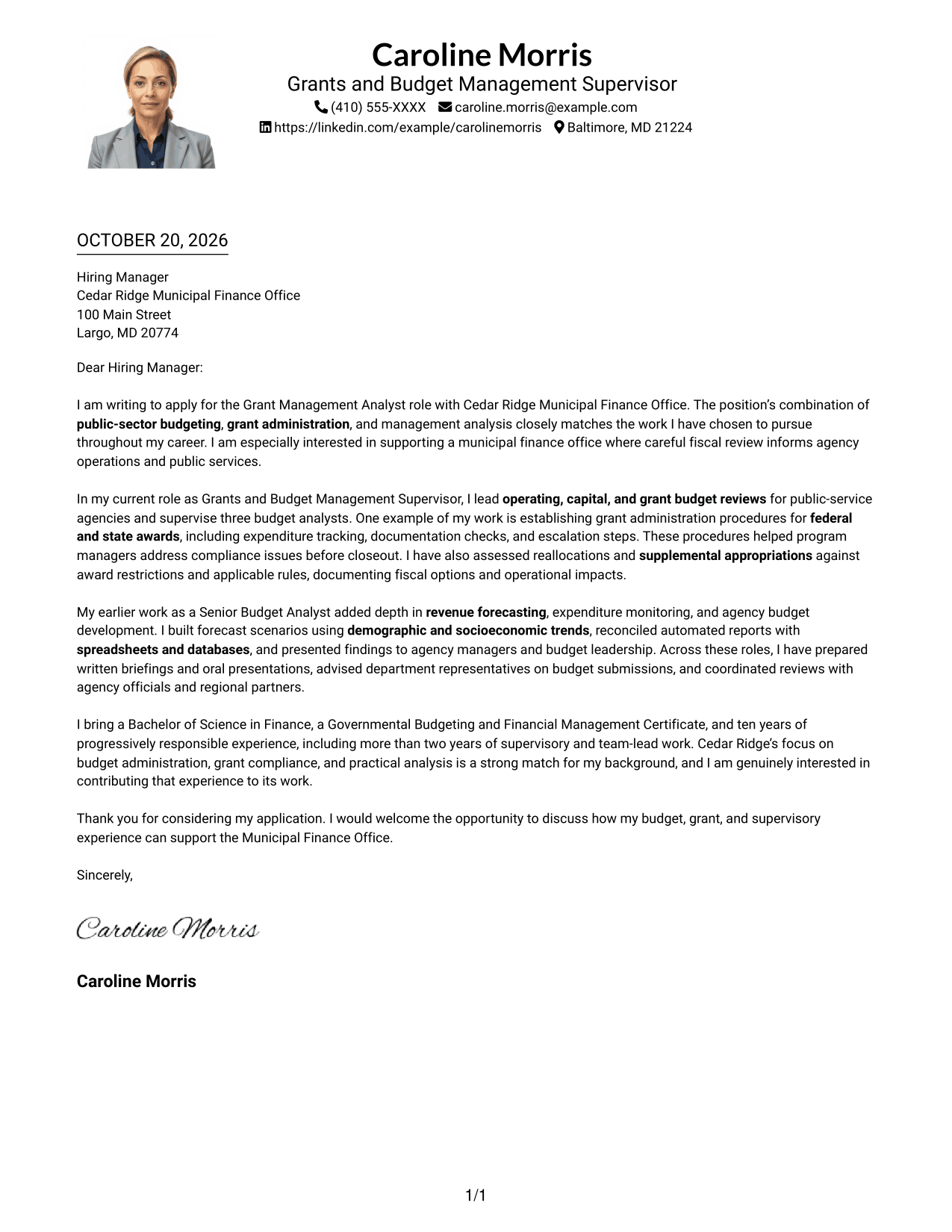
#4 One Column Format with Photo Cover Letter Example
The one-column layout includes a photo while keeping sender details in the header, a practical choice for a direct letter with a portrait.
Why This Format Works
- Sender details stay in the header above the continuous letter body.
- The photo adds a personal visual element without changing the letter's structure.
- A single column keeps the opening, supporting points, and closing in sequence.
Best For
- One-column letter preference
- Header-based contact details
- Photo-inclusive correspondence
- Continuous paragraph format
- Applications requesting a portrait
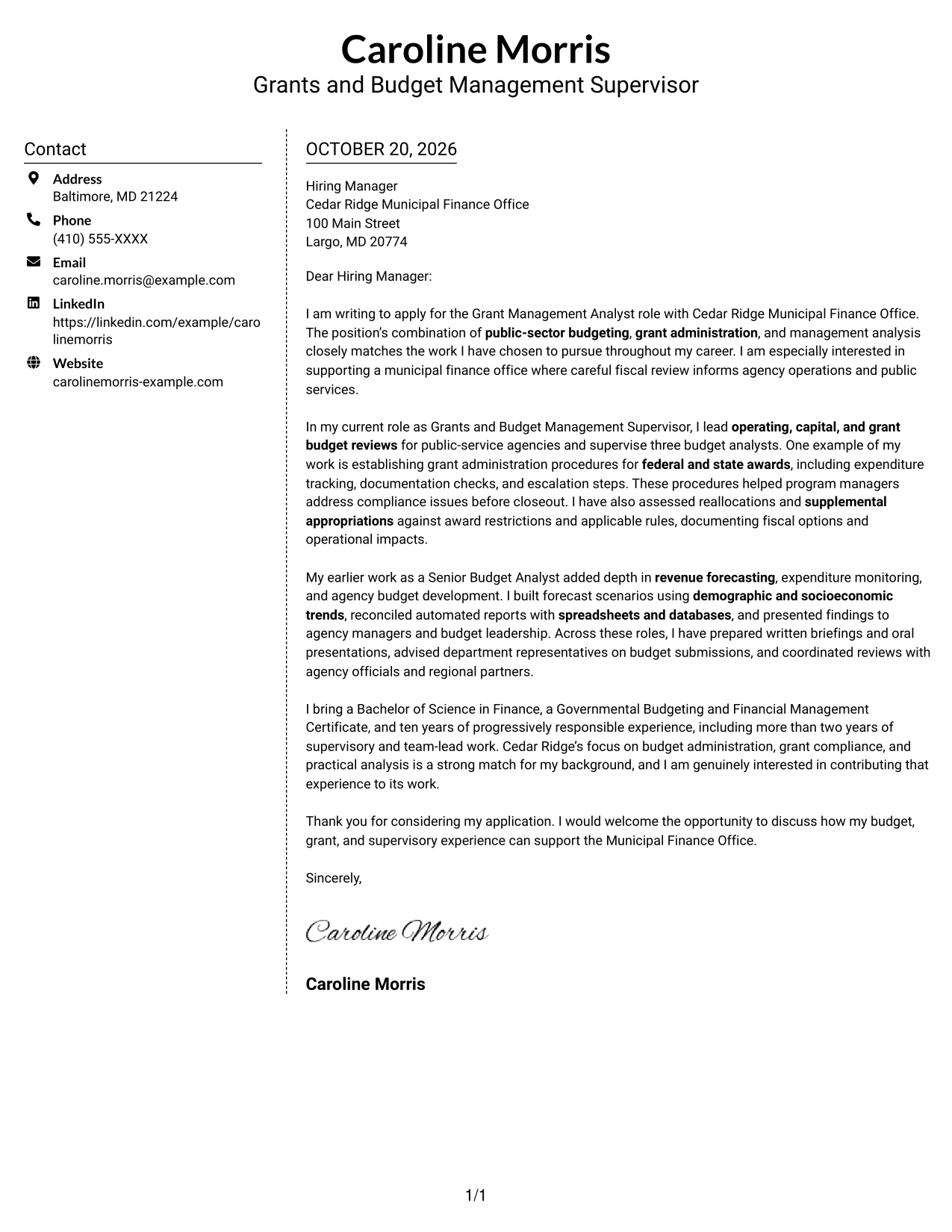
#5 Simple Two Column Format Cover Letter Example
Contact details occupy a sidebar beside the uninterrupted letter body, making this two-column format useful when contact information needs its own area.
Why This Format Works
- The contact sidebar gives sender information a distinct place beside the message.
- The letter's paragraphs remain together instead of splitting into parallel columns.
- A two-column arrangement separates contact details from the persuasive text.
Best For
- Sidebar-based contact details
- Uninterrupted letter paragraphs
- Two-column page preference
- Text-led correspondence
- No-photo applications
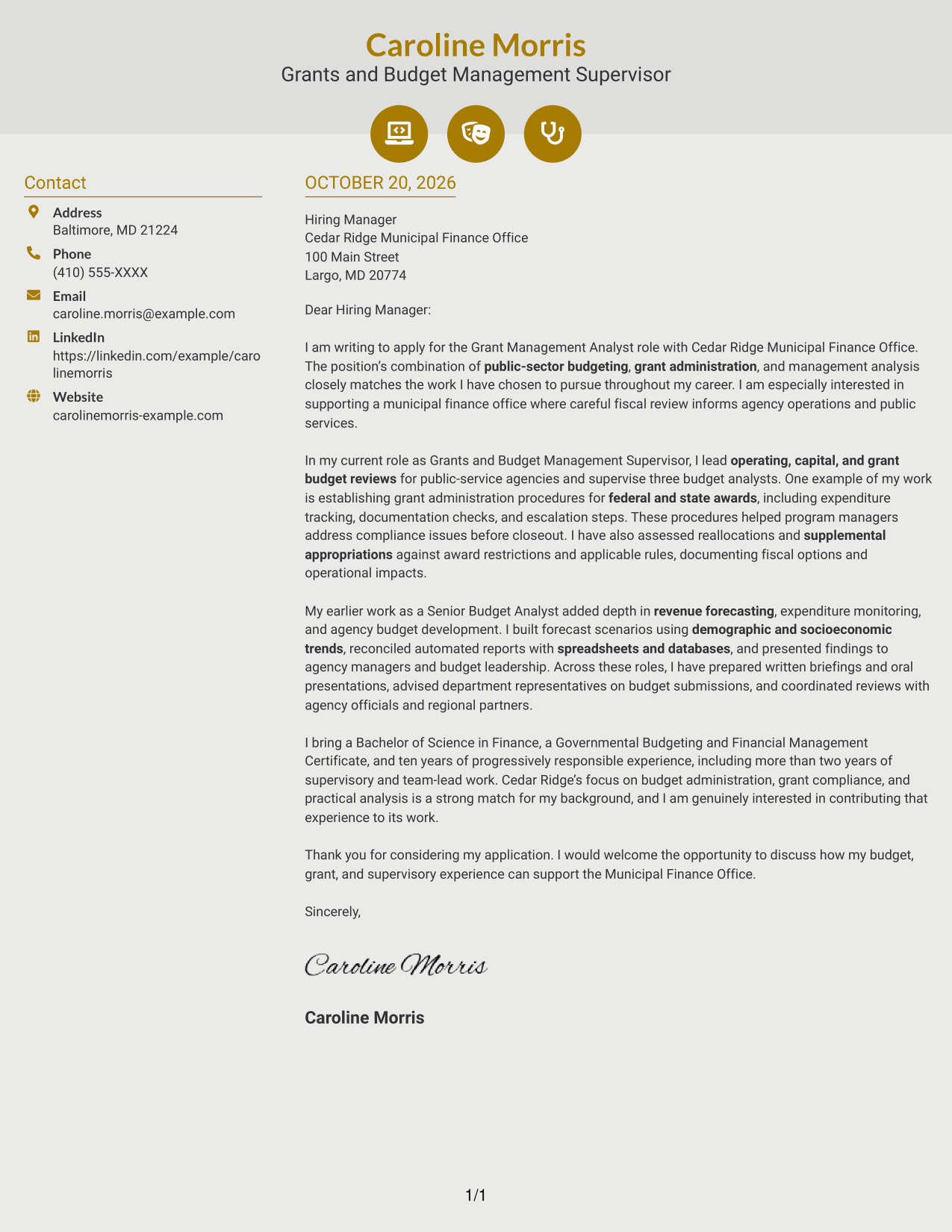
#6 Modern Icon Format Cover Letter Example
Contact cues and decorative header icons accompany a sidebar and one continuous letter body, a practical choice when small visual markers should identify contact details.
Why This Format Works
- Icons provide cues for contact details without labeling the letter's argument.
- The sidebar keeps sender information apart from the continuous letter body.
- Opening, supporting points, and closing remain in a single paragraph sequence.
Best For
- Icon-cued contact details
- Two-column page preference
- Continuous paragraph argument
- Decorative header accents
- Text-led applications
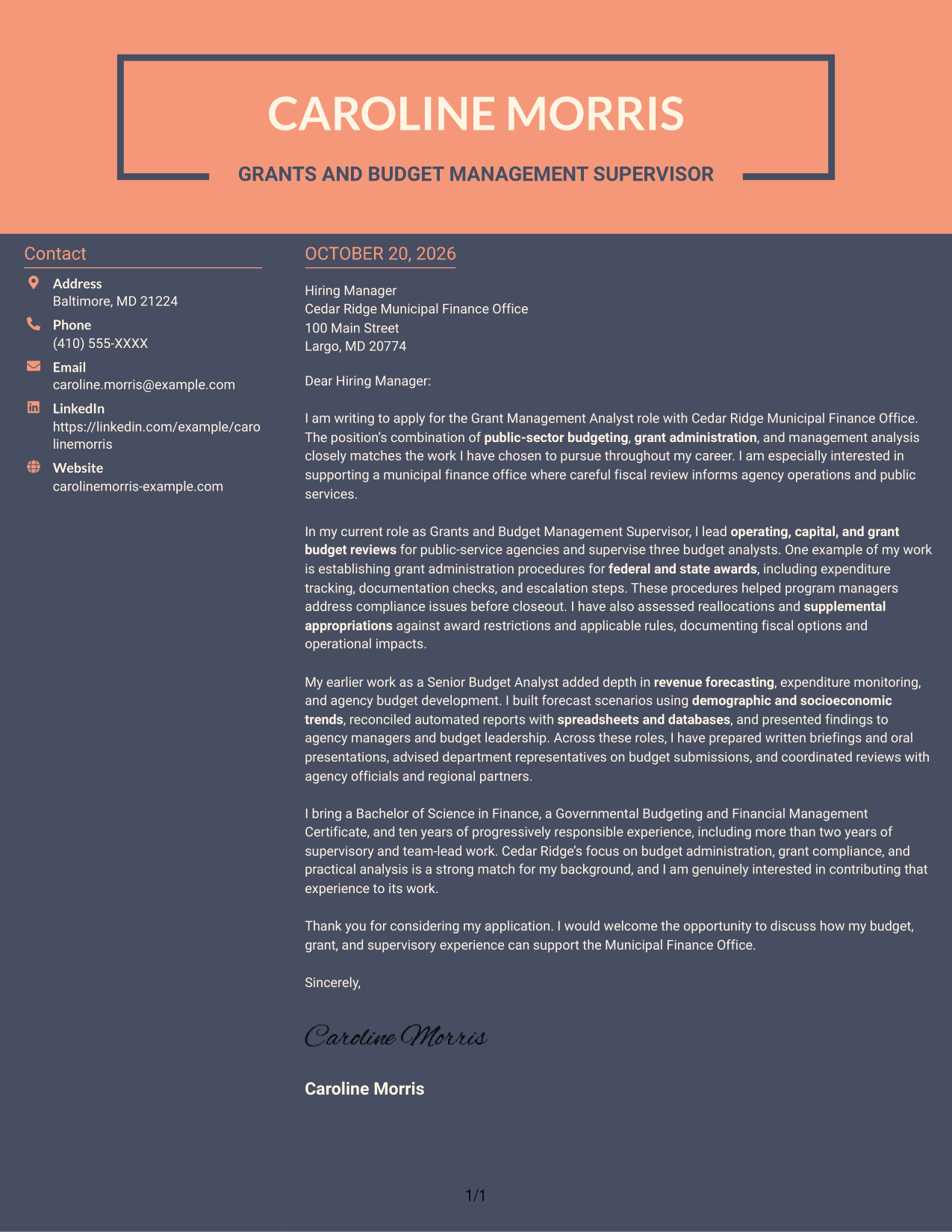
#7 Creative Two Tone Format Cover Letter Example
The two-column arrangement places sender details beside one continuous letter body, a useful choice for keeping contact information apart from the message.
Why This Format Works
- The sidebar keeps contact information outside the letter's paragraph sequence.
- The continuous body lets motivation, evidence, and closing read as one message.
- A two-column page gives sender details and letter text separate areas.
Best For
- Contact sidebar preference
- Continuous letter-body flow
- Two-column page layout
- Text-focused correspondence
- Applications without a photo
Why Use ResumeInMinutes for a Grant Management Analyst - Public Sector Budgeting Cover Letter
ResumeInMinutes offers clear cover letter examples and editor links to help you shape a focused application for public-sector budgeting.
- PNG image previews
- Editor links to view or customize examples
- Role-focused cover letter guidance
- Clear opening, body, and closing structure
- Guidance on budget and grant experience
- Professional presentation options
Compare the image previews, then open an example in the editor to view or customize it. Use the letter structure to explain your motivation, relevant evidence, and fit for public-sector budgeting.
See Also
- 7 Grant Management Analyst - Public Sector Budgeting Resume Templates with Example
- 7 Junior Public Safety Analyst Resume Templates with Example
- 33 Public Health Research Analyst Resume Templates with Example 2026 (ATS-Optimized)
- 7 Senior Public Works Management Analyst Resume Templates with Example
- 33 Accounts Payable Analyst - Invoice Processing Resume Templates with Example 2026 (ATS-Optimized)
- 33 Accounts Payable Analyst Resume Templates with Example 2026 (ATS-Optimized)
- 7 AI Operations Adoption and Enablement Analyst Resume Templates with Example
- 33 All Source Intelligence Analyst - Intelligence Analysis Resume Templates with Example
- 30+ Accounts Payable Analyst Cover Letter Templates with Example 2026
- 7 AI Operations Adoption and Enablement Analyst Cover Letter Templates with Example
Frequently Asked Questions
What should the opening paragraph say for this role?
State your interest in the Grant Management Analyst - Public Sector Budgeting role and connect it to public-sector budgeting, grant administration, or management analysis. Keep the reason specific and direct.
What evidence belongs in the body of the cover letter?
Choose a relevant example, such as setting grant procedures, reviewing expenditures, assessing appropriations, or preparing revenue forecasts. Explain your contribution and the value of the work.
How can I show alignment with a public finance office?
Connect your experience to the office's work in budget development, grant oversight, and clear fiscal recommendations. Use only details that reflect your actual background and genuine interest.
How can I compare the cover letter examples?
Review the PNG image previews to compare how each presentation handles the letter's opening, body, and closing. Use the editor links to view or customize an example.
How should I close this cover letter?
Briefly restate your interest and the value you could bring to public-sector budget and grant work. Thank the reader and invite a conversation about your fit for the role.




